Free Hardcover Book Mockup | A4, A5 & 6×9 Templates to Download
Create stunning book previews with Mockey Free Hardcover Book Mockup. Customize A4 A5 and 6x9 hardcover book templates online with realistic details. Edit preview and download in seconds for a polished professional look. Try it now!
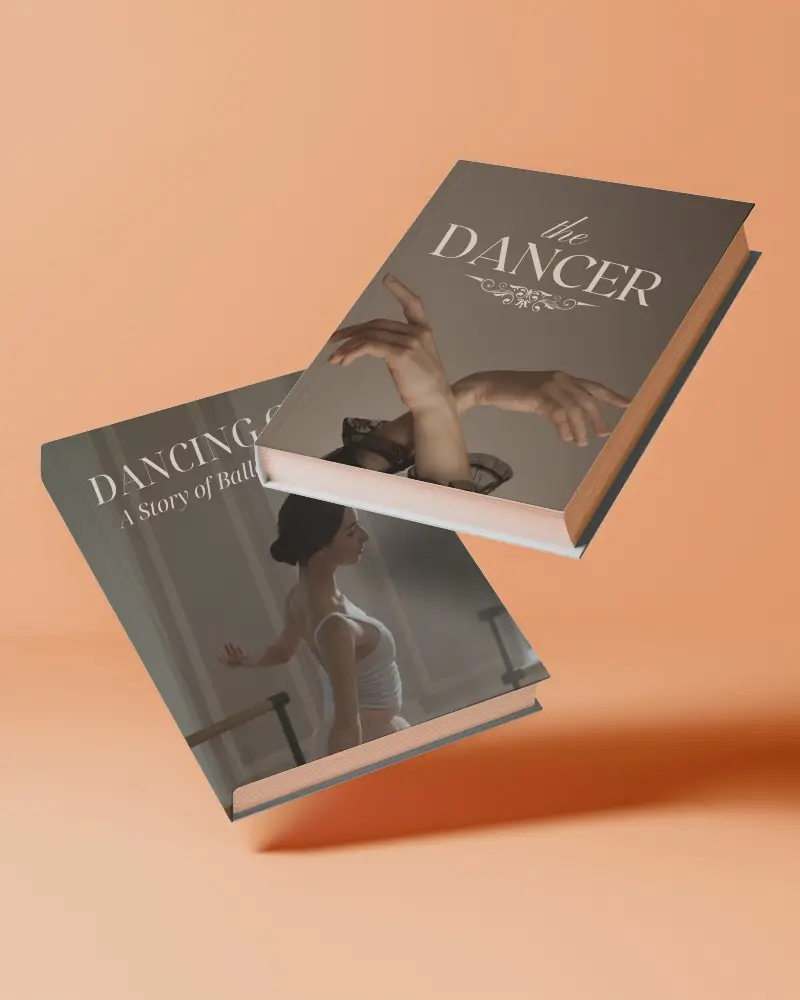
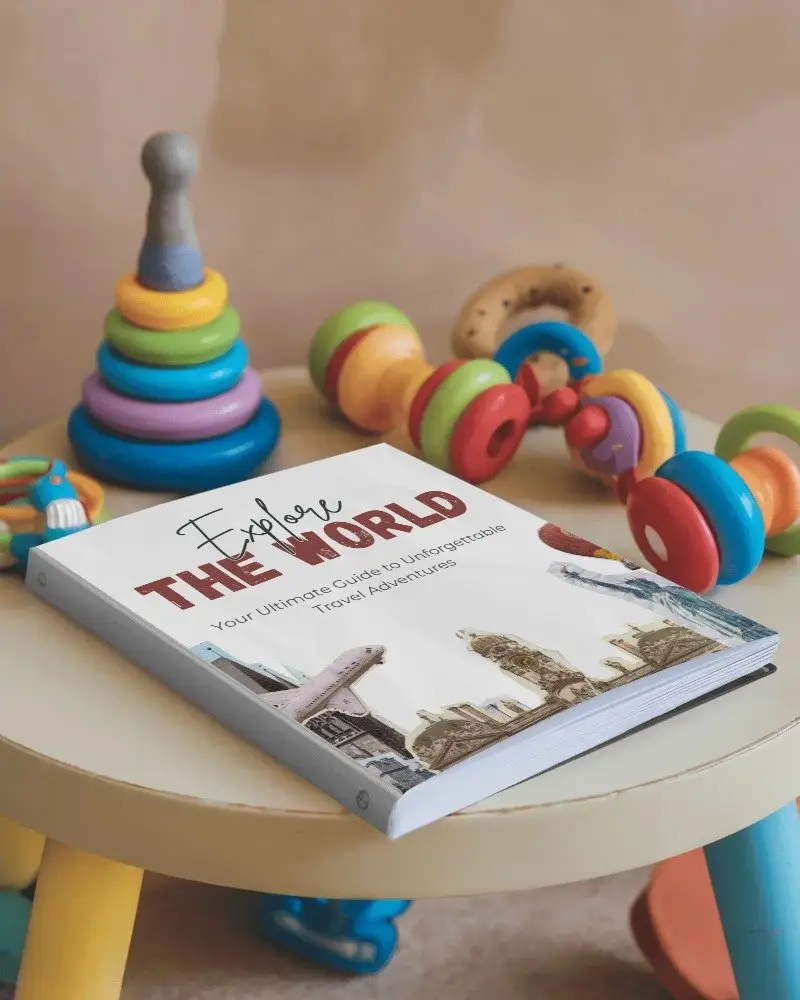
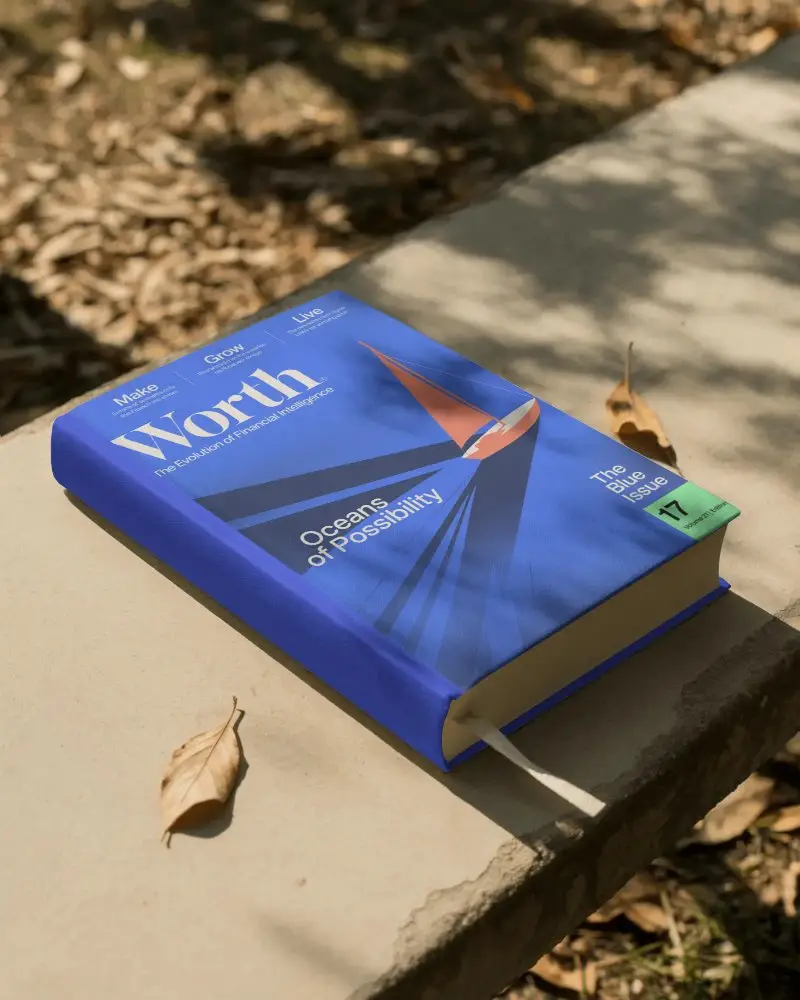
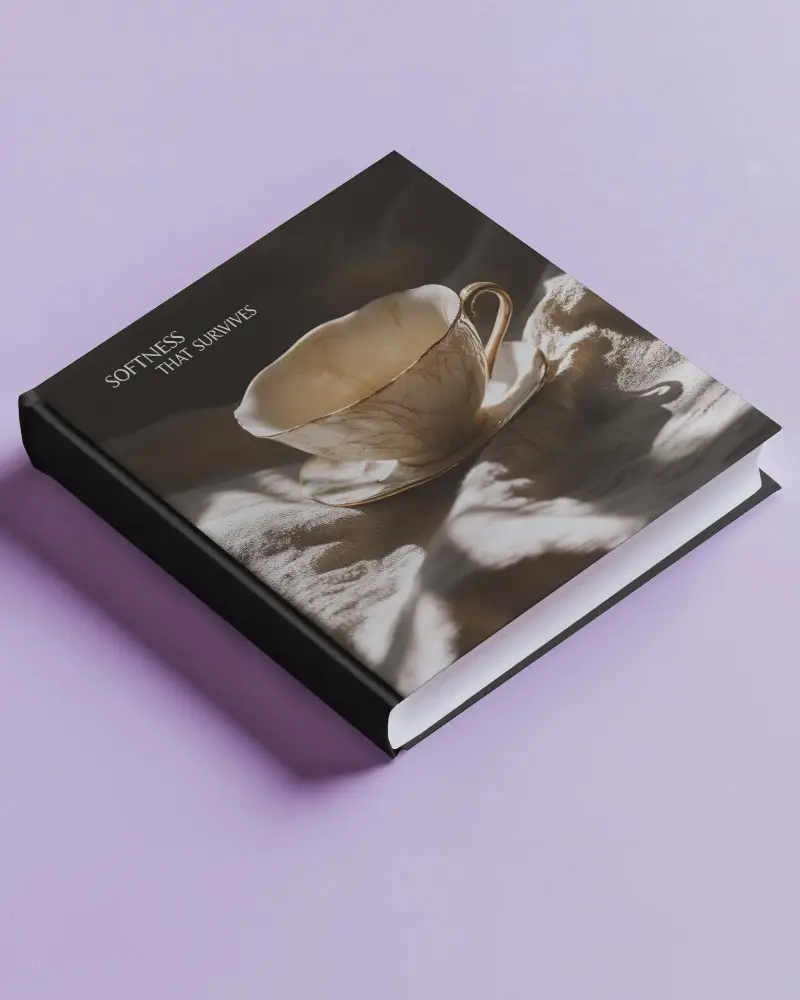
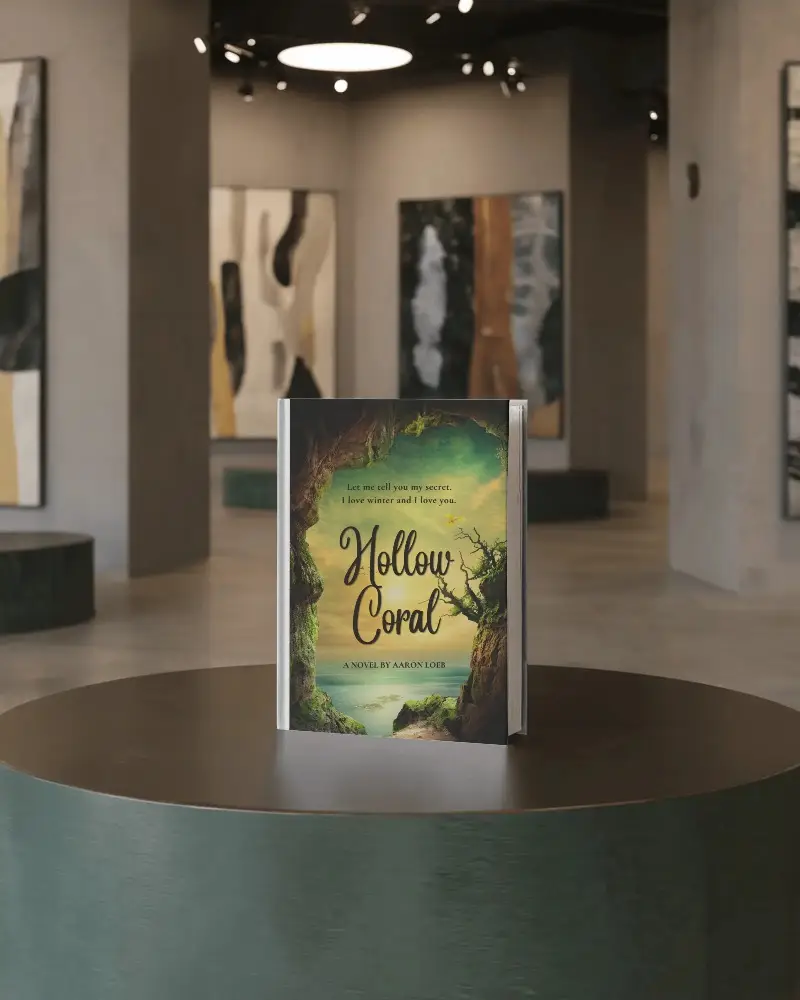
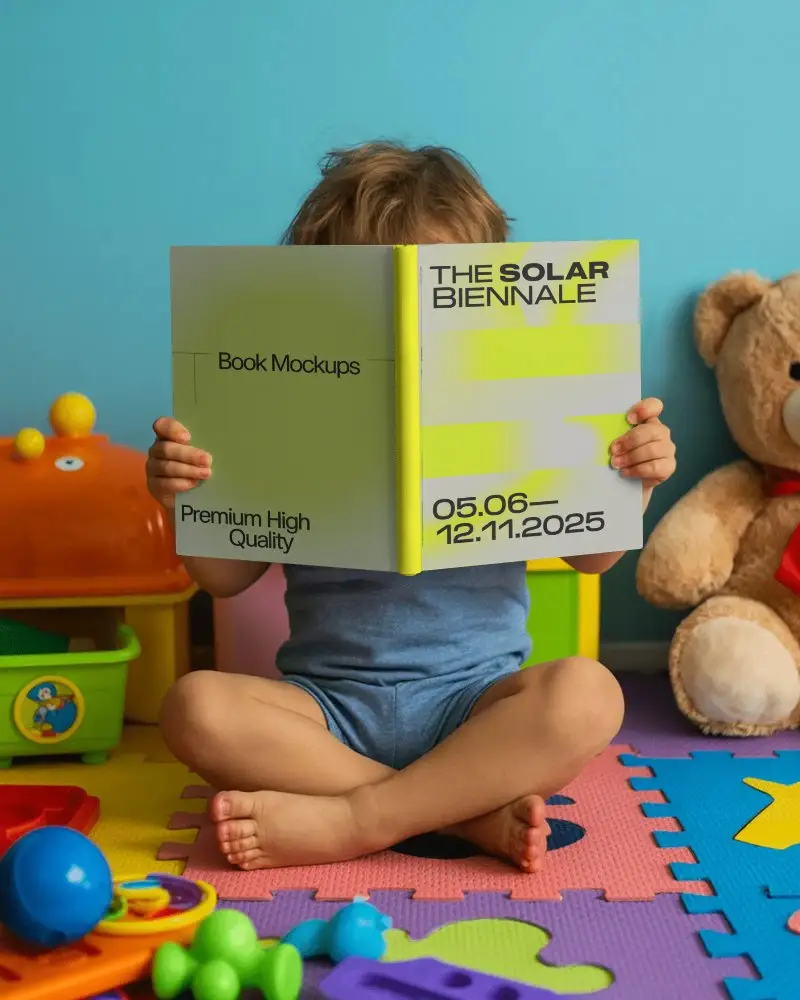
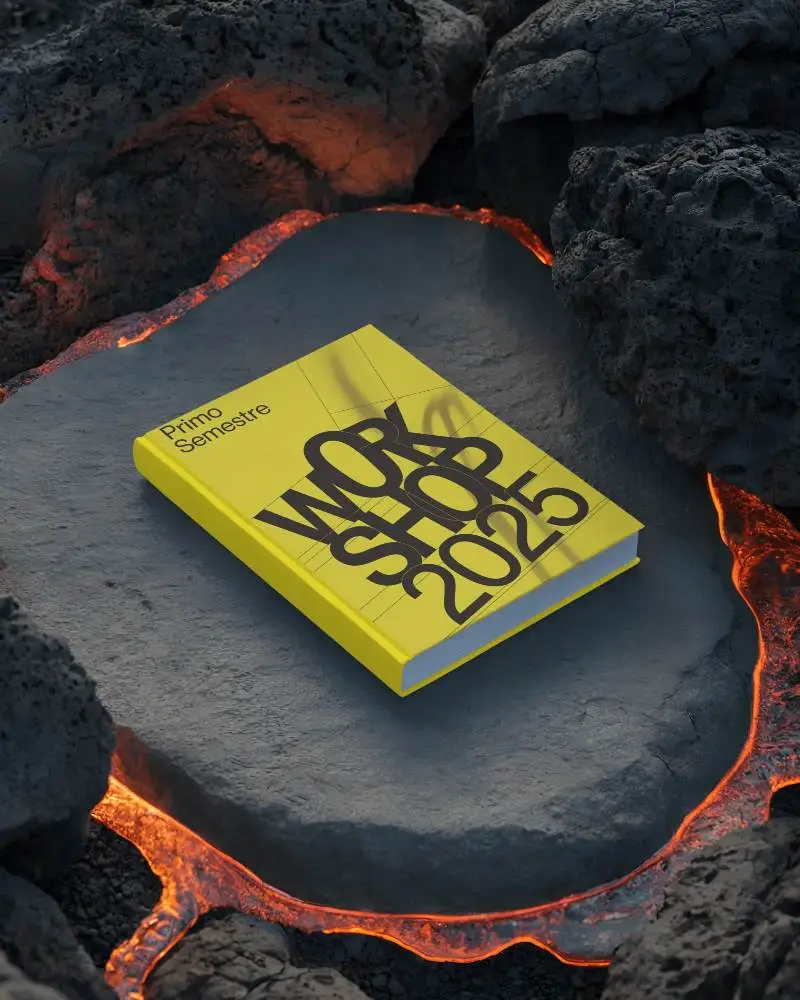
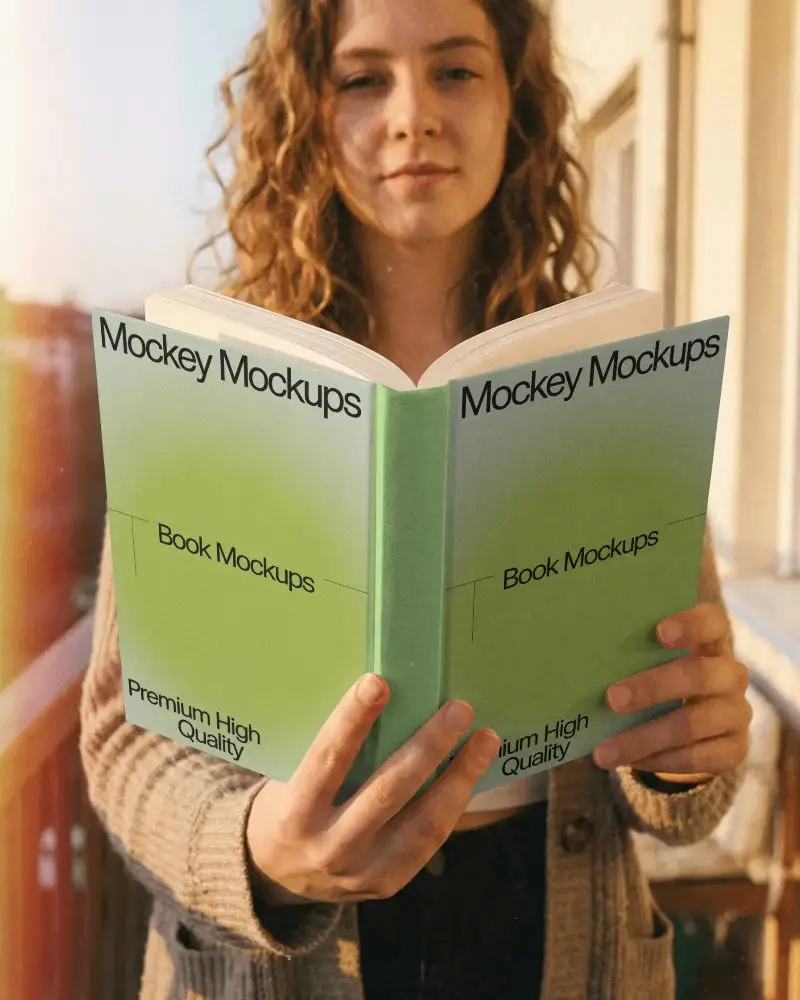
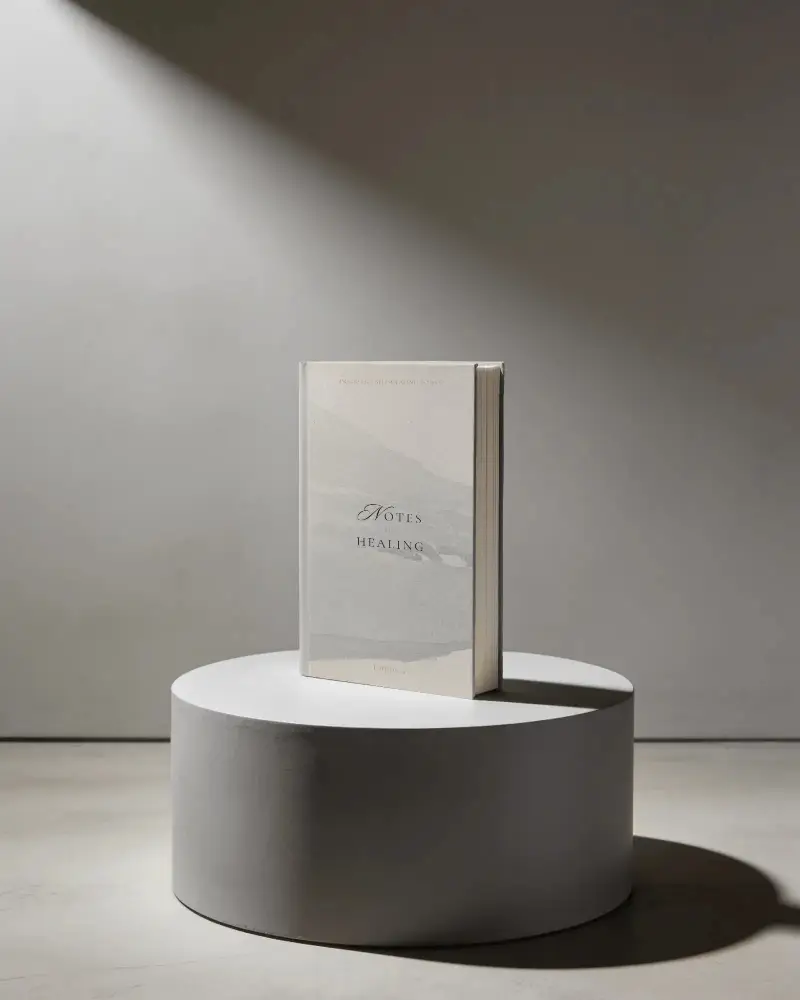
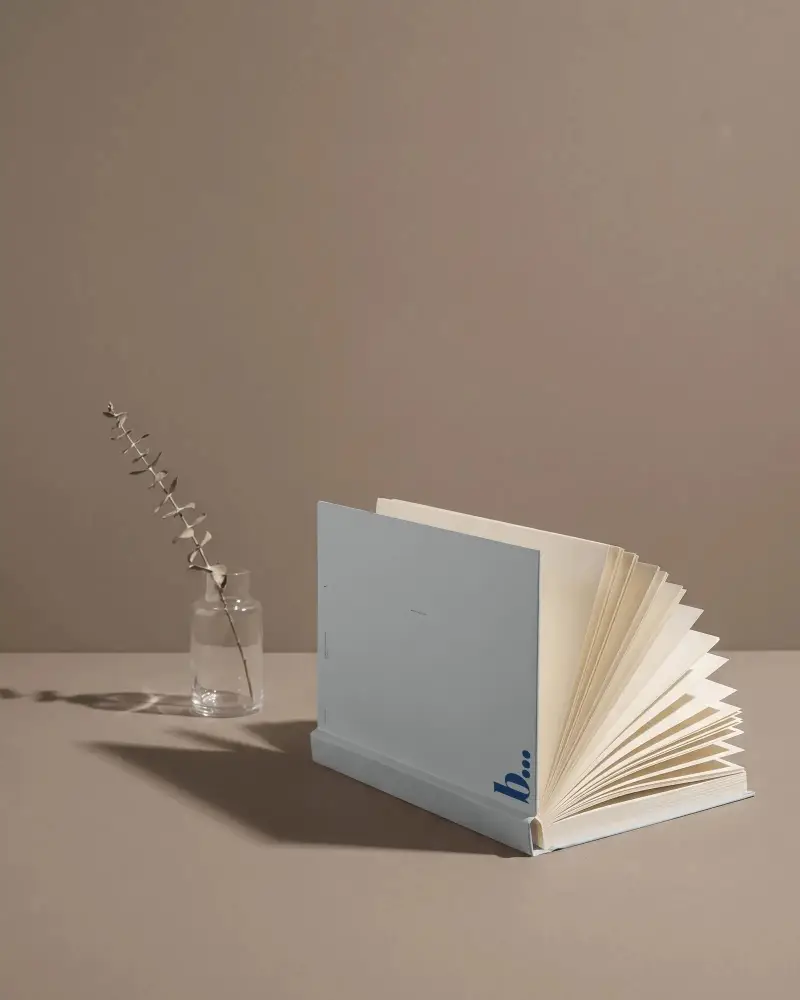
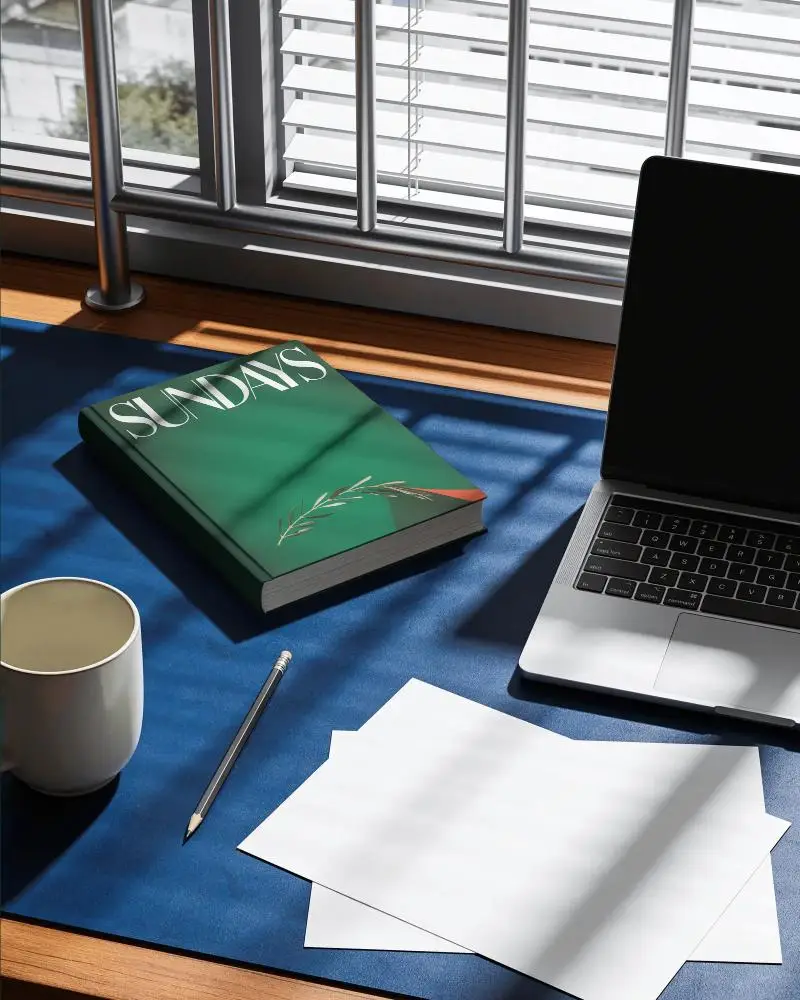
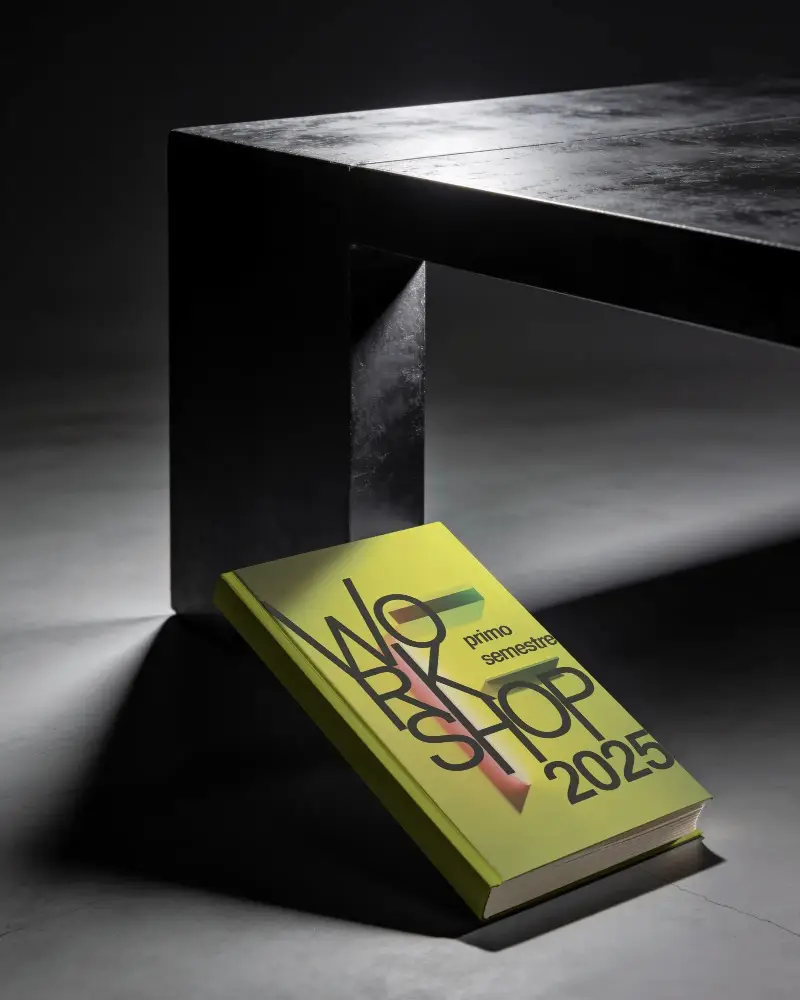
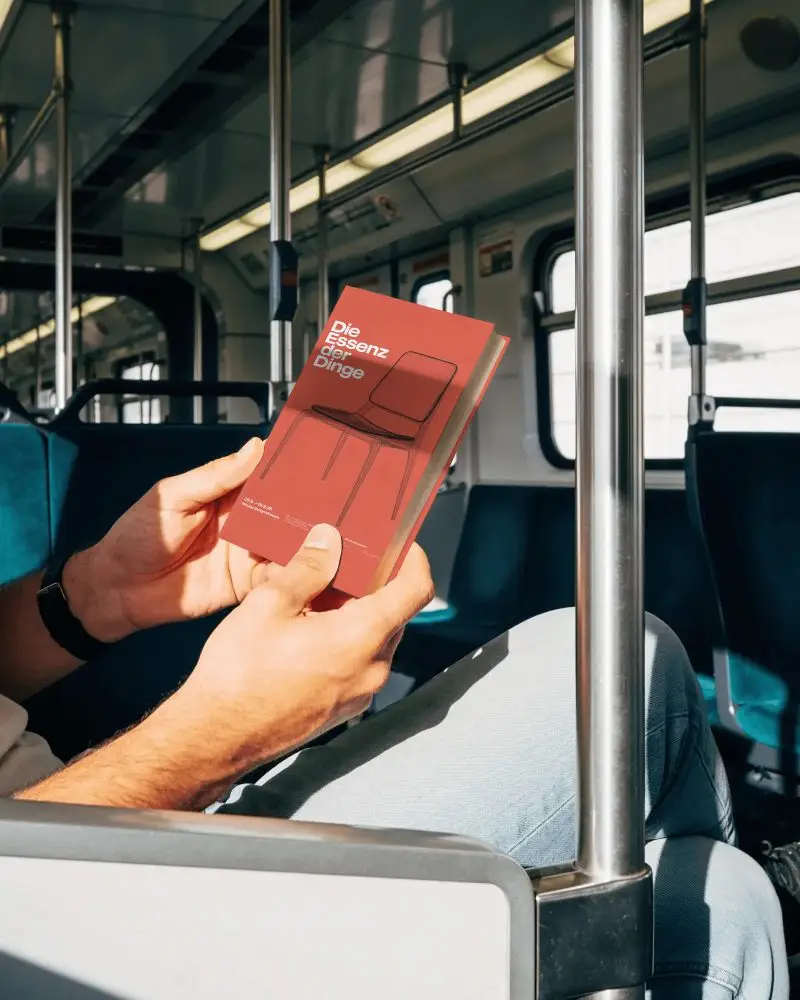
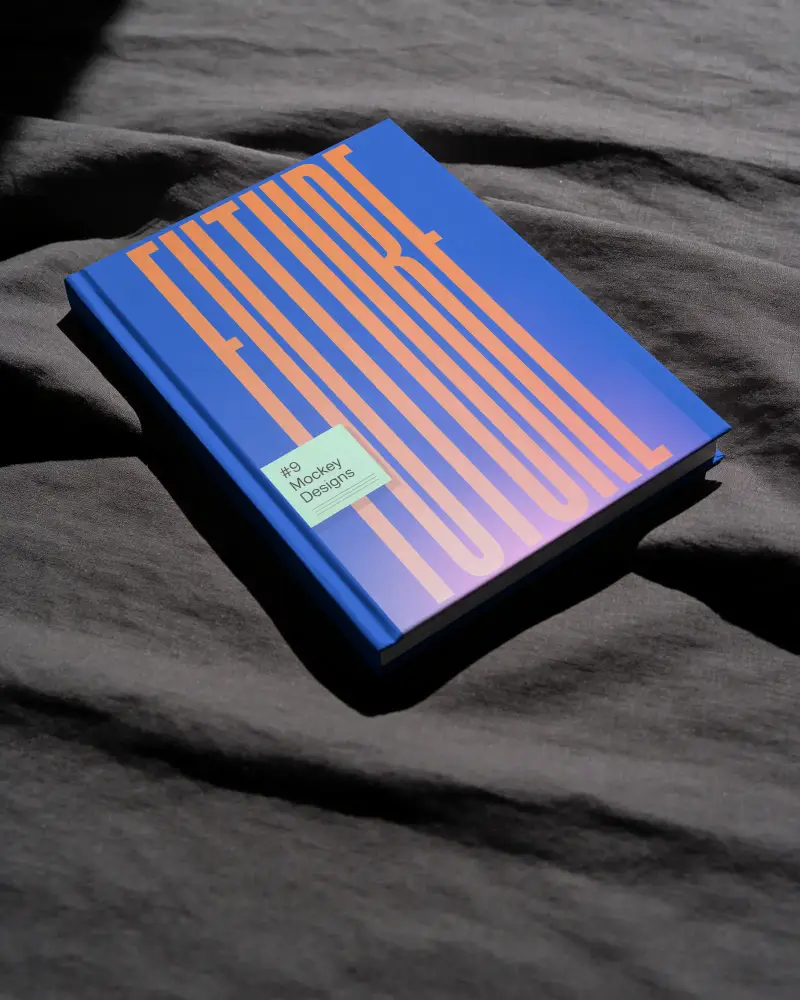
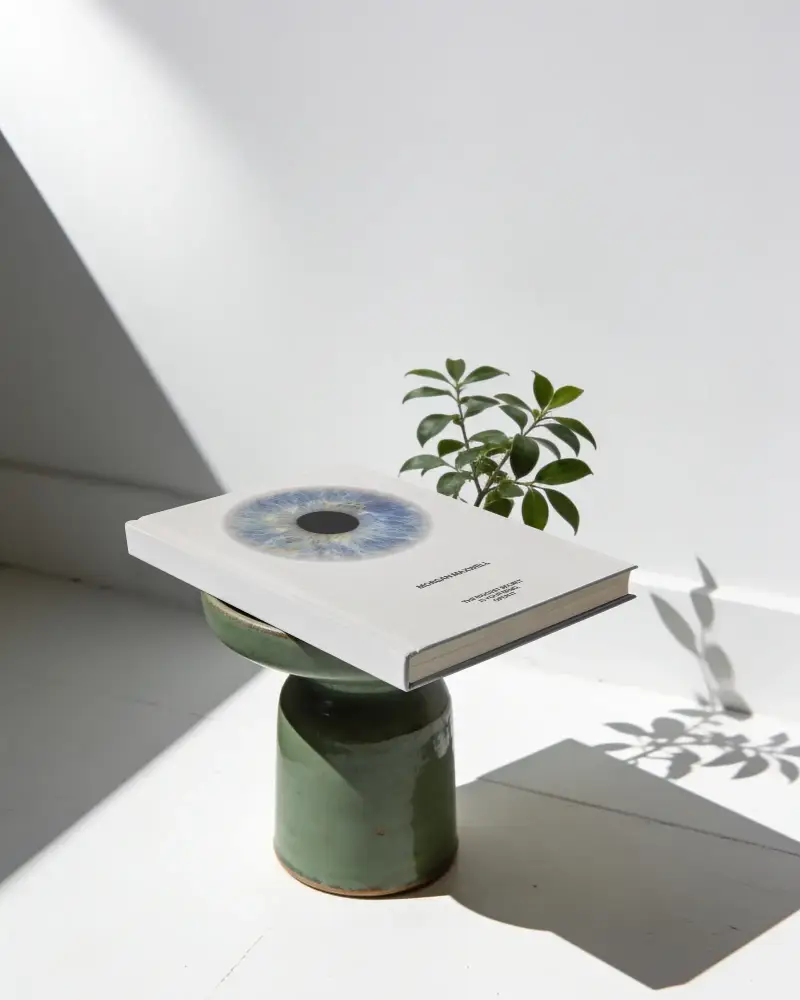
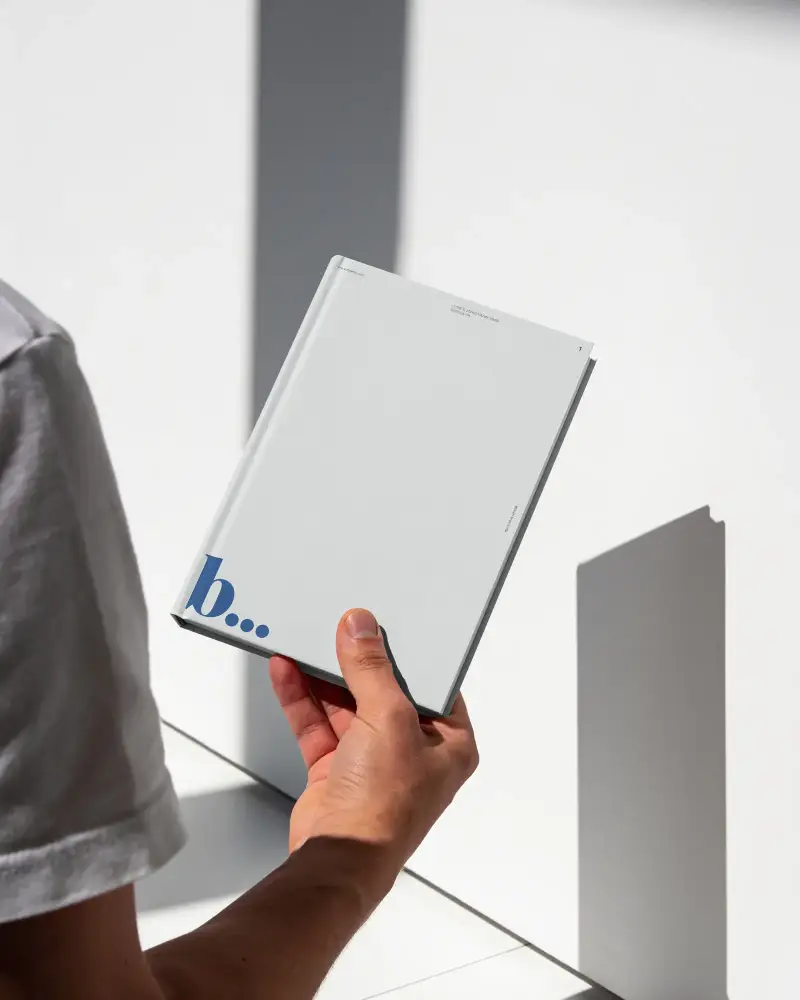
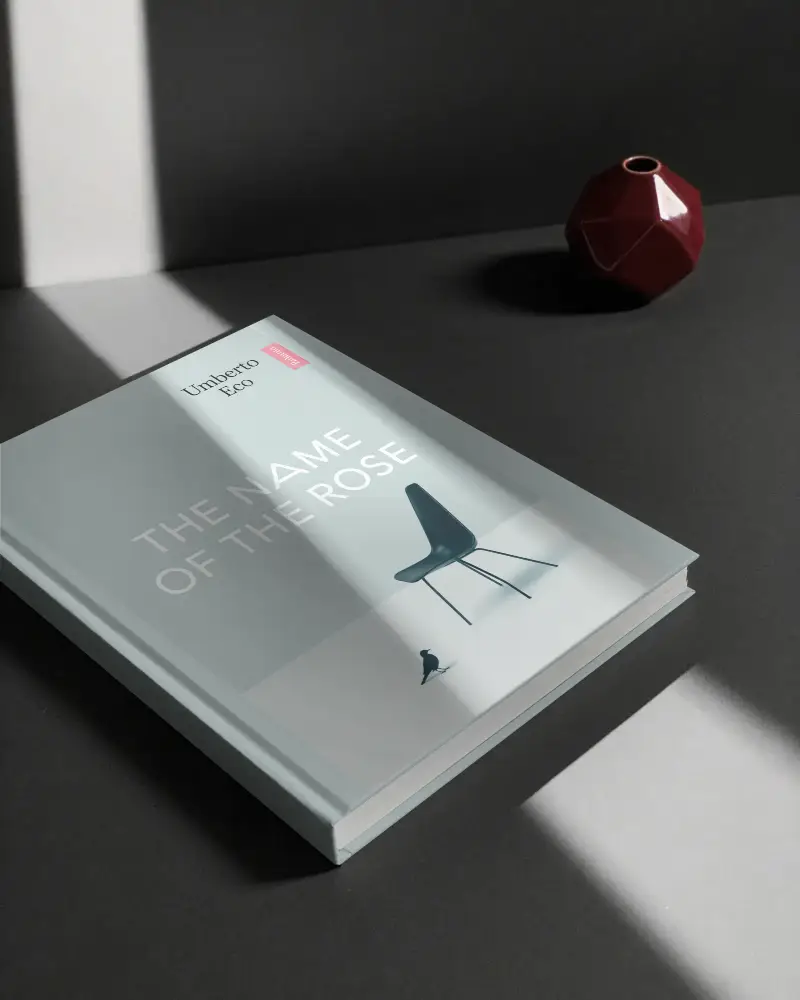


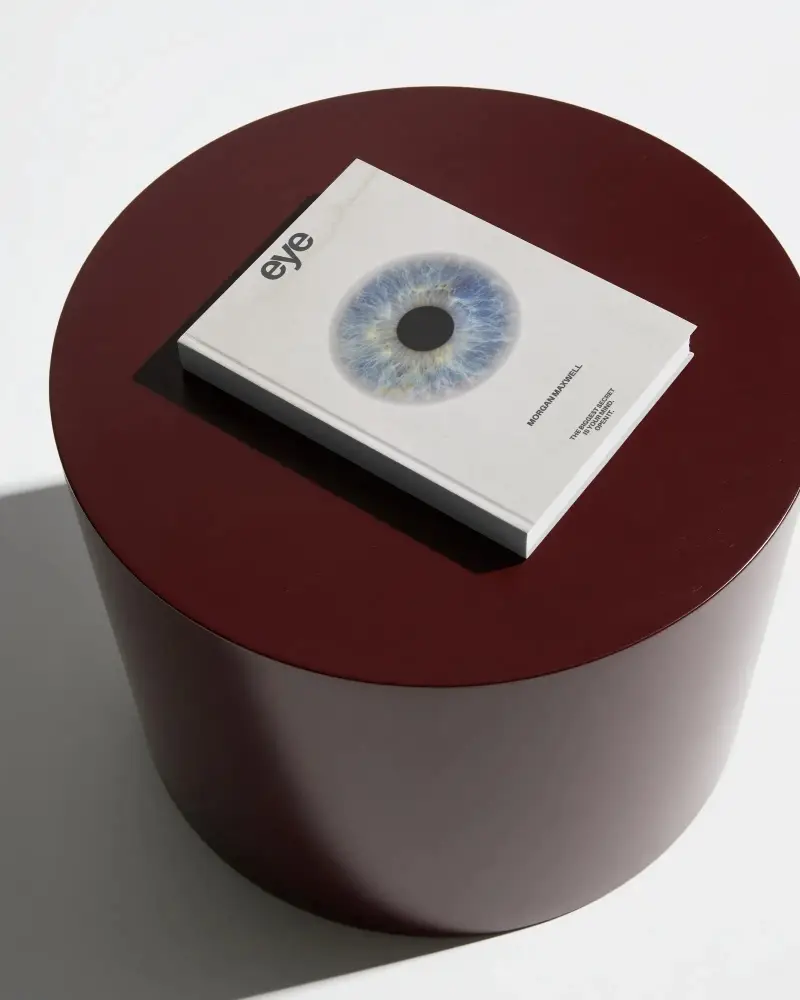
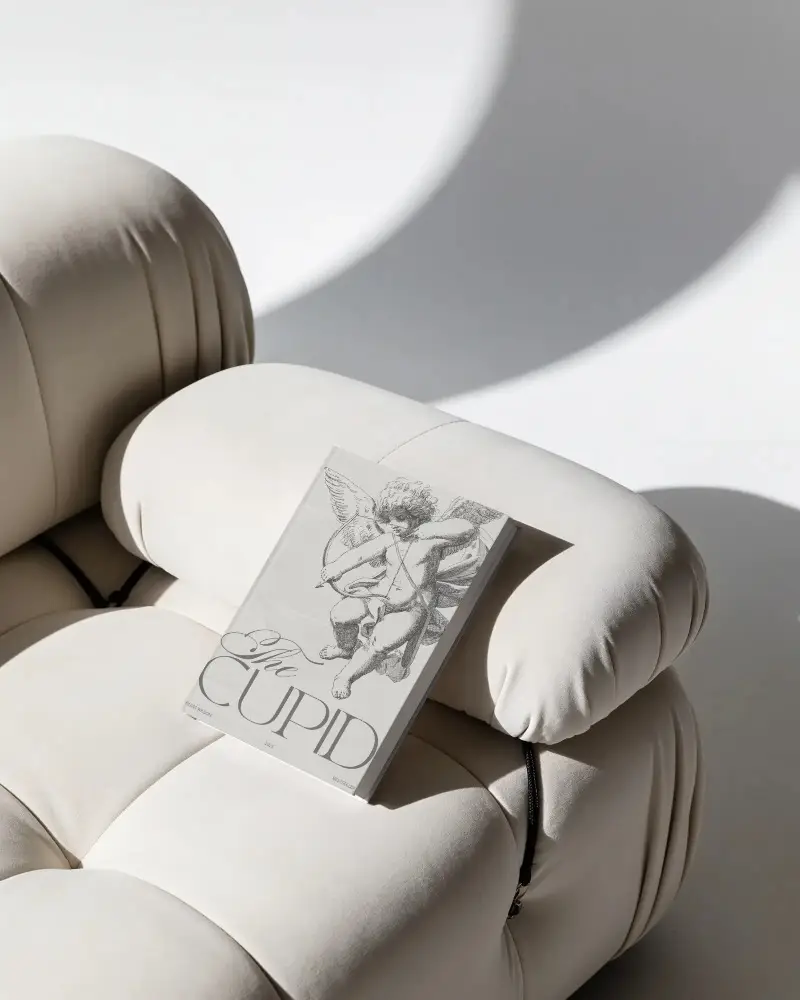
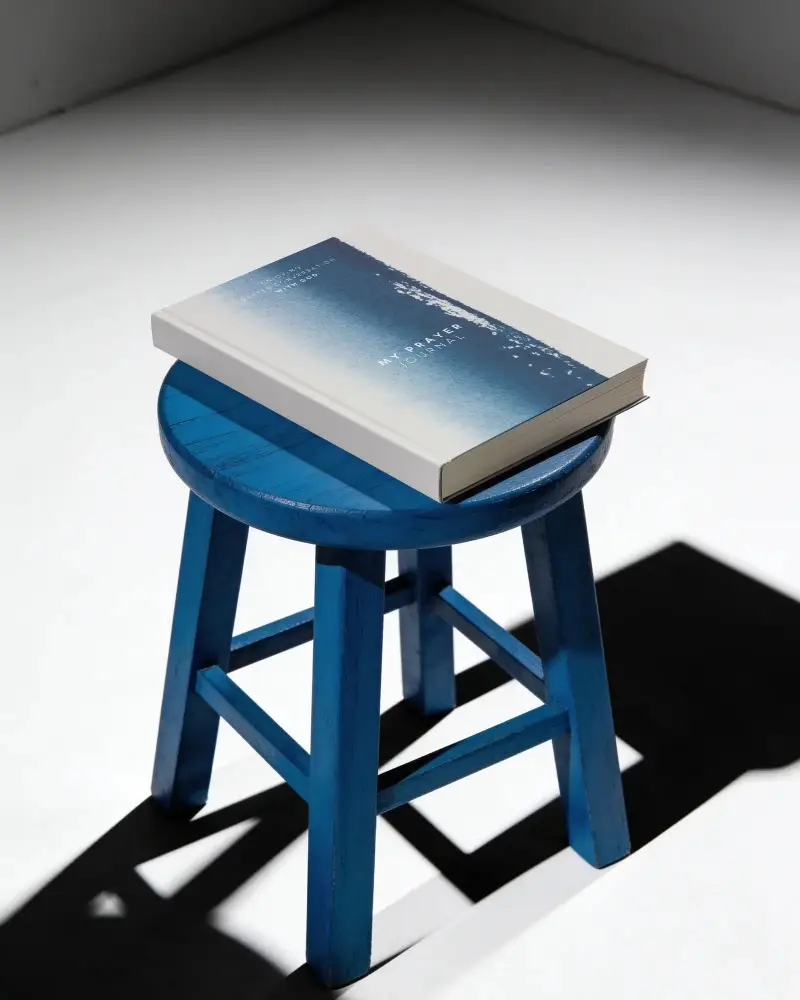
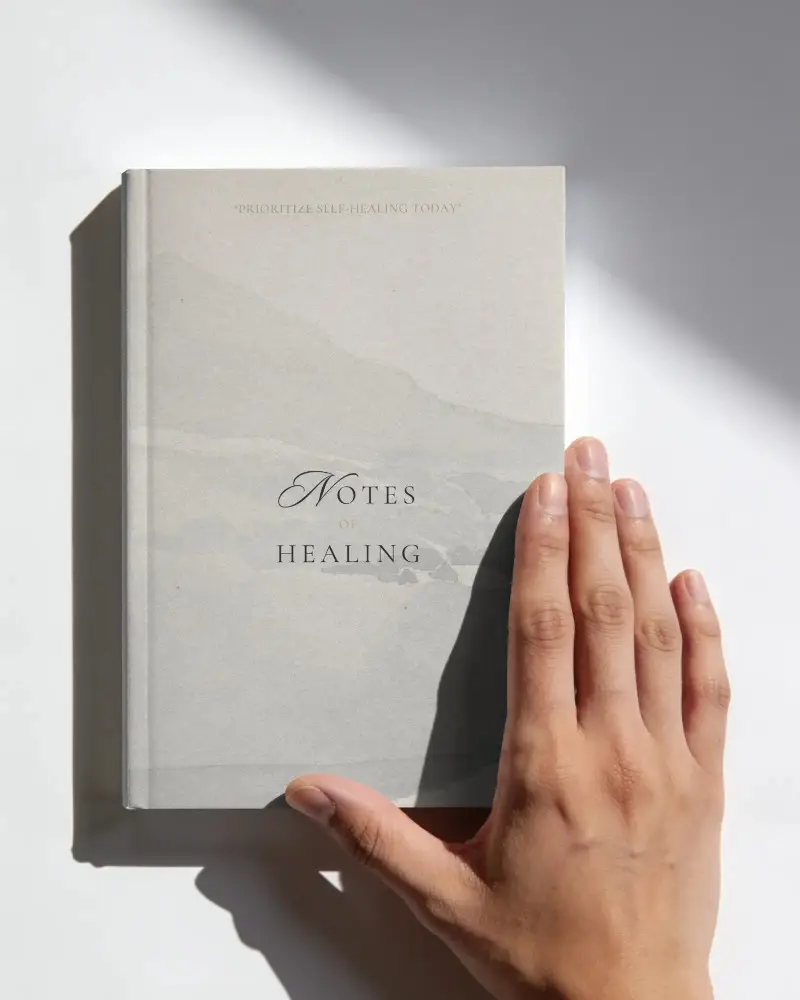
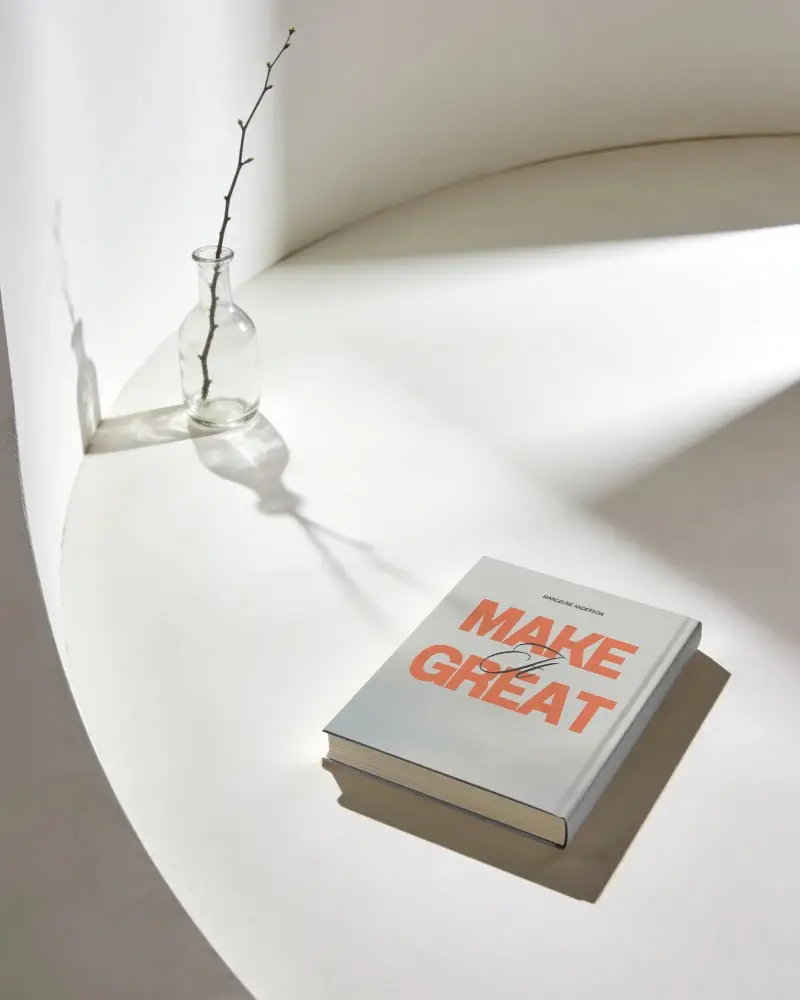
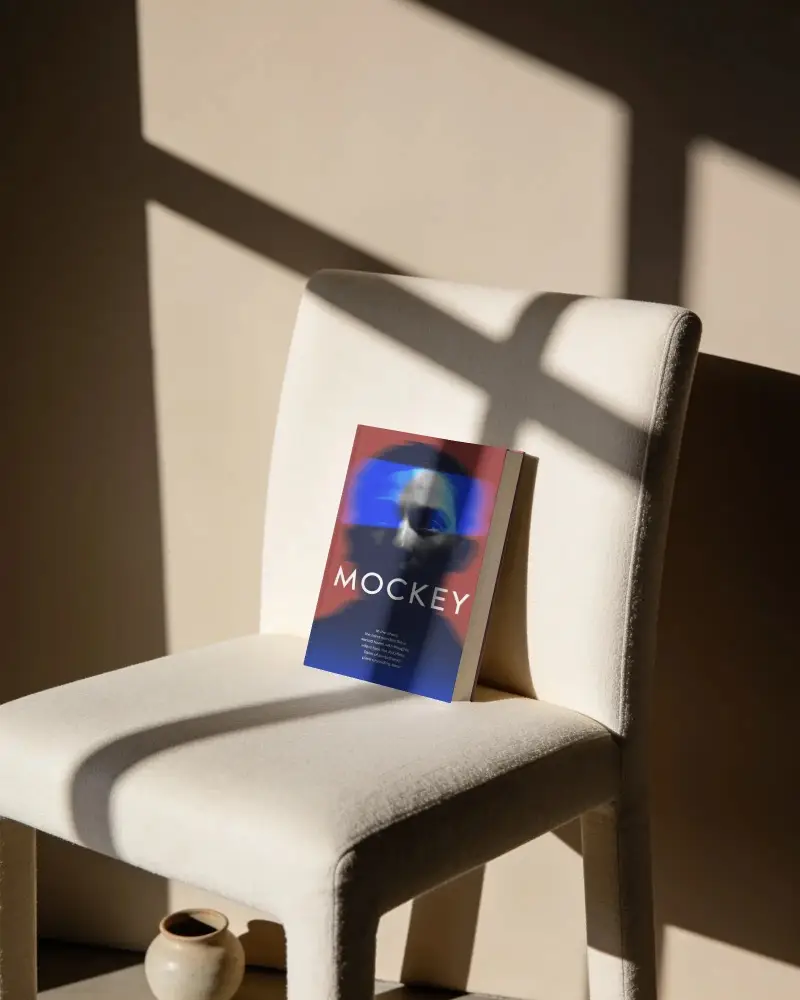
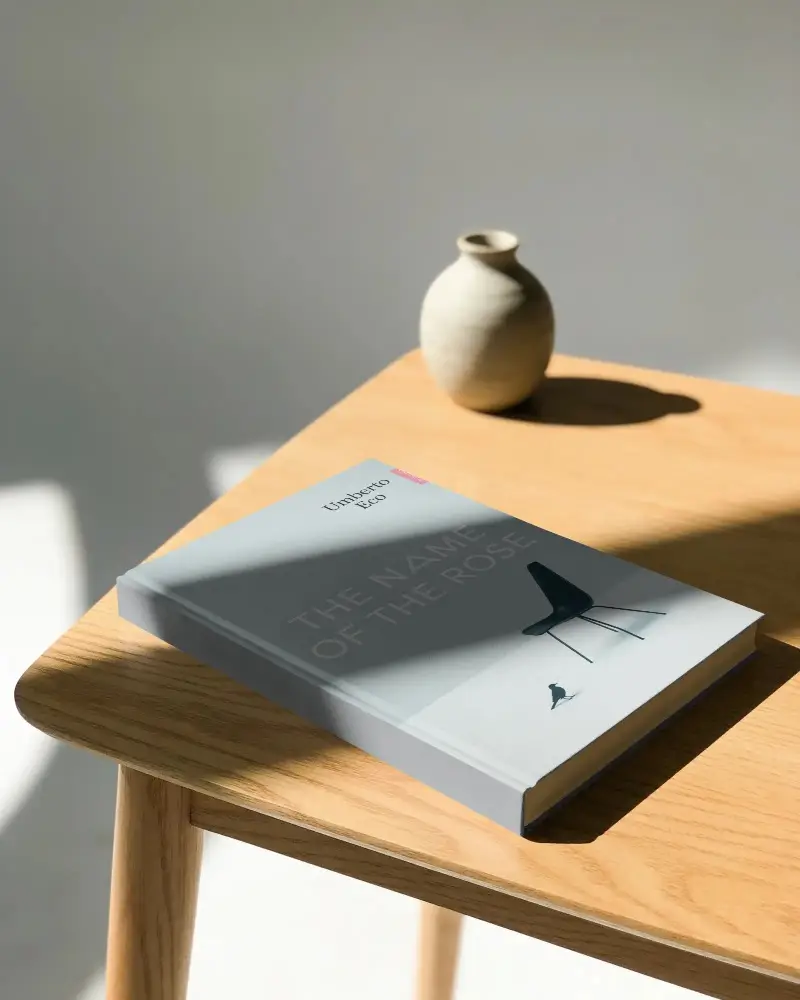
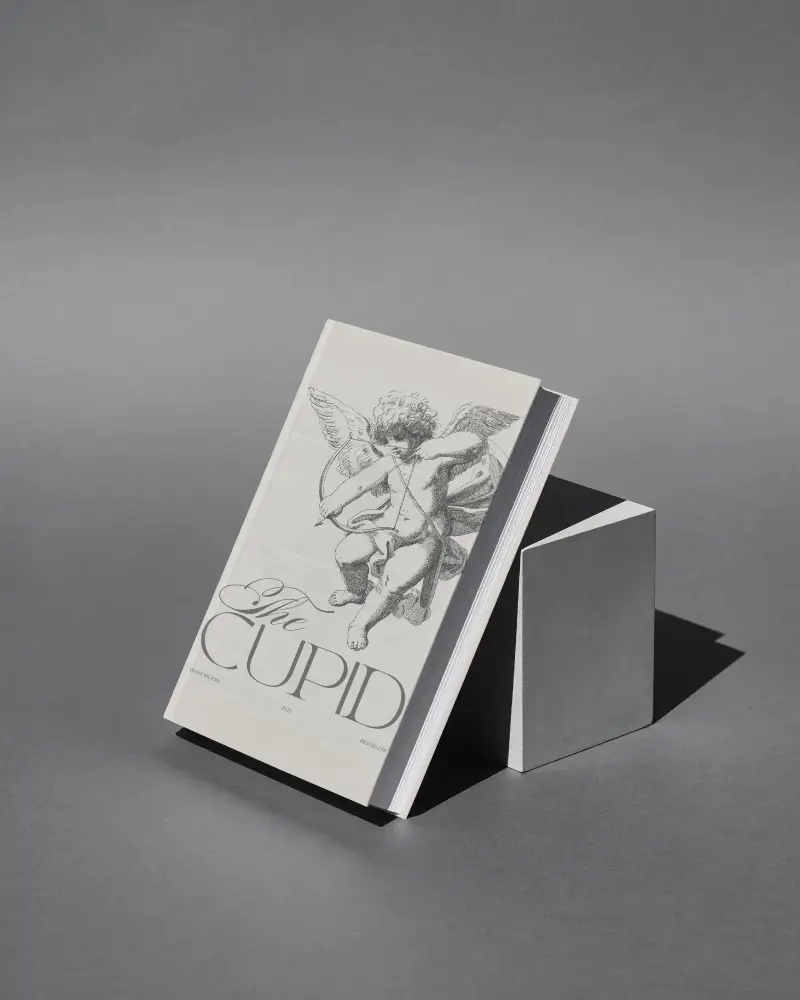
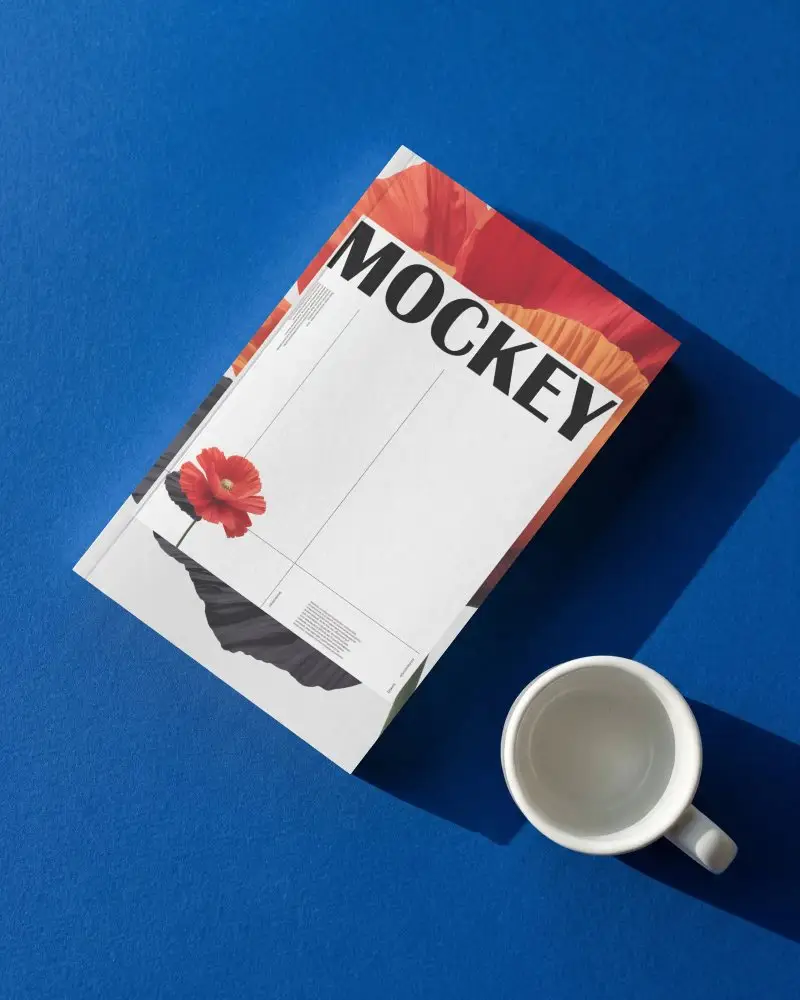
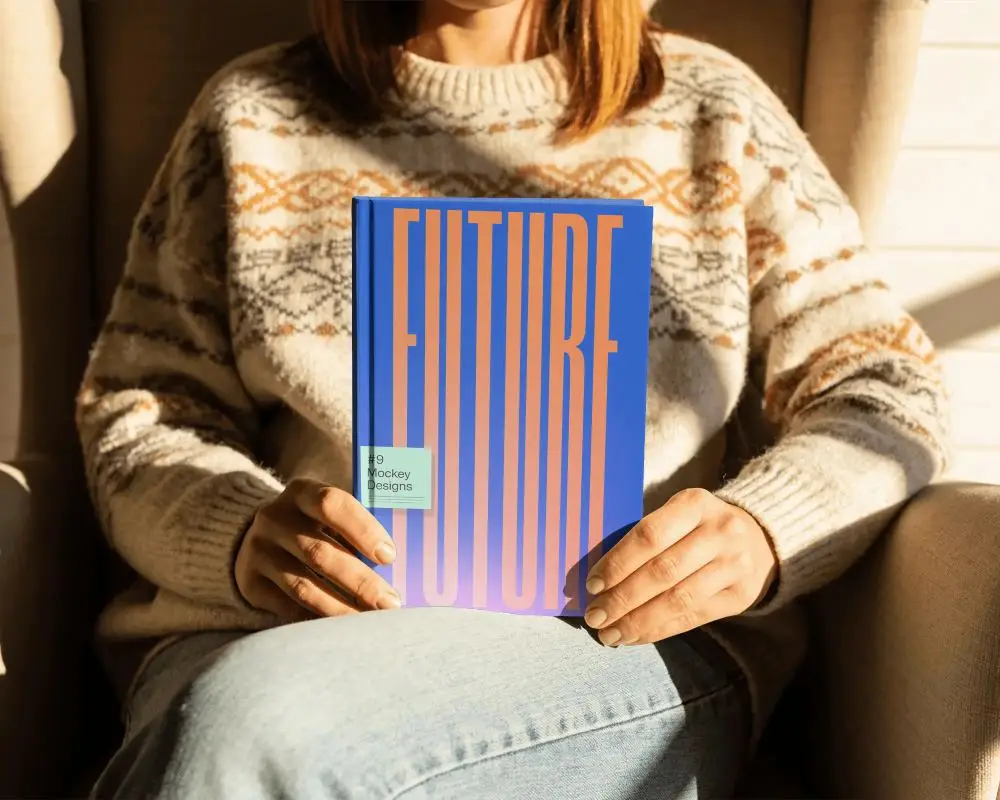
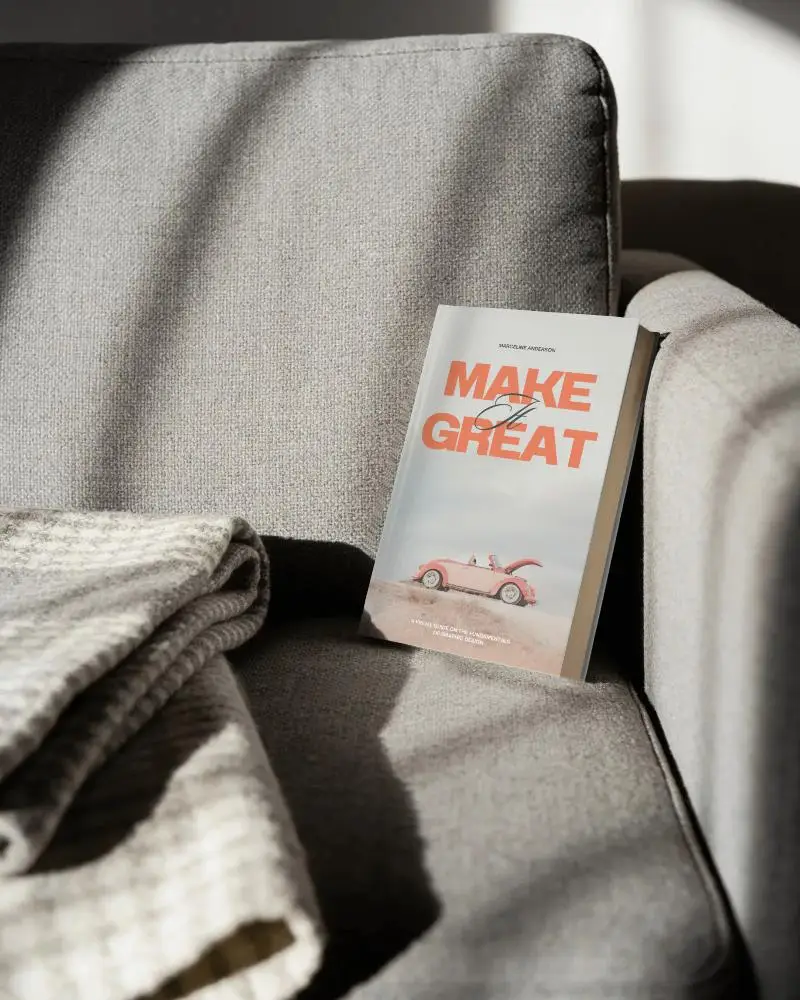
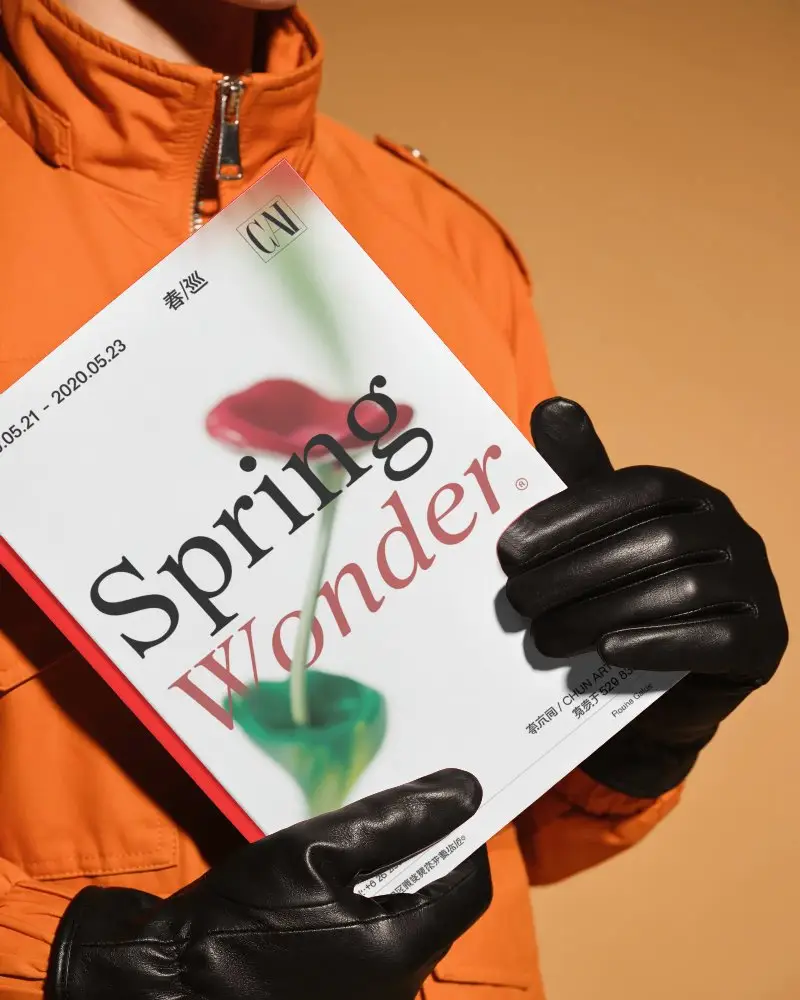
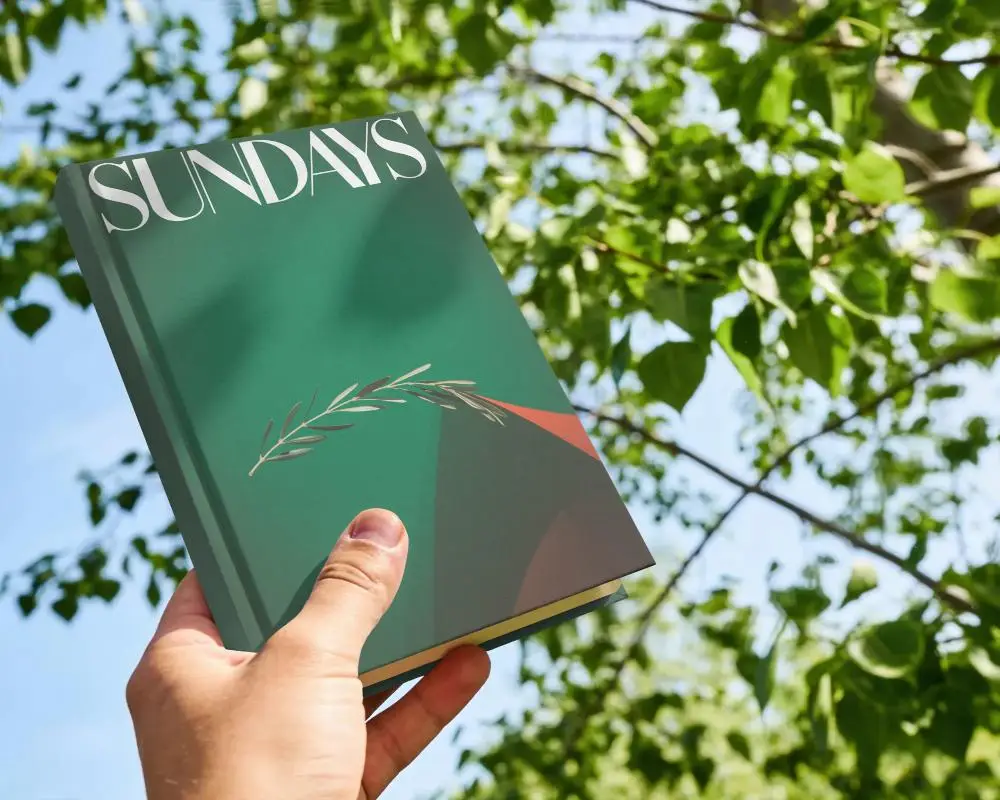
How to Create Hardcover Book Mockup with Mockey
To create a Hardcover Book mockup in Mockey AI:
- Step 1: Go to Mockups > Print > Book > Hardcover Book and choose a template from the library.
- Step 2: On the next page, upload your design and change the template color in the Edit section. If you upgrade to the Creator Plan, you can also use AI Photoshoots and AI Anime tools.
- Step 3: Finally, tap Download to save your Hardcover Book mockup as a PNG or JPEG file in different sizes.


FAQs on Hardcover Book Mockups
What is a Hardcover Book Mockup?
A Hardcover Book mockup is a digital template that shows how your Hardcover Book design will appear before printing. It helps review the layout, fonts, and branding on a realistic card.
Why create a Hardcover Book mockup?
Creating a Hardcover Book mockup allows you to display your design skills, show clients their branding, and provide a polished presentation for your portfolio. It's an effective marketing tool for designers and agencies.
Why Use Mockey’s Hardcover Book Mockup?
Mockey's Hardcover Book mockup generator provides over 1,000 free and customizable templates. It lets you easily add your design and preview it in realistic settings. With various formats, sizes, and styles available, you can tailor your Hardcover Book to fit your branding needs and refine the design before printing.
Is this Hardcover Book Mockup Free?
Yes, Mockey offers a free Hardcover Book mockup tool. You can access 1,000+ customizable templates, upload your design, adjust colors and backgrounds, and download high-quality mockups without any watermarks.
Is this Hardcover Book Mockup suitable for marketing and presentations?
Hardcover book mockups are wonderful for showing your ideas online or in presentations. They help make your work look nice, catch people’s attention, and save money at the same time.
Can I create A4 versions with this Hardcover Book Mockup?
In hardcover book mockups, you’ll find many A4-sized books. Or, if you want, you can use the A4 tag to create A4 book mockups.
