3d Book Mockup Free to Download
Bring Your Mockup Designs to Life with Mockey's 3d Book Mockups and showcase your brand like a pro. Try it Today!


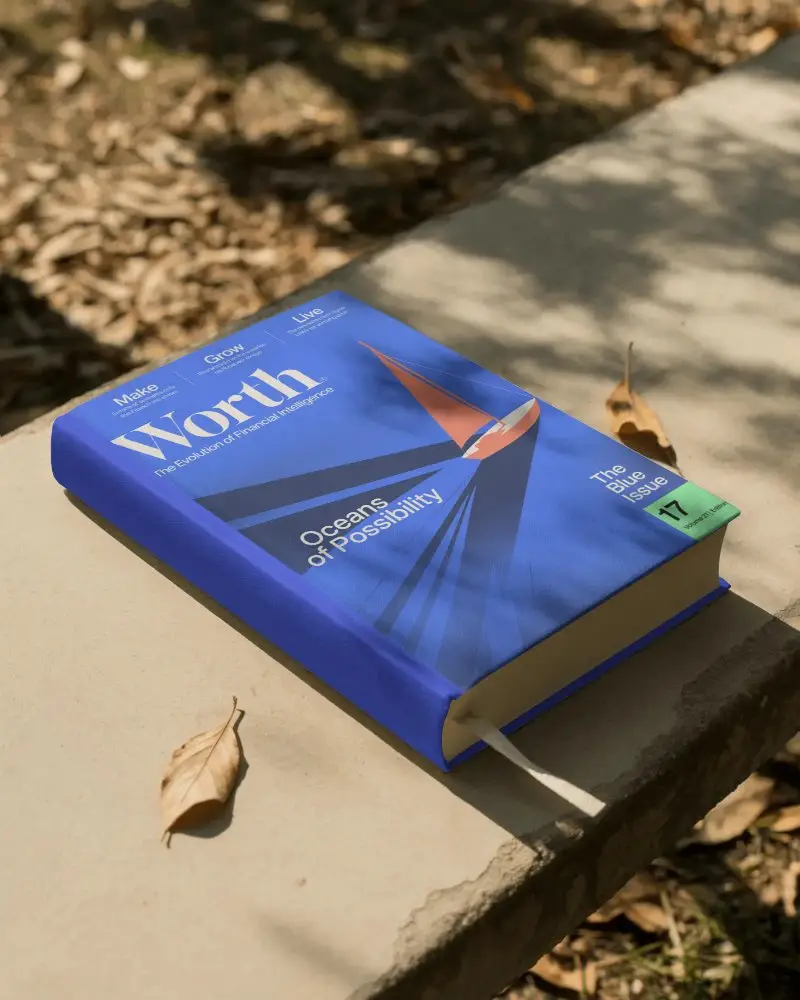


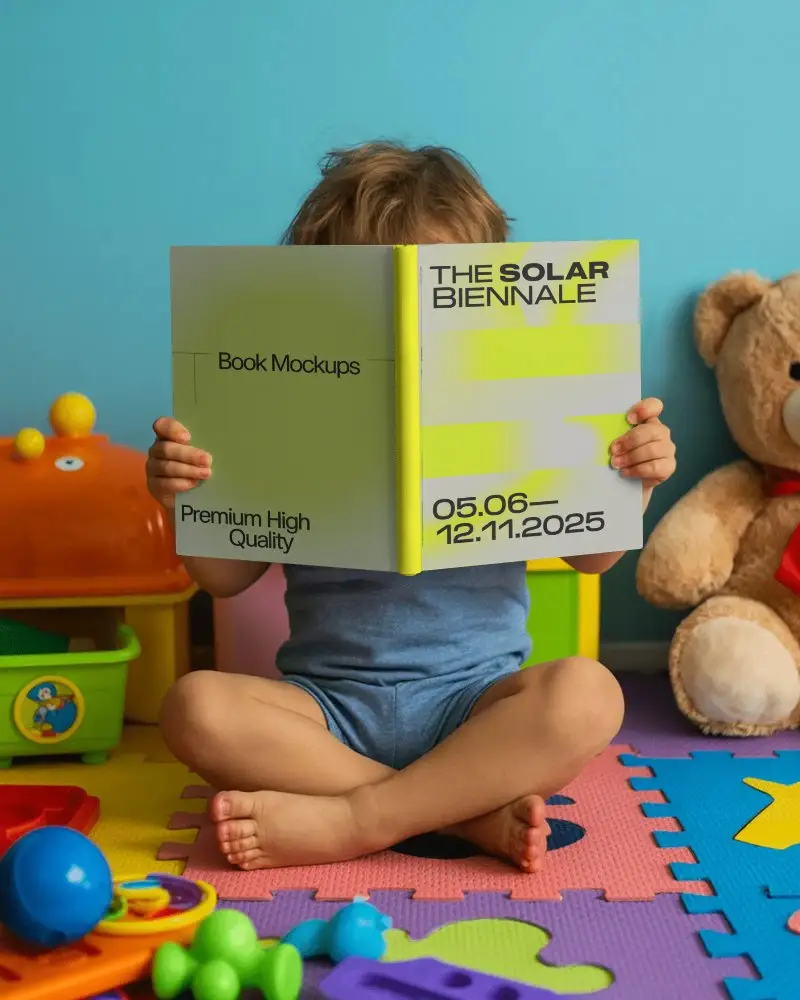
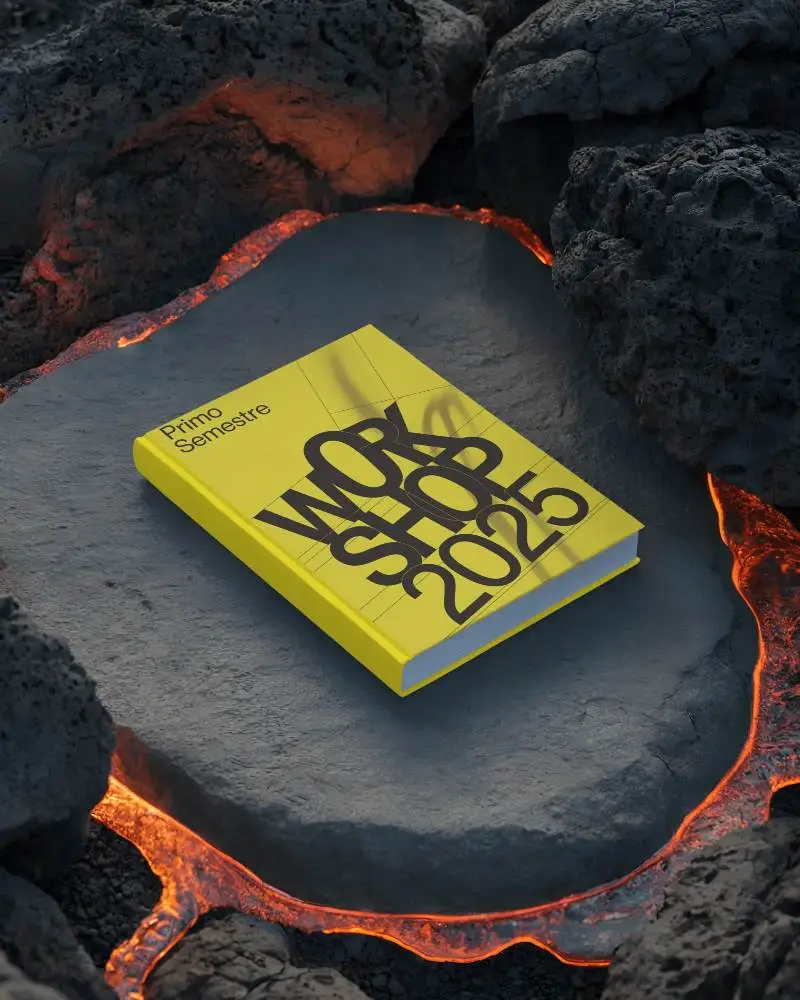
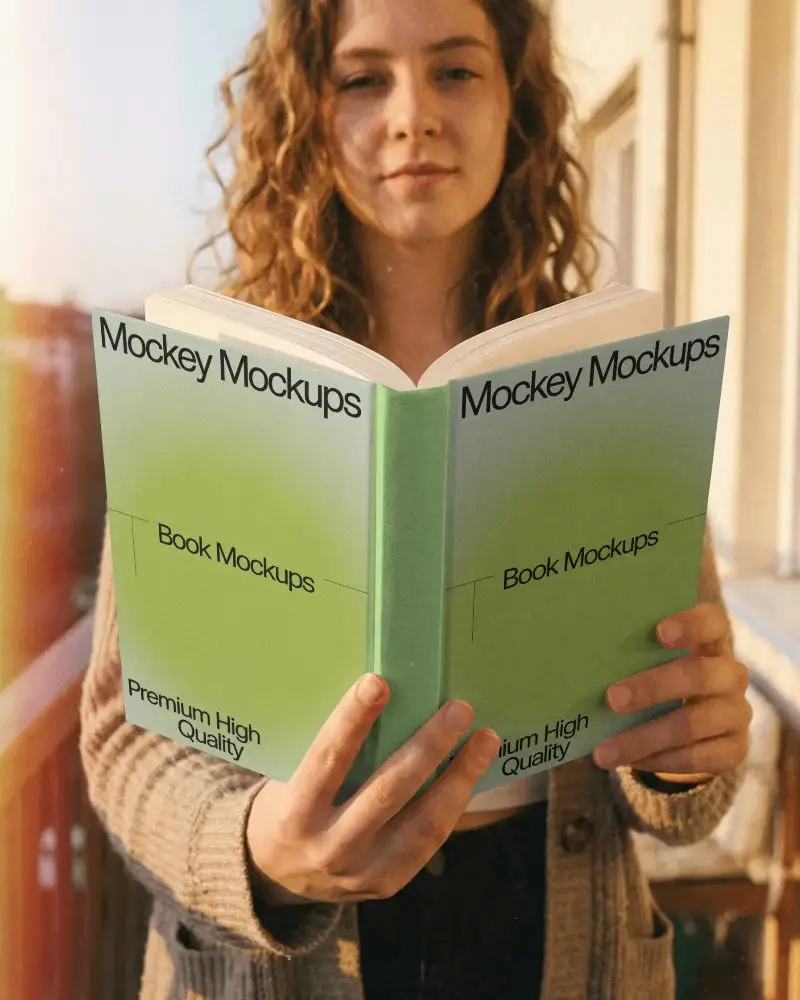

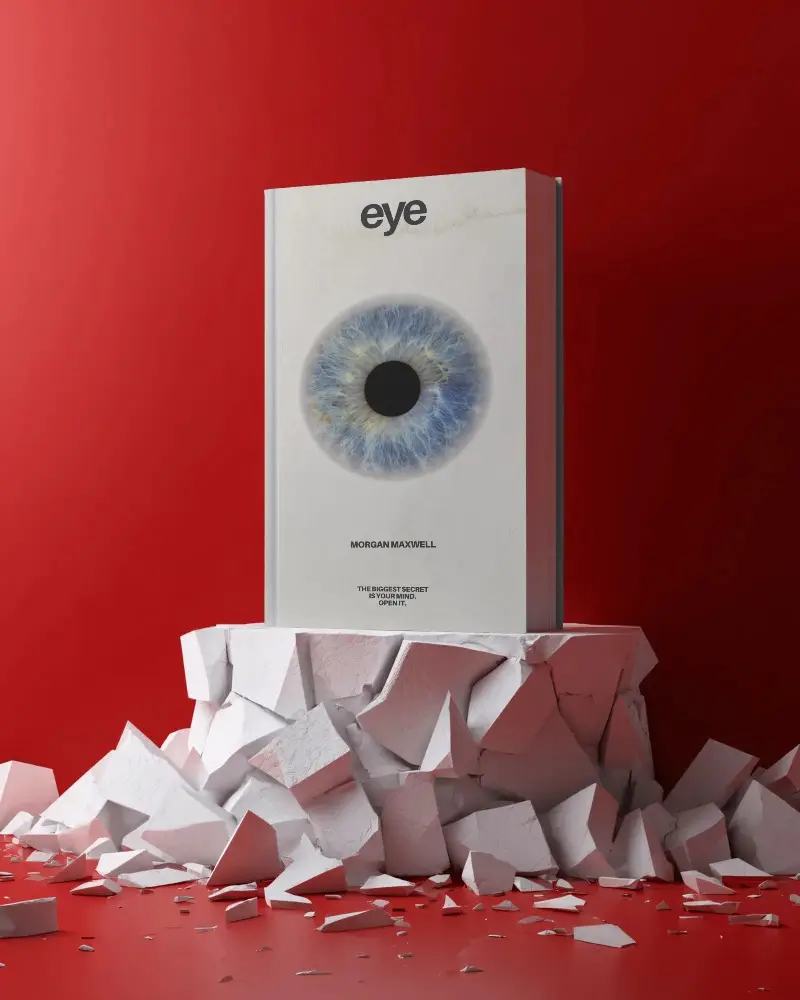
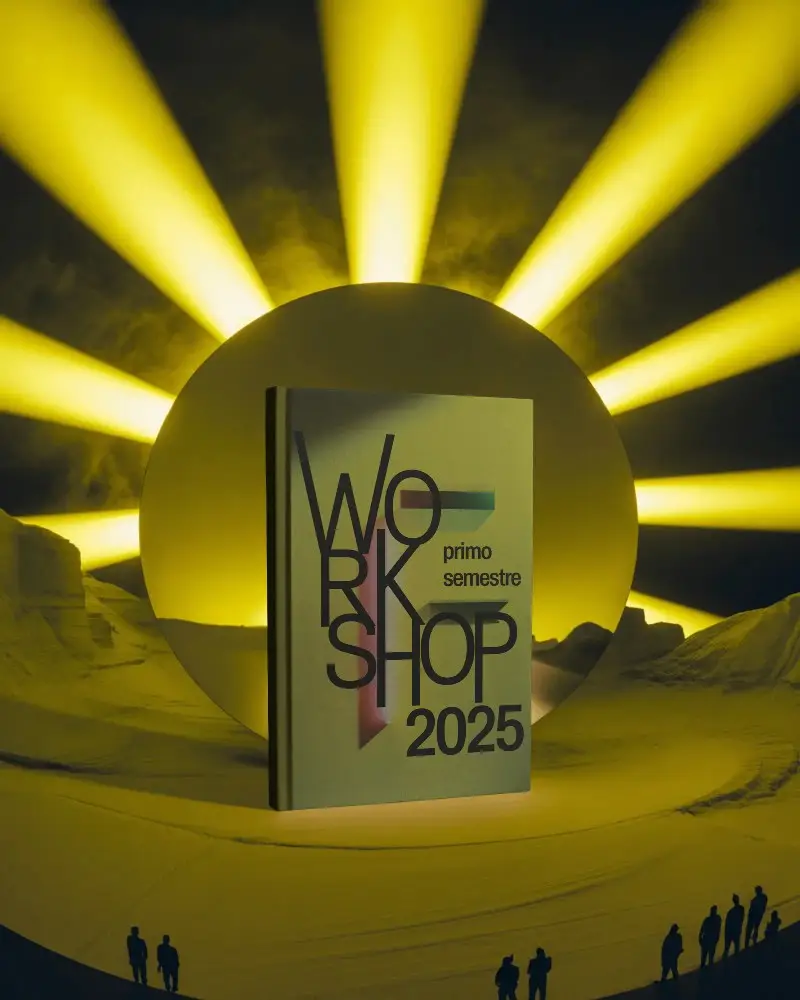
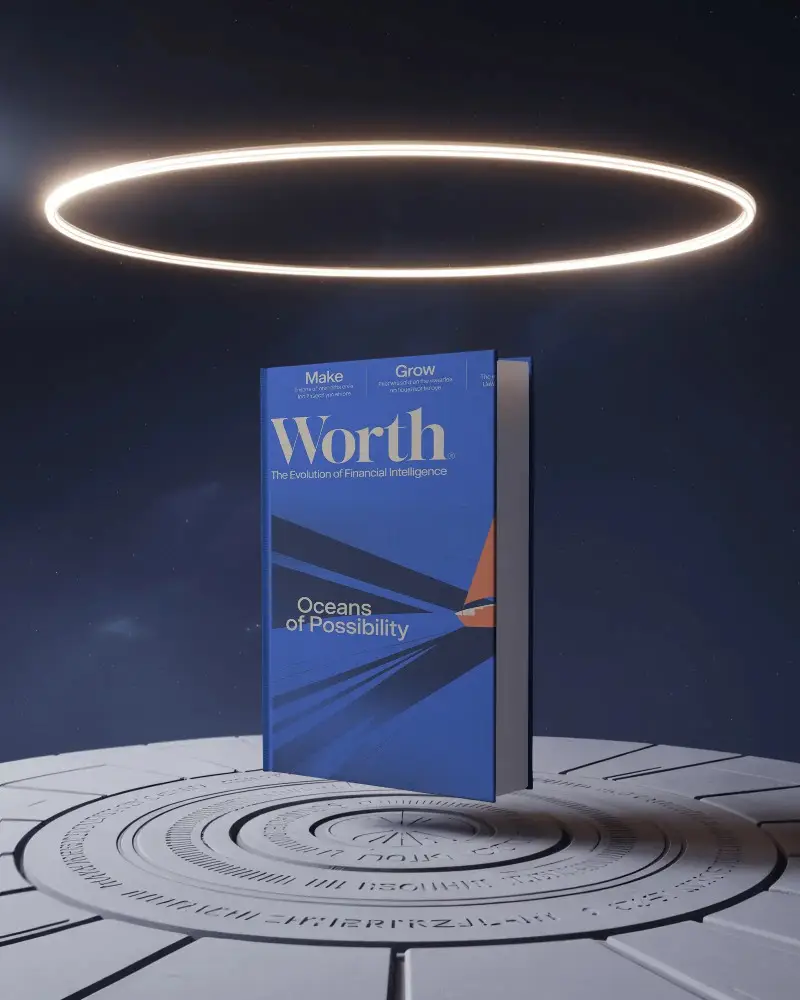





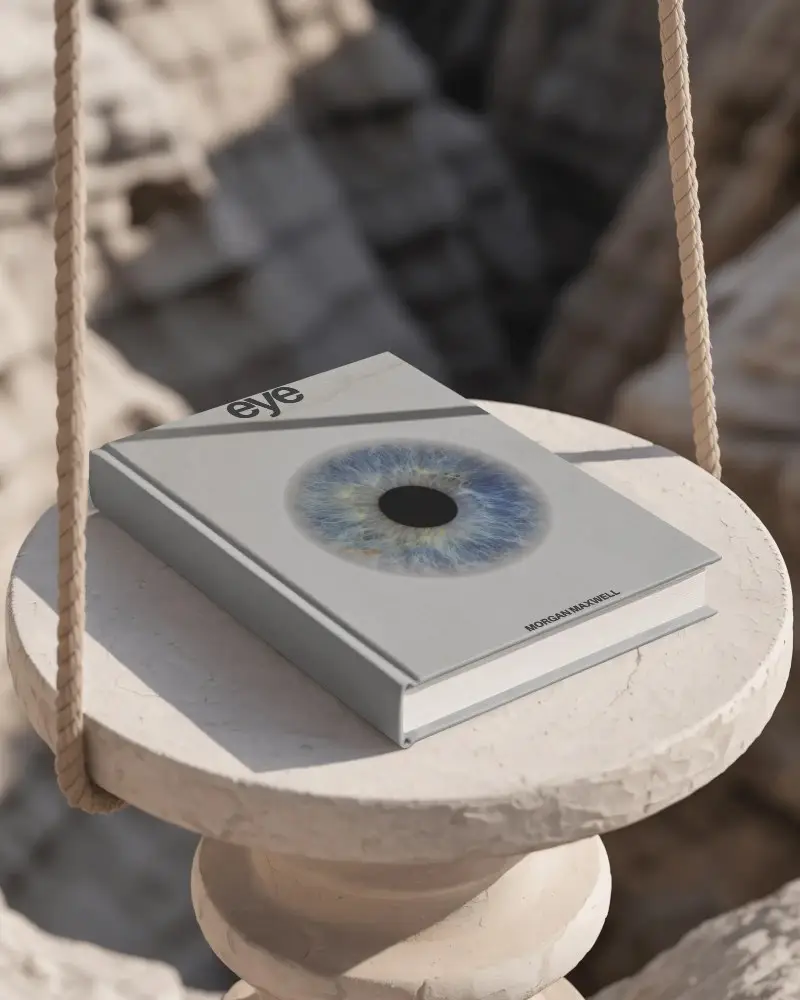
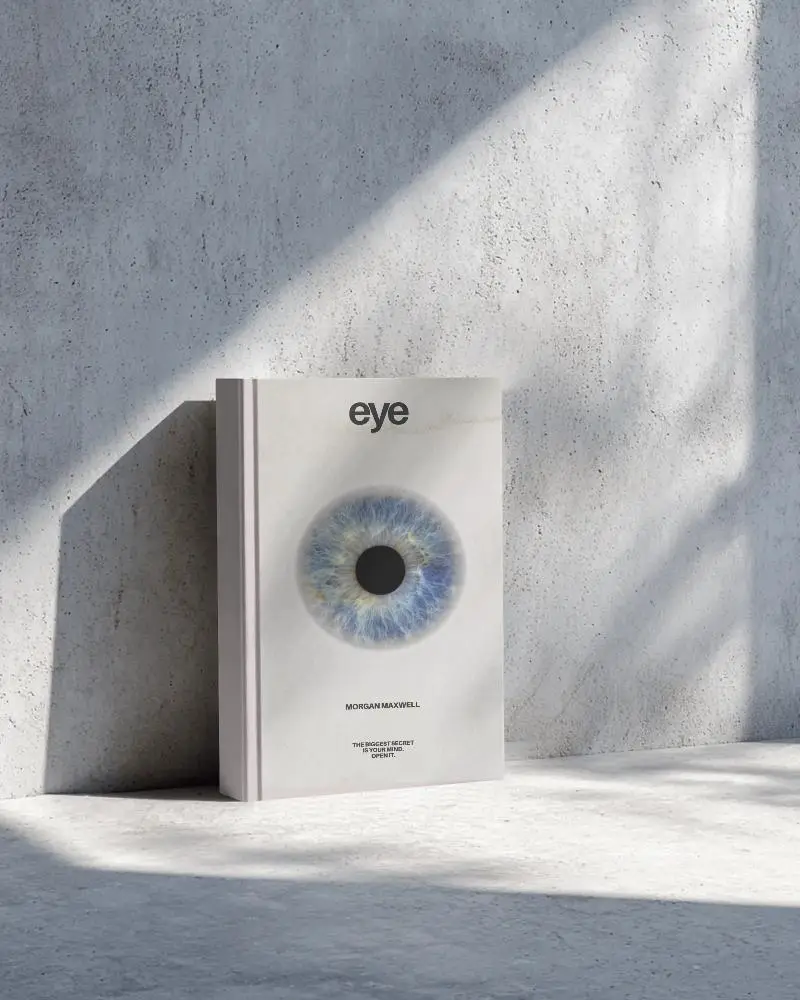


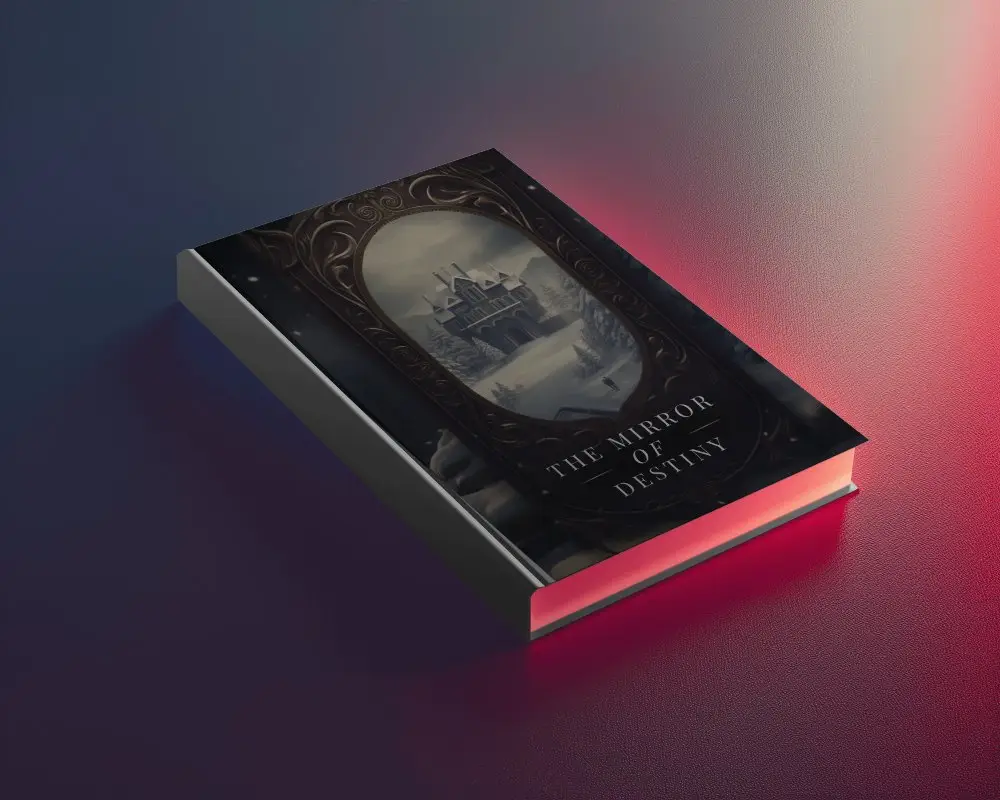

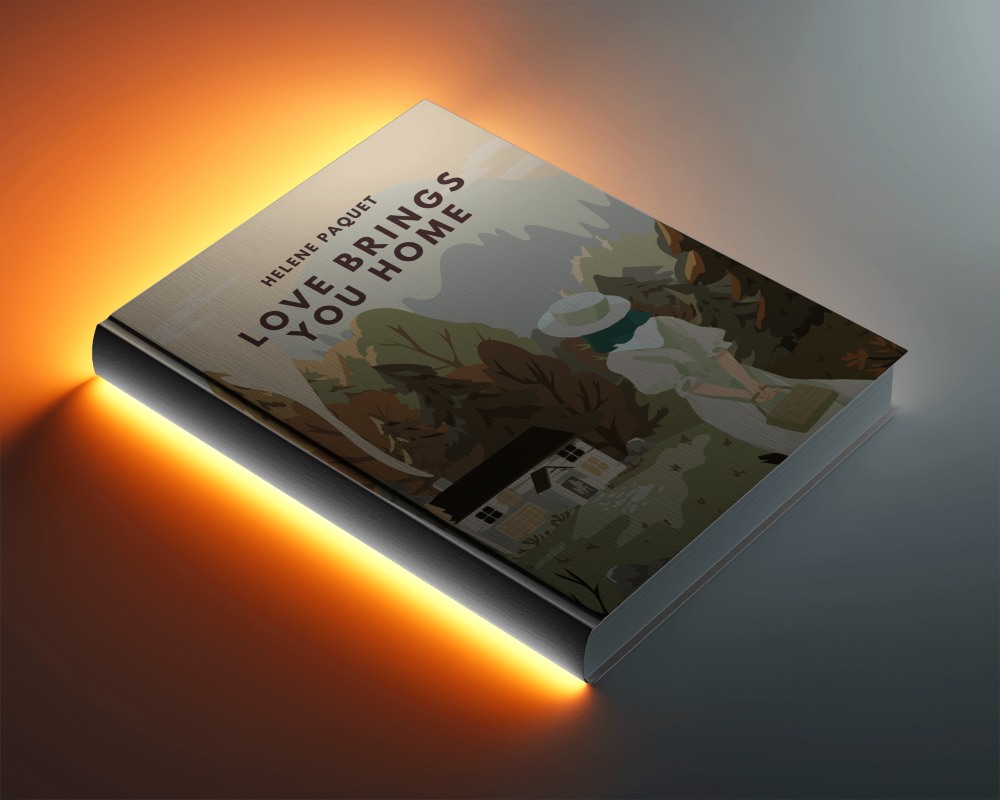
How to Create 3d Book Mockup with Mockey
Follow the steps to create 3d Book Mockups in Mockey AI
- Step 1: Navigate to the Mockups > Print > Book > 3d Book section in the toolbar.
- Step 2: Select your preferred template and upload your design.
- Step 3: Customize your 3d Book mockup to your liking and download it in high resolution.


FAQs on 3d Book Mockups
What is a 3d Book Mockup?
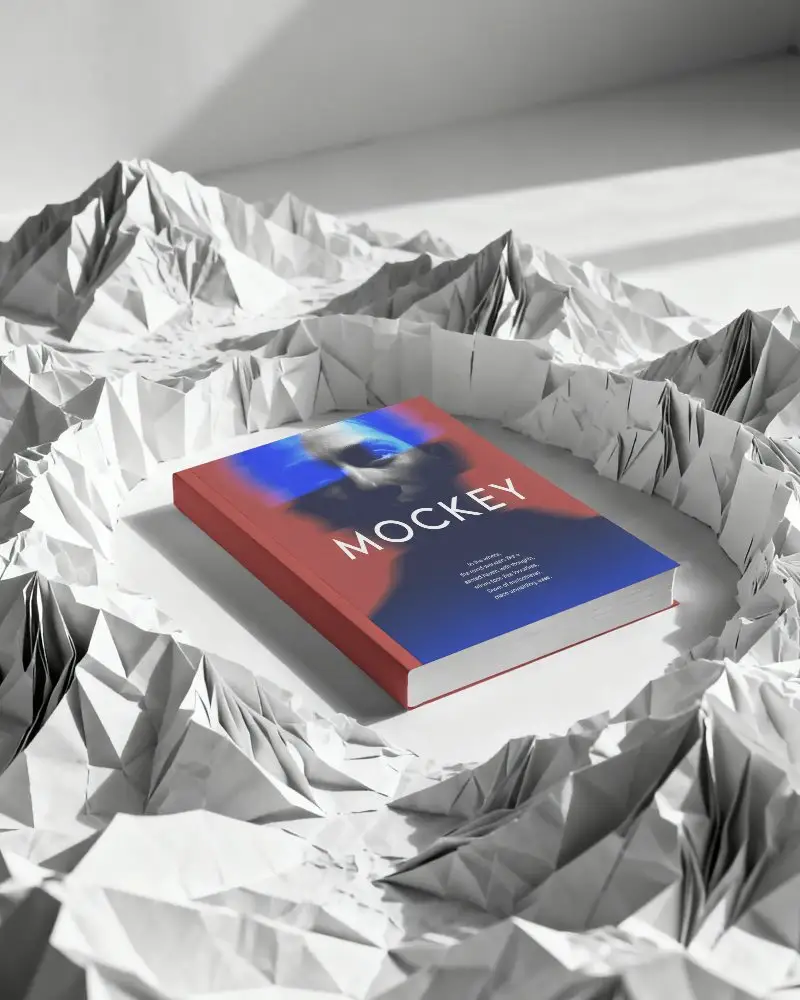
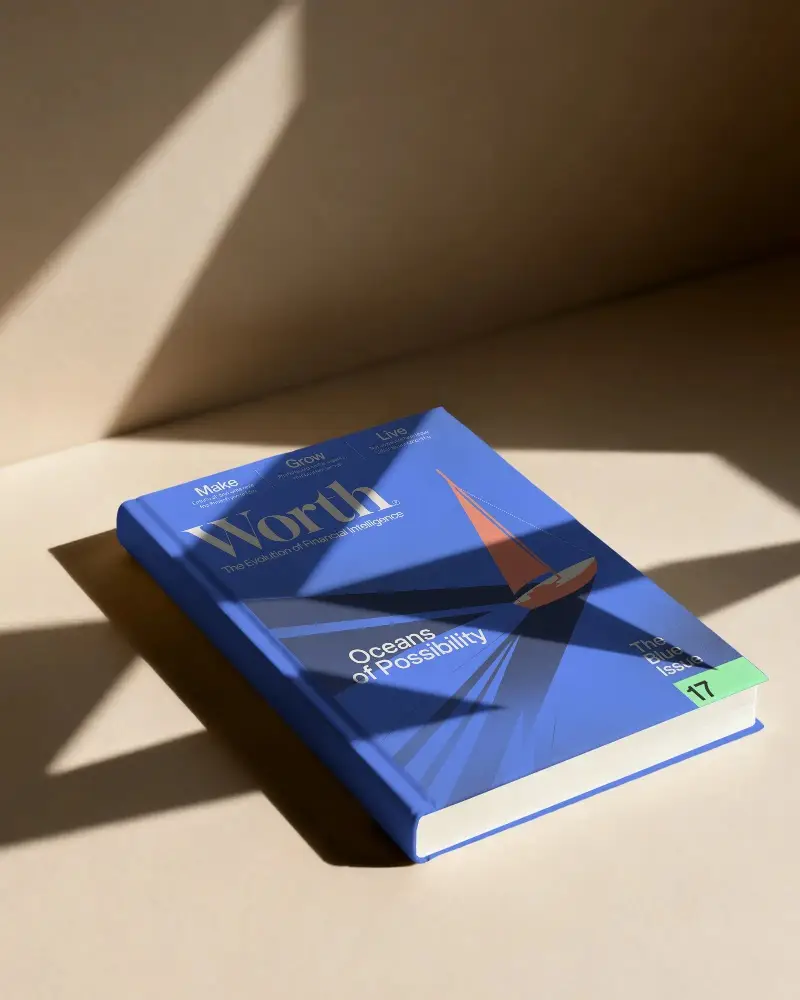
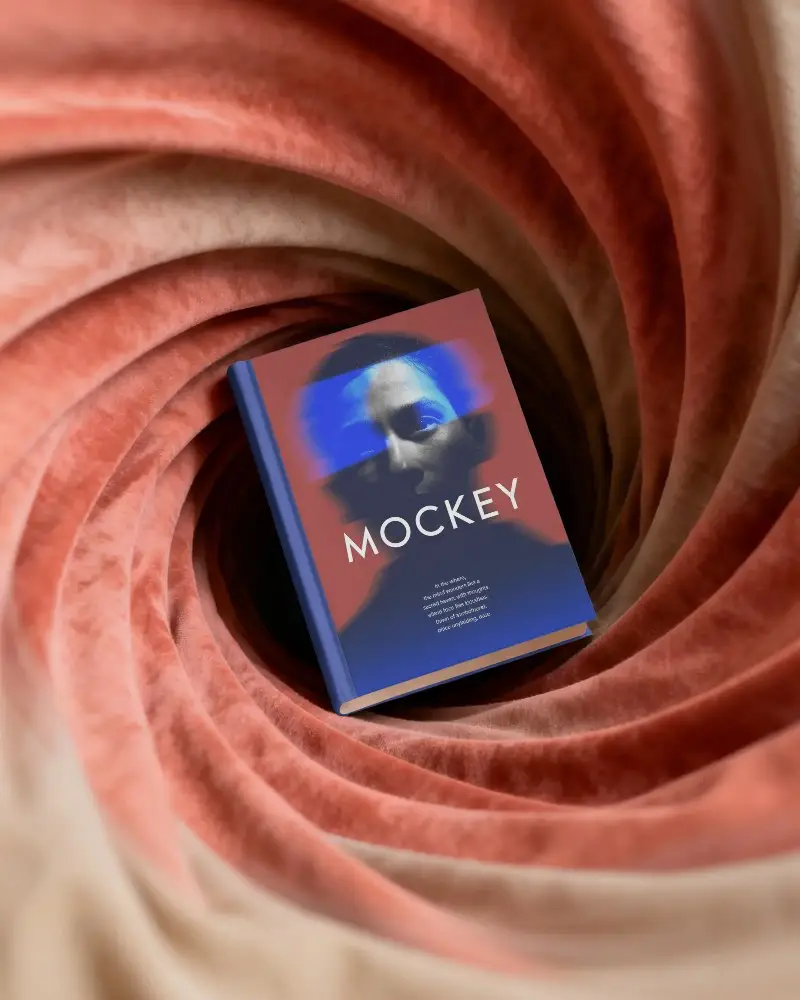
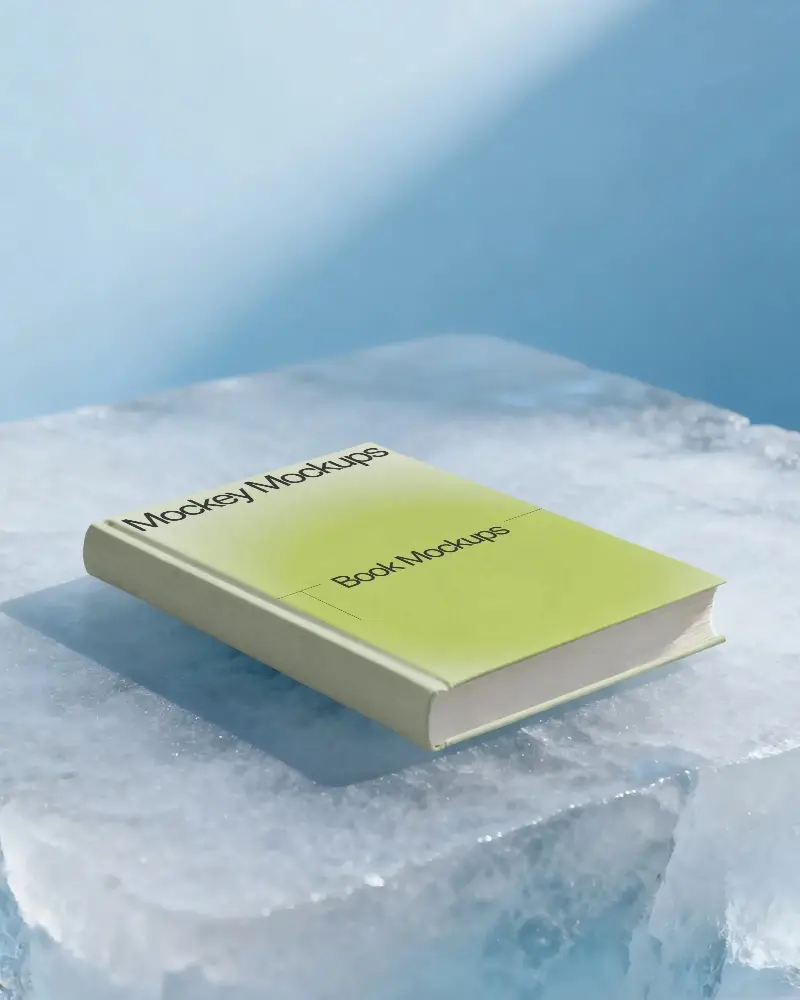
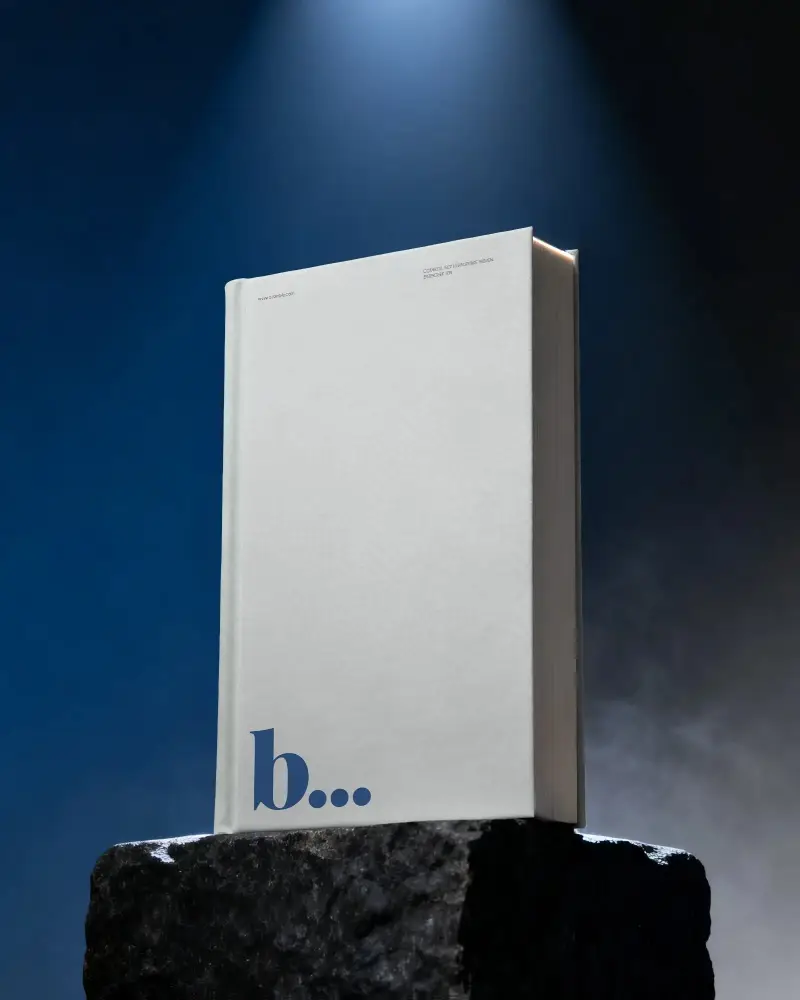
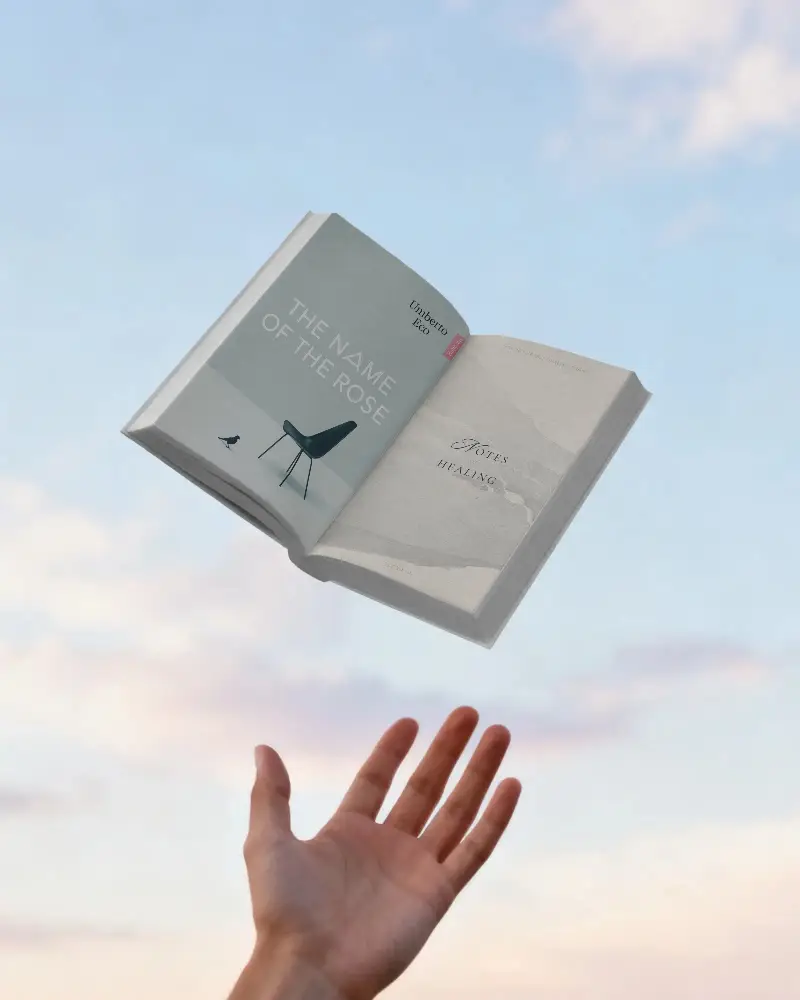
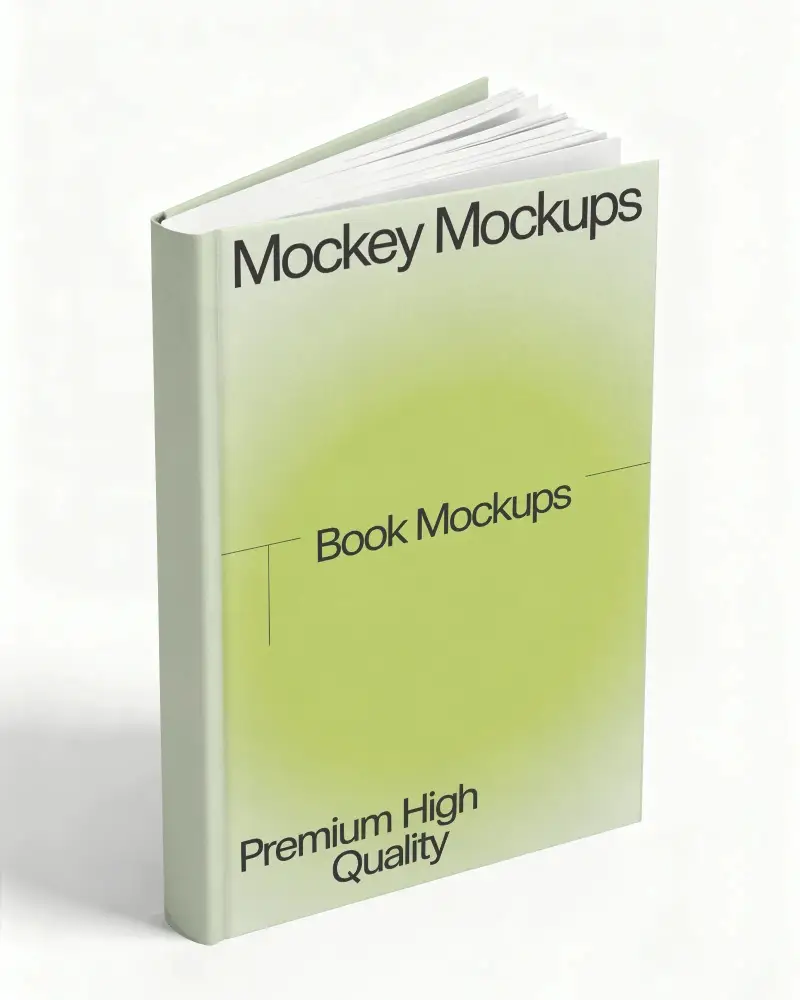
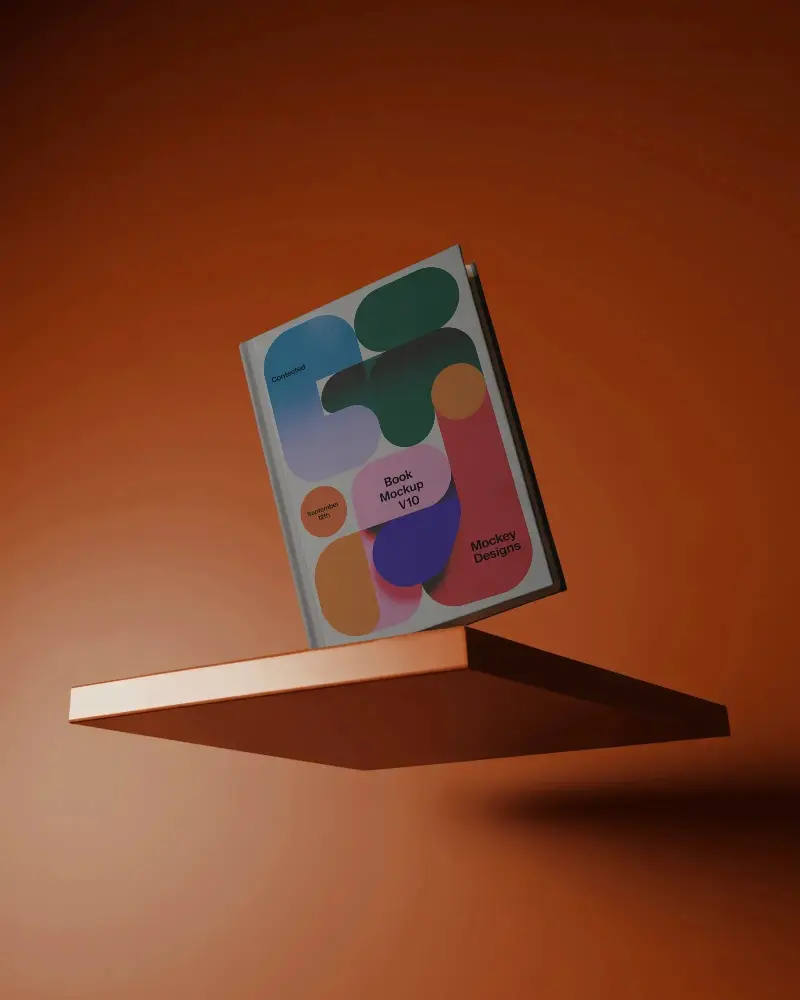
A 3d Book mockup is a digital picture of a 3d Book's cover and inside pages. It's used to see how the 3d Book will look before printing, helping authors, designers, and publishers check and improve the layout, content, and design.
Why create a 3d Book mockup?
Making a 3d Book mockup lets you see how your 3d Book will look before it's made. It helps you improve the design and make changes to ensure it looks professional and polished.
Why Use Mockey’s 3d Book Mockup?
Mockey's 3d Book mockup generator lets you quickly and easily create professional 3D 3d Book mockups, even if you have no design skills. This free tool offers realistic templates for customizing your 3d Book cover design, so you can see how it will look before publishing.
Is this 3d Book Mockup Free?
Mockey's 3d Book mockup generator lets you create professional 3d Book mockups for free. You can customize the design, download high-quality mockups without watermarks, and use them for marketing and promotion.
