Free Paperback Book Mockup – Showcase Your Designs with Mockey
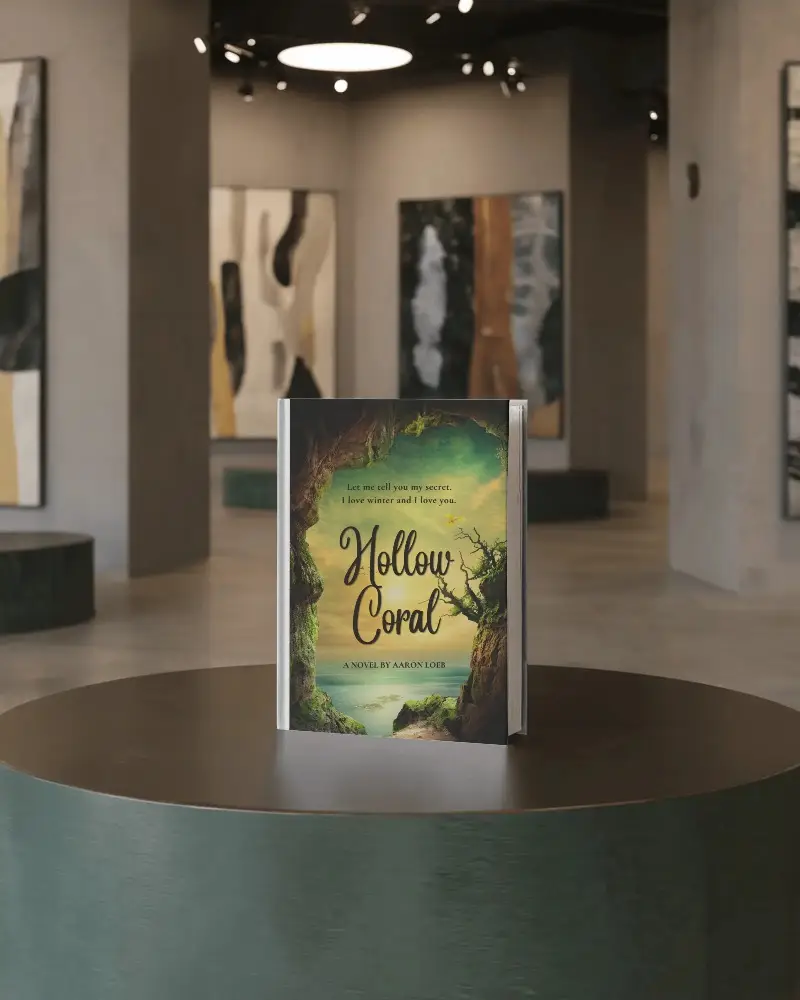
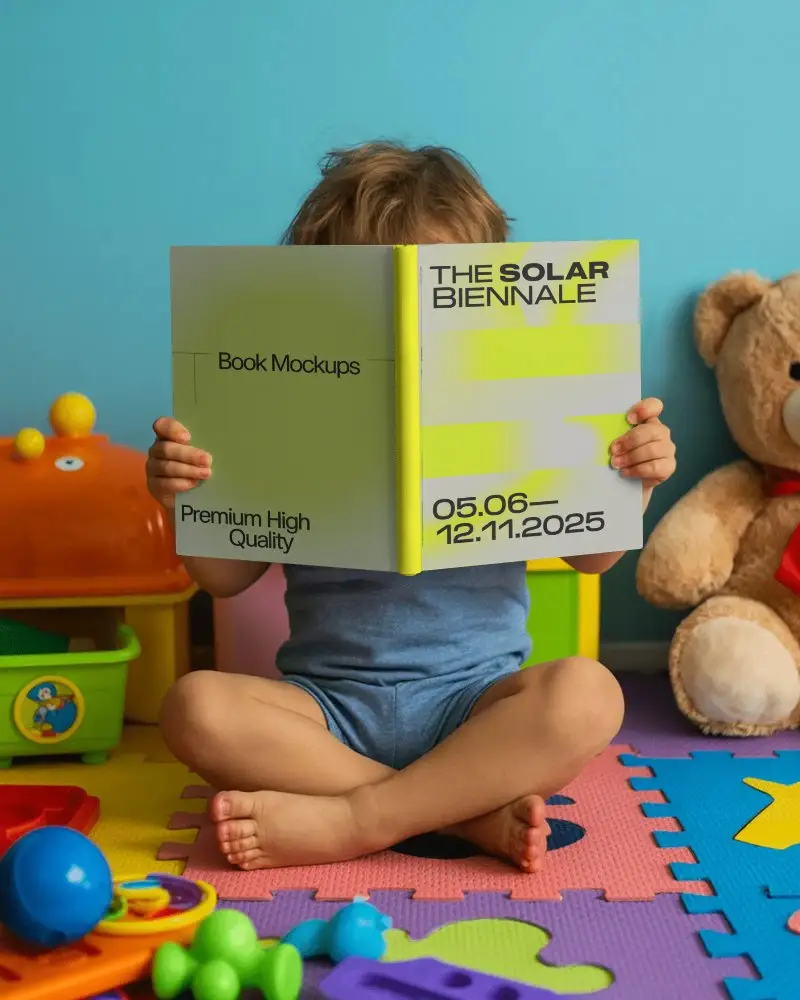
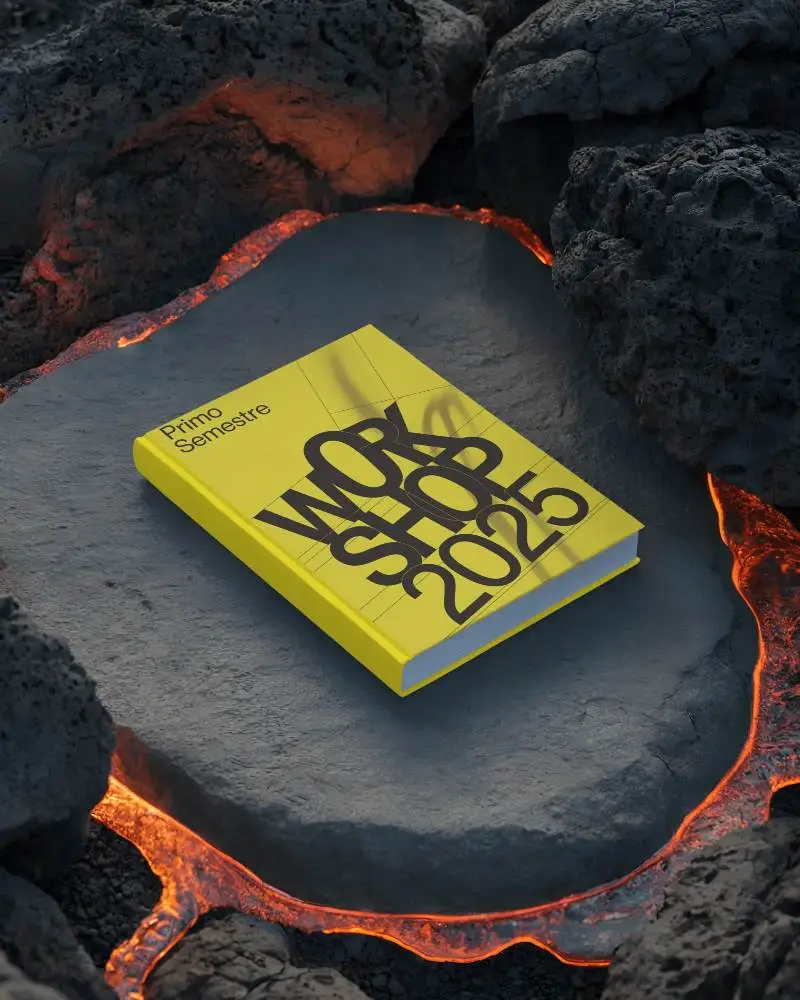
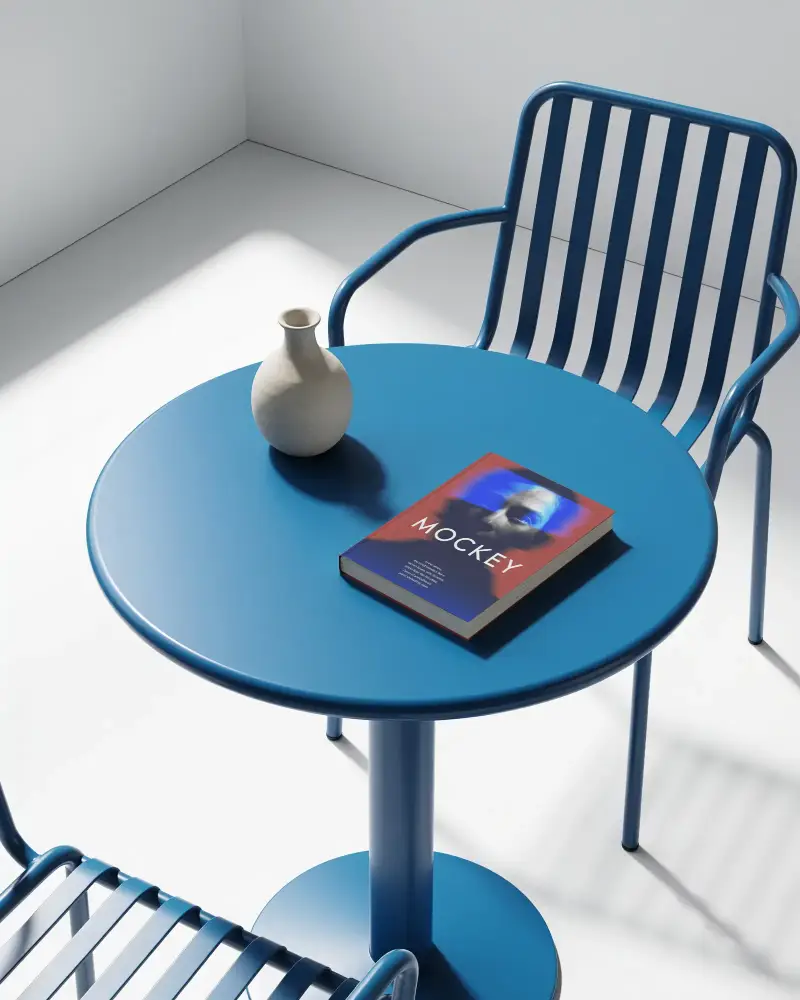
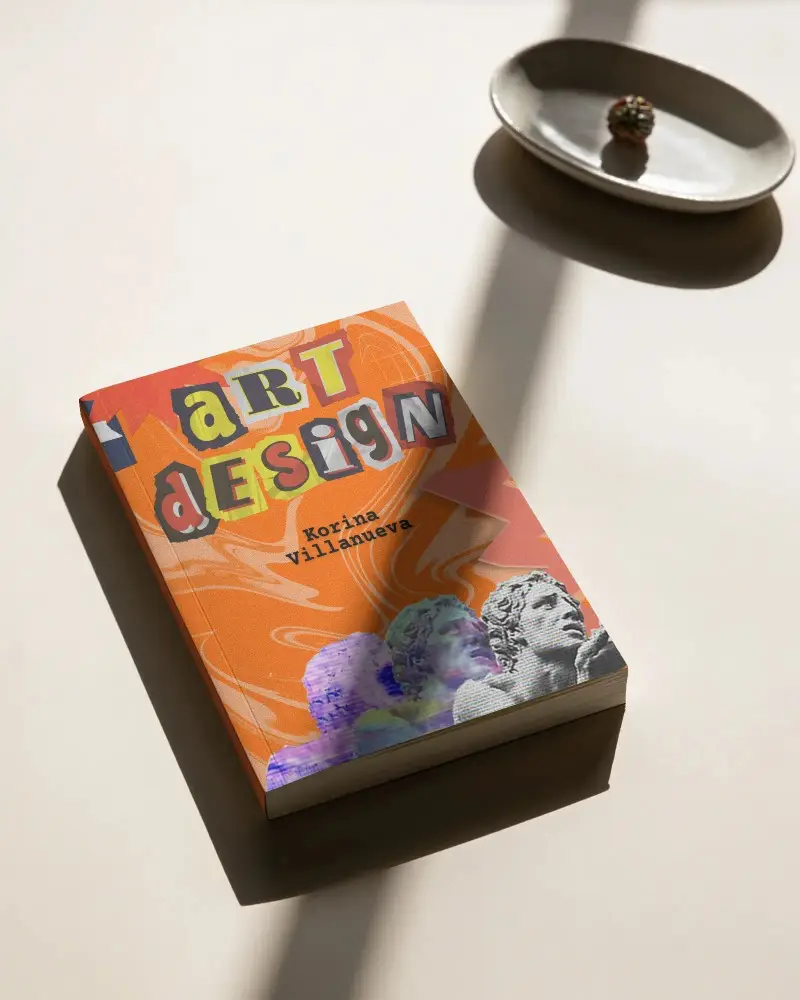
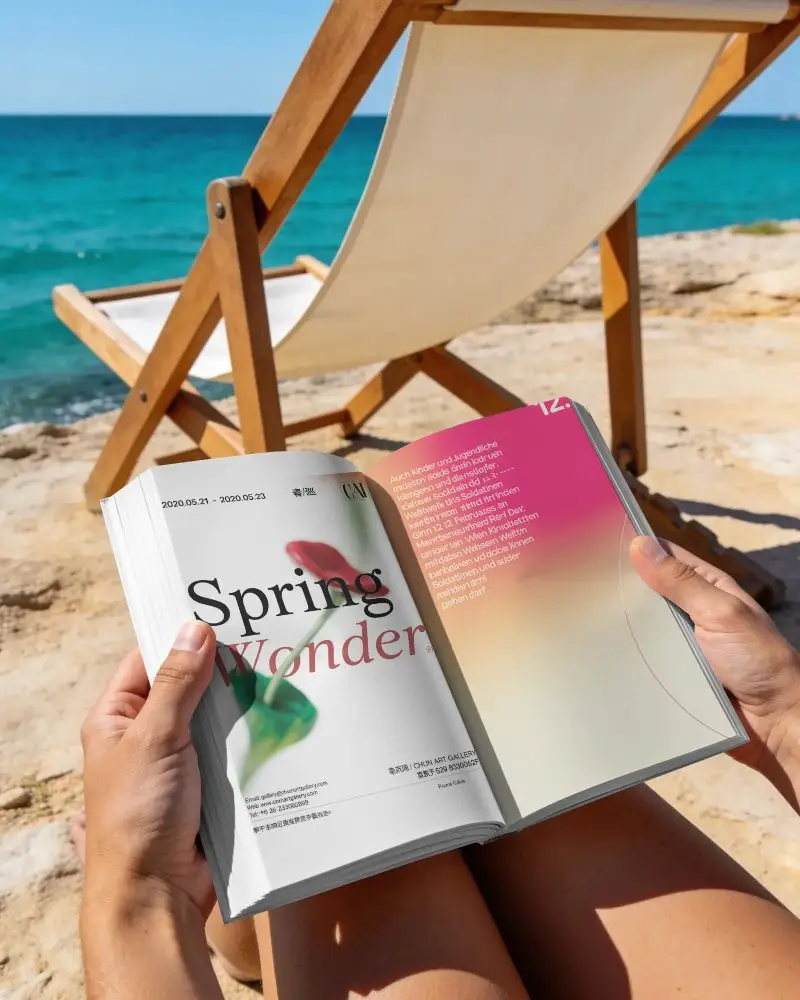
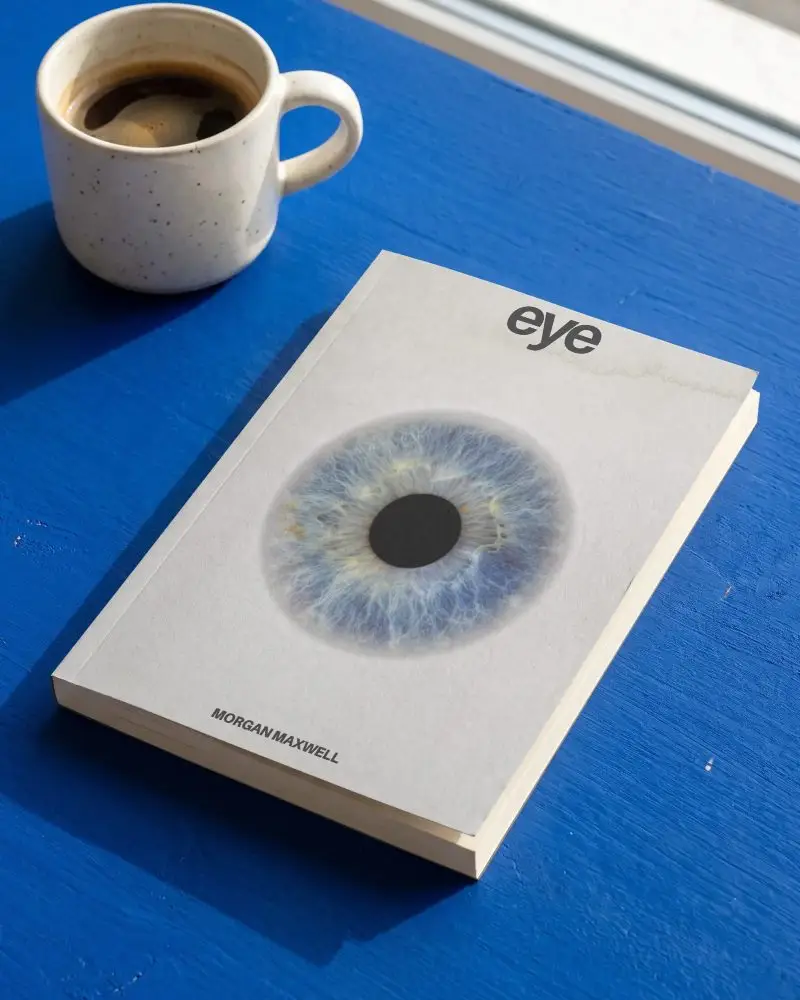
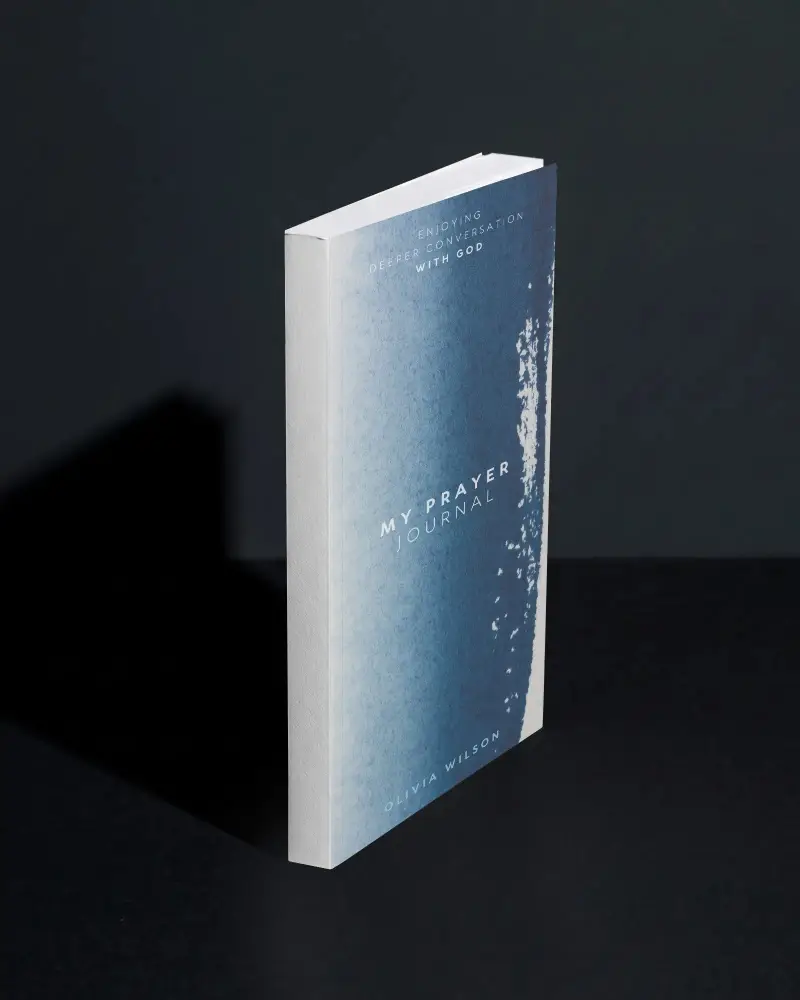
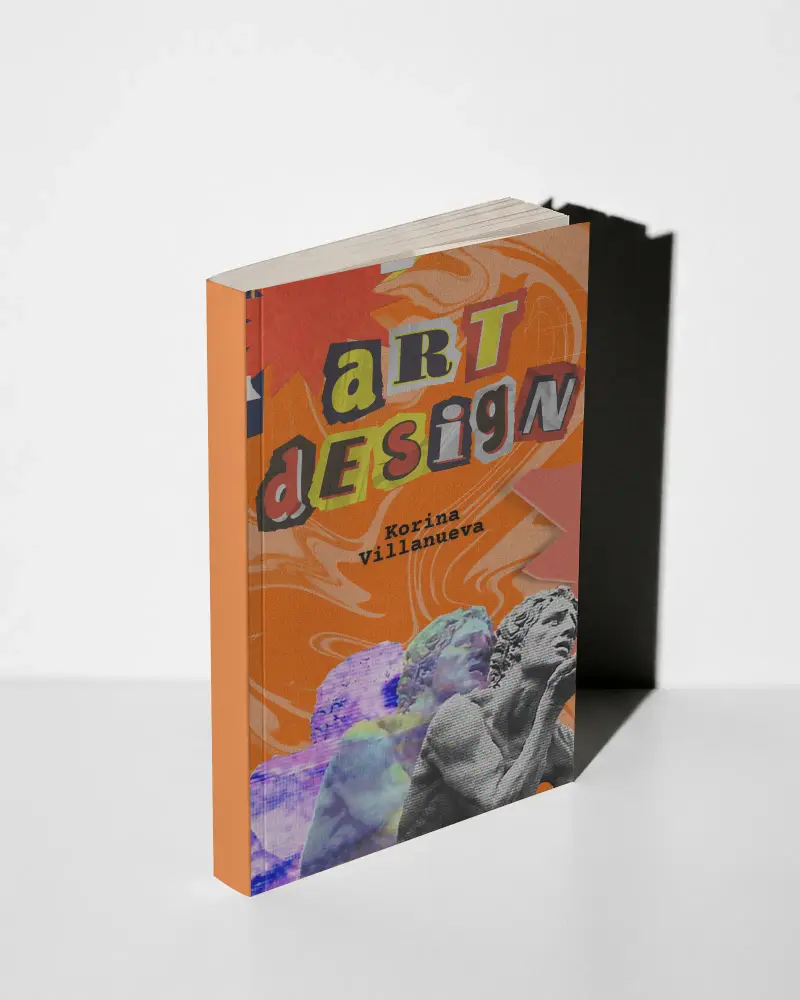
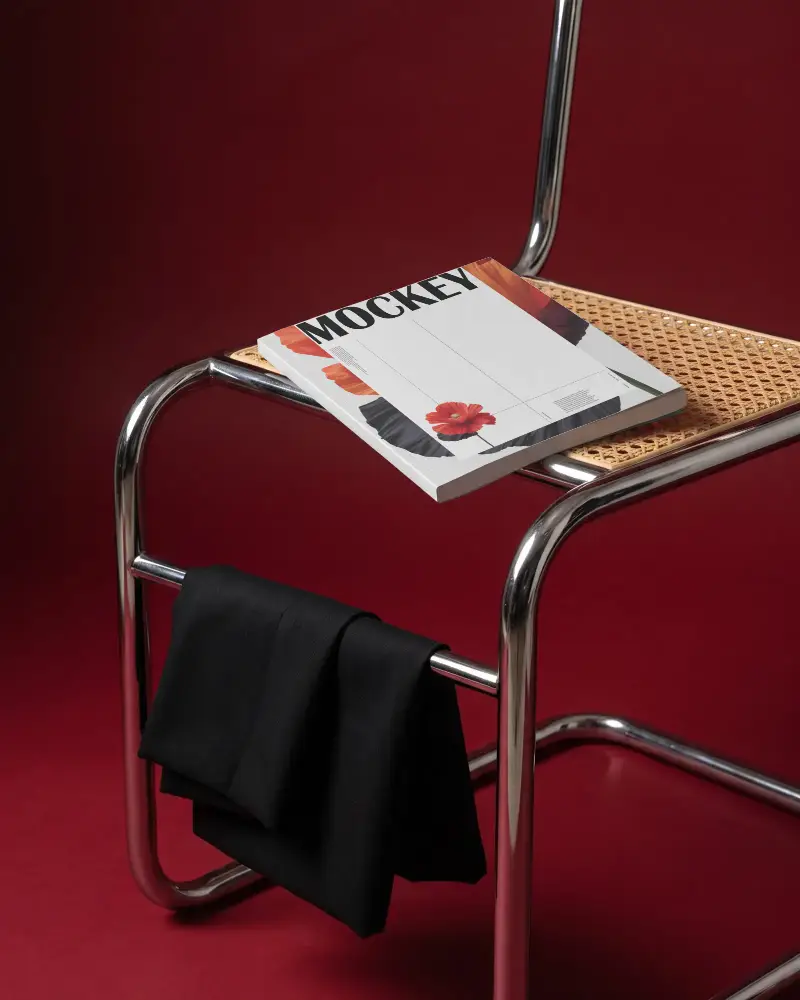
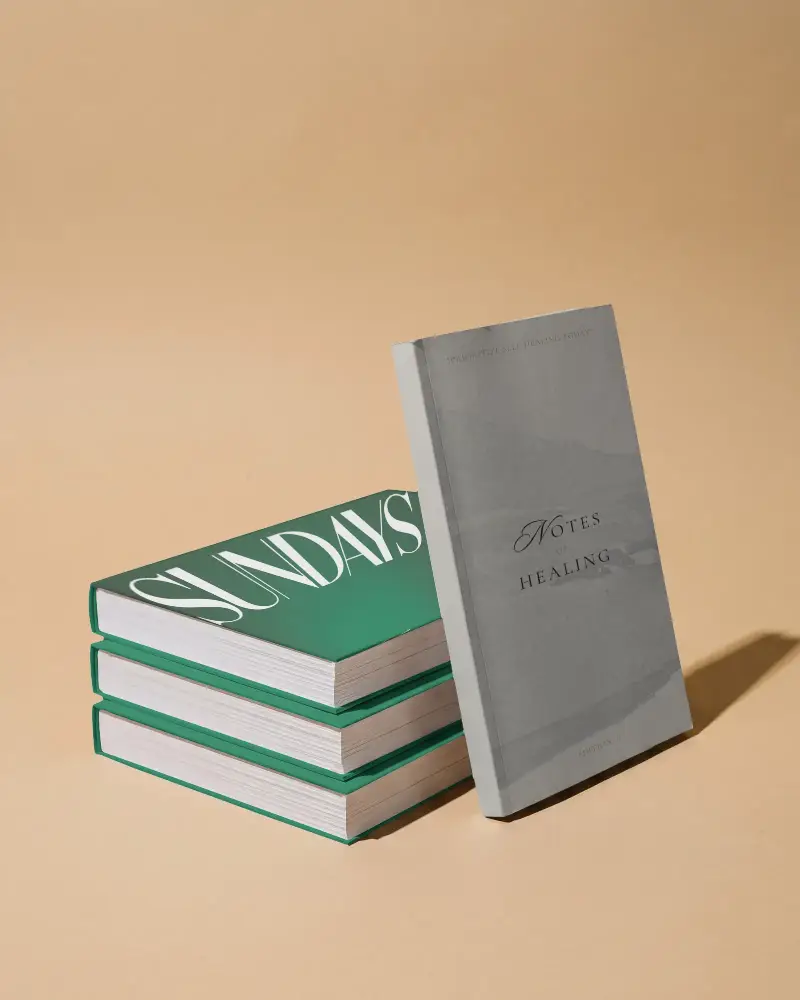
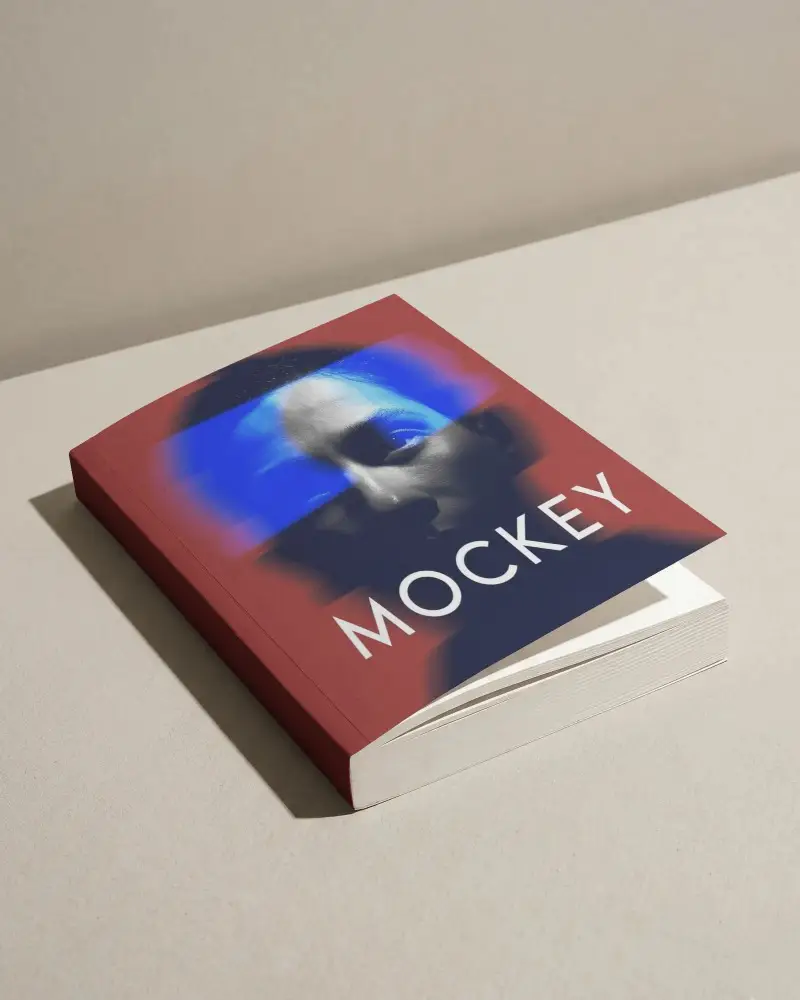
Explore Mockey’s collection of paperback book mockups designed to make your book covers stand out. From classic layouts to modern styles, each mockup provides a realistic look that helps you present your designs. Ideal for authors, designers, and POD creators.
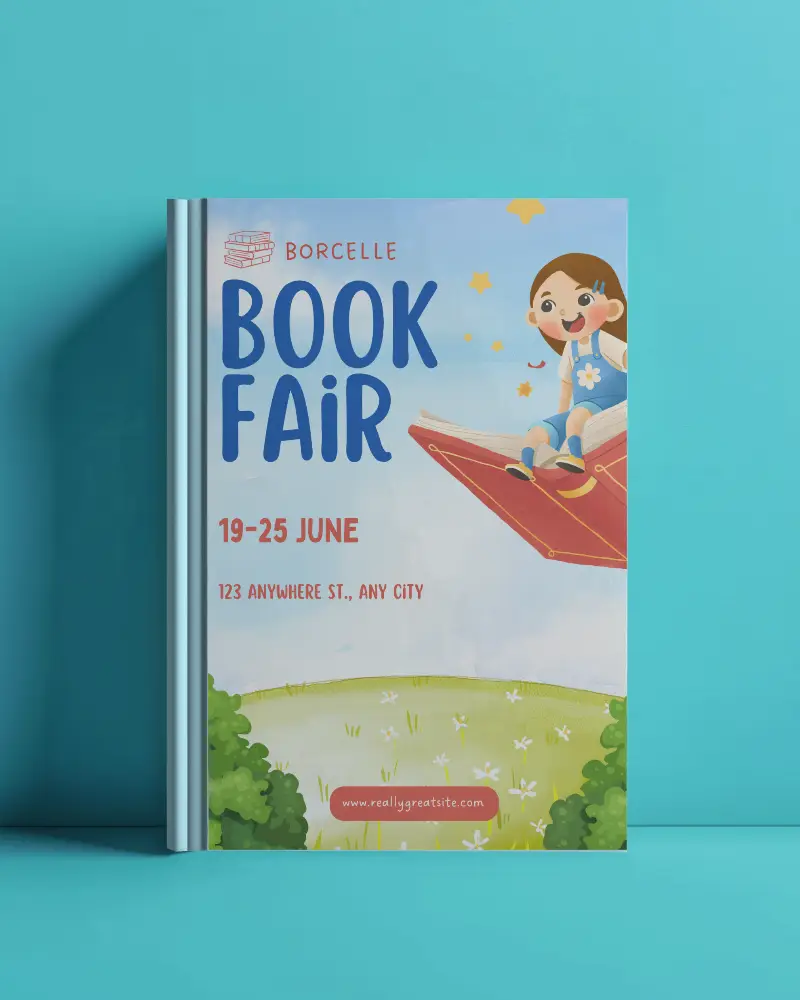

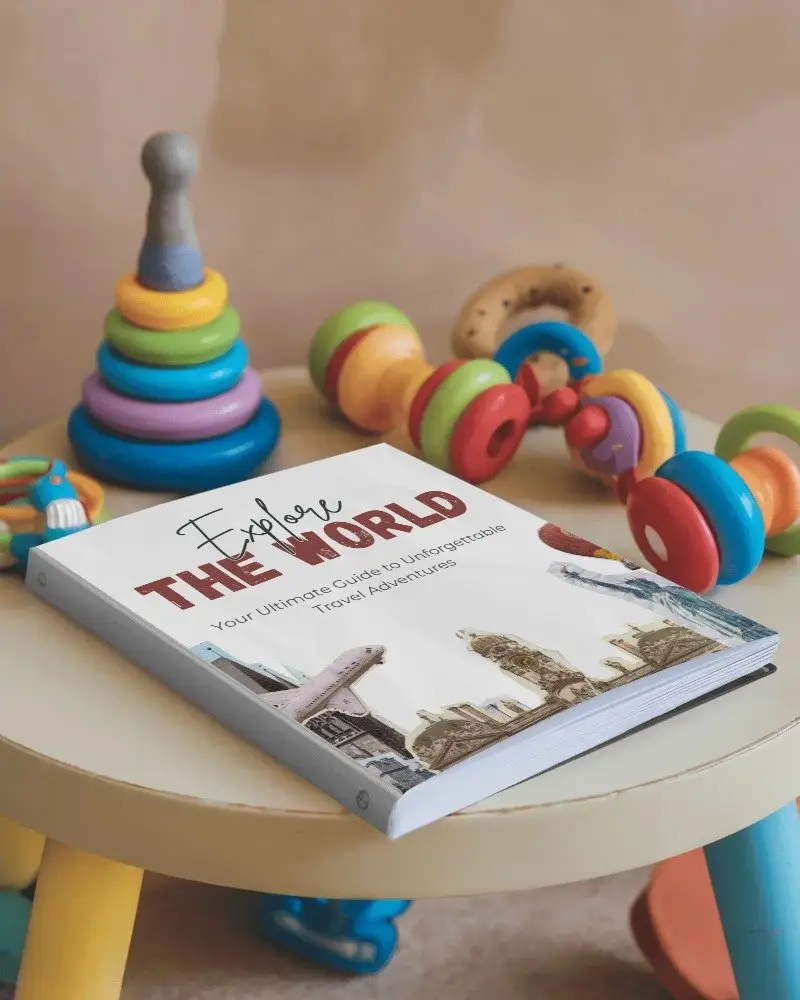
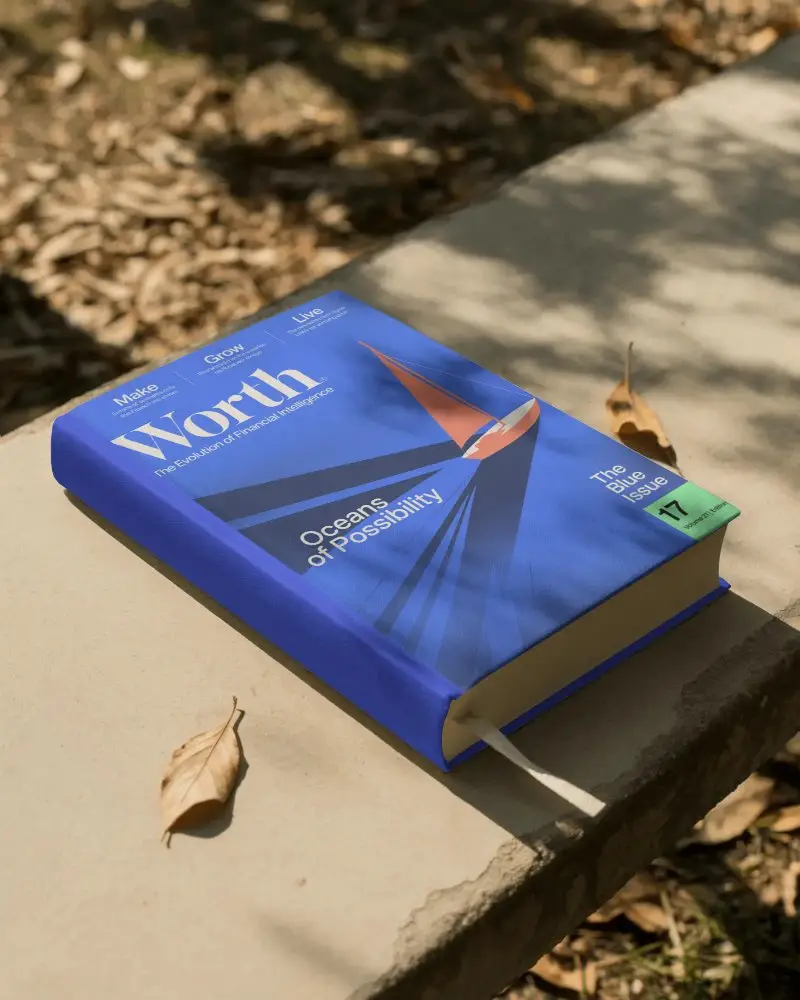
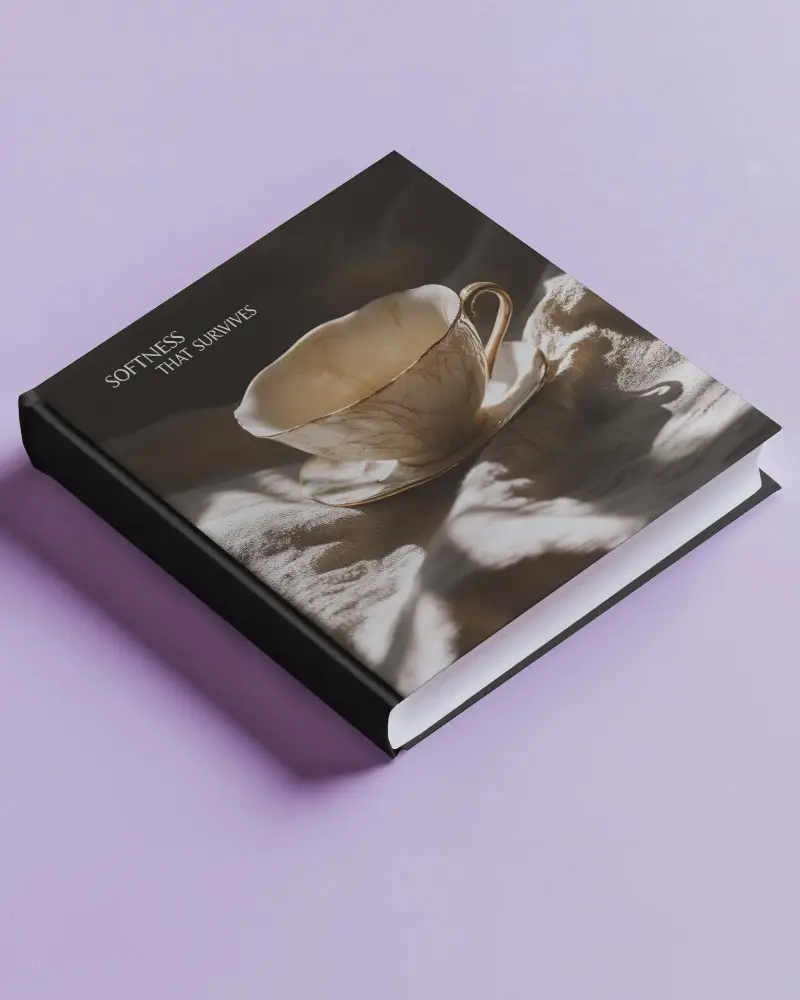
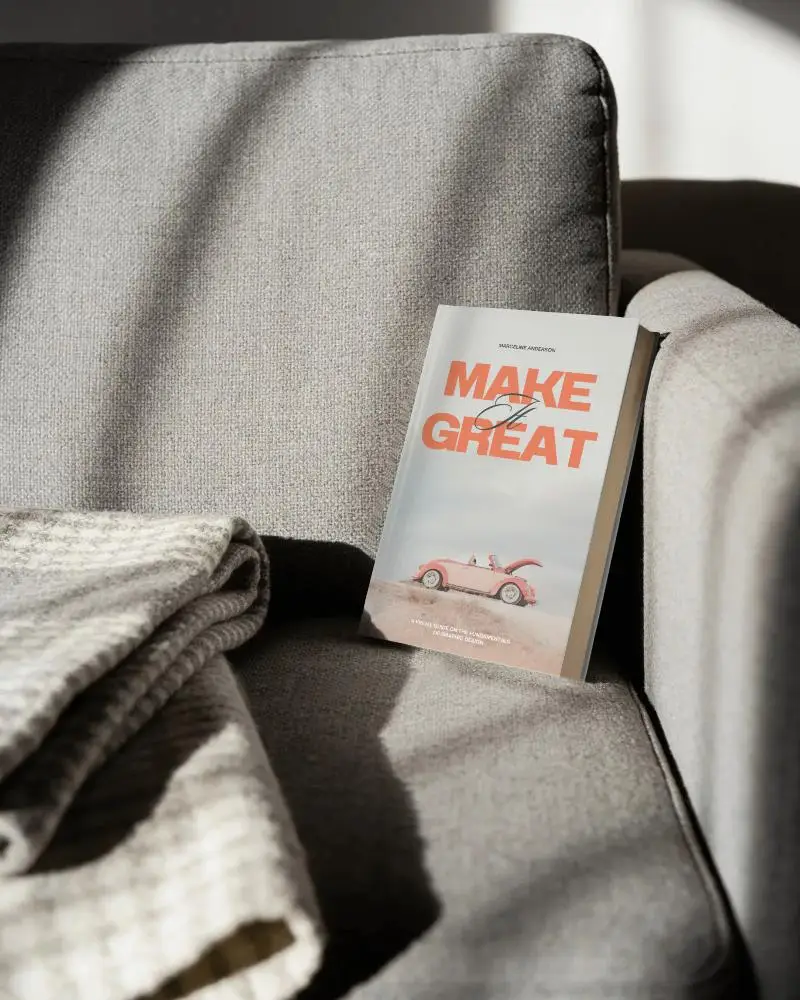


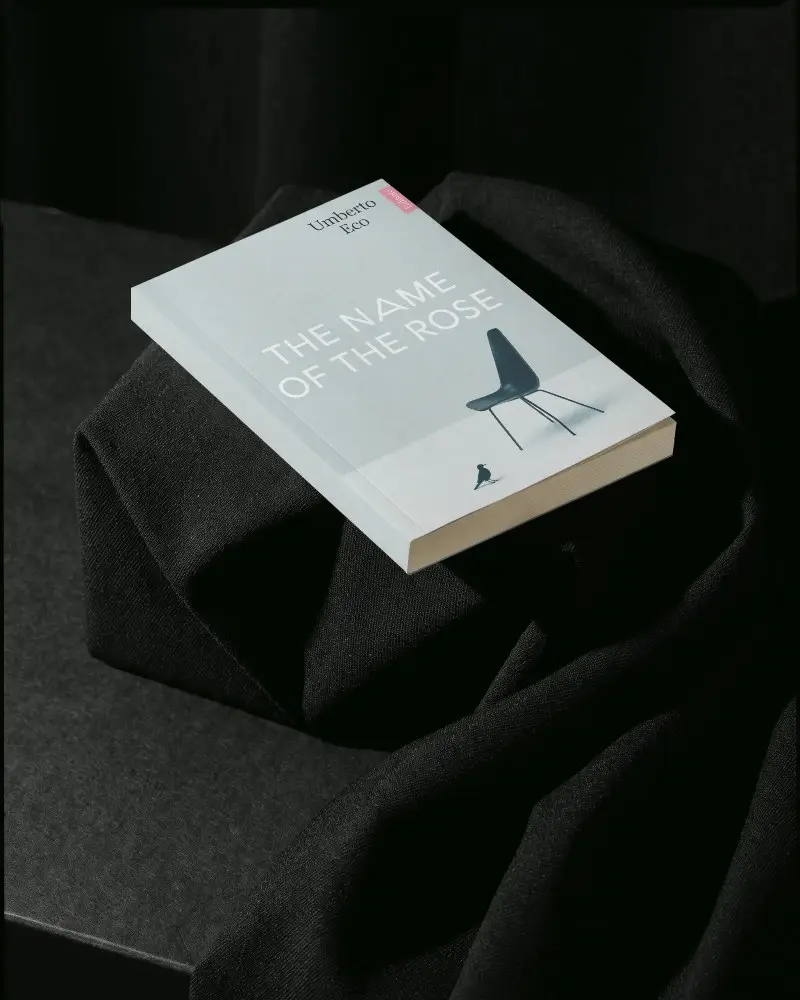
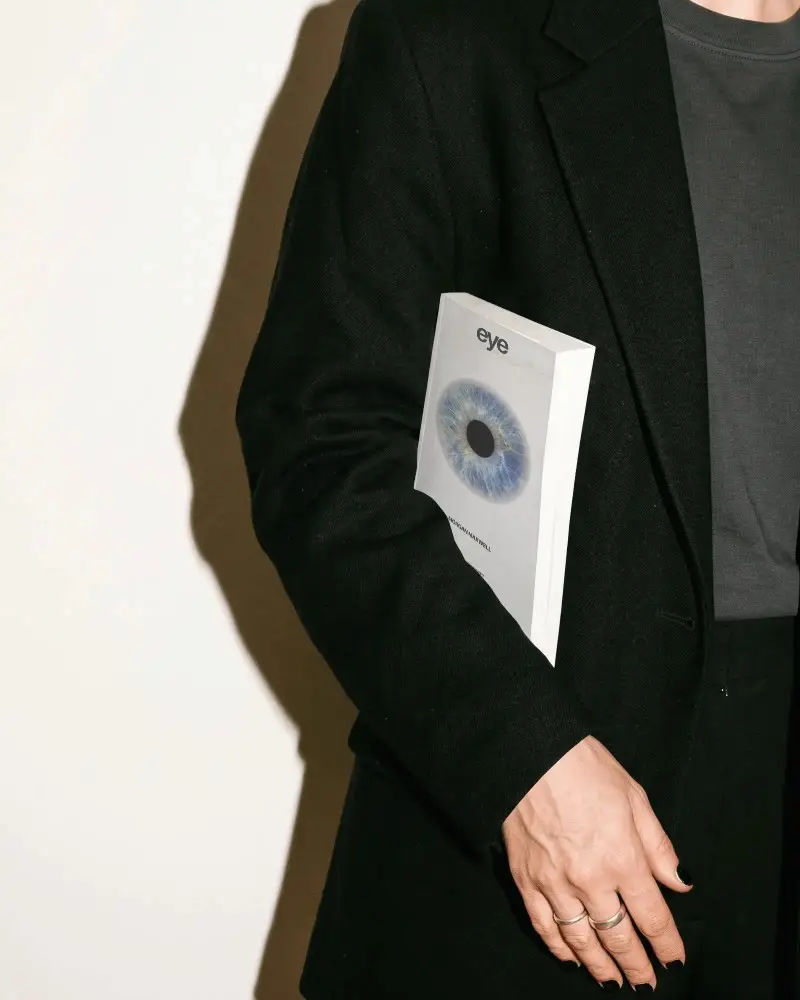
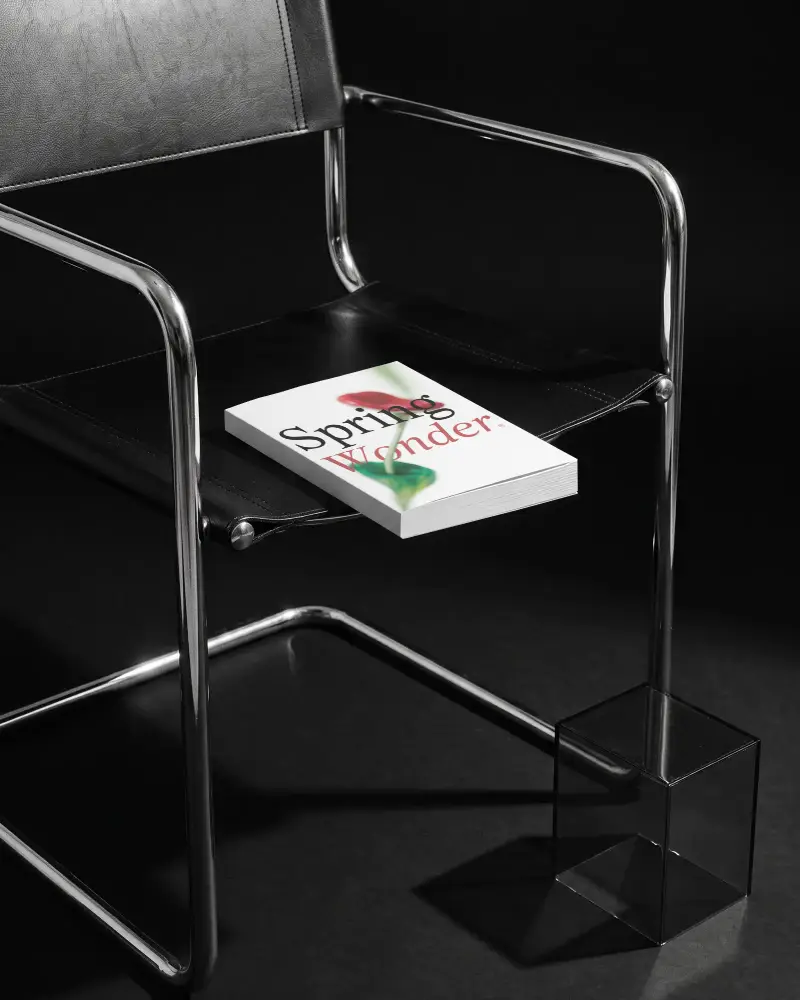
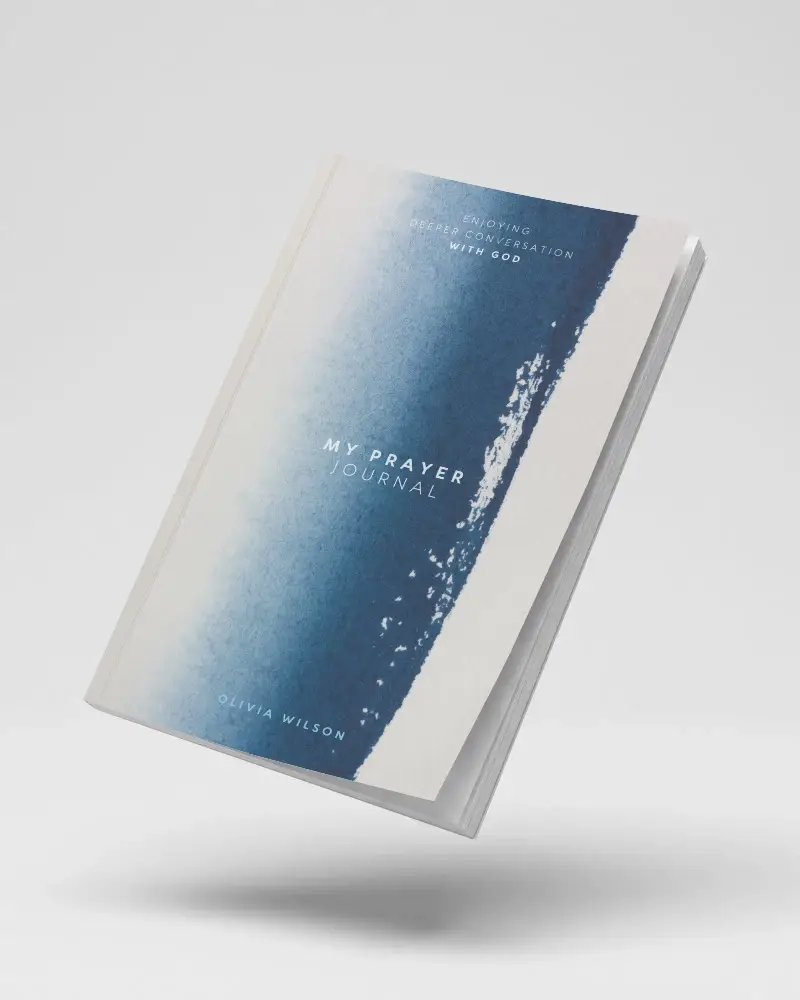
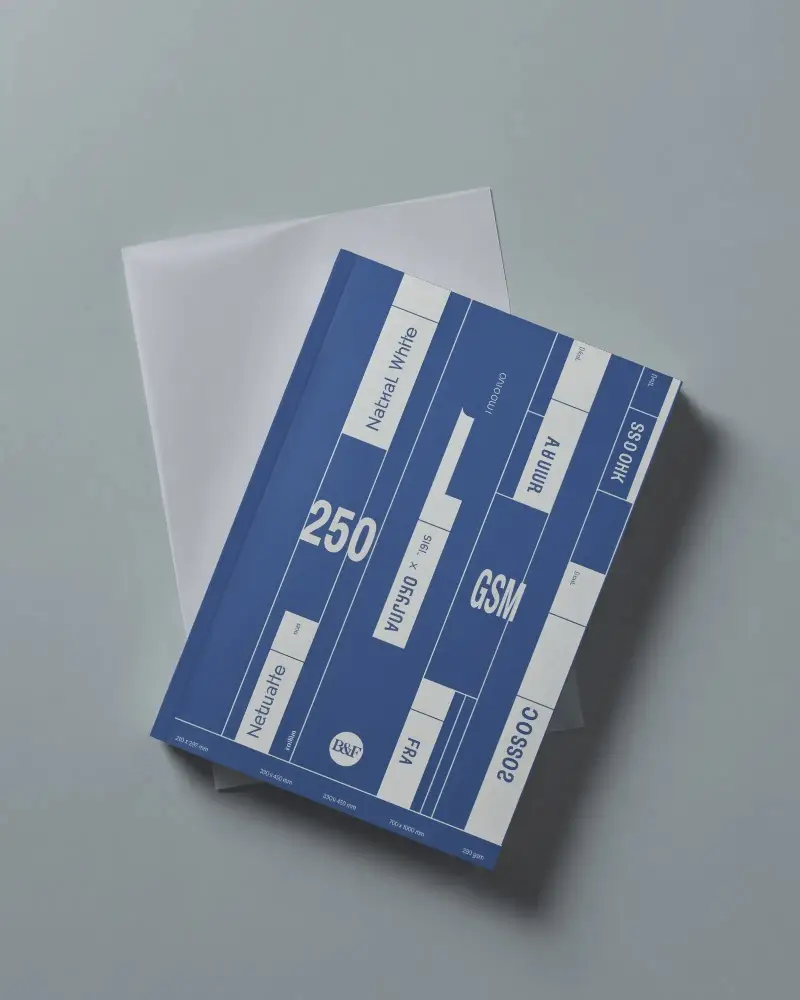
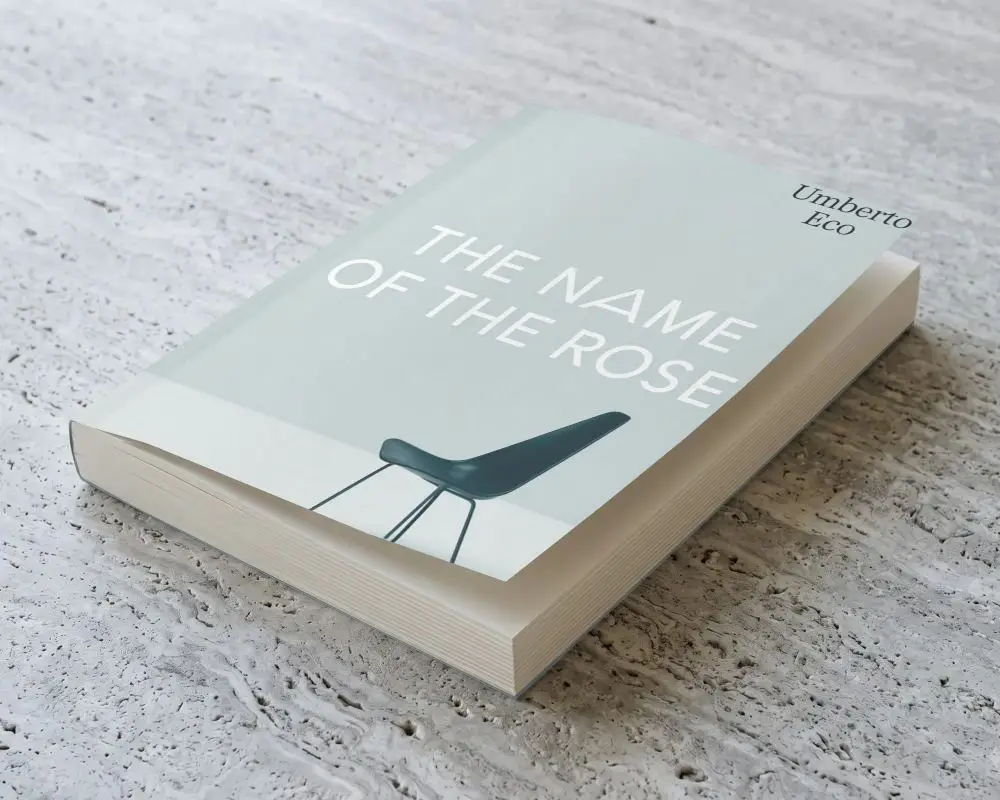
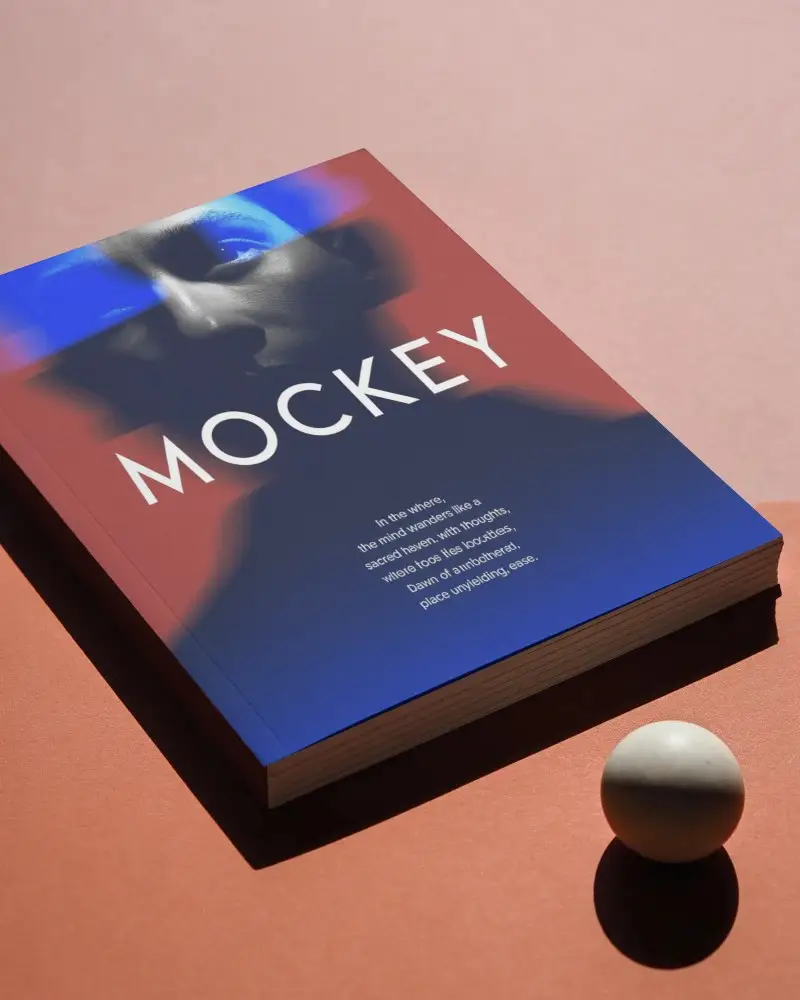
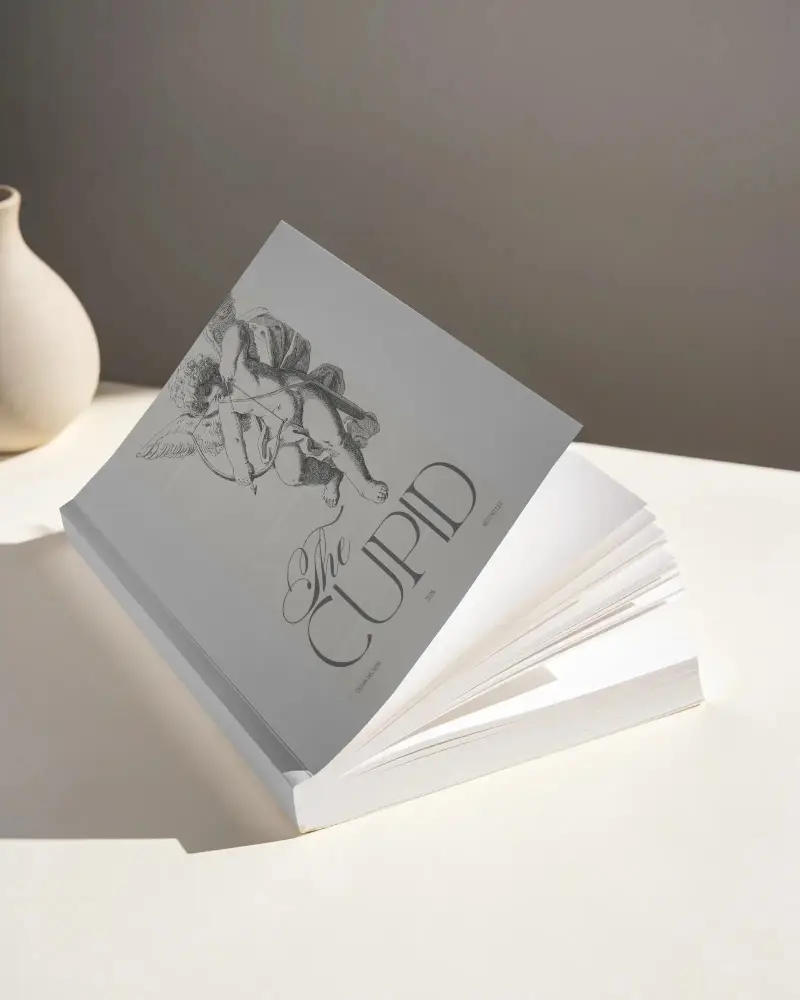
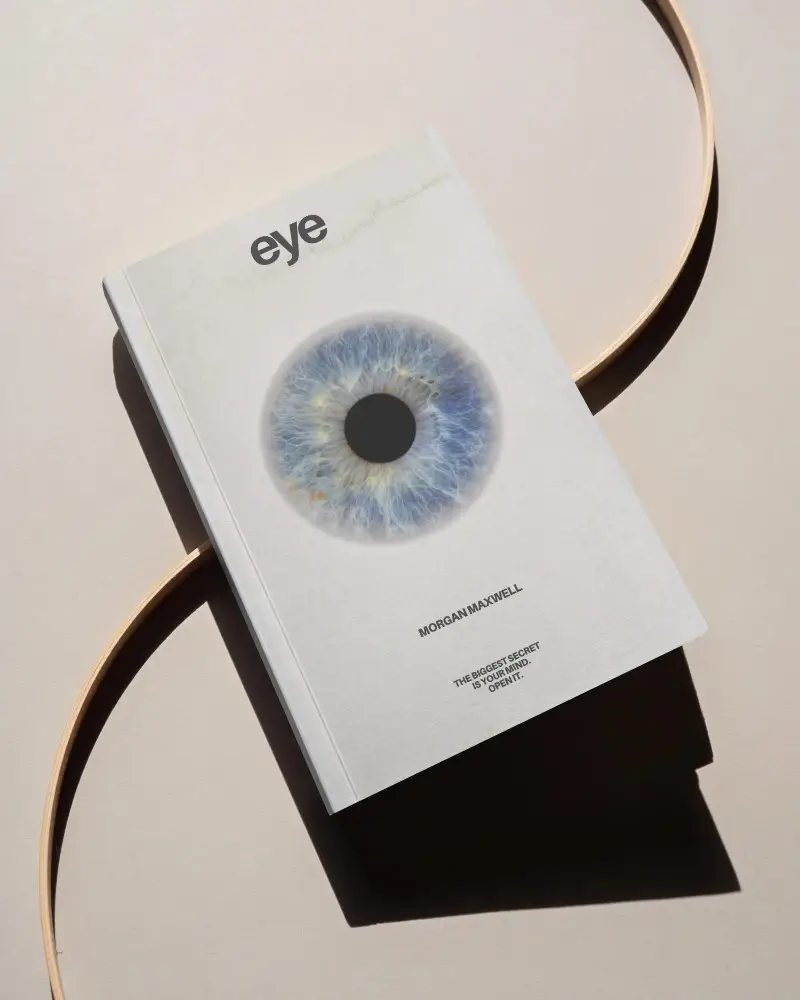
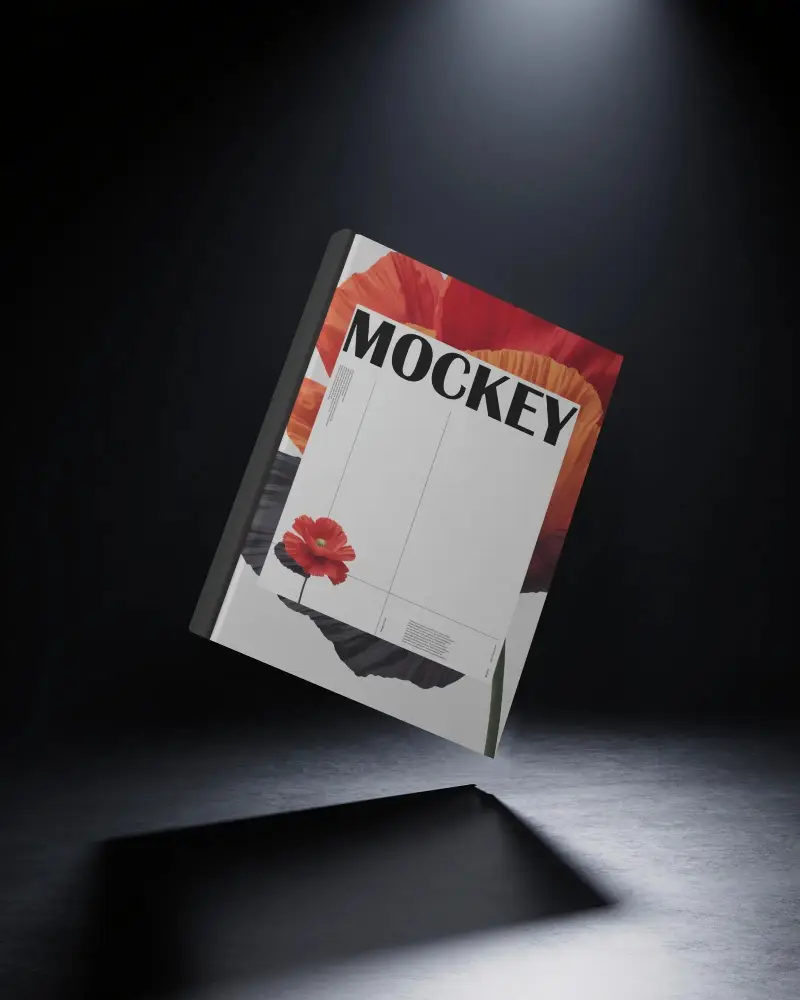
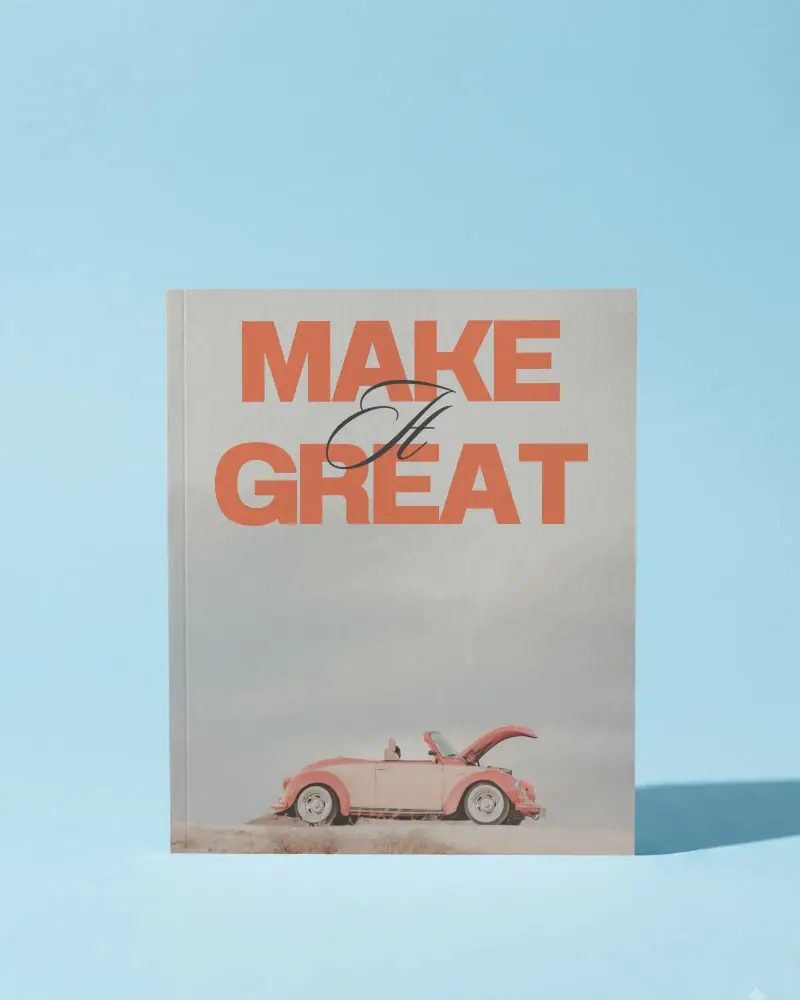
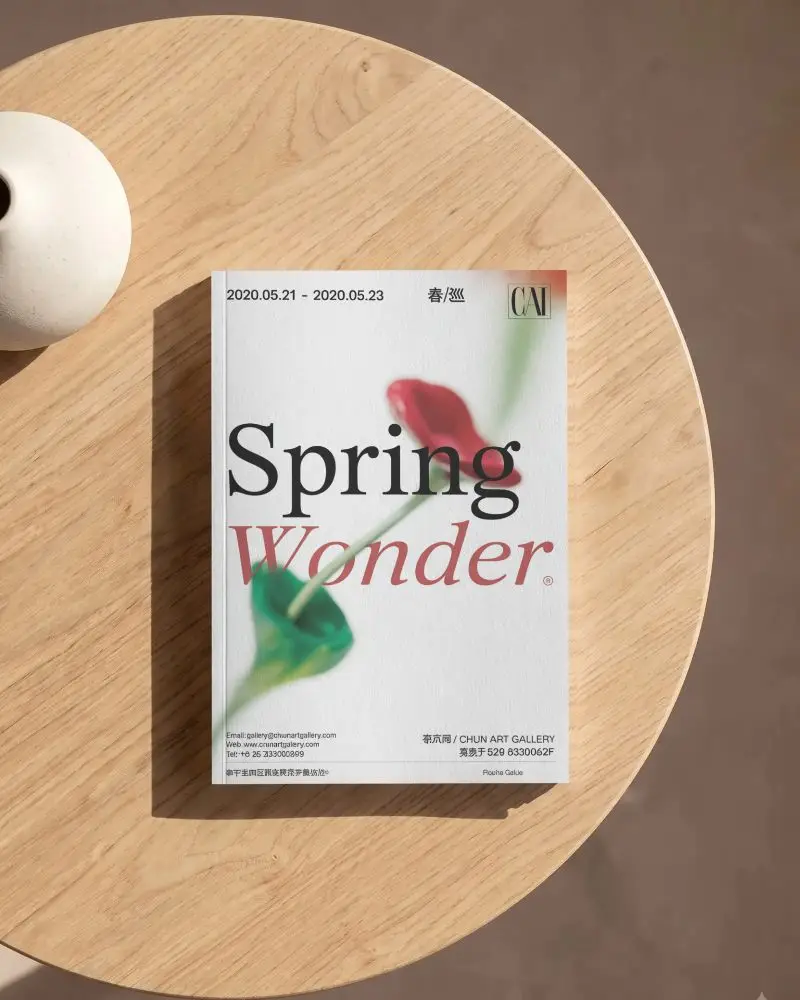
How to Create Paperback Book Mockup with Mockey
To create a Paperback Book mockup in Mockey AI:
- Step 1: Sign up and follow “Mockups > Categories > Print > Book > Paperback” to select a template.
- Step 2: Upload a design, modify the color and use AI tools if you want.
- Step 3: Tap “Download” to save the paperback book mockup.


FAQs on Paperback Book Mockups
What is a Paperback Book Mockup?
A paperback book mockup is a template of a paperback-style book where you can upload a custom design to showcase it to your client. With the help of a book mockup generator, you can create a mockup within minutes.
Why create a Paperback Book mockup?
Creating a paperback book mockup gives you a visual representation of the book cover and spine design. It helps your target clients visualize how the final product will look.
Why Use Mockey’s Paperback Book Mockup?
Using Mockey AI’s paperback book mockup offers several benefits. You get a great free plan, access to a large collection of templates, high-quality output, and the opportunity to use advanced AI tools.
Is this Paperback Book Mockup Free?
You can create paperback book mockups on Mockey AI even with the free plan. Many paperback book templates are available for free, allowing you to add your design, customize it, and download it without any watermark.
