Free 3D Book Mockup Templates | 3D Book Cover Mockups
Get stylish with Mockey’s Free 3D Book Mockups! Customize & download high-quality 3D book cover mockups in minutes. Create stunning mockups online for free.
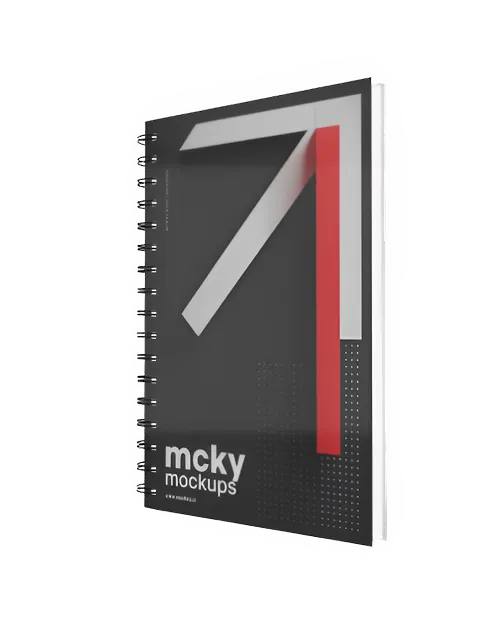
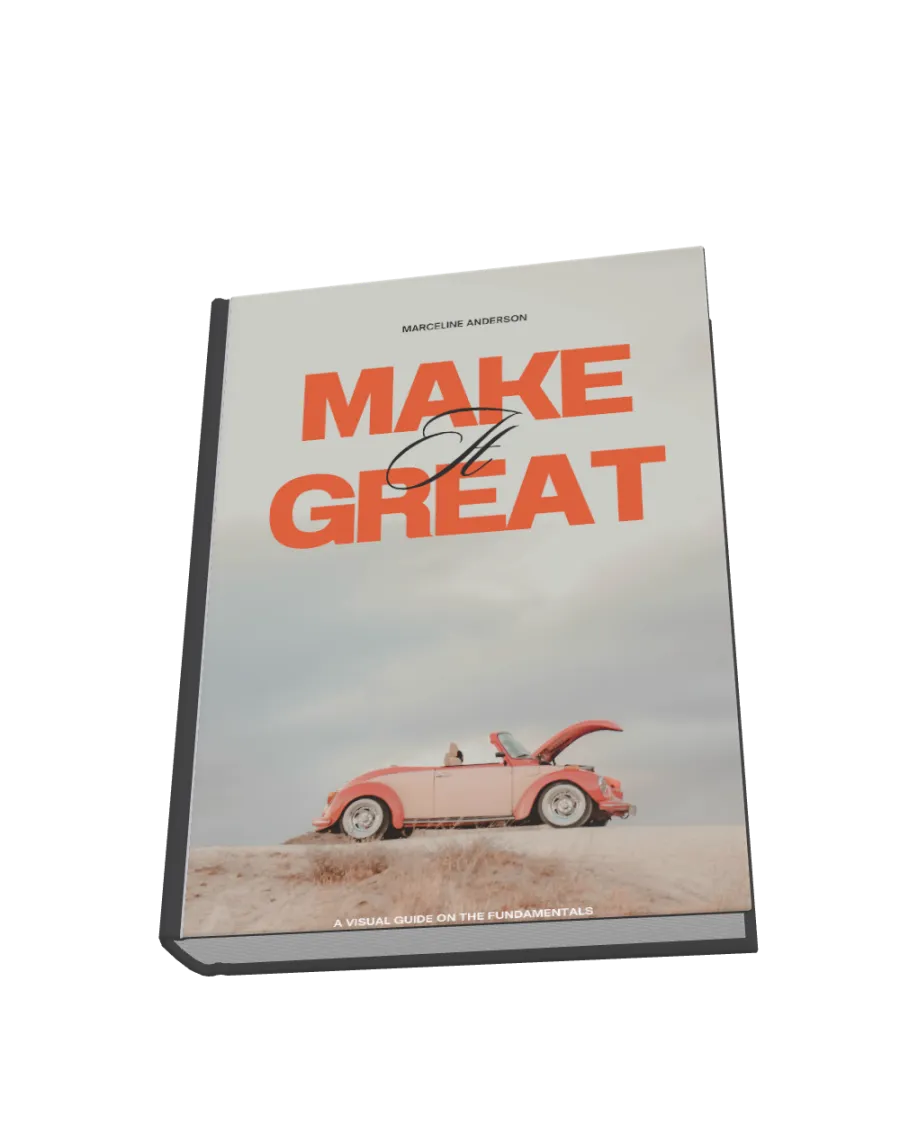
How to Create a 3D book Mockup with Mockey
To make a 3D book mockup in Mockey AI:
- Step 1: Hit 3D Mockup, then go to Prin > Book and pick a template you like.
- Step 2: Upload your images, choose colors for the book cover and pages, and set a background (360 view, gradient, or solid color).
- Step 3: Select the size, then download your 3D book mockup as a PNG, JPEG, or a short 5-second WebM video.


FAQs on 3D Book Mockups
What is a 3D book mockup?
A 3D mockup book is a digital image that makes a book look real, as if it's placed on a table, a shelf or held by someone. It’s a budget-friendly way to promote a book before printing actual copies.
Why should I use a 3D book mockup?
Book mockups turn a flat book cover into a 3D image, making it look real. You can use these images and videos to show people reading and enjoying your book in ads and marketing. The best part? They're affordable!
How can I create a 3D book mockup?
Better to use Mockey AI to create a 3D book mockup! Just pick a 3D template, upload your pictures, change the background or surface, and save it as a high-quality video or image.
Do I need design skills to create a 3D book mockup?
Want to create a free 3D book cover? Just go to Mockey AI's book mockup section and choose a template. Then, customize it however you want—no design skills needed!
Can I download my 3D book mockup for free?
With Mockey AI, you can create the best 3D book cover mockups for free! Just include your images, move the book to adjust its angle and size, and then download the final image. It is also possible to customize the book's color, surface, texture, or background.
What file formats are supported for 3D book mockups?
Save your 3D book mockup as a PNG, JPG, or in video format using Mockey AI
Can I use 3D book mockups for commercial purposes?
Yes, you can use Mockey AI for marketing if you own the rights to the book cover and mockup template. It helps you deliver your book naturally.
Do 3D book mockups work for eBooks?
Yes, 3D book mockups are great for eBooks. Moreover, they help market and promote the book online, making the book look more realistic and attractive.
