

Best Free Earring Mockup Generator Online
Explore Mockey.ai’s free earring mockup generator to use the best AI templates with models. Upload a design, edit with AI tools, change color, and export it in PNG or JPG. Use the preview feature before finalizing.
100+ Best Earring Mockups to Use Now
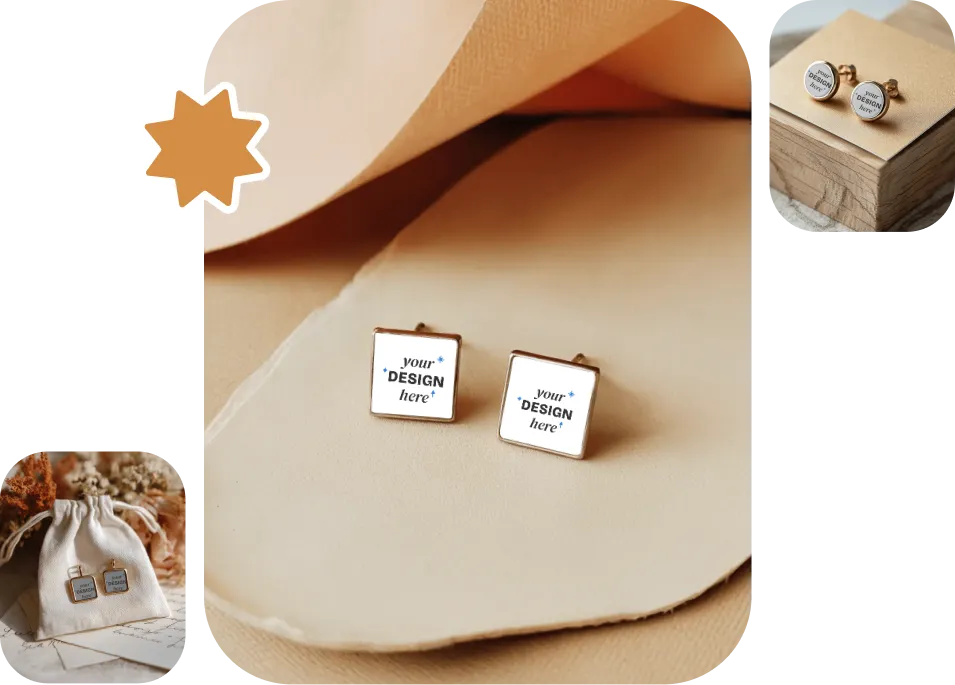
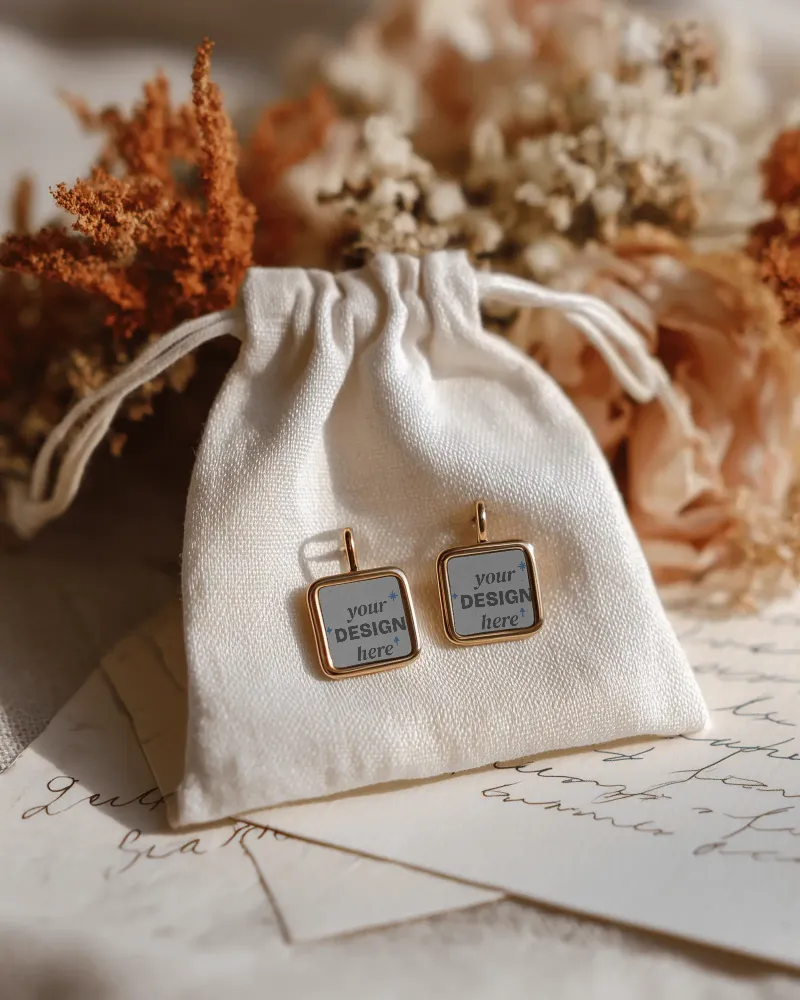
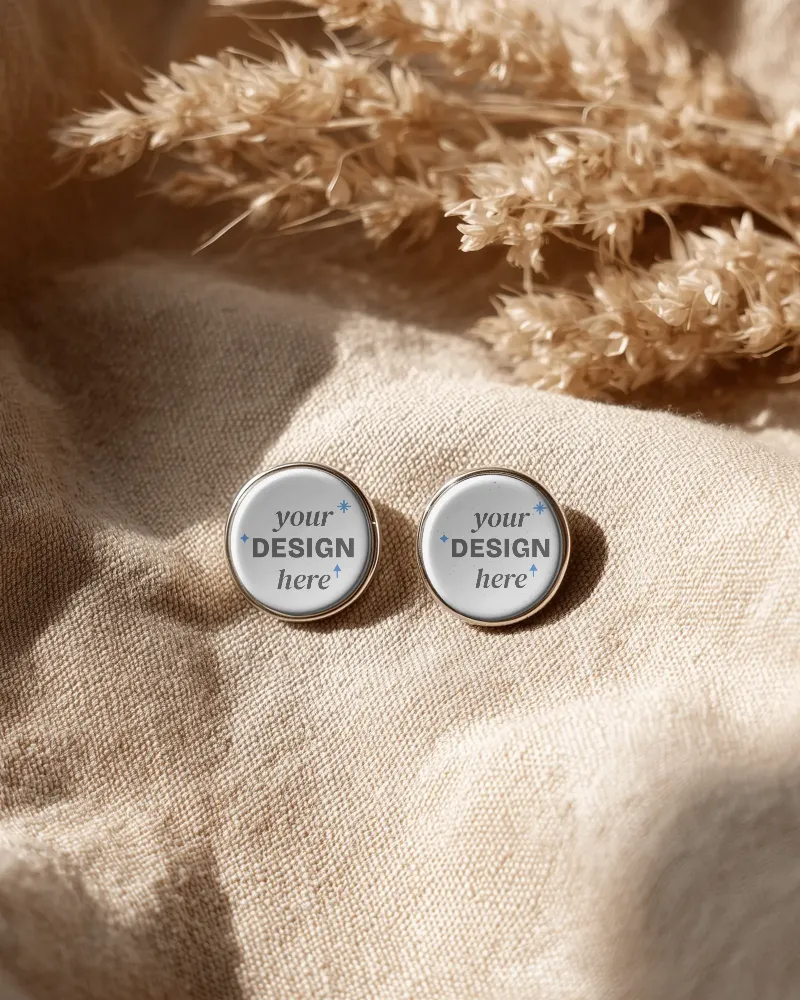
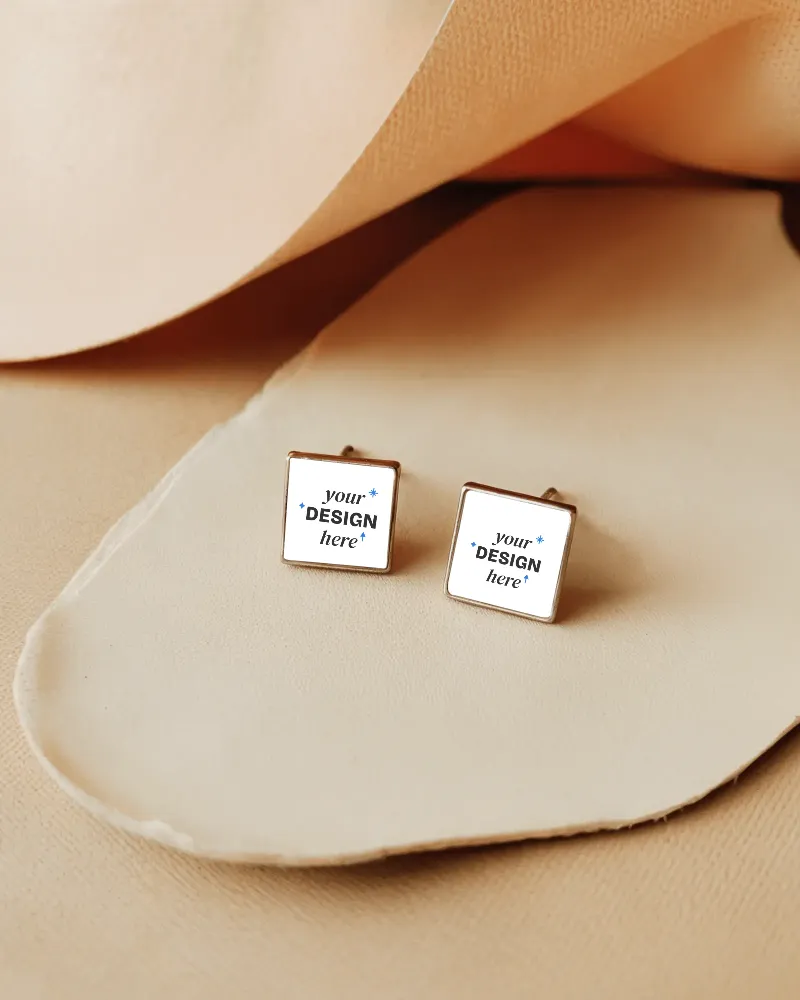
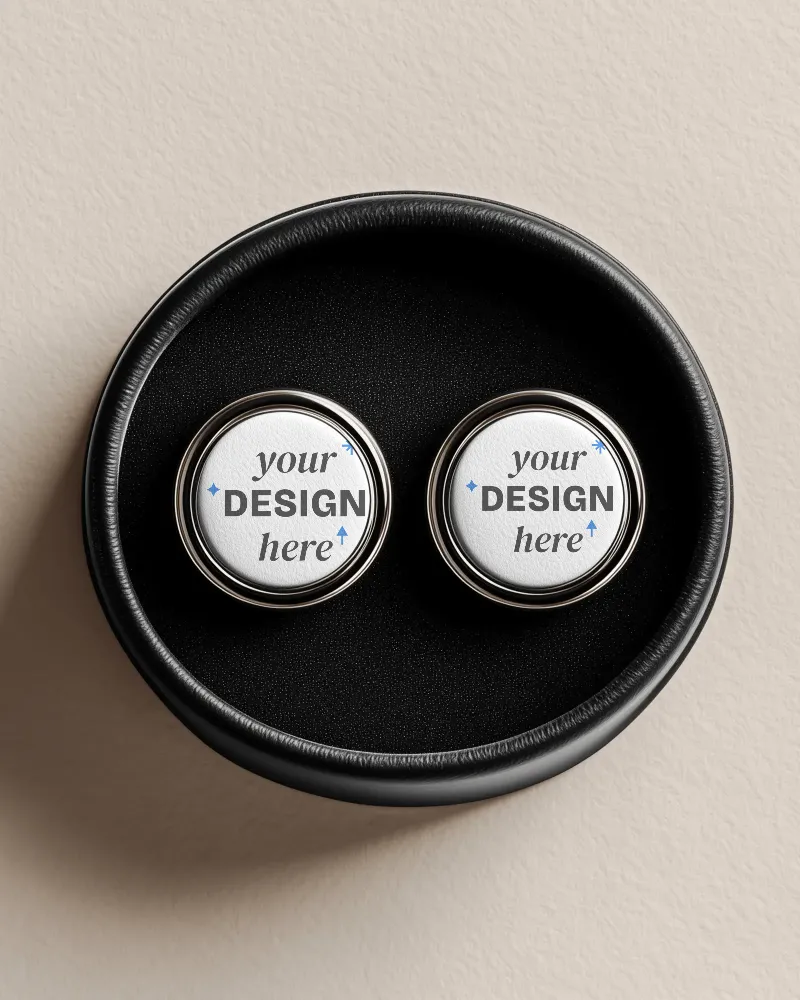
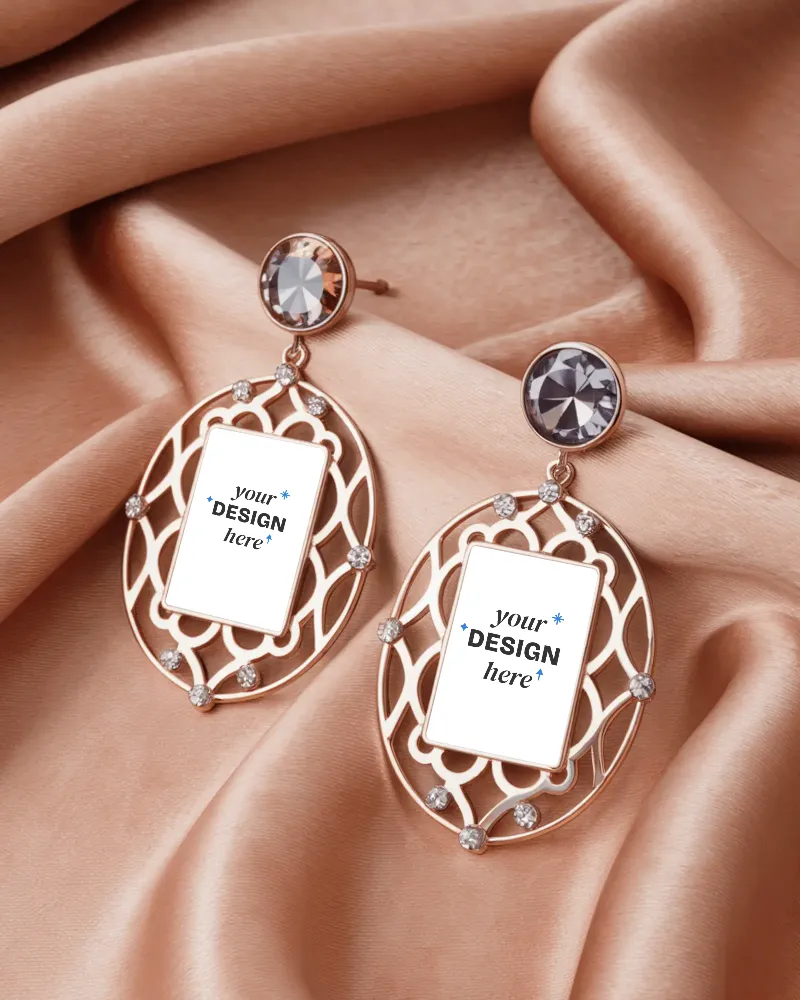
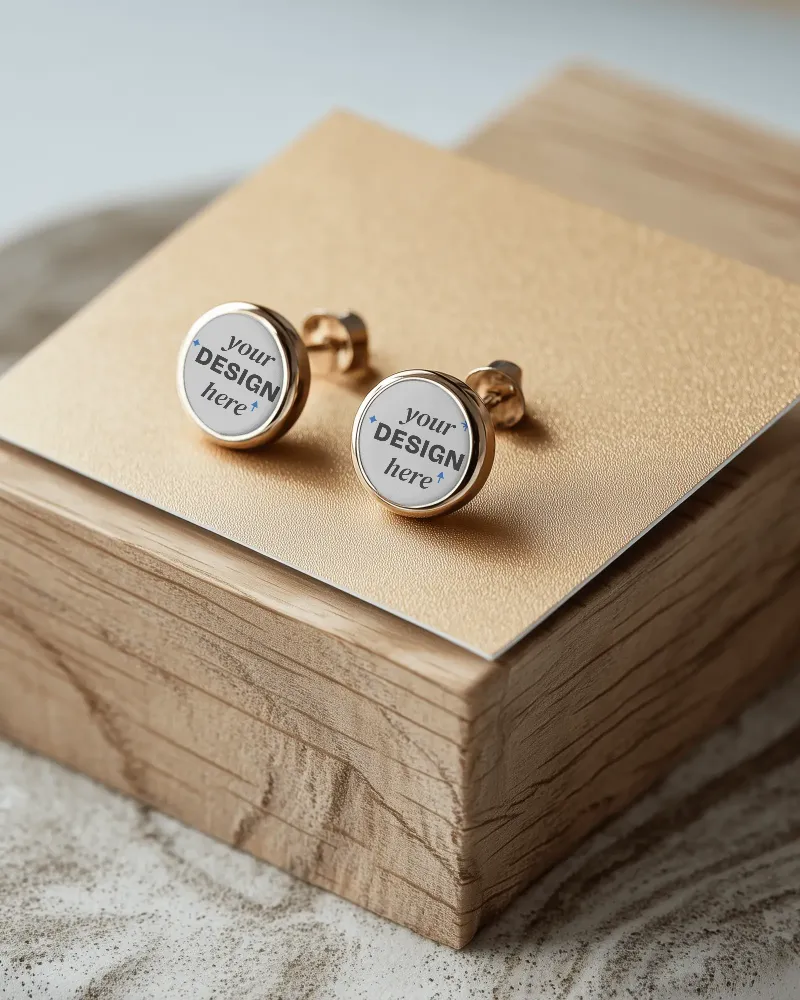
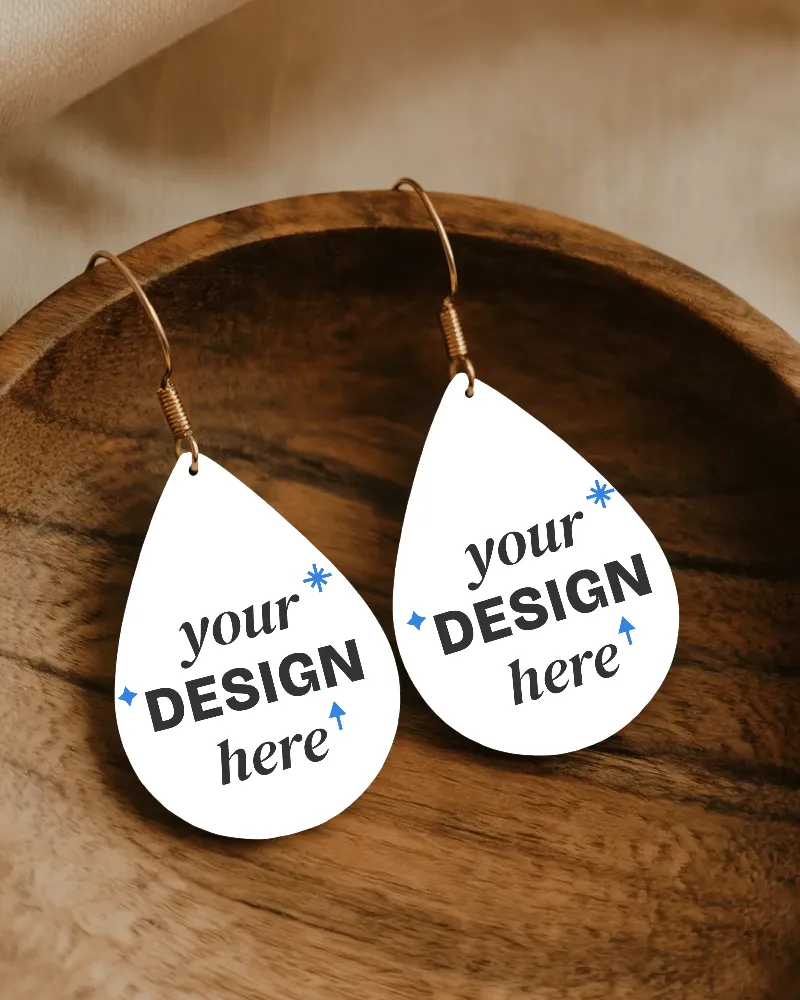
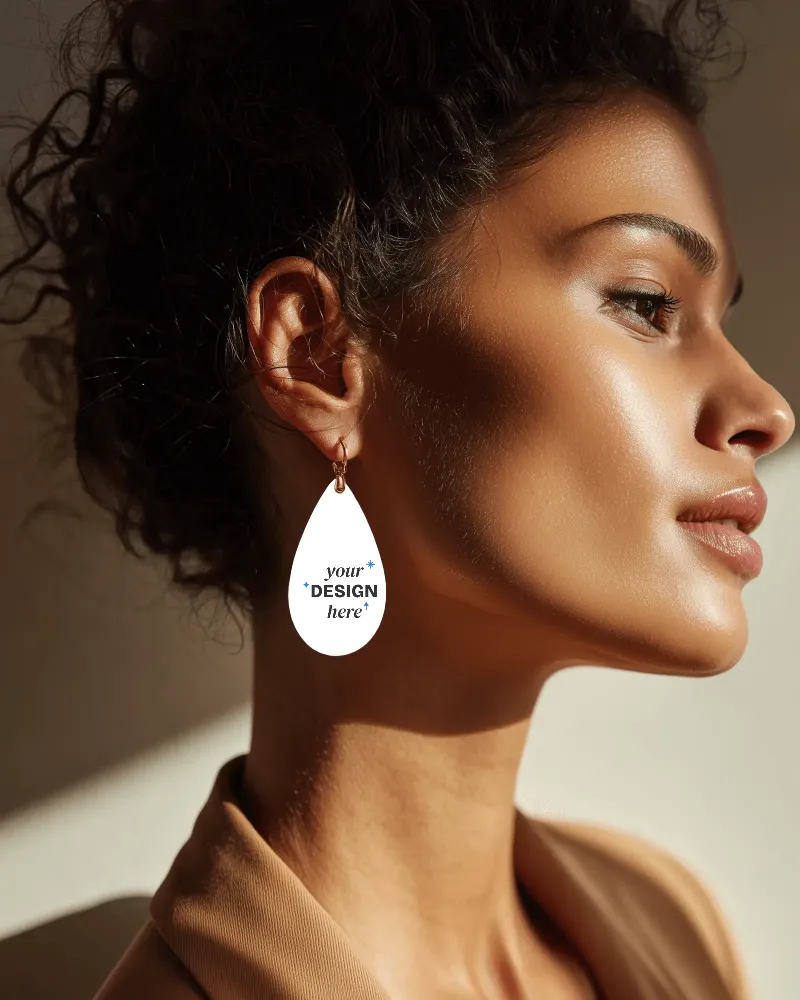
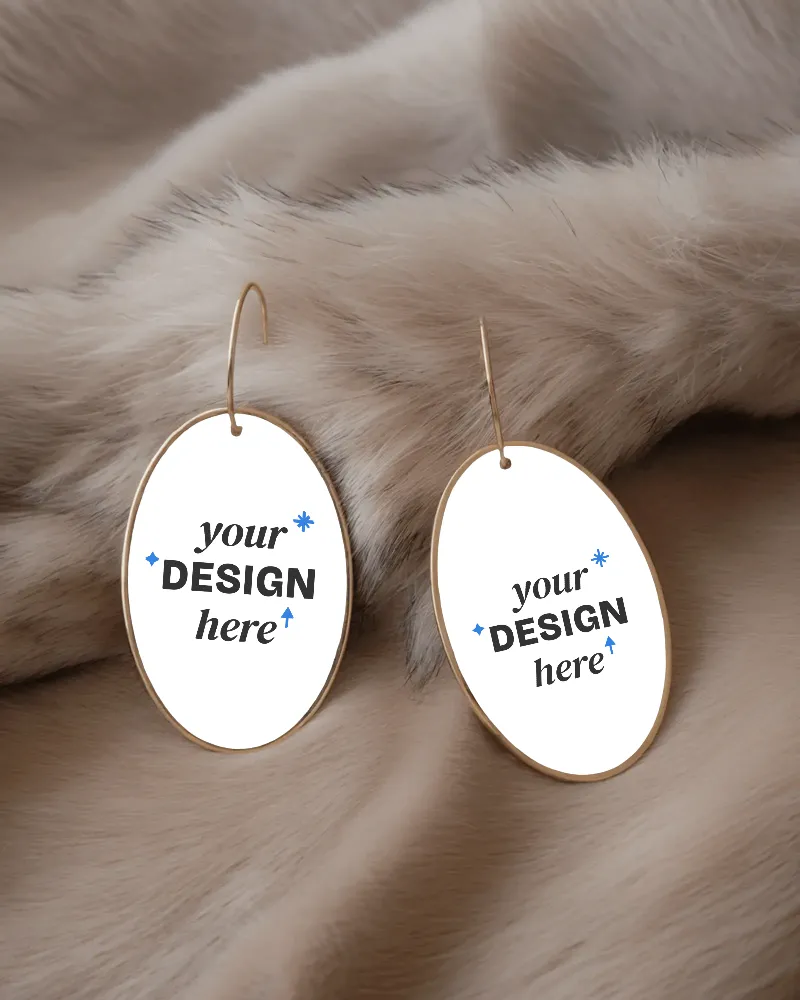
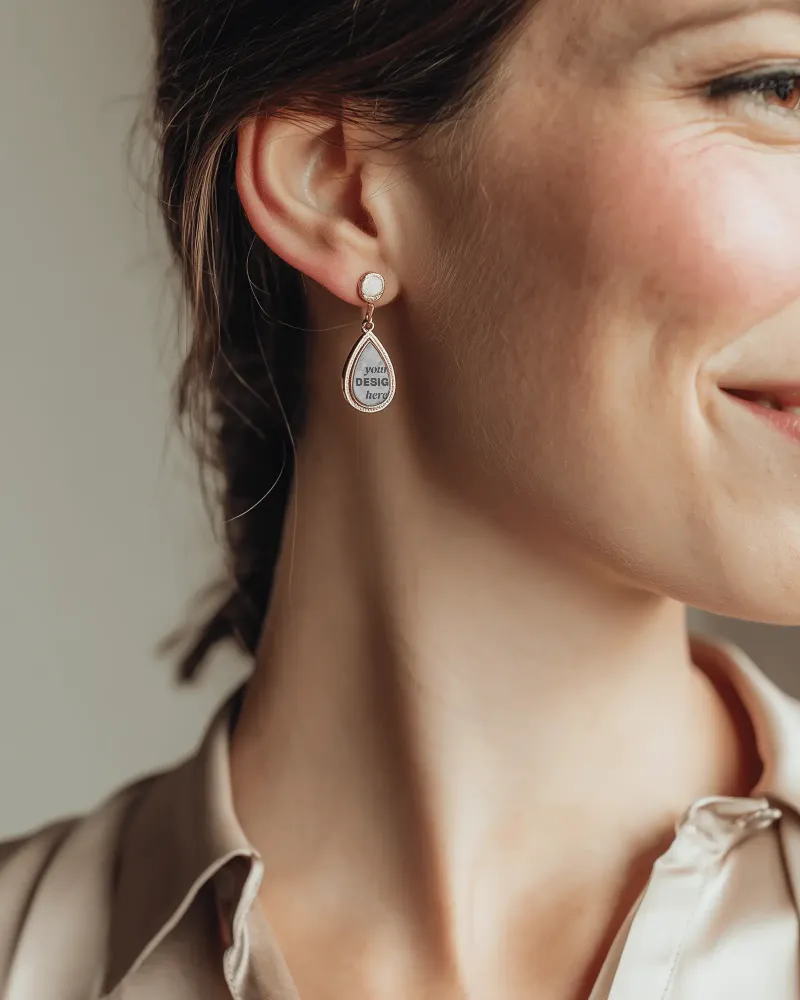
More than 100 templates have been made available to create earring mockups. Some are displayed with models, while others are shown with boxes placed in different locations. All the earrings are generated using AI. You will also find hoop and stud style options in this best earring mockup generator, where the lighting and shadows falling on the earrings look natural.
Sample Earring Mockup Templates
How to Create Earring Mockups in 3 Steps
Choose the Earring Template
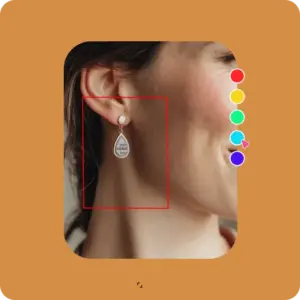
Click on Mockups, then go to the Jewelry section in categories and select Earrings. You will land on the catalog page where multiple templates are available. Pick one.
Customize Your Design
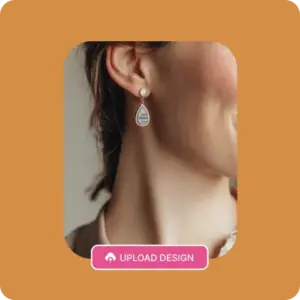
Upload the design to the editor page, change the color, use AI features for animation, and personalize it as needed.
Download Your Earring Mockup
After customization, click on the Download button. Choose your preferred format and size, and your earring mockup will be saved.
Different Types of Earring Mockups in Mockey.ai
Hoop Earring Mockups
You can choose the most suitable hoop earring mockup based on your design. Gold and silver hoops are often used for minimal or everyday styles, while textured hoops are good for bold fashion collections. Large hoops are popular for statement looks, whereas small hoops suit subtle designs. You can create these designs easily with Mockey AI.
Stud Earring Mockups
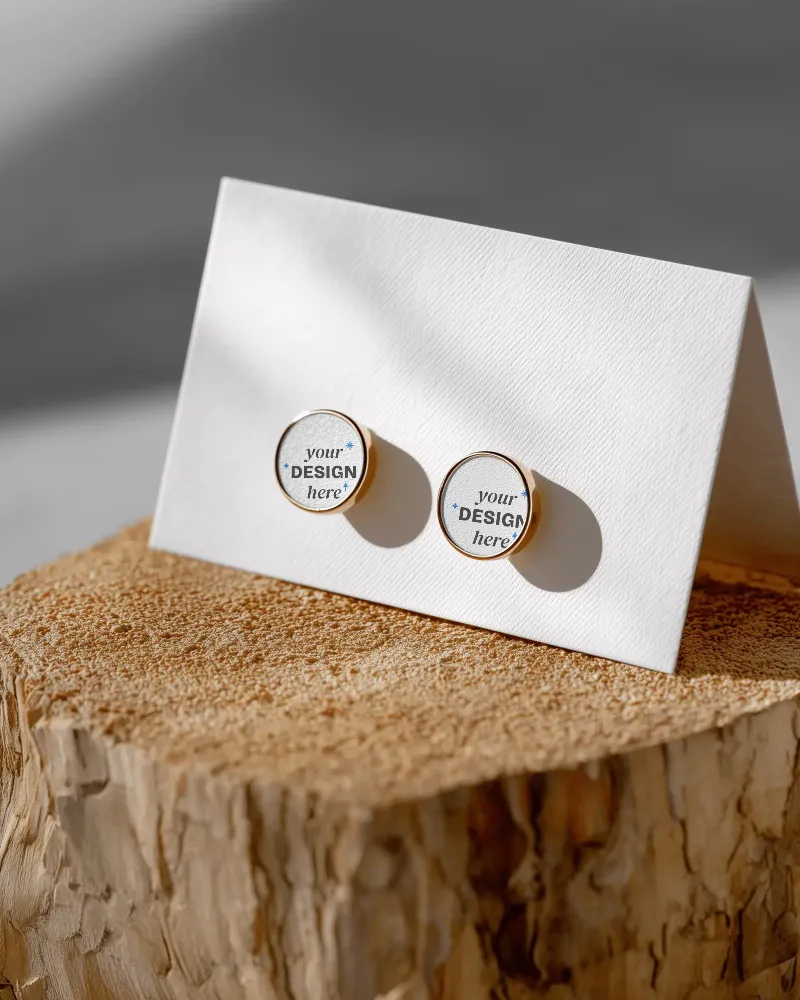
Mockey AI’s stud earring mockups look extremely realistic. You can see diamond, gemstone, and metal studs in this earring mockup generator. The stud earrings are displayed placed on a stone, worn in a model’s ear, and showcased along with a box.
Why Use Our Online Earring Mockups Generator?
Outstanding Templates
Mockey AI’s earring mockup generator offers ready-made earring templates where you can easily add your design. All the templates look completely real, as if they were just photographed in a professional photoshoot. Whether you are designing on mobile or on a PC, customization is simple, and exporting the product mockups is even easier.
AI Preview
The AI Preview feature of this earring mockup generator allows you to preview your design across all templates at once after you upload your design. On the catalog page, you can add your design and change the color using the AI Preview option on the left. Whether it’s earring mockups, ring mockups, or bracelet mockups, this feature works for all of them.
Advanced Editing Tool
Our AI mockup generator comes with advanced editing options that make customization simple. You can switch colors in seconds and even turn a static mockup into an animated one using AI prompts. You can also tweak the background and other design elements to match your idea. You will also be able to upload different designs to both earrings.
Other Mockup Generators to Explore
If your brand isn’t limited to earrings, you can also explore our other generators, like the frame mockup generator, the billboard generator, and 50+ more options. These pages guide you on how to create mockups, show sample previews, and explain why you should switch to this platform.
Create Earring Video Mockups in Mockey.ai
In video style, your earrings will look the most attractive with your design. That’s why Mockey AI’s video mockup generator offers ready-made video templates where your earrings appear in motion, either with a model or without one. Uploading your design is very simple, and you can export your video mockup in MP4 format easily.
Design Your Earring
If your earrings look good on your head, prove it. Use our earring mockup generator and create high-converting visuals in a few clicks.
AI Mockup Generator















FAQs
What is an earring mockup generator?
An earring mockup generator lets you upload your earring design onto a realistic image, like a model’s ear, a jewelry card, or a lifestyle background, without doing a full photoshoot. You just need to upload your design to a ready-made template.
Why should I use an earring mockup instead of real photos?
You should use an earring mockup instead of real photos because photoshoots and models cost money. An earring mockup generator helps you show your design on a model instantly, and test multiple styles like gold, silver, resin, clay, etc.
Can I put my earrings on a model using AI?
Many creators now use AI-generated models, place earrings on the ear area using inpainting tools or even mix real jewellery images with AI-created backgrounds. However, an earring mockup generator lets you upload a transparent PNG design and adjust size and angles instantly.
Are free earring mockup generators good enough?
Mockey AI has a free plan where you can export mockups without any watermark. However, the export resolution is limited, and you don’t get full access to all templates. If you run a store, it’s better to go for the paid plan, where you get all the benefits.
Can I create mockups for other jewelry items besides earrings?
Mockey AI doesn’t limit you to just earrings. If you also sell bracelets, necklaces, or rings, you can use the jewelry mockup generator to create consistent product images across your entire collection.