

Bag Mockup Generator – Get Free Templates
On our bag mockup generator, you get realistic paper bag and tote bag ready-made templates in different varieties. Save the bag mockups in multiple formats. Upload your design now!
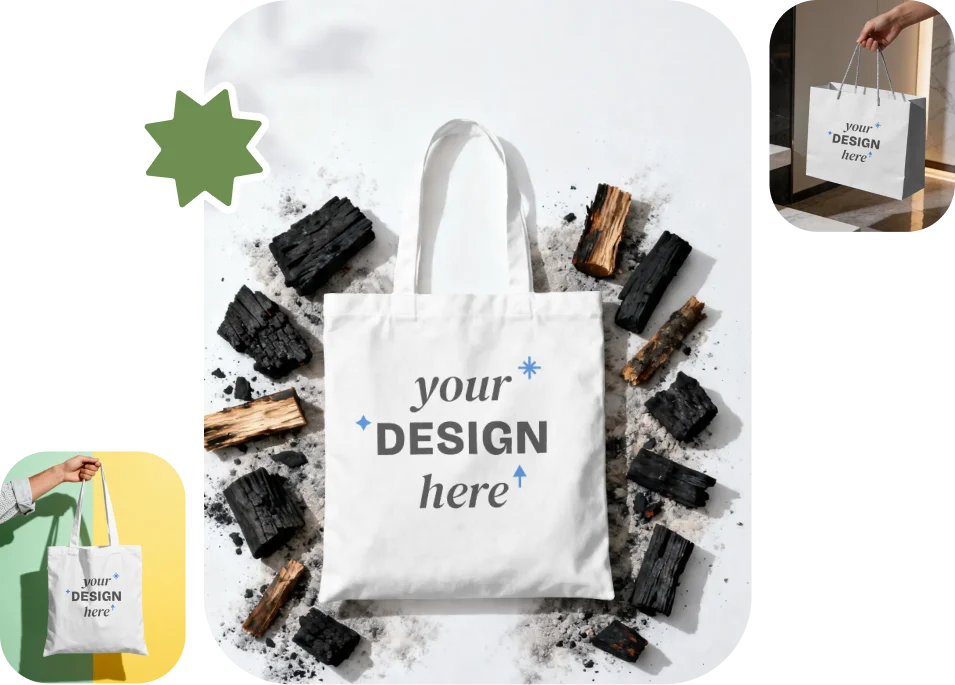
Customize Thousands of Bag Mockups in Mockey AI
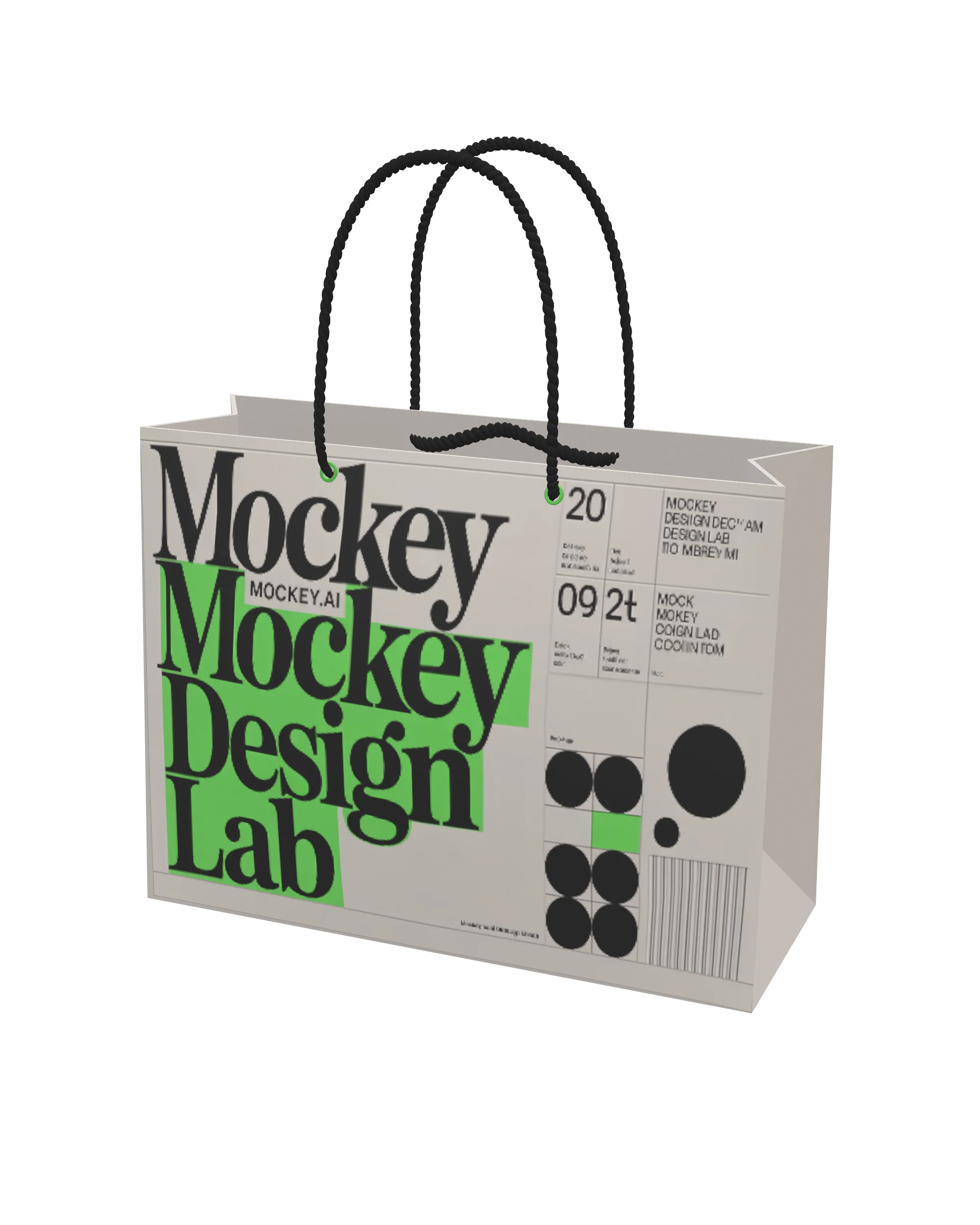
Browse thousands of bag templates on the catalog page, from tote bags to paper bags. Tote bag options include cotton, canvas, and urban styles, while paper bags cover categories like food paper bags and shopping bags. You can preview designs on models, in-hand shots, or table displays. Just pick the template you like and upload your brand design to get started.
Sample Bag Mockup Templates
How to Design a Bag Mockup?
Step 1: Click Mockups and Choose a Bag
Go to the Mockups section and choose any bag you like, whether it’s a tote bag from Accessories or a paper bag from Packaging.
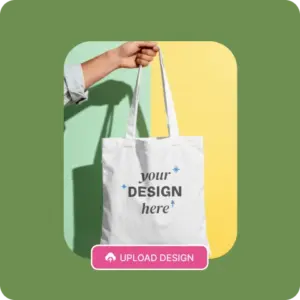
Step 2: Upload Designs to a Template and Edit
Click on a template to open the editor. Upload your design, change colors, apply warping, or use AI tools.
Step 3: Download the Bag Mockup
Hit the Download button, select your preferred format and size, and your bag mockup will be ready to save. No watermark will appear on the final output.
Types of Bag Mockups You Can Create in Mockey AI
Tote Bag Mockups
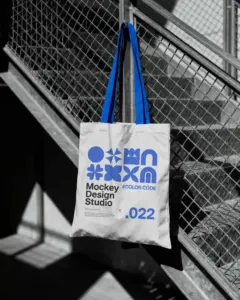
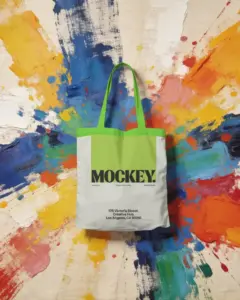
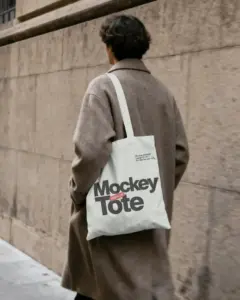
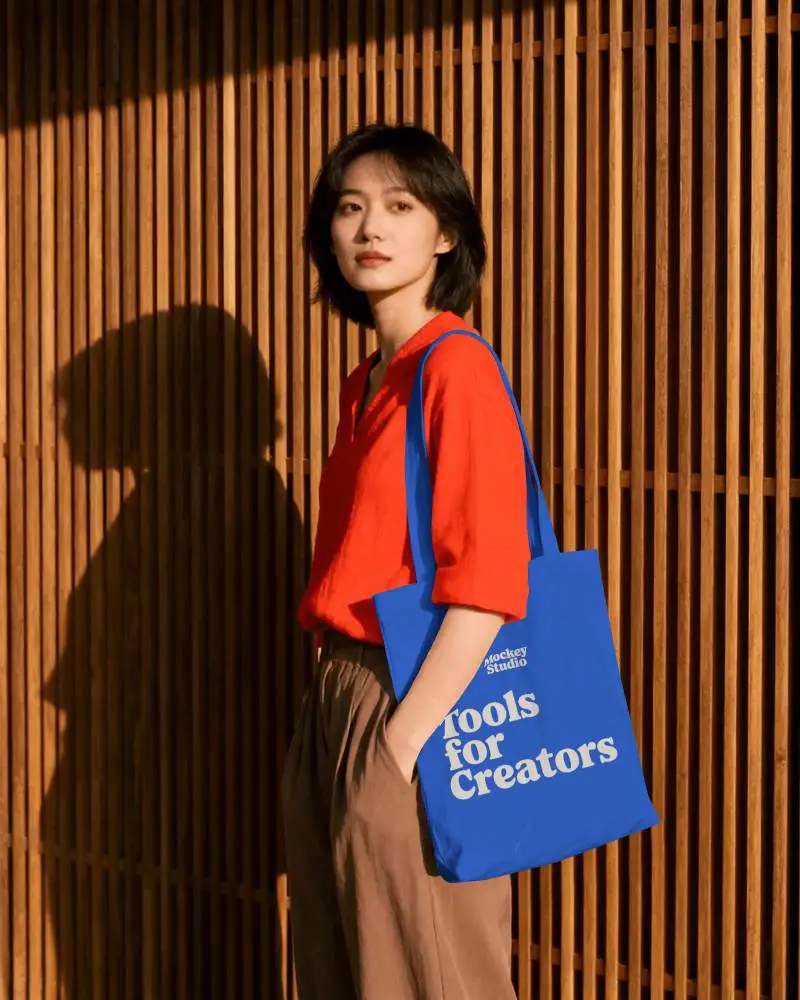
Mockey offers over 500 tote bag mockups. You get different types to choose from, including canvas and cotton tote bags, which are becoming popular among startups.
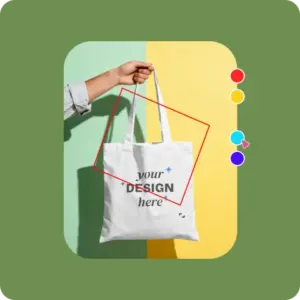
Get templates with a model carrying the bag, lying on a table, or a folded bag inside a box. You can preview how the design looks when the bag is being used. When a bag is filled or carried, the design can bend or hide in folds.
Paper Bag Mockups
A paper bag is the first thing a customer carries out of a shop, so brands want it to look thoughtful—not rushed.
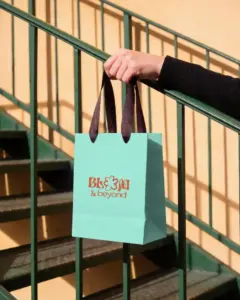
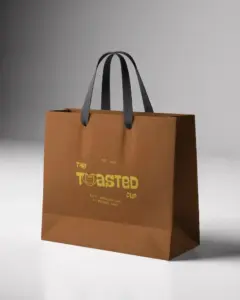
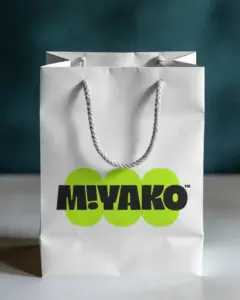
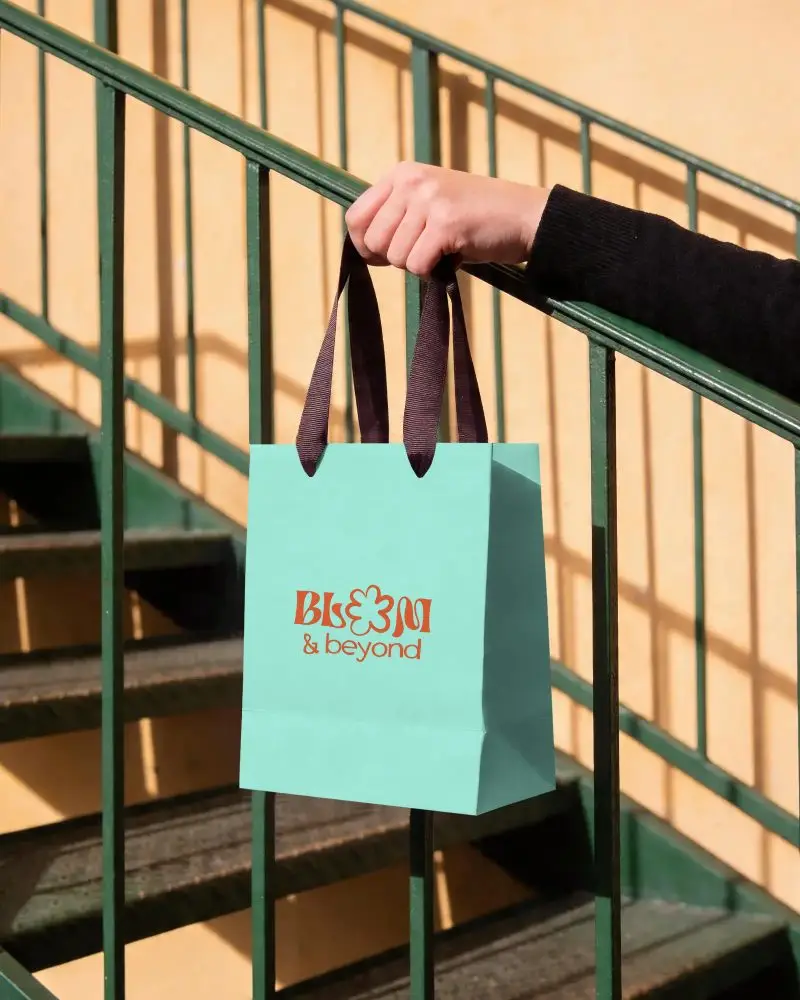
Mockey’s paper bag mockups are designed to give your visuals an attractive look. When you visit the catalog page, you’ll see a tag bar with options like food paper bags, shopping paper bags, and kraft paper bags.
Standout Features in Our Free Bag Mockup Generator
Realistic Bags
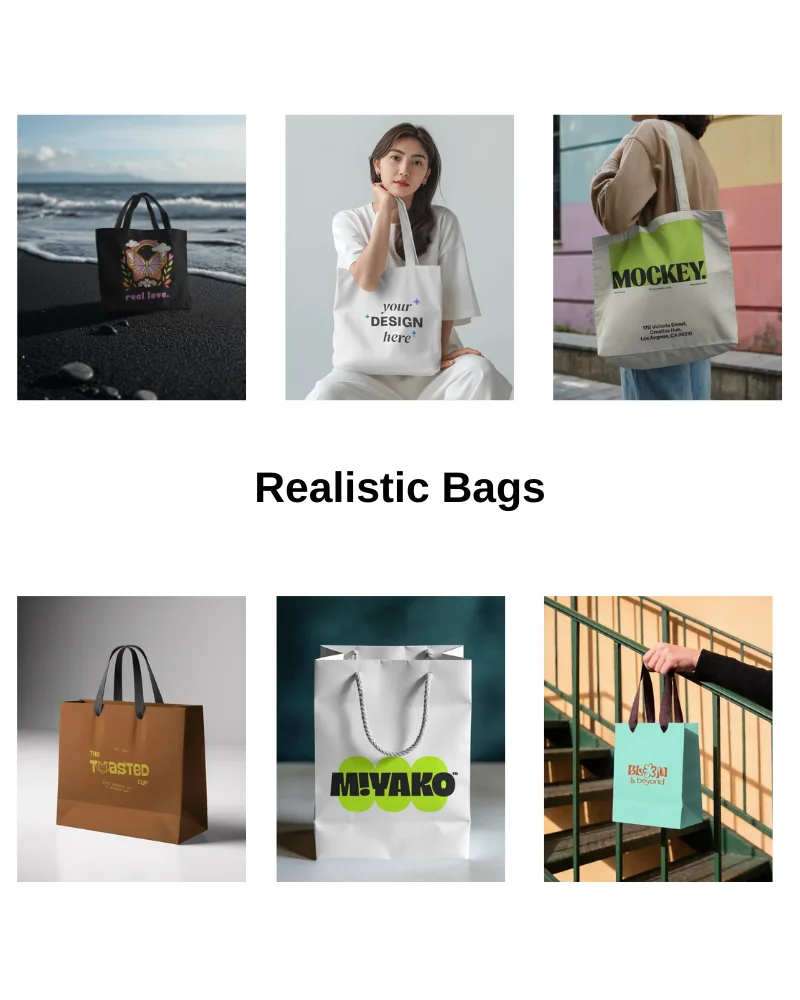
You’ll find incredibly realistic bag mockups in our bag mockup generator. It has natural wrinkles, creases, and folds, especially around the bottom and near the handles. Your design sits on top of those uneven surfaces.
When someone is holding the bag, the shape slightly changes. The fabric pulls, the corners bend, and the print stretches a bit depending on the angle. Dark areas, bright spots, and fabric texture all interact with your artwork.
Manage Your Mockups with Projects
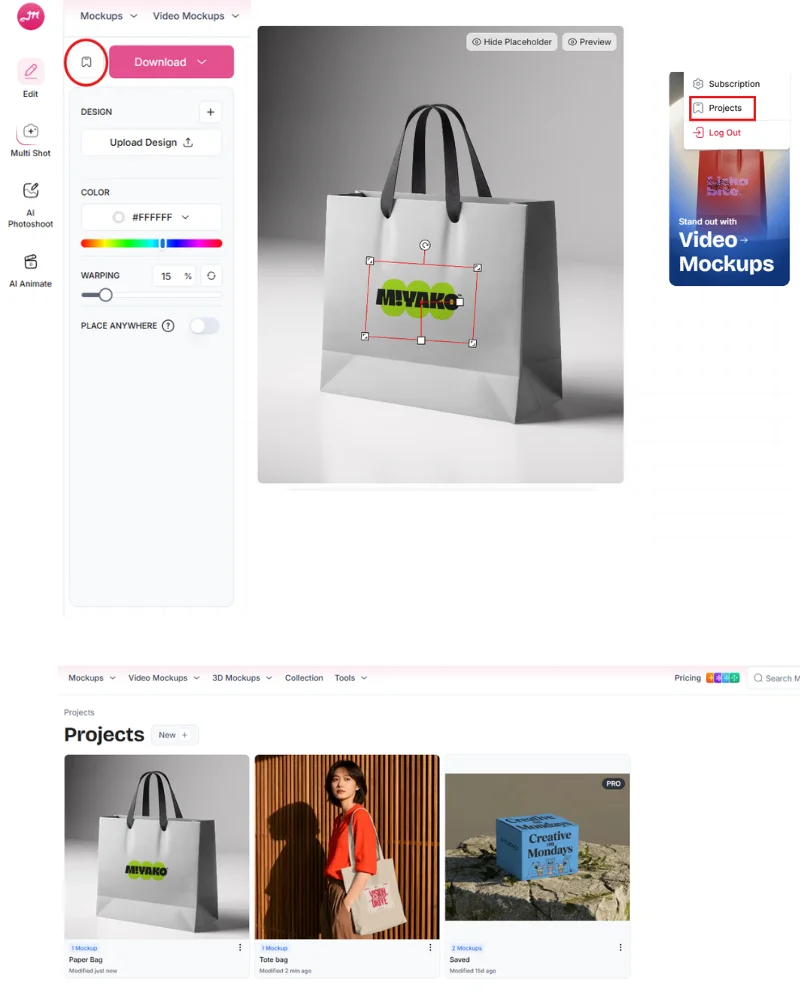
With Mockey, every design can be saved in a dedicated project. Once saved, your mockups stay structured inside that project. You can open it anytime, see all saved designs, and continue editing without starting over. On the dashboard, your recent projects appear organized, so you can quickly jump back into your latest mockup.
Place Anywhere Feature
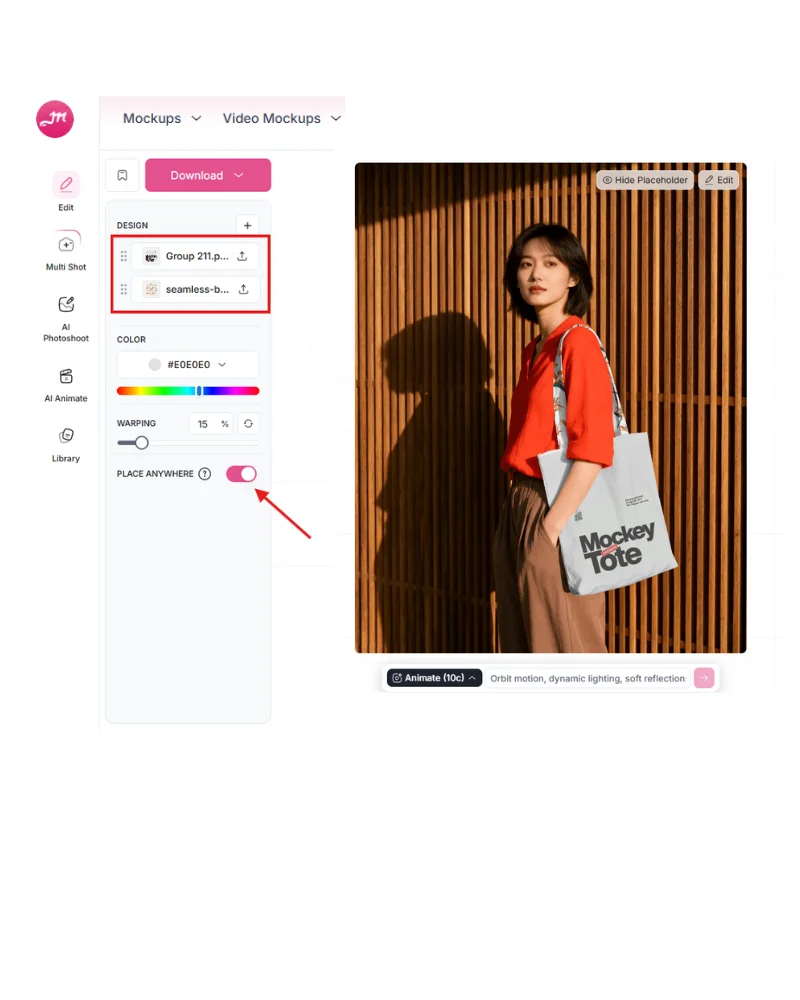
On Mockey’s editor page, there’s a Place Anywhere feature. Once you enable it, you can position your custom image anywhere on the template. Some brands use patterns on the straps to make the bag stand out from every angle. You can add it to the straps with this feature. If you want edge-to-edge coverage, try all-over print instead of standard placement.
Explore More Mockup Generators
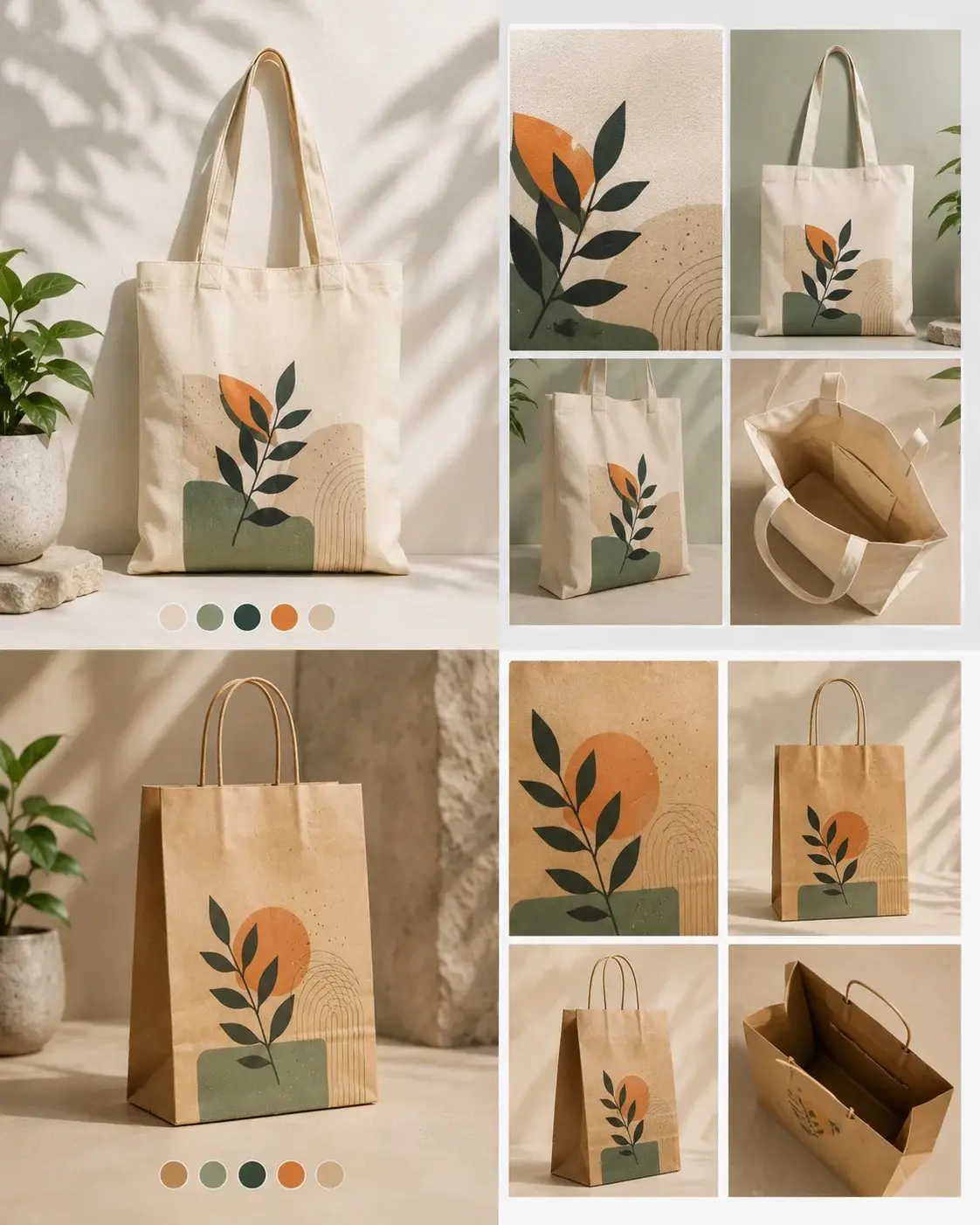
Apart from this bag mockup generator, you can also explore other pages like the tote bag mockup generator and paper bag mockup generator, depending on what you’re designing. If you’re working on canvas-style designs, a tote bag works best. For retail or packaging-focused designs, a paper bag is a better choice.
See Your Bag Designs in 3D
You can choose 3D bags in Mockey’s 3D mockup generator and add your designs with a real-time preview. Put your brand image on any surface of your bag, whether it’s the side, the body, or the bottom.
You can also customize each part with different colors. Once done, you can download your 3D mockup as an image or with motion animation.
Generate Bag Video Mockups with Us
Use our video mockup generator instead of hiring an entire video production team. We offer a wide range of bag video templates. You can showcase your bags in outdoor locations or present shopping bags in mall scenes with models.
Upload your design to a template, make quick edits using the built-in tools, and tap Generate Video. Each video is 5 seconds long.
Design Your Bags
Why struggle with photoshoots? Use our bag mockup generator to create realistic previews that convert viewers into buyers. Your bag belongs in a premium brand catalog.
AI Mockup Generator















FAQs
What is a bag mockup generator?
A bag mockup generator is an online tool that lets you place your design on bags like tote bags, shopping bags, or paper bags without creating a real product.
Where to create bag mockups for free?
With Mockey AI, you get a free plan to create bag mockups without giving card information. Upload the design to the template, personalize, and download with no watermark.
What features do users expect in a bag mockup generator?
Users expect quick design upload, real-time preview, model scenes, multiple templates, and fast rendering in a mockup generator.
Are mockups important for selling bags online?
Mockups are important for selling bags online, especially for print-on-demand. A lot of sellers use mockups to begin marketing before manufacturing.
Can I get multiple angles of a bag mockup?
With Mockey, you can generate multiple-angle shots from a single bag mockup. Upload your design and use the Multi Shot feature to create different perspectives like front, back, or top view.