

Best iPhone Screen Mockup Generator
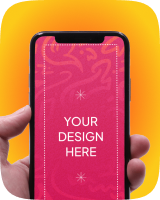
Explore the iPhone screen mockup generator to display an iPhone front view with a custom app or website inserted into the screen. Upload a design now.
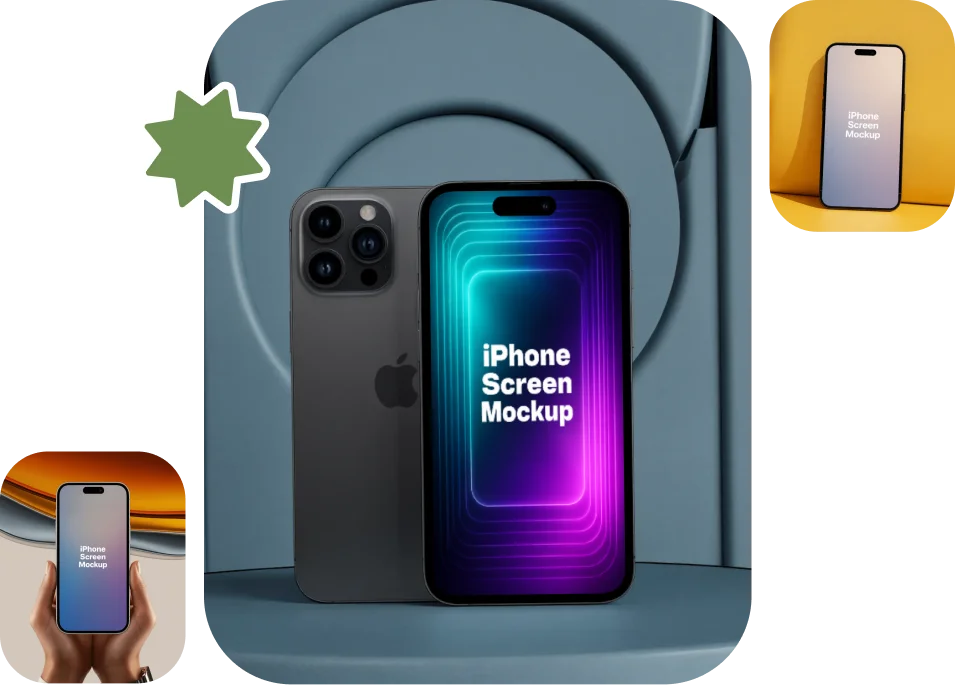
100+ iPhone Screen Mockup Templates
Make iPhone screen mockups in one click. Use them for app development, UI/UX designing, mobile website previews and a variety of other purposes. Our iPhone screen mockup generator handles it all. Just use a template, add an app screenshot, and begin editing. Choose from many styles. Get the best AI templates that look completely real.
Sample iPhone Screen Mockups
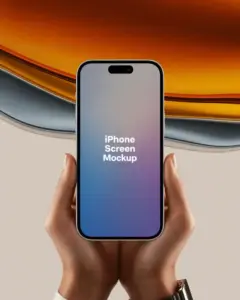
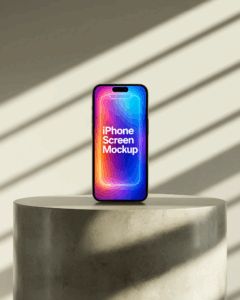
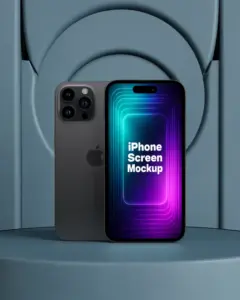
How to Create an iPhone Screen Mockup?
Step 1: Log in
Visit Mockey AI. Press the Login/Sign Up button. Create an account.
Step 2: Choose an iPhone Screen
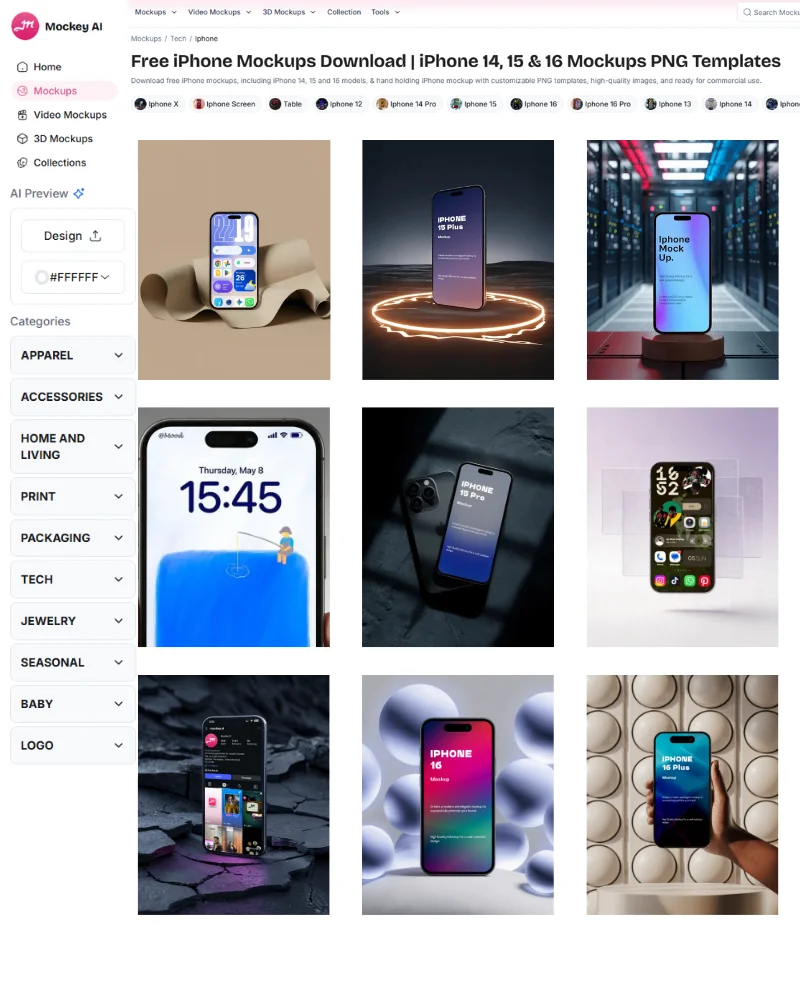
Once logged in, you’ll see Categories. Go to “iPhone” under “Tech“. Now tap the “iPhone Screen” tag to view all the templates.
Step 3: Edit and Save
Select a mockup to add a design. Tweak it as you like. Hit Download. Save the iPhone screen mockup in your preferred size and format.
Make Lovely iPhone Screen Video Mockups
Will you manage with just static images? See iPhone screen mockups in video format. Go to our video mockup generator, select iPhone screen under the tech section, upload your design to a template, and generate a 5-second video mockup. The pricing is quite affordable.
Why Choose Our iPhone Screen Mockup Generator?
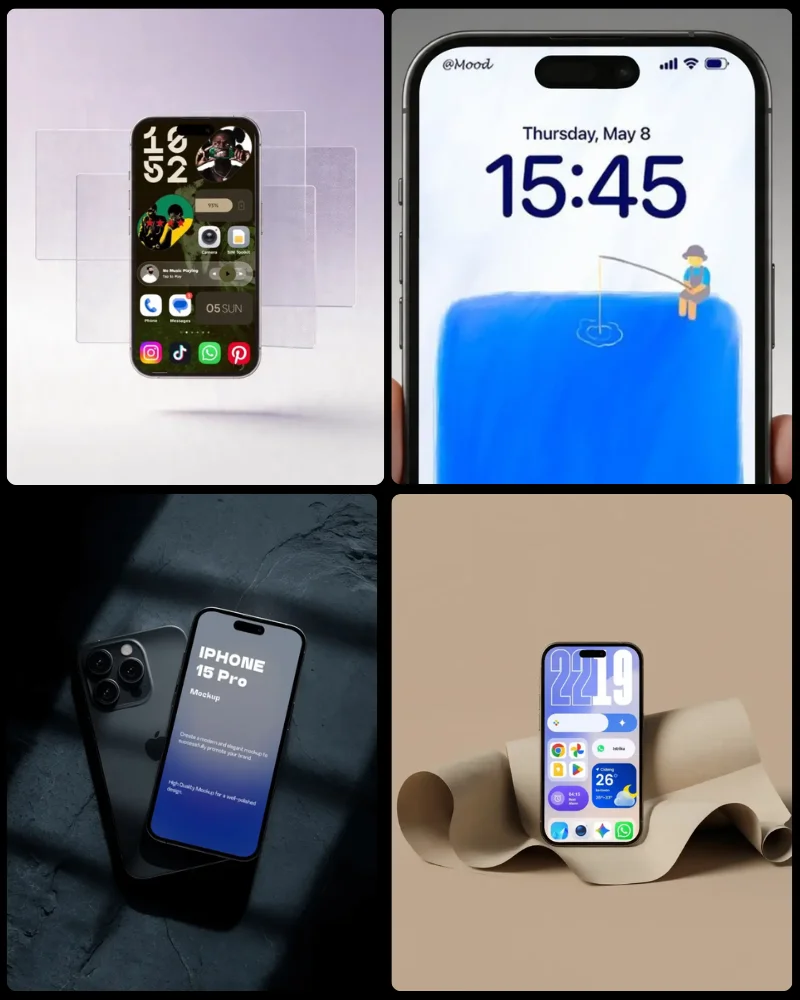
Screens of Different Types of Models
Mockey AI’s iPhone screen mockup generator includes all types of iPhone models, starting from iPhone X up to the latest iPhone 16 Pro Max. Each mockup is designed with the exact screen dimensions that match the real devices.
Best Customization Tools
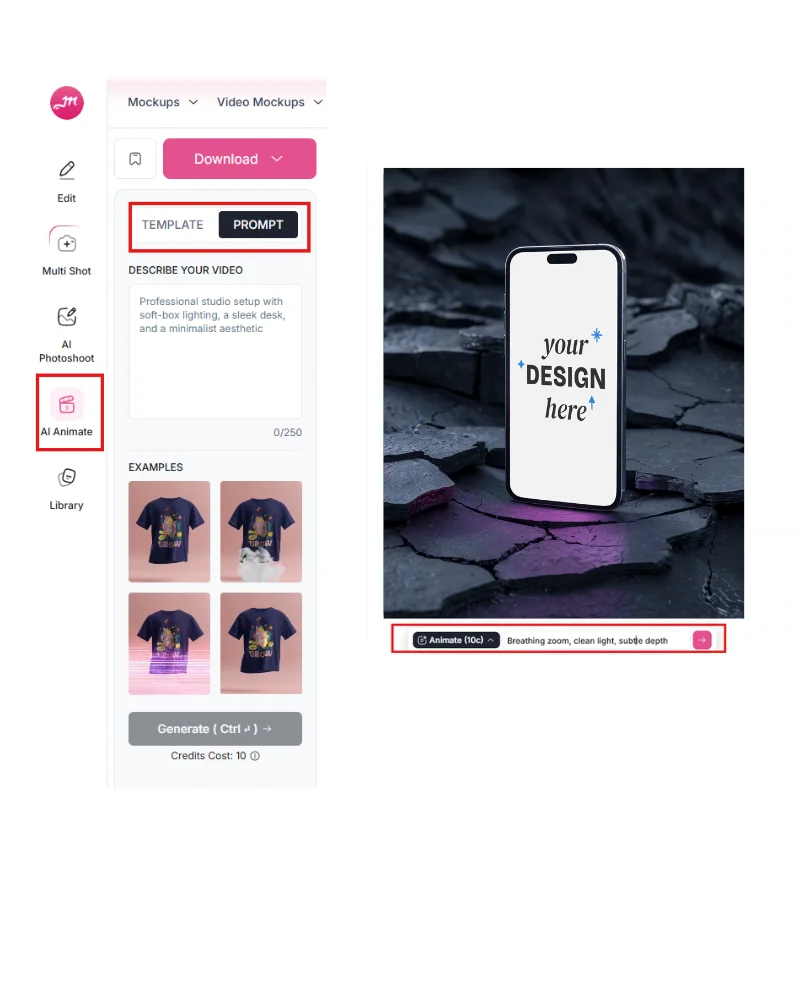
If you select a template, you’ll get editing tools like cropping the design and converting the mockup into an animation. Yes, there is an Animate feature on the editor page. Just type a prompt for any changes, and the mockup animation will be generated in seconds. Whether it’s iPhone screens, laptop mockups, or iPad mockups, you’ll get the same editing tools in all of them.
AI Templates
AI has been used to create all of these iPhone screen templates. With the help of Mockey, you are able to make your own AI mockups using AI-powered templates as well as use some advanced AI tools for editing them.
Additional Mockup Generators to Discover
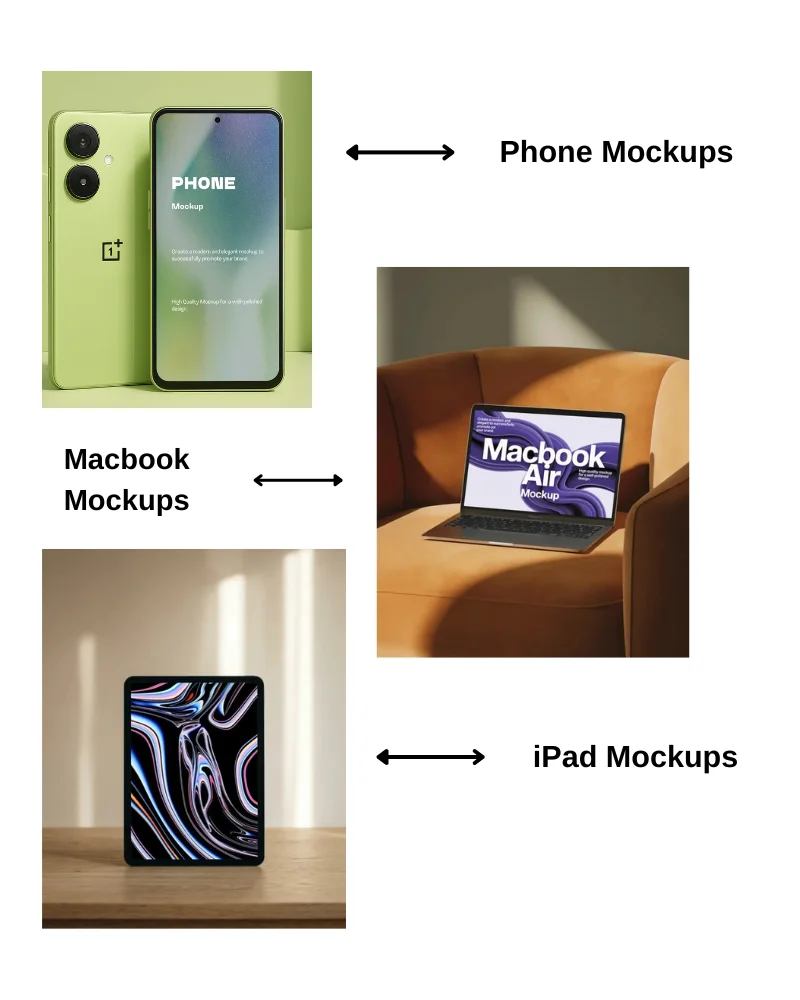
Apart from the iPhone screen, explore some of our other outstanding mockup generators as well, such as the MacBook mockup generator, iPad mockup generator, phone mockup generator, and more. All these generators guide you by showing template examples, explaining the steps you need to follow, and helping you understand why the Mockey AI platform is the better choice.
Design Your iPhone Screens
Why stress over Photoshop layers when you can drag, drop, and mockup in seconds? Our iPhone screen mockup generator is so easy, even your cat could design a killer app preview. Okay, maybe not your cat. But definitely you. Try it now!
AI Mockup Generator






FAQs
Why Choose Our iPhone Screen Mockup Generator?
The iPhone Mockup Generator highlights the entire iPhone device, including the screen, body, and surrounding elements like hands, flat lays, or 3d angles. Example mockups might include the iPhone being held, placed on surfaces, or viewed from different angles. Alternatively, you can use the iPhone Screen Mockup Generator to show off app UI, website screenshots, or mobile design previews directly on the iPhone screen.UI/UX designers and mobile website presenters should use it. Usually, these mockups display an iPhone facing forward with a personalized screen.
Which is the best iPhone screen mockup generator?
Mockey AI’s iPhone screen mockup generator is the best for creating mockups of iPhone screens. Whether it’s about templates, editing tools, or image file options, everything is top-notch.
What are some design tools Mockey AI offers?
To customize iPhone screen mockups, you’ll get options to use color, background, and prompts. Keep in mind that you’ll need the CREATOR plan to access AI tools.
Is Mockey AI’s STARTER plan affordable?
Obviously, the STARTER plan is $7/month. If you want, you can go for the yearly plan, which is the best option because it will cost you only $5.7 dollars per month every year.
Are there any multiple iPhone screen mockups?
Yes. On our iPhone screen mockup generator, you’ll find multiple iPhone devices where you can add different app screenshots as you like.