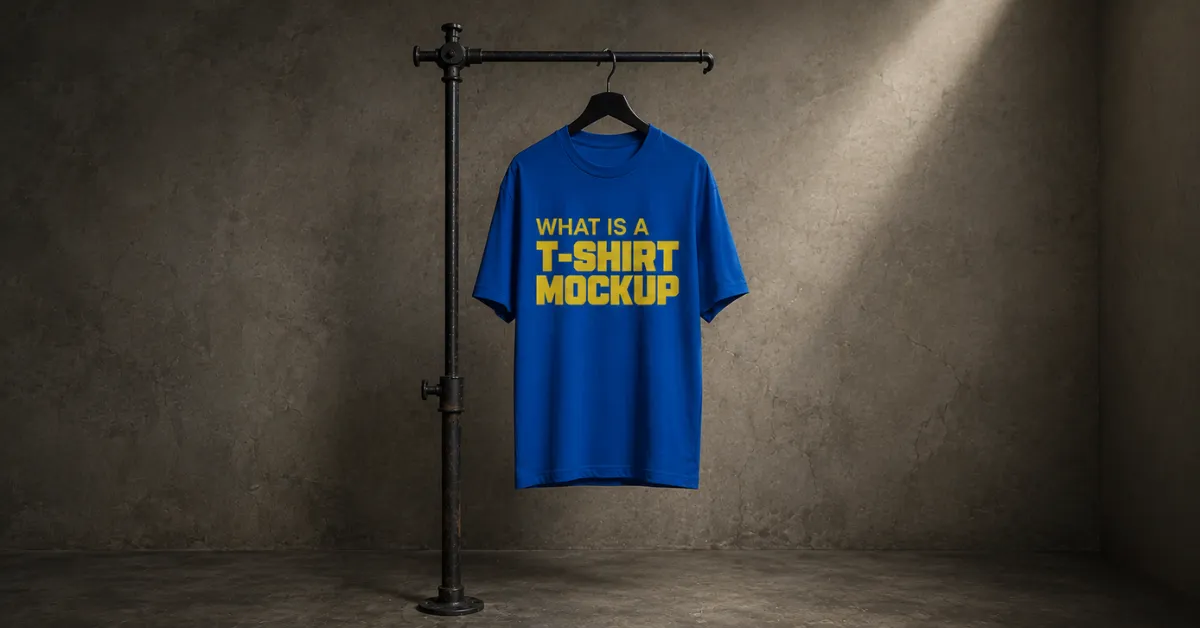
What is a T-shirt mockup? It is an image template to preview your custom design, garment color, or fabric fit before manufacturing.
T-shirt Mockup Example:
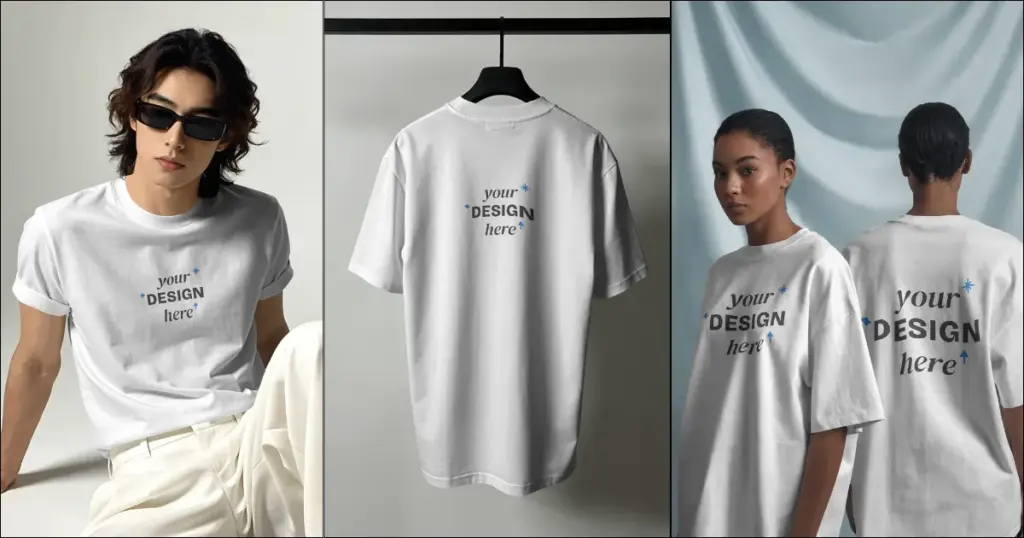
This article will help you learn what is a T-shirt mockup, why use T-shirt mockups, and how to make T-shirt mockups using the best free mockup generator.
To boost sales on a print-on-demand website, stop taking your product images and use T-shirt mockups, whether you’re making shirts with Cricut, Silhouette, screen printing, or print-on-demand services.
Now that you know what a T-shirt mockup is, create one with your own design and test different product visuals before publishing.
A t-shirt mockup is a blank t-shirt template where you add pictures to see how the final product will look. A t-shirt mockup should look just like the real product. Your design should look like it’s printed on the t-shirt, not added digitally.
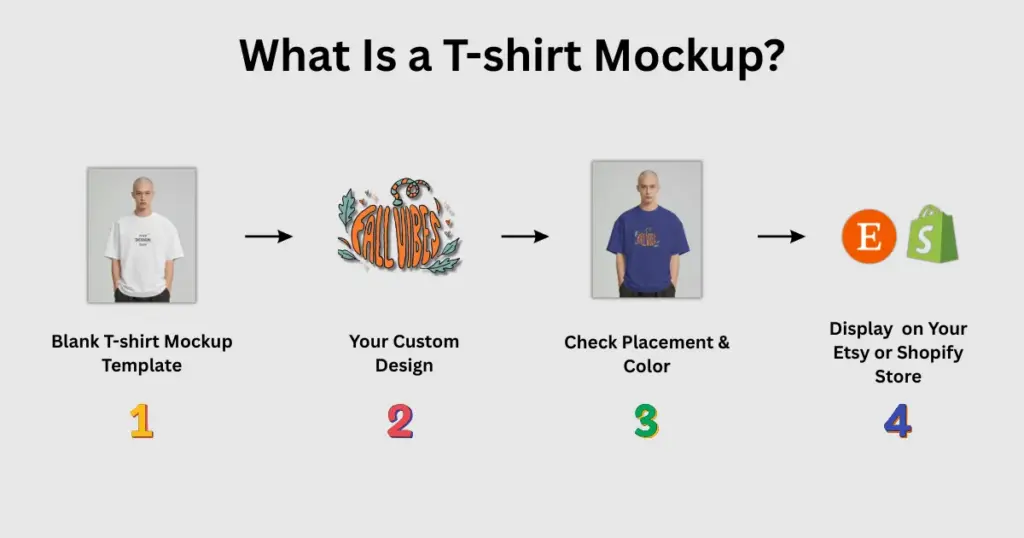
After discussing what is a t-shirt mockup, let’s cover why use t-shirt mockups for your business.
There are several reasons why you should use t-shirt mockups.
Before mockups, we had to make each design by hand, cut the vinyl, and press it onto a t-shirt with a heat press. Taking a good photo with a phone is easy, but capturing an excellent shot of the product can be tricky!
Photographing T-shirts is tough. No matter how we arranged them, they looked messy and boring. We spent hours trying to position them just right, hoping for that perfect, natural wrinkle.
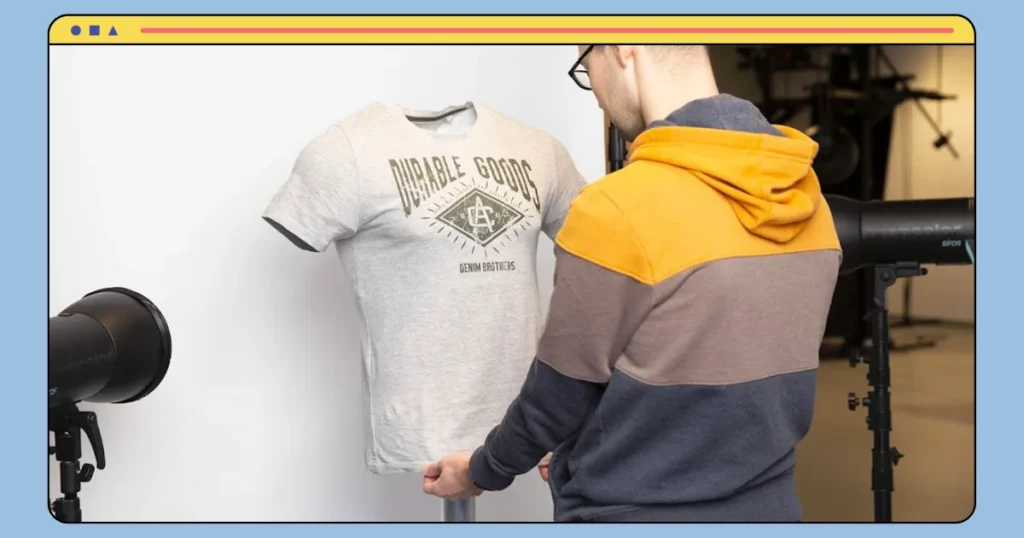
We took a photo we liked, but we couldn’t get the bright, white background different shops had. Even on a poster board or white desk, it looked dull.
We found t-shirt mockups and realized how easy they are to use! Just search for Mockey AI, add your design, customize it, and download it.
We could’ve employed a photographer for our product images, but since we like trying new ideas all the time, it wasn’t practical. We didn’t want to set up the photoshoot each time we added something new, plus we didn’t like to spend on it.
Each time we added a unique design, we had to use a t-shirt from the inventory, which quickly added up!
With t-shirt mockups, we can use free t-shirt templates from Mockey AI and create as many designs as we want. If we need a new color or style, we just add it and download the t-shirt mockup.
Using t-shirt mockups instead of our phone pictures made our shop look way more professional. When shopping online, we’re more likely to click on the product with the better photo.
Your customers will do the exact same. On platforms like Blinkstore, your images are what make them click on your online shop instead of others.
No one would buy from an online shop if the listing image is dark or looks messy. A bright, clean, and professional photo makes us trust that the item is from a good, organized place.
Successful online stores often have a consistent style. If you’re selling t-shirts, using t-shirt mockups is important for making your shop look unified.
We love a clean white background. It’s comfortable on the eyes and helps customers focus on the designs without being distracted by extra props like shoes, pants, or phones.
Styled t-shirt mockups are wonderful for showing how a t-shirt might look, but we’ve had more success using mostly white backgrounds for our photos. We add a few styled t-shirt mockups to keep it interesting.
Now, adding a unique design to the t-shirt mockup file is super easy, so testing new ideas is simple. We never loved having too many designs in our store, so we would try out new ones, promote them for a few weeks, and remove any that didn’t work.
We didn’t have to use t-shirts from our stock or print new designs on each one.
We loved downloading t-shirt mockups in colors we wouldn’t usually order. You probably sell what you desire, using colors and backgrounds you think are pretty, even if they’re not what the customer wants.
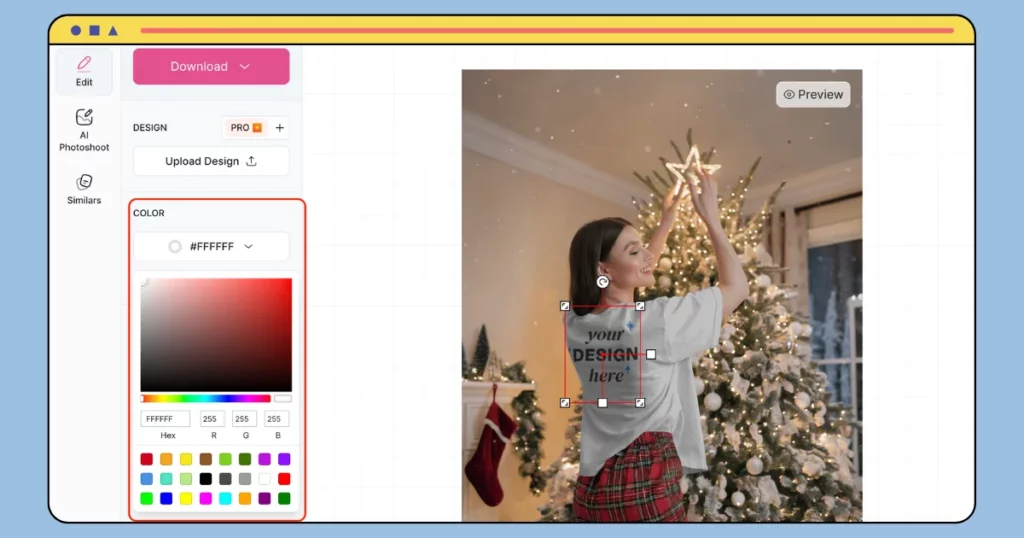
We decided to try new colors, and since we only had to order t-shirts after they sold, it was cheaper than buying 100 blue t-shirts up front that might not sell.
If you sell t-shirts online or plan to, mockups can help your business a lot. Try using t-shirt mockups for your online store!
A model mockup shows a person wearing a plain t-shirt which you can add your image. It helps customers see how your t-shirt will look on someone since they can’t try it on.
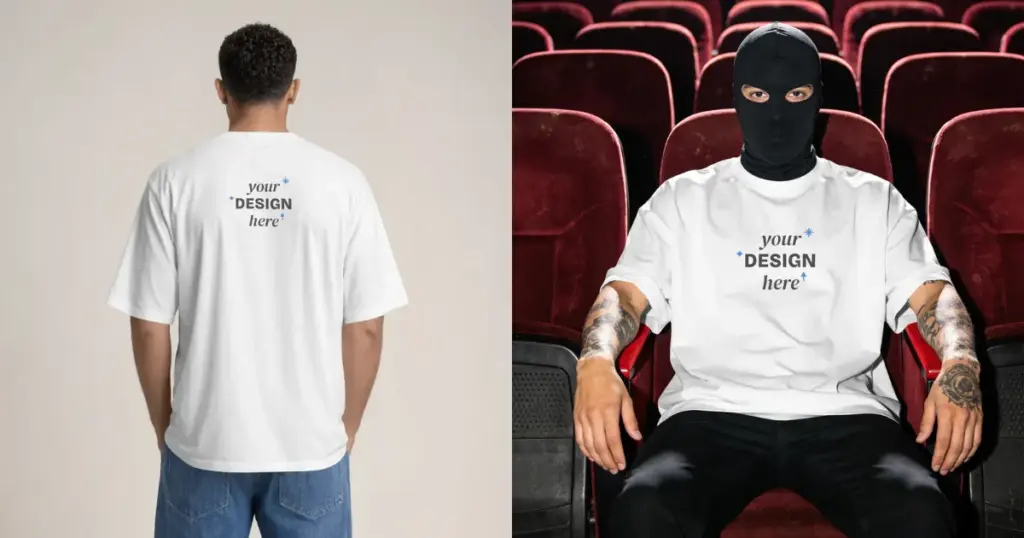
When selling your t-shirts, use both flat-lay mockups and model photos. It’s best to show your t-shirt on a plain background and also have a photo of someone wearing it, like a model or a customer review picture.
A t-shirt mockup looks like a high-quality photo of a blank t-shirt. It has a “Your Design Here” area where you add your artwork.
Mockups come in a few physical formats:
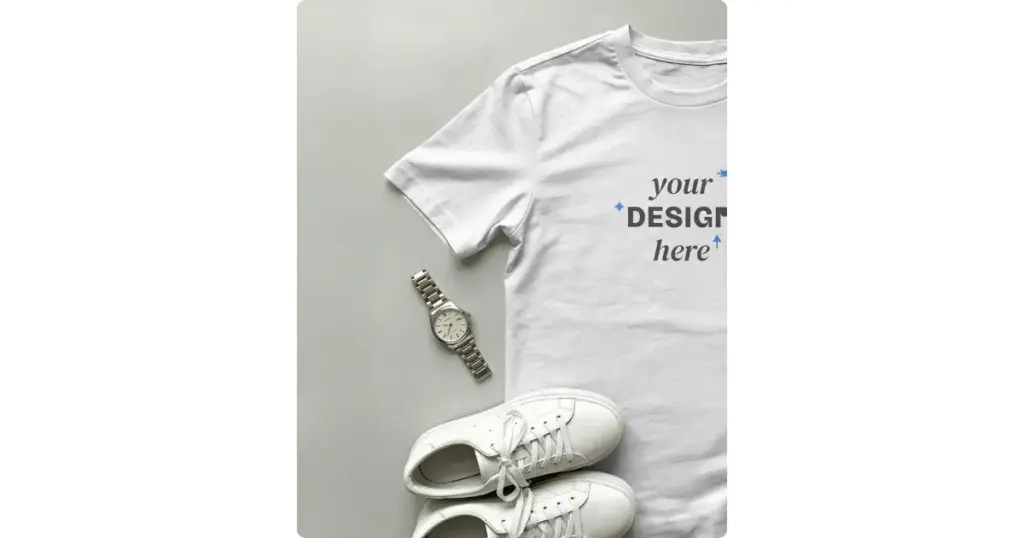
These are top-down photos of a T-shirt laid flat.
You get props and a concrete or wooden floor in the background.
Best for social media grids and product catalogs.
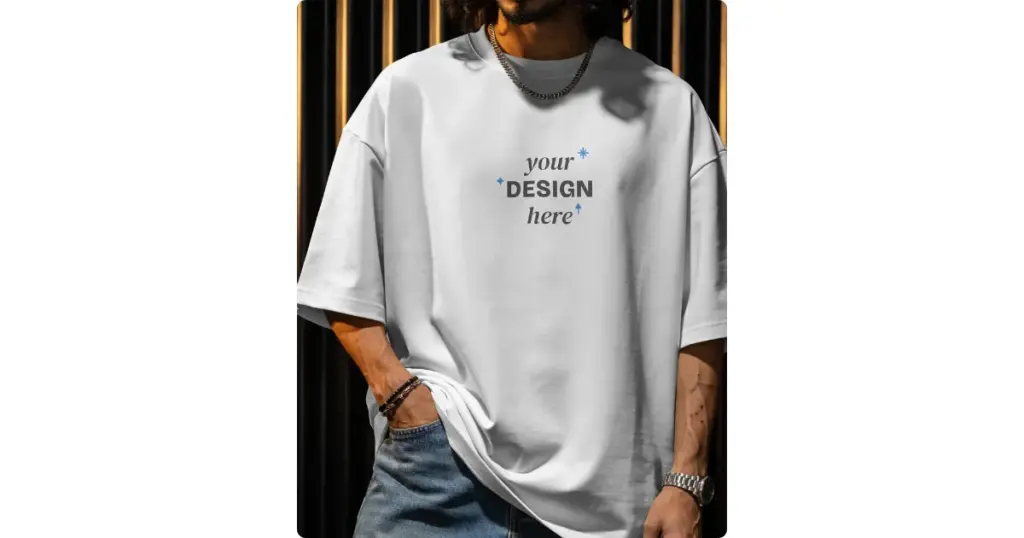
These look like real fashion or streetwear photos.
They show people wearing blank shirts in everyday settings.
Add your design, and it naturally follows the shirt’s shape, folds, and fit.
Best for lifestyle branding.
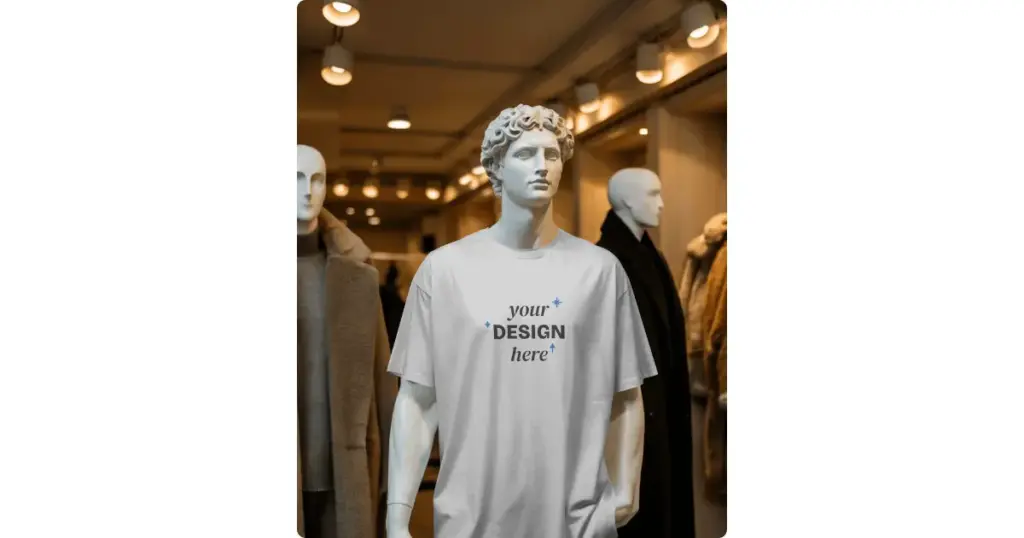
The t-shirt is shaped on a real mannequin, then the mannequin is removed digitally. This leaves a realistic 3D shape, with the inside back collar tag still visible.
This is common on stores like Amazon and ASOS.
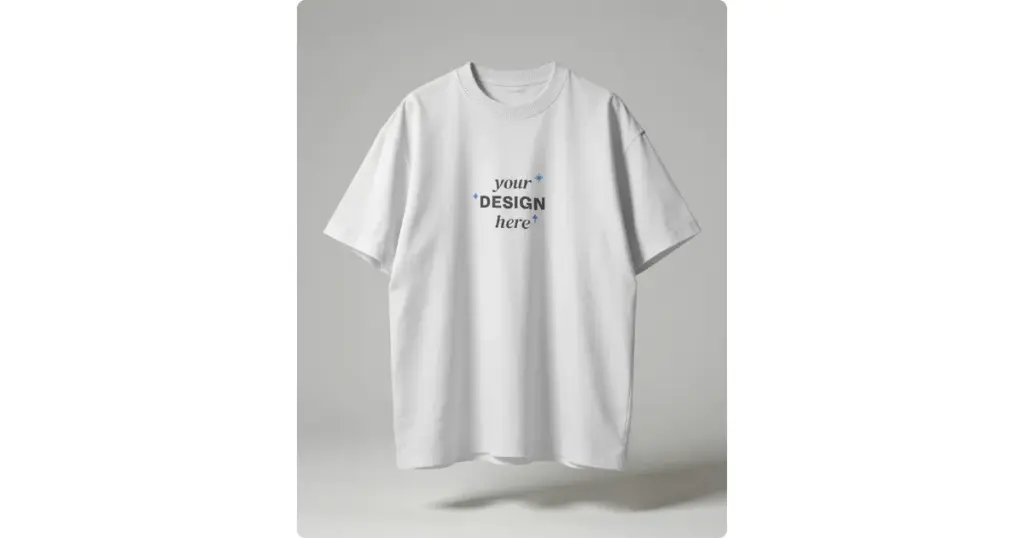
The shirt appears to float. It’s used by streetwear and high-fashion brands.
It removes distractions like a model’s face or body.
Customers see the shirt 360 and check the design, side seams, and fabric from every angle.
3D mockups are best for digital storefronts.
| Who Uses It | How They Use It |
| Clothing Brands | Show seasonal collections |
| POD sellers | Create product listings for Etsy, Shopify, and Amazon. |
| Graphic Design Agencies | Present realistic designs |
| Screen Printers | Check size and colors |
| Social Media Creators & Influencers | Make social content and ads |
| Merchandise Managers | Visualize branded merch |
Print-on-demand sellers, Etsy sellers, and Shopify sellers use different mockup styles for design checks, marketing, and product listings.
Since products are made only after an order, the mockup is the only image customers see before buying.
| Strategy | Business Benefit |
| Automation | Add one design to 30-40 products at once |
| 1:1 Blank Match | Match the exact product, brand, and fabric color |
| Fast publishing | Speed up seasonal collection launches even if you are starting a print-on-demand business |
| Software | Examples | Benefit |
| Fulfillment Platforms | Printify, Printful | Accurate placement |
| Browser-based Mockup Generator | Mockey AI | Bulk mode, lifestyle scenes, and Etsy & Shopify store integration |
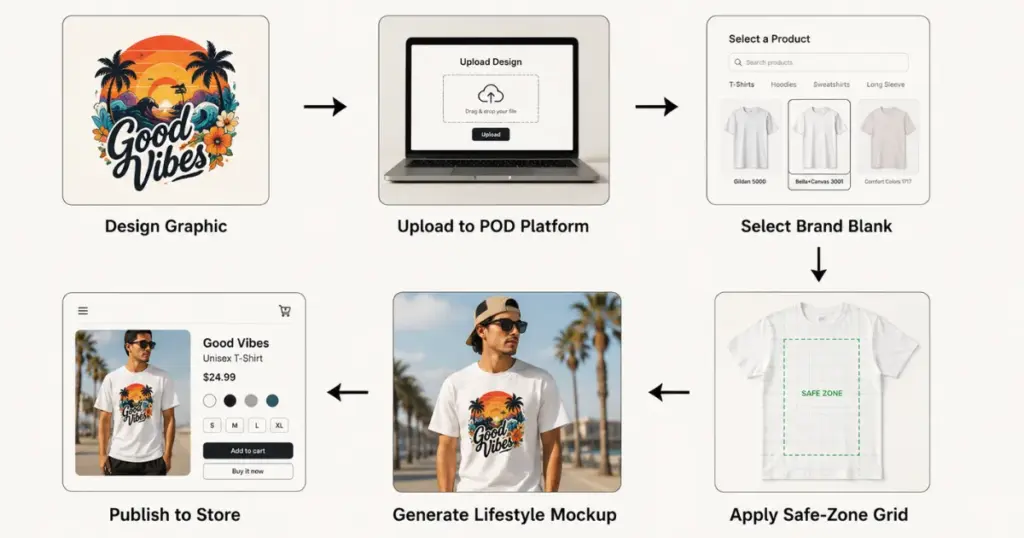
Here’s how a POD seller creates a live product listing:
| Step | What to Do |
| Check Print Area | Export a 300 DPI PNG and confirm it fits the safe zone |
| Choose Exact Blank | Select the exact brand and model |
| Create Core Images | Use standard front-facing t-shirt mockups |
| Add Lifestyle Shots | Place the design on models in a real-world scene |
| Sync & Publish | Send mockups to Shopify, Etsy, Amazon, and other stores |
The Etsy marketplace favors a handmade, boutique look. Etsy mockups should feel like real, high-end product photos.
| Strategy | What Sellers Use |
| Boutique Styling | Flat lays with props that fit the season or theme |
| Add Models | Different ages |
| Size & Color | Color options and sizing charts |
| Software | How Seller Uses It |
| Mockey AI | Flat lays, model shots, and color picker |
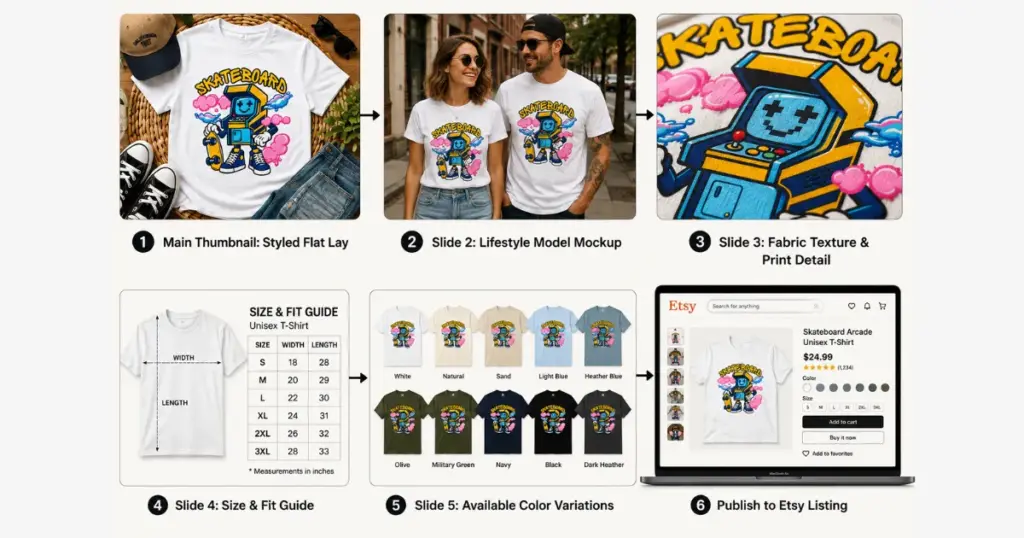
How Etsy sellers list products:
| Step | What to Do |
| Hero Thumbnail | Use a flat lay as the main image |
| Color Chart | Show all available colors with exact names |
| Size Guide | Add fit details and clear width/length measurements |
| Upload Ready | T-shirt mockups in Etsy’s 4:3 format |
Shopify sellers own the entire storefront, convert ad traffic, and deliver a premium shopping experience.
| Strategy | What Sellers Use |
| Consistent Product Grids | Matching lighting, backgrounds, and square crops. |
| Ad-Ready Mockups | Fast lifestyle mockups for testing ads. |
| Software | How Seller Uses It |
| Mockey AI | For lifestyle scenes and multiple views |
| Step | What to Do |
| Template | Set a mockup with fixed angles |
| Add the Design | Place artwork |
| Multiple Views | Export front, close-up, and lifestyle shots |
| Create Ad Assets | Use videos for TikTok and Reels |
You can make free T-shirt mockups using Mockey AI, the best mockup website. It lets you customize your design and download it without watermarks.
We’ve already covered how to make T-shirt mockups in detail in a separate blog. Still, here’s a brief overview:
Showcase Your E-commerce Products Like Big Brands
Create professional mockups, AI photoshoots, product animations, and designs in minutes with Mockey AI.
We hope we explained the exciting world of t-shirt mockups in a way that’s easy to understand!
We have covered what is a t-shirt mockup, why t-shirt mockups are helpful and how you can create t-shirt mockups for free.
Now it’s your turn! Sign up on Mockey AI, start exploring, and customize your designs. It’s super fun and easy to use—give it a try!
To make t-shirt mockups with AI, pick a mockup generator like Mockey AI, upload your image, tweak the AI template, and download your t-shirt mockup quickly for marketing or selling.
To add a logo to a T-shirt mockup, open Mockey and upload your logo. You can add a design and try it on different T-shirt templates, or pick one template first and add the logo there.
Mockey AI’s t-shirt mockup generator is a good choice. It offers free downloads in PNG files, customizable templates, and a large variety of video mockups for different design needs.
Yes. T-shirt mockups are useful for POD stores. You can put a design on a shirt and see how it looks before you have anything printed. This also gives you images you can use when adding the product to your store.
You can sell T-shirts with mockup images on Etsy. Just make sure the mockup matches the product you’re offering. If a POD company makes and ships the shirt for you, add that company as your production partner on the listing.
Mockups make it easier to test a few ideas before running the ad. Try the artwork in another shirt color, or put it on a model to see which version looks better.
A t-shirt mockup gives you a quick way to see the artwork on the shirt. You can change the shirt color or try another view, then pick the version you want to use for your Shopify listing.
Related reading:

Sangram Sahoo
I’m a content writer with 4 years of experience. I specialize in creating practical content around mockups, print-on-demand, apparel, and e-commerce design.
