

You already know that Kittl is famous for stock graphics, fonts, and generating mockups. But here, people are looking for advanced editing and more variety in templates, and some are searching for a free option.
By the way, we’ve researched and selected 11 Kittl alternatives so that all your needs are fulfilled there.
Table of Contents
TL;DR: What are the Best Kittl Alternatives?
| Mockey AI | Best for a range of mockup templates |
| Design.com | Best for the largest logo template library |
| Brandcrowd | Best for logo maker |
| Canva | Best for the large template library |
| Mockupgenerator.ai | Best for free AI mockups |
| VistaCreate | Best for quick social media and marketing graphics |
| Adobe Photoshop | Best for photo editing |
| MiriCanvas | Best platform for video editing and AI drawing |
| Venngage | Best for business visuals like charts and infographics |
| Fotor | Best for the affordable plan and beginner-friendly |
| Glorify | Best for collaborating with people |
The 11 Best Alternatives to Kittl
The top eleven similar sites like Kittl are mentioned here:
1. Mockey AI
Mockey AI is the best Kittl alternative when it comes to mockups. It offers over 60 categories and 30,000 mockup templates. Its templates make this mockup generator stand out. From customization to faster output, these are its key strengths.
And the product variety is amazing. There are more than 60 products, including apparel, packaging, jewelry, billboards, label mockups, baby products, and even logo mockups that look very creative compared to others.
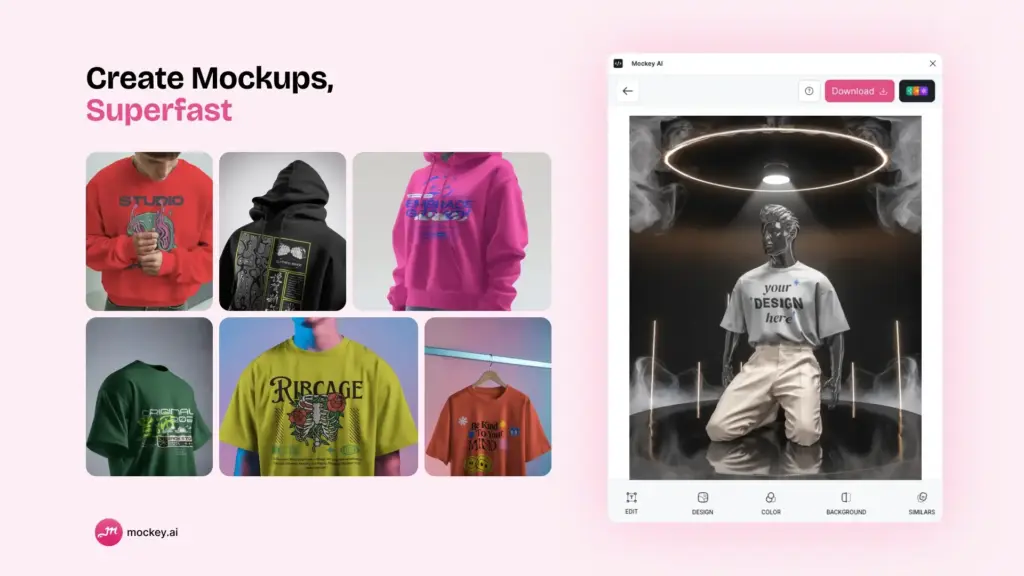
And not just that, creating 3D mockups and video mockups on this platform is even easier.
Best Features
- 30,000+ templates with 60+ products
- 3d and video mockups
- A free plan
- No watermark option
- Faster output
- Create multi-angle shots
Pricing
- Free (Download mockups 3 times/day)
- Starter plan: $7-$9.90/month
- Creator plan: $19/month (Access video mockups and AI features)
2. Design.com
Design.com is the ideal choice when it comes to complete brand ecosystems. It offers the world’s largest logo template library and automatic brand synchronization across 50+ design tools. Its AI logo generator with conversational editing makes this platform stand out.
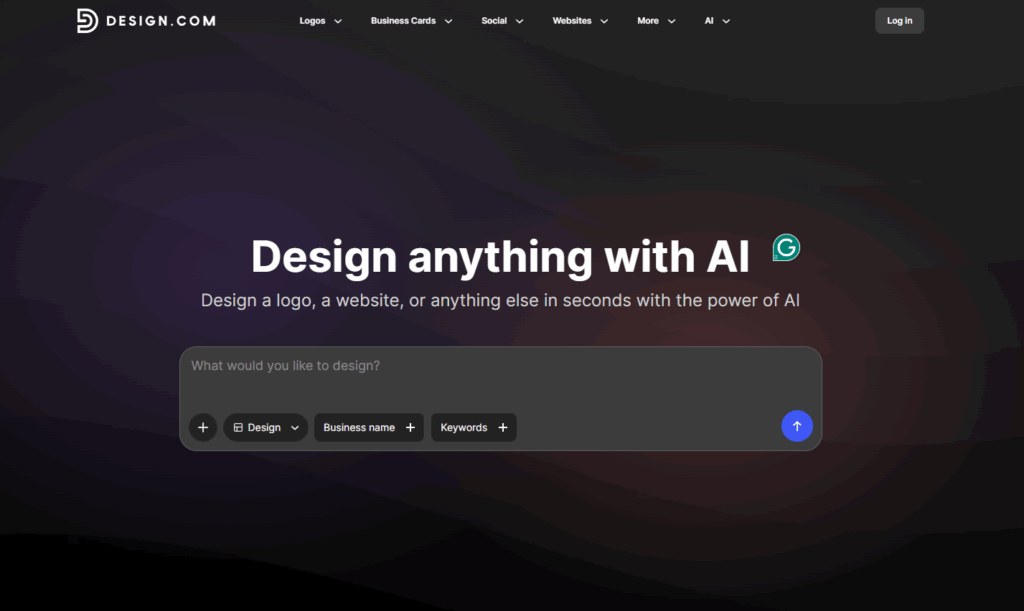
From instant AI generation of hundreds to thousands of logos in an instant to automatic color syncing across all marketing materials, these are its key strengths.
Best Features
- 400,000+ exclusive templates with instant AI generation
- Advanced conversational AI editing via chat interface ensures copyright-safe modifications without design skills
- Automatic brand color synchronization across 50+ tools
- Complete file formats: vector (SVG, EPS, PDF), raster (PNG, JPG), animated (GIF, MP4)
- Brand ecosystem integration
Pricing
- Free logo templates available for you to customize and use
- Starter plan: Prices start at $3/month
- Premium plan: $5/month (annual) or $19/month (monthly) (Complete brand ecosystem with website and digital business cards)
3. BrandCrowd
BrandCrowd is quality-focused. It has designer-created templates rather than purely algorithmic generation. You get 380,000+ templates handcrafted by professional designers worldwide, all verified for originality and commercial safety. The AI logo maker is backed by the industry’s highest customer satisfaction rating of 4.8 stars from 9,000+ reviews.
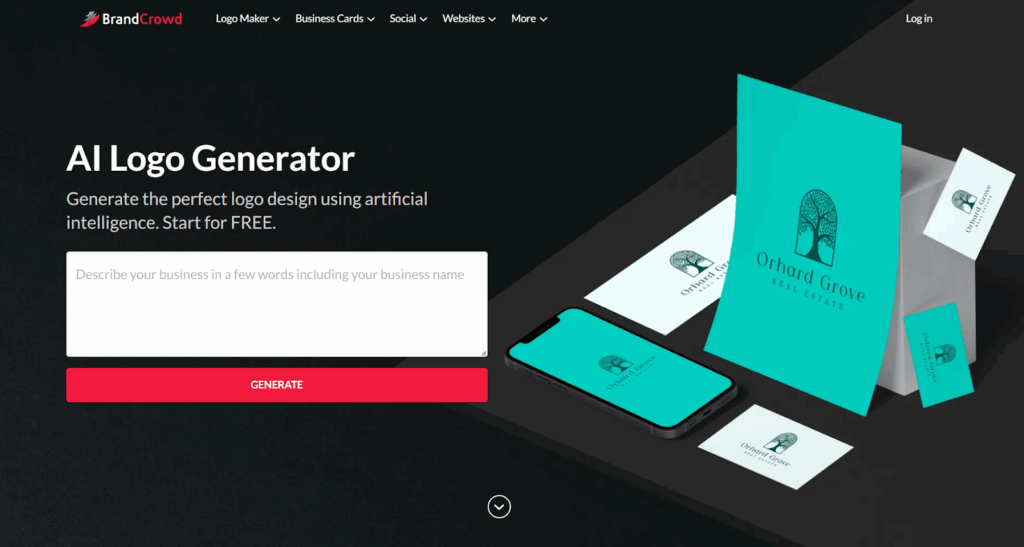
Every template undergoes quality verification. BrandCrowd lets you maintain perfect brand consistency automatically. It has automatic brand color inheritance that syncs your logo colors across 50+ design tools. You can apply your colors to websites, business cards, and social posts instantly.
Key Features
- Designer-created templates with quality verification
- 380,000+ professionally crafted logo templates
- Advanced AI editing using an easy-to-use conversational interface
- Automatic brand color inheritance
- Extended licensing for exclusive ownership
Pricing
- Free logo designs available for customization and instant use
- Starter plan: $3/month (annual) or $9/month (monthly)
- Premium plan: $5/month (annual) or $19/month (monthly)
4. Canva
Canva is user-friendly. It has more tools than Kittl. You can make videos, build whiteboards, and create presentations. Kittl doesn’t offer these.
Canva gives you a lot more templates as well as stock photos than Kittl. Every Canva plan includes unlimited designs. There are some limits to Kittl.
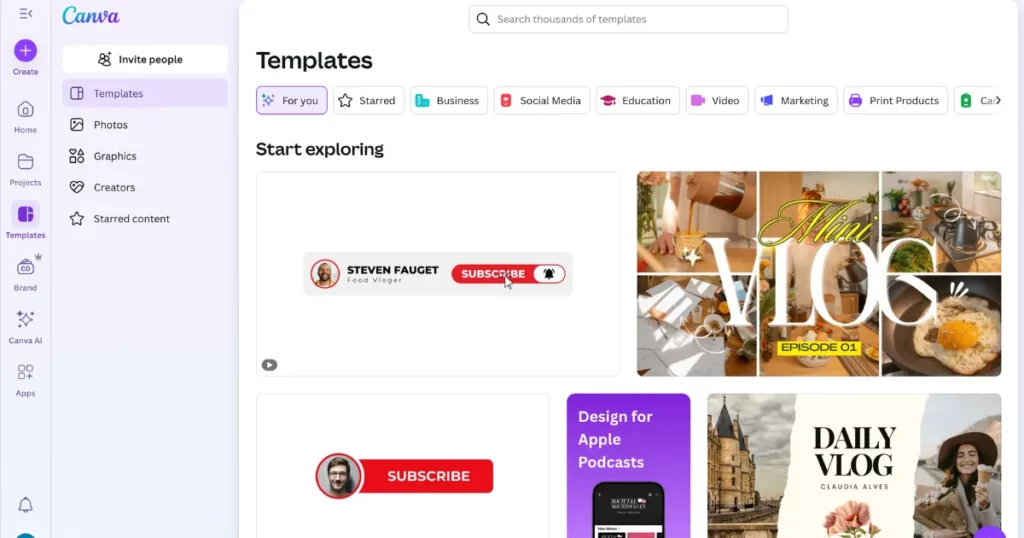
Canva lets you build bigger teams. It also has a brand kit. You can add your logo and use it in all your designs. Kittl doesn’t offer this feature.
Canva works well with many other apps. It has over 600 add-ons in its app library. You can connect it easily with third-party services. Canva also has a great mobile app. You can design anytime, anywhere. Kittl doesn’t offer that kind of mobile ease.
Key Features
- User-friendly
- Huge design tools and stock assets
- Larger team option
- Brand kit
- AI tool
- Mobile app
Pricing
- Free
- Plan starts from $15/month
Look into Canva alternatives for comparable features.
5. Mockupgenerator.ai
Mockupgenerator.ai is another mockup generator, and it works as a Kittl alternative. We picked it because it’s completely free. It offers many mockup categories. You also get PNG files at no cost. Download as many as you want. No watermarks, no limits.
Best Features
- AI templates
- Unlimited downloads
- No watermark mockups
- 1000+ templates
- Shadow and highlight opacity tools
Pricing
- 100% free
6. VistaCreate
VistaCreate is a great Kittl alternative for small businesses and creators who need fast, professional marketing visuals. While Kittl leans toward complex graphic illustration, VistaCreate focuses on effortless content creation for social media, digital ads, and multi-channel branding.
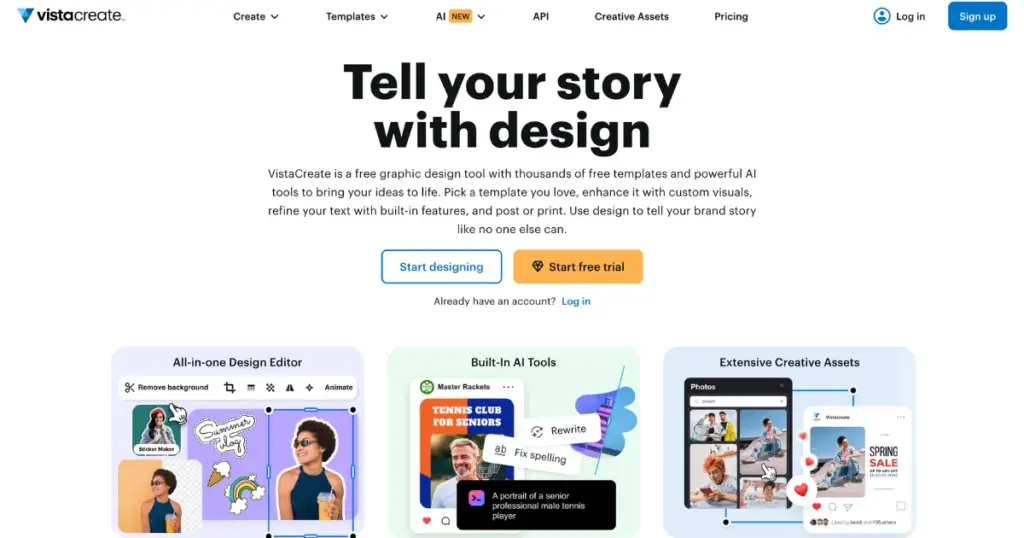
It features an intuitive drag-and-drop editor paired with smart AI tools like a background remover and one-click resizer. You also get access to thousands of pre-made templates and team collaboration features, making it easy to keep your visual identity consistent across all platforms without needing advanced design skills.
Best Features
- AI-assisted design suggestions and automated tools
- One-click background remover and quick-resize feature
- Massive library of marketing and social media templates
- Drag-and-drop editor optimized for non-designers
- Team workspace and collaboration options
Pricing
- Free plan available
- Pro plan starts from $10/month
7. Adobe Photoshop
Professionals across the world use Adobe Photoshop. It’s best for digital artists and designers. You can fix colors, remove flaws, and work on RAW files. Designers can make website and app mockups.
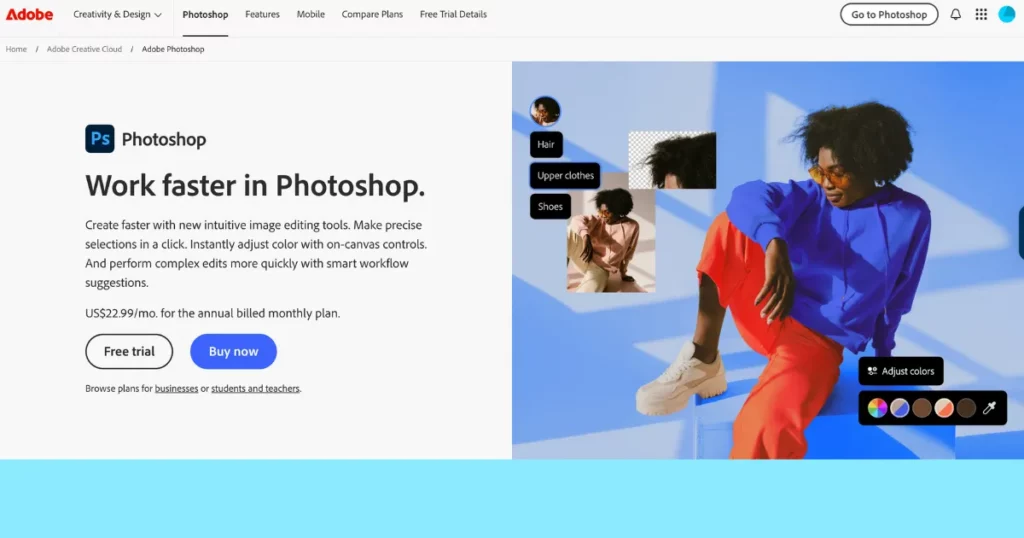
It comes with advanced tools. You get layers, masks, and advanced filters. You can edit photos without harming the original file. You can even play with 3D objects. It also connects easily with other Adobe apps through Creative Cloud.
Best Features
- Cropping and Resizing
- Tonal Adjustments
- Color Correction
- Healing Brush
- Layers and Masking
- Marquee, lasso, magic wand, pen tools
Pricing
- Plan starts from $22.99/month
8. MiriCanvas
MiriCanvas makes video editing simple. Use it without being a pro. You can drag clips on a timeline, add audio, and edit scenes without any hassle.
It has ready-made video templates for everything. Its AI video generator is smart. Just give it text or pictures, and it builds a video for you. It adds motion, lights, and smooth changes between scenes automatically.
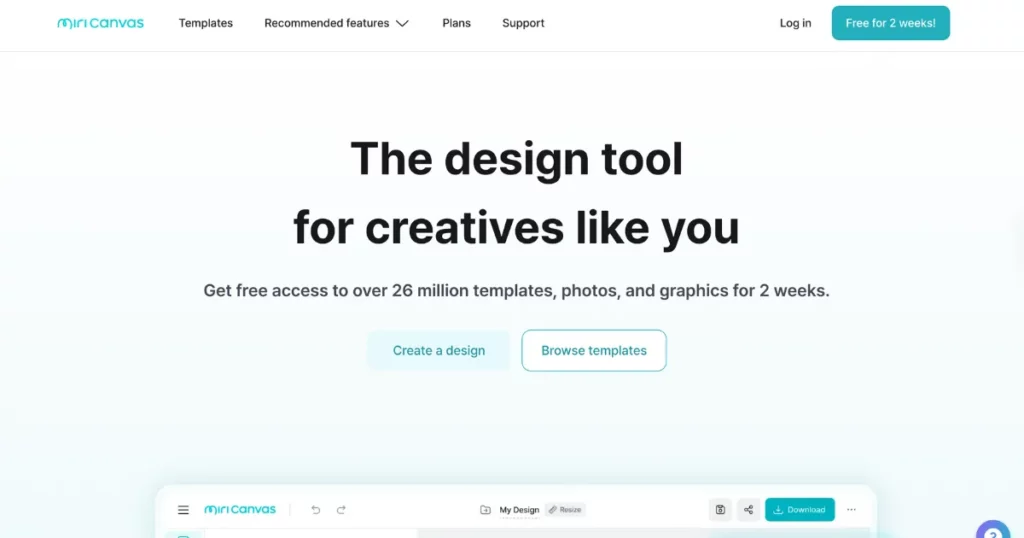
You can use clips, stickers, text, filters, and sounds using this Kittl AI alternative. There’s a huge library with over 10 million design items.
You can draw with text prompts or get help writing. The design tools include charts, stickers, text boxes, videos, and backgrounds. You can share your designs too. Protect your data with a password.
You can show slides right from the site. You’re allowed to use the designs for ads and promos, but not for selling products.
Best Features
- Video templates
- AI video generator
- Text-to-image generation
- Built-in-elements
Pricing
- Free plan
- Paid plan starts from $11.99/month
9. Venngage
Venngage offers many chart types, like bar, line, pie, scatter, etc. You’ll also find Gantt charts, org charts, flowcharts, and Venn diagrams.
Adding data is easy. Just upload a CSV or link a Google Sheet. Venngage also has an AI chart generator. It builds charts for you in seconds.
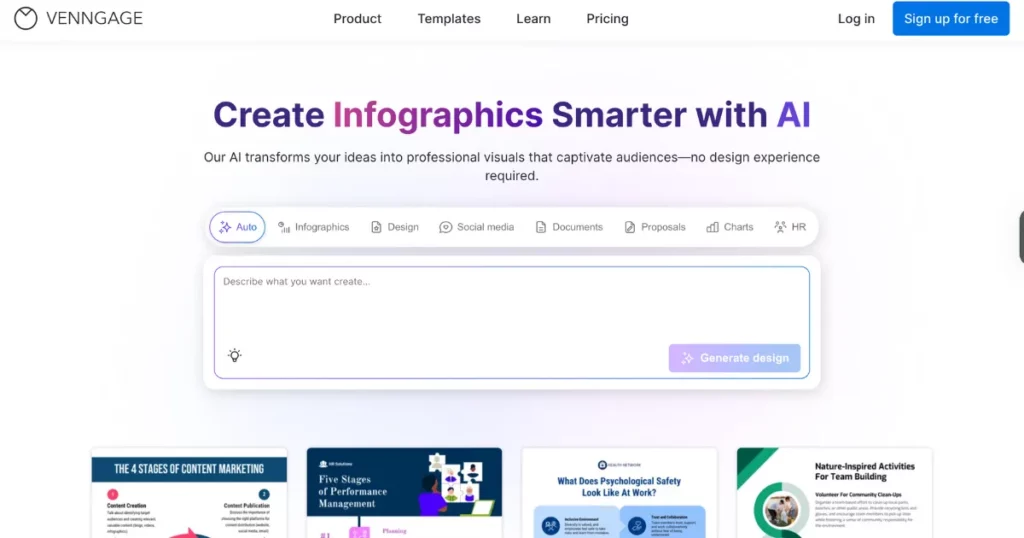
Venngage is also known for its wide range of infographic templates. You’ll find designs for stats, timelines, comparisons, processes, and more. Its AI tool lets you turn text or data into infographics quickly.
Best Features
- AI chart and infographic generator
- Quick data import
- Various infographic and chart types
Pricing
- Free plan
- Paid plan begins from $19/month
10. Fotor
Fotor packs all the tools you need. You can crop, resize, fix colours, and add filters. You can modify RAW files with the desktop version.
It uses AI for editing. The AI Photo Enhancer clears up blurry shots and sharpens details. The AI Background Remover cuts out backgrounds in one click. Want custom art? Your text is transformed into images using the AI Image Generator. It also smooths skin and clears spots with the AI Skin Retouch.
You get loads of filters—from vintage and black & white to cartoon looks. The collage maker helps you build fun photo grids using ready-made templates.
Best Features
- Best editing tools (cropping, resizing, and more)
- AI tools
- Photo effects
- Collage maker
Pricing
- Paid plan starts from $8.99/month
11. Glorify
Glorify is a great Kittl alternative if you’re working with non-designers. It’s quick. Anyone can use it. You get all the tools to make good-looking designs in no time.
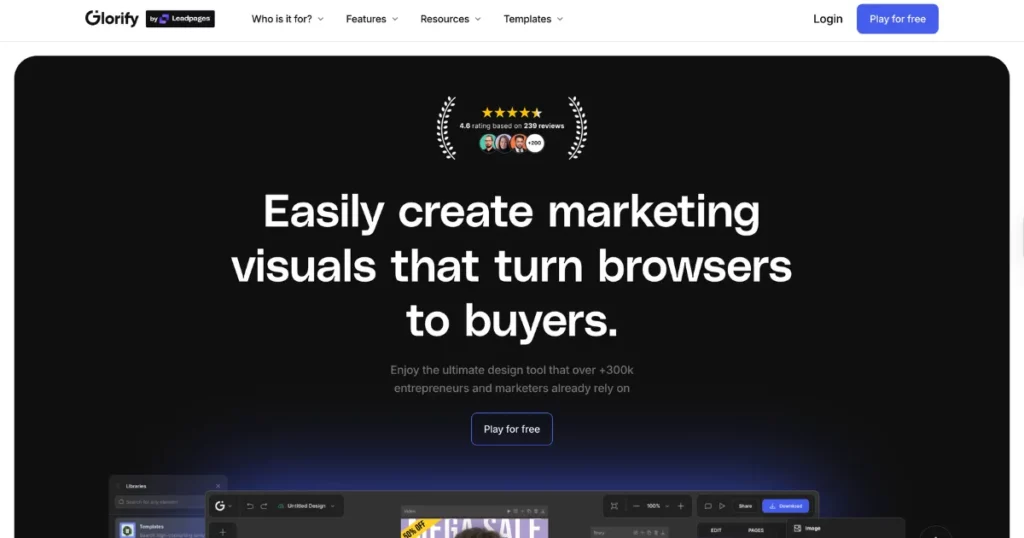
It functions as a video editor, a graphic design tool, and an online whiteboard. You can plan, create, and work together on the same screen. Think and design without switching platforms.
Best Features
- Add team or guest users
- Share feedback with comments
- Show work in presentation mode
- Use shadows and reflections
- Draw vectors with the pen tool
- Sketch with pressure on the pencil
- Try ready e-commerce templates
- Use bundled design sets
Pricing
- Basic: $19/month
- Pro: $32/month
Why Look for a Kittl Alternative?
Here are some of Kittl’s flaws.
- Non-designers Hate It: It has great tools for skilled designers. But it’s not easy for beginners. Some alternatives strike the right balance.
- Not So Good for Digital: You can make a great t-shirt design. But that’s not enough. It lacks the right tools for marketing.
- Limited customization in mockups: All the necessary tools to customize mockups are not available on Kittl.
Conclusion
Hope you liked our blog post on Kittl alternatives. These tools are ideal for non-designers. Tried any of them yet? What do you think?
We’ve discussed the features and pricing. In short, for an all-in-one design tool, Glorify is the top pick, while Mockey AI and Mockupgenerator.ai are the best Kittl alternatives for mockup generation.
FAQs
Can Mockey AI compete with Kittl for mockups?
Mockey AI is much better than Kittl when it comes to mockup templates, customization, or AI tools. Kittl isn’t even close.
Which is better in Canva, Adobe, and Kittl for craft design?
If Canva is working for your sublimation and vinyl (HTV) projects, you’re off to a good start. But if you want more control over design elements or plan to work more with Cricut or Silhouette, Adobe and Kittl might give you more creative flexibility.
Is Adobe better than Canva and Kittl for creating cut files?
Adobe Illustrator is, without a doubt, an excellent choice for precise tasks like cutting lines for Cricut or Silhouette machines. Canva and Kittl are great for layouts and quick designs, but not ideal for advanced cut file creation.
Are Canva and Kittl considered full design tools?
Not exactly. Both are more like template editors. Most of their elements are pre-made by designers. You can customize, but you’re not designing from scratch as you would in Illustrator or CorelDRAW.
Is Kittl good for teams or collaborative work?
Some users find it limiting for teams. Alternatives like Glorify might suit collaborative needs better, especially if you’re working with multiple people.

