

Best AI tools for print on demand compared with real seller insights. Discover top tools for design, mockups, research, and faster POD growth.
We read real discussions from print-on-demand sellers sharing their experience. They talked about which AI tools helped them, which ones wasted time, what made sales, and what felt overhyped.
Some sellers love Midjourney for design ideas, use ChatGPT for product ideas, titles, and descriptions, and many still edit their designs manually in Photoshop before selling.
So this is not another simple list of the best print on demand tools. Here’s what real sellers use.
Table of Contents
A List of Best AI Tools for Print on Demand
| AI Tool | Best for | Why to Use |
| ChatGPT | Research, product ideas | – Niche research – Product descriptions |
| Midjourney | Premium AI artwork | – High-quality AI image generation – Poster art – Apparel ideas |
| Canva | Quick editing | – Resize tools – Text editing – Background remover – Templates |
| Adobe Photoshop | Fixing AI mistakes | – Cleanup – Print-ready optimization – Correct flaws |
| Mockey AI | Product mockups | – 27,000 mockup templates – 60+ products – Create multi-angle shots – Convert to animation – Seasonal-theme products – 3D and Video templates – Mockup bundle |
| Alura | AI-powered Etsy research tool | – Etsy extension – Keyword trends – Shop research – Estimated sales |
| Koast | AI ads | – AI ad images – Higher ROAS – Multi languages |
1. ChatGPT for Research and Product Ideas
Some people may disagree, but many sellers say ChatGPT is one of the best AI tools for print on demand.
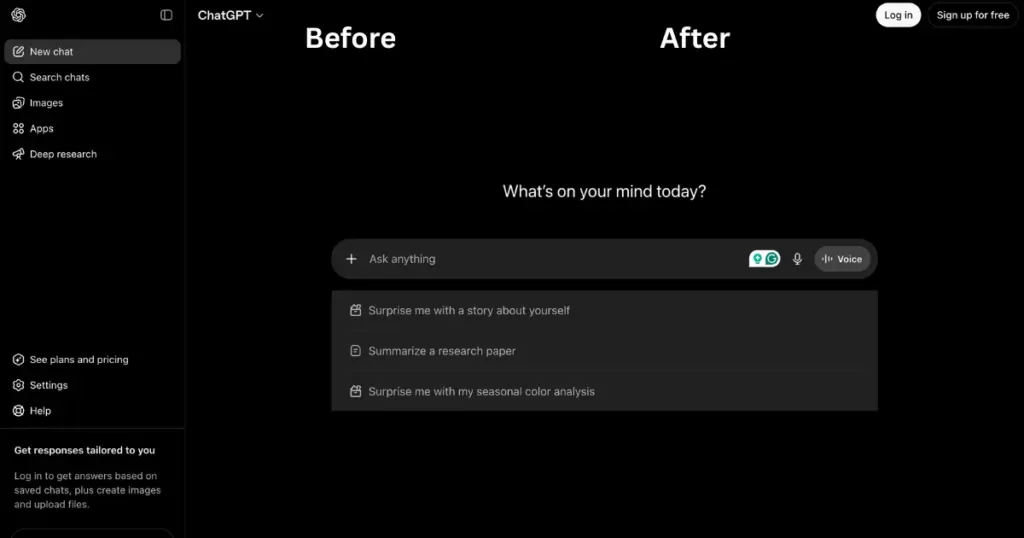
It is not mainly for creating artwork. It is helpful for both pre- and post-design work. Sellers use ChatGPT to find POD niche ideas, explore product concepts, write better listings, and plan their store strategy.
Why Use
- Niche research
- Listing titles
- Product descriptions
- Etsy tags / SEO ideas
- Campaign brainstorming
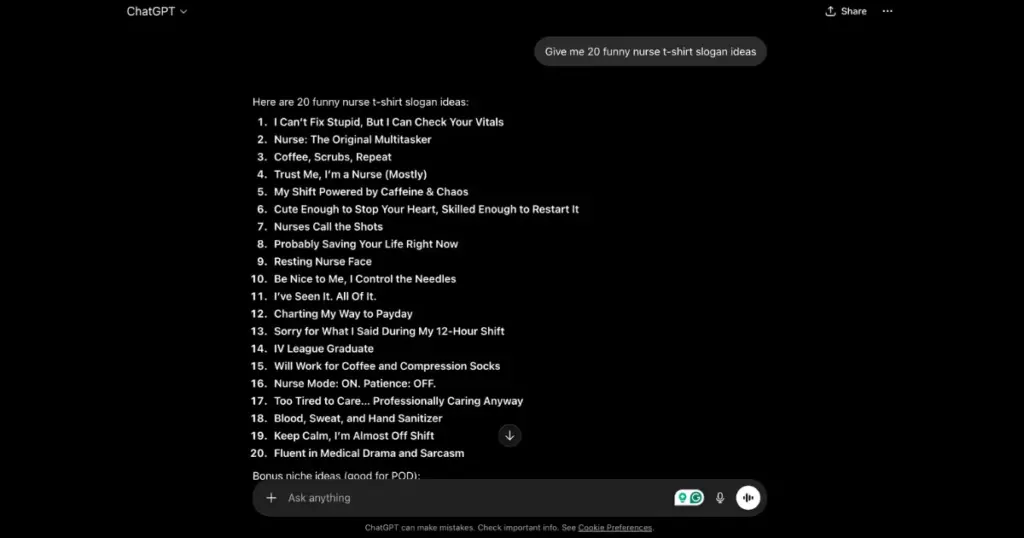
Example
Pricing
- Free
- Paid plan starts from $8/month
2. Midjourney for Premium AI Artwork
If you are bored of seeing the same design ideas everywhere and want something fresh, Midjourney can help.
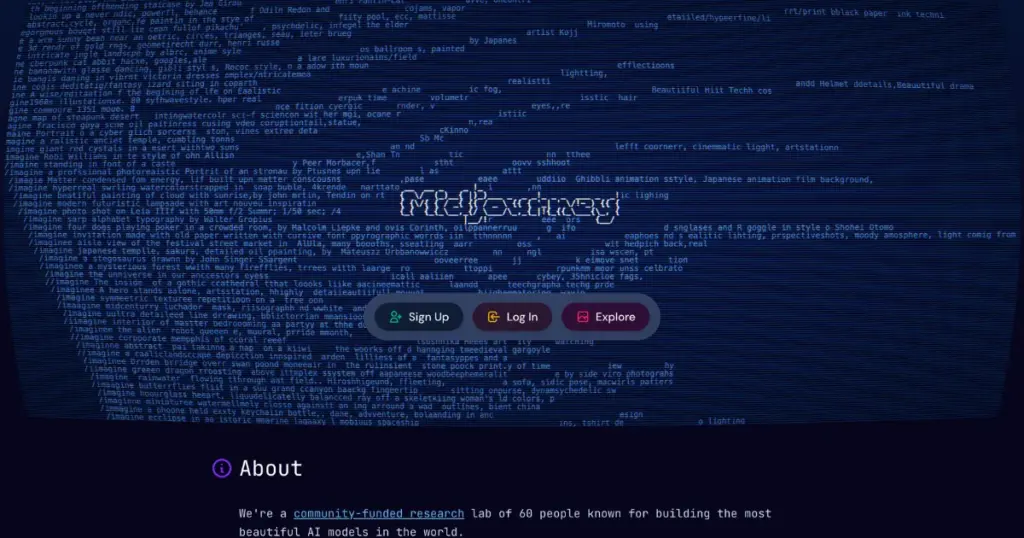
Midjourney is still one of the most talked-about AI image tools. Because when it creates a good image, the result can look incredibly realistic. That’s the main reason many sellers and creators use it.
Its biggest advantage is image quality. Compared to some of the best AI image generators, Midjourney produces more professional-looking visuals.
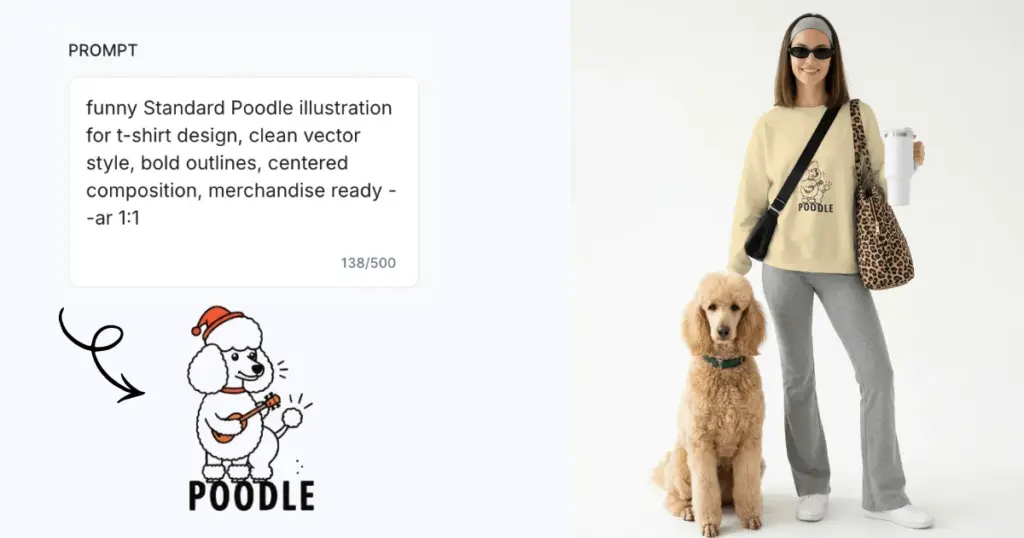
For example, if you want to design a T-shirt for print on demand, you can create a unique and excellent design using the best possible prompts.
Why Use
- Premium visual quality for posters, wall arts, and sticker packs
- High personalization
- Get a Discord-based community
AI Image Example
Pricing
- Plan starts from $10
3. Canva for Quick Editing
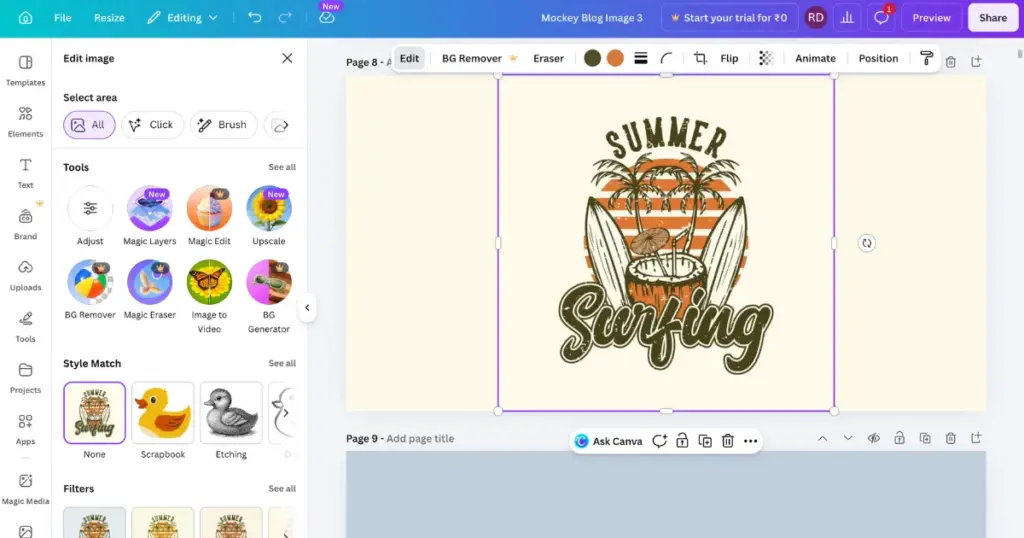
Creating an AI image is just one part of the job. After that, people need to resize images, add text, remove backgrounds, and combine different design elements. Canva makes all of this easy in one place.
This is why many beginners, Etsy sellers, quick online sellers, and people with no design experience keep using it.
Most people do not call Canva the most advanced tool. They simply use it because it helps them finish their work faster. And for many users, that matters more than having fancy features.
Why Use
- Resize dimensions
- Add slogans
- Remove backgrounds
- Create listing creatives
- Combine assets
- Prep marketing content
Example
Pricing
- Free
- Paid plan starts from $15/month
4. Adobe Photoshop for Professional Editing
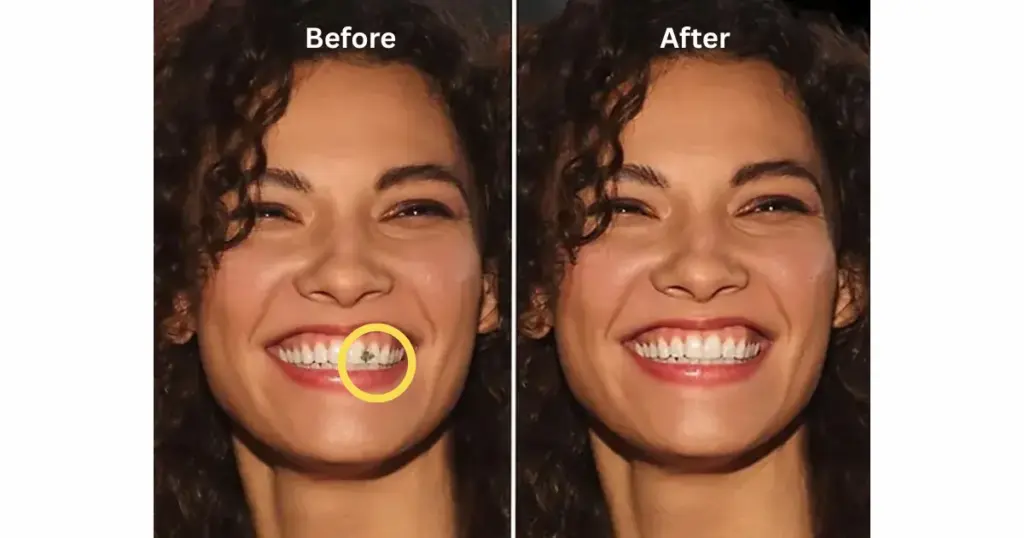
AI images come with strange mistakes. A hand may look odd. The edges may look messy. The background may not fit. Lighting can feel unnatural. Sometimes the image is cropped badly or just looks unbalanced.
When AI gets it wrong, Photoshop can fix it quickly.
For print designs, Photoshop is still very useful. Sellers need the right image size, proper DPI, transparent PNG files, and correct scaling. AI tools do not always handle these properly. It also helps repair design mistakes. If AI creates weird fingers, broken outlines, strange faces, or odd textures, Photoshop can fix them.
Why Use
- Weird edges
- Broken hands
- Ugly backgrounds
- Strange artifacts
- Inconsistent lighting
- Poor cropping
- Bad composition
Example
Pricing
- $22.99/month
5. Mockey AI for High-quality Product Mockups
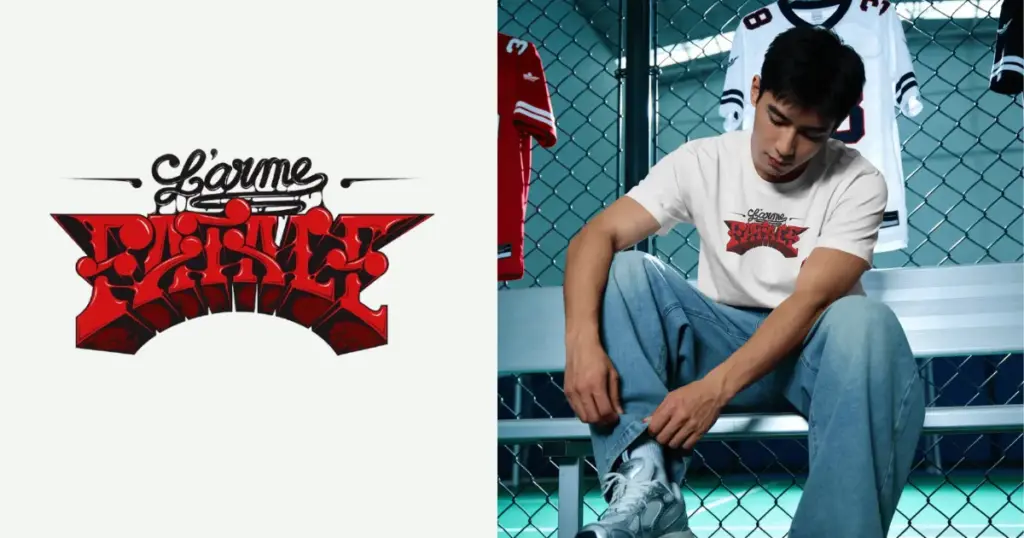
You made a great design. Now you need to show how it will look on real products so people want to buy it. Mockey helps with that. It is an AI mockup generator where you can add your design to apparel, home & living, packaging, baby products, and more.
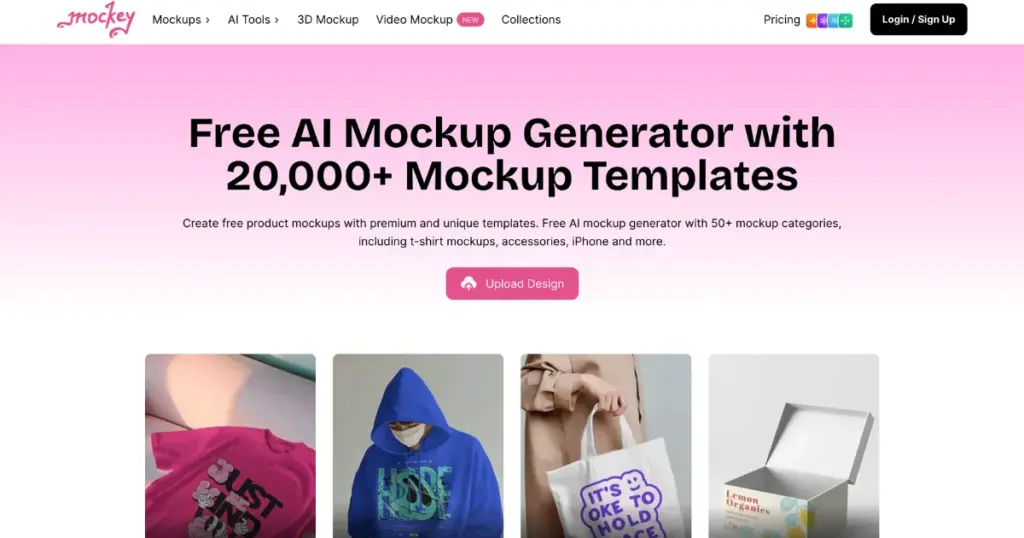
To create the best print-on-demand mockups, it is very important that the product’s folds, wrinkles, and models look realistic, and Mockey fulfills these factors.
Why Use
- 27,000+ pre-made mockup templates
- 60+ products
- Mockup Collection (Set of mockups in a similar style)
- Multi Shot (Make several angles from a single mockup)
- Seasonal-theme products
- A free plan to start (No watermark)
- 3D and video templates
- Custom mockup
- Animate (Convert to animation)
Product Mockup Example
Pricing
- Free (3 downloads/day)
- Starter: $7/month (Full access, 3D mockups, etc)
- Creator: $19/month (Video mockups, Animation, AI tools, etc)
6. Alura for Etsy Research
Alura is another excellent AI tool for print-on-demand.
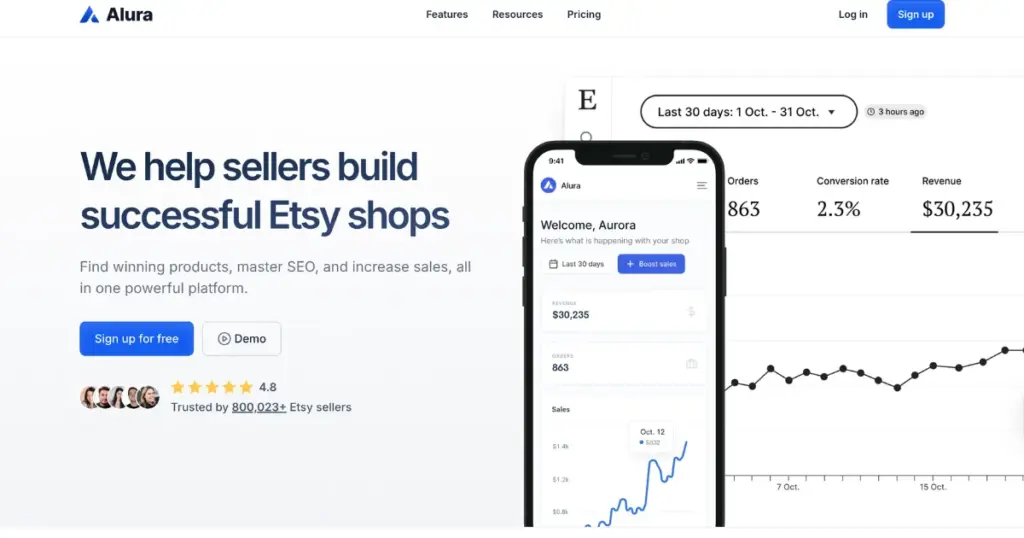
If you want to sell products on Etsy, it’s very important to know what’s trending right now so you don’t waste time creating designs that won’t convert into sales.
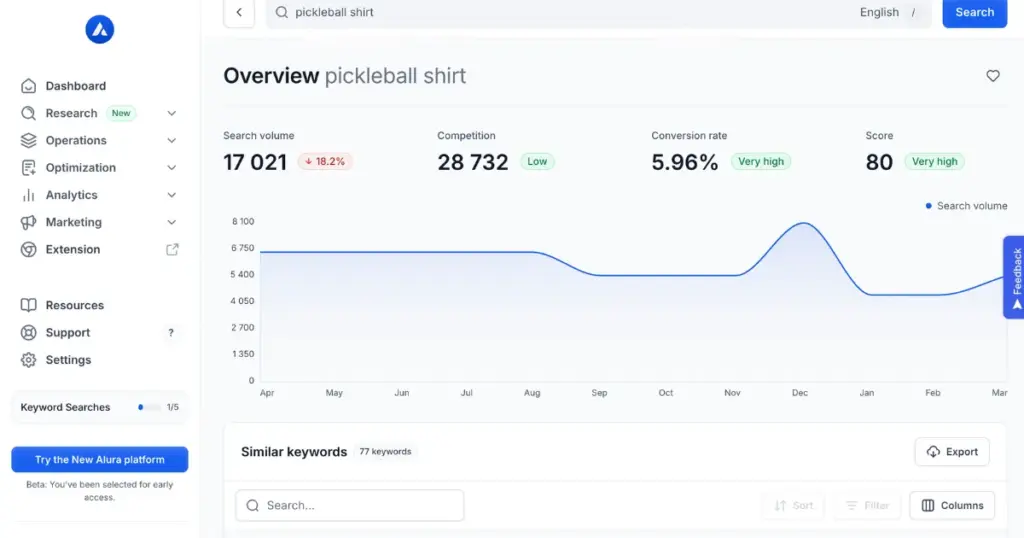
Alura is an Etsy keyword research tool. It helps you find which keywords have high demand, how many competing shops are using them, and gives you useful Etsy market data to make better decisions.
To use this, you can create an account and use Alura’s shortcuts (Keyword Research, Product Research, Profit Calculator, etc.), or install the Alura extension. You can also connect your Etsy shop.
Why Use
- Keyword research
- Competition research
- Product research
- Alura extension
Example
Pricing
- Free (5 credits)
- Paid plan starts from $11/month (50 credits for keyword research and product analysis)
7. Koast for Social Media Advertising
Koast is one of the best AI tools for print on demand that creates AI ads for your social media. More than 4,000 brands have already chosen it.
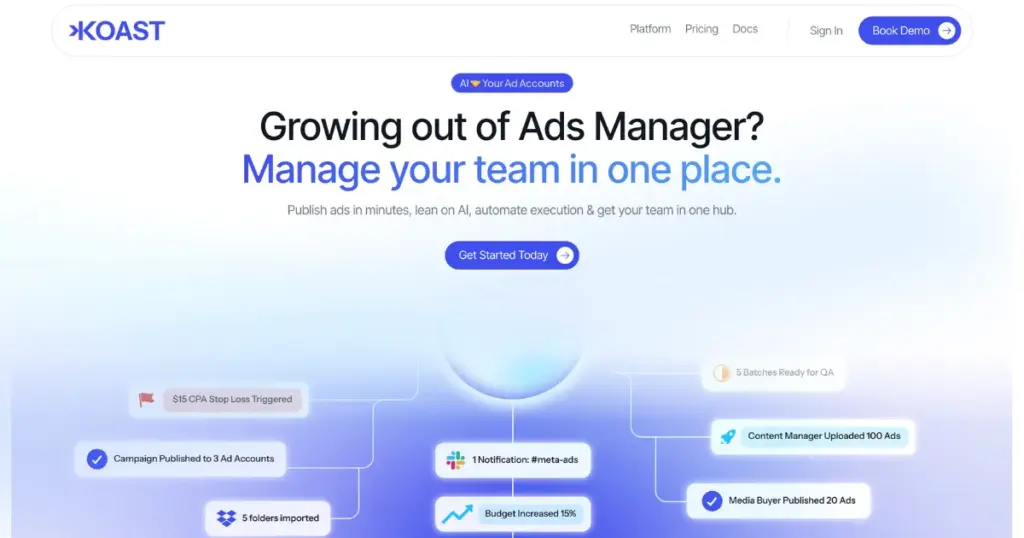
Easily connect, control, and publish ads across multiple accounts from one dashboard. Add your team, see what everyone is doing, and publish ads to your accounts in just a few clicks—no Business Manager access needed.
Keep all the ads you created in one place with no storage limit, and post them again to any of your accounts whenever you want.
Why Use
- Bulk ad launch
- Synch multi ad accounts
- Activity tracking
- AI reports
- Creative library
Pricing
- Start with 5 days trial
Can I Legally Sell AI-Generated Designs?
It depends on the tool, the images or assets, the platform, and how the design was made. Always verify:
- Commercial use rights
- Third-party assets
- Trademark risk
- Copyright uncertainty
Conclusion
The best AI tool for print on demand is not the one that looks the coolest, according to many sellers. It’s the one that helps you create, launch, and sell products faster.
Different sellers use different AI tools like Midjourney, Canva, ChatGPT, or better mockups, depending on what helps them. AI is just a helper. Your business grows by how you use it.
FAQs
Which AI tools are the best for print-on-demand?
ChatGPT for product research, Midjourney for design generation, Canva for editing, Photoshop for fixing AI mistakes, Mockey AI for product mockups, Alura for Etsy keyword research, and Koast for AI ads are some of the best AI tools for print on demand.
Can you use an AI tool for print-on-demand?
Yes, AI tools can help create print-on-demand designs, product mockups, product descriptions, and keyword ideas. However, successful POD selling still requires niche research, design refinement, and proper product presentation.
Does print-on-demand require Photoshop?
Beginners can use Canva for simple edits, but Photoshop is useful for fixing AI design errors, removing artifacts, and preparing print-ready files.

