

Trying to find the best AI graphic design tools? This guide has listed tools for logos, posters, social media designs, and more.
There are many free AI graphic design generators out there that you can use right now! These generators are like online tools that you can use to create designs quickly and easily. And the results can be stunning!
You will learn about the top 16 AI graphic design free generators in this article. So, let’s dive in.
Table of Contents
What is an AI Graphic Design Tool?
An AI graphic design tool is a type of software that uses artificial intelligence to create images, remove backgrounds, and build layouts from simple text prompts. These tools learn from large amounts of data.
Why Do We Need an AI Graphic Design Tool?
Using graphic design free AI tools can save website owners money and time creating logos. Plus, you don’t have to spend a lot of time learning software just to remove backgrounds.
Graphic design AI will assist with:
- Save time: It quickly removes picture backgrounds, handles basic photo edits, and carries out other simple tasks that used to take hours for people, which are now done in minutes.
- Eliminate uncertainty: AI relies on machine learning, unlike humans, who use their eyes. It analyzes colors by breaking them down into numbers and provides recommendations based on that data.
- Cut costs: AI programs offer affordable prices, saving you funds compared to employing a graphic designer. Ideal for occasional graphic needs.
How to Use AI for Graphic Design?
- First, you’ll need to find an AI graphic design tool or generator online.
- Then, you simply upload or input your design elements, such as text, images, or shapes.
- The AI will take these elements and suggest layouts, colors, and other design elements to make your design look amazing.
- You can then tweak and customize the suggestions until you’re happy with the final result.
List of Best AI Graphic Design Tools to Increase Productivity
Below are a few of the best AI graphic design tools.
- Design.com
- Brandcrowd
- Designs.ai
- Fotor
- Canva
- Khroma
- AutoDraw
- Visme
- DeepArt Effects
- Prisma Labs
- Movavi
- Adobe Sensei
- Let’s Enhance
- Vance AI
- Brandmark.io
- Simplified
Top 16 AI Graphic Design Tools to Use in 2026
These are the top 16 AI tools for graphic designs (Free and paid).
1. Design.com
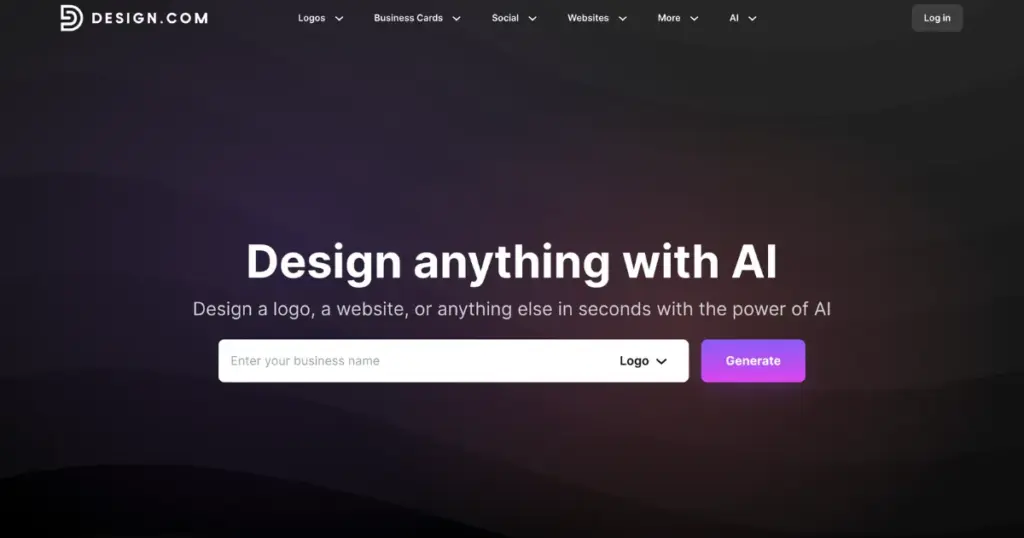
Design.com is an AI design platform that uses artificial intelligence to help users create complete brand identities instantly. The platform has a comprehensive suite of tools, including an AI logo generator, AI website builder, and AI business card maker. There are also AI tools to help you with social media graphics and marketing. For a graphic design team (or solopreneur!), these tools make it easy to launch your personal brand so you can focus on developing your business or enhancing your skills.
Pricing
- Starter plan for $3/month billed annually or $9/month
- Premium plan for $5/month billed annually or $19/month
| Pros | Cons |
| Instant AI logo generator creates thousands of concepts in seconds | Web-based platform without a native desktop application |
| Advanced conversational AI editing via chat interface with copyright-safe modifications | Designed for simplicity over advanced technical developer integrations |
| Automatic brand color synchronization across 50+ design tools ensures perfect consistency | |
| Complete file format coverage: vector (SVG, EPS, PDF), raster (PNG, JPG), animated (GIF, MP4) | |
| #1 logo maker in the world with 400,000+ exclusive logo templates with free designs available | |
| Allows users to customize and edit logos with unlimited changes |
2. BrandCrowd
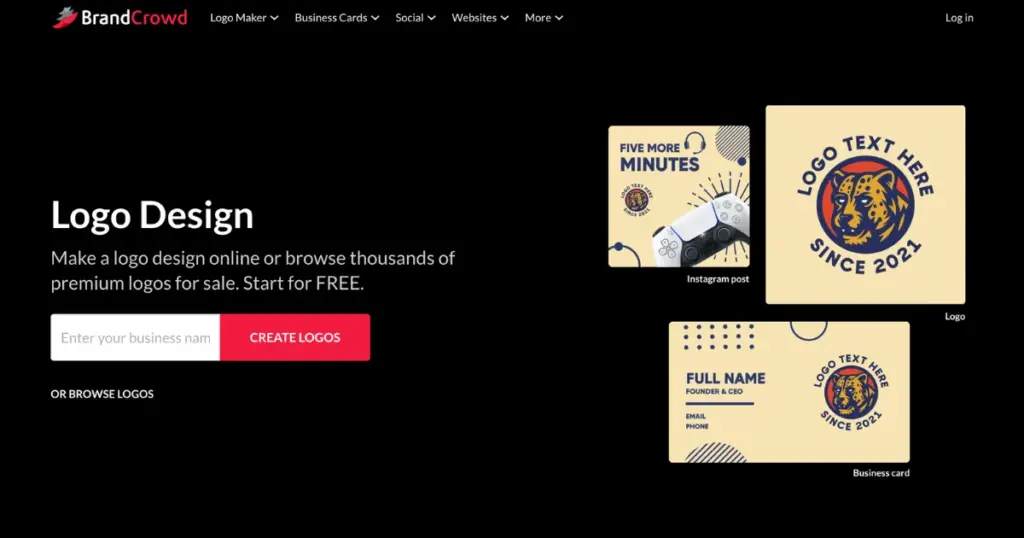
BrandCrowd is an AI branding platform that uses professional designer-created templates combined with artificial intelligence to help users create quality-verified brand identities. These include logos, business cards, websites, marketing materials, and more. It was established with a focus on designer quality and holds the industry’s highest customer satisfaction rating of 4.8 stars from over 9,000 reviews, so you’re sure your graphic design branding is on point.
Pricing
- Starter plan starts at $3/month
- Premium plan starts at $5/month
| Pros | Cons |
| AI logo maker with 380,000+ designer-created templates verified for quality and originality | Best suited for individual creators and small teams rather than enterprise workflows |
| Real-world mockup previews show logos on signage, apparel, and materials before finalizing | Browser-based experience without a native application (though fast and responsive) |
| Highest customer satisfaction rating in the industry (4.8 stars from 9,000+ reviews) | |
| Automatic brand color inheritance across 50+ design tools for flawless consistency | |
| Extended licensing options for exclusive brand ownership | |
| Allows users to customize and edit designs with professional AI assistance |
3. Designs.ai
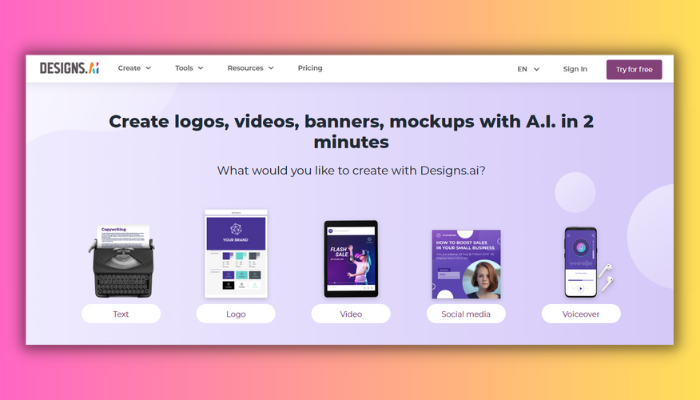
Designs.ai is a platform that uses artificial intelligence to help users create, edit, and scale various types of content, such as logos, videos, designs, speeches, and more. It was launched by Inmagine in December 2019 and claimed to be the first integrated Agency-as-a-Service platform.
Pricing
- Plus: $39/month
- Pro: $79/month
| Pros | Cons |
| Saves time, cost, and effort | Not being able to capture the emotions of human creativity and storytelling |
| Uses machine learning to analyze data | Inability to handle complex projects |
| Variety of templates and tools are available | Lack of originality or quality of the generated content |
| Allows users to customize and edit their projects | Inability to protect users’ intellectual property and privacy. |
4. Fotor
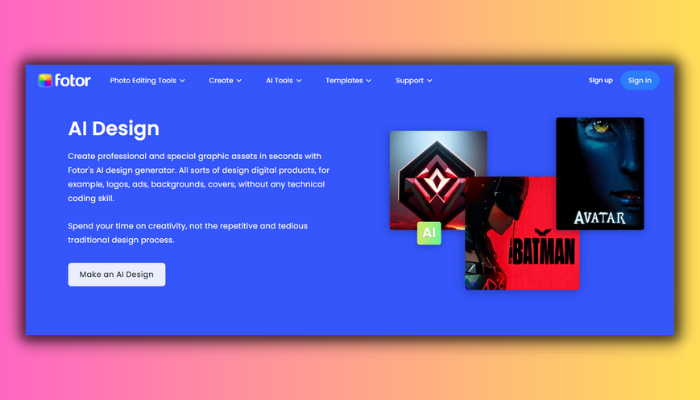
One of the most impressive features of Fotor’s AI graphic design program is its ability to suggest design ideas based on the user’s input. By analyzing the content and context of the design, Fotor’s AI can provide recommendations for fonts, layouts, and other elements, making the design process faster and more efficient.
In Fotor, there are many AI design features—for example, an image generator where you can generate AI-generated headshots for your job profile. Create AI-generated selfies for your social media platforms. You can also check Fotor alternatives.
Pricing
- Free
- Paid plan: $3.33/month (Billed annually)
| Pros | Cons |
| Easy to use | May not produce realistic or high-quality images |
| Supports different styles and modes | Lack of handling specific requests |
| Allows customization and editing | Not ensure the originality or uniqueness |
| Boosts creativity and productivity by generating thousands of variations in seconds | May not protect the intellectual property rights or privacy of the users |
5. Canva
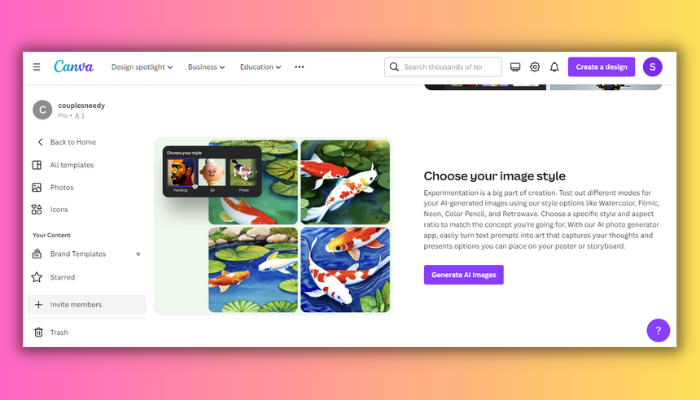
One of the free AI graphic design tools has the ability to create stunning designs quickly and efficiently. The platform’s simple interface makes it easy to navigate, and users can leverage AI-powered suggestions and recommendations to streamline their design process. This means that even individuals without a background in graphic design can create impressive visuals with ease.
Pricing
- Free
- Paid plan: $15/month
| Pros | Cons |
| User-friendly interface | Limited customization options for advanced users |
| AI-powered suggestions and recommendations | Fewer font options |
| Access to a wide range of design templates and resources | Some premium features and resources require payment |
| Quick and efficient design process | Vector graphics are limited |
| Free access to many design resources | Collaboration features are limited in the free version |
6. Khroma
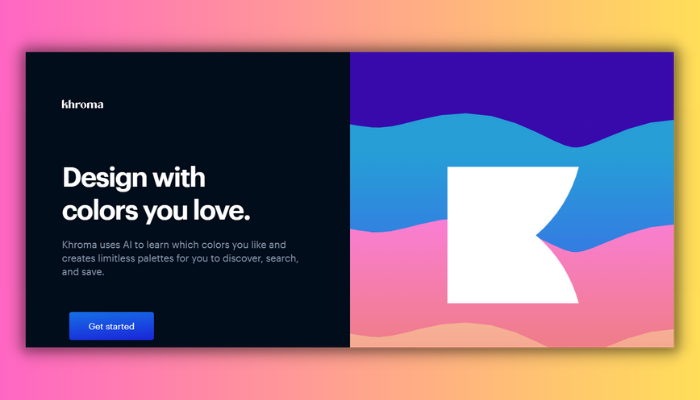
Khroma allows users to input a starting color and then generates several complementary colors to complete the palette. The AI algorithms used by Khroma take into account factors such as color theory and current design trends to create visually appealing and harmonious combinations. This tool can be incredibly useful for designers looking for inspiration or struggling to find the right color scheme for their projects.
Pricing
- Free
| Pros | Cons |
| Create infinite color combinations | Requires you to pick 50 colors to train the algorithm |
| Show you how the colors look as typography, gradient, palette, or custom image | Apps and browser extensions aren’t available |
| Search and filter the colors by hue, tint, value, color, hex and RGB values | Search and filter the colors by hue, tint, value, color, hex, and RGB values |
| Give you color names, hex codes, RGB values, CSS code, and WCAG accessibility rating | Does not have a way to export or share your collection |
7. AutoDraw
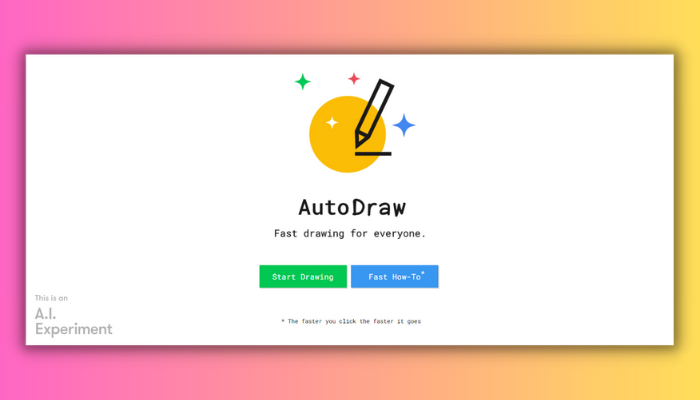
AutoDraw is a powerful AI graphic design software that uses machine learning algorithms to help users create professional-looking illustrations quickly and easily. Developed by Google, the AutoDraw website offers a variety of pre-drawn images that users can modify and customize to fit their needs.
Pricing
- Free
| Pros | Cons |
| Any device can access it for free | Limited in the number of drawings |
| Uses machine learning to recognize and recommend accurate drawings | Does not allow the user to customize the color, size, or style |
| Two modes (Auto Draw and Draw) offer flexibility | May violate the intellectual property rights |
8. Visme
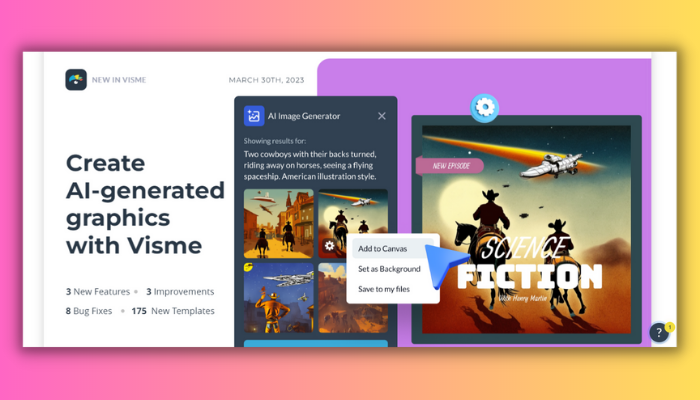
Visme has advanced AI-powered features, such as smart color suggestions and automated layout adjustments, that take the hassle out of graphic design, allowing users to focus on their content and messaging. With its intuitive drag-and-drop interface and a vast library of pre-designed templates, Visme makes it easy for anyone to create professional-grade graphics, infographics, charts, and diagrams without any prior design experience.
Pricing
- Free
- Starter: $29/month/person
- Pro: $59/month/person
| Pros | Cons |
| Create stunning visuals with an AI image generator | Sometimes AI image generators fail |
| Choose from thousands of customizable templates | Some templates require a premium subscription |
| Add your brand fonts, colors and logo | Bugs or glitches occasionally |
| Collaborate and comment with your team | |
| Export and import XLIFF files |
9. DeepArt Effects
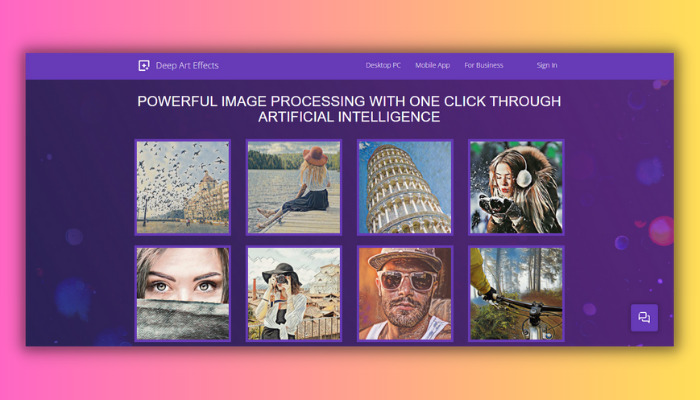
With DeepArt Effects, designers can quickly and easily produce visually appealing graphics that have the look and feel of famous art styles such as Impressionism, Cubism, and Surrealism.
Its AI design tools have revolutionized the field of graphic design by enabling designers to create beautiful, one-of-a-kind artwork in just a few clicks.
Pricing
- NA
| Pros | Cons |
| Turn your design into works of art | Mainly for image processing |
| Over 120 art styles | May not be suitable for professional use |
| More than 2 million global users | Compatible with fewer devices |
| User-friendly interface |
10. Prisma Labs
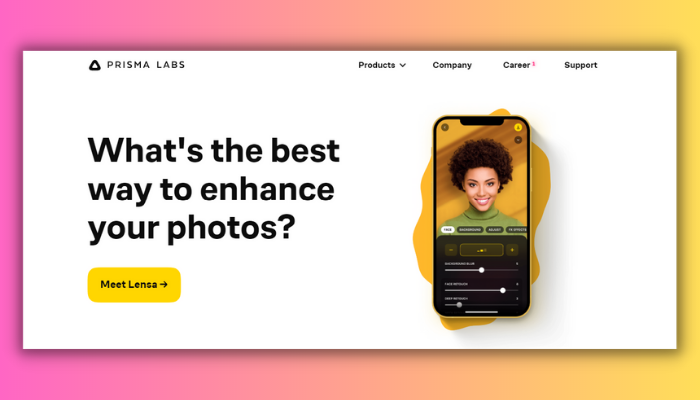
Prisma Labs‘s unique approach to graphic design is rooted in its ability to analyze and understand the content of an image and then apply artistic styles that are tailored to that specific image. By using AI to enhance the creative process, Prisma Labs has made it easier than ever before for anyone to produce stunning, high-quality artwork from their own photos.
Pricing
- NA
| Pros | Cons |
| Over 700+ brilliant art and portrait styles | Requires an internet connection to apply some filters |
| Modify both foreground and background separately | Require internet connection to apply some filters |
| Splendid frames, pro editing tools, and one-tap background replacement |
11. Movavi
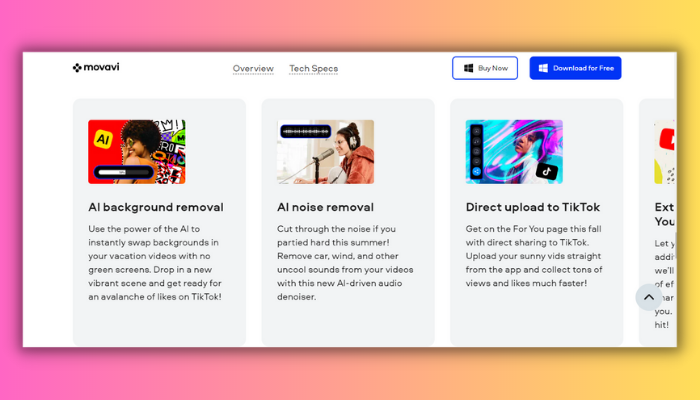
Movavi is a software company that offers various multimedia editing tools, including graphic design software. Their AI-powered graphic design software is designed to make the process of creating visual content easier and more efficient. By leveraging the power of AI, Movavi’s graphic design software enables users to produce visually appealing content with minimal effort, allowing them to focus on other important aspects of their projects.
Pricing
- NA
| Pros | Cons |
| Detect faces and create specialized edits | Not a fully AI-powered tool |
| Remove unwanted objects, replace backgrounds, and create video slideshows | Fewer Templates |
| User-friendly interface | Compatible with fewer devices |
| Reasonable pricing plan |
12. Adobe Sensei
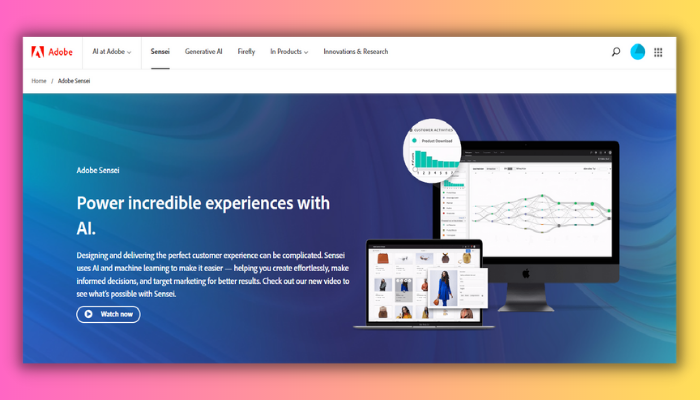
Adobe Sensei has made it possible for designers to spend more time on creative thinking and less time on mundane tasks, making the design process more efficient and effective. It is a collection of advanced algorithms and machine-learning models that help designers create stunning visuals quickly and easily.
Pricing
- Pricing varies
| Pros | Cons |
| Has the most essential and powerful features | Sometimes generate less content or style |
| Create high-quality graphics | Still in the beta stage |
13. Let’s Enhance
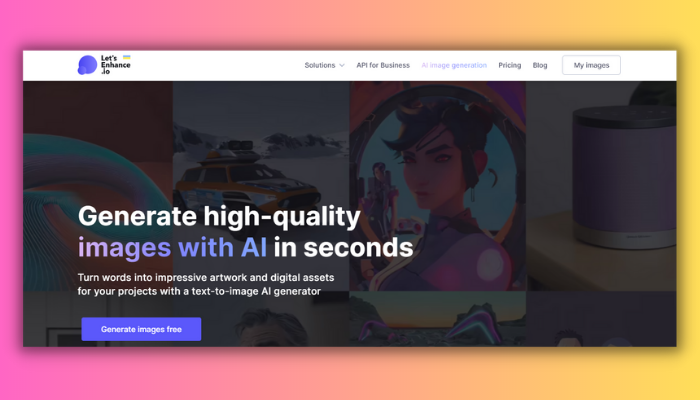
Let’s Enhance is designed to improve the quality of low-resolution images and make them suitable for use in large-format printing, web design, and other applications where high-quality visuals are required. Let’s Enhance uses state-of-the-art deep learning algorithms to analyze and enhance images, resulting in sharper details, smoother lines, and more vibrant colors.
Pricing
- Free
- Starter: $12/month
| Pros | Cons |
| Enhances graphics and images | Software is a bit buggy |
| Does not work well with complex or low-quality images | Not work well with complex or low-quality images |
| Generates high-resolution images | May be slow at times |
| Offers hundreds of templates |
14. Vance AI
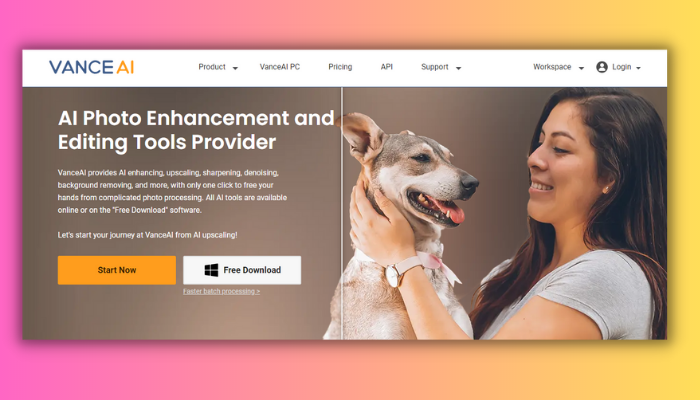
Vance AI graphic design is a cutting-edge platform that utilizes an AI graphic design tool to enhance the creativity and efficiency of graphic designers. With its advanced algorithms and intelligent tools, Vance AI graphic design can automatically generate impressive visuals, manipulate images, remove backgrounds, and more.
Pricing
- Starts from $4.95 (100 credits)
| Pros | Cons |
| Offers a suite of photo-processing tools | A limited number of free trials and credits |
| Boost productivity and creativity in graphic design | Not handle complex or artistic images |
| Improve the quality and resolution of low-quality images |
15. Brandmark.io
Brandmark.io is a platform that offers generative AI graphic design solutions for businesses and individuals. By leveraging cutting-edge machine learning algorithms, Brandmark.io creates unique and custom logos, social media posts, business cards, and other graphic designs.
Pricing
- Basic: $35 (One-time)
- Designer: $95 (One-time)
- Enterprise: $195 (One-time)
| Pros | Cons |
| Does not have a wide variety of logo styles and fonts | Not have a wide variety of logo styles and fonts |
| Your business needs a unique, professional logo | Not offer enough customization options |
| Full copyright and access to all major formats |
16. Simplified
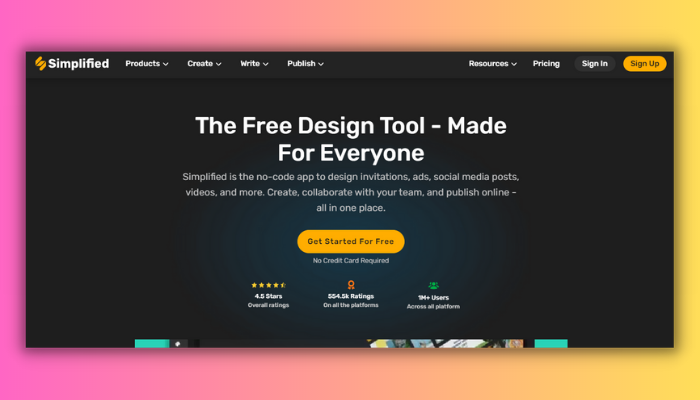
Simplified is an AI graphic design app or tool that helps to create visual content using artificial intelligence technology in a simplified manner. It involves the use of AI graphic design apps that enable users to generate logos, designs, and other graphics without requiring extensive design knowledge or skills. You can also check Simplified alternatives.
Pricing
- NA
| Pros | Cons |
| Create stunning designs | Not offer as much customization and flexibility |
| Offers one-click AI features | Incapable of handling complex design tasks |
| Has a social media management tool | Lack of advanced security or privacy options |
| Collaborative platform |
Is AI Good for Graphic Design?
Yes, AI can be a valuable tool for graphic design by assisting with tasks such as image recognition, color selection, and layout optimization. AI-powered software can streamline the design process and improve efficiency, allowing designers to focus on more creative aspects of their work.
Will AI Replace Designers?
Can AI replace graphic designers? While AI can create designs and even generate unique visuals, it lacks the human touch and creativity that graphic designers bring to their work. AI can assist designers by automating repetitive tasks and suggesting solutions, but it cannot replace them. Human designers are still needed to interpret and apply creative briefs, work with clients, and bring a unique perspective to the design process.
Conclusion
In conclusion, the world of AI graphic design has evolved significantly over the years, with numerous tools and software available to help designers achieve their creative goals.
The top 16 AI graphic design free generators mentioned in this article are a testament to the advancement of technology and how it is shaping the design industry. So, whether you are a professional designer or just starting, these free AI graphic design generators are definitely worth exploring.
For a broader list of AI tools including website and UI design, check our AI design tools guide.
FAQs
Can AI create design?
Yes, AI can create designs through various tools such as generative design software, neural style transfer, and deep learning algorithms. These tools can analyze data, patterns, and styles to generate unique designs that meet specific criteria and objectives.
How is AI applied in graphic design?
AI is applied in graphic design in various ways, such as automating repetitive tasks, generating design variations, analyzing data to inform design decisions, and creating unique designs based on user input.
Is AI capable of creating logos?
Yes, AI can design your logo. There are many AI-powered logo design tools available that use algorithms to create logos based on your inputs, such as preferred colors, styles, and icons.
Does AI have scope in the future?
Yes, AI has a vast scope in the future. As technology advances, AI is becoming increasingly sophisticated and is being applied in various industries, including healthcare, finance, and transportation.
Is AI taking over UX design?
No, AI is not taking over UX design. While AI can assist designers in some aspects of their work, such as data analysis and prototyping, the human touch and creative decision-making skills are still essential in UX design.
Is there an AI for graphic design?
AI graphic design tools help users edit or generate new designs by uploading existing ones. They can help in creating details like icons, menus, text boxes, and buttons.
How can a graphic designer use AI?
AI helps create many different designs from one sketch by changing shapes, colors, and where things are placed. This makes graphic design faster and easier, reducing repetitive tasks. It also makes unique designs available to more people.

