
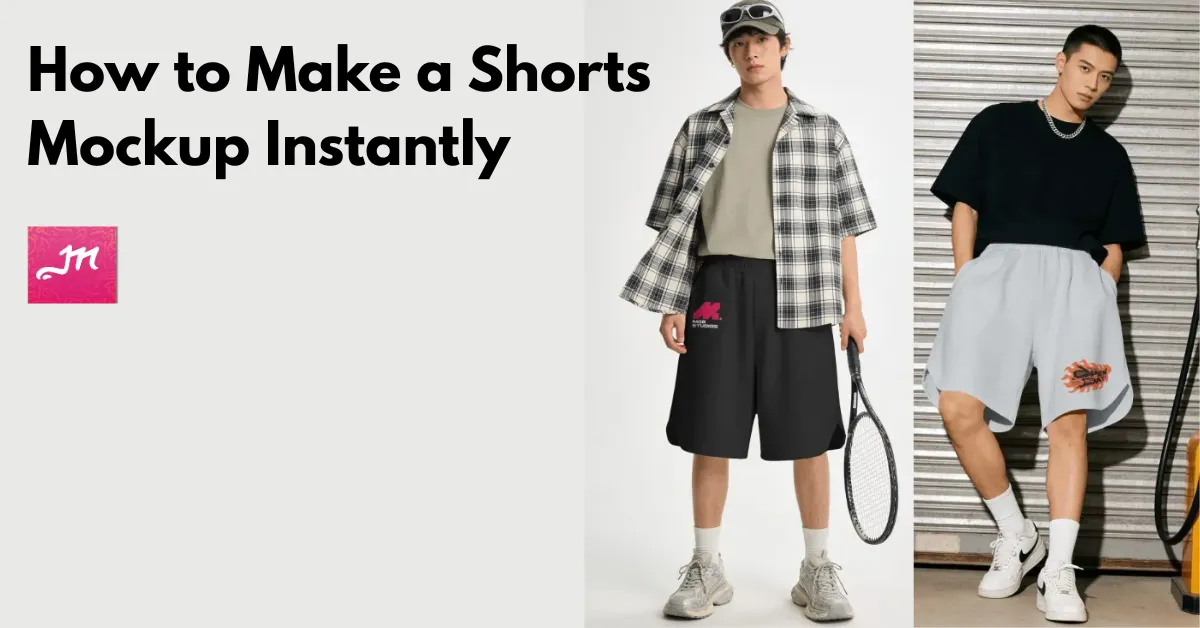
How to make a shorts mockup? Use the Mockey AI mockup generator. Choose a ready-made shorts template or create a mockup from an existing product photo. No Photoshop needed.
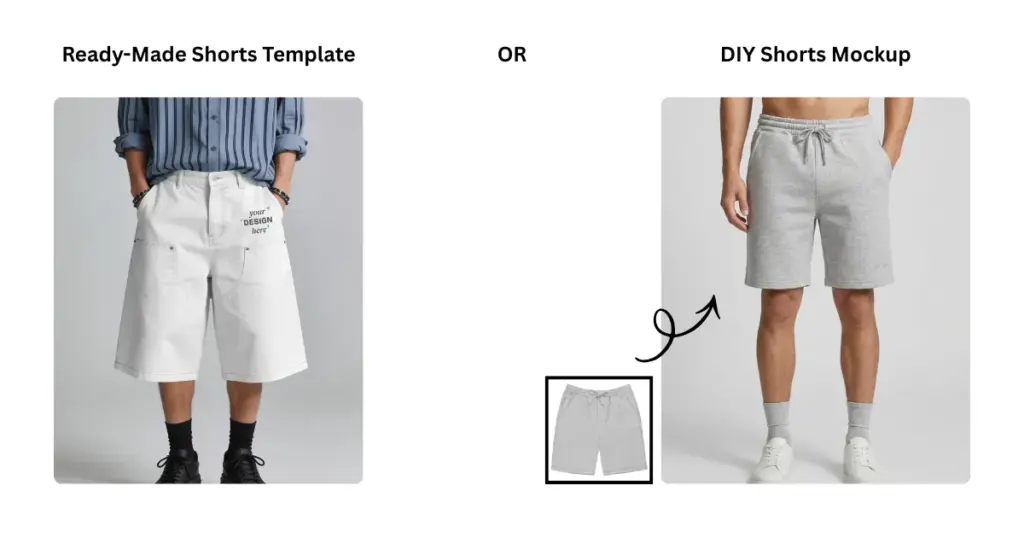
Table of Contents
Why Use Mockey AI for Shorts Mockup?
The reasons to make a shorts mockup in Mockey AI:
- Get Mesh, basketball, baggy, jean, and different color shorts
- 200+ ready-made shorts mockup templates
- Upload multiple designs
- Color picker, warping, and Place Anywhere features
- Multi Shot, Photoshoot, and Animate AI tools
- Create shorts mockups from scratch by uploading your shorts image
- A free plan with a PNG file (No watermark)
- Best mockup site for Etsy and POD business
How to Make a Shorts Mockup in Mockey AI (Different Ways)
An explanation of how to create a shorts mockup using Mockey AI.
1st Method: Use a Ready-Made Shorts Template
If you already have your design, start with one of the ready-made templates.
1. Sign up for Mockey AI and click Mockups in the left sidebar.
2. Go to Apparel for Shorts. You’ll see different shorts styles, models, poses, and lifestyle scenes.
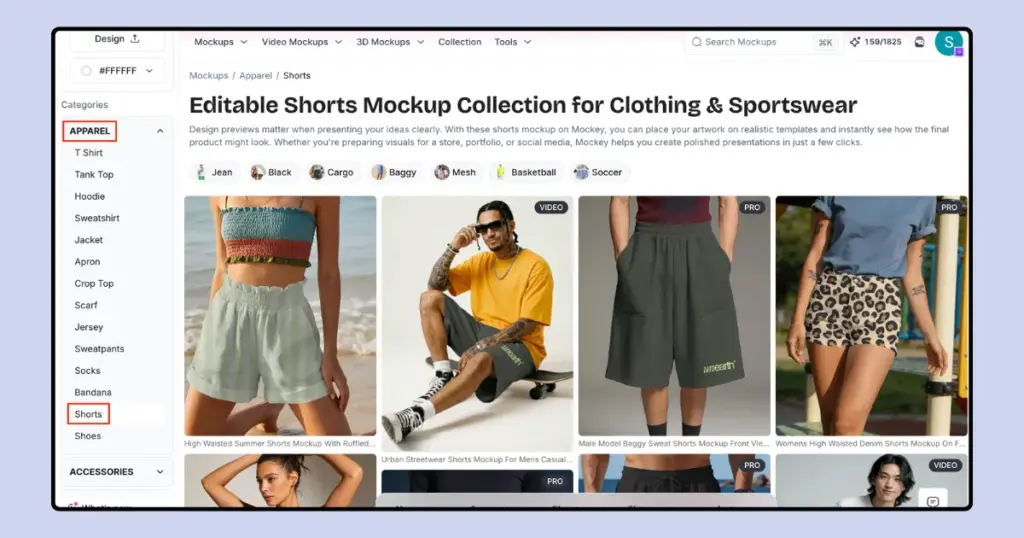
3. Pick a template, upload your design, change the shorts color, and resize the design. Use Warping if you need to make the design follow the folds of the fabric.
4. Download the shorts mockup in high-quality.
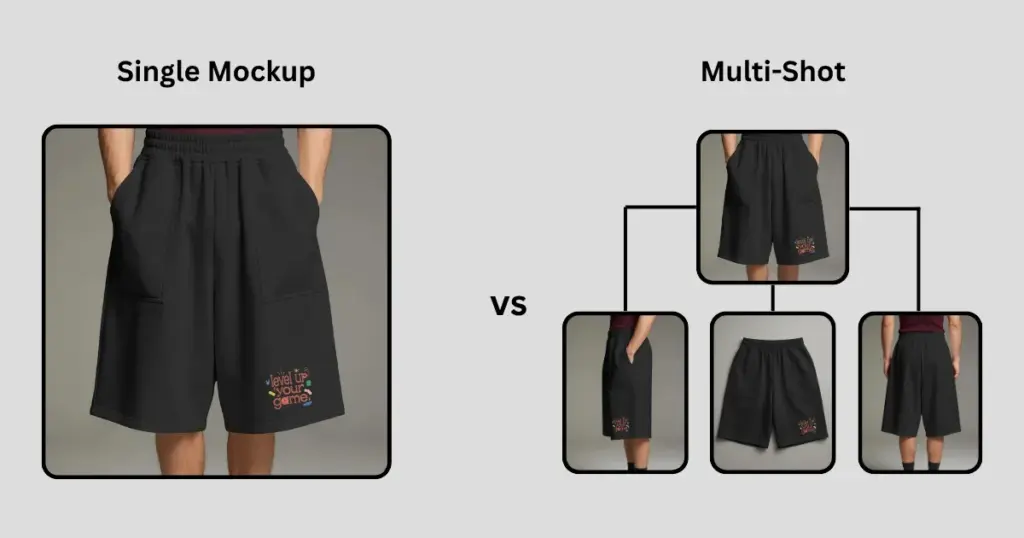
Create More Than One View
For a shorts listing, show the main design from the front, then use a back or side view and a lifestyle shot to show the rest of the product.
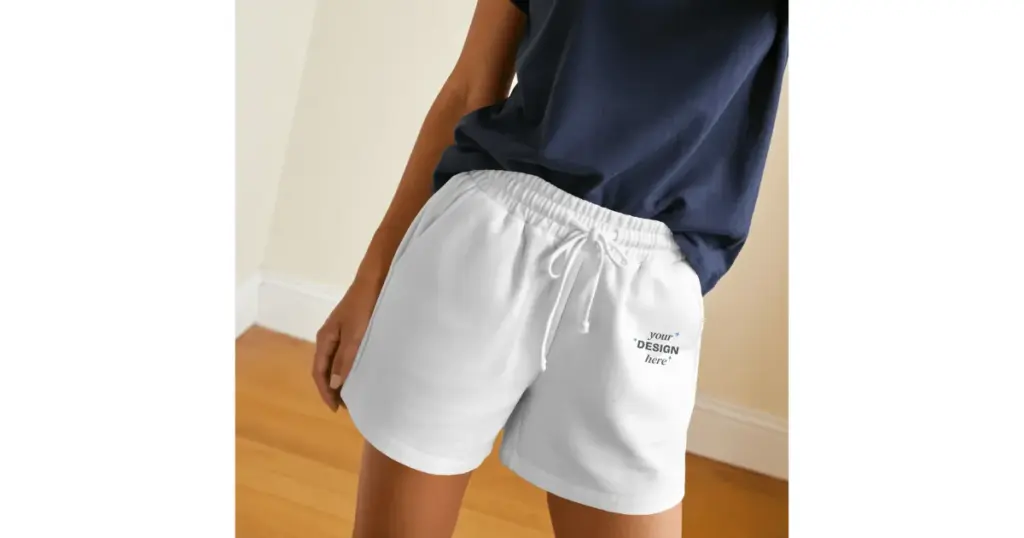
Show the Details
A close-up can show things you won’t notice in the full image, like the fabric, waistband, drawstring, and stitching.
Show Different Colors From the Same Design
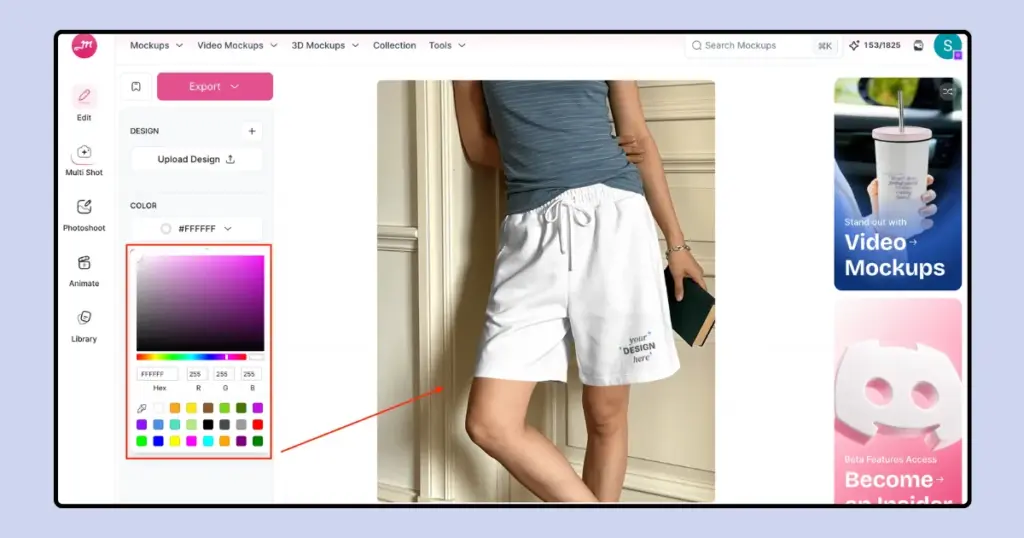
If you sell the same shorts in different colors, create a mockup for each color you offer.
Shorts Mockup Template to Use in Mockey AI
Mockup Template for Shorts in Mockey AI that you can use.
A. Mesh shorts mockup for athletic, gym, or training apparel
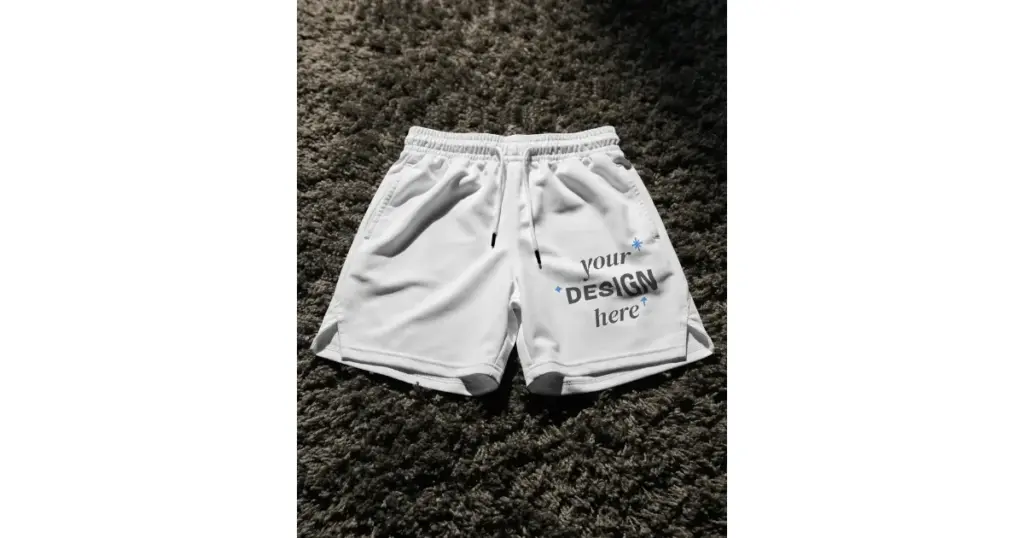
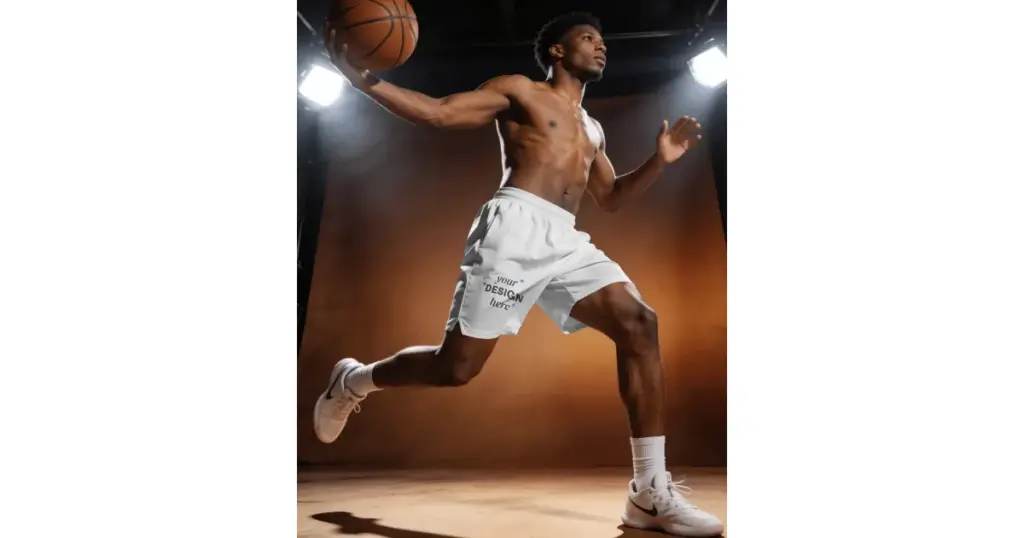
B. Basketball shorts mockup for sportswear designs
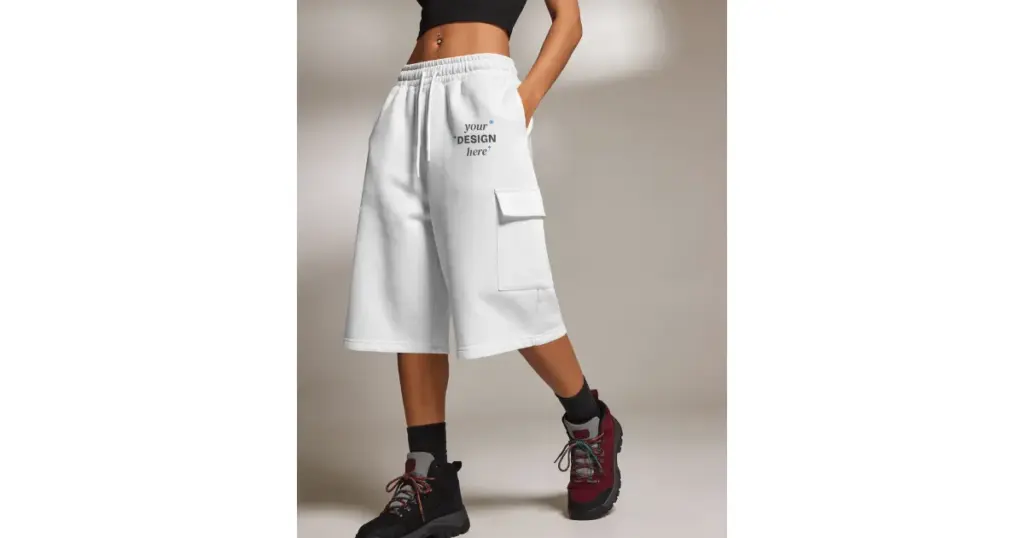
C. Baggy shorts mockup for oversized streetwear and relaxed-fit designs
2nd Method: Create a Shorts Mockup From Your Product Photo
Already have a photo of your shorts? Skip the templates and make a custom mockup instead.
1. Open AI Studio and select Mockup.
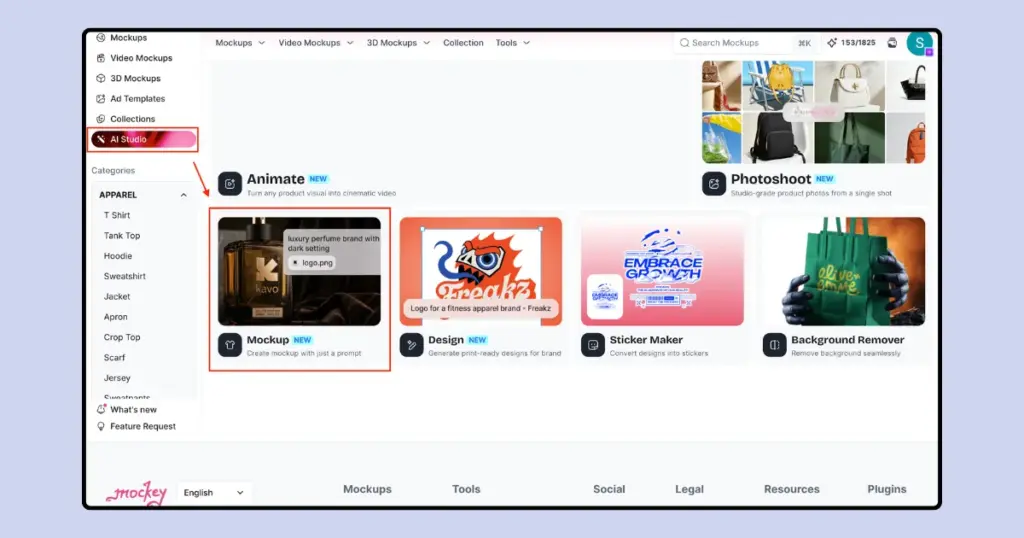
2. Upload your shorts photo and describe the scene you want.
3. Pick an aspect ratio and click Generate.
4. Once it’s ready, download the mockup or use Animate if you want to turn it into a short video.
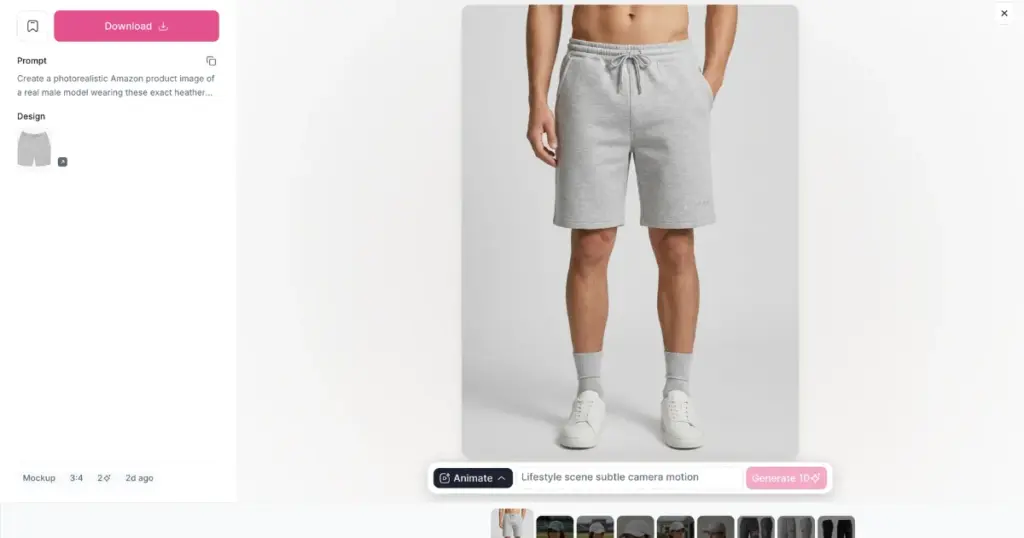
Try Different Scenes, But Keep the Product Accurate
If you’re using your own product image, try a gym, basketball court, or streetwear scene.
Make Your Shorts Look Ready to Sell
You understood how to make a shorts mockup.
Show the shorts from different angles, add a close-up if you want to show the fabric or stitching, and try a lifestyle shot. If you’re using your own product photo, you can also change the scene or try different colors.
Use Mockey’s shorts mockup generator to fix small details. Keep the design in line with the shape of the shorts so the folds and fabric texture are still visible.
FAQs
Can I download a shorts mockup for free?
Mockey AI’s free plan lets you download shorts mockups as PNG files without a watermark.
How do I choose the right shorts mockup?
Choose a template that matches the shorts you’re selling. If your product is loose cargo shorts, don’t use a fitted running-shorts template. The fit, length, pockets, and fabric should look similar to the real thing.
How can I make a shorts mockup look more realistic?
A shorts mockup looks more realistic when you can still see the fabric folds and texture. Also, the graphic should follow the shape of the shorts.
How many shorts mockups should I use for an Etsy listing?
For your listing, show the front, back, or side, and a lifestyle shot. You can use the other images for sizing, fabric details, or care instructions.
Can I create different scenes from one shorts photo?
Go to AI Studio, upload your shorts photo, write what you want the scene to look like, and generate it.