

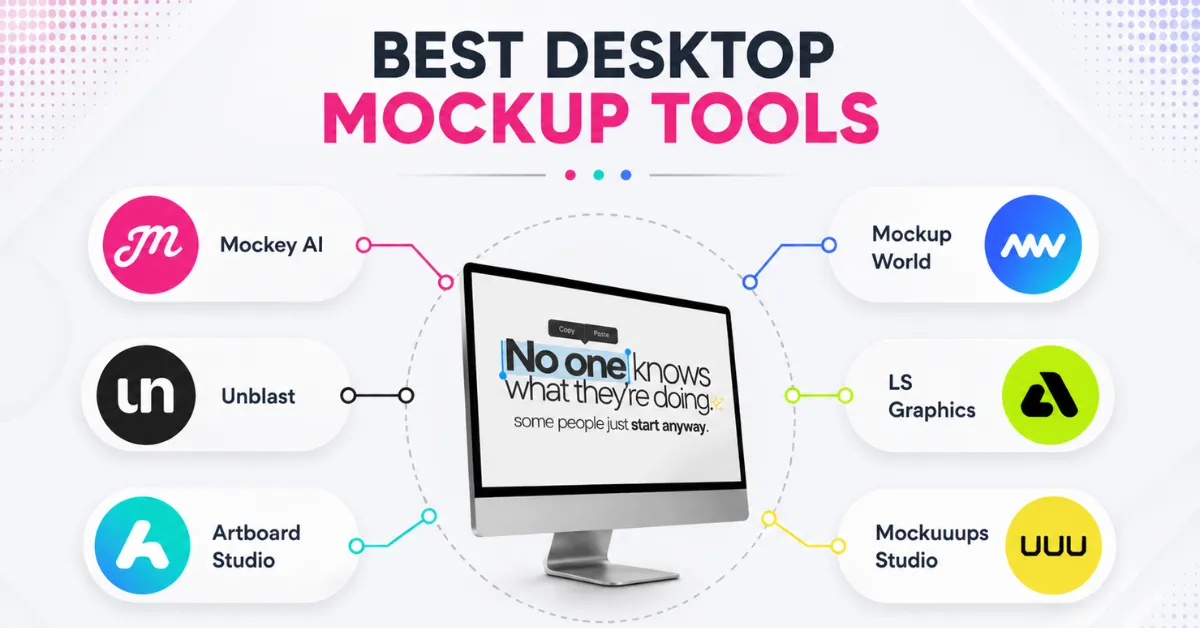
Desktop mockups show your website, app, or design on an iMac, Dell, or Apple Studio Display. This guide compares 6 of the best desktop mockup tools, such as Mockey AI, Unblast, Artboard Studio, Mockuuups Studio, LS Graphics, and Mockup World.
Key Takeaways
- Mockey AI covers 8 desktop brands (Acer, Dell, Lenovo, Apple, HP, Samsung, MSI, Asus) with 200+ templates
- Unblast and Mockup World offer free iMac mockups as PSD files
- LS Graphics has no free tier at all; online editing starts at $9 to $15/month
- Mockuuups Studio’s free plan is non-commercial only; commercial use needs a paid upgrade
Table of Contents
Why Does a Desktop Mockup Tool Matter?
About 94% of a person’s first impression comes from the way a webpage looks. People also decide what they think in just 50 milliseconds.
That is why a desktop mockup is important. It lets people see your website or app before it is built. If the mockup looks real, it can leave a better first impression.
Best Desktop Mockup Tools at a Glance
| Tool | Plan | Number of Mockups | Brand Coverage | Editing Features |
| Mockey AI | – Free – Plan starts from $7-$9.99/month | 200+ | – Acer – Dell – Lenovo – Apple – HP – Samsung – MSI – Asus | – Fit – Fill – Rotate – Flip – Align – Zoom – Color – AI tools |
| Unblast | Free | 30 | iMac only | None, manual PSD editing |
| Artboard Studio | – Free – Plan starts from $29/month | 43 | – Apple – General desktop | – Fit – Fill – Color – Blending mode – Design opacity – Ground shadow – BG color – Ratio |
| Mockuuups Studio | – Free (non-commercial only) – Plan starts from $20/month | 170 | – iMac – Dell – Apple Studio Display – Apple Pro Display XDR – Surface Studio 2 | – Crop – Background |
| LS Graphics | $9 to $15/month | 68 | iMac only | No idea |
| Mockupworld | Free | 100+ | iMac | Manual PSD editing |
1. Mockey AI
Mockey AI is one of the best desktop mockup tools that not only offers ready-made templates but also lets you generate mockups using a text prompt.
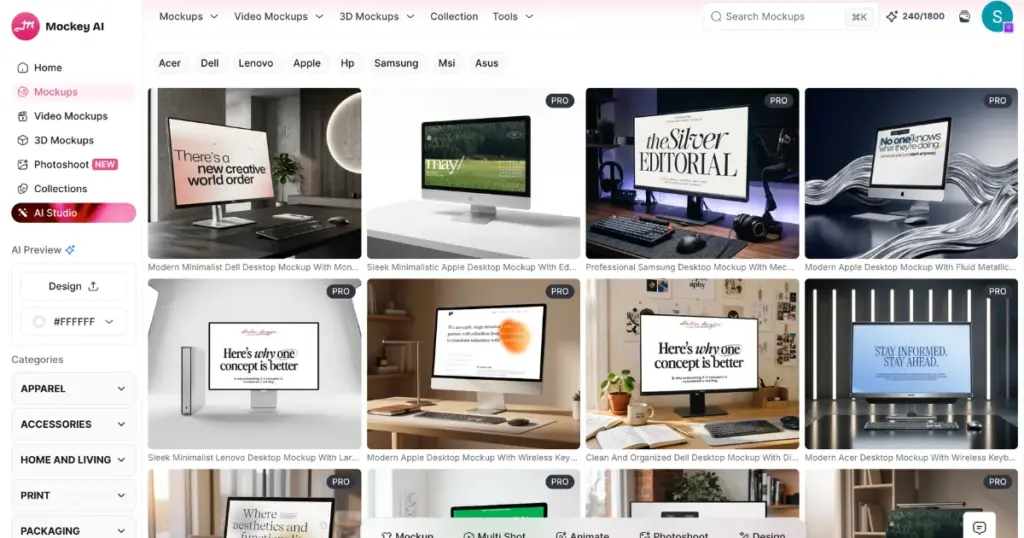
Get desktop mockup templates by opening Mockups, then Tech, and then Desktop. If you want a specific brand, you can choose filters like Apple, Dell, HP, Lenovo, Acer, Samsung, MSI, or Asus.
In this mockup generator, some templates are free; others are marked PRO. Every template comes with a full editor:
- Fit
- Fill
- Rotate
- Flip horizontal & vertical
- Align horizontal & vertical
- A zoom slider
- Color
- Multi Shot
- Photoshoot
- Animate
AI Studio is also available, letting you generate desktop mockups from a prompt instead of picking a template. Just upload the screenshot, describe the scene, choose the aspect ratio if you want, and generate it.
| Free plan | Yes |
| Starting price | $7 – $9.99/month |
| Templates | 200+ |
| Brand coverage | Acer, Dell, Lenovo, Apple, HP, Samsung, MSI, Asus |
| Editing tools | Fit, fill, rotate, flip, align, zoom, color, multi shot, photoshoot, and animate |
| AI features | AI Studio |
| Best for | Sellers and designers who need range plus control |
2. Unblast
Unblast offers free desktop mockups limited to iMac, 30 PSD files total. Mockups are free for personal and commercial use, no signup required.
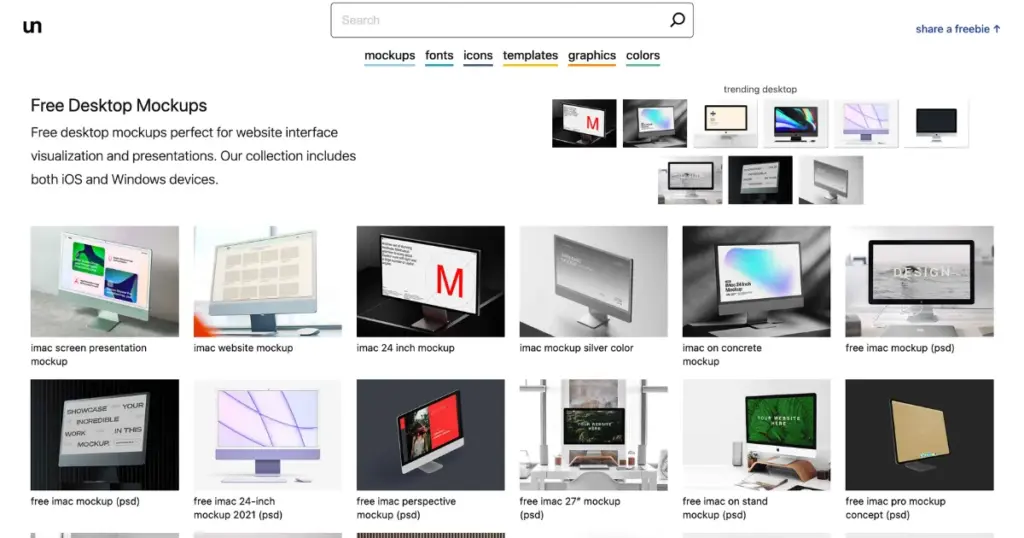
Files are delivered as Photoshop PSDs, edited manually by placing your design into a smart object layer.
| Free plan | Yes, fully free |
| Starting price | Free |
| PSD files | 30 |
| Brand coverage | iMac only |
| Editing tools | None, manual PSD editing |
| AI features | No |
| Best for | Photoshop users who only need iMac shots |
3. Artboard Studio
Artboard Studio has 43 desktop templates. After signing up, you land on an editor to upload a screenshot. Then use fit, fill, color, blending mode, design opacity, and ground shadow sliders for finer control over how your design sits in the scene.
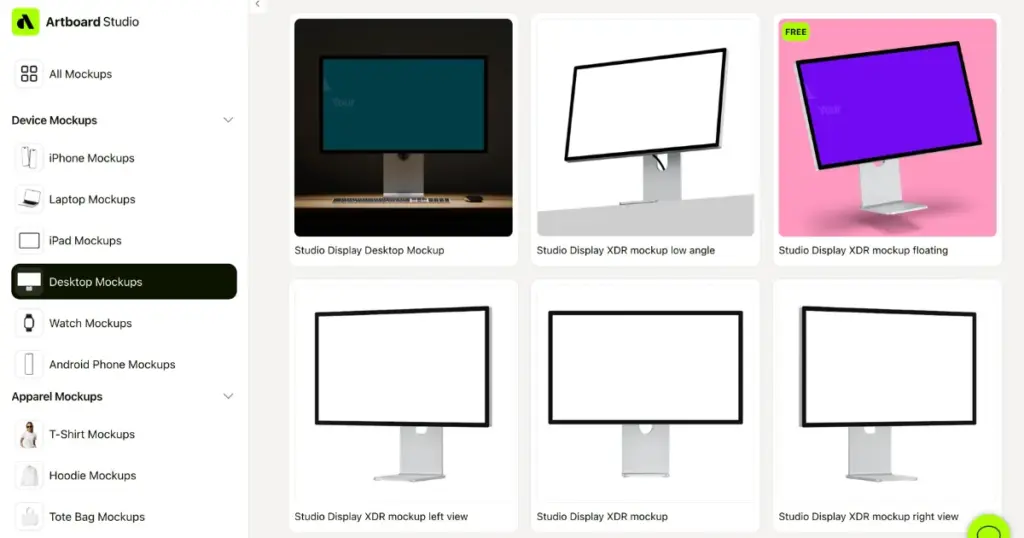
A separate “Edit with AI” panel lets you prompt for changes directly, though this runs on a credit system. The free plan limits you to customizing 1 desktop mockup; everything beyond that needs a paid upgrade.
Many users are looking for a free alternative to Artboard Studio for this reason.
| Free plan | Yes, limited to 1 desktop mockup |
| Starting price | $29/month |
| Templates | 43 |
| Brand coverage | Apple, general desktop |
| Editing tools | Fit, fill, color, blending mode, design opacity, ground shadow, BG color, ratio |
| AI features | Yes, Edit with AI |
| Best for | Trying the editor before committing to a paid plan |
4. Mockuuups Studio
Mockuuups Studio has desktop templates such as iMac 24-inch, iMac 21.5-inch, iMac 27-inch, Dell Display, Apple Studio Display, Microsoft Surface Studio 2, Apple Pro Display XDR, and iMac Pro.
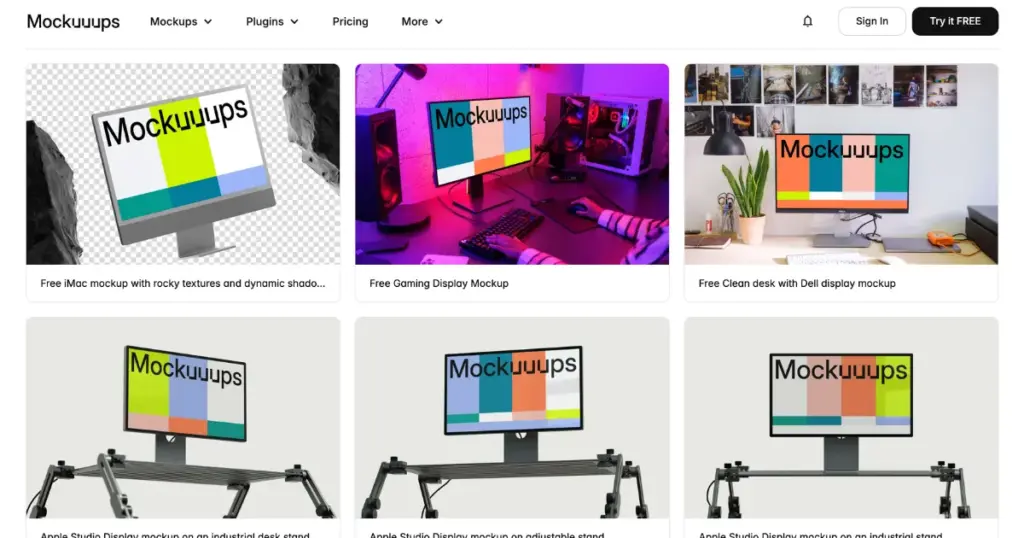
No signup is required to try a mockup, but the free tier is non-commercial only. For free commercial use, look for a Mockuuups Studio alternative.
| Free plan | Yes, non-commercial only |
| Starting price | $20/month |
| Templates | 170 |
| Brand coverage | iMac, Dell, Apple Studio Display, Apple Pro Display XDR, Surface Studio 2 |
| Editing tools | Crop, background |
| AI features | No |
| Best for | Widest scene variety across multiple desktop brands |
5. LS Graphics
LS Graphics is another desktop mockup tool that offers 50+ iMac templates as part of a larger multi-device library.
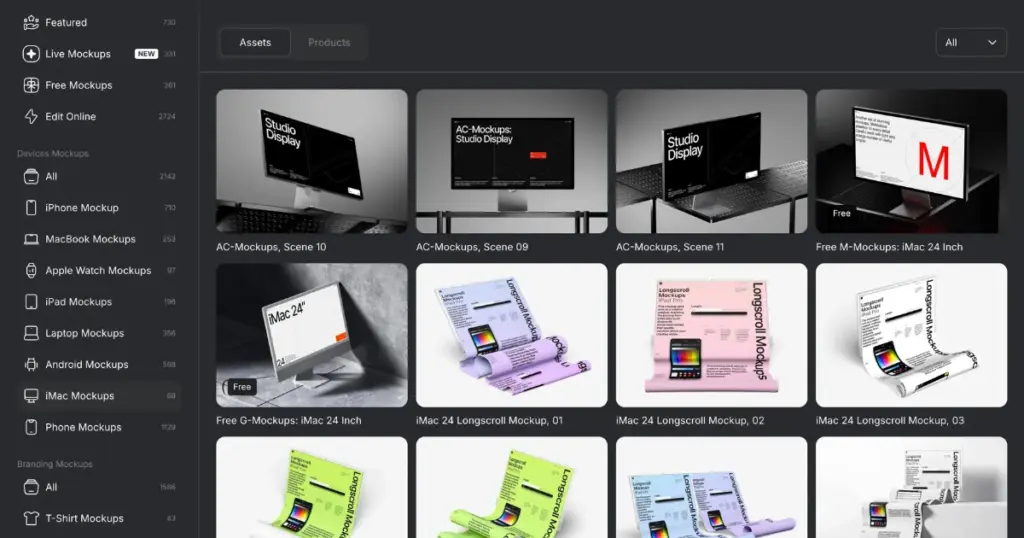
There’s no free download or free online editing. The Start plan is $15/month for online editing and PNG/JPG export. The Pro plan is $59/month and adds PSD, Sketch, and Figma file downloads. If the pricing doesn’t fit your budget, these LS Graphics alternatives are worth a look.
| Free plan | No |
| Starting price | $9 to $15/month |
| Templates | 68 |
| Brand coverage | iMac only |
| Editing tools | Online editor (paid only) |
| AI features | No |
| Best for | Agencies needing high-resolution files |
6. Mockup World
Mockup World offers a small number of free iMac mockups, delivered as PSD files with smart object layers, no signup required.
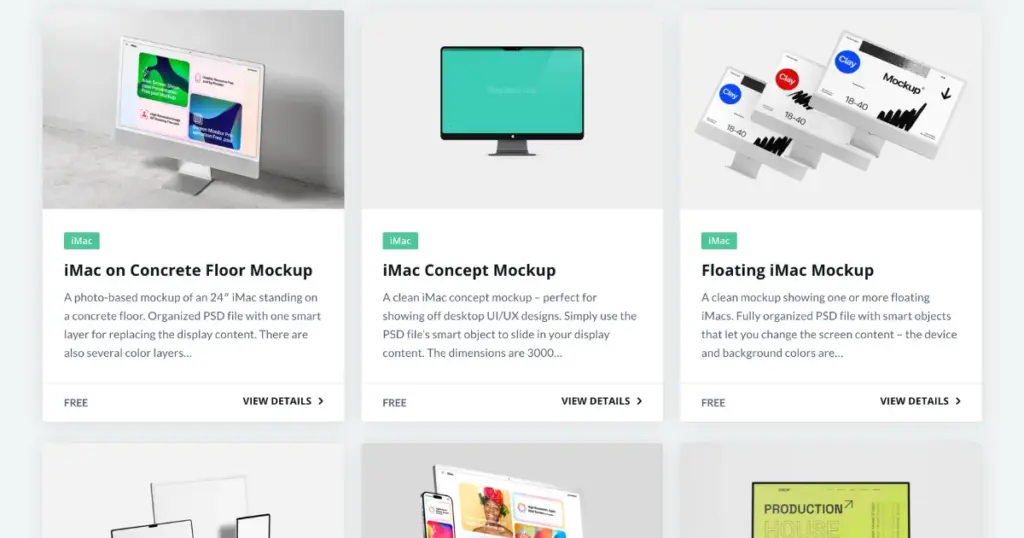
The site also carries ads and affiliate links to other tools like Placeit and Creative Fabrica alongside its own free listings.
| Free plan | Free |
| Starting price | Free |
| Templates | 100+ |
| Brand coverage | iMac only |
| Editing tools | Manual PSD editing |
| AI features | No |
| Best for | Quick, no-cost iMac shots |
Overall the Best Desktop Mockup Tool
Mockey AI is the best overall choice. It covers most desktop brands (Acer, Dell, Lenovo, Apple, HP, Samsung, MSI, Asus), offers editing options like fit, fill, rotate, align, zoom, and color, and includes AI Studio for prompt-based generation.
Unblast and Mockup World are solid if you only need free iMac mockups and don’t mind editing PSDs manually in Photoshop.
FAQs
Which desktop mockup tool is completely free?
Unblast and Mockup World both offer fully free iMac mockups with no signup and no commercial restrictions.
Which tool has the most desktop mockup templates?
Mockey AI has 200+ templates across all categories and the most desktop brand variety.
Which tool has no free tier?
LS Graphics. Online editing starts at $9 to $15/month, with no free download or editing option.
Does any tool offer AI generated desktop mockups?
Mockey AI’s AI Studio generates mockups from a prompt. Artboard Studio has an “Edit with AI” feature. The other four tools rely on templates or PSD files only.