Free Desktop Mockup Templates
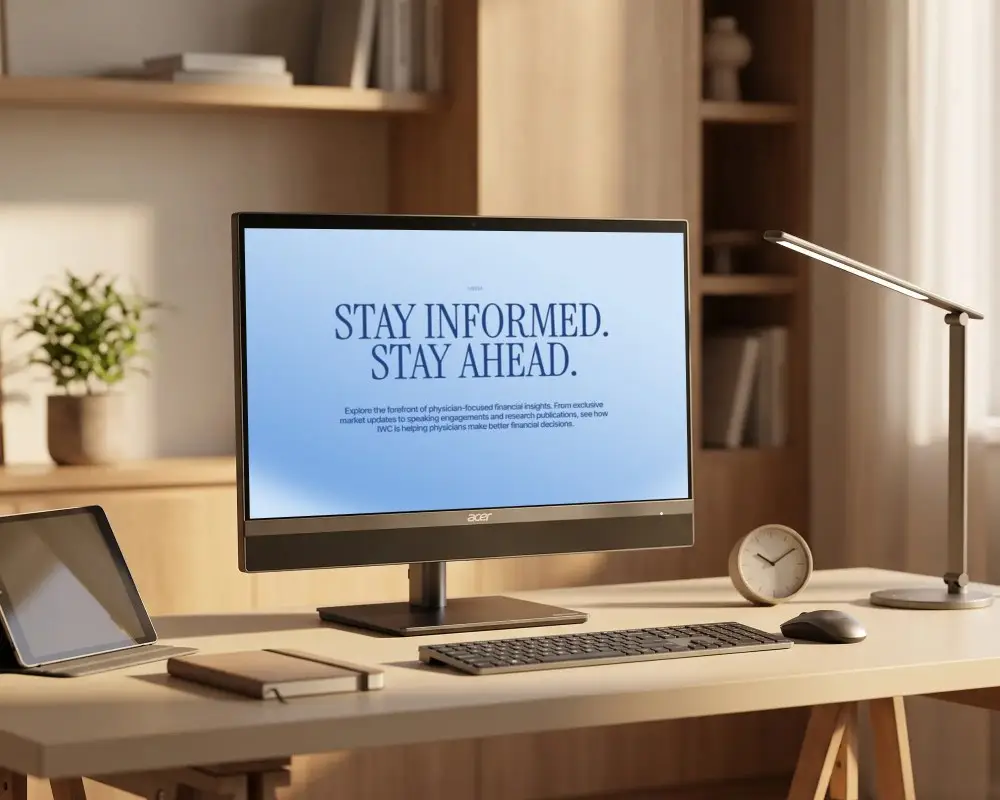
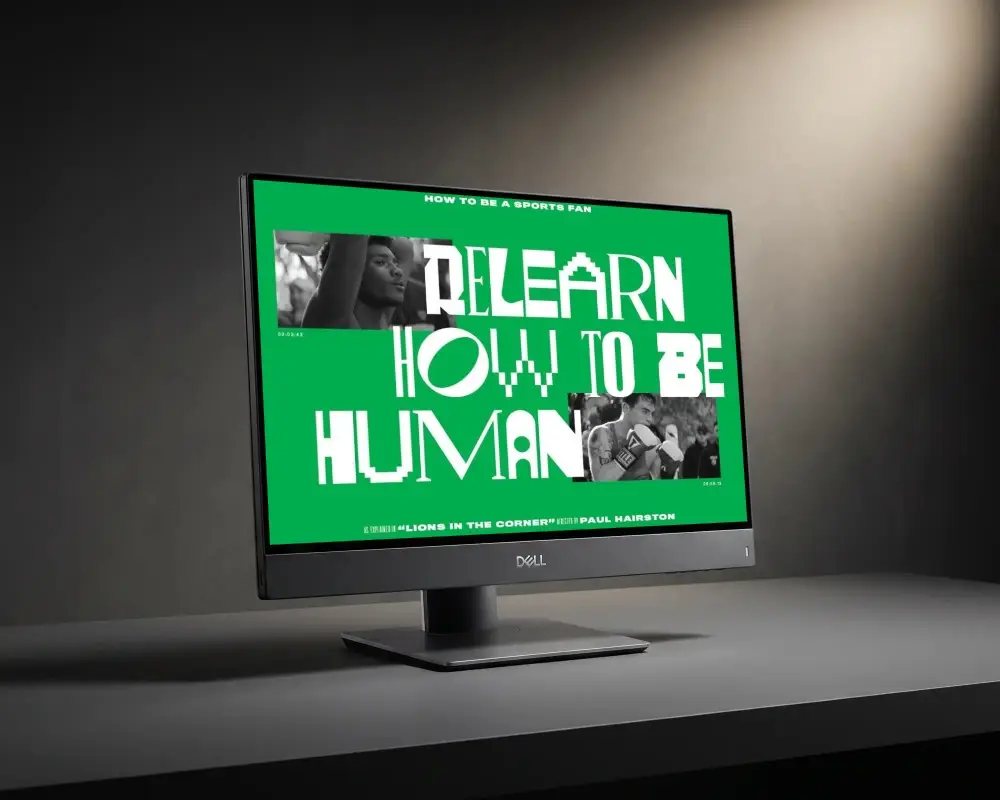
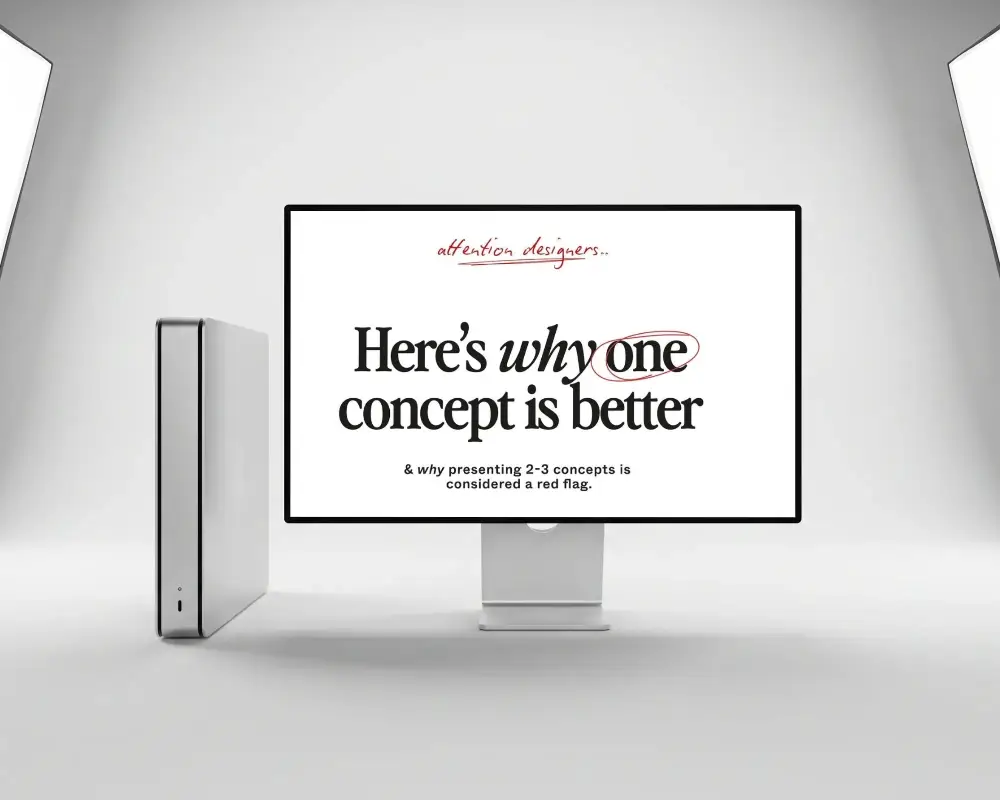
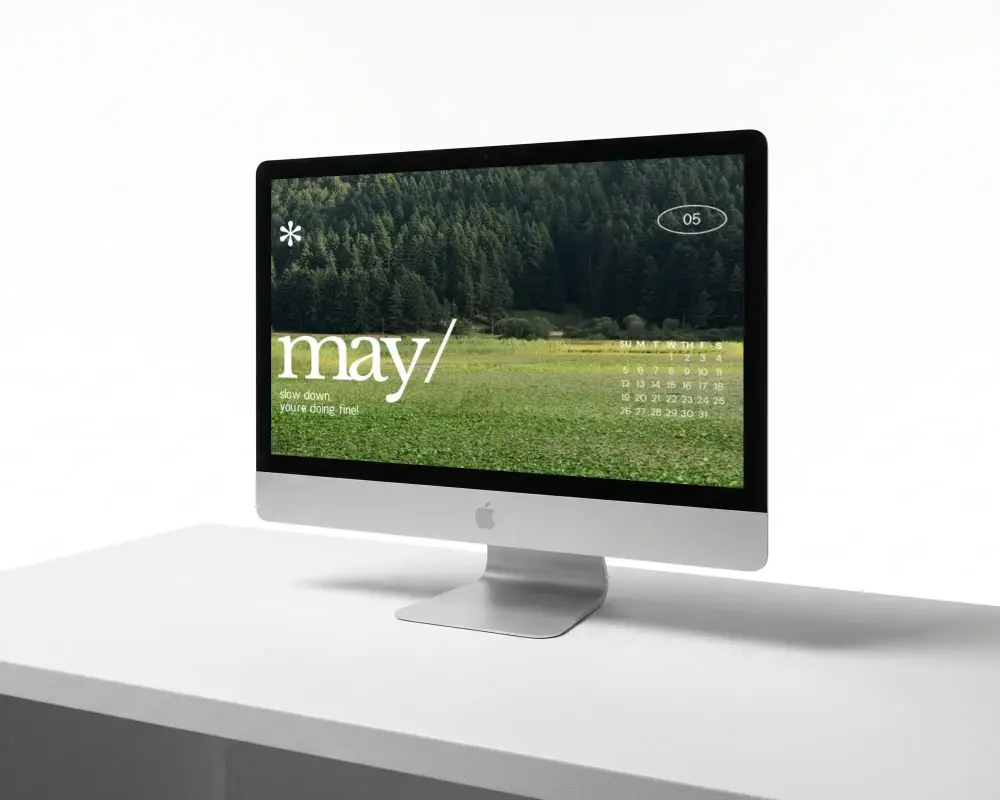
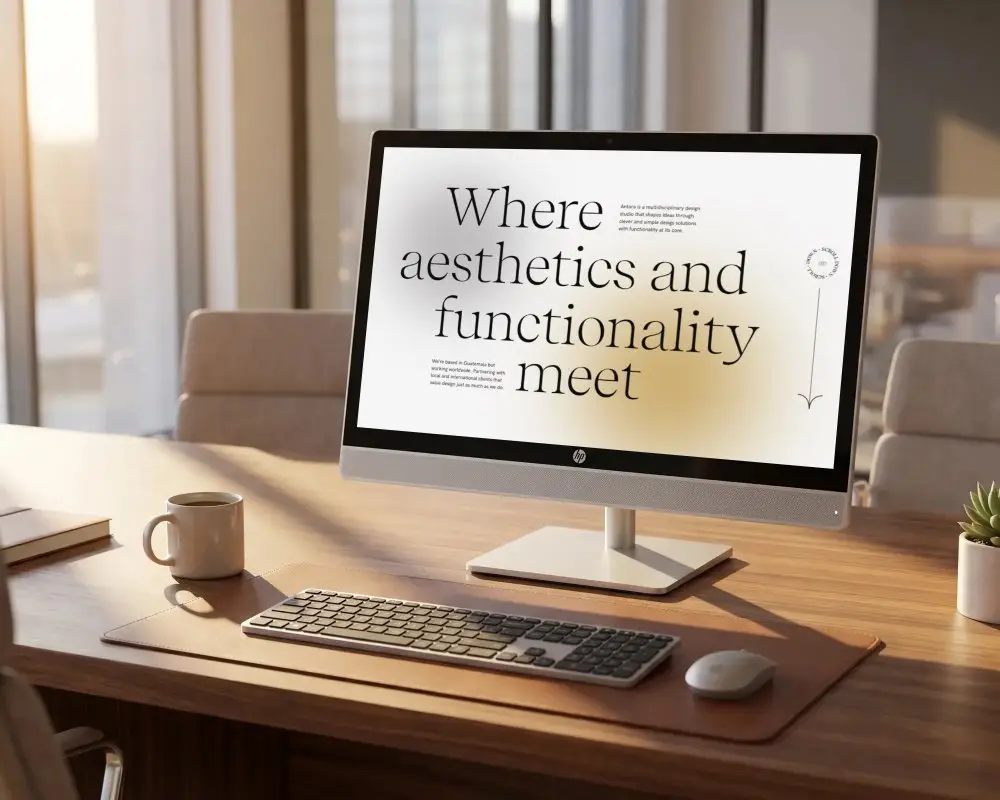
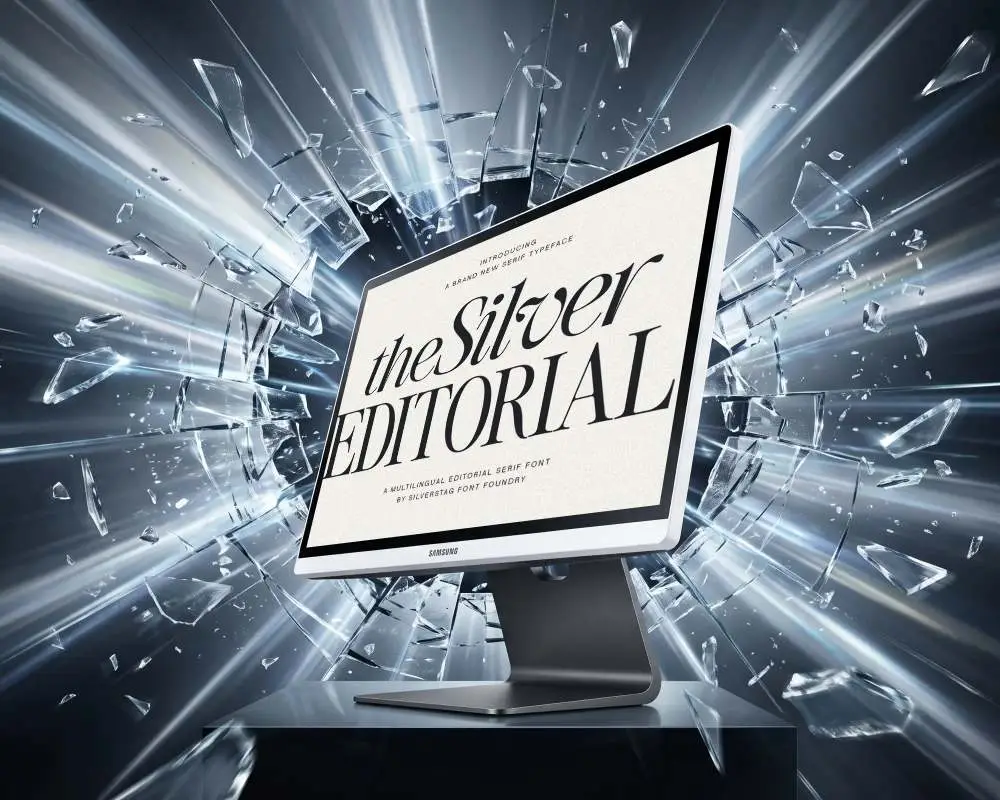
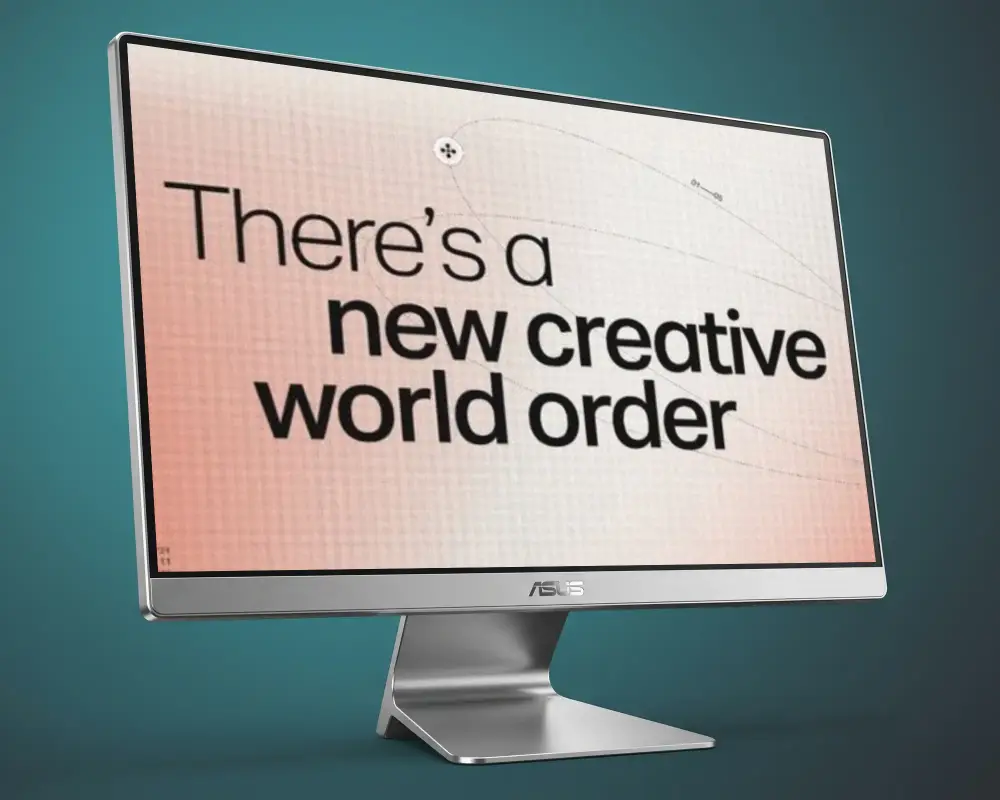
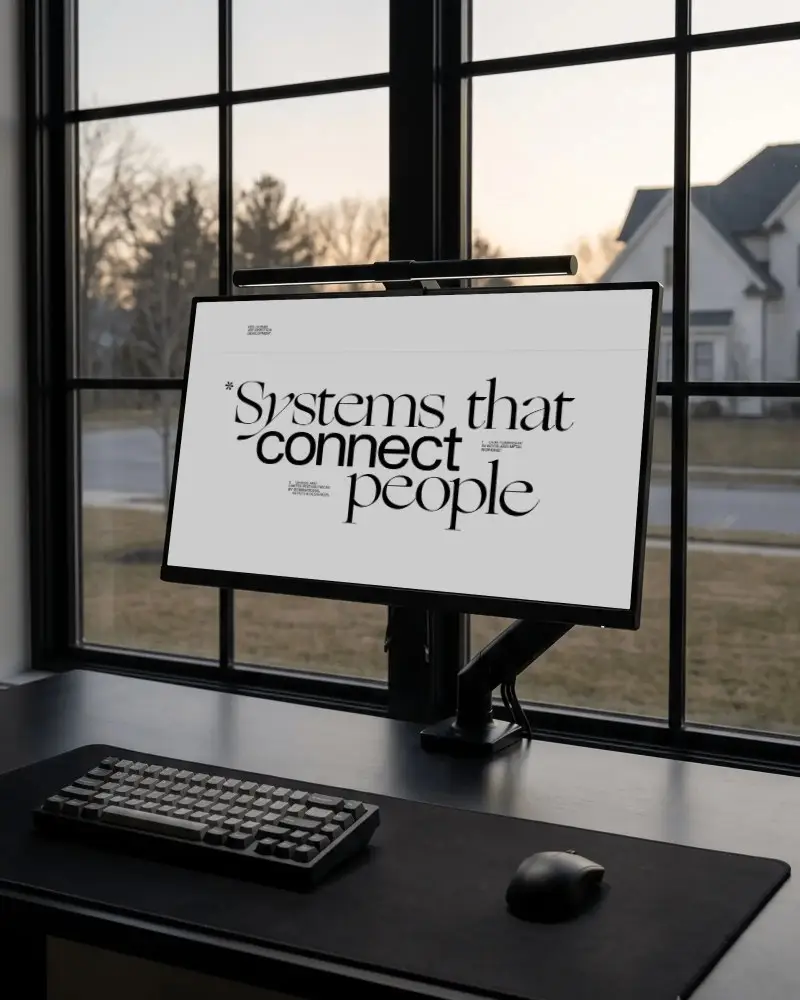
Choose from Mockey AI's wide range of desktop mockup templates, show your website or app on a real screen, and download your design as a clean PNG or JPG image in just a few clicks.

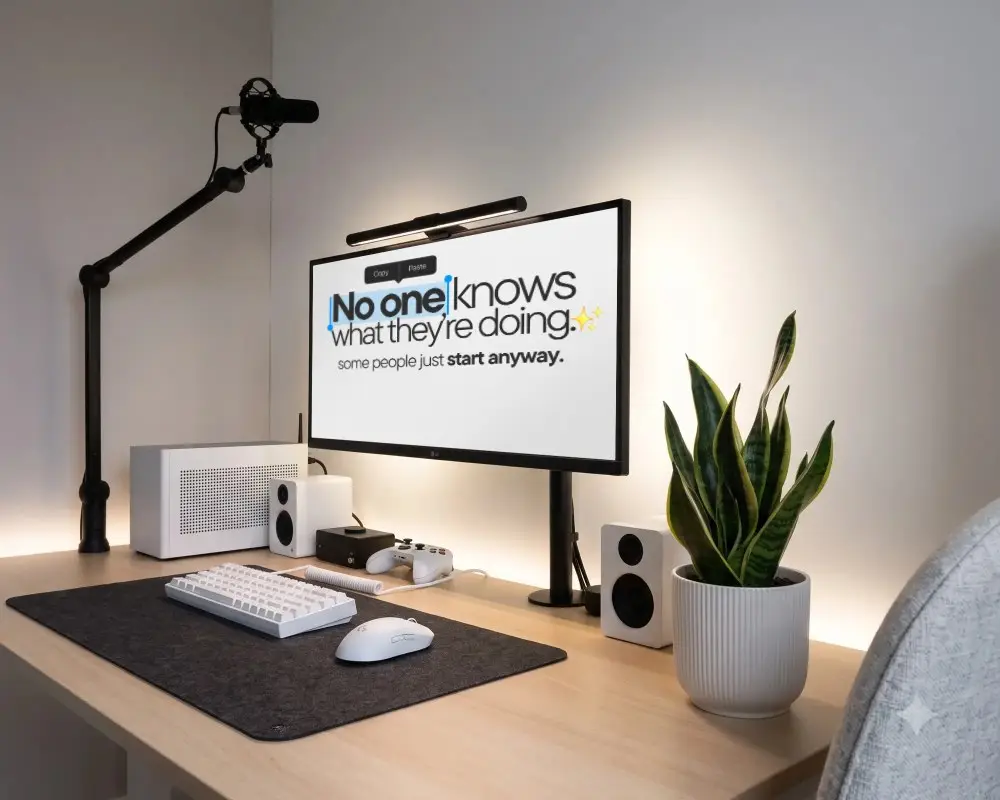
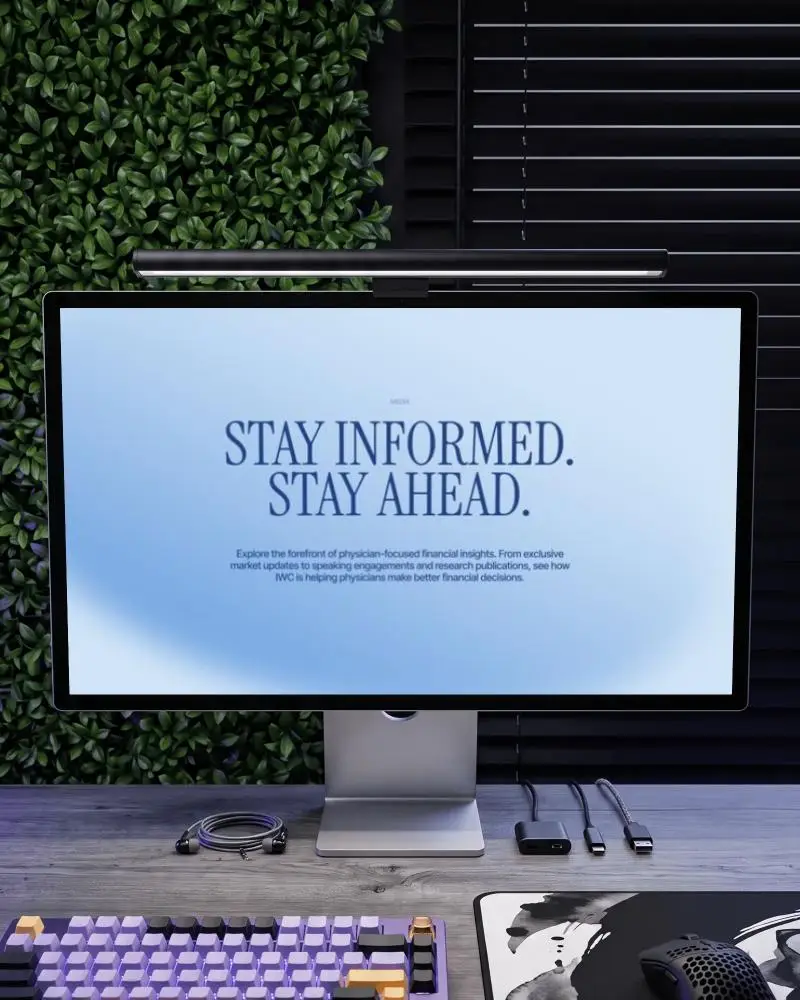
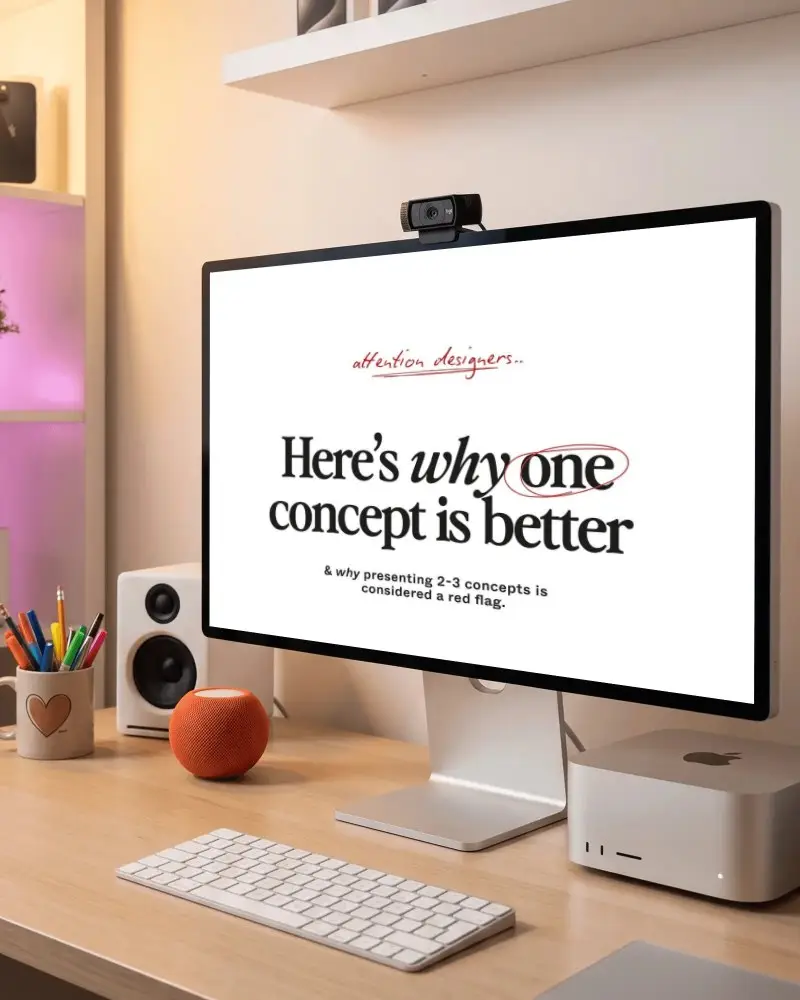
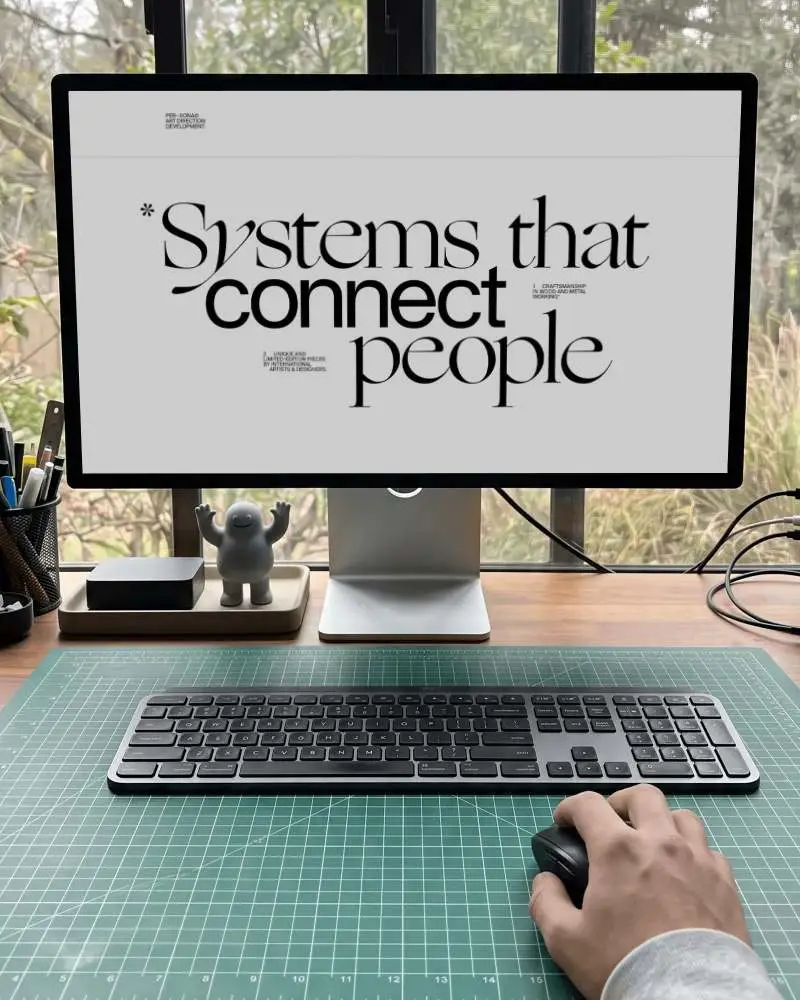
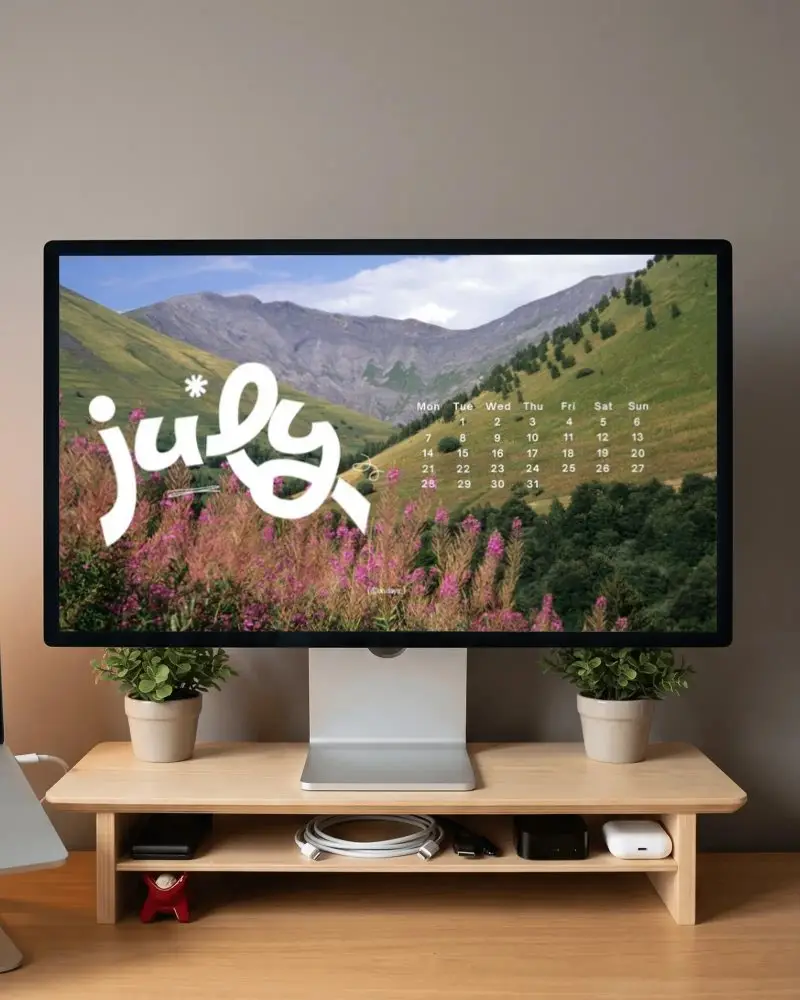
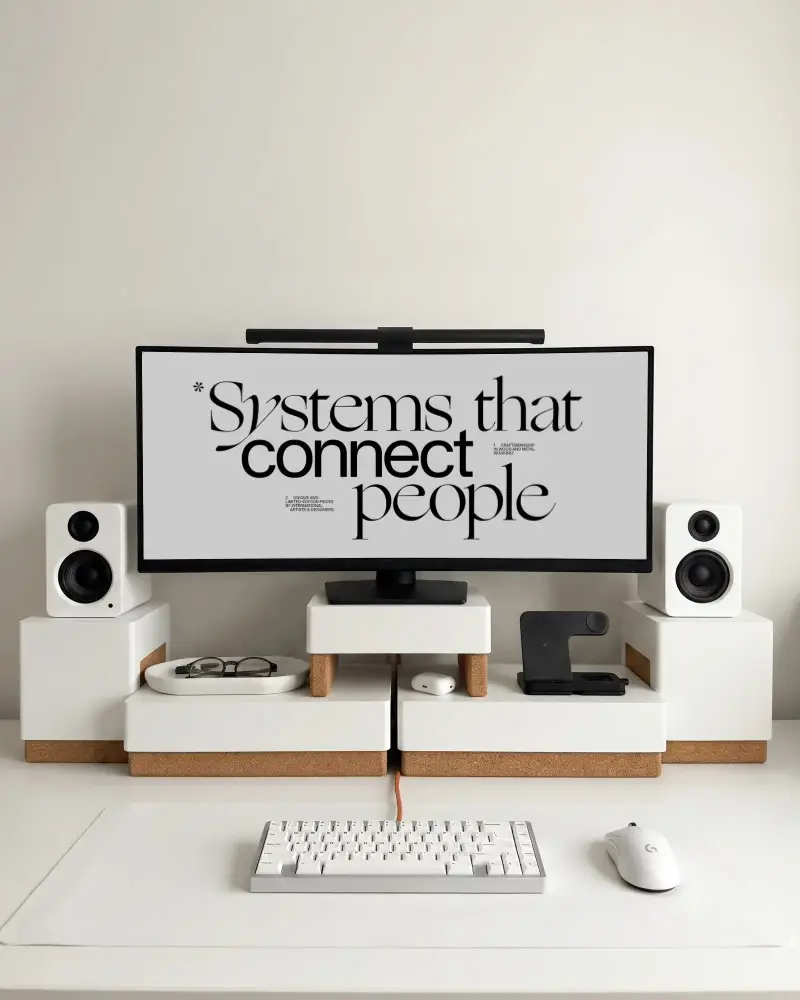
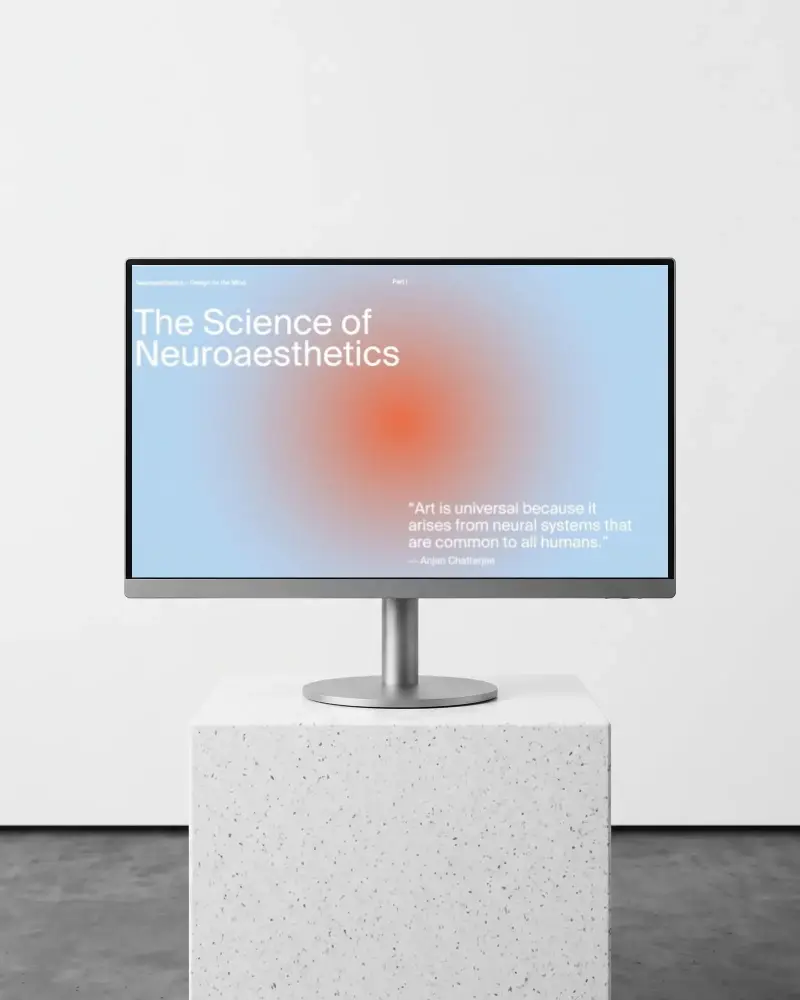
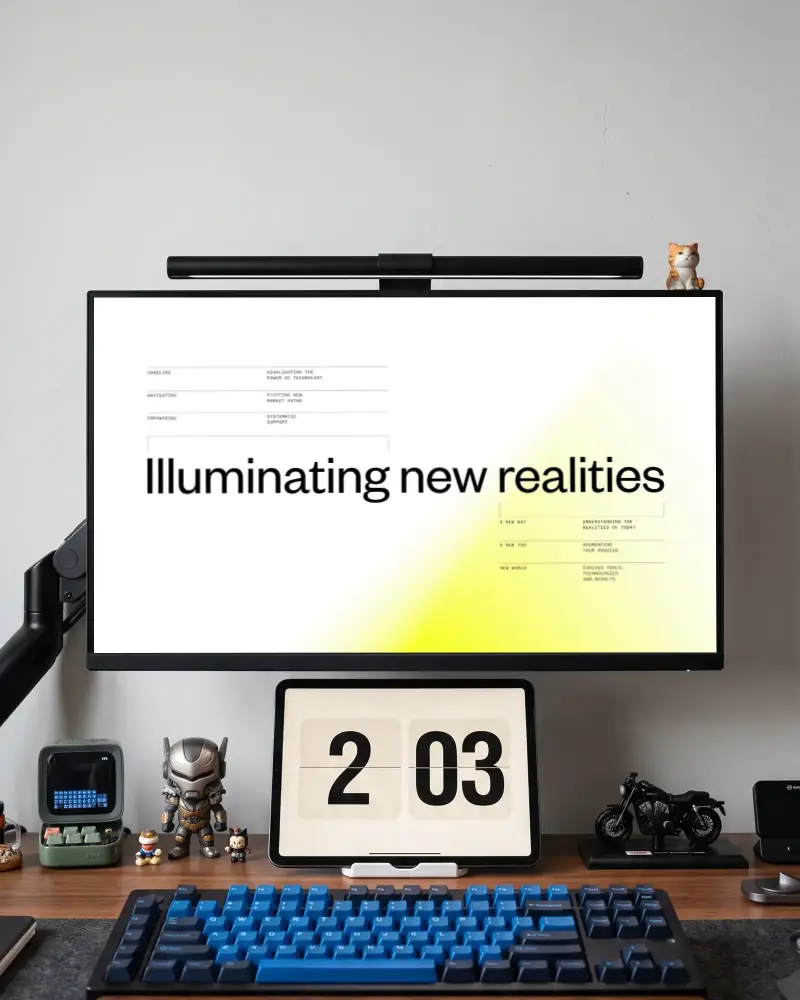
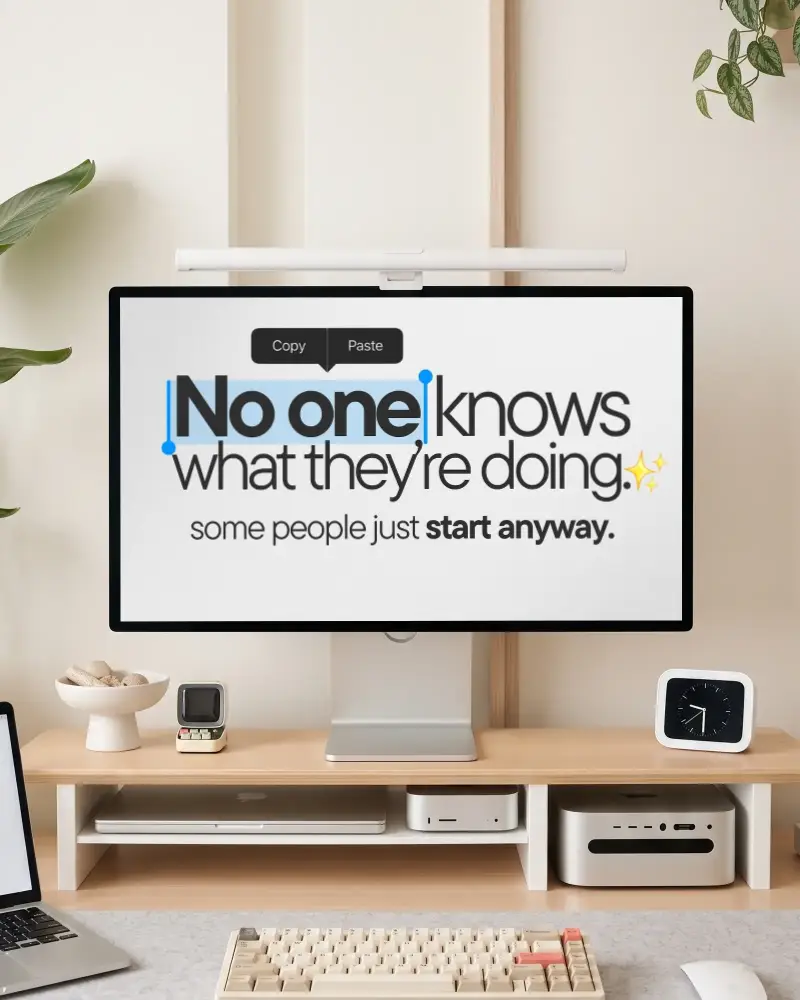
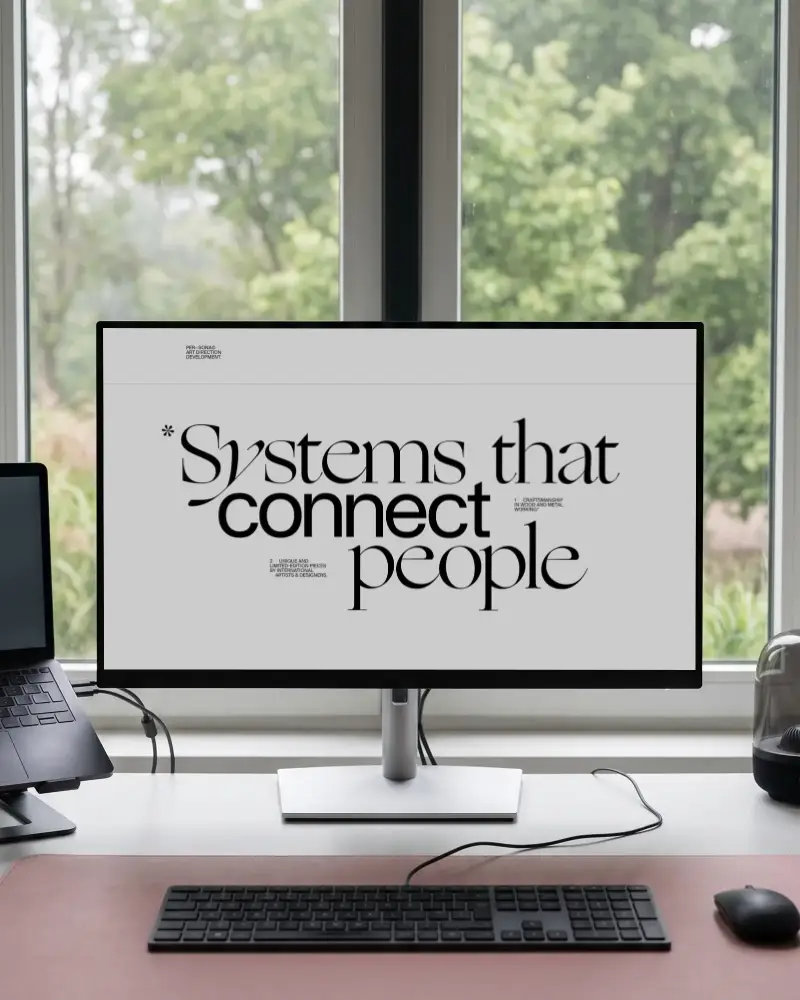
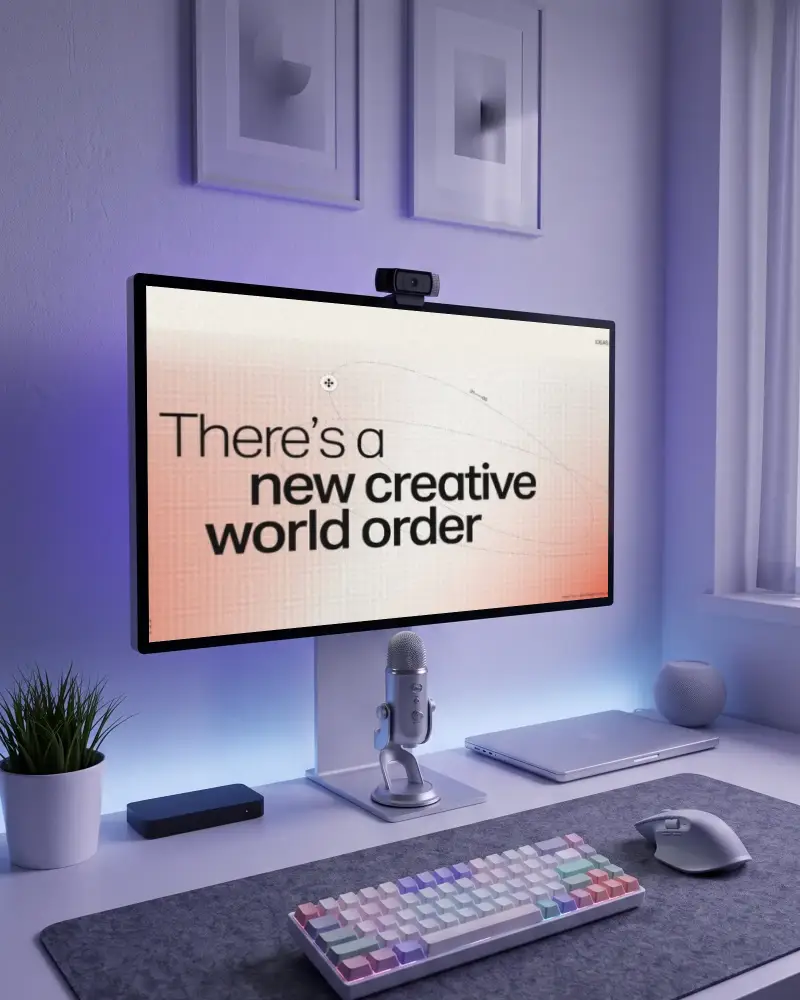
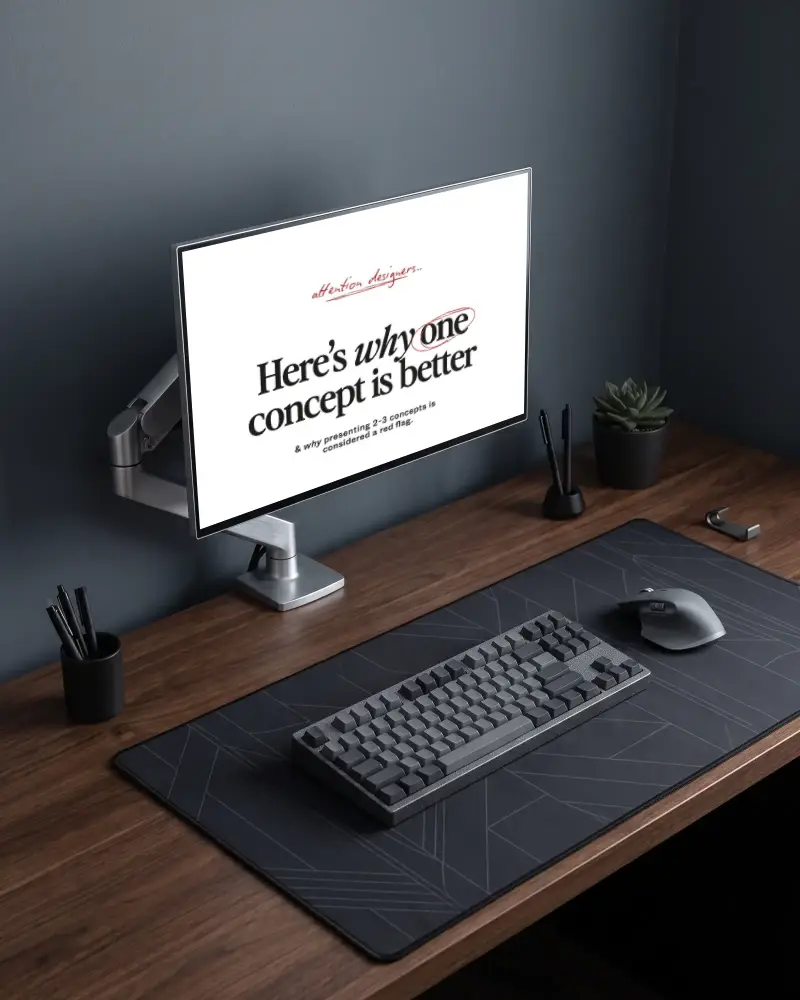
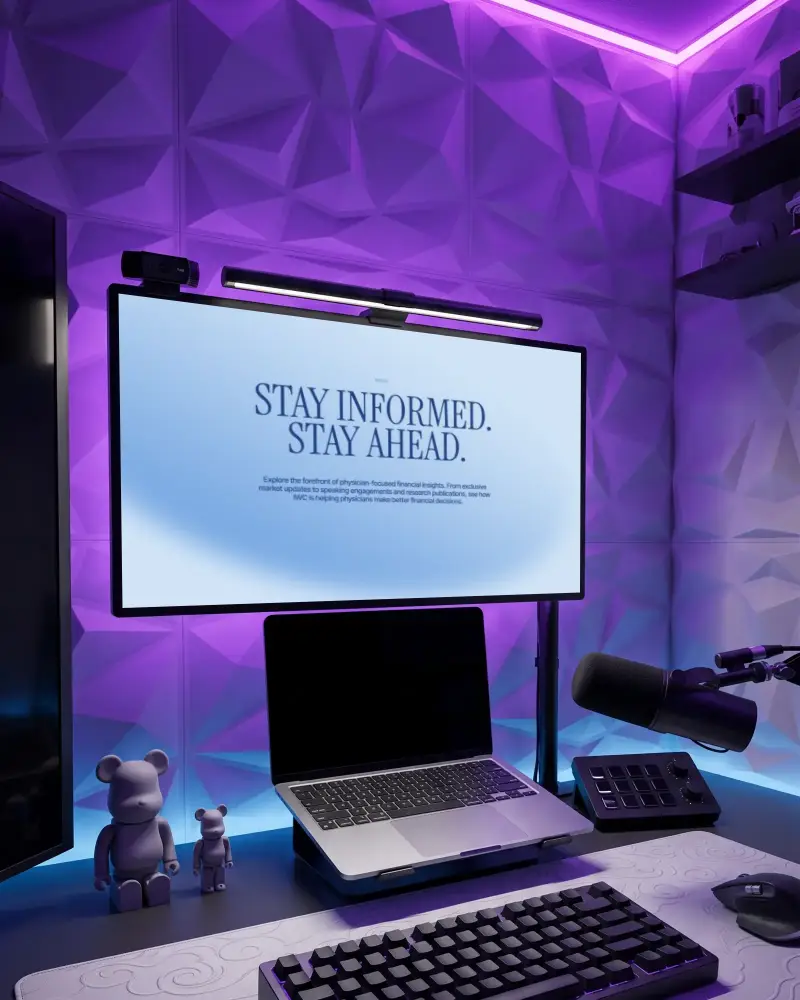
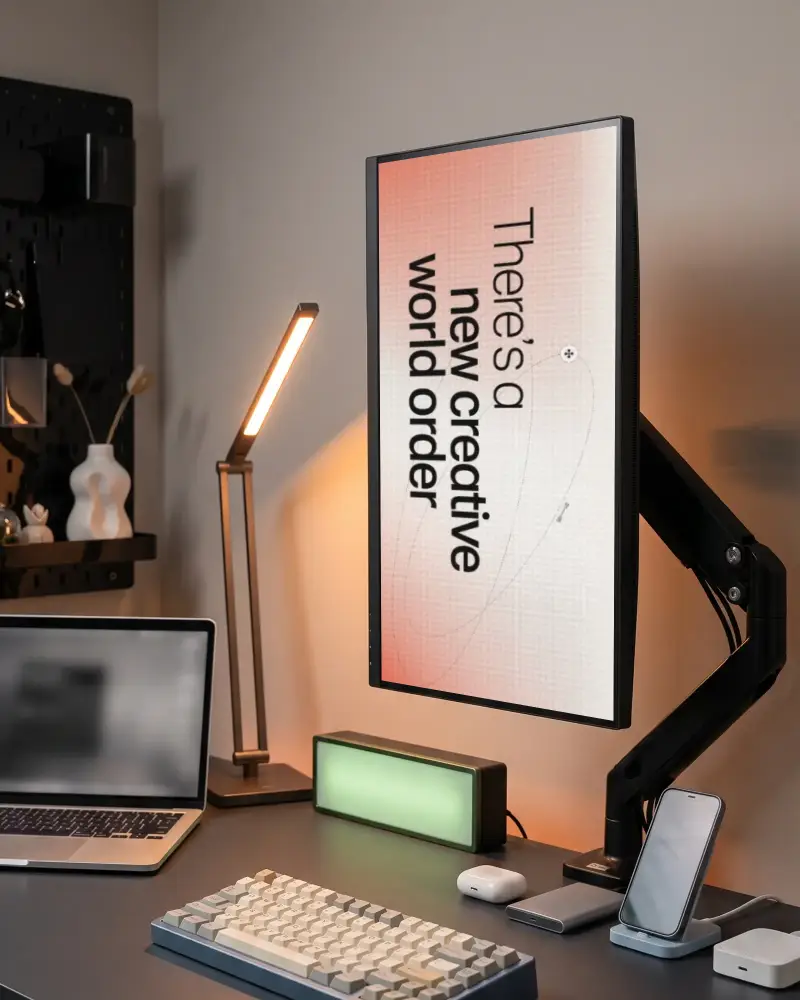
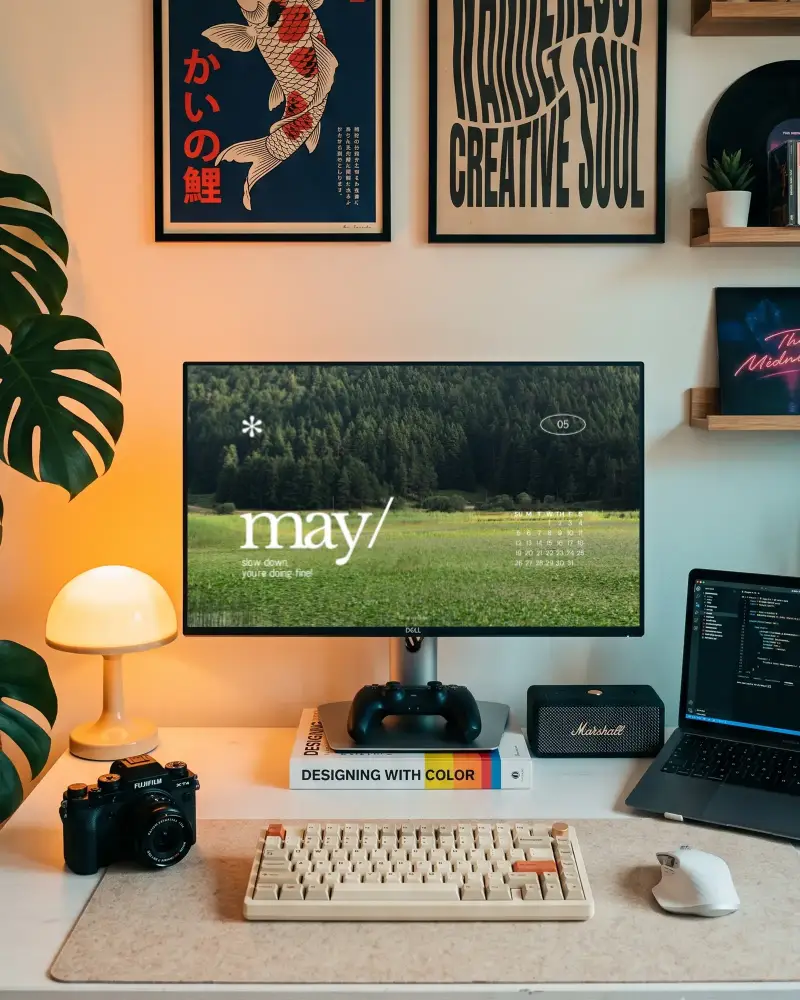
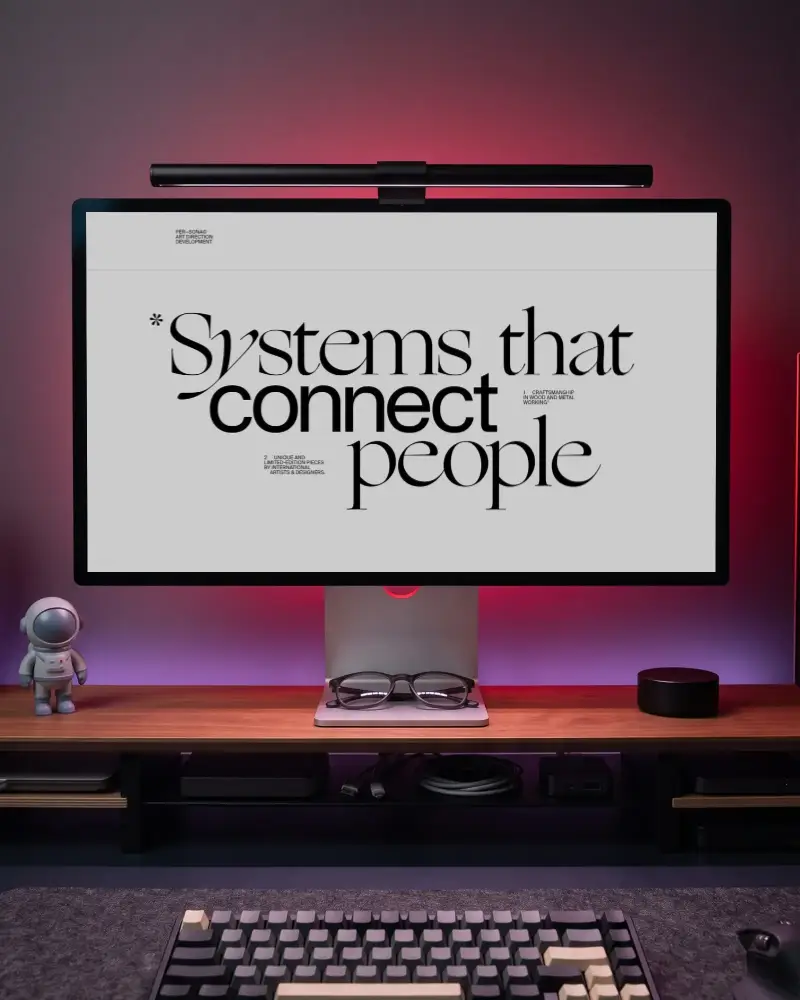
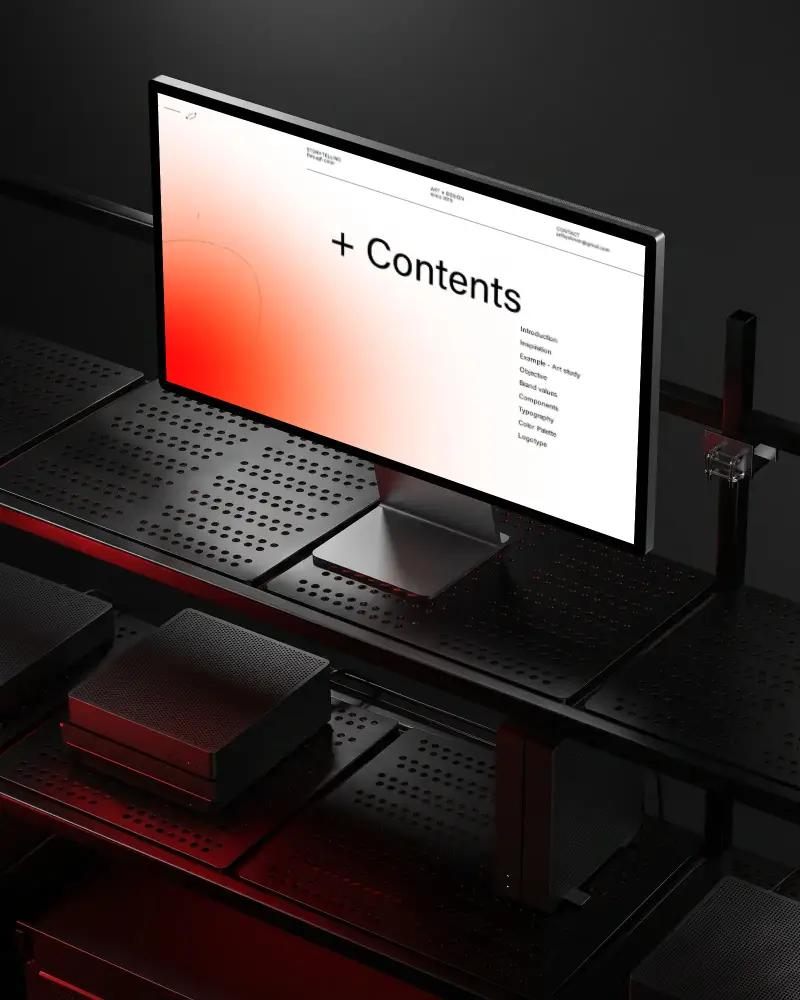

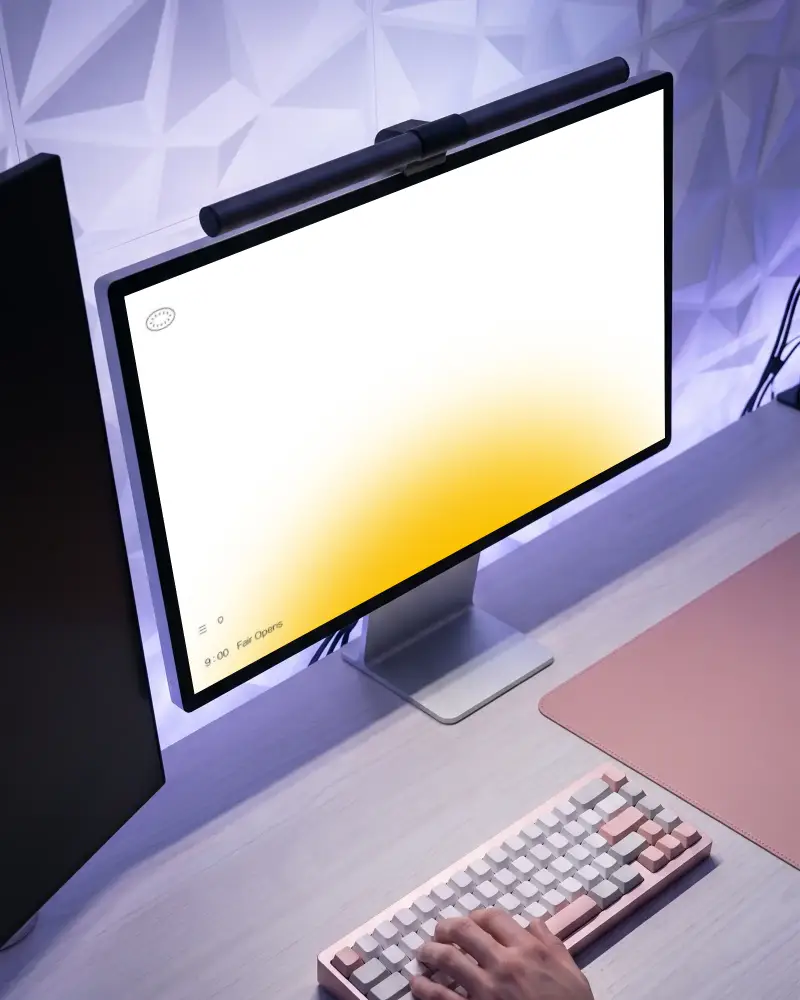
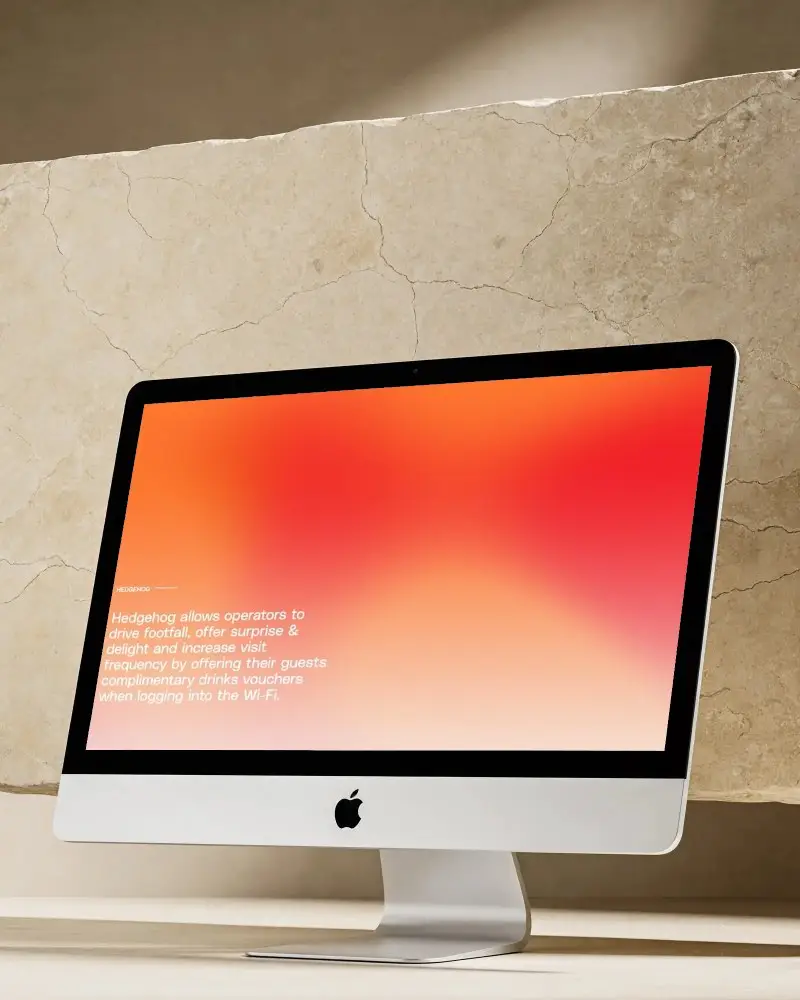

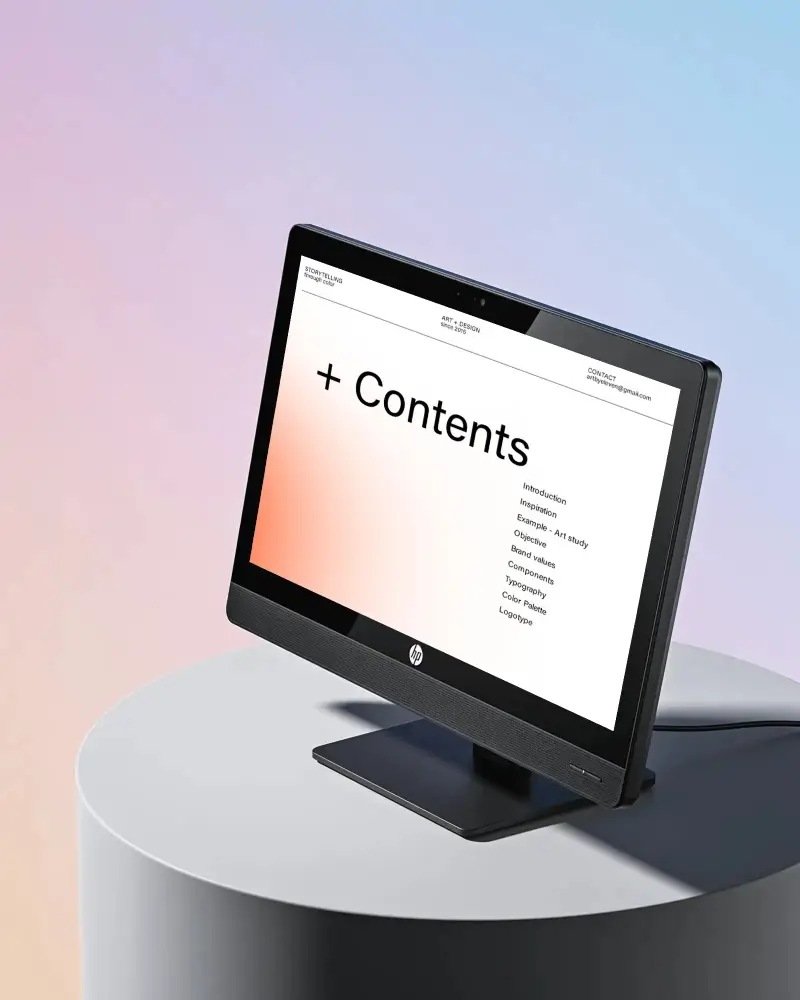
How to Create a Desktop Mockup with Mockey AI
To create a desktop mockup:
- Step 1: Choose from different desktop styles from Mockey's library.
- Step 2: Upload a design, crop it, or create multi-angle shots if you need.
- Step 3: Tap Download to save the desktop mockup as PNG/JPG.


FAQs on desktop Mockups
What is a desktop mockup?
A desktop mockup is a design of how a website or page will look on a desktop screen before developers build it. People use it to organize content, show desktop versions alongside mobile versions, and hand designs off to developers.
Why should I use a desktop mockup?
Because you need to see how your design works on larger screens. Designing only for mobile can leave you wondering how the desktop version should look. Using desktop mockups makes handoffs easier for developers as well.
Can I customize desktop mockups?
You can customize desktop mockups in Mockey. Easily crop, rotate, create multiple shots, and animate your own mockup. You can also see a live preview before downloading.
Can I use desktop mockups for commercial projects?
Desktop mockups can be used for commercial projects if your plan includes Commercial Use rights. The Free plan is marked for personal use only, while the paid plans include commercial use rights.
What file formats are desktop mockups available in?
Download desktop mockups as PNG or JPG files. If you turn the mockup into an animation, you can download it as an MP4 video.
