
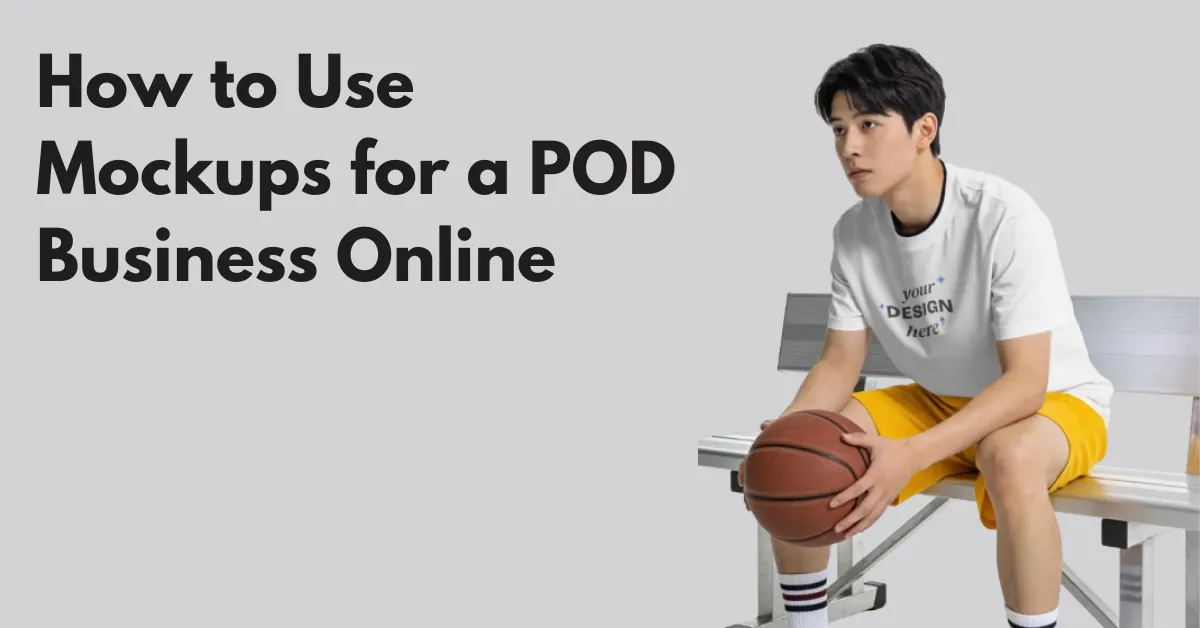
If you’re wondering how to use mockups for a POD business, start by thinking beyond product photos. Buyers trust your brand more when they see the right mockups.
Shoppers notice mockups first. If the mockup doesn’t stand out, they won’t read your title or description.
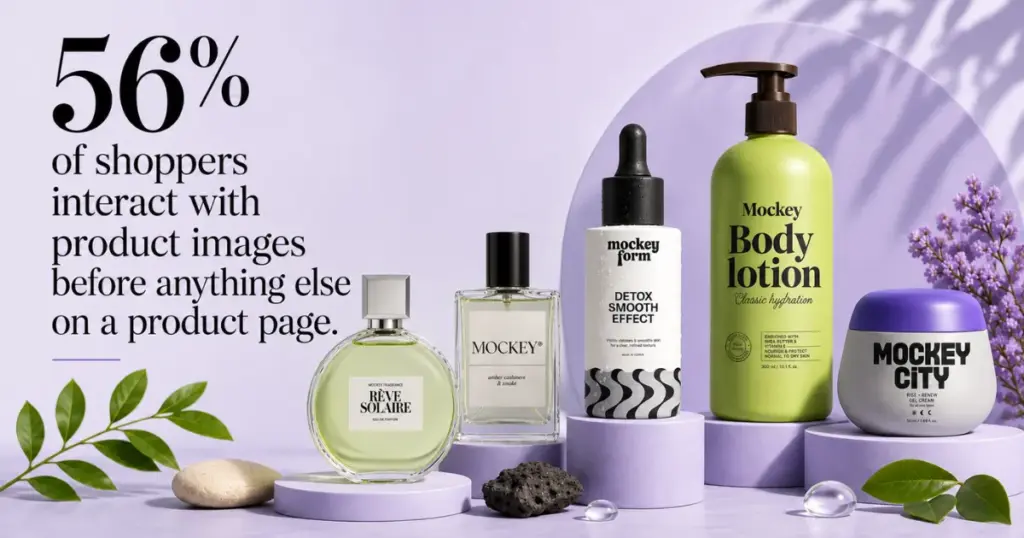
Baymard Institute found that 56% of shoppers interact with product images before anything else on a product page.
Let’s look at how successful POD sellers use mockups to do exactly that.
Table of Contents
How to Use Mockups for a POD Business and Increase Sales
8 ways to use mockups in your POD business to increase sales and revenue.
1. Choose the Right Mockup Scene
Pick a mockup based on who you’re selling to.
If you’re selling camping mugs, you should show them next to tents at sunrise.

The same applies to every product.
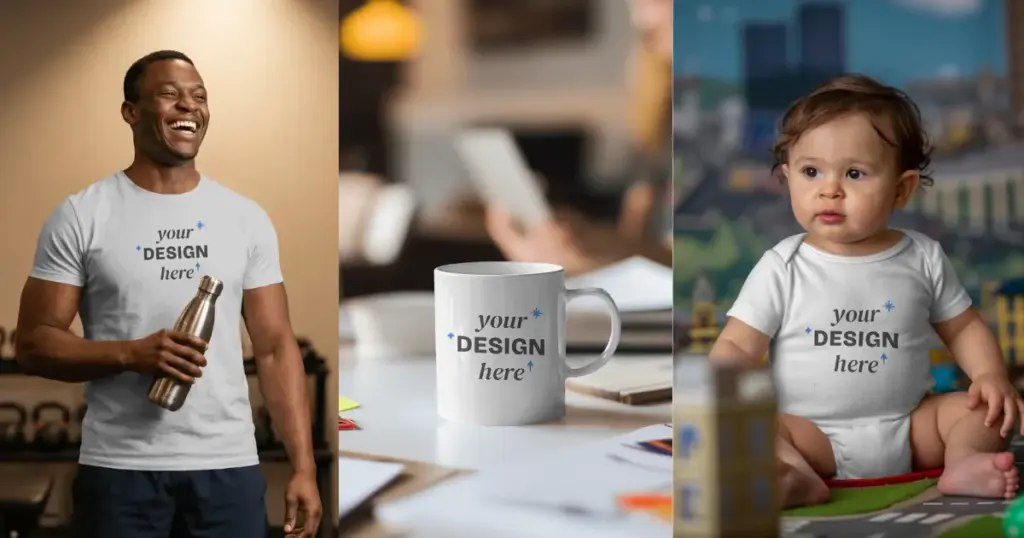
Show someone wearing one at the gym if you are selling gym t-shirts. Put the mug on a classroom desk if you are selling teacher mugs. A nursery works better than a studio background if you are selling baby onesies.
2. Create Multi-Angle Views of Your Design
Many sellers spend all their time on the first image.
Once someone clicks your listing, they start looking for reasons not to buy.
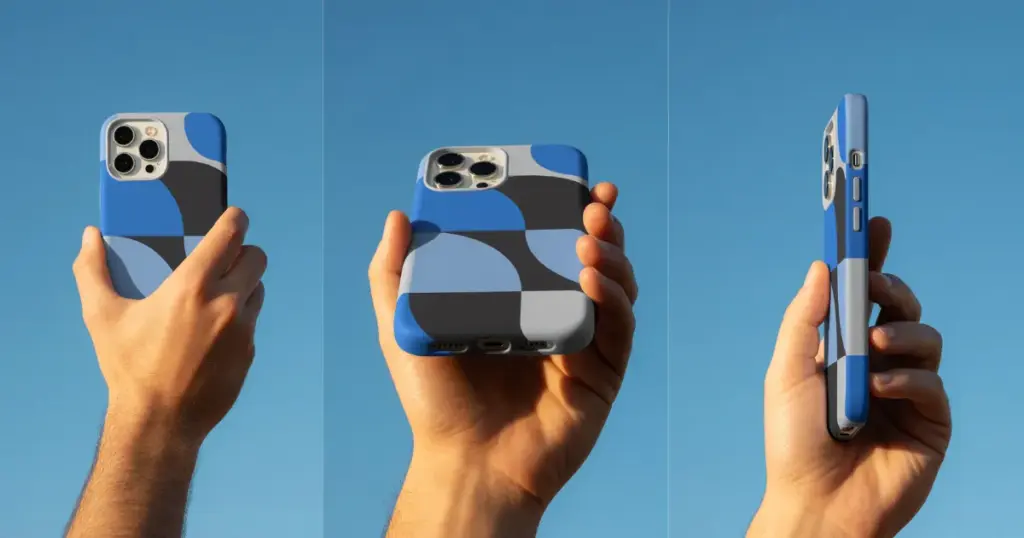
For example, if you’re selling a phone case, don’t upload five similar images. Shows:
- The full back design.
- A close-up of the camera cutout.
- Someone holding the phone.
- A side angle showing thickness.
3. Keep Backgrounds Simple or Transparent
We’ve seen T shirt mockups where the beach, mountains, furniture, and lighting grab more attention than the design itself.
The customer shouldn’t remember the background; they should remember your product.
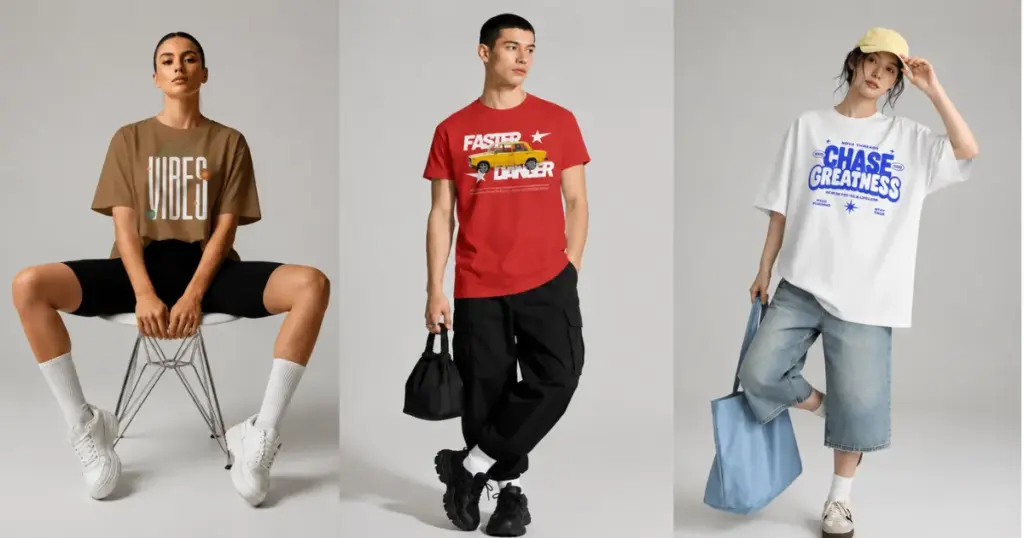
If you ever feel your eyes going to the background before the design, simplify it or use a transparent background with high-resolution.
4. Get the Design Placement Right
Even a good design can look awkward if it’s placed too high, too low, or scaled incorrectly. The goal isn’t to fill the entire product; it’s to make the design look like it was actually printed there.
Instead of using Photoshop, you can use an easy-to-use mockup generator like Mockey AI.
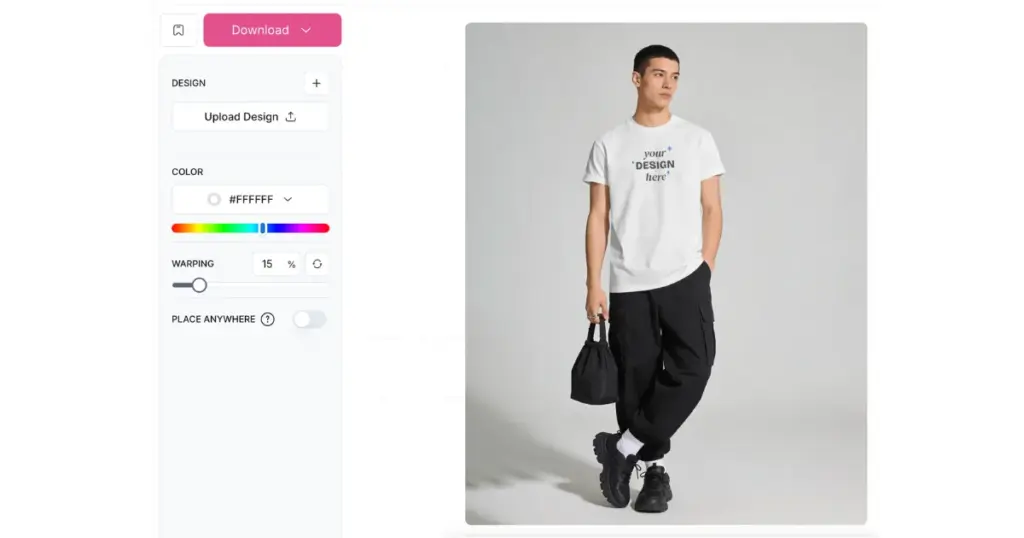
Place your design onto the mockup, then adjust the position and size until it sits naturally on the product.
- Warping
- Resize, move, flip, fit, align
- Place Anywhere (Place your design on any surface)
5. Make Your Products Look Real
Customers can tell when a product looks heavily edited.
Unnatural lighting, unrealistic shadows, or a design that doesn’t blend with the fabric can make the product feel fake.
Before publishing your listing, check the lighting and shadows. The more realistic the product looks, the easier it is for customers to imagine owning it.
6. No Need to Use the Same Mockup for Every Product
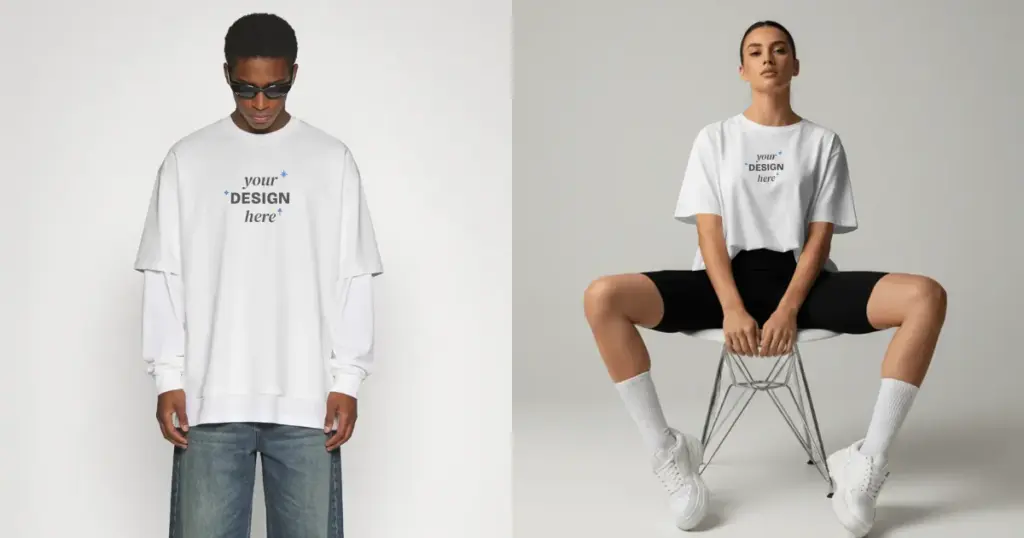
Someone finds one beautiful mockup.
Then they use it for everything.
The hoodie.
The mug.
The tote bag.
The notebook.
The phone case.
It saves time.
It also makes the store feel repetitive.
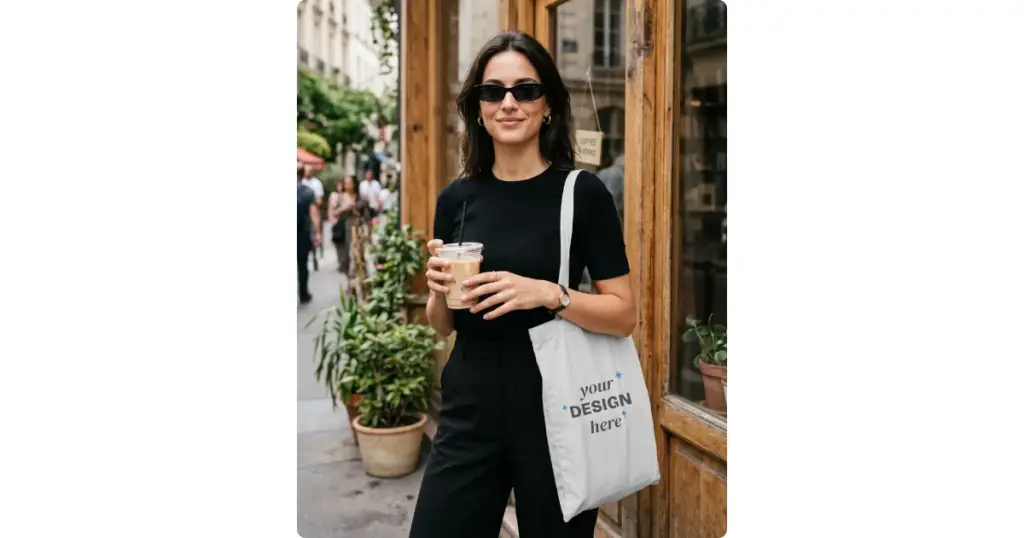
A tote bag mockup belongs at a grocery store, bookstore, or café.
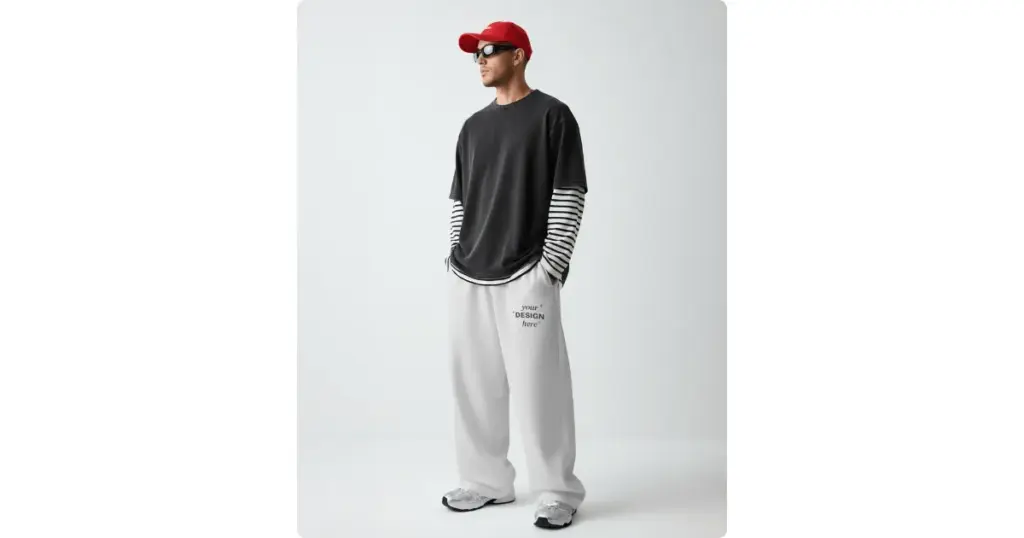
A sweatpants mockup belongs on a person, not folded.
7. Use Seasonal Mockups Before People Start Shopping
A lot of sellers update their listings too late.
They upload Christmas designs in December, Halloween products in the last week of October, and Valentine’s Day gifts a few days before February 14.
By then, many shoppers have already made a purchase.
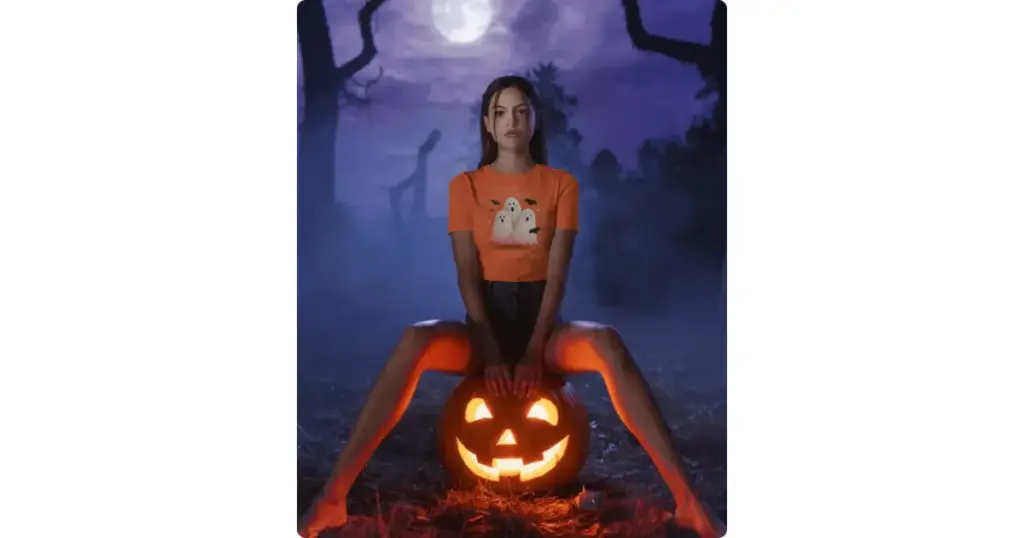
If you’re selling Halloween t-shirts, start updating your listings in September.
If you’re launching Christmas mugs, don’t wait until December. October and November are peak months for buyers.
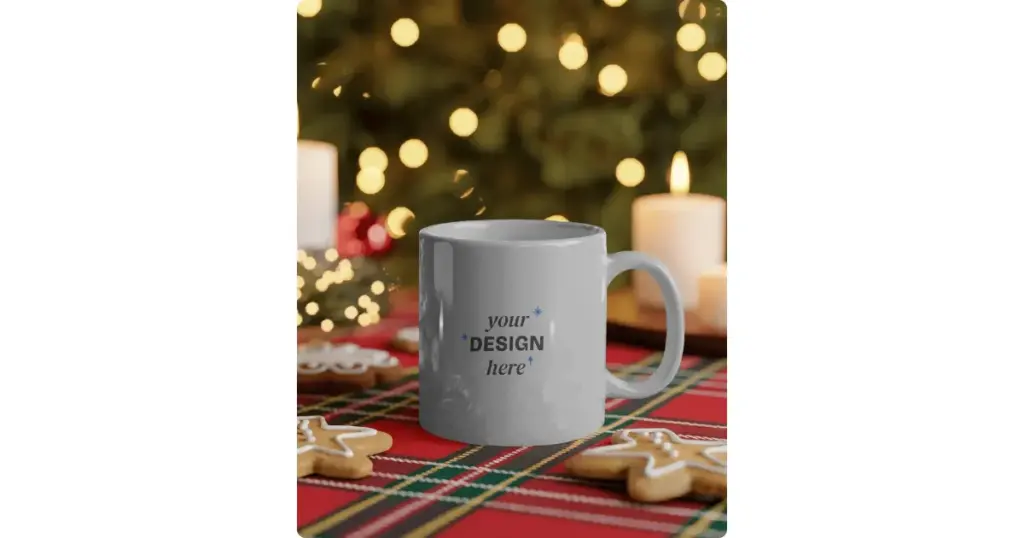
A mug becomes a Christmas gift when it’s sitting beside cookies, fairy lights, and a wrapped present.
8. Don’t Hide Product Details
Some sellers worry that close-up shots make their gallery look repetitive.
Actually, they do the opposite.
Let’s say you’re selling an embroidered hoodie. Don’t expect buyers to zoom in. Show them.
Include a close-up of:
- the embroidery
- the fabric texture
- the sleeve cuff
- the inside fleece if it’s relevant
Where Should You Use Mockups?
| Platform | How to Use Mockups | Example |
| Etsy | Use lifestyle mockups | Show a coffee mug on a breakfast table instead of a white background. |
| Shopify | Mix lifestyle and product-focused mockups | Show the front, back, close-up, and someone using the product. |
| Amazon | Keep the main image clean and product-focused | Use a plain product image first, then add images showing the product in use. |
Lifestyle vs Flat Lay Mockups
| Lifestyle Mockups | Flat Lay Mockups |
| Show the product in a real-life scene | Display the product from above on a flat surface |
| Help shoppers imagine using the product | Help shoppers focus on the product details |
| Best for apparel, mugs, tote bags, and home décor | Best for T-shirts, stationery, stickers, and packaging |
| Work well as the main product image | Work well as additional gallery images |
| Example: A model wearing a hoodie at a park | Example: A folded hoodie on a wooden table |
Real Photos vs Mockups: Which Should You Use?
If you’re just starting your POD business, ordering samples for 100 designs isn’t realistic. Mockups help you launch quickly.
But once a product starts selling consistently, consider ordering a sample. You can mix professional mockups, real customer photos, and your own product shots. That combination builds more trust than relying on one style alone.
For detail guide, you can check our Mockups vs Real Product Photography blog.
How to Build a Consistent Brand With Mockups
Open your favorite clothing brand’s website like AllDayShirts or The Classic T-shirt Company. You can see most product images feel connected.
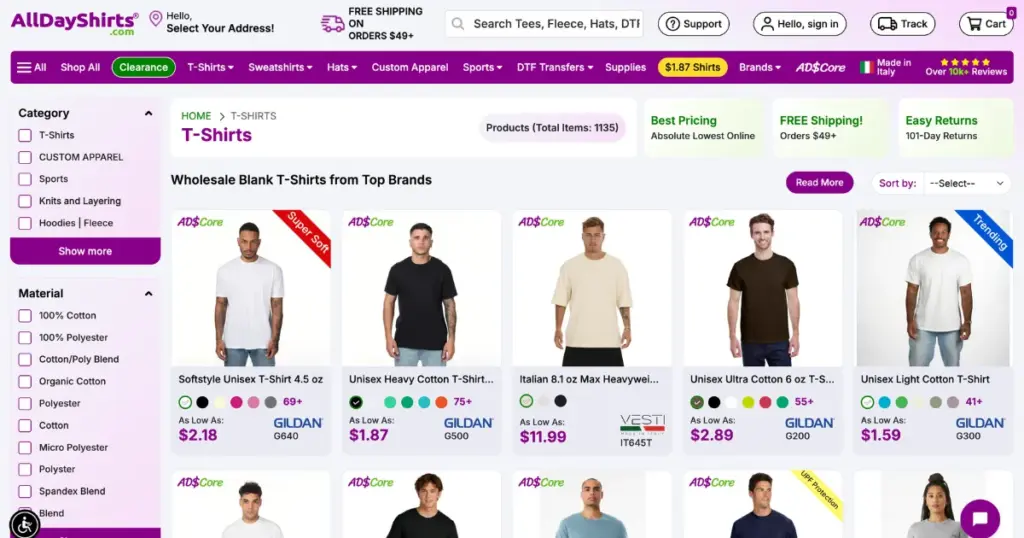
The lighting and backgrounds are similar, but the editing style stays the same.
Now compare that with many new POD stores.
One product has a dark background, the next has a beach, the next has a café, and the next has a white background.
It feels like different people created each listing.
For example, if you sell minimalist home décor, choose clean backgrounds throughout your store.
If you sell outdoor products, keep using outdoor scenes.
The Best Tool to Create POD Mockups?
If you still make a mockup in Photoshop, you no longer need to master its advanced tools.
A mockup generator is enough.
For example, Mockey AI offers ready-made lifestyle scenes, lets you upload your design and place it on products like T-shirts, hoodies, tote bags, mugs, phone cases, packaging, bottles, and more.
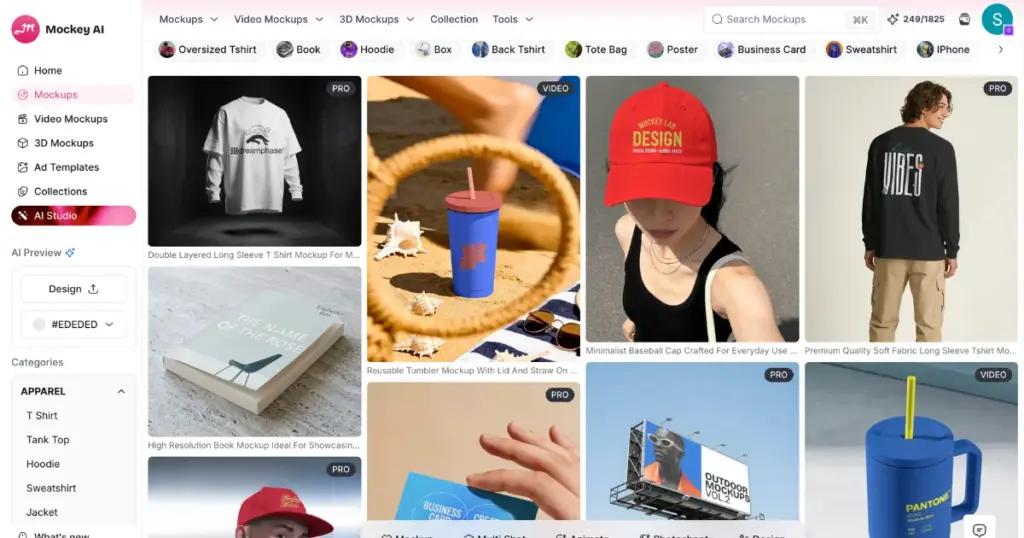
You can also:
- Change product colors
- Adjust the design size
- Reposition the artwork (Warping, Place Anywhere)
- Create multiple angle shots
- Convert to animation
- Create a mockup from scratch
- Download high-resolution mockups
Conclusion
You now understand how to use mockups for a POD business.
Your product photo is the first conversation you have with a customer.
Instead of chasing the most dramatic mockup, build one that feels believable, answers questions, and fits the way your customer uses the product. That’s what turns a print on demand mockup into a selling tool instead of just another image.
FAQs
How many mockups should I use for one POD product?
Use 5 to 8 mockups if possible. Your first image should make someone click your listing, while the rest should show different angles, close-ups, colors, and real-life use. Avoid uploading multiple images that look almost the same.
Do AI mockups work for POD businesses?
AI mockups work great for POD businesses. Mockey AI offers lifestyle product shots, so you can get listings up fast without waiting on physical samples.
Where should I use mockups besides my online store?
You can use mockups on Etsy, Shopify, Amazon, social media posts, Pinterest, and paid ads.