Spooky Halloween Tshirt Mockups for Your Designs | Mockey
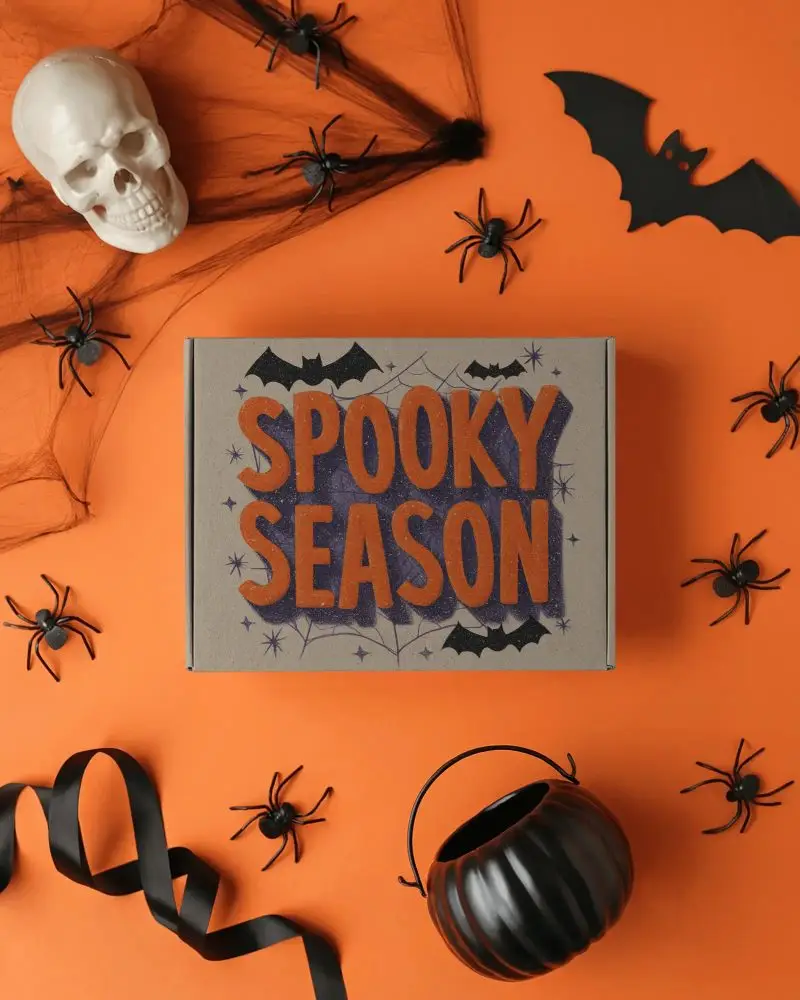
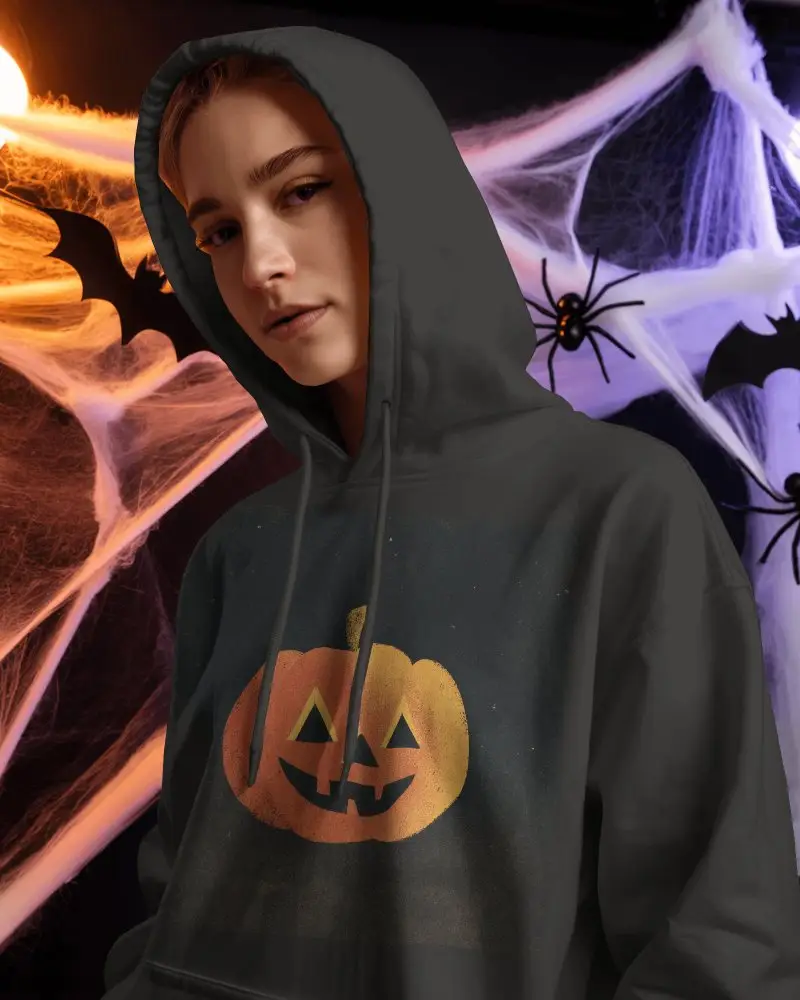
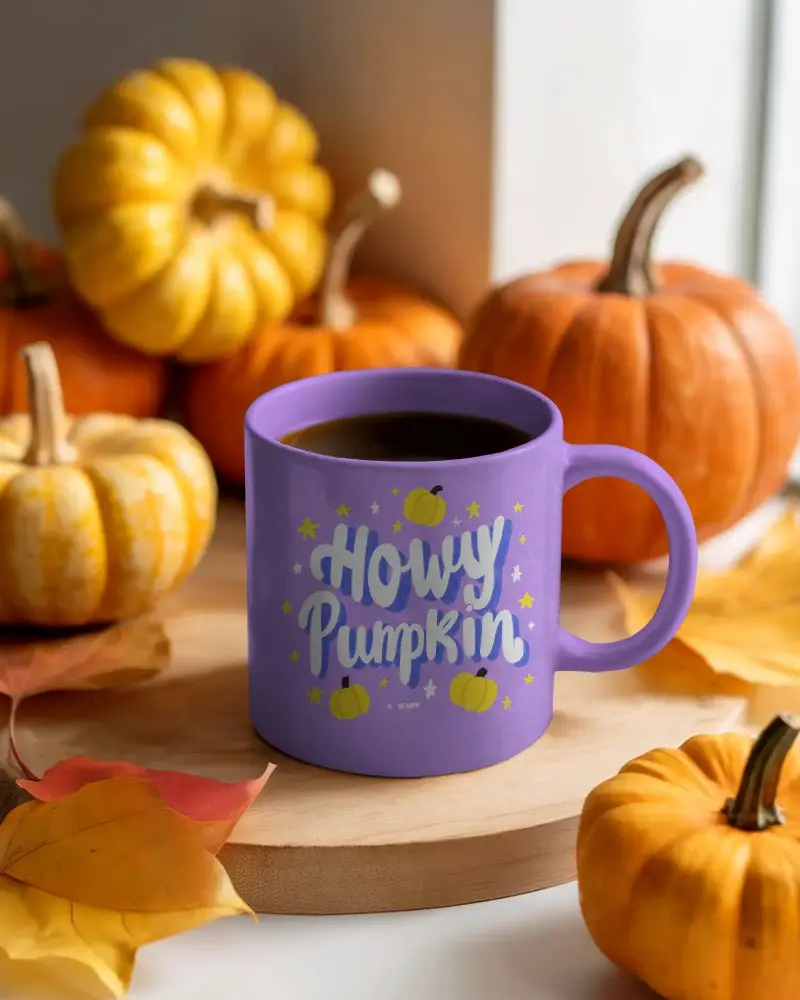
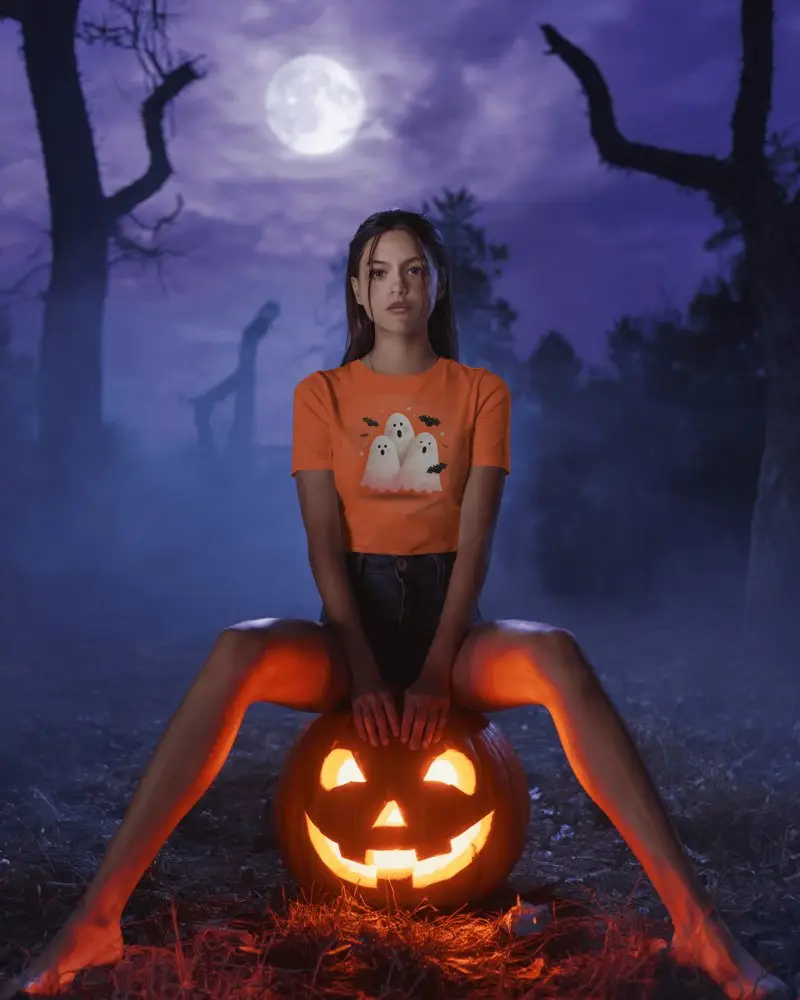
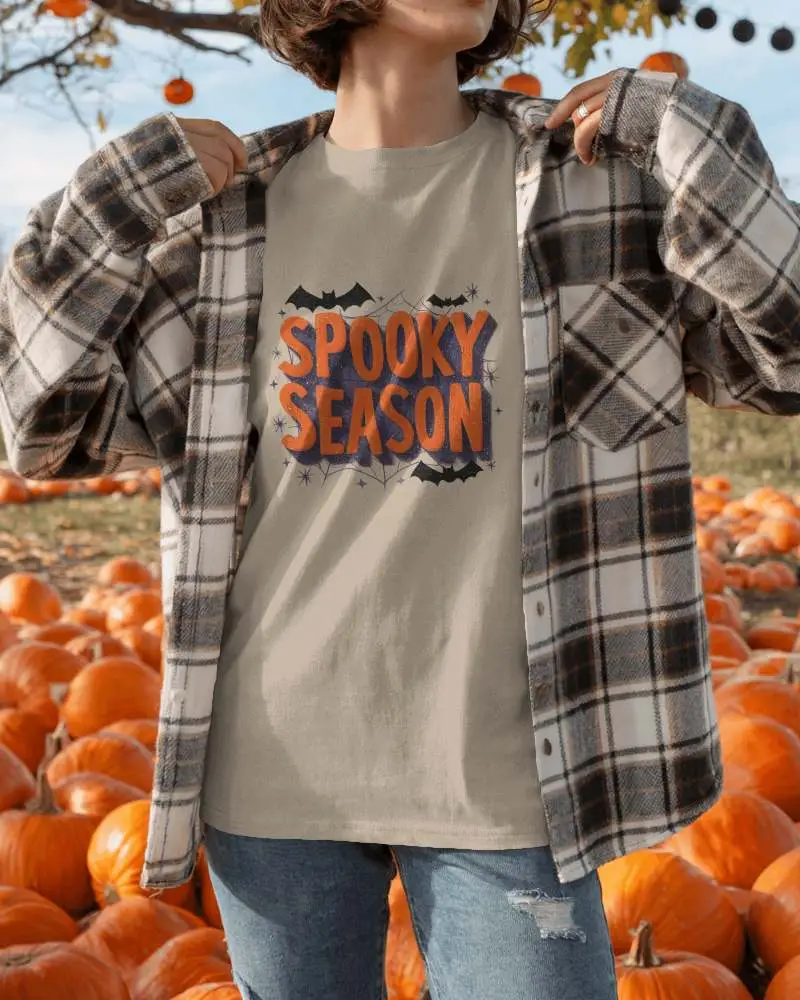
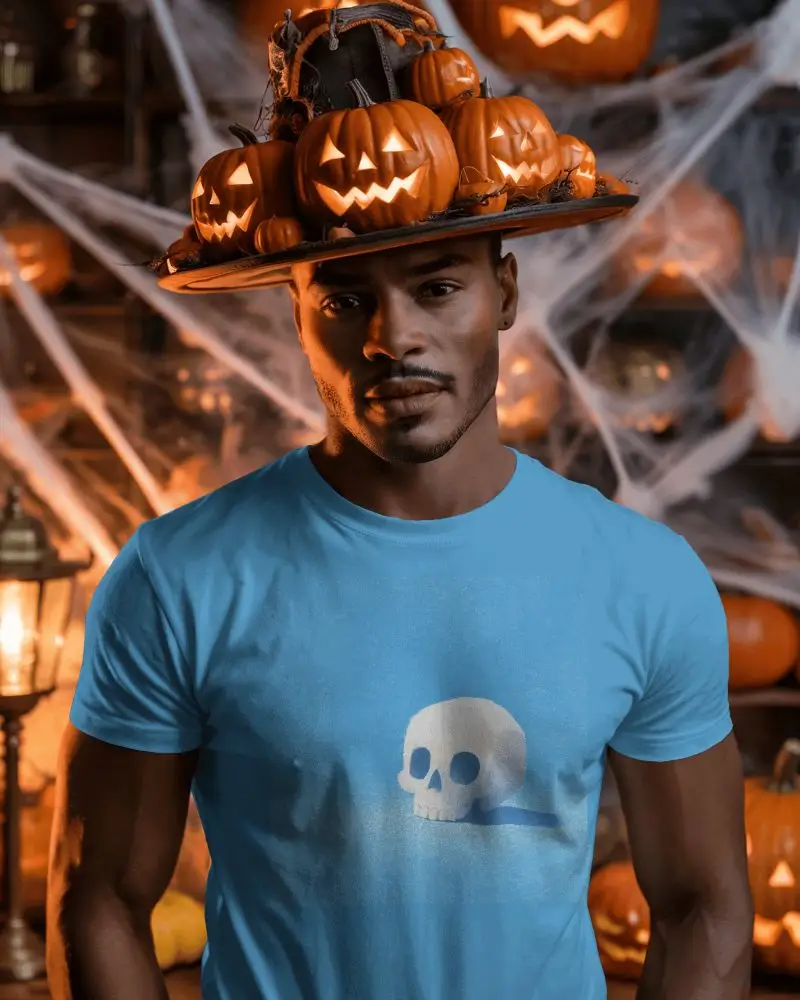
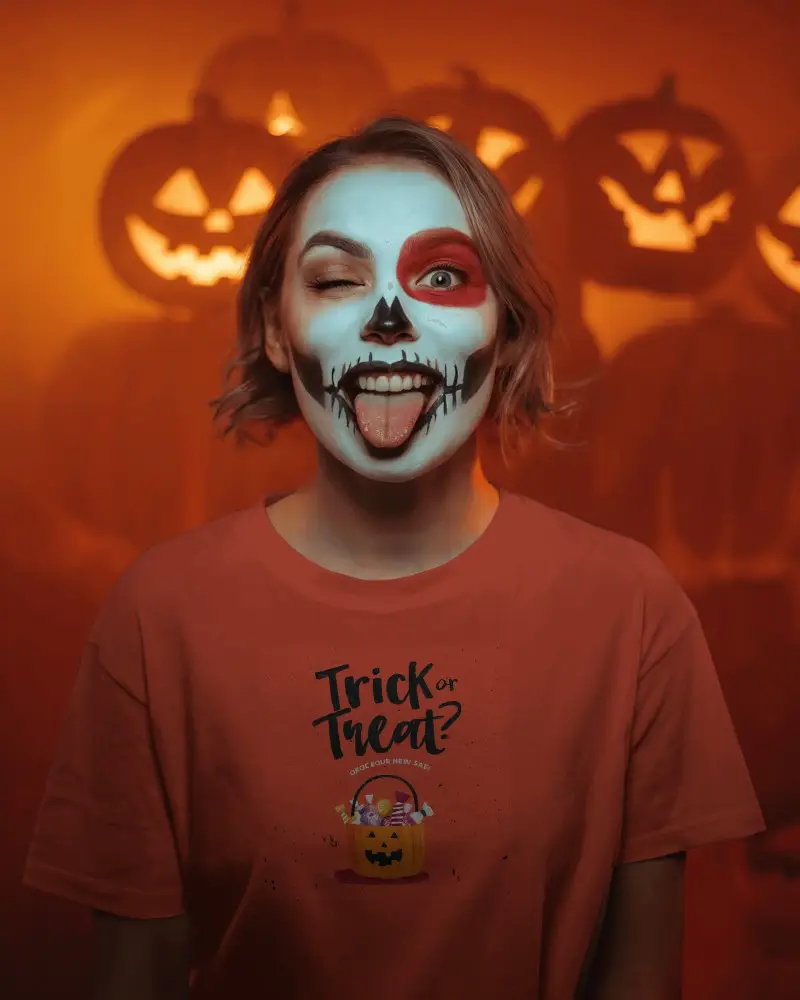
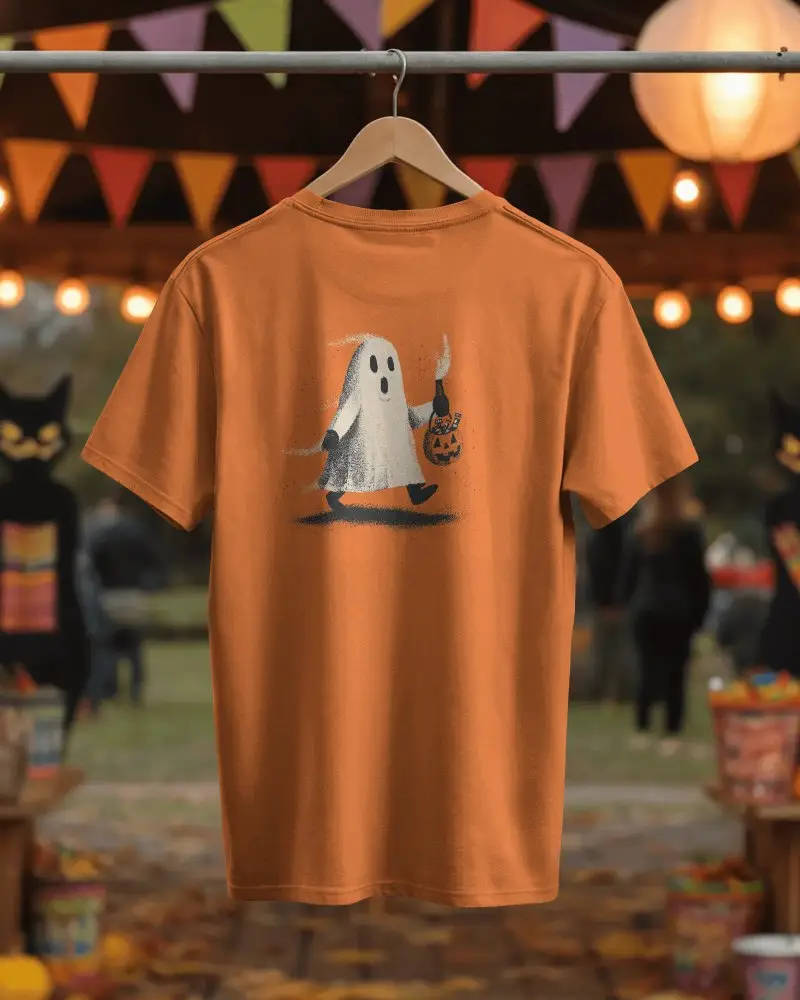
Make this Halloween unforgettable with Mockey’s Halloween Tshirt mockups. These realistic templates let you customize, preview, and showcase your festive Halloween Tshirt designs with ease—perfect for creepy T-shirts, haunted mugs, eerie posters, and more.
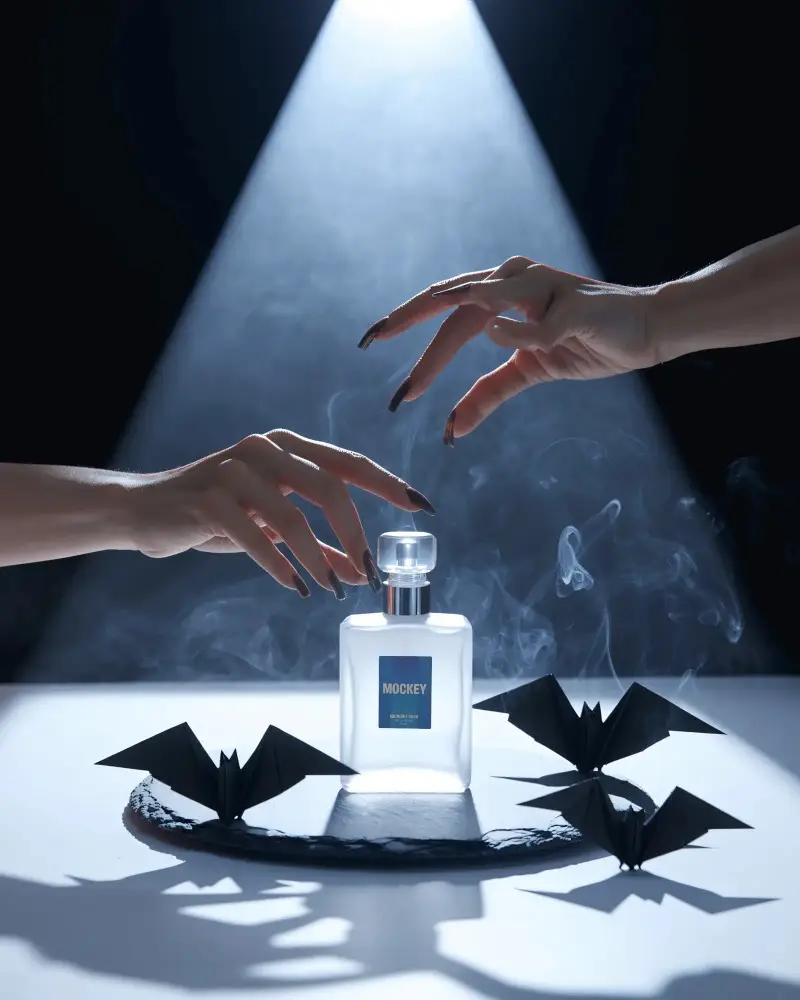
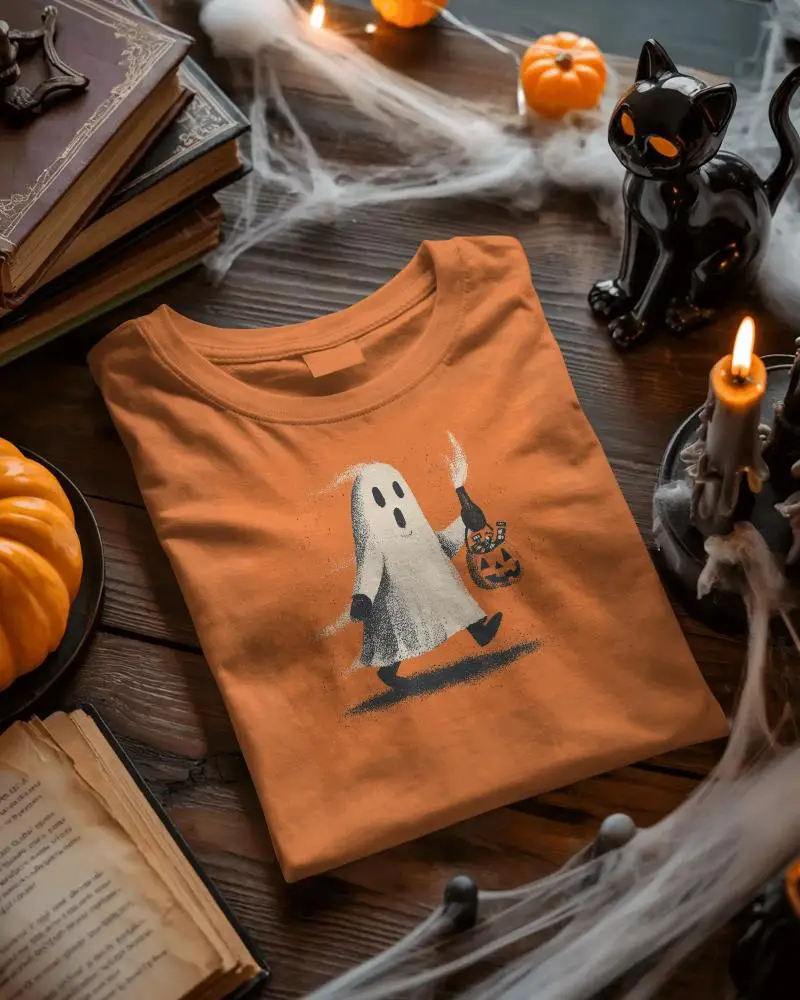
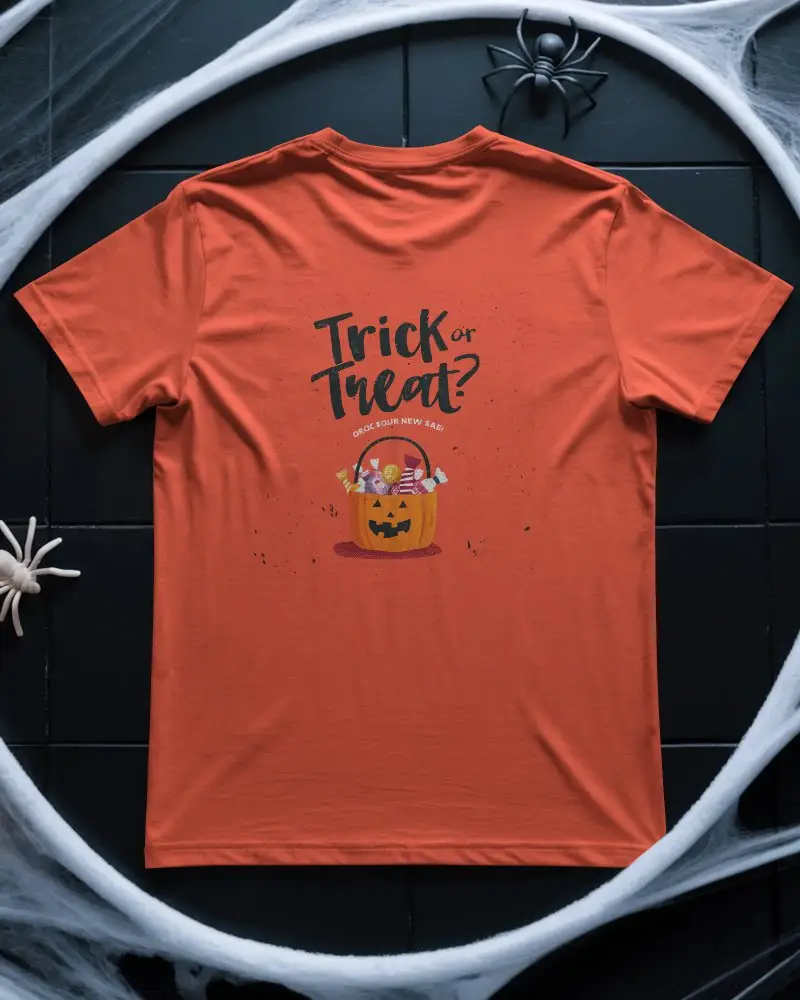
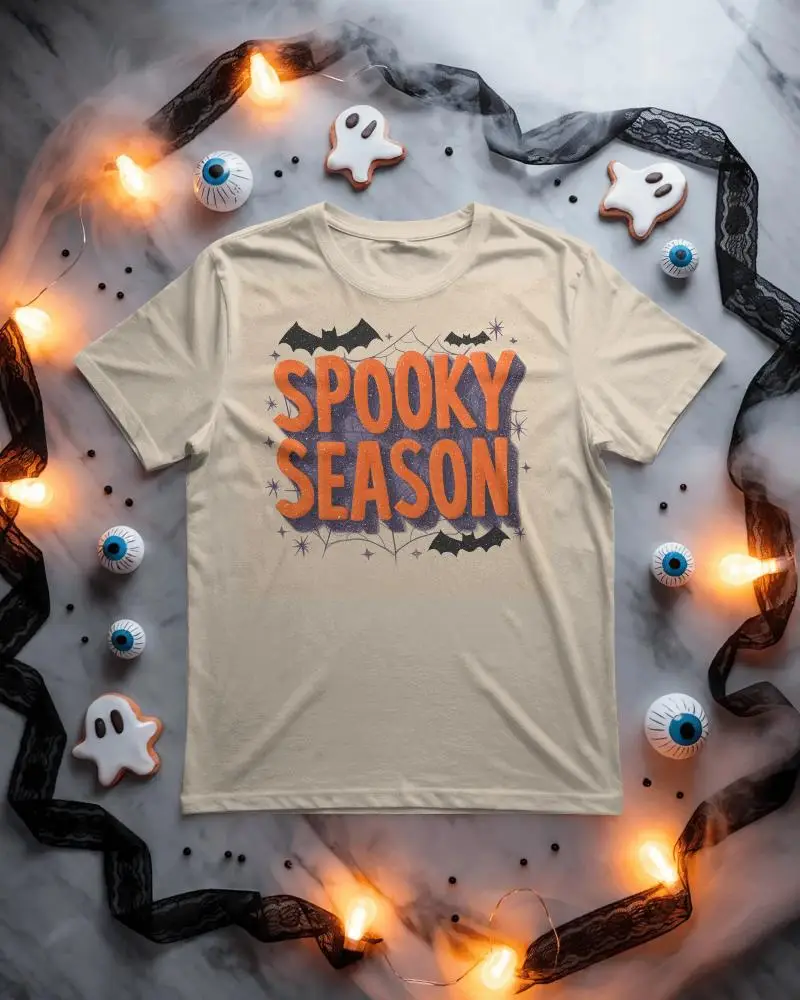
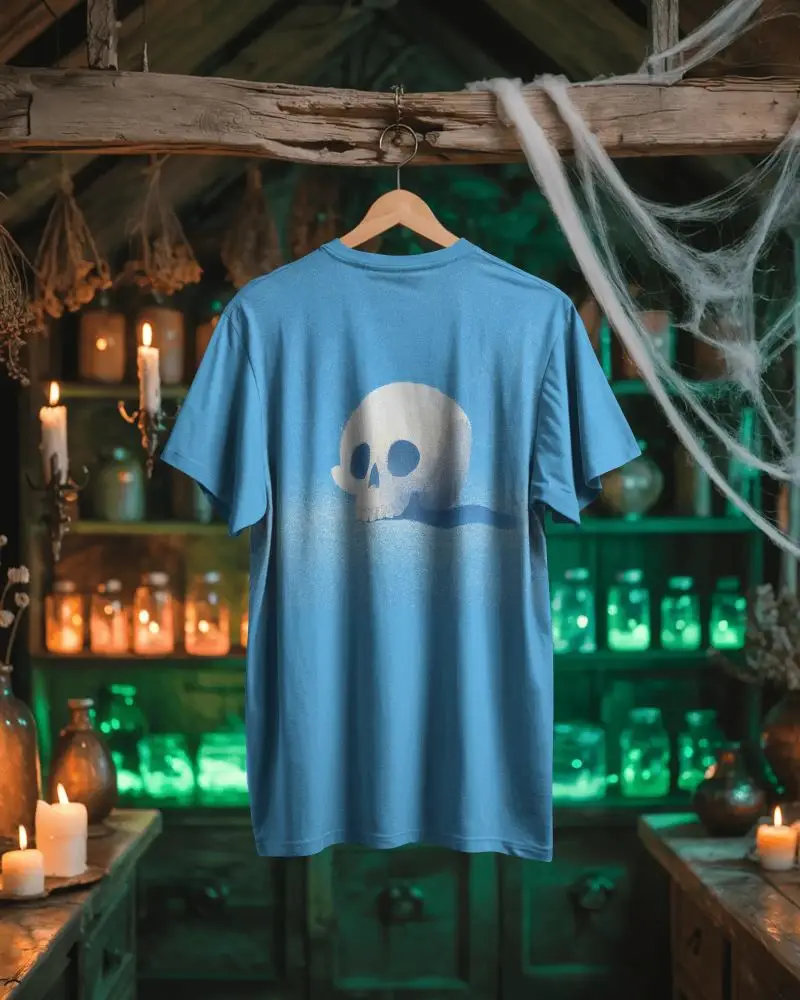
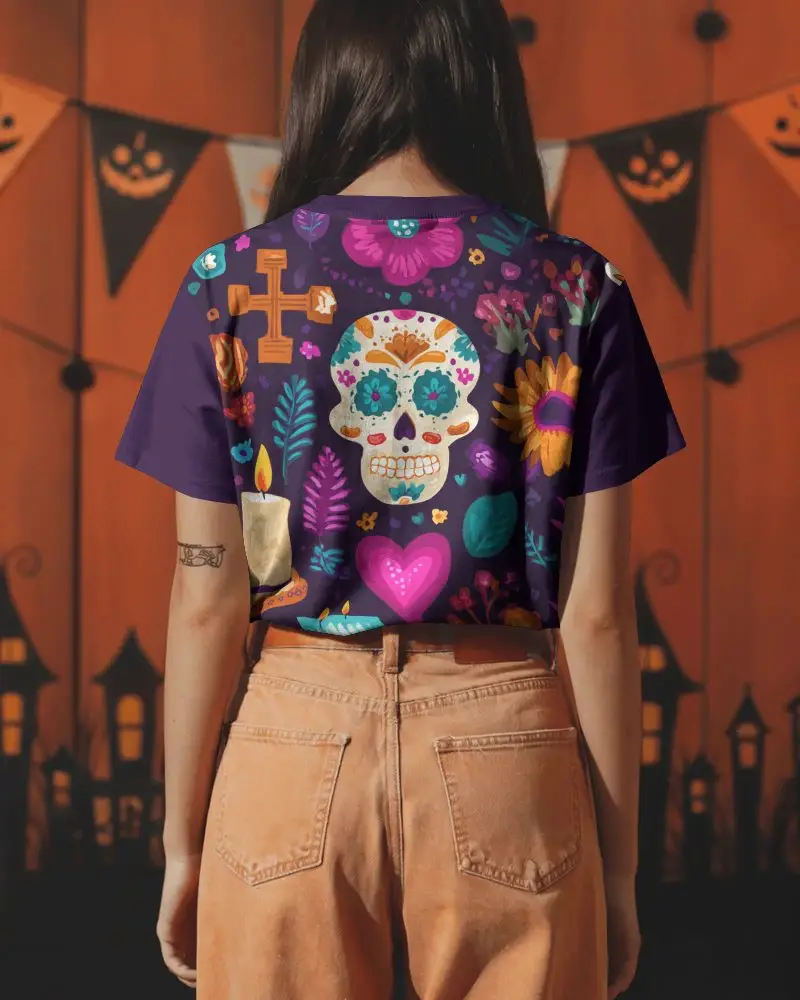
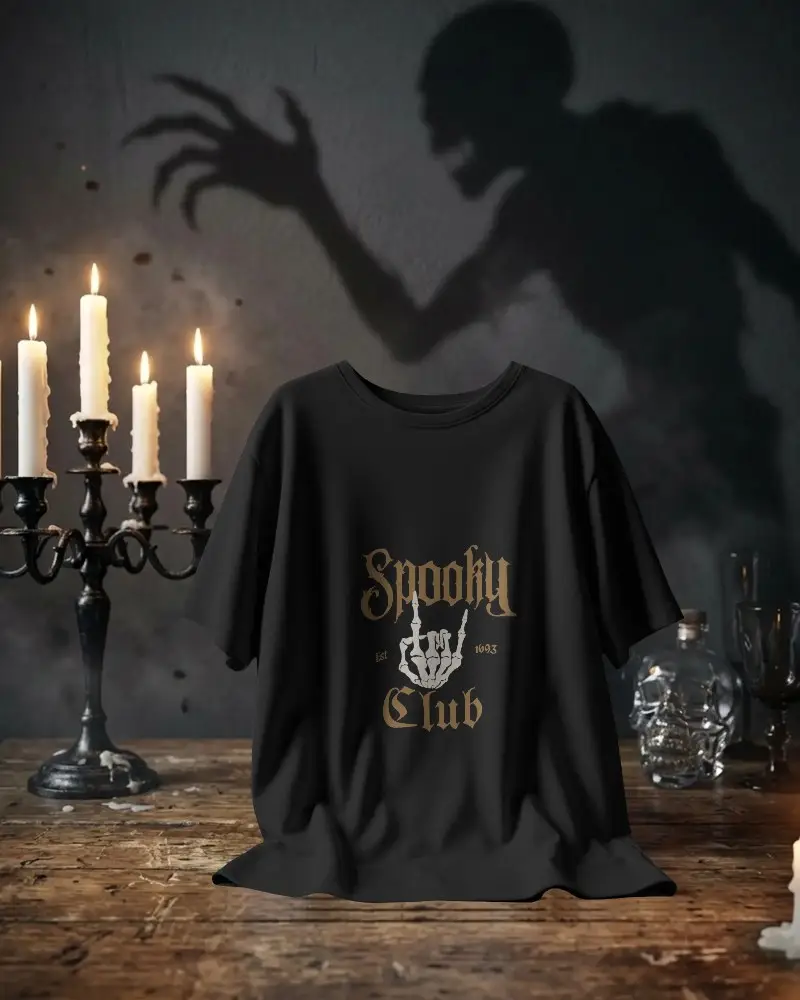
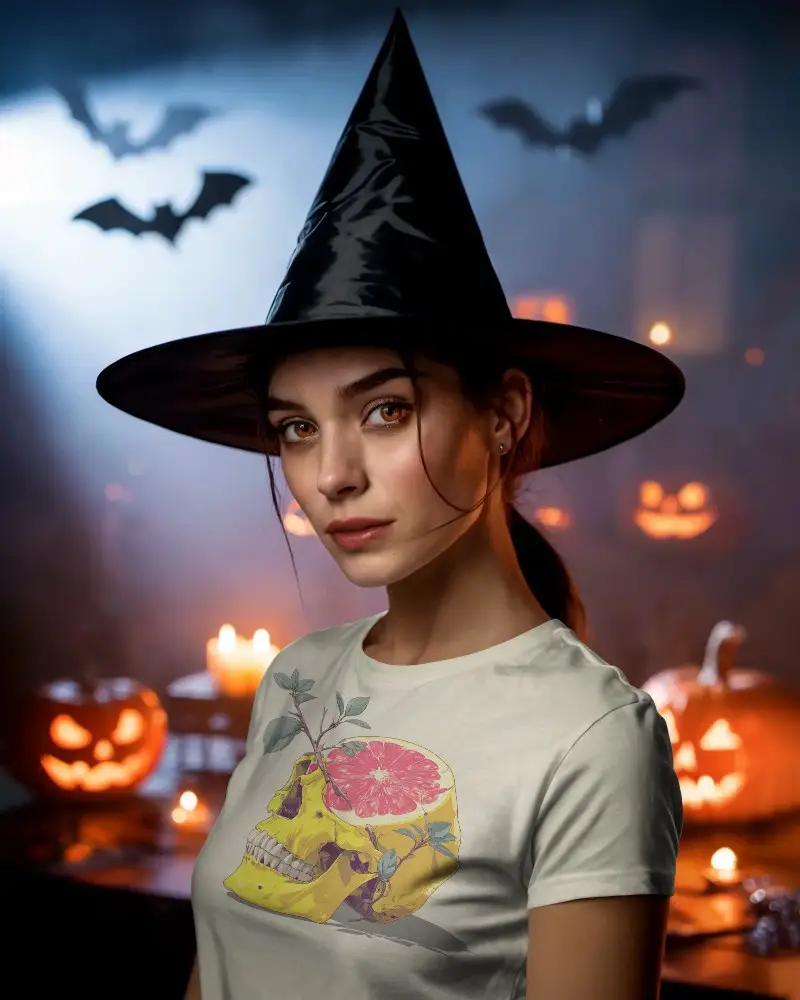
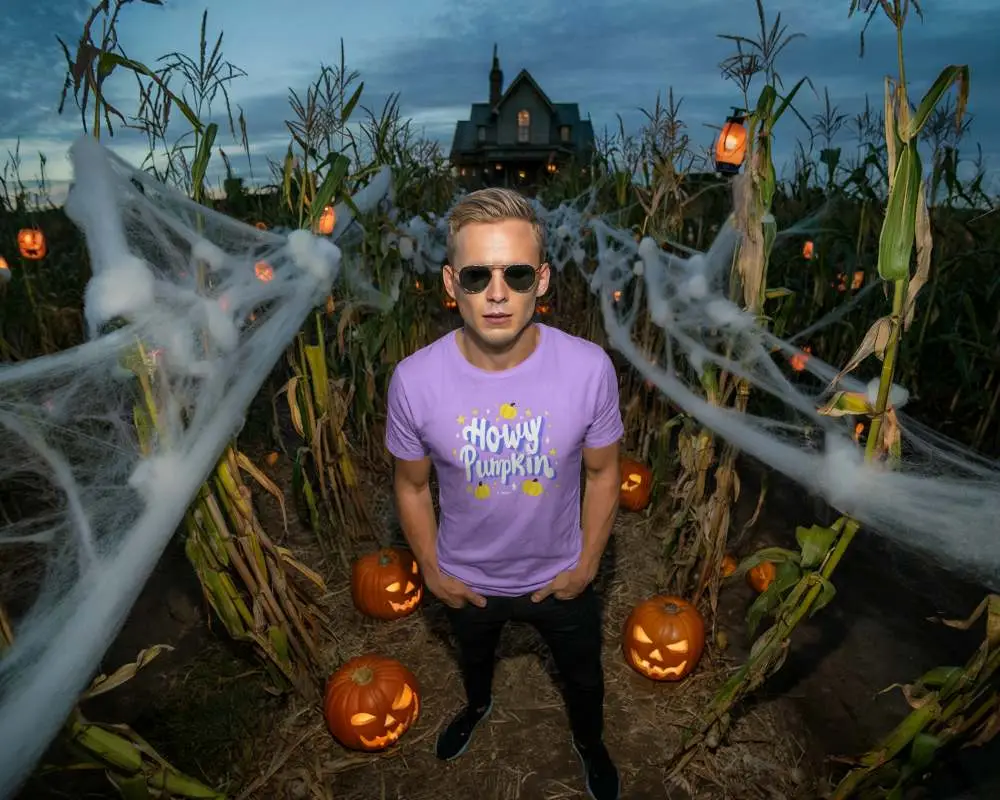
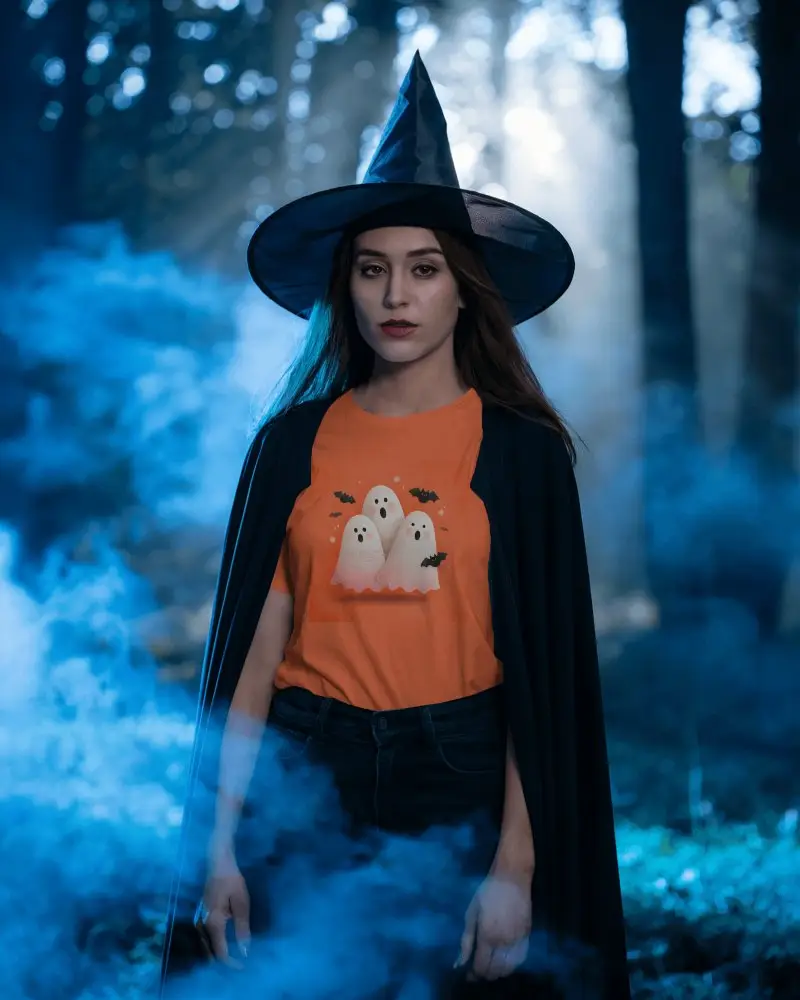
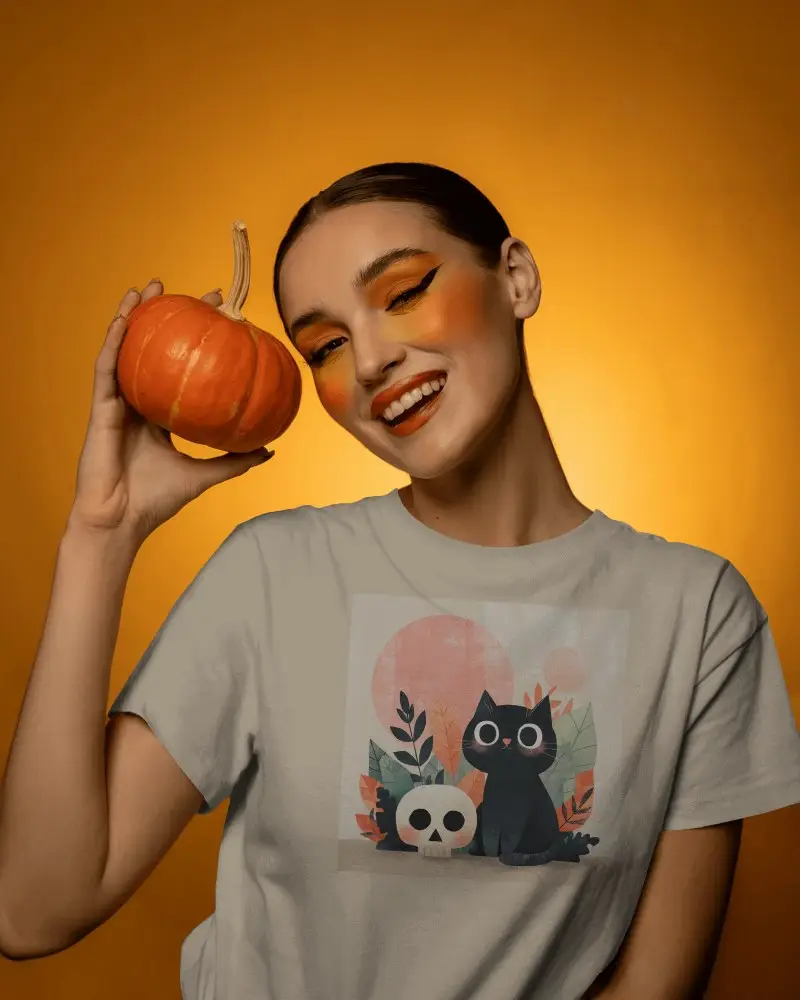
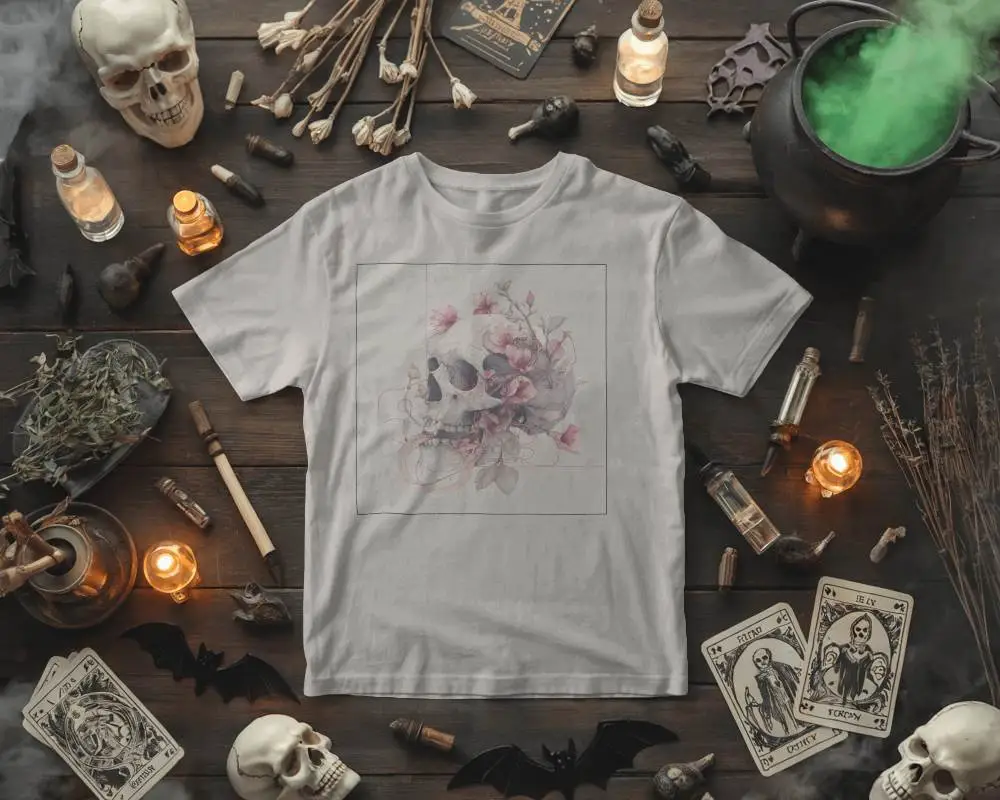
How to Create Halloween Tshirt Mockup with Mockey
To create Halloween Tshirt mockups:
- Step 1: Login and select “Mockups > Seasonal > Halloween”.
- Step 2: Choose a Halloween Tshirt template, then upload your design.
- Step 3: Make edits (backgrounds, colors, placement) and save the Halloween Tshirt mockup as a JPG or PNG file.


FAQs on Halloween Tshirt Mockups
What is a Halloween Tshirt Mockup?
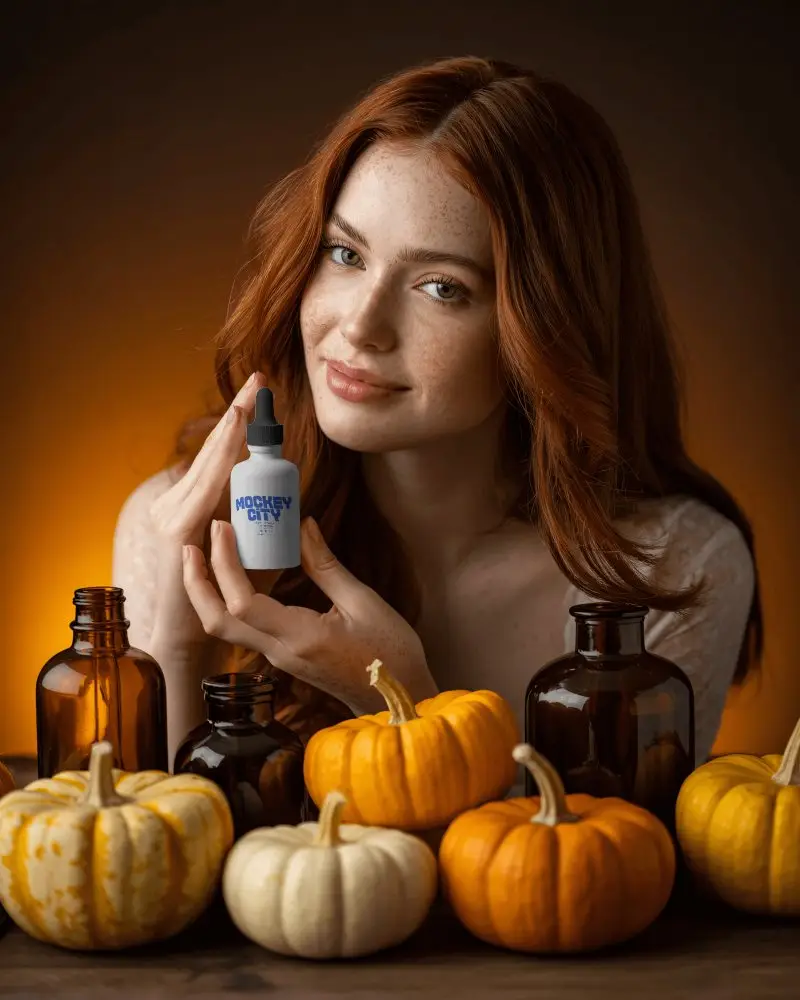
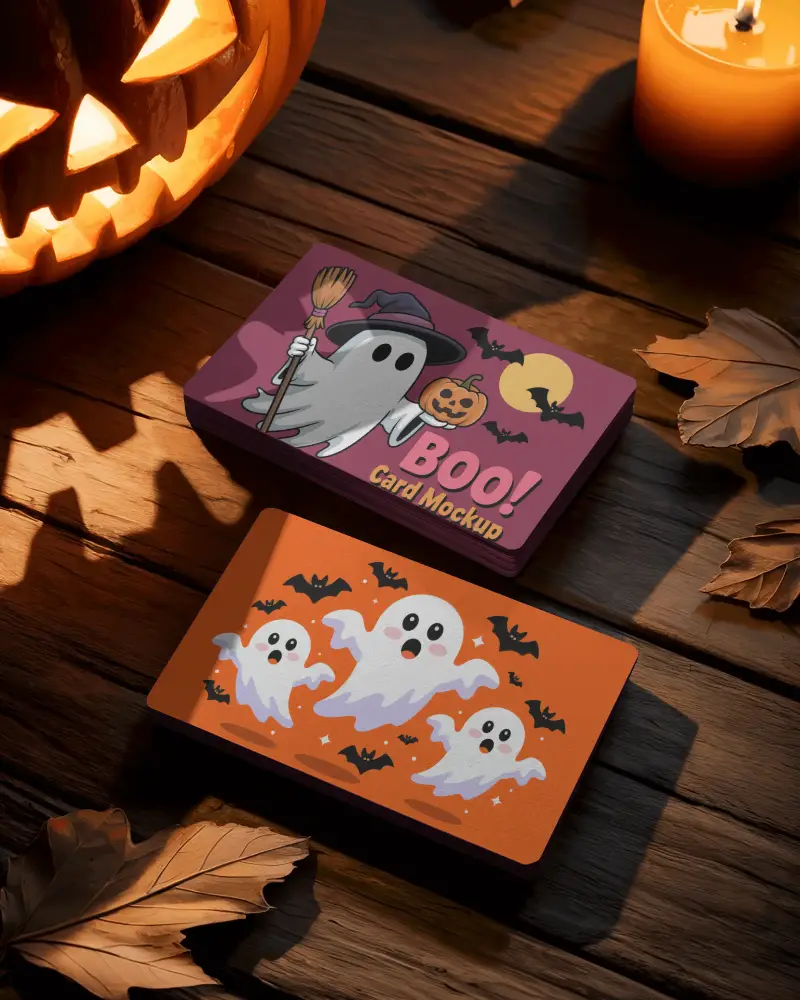
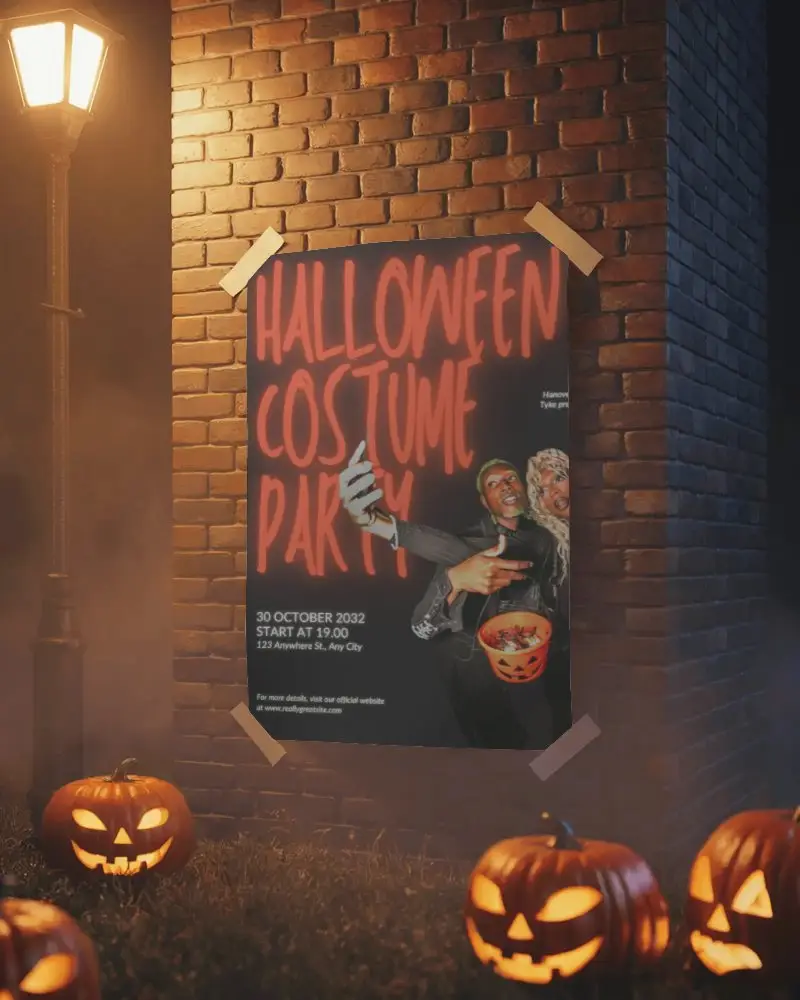
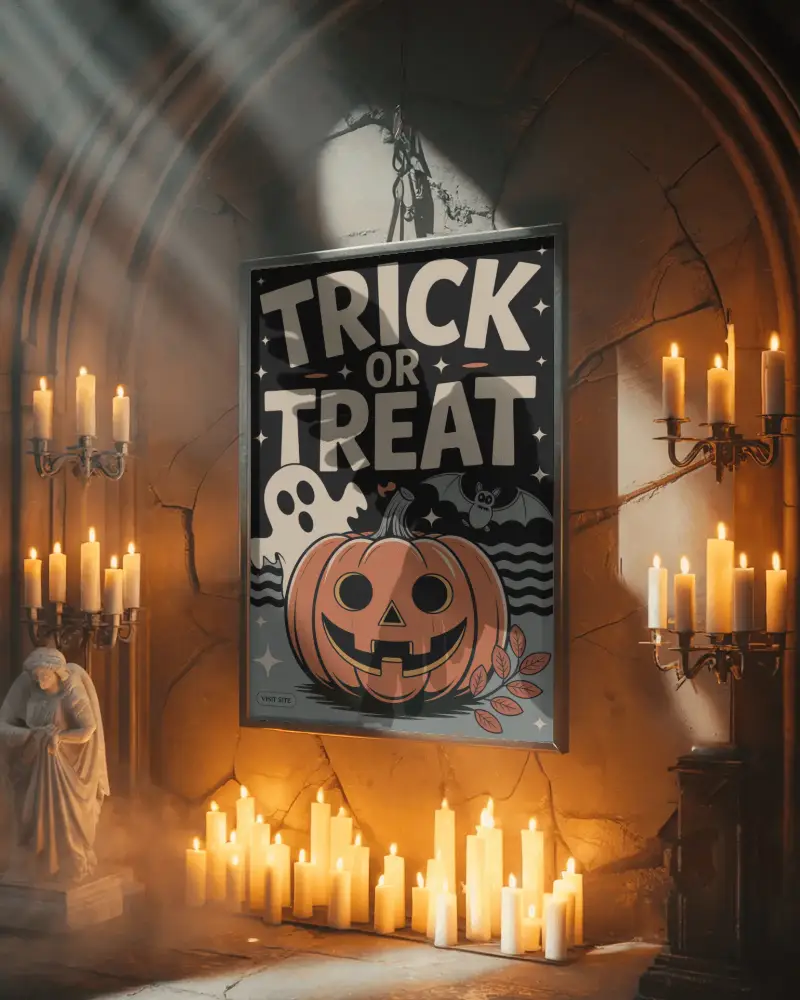
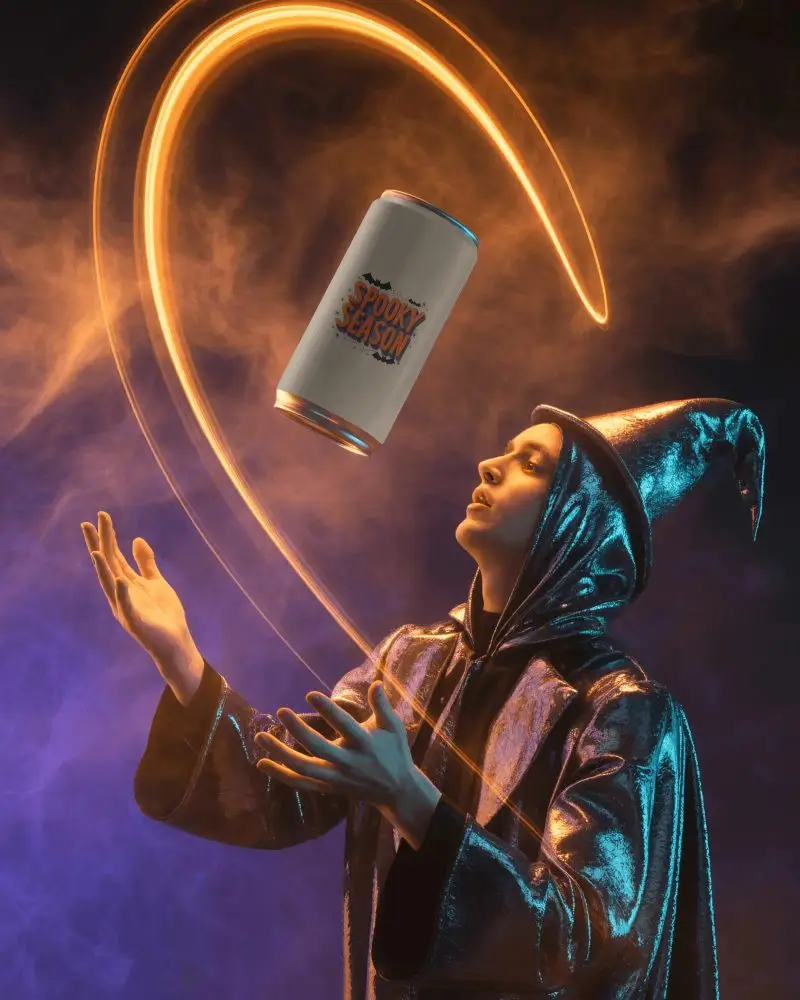
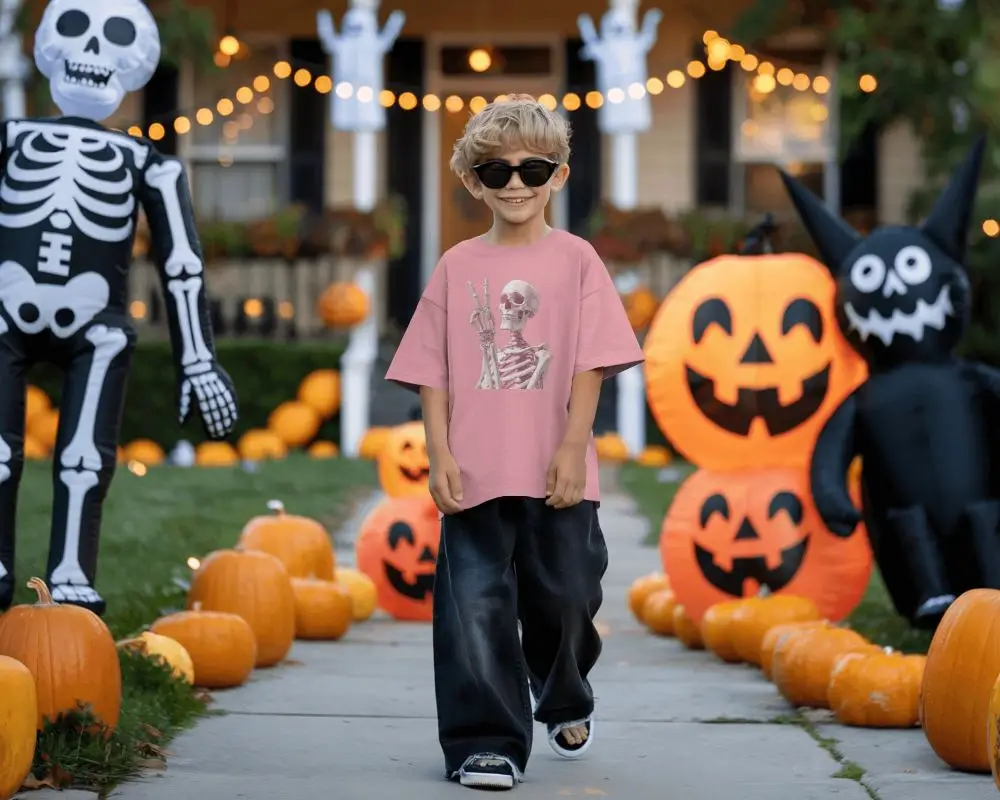
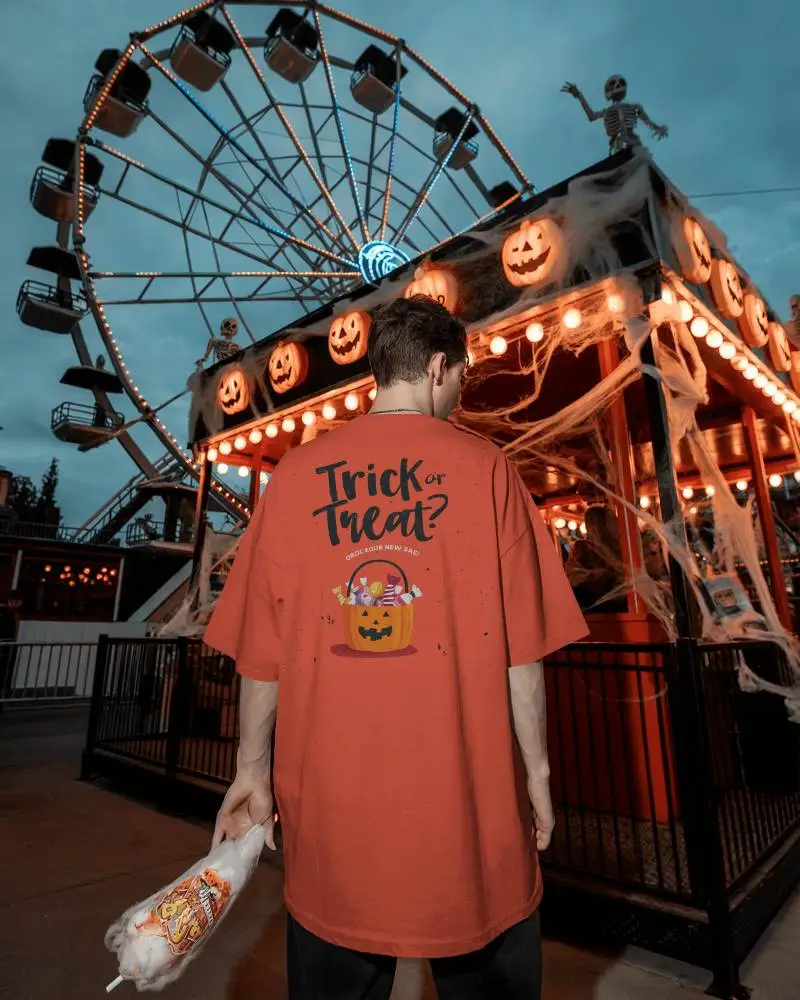
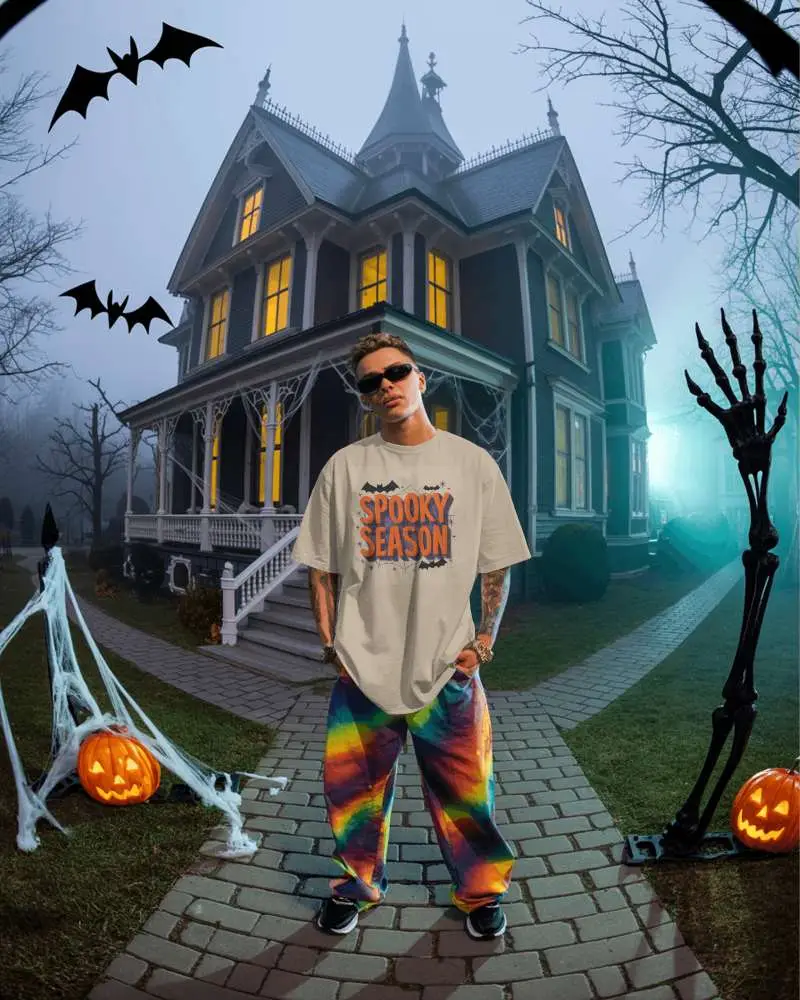
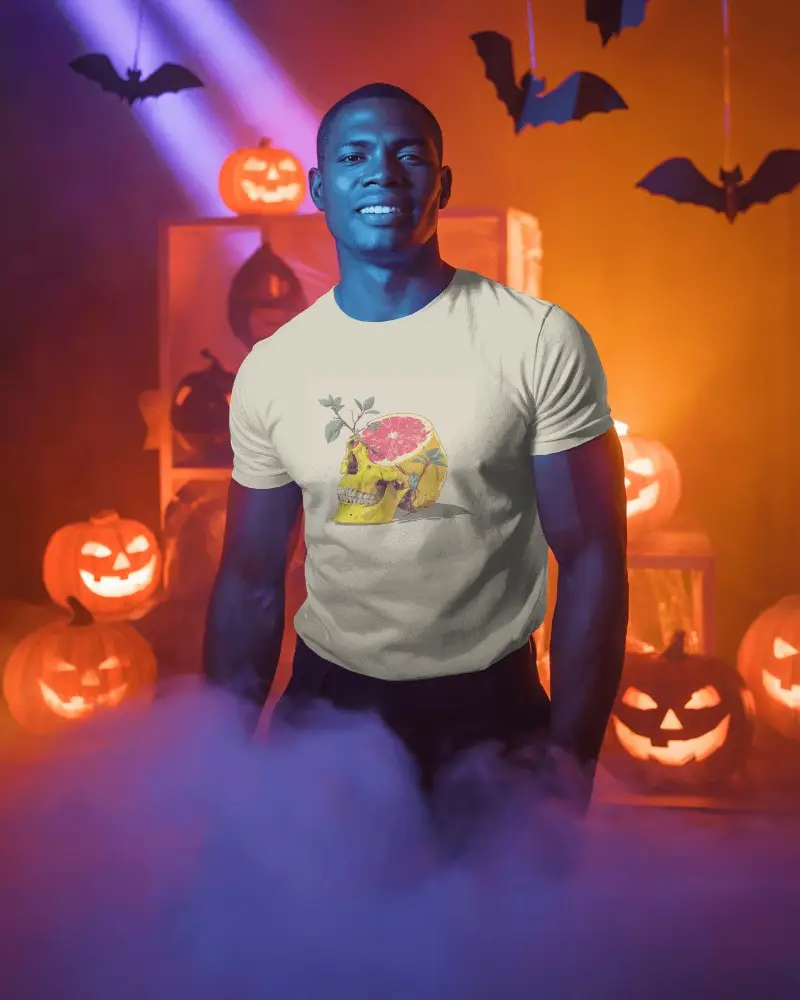
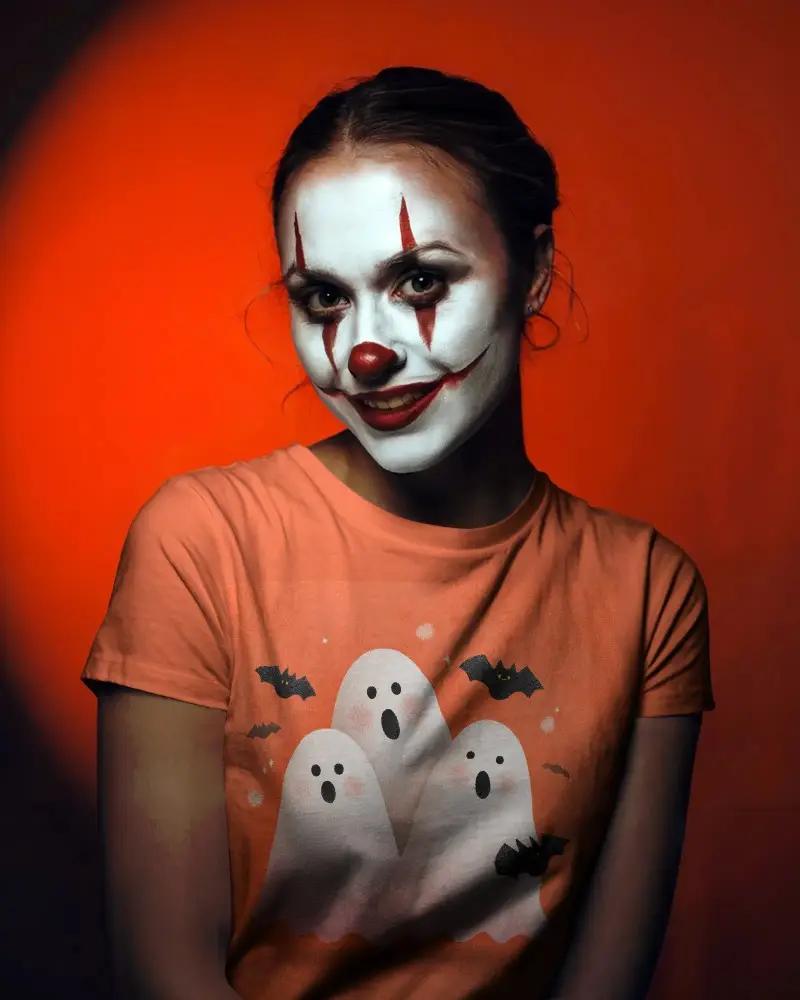
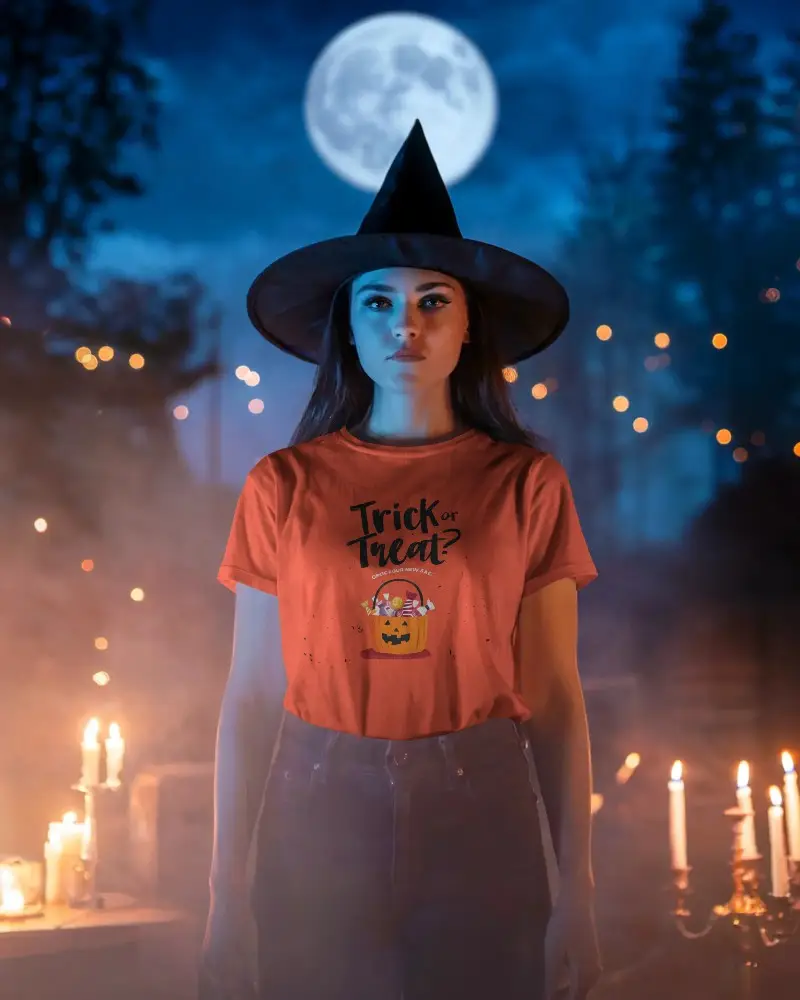
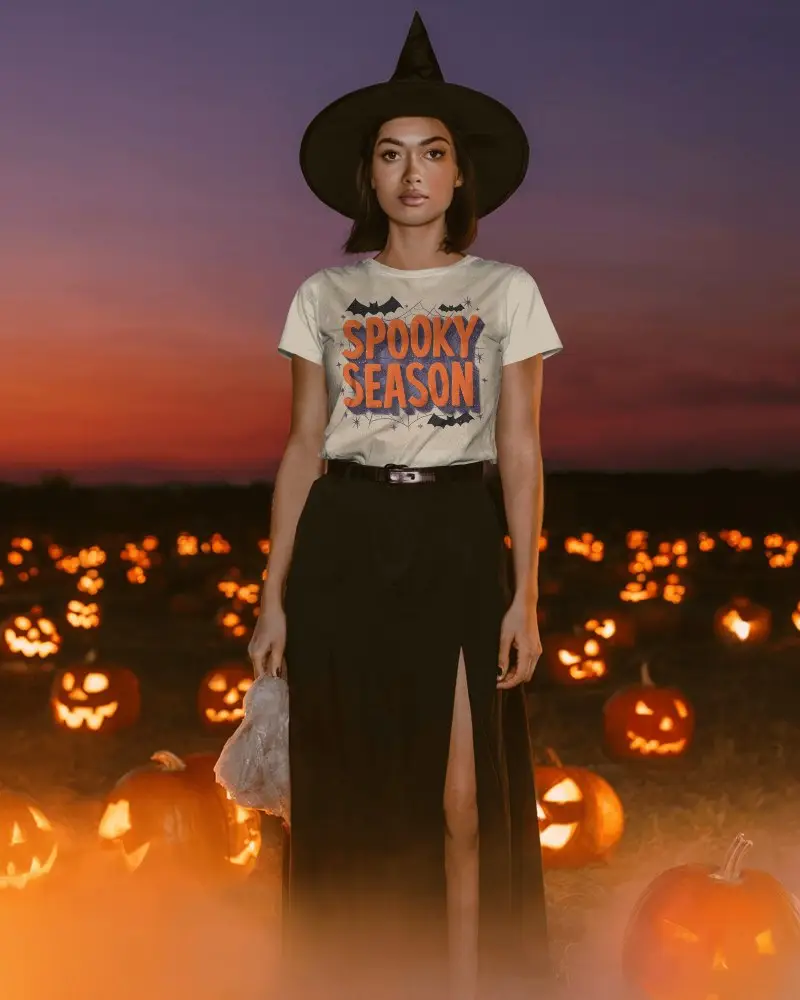
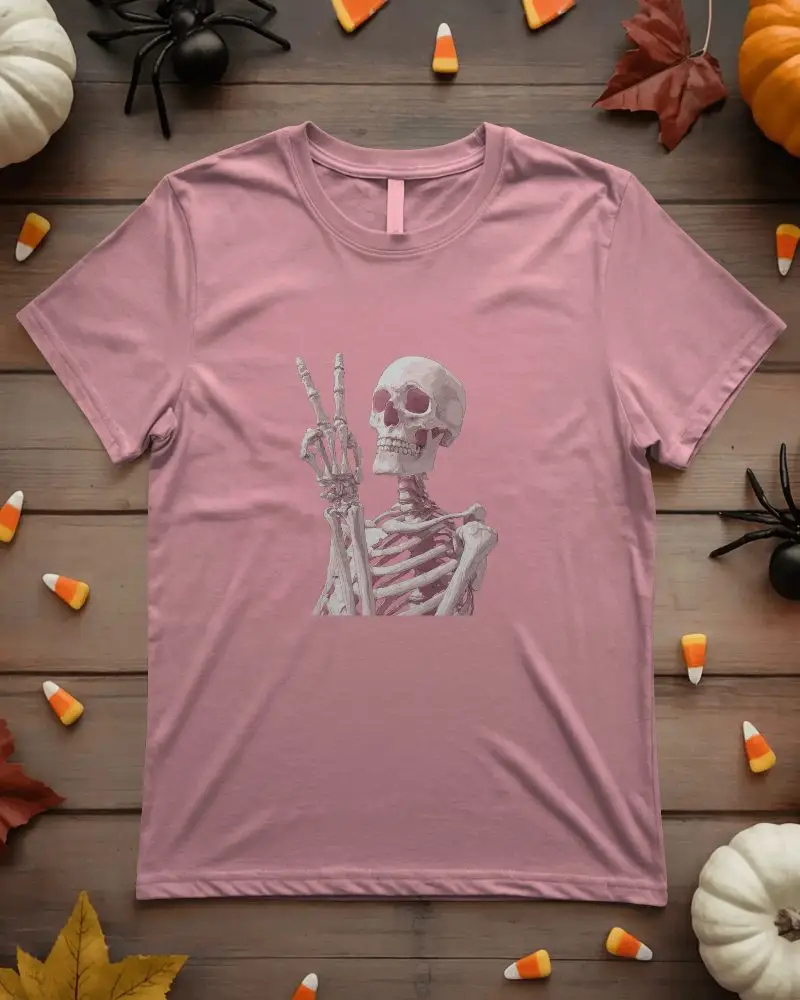
A Halloween Tshirt mockup shows how your design would look on a themed product or scene—such as a mug, T-shirt, or flyer—with pumpkins, ghosts, and classic black-orange-purple vibes.
Why create a Halloween Tshirt mockup?
Halloween Tshirt mockups help you market seasonal products and content by previewing designs in realistic, festive environments—before printing or publishing.
Why Use Mockey’s Halloween Tshirt Mockup?
Mockey AI offers plenty of free Halloween Tshirt templates and easy tools to tweak backgrounds, colors, and lighting. Generate high-quality results fast.
Is this Halloween Tshirt Mockup Free?
Yes. You can create Halloween Tshirt mockups with Mockey AI’s free plan and download JPG files without a watermark.
What types of Halloween Tshirt mockups does Mockey offer?
Mockey supports a wide range of Halloween Tshirt mockups—apparel, beverageware, posters, totes, and more—with spooky props, scenes, and model shots.
