

Wondering how to showcase your logo on t-shirts using mockups? Select a t-shirt from Mockey’s apparel logo mockup, upload the logo, and download it in HD.
If you are starting a clothing brand, print-on-demand store, or merchandise business, your logo design alone is not enough. The way you present the logo matters.
Most people were not just searching for a mockup. They wanted their logo to look like a real clothing brand that someone would actually wear.
Many users said that logos looked pasted onto t-shirts, unrealistic fabric folds, awkward logo placement, and cheap-looking AI apparel reduce trust. That is why learning how to showcase your logo on T-shirts using mockups is important.
Table of Contents
Why T-shirt Logo Mockups Matter?
T-shirt mockup is your sales image, social media visual, and storefront presentation. Before customers touch your shirt, they judge your brand through the mockup.
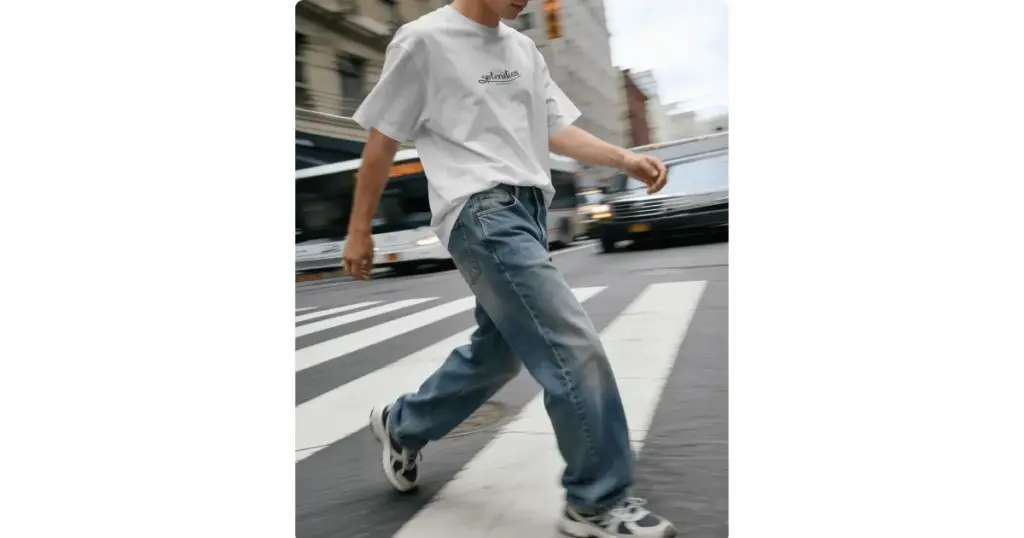
Buyers trust realistic fabric, natural folds, proper shadows, lifestyle photography, and believable logo placement— all of which mockups help create.
Streetwear brands, Etsy sellers, Shopify stores, Instagram clothing pages, and people who are starting print-on-demand businesses benefit from this.
How to Showcase Your Logo on T-shirts Using Mockups
Let’s understand step-by-step how to showcase your logo on t-shirts using mockups.
Step 1: Start With the Right T-shirt Mockup Style
Not every mockup works for every brand. The best look is decided by your target market and brand.
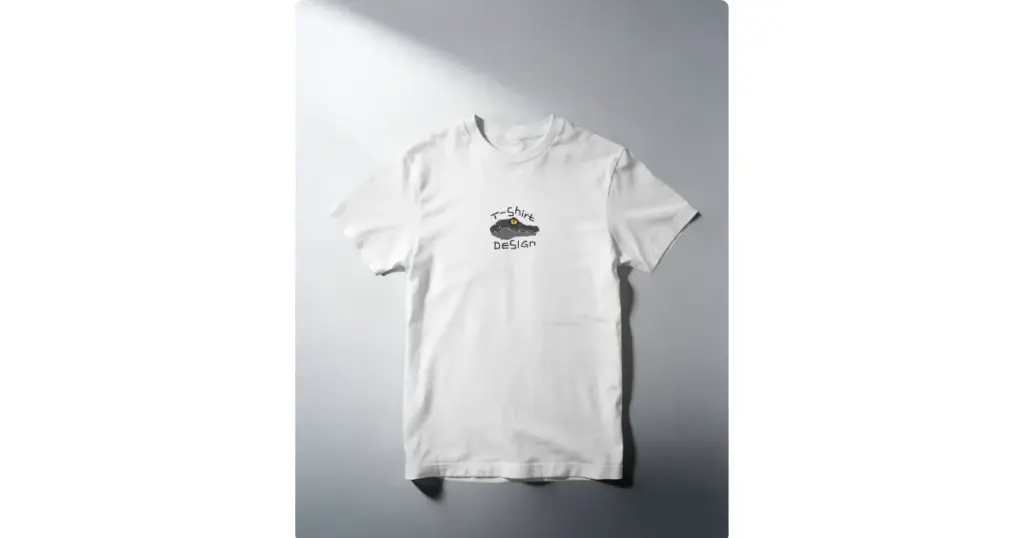
Flat-Lay
These display the t-shirt spread out on a surface. The logo stays the main focus, and looks good on online stores.
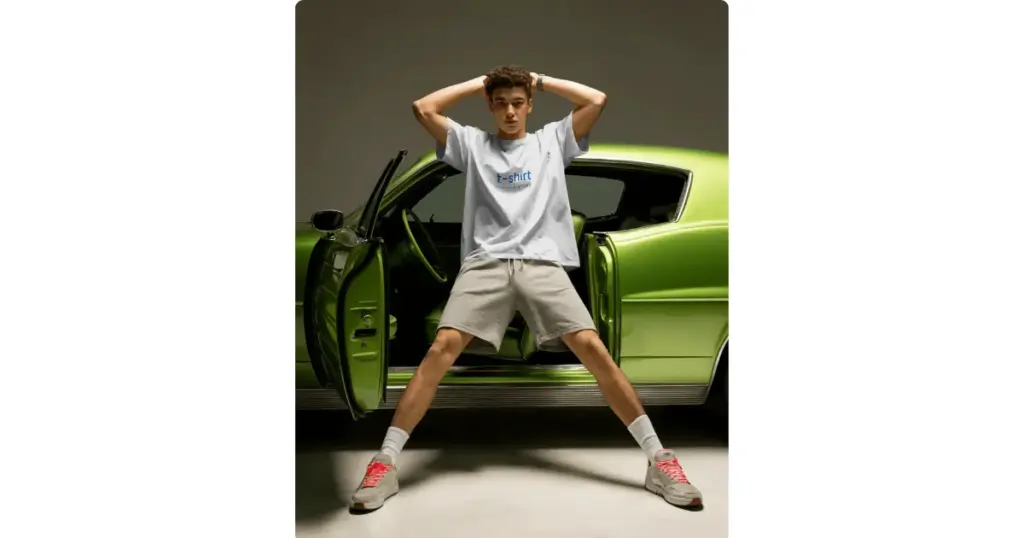
Model-based
These show real people wearing the t-shirt.
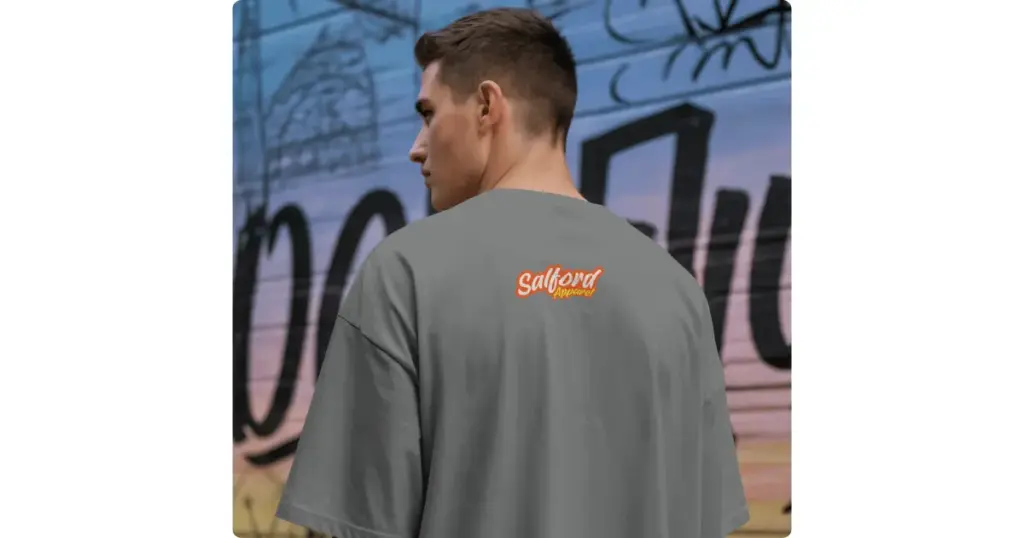
Streetwear-Style
Streetwear-styles include oversized t-shirts, urban backgrounds, close-up fabric details, and oversized back prints. With these details, brands use mockups to present their logos to clients.
Step 2: Choose the Right Logo Placement
Bad placement instantly makes a shirt look amateur. Your logo should be displayed in the right place.
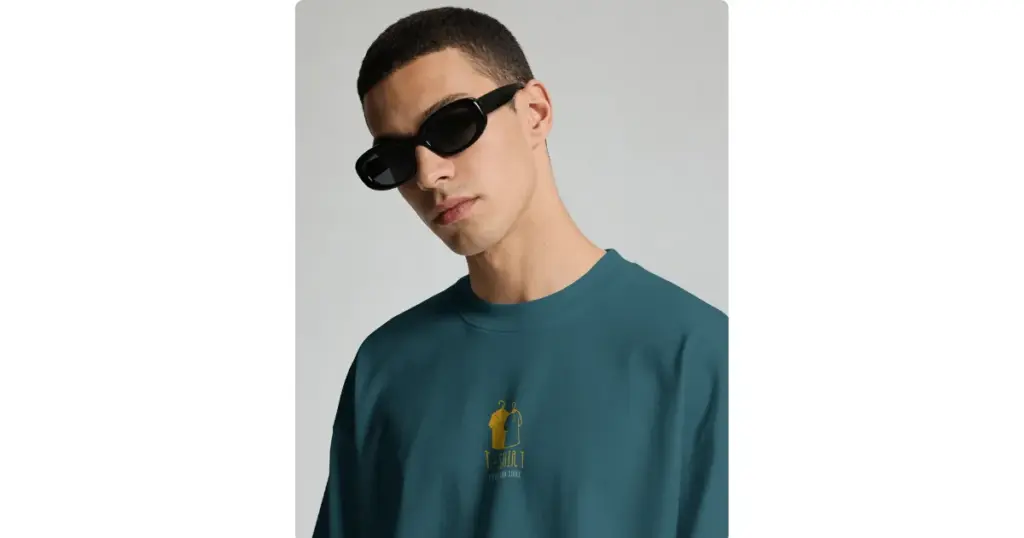
Small Chest Logo
A small chest logo is a good choice for premium brands and luxury-looking clothing.
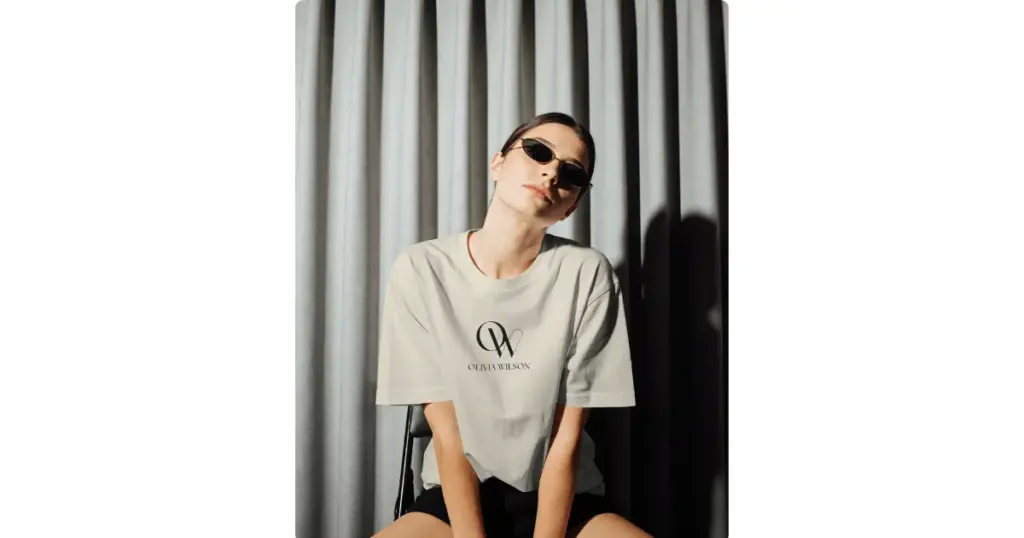
Large Center Logo
This style puts your logo big in the middle of the T-shirt.
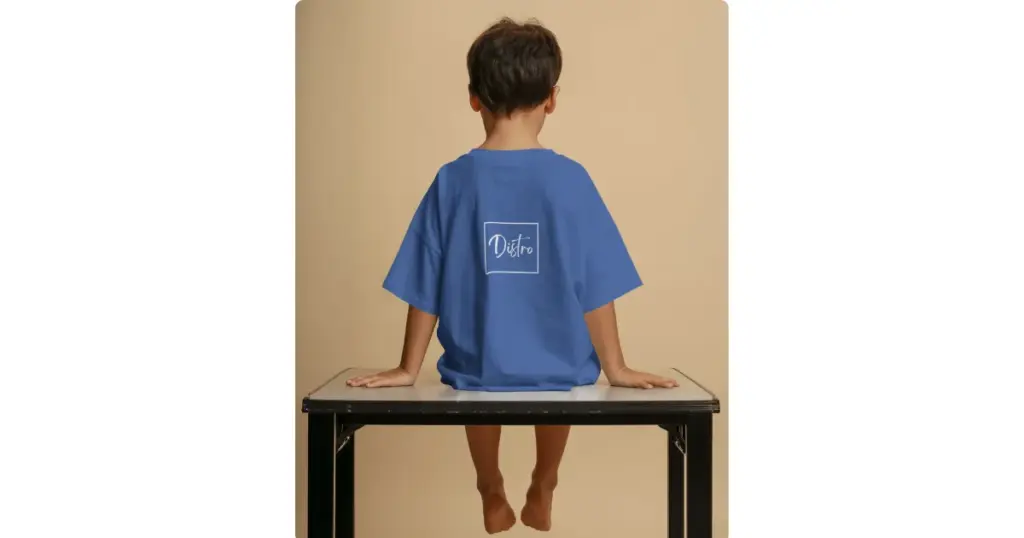
Back Logo Placement
Back logo placement is very popular in modern streetwear fashion. Many clothing brands use a small logo on the front and a bigger design or artwork on the back. Some brands also add logos or text on the sleeves.
Sleeve Logos
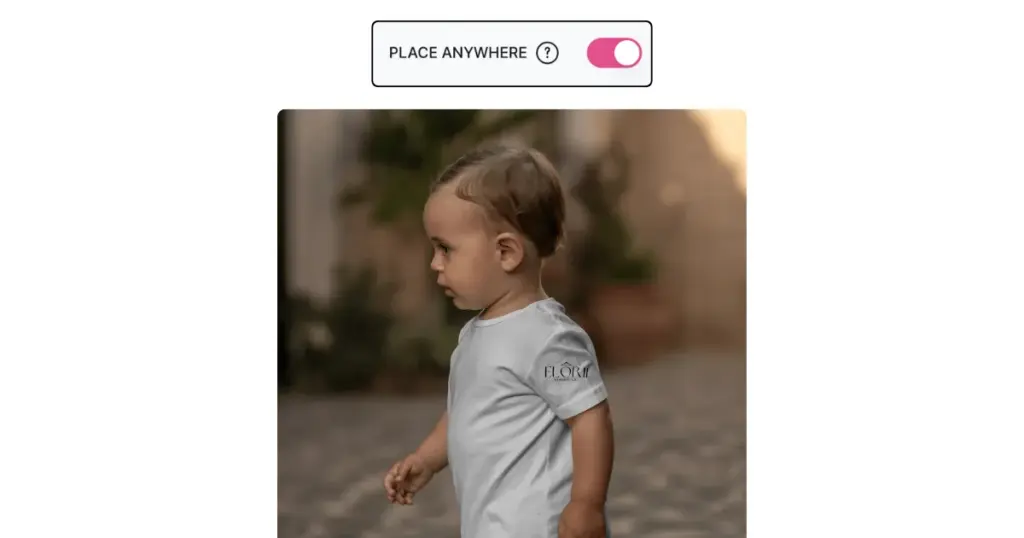
Sleeve logos are small logos printed on the sleeves of a T-shirt. Mockey offers an all-over print mockup generator with a Place Anywhere feature. By enabling it, you can add your logo to a T-shirt sleeve or any surface you want.
Step 3: Make the Logo Look Real on Fabric
Many designers complained that logos look like stickers pasted onto shirts. To make your mockup realistic, add fabric wrinkles, use proper shadows, and match lighting correctly.
Step 4: Avoid Generic Mockups
Many Etsy and POD stores use the same templates. To stand out, use custom backgrounds, create custom mockups, edit colors and lighting, use different model poses, and add unique styling.
Which Mockup Generator to Use
You need a mockup generator where the T-shirt fabric looks realistic, the logo warps properly on the surface, and the design can be placed anywhere on the T-shirt.
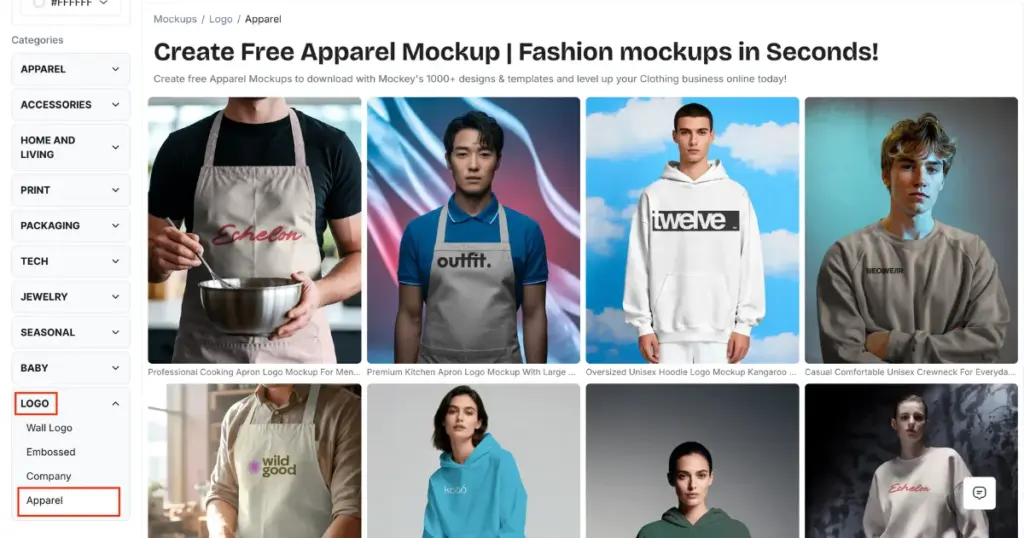
Using Mockey would be the best choice because it delivers the exact benefits you are looking for, such as:
- Model-based templates
- Creative and unique
- Realistic fabric and folds
- Warping feature
- Multi-shot angles
- Place Anywhere feature
- Convert to animation
To create the mockup:
- Create your account.
- Click on “Mockups”.
- In Categories, look for Logo mockup.
- In “Apparel”, pick a t-shirt.
- Click “Upload Design”.
- Personalize with warping, enabling the Place Anywhere feature, or converting to animation.
- Click “Download”. Save the mockup.
Conclusion
A logo alone does not make a brand look good. What really matters is how real and trustworthy the brand feels to people.
If you want to showcase your logo on t-shirts using mockups, avoid generic templates, use natural folds and shadows, choose better placement, and create lifestyle-focused visuals. Whether you are designing T-shirts for print-on-demand or Etsy, this approach will work well.
Because consumers are purchasing more than just shirts. They are buying the feeling of wearing your brand.
FAQs
What are the common mistakes that make mockups look cheap?
Floating logos, big logo designs, wrong shirt colors, overusing AI faces, and using overused templates are the most common mistakes that make mockups look cheap.
How do professionals showcase logos on t-shirts?
Professional brands do not just upload a logo onto a t-shirt. They create atmosphere, identity, mood, and lifestyle. That is why premium brands often feel more expensive even before customers touch the product.
Where can I find realistic t-shirt mockup templates to place my logo?
For placing logos, you’ll find the most realistic t-shirts on Mockey. The t-shirts are available with models as well as in flatlay styles, featuring realistic folds and wrinkles.

