

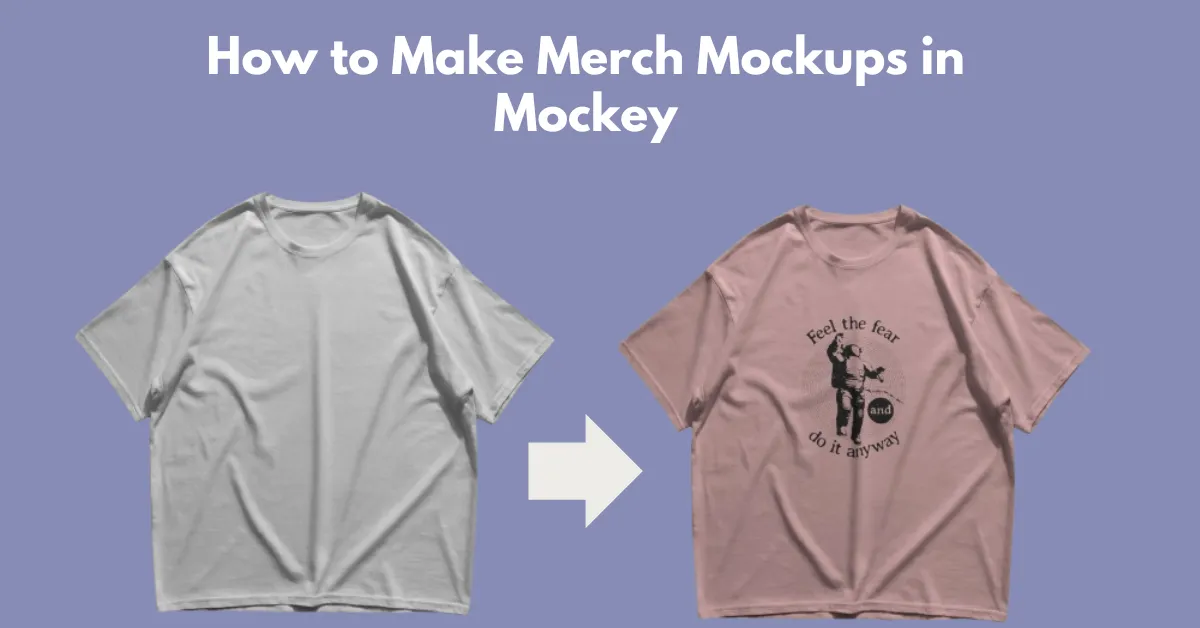
Learn how to make merch mockups using Mockey AI mockup generator. Choose from ready-made templates or create custom mockups.
Most merch mockups fail to convert because they look fake and don’t match the actual product. Using this guide, you’ll learn not only how to make merch mockups but also how to make them look realistic, which methods to use, how to avoid mistakes, and what real sellers actually do.
Table of Contents
What Is a Merch Mockup?
A merch mockup is a visual preview of your design on a product, such as t-shirts, hoodies, mugs, posters, or packaging. A digital version is created instead of a printed one. This helps you understand how your product works before it is manufactured.
2 Main Ways to Make Merch Mockups
Almost all creators use one of these two methods to make merch mockups.
1. Using Ready-made Templates
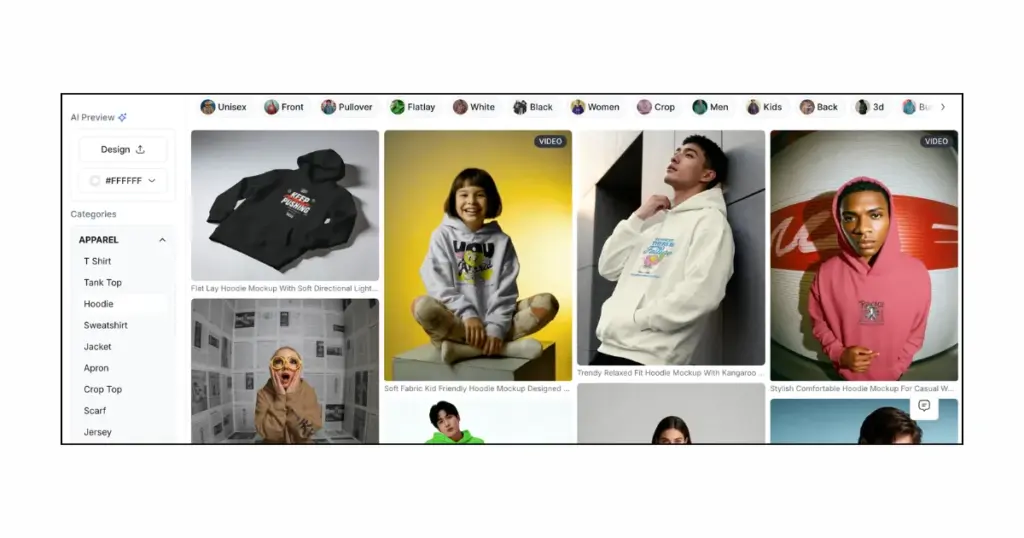
This is the easiest method for beginners. You need to choose an online mockup generator, upload your design through its templates, and create a mockup. Many sellers rely on tools like Mockey AI.
2. Creating Your Own Mockups
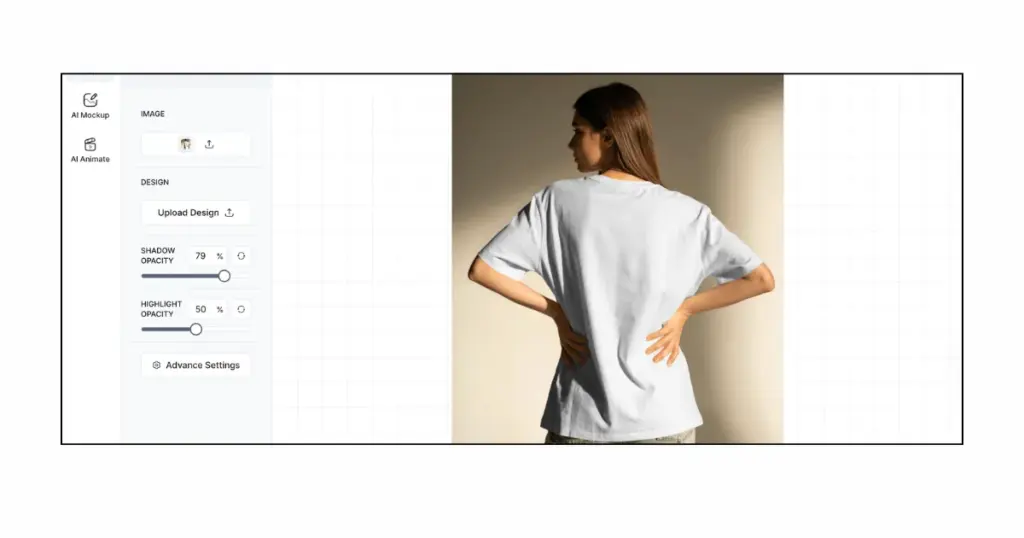
This is what experienced sellers suggest. First, get the product (you can buy it or order a sample). Then, take photos of it using a camera or phone. After that, add your design to the photo using Mockey’s custom mockup tool. It looks real to people and makes them trust your product more.
How to Make a Merch Mockup Using Two Methods (Step-by-step)
Here is a step-by-step guide on how to make a merch mockup using two methods:
1st Method
Let’s start with our 1st method.
Step 1: Choose Your Product
Start with a t-shirt, hoodie, mug, or poster. Choose the exact product type you will sell.
Step 2: Pick a Ready-made Template
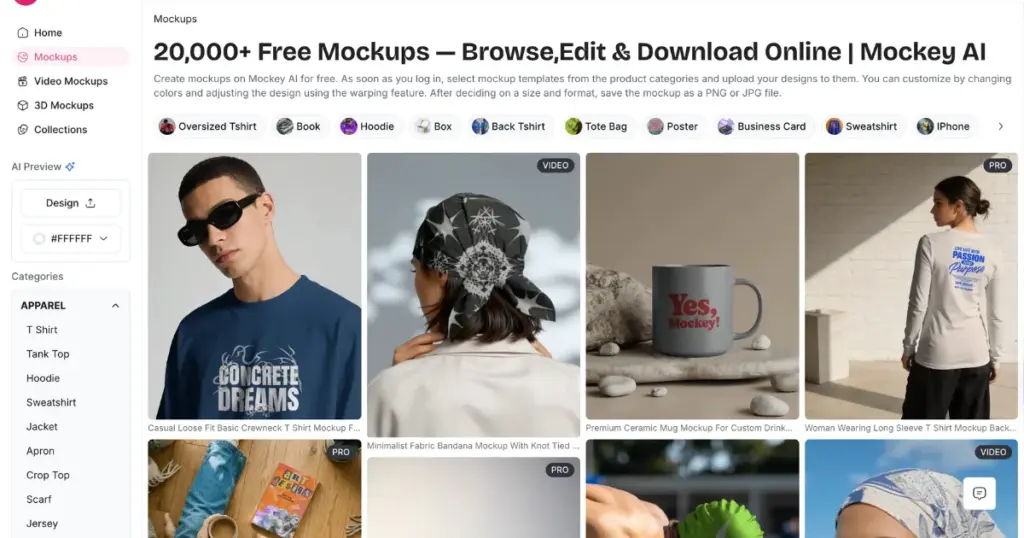
Mockey AI is currently the best mockup generator because of its standout features, such as:
- 27,000 ready-made mockup templates
- 60+ products
- Multi-shot angle shots
- Seasonal theme products
- 3D mockups and video mockups
Choose a template.
Step 3: Add Your Design
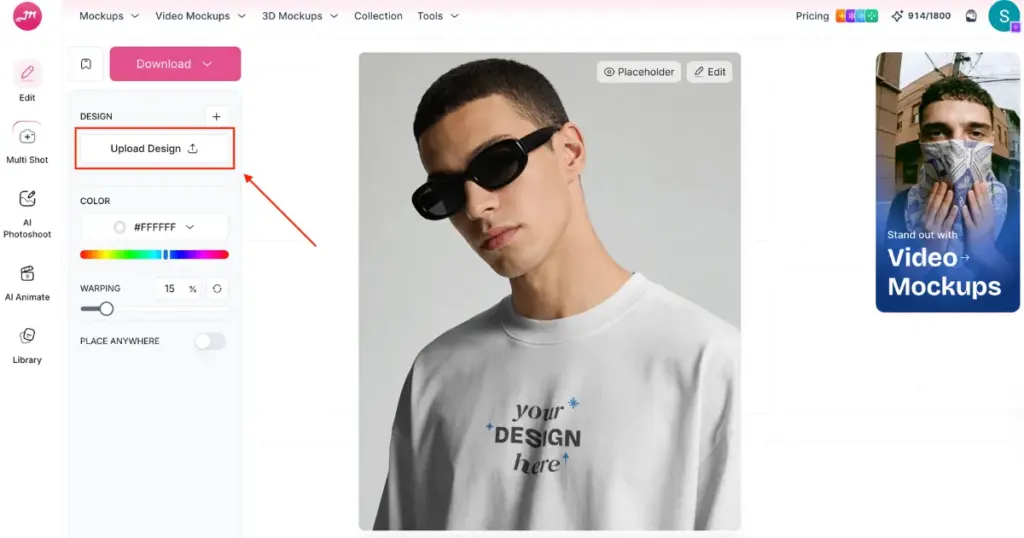
Add your design using the Upload Design button, whether you’re creating a t-shirt mockup or a poster mockup.
Step 4: Adjust Position & Size
Your design should match the real print size, be centered correctly, and not look oversized. The mockup must match the printed POD.
Step 5: Do Customization and Export the Merch Mockup
For customization, you can change colors, use the warping feature, and even convert your mockup into an animation—all through Mockey.
Also, one standout feature is Multi Shot, which lets you preview your mockup from every angle. Look at the example:
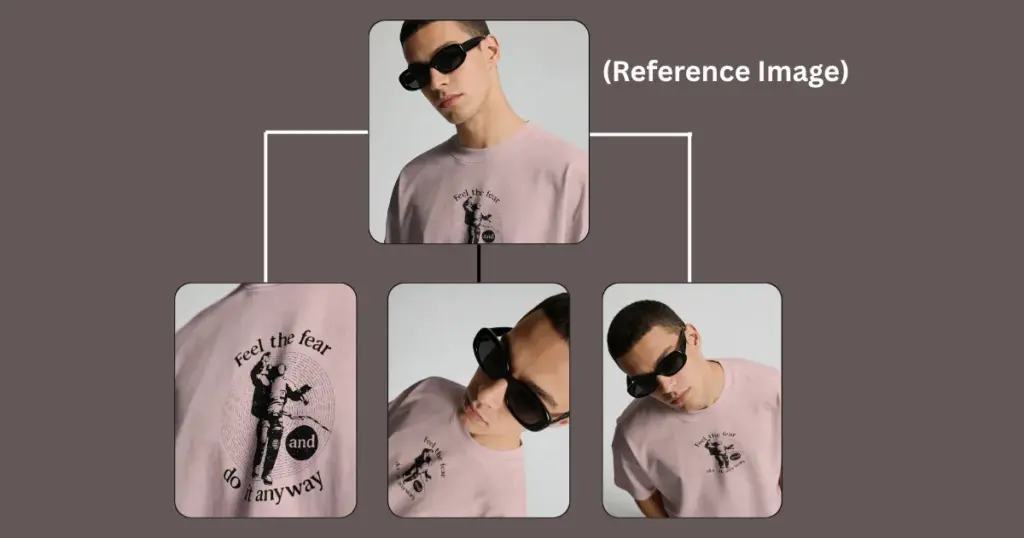
When choosing between a single mockup vs Multiple shots, buyers get a more detailed idea from multi-angle views.
2nd Method
With this method, you can create custom mockups.
Step 1: Prepare Your Product Image
Make sure your product is ready. The flat lay or model presentation looks more appealing to buyers.
Step 2: Use the Custom Mockup Tool
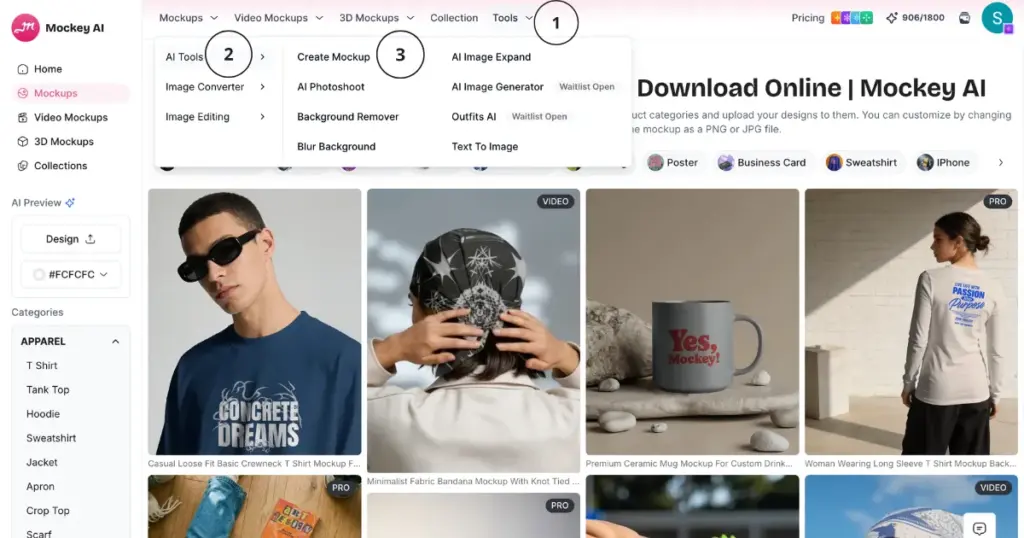
Use Mockey’s Custom Mockup tool and drag and drop the product. To do this, create an account and follow “Tools > AI Tools > Create Mockup.”
Then, add your custom brand image, adjust the opacity of the shadows and highlights, and convert it to an animation.
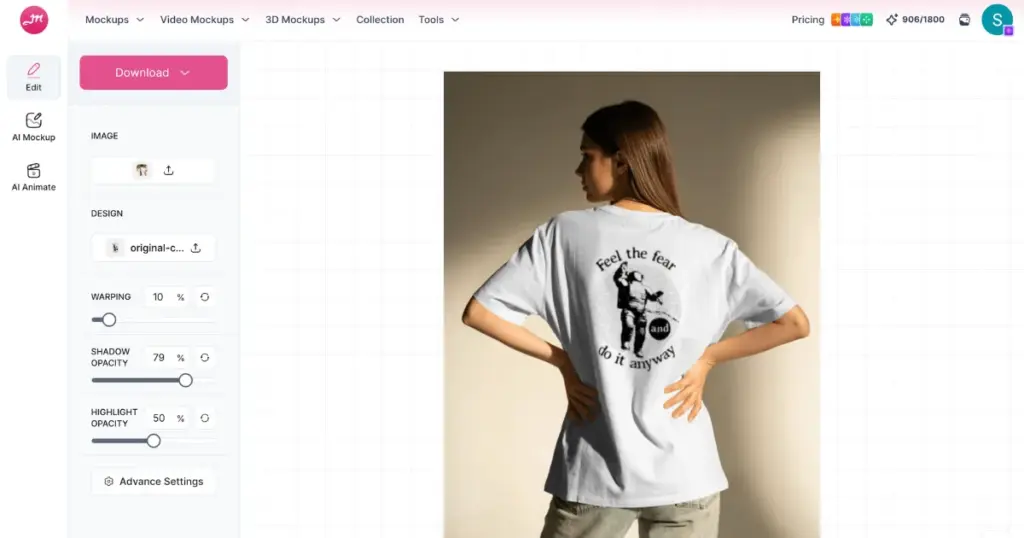
Step 3: Download as PNG
After personalization, download it in high quality.
How to Make Merch Mockups Look Real
Here’s what works:
- Use high-quality base images
- Match lighting
- Add fabric texture
- Keep it natural
- Maintain consistency
Conclusion
Making merch mockups is not just about placing a design on a product. It should look the same every time, and you should be able to create it quickly.
People online have noticed that simple, boring mockups no longer work. The ones that look real and a little different from the others get attention.
Keeping this in mind, this blog on how to make merch mockups is explained step by step.
FAQs
How to make merch mockups easily?
The easiest way is to use an online mockup generator. Choose a product, upload your design, and download the mockup.
Where can I download high-quality merch mockups?
On Mockey, you can download merch mockups in PNG format and as MP4 animated versions.
Should I create my own mockups or use templates?
If you are just starting or if you want to make mockups quickly, templates are good. However, creating your own mockups is better if you want your designs to look different and build your own brand. It will be better if you start with templates in the beginning, and slowly move to making your own custom mockups.

