

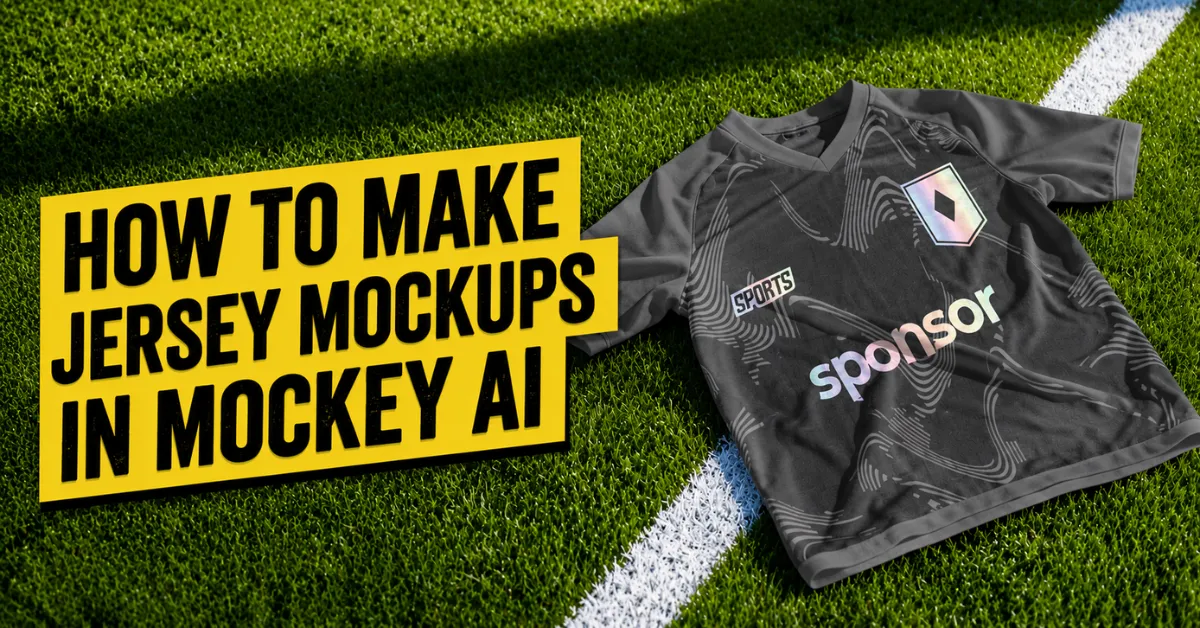
Want to learn how to make jersey mockups? Visit Mockey AI, select a jersey template to add a design, change the jersey color, and then export it.
Why use Mockey AI? Because it has unique templates, easy editing tools such as Warping, Place Anywhere, and Multi Shot features. And you can pick different sizes to save.
Let’s discuss how to make a jersey mockup in Mockey AI step-by-step. This will allow you to choose how you and your team want your new jerseys to look. So, let’s get started!
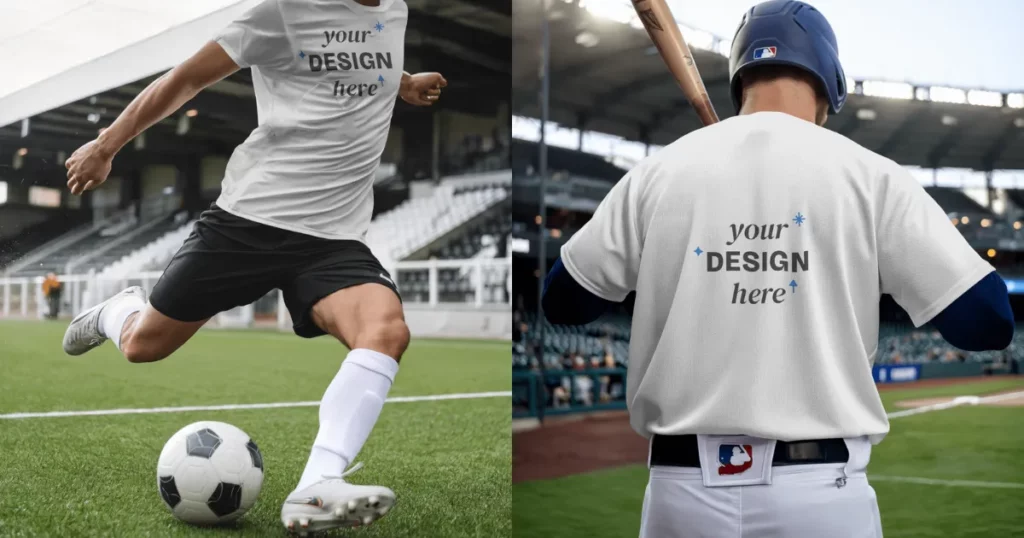
Table of Contents
Why Make a Jersey Mockup?
When we’re little, we learn that people on the same team wear the same clothes or colors. It helps everyone know they belong together and are working as one team. That’s why wearing the same team jersey is important.
A player’s jersey and safety pads are just as important as being good at the game and playing with heart. No matter if it’s a small game or a big one, wearing your team’s special jersey is always important.
How to Make Jersey Mockups in Mockey AI?
With Mockey AI’s jersey mockup generator, design a jersey right on your phone or computer. No need to download anything. Just add the team design on a template, pick the jersey color, edit with the best features, and save it.
Step 1: Start with a Design
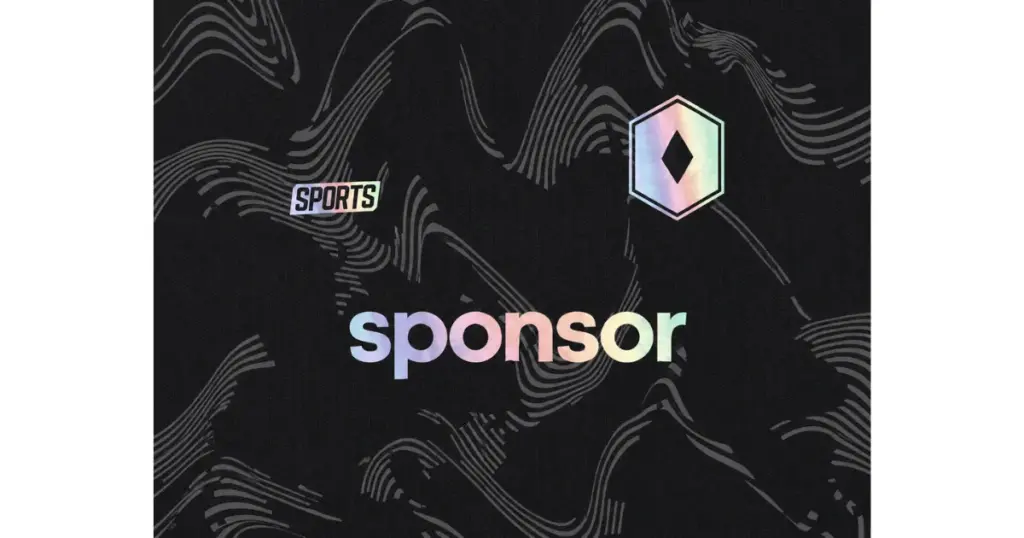
A design conveys the values and unique qualities of the team. That’s why choosing the correct colors and pictures is very important.
Step 2: Add It to the Jersey Mockup
Go to Mockey AI and sign up. After that, you’ll go to a new page where you have click on “Mockups“. Choose “Jersey” under the “Apparel” section.
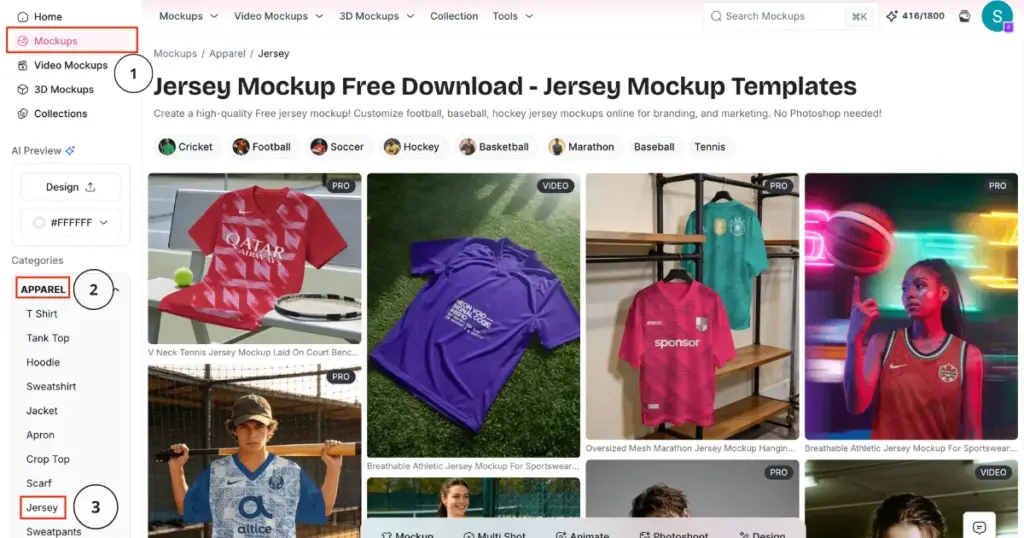
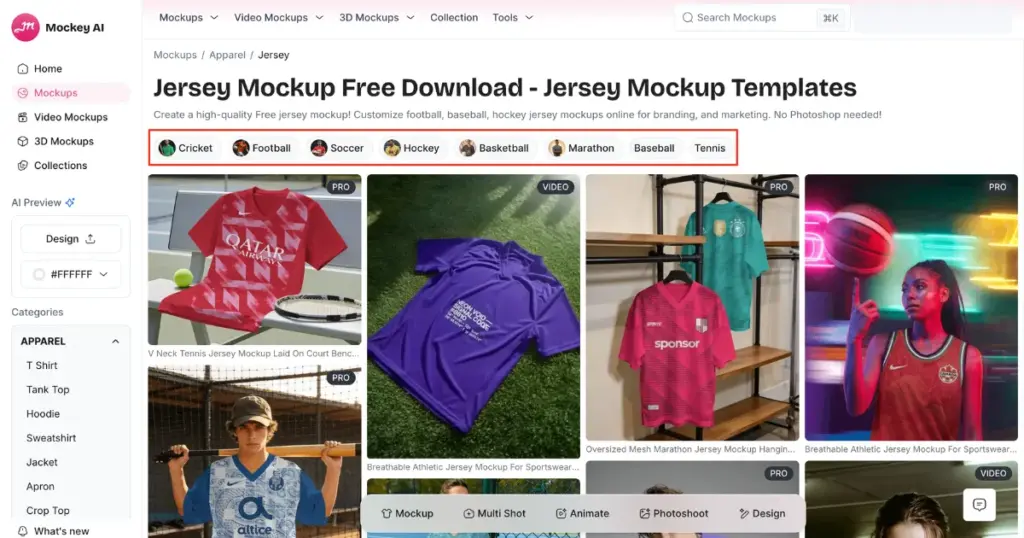
Then, pick the template you want, either for football or basketball.
Step 3: Customize it
On the next page, you can:
- Upload Design (Multiples)
- Change color
- Warp the design
- Place on any surface area
- Create multiple angles
- Convert to animations
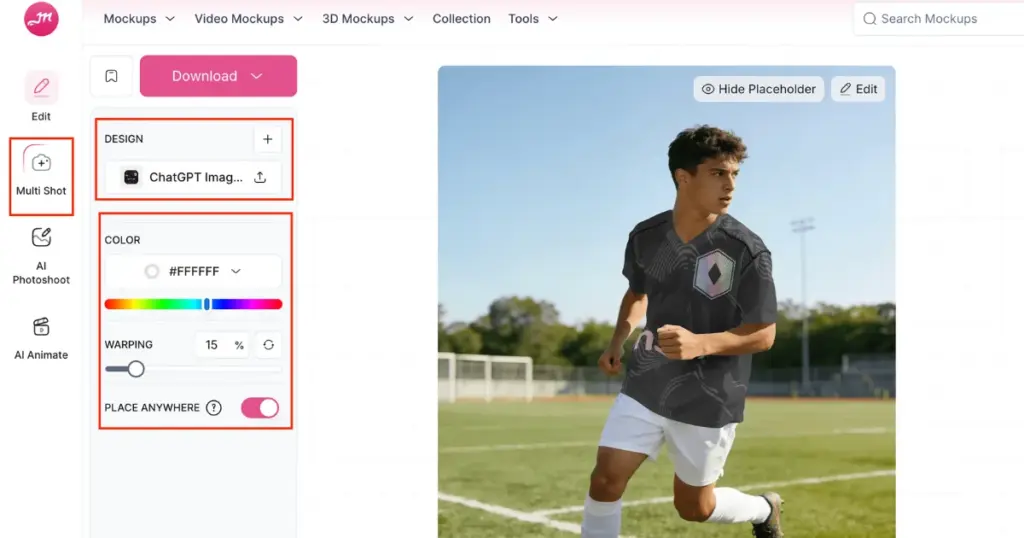
If you want to use AI tools, you can upgrade to the Creator plan to use AI Photoshoots, Multi Shot, and Animate features for AI scenes, different-angle shots, and motion animations, respectively.
Step 4: Save it for Free
When you’re happy with your design, click the “Download” button to save it as a JPG (no watermark) if you’re using the free version. If you want a PNG mockup, you need to upgrade to the Mockey AI Starter plan, which is affordable.
Why Use Mockey AI’s Jersey Mockups?
There are several reasons why you should use Jersey Mockups from Mockey AI.
1. Accurate Visuals
Mockey AI’s free mockup generator helps you see what your jersey will look like. When you want to raise money for new team uniforms, it can be hard to explain your idea with just words. But when people see the jersey design, it’s much easier for them to understand and say yes.
Mockey AI helps you see what your jerseys will look like before you make them. Your whole team can look at the picture and say if they like it or not.
2. User-friendly
A lot of people don’t know how to operate complicated design software to make jersey mockups. Some say using a PSD format gives you more ways to edit. But that also means there’s a bigger chance of messing it up.
Mockey AI is easy to use and fun. You can choose your favorite colors and backgrounds. You can try different looks until it’s just the way you like it.
3. Quality of Presentation
Mockey AI helps everyone—like your teammates, or even people in your neighborhood—see and enjoy how the uniform will look. When it looks good, people get excited and want to support the team.
When you have mockups to show, it’s super easy to get your team and others excited. They’ll quickly imagine how unique they’ll look in their new uniforms.
Making your own jersey mockup takes minutes. With Mockey AI, all you have to do is click, and you’ll get a jersey that looks real —like it was made by a pro.
Mockey AI Pricing Plan
In the navigation bar, click Pricing to see all the plans, such as Free, Starter, Creator, and Lifetime.
- Free (Download 3 mockups/day – No watermark)
- Starter: $7 – $9.99/month
- Creator: $19/month
- Lifetime: $199
What Types of Jersey Mockups Are Available on Mockey AI?
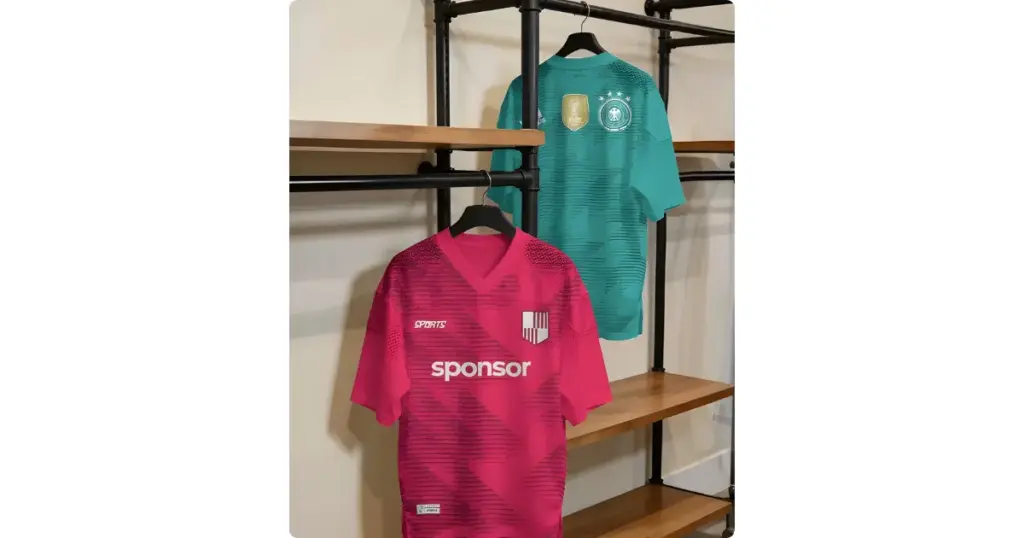
Mockey AI has more unique mockups than anywhere else in the world! You can even find jersey mockups there right now.
- Football jersey mockups
- Basketball jersey mockups
- Cricket jersey mockups
- Hockey jersey mockups
- Marathon jersey mockups
- Baseball jersey mockups
- Tennis jersey mockups
Also, Mockey AI constantly updates mockup templates. So, you’ll always find something new!
Conclusion
We have discussed in detail how to make jersey mockups step-by-step. Before printing the custom jersey, witness how it appears on an actual player—while they’re running, moving, or playing. Look at Mockey AI.
They look nice and clear. You can show them to the person making your jerseys so they know what you want. You can also use them to show others why new jerseys are a great idea. The new jerseys will amaze your team.
FAQs
Is it expensive to make a mockup of a jersey?
Some jersey mockup generators charge different prices. But Mockey AI is affordable — only $7 – $9.99 each month. You get everything: PRO backgrounds, PNG files, full access, no watermarks, and big sizes like 1600 x 2000 pixels.
How to make a jersey mockup in Illustrator?
To make a jersey mockup using Adobe Illustrator, first get a free jersey template. Open it in Illustrator. Then, use the drawing tools to change the shapes and add your design. You can put the pattern and color on it. Lastly, save and export the mockup.
Can I add my design to the jersey mockup?
On Mockey AI, tap the Upload Design button to add your logo or picture. After that, you’ll preview how it looks on different jersey templates.

