
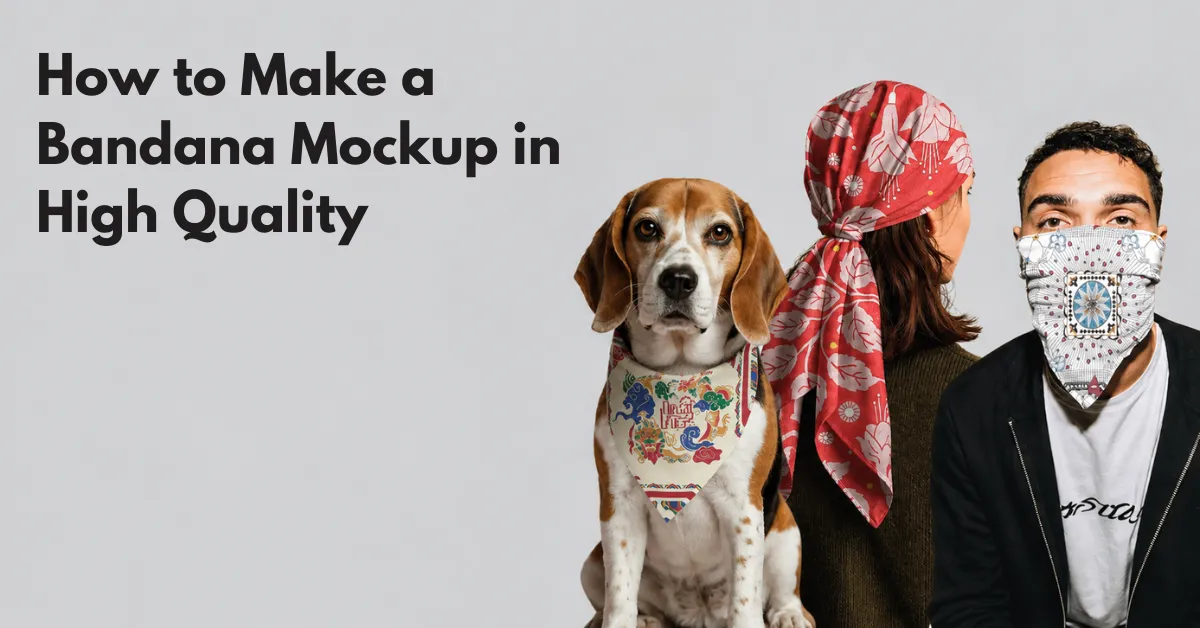
Want to learn how to make a bandana mockup? Use Mockey AI for browser-based bandana mockup templates, add a design, and preview in high quality.
According to Introspective Market Research, the global bandana market was worth $712M and is expected to reach $1.22B by 2032, growing at 6.2% CAGR.
High-revenue niches include dog bandanas, silk and foulard bandanas, and sports bandanas.
Put your products in front of people where they already spend time online. Social media, email, or other channels can work depending on who you’re trying to reach.
Table of Contents
Why Use Mockey AI?
- Real-looking bandanas
- Dog, silk, sports bandana types
- Warping feature for natural folds
- Lifestyle scenes
- Bandana video mockups for Instagram Reels or TikTok
- Commercial license
- A free plan to start
How to Make a Bandana Mockup (Step-by-step)
This tutorial will show you how to make a bandana mockup step by step using Mockey AI.
Step 1: Get Your Design Ready to Upload
The dimensions should be 22 × 22 inches.
Set the resolution to 300 DPI.
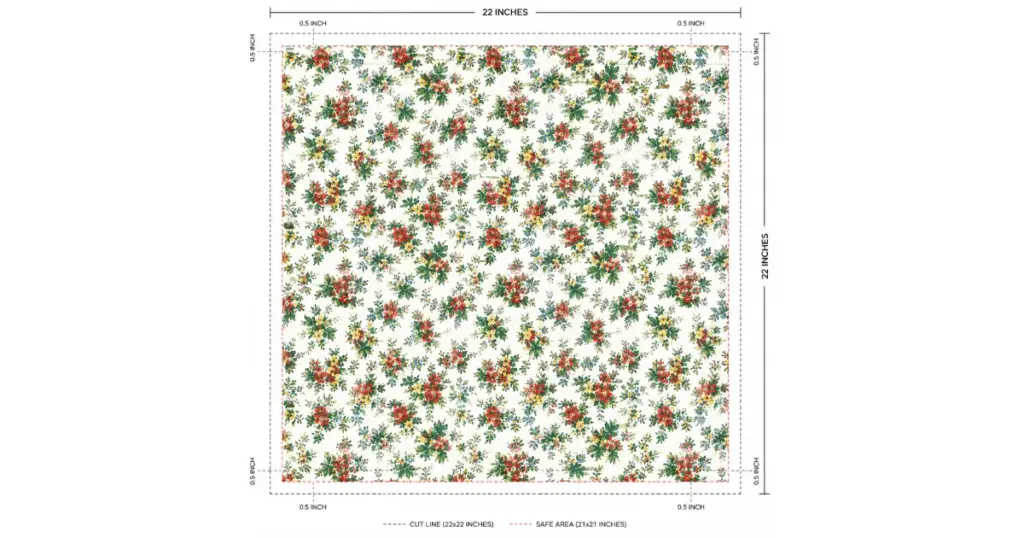
Make sure the pattern joins up properly from one section to the next. It’s also worth leaving about 0.5 inches around the edges so the border or hem doesn’t end up too close to the cut line.
Step 2: Use the Mockup Generator to Select a Template
Start by opening the Mockey AI mockup generator you want to use.
Go to Apparel mockup and look for Bandana.
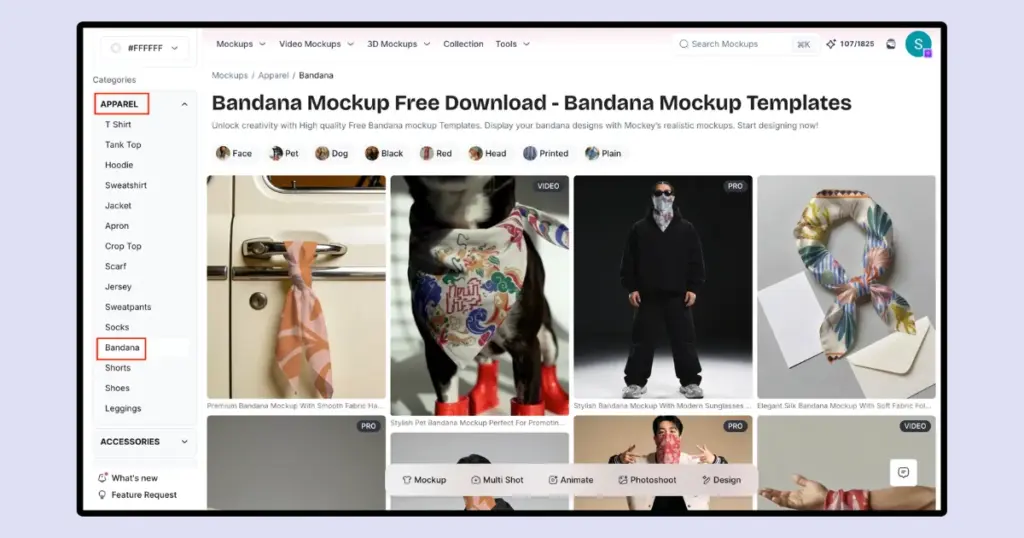
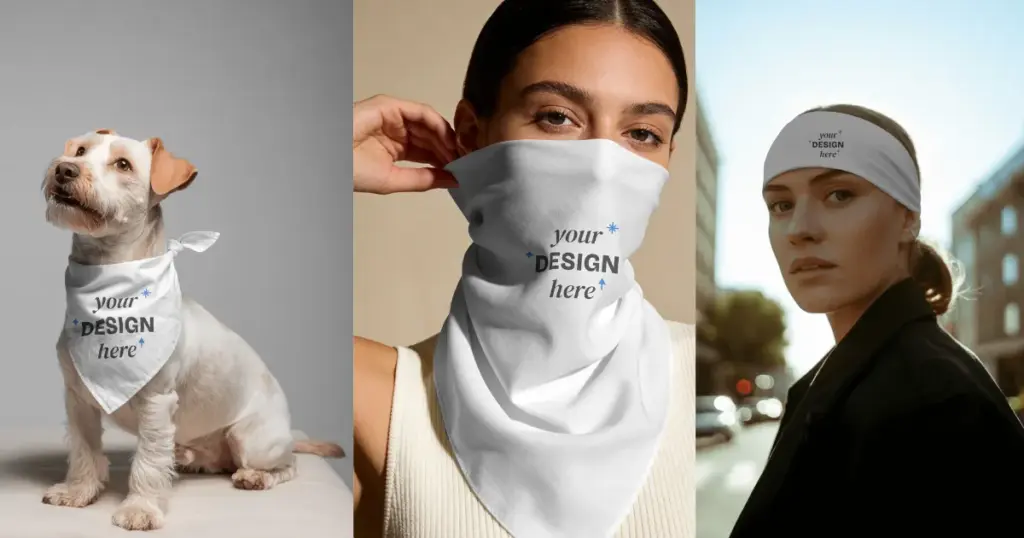
Choose from pet, face, dog, head, or plain bandana to find suitable templates.
You can also pick a flat-lay image, a lifestyle shot with a model, or a close-up showing the fabric and stitching.
Step 3: Upload, Resize, and Position Your Design
Add the 300 DPI artwork through the Upload Design button.
Adjust it
Resize it so it covers the product properly. Keep important parts of the design away from the bleed area so they don’t get trimmed.
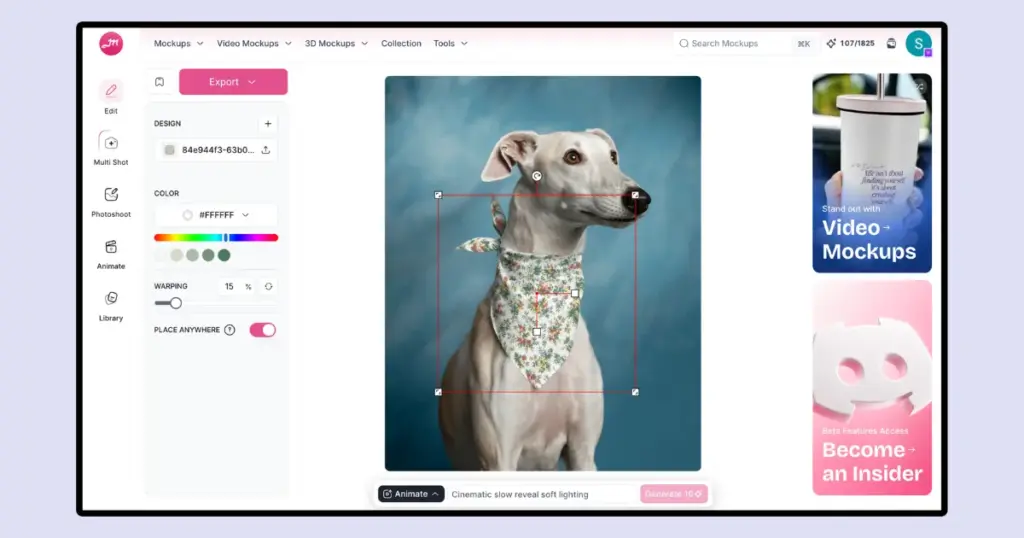
Set the Color
Pick the fabric color with the color picker or enter the HEX code.
Check the Folds
Use the Warping feature. The pattern will follow the fabric’s creases.
Step 4: Create Multiple Angles
One product image rarely works. Shoppers can’t pick up a bandana or see it in person through an online listing.
Multi Shot
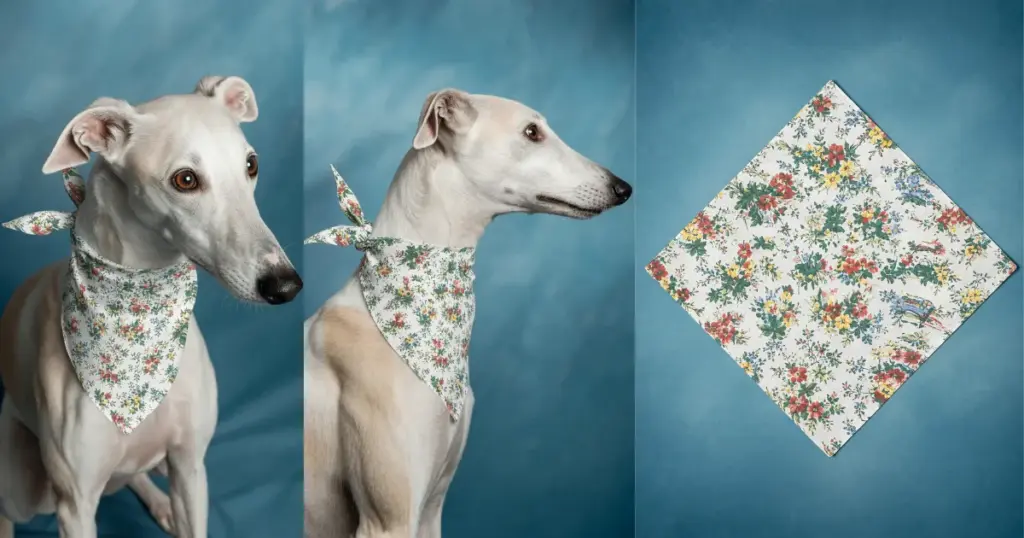
Once you’ve finished customizing your mockup, you’ll find the Multi Shot feature on the same Editor page. It offers different perspective presets, such as close-up shots, flat lays, 3/4-angle views, etc.
Step 5: Download Your Listing Files
Download as PNG or JPG files. Video mockups or animation exports as MP4 in 1080p.
Before uploading them to your store, give each file a useful name that describes the product and design.
Now, you know how to make a bandana mockup. Let’s understand how you will turn your design into a sale.
How Will You Turn Your Mockup Into a Sale?
Once the mockup is ready, the next step is getting it in front of buyers.
A. Connect Your Store
For direct sales, add the product to Etsy or Shopify with the size and fabric information.
- Use 22″ × 22″ standard size
- Silk or cotton fabric
With POD, the supplier takes care of the order after a customer buys. Connect your design to Printify or Printful, and you can sell the product without keeping boxes of stock at home.
B. Turn Social Traffic Into Sales
| Strategy | What to Do |
| Instagram/TikTok Carousel | Create an 8–10-slide carousel showing styling ideas, artwork story, and a clear CTA. |
| Pinterest Pins | Create 2:3 lifestyle pins with SEO-friendly titles and product links. |
| Micro-Creator Outreach | Create personalized mockups and pitch collaborations or pre-orders. |
Reinvest to Grow Your Store
Once your organic sales start bringing in some profit, put part of it toward testing through Meta or Pinterest ads.
A Quick Recap
- Make your design in a 22″ × 22″ square at 300 DPI.
- Use a transparent PNG.
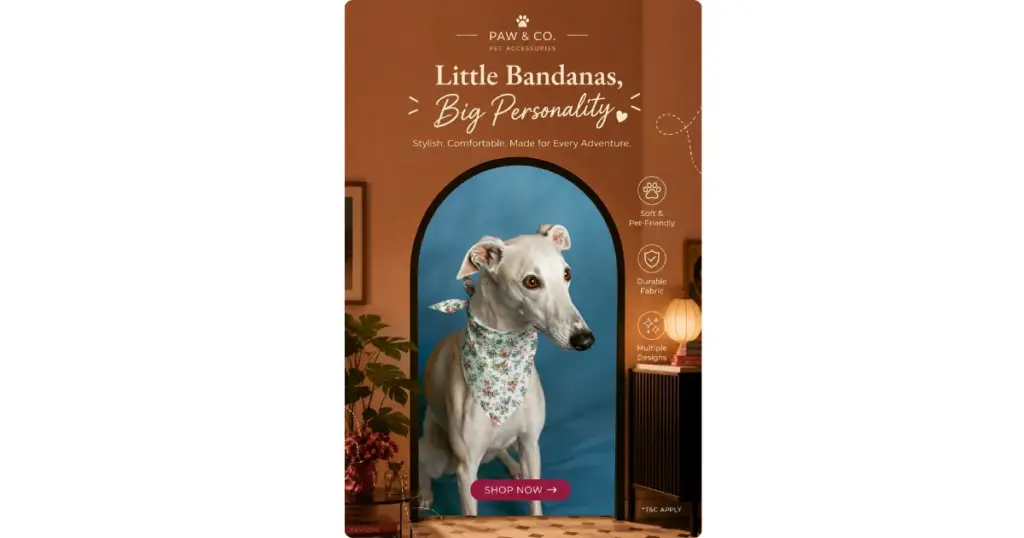
- Add your artwork to realistic bandana templates with the best mockup tool like Mockey AI. Try a few different views, such as a flat lay, a lifestyle shot, a close-up, and a video.
- Use your mockups in short videos, carousels, and styling posts.
FAQs
Are seamless patterns better or centered graphics?
Repeating prints cover the whole surface, so they fit products such as pet accessories and casual clothing. A statement wrap is different. One detailed illustration in the center gives the design a clear focal point.
Do people have the right to copy my digital mockup designs?
There’s always a chance someone will copy artwork posted online. Keep public listing images at a lower resolution, add a light watermark, or crop in closer on the design rather than uploading the full high-resolution artwork.
Which is better between a flat lay or a lifestyle bandana mockup?
For the main product photo, go with the flat lay. You can add the lifestyle shots afterwards to show how the bandana looks when someone wears or styles it.