
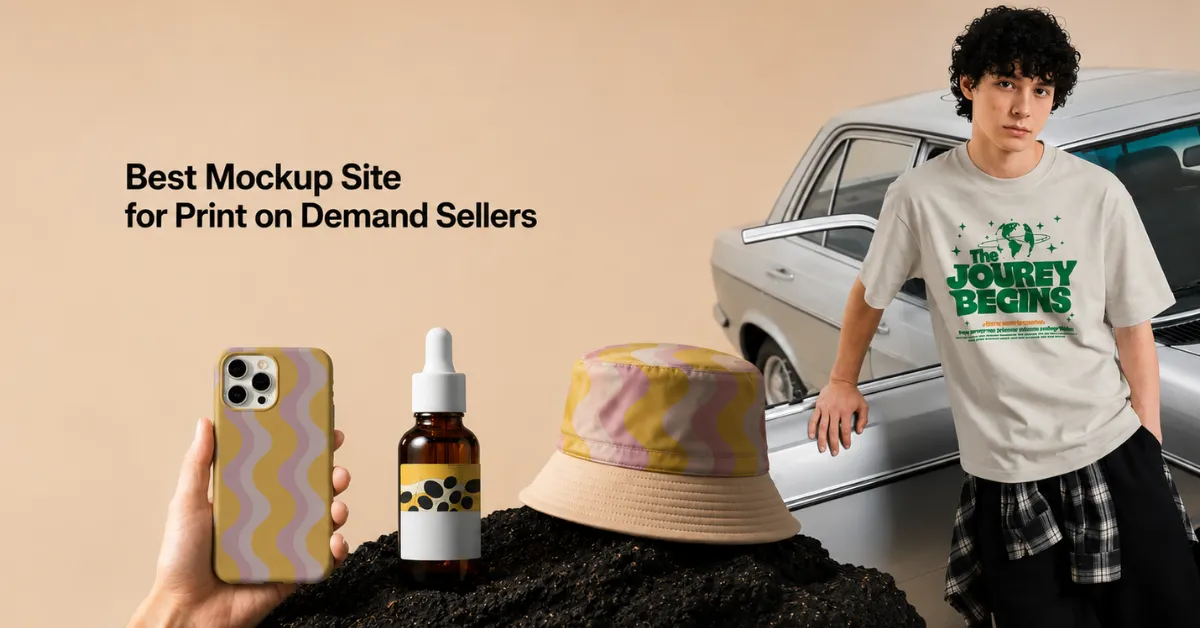
Mockey AI is the best mockup site for print on demand sellers. Get 30,000+ free templates, no watermark, and AI tools for realistic mockups.
If you sell print-on-demand products, customers never see the real product before they buy. They see an image. That image is doing the selling for you. A fake-looking mockup loses sales. A realistic one builds trust and gets the click.
That’s the whole job of a mockup site. You upload a design, add it to a product, and download the result that looks like a real photo. This post breaks down why Mockey AI is the best mockup site for print on demand sellers and what to look for.
Table of Contents
What Sellers Look For
| Criteria | Reason |
| Free plan, no watermark | Test designs before spending anything |
| Wide product catalog | T-shirts, mugs, hoodies, packaging, tech, jewelry, one place for everything |
| Realistic output | Buyers trust real-looking images, which improves conversions |
| Fast editing | Upload, adjust, download |
| Multiple angles per product | Front, back, close-up, flat lay |
| Video/motion output | Stands out in feeds and listings |
| Commercial use rights | Safe to use on Etsy, Shopify, and Amazon without licensing issues |
| Store integrations | Works inside Shopify, Figma, or wherever you already design |
| Pricing that scales | Stays affordable as your catalog grows |
Why Mockey AI is the Best Mockup Site for Print on Demand Sellers
Mockey AI is one of the best mockup tools for print on demand, built specifically around this checklist. It’s used by over 50,000 sellers and designers, with a catalog of 30,000+ mockup templates across apparel, accessories, home & living, print, packaging, tech, jewelry, logos, baby products, and more.
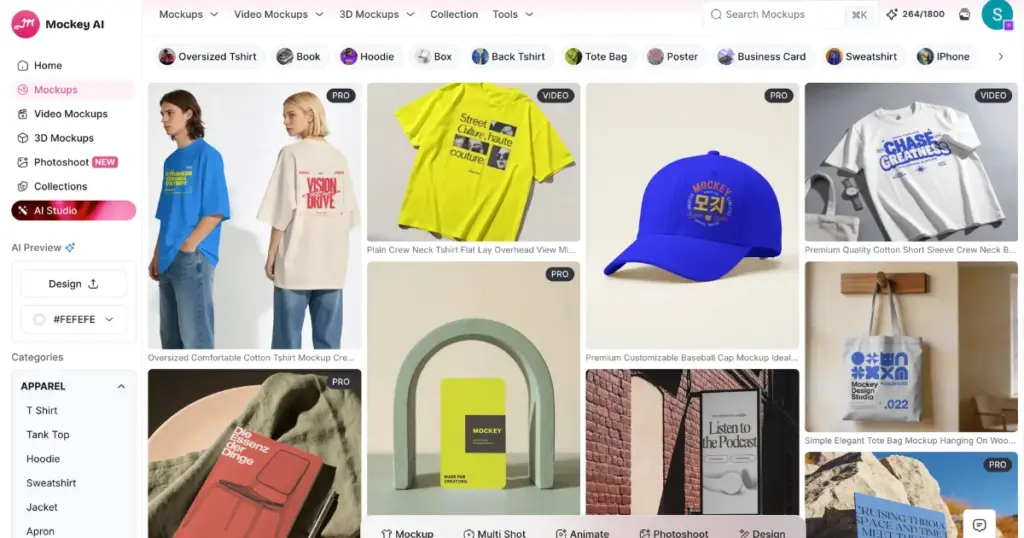
Here’s what’s actually inside the mockup generator.
1. Mockups (Core Library)
The base feature: pick a template, upload your design, download.
| Detail | Information |
| Templates | 30,000+ |
| Categories | Apparel, Accessories, Home & Living, Print, Packaging, Tech, Jewelry, Baby, Logo, etc. |
| Formats | PNG & JPG (images), MP4 (videos) |
| Watermark | None, even on the Free plan |
2. Editing Tools
Once you pick a template, the editor gives you real control instead of a flat placeholder image:
- Color picker
- Warping (adjusts how the design bends with fabric folds)
- Crop & Fit/Fill
- Rotate, Flip Horizontal/Flip Vertical
- Align Horizontal/Vertical
- Zoom control
3. Multi Shot
Instead of picking one static image, Multi Shot generates several angles of the same product in one go, like Front, Side, Front 3/4, Close Up, Flatlay, Dutch Tilt, Back, and more.
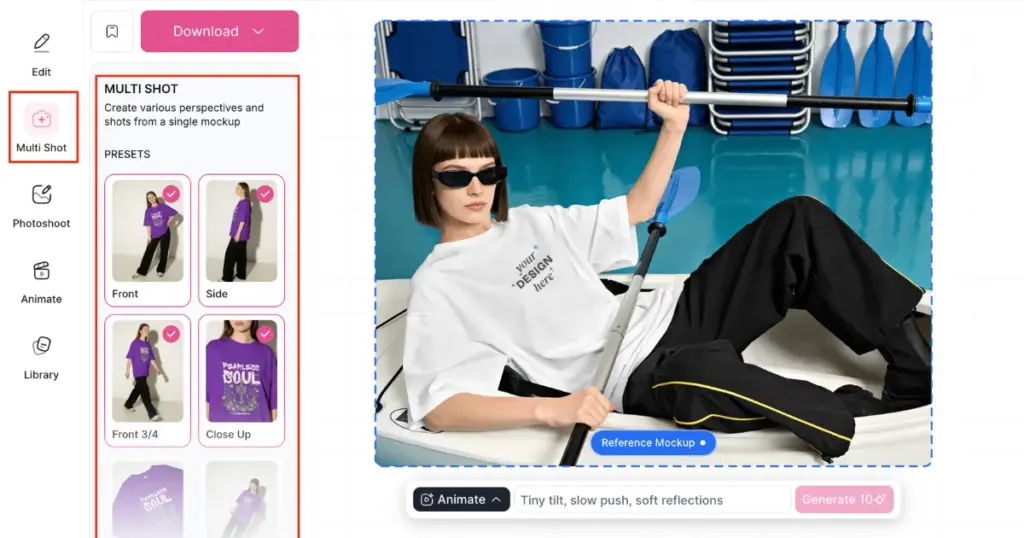
Useful because most POD marketplaces (Etsy, Shopify) expect more than one photo per listing, and reshooting each angle manually eats time.
| Detail | Information |
| Input | A design on a template, or just one existing product photo |
| Output | Up to 8 shots per generation |
| Cost | Credit based (4 shots = 8 credits) |
4. Animate
Turns a still mockup into a short video using a text prompt. Generates a moving version of the same product shot.
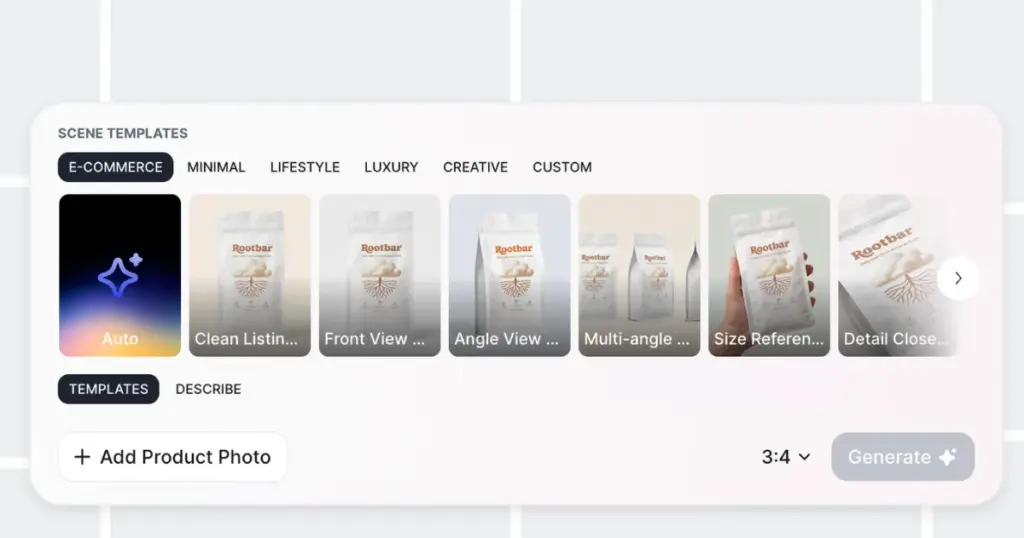
5. Photoshoot
Generates a new background/scene around your product using AI, typing a prompt, or picking from an ad template.
6. 3D & Video Mockups
Separate from the standard 2D library, these let you rotate a product mockup in 3D or preview it as a short video clip.
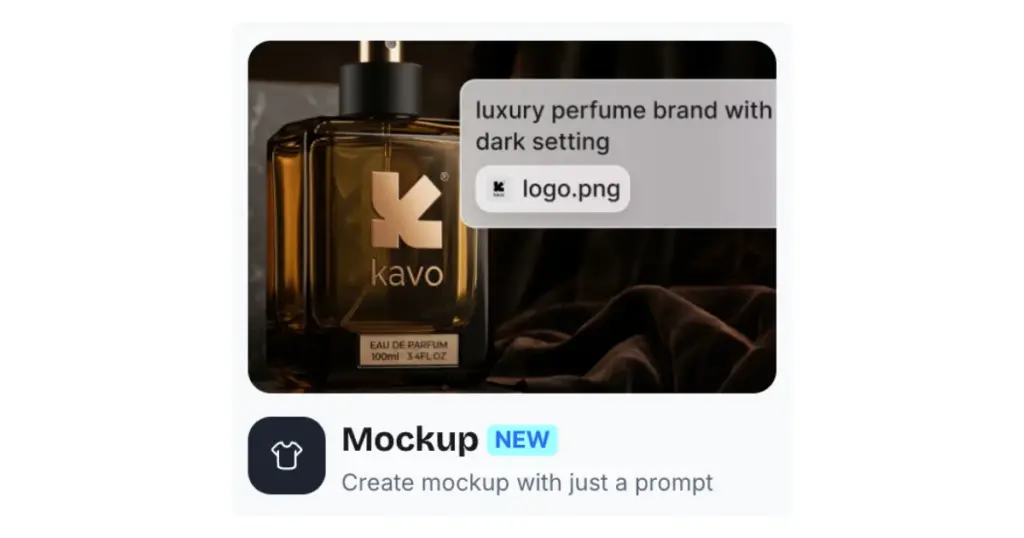
7. Mockup by Prompt
A newer addition that skips templates entirely. Describe the scene you want in a text prompt and upload your logo or design, and it builds the mockup around that description. Also, you can choose the Aspect Ratio according to your POD platform’s requirements, so you won’t need to crop later.
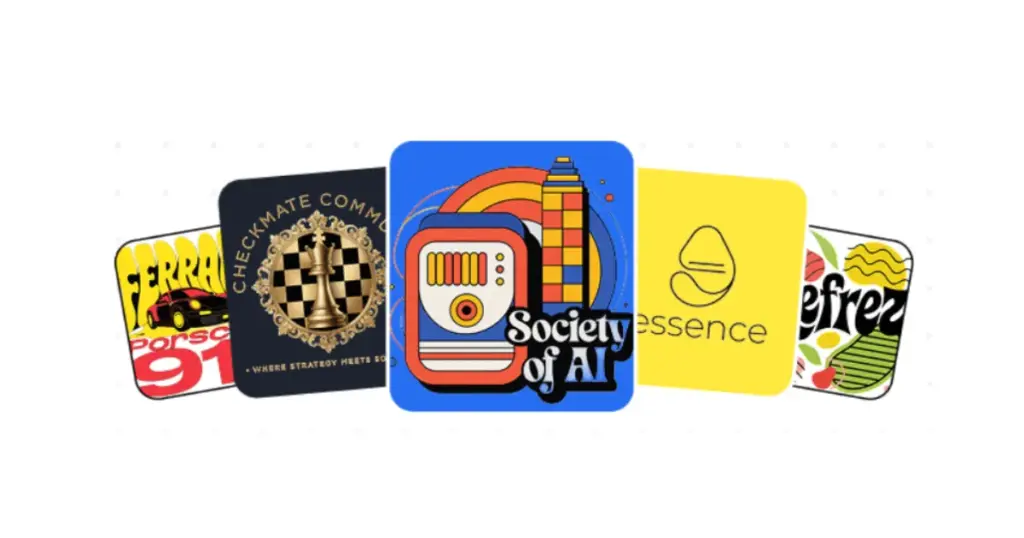
8. Design
Generates print-ready designs for a brand from a text prompt. You type a description of the design you want, choose a style, and it generates the artwork, which works well for stickers, logos, or badge-style designs.
Pricing Plan
- Free
- Starter: $7/month
- Creator: $19/month
- Forever: $199 one-time
Note: AI features (Multi Shot, Animate, Photoshoot) are locked on Free and Starter. You’ll need Creator or Forever to use them.
Conclusion
These are the reasons Mockey AI is the best mockup site for print on demand sellers.
For a print-on-demand seller, the mockup site that matters most is the one that gets a design onto a realistic product photo fast, without adding cost at the testing stage. Mockey AI’s free plan alone covers that, and the paid tiers add multi-angle shots, video, and AI backgrounds for sellers ready to scale their listings further.
FAQs
Can I use the mockups for my Etsy or Shopify store?
Yes, commercial use is included from the Starter plan onward.
Does it support video mockups?
Yes, both Animate and dedicated Video Mockups are available on Creator and Forever plans.
Do I need design skills to use it?
No. The templates are pre-built; you simply upload a design, adjust the colors and position, and then download the best free print on demand mockups.