

Shopify Mockup Generator for Faster Product Launches
Your next product launch doesn’t have to wait on better visuals. Install the Mockey AI Shopify app to create Shopify mockups with ready-made templates or AI-generated scenes, then publish images your products deserve.
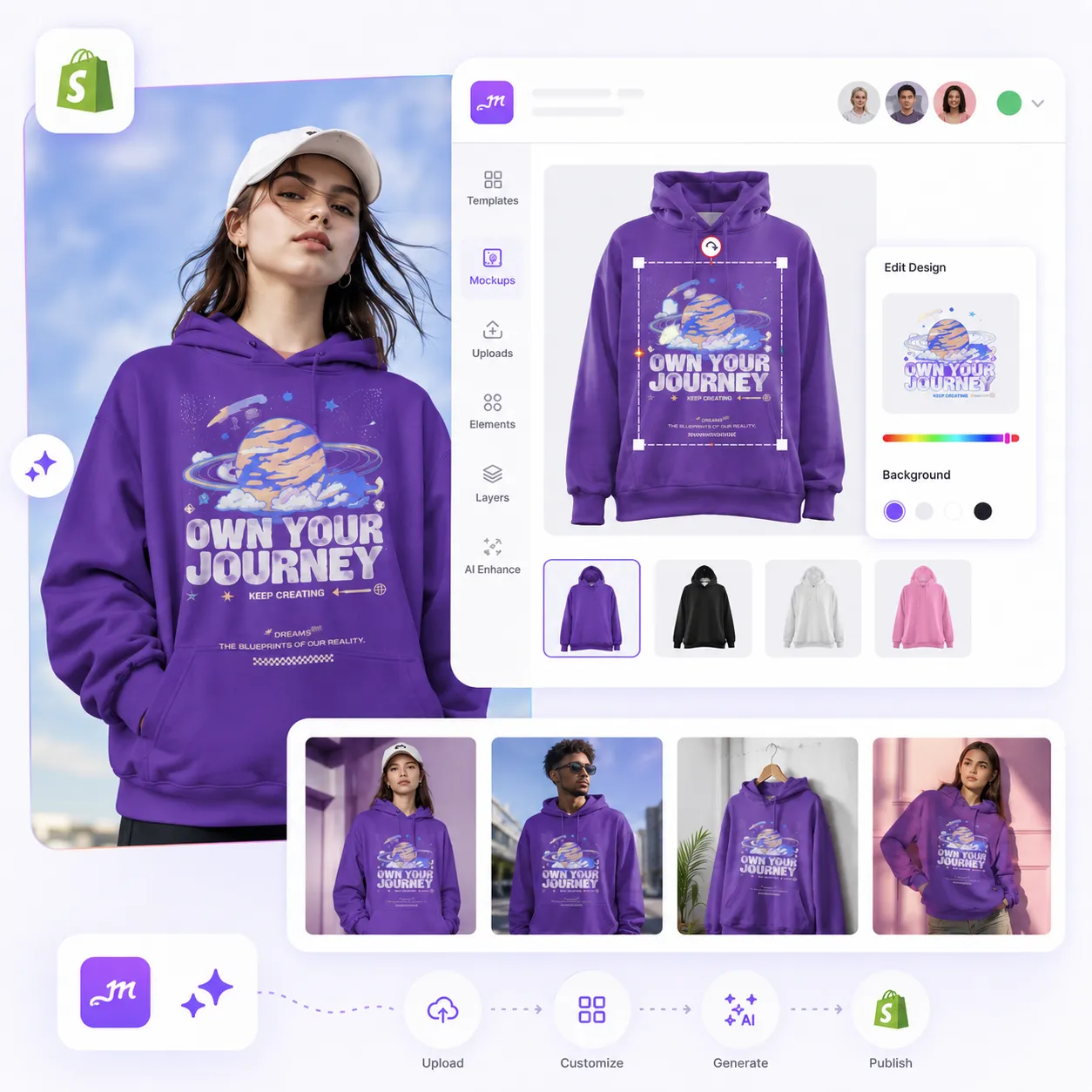
Whatever’s Next for Your Store, We’ve Got the Mockups.
New arrivals, seasonal sales, and product updates. Mockey AI is ready for all of them.

New Drop?
Get your latest products shelf-ready before customers find them.

Running a Sale?
Give your listings a fresh look without rebuilding them.

Have Something Specific in Mind?
Can’t find the scene you want? Describe it, and let Mockey AI create it.
One Shopify App. Every Product You Sell.
From apparel and accessories to drinkware and home decor, Mockey AI helps you create Shopify mockups that fit your store, not the other way around.
T-Shirts
Show every design on real people before it reaches your product page.
Hoodies
From oversized fits to streetwear drops, create mockups that match your brand.
Tote Bags
A tote bag is carried everywhere. Your mockup should make customers want to carry it too.
Phone Cases
Show every design on a phone people can imagine holding, not on a plain white background.
Packaging
Make your packaging look as exciting as what’s waiting inside.
Jewelry
Help customers picture themselves wearing your jewelry before they make it theirs.
Install. Create. Publish.
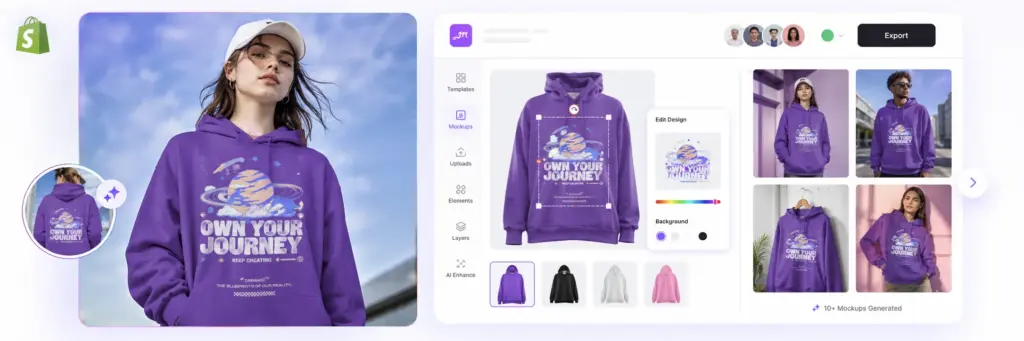
1. Install the App
One install. Every future product starts here.
2. Create Your Mockup
Use a template or create your own scene with Mockup Drawer.
3. List It on Shopify
Download your Shopify mockup and add it to your product listing when you’re ready to launch.
There’s More You Can Do With Mockey AI
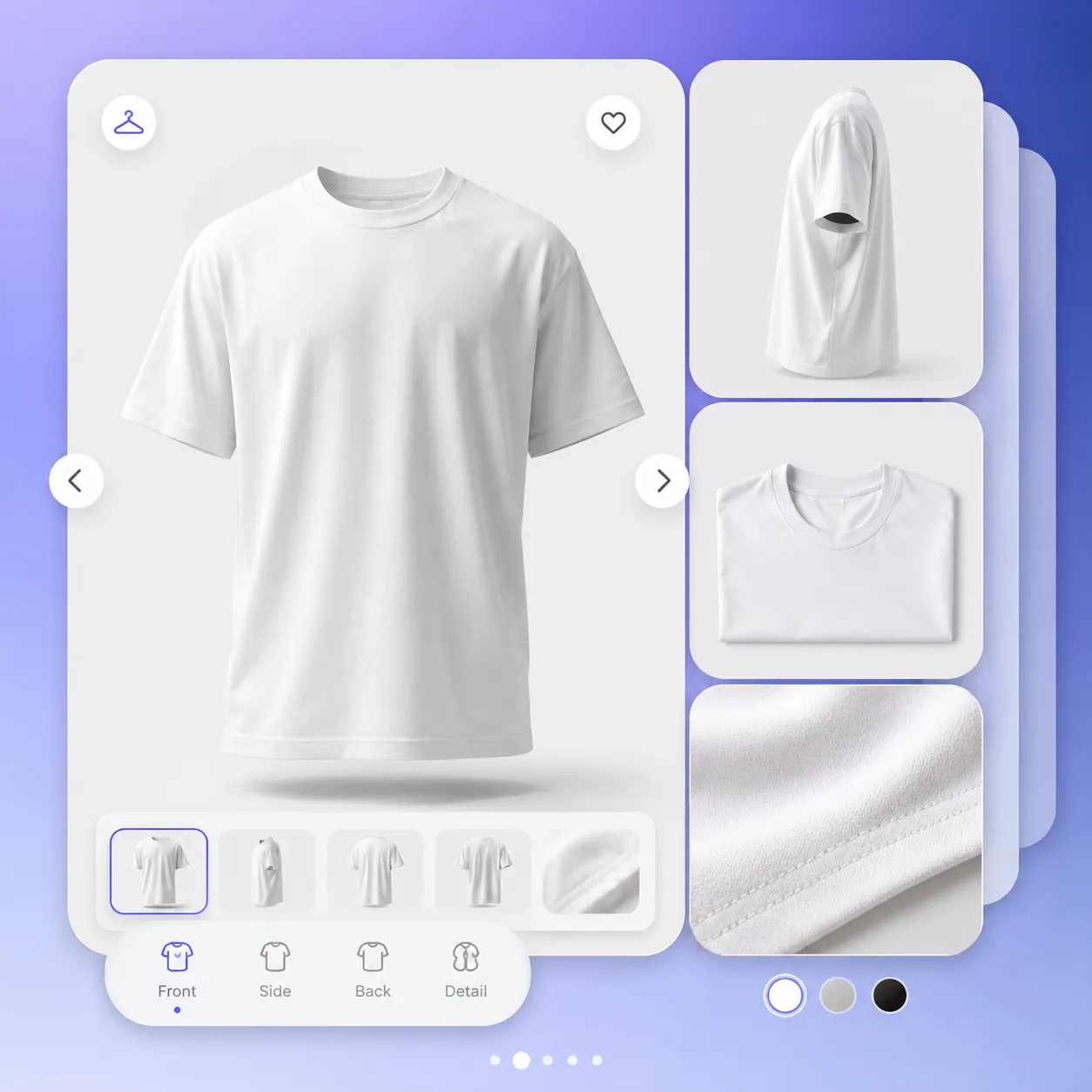
One Mockup. Multiple Angles.
Take a look at your last online purchase. You probably checked every angle first. Give your customers the same confidence with multiple product views.
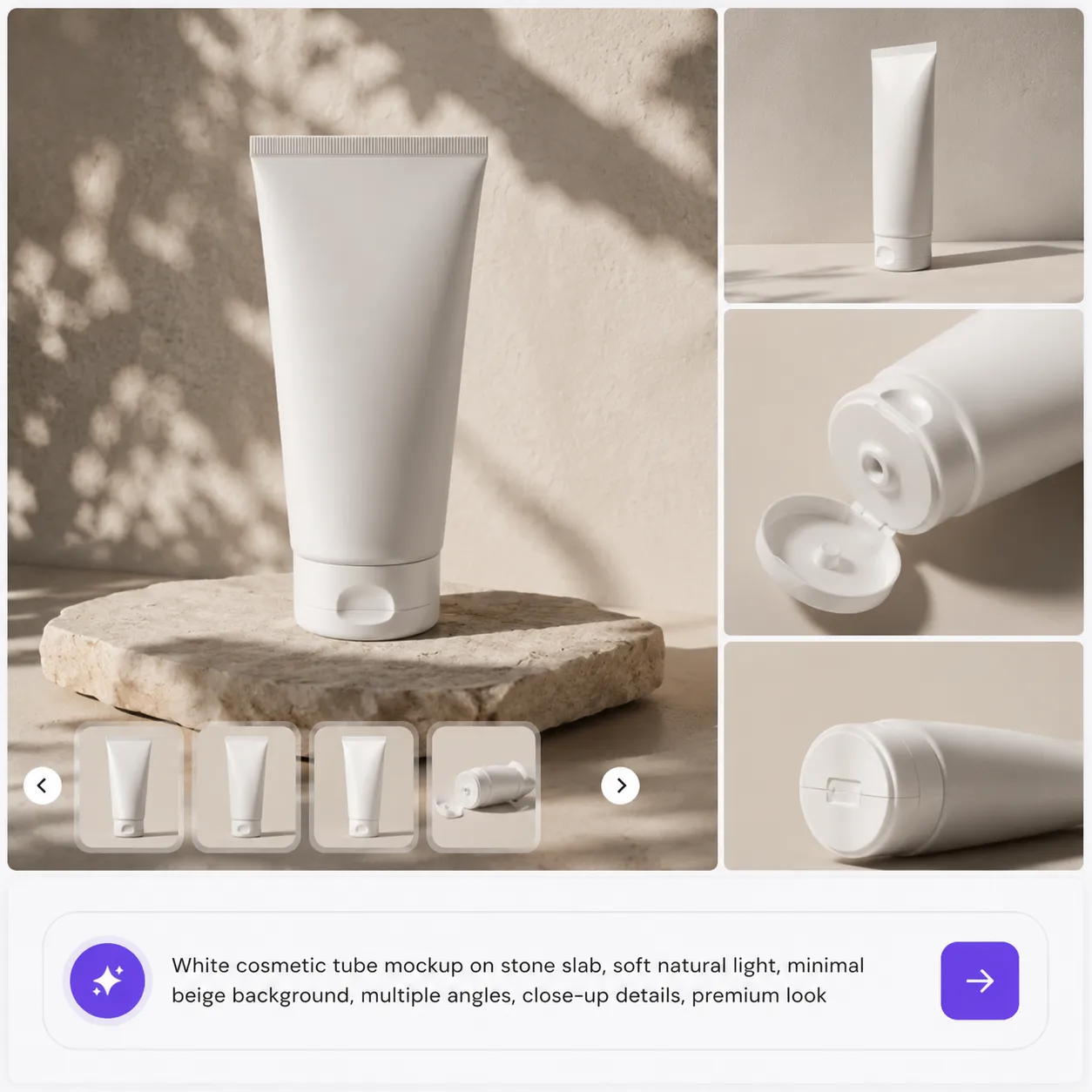
Turn Words Into Mockups.
Can’t find the right template? Describe the scene you want, and Mockey AI creates Shopify mockups that fit your product instead of making your product fit the template
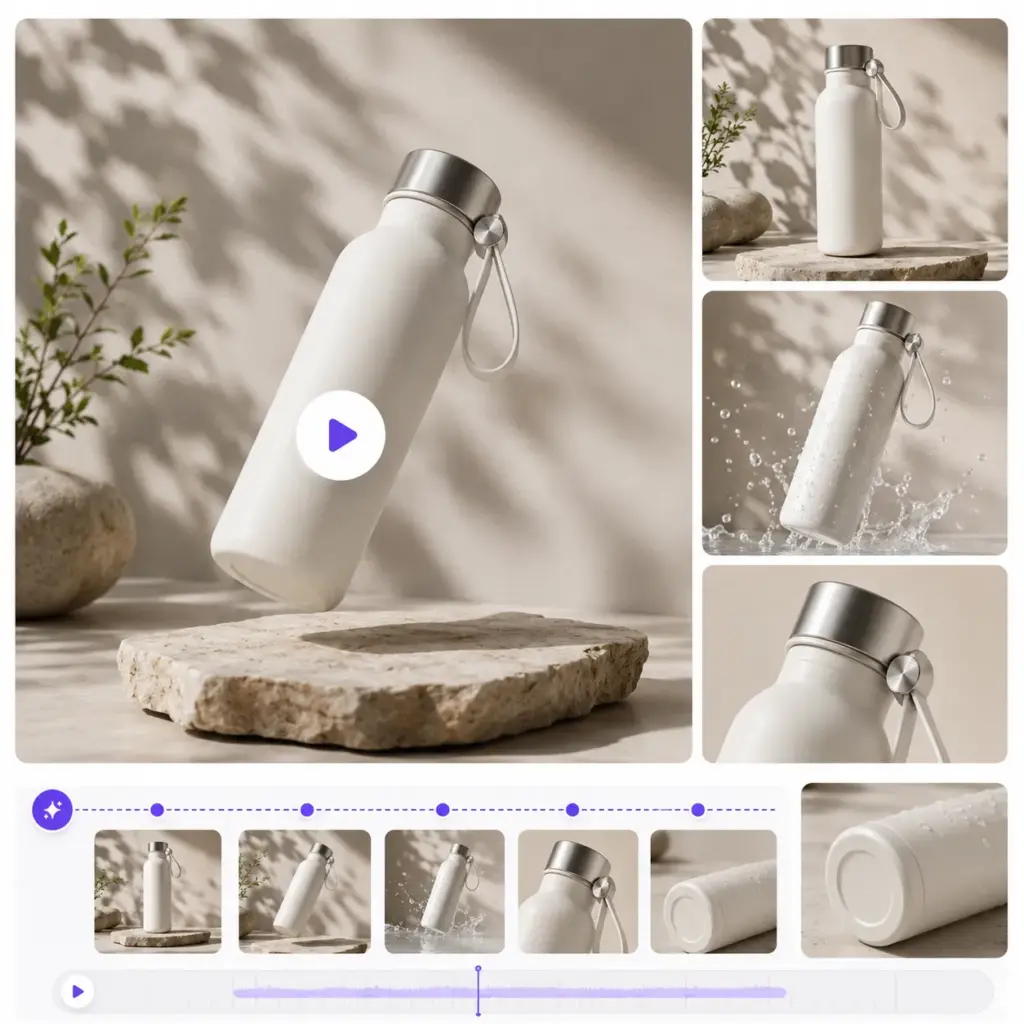
Turn Still Images Into Motion.
Some products deserve movement. Convert your static mockups into short animations that catch more eyes as customers scroll.
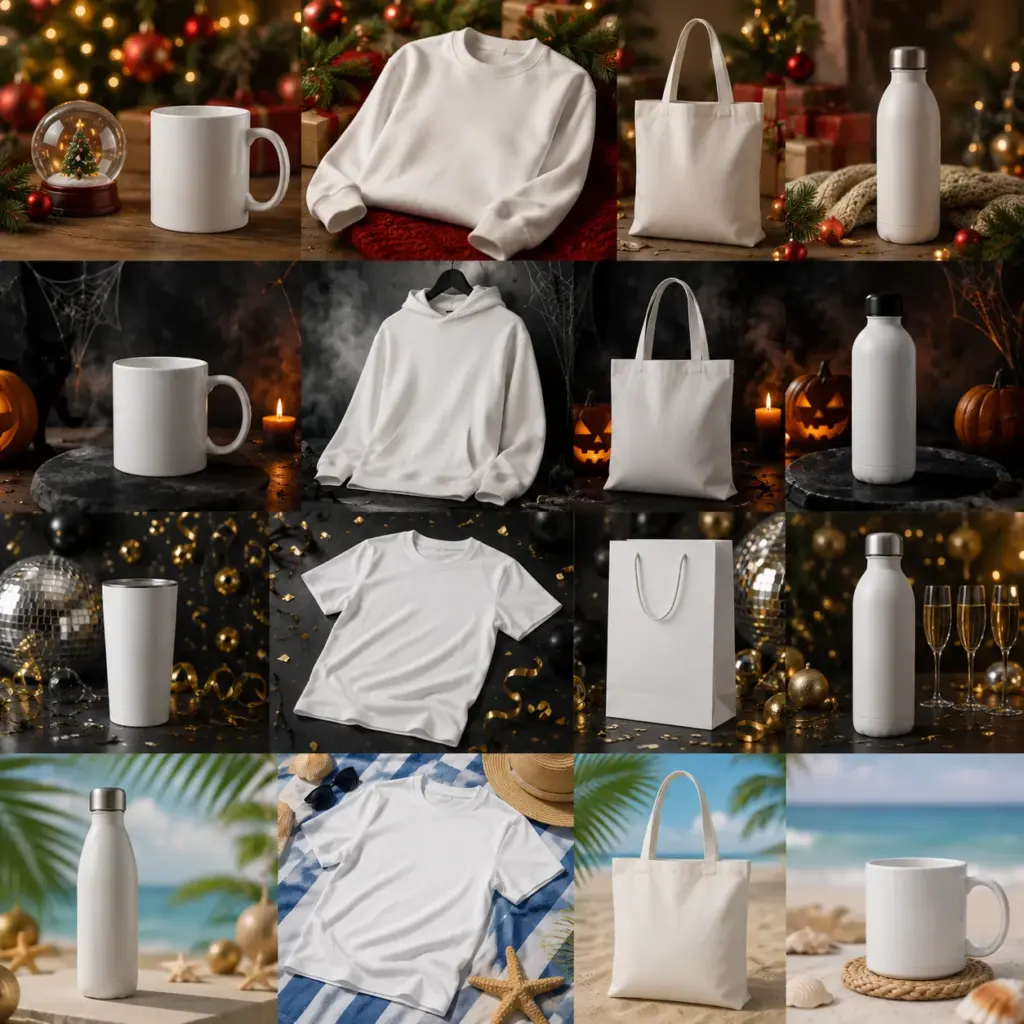
Stay Ready for Every Season.
Christmas, Halloween, New Year, or the next big sale—switch to seasonal mockups whenever your store changes, not weeks later.
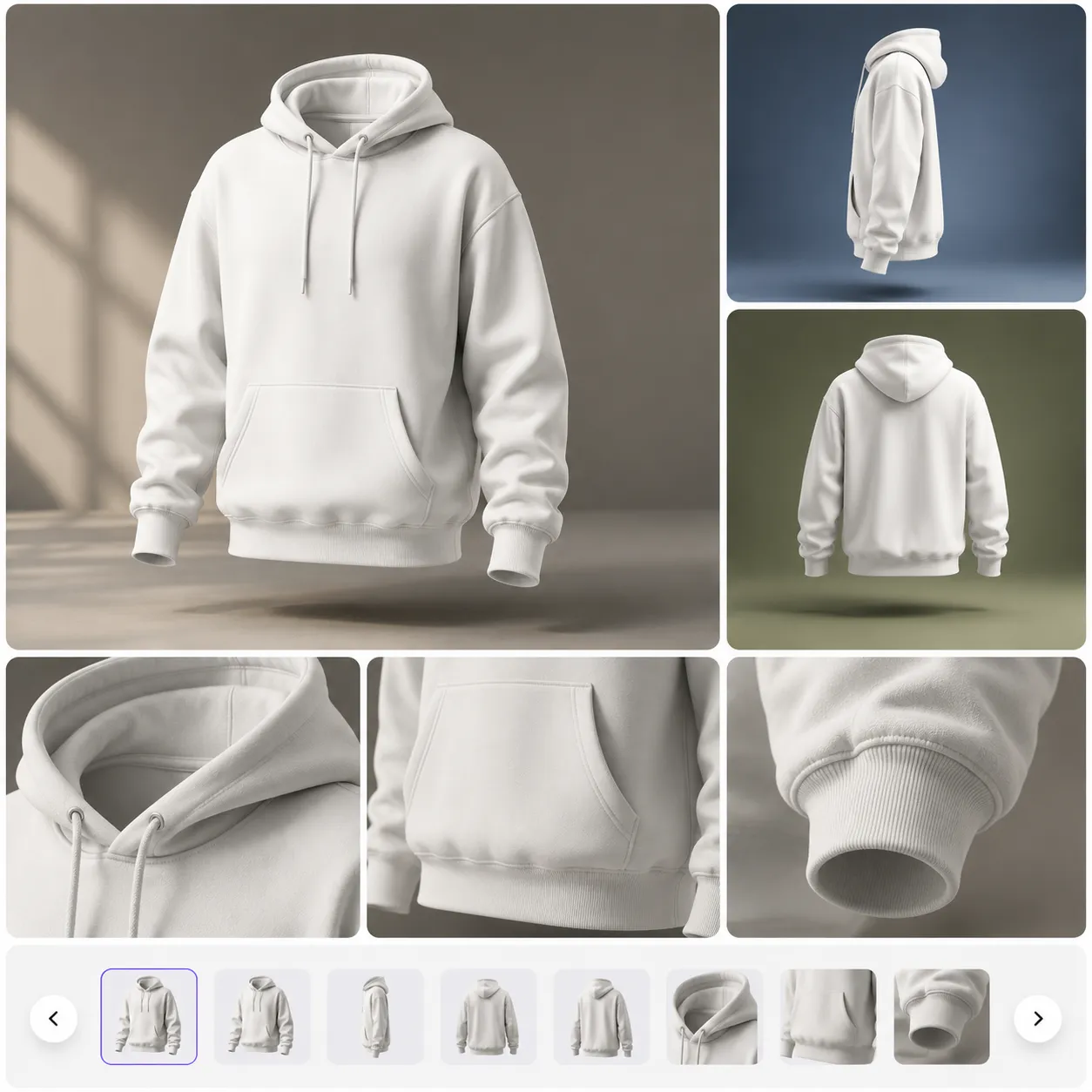
Give Your Products More Dimension.
Flat images don’t always do your product justice. Create 3D mockups that add depth and make every detail easier to notice.
Your Products Are Ready. Are Your Mockups?
The next time you’re adding a product, updating a listing, or planning a sale, let Mockey AI handle the Shopify mockups.
FAQs
Can I create Shopify mockups for multiple products?
Yes. Whether you’re launching one product or an entire collection, Mockey helps you create Shopify mockups for apparel, packaging, accessories, home decor, tech, jewelry, and more—all in one place.
Can I create a Shopify mockup without the right template?
Absolutely. If you can’t find the scene you’re looking for, simply describe it. Mockey creates a custom mockup for Shopify based on your description.
Can I create Shopify mockups for holiday sales?
From Halloween and Christmas to New Year campaigns, create seasonal mockups that match your next promotion without starting over.
Can I show my products from different angles?
Generate multiple angles from a single mockup, so shoppers can see more of your product before making a purchase.
Will Mockey AI’s Shopify mockup generator work as my product catalog grows?
Yes. Whether you’re adding your tenth product or your thousandth, Mockey AI helps you without changing the way you work.
Why choose the Mockey Shopify app?
Instead of switching between different tools for templates, custom scenes, 3D mockups, video mockups, and seasonal designs, you can create everything from one Shopify app.