
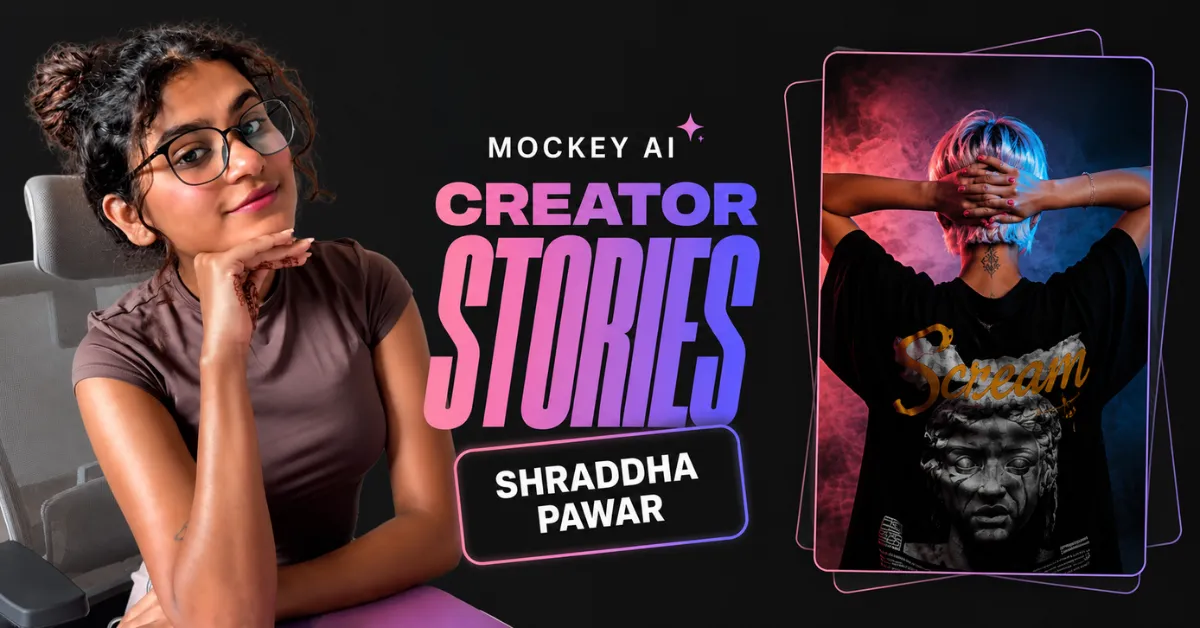
Shraddha regularly shares design workflows with her audience. In one of her recent Instagram Reels, she demonstrates something many ecommerce sellers struggle with: turning a static product design into a video without spending hours editing.
Most creators solve that problem by opening a video editor.
Shraddha doesn’t.
A recent client request gave Shraddha a new challenge.
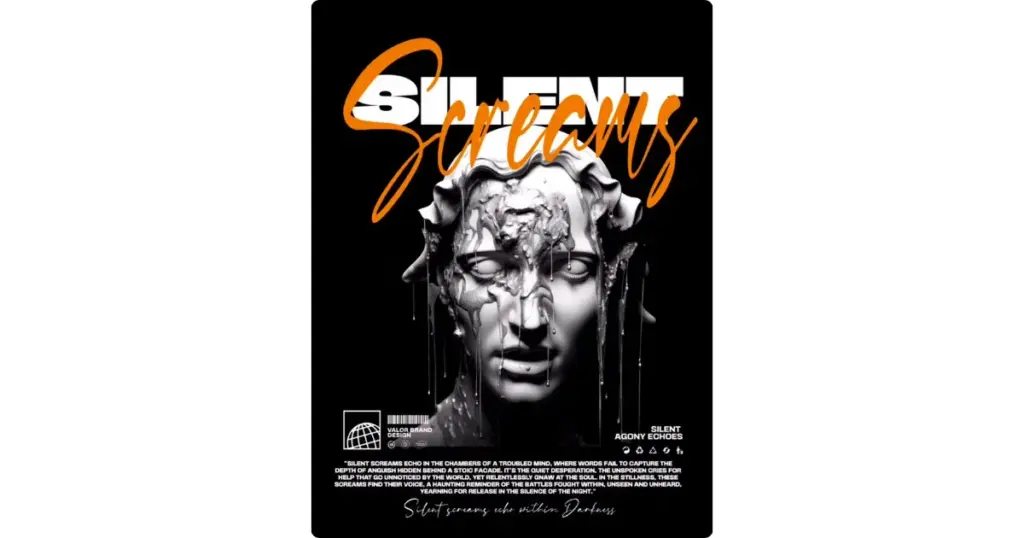
“I created a T-shirt design for my client, and they wanted to see it on a proper model—in a video format.”
Instead of filming a product video or sitting down to edit an animation from scratch, she just picks a ready-made template on Mockey AI’s Video Mockup and lets it do the work.
Quick Overview
- Creator: Shraddha
- Use Case: Ecommerce listing and social media ads
- Result with Mockey AI: Turned a static T-shirt design into a realistic video mockup.
The Challenge
Creating a product design is one task.
Turning that design into content for Instagram, Shopify, or a product launch is another.
Many creators end up using different tools for each step. One for design. Another for mockups. Another for video editing.
That workflow works.
It just takes time.
How Shraddha Creates the Video Mockup
Shraddha doesn’t start with the design editor. She follows a simple workflow inside Mockey AI:
- Pick a T-shirt video template from different styles like oversized, round neck, polo, and close-up.
- Uploads the T-shirt design to place the artwork on the selected model.
- Changes the T-shirt color to match the client’s preferred look.
- Uses Warping to help the design follow the natural folds of the fabric.
- Uses Place Anywhere to position the artwork exactly where it should appear.
- Downloads the final video mockup as an MP4 to share with the client.
Why This Workflow Works
This workflow solves the following problems:
1. Client Approval Becomes Easier
Shraddha’s client wasn’t satisfied with just seeing the flat T-shirt design; they wanted to see it on a real model, in motion. She put together a realistic video preview instead, and it landed much closer to what the final product would actually look like.
2. Less Time Spent Creating Product Videos
Creating a product video usually means opening video editing software. Here, Shraddha skipped that step. She uploaded her design, made a few adjustments, and generated the animation directly from the video mockup template.
3. One Video, Multiple Uses
Once the MP4 is ready, it doesn’t have to stay with the client presentation. Drop it into an Instagram post, add it to your Shopify product page, or use it in your Etsy listing.
Who Is This For?
This workflow isn’t just for client presentations. It also works for:
- Designers who need to present apparel concepts before production.
- Print-on-demand sellers creating product videos for Shopify or Etsy.
- Apparel brands launching new collections on social media.
- Freelancers who want clients to approve a realistic product preview instead of a flat design.
What We Learned From Shraddha
Shraddha’s Reel isn’t really about creating a video. It’s about presenting a design in a way that helps a client make a decision.
Instead of sending a flat T-shirt design and asking the client to imagine the final product, she showed it on a realistic model in motion. That small change made the presentation much easier to understand.
If you work with clients or sell apparel online, the same approach can help you present your designs before they go live. Sometimes, seeing the product in action answers questions that a static mockup can’t.
Watch the Original Reel
This article covers the main highlights from Shraddha’s Reel. To see how she chooses the template, adjusts the design, and generates the final MP4, watch the original video below.