

iPhone Video Mockup Generator – 200+ Video Templates
Use Mockey AI’s iPhone video mockup generator to display or promote your website, screenshots, or app designs. It takes just a few minutes to create. Open the platform in your browser, sign up, and explore all the video templates.
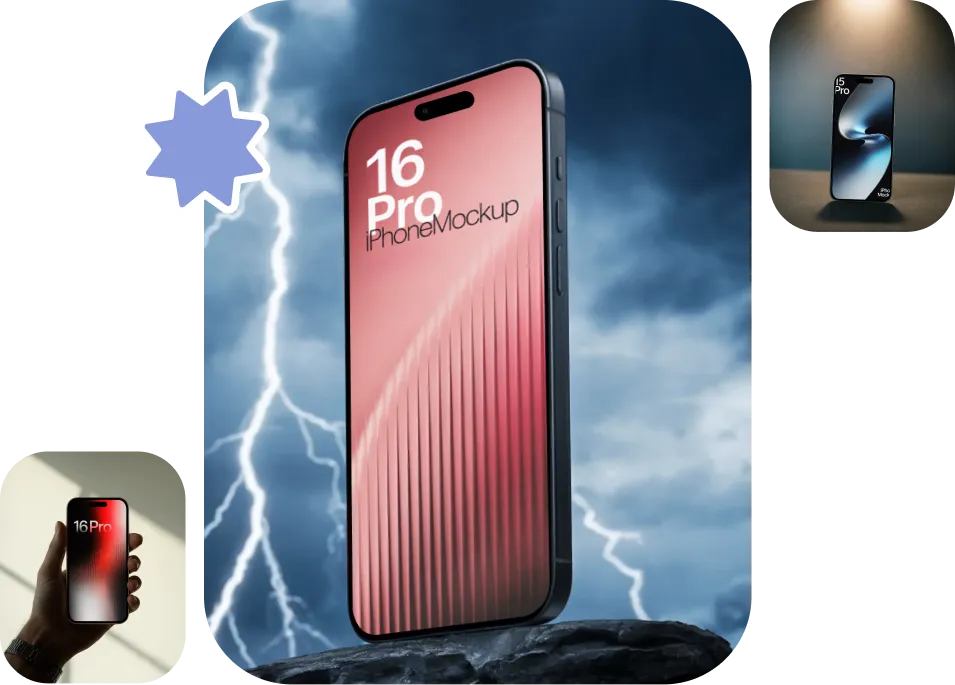
200+ iPhone Video Mockup Templates to Use
Create iPhone video mockups with the help of more than 200 video templates. It is important to note that all the AI templates will be of high quality. Our design team has taken great care when choosing every iPhone model and style to ensure that there are no flaws recognizable.
How to Create an iPhone Video Mockup in Minutes?
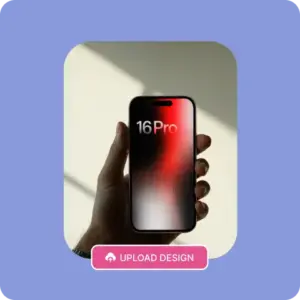
Buy a Plan and Select Video Mockups
Start by clicking Pricing. Buy either the CREATOR or ELITE plan for video mockups. Your account will be created, and you will land on a page where you need to click on Video Mockups.
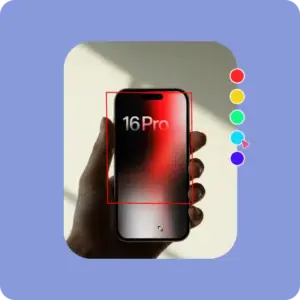
Pick iPhone in the Tech Section
Go to the Tech category and click on iPhone, where you’ll see the iPhone mockup library in video format. You’ll see different iPhone models and different styles in the tag bar.
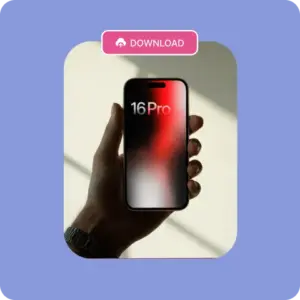
Add a Design, Edit, and Save
As soon as you select a video template, you’ll come to the editor page. Click Upload Design, then crop it. Make a small edit and tap Generate Video. Your 5-second iPhone video mockup will be saved in MP4 format soon.
Why Use Our Online iPhone Video Mockup Generator?
All iPhone Models Are Available to Customize
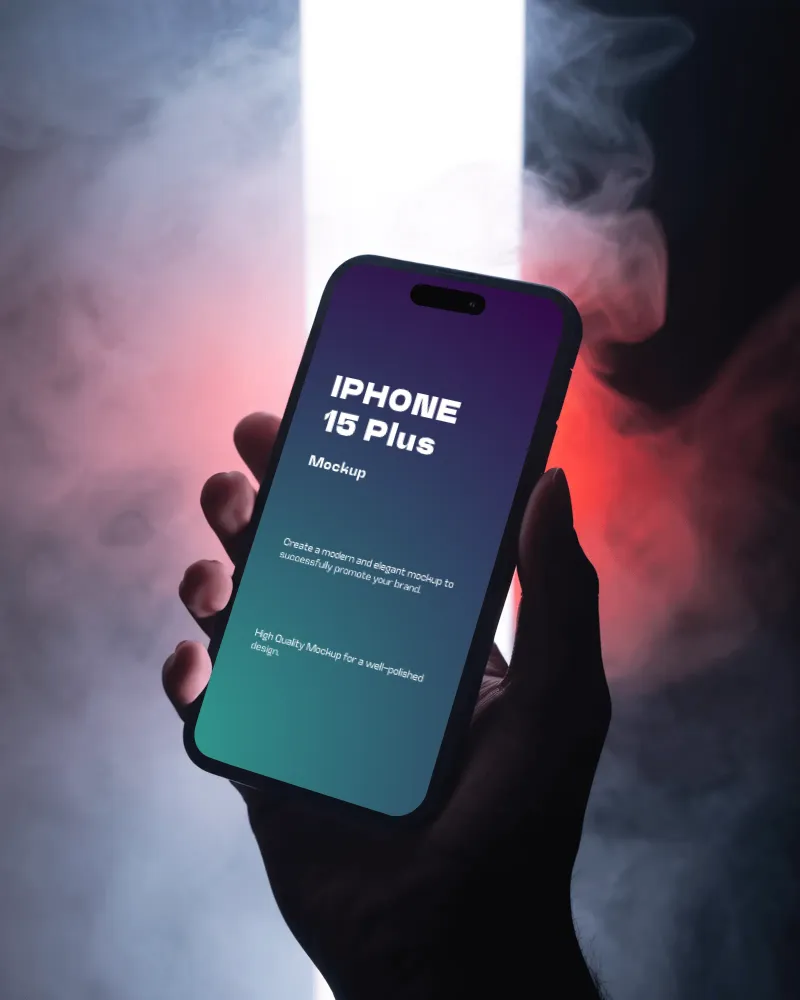
All the latest iPhone models, up to the 17 series, are available. All of them come in video style, and you can preview each one. We are also adding multi-device templates to our catalog page, which designers and developers enjoy. The sizes of all models are accurate, so you won’t see any flaws.
Easy Navigation
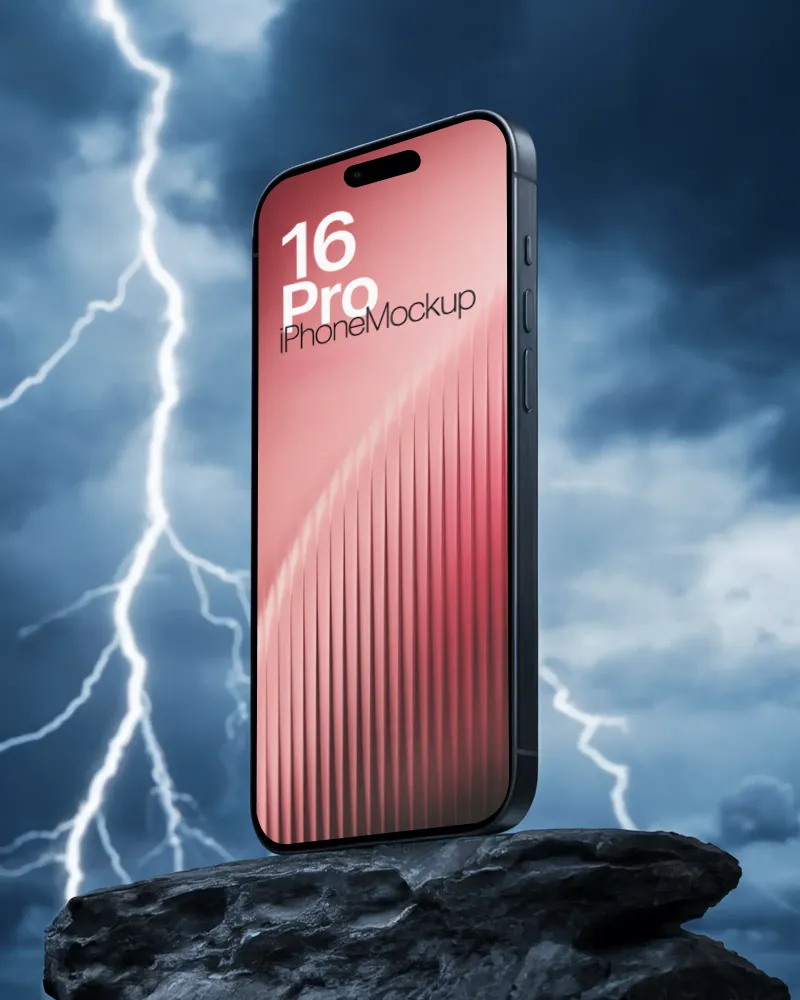
Mockey AI’s video mockup generator makes it very easy to navigate from one page to another, or to switch between any model or style. For example, if you want to create iPhone 16 video mockups, you can easily move between models using the tag bar on the same catalog page. Also, from choosing a plan to customizing your mockup, you can create iPhone video mockups without any guidance.
Affordable Price Plan
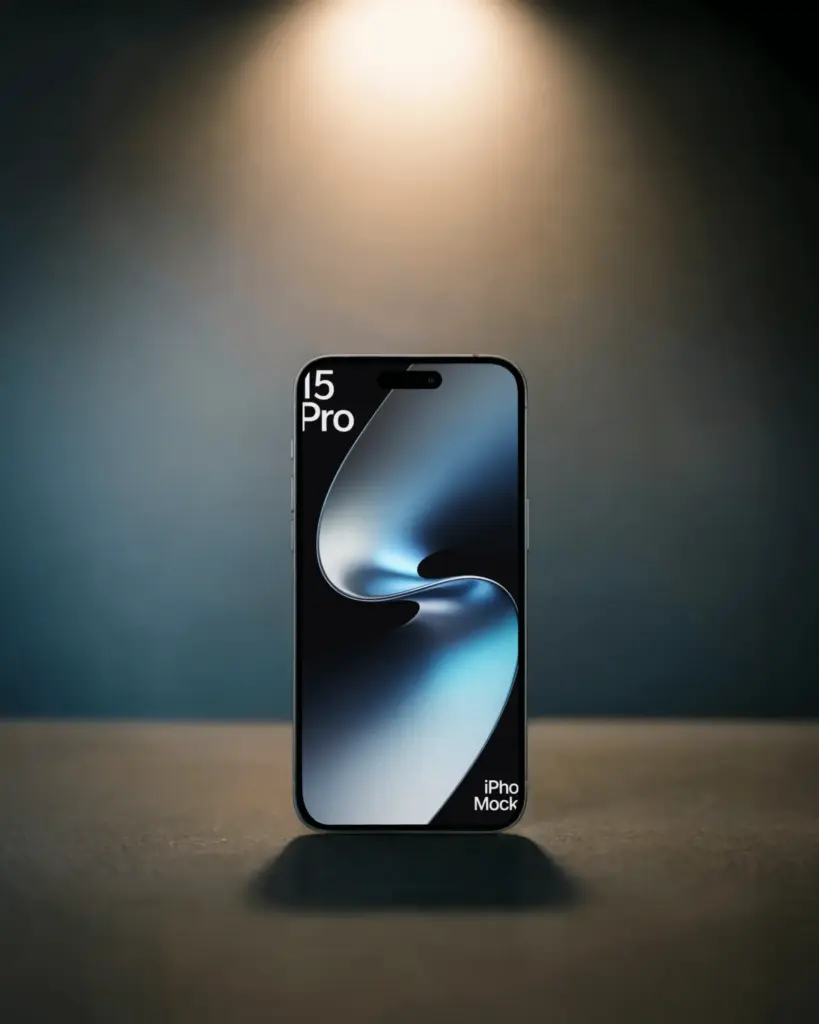
The video mockup plans have been kept affordable so that you don’t face any budget issues. You have the choice of either the CREATOR or ELITE plan. And not just iPhone; if you want to create iPhone case video mockups or even t-shirt video mockups, that is also possible in the same plan. You will use one credit for each video you generate.
Who Is Using a Video Mockup Generator?
#1

App Developers
Show your latest app or feature in an iPhone video mockup. Let people see how it works even before they download it. Display with confidence, without spending much.

#3

Educators
Give your online classes or webinars a fresh touch by showing your traditional lecture or course platforms inside iPhone video mockups. It makes your students more engaged.

#2

Marketing Teams
Create best campaign visuals and social advertisements in minutes. With Mockey AI, you impress clients and your boss without spending your full ad budget on freelancers.

#4

Startups
Boost your crowdfunding or pitch with our iPhone video mockup generator. Show your stakeholders what you’re building in a simple, honest way. Skip the tricks and let the real impact shine.

Design Your iPhone in Video Style
Mockups So Real, Siri Might Compliment You. Upgrade your creations using our iPhone video mockup generator. Fast, fun, and so smooth, your viewers will think you hired a designer.
FAQs
Do I need a designer to create iPhone video mockups?
No. If you already have screenshots or an app design and are comfortable with basic editing tools, you can do it yourself. On Mockey AI’s video templates, you just need to upload your design and do some editing, which is very easy for anyone.
Is there an iPhone video mockup generator that creates mockups quickly?
You can use Mockey AI’s iPhone video mockup generator and upload your image once you select a video template, and download the final mockup. The output will be in MP4.
Will I be able to see the latest iPhone models in this iPhone video mockup generator?
Yes, you can view video templates up to the latest iPhone 17 series. All models are available in different styles, like hand-holding or floating, ready for full customization.
How is the quality of iPhone video mockups after export?
In Mockey AI’s iPhone video mockup generator, all templates you use for uploading or editing always produce HD-quality output.