t-shirt
Realistic Free White T-Shirt Mockups for POD Sellers
Mockey’s free White T-Shirt Mockups let you present your designs with realistic detail. Fully editable and easy to customize, these mockups make it simple to preview your designs. Start designing now!



















































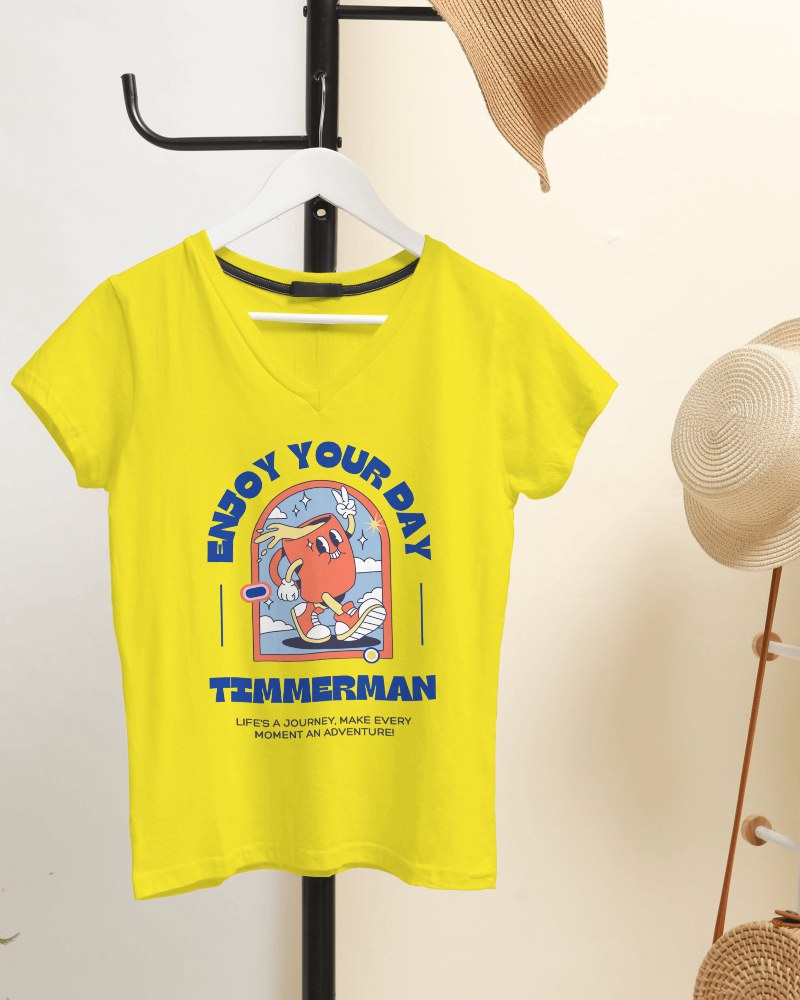
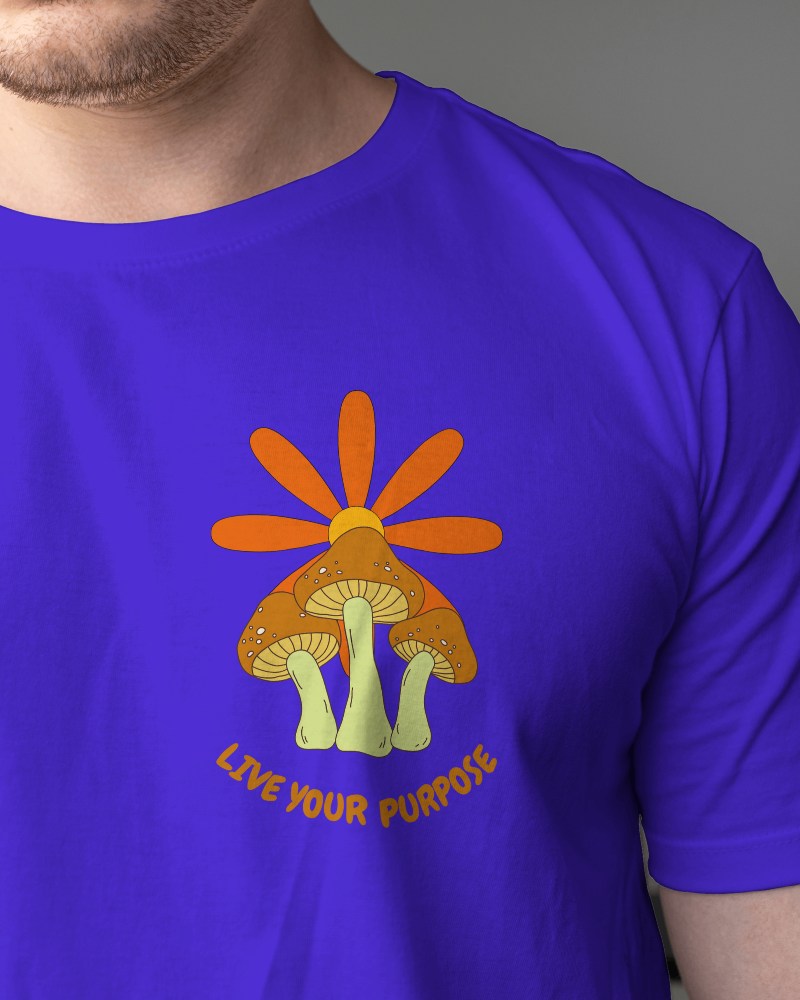


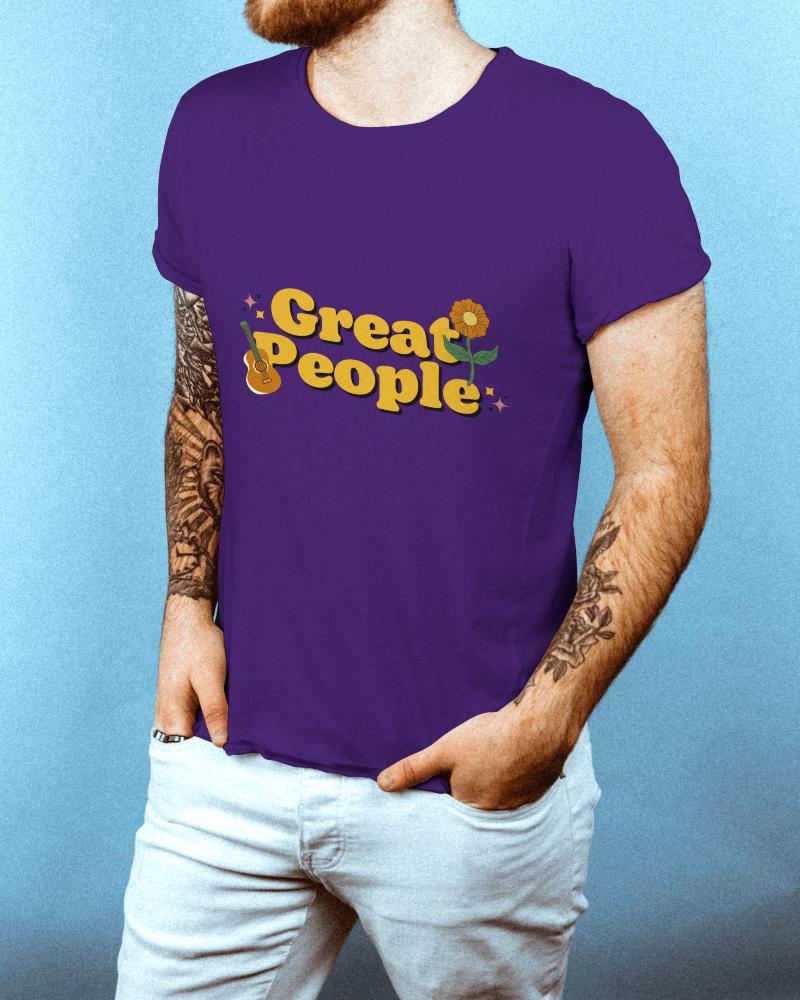










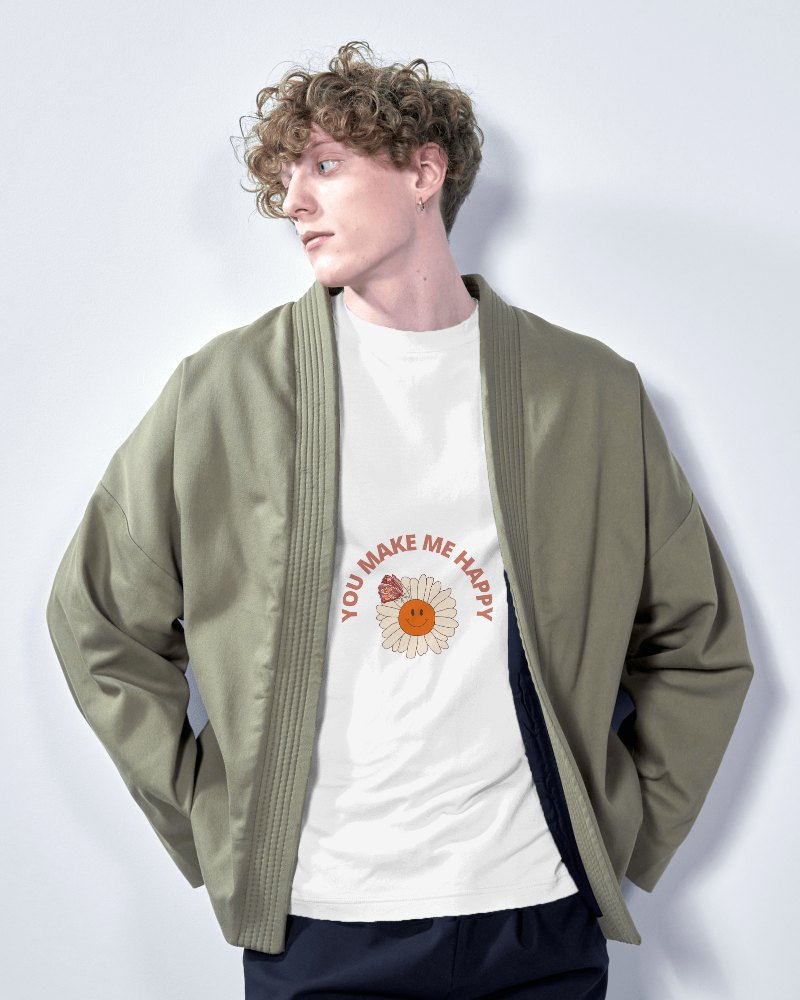
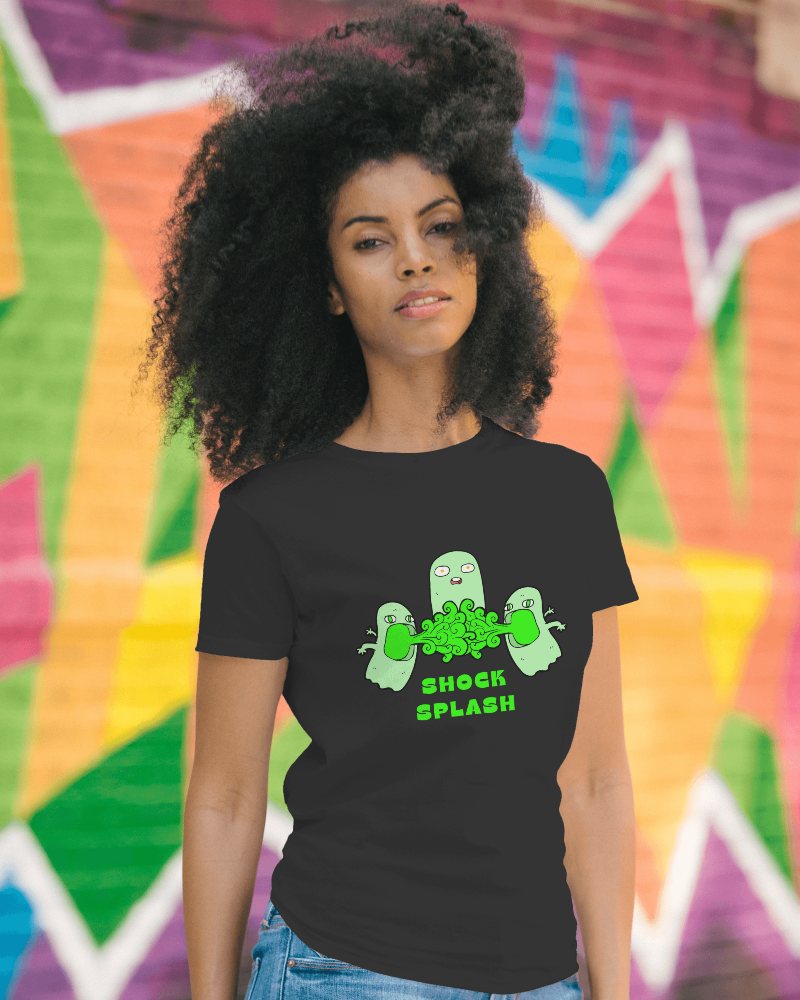

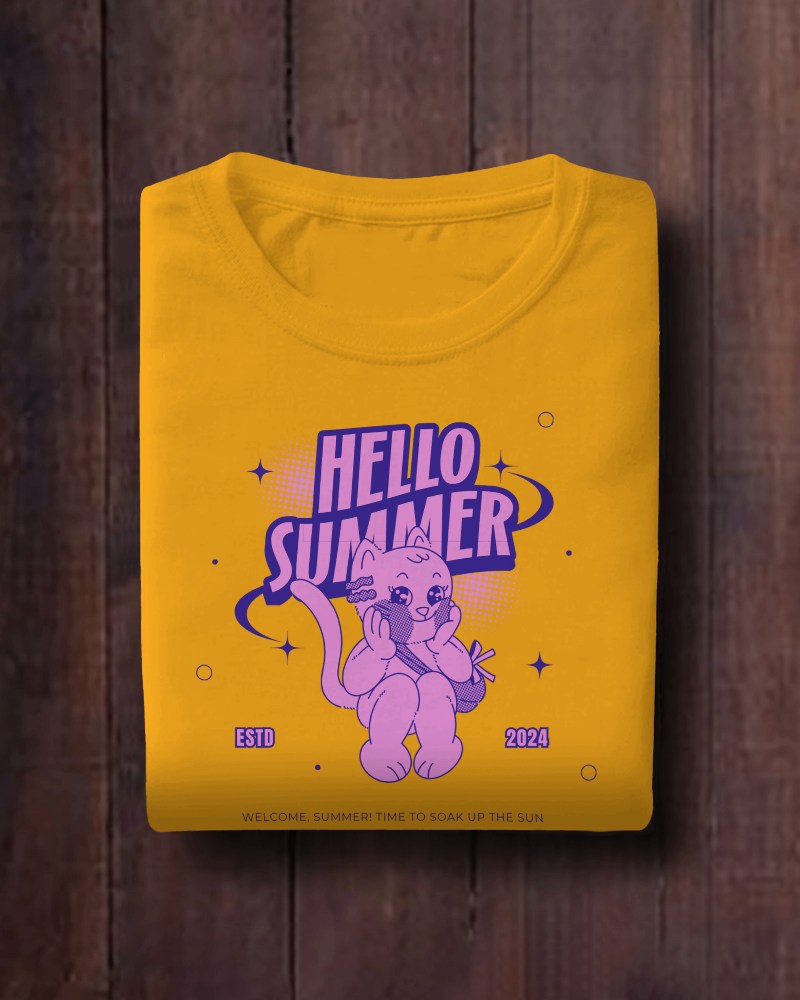
How to Create White T Shirt Mockup with Mockey
To create White T-shirt mockups:
- Step 1: Go to Mockups > Apparel > T-shirt > White.
- Step 2: Select a template and click on 'Upload Design' to add your artwork.
- Step 3: Adjust the placement, change colors if needed, and download your mockup in PNG or JPG format.


FAQs on White T Shirt Mockups
Are White T-Shirt Mockups compatible with other mockup types?
Absolutely! You can pair White T-Shirt Mockups with Crew Neck, V-Neck, or oversized T-Shirt Mockups to provide clients or POD customers with multiple options.
Are Oversized or Black T-shirt mockups included in the same collection?
You’ll find oversized fit t-shirts in the white t-shirt mockups, but for black T-shirt mockups, either use the tag or change the color to black on the editor page.
Does the White T-Shirt Mockup include front and back views?
Yes, there are some white t-shirt templates where you can see both the front and back views together. You’ll also be able to add different designs to them and make modifications as well.
