Regular Mockup Free To Download
Bring Your Mockup Designs to Life with Mockey's Regular mockups and showcase your brand like a pro. Try it now!












































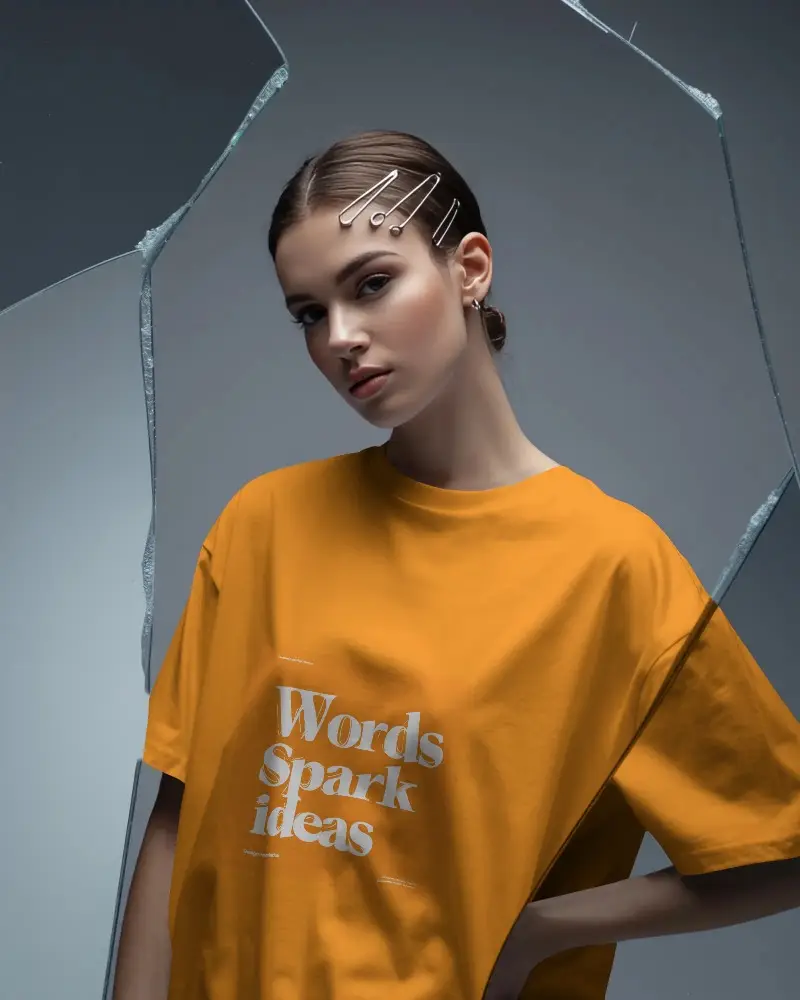
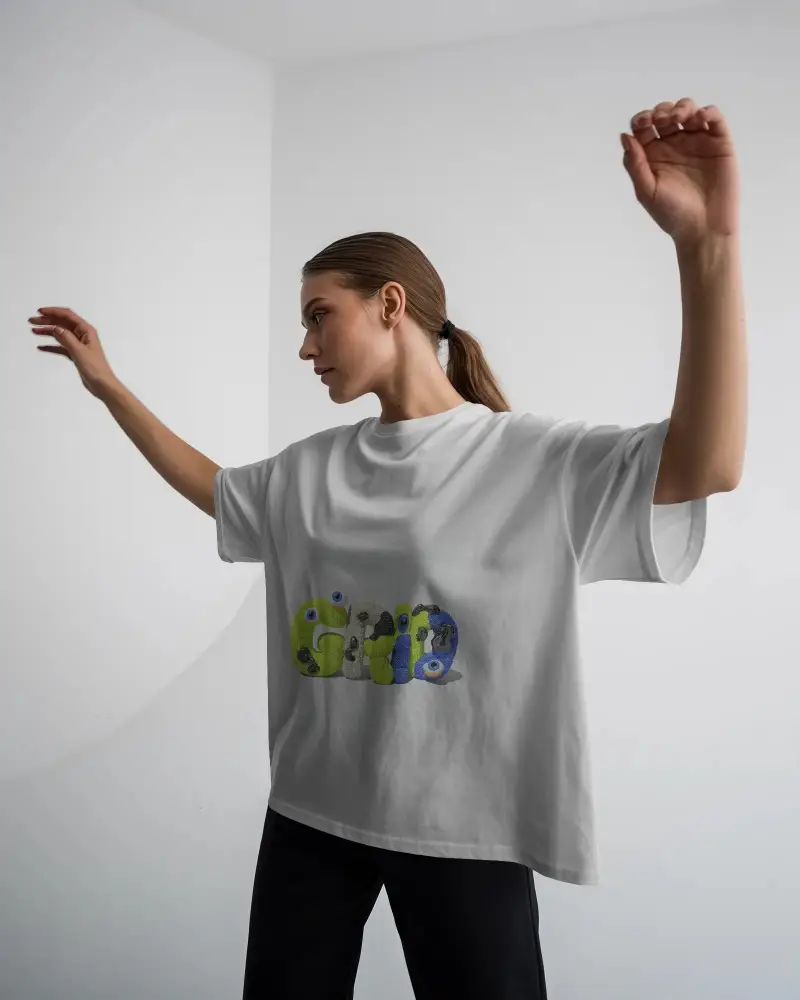
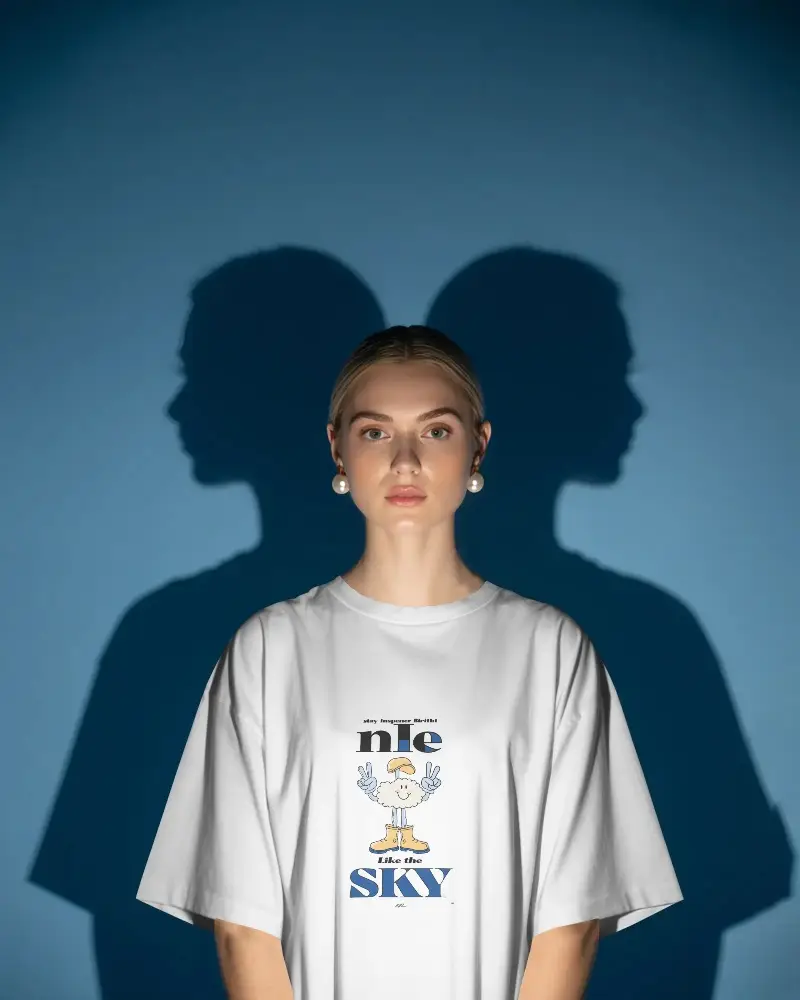

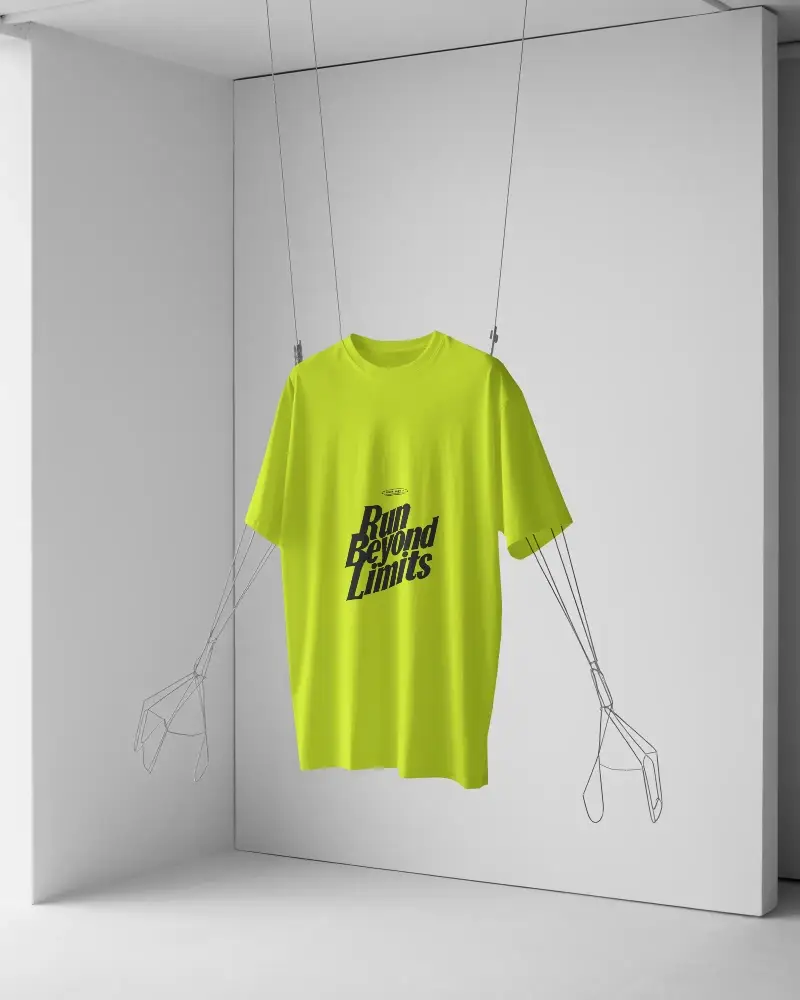
How to Create Regular Mockup with Mockey
Follow the steps to create Regular Mockups in Mockey AI
- Step 1: Follow Mockups > Apparel > T-shirt > Regular in the navigation bar.
- Step 2: Select your preferred template and upload your design.
- Step 3: Customize it and download the Regular mockup in high-quality.


FAQs on Regular Mockups
What is Regular Mockup?
A Regular mockup is a digital template where you can put your design on a virtual t-shirt. It shows you how the design will look before making real t-shirts, allowing you to make changes and get opinions.
Why create a Regular mockup?
Making a Regular mockup lets you see how the design looks on a real shirt, ensuring a good fit and allowing for changes before production. This helps avoid mistakes, saves time, and ensures the final product is what you want.
Why Use Mockey’s Regular Mockup?
Mockey's Regular Mockup Generator has several great features. It's free to customize and download mockups. The platform offers a large collection of mockups featuring various models, and no design skills are required to use its easy-to-use interface.
Is this Regular Mockup Free?
The Regular mockup in Mockey is free to use for your design projects. Easily customize and showcase your artwork or logo with this high-quality template without any cost.
