Red T-Shirt Mockup for Your Brand
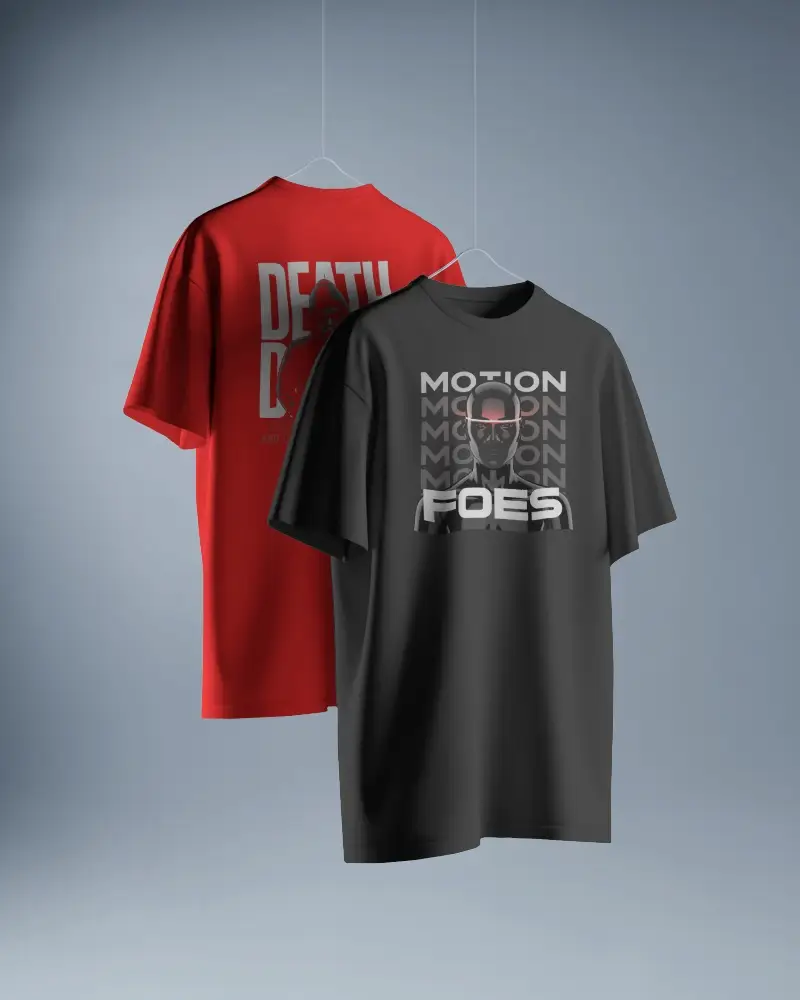
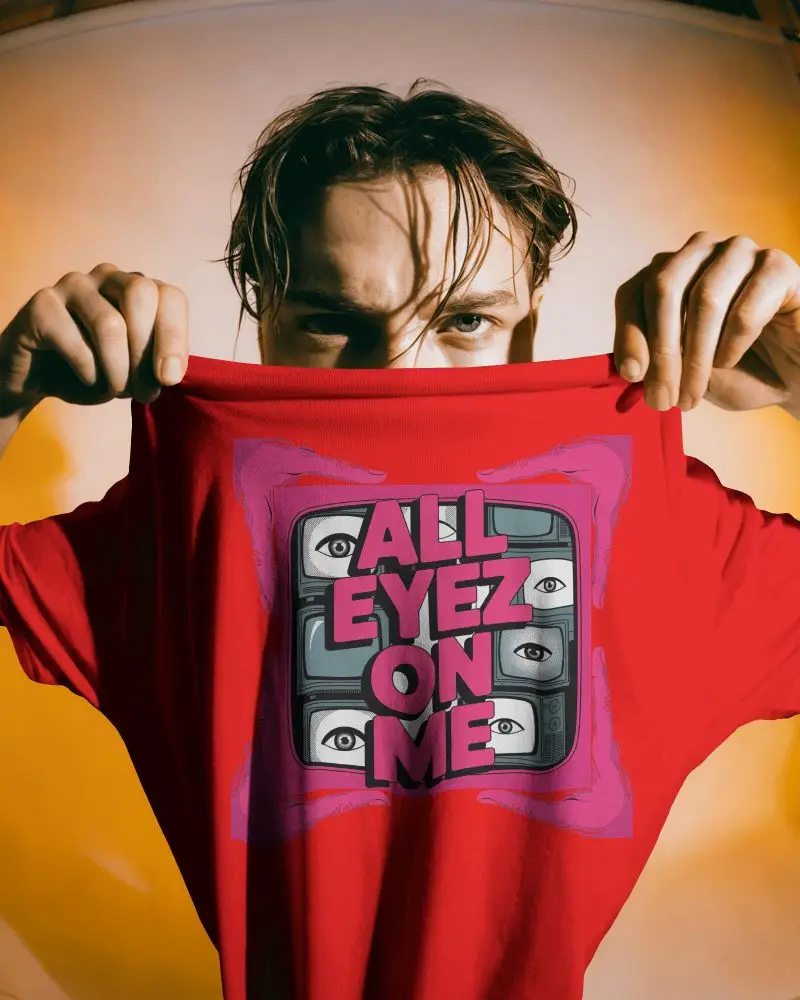
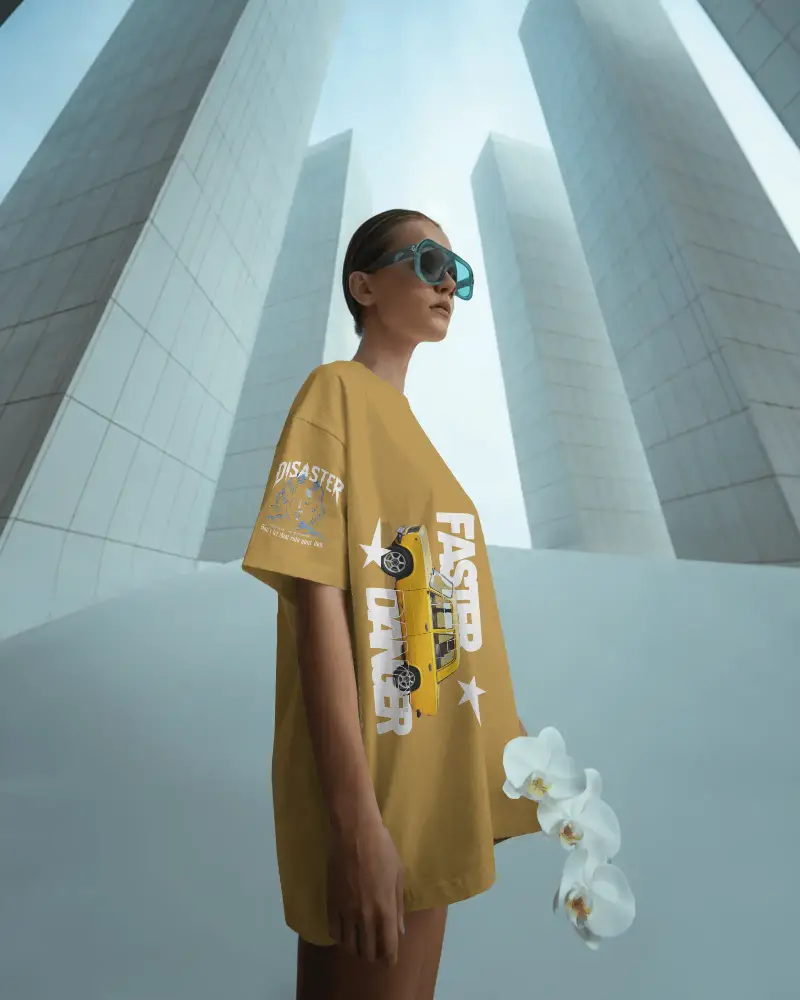
Create your red T-shirt mockups effortlessly with Mockey AI’s free online tool. Upload your design, fine-tune colors, and preview instantly. Ideal for fashion designers, brands, and eCommerce sellers looking to download red T-shirt mockups for digital or print use.

















































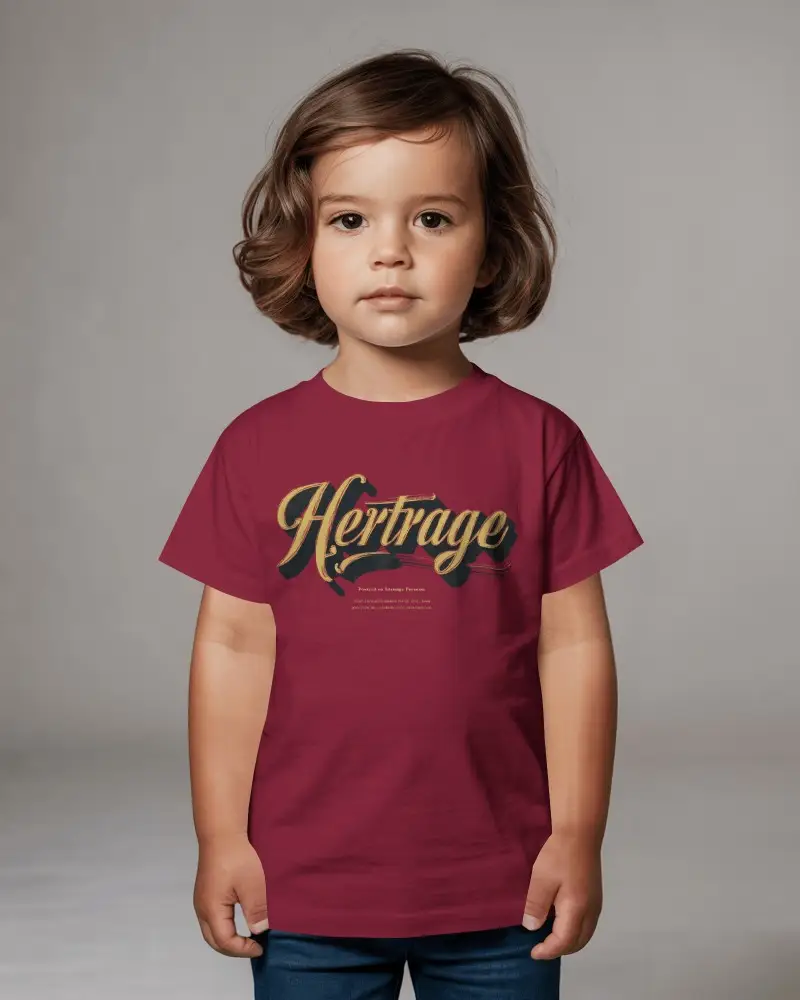
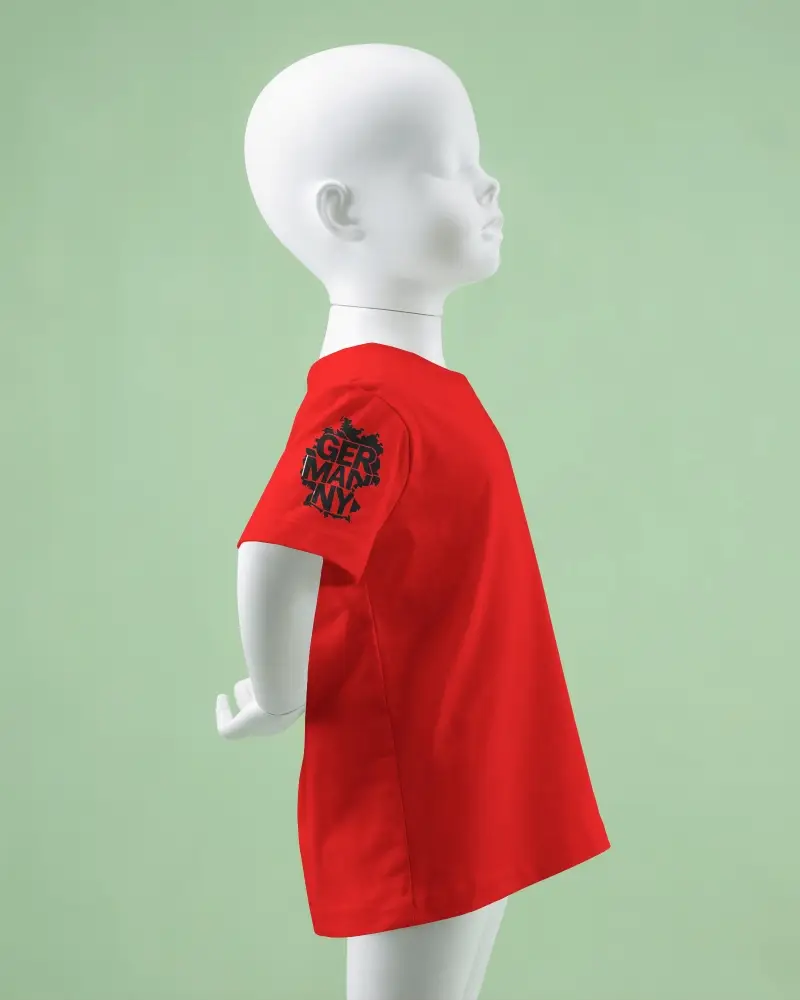
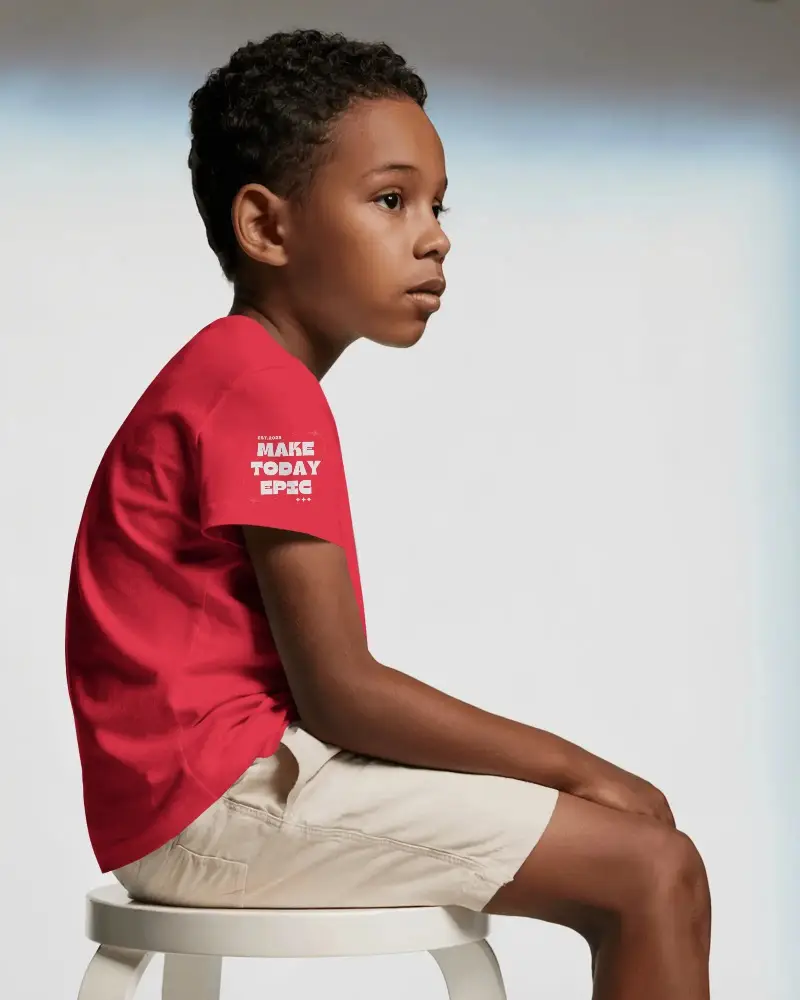
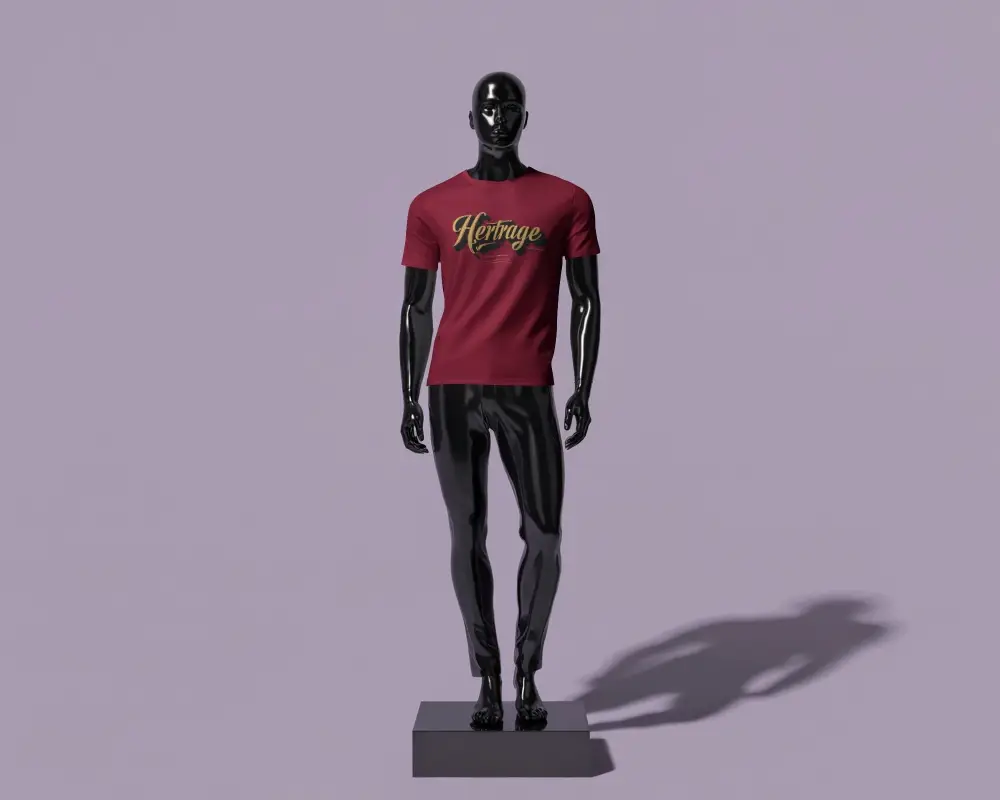

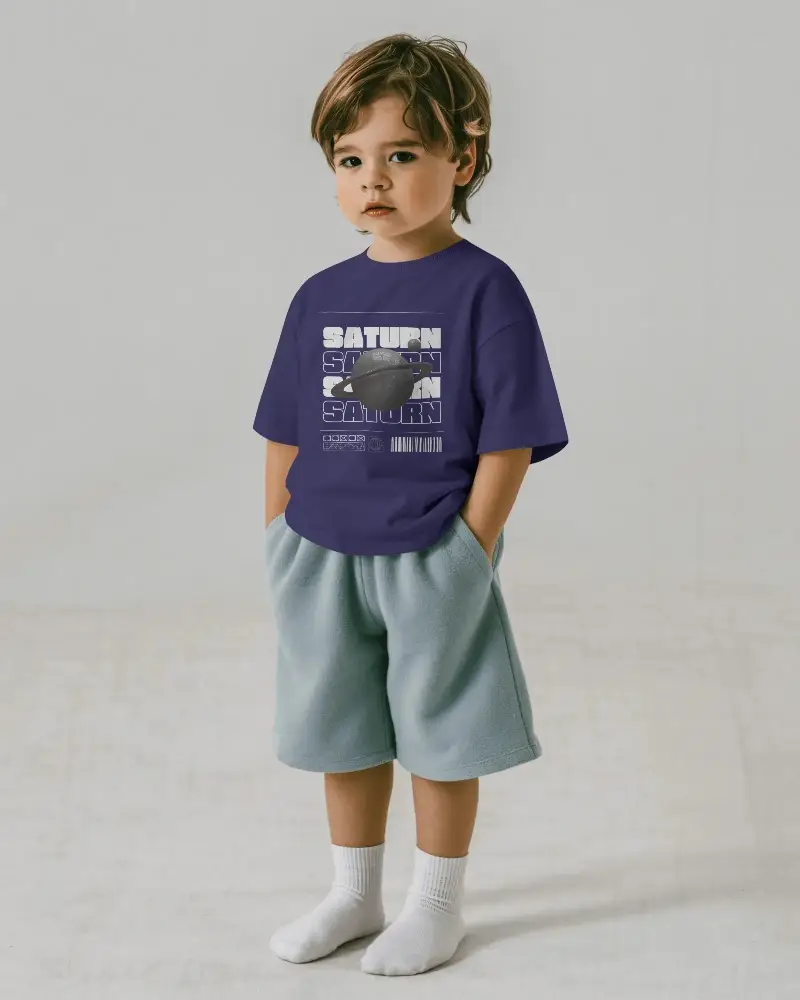
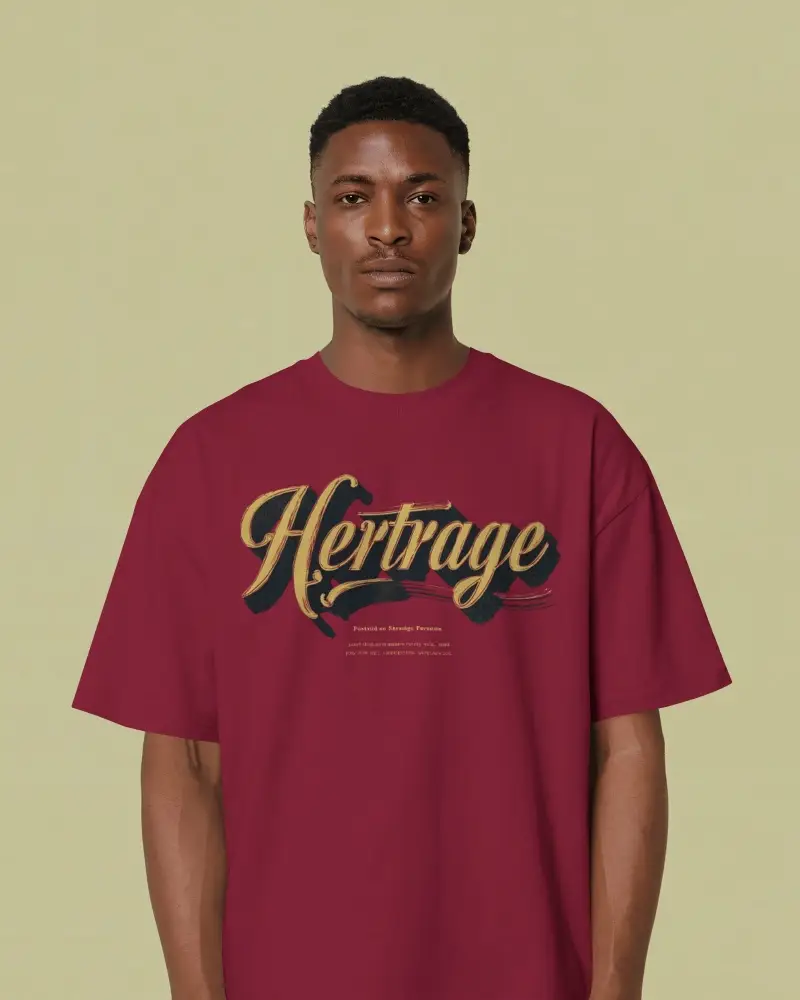
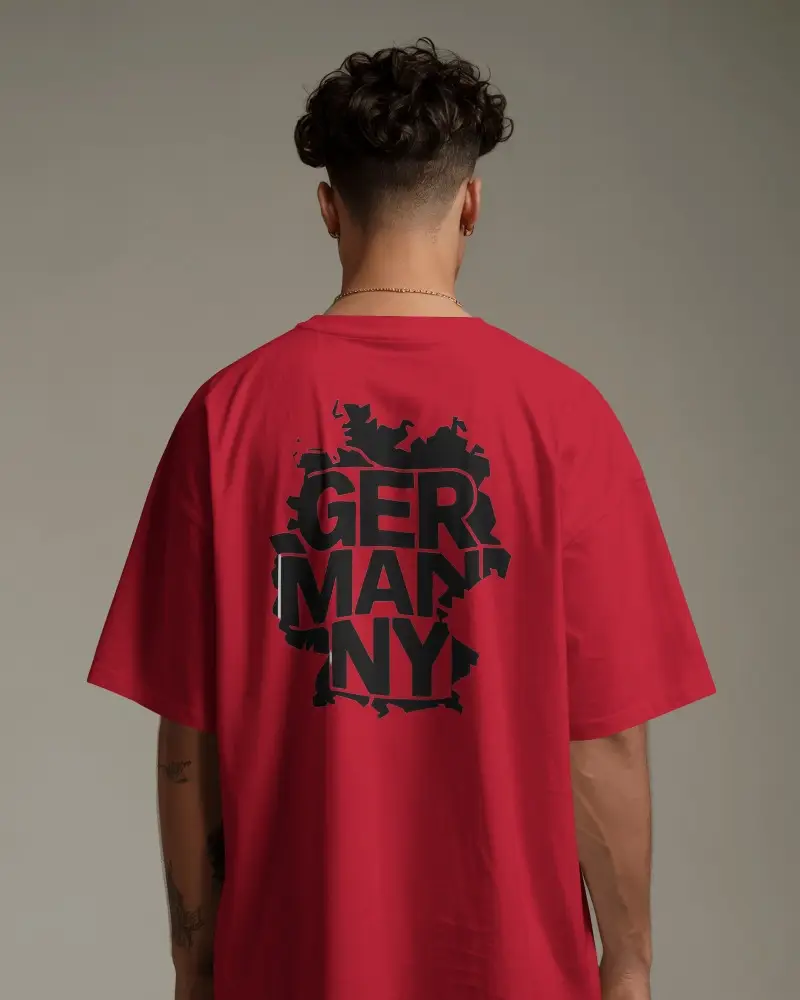
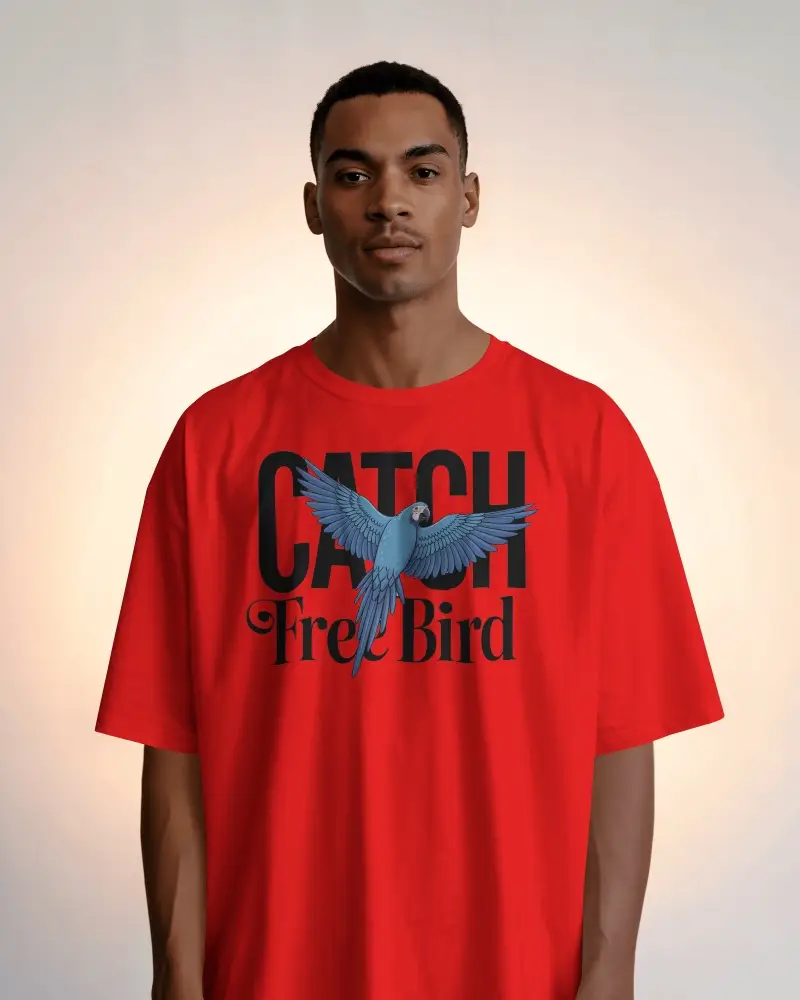
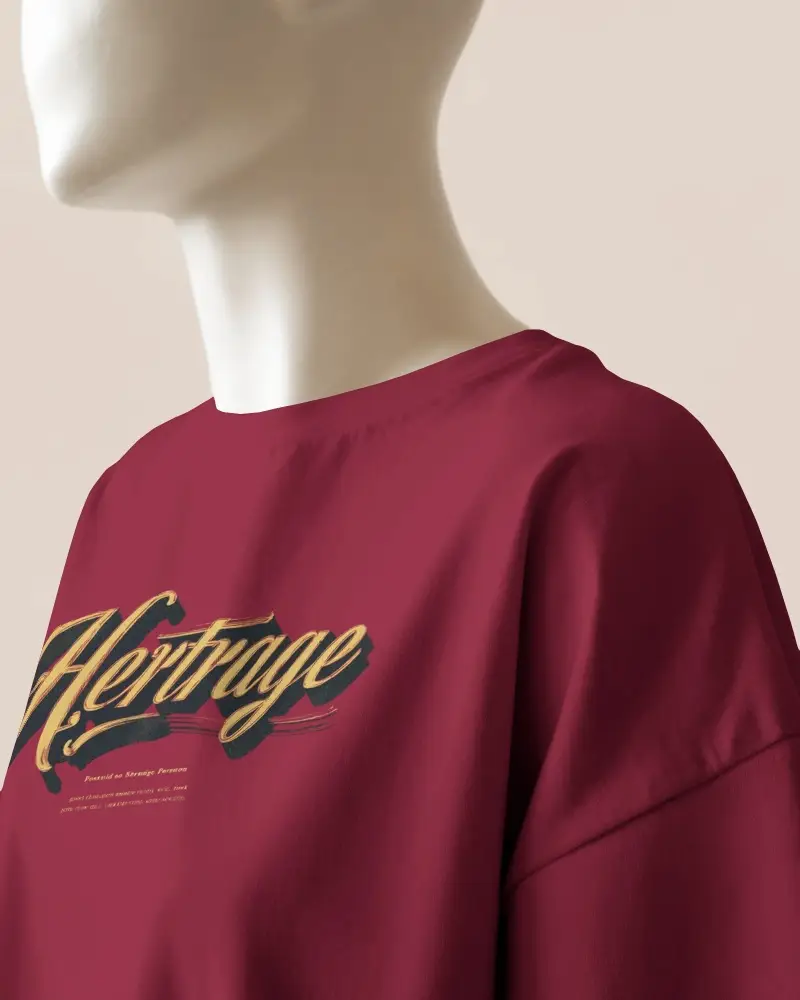
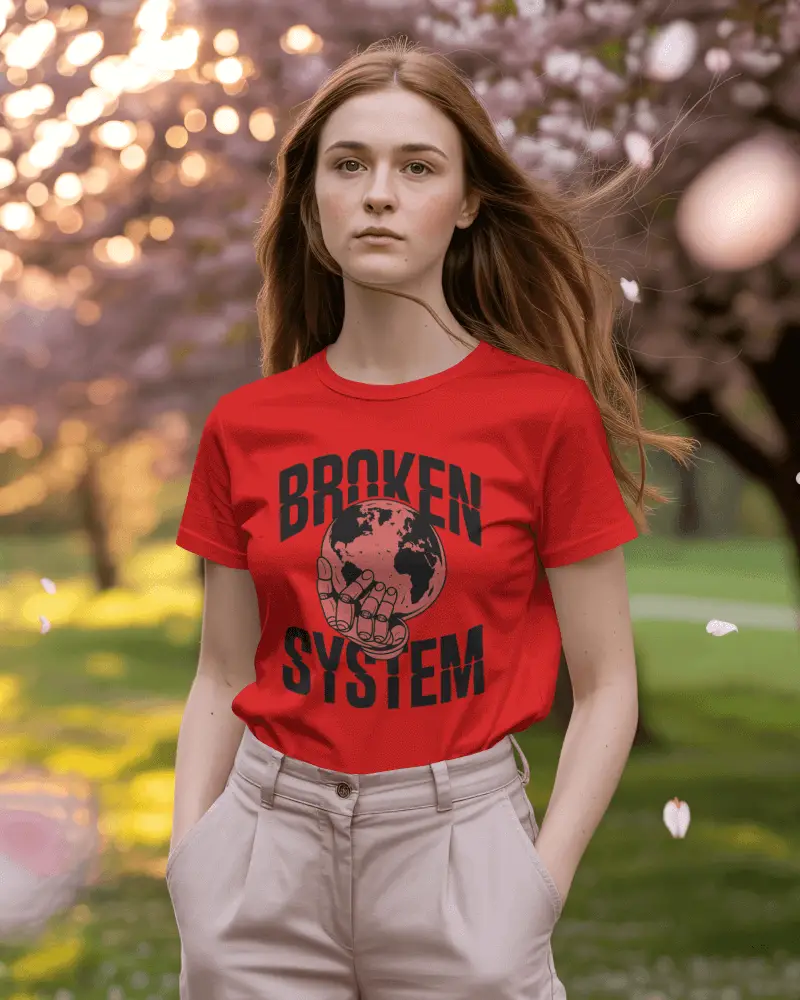


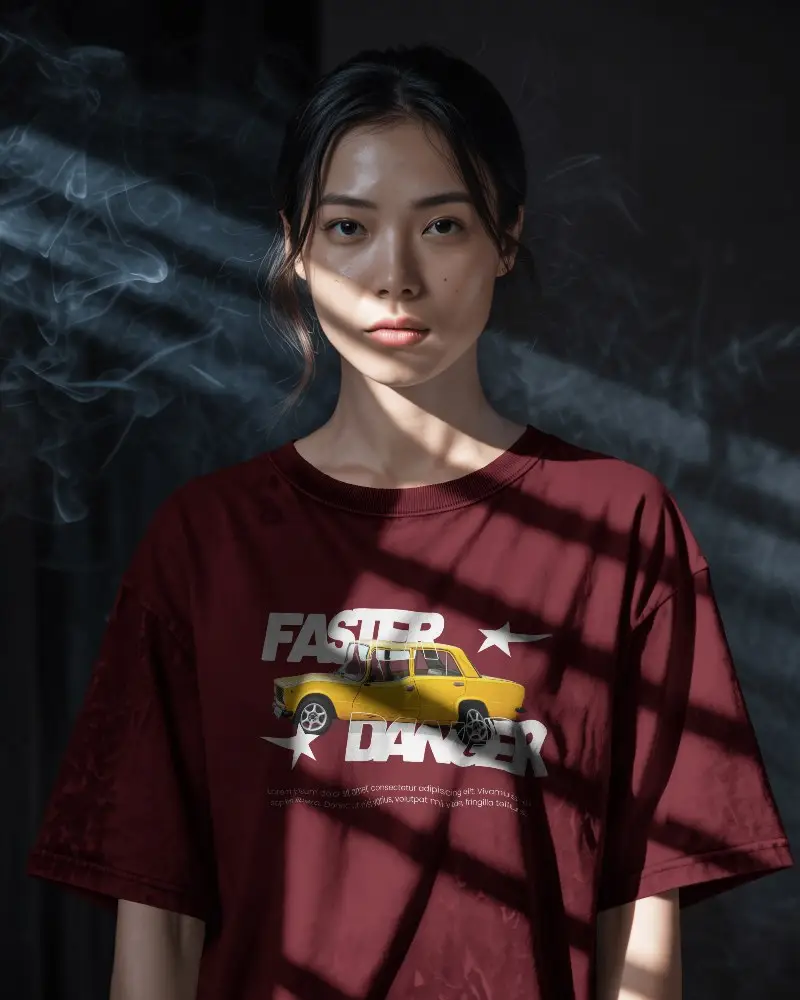
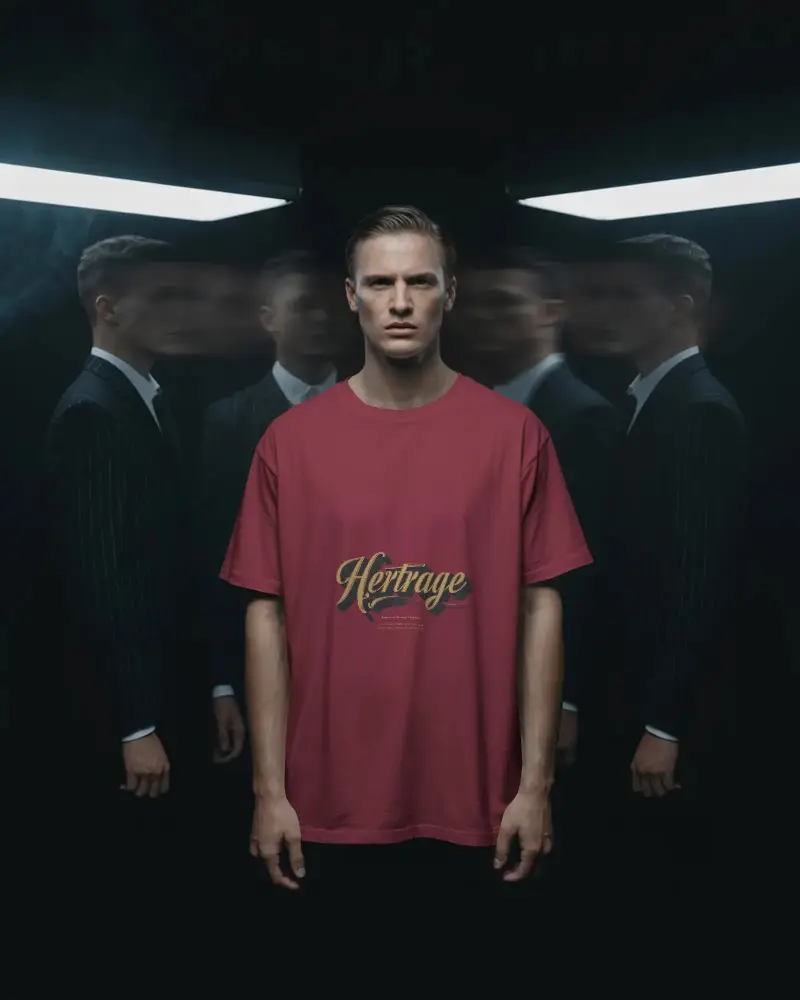


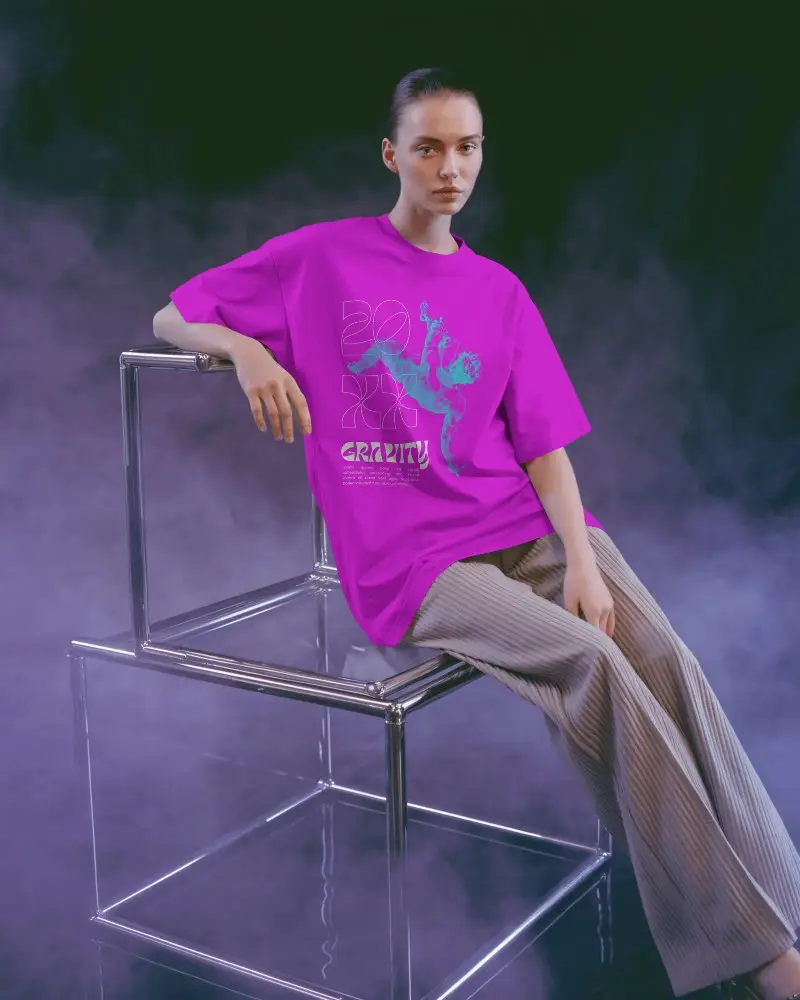
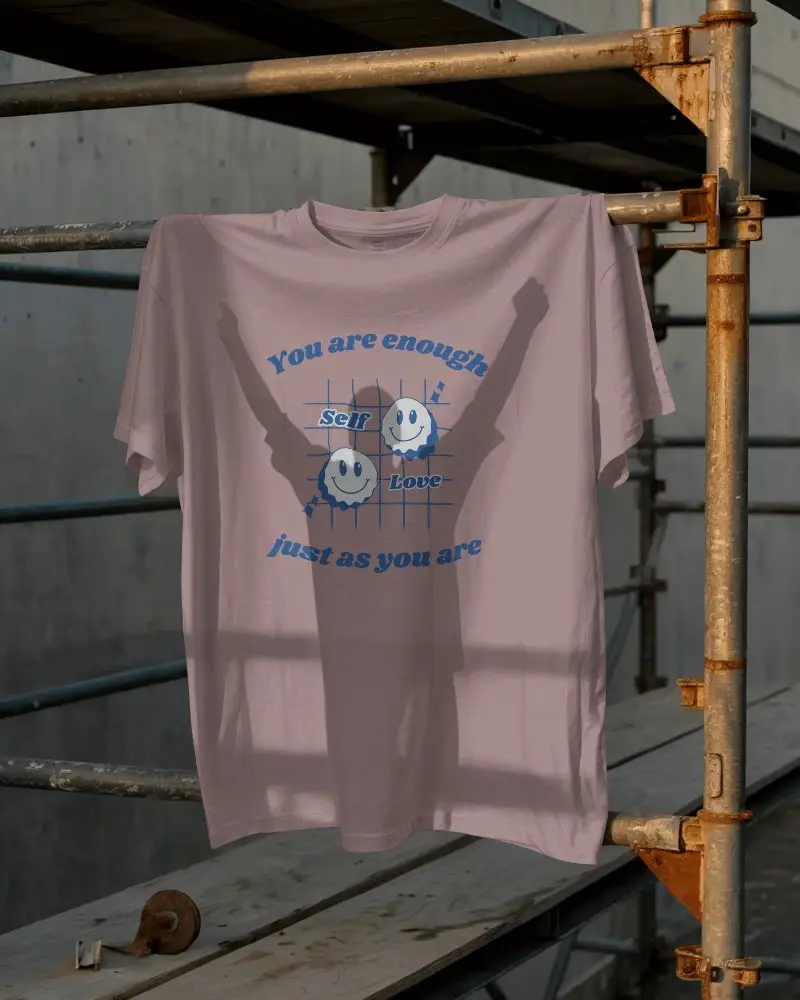

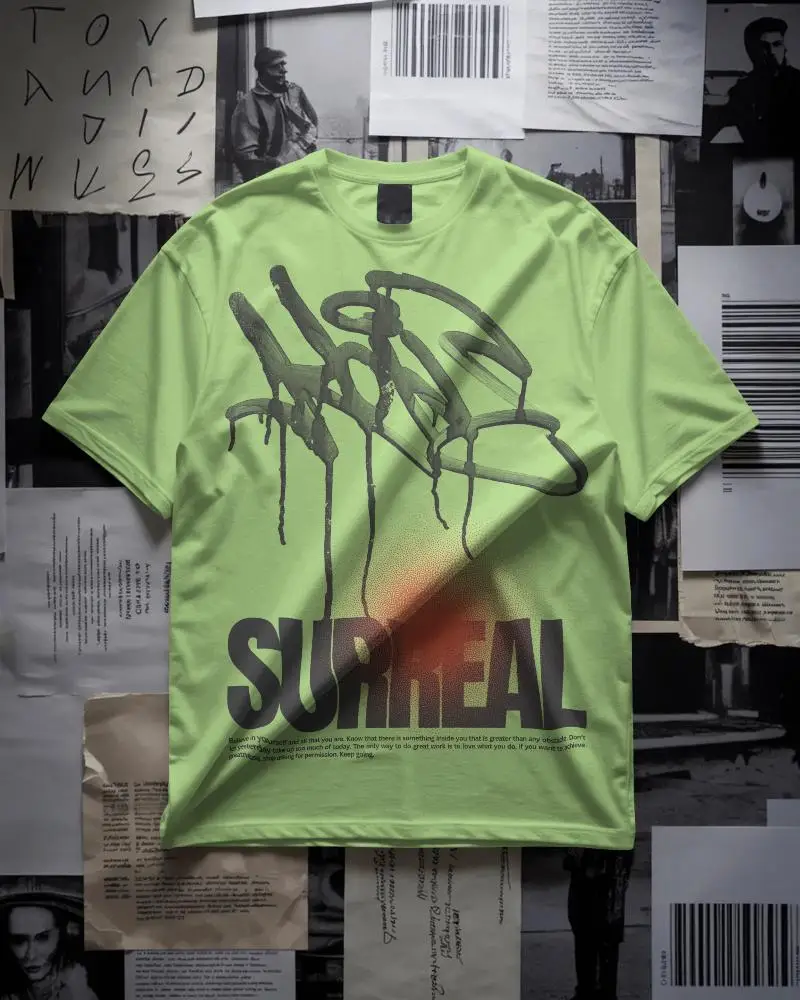
How to Create Red T-shirt Mockup with Mockey
To create Red T-shirt mockups:
- Step 1: Go to Mockups > Apparel > T-shirt > Red.
- Step 2: Pick a red t-shirt template and click ‘Upload Design’ to add your artwork or logo.
- Step 3: Adjust placement, modify color tones, and download your high-quality mockup in PNG or JPG format.


FAQs on Red T Shirt Mockups
What is a red T-shirt mockup, and why is it useful for branding?
A red t-shirt mockup is a template featuring a blank red t-shirt where you can add your design and present it to your client. You can customize it in different ways and download it in various file formats. It’s the best option for branding because you can display the design to your client on a model, a hanger, or a flat surface before starting production.
Can I customize the shade and design placement on a red T-shirt mockup?
After uploading a design to the red t-shirt mockup template, you can adjust, rotate, or expand it. As well as changing the color, you can enter a code or use the color wheel.
Does Mockey AI offer other color mockups, like black or white T-shirts?
Apart from red, you’ll also see other color options on Mockey AI, like black t-shirt mockups and white t-shirt mockups. You can also pick any template and, on the editor page, use the color options to change it to any color you want.
Can I download red T-shirt mockups in high-quality PNG format?
Of course, you can download the red T-shirt mockup in PNG format, but only if you have the STARTER plan. If you are on the free plan, you’ll need to upgrade for $7 per month.
