Editable Oversized T-Shirt Mockups In Black, White & Acid Wash
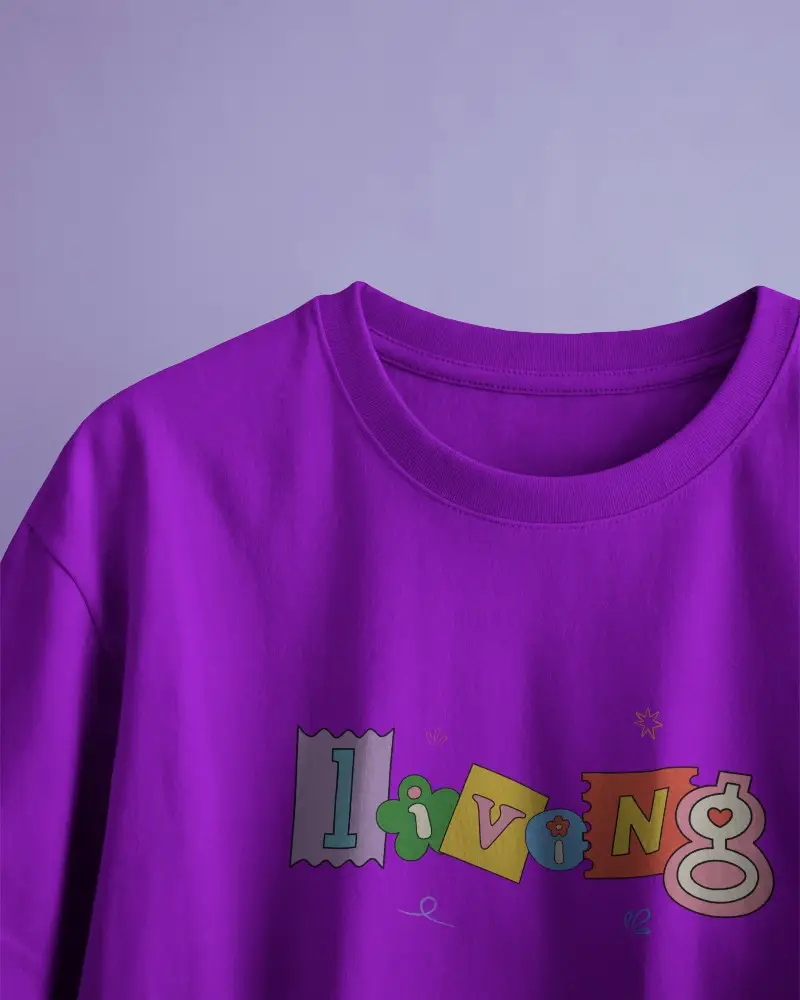
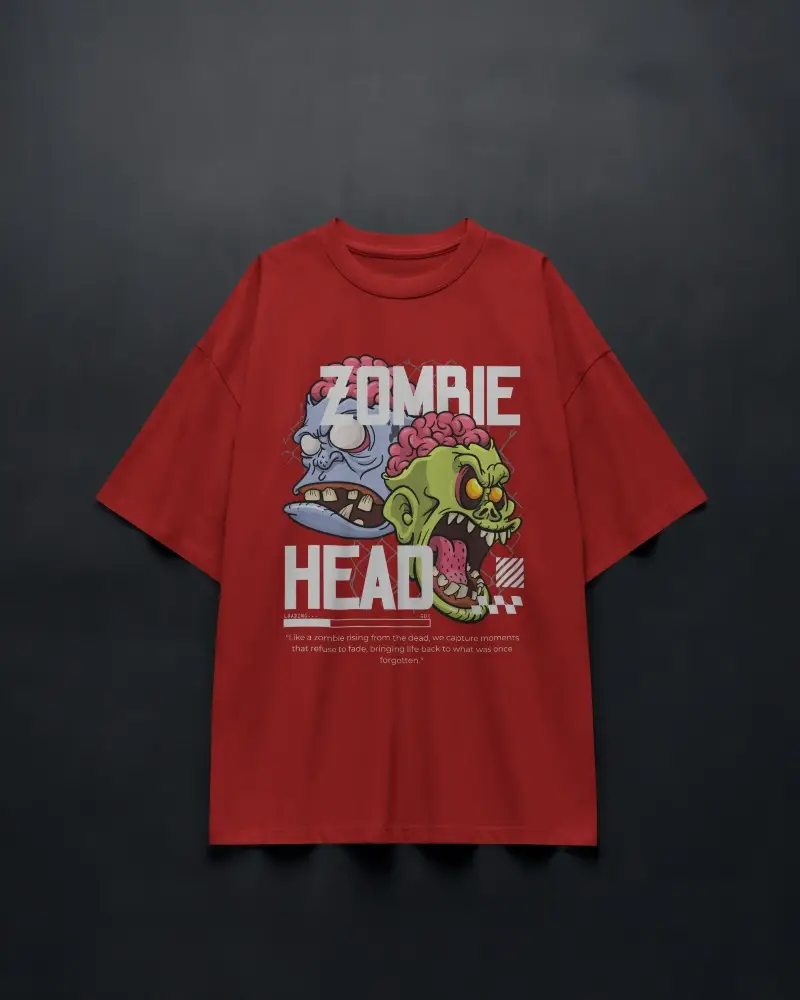
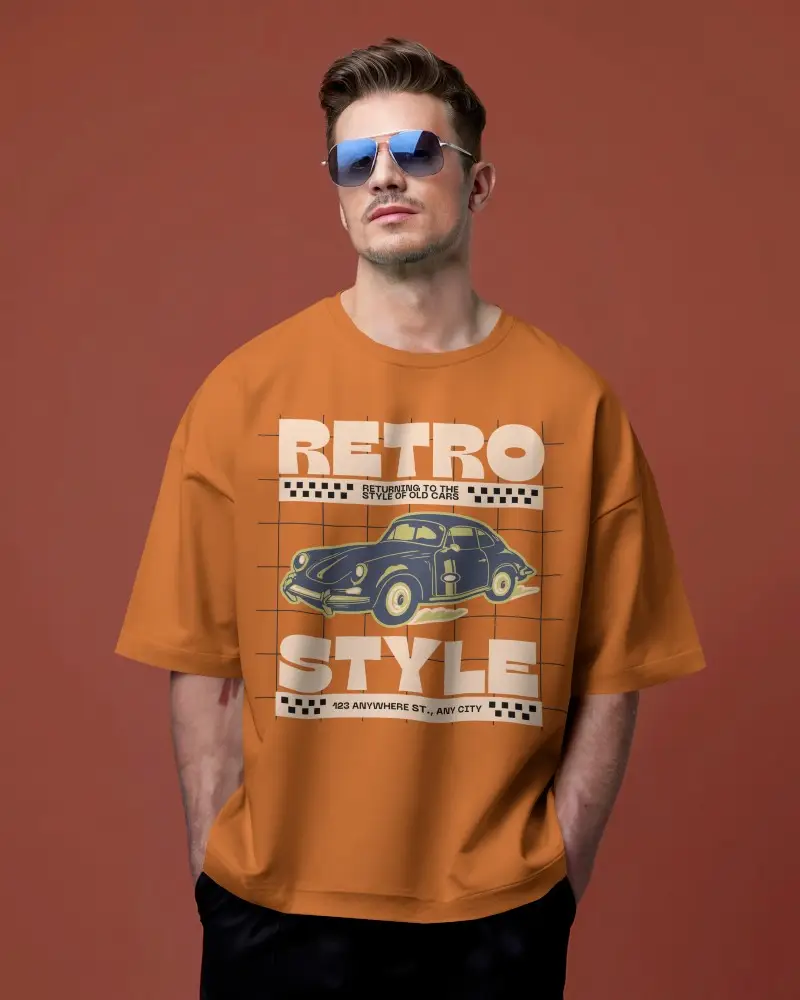
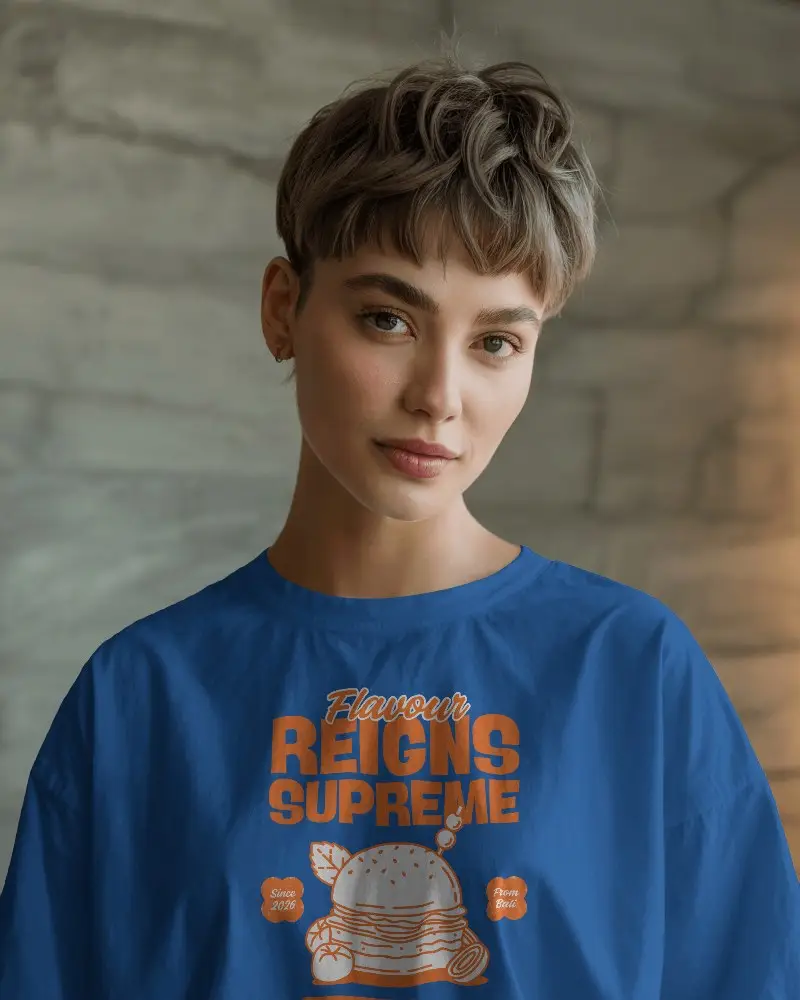
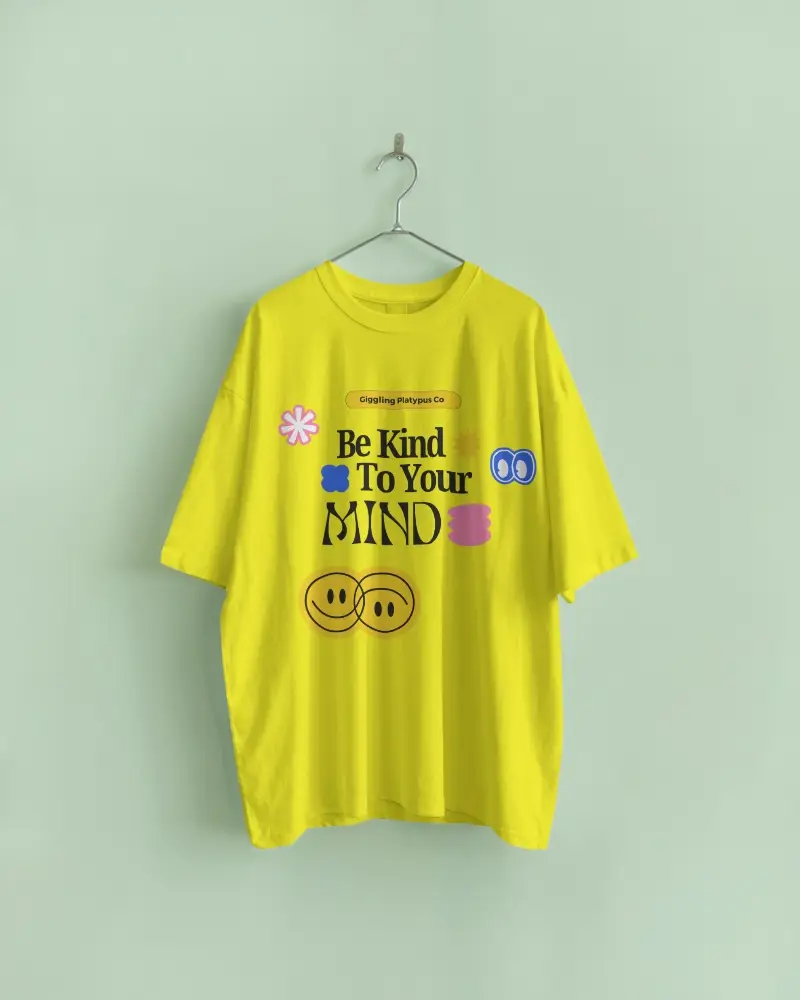
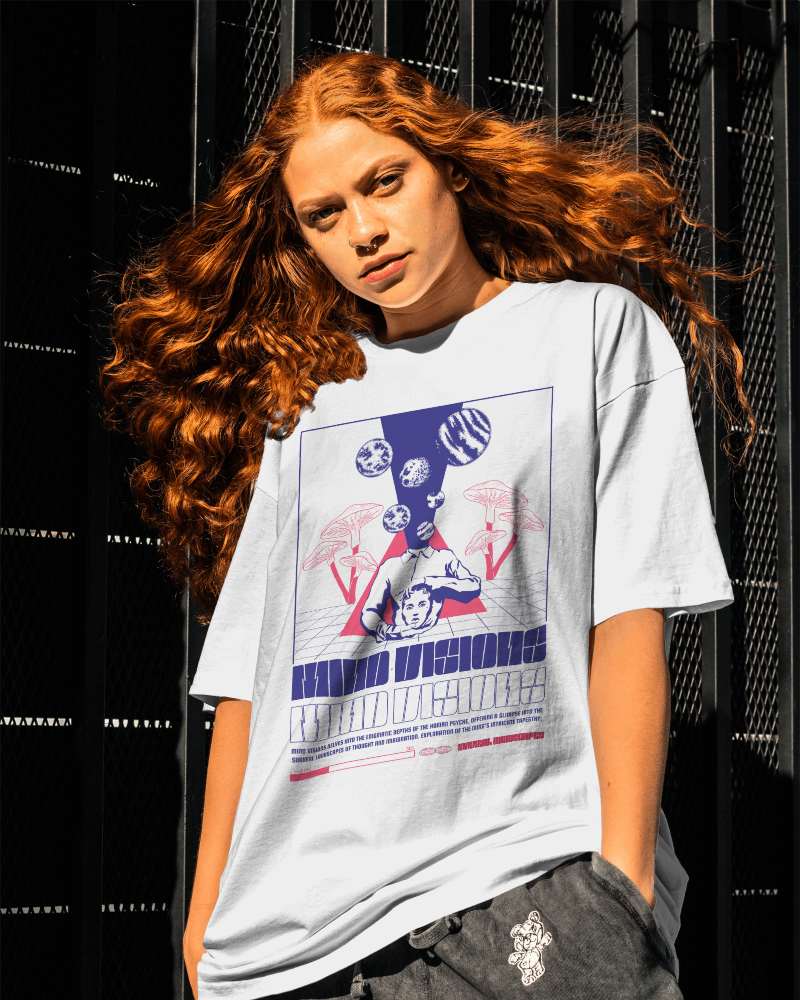
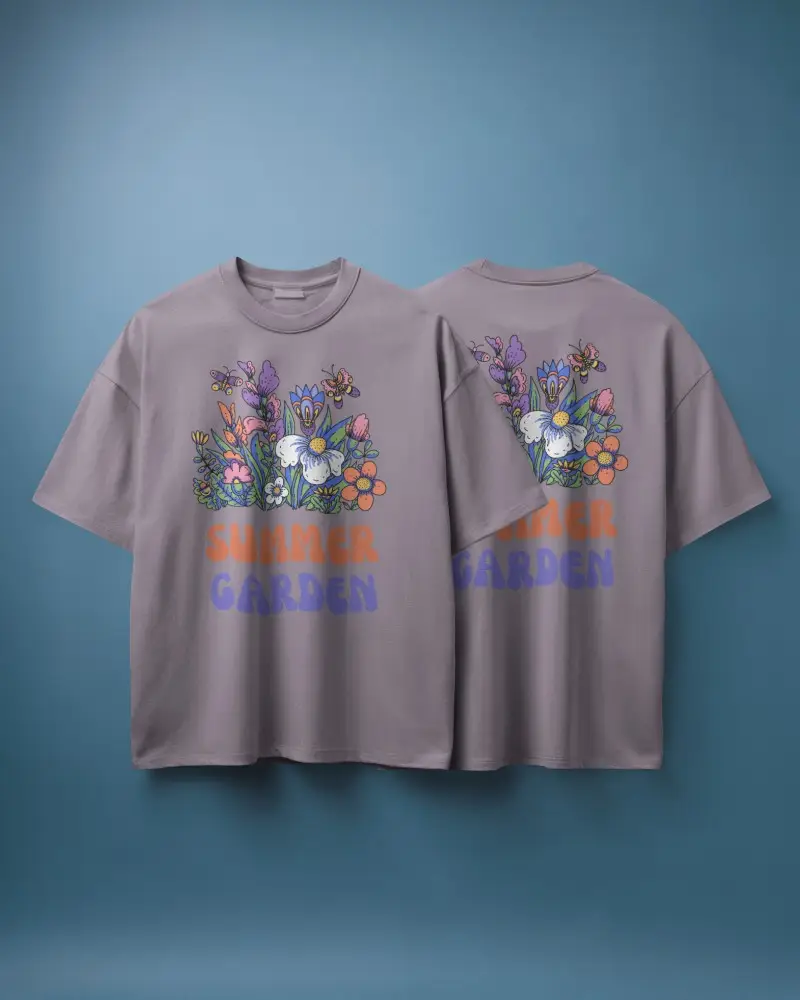
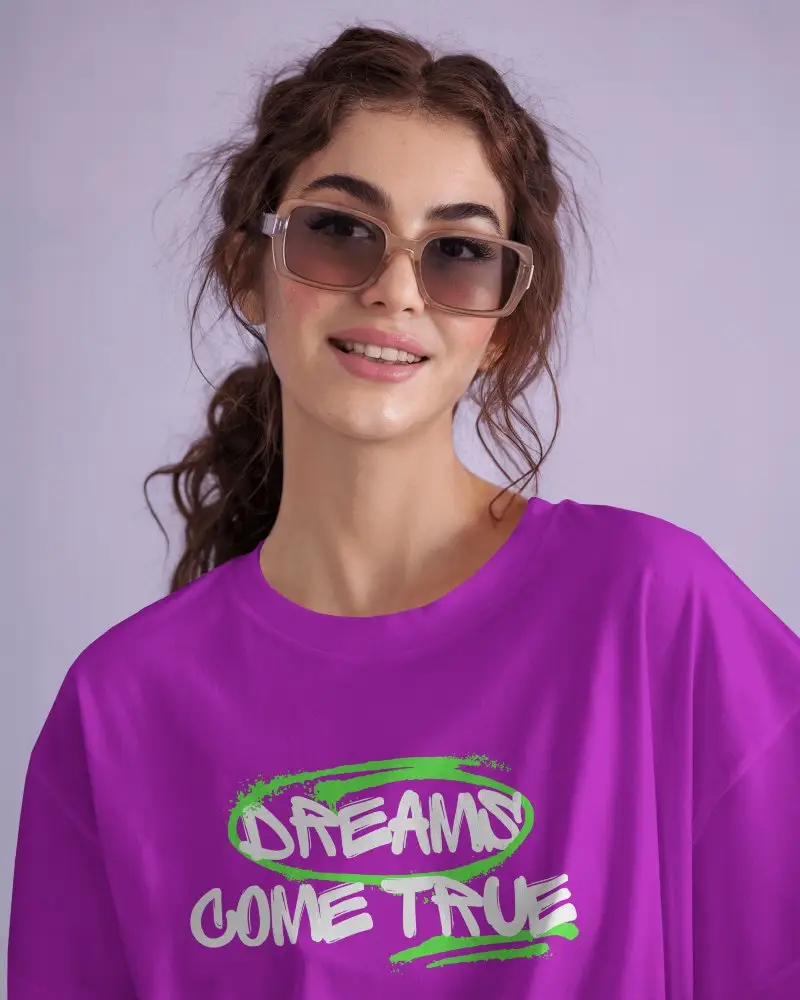
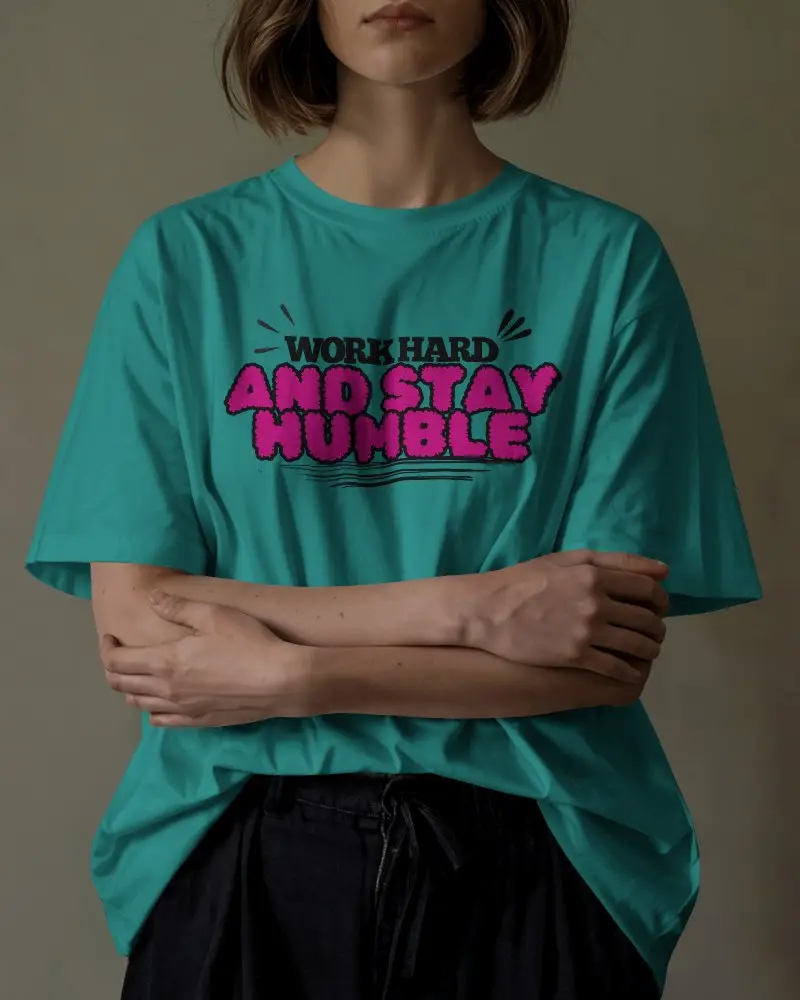
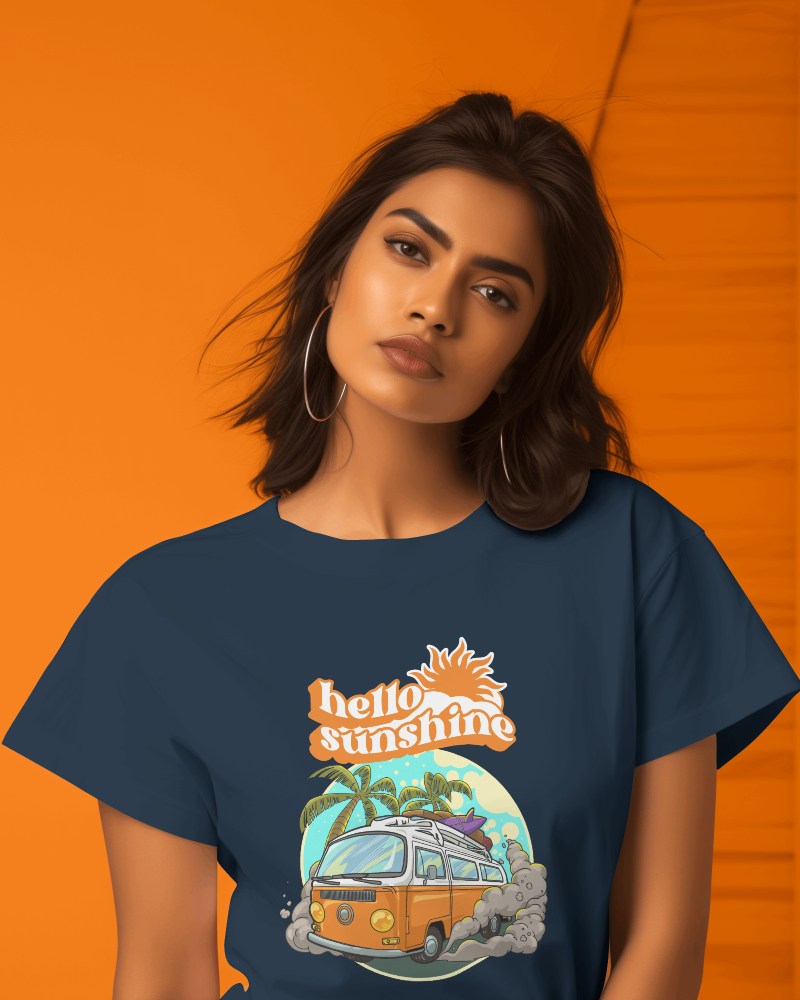
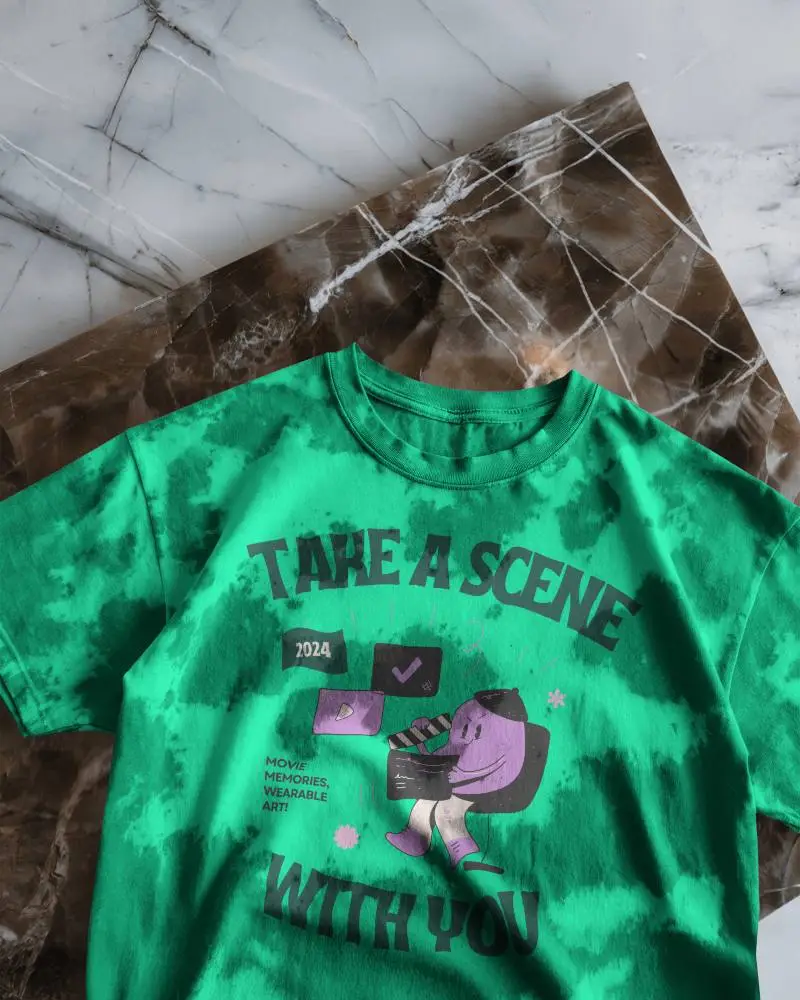
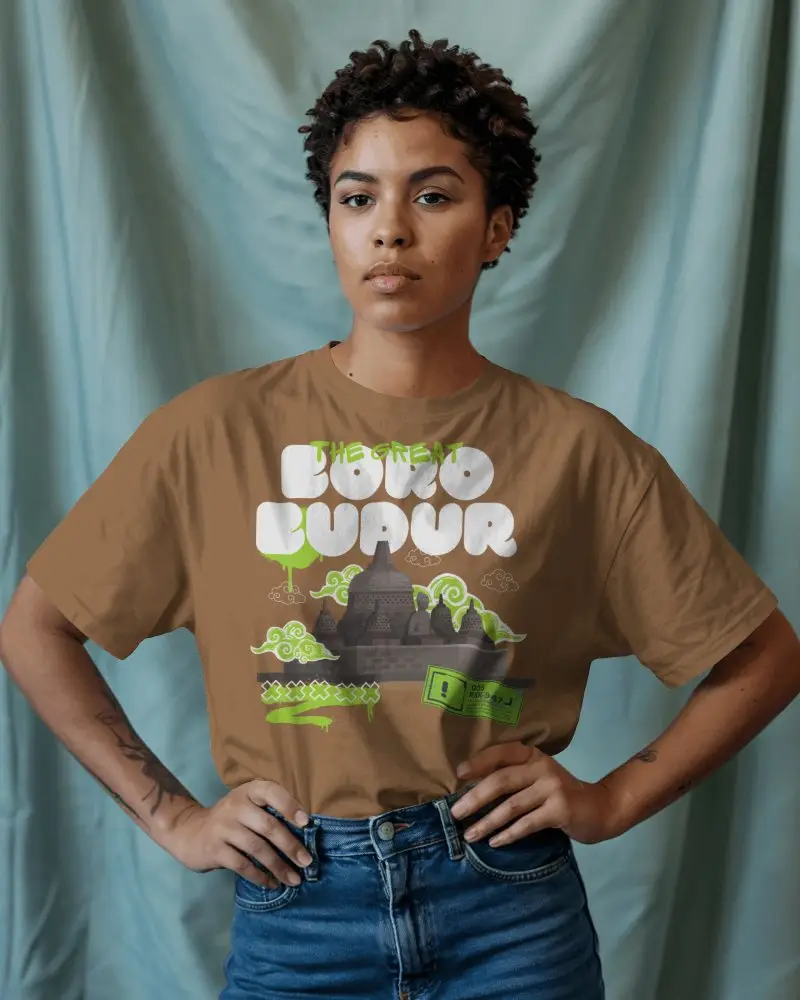
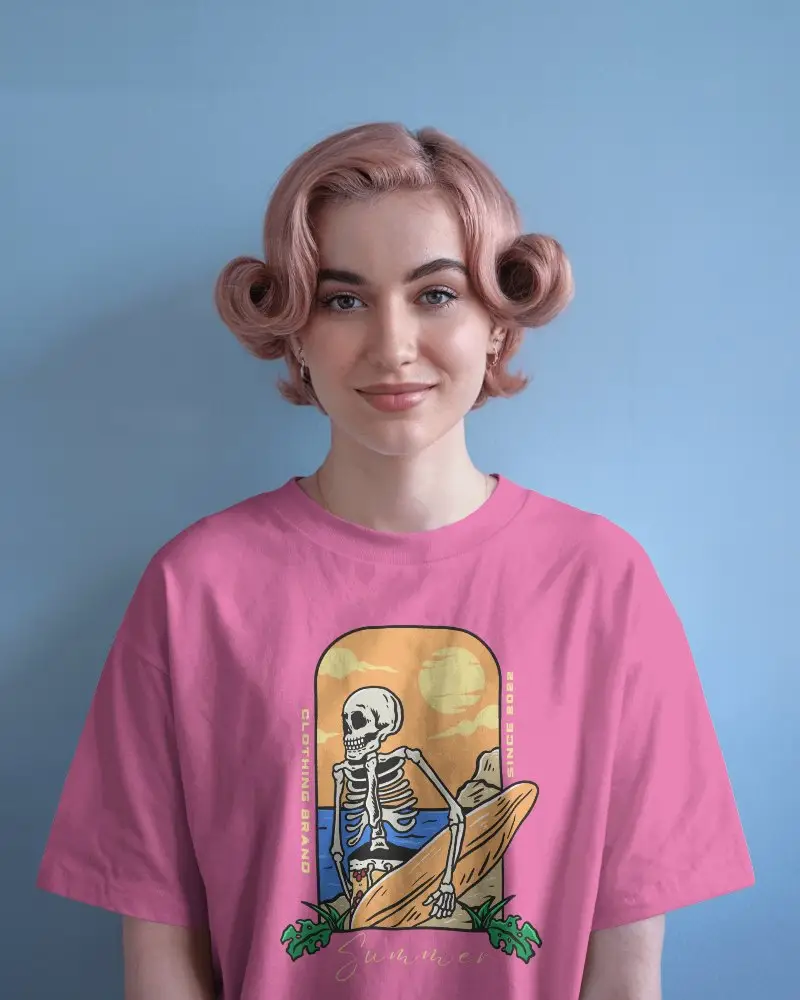
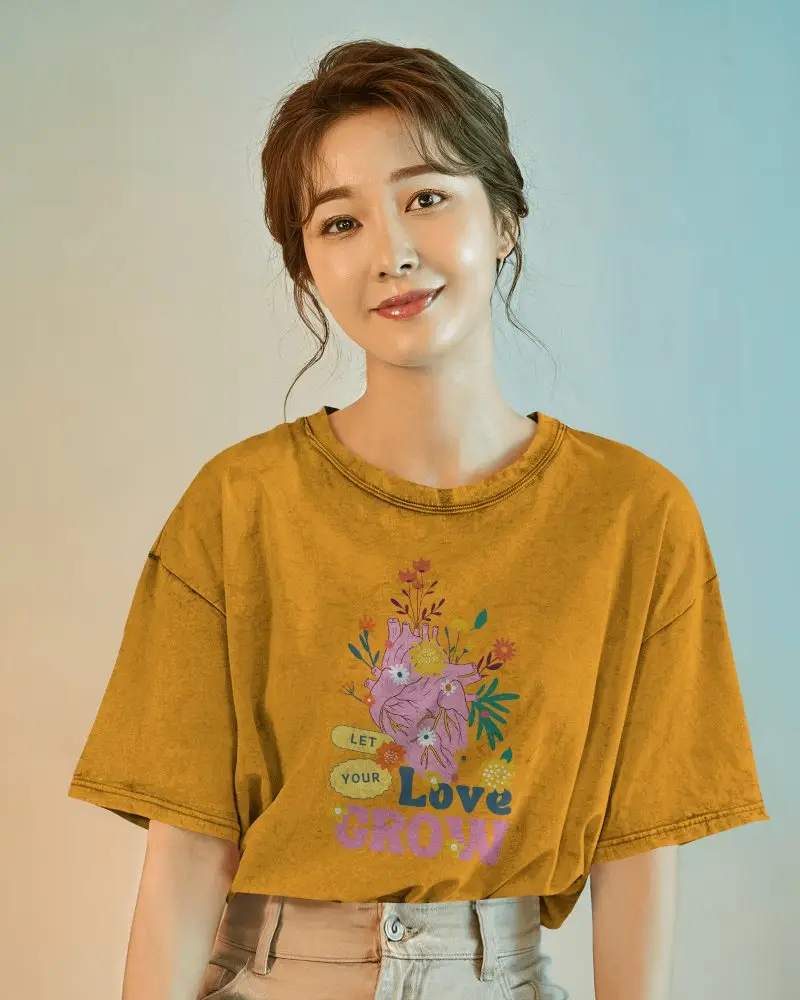
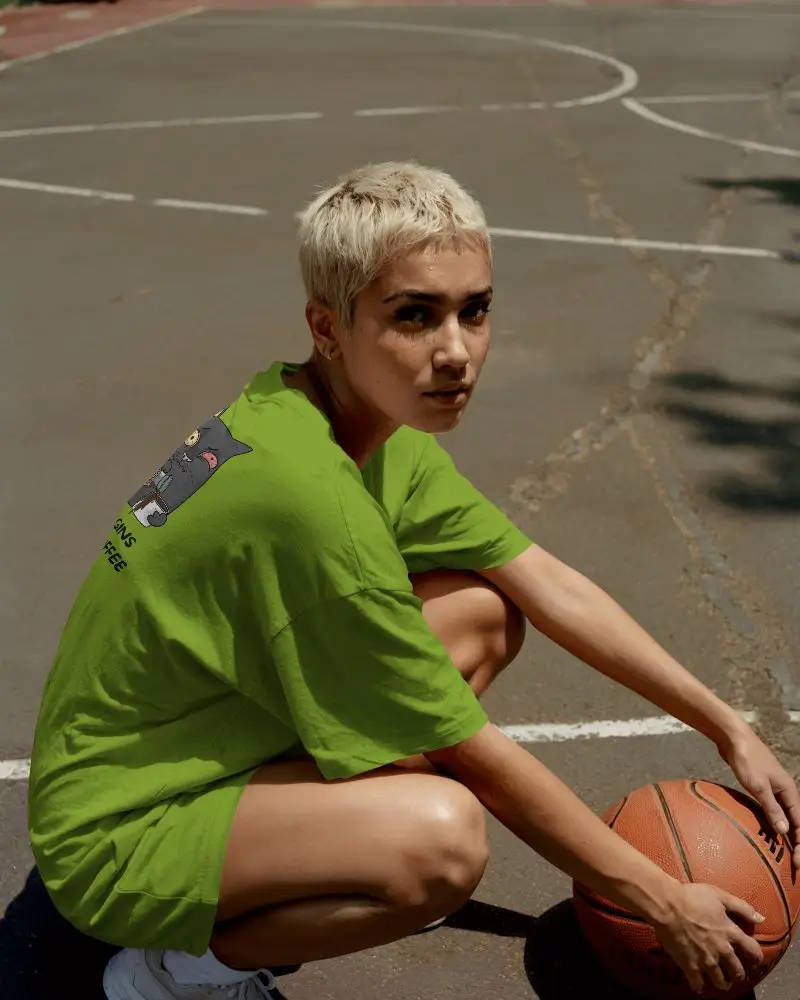
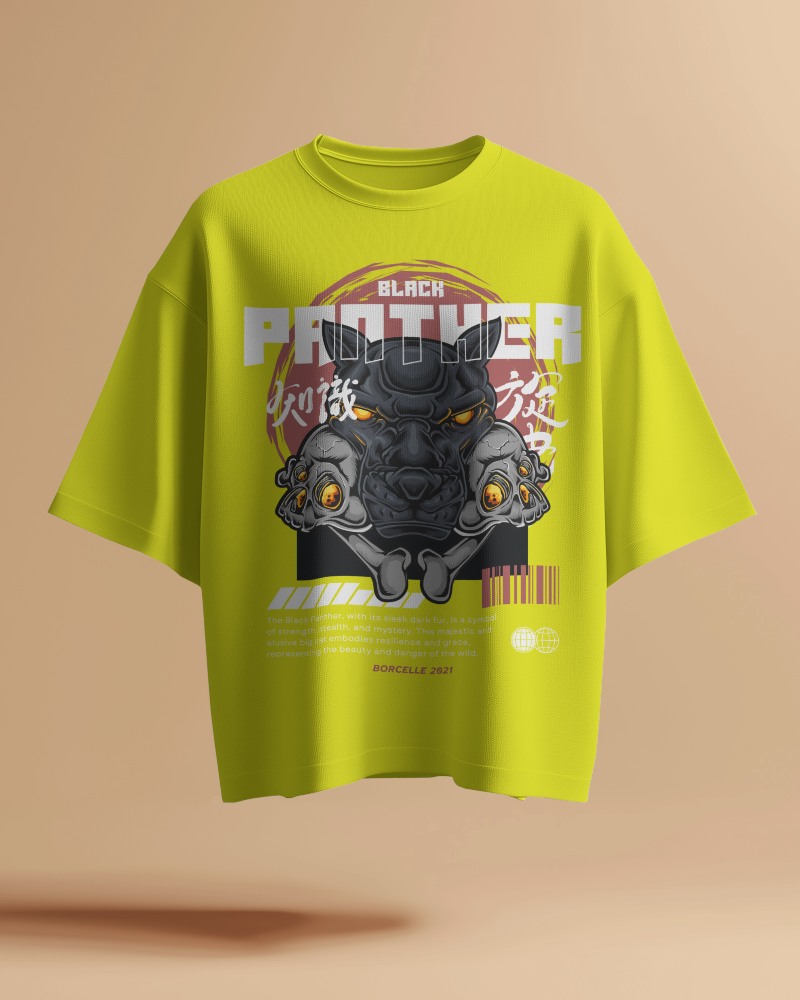
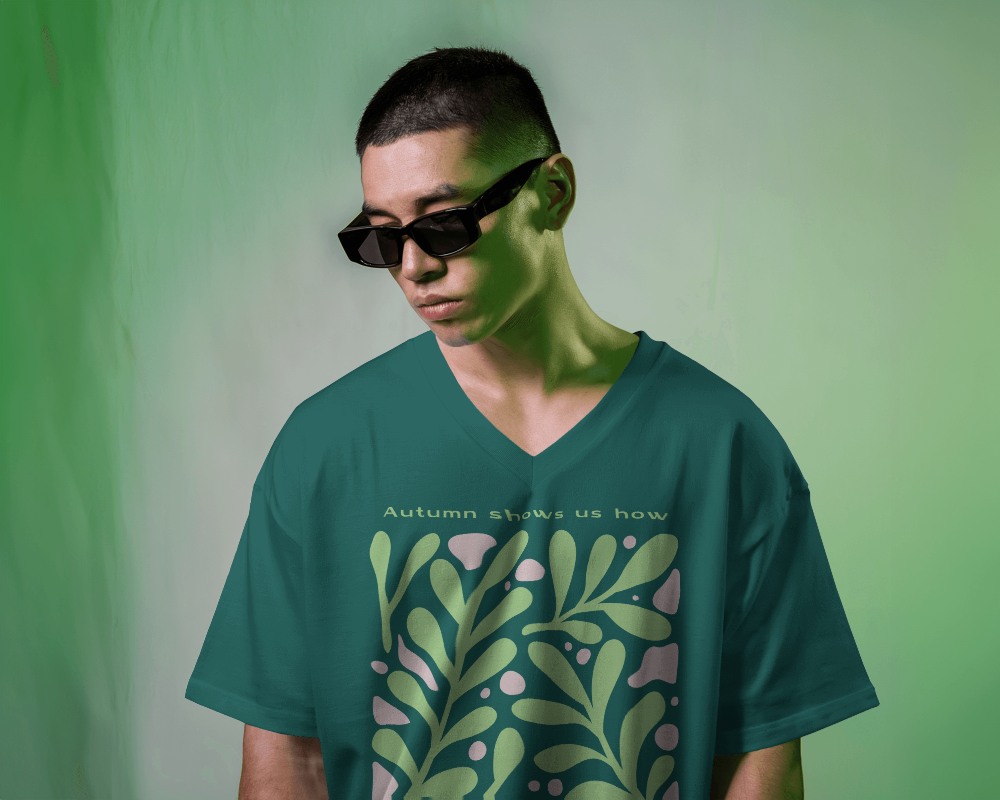
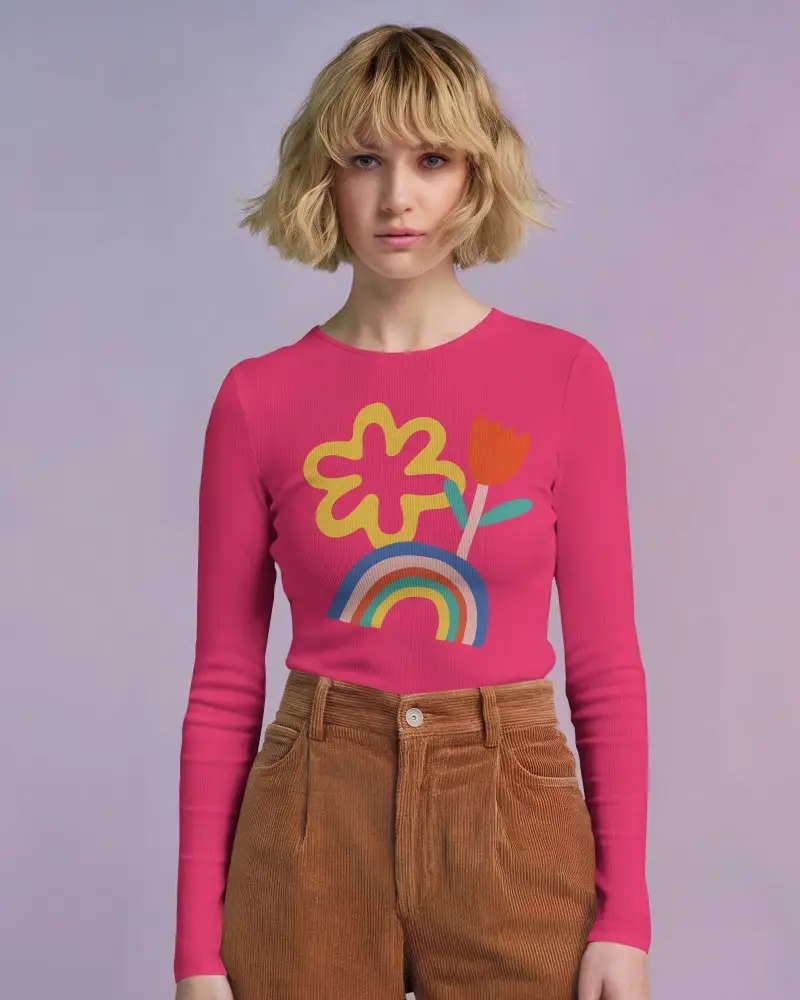
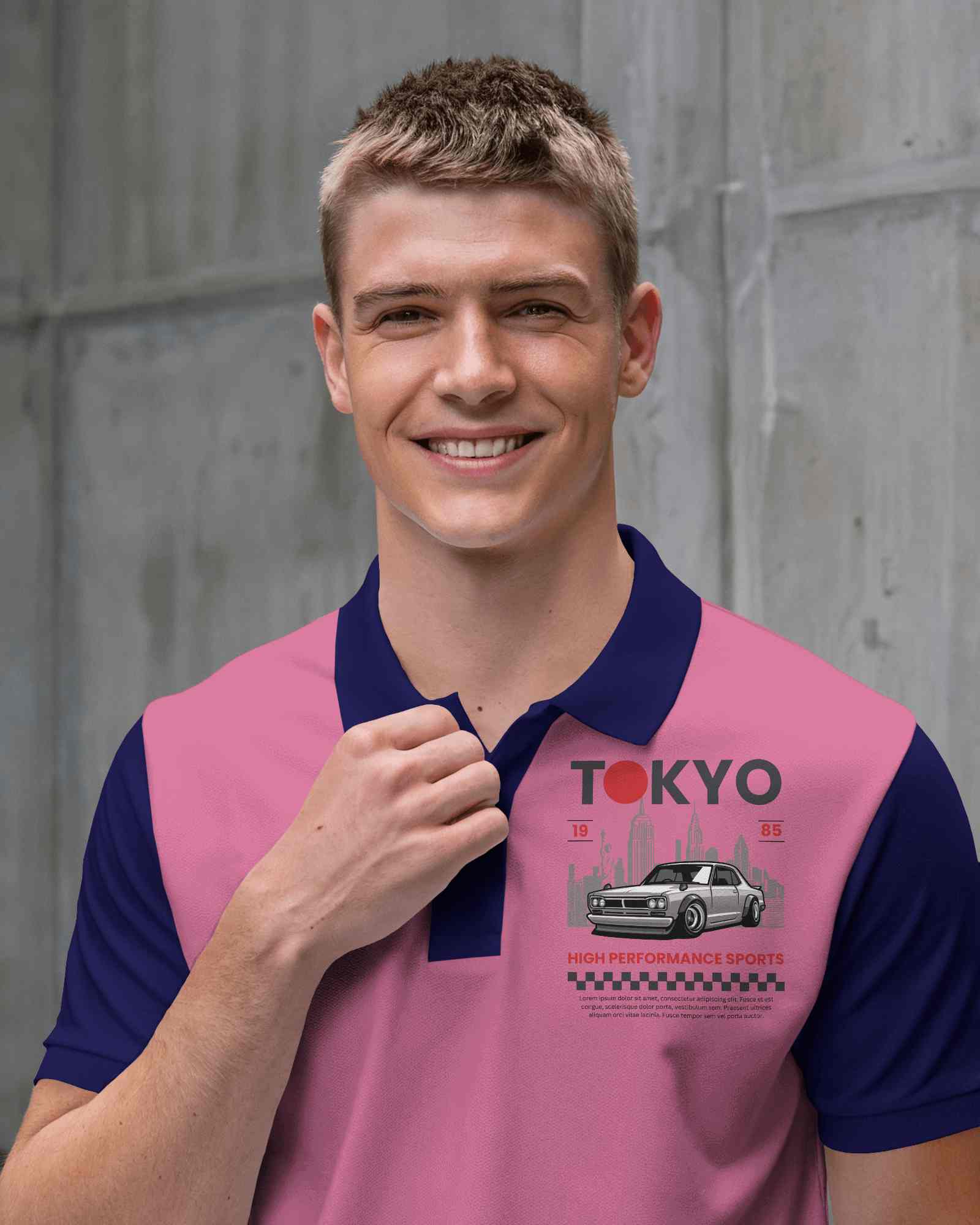
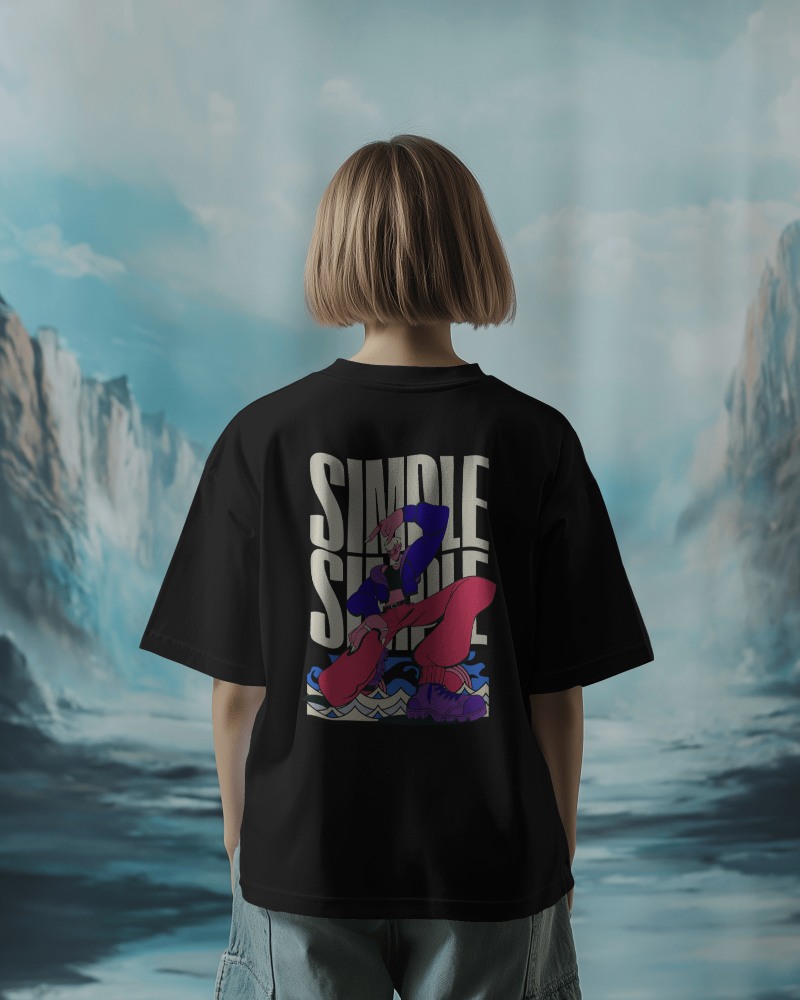
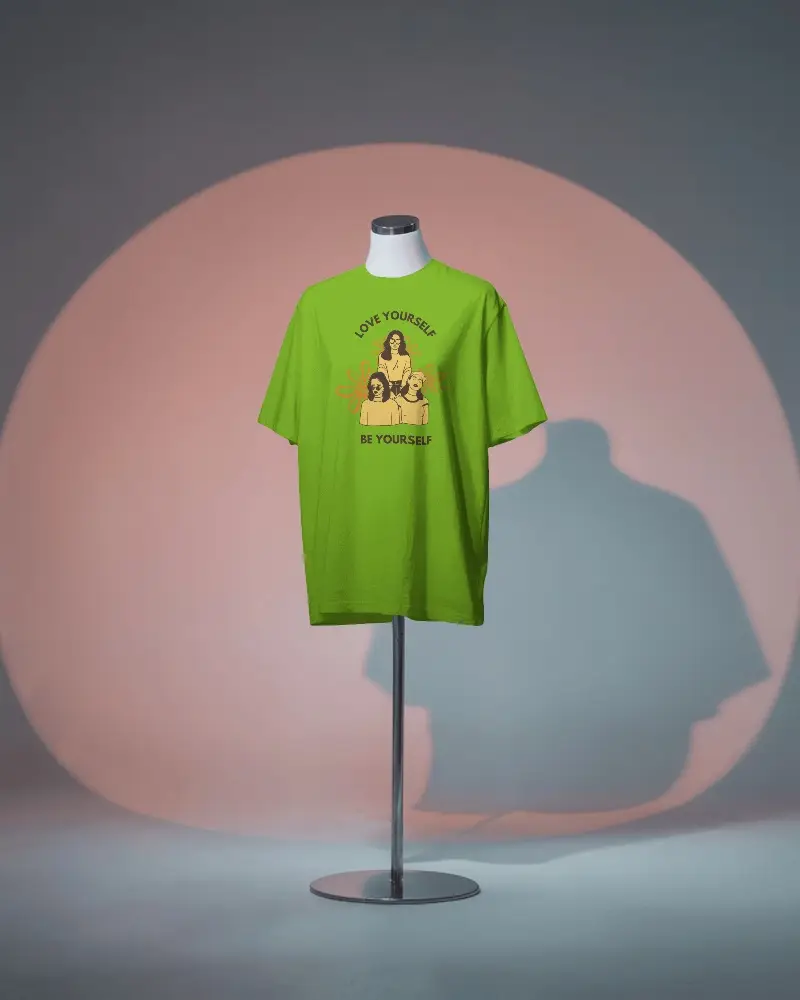
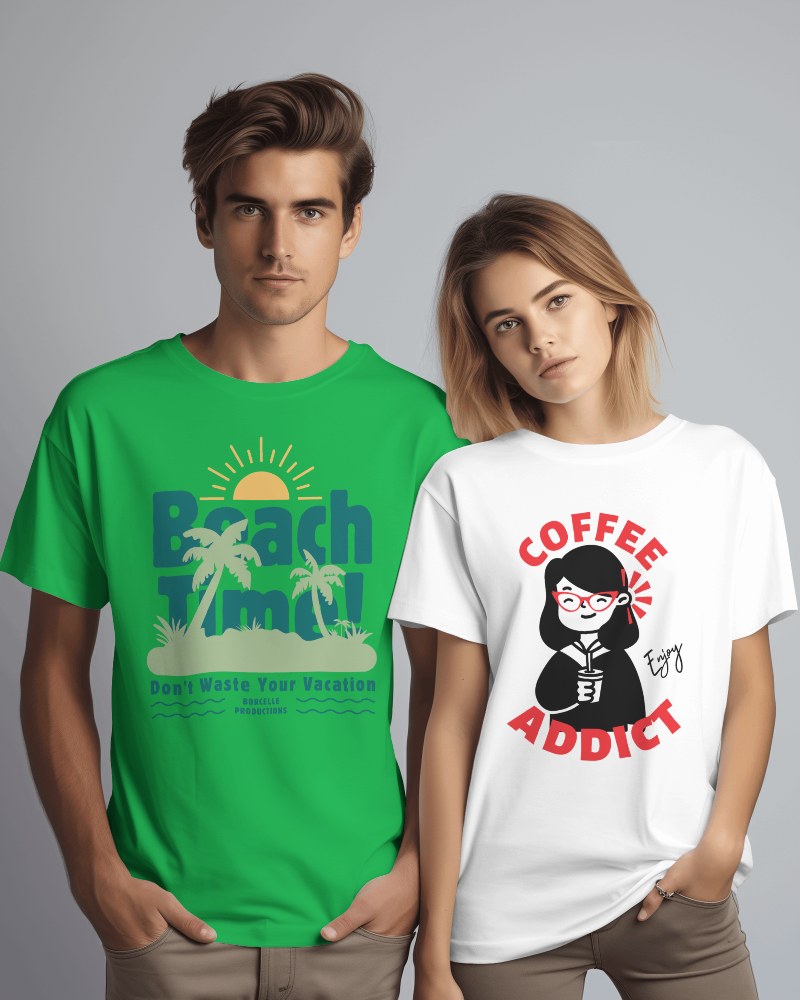
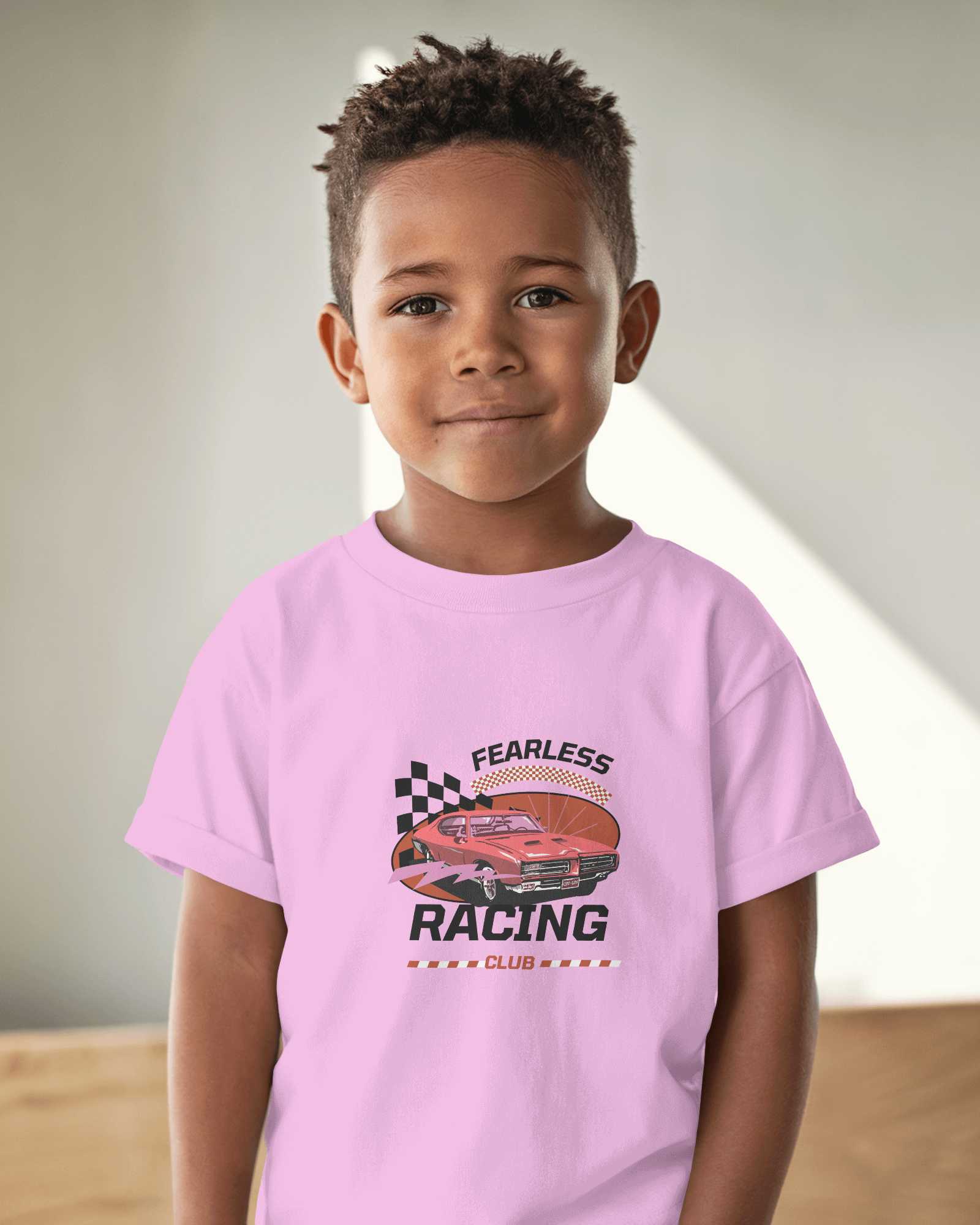
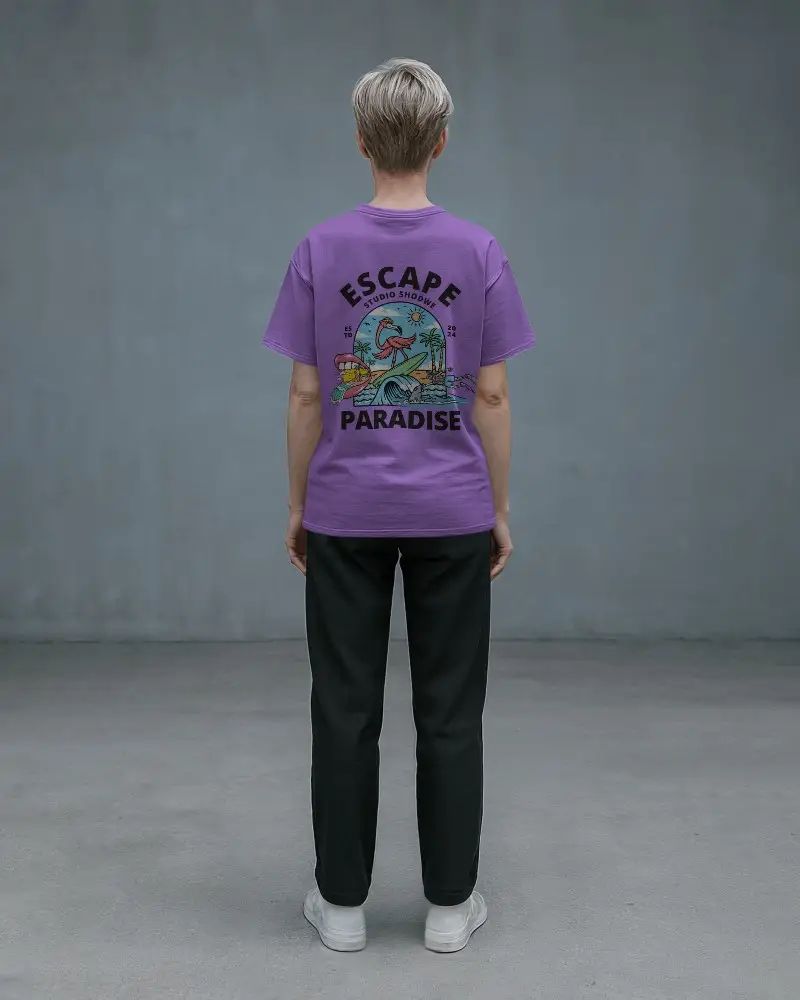
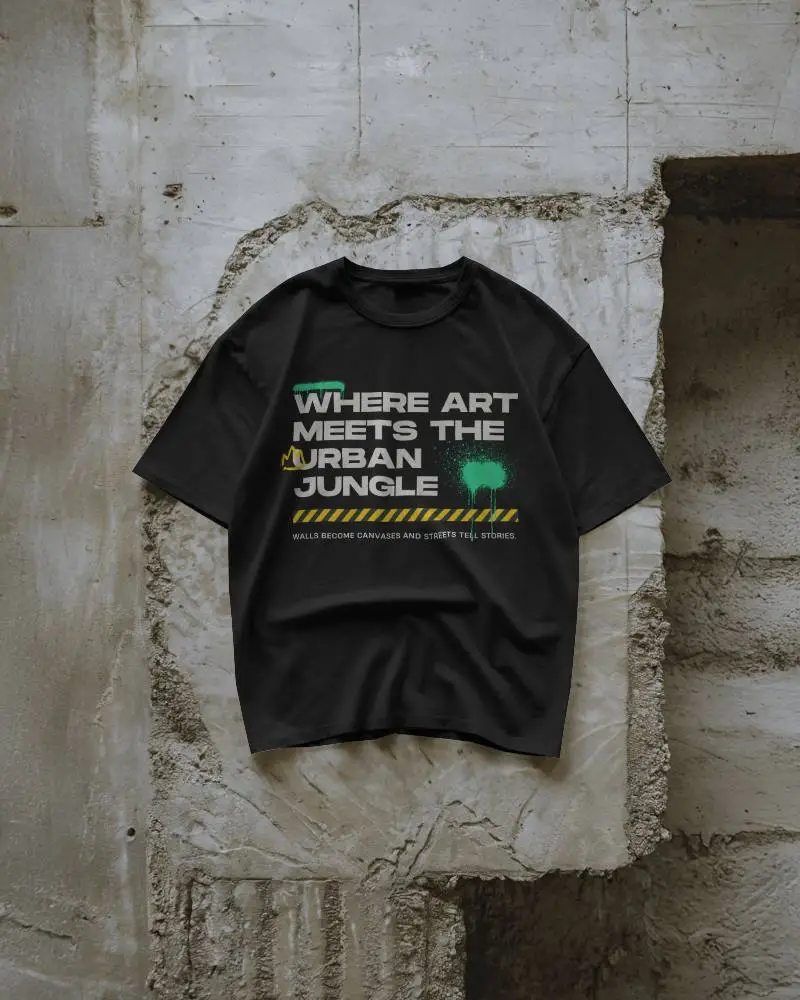
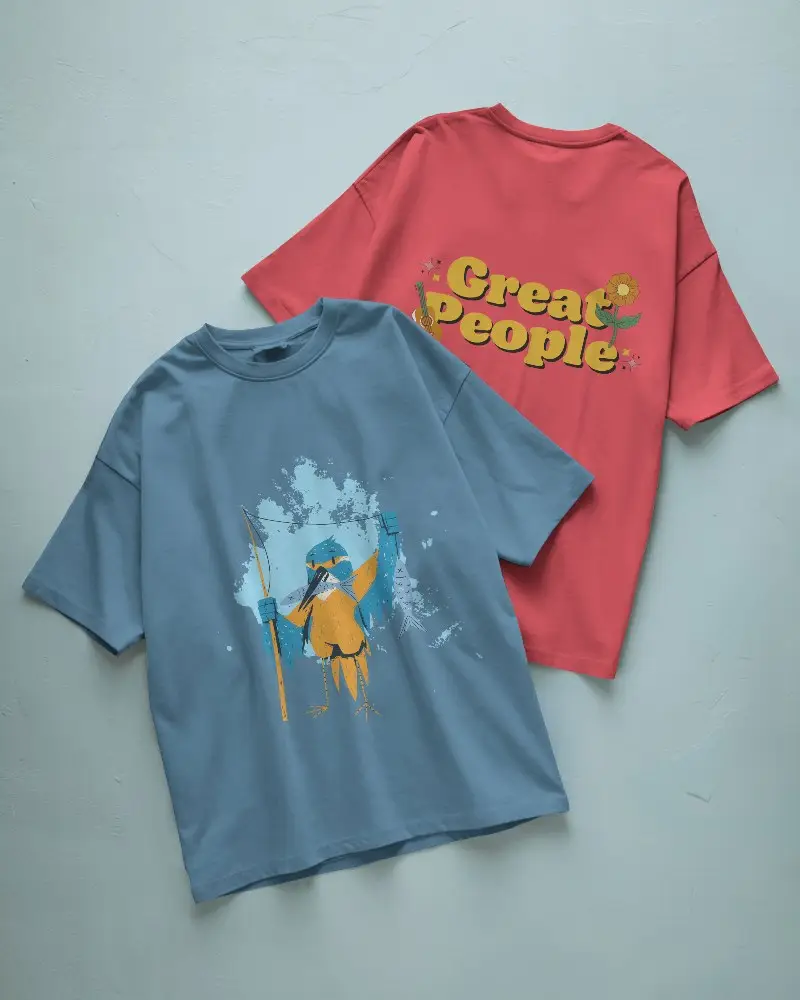
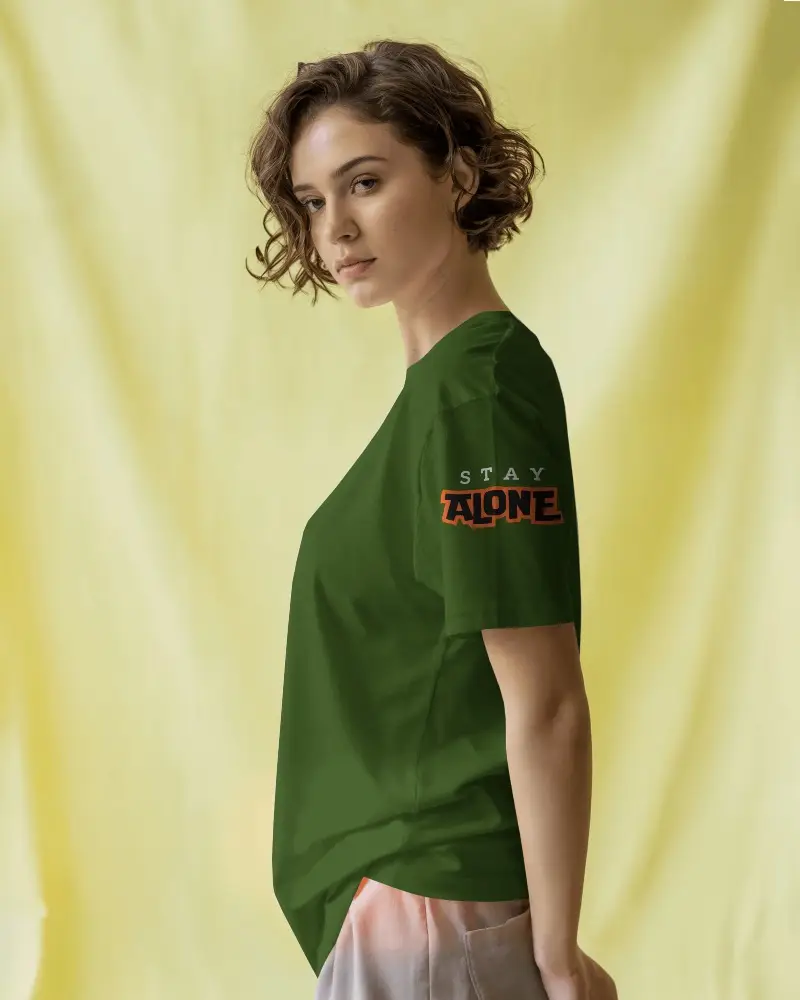
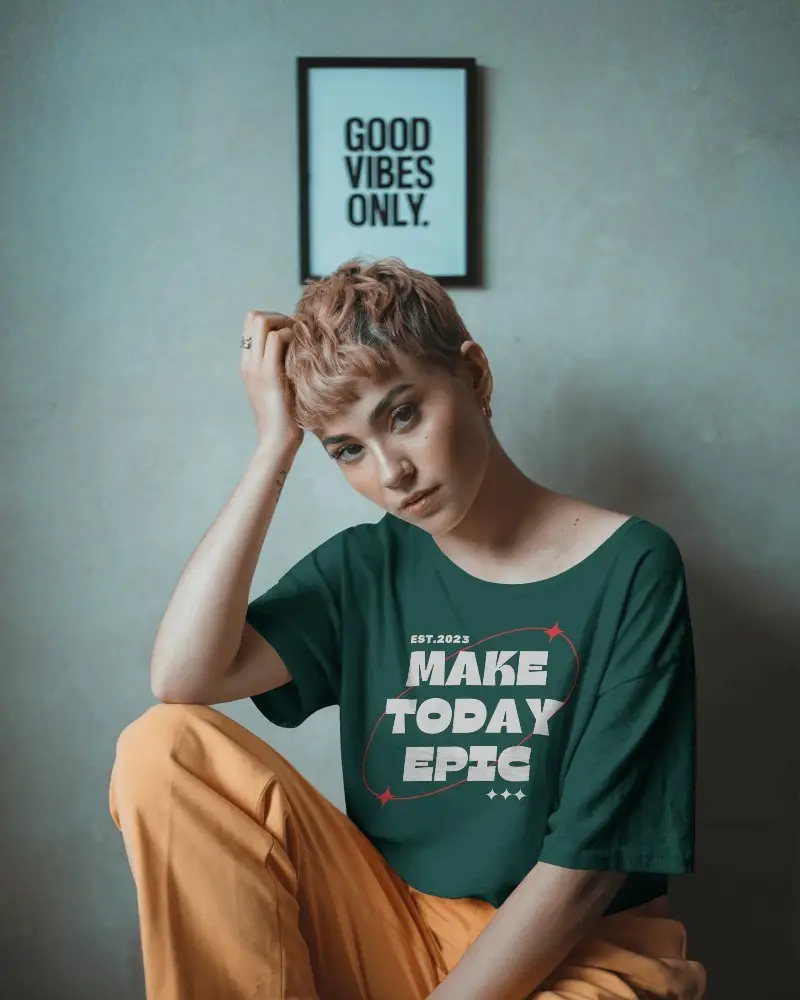
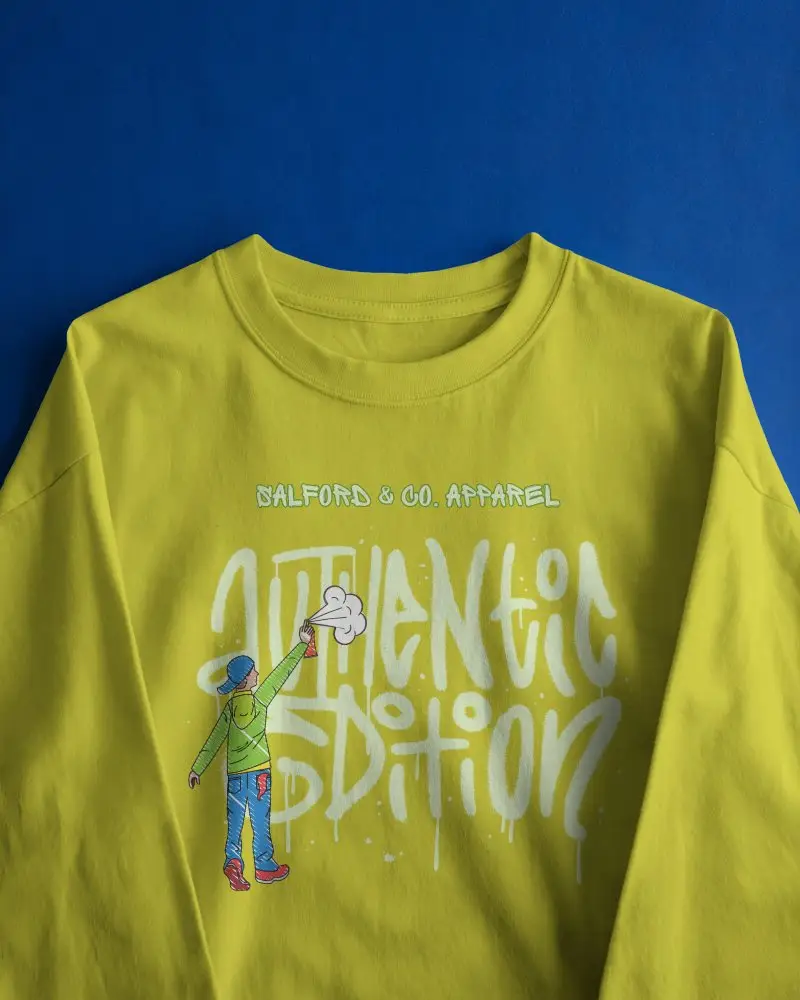
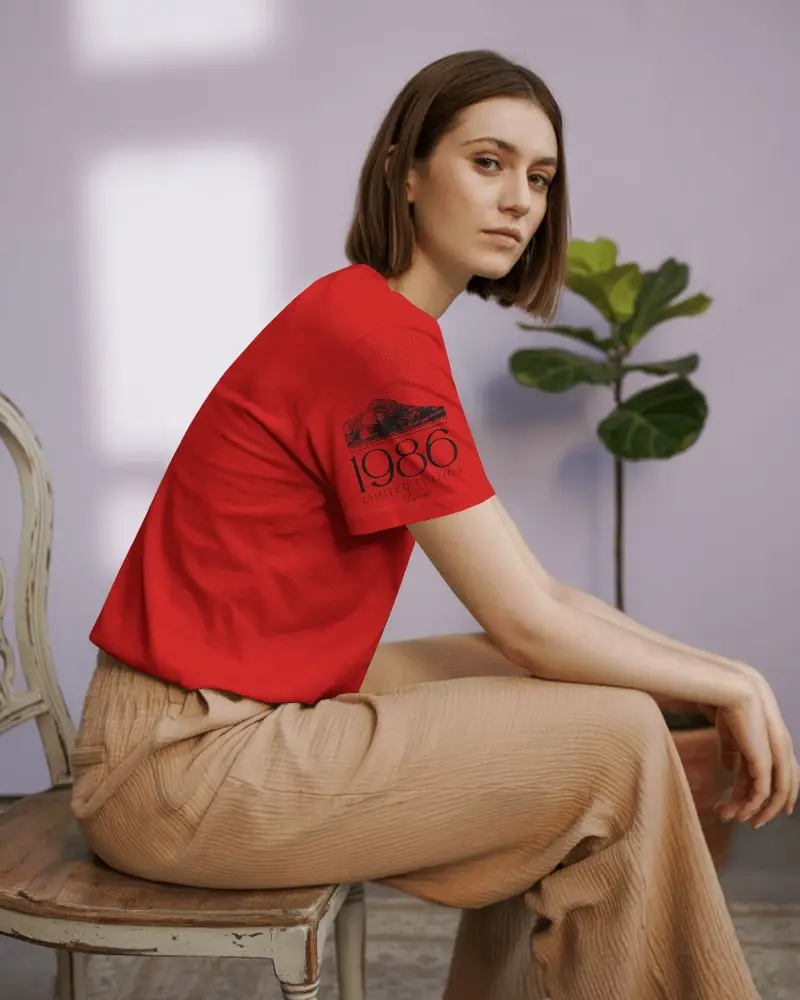
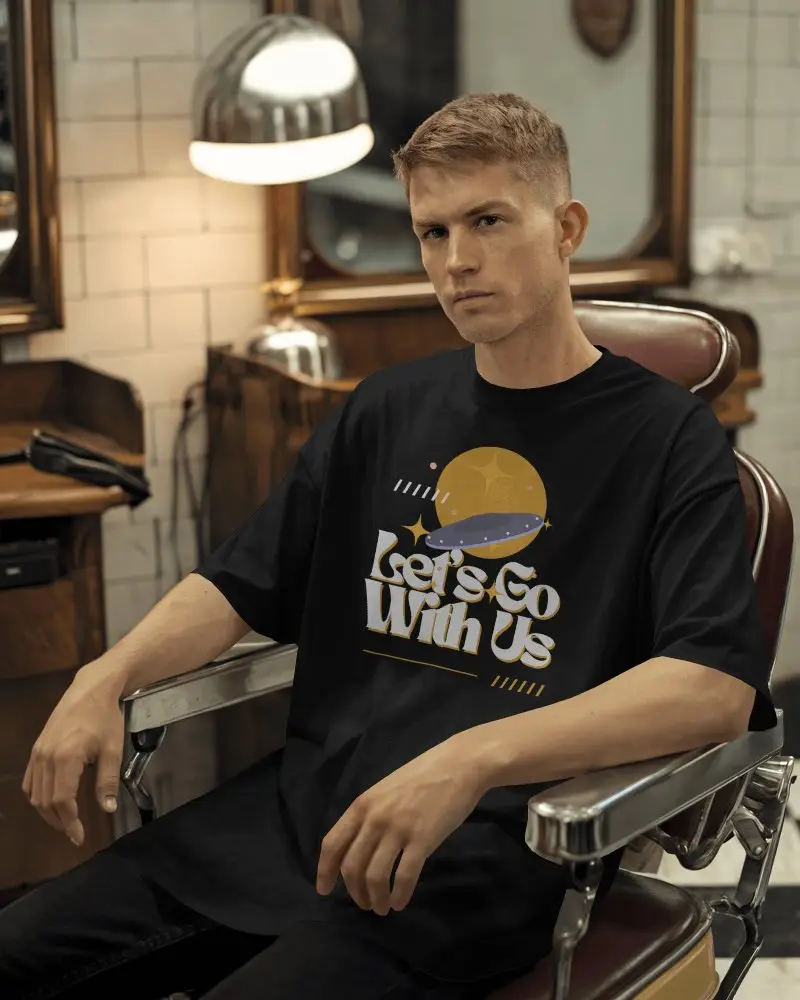
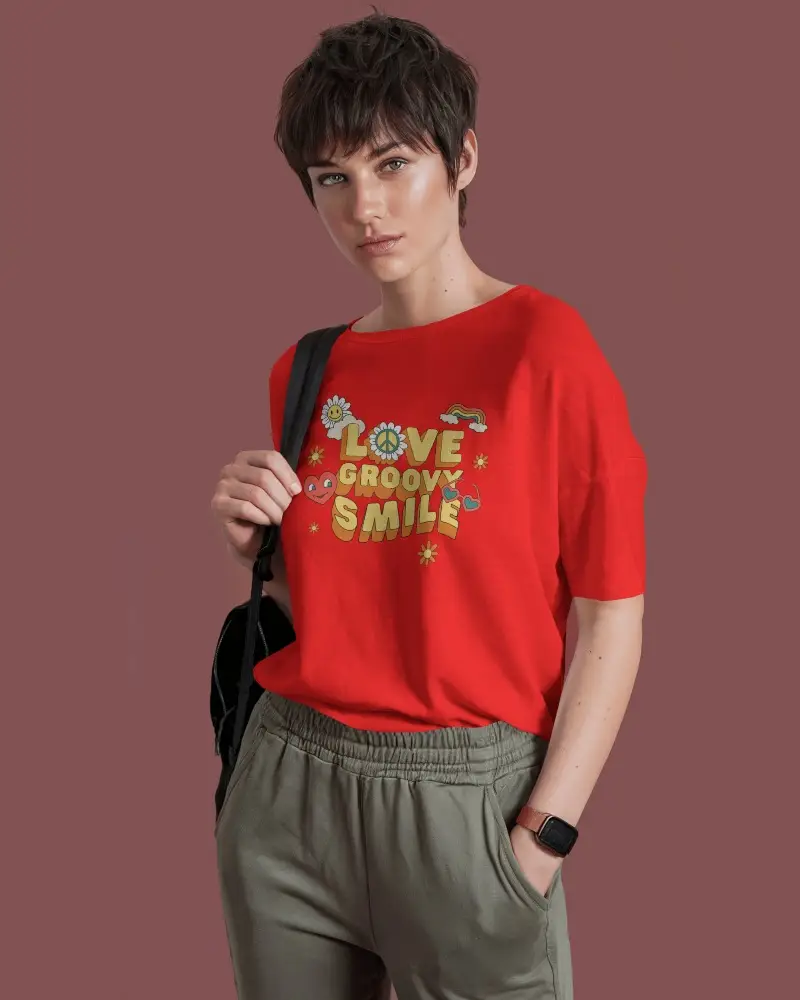
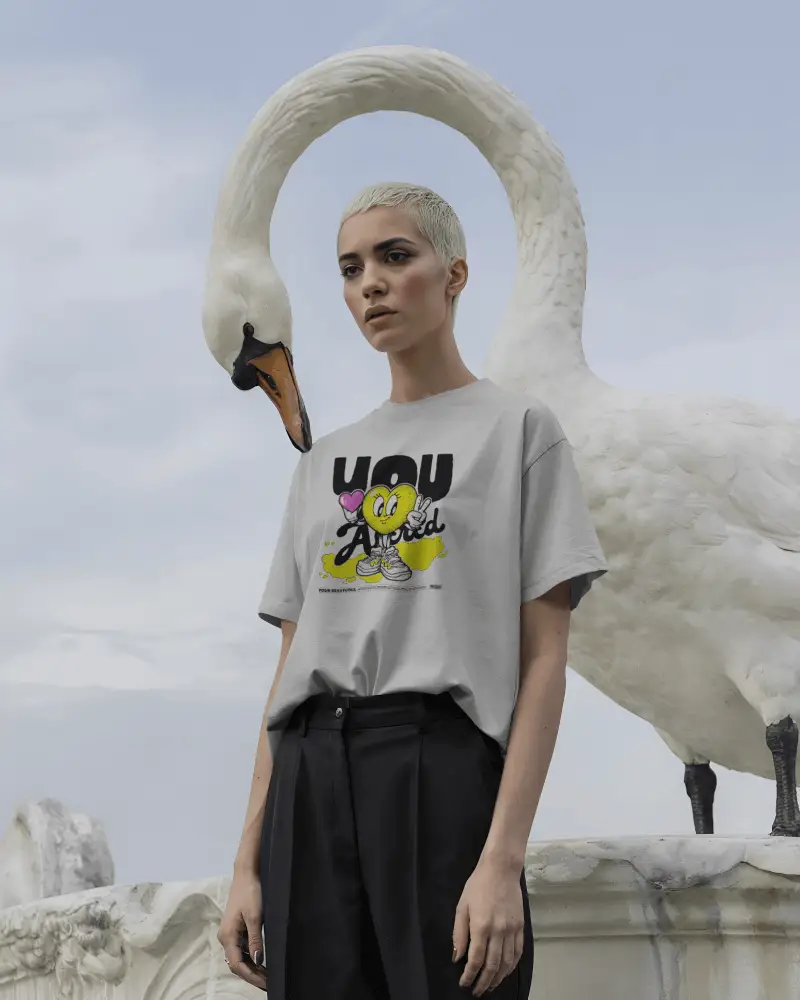
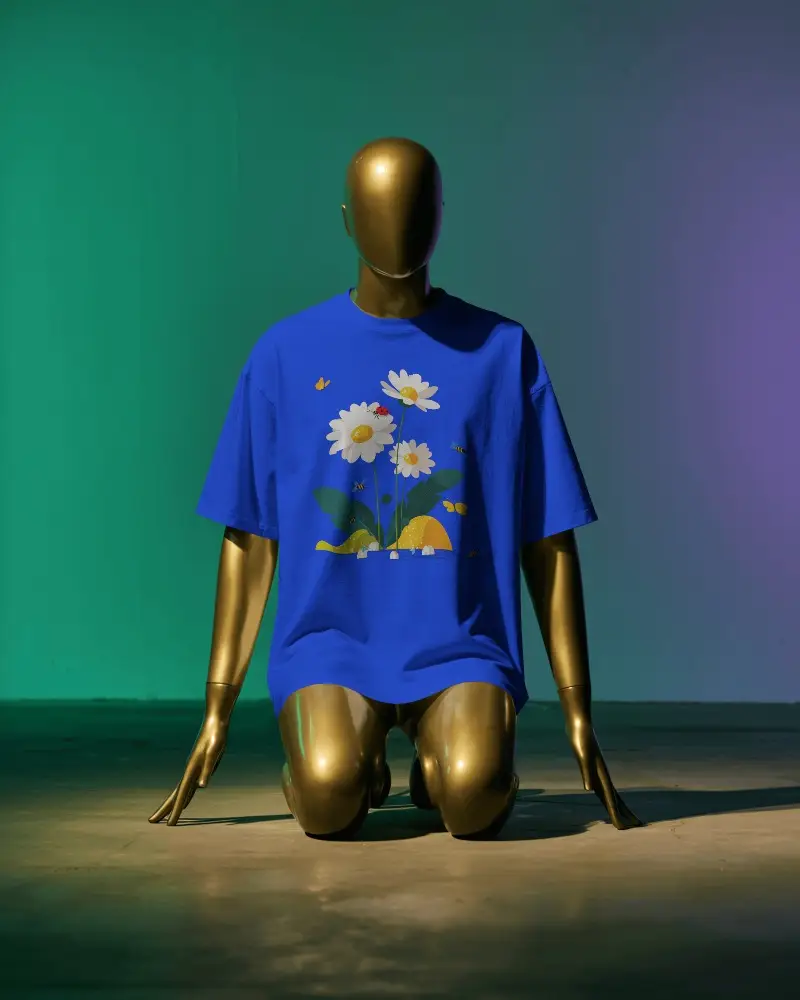
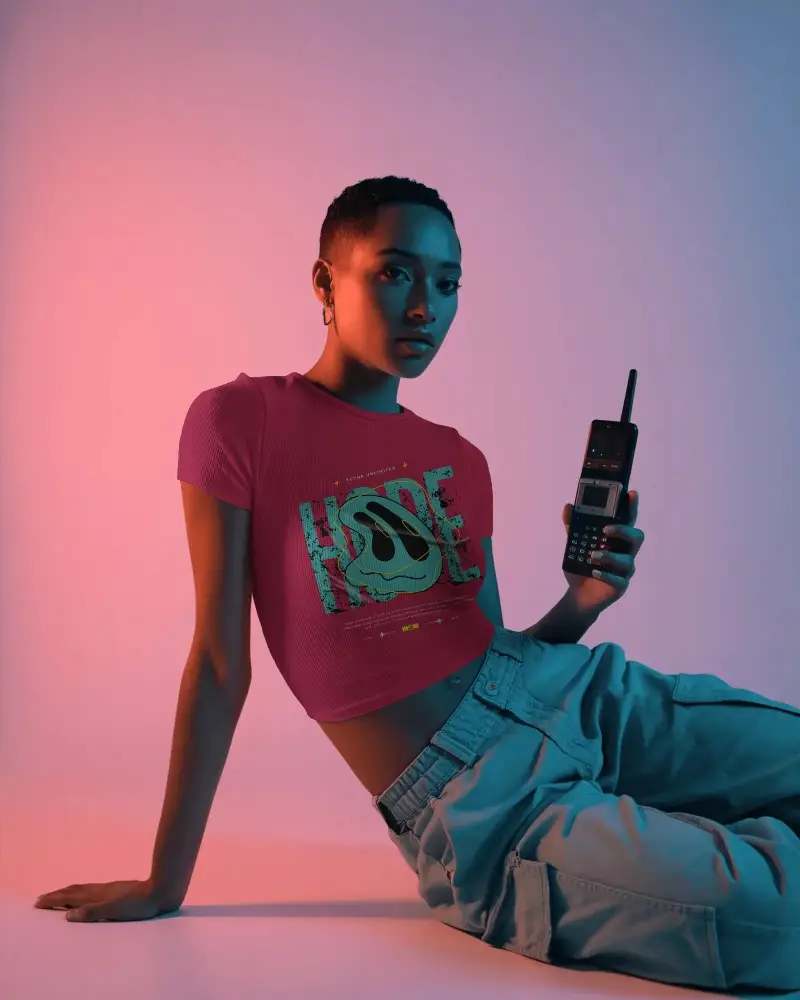
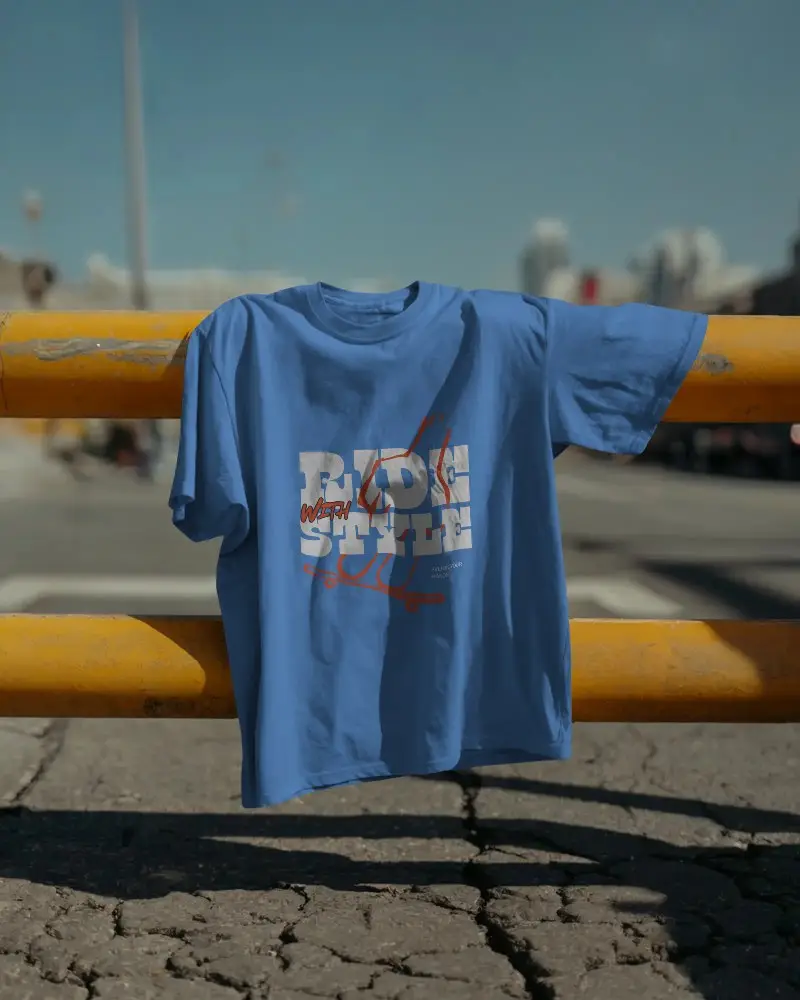
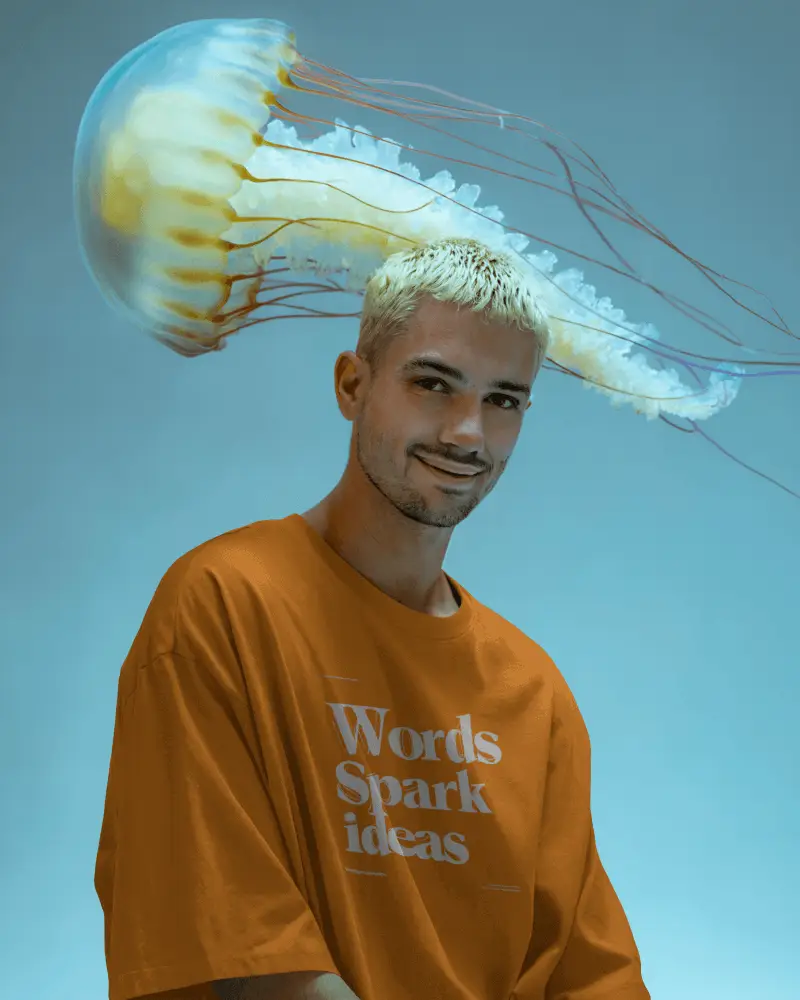
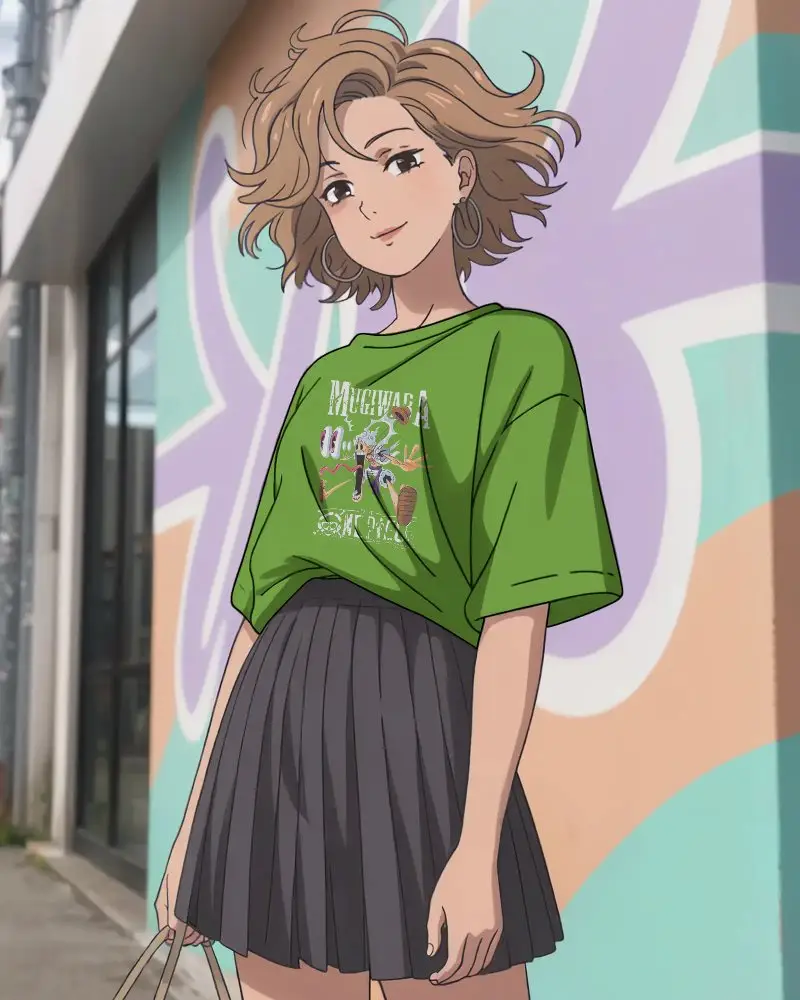
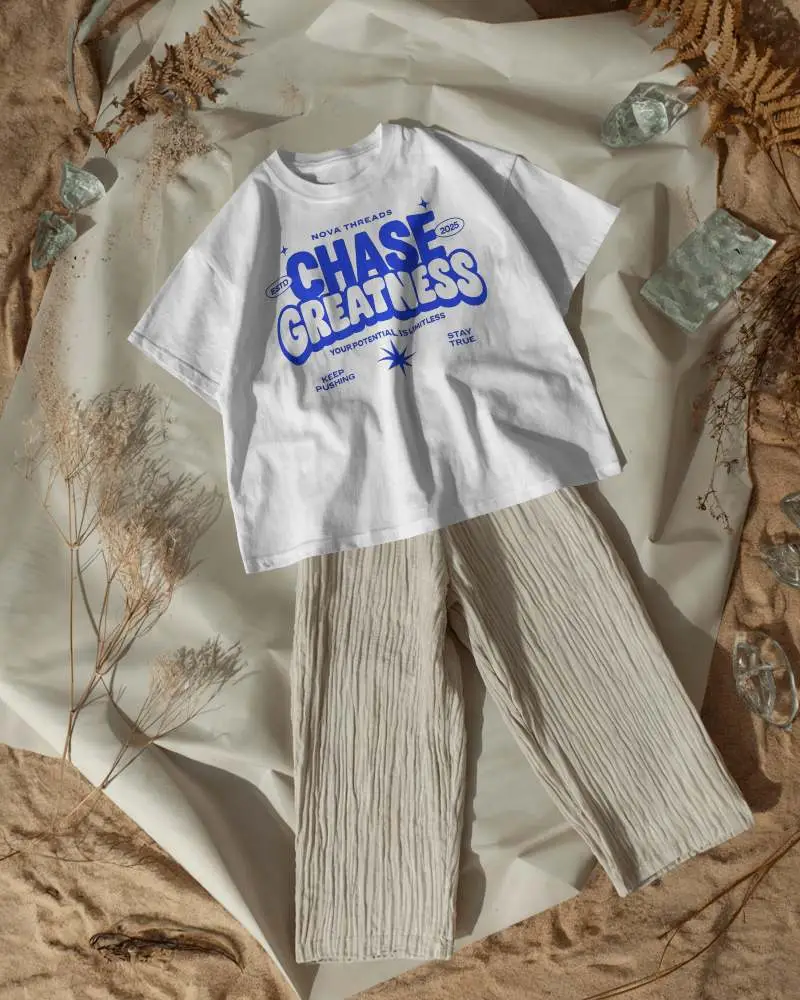
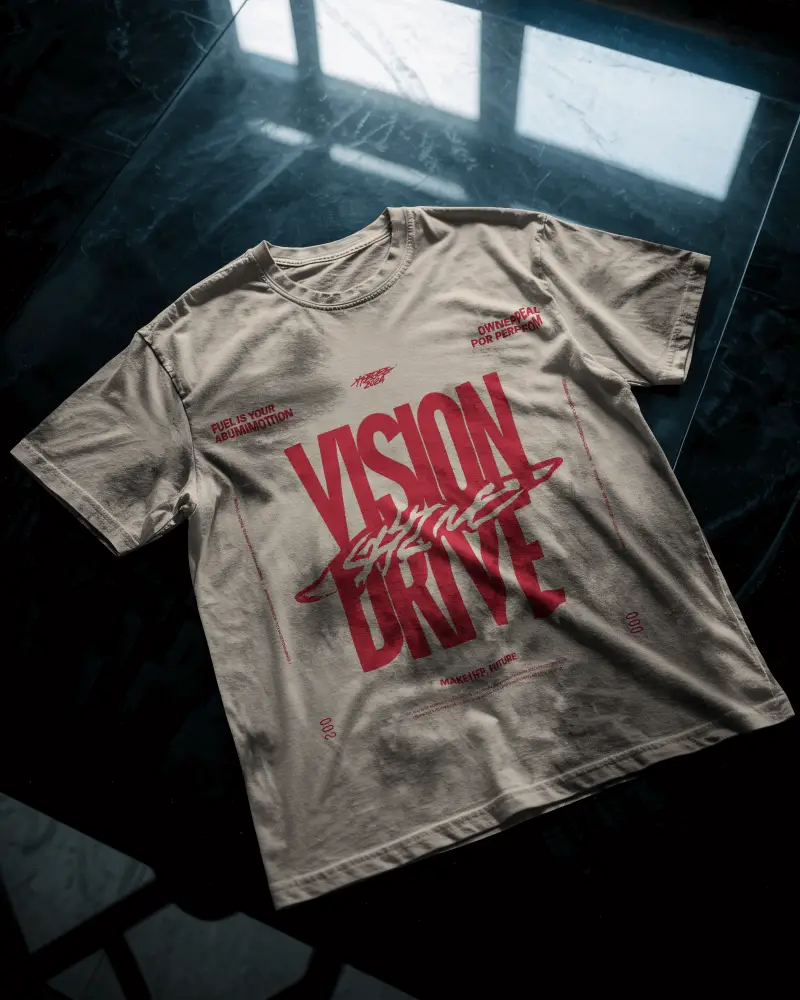
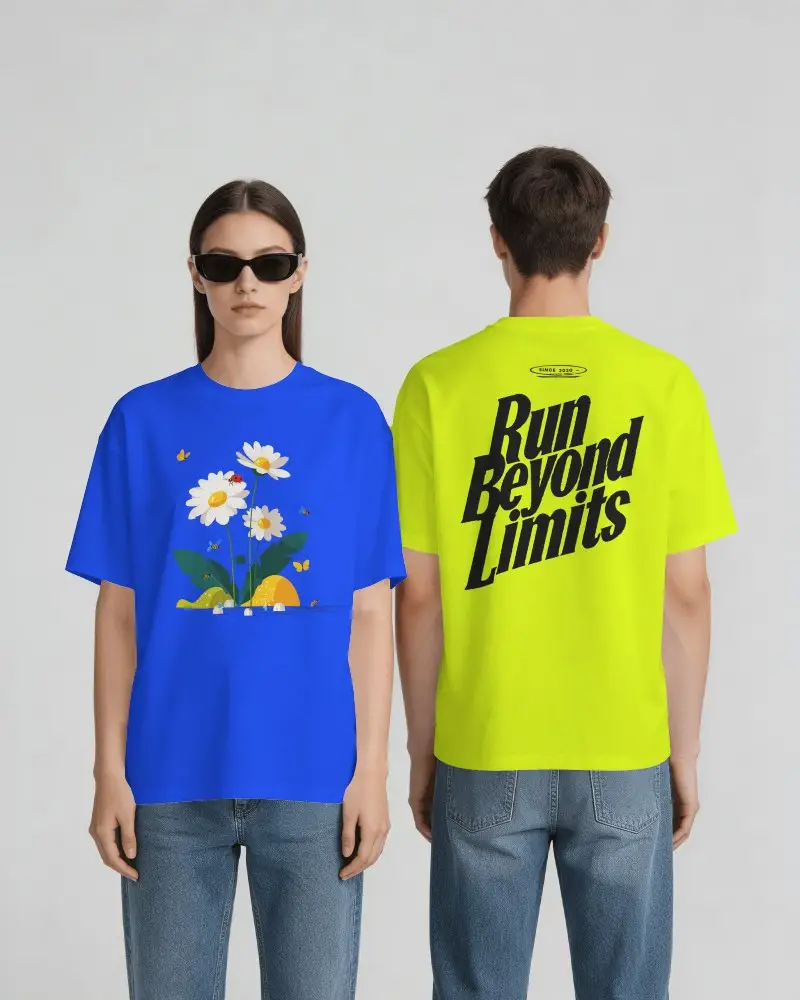
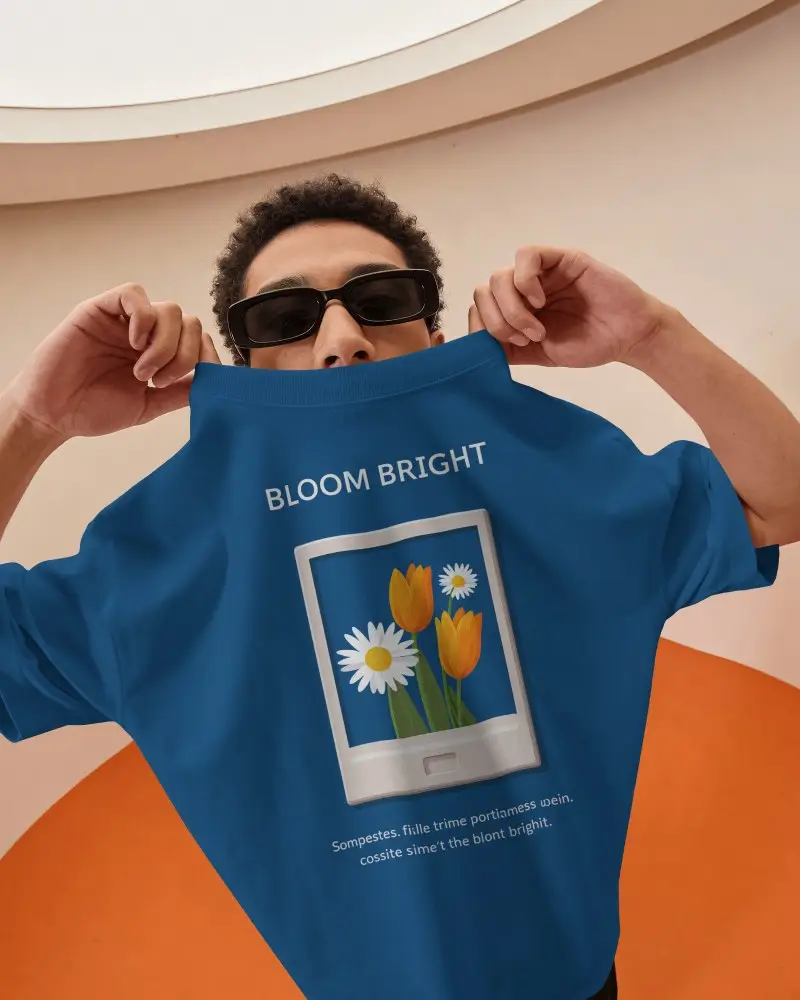
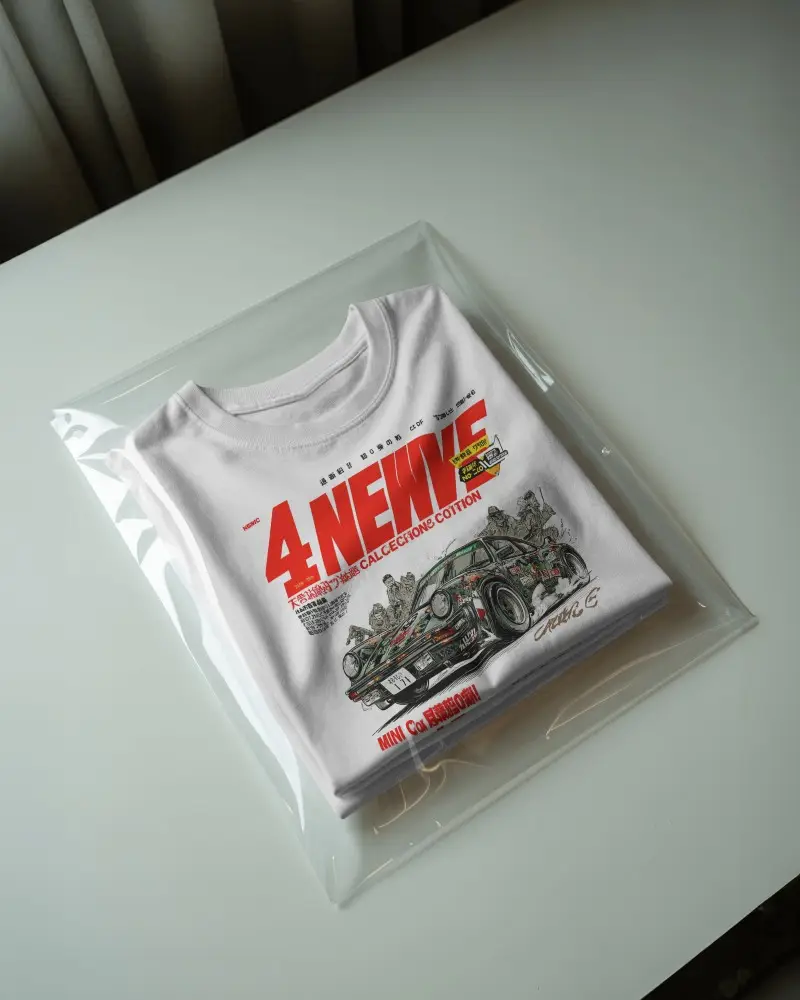
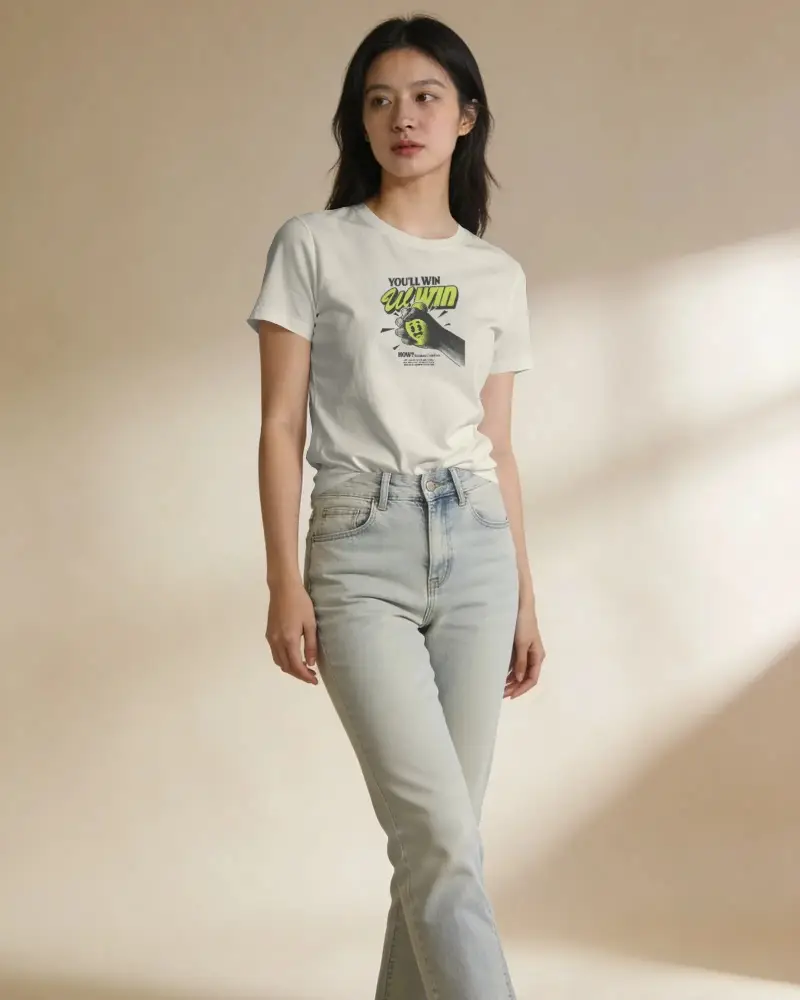
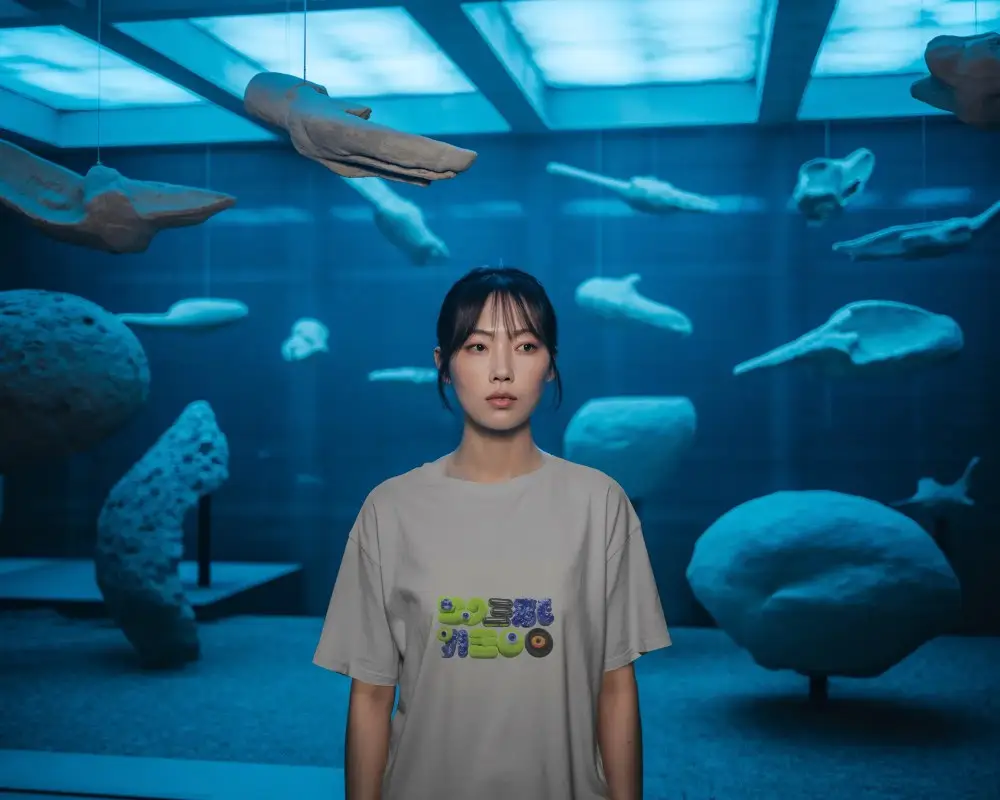
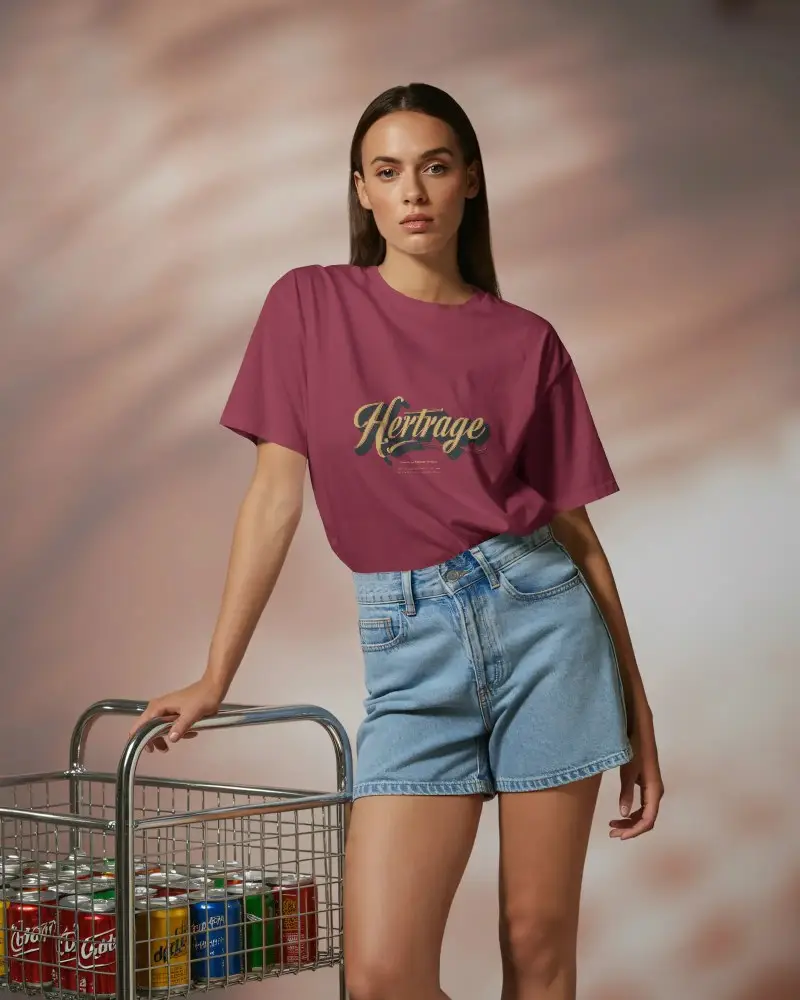
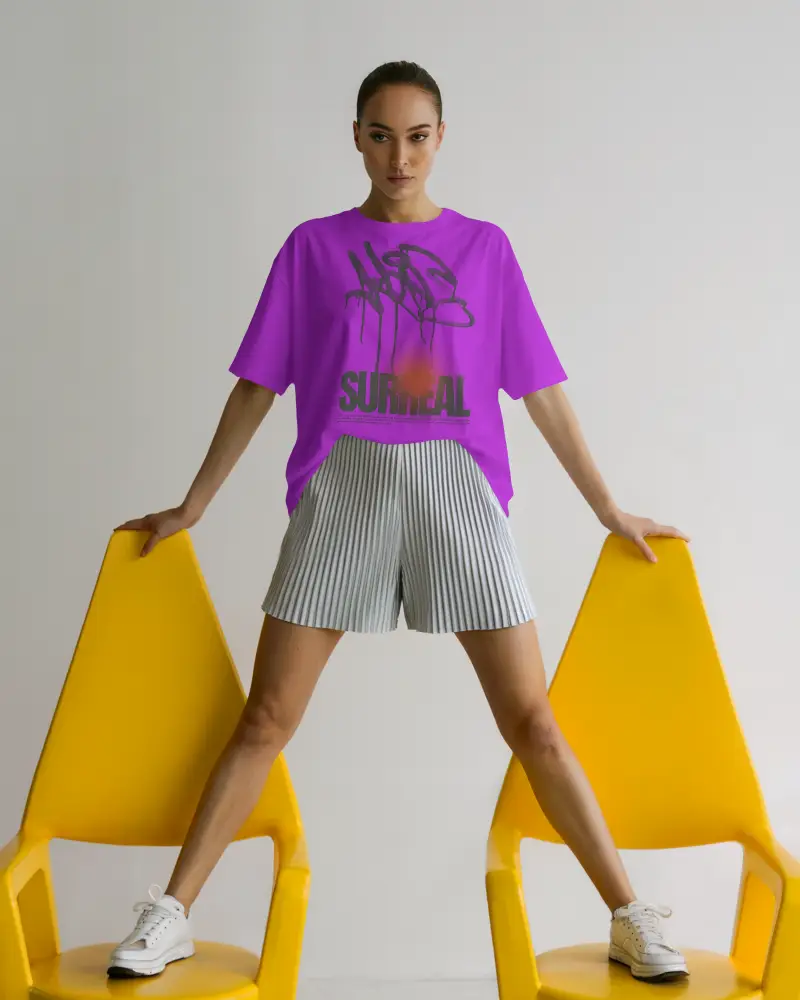
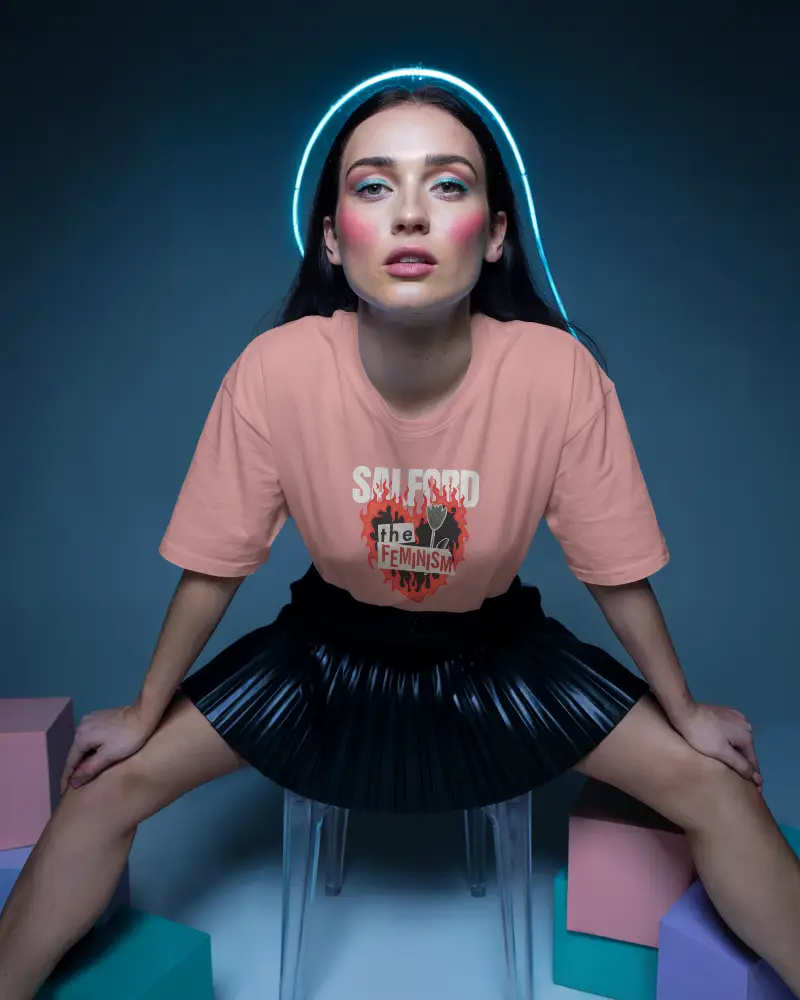
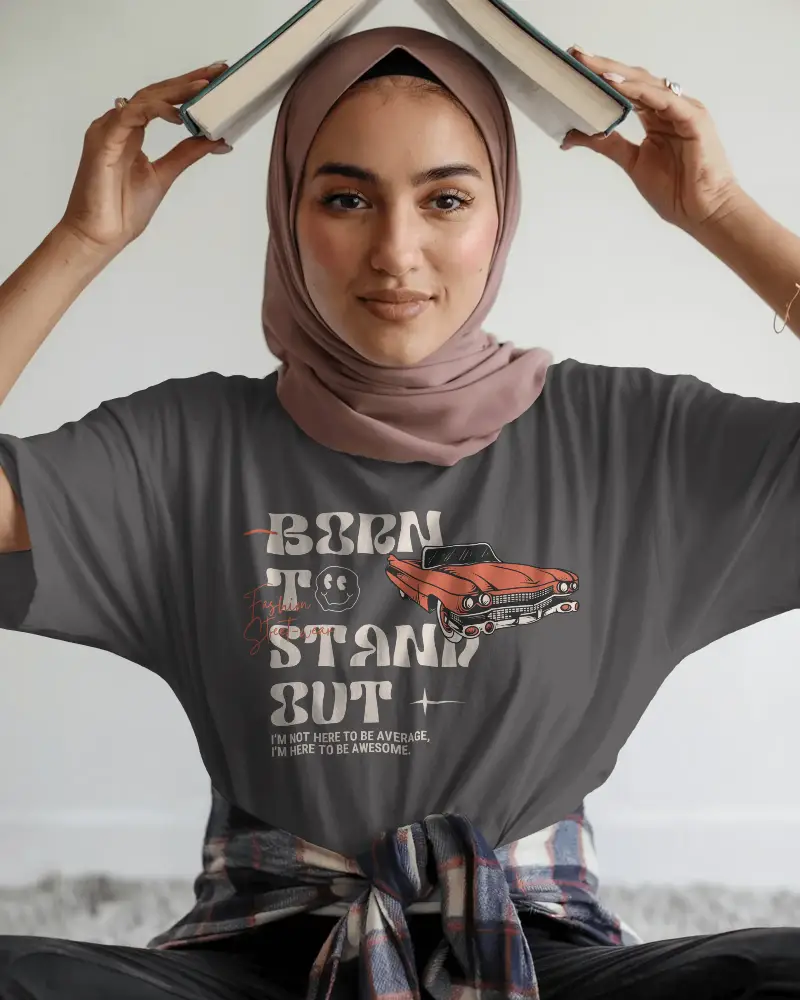
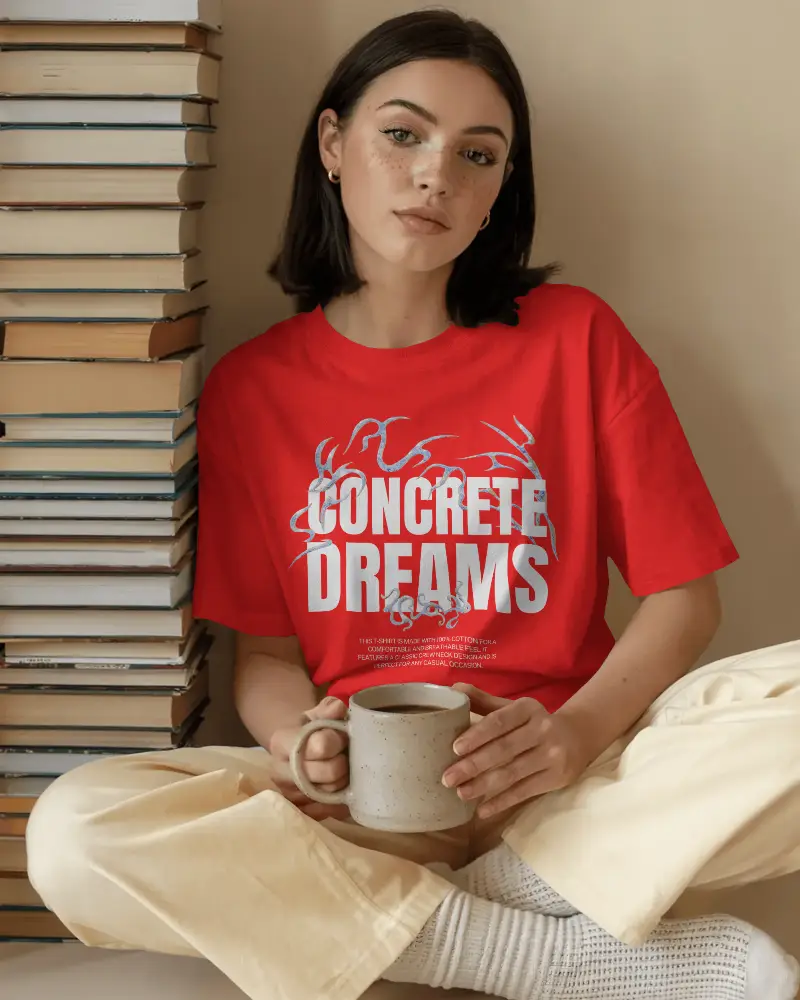
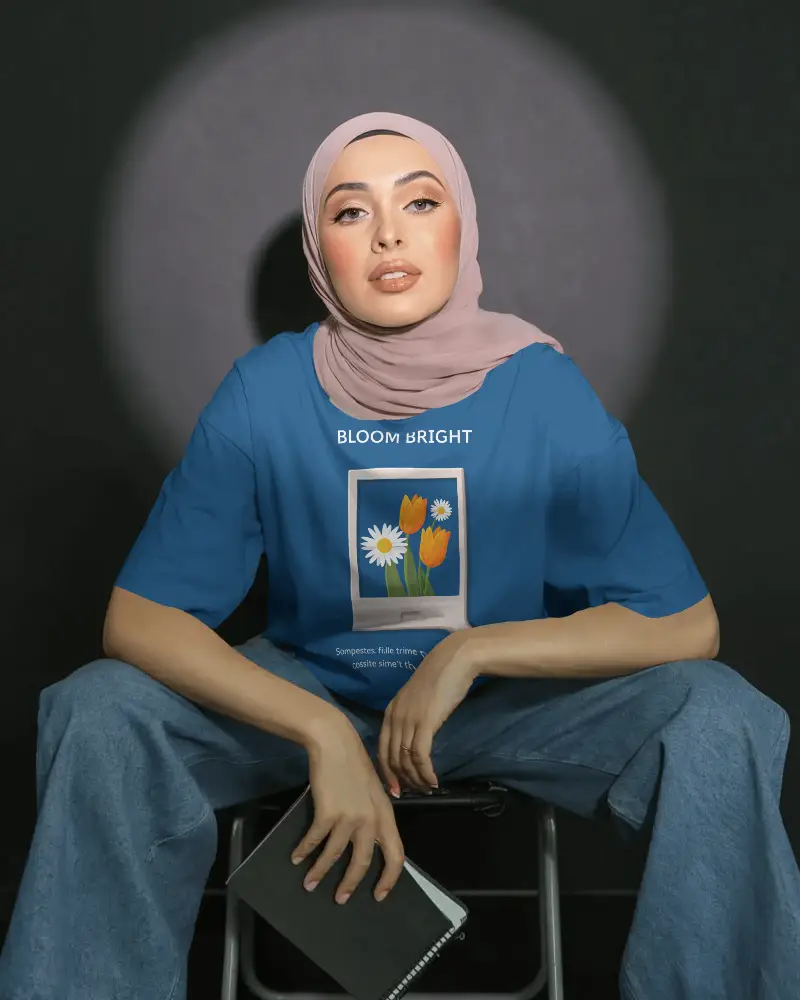
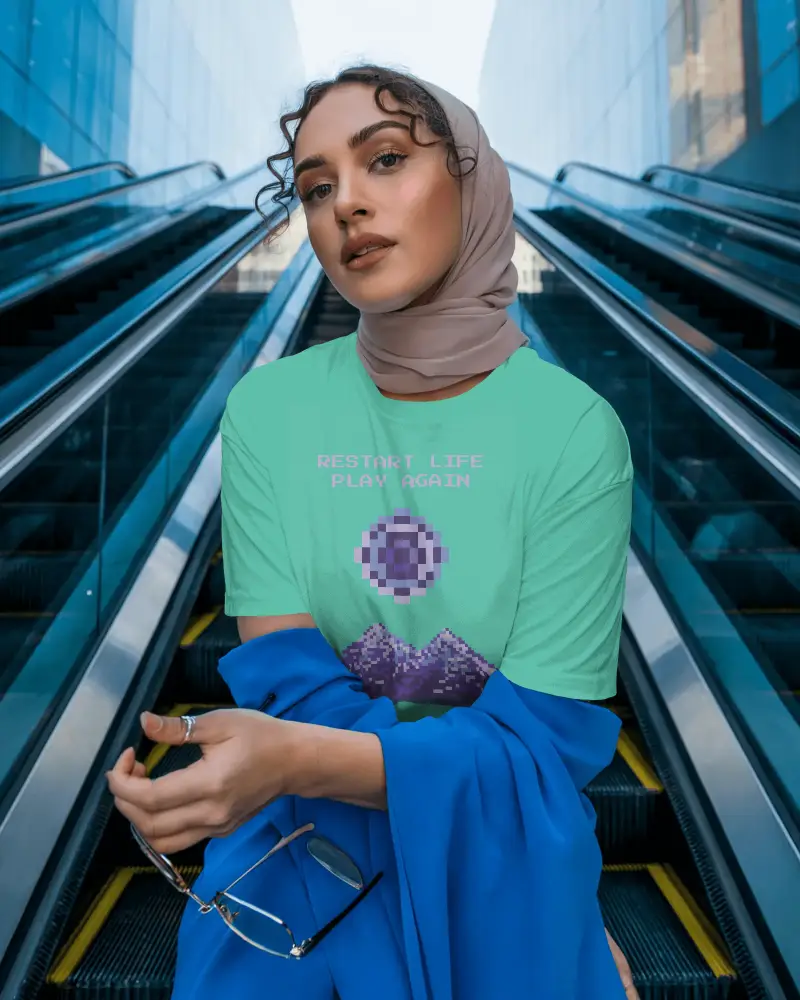
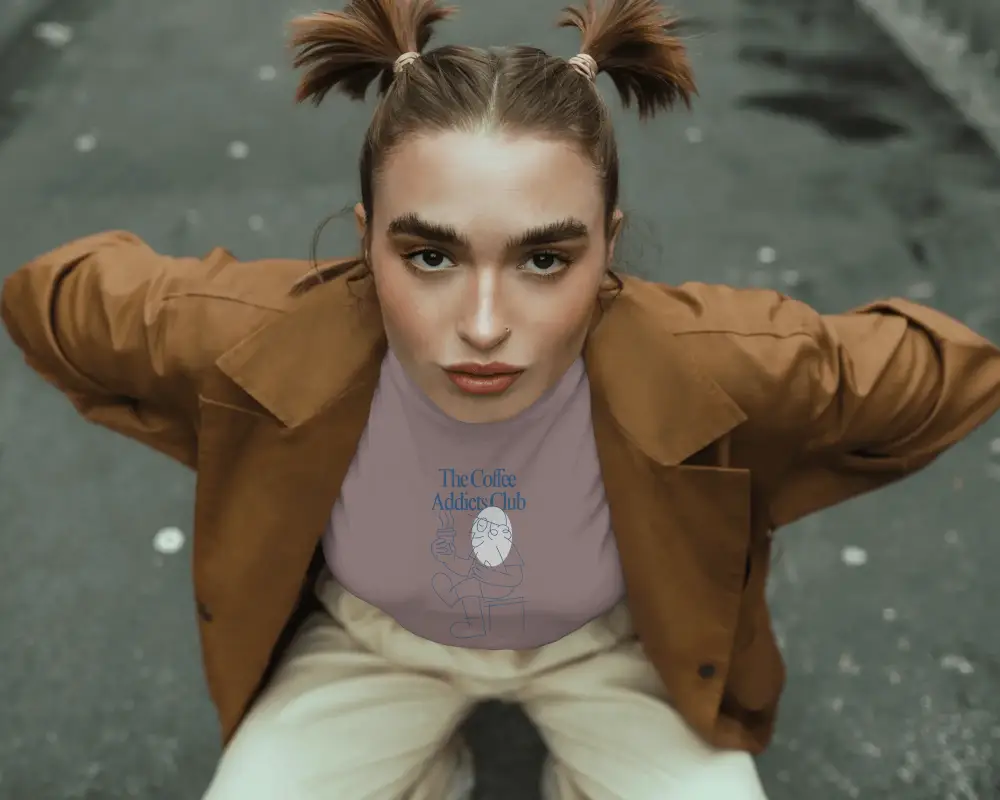
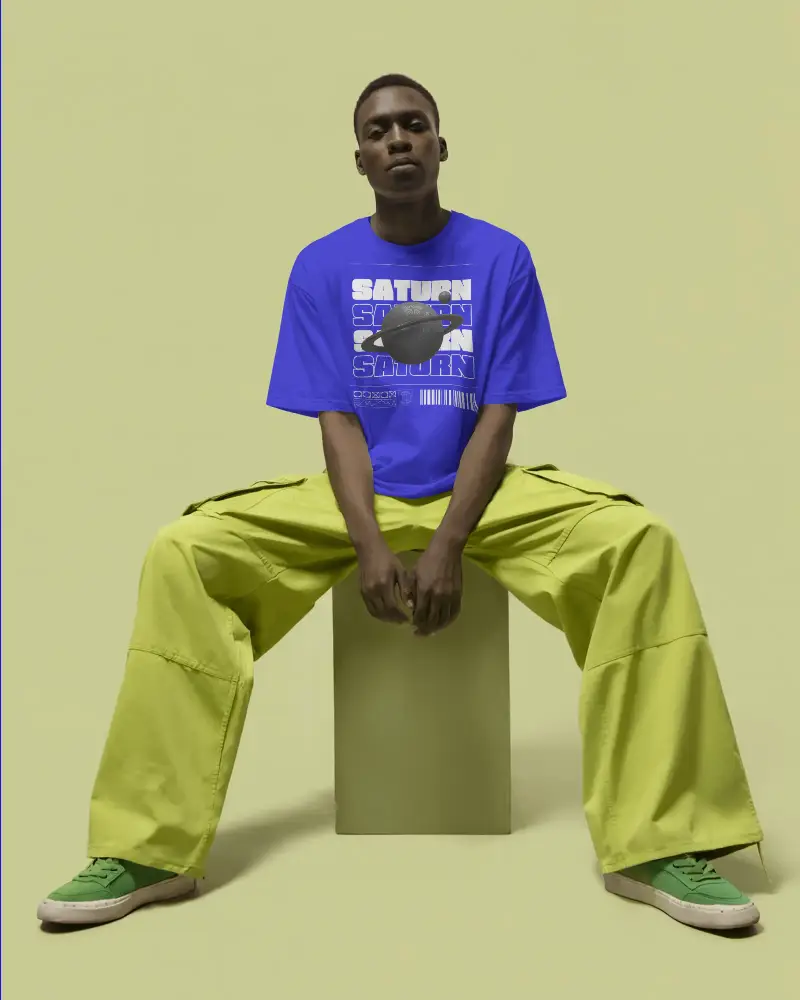
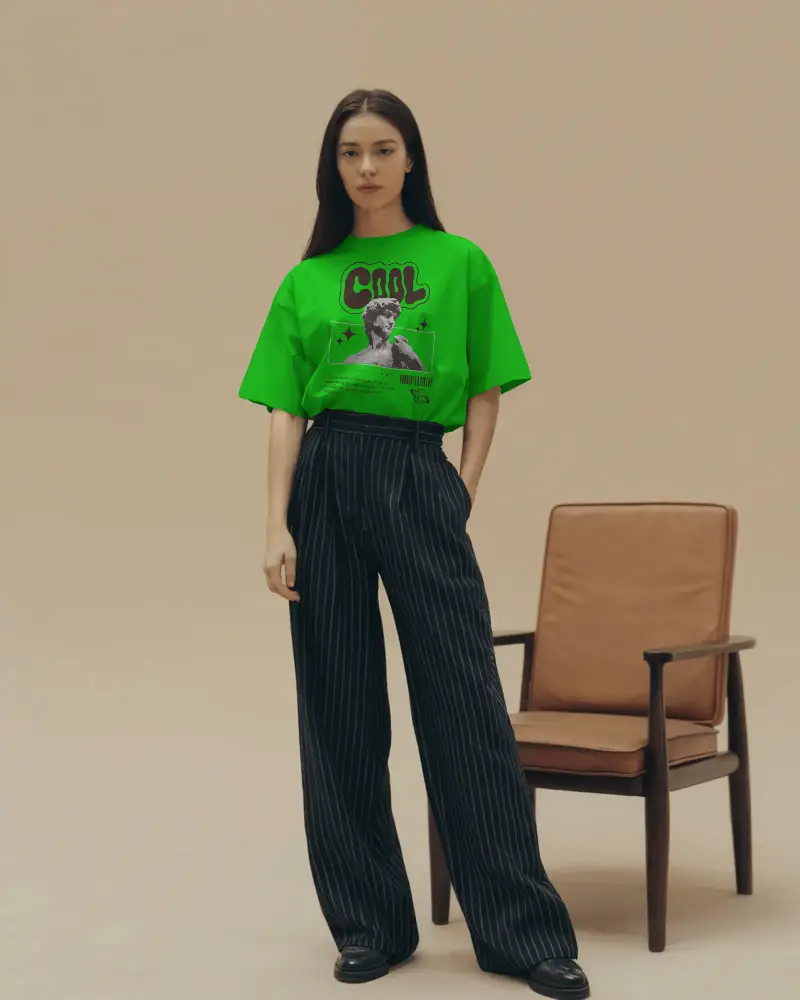
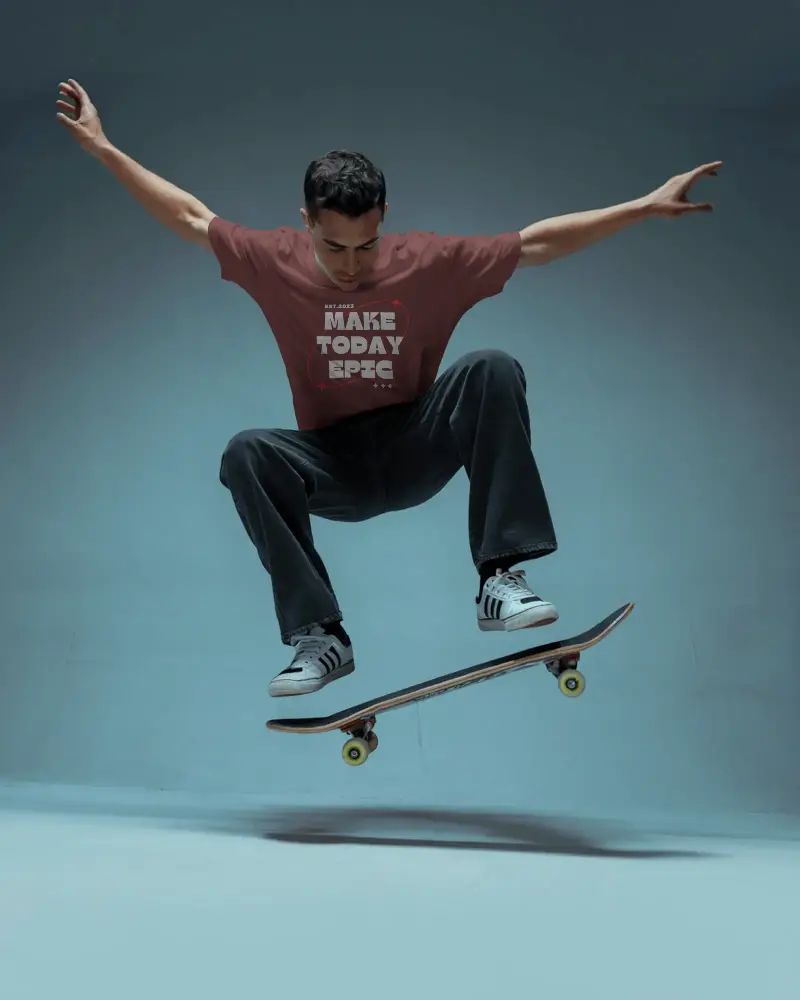
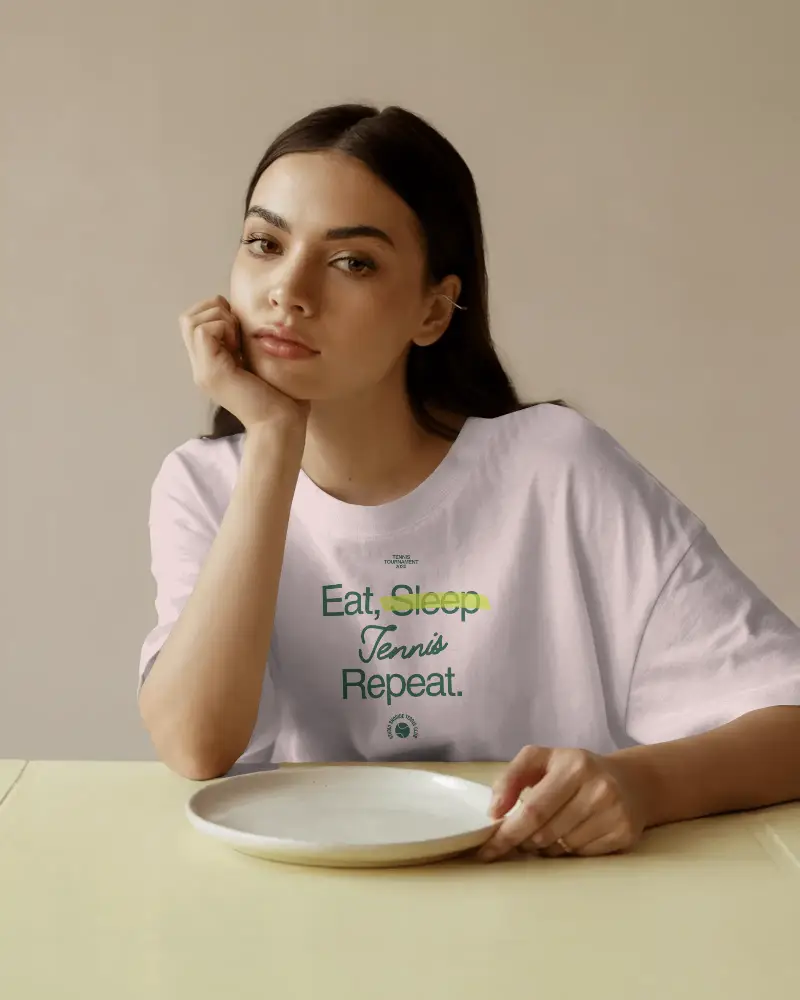
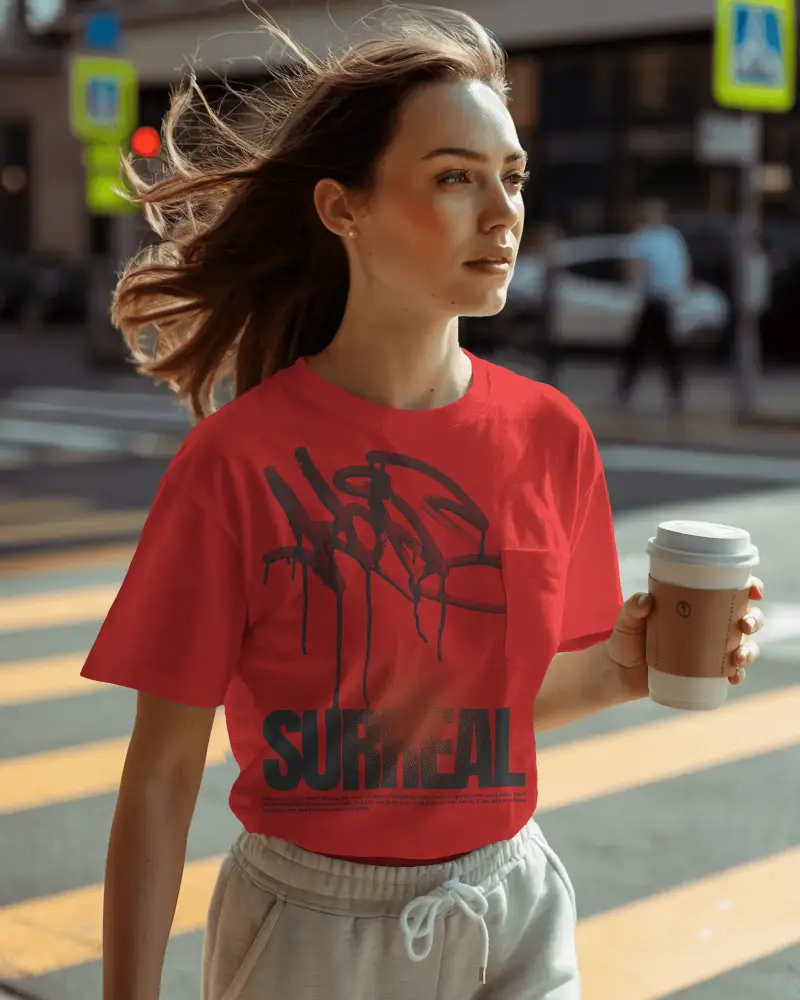
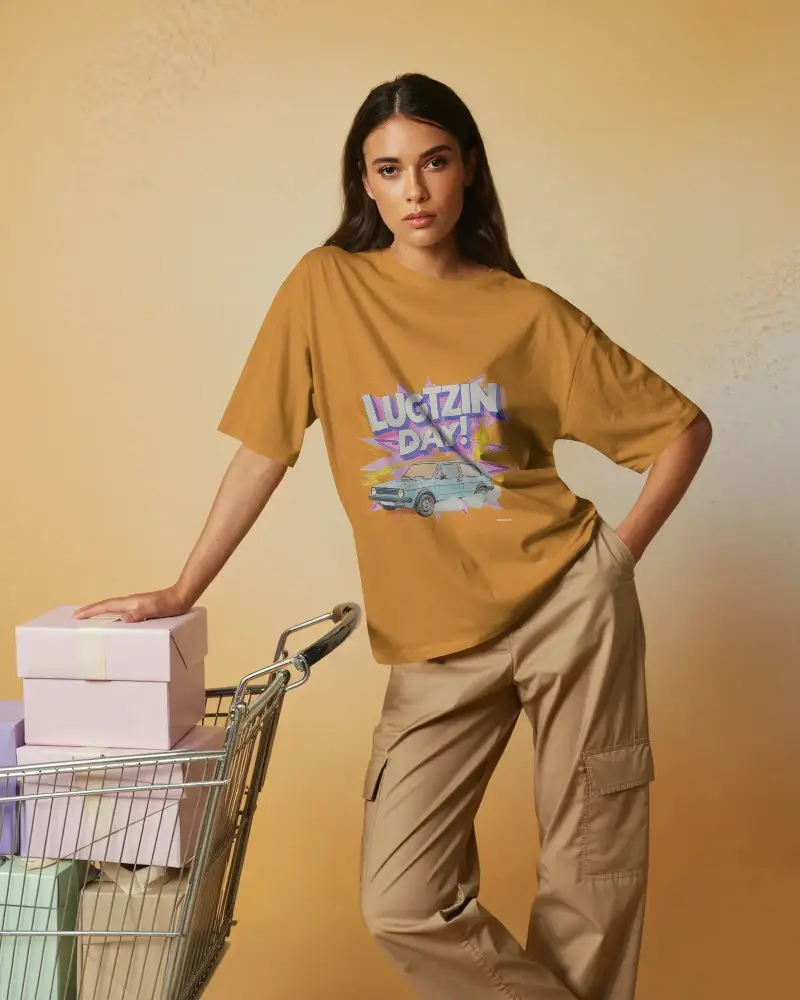
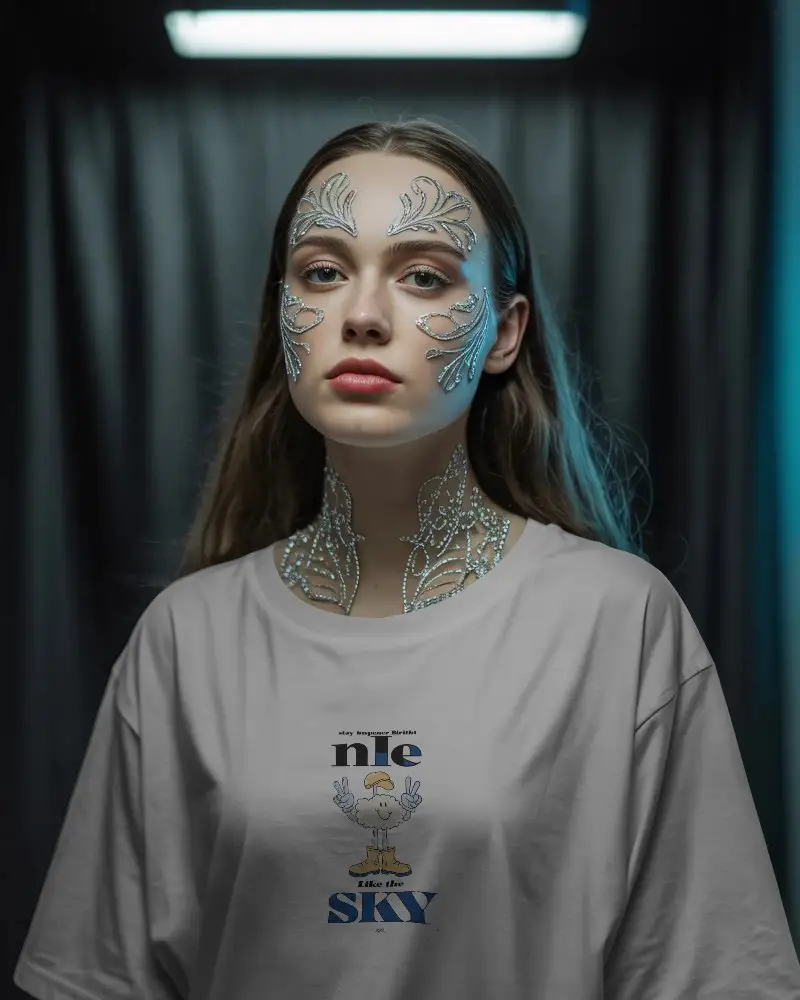
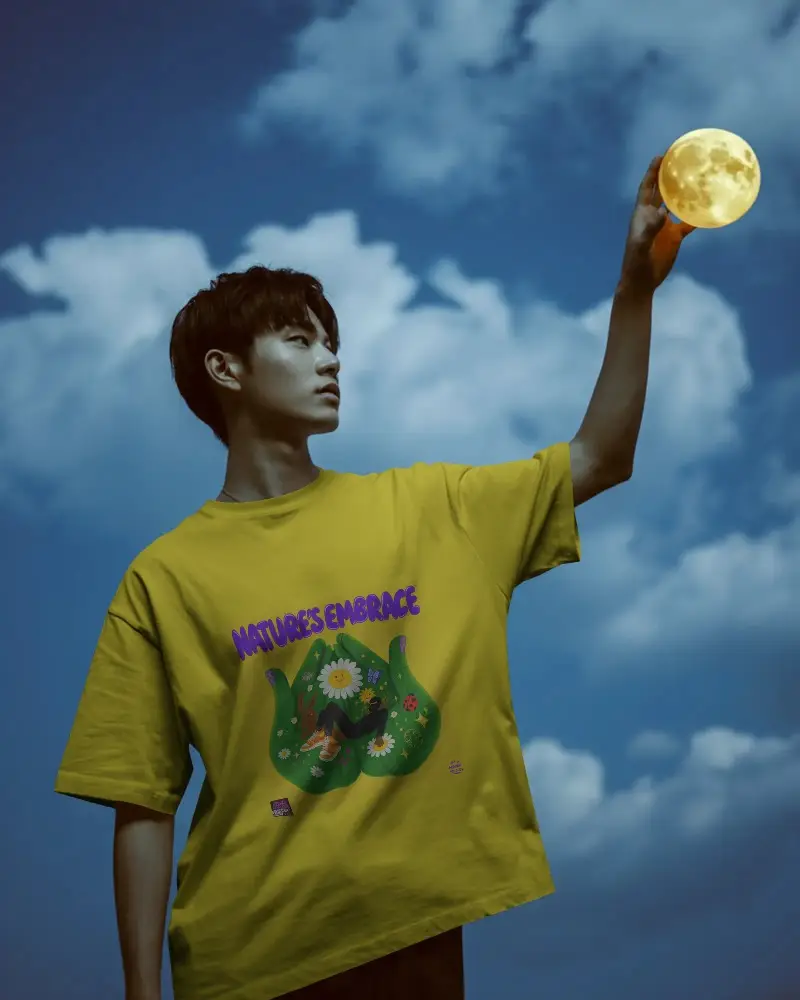
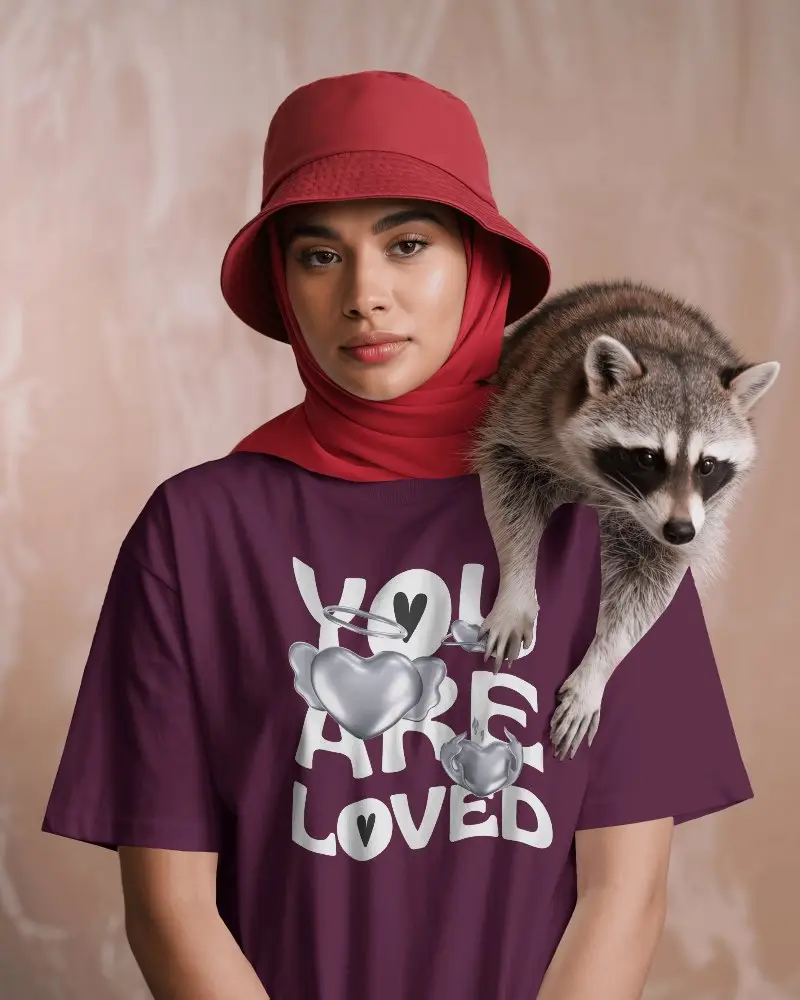
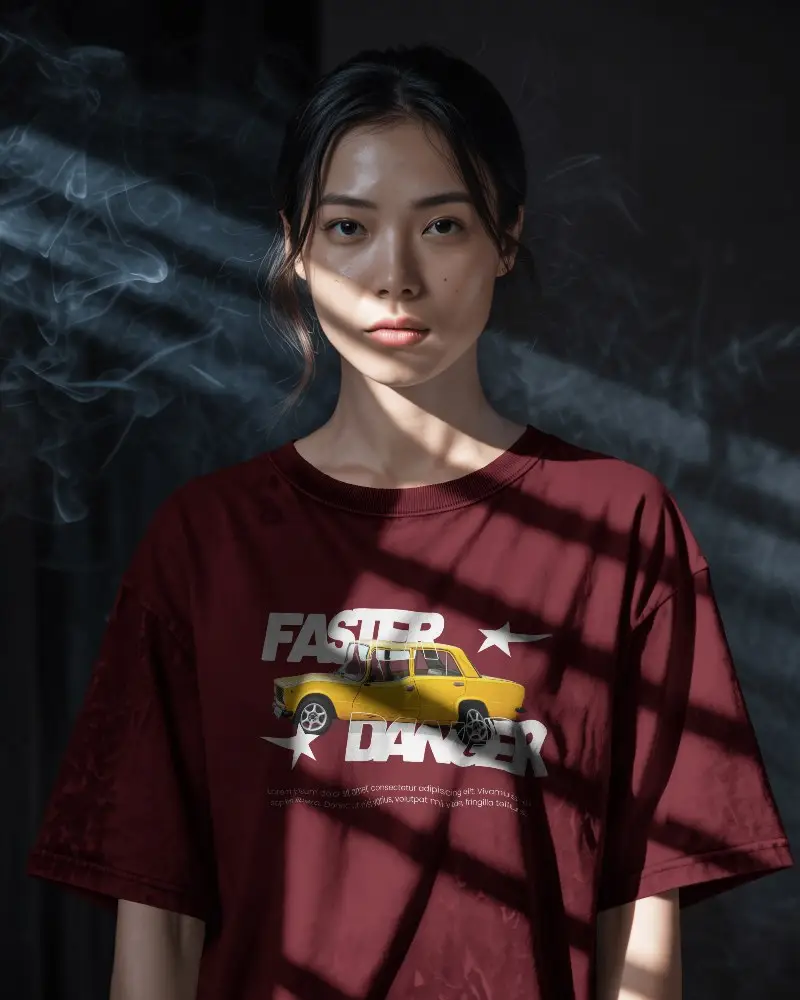
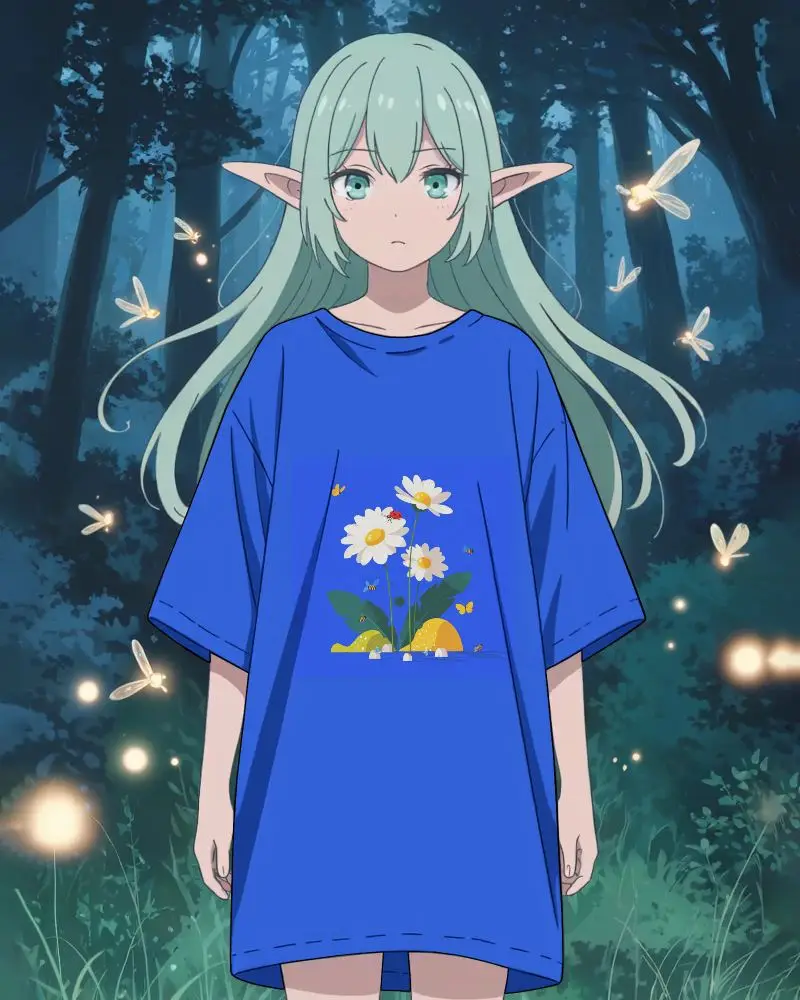
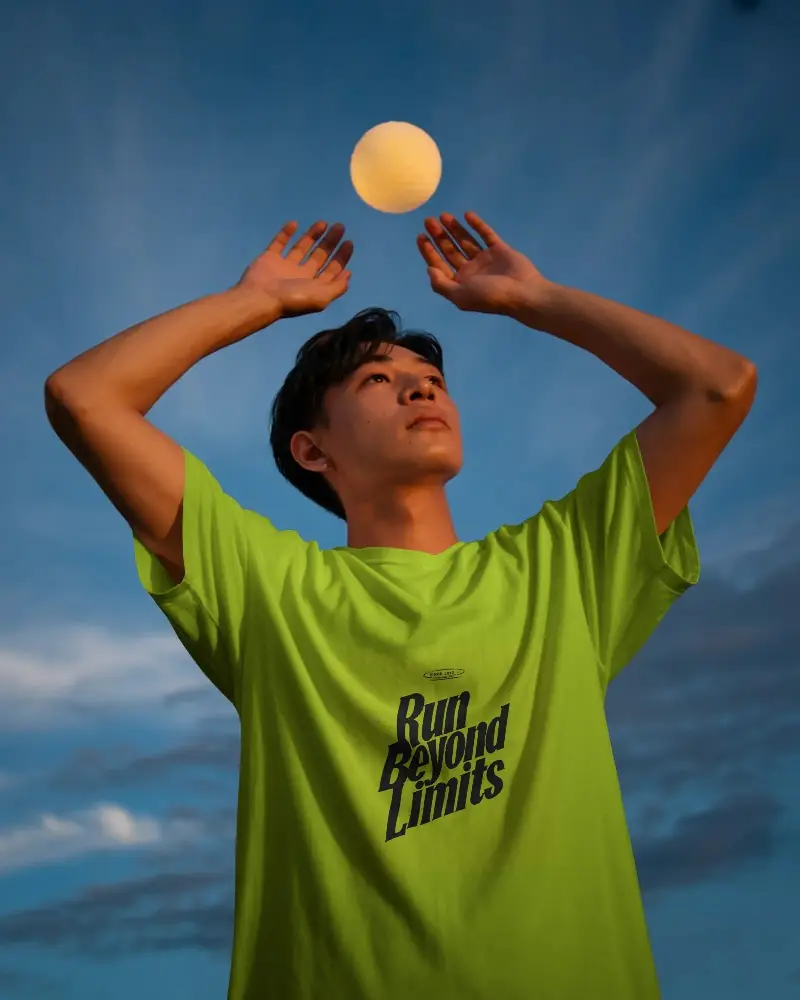
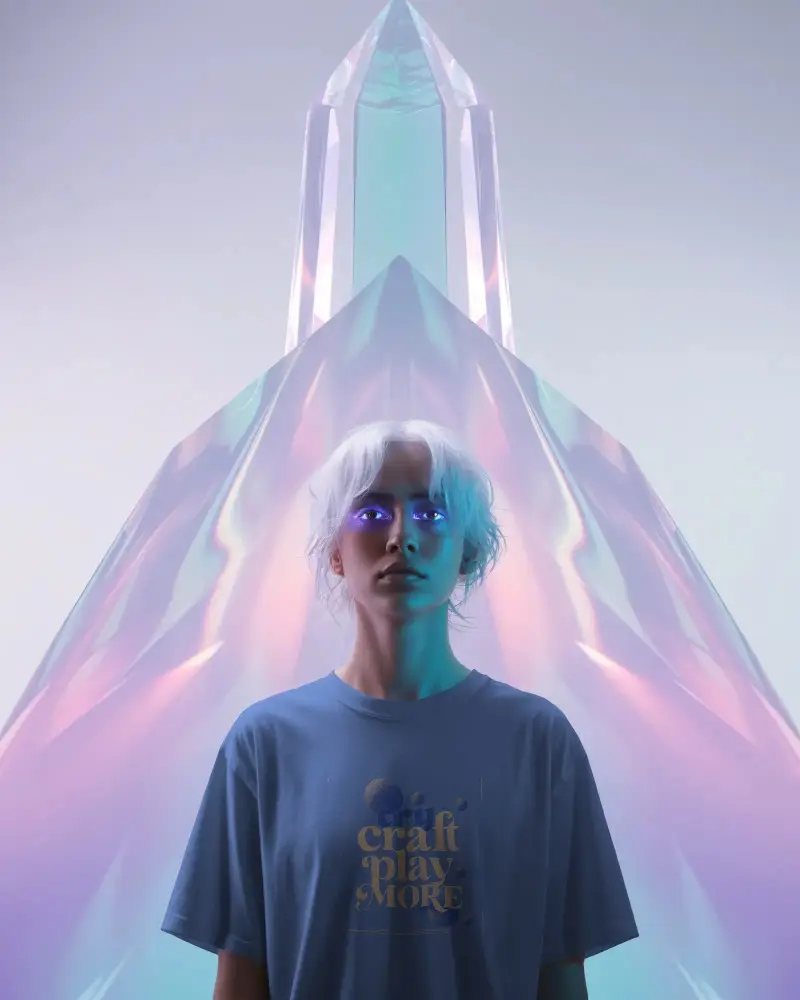
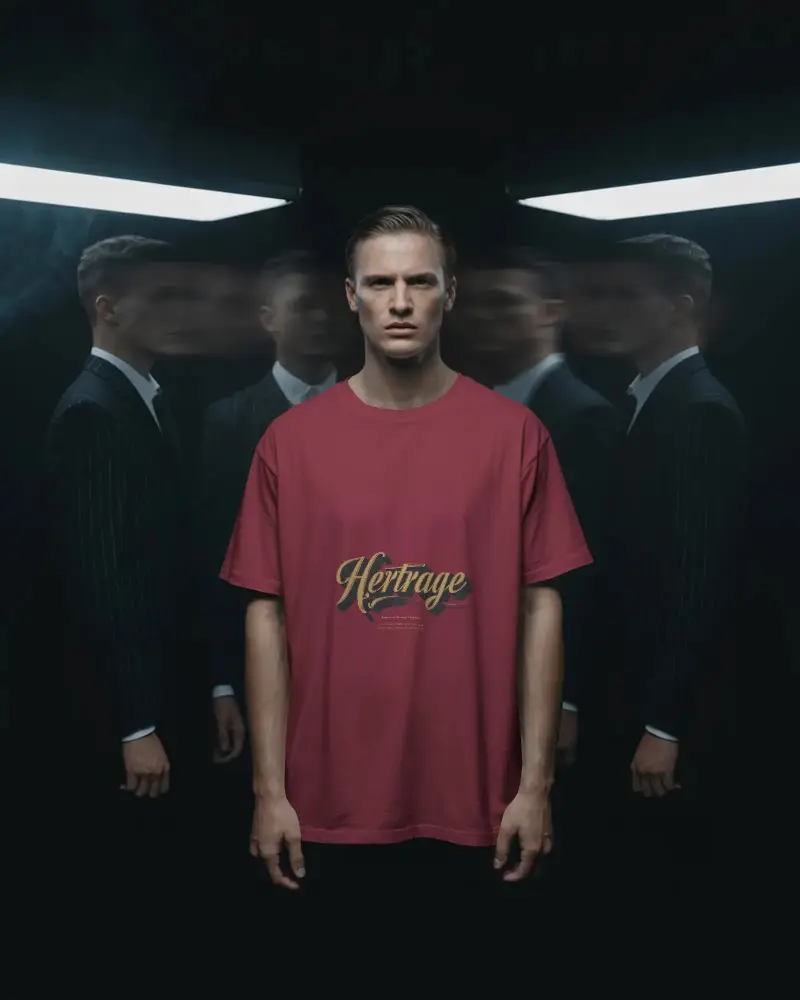
An oversized t-shirt mockup is a digital template showing a design on a loose-fit, drop-shoulder tee before printing. Designers, streetwear labels, and POD sellers use it to preview fit, drape, and shadows without a photoshoot. Mockey AI offers free oversized templates in black, white, and acid-wash finishes. Upload your design, customize your mockup, and download a professional preview for free.
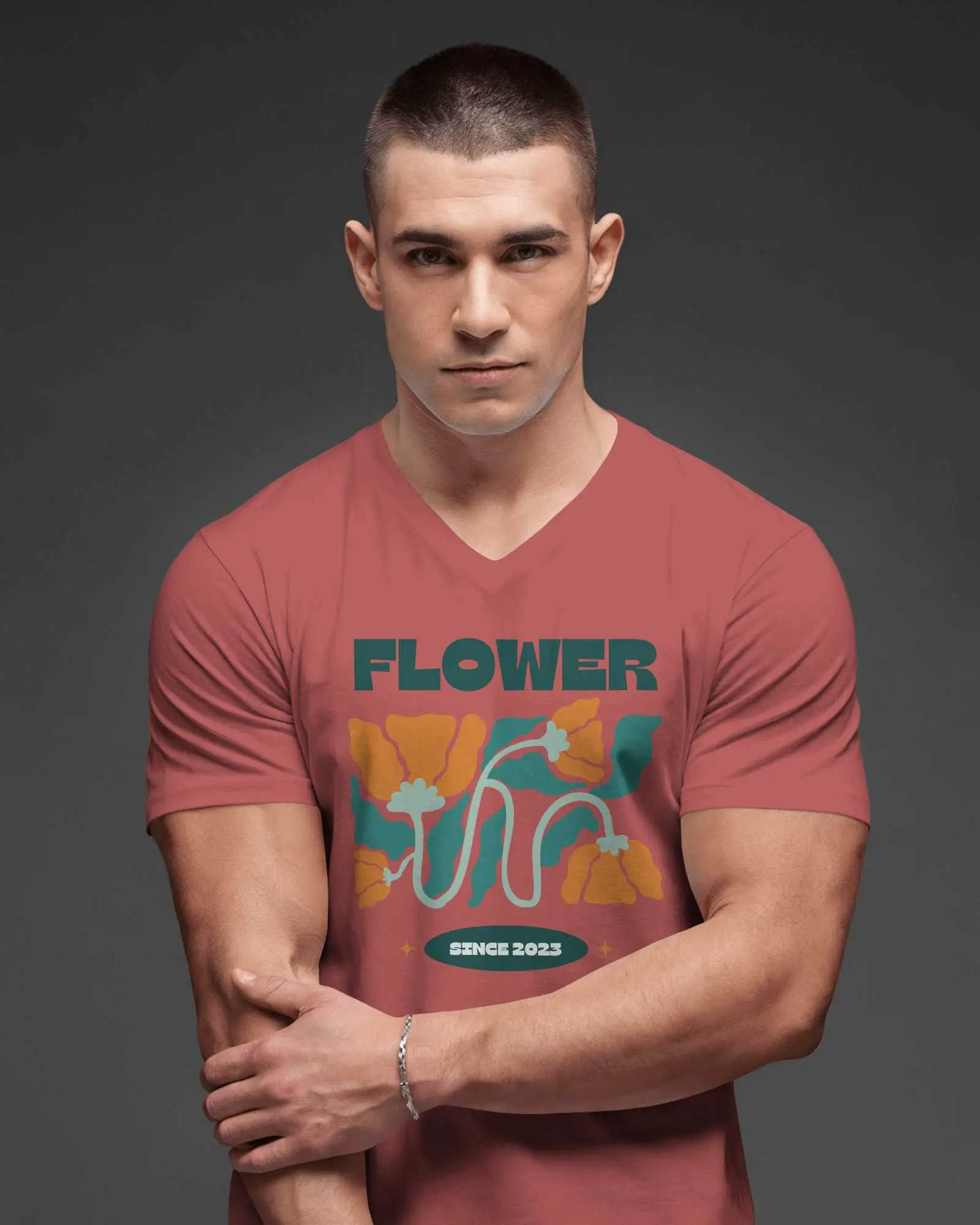
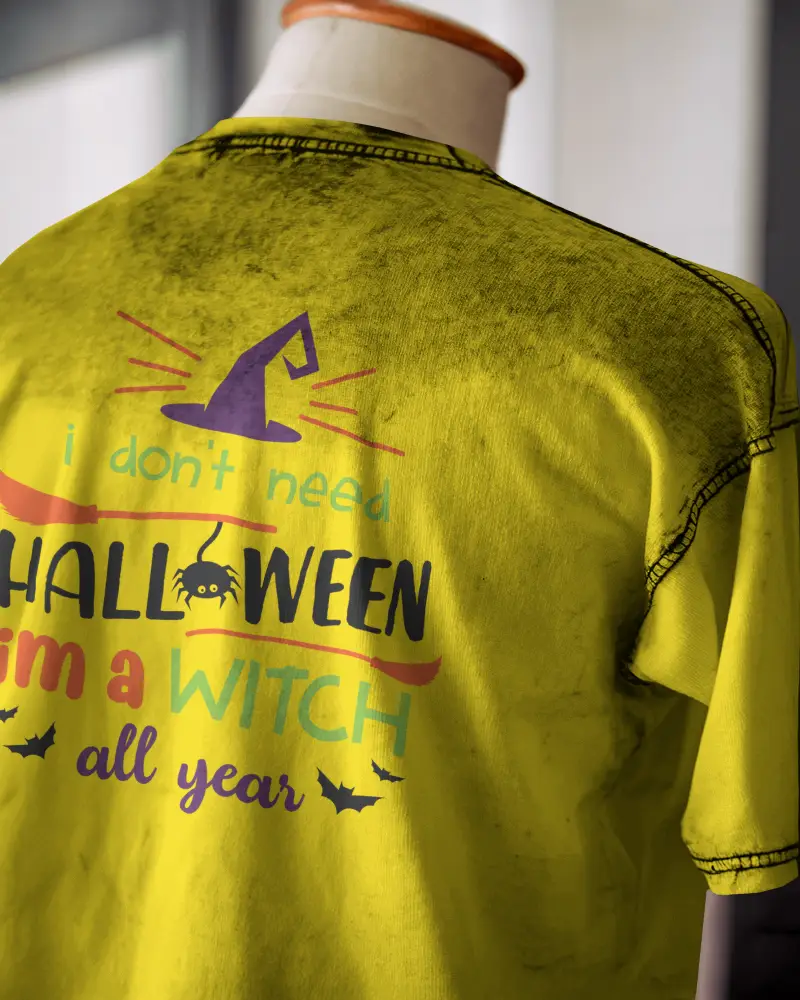
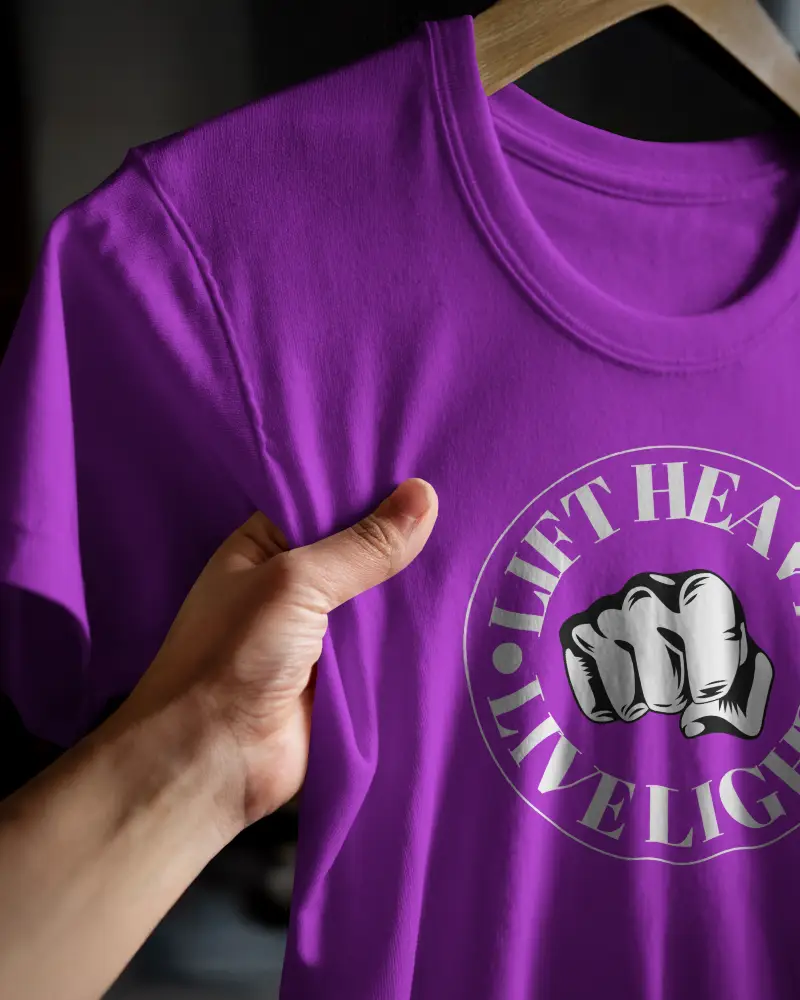
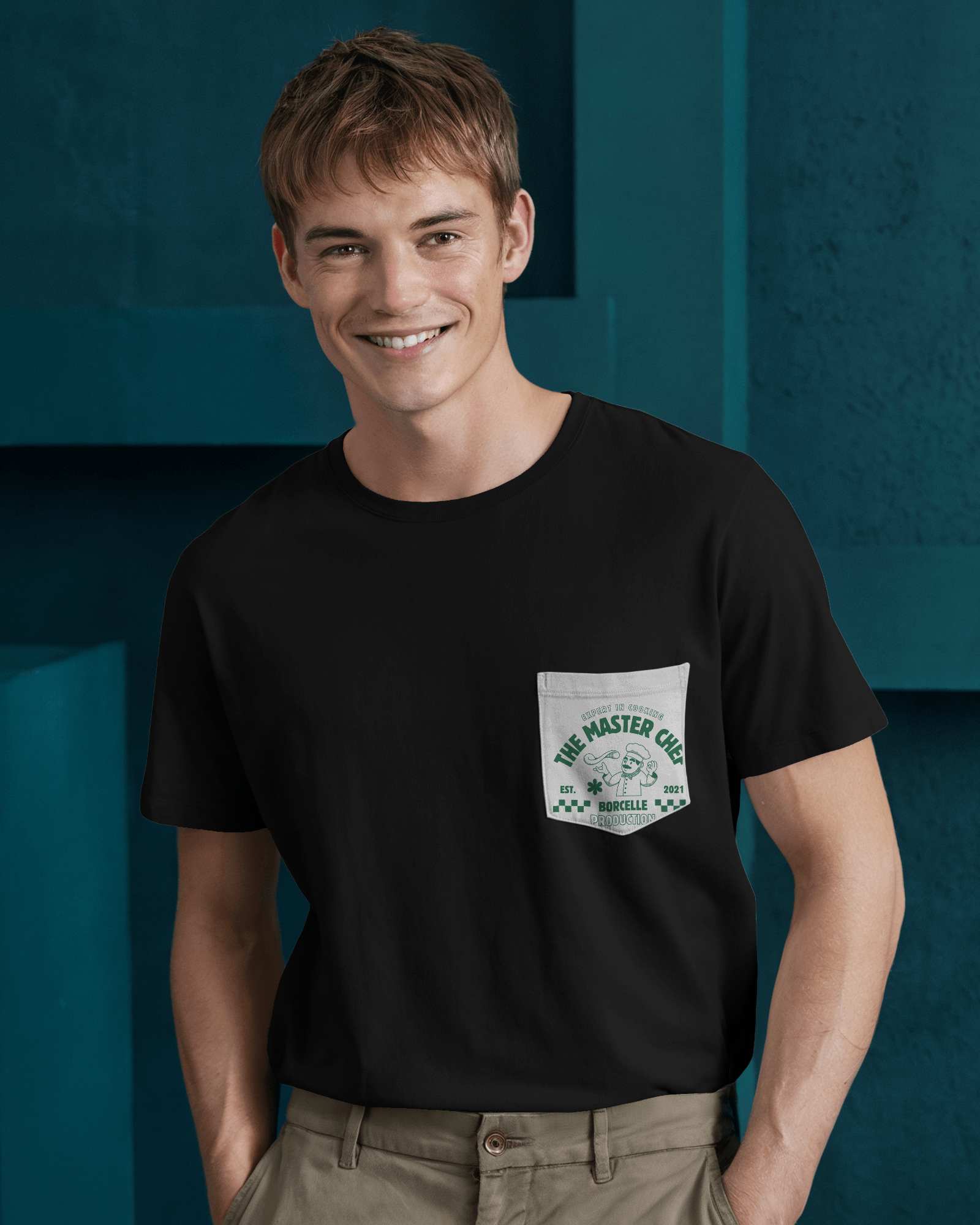

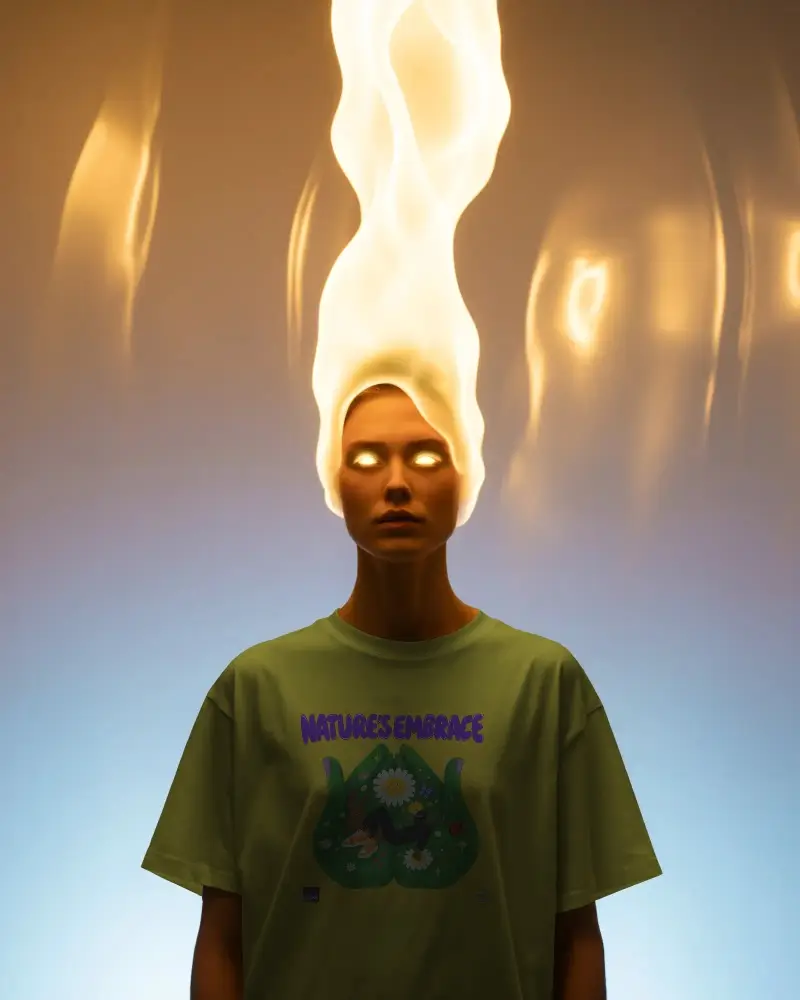
How to Customize Oversized T Shirt Mockups with Mockey AI
To create an oversized t-shirt mockup:
- Step 1: Choose an oversized T-shirt template and upload your design.
- Step 2: Position your design on the shirt using the resize and rotate handles.
- Step 3: Pick a color and fine-tune the warping to fit the fabric.
- Step 4: Use Multi Shot to generate different angles or add motion with Animate.
- Step 5: Download your mockup as an image or MP4 for animation.


FAQs on Oversized T Shirt Mockups
What is an oversized t-shirt mockup?
It's a mockup where your design is shown on a loose, baggy-fit t-shirt rather than a standard fitted one, so you get an accurate preview of how it will look on that boxier, streetwear-style cut.
Why do designers and POD sellers use Mockey AI's oversized mockups?
Oversized tees are everywhere in streetwear right now, and buyers expect to see that fit before they purchase. Instead of booking a photoshoot for every design, sellers just drop it into a mockup and get a realistic listing photo in minutes.
Who uses oversized t-shirt mockups?
Mainly print on demand sellers, small clothing brands, freelance designers, and store owners on platforms like Etsy or Shopify who sell streetwear or casual apparel.
How is an oversized mockup different from a regular t-shirt mockup?
Regular mockups show a tighter, closer to body fit. Oversized ones have dropped shoulders, extra room, and a boxier drape, so the same design can sit and stretch differently across the fabric.
What file formats do oversized t-shirt mockups come in?
Standard formats like PNG or JPG for photos, and MP4 if you've turned the mockup into an animation.
