Black T-Shirt Mockup for Your Brand
Design your black T-shirt mockups easily with Mockey AI’s free online generator. Upload your design, adjust colors, and customize every detail. Perfect for brands, sellers, and designers who want to create and download high-quality black T-shirt mockups for print-on-demand or online stores.

















































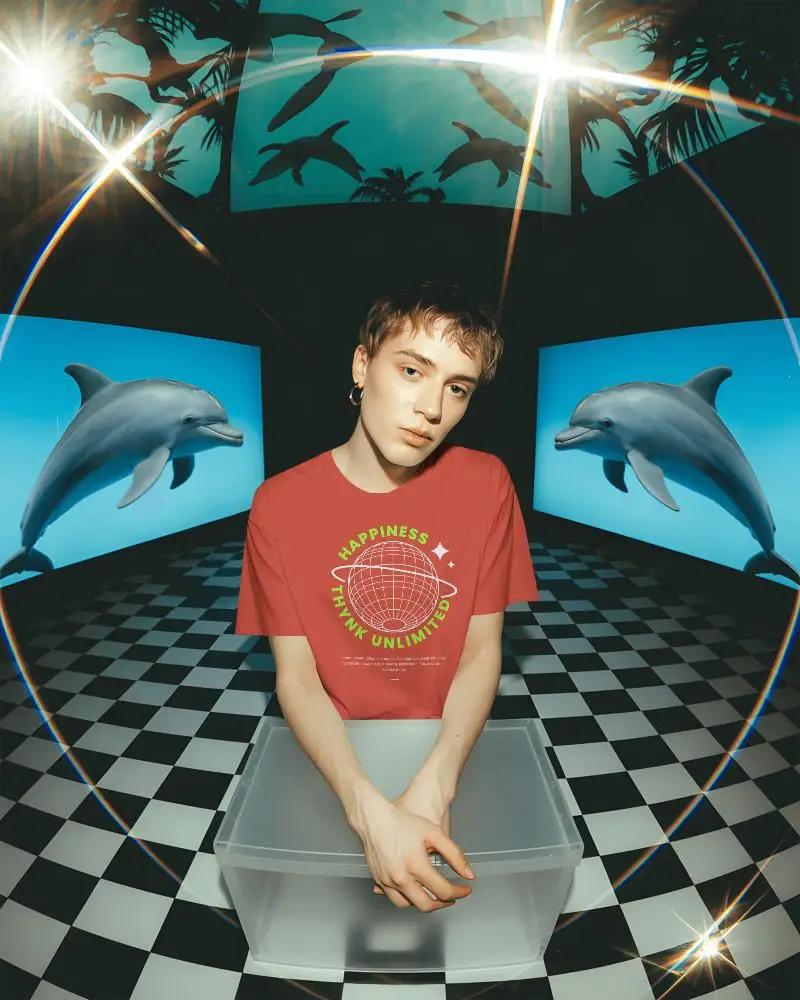
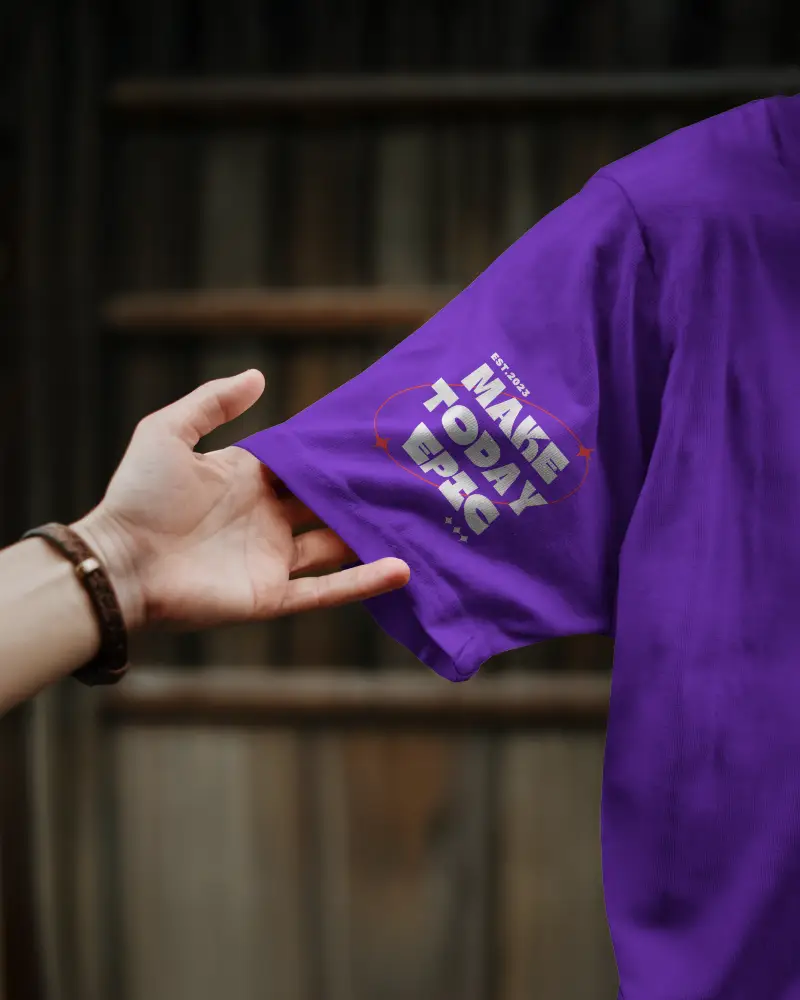
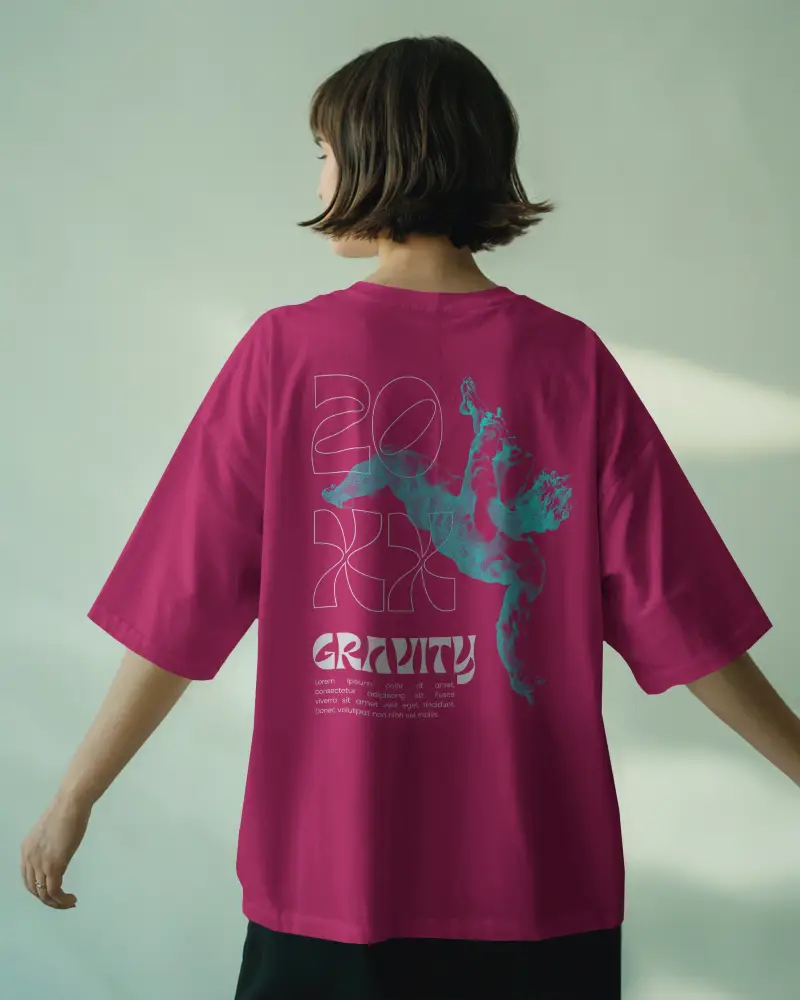
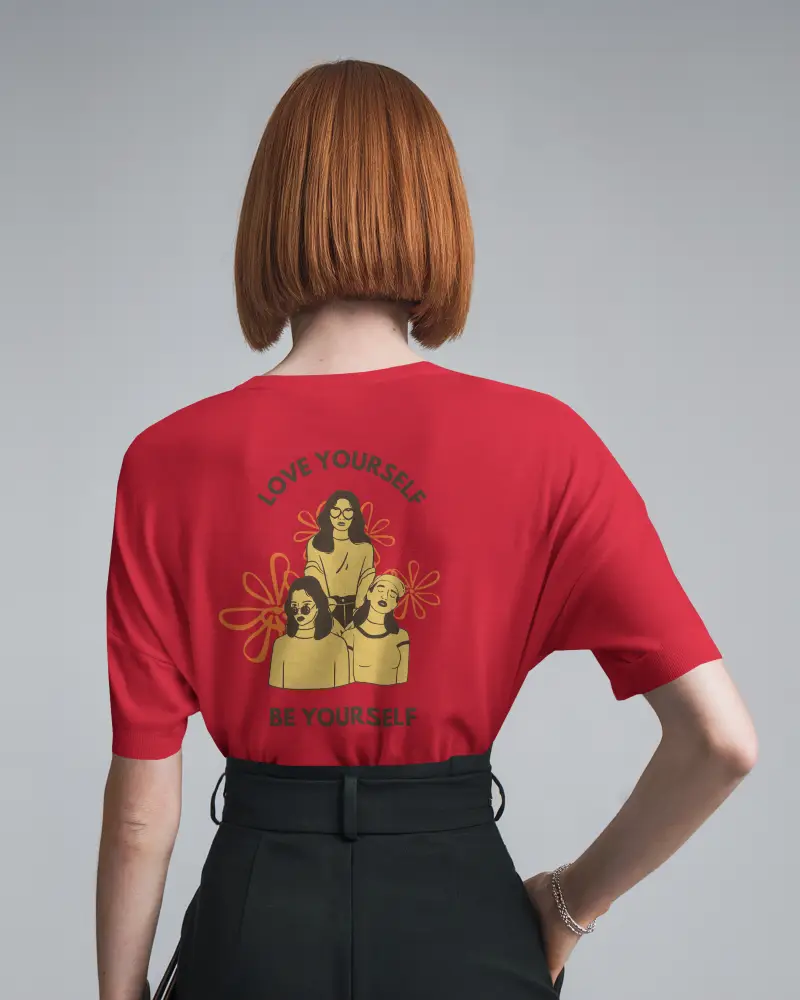
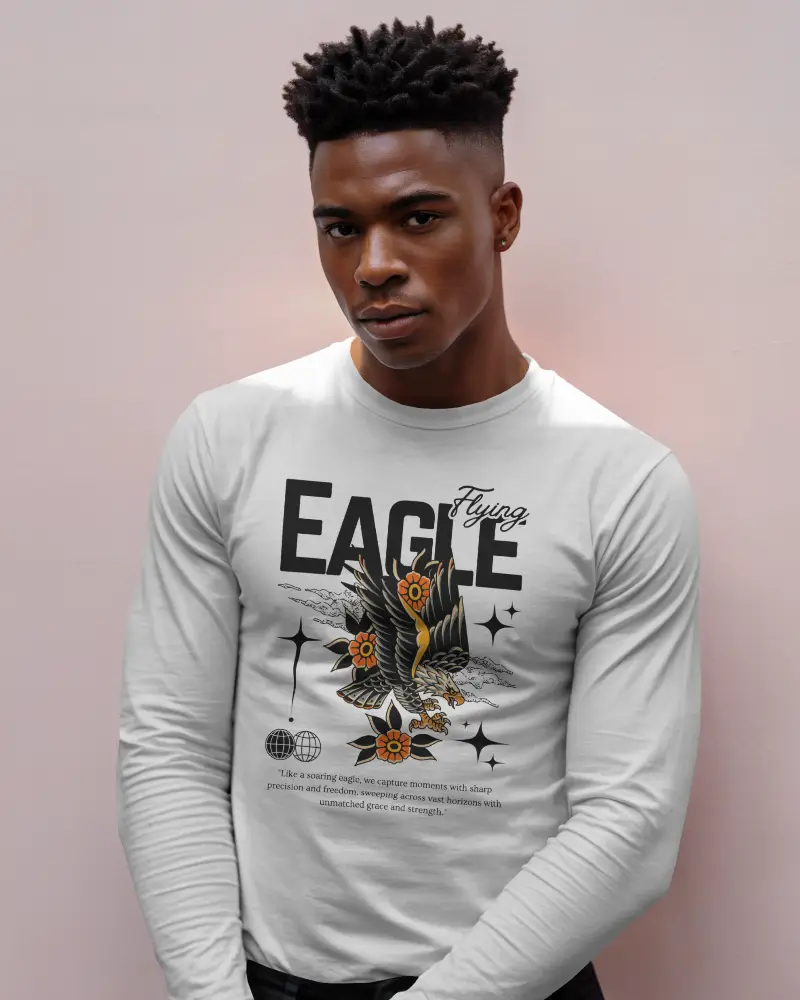
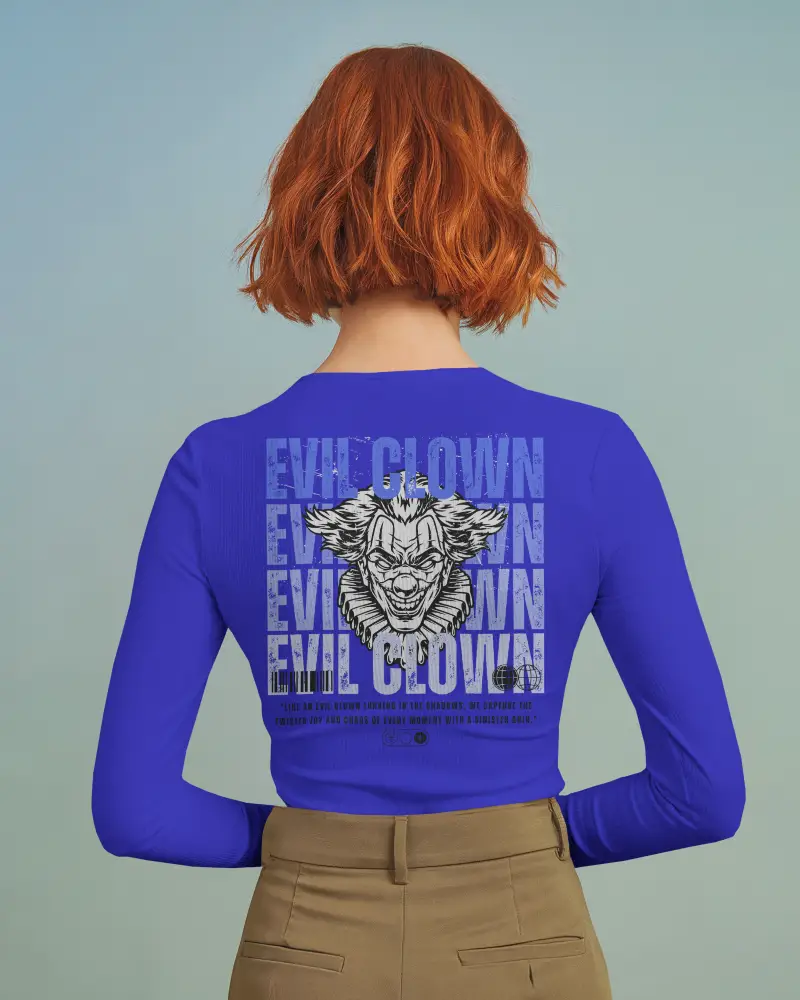
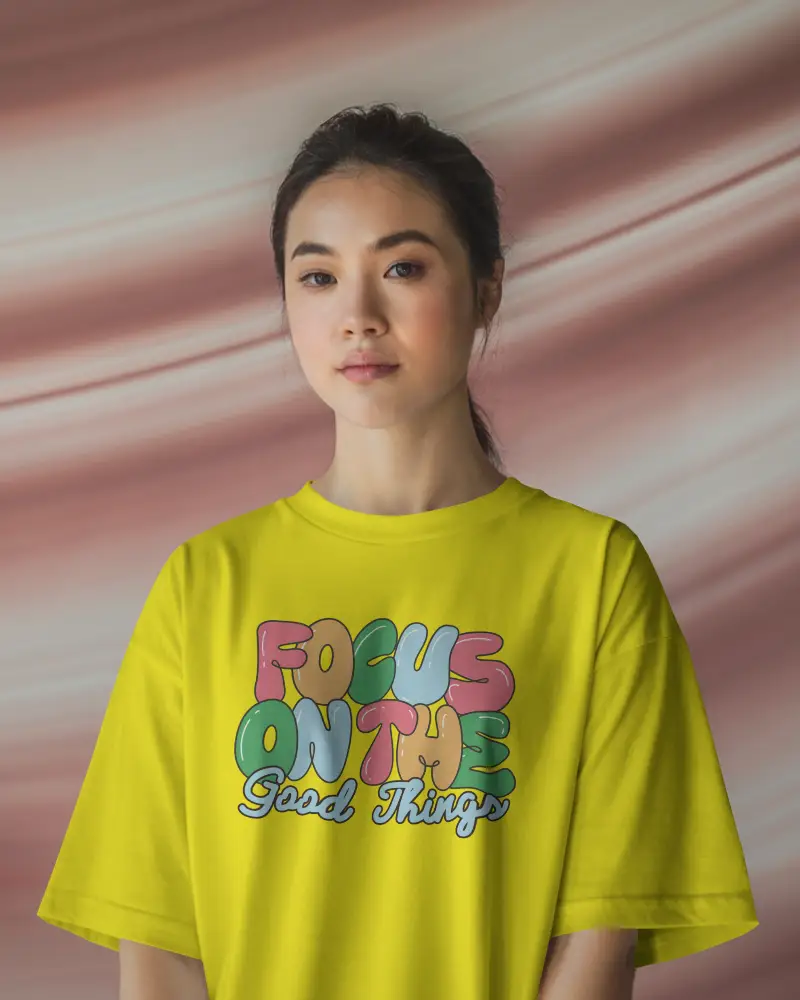
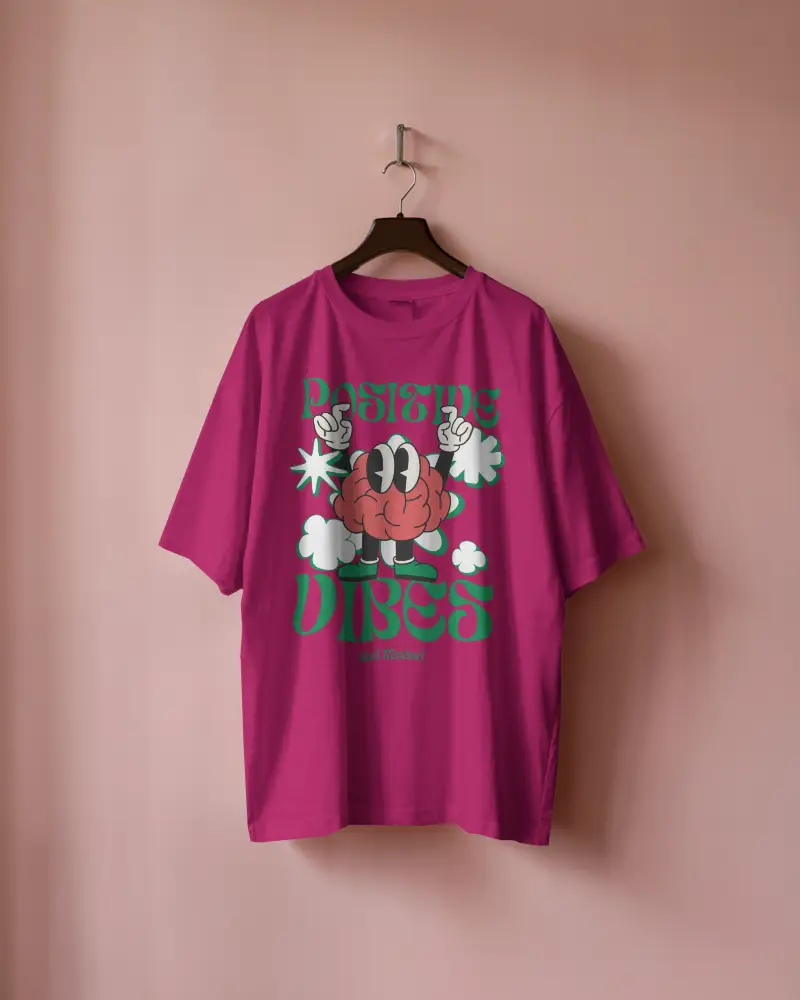

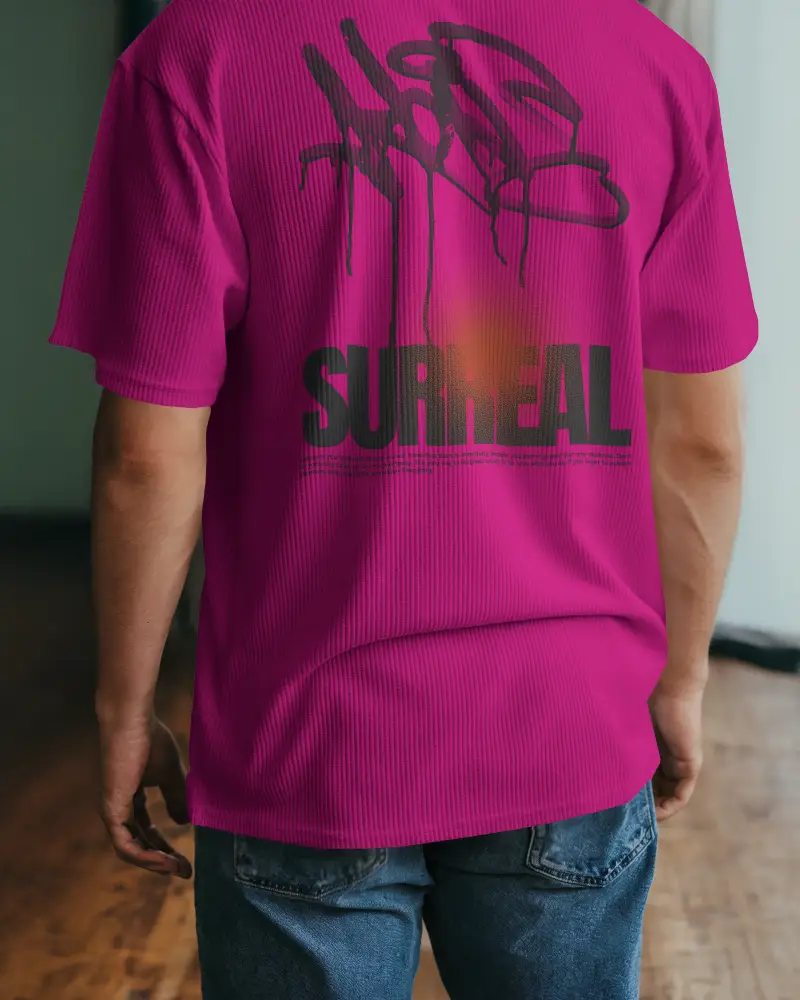
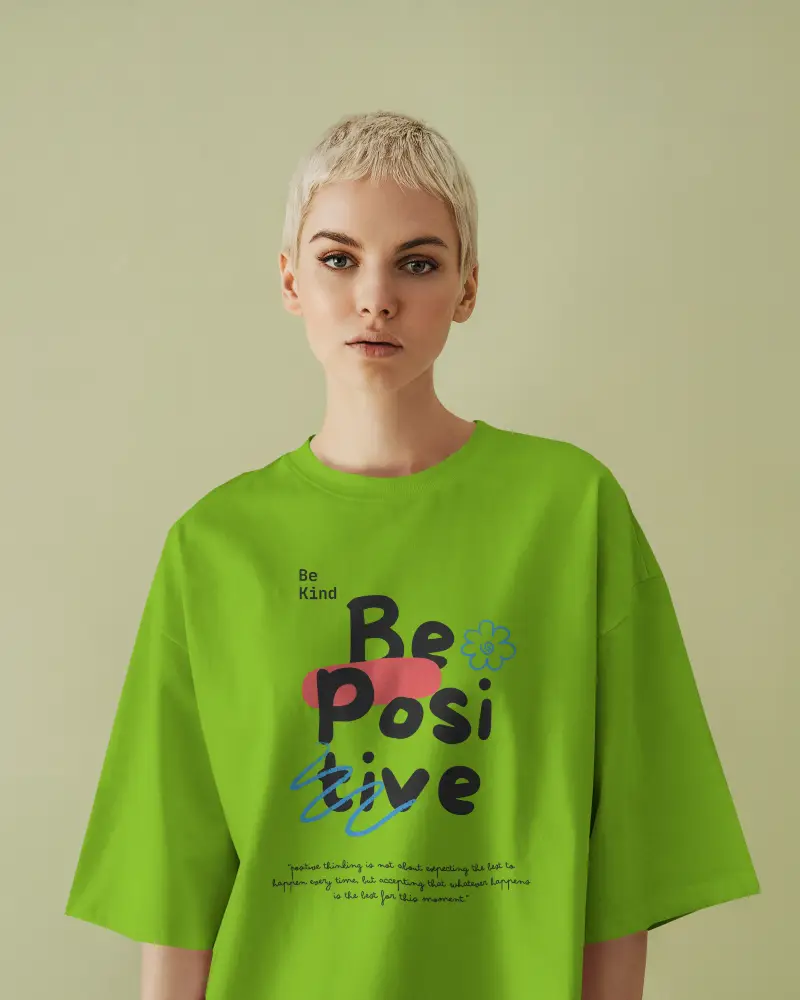
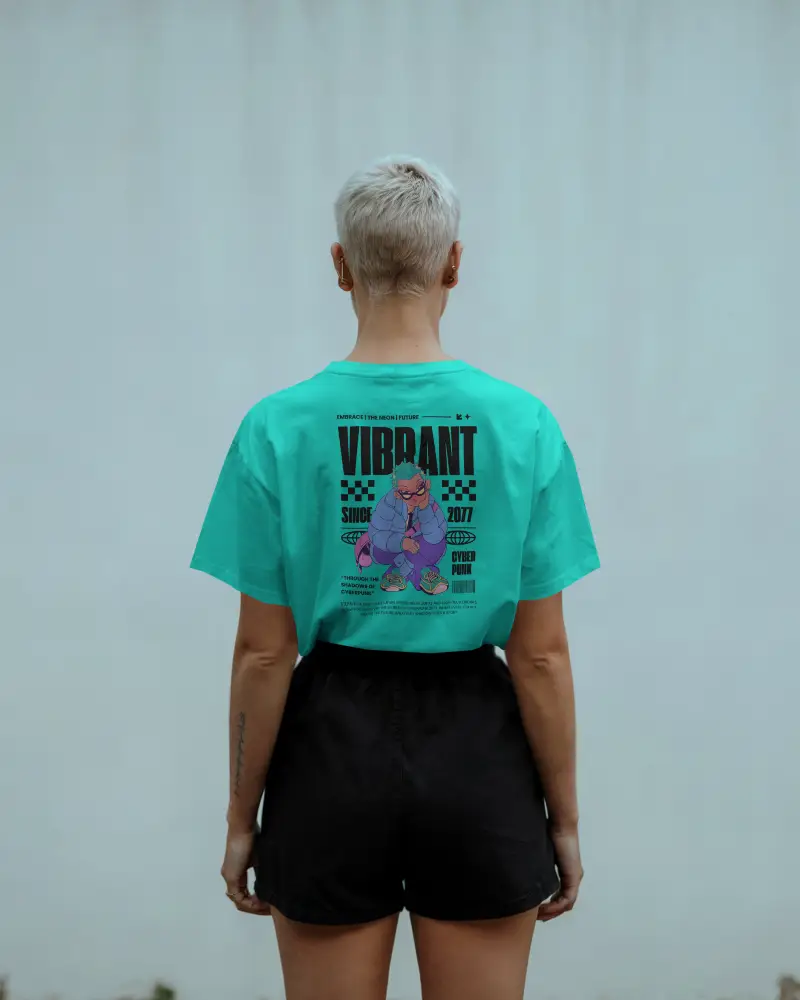
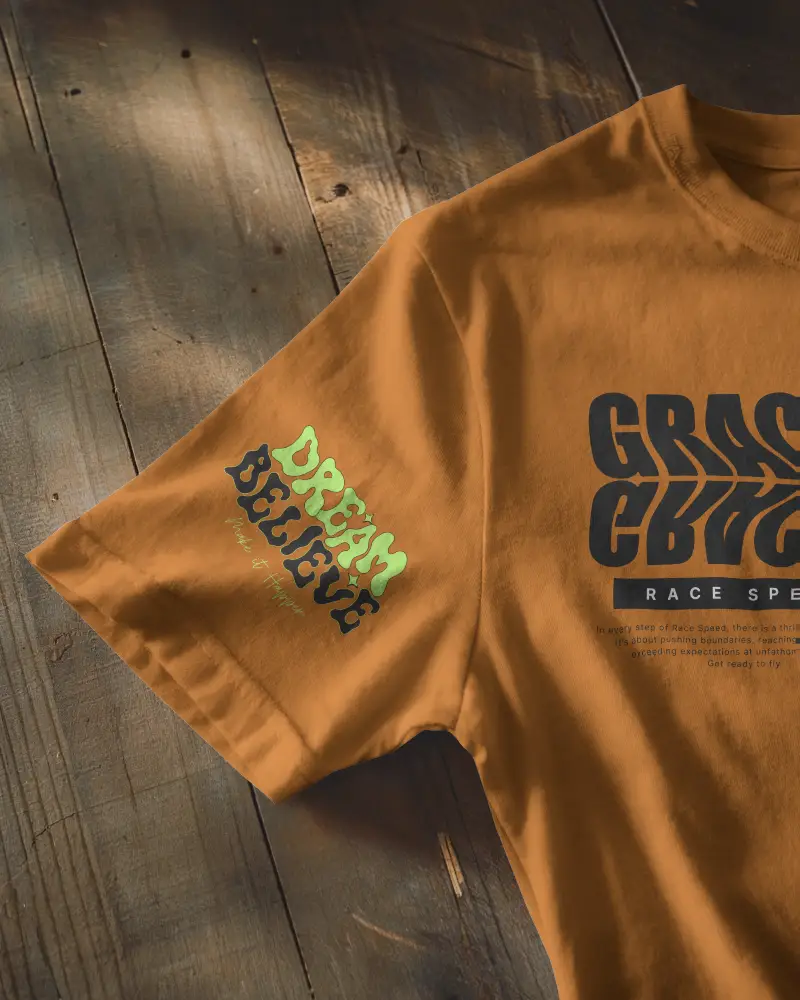
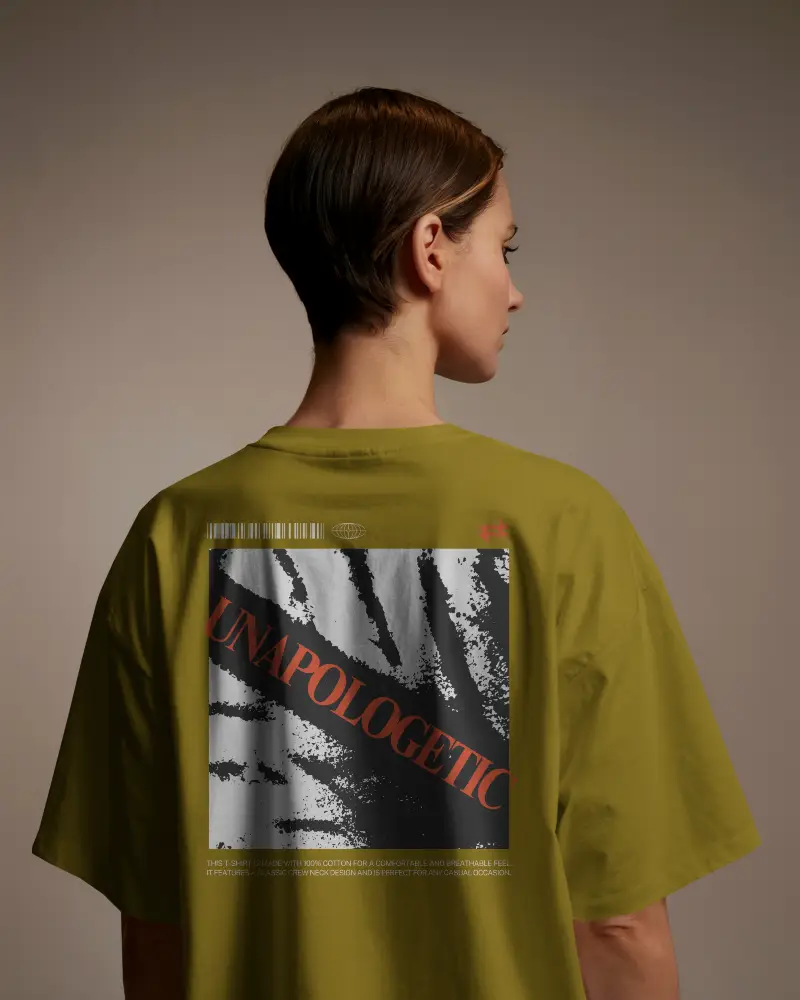
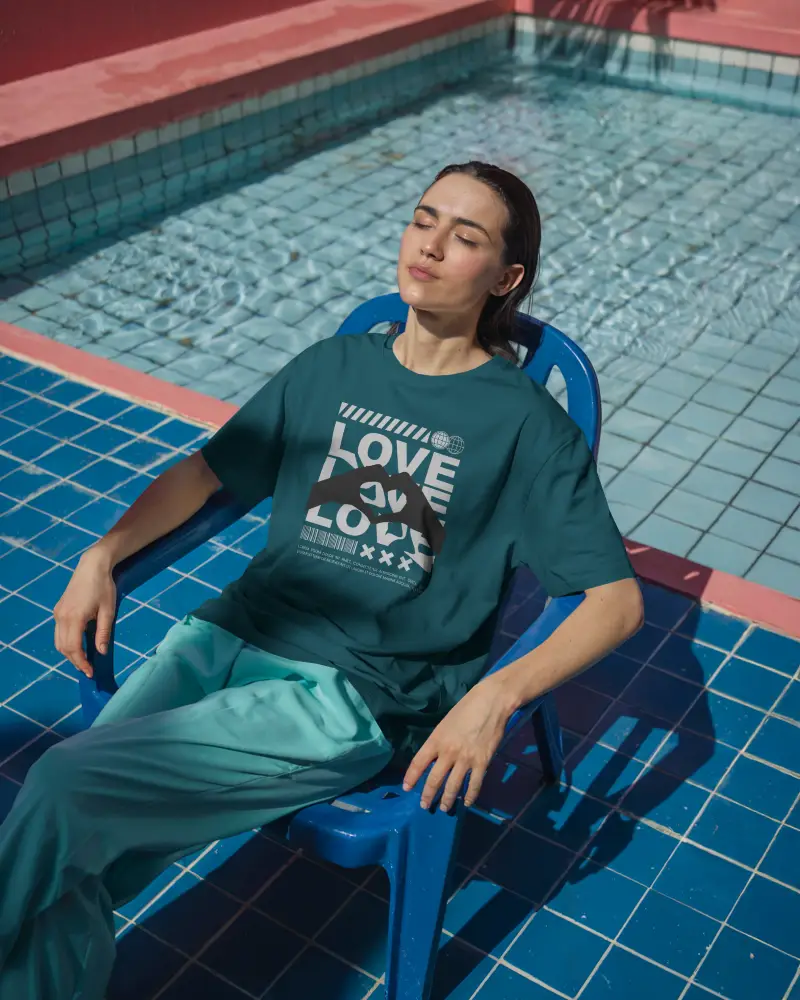
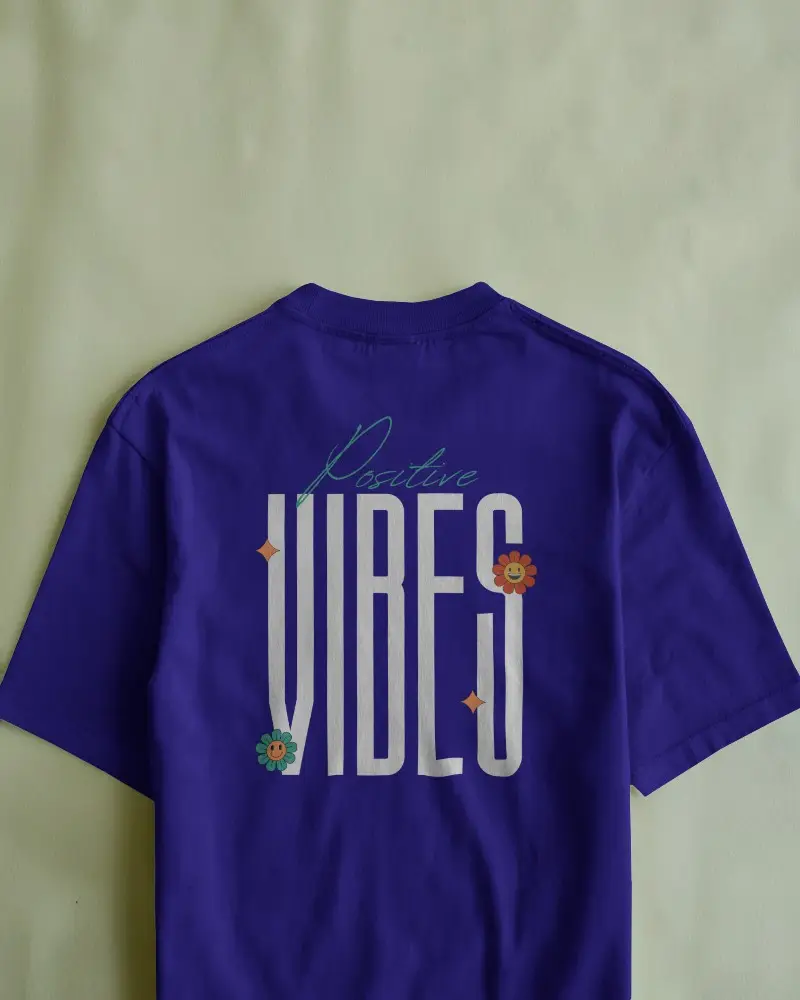
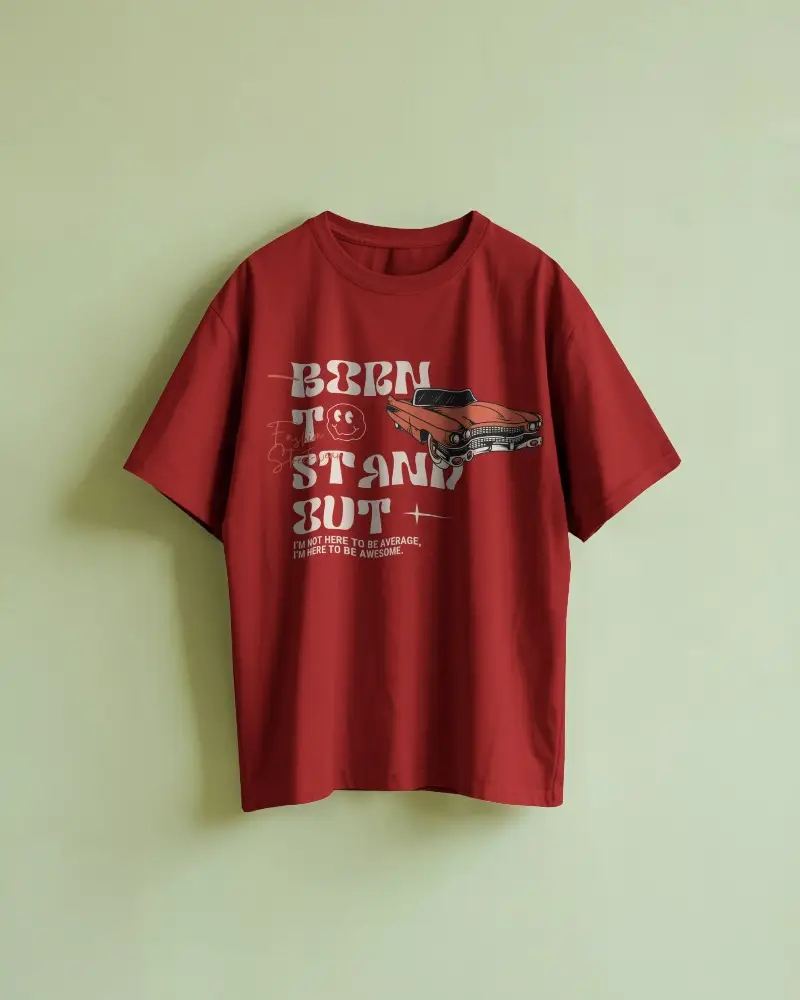
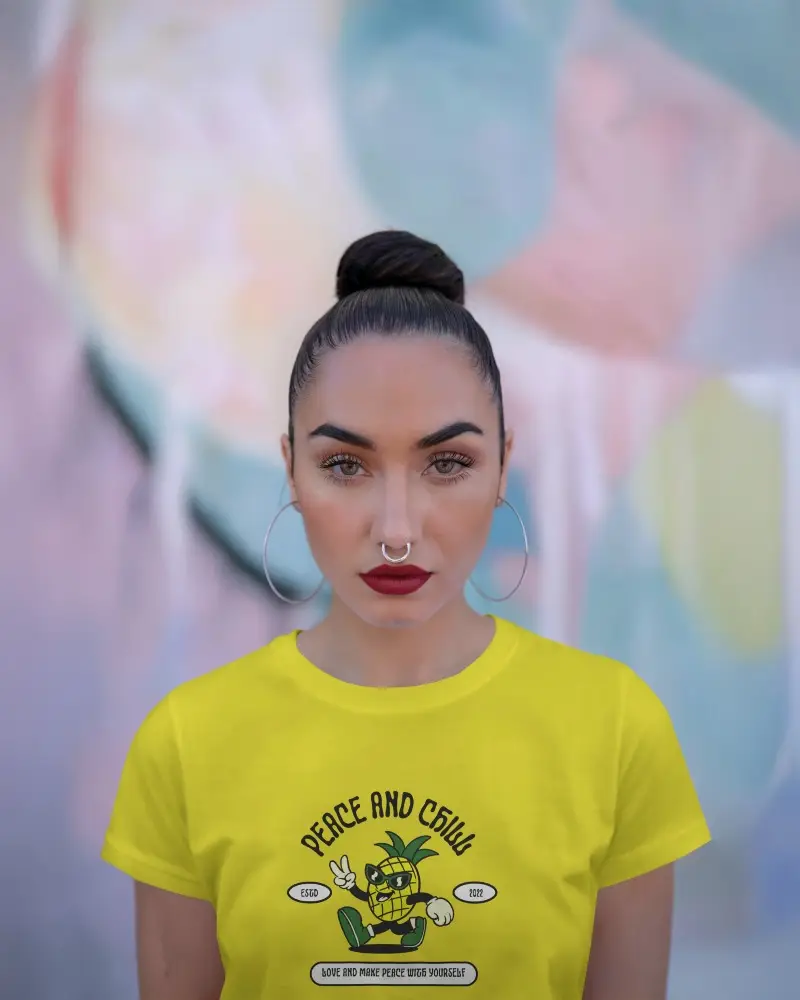
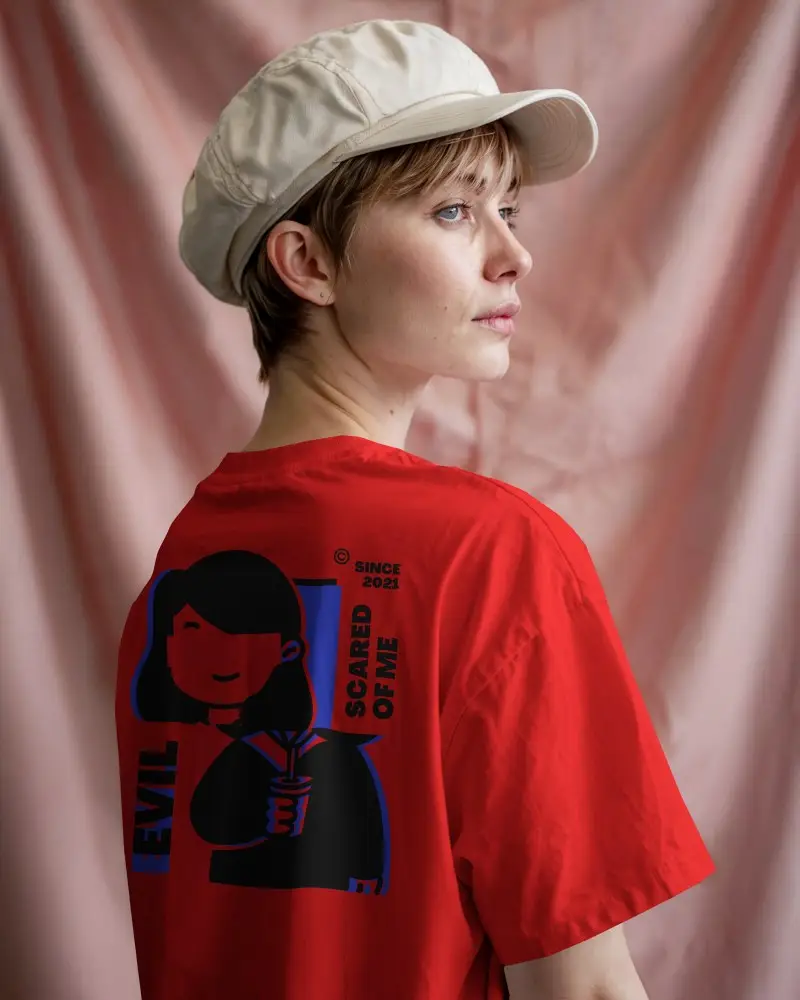
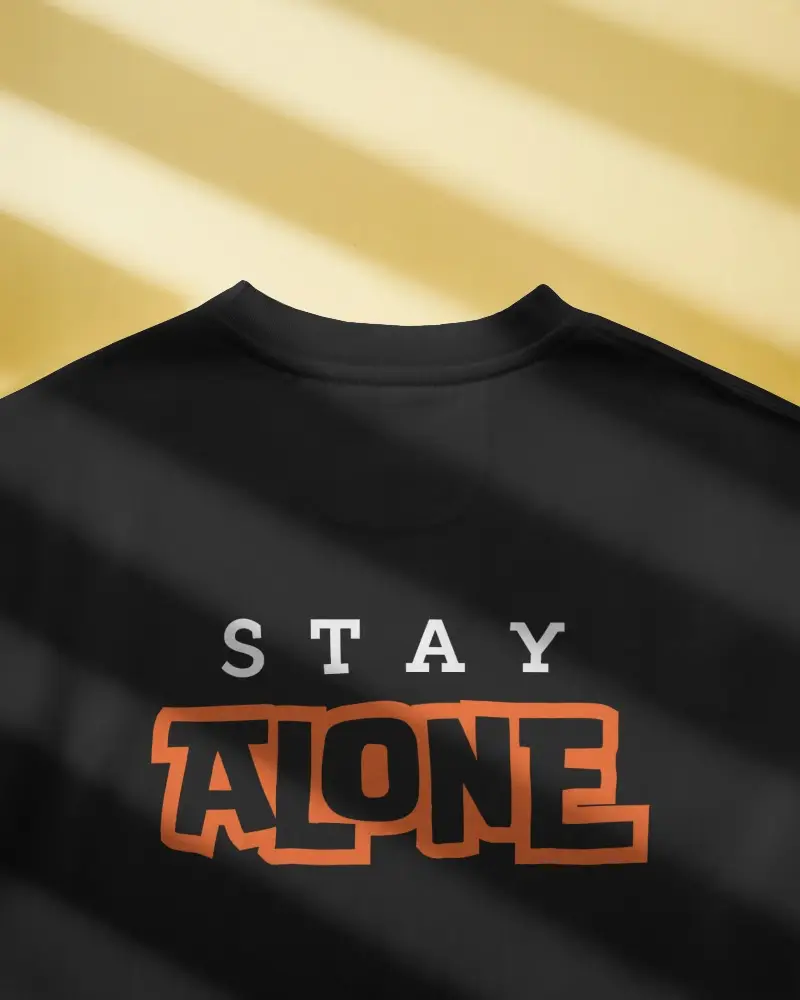
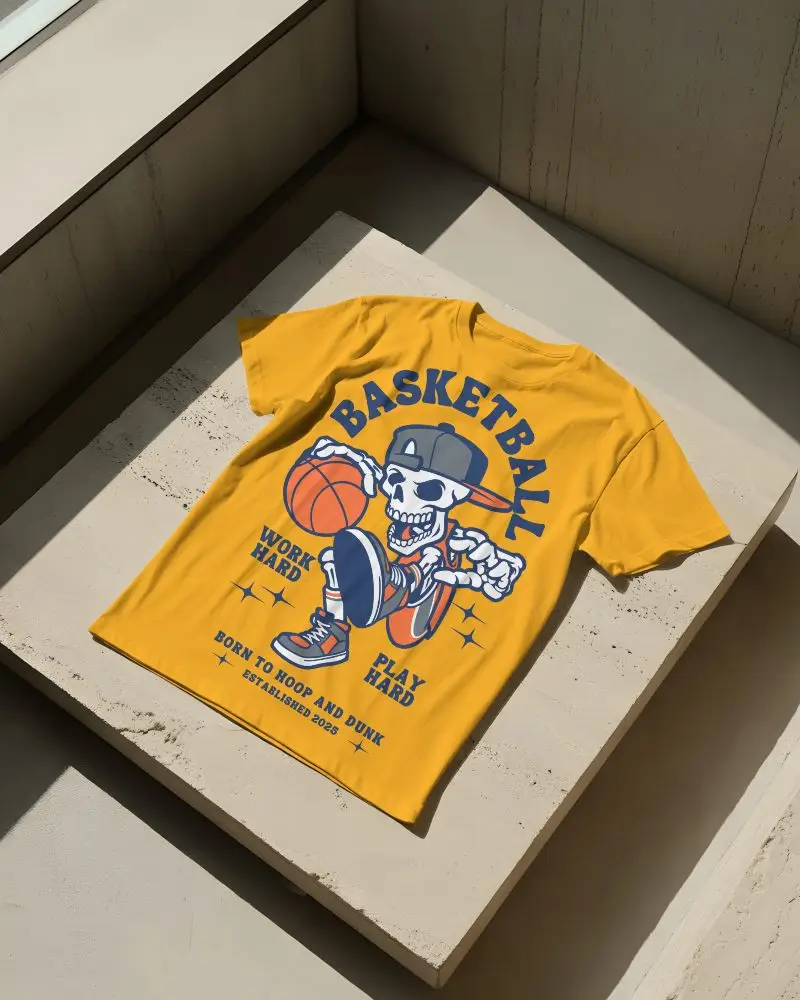
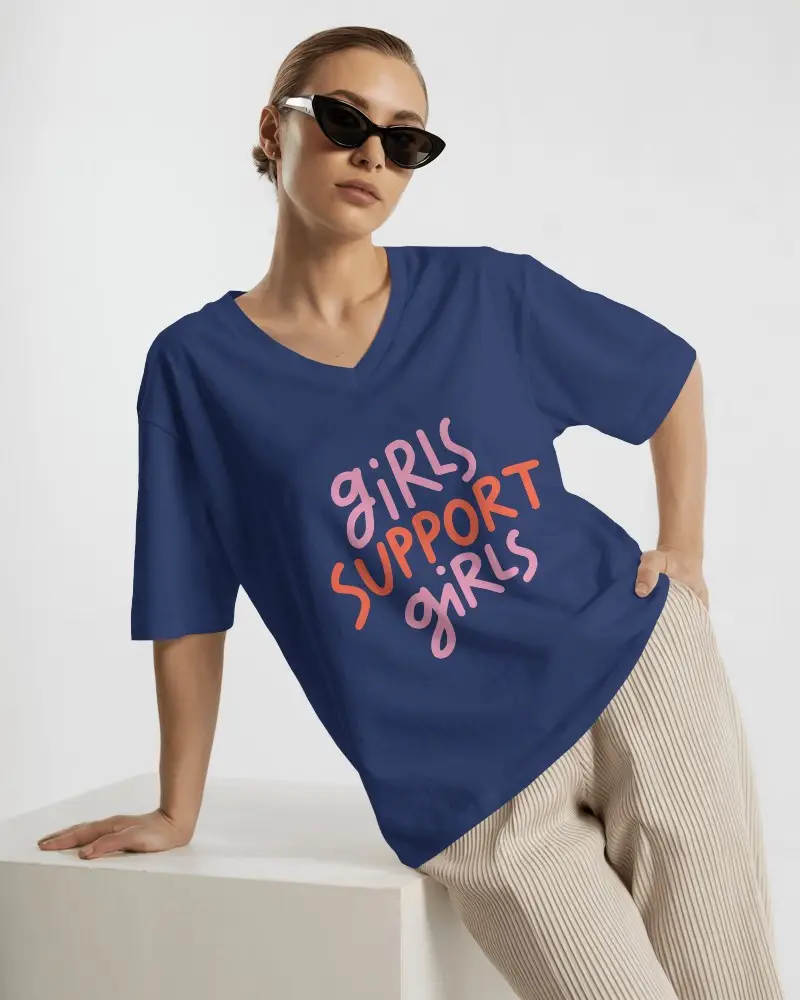
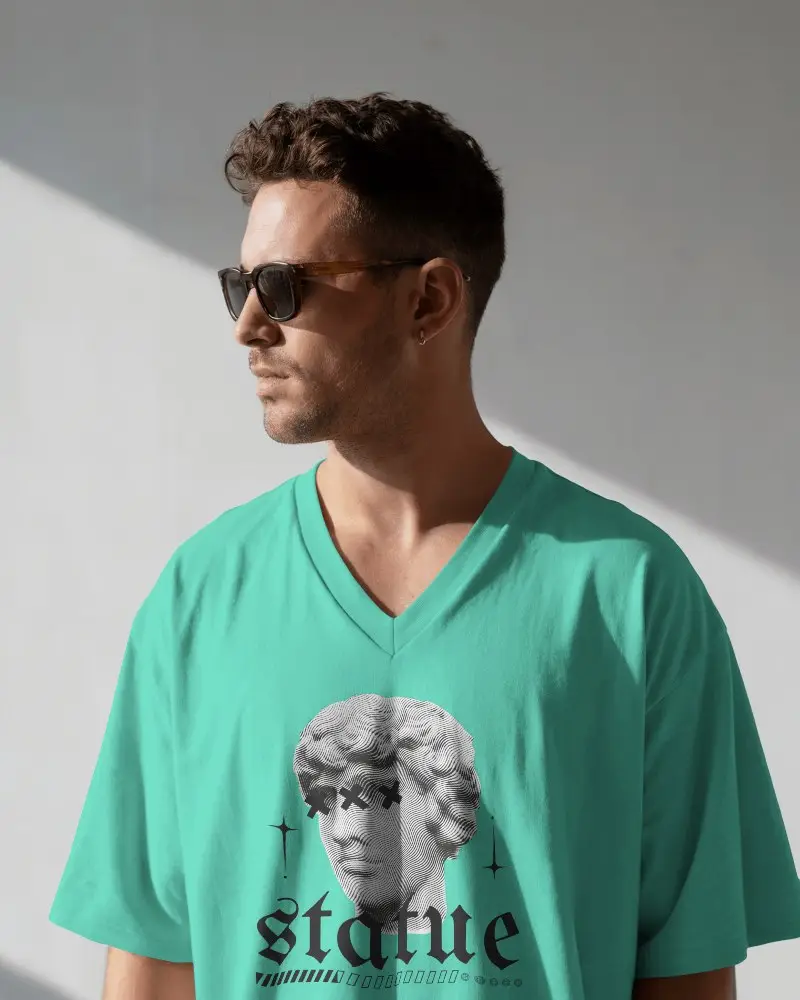
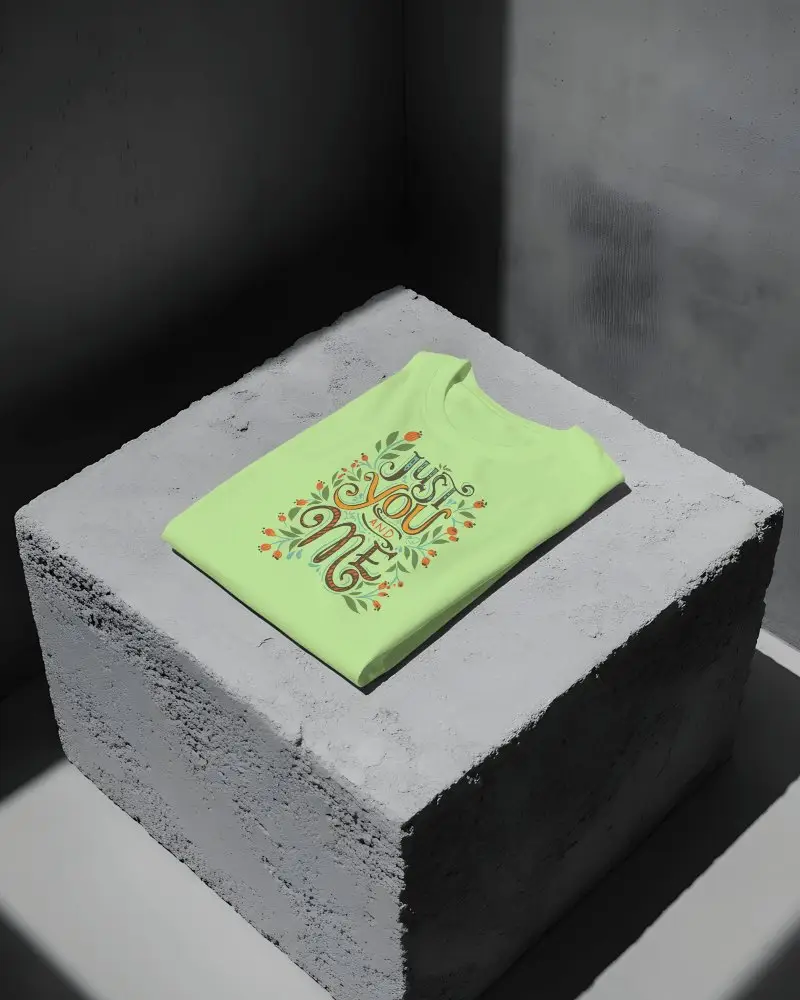
How to Create Black T-shirt Mockup with Mockey
To create Black T-shirt mockups:
- Step 1: Go to Mockups > Apparel > T-shirt > Black.
- Step 2: Select a template and click ‘Upload Design’ to add your artwork.
- Step 3: Adjust colors, background, and logo placement, then download your mockup in PNG or JPG format.


FAQs on Black T Shirt Mockups
Are black t-shirt mockups suitable for dark logos?
If you have a dark logo and want to upload it to a black t-shirt mockup, you can keep the logo background white. However, if it remains transparent, it won’t be suitable at all. It’s better to improve the logo by adding a background color.
Can I use black t-shirt mockups for advertising?
Mockups are made so that you can advertise your custom designs. Black t-shirt mockups allow you to upload and modify designs on templates and customize colors to make clients interested in the presentation.
What file formats can I download?
You will only get PNG and JPEG file formats when downloading black t-shirt mockups. If we talk about black t-shirt video mockups, you will get MP4 files there.
Are all black mockups free for commercial use?
Not all black mockups are free for commercial use. It depends on the creator’s license. Many free mockups on sites like Mockey AI clearly say they can be used commercially. But some have restrictions or may require payment.
