Asian Model T-shirt Mockups – Templates for Fashion & E-commerce
Bring your apparel designs to life with Mockey’s Asian Model T-shirt Mockups. Available in multiple poses, angles, and colors, these templates are ideal for fashion designers, clothing brands, and print-on-demand sellers.

















































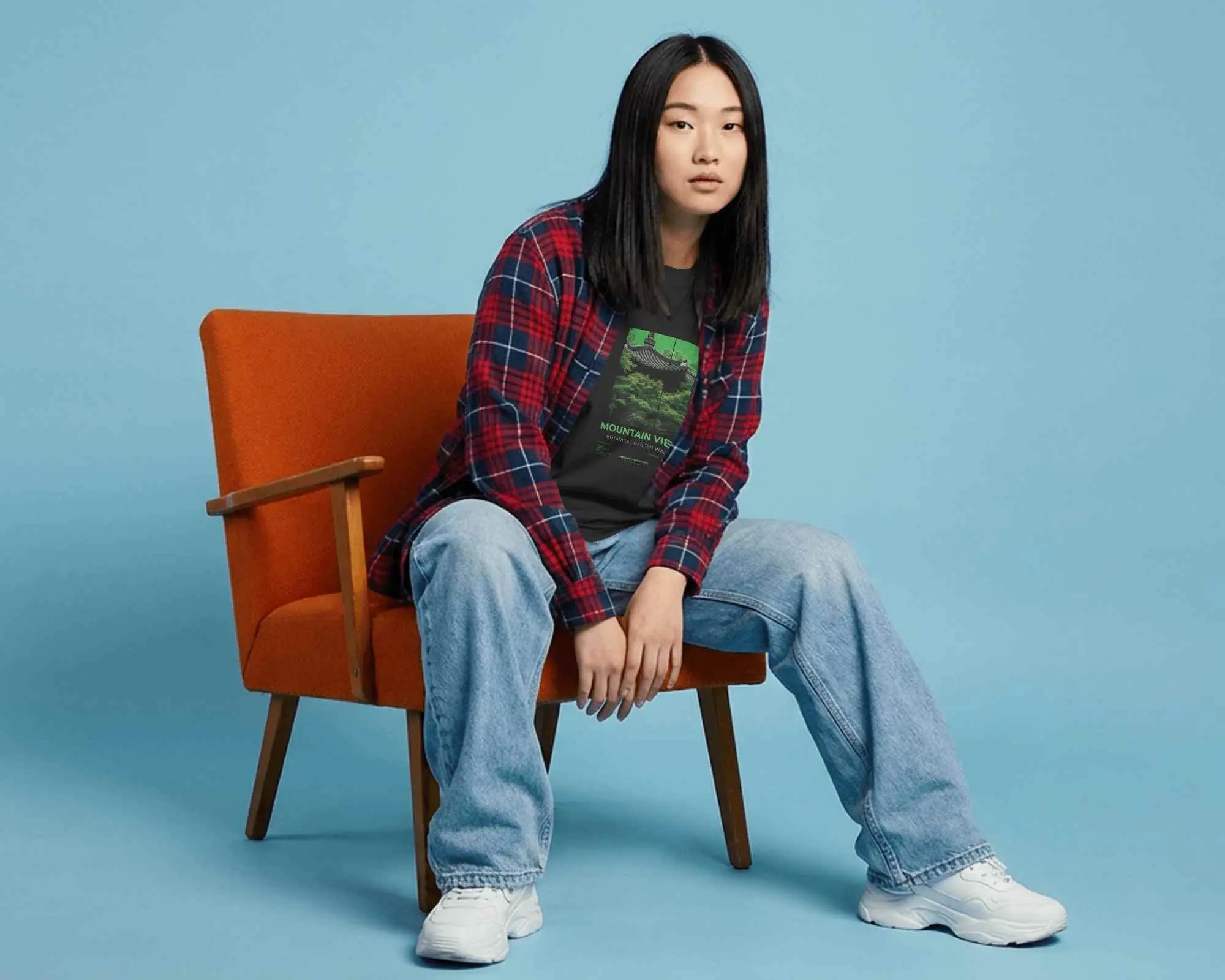
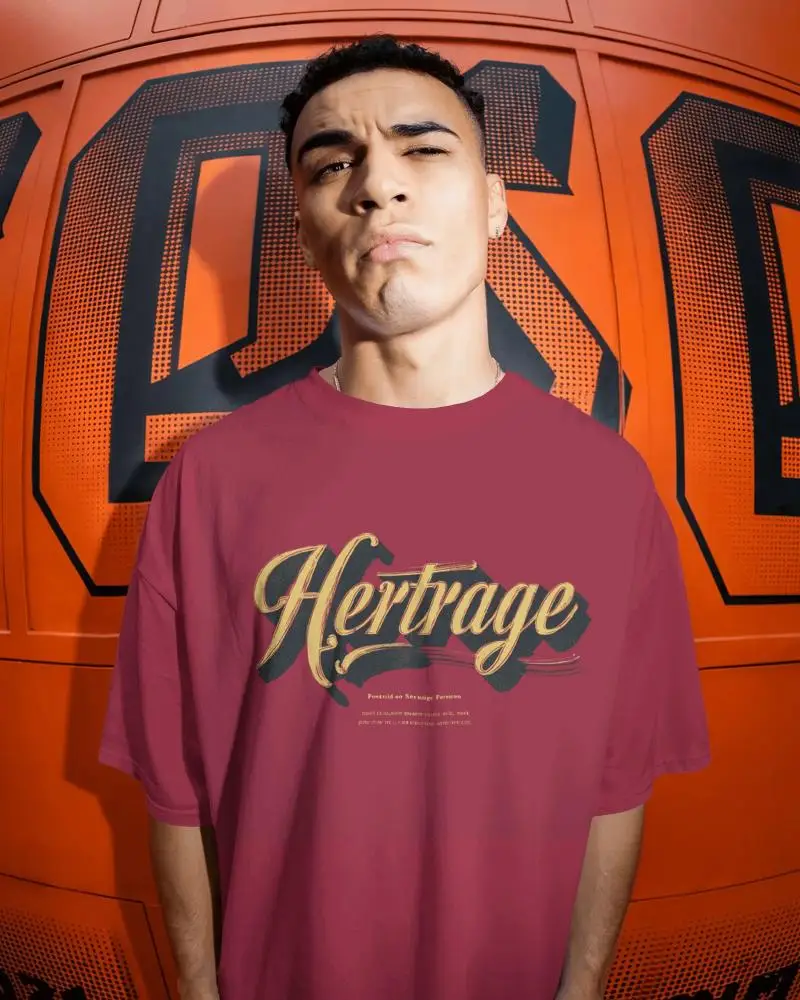
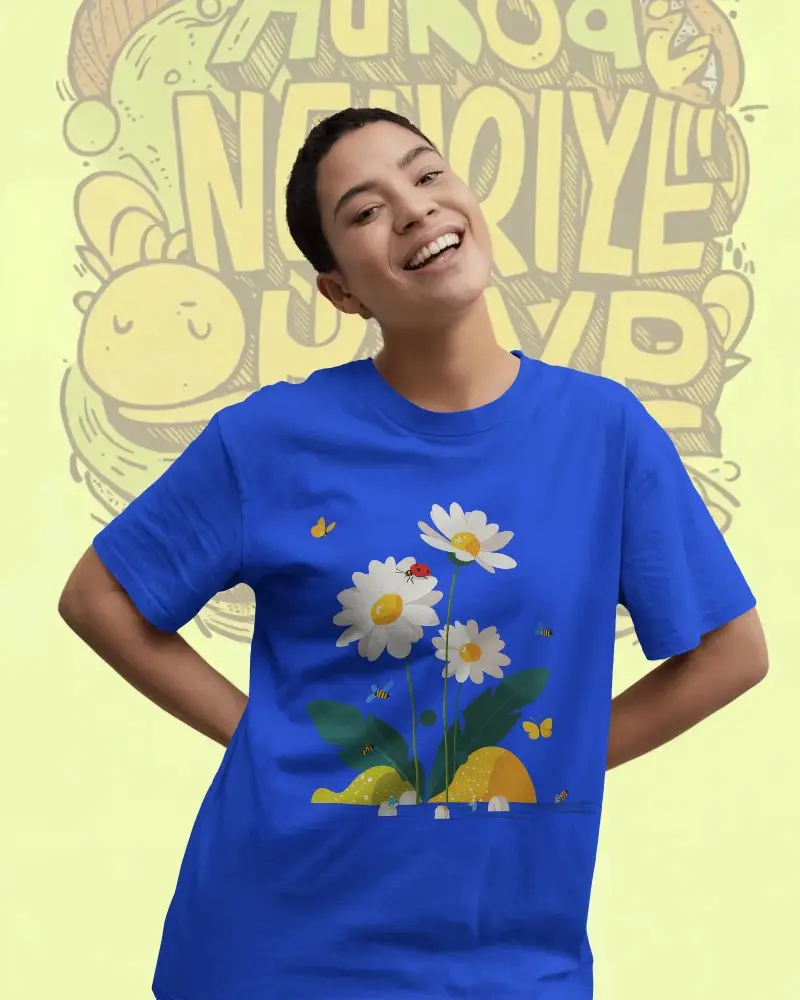
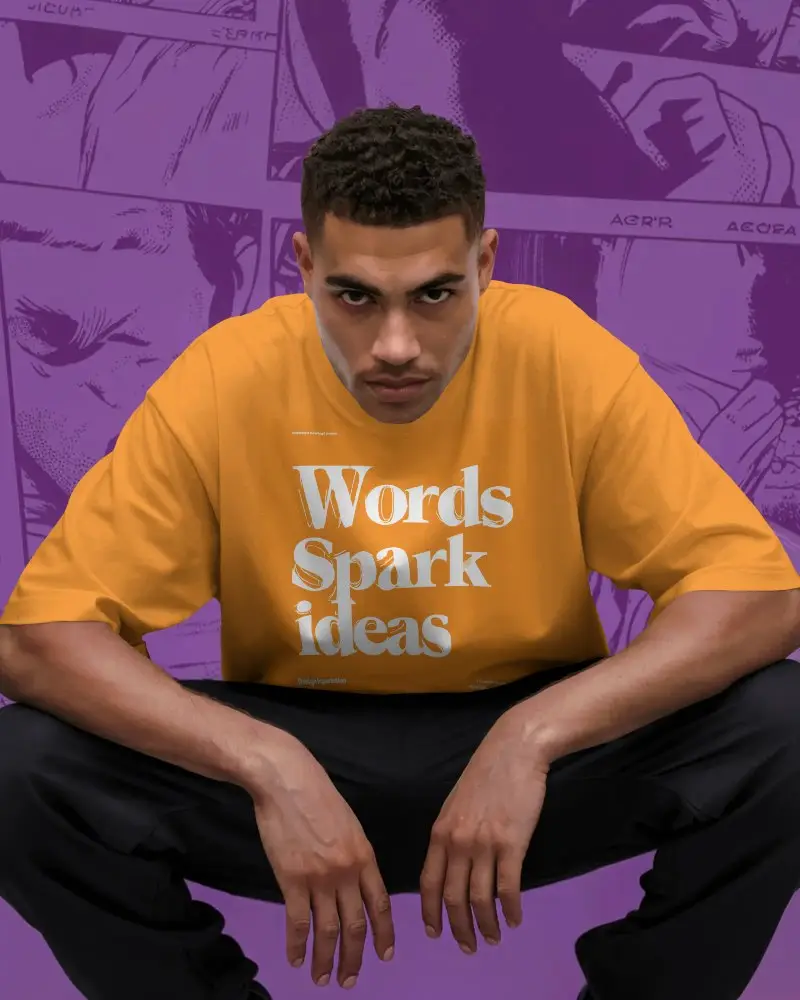
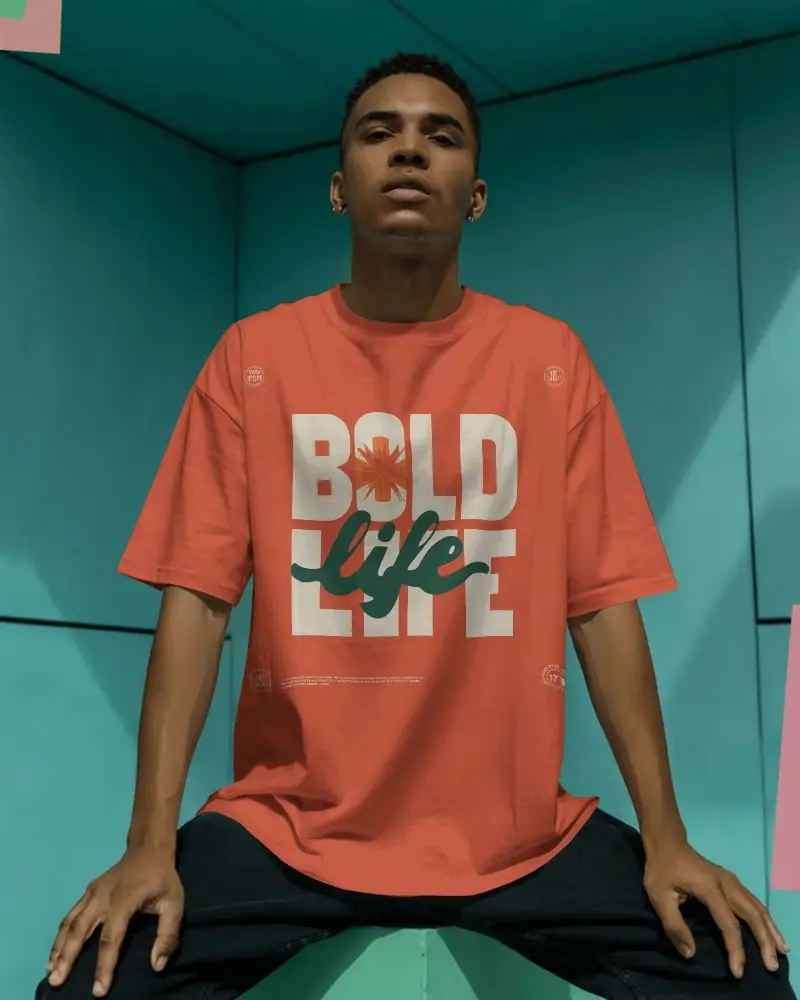

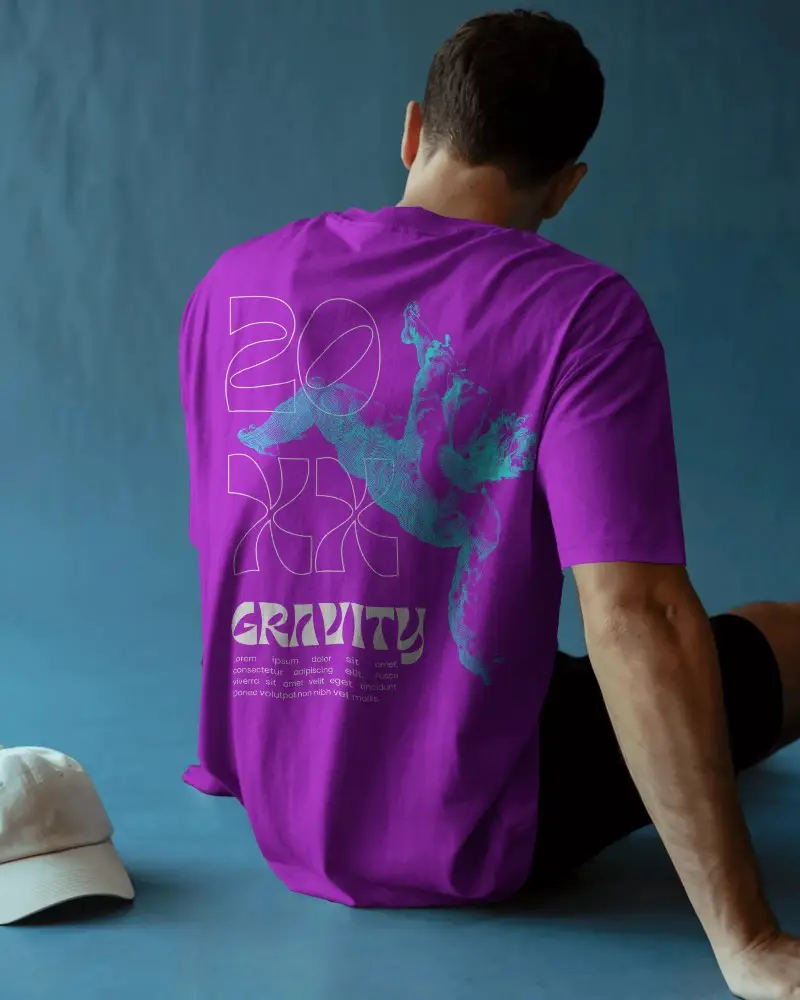
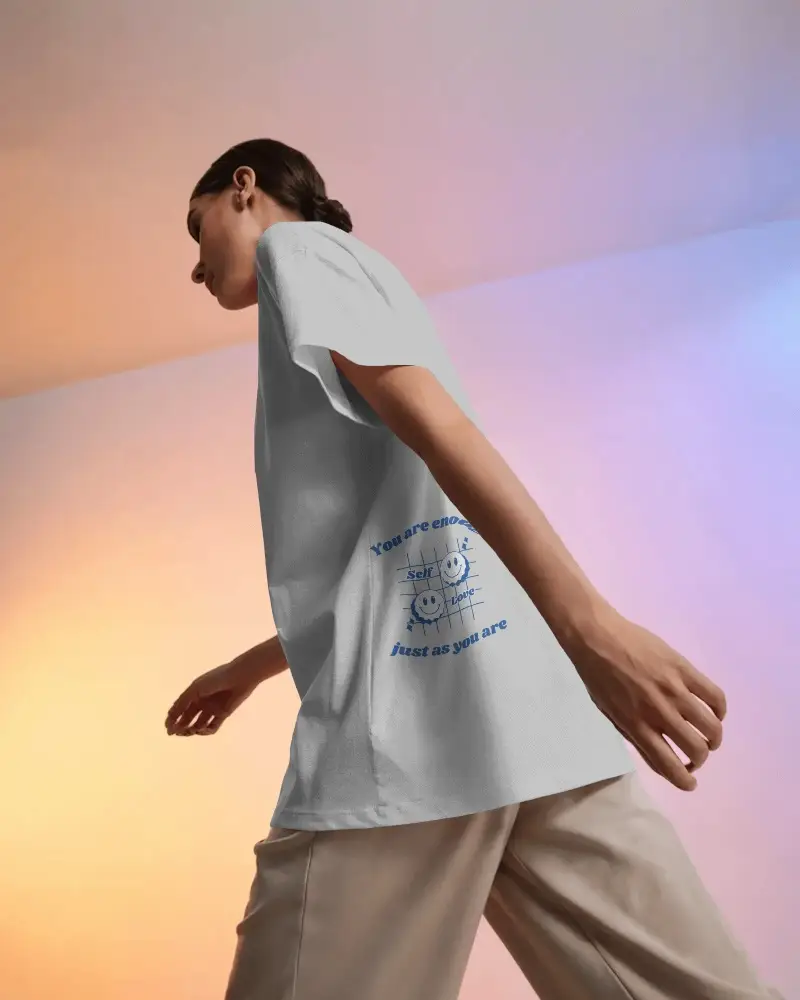
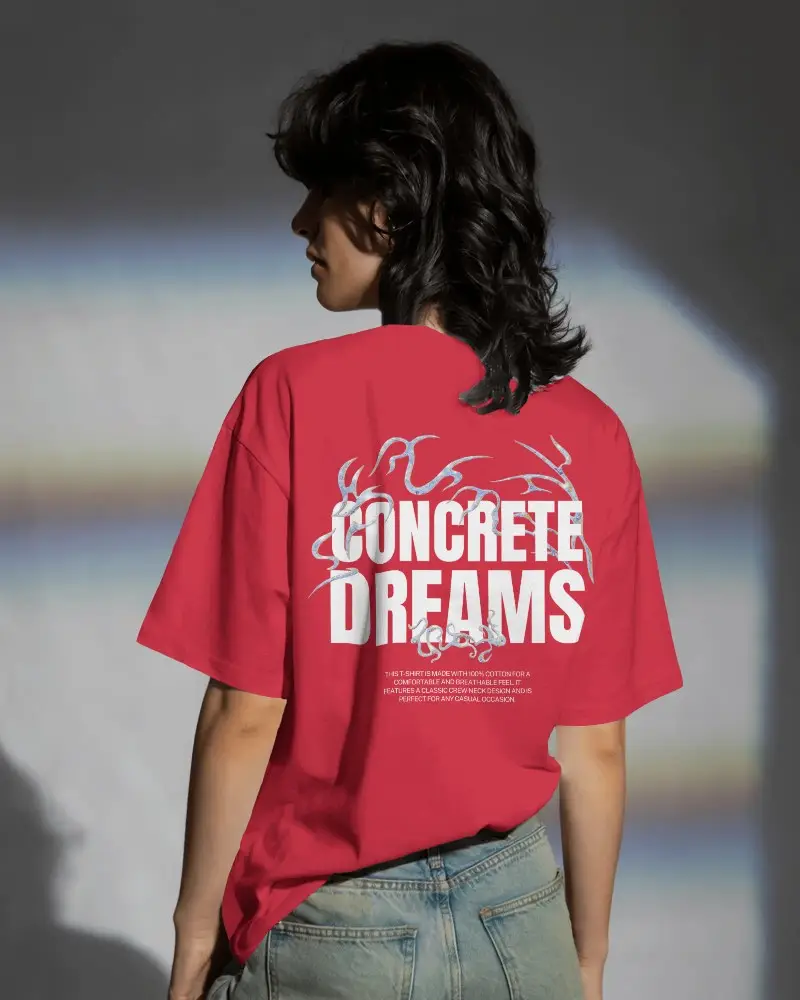

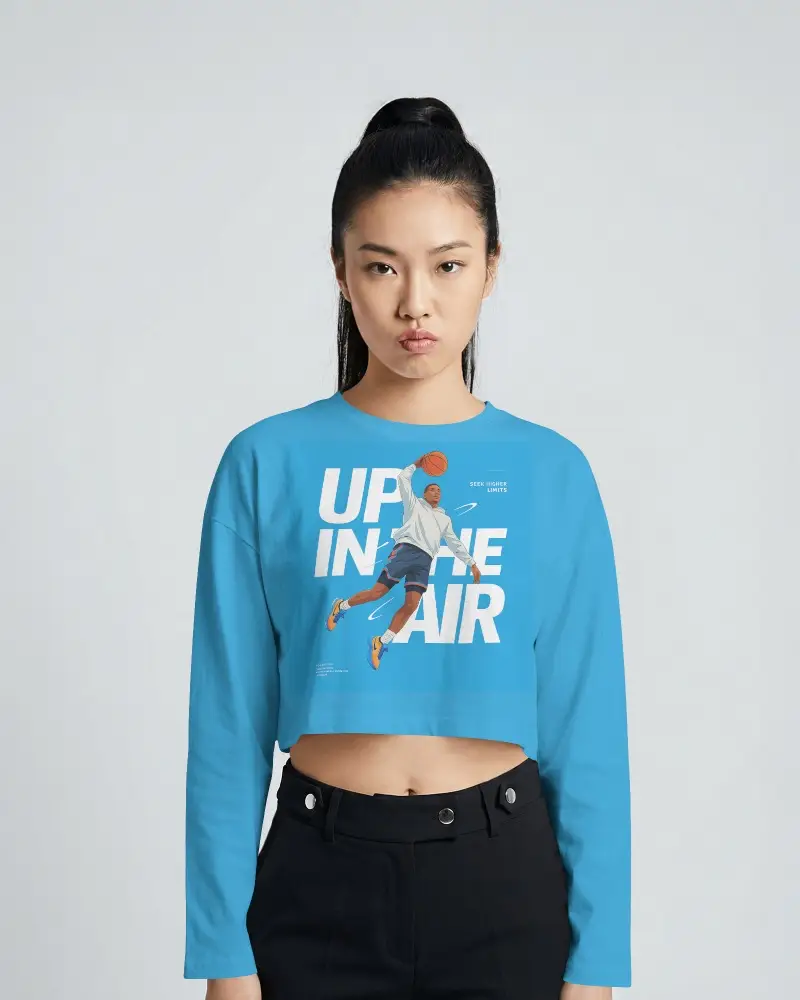
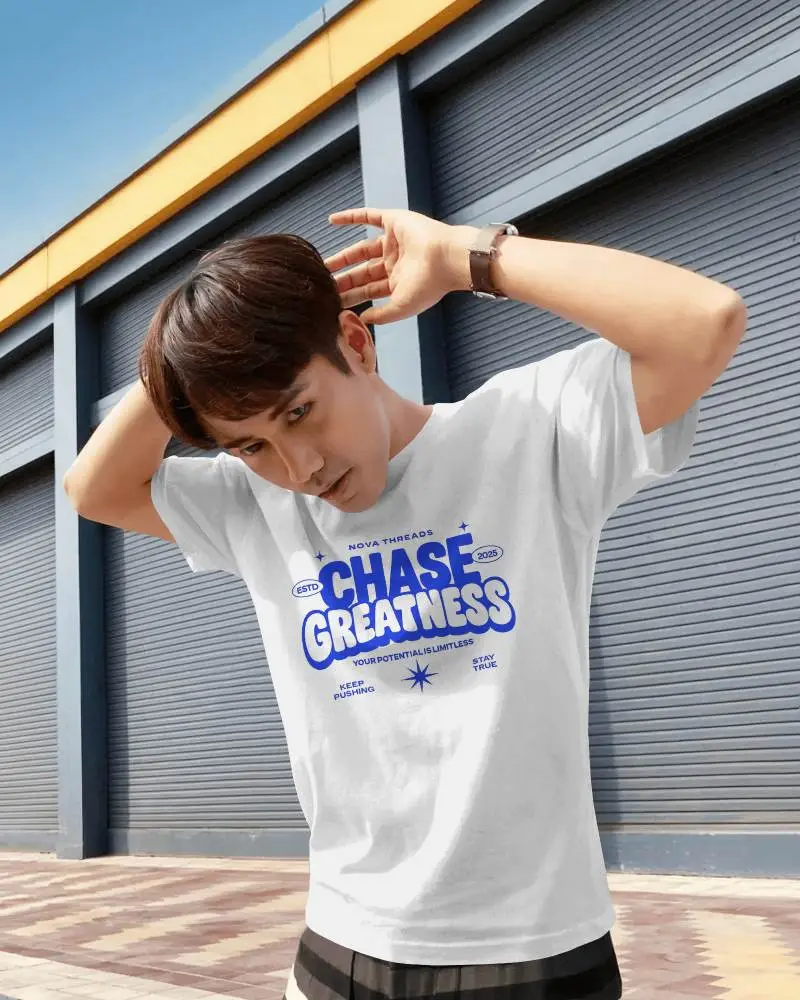

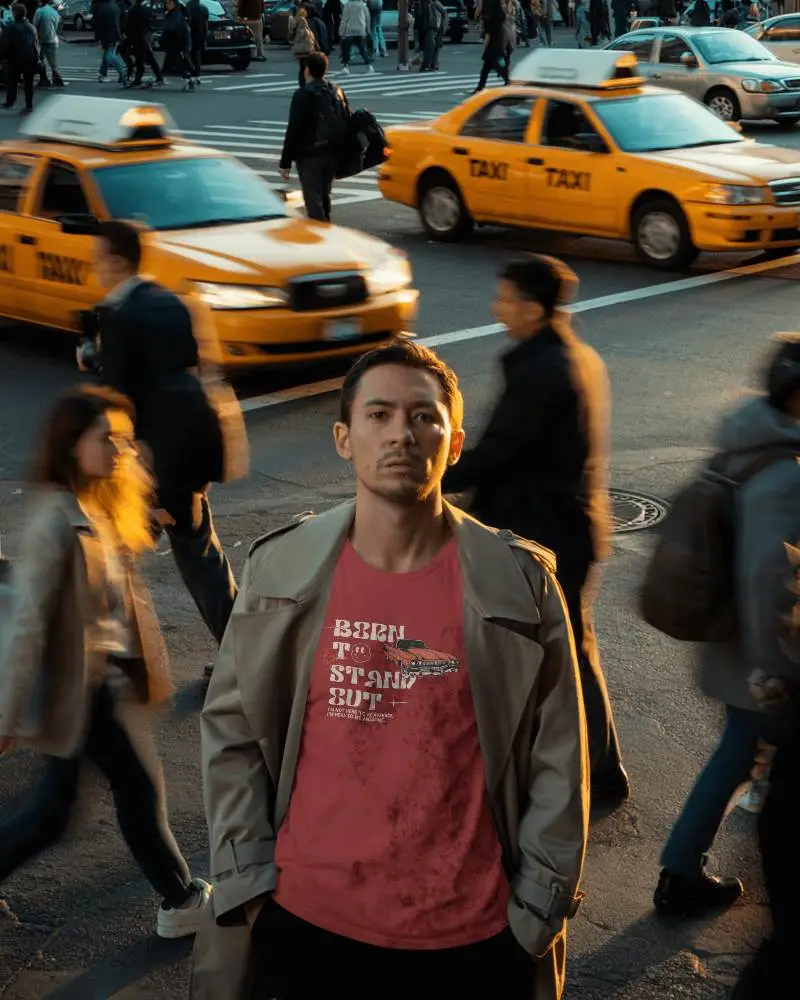

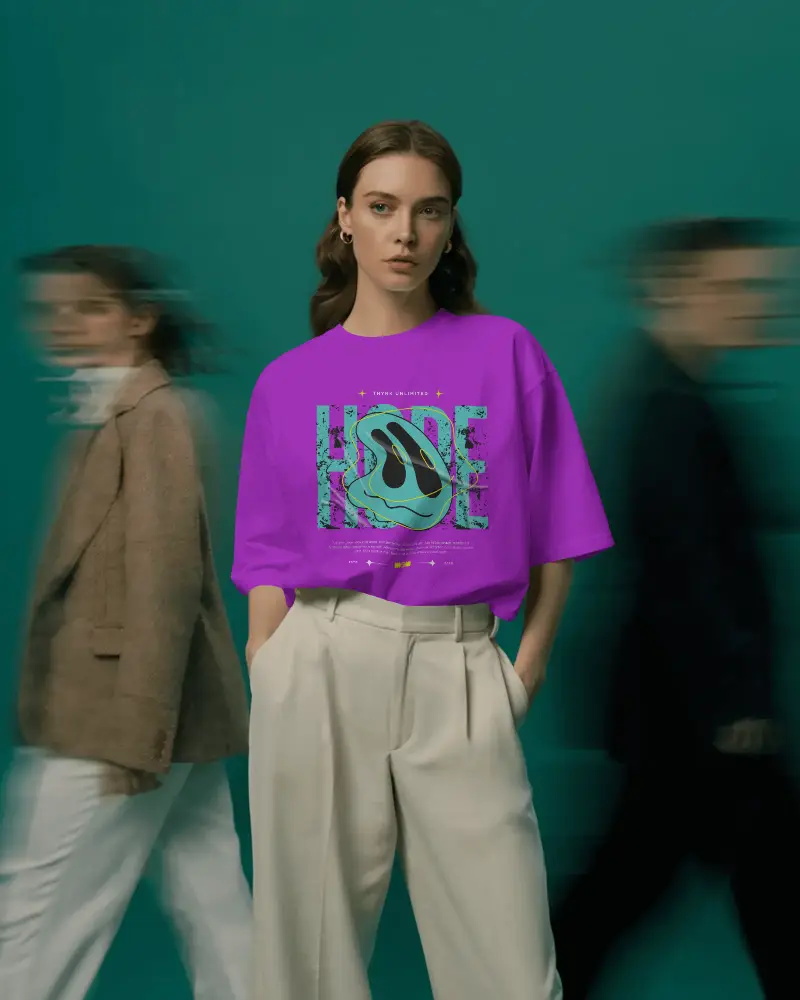


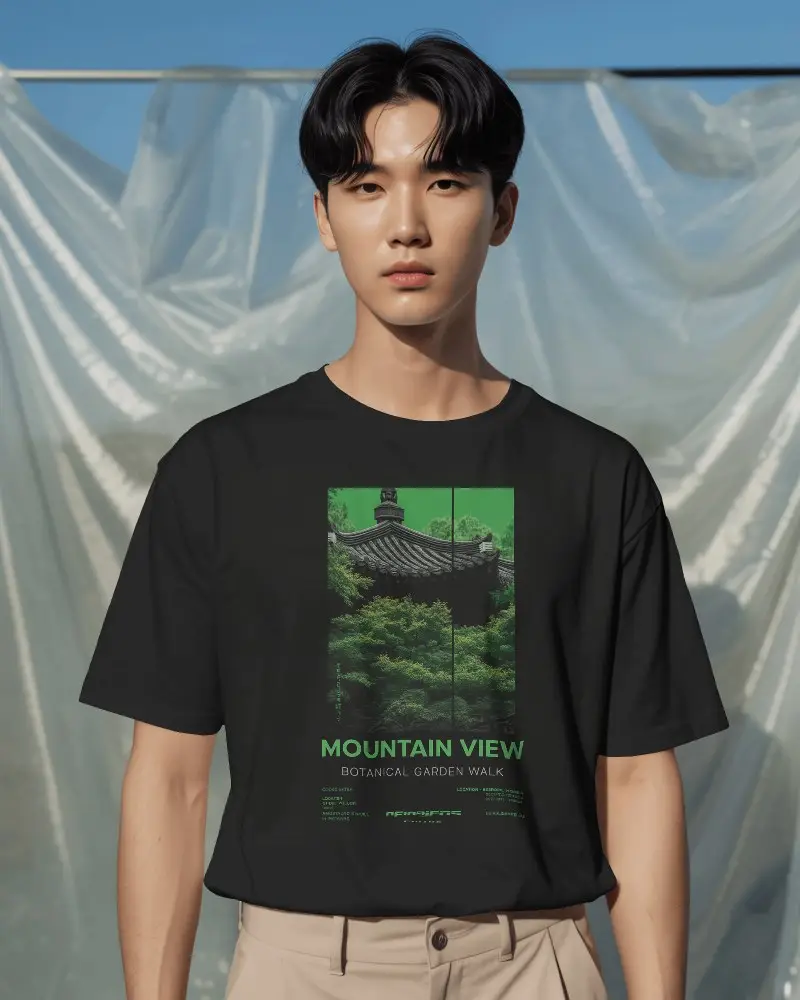
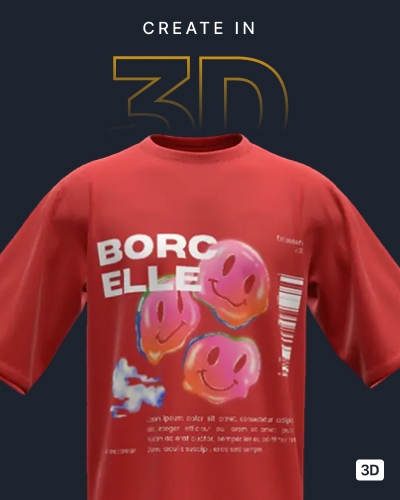
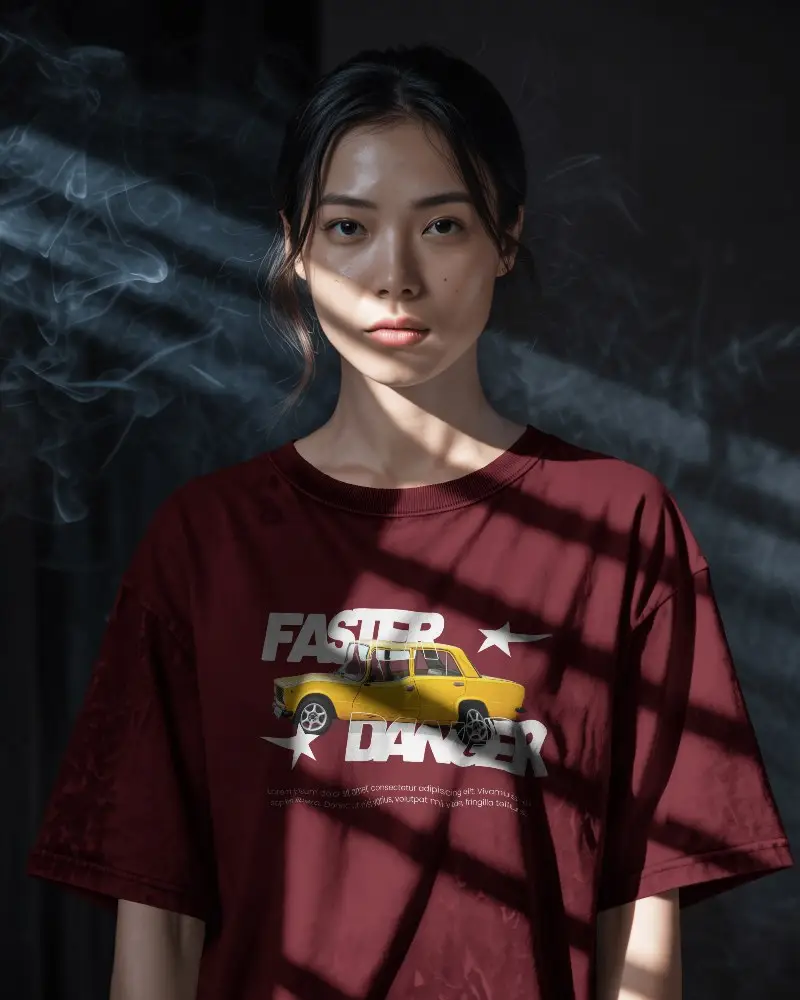
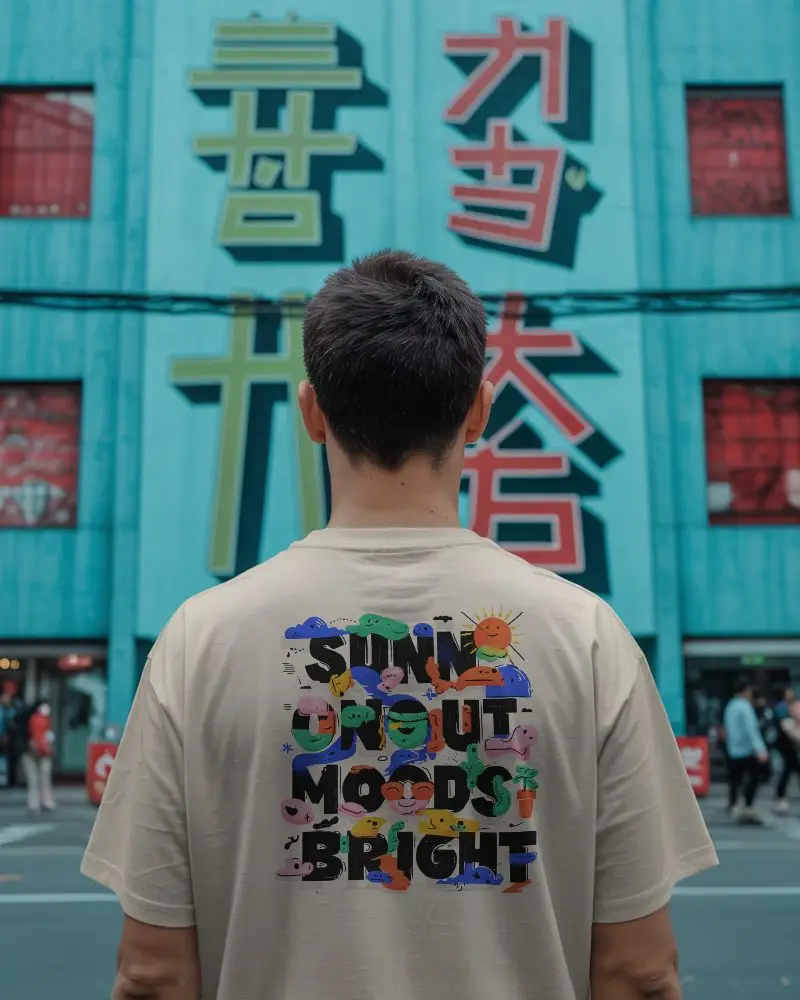
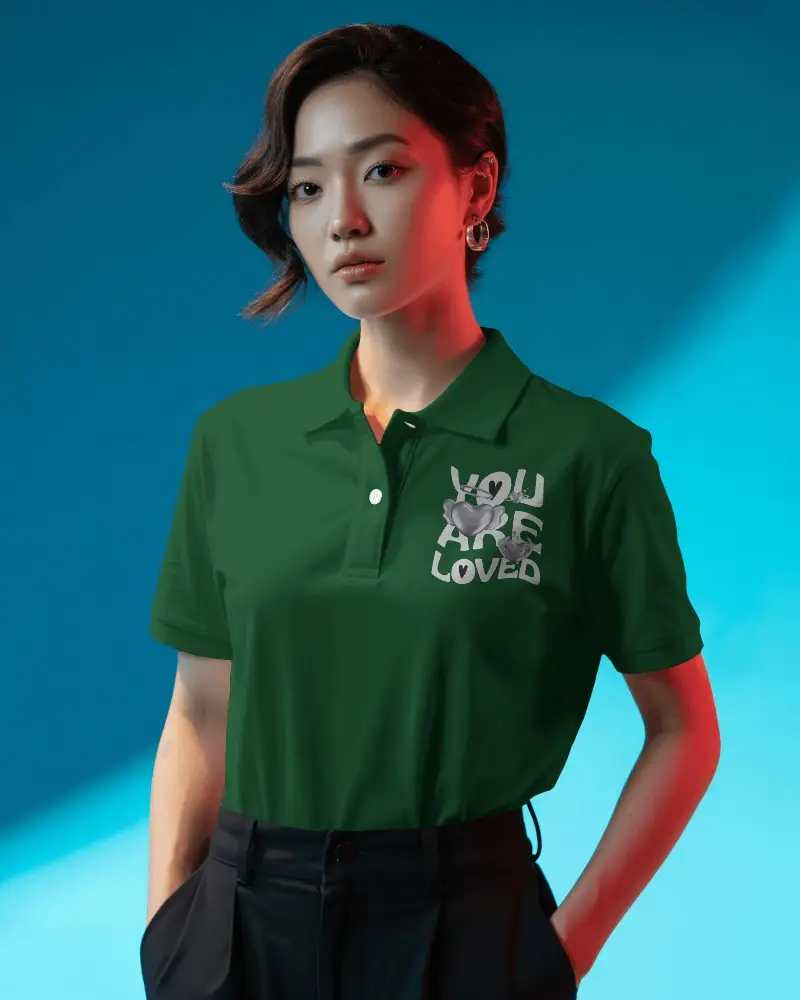
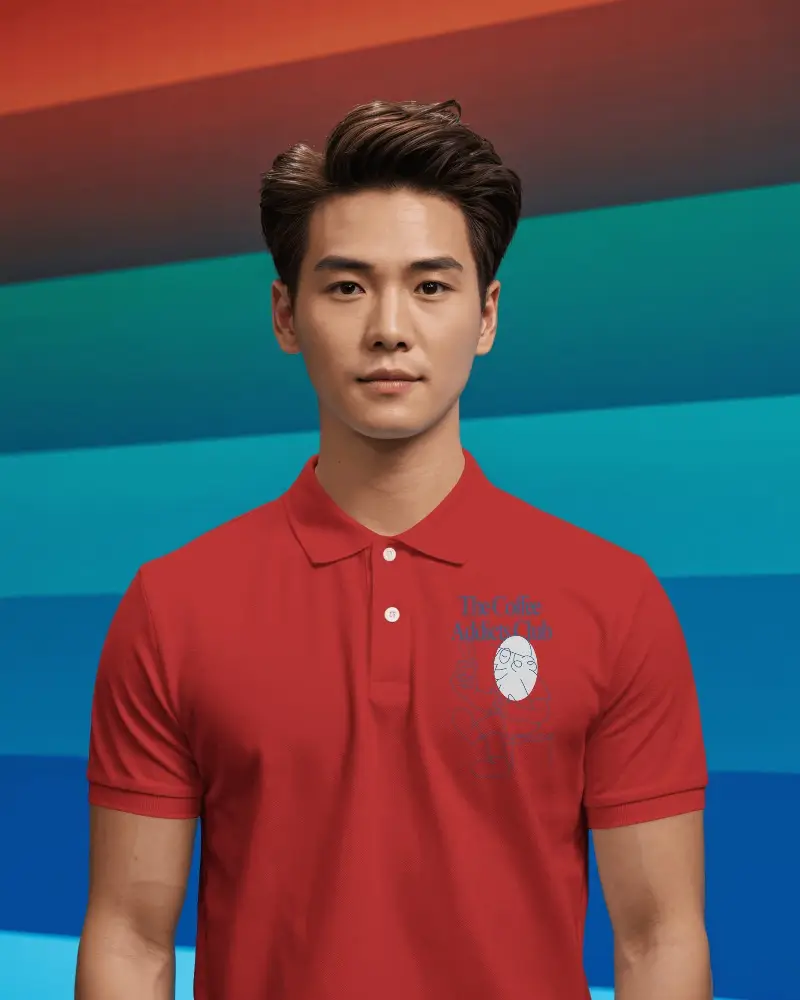
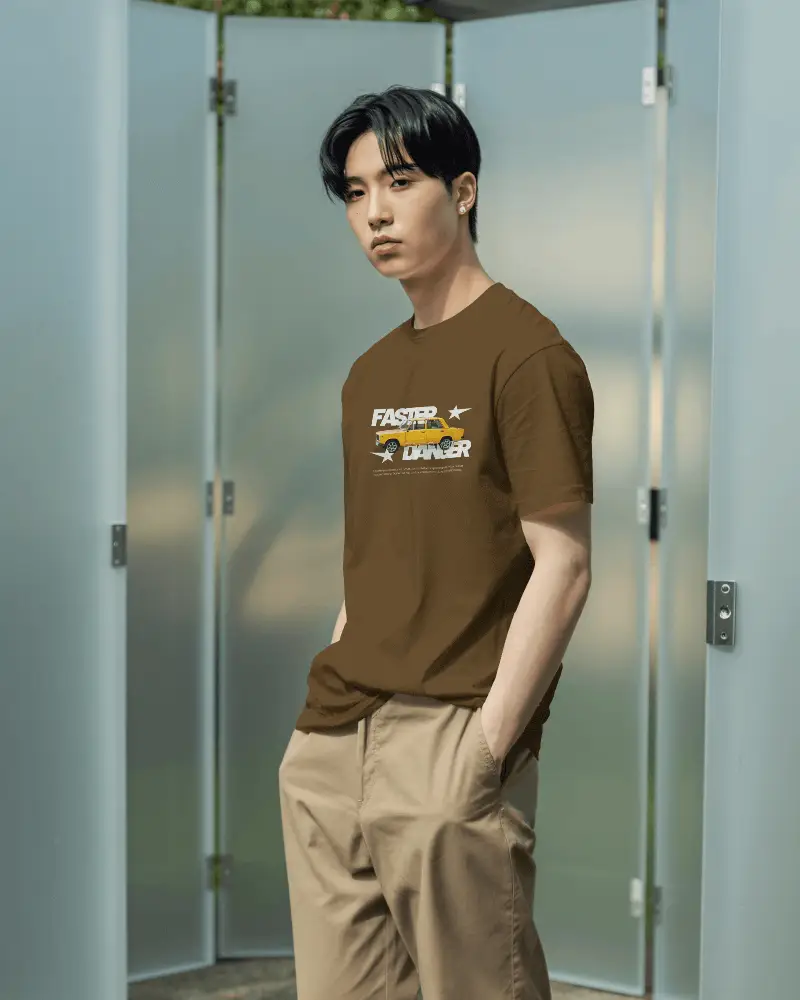
How to Create Asian Model T-shirt Mockups with Mockey AI
Follow these quick steps to generate realistic Asian Model T-shirt Mockups in just minutes using Mockey AI.
- Step 1: Go to Mockups > Apparel > T-shirt > Asian Model in the Tag section.
- Step 2: Pick a template that suits your design style and upload your artwork.
- Step 3: Customize the mockup color, background, then download your high-quality Asian Model T-shirt Mockup instantly.


FAQs on Asian Model T Shirt Mockups
Are Mockey’s Asian Model T-shirt Mockups suitable for print-on-demand product listings?
Yes! Mockey’s Asian Model T-shirt Mockups are perfect for print-on-demand sellers who want to showcase their t-shirt designs realistically for online stores and marketplaces.
Can I customize the T-shirt color in the Asian Model Mockups?
Yes, you can easily change the T-shirt color (black, white, blue, and more) while previewing your design in real time — no Photoshop needed and other software Needed!
Are these Asian Model T-shirt Mockups free for commercial use?
Yes, Mockey provides many free Asian Model T-shirt Mockups that can be used for both personal and commercial projects — perfect for all designers, brands, and marketers.
