12 Best AI tools for Product Photography (Free & Paid)
The best AI tools for product photography are Mockey AI, Freepik AI Suite, Topview AI, Photoroom, Unbound AI, Pebblely, Pixelcut, Flair AI, Claid AI, Magic Studio, Zeg AI, & Caspa AI.
AI has a huge impact on e-commerce. The best and cheapest way for brands to make product photos is with the best AI tools for product photography. This post will showcase the 12 best AI tools for product photography you should check out.
Table of Contents
What Is AI Product Photography?
AI product photography uses AI to create and improve product photos. Write a prompt, and your product image will improve a lot based on what you describe. It cuts the need for costly studios, professional shoots, and long hours of editing.
The system can remove backgrounds on its own and add new ones that match different styles. It can also make fresh variations of the same product, such as new angles or colors, all from one image.
AI product photography is vital for online stores. It creates a strong brand image and boosts your product’s value in customers’ eyes. AI product photography is tough without automation. It’s pricey, time-consuming, and demands serious photography skills. Businesses use the best AI tools for product photography.
AI Product Photography Examples
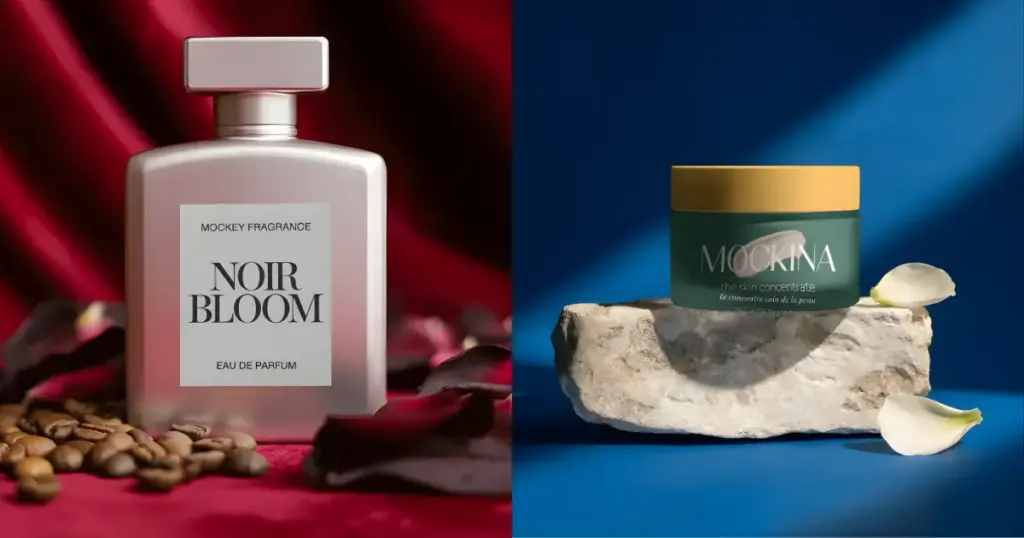
Check out this AI product photography example:
The Best AI Tools for Product Photography
Check out the best AI tools for product photography in 2025 and beyond!
- Mockey AI
- Freepik AI Suite
- Topview AI
- Photoroom
- Unbound AI
- Pebblely
- Pixelcut
- Flair AI
- Claid AI
- Magic Studio
- Zeg AI
- Caspa AI
1. Mockey AI – Best Overall
With Mockey AI’s AI Photoshoot tool, you can create AI product photography. For this, you need to upload a design. You can drag and drop it. Once it uploads, you’ll see an option to add a prompt. Just describe it and click on “Generate.” You’ll get a preview. Click “Download” to save it.
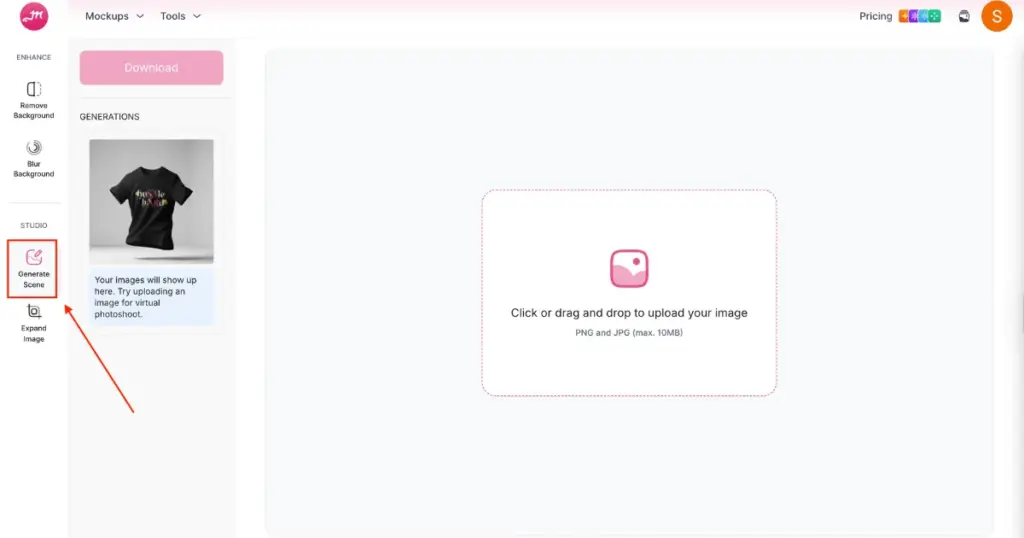
Obviously, this is not included in the free plan. For this feature, you need to purchase the CREATOR or ELITE plan. You can buy a plan from the “Pricing” section on the homepage.
It certifies users to craft perfect ad images by uploading photos, removing backgrounds with AI, generating new backgrounds, and fine-tuning lighting for maximum impact.
Pricing
- CREATOR: $19/month (150 credits)
- ELITE: $49/month (500 credits)
2. Freepik AI Suite
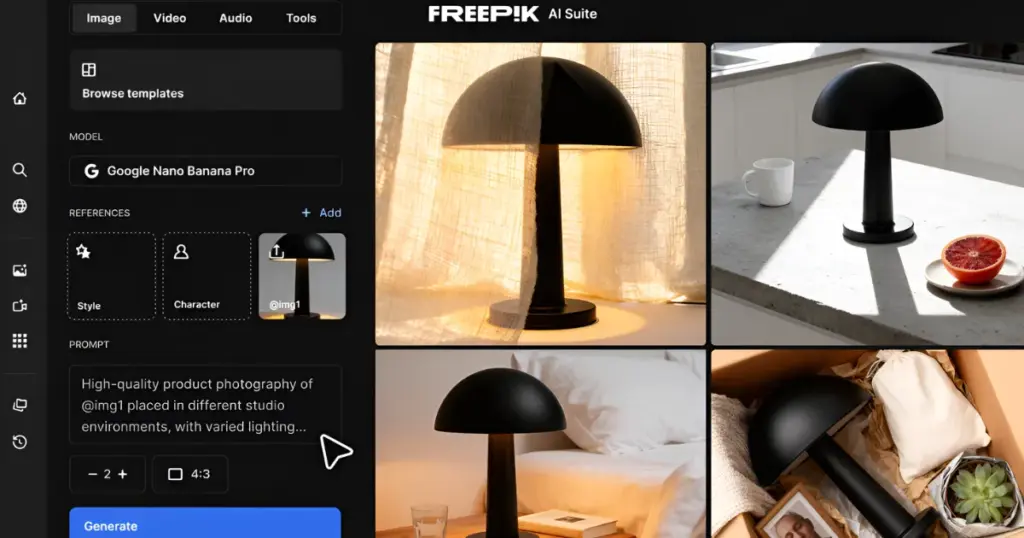
The Freepik AI Suite is an all-in-one creative platform that combines AI image generation, video creation, and editing tools for product photography. The Freepik AI Image Generator gives you access to multiple AI models, so you can create product photos in different styles and quality levels. Generate clean product shots, place items in lifestyle settings, or create custom backgrounds from text prompts or visual references.
What makes it useful for product photography is the Objects feature. You upload 10-15 photos of your actual product, train a custom model, and then generate new images of that same product in different scenes and angles. This keeps your visuals consistent across catalogs and campaigns without reshooting.
The platform also includes image editing tools built right in. Use the Background Remover to isolate products, the Image Upscaler to boost resolution, the Image Extender to expand frames, the Retouch to refine details, and the Change Camera to adjust angles without reshooting. Useful for e-commerce businesses managing large catalogs or testing multiple product variations.
Pricing
- Free (limited access)
- Paid plan starts from $5.75/month when billed annually
3. Topview AI
Topview AI creates app promos, product ads, and try-on videos in minutes. The AI writes scripts trained on millions of videos, chooses the best clips, adds smooth edits, and even generates natural voiceovers. With support for more than 30 languages and auto-captions, your content reaches a global audience easily.
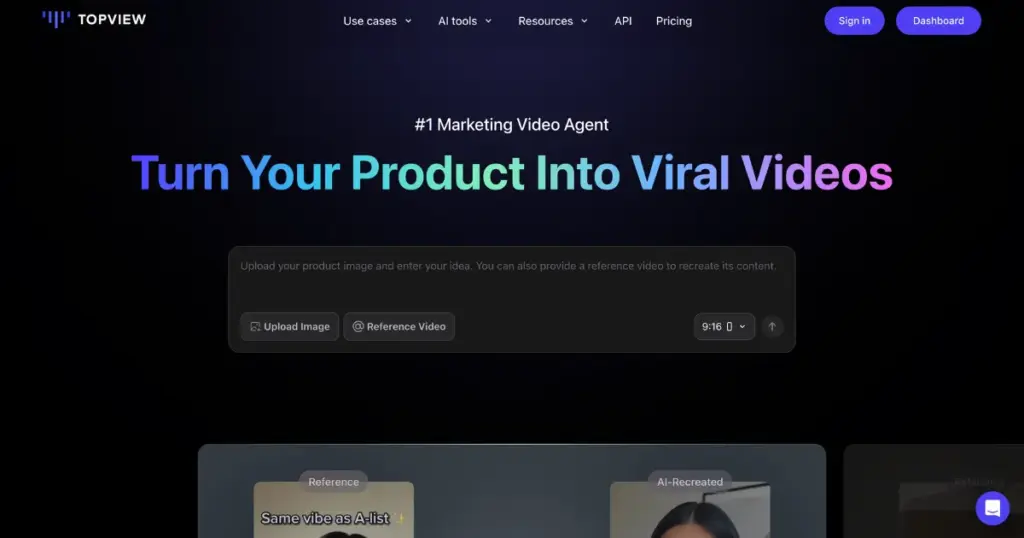
Topview offers free credits to get you started. You can upload videos, images, or product links from platforms like Amazon and Etsy. You can create videos in more than 23 languages, use the AI voices and avatars commercially, and even request a custom avatar designed for your brand.
You can edit AI-generated videos manually, export them in one click, and work on Windows, Mac, or Linux. Free exports come with a watermark, while paid exports are clean. If the tool doesn’t fit your needs, you can cancel before the next billing cycle. Topview also provides an API for businesses that want deeper integration.
Pricing
- Free
- Paid plan starts from $29/month
4. Photoroom
Photoroom makes photo editing easy and fast. Create stunning photos effortlessly. Perfect for **Amazon **or Etsy product images.
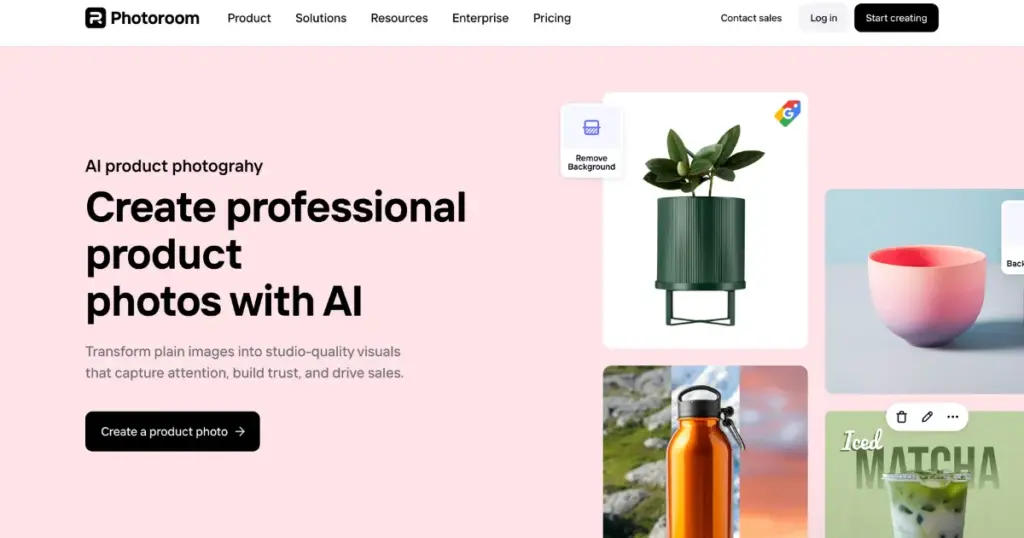
Ideal for boosting your brand on new social media platforms with its background remover and magic retouch features.
Quickly export your photos with Magic Resize. Get inspired with template suggestions.
Pricing
- Free
- Paid plan starts from ₹299 per month
5. Unbound AI
Unbound uses AI to make many great product photos from one.
Upload clear product pics, say your ideal background, and then pick your favorite from AI choices. Use Unbound for product pics on social media, ads, or your site.
Pricing
- Free
- Paid plan starts from $15/month
6. Pebblely
Pebblely is a free AI tool for product photography that makes beautiful product photos in a snap.
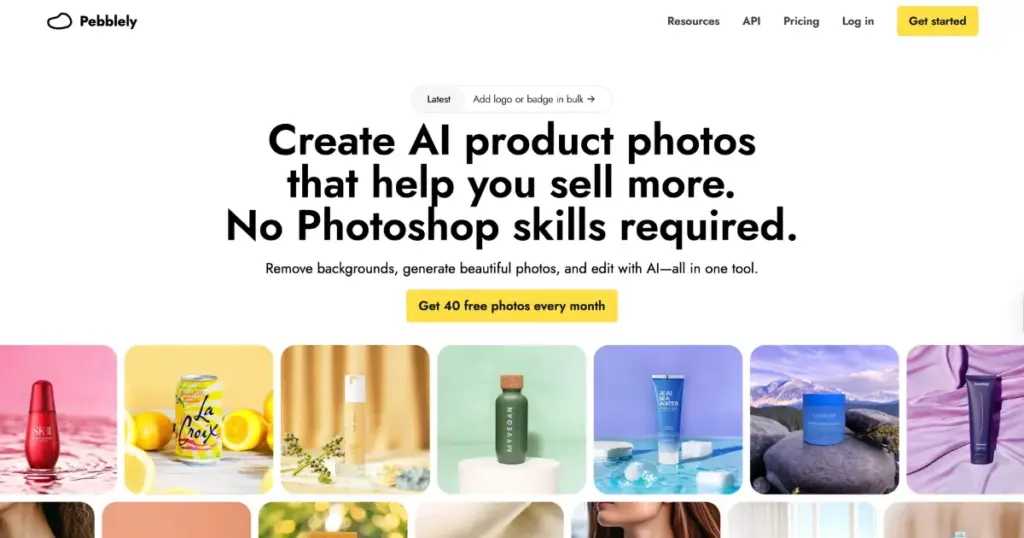
With just one click, it creates 40 photos per month for Instagram or other places.
It offers 17 themes and is great for websites, social media, and emails. Perfect for small businesses, agencies, and designers!
Pricing
- Free
- Paid plan starts from $19/month
7. Pixelcut
Pixelcut is another free AI tool for product photography, making product photos look amazing in no time.
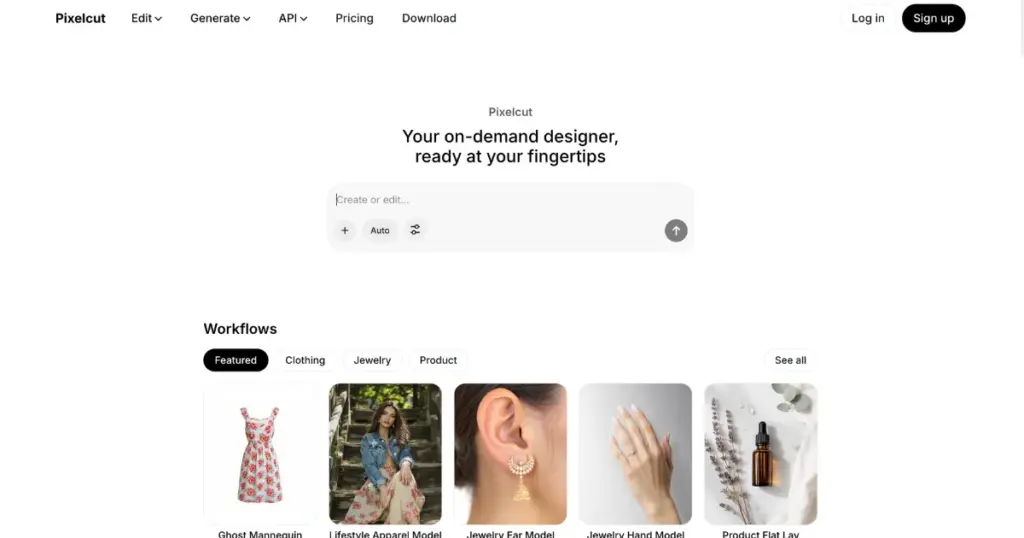
With various styles like Bloom, Christmas, Floral, and more, you can match your brand and campaign effortlessly.
Just upload your product picture, choose a style, and Pixelcut does the rest, even on your phone. Fast, easy, and stunning results are guaranteed!
Pricing
- Free
- Paid plan starts from $10/month
8. Flair AI
Generate product visuals with Flair AI for all your business needs with ease. Set up digital scenes with simple drag-and-drop props. Mix your products with ready-made templates.
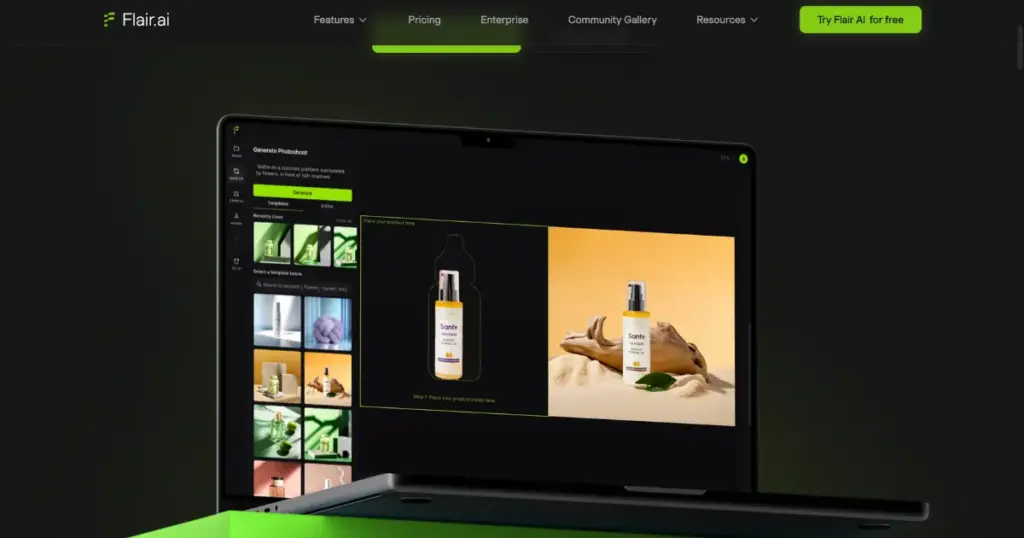
A new fashion photoshoot feature lets you place clothing and jewelry on AI models while keeping patterns and logos intact.
Access a full library of ad templates. If you need human models, you can build custom AI models with features of your choice, from hair color to body type.
It offers fast image generation, background editing, ad creation, video tools, model building, and full brand asset control.
Pricing
- Free
- Paid plan starts from $10/month
9. Claid AI
Get quality product photos in seconds with Claid AI. Claid AI Studio offers multiple tools in one place.
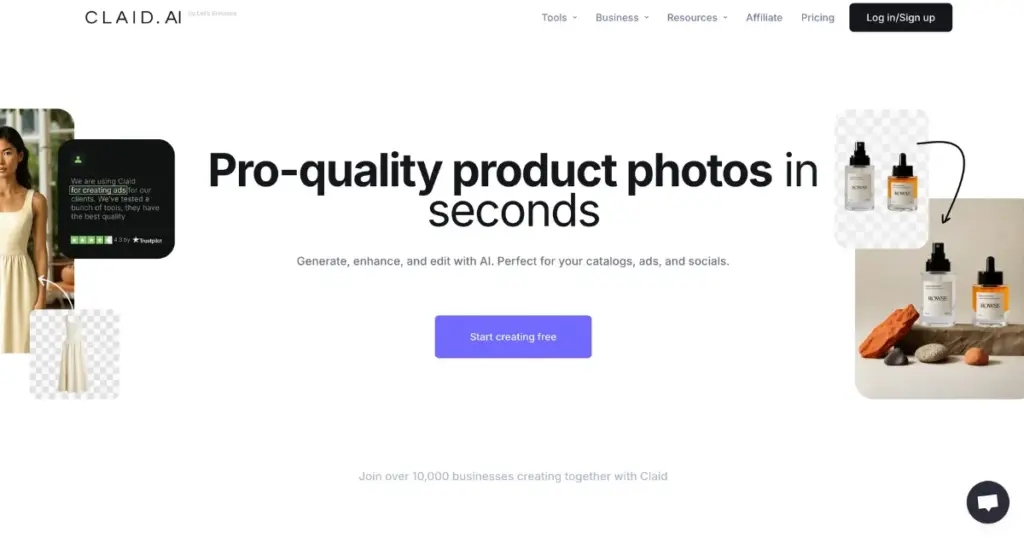
You can turn a single clothing photo into a model shoot with AI fashion models. You can place your products into clean or creative scenes using ready backgrounds or custom templates. You can also generate full photoshoots simply by describing what you want with this AI tool for product photography.
Many companies trust the Claid API to speed up their work. Rappi cut editing time by 42 per cent and reduced the effort of managing sellers by 28 per cent. Mixtiles uses Claid to fix the quality of user-generated content without extra work. Claid supports all kinds of visuals, from products and lifestyle shots to food, cars, people, and more.
Pricing
- Free
- Paid plan starts from $15/month
10. Magic Studio
Magic Studio is a great AI tool for product photography, making awesome product photos quickly. You can create up to 40 photos for free!
This tool only works with PNG and JPEG files. It’s awesome for changing or deleting backgrounds in product photos, letting you tweak the photos and create new stories with each one.
You can make product pictures for social media, emails, and ads with Magic Studio, not just for your website.
Pricing
- Free
- Paid plan starts from ₹ 1499
11. Zeg AI
Need professional-looking images but tight on cash? Zeg AI has you covered. With this app, you can now make 3D product pictures affordably.
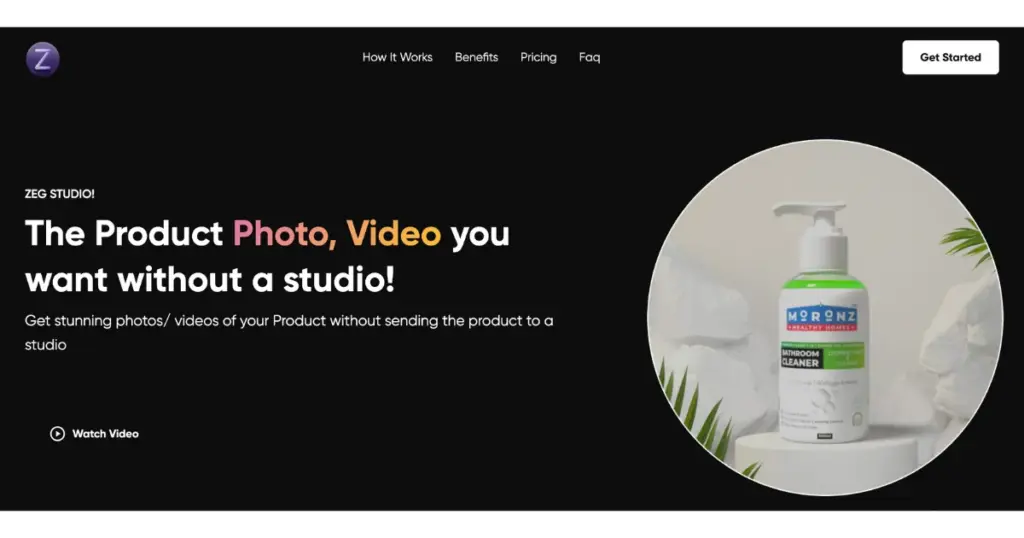
Just upload your image and get your 3D version within 48 hours. Plus, you can enhance images in 4k quality.
This app doesn’t leave a carbon footprint, so it’s eco-friendly. Paid plans begin at $200, which is cheaper than renting a studio. It’s a great tool for online sellers to promote products affordably and effectively.
Pricing
- NA
12. Caspa AI
Caspa AI is built for ecommerce brands that want fast, high-quality product photos and videos. It helps you make studio-like visuals with models, animals, clean lighting, and detailed backgrounds. You can create everything with a few prompts and get ready-to-use content in seconds.
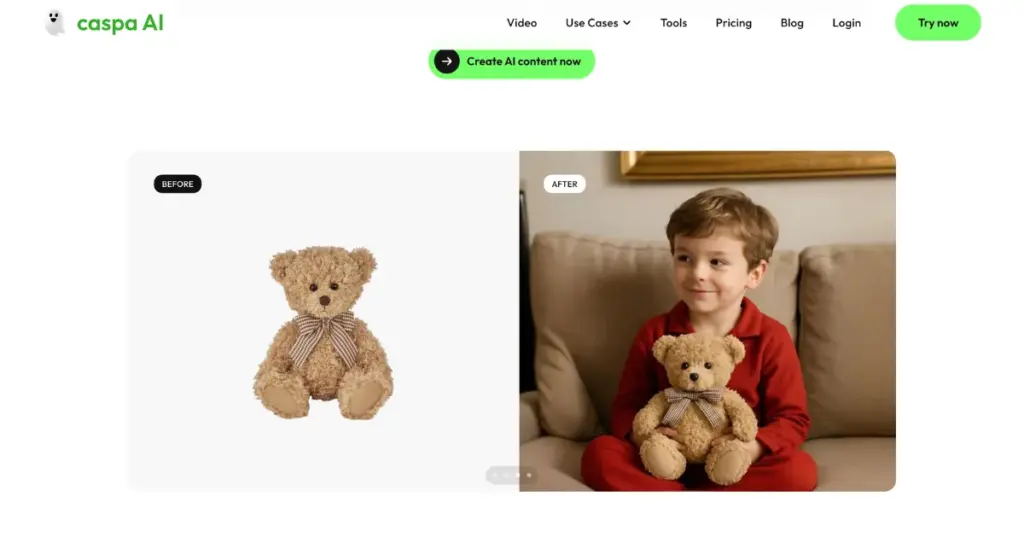
It generates front, side, back, and close-up shots for fashion, accessories, and more. You can also group multiple products into one scene to build bundles or room setups.
Caspa AI comes with all the editing tools you need. You can upscale images, fix errors, remove unwanted elements, and adjust the look without using Photoshop. It also lets you generate custom AI stock photos that fit your brand identity.
If you have questions, Caspa AI’s team is available to help you get started or guide you through the process. You can use all the generated photos for your business, and you don’t need to enter your credit card when trying the platform.
Pricing
- Paid plan starts from $59/month
Bonus Mention
We’d like to mention one bonus option for AI product photography.
Ecomtent AI
Ecomtent AI helps you create a complete eCommerce product listing, including images, optimized text, and infographics.
The tool quickly generates unlimited high-quality product photos with natural lighting, shadows, and reflections.
Top companies like Next AI, Olsam, and Domu Brands trust Ecomtent.
Pricing
- Free
- Piad plan starts from $599/month
What Are Some Challenges in Traditional Product Photography?
Traditional eCommerce product photography faces many financial challenges, including:
- Costly: Requires expensive equipment and professional cameras.
- Time-consuming: Setting up products, adjusting the camera and lighting, and taking multiple photos.
- Inconsistent: Difficulty maintaining uniform lighting, angles, and quality.
- Editing and retouching: A time-consuming process, and may result in unpolished images if done by amateurs.
- Handling risks: Photographing large or fragile items poses challenges due to size, weight, and breakage risk.
Benefits of Using AI Product Photography
AI product photography simplifies tasks like editing, background removal, and 3D modeling, saving time and resources for businesses compared to traditional methods.
- AI product photography automates editing, background removal, and 3D modeling tasks.
- It overcomes traditional photography challenges.
- Best AI tools for product photography improve product images, boosting sales and engagement.
- Speeds up image creation for faster product launches.
- Ensures consistent, high-quality images, enhancing brand trust.
How Does AI Product Photography Work?
AI product photography involves using AI to create, adjust, and improve pictures of products.
Best AI tools for product photography, such as Mockey.ai, can do lots of tasks automatically, like taking out backgrounds, fixing lighting, and making lifestyle pictures using AI Photoshoot.
How to Use Mockey AI Product Photography Generator?
Once Mockey launches AI product photography, Steps to Make AI Product Photos:
- Upload your product image.
- You can either pick prompts from the library or make your own. Describe what you want from the AI Photoshoot in these prompts.
- Get high-quality product images made by AI instantly. Download them and use them on your online store, social media, ads, or anywhere you like!
Pick the Best AI Product Photography Generator
AI solutions save businesses money, time, and work by doing repetitive tasks that would otherwise need lots of people and money.
Businesses are using the best AI tools for product photography to avoid hiring professional photographers, buying bulky cameras, and spending lots of time on product photo shoots for campaigns.
With AI product photography generators, you can quickly create lots of professional and stunning product photos, even if you’re not a professional photographer.
You won’t need to spend a lot of money or hire anyone, making the whole process much faster.
FAQs
Can you use AI for product photography?
With Mockey AI’s AI Photoshoot, you can create professional and eye-catching product images without needing a giant budget or studio. Write a prompt, and this AI will help you make engaging and polished images.
Which AI tool is best for photo editing?
The best AI photo editors are Adobe Photoshop, which offers a full-featured photo editing and design app; Luminar Neo, an AI-powered photo editor; Canva, an AI-powered design app; Pixlr, an easy-to-use online AI editor; and Lensa, a mobile AI photo editor.
What is the AI app to edit product photos?
Mockey AI’s AI Product Photography helps you create product photos in various styles.
What AI are photographers using?
Some exciting AI photography software is Luminar Neo and Adobe Firefly. Adobe Firefly uses machine learning to help create and customize artwork. It can generate different art styles and make artwork creation and editing easier.

Sangram Sahoo
I’m a content writer with 4 years of experience. I specialize in creating practical content around mockups, print-on-demand, apparel, and e-commerce design.
