macbook
Free Realistic MacBook Pro Mockup Online
Choose from MacBook Pro mockup free options on Mockey.ai. Design, customize, and download your perfect mockup online quickly and easily!
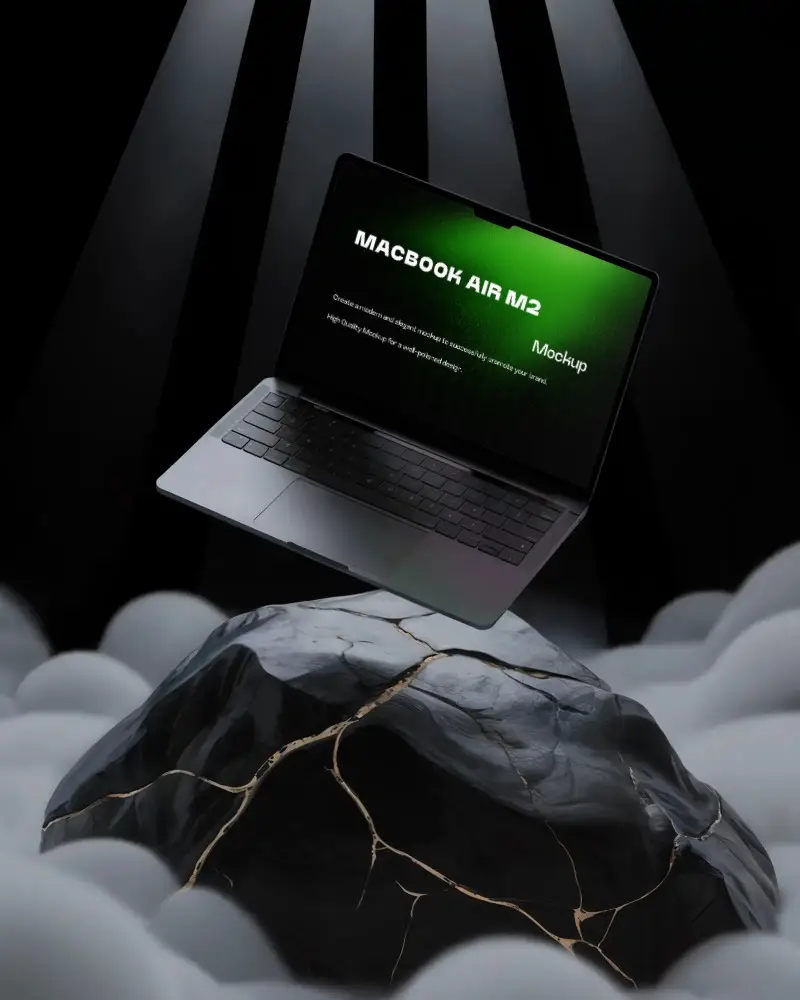
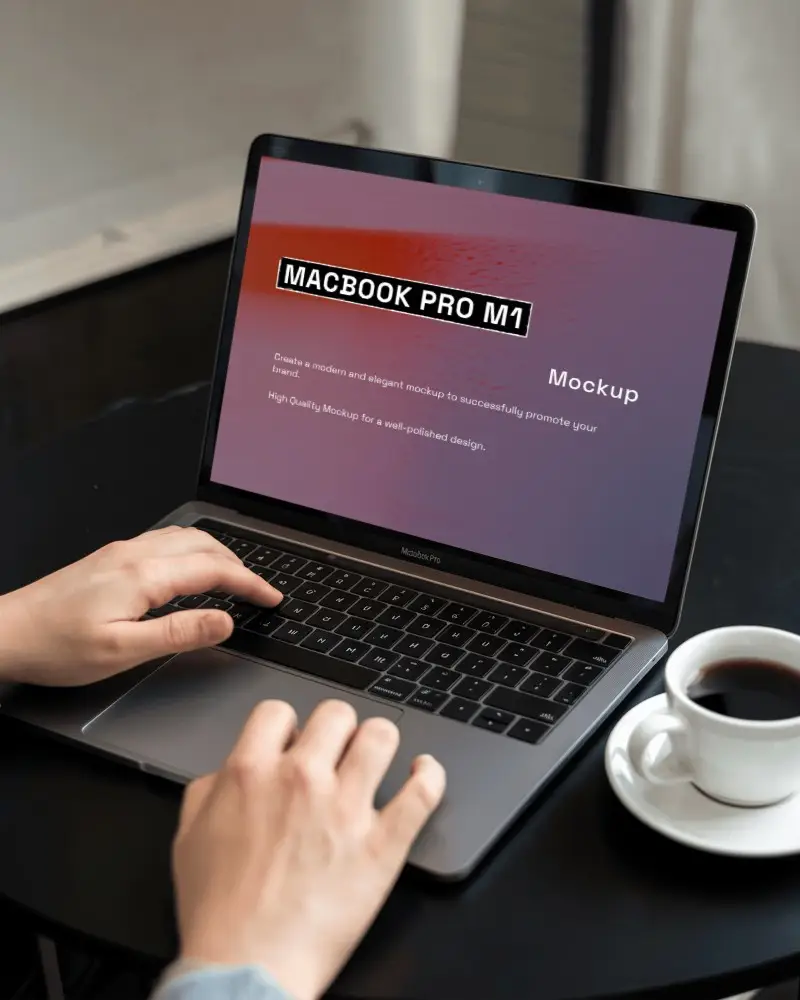
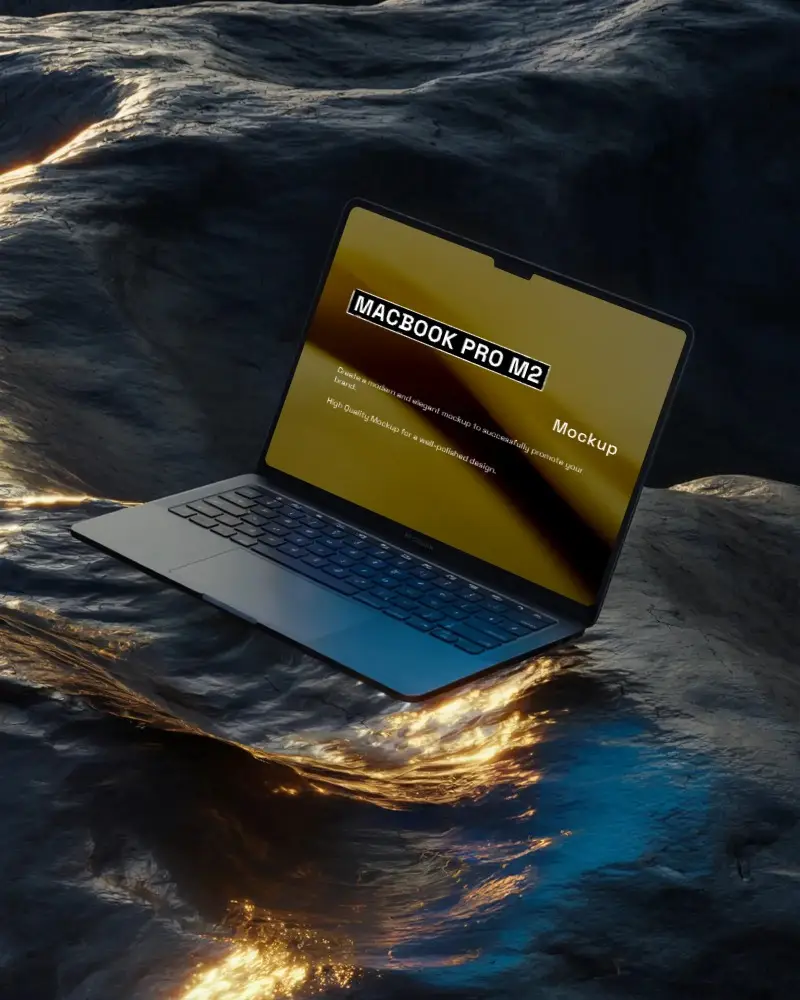
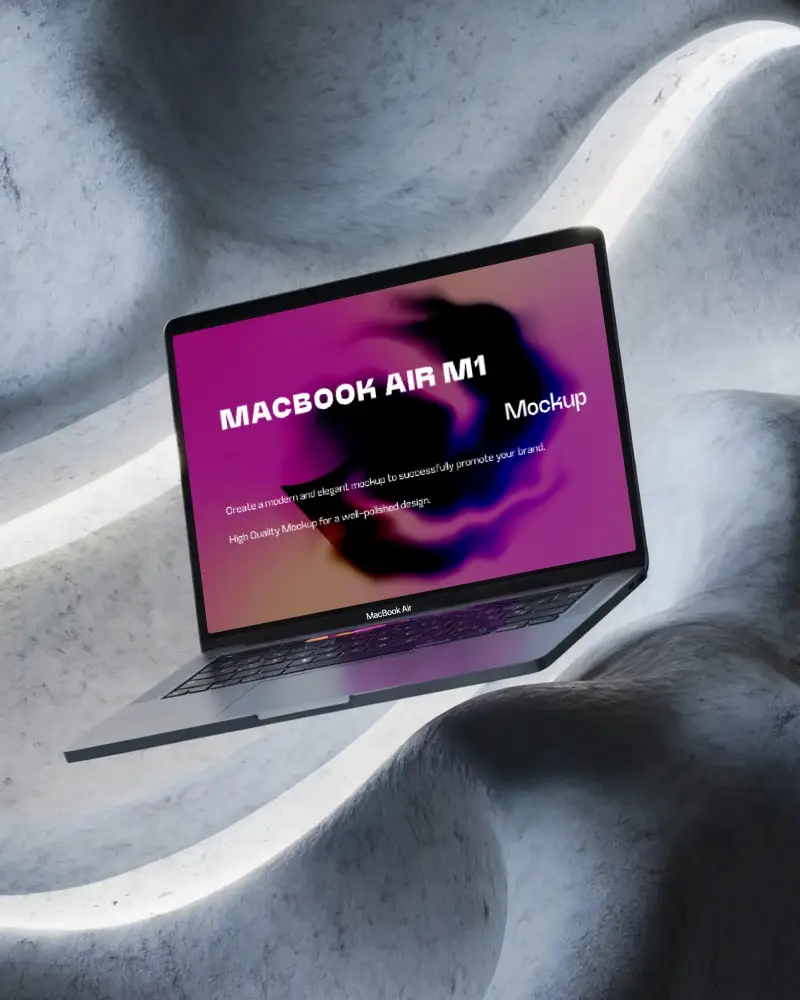
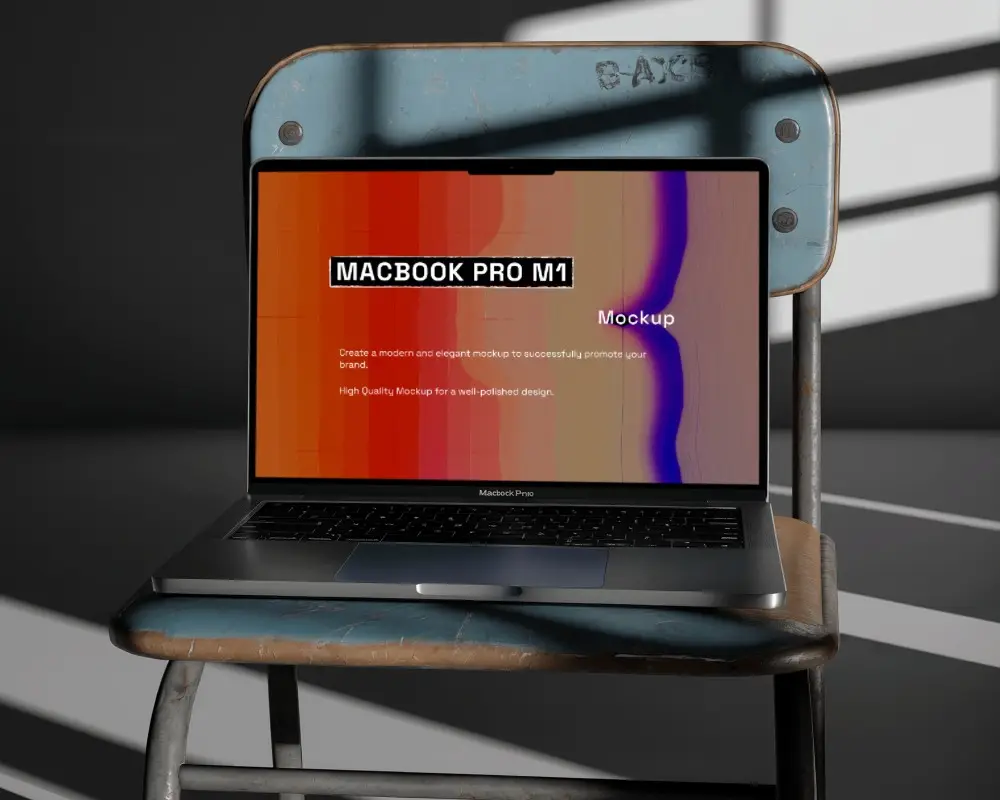
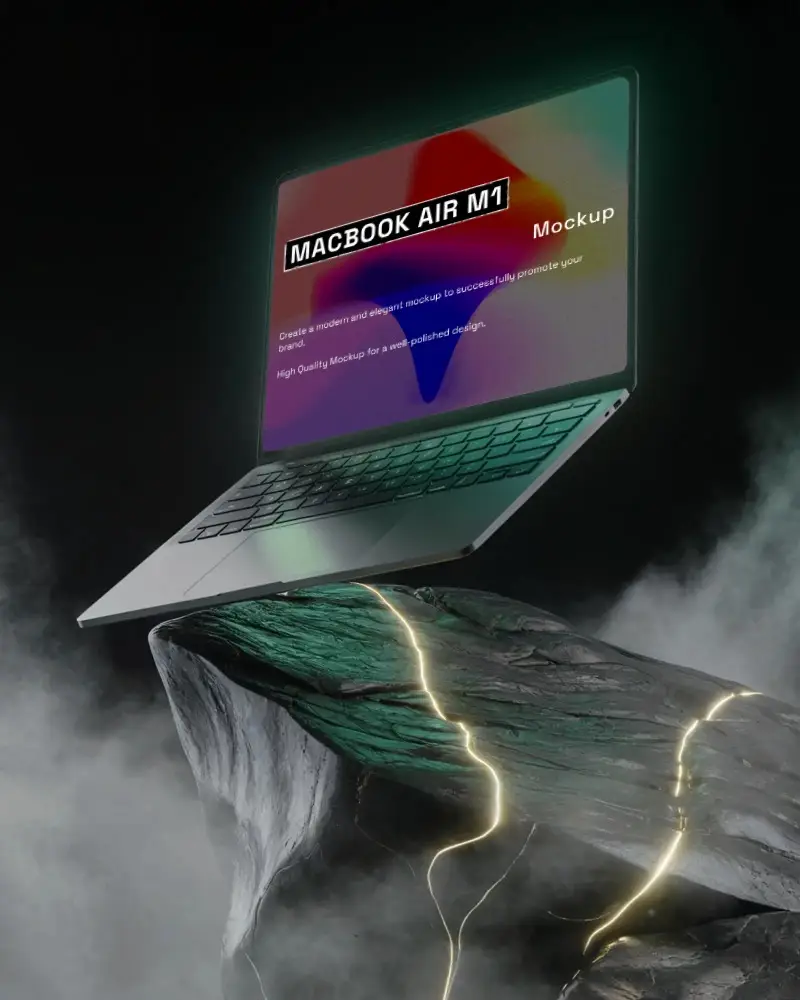
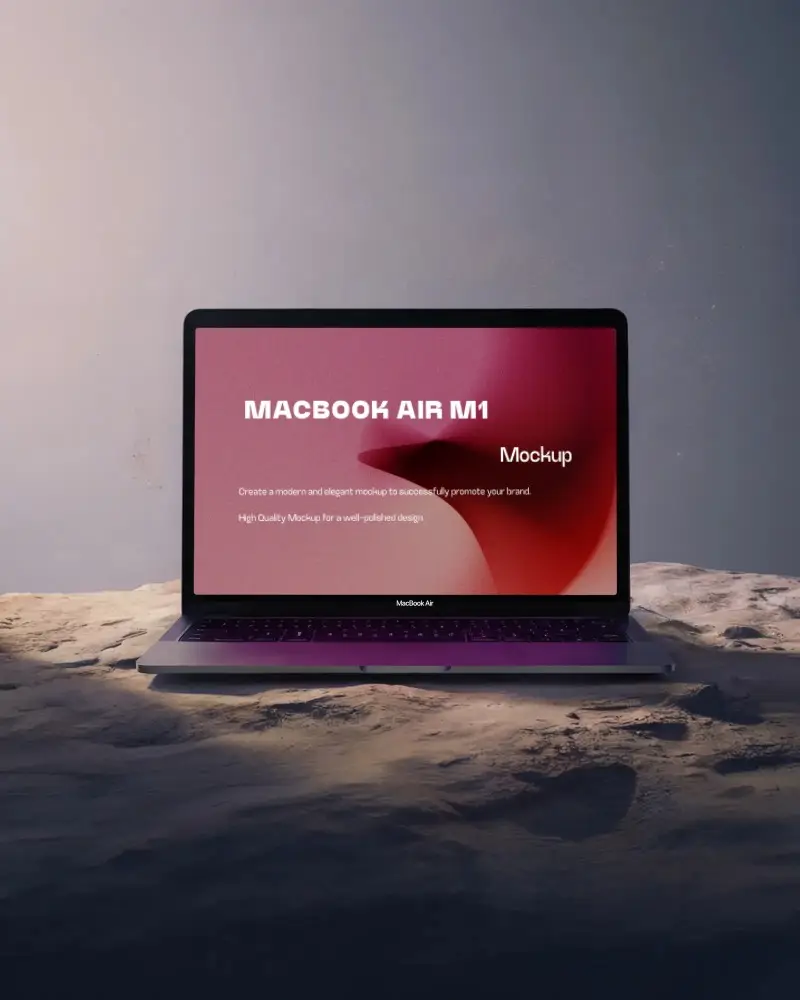
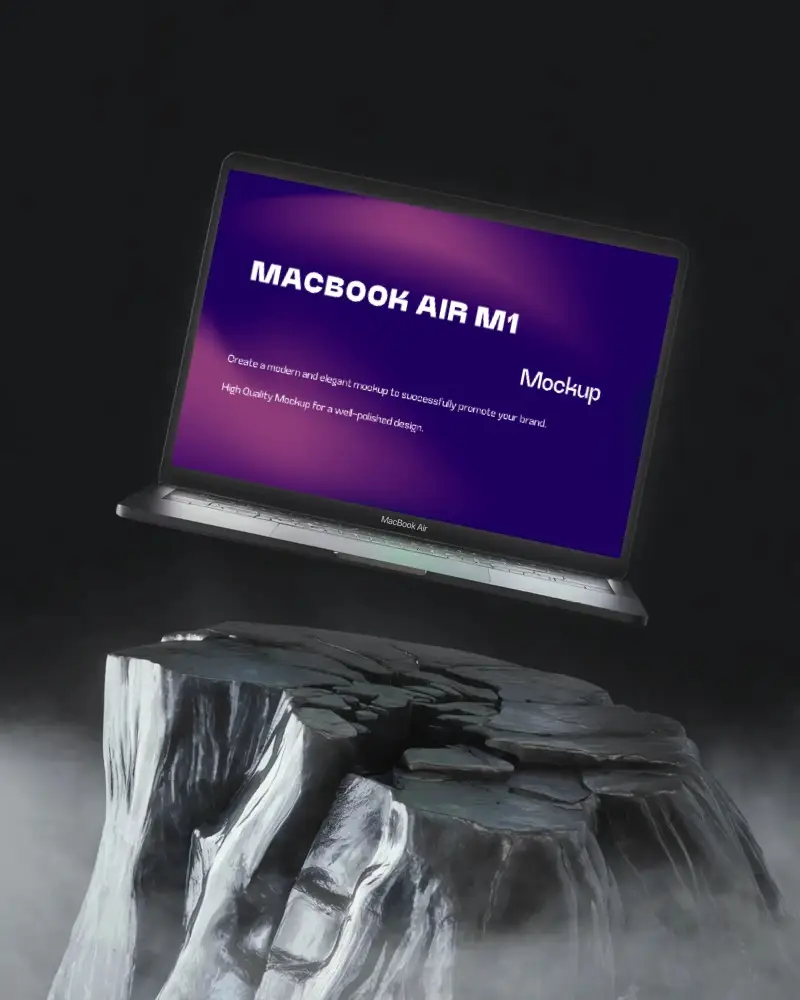
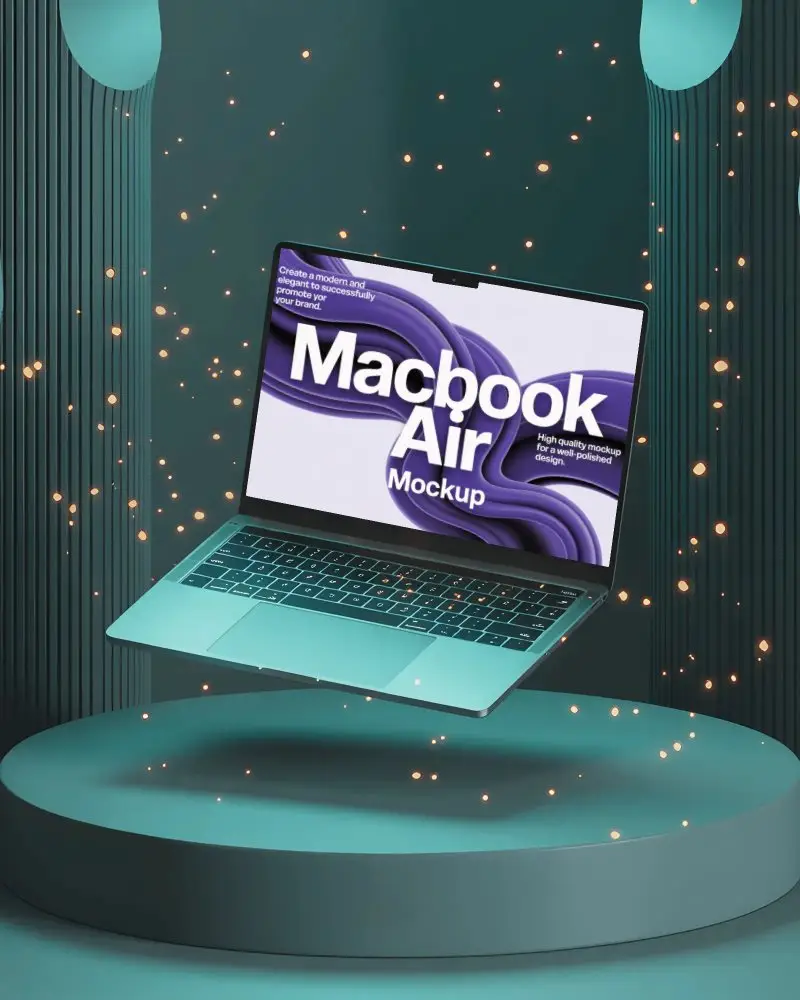
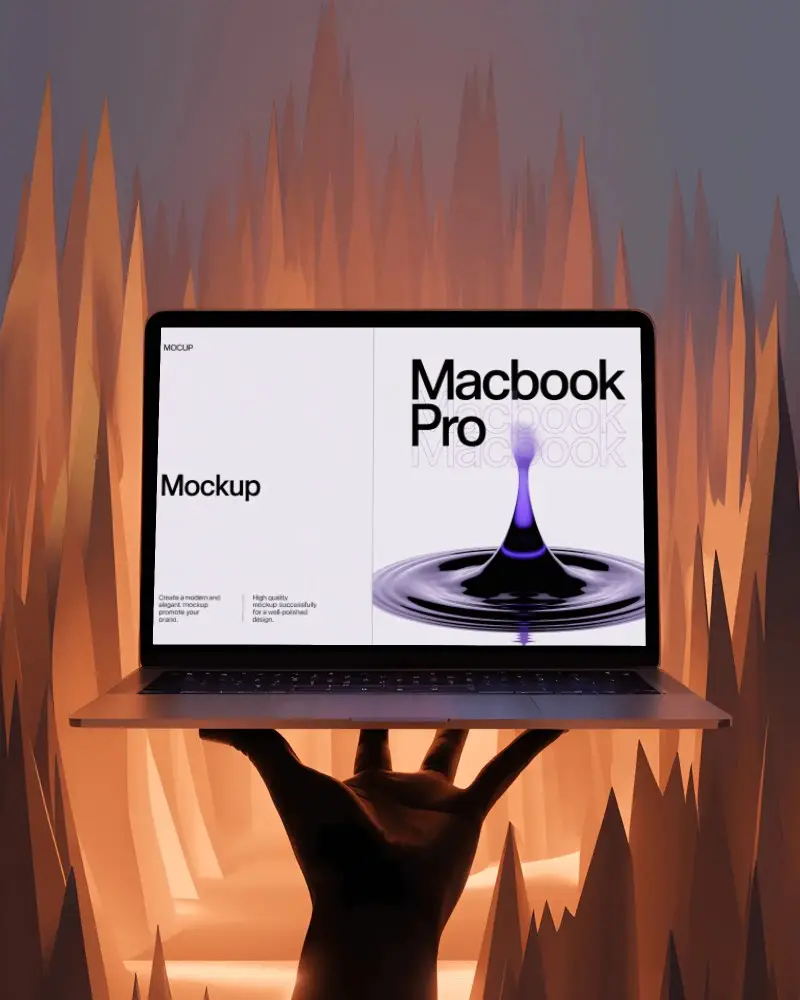
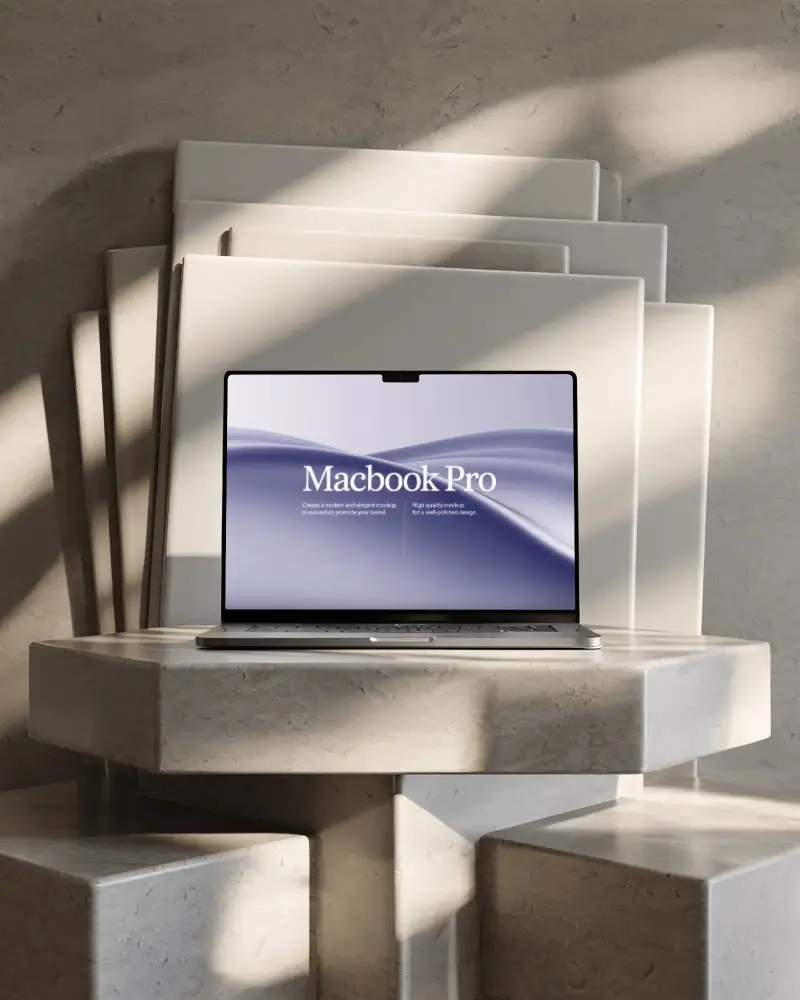
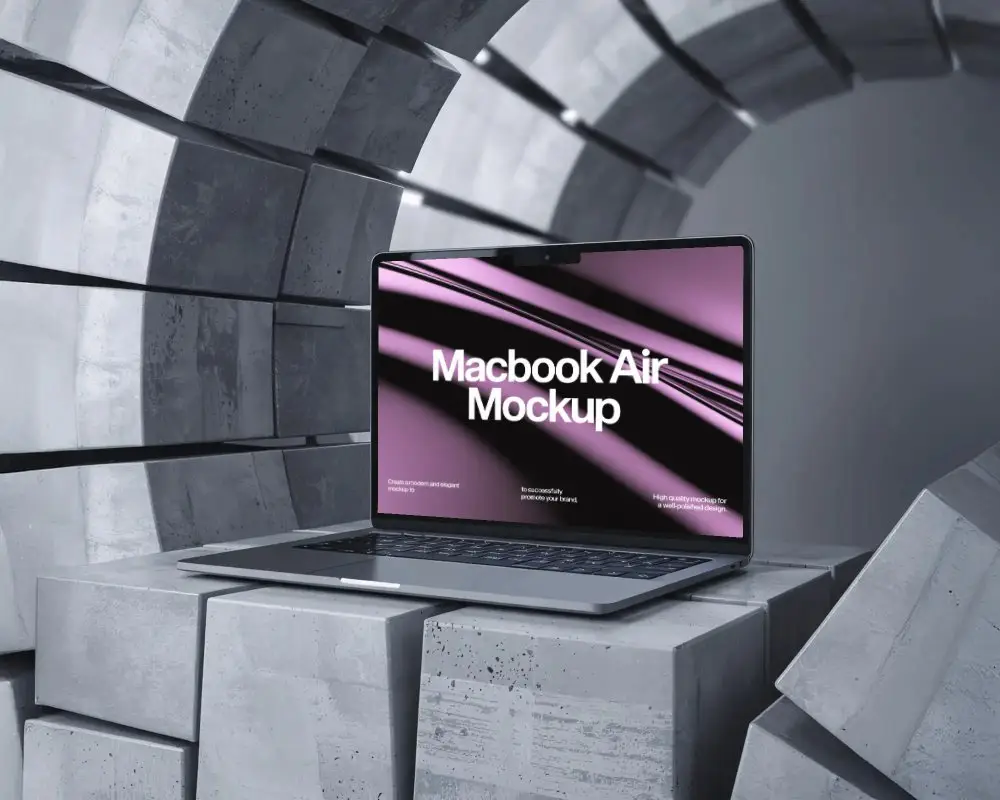
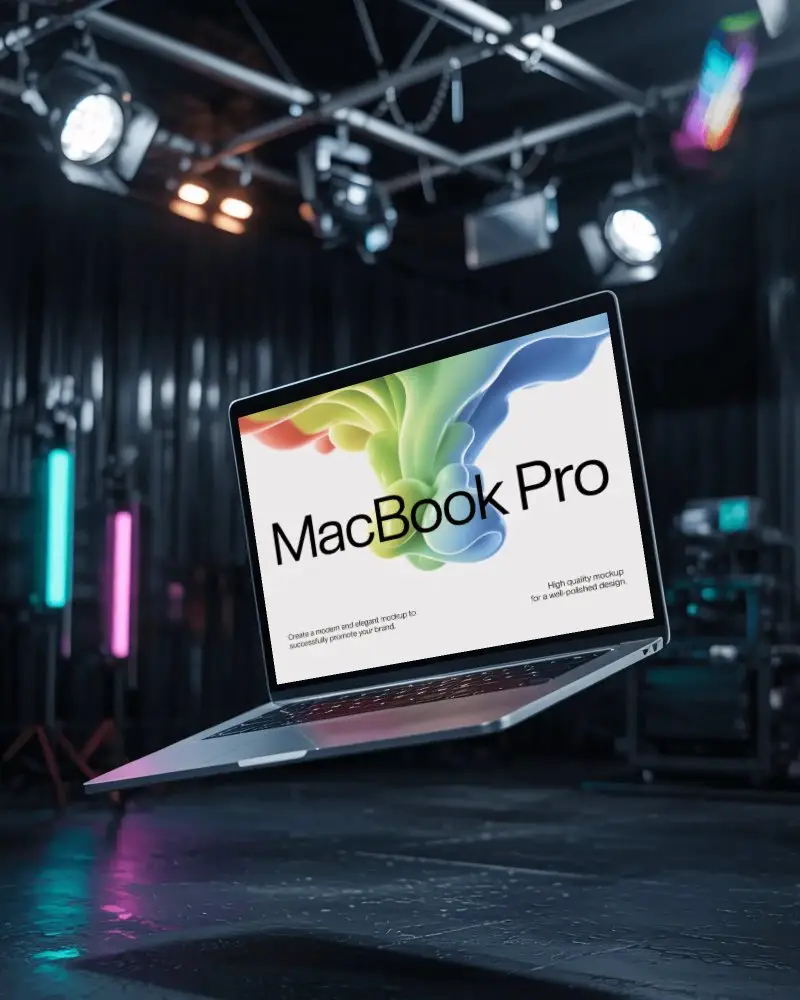
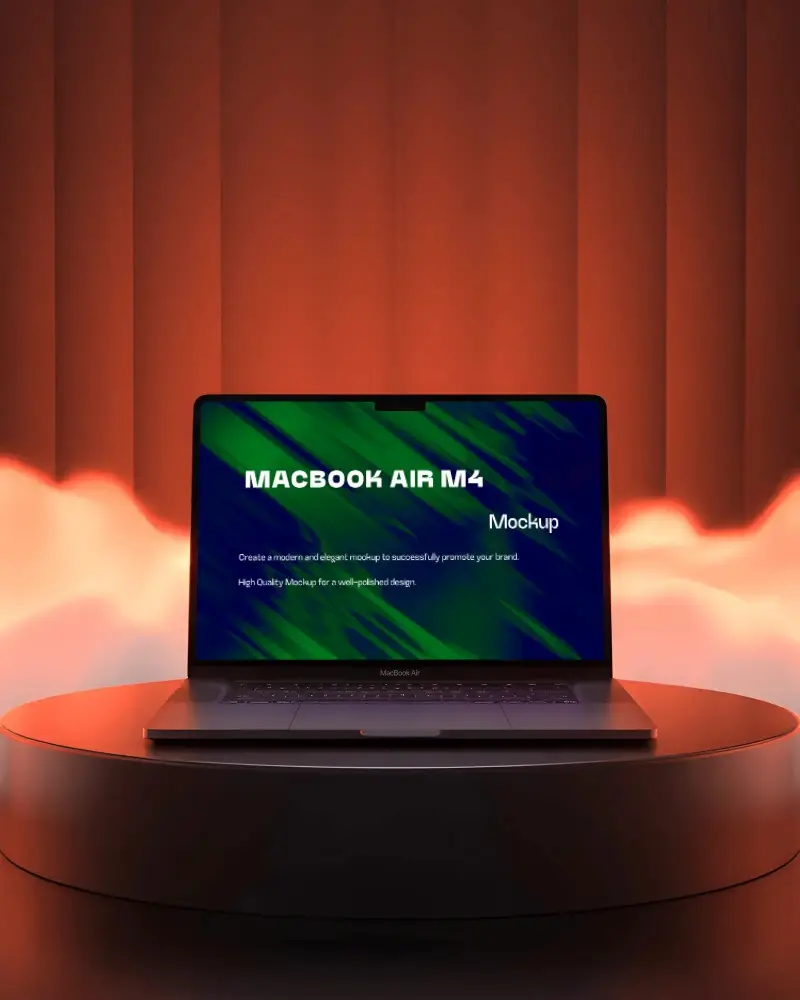
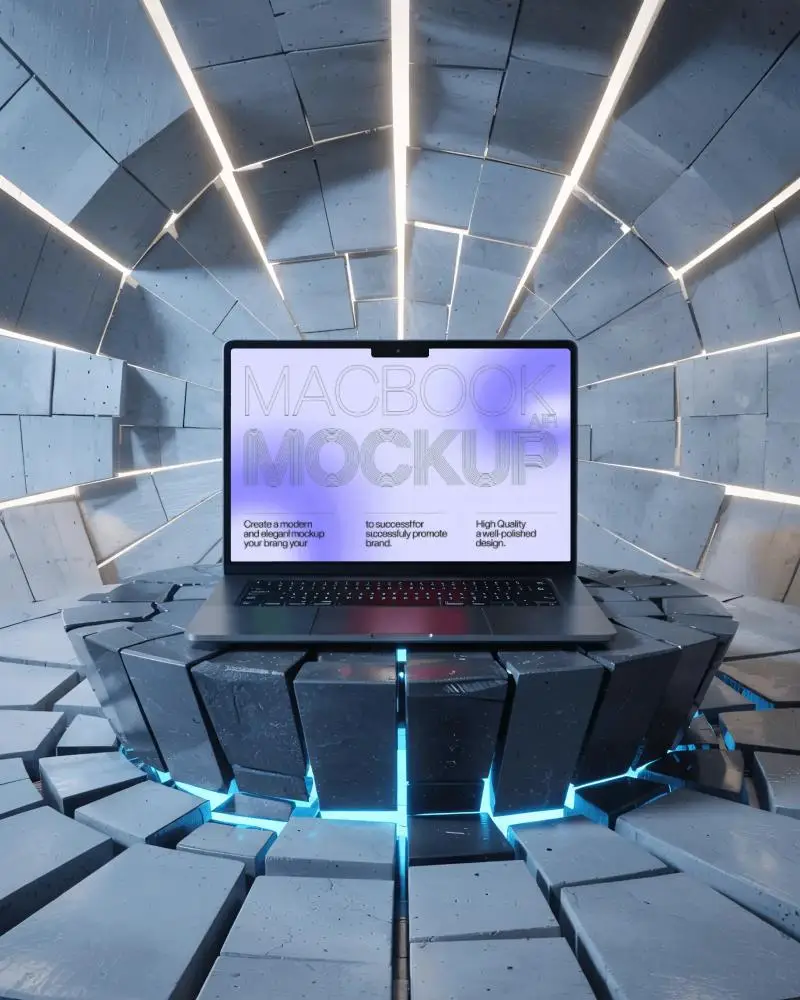
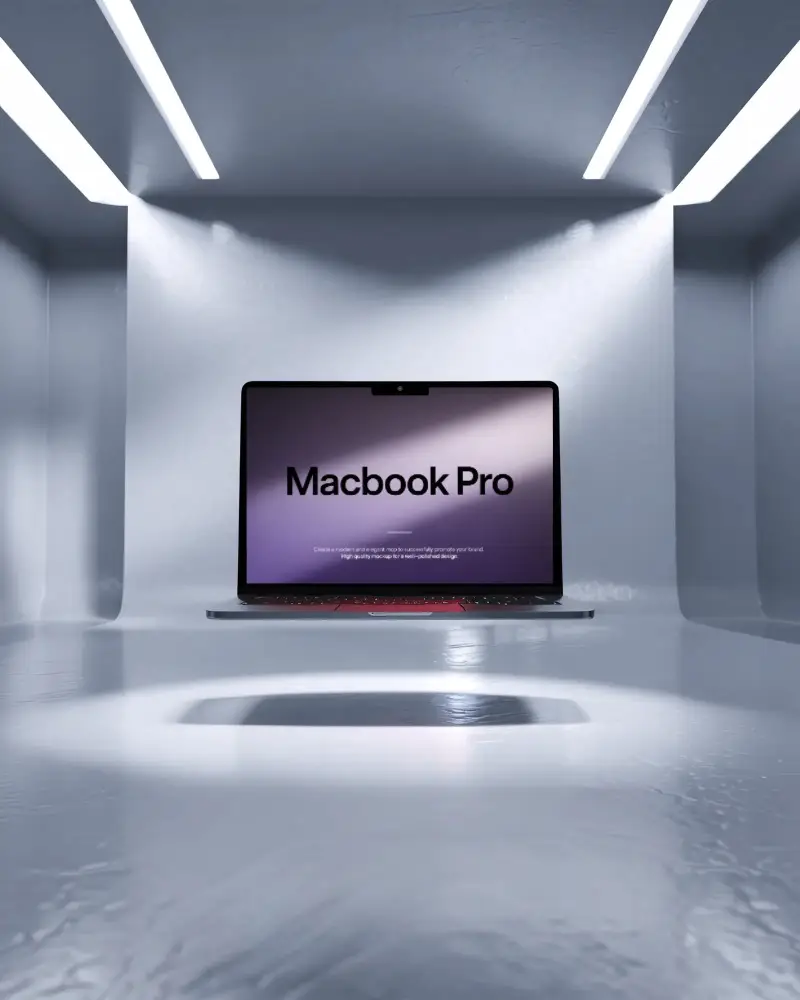
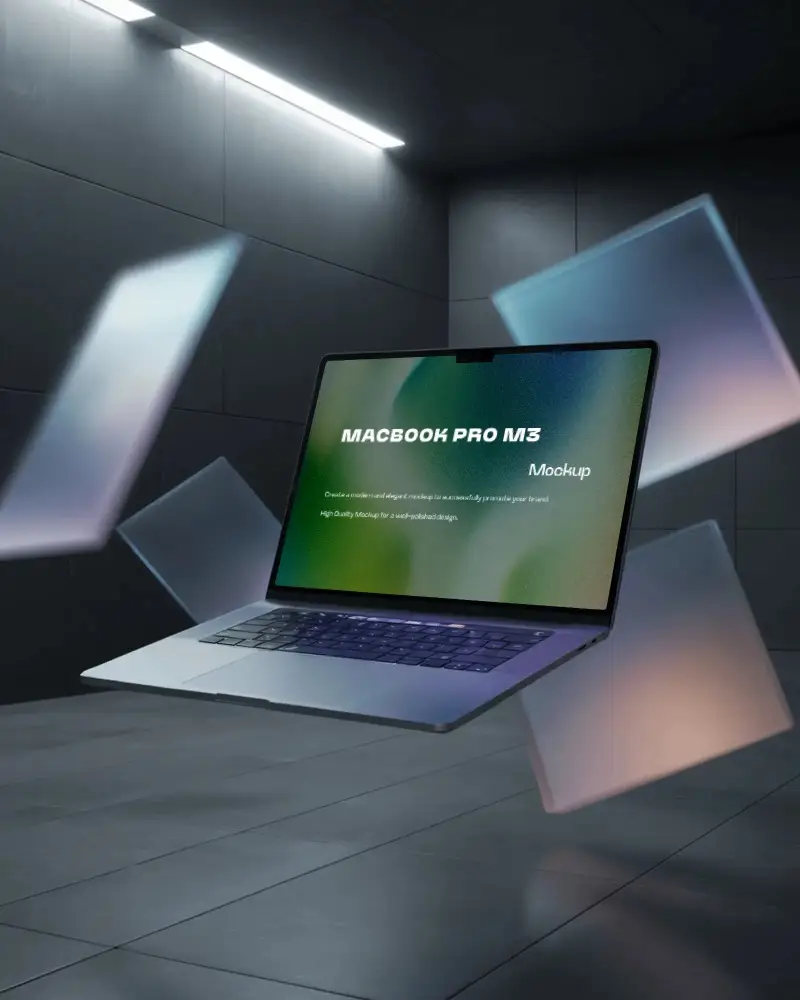
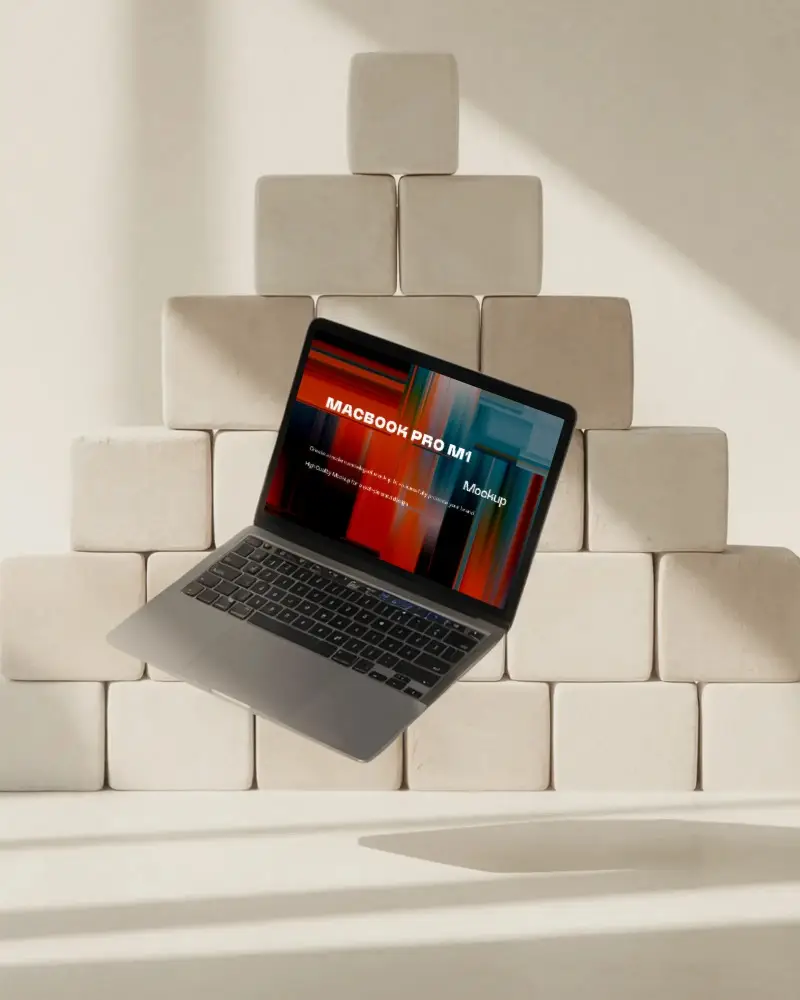
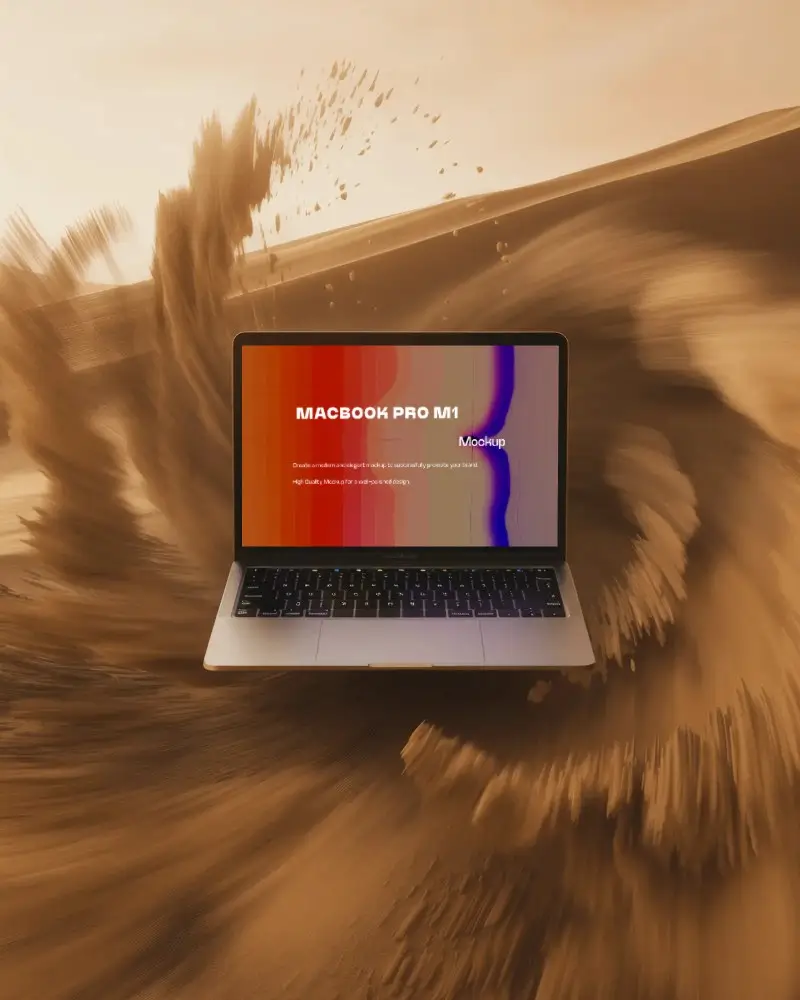
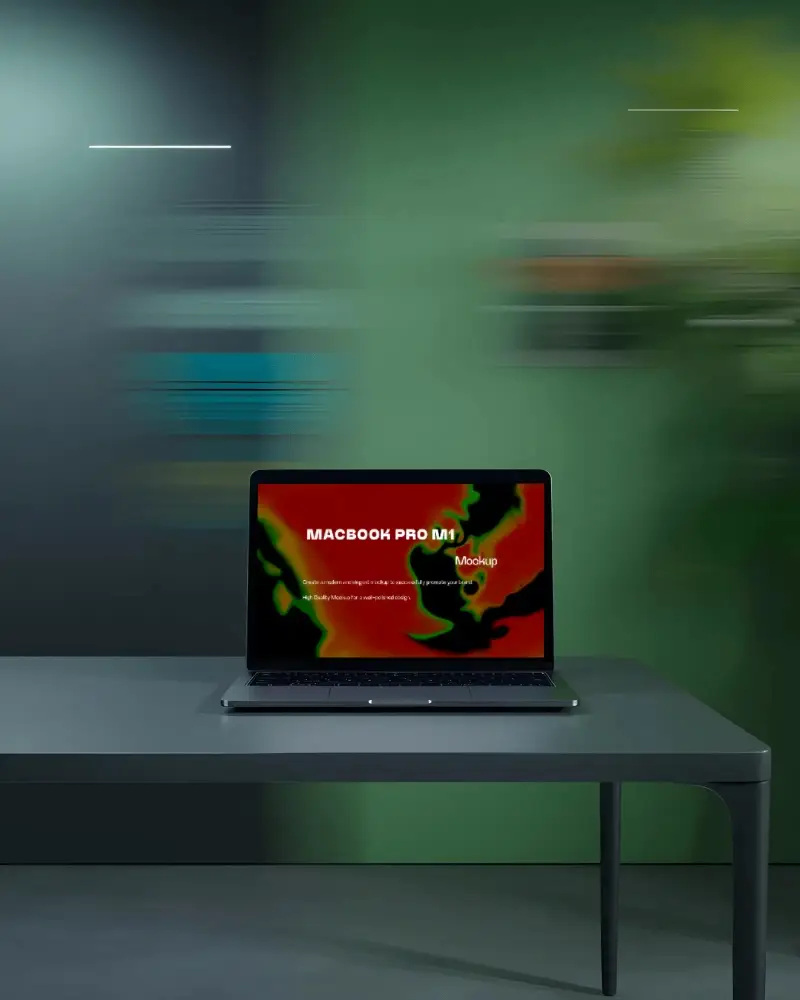
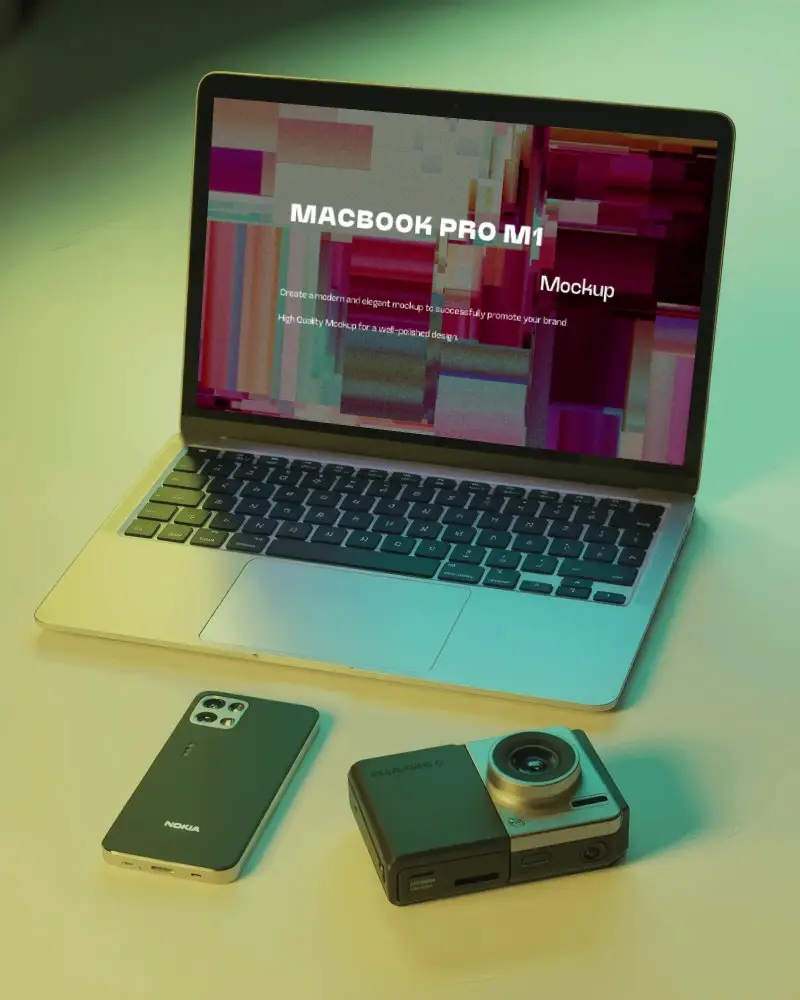
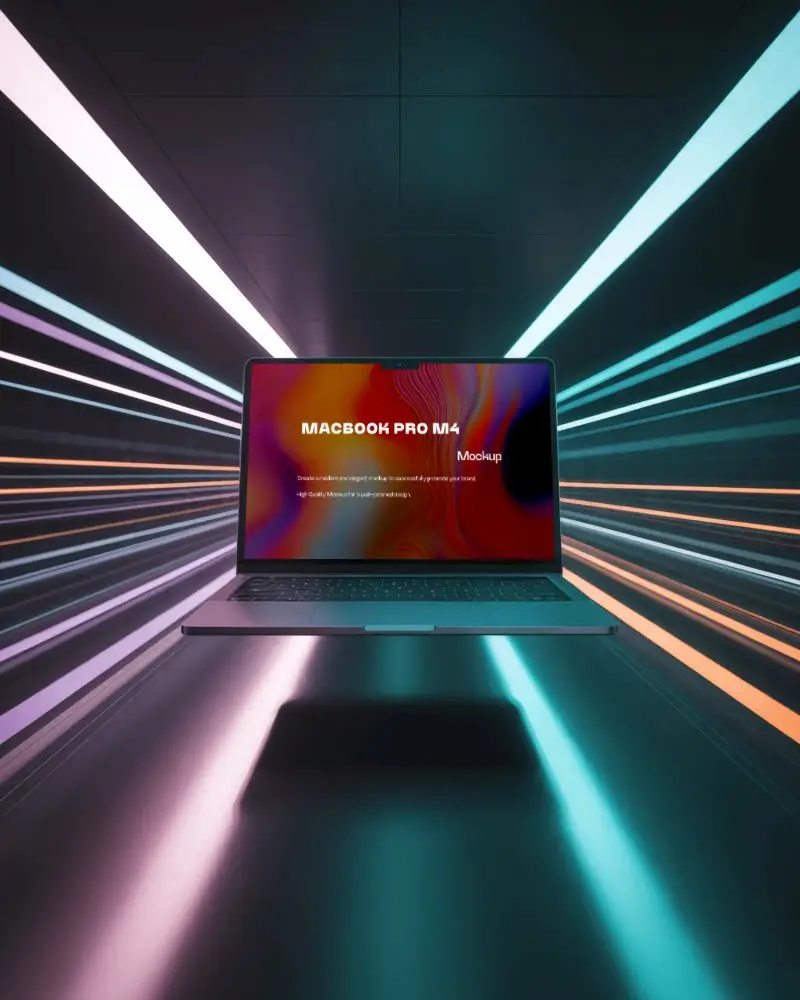
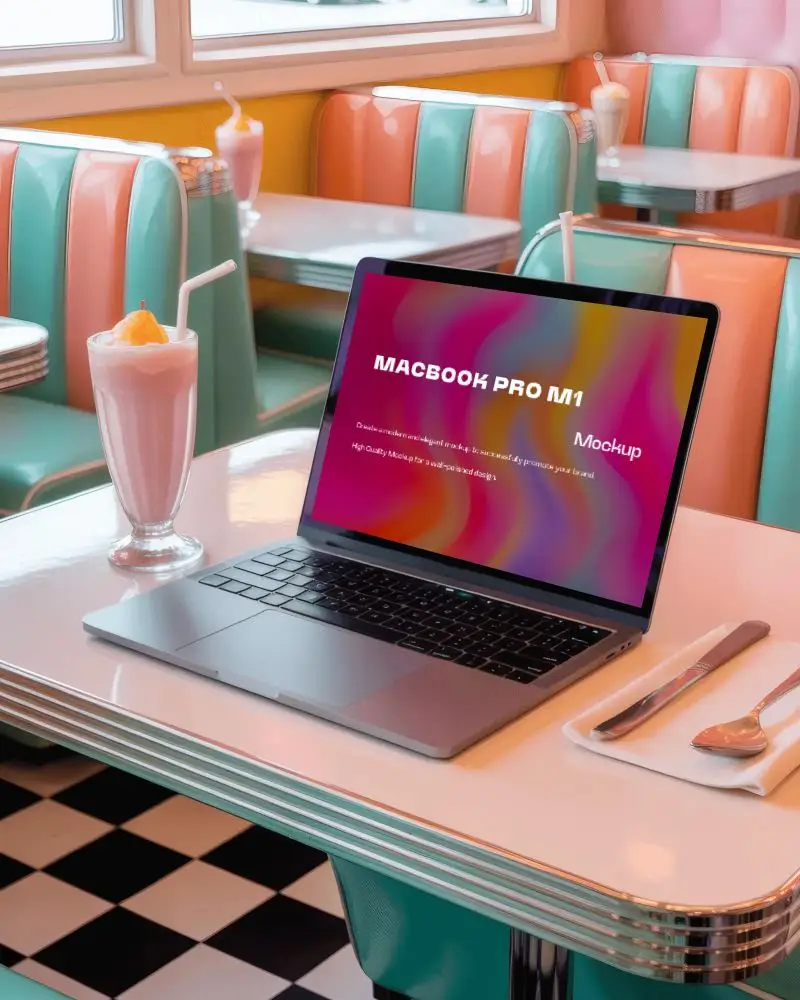
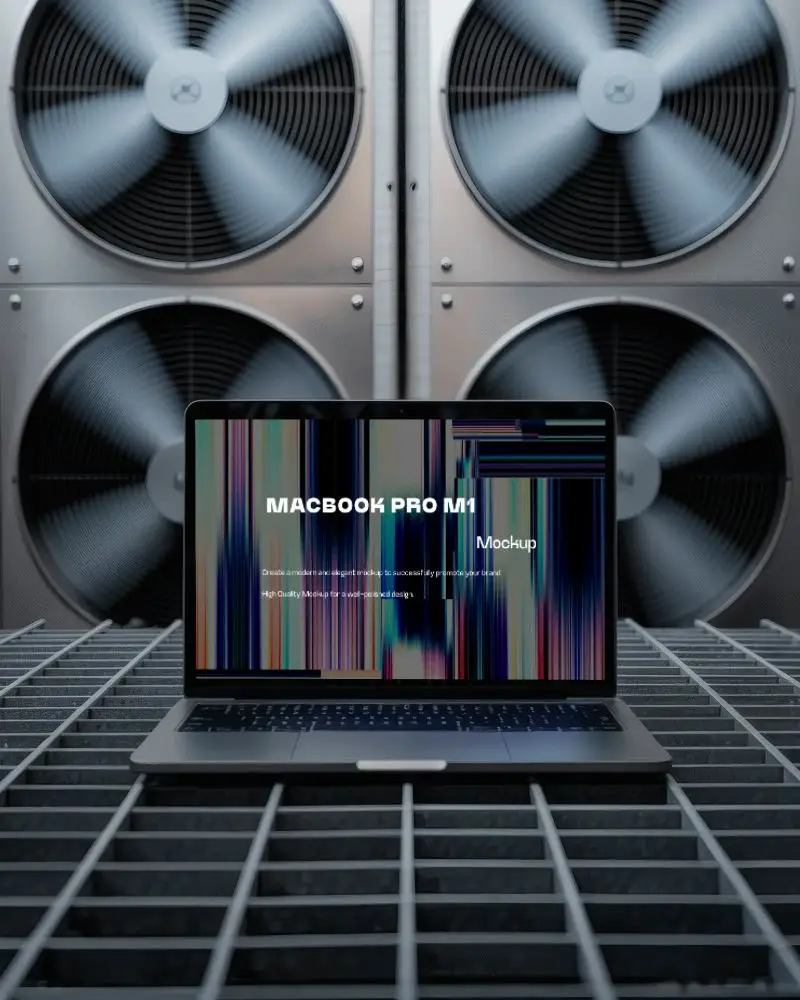
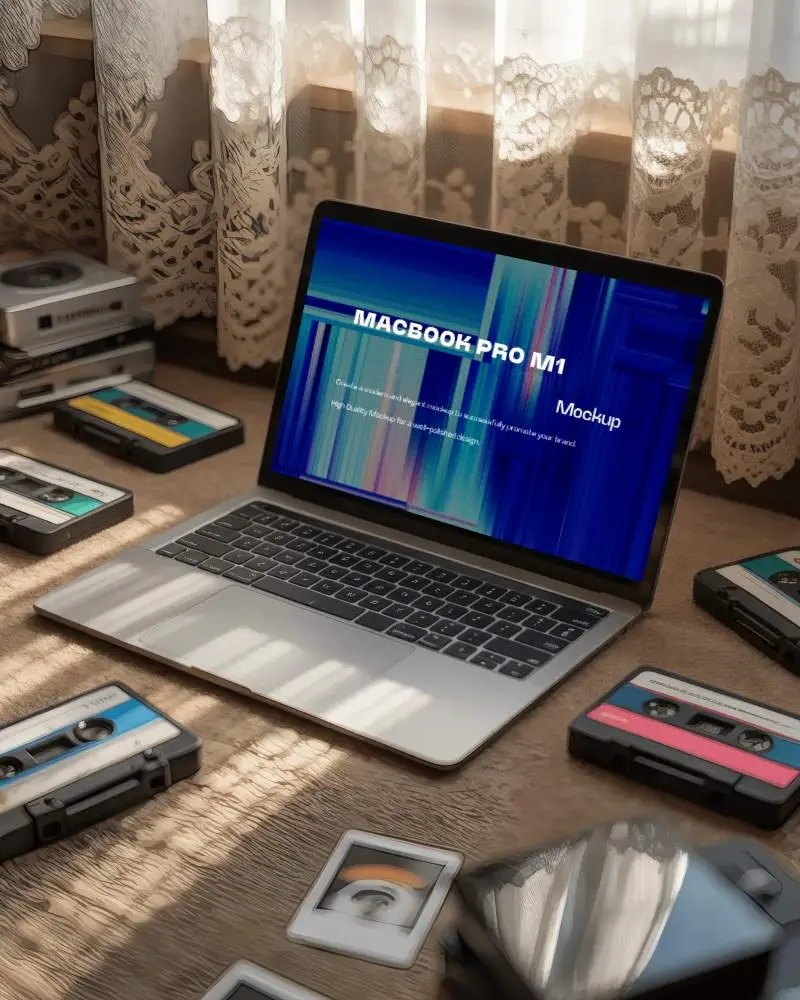
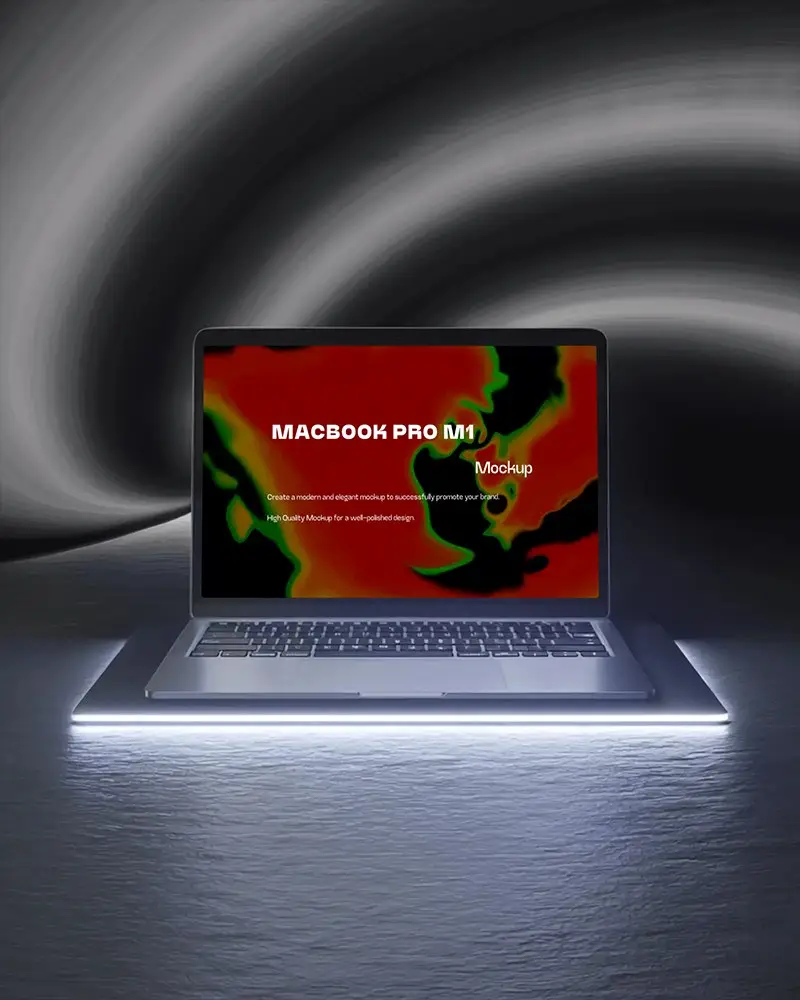
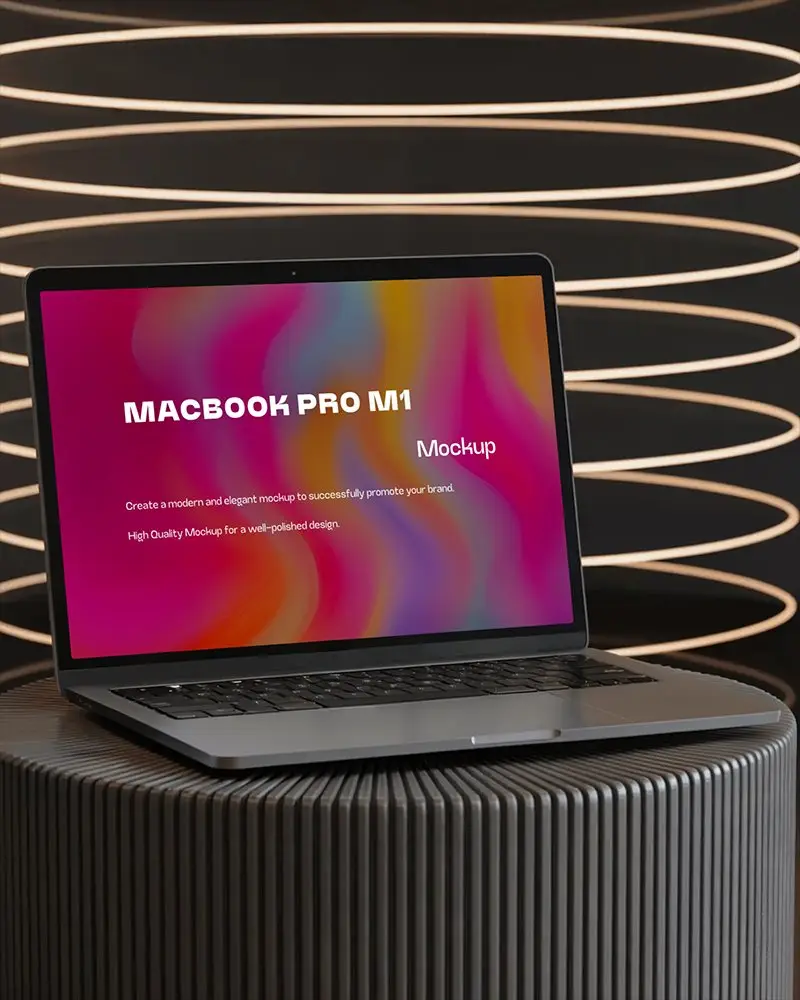
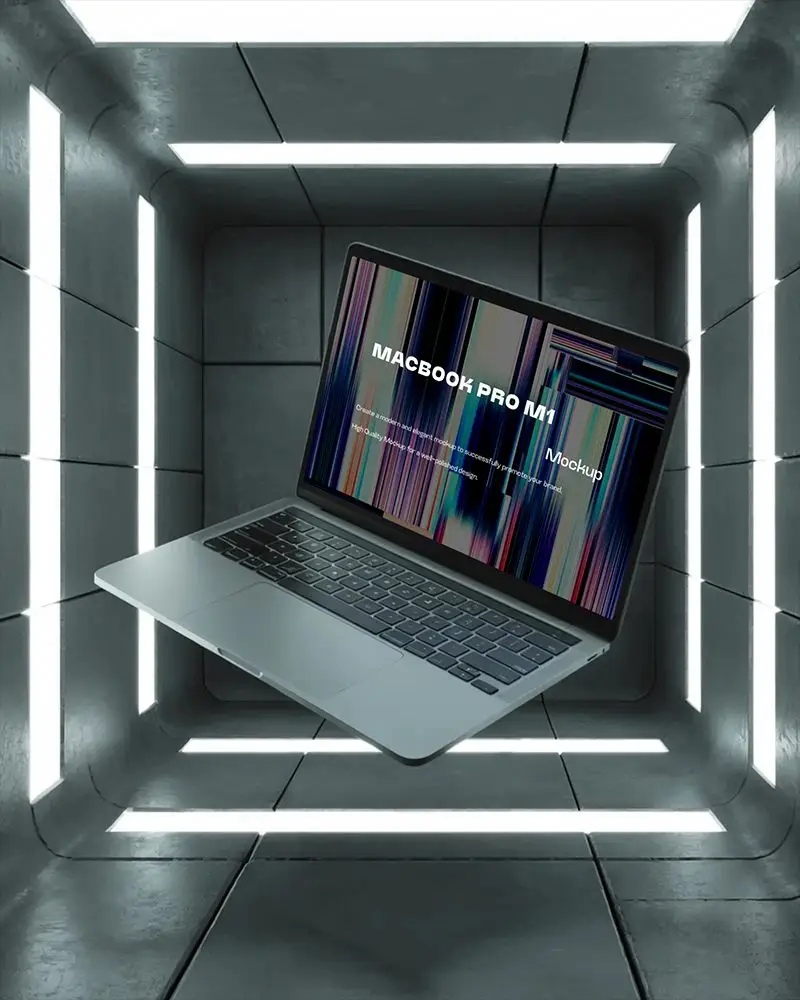
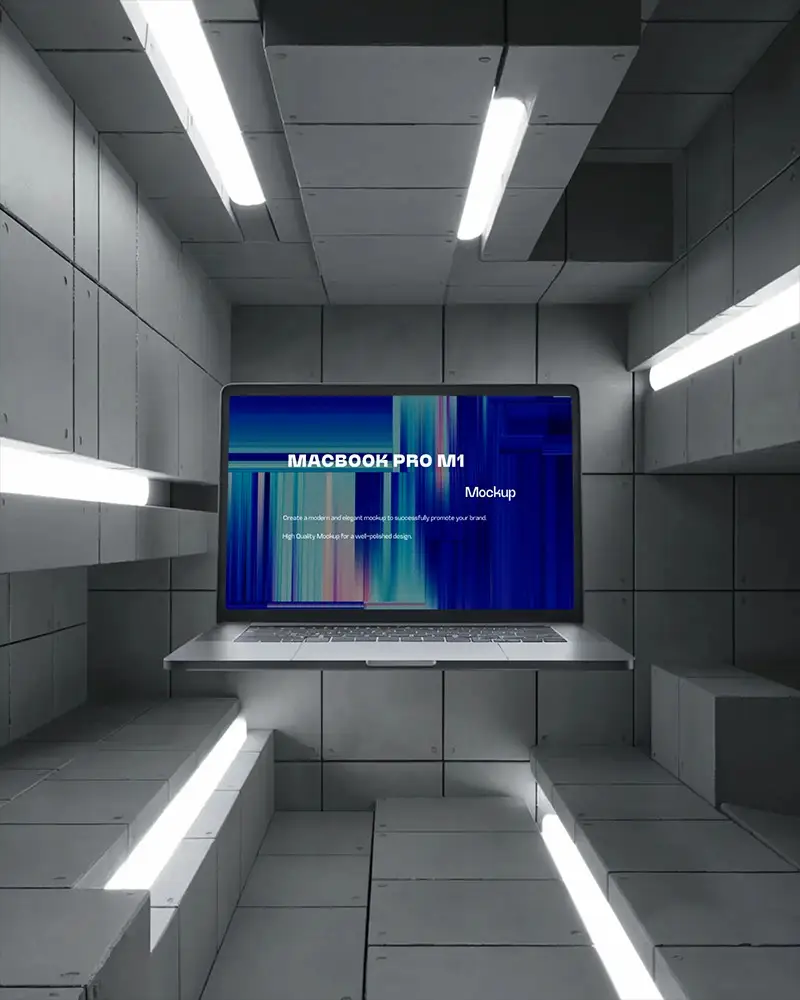
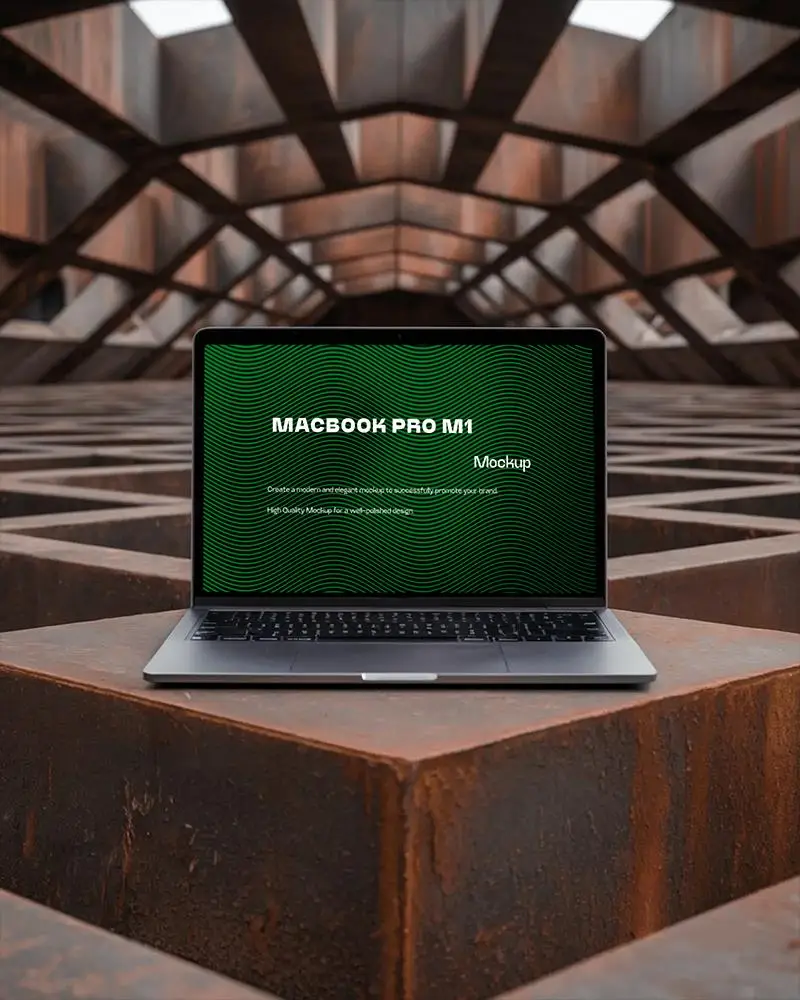
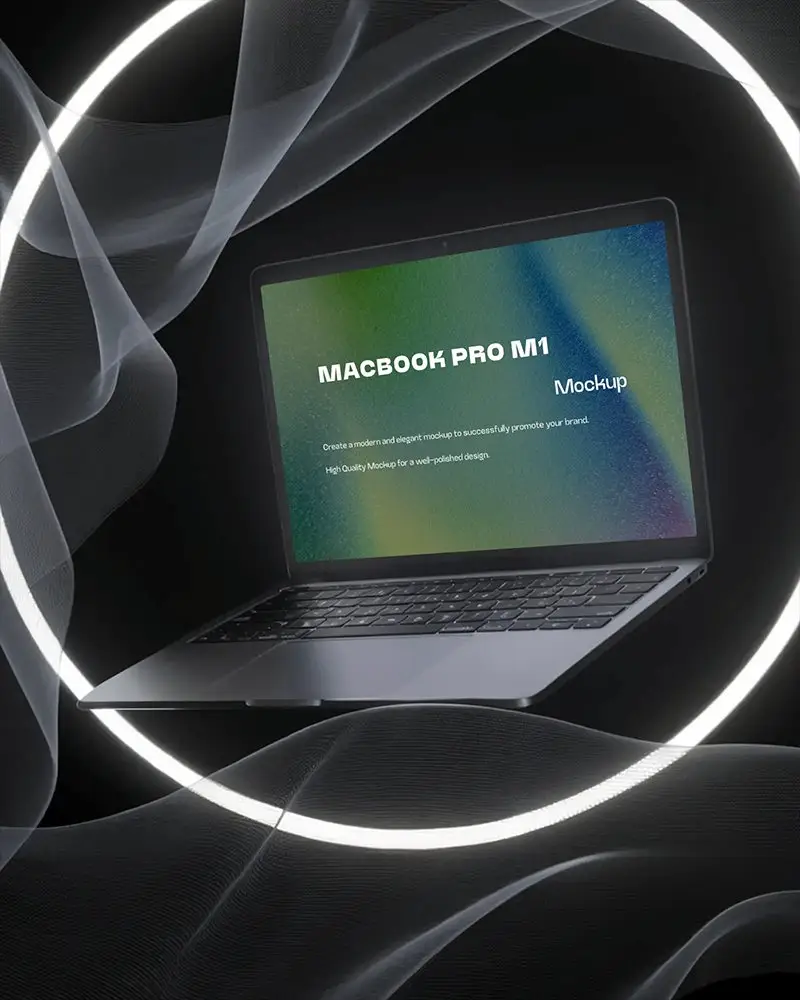
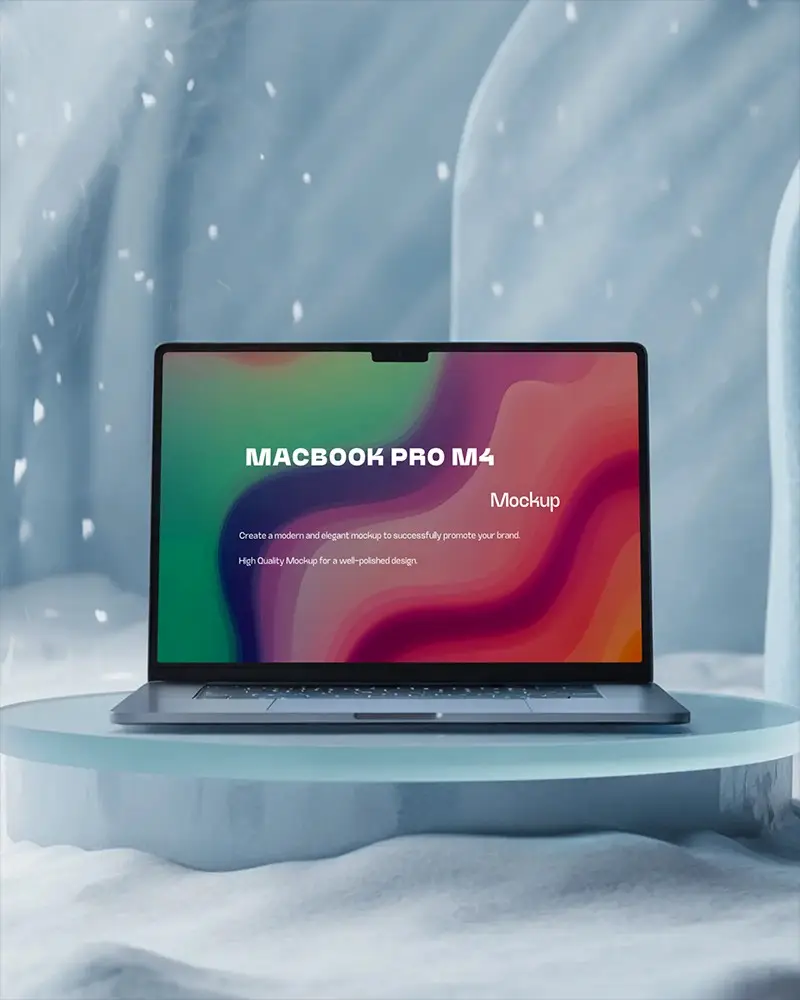
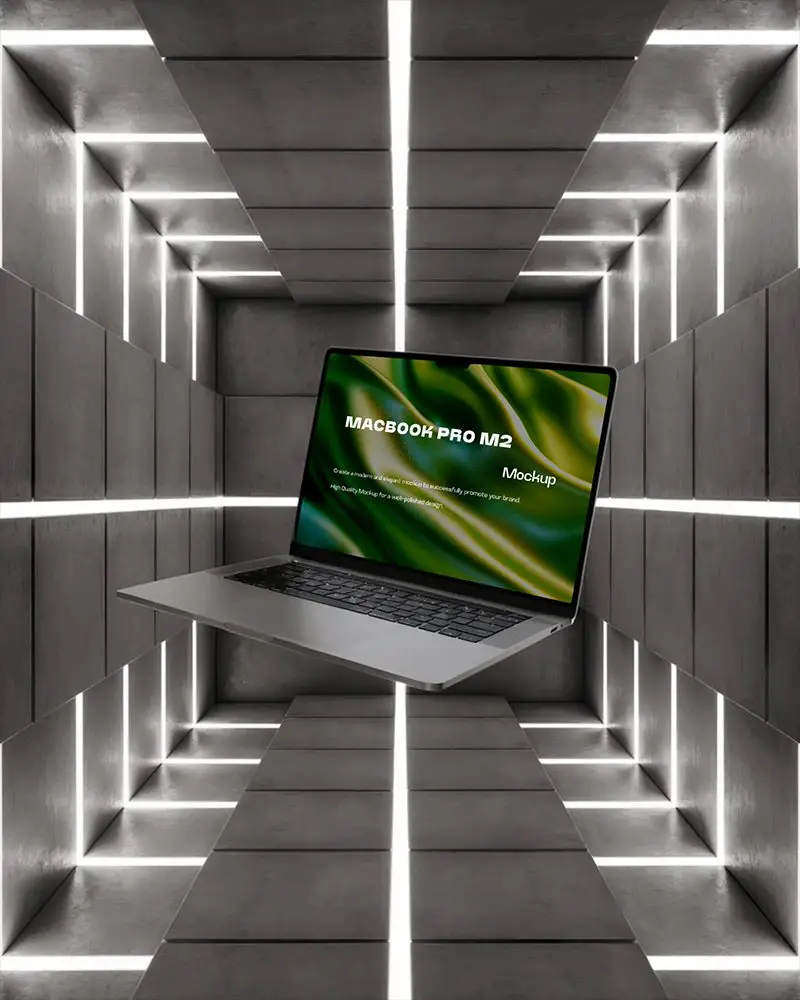
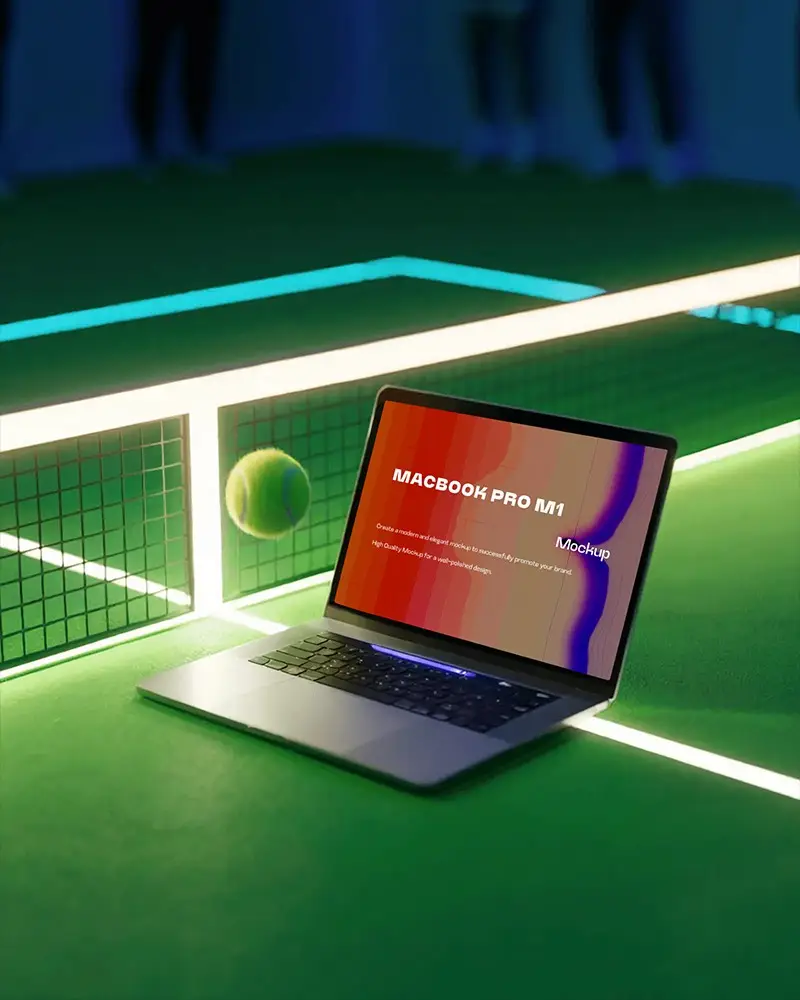
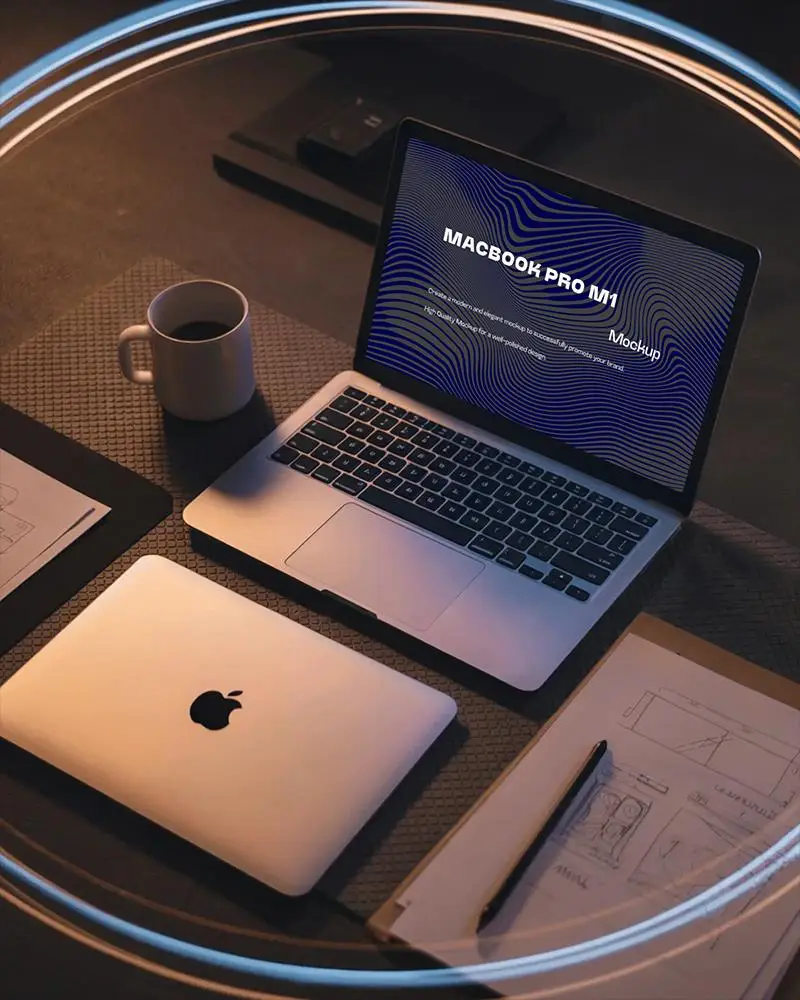
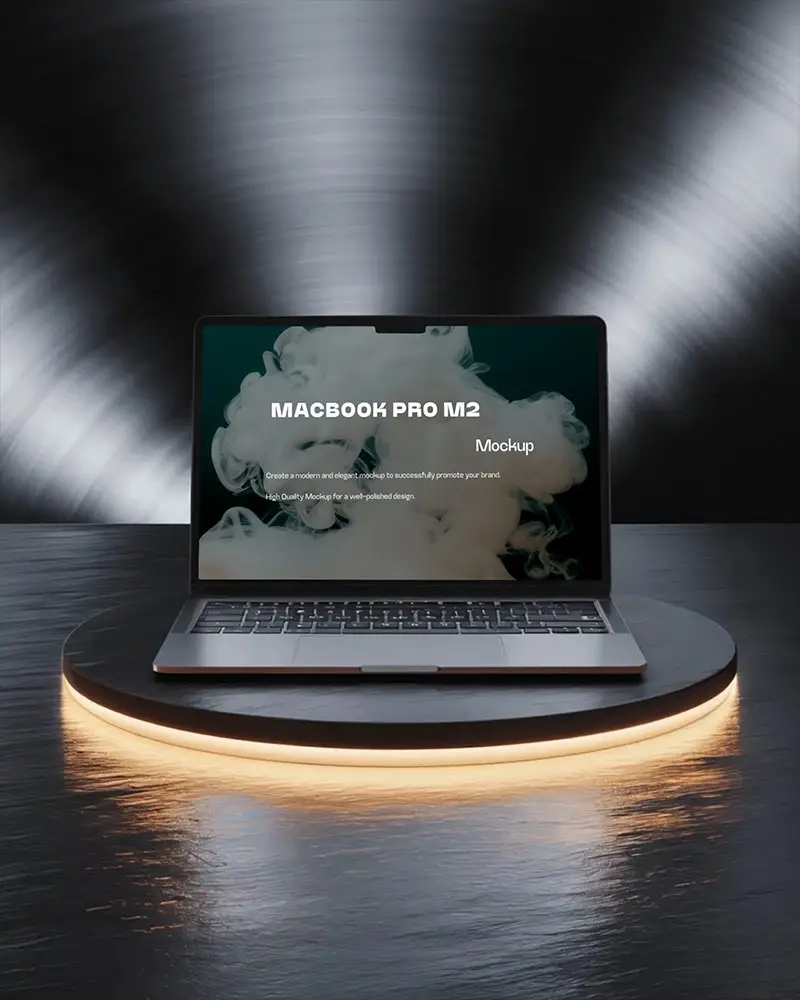
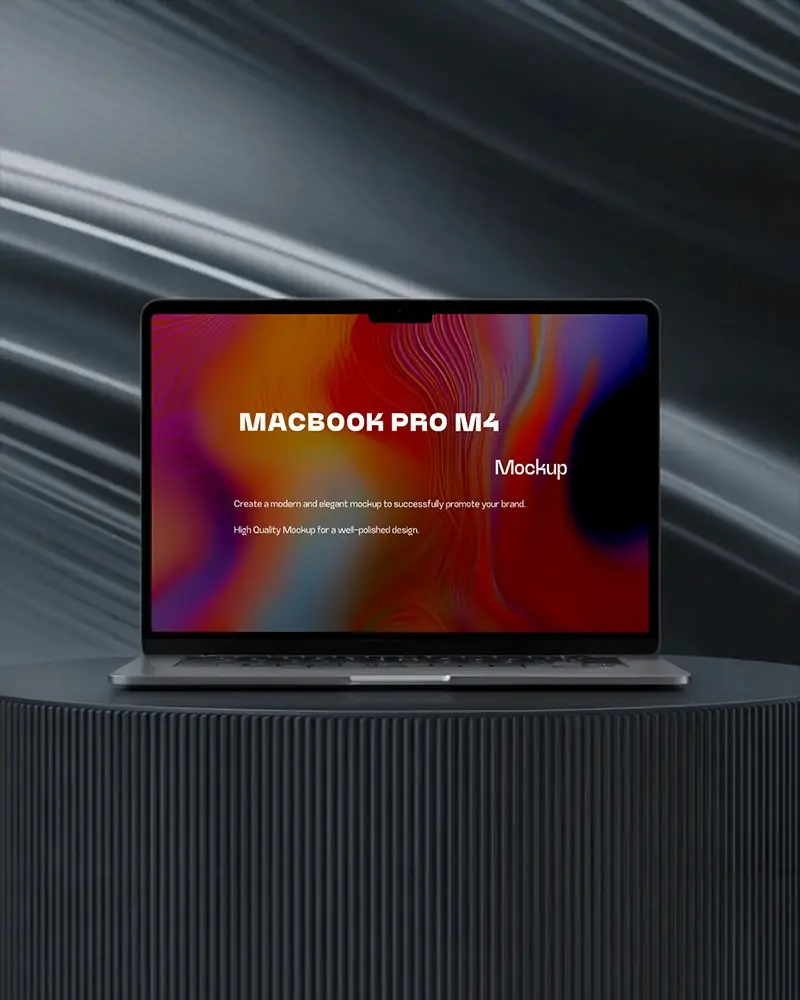
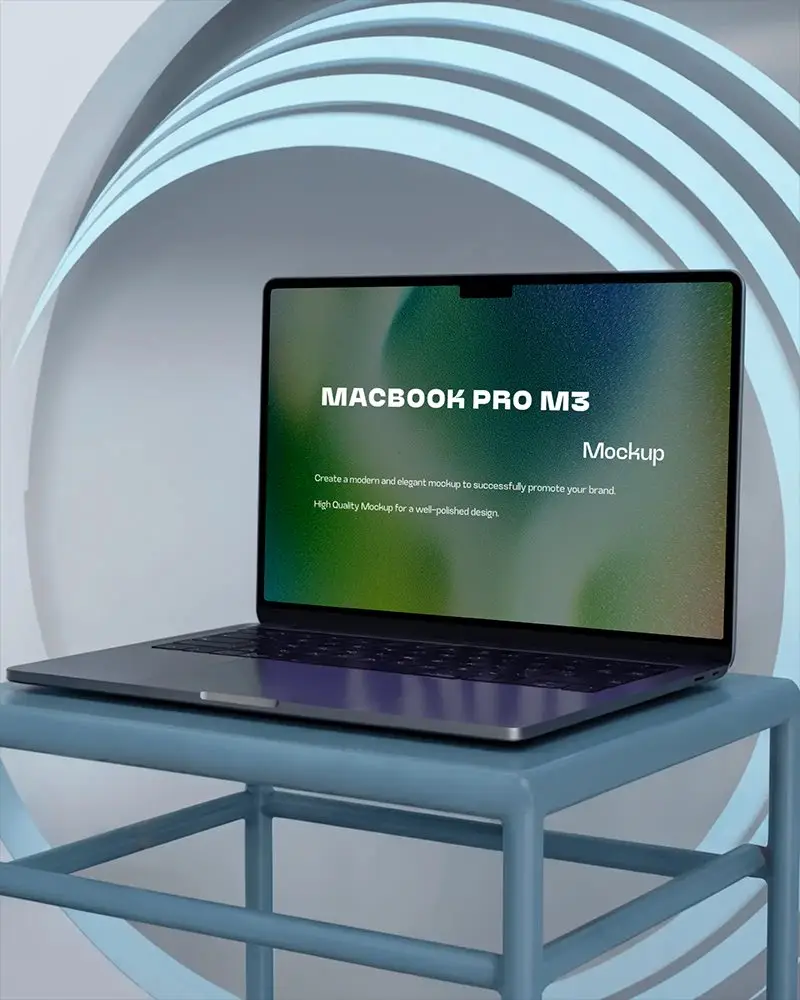
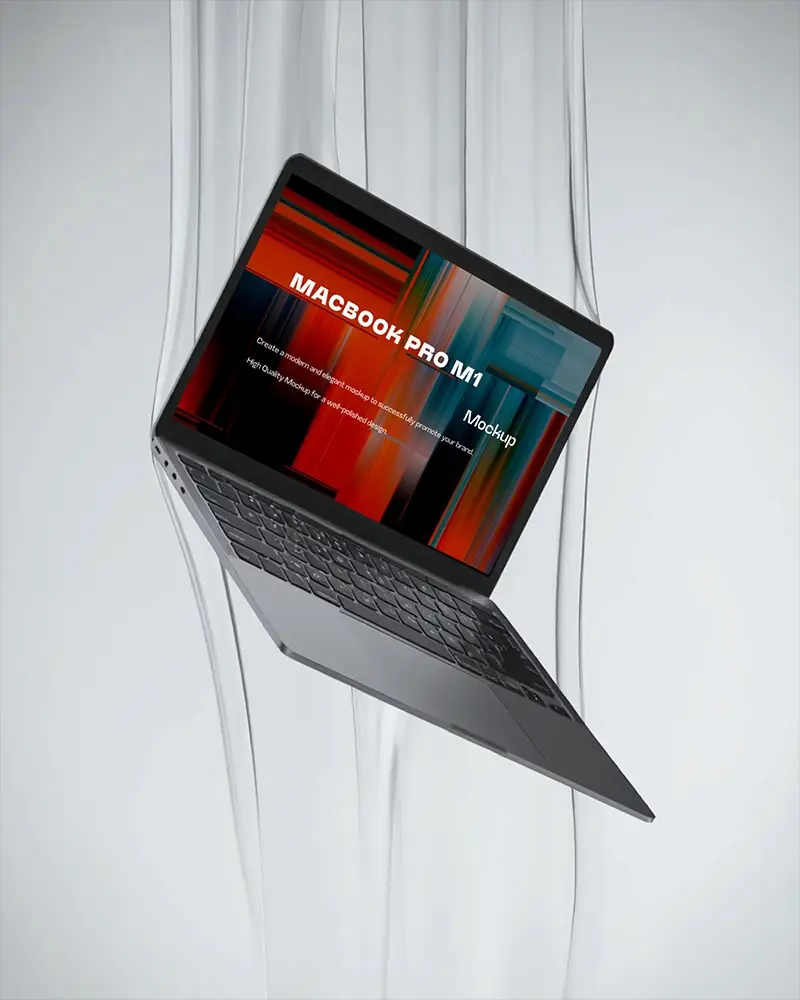
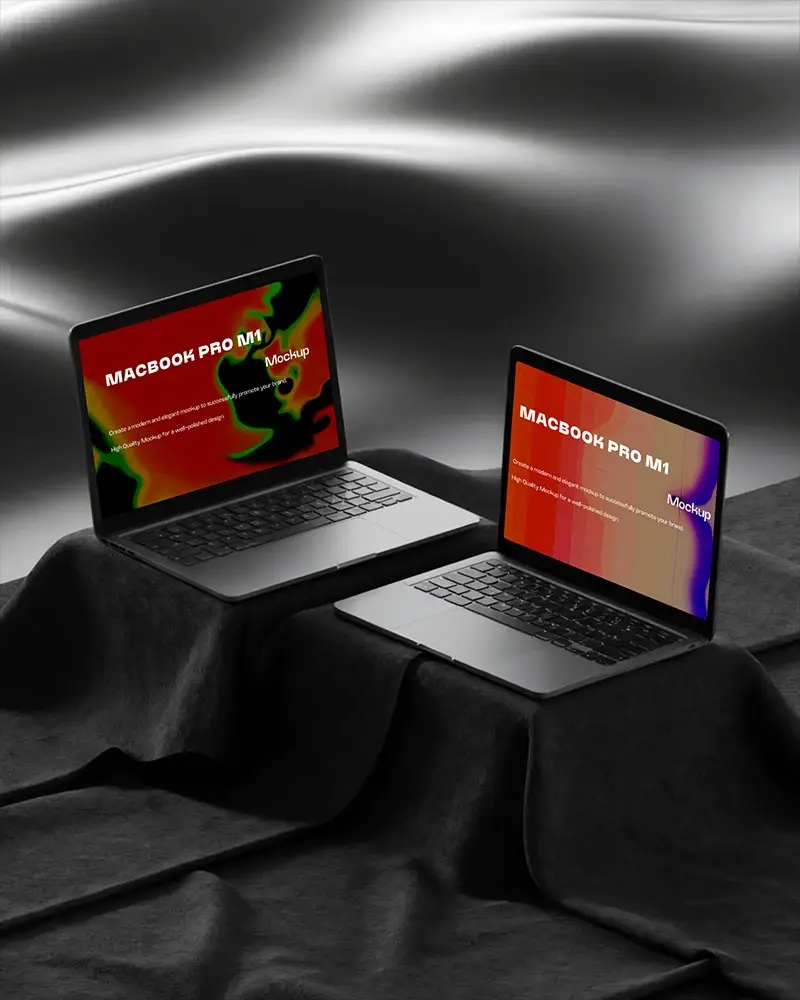
How to Create a MacBook Pro Mockup with Mockey
Follow these steps to create your MacBook Pro mockup using Mockey.ai:
- Step 1: Go to Mockey.ai and navigate to Mockups > Tech > MacBook > MacBook Pro tag.
- Step 2: Select your preferred MacBook Pro mockup template.
- Step 3: Upload your design and adjust it to fit the screen.
- Step 4: Customize colors, backgrounds, and effects to enhance realism.
- Step 5: Download your high-quality MacBook Pro mockup in PNG or JPEG format.


FAQs on Macbook Pro Mockups
What is a MacBook Pro Mockup?
A MacBook Pro mockup is your digital stage. It’s a ready-made MacBook template that displays your designs on a screen that looks real.
Are the MacBook Pro Mockups free to use?
If you are using Mockey AI’s free plan, you can totally customize MacBook Pro mockup templates and download them without any cost.
Can I customize the MacBook Pro Mockup?
No matter if you’re on the free plan or pro, Mockey AI has your back. Make that MacBook Pro mockup yours. Change the color, adjust your design easily.
