Free MacBook Pro M2 Mockups
Showcase your designs with stunning MacBook Pro M2 mockups on Mockey.ai, crafted for presentations, portfolios, and creative projects.
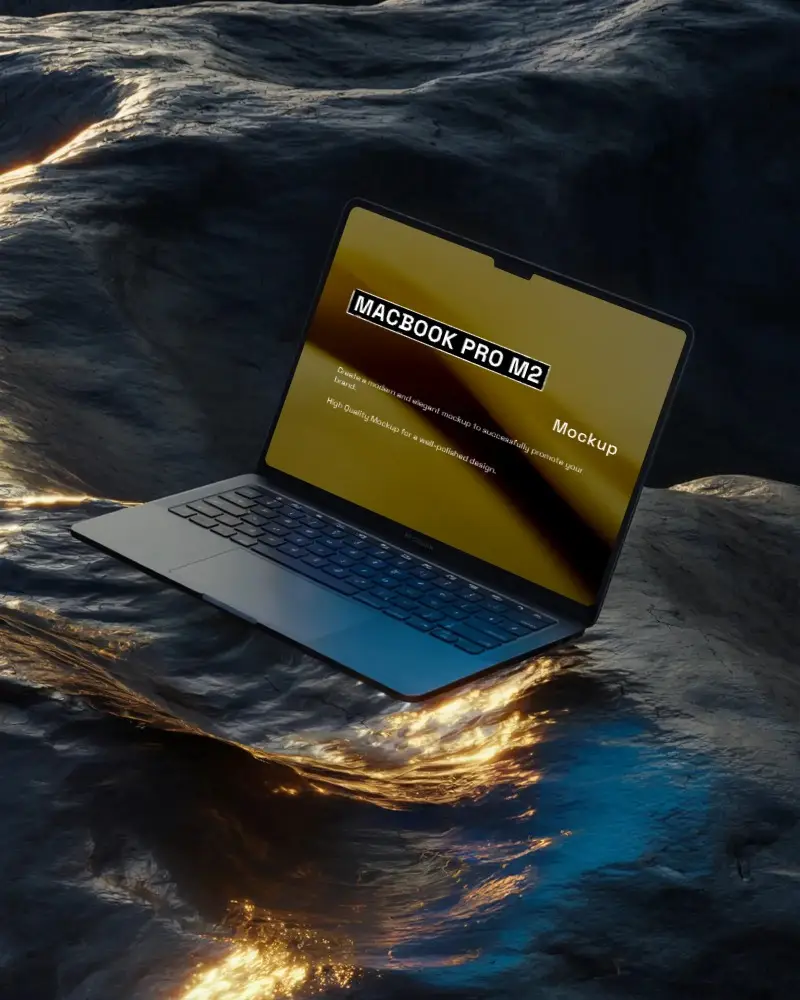
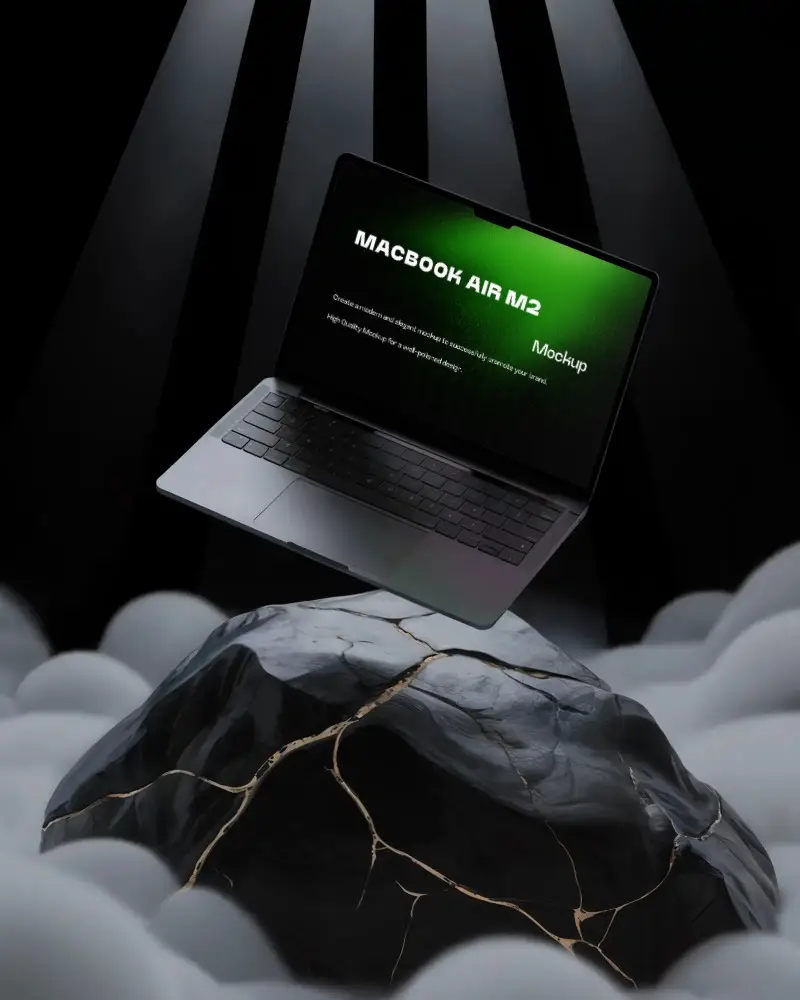
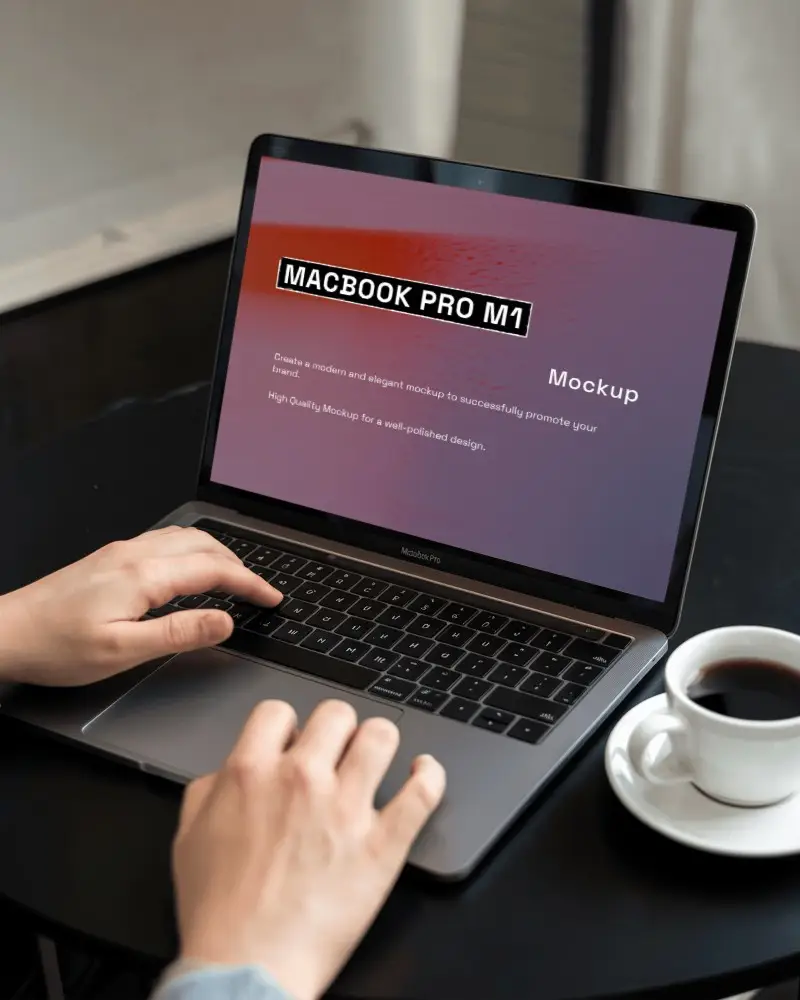
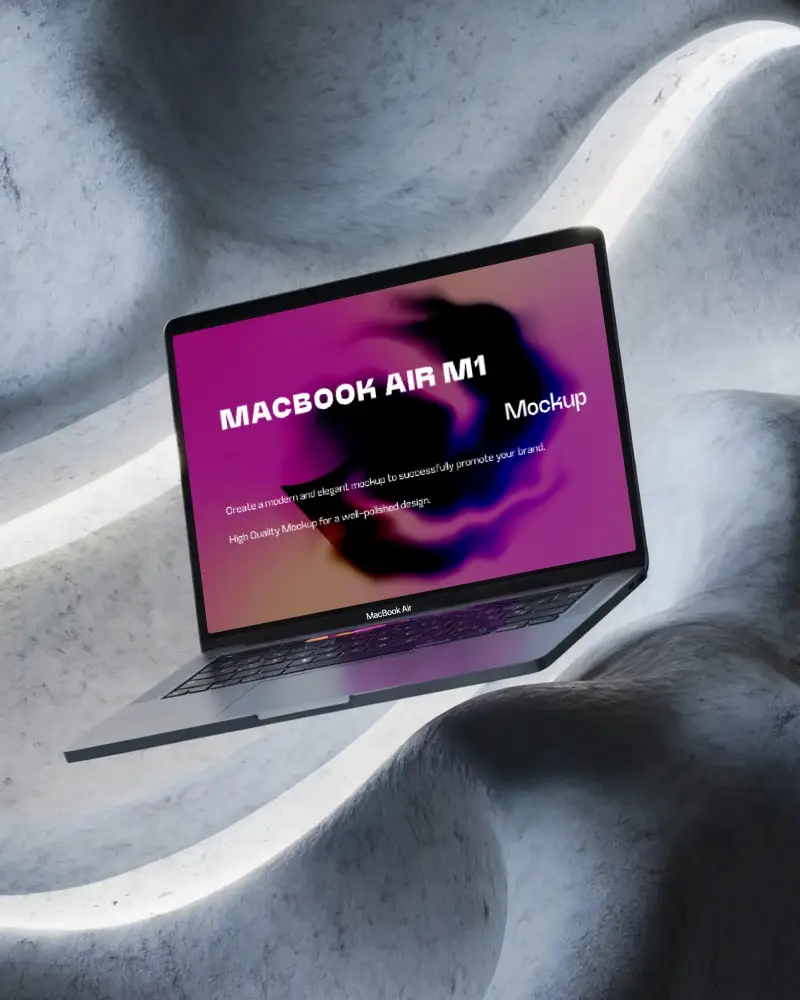
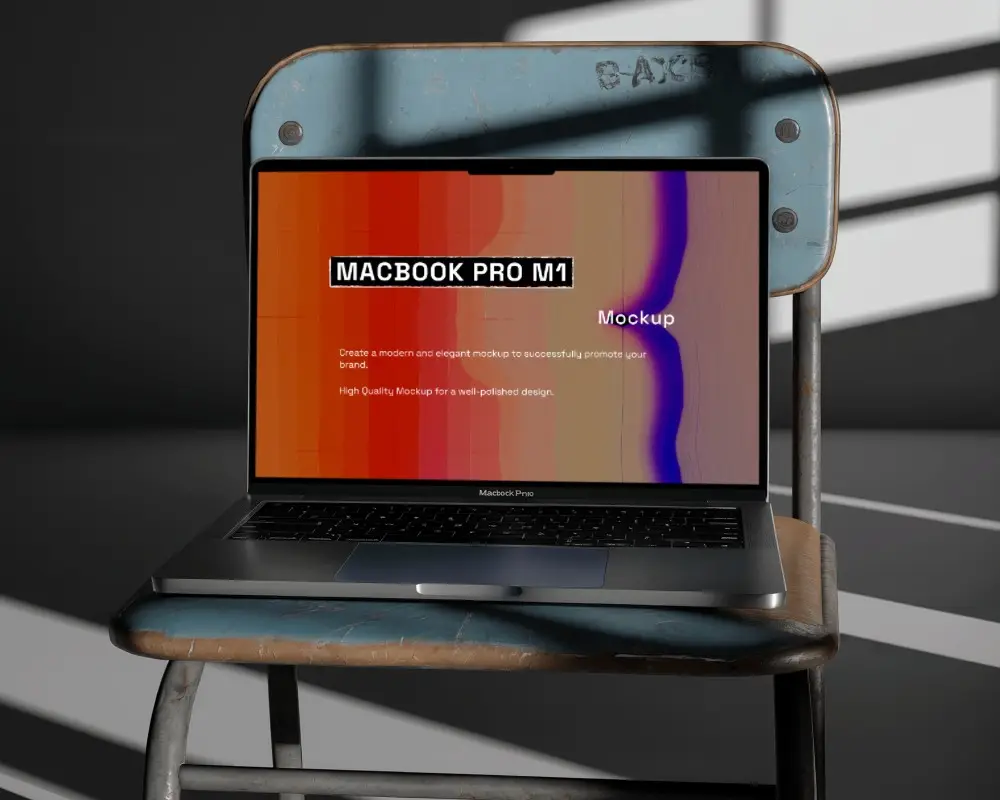
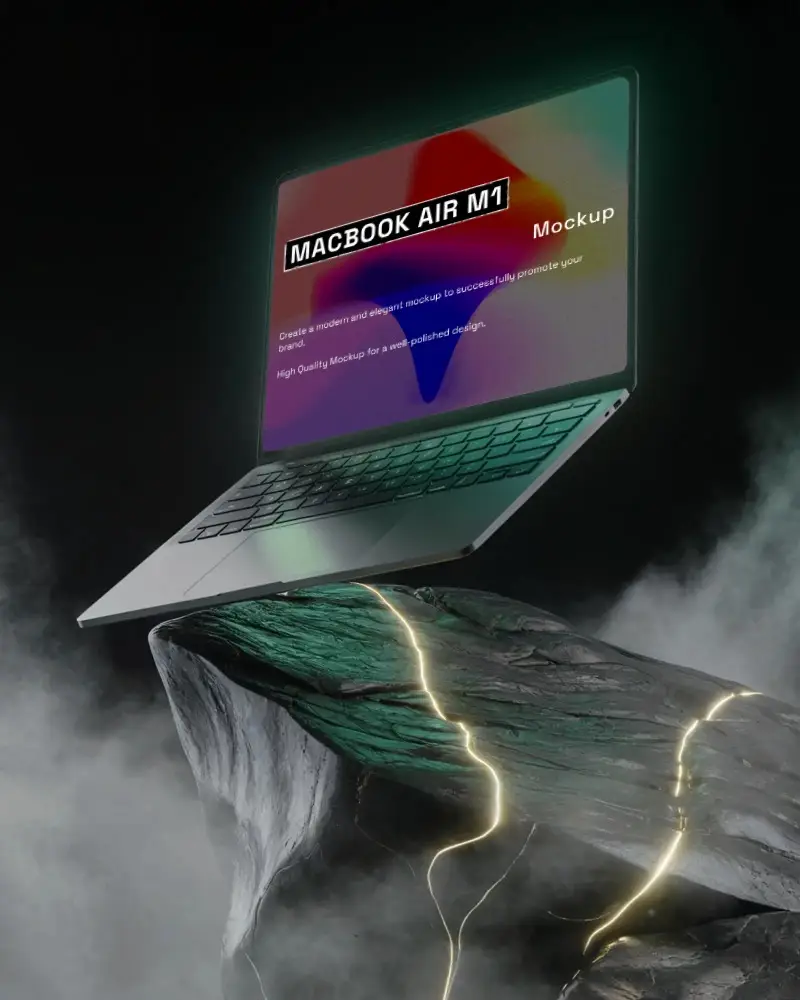
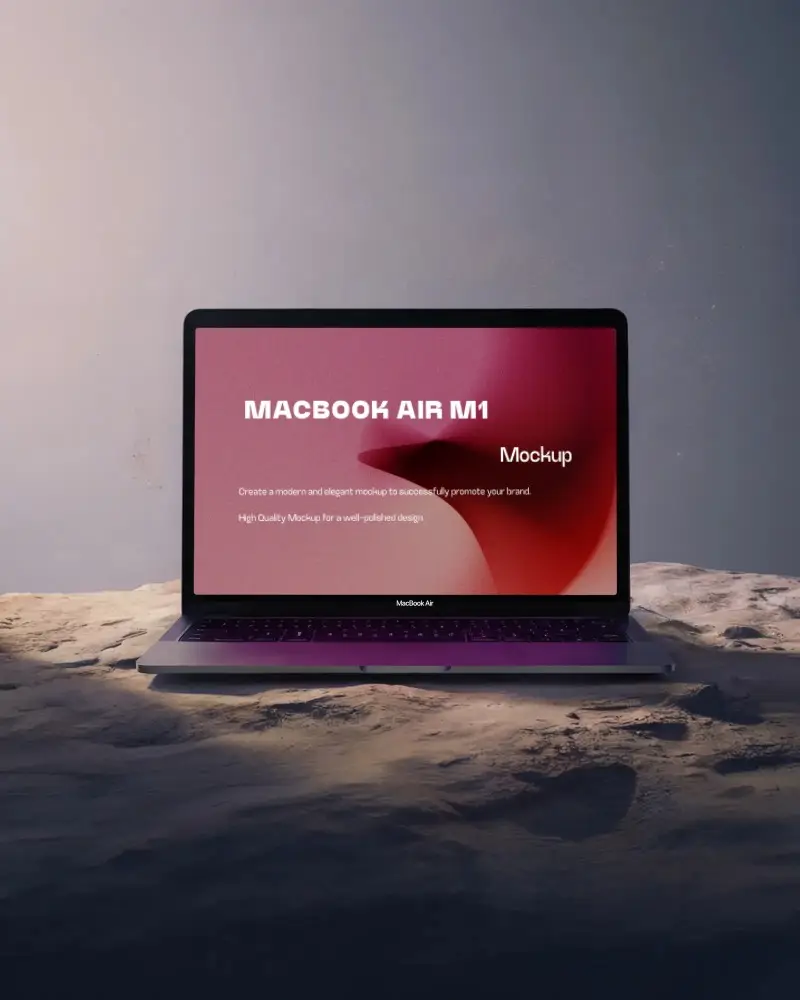
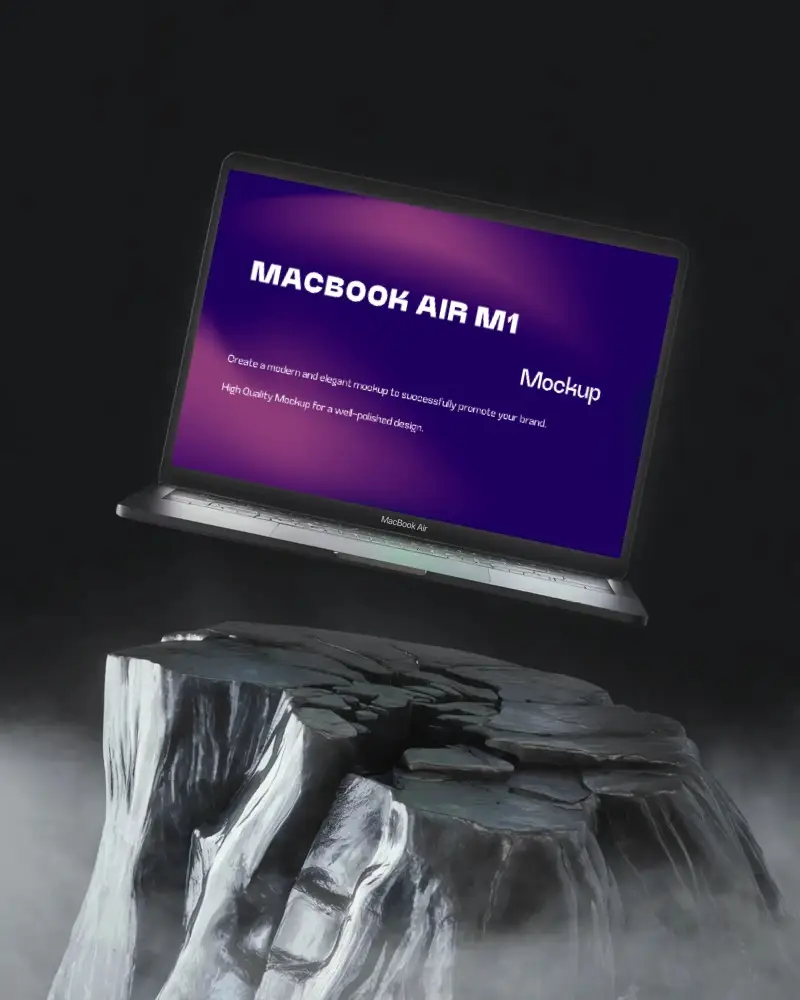
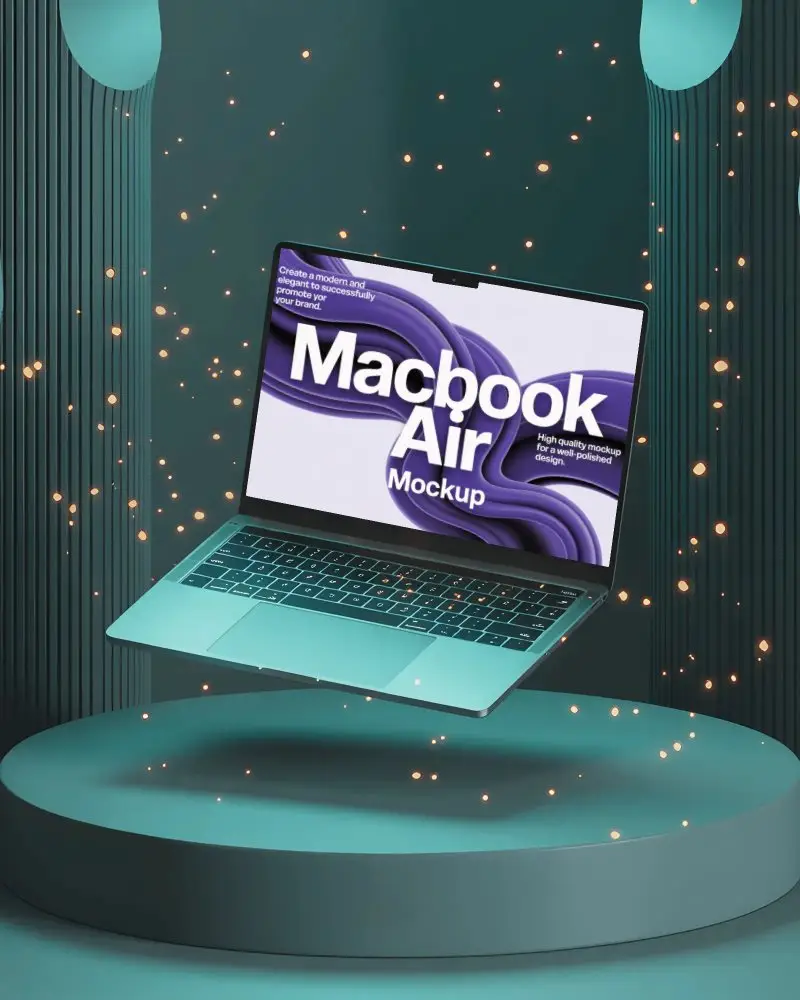
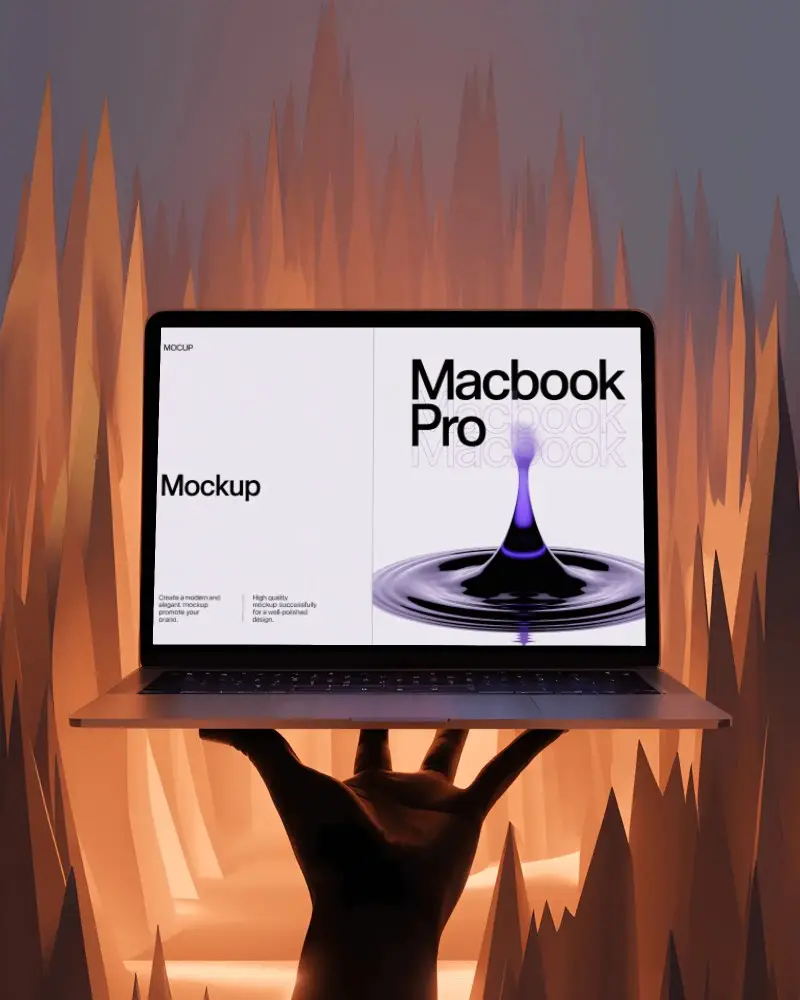
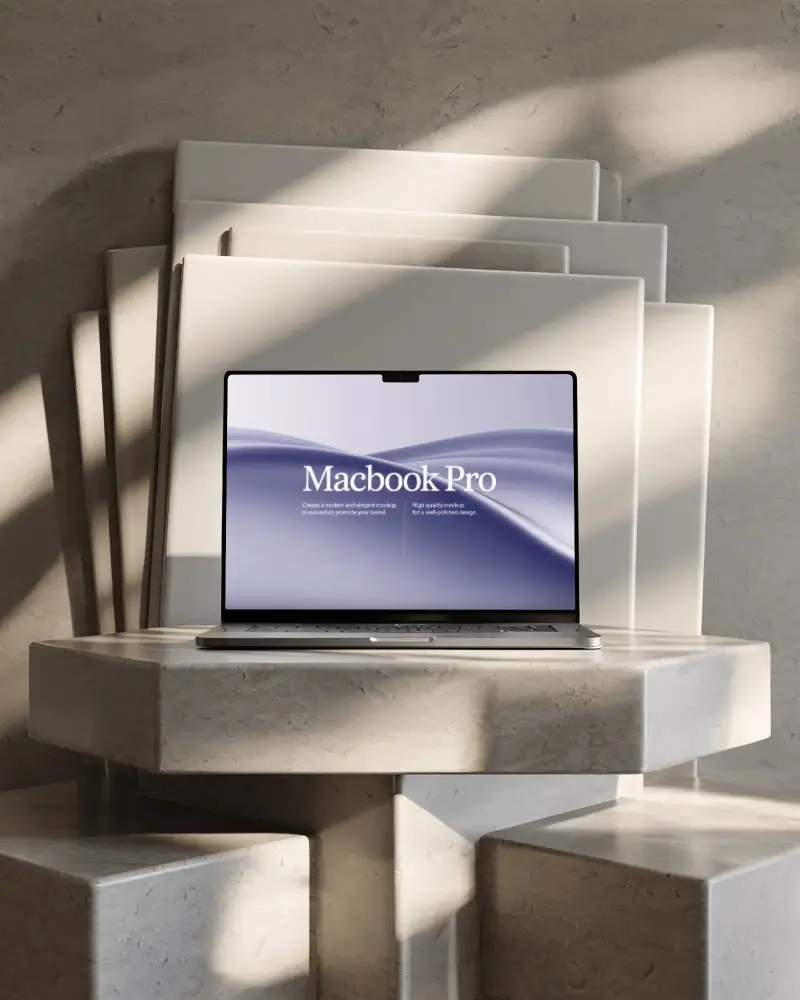
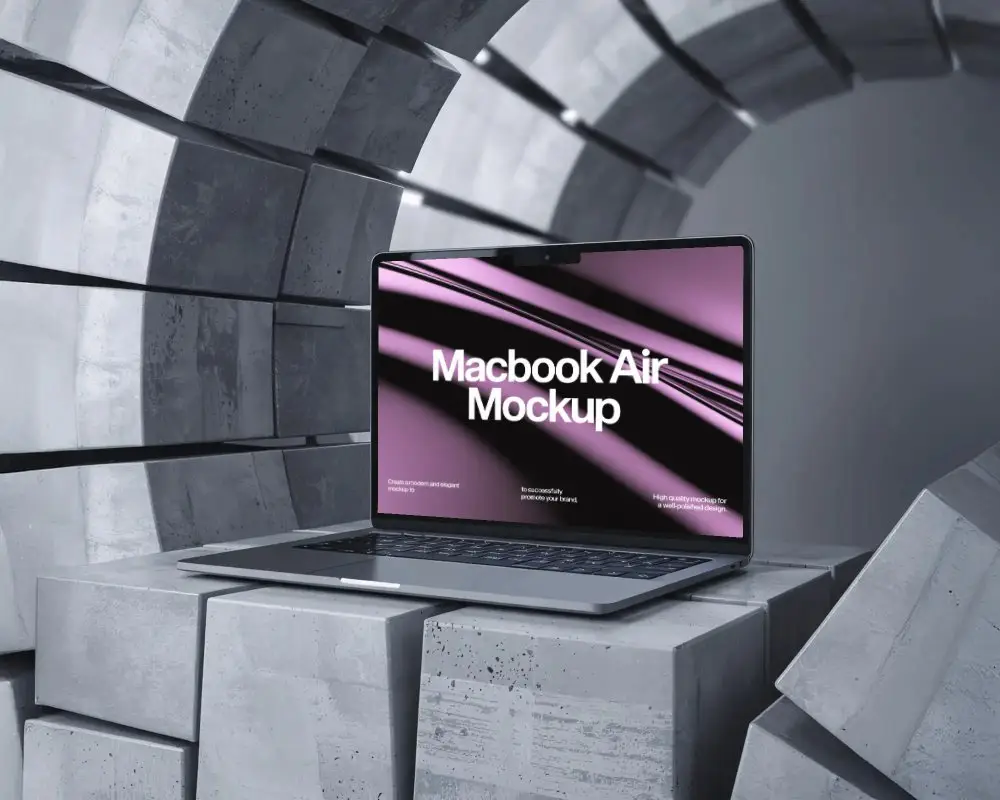
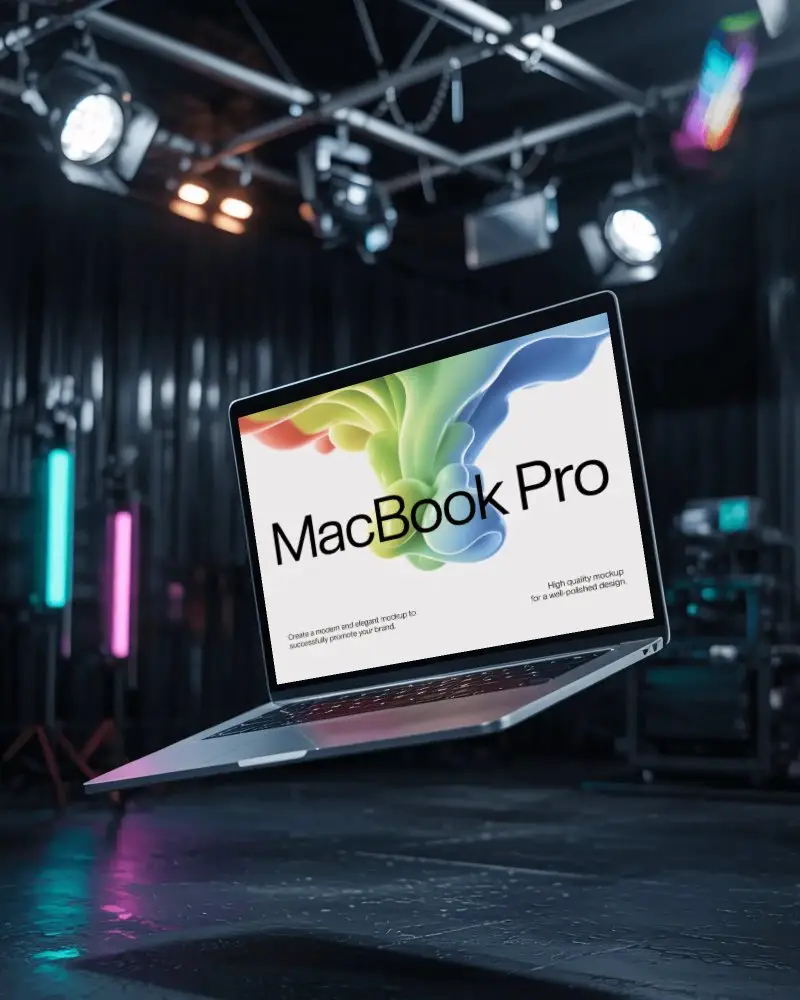
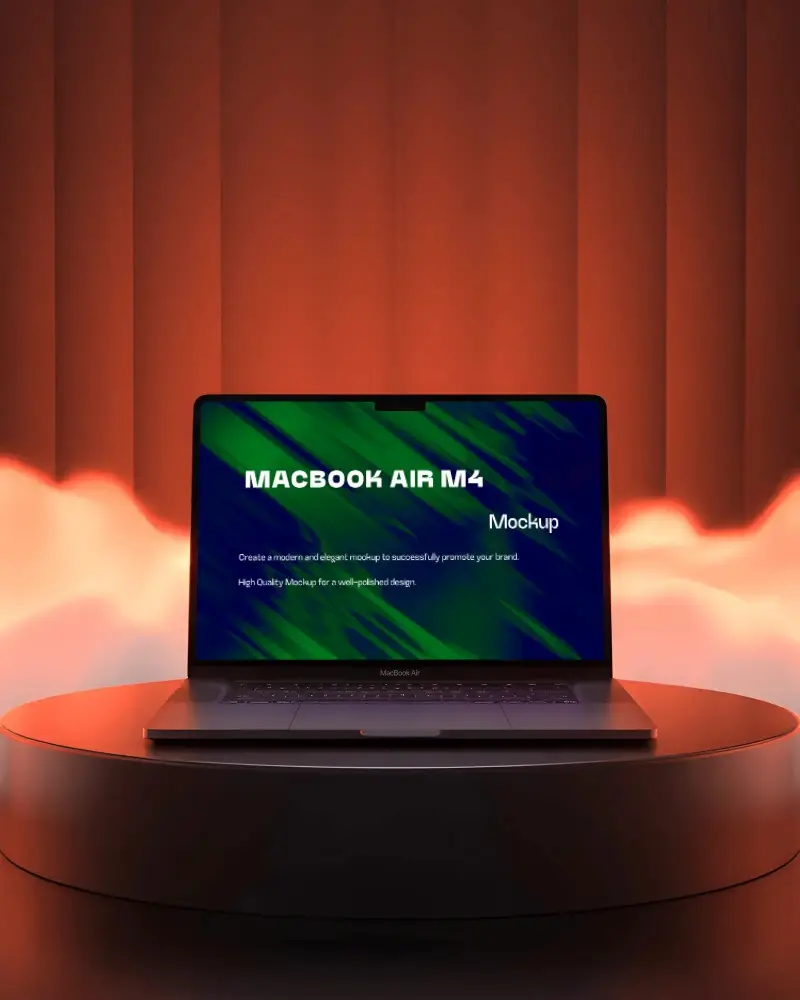
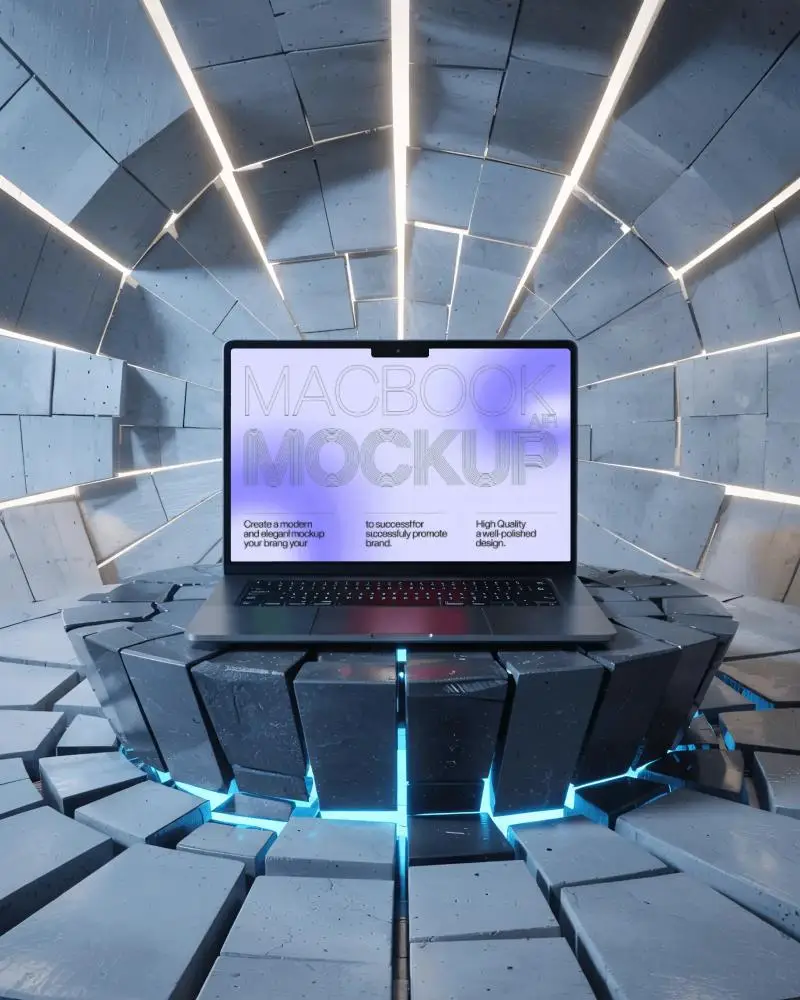
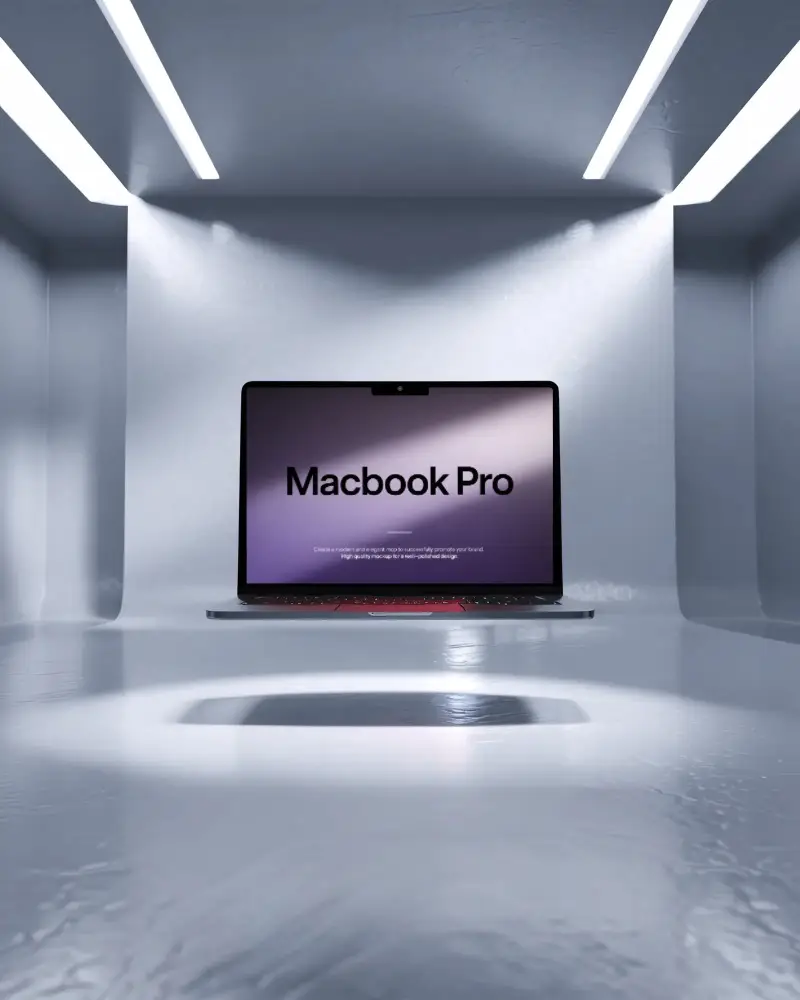
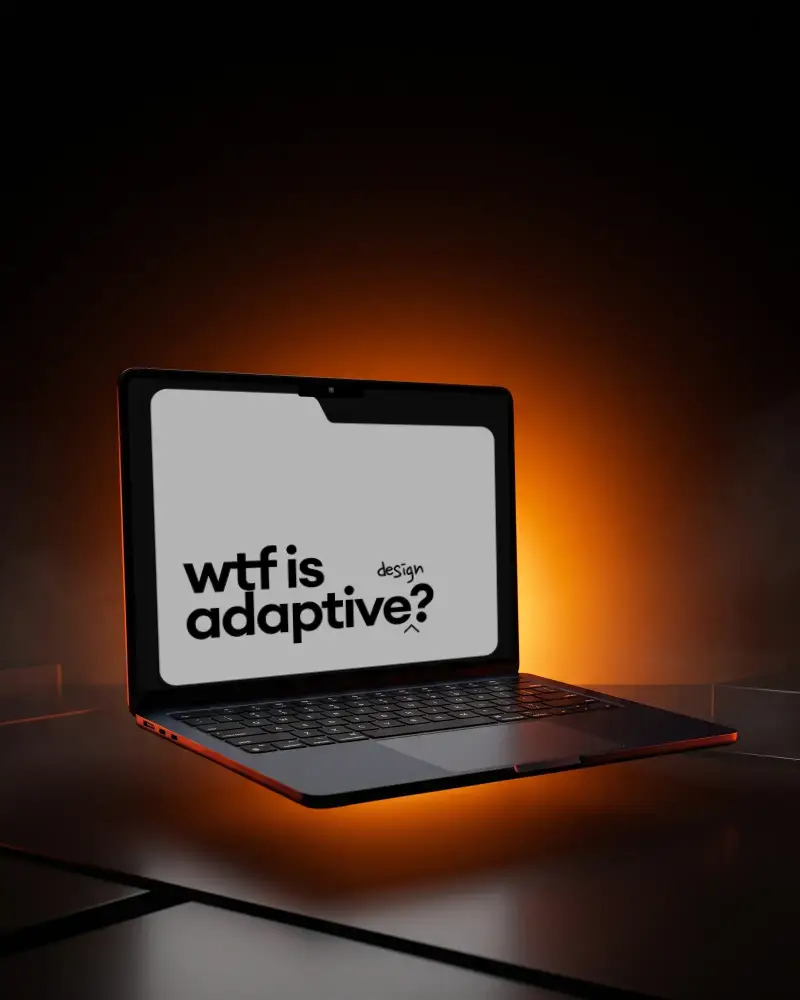
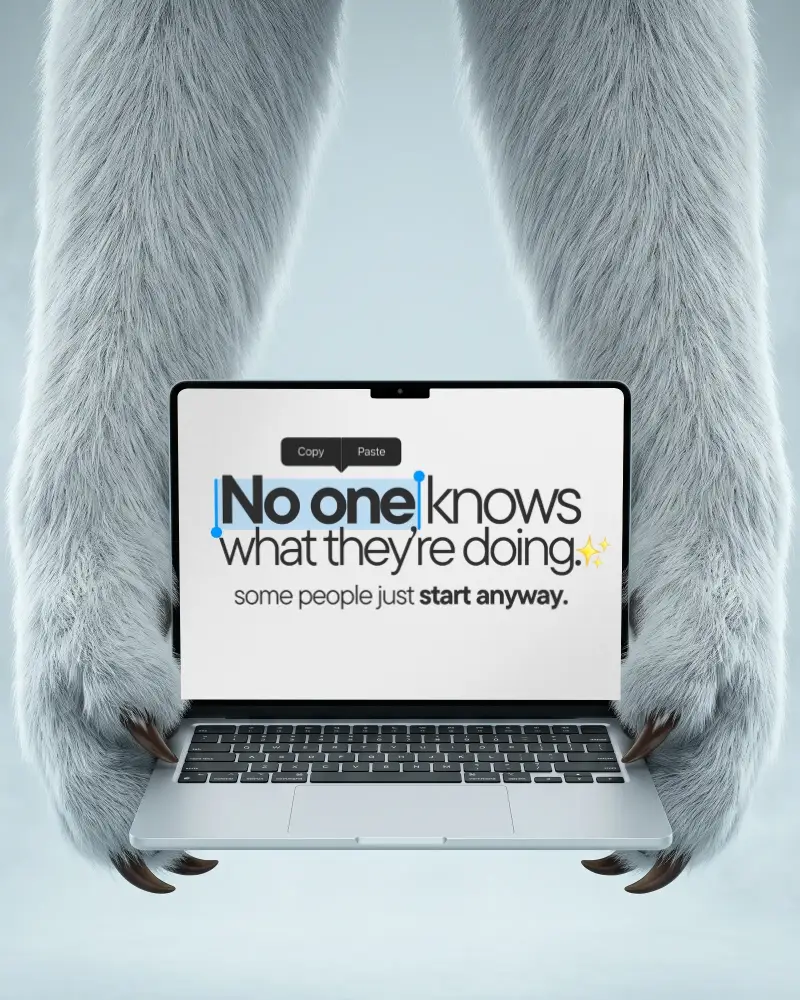
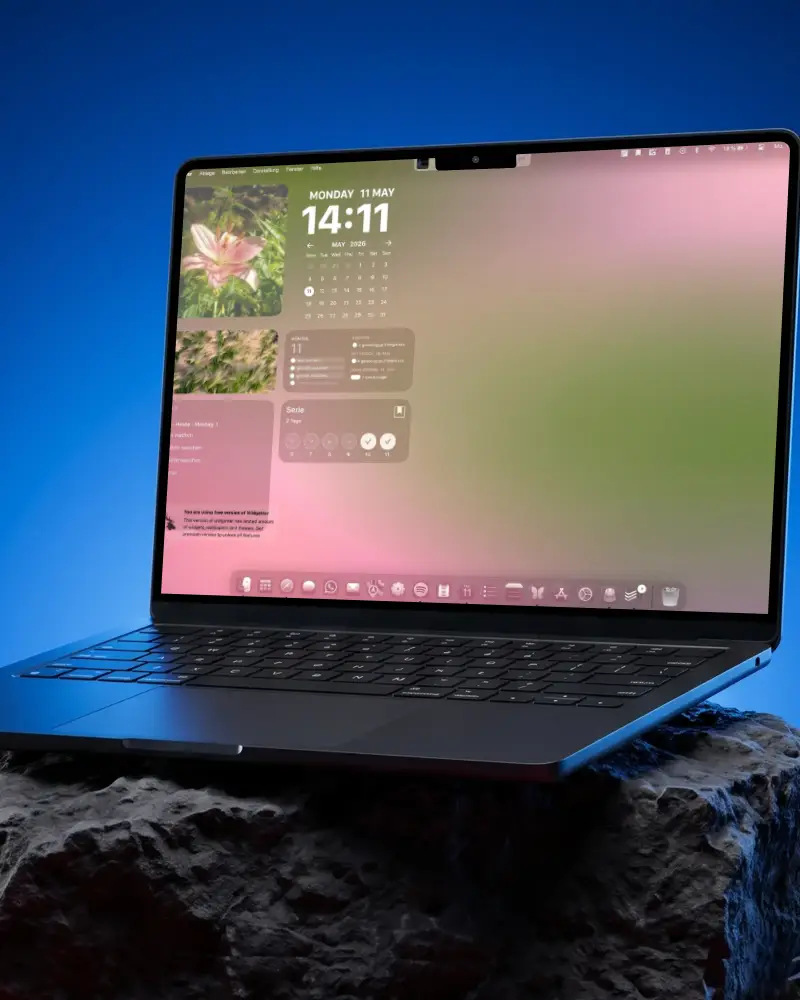
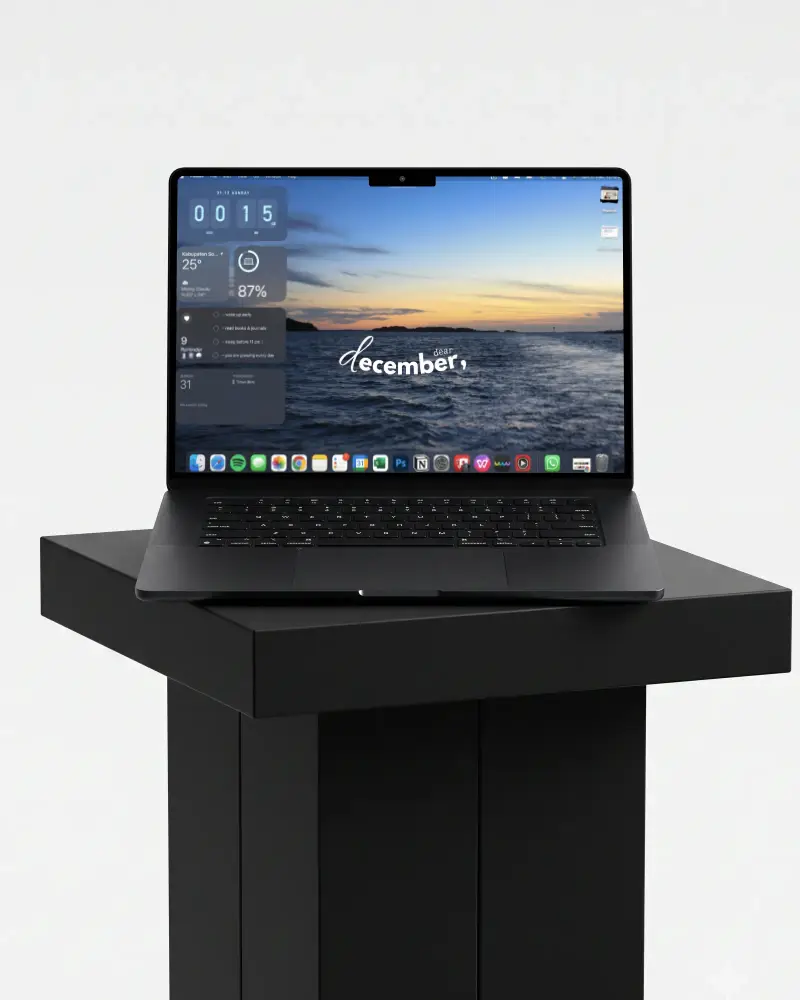
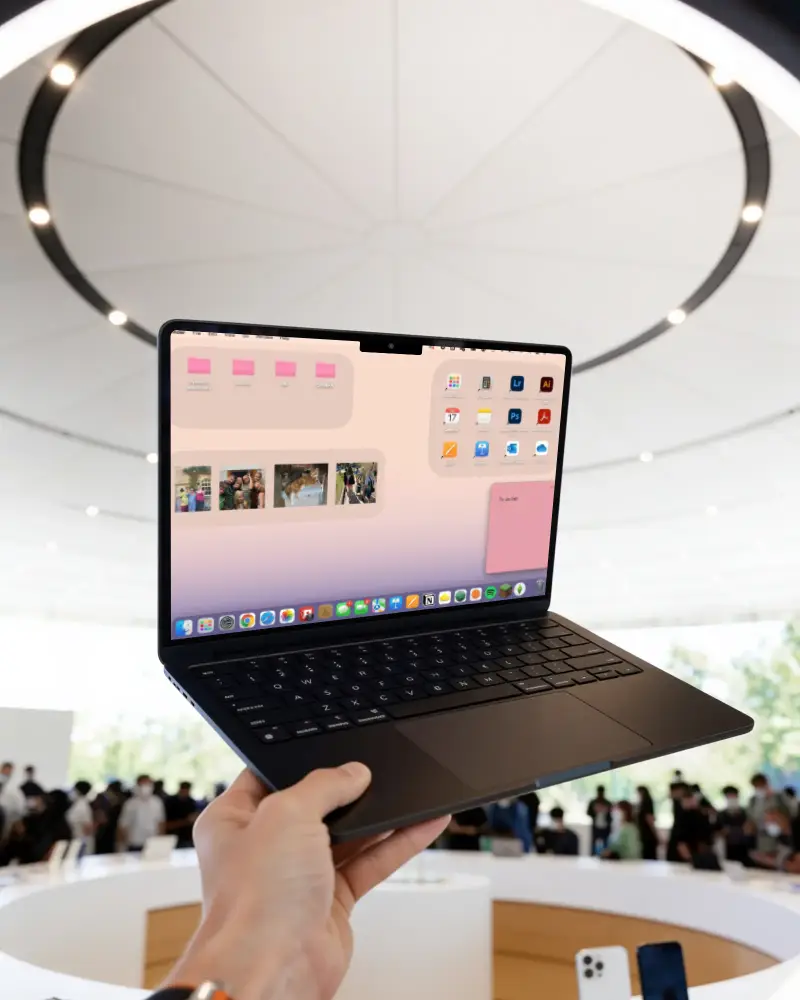
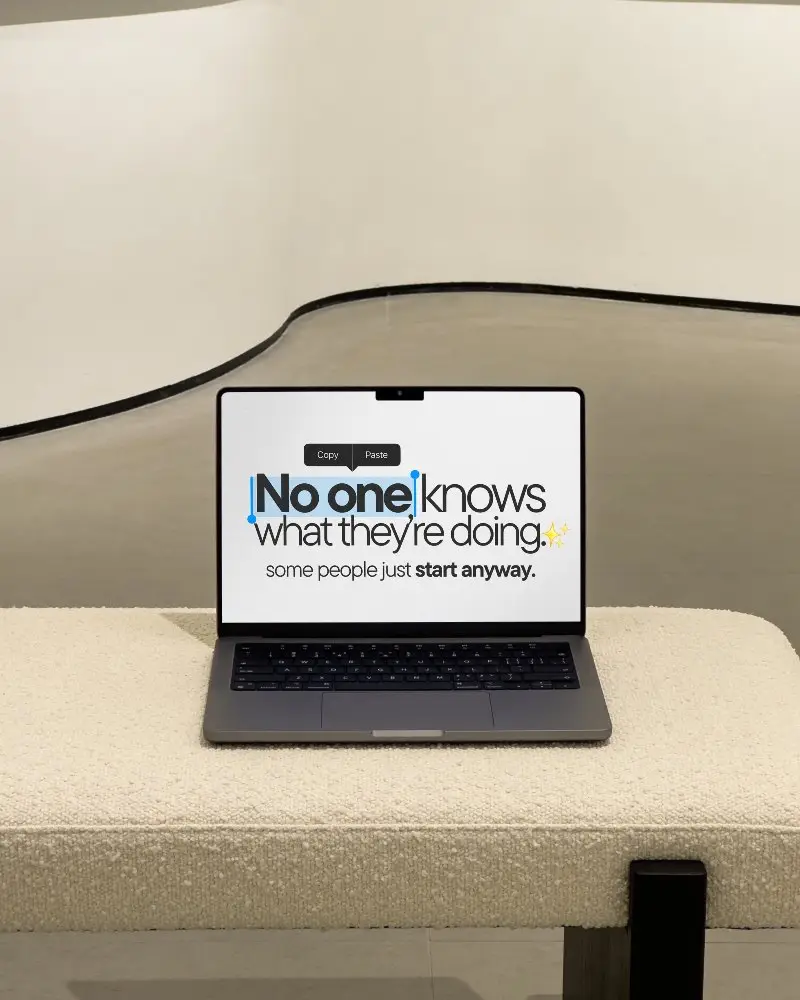

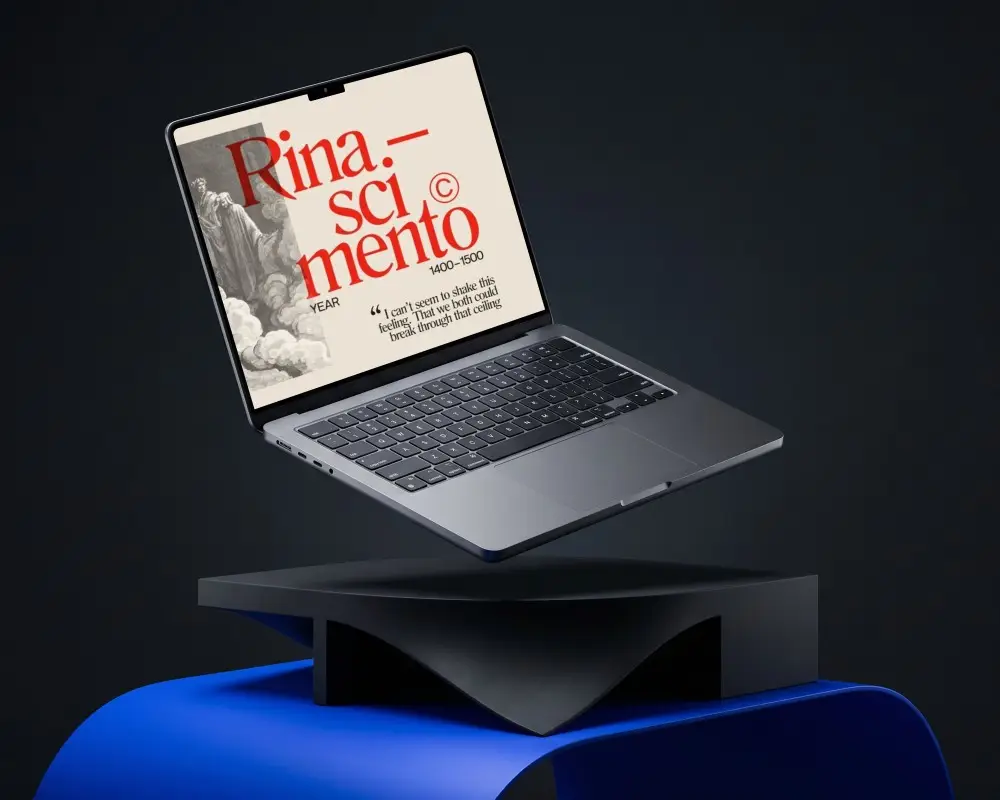
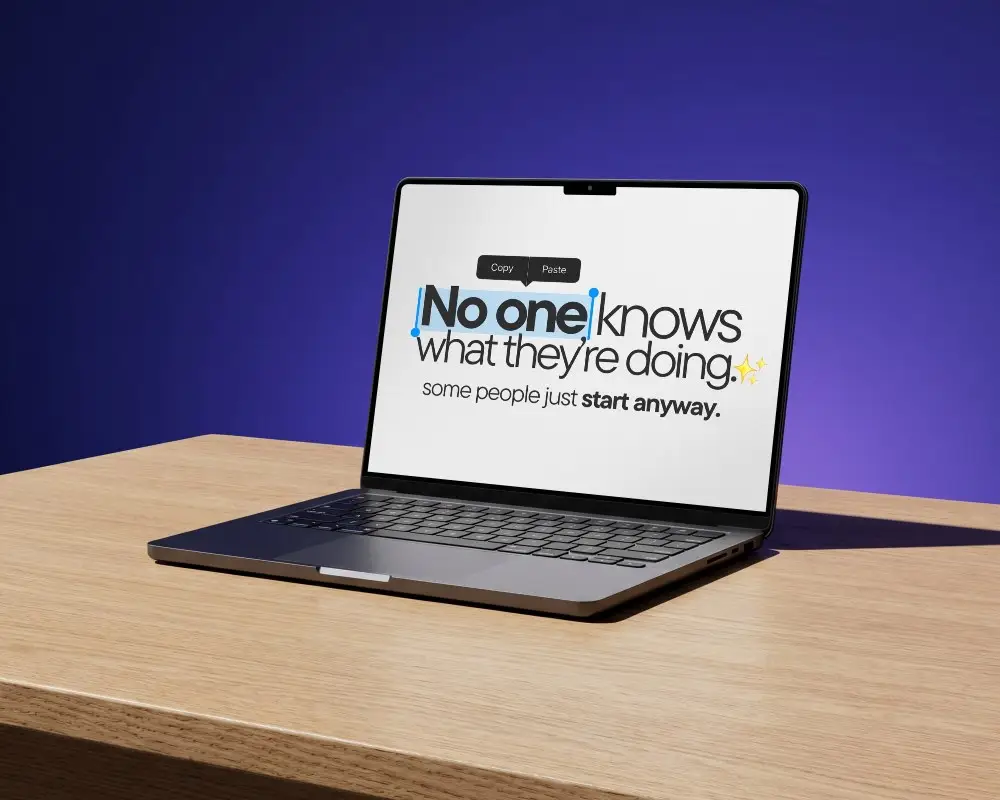
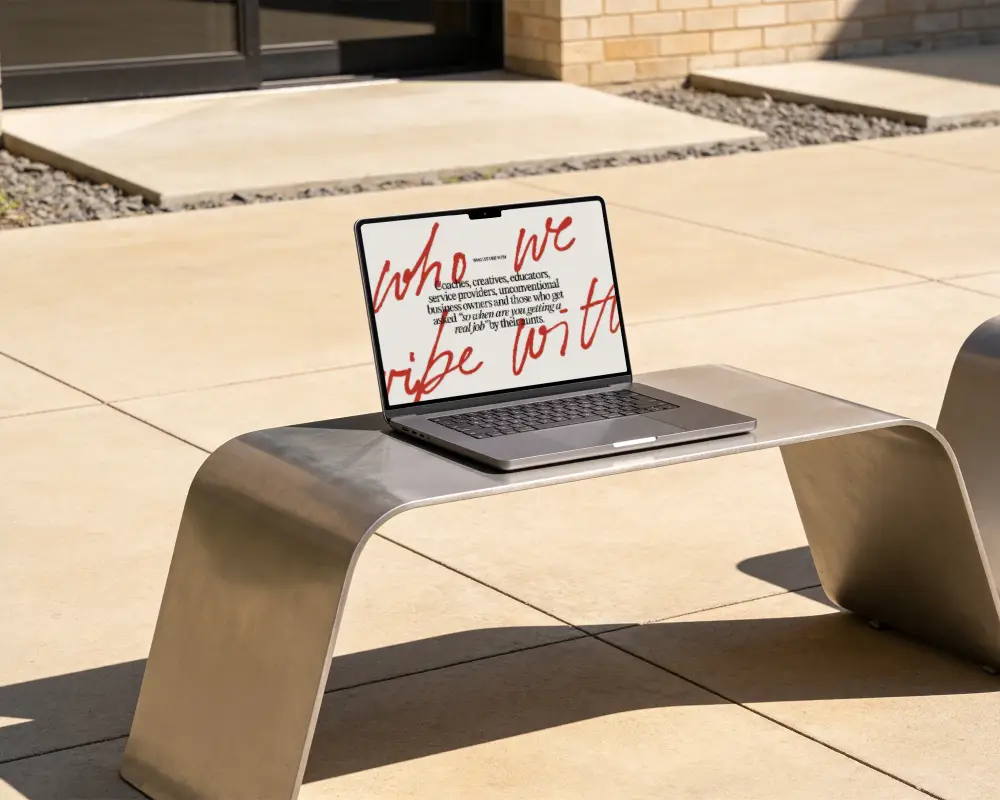
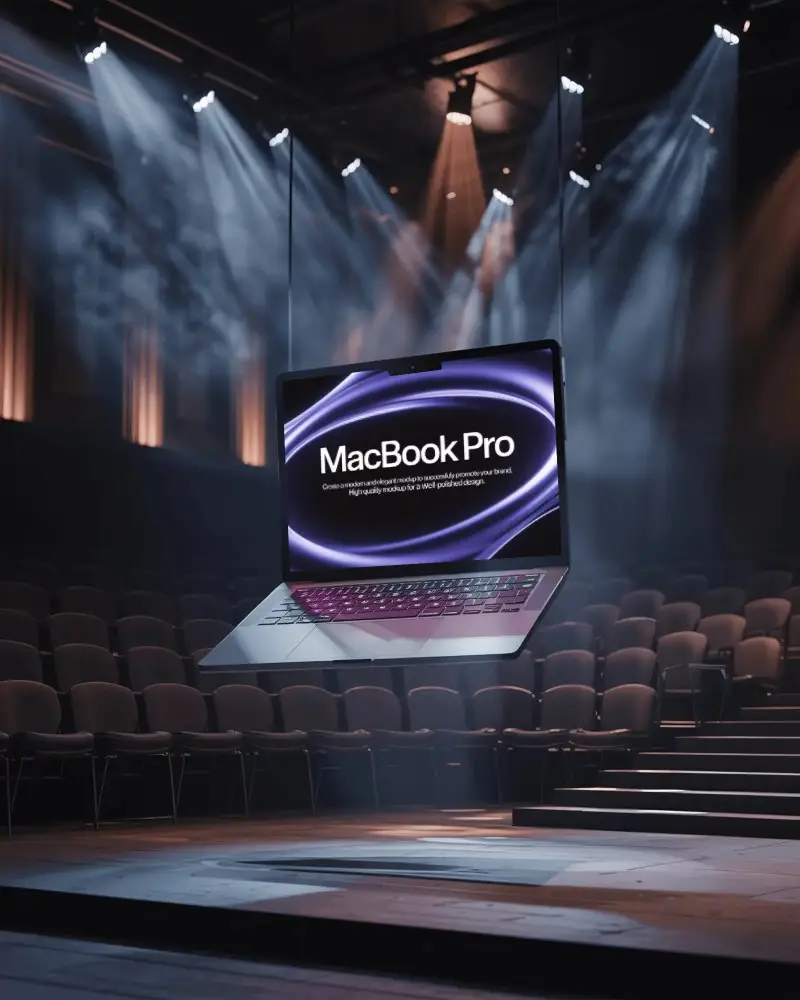
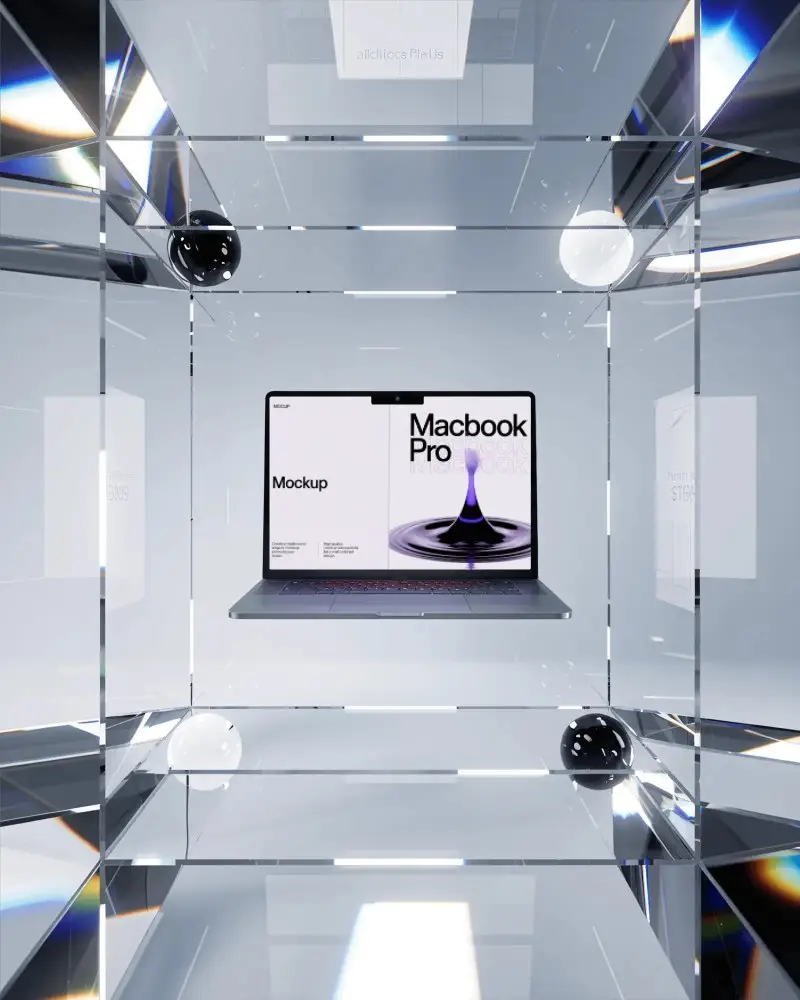
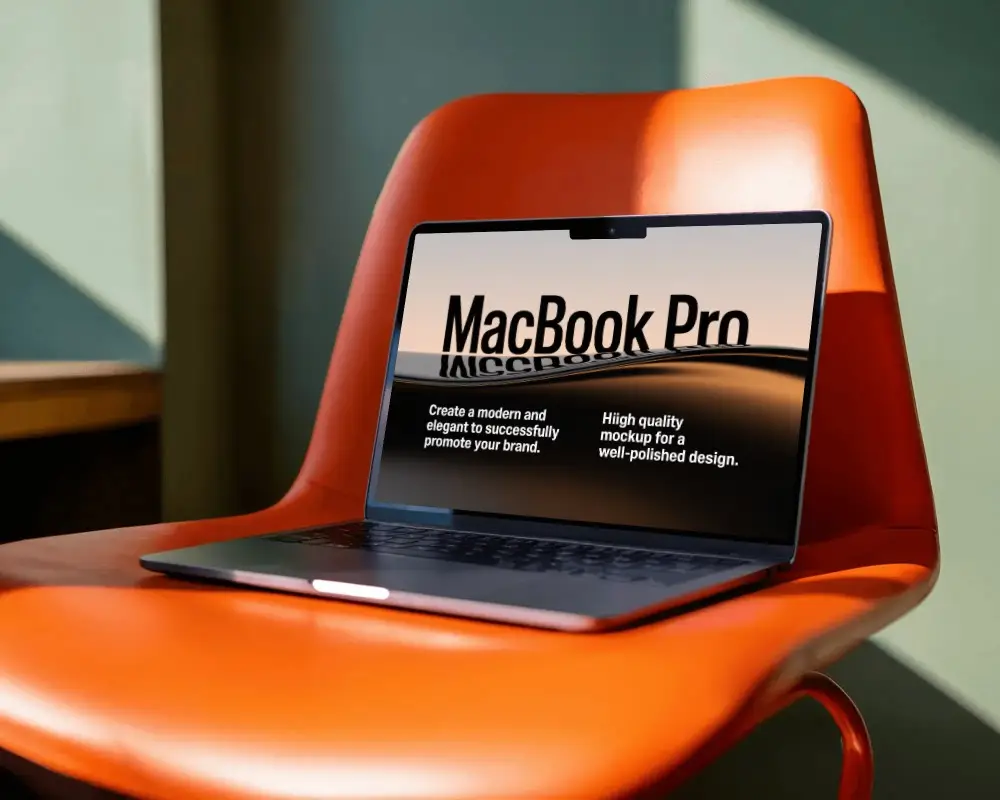
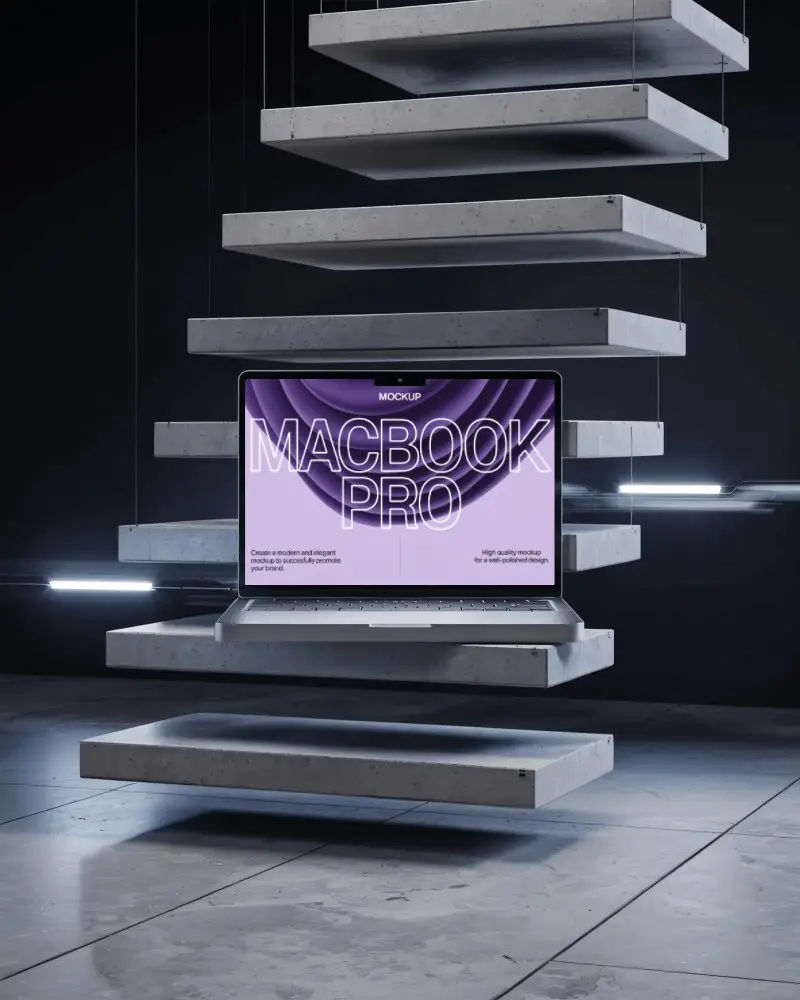
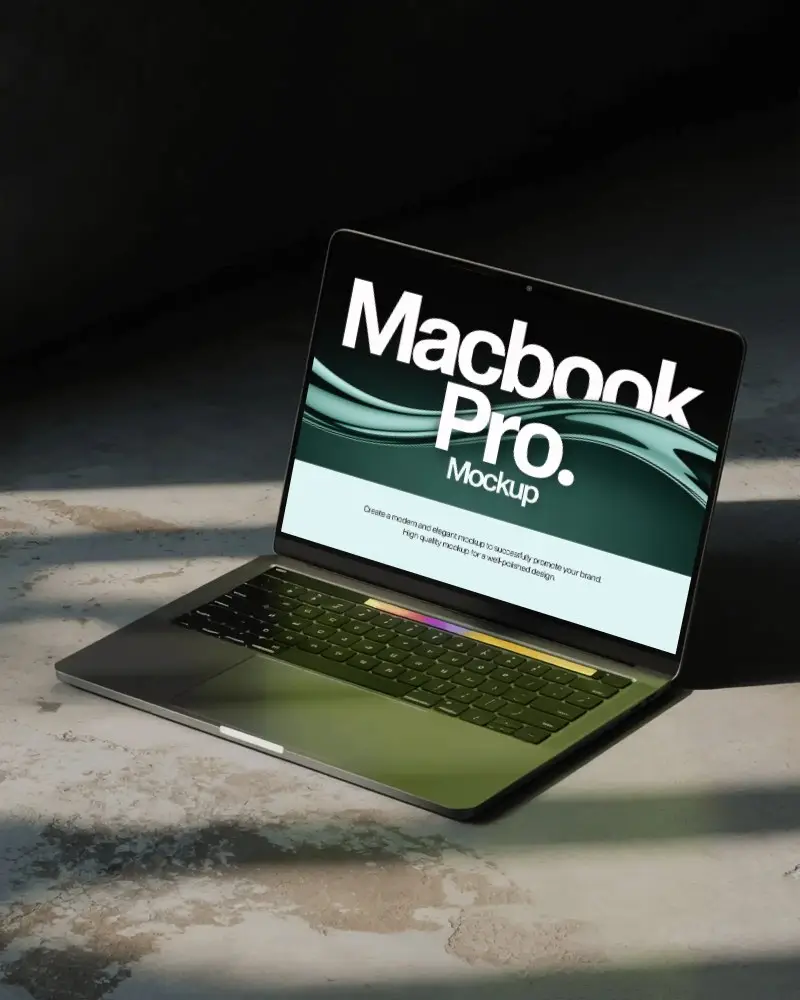
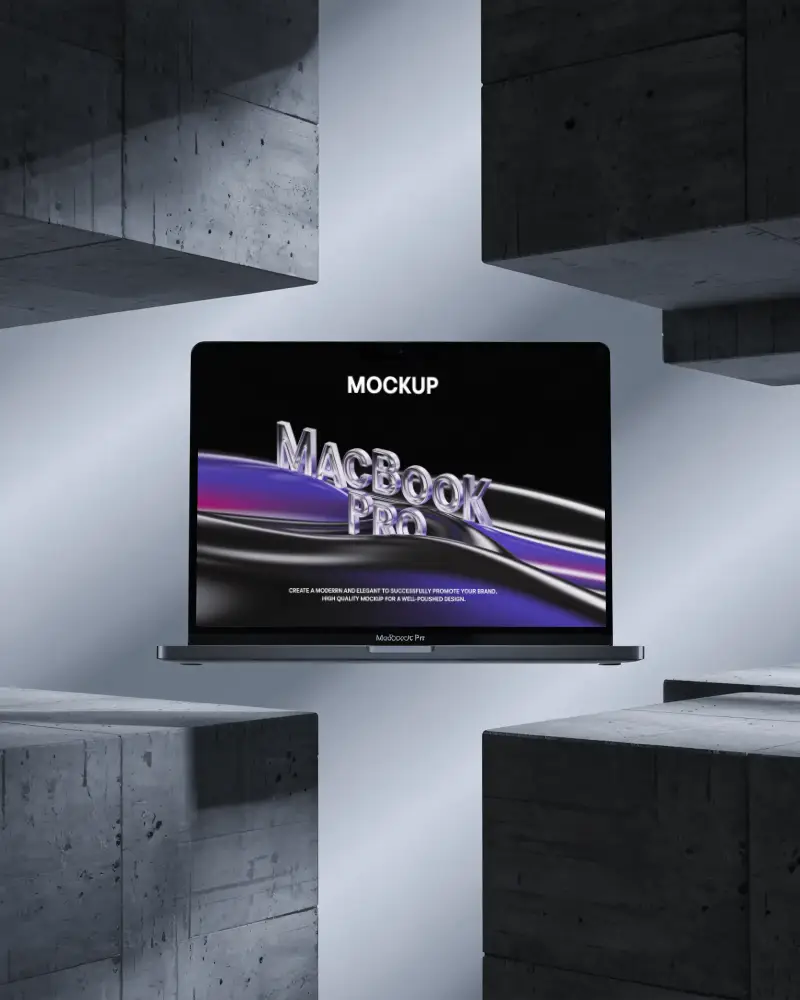
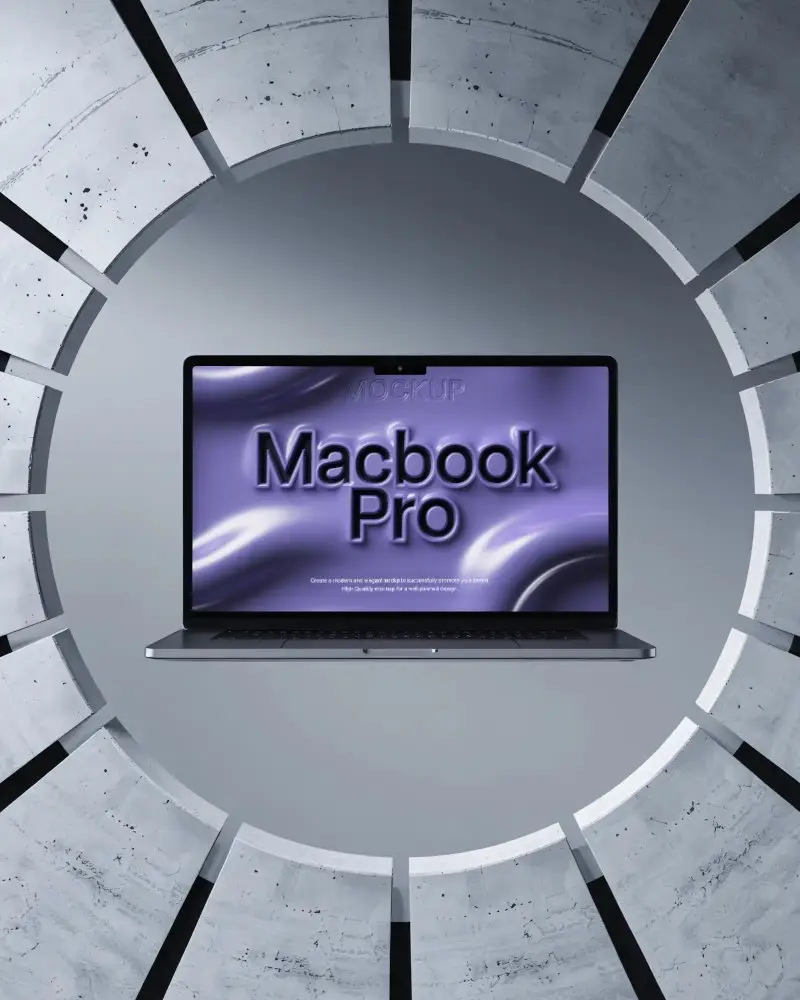
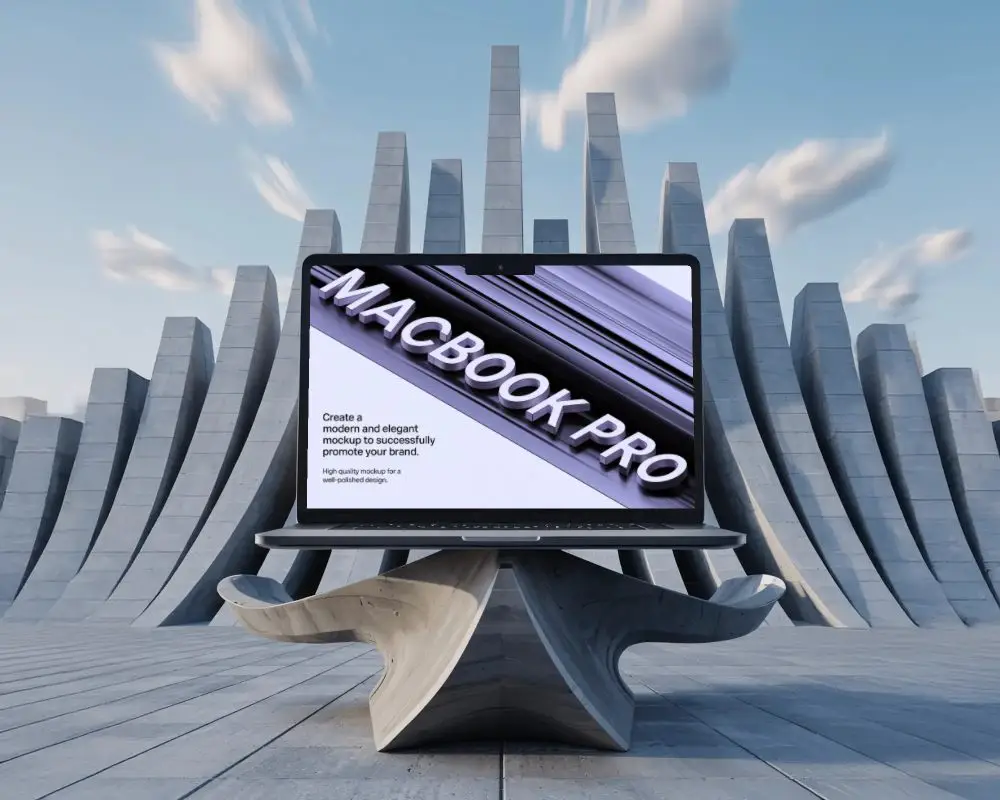
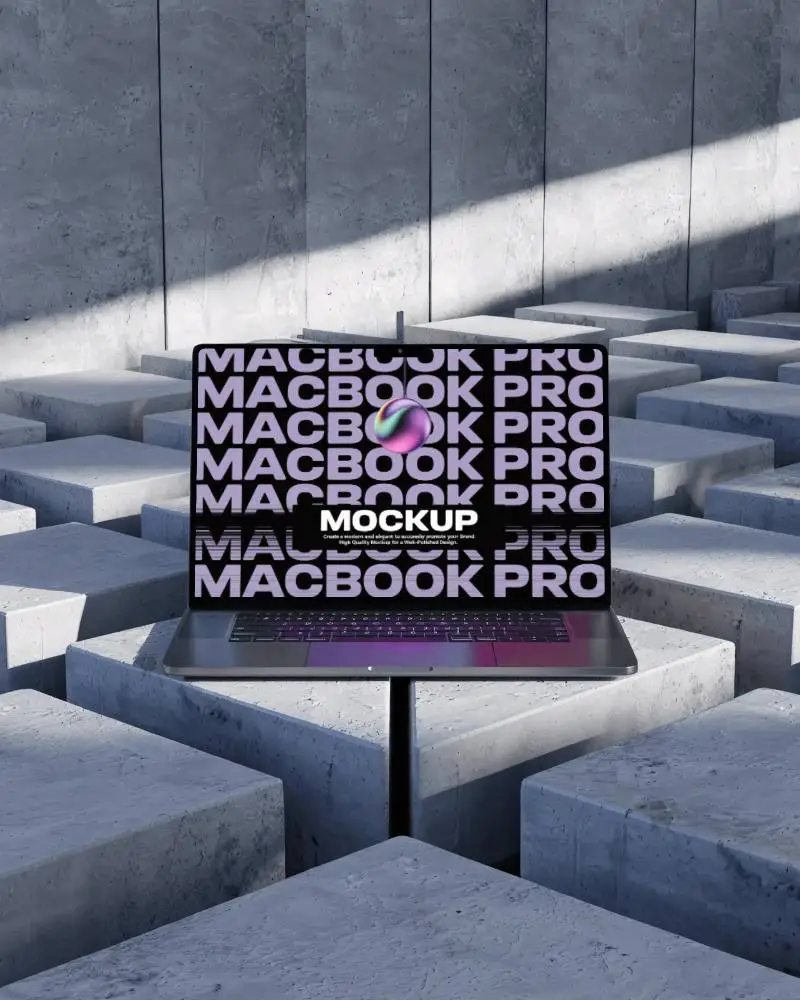
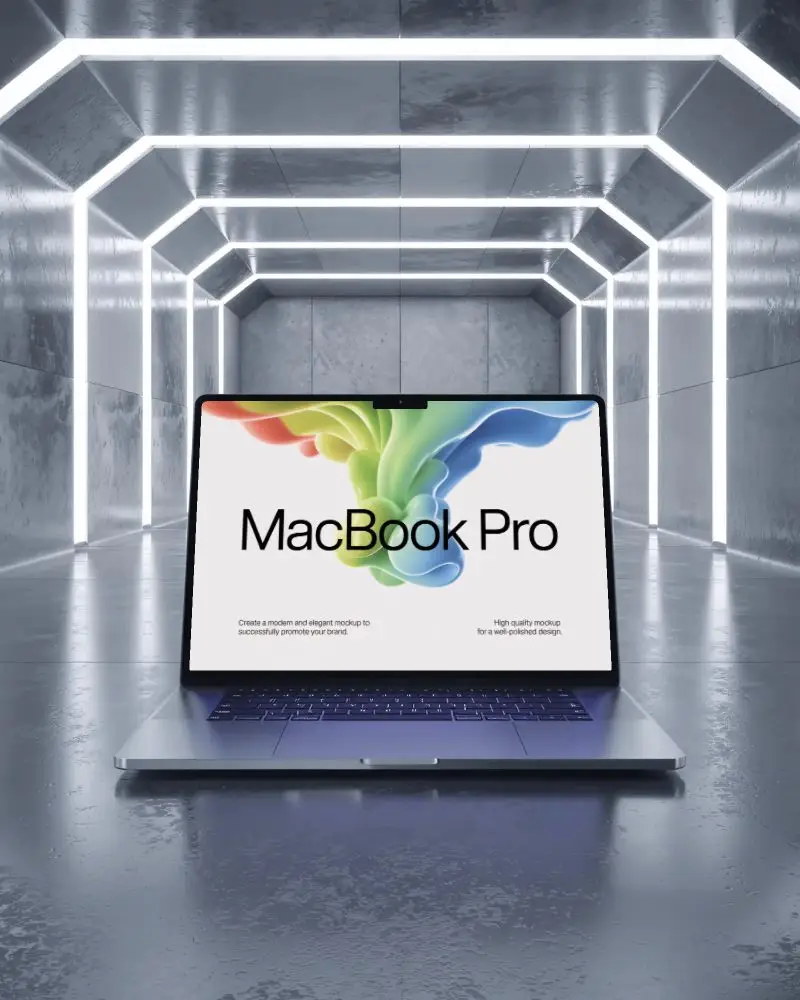
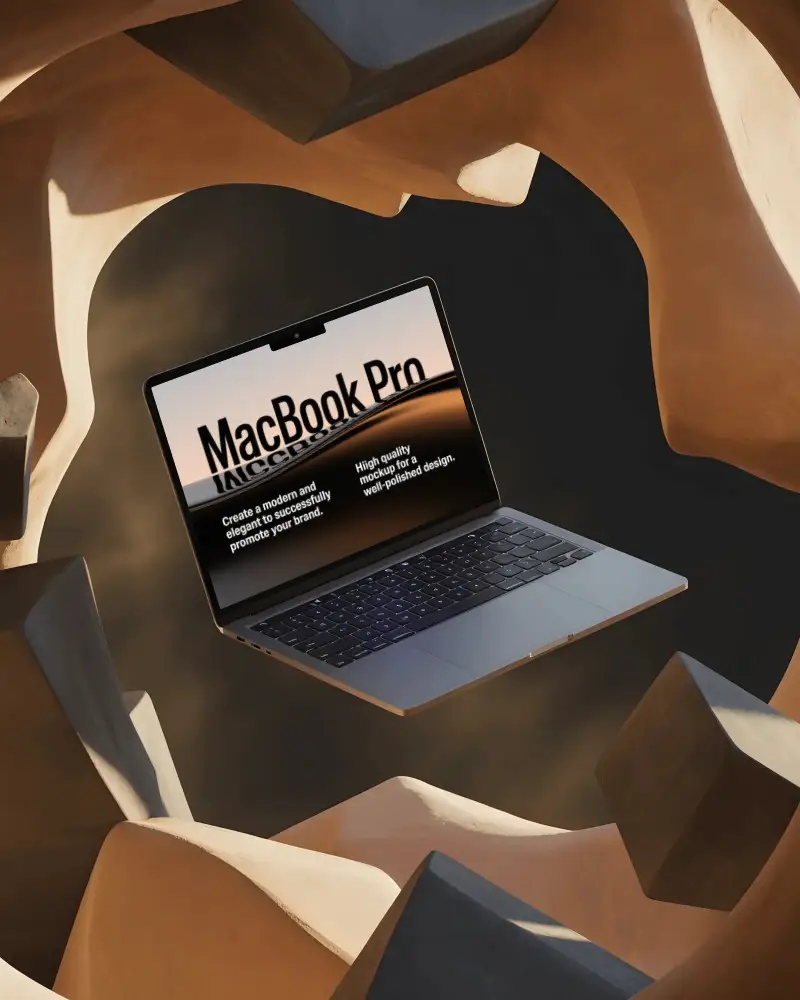
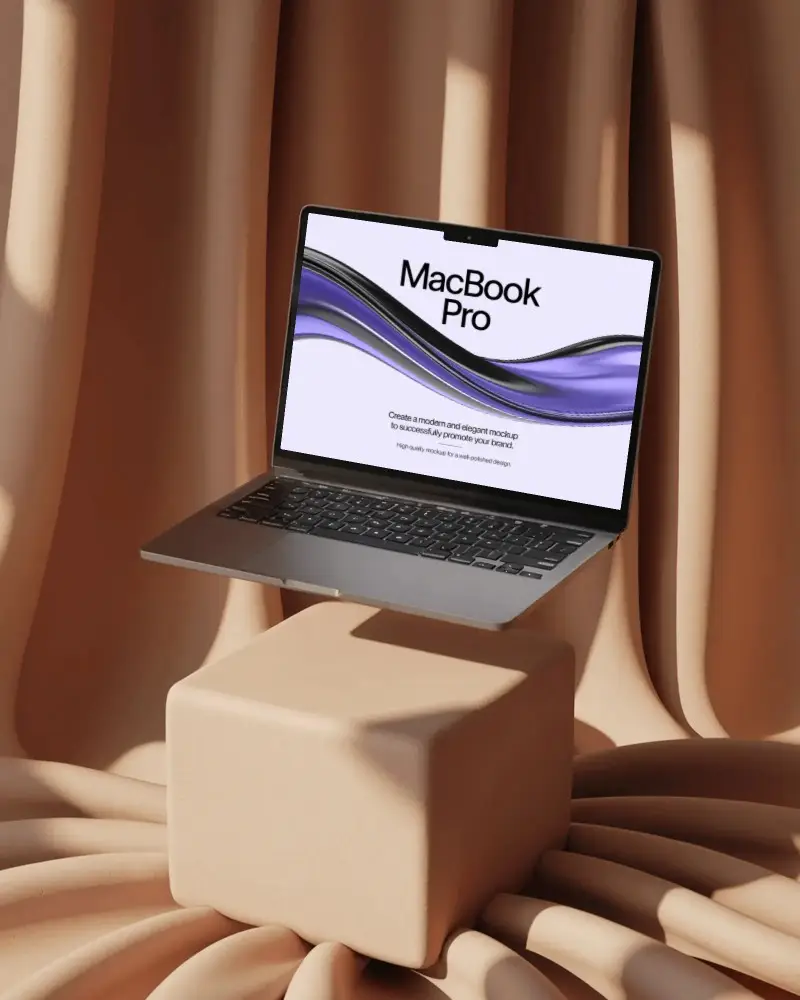
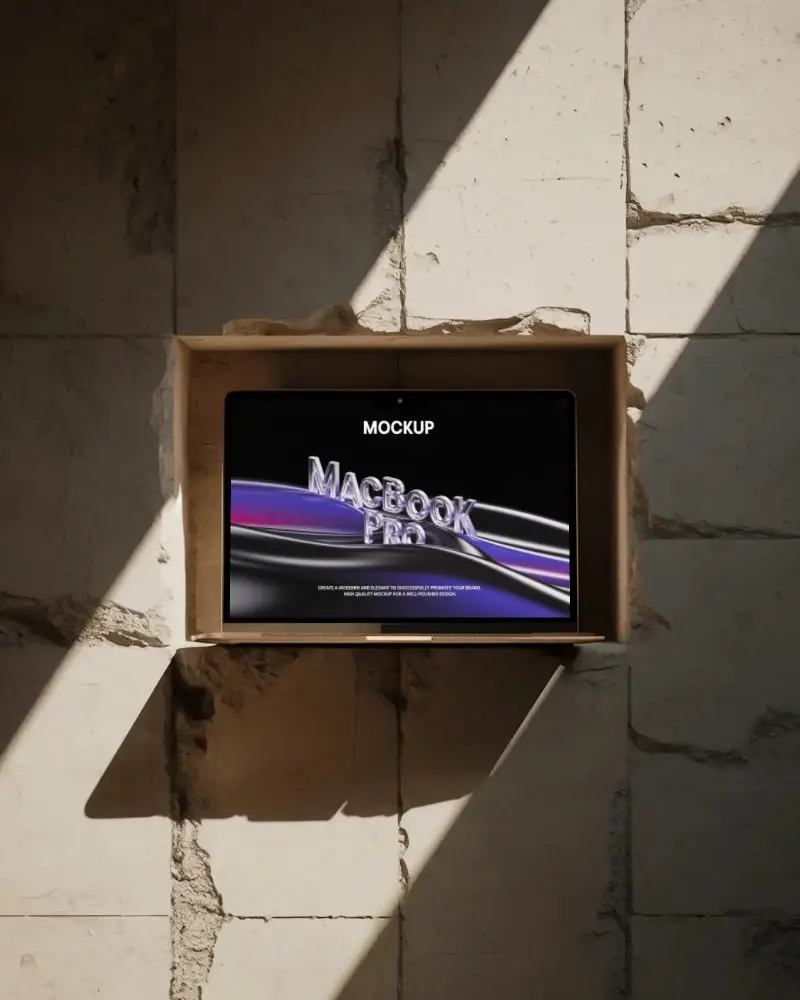
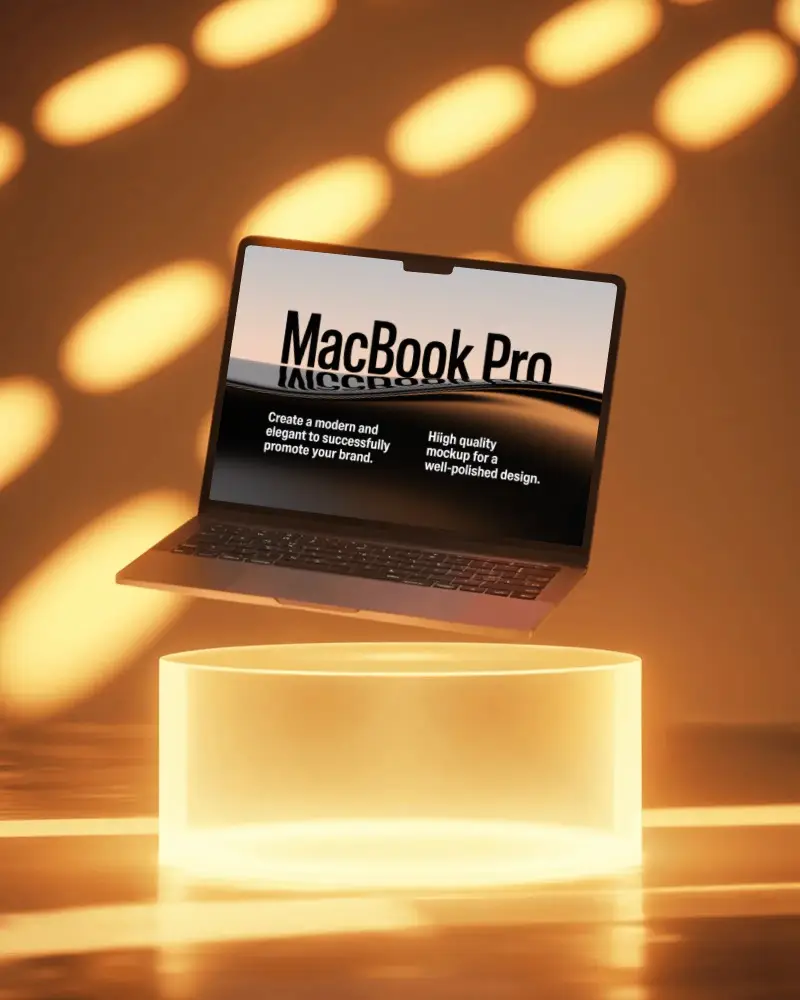
How to Create a MacBook Pro M2 Mockup with Mockey
Follow these simple steps to create your own MacBook Pro M2 mockup using Mockey AI.
- Step 1: Sign up and go to "Mockups > Tech" then search for the MacBook category.
- Step 2: Select the tag for "MacBook Pro M2" and pick a template to upload your design.
- Step 3: Make your design adjustments, customize as needed, and download your final mockup.


FAQs on Macbook Pro M2 Mockups
What is a MacBook Pro M2 Mockup used for?
A MacBook Pro M2 mockup is a ready-made digital frame that lets you show your design on a MacBook screen. You can use it to display apps, websites, or branding. It’s simple to edit, and with tools like Mockey AI, you can make it your own in minutes.
Who should use a MacBook Pro M2 Mockup?
A MacBook Pro M2 mockup helps designers and advertisers show their work in style. You can place your app or website on a MacBook screen and see how it looks in real life. It’s not a device you can buy. It’s a digital tool made for professional display.
Can I use the MacBook Pro M2 mockup for social media or marketing?
You can use Mockey AI’s MacBook Pro M2 mockups for social media or marketing. Remember, Apple has strict rules on trademarks and copyright. Anything that makes it look like Apple is endorsing or sponsoring your work is not allowed.
Does the MacBook Pro M2 Mockup support custom screen designs?
A MacBook Pro M2 mockup lets you place your own screen designs with ease. Its main role is to display your work. Whether it’s a website interface or even a wallpaper, the mockup makes your design look alive and ready to use.
