Free MacBook Pro M4 Mockups
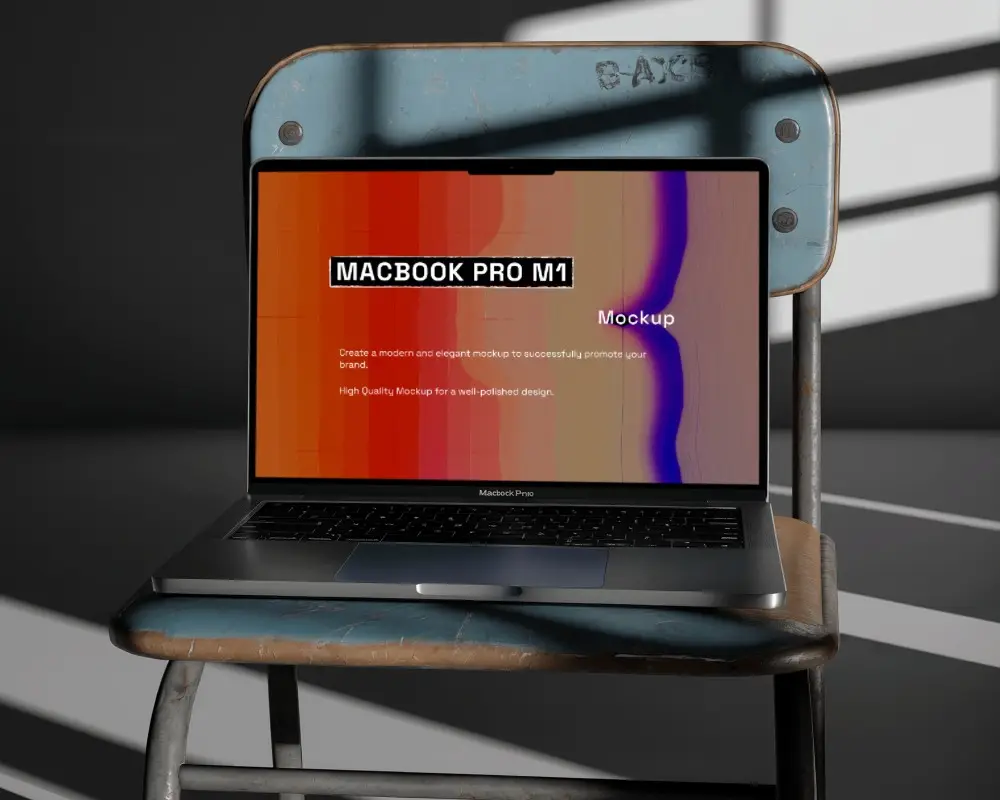
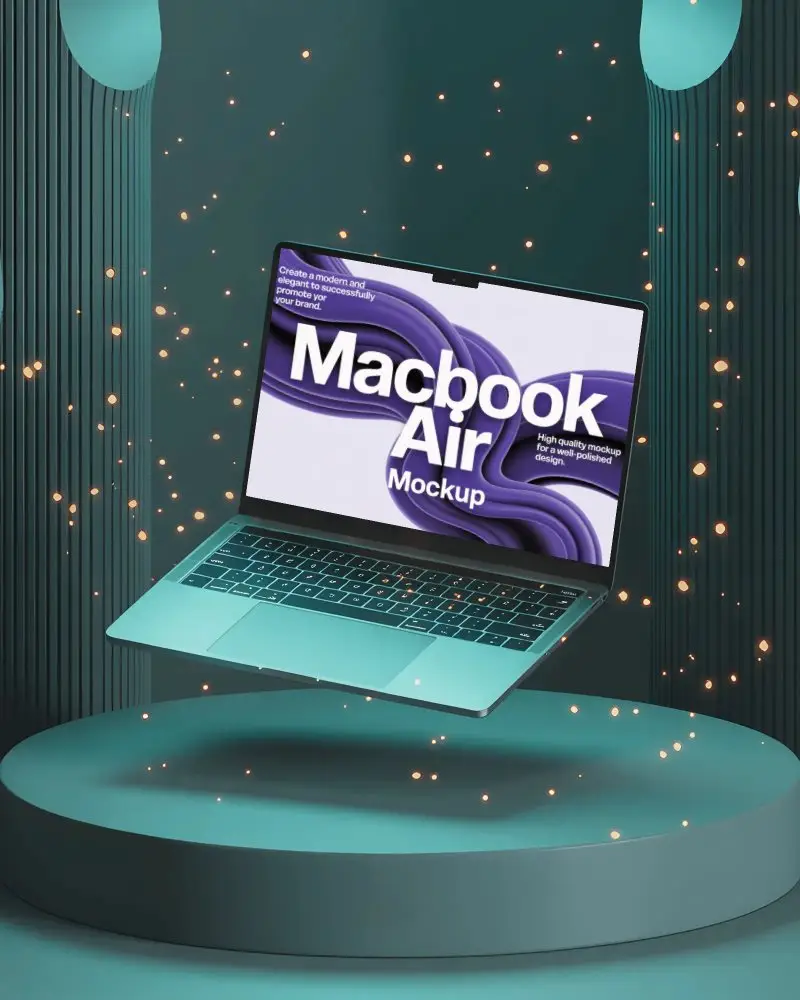
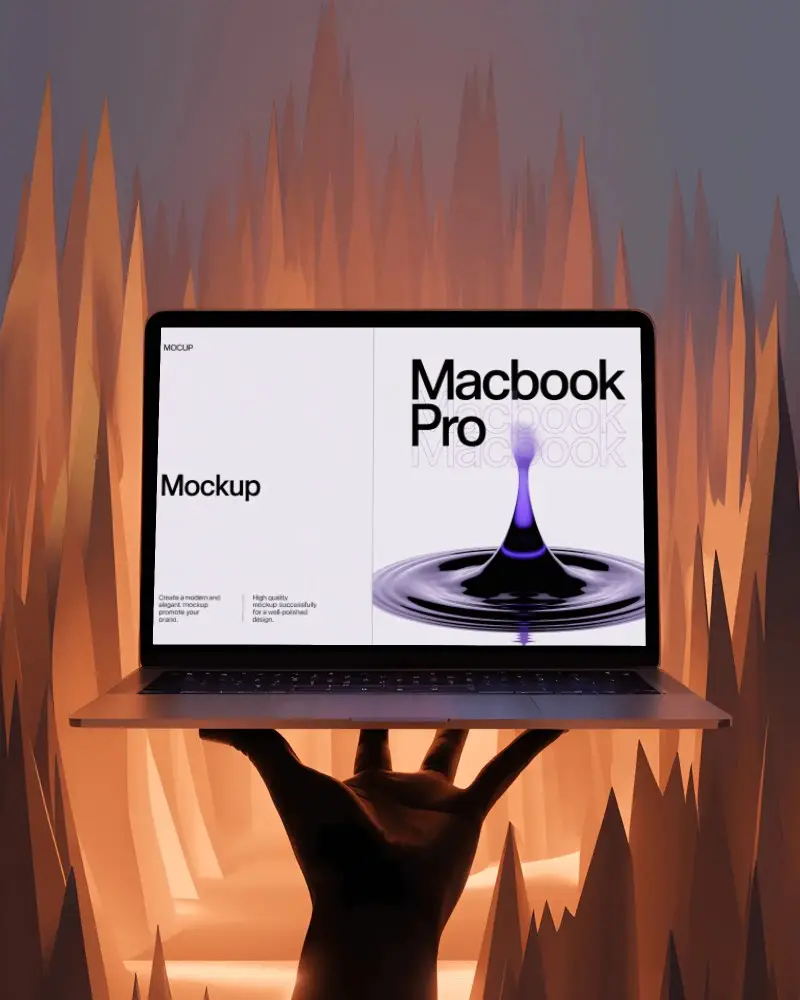
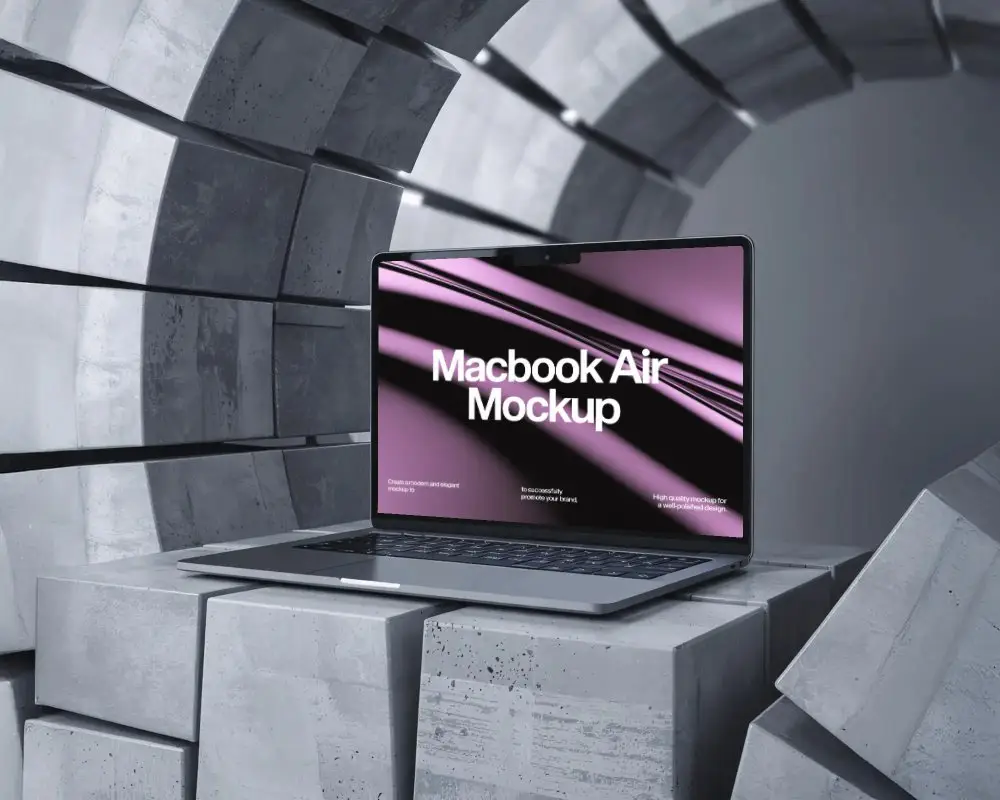
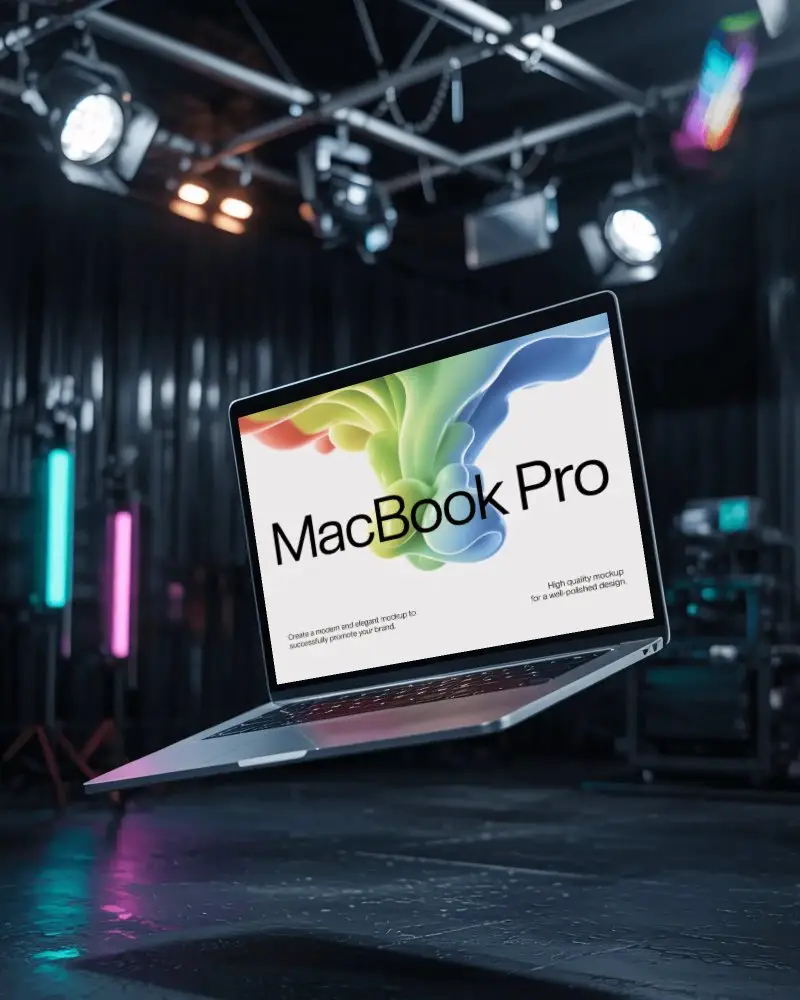
Showcase your designs with MacBook Pro M4 mockups on Mockey.ai. High-quality, realistic mockups to make your projects look professional and engaging.
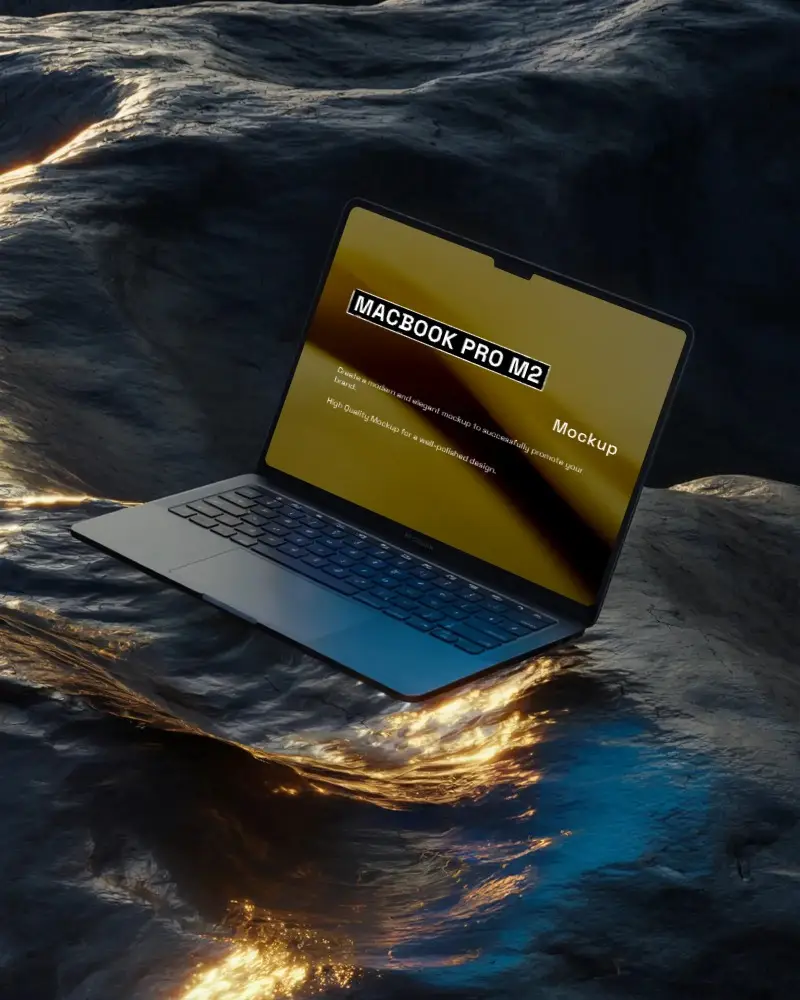
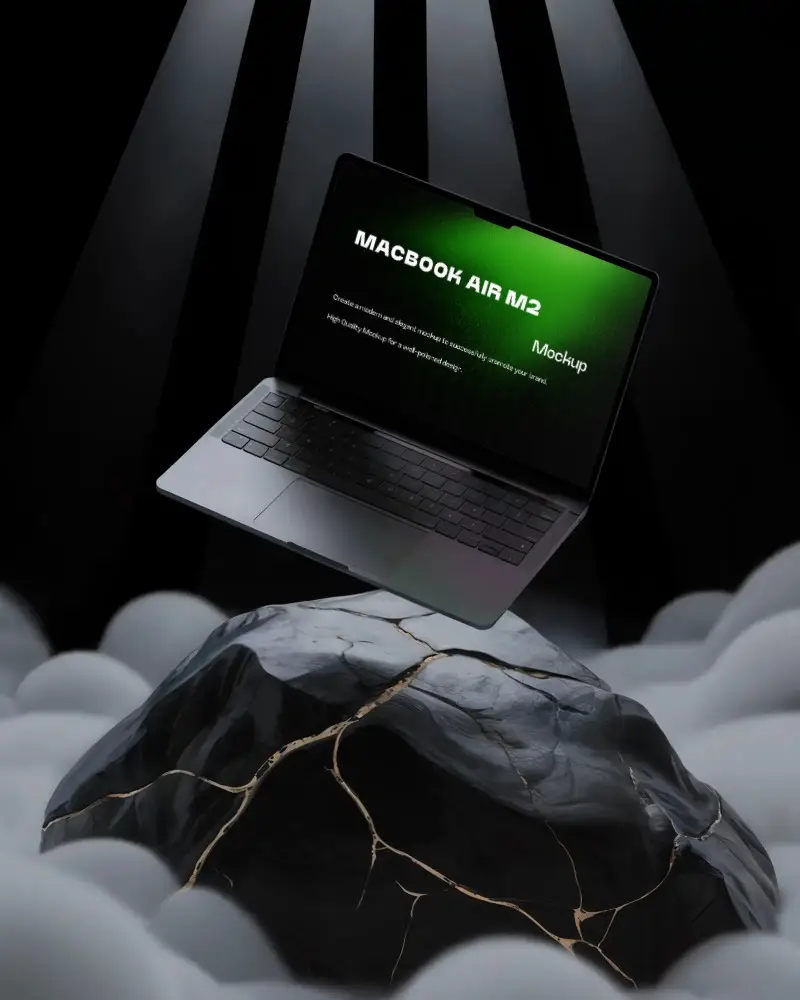
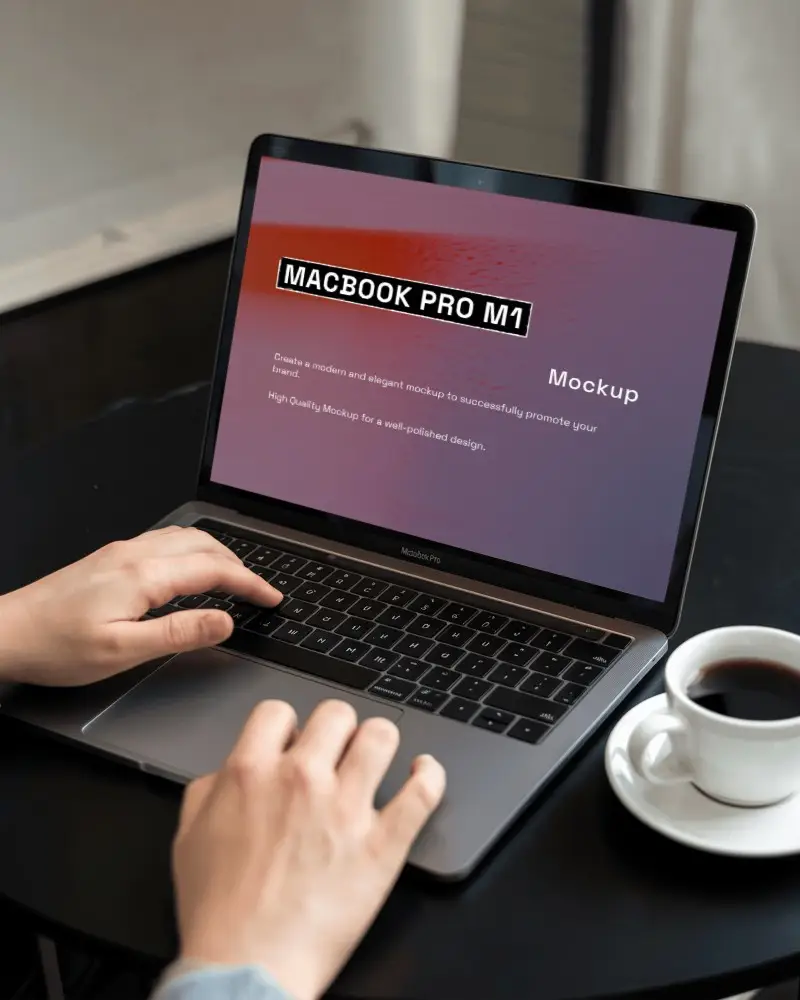
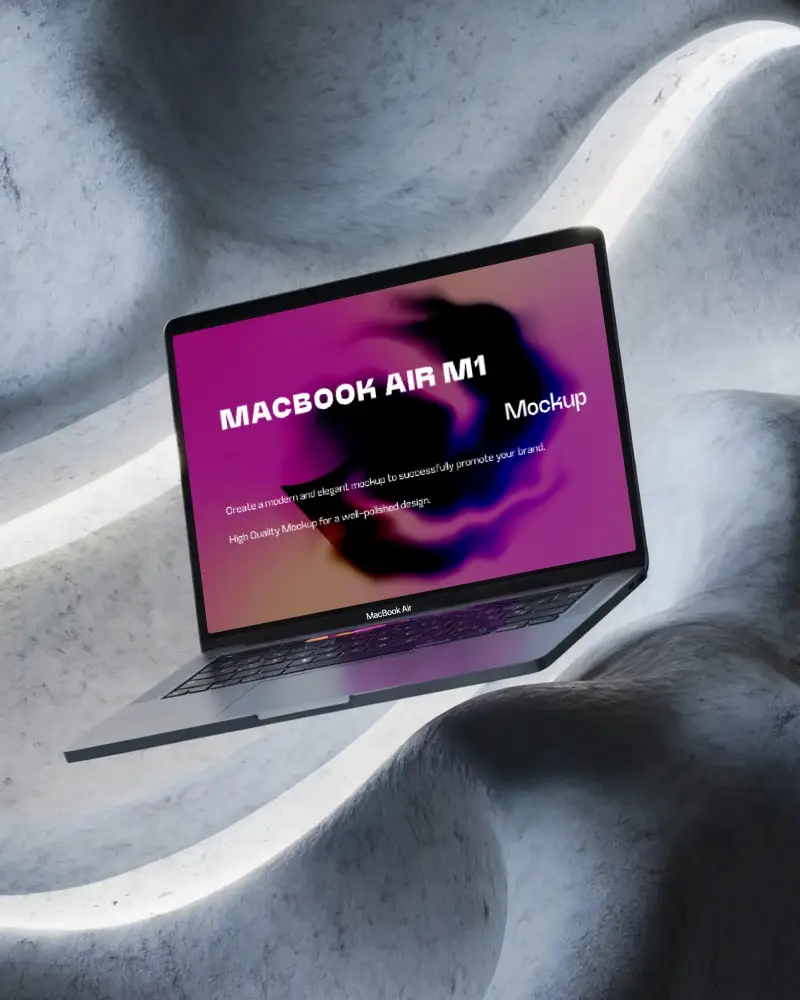
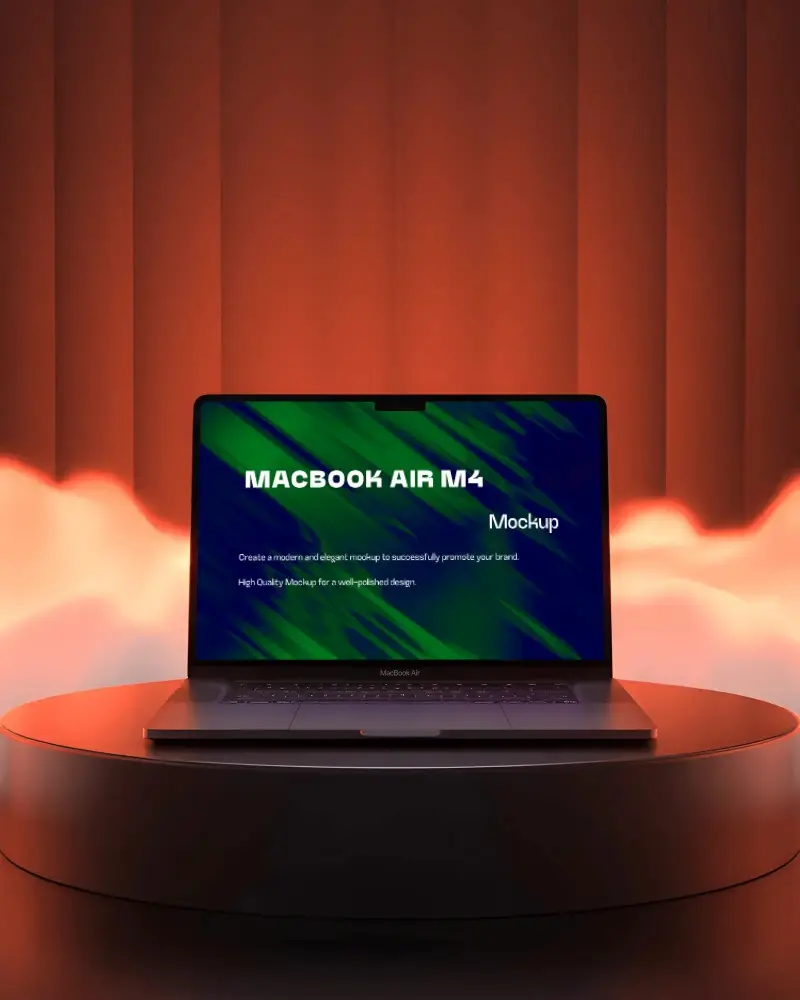
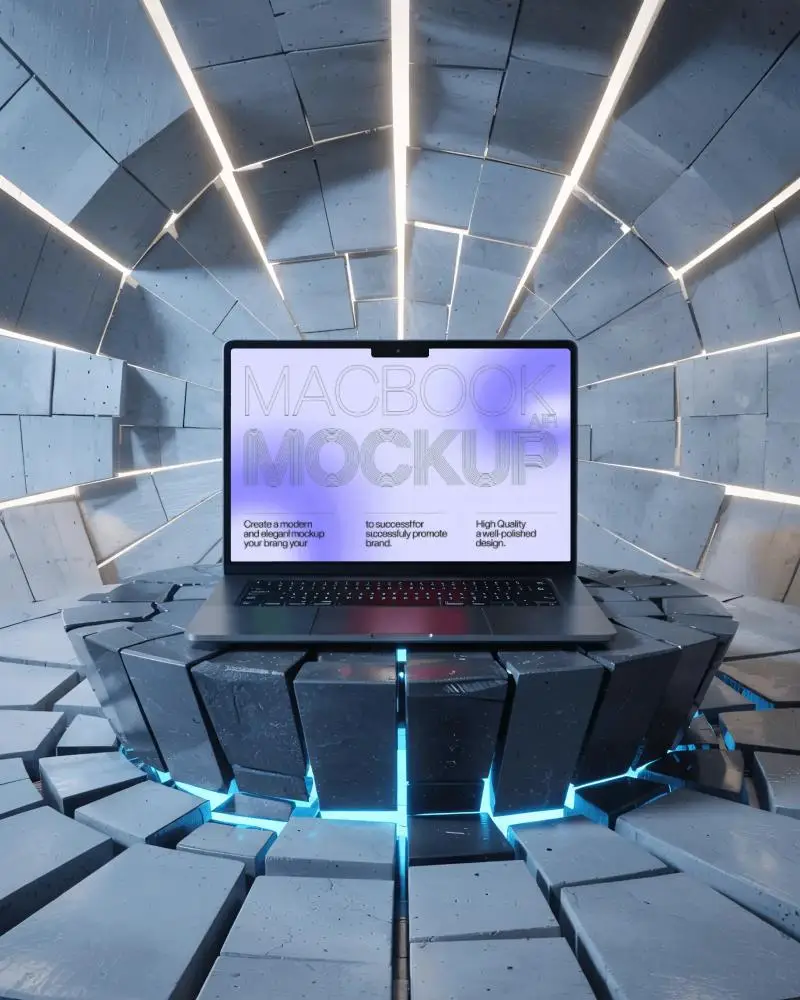
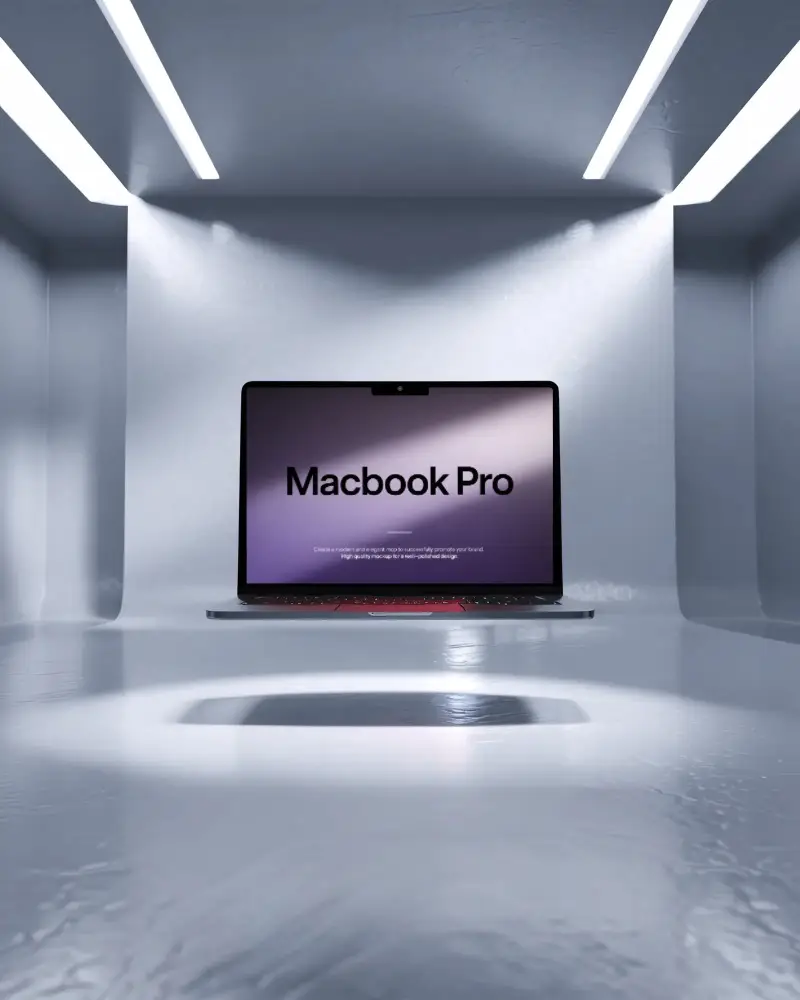
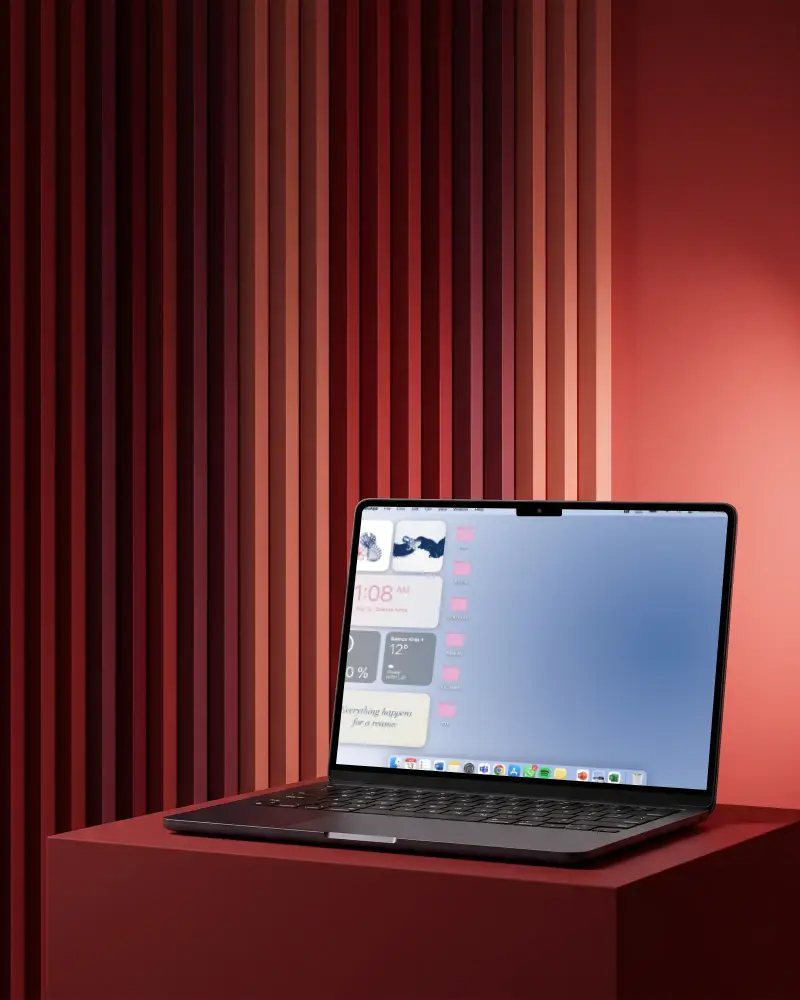


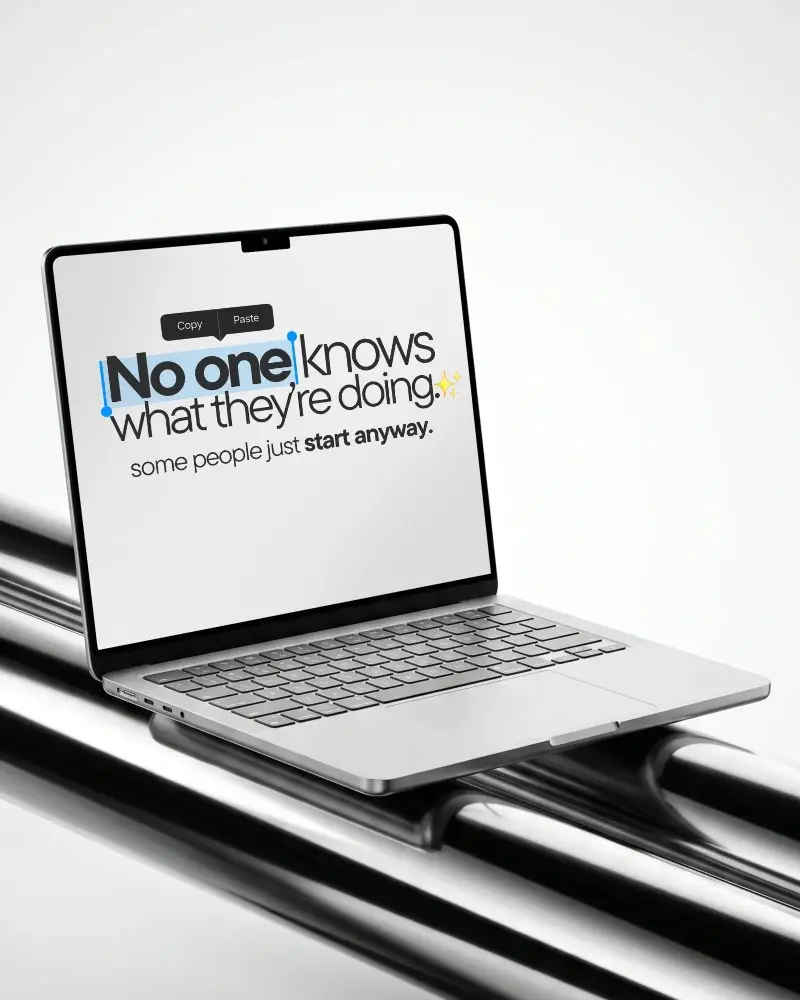

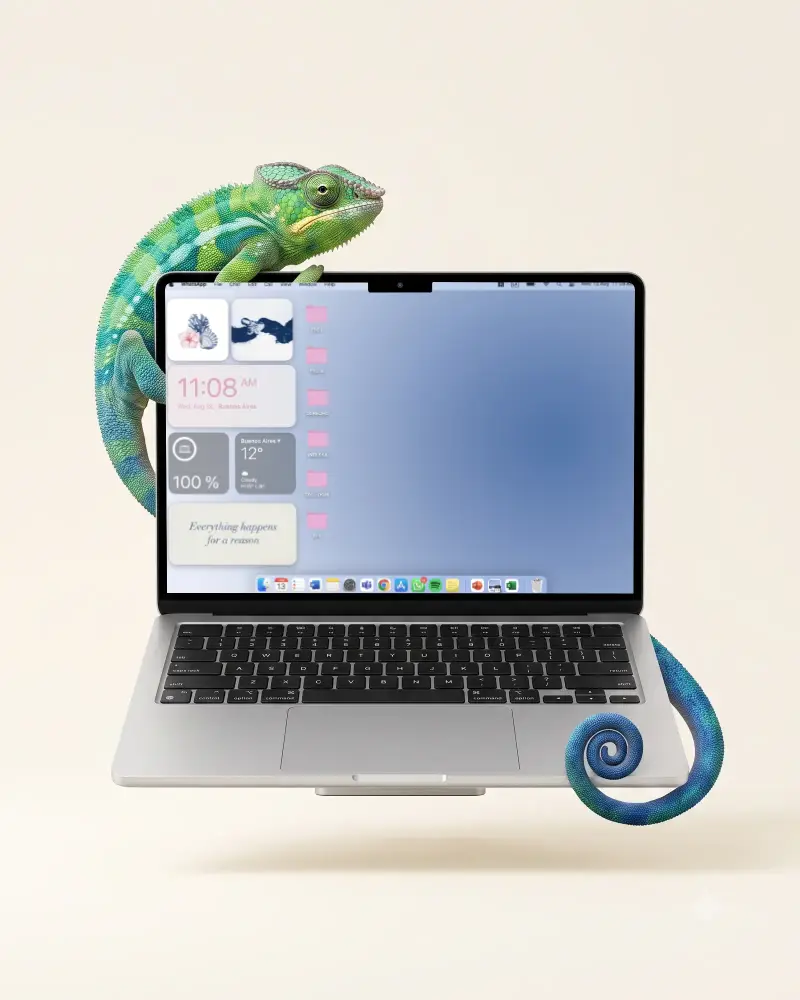

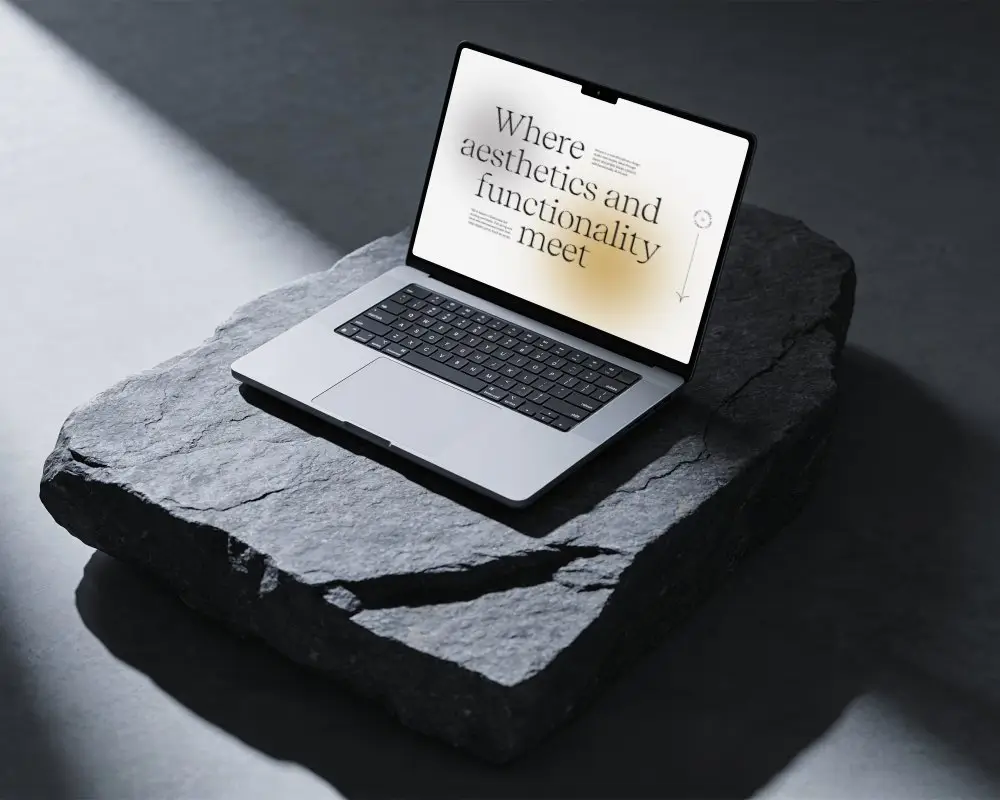
.png)
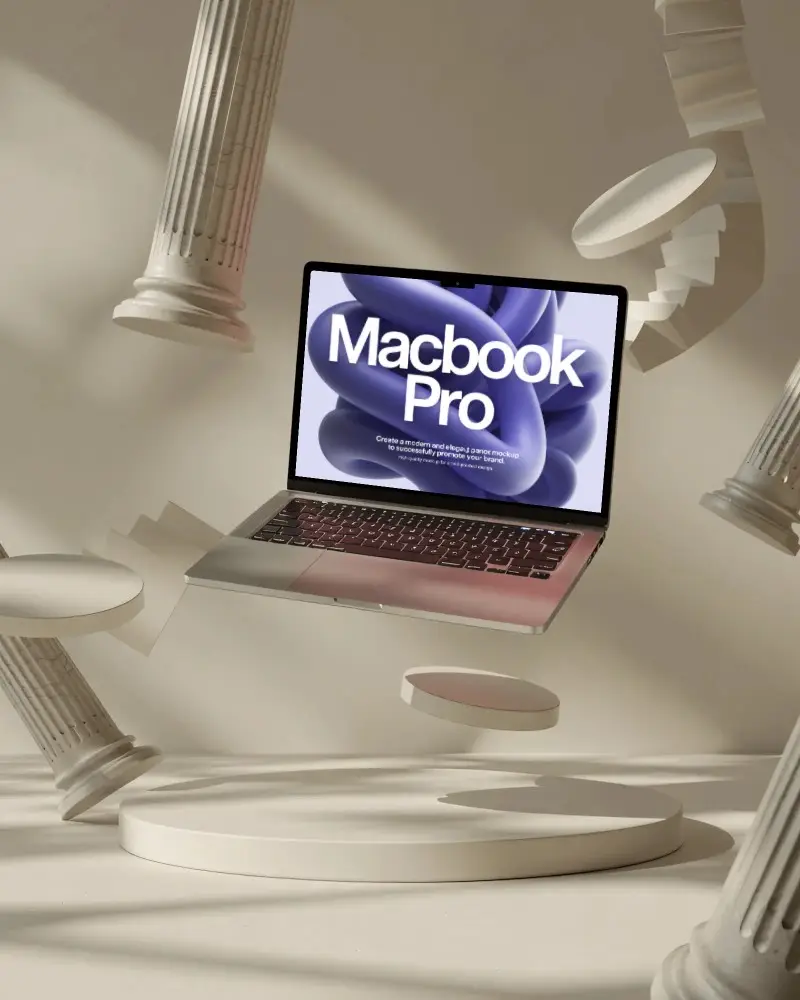
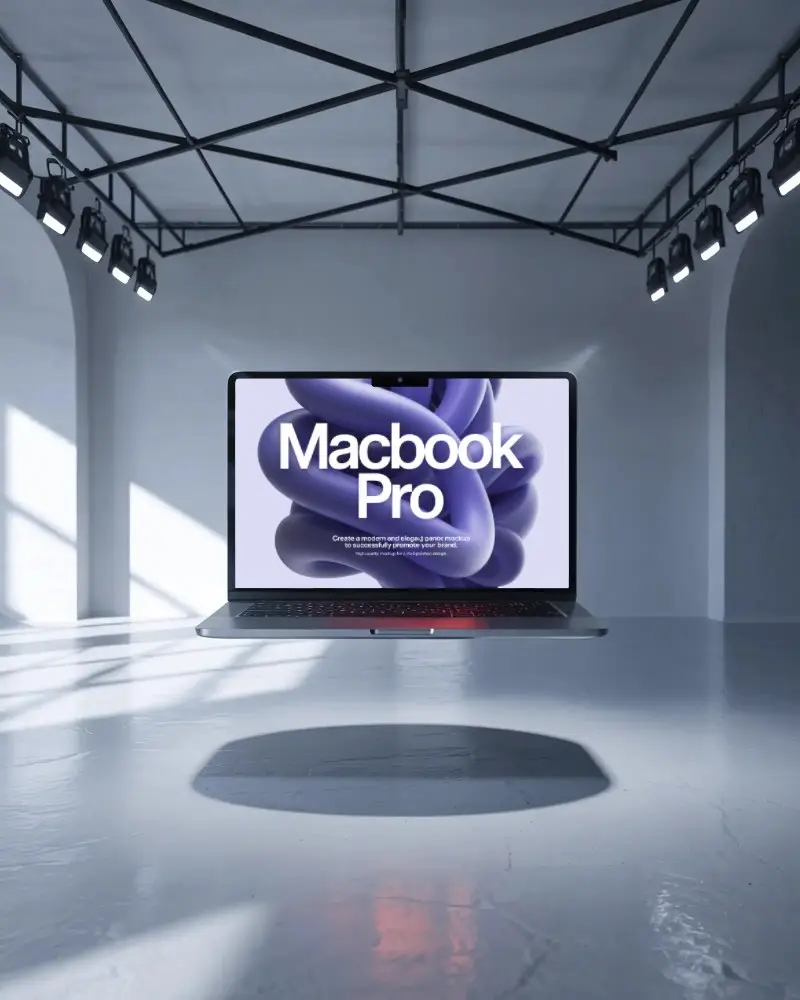
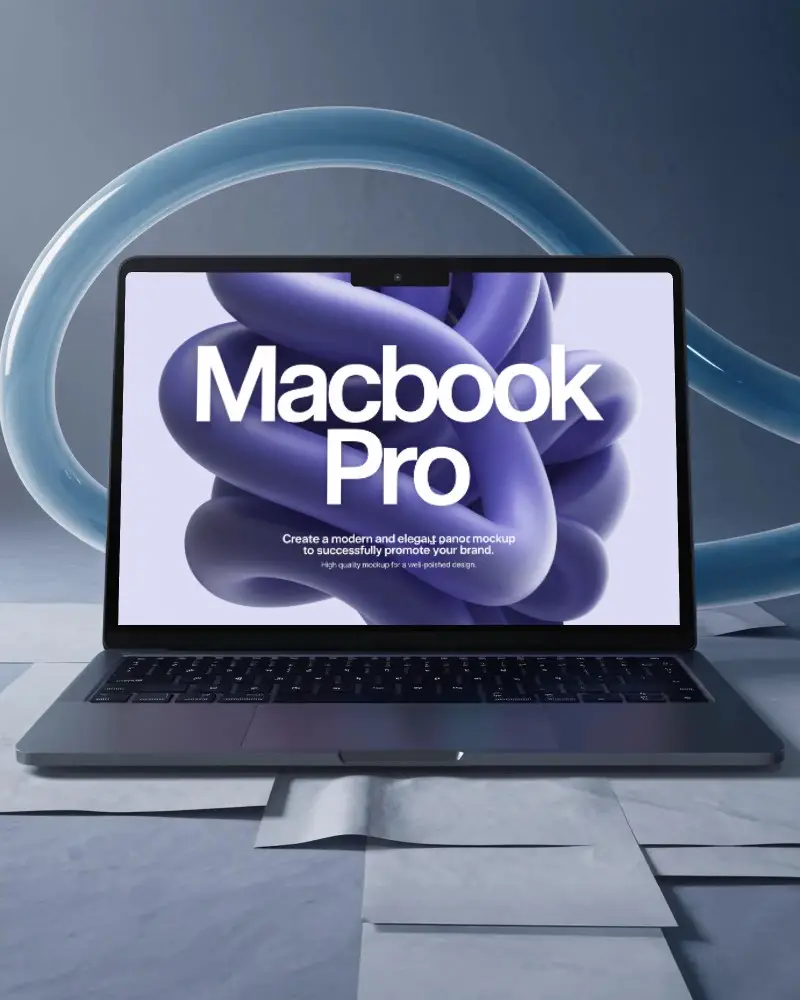
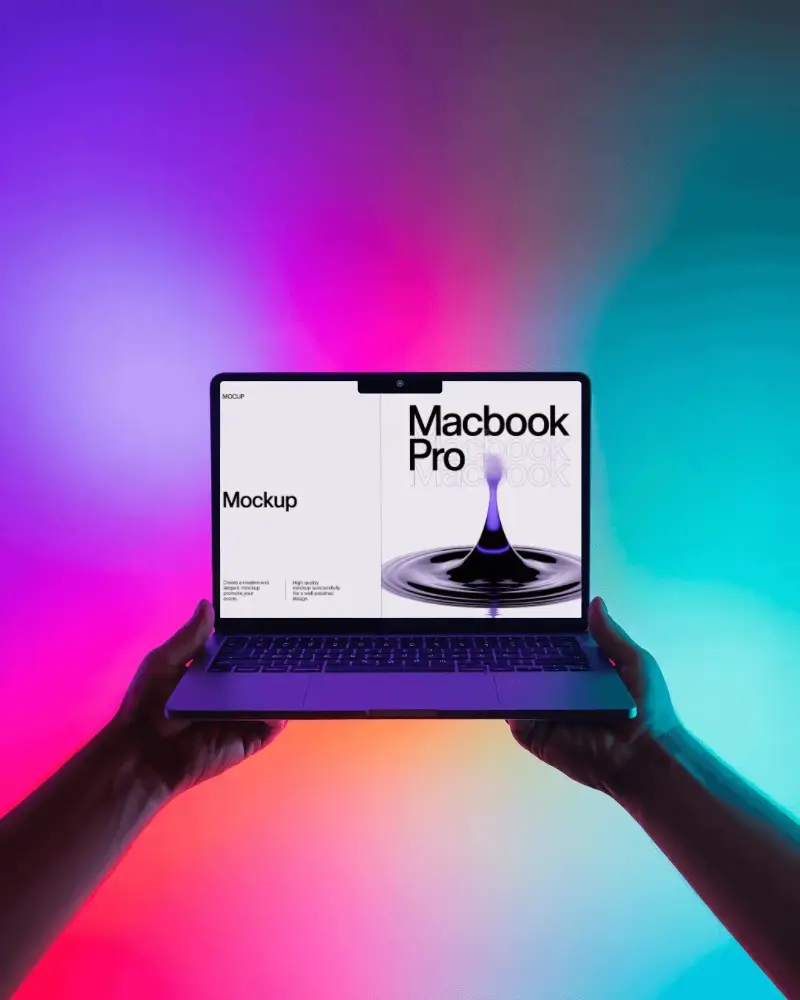

How to Create a MacBook Pro M4 Mockup with Mockey
Follow these quick steps to create your own MacBook Pro M4 mockup using Mockey AI.
- Step 1: Sign up and go to “Mockups” on Mockey.ai, then select “Tech > MacBook.”
- Step 2: Choose the tag “MacBook Pro M4” and select your preferred mockup template.
- Step 3: Upload your app design or website screenshot, adjust it as needed, and click “Download” to save your customized MacBook Pro M4 mockup.


FAQs on Macbook Pro M4 Mockups
What is a MacBook Pro M4 mockup?
A MacBook Pro M4 mockup is a digital image that displays your design on a MacBook Pro equipped with the M4 chip. These mockups, available in PNG or layered file formats, are ideal for creating refined and realistic marketing visuals or design portfolios.
Why use a MacBook Pro M4 mockup?
A MacBook Pro M4 mockup helps you present your app, website, or branding design in a realistic and modern setting. It’s perfect for sharing concepts with clients, improving presentations, and building professional portfolios.
Are multiple angles available for the MacBook Pro M4 mockup?
Yes! Mockey AI offers MacBook Pro M4 mockup templates from different angles. With the bundle feature, you can download multiple-angle mockups together, making your presentation dynamic and visually appealing.
Is the MacBook Pro M4 mockup suitable for commercial use?
Yes, MacBook Pro M4 mockups can be used for commercial projects, depending on the license terms. Mockey AI provides free mockups for both personal and commercial use, but always verify the usage rights before downloading.
Is there a free MacBook mockup generator?
Absolutely! Mockey provides a free MacBook mockup generator that allows you to customize MacBook Pro M4 templates, upload your design, and download high-quality mockups without watermarks.
