Free MacBook Air M4 Mockups
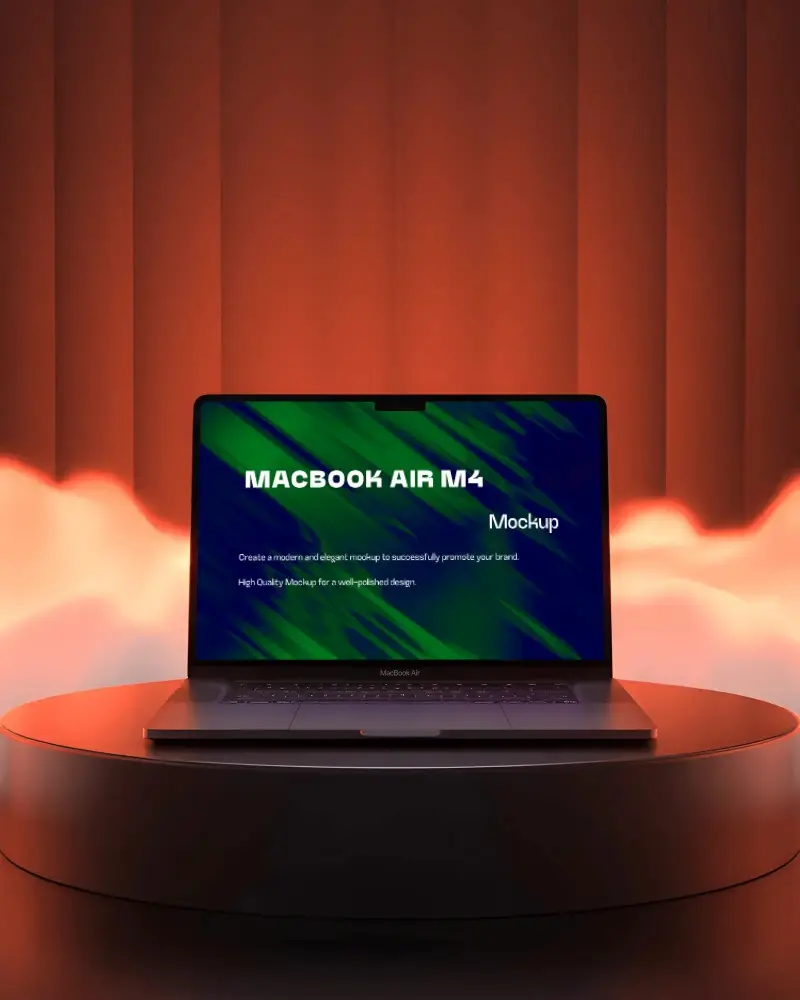
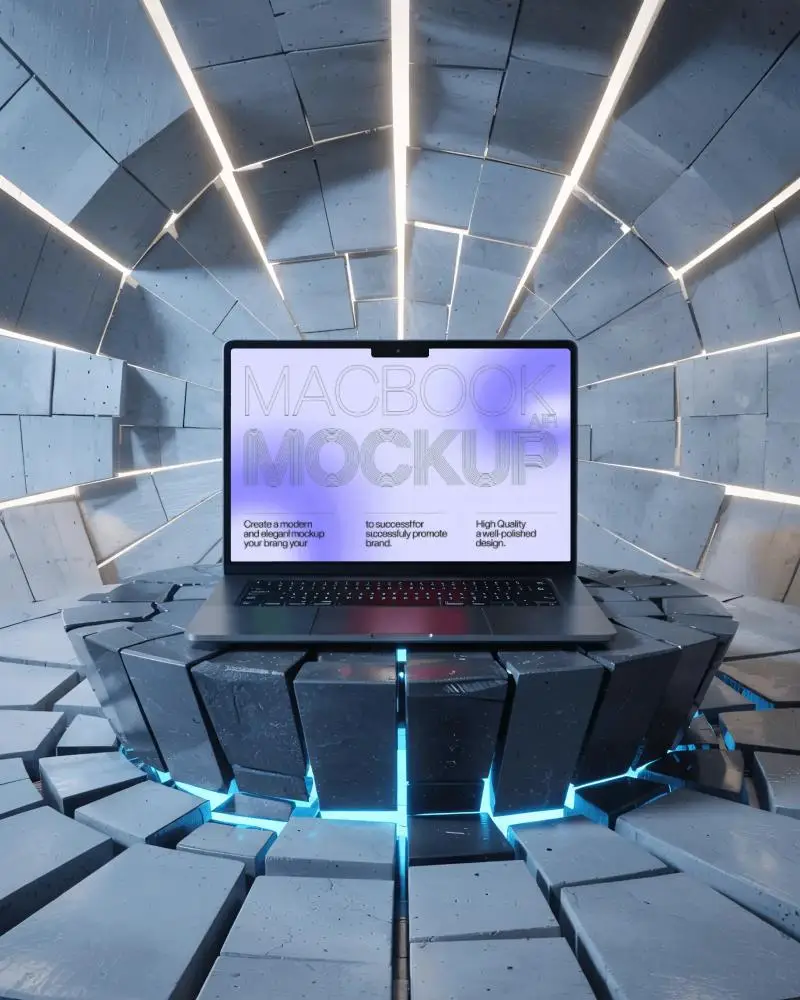
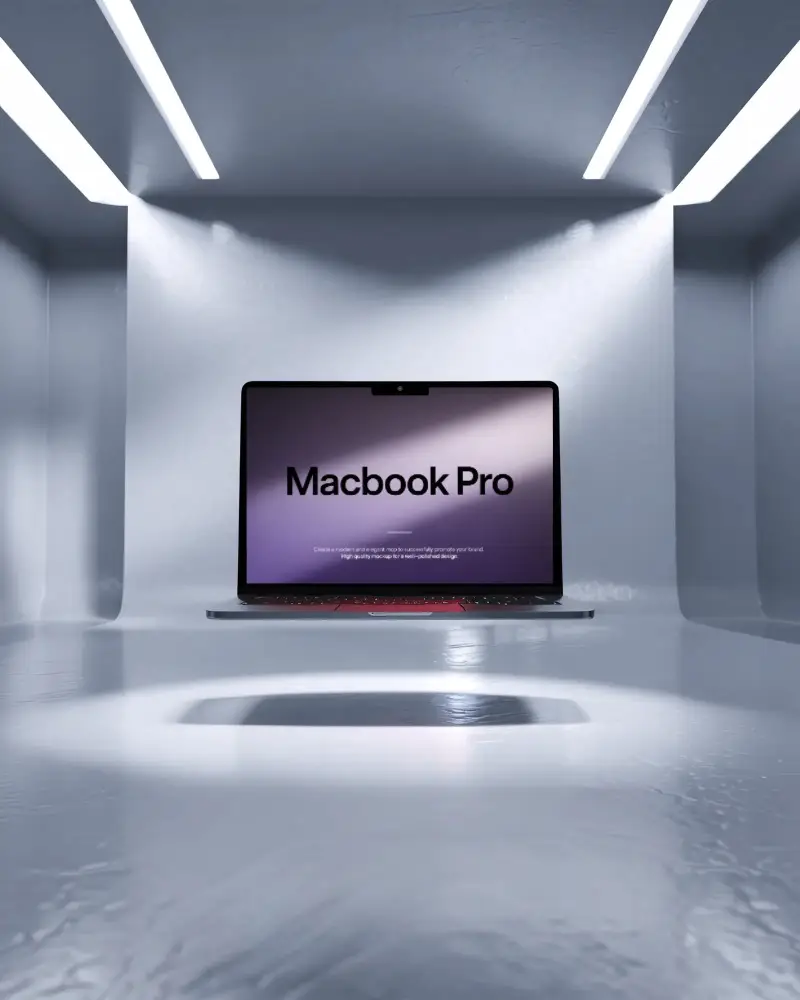
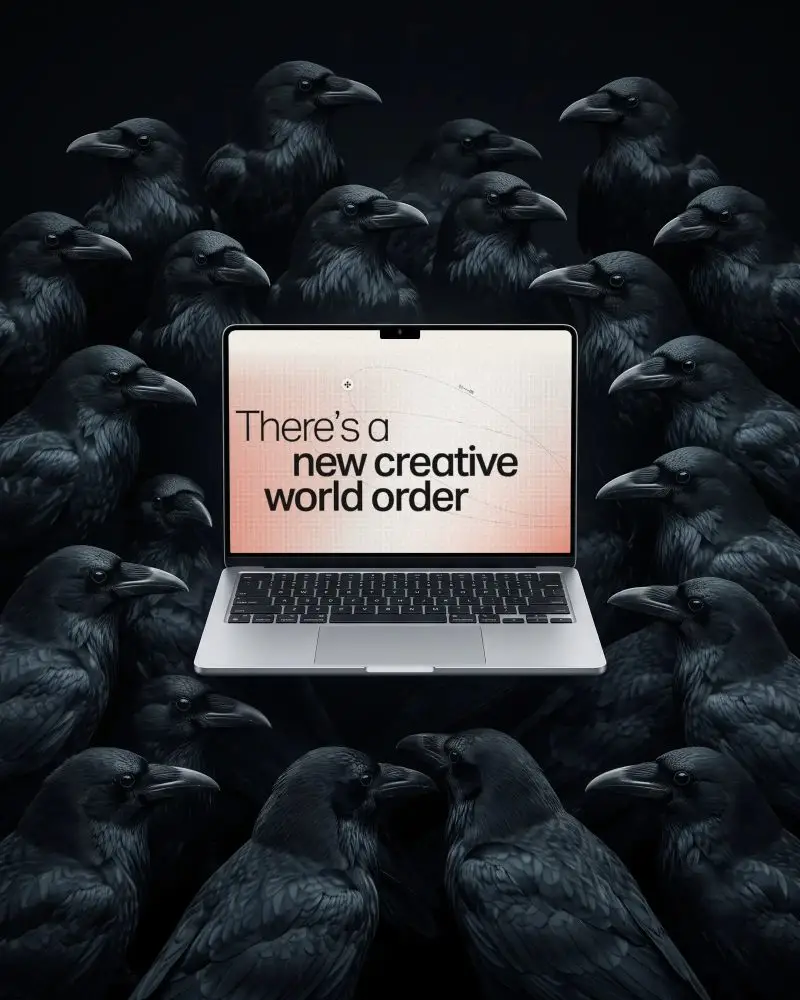
Showcase your designs with the MacBook Air M4 mockup from Mockey.ai. Easily create professional presentations and realistic visuals to impress clients and boost your design portfolio.
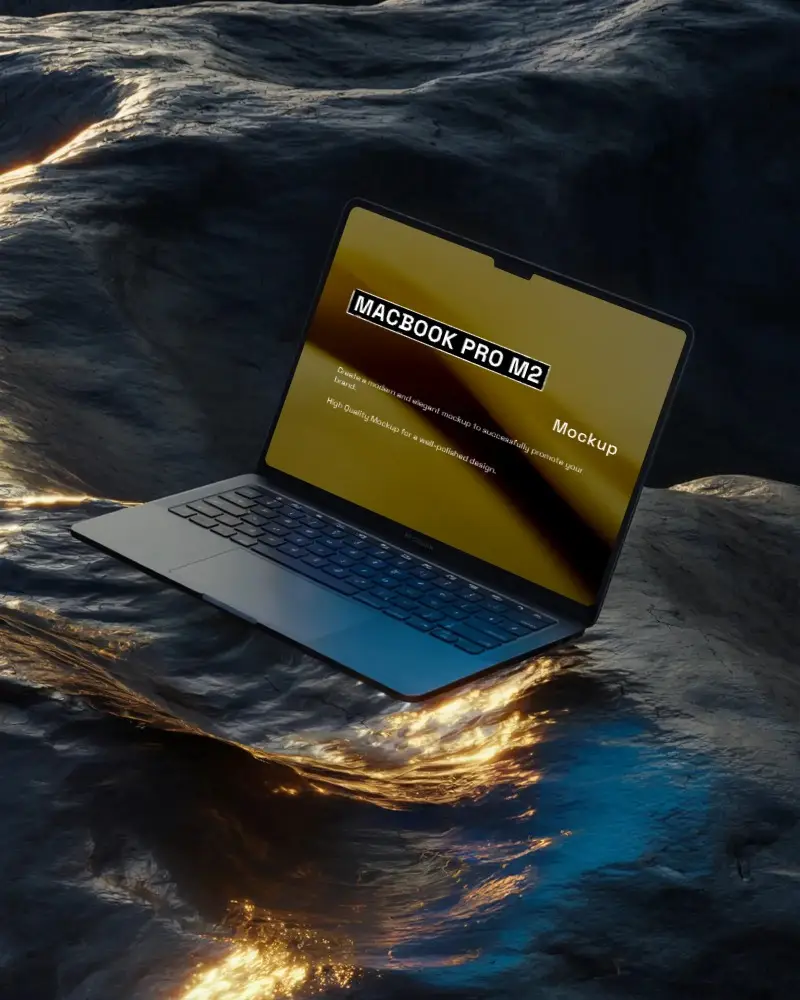
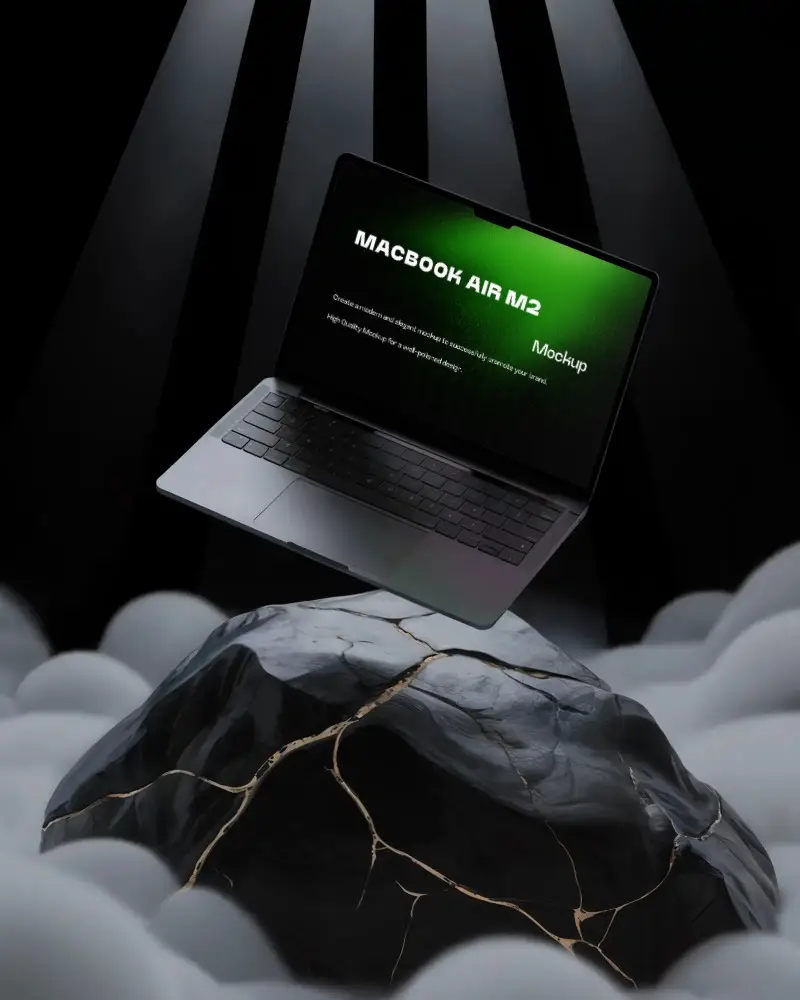
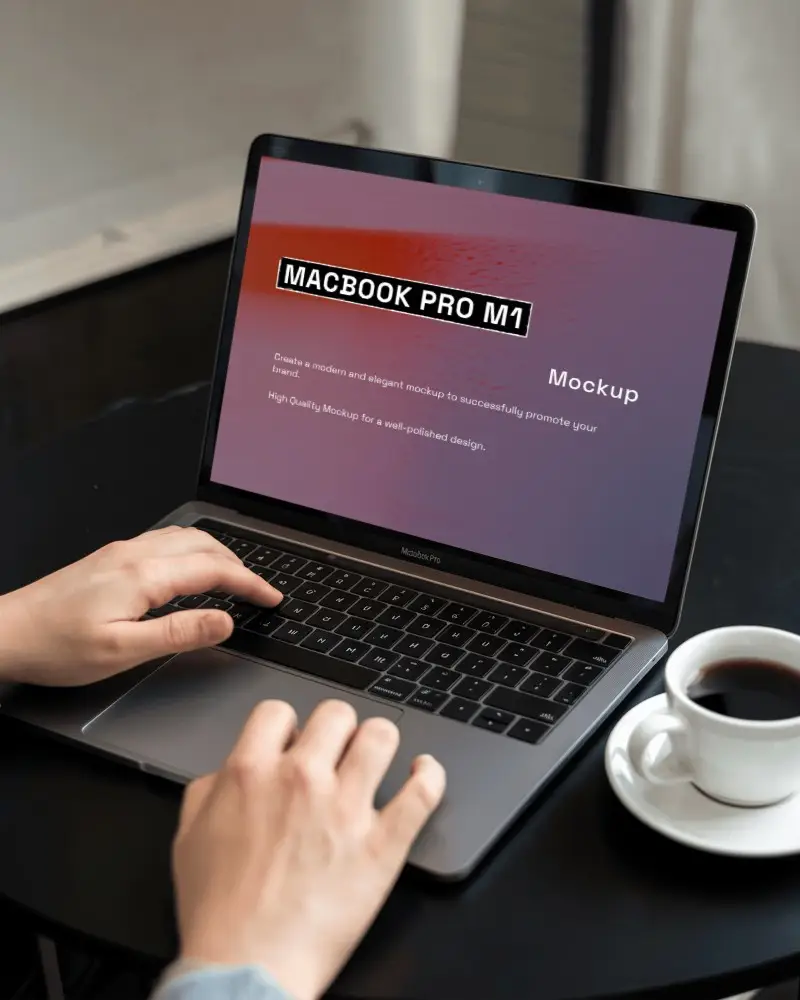
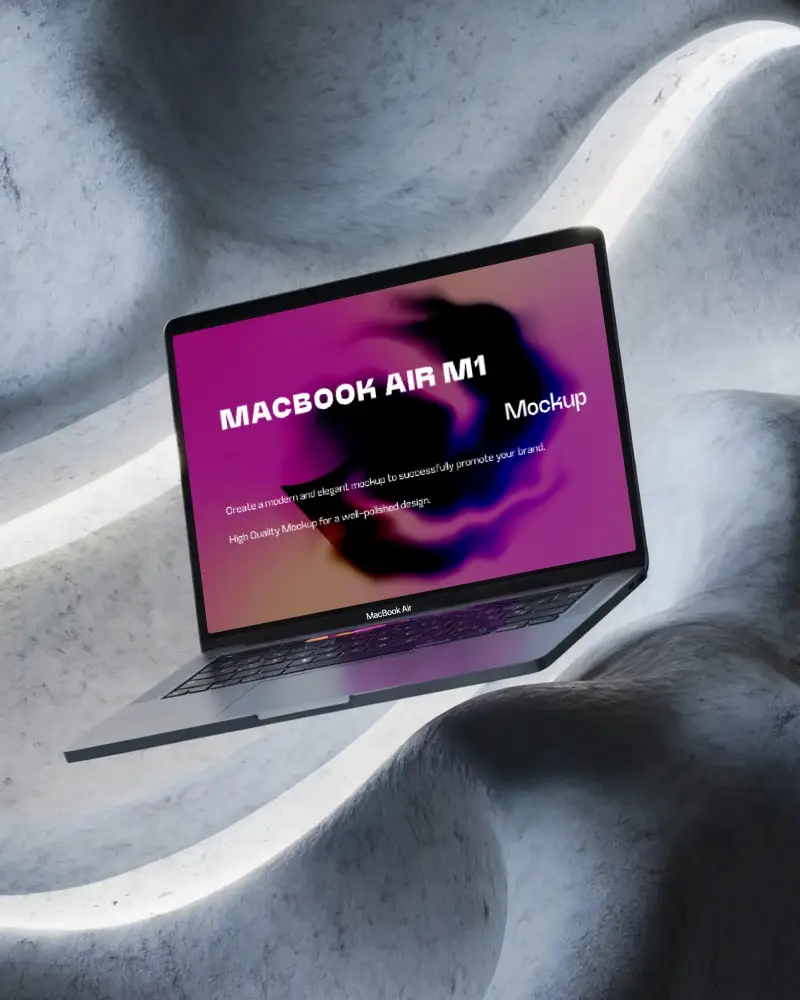
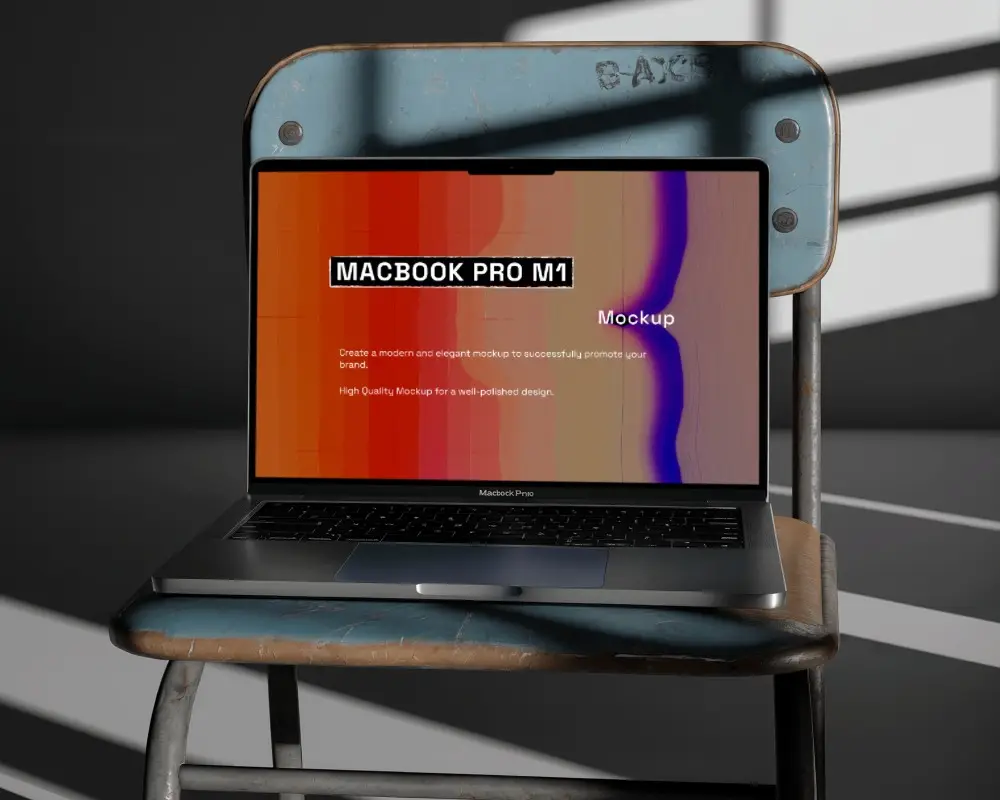
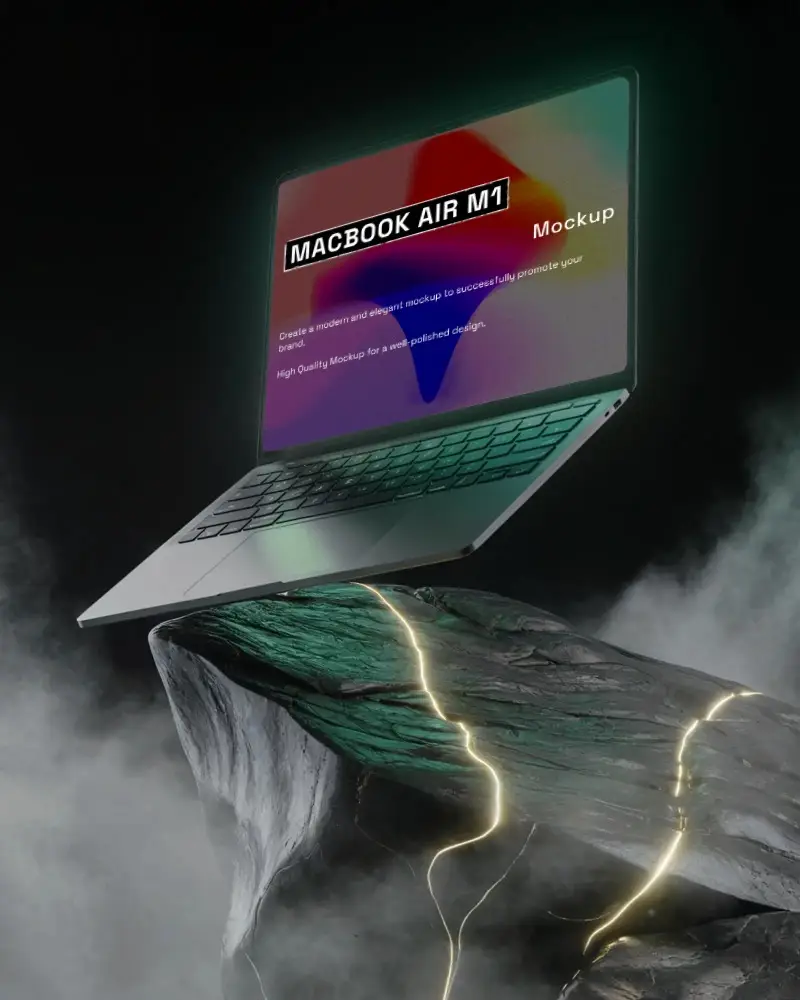
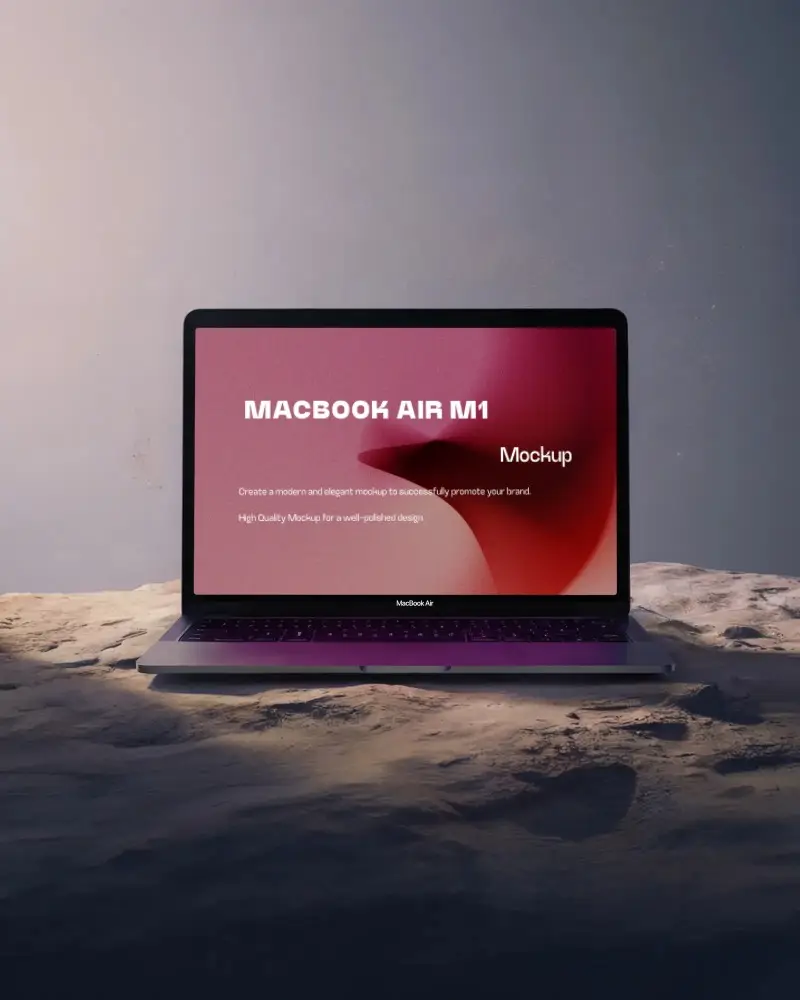
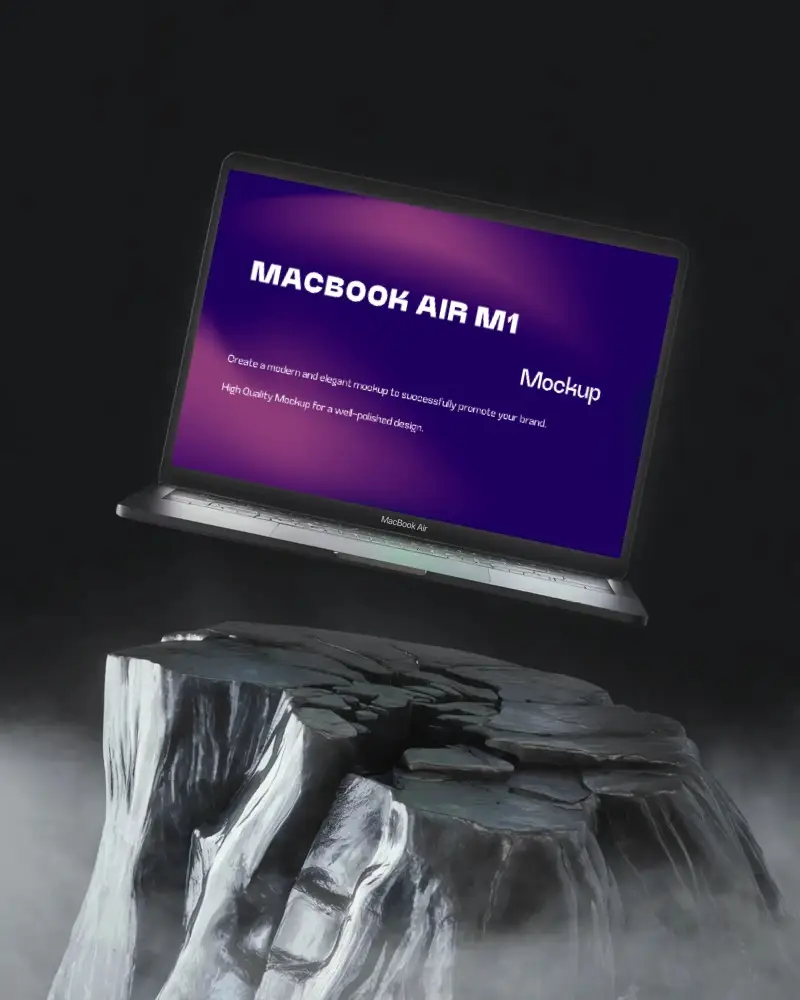
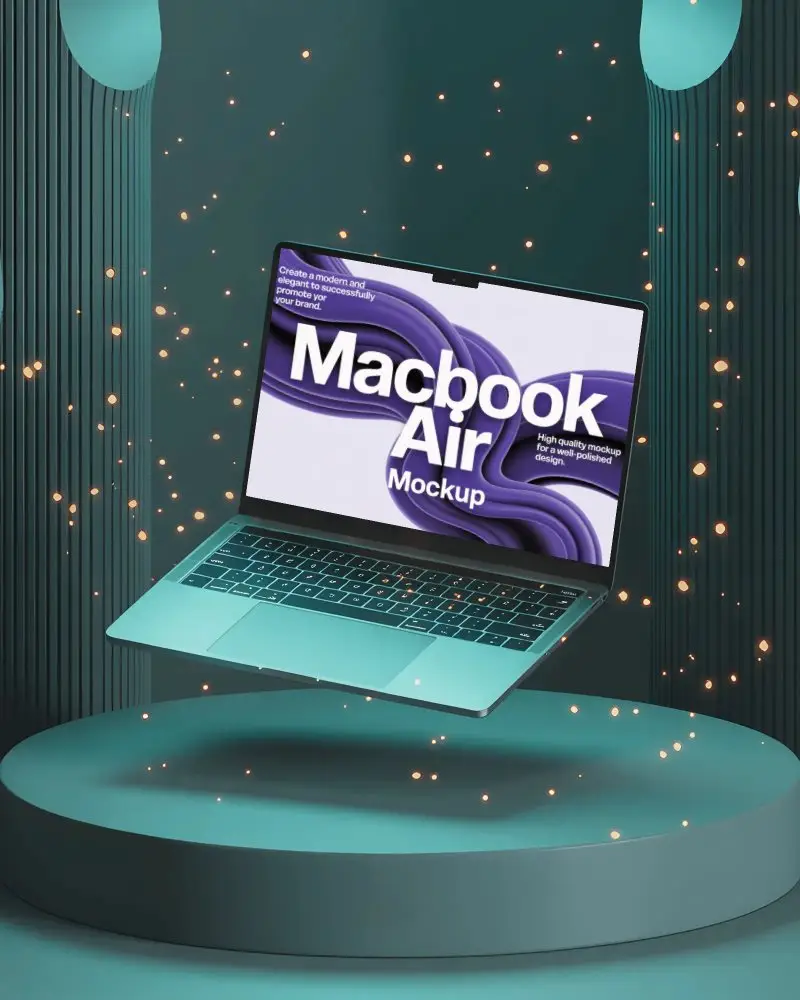
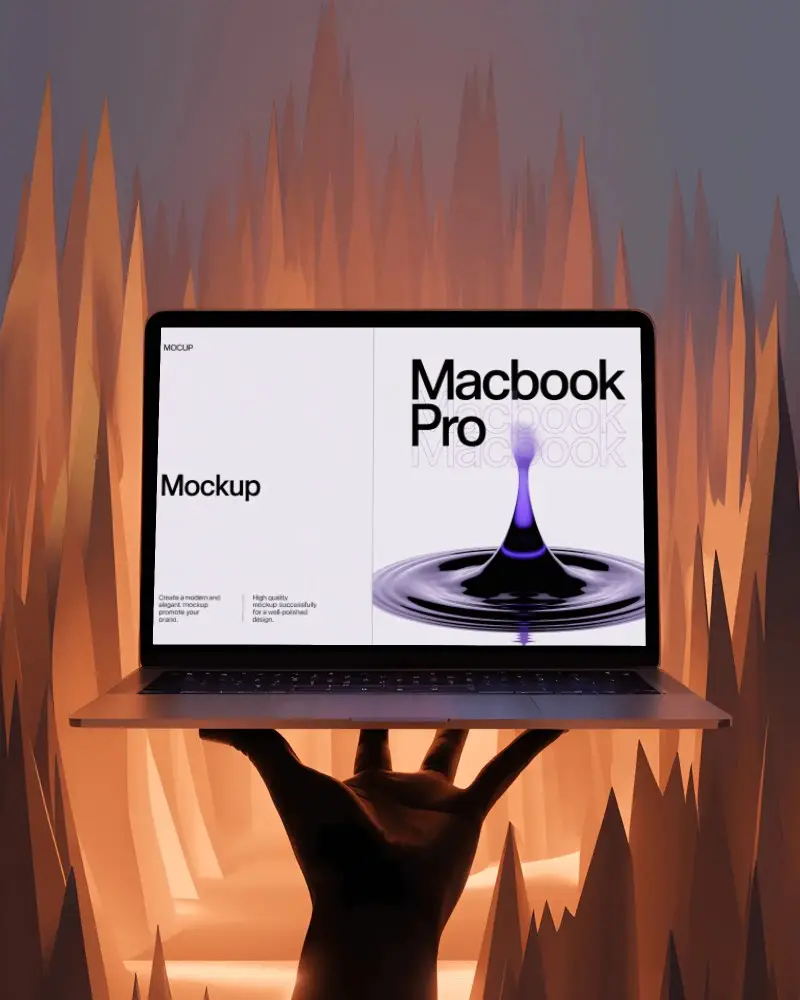
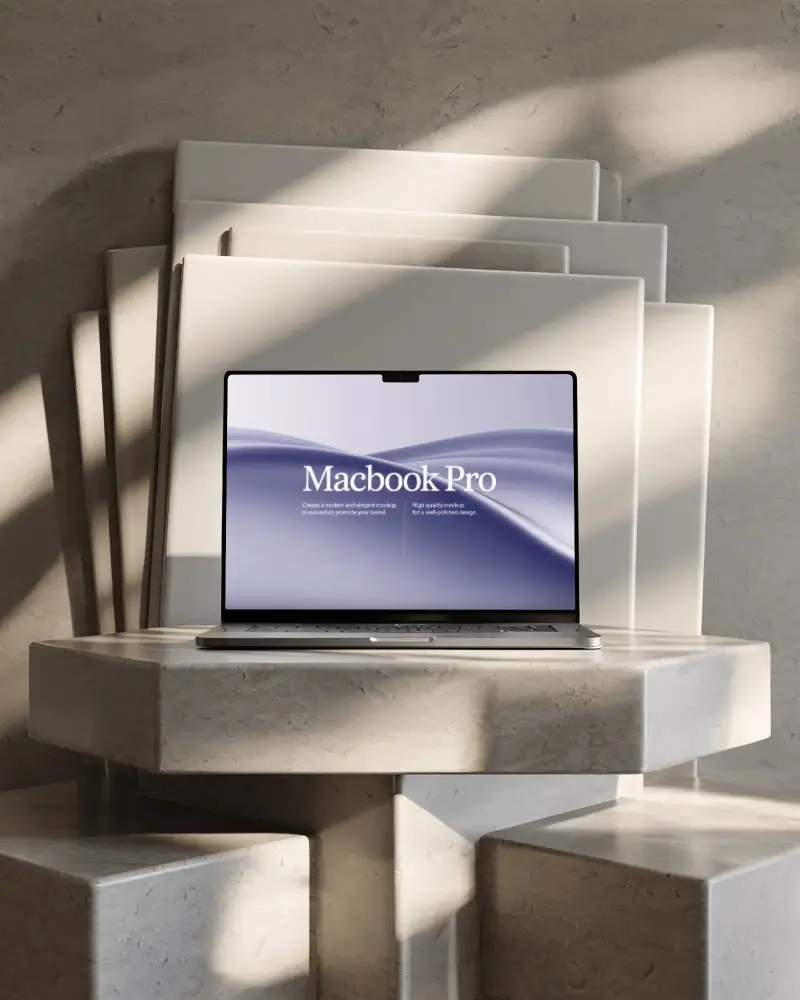
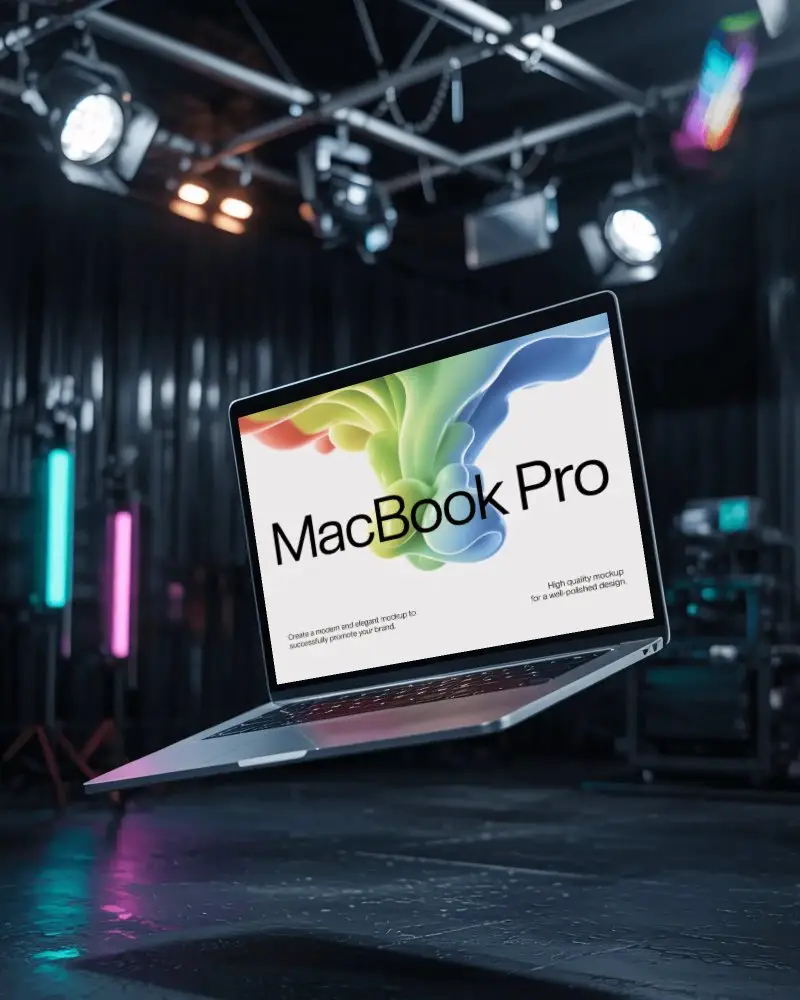


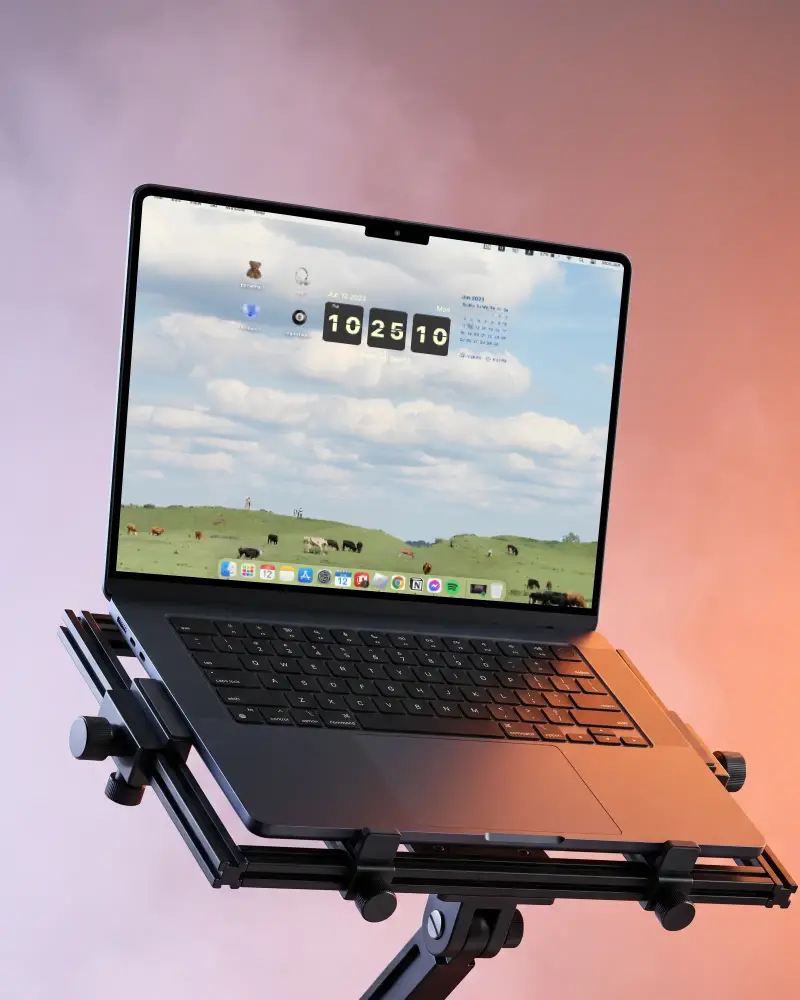
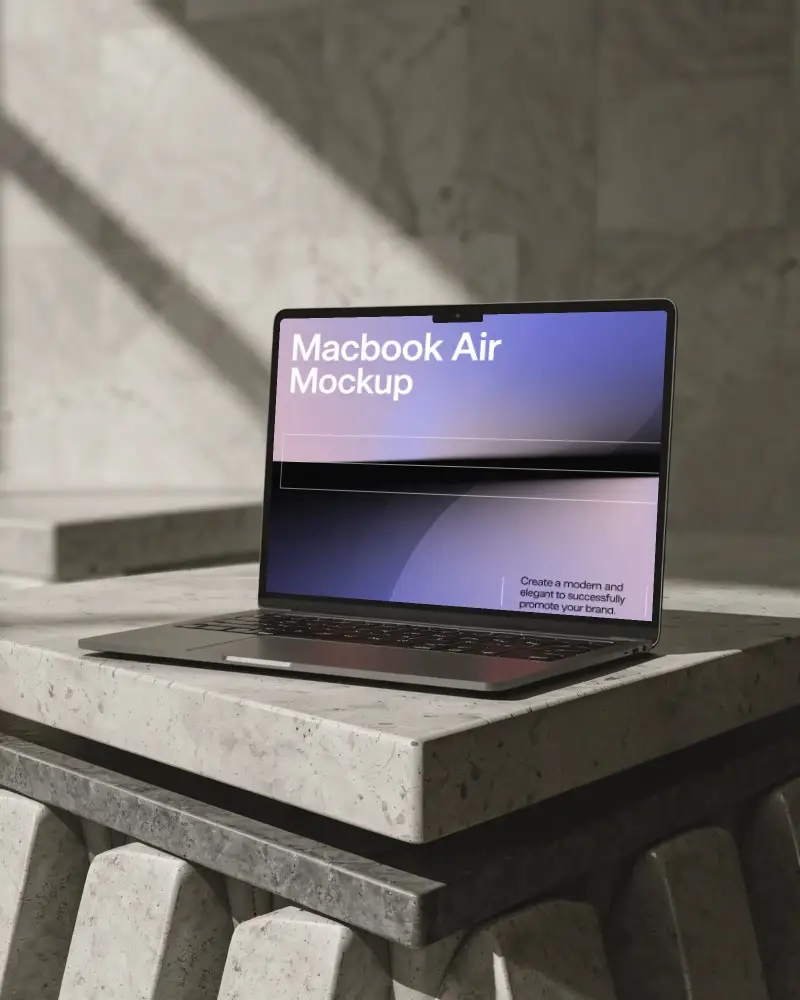
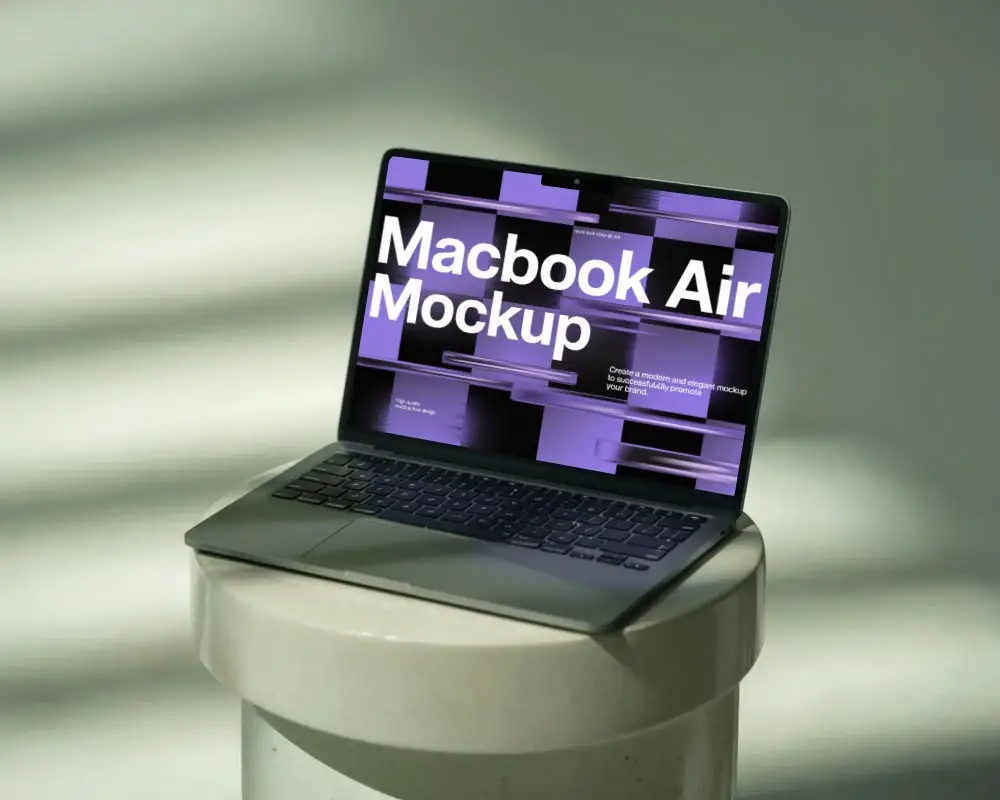
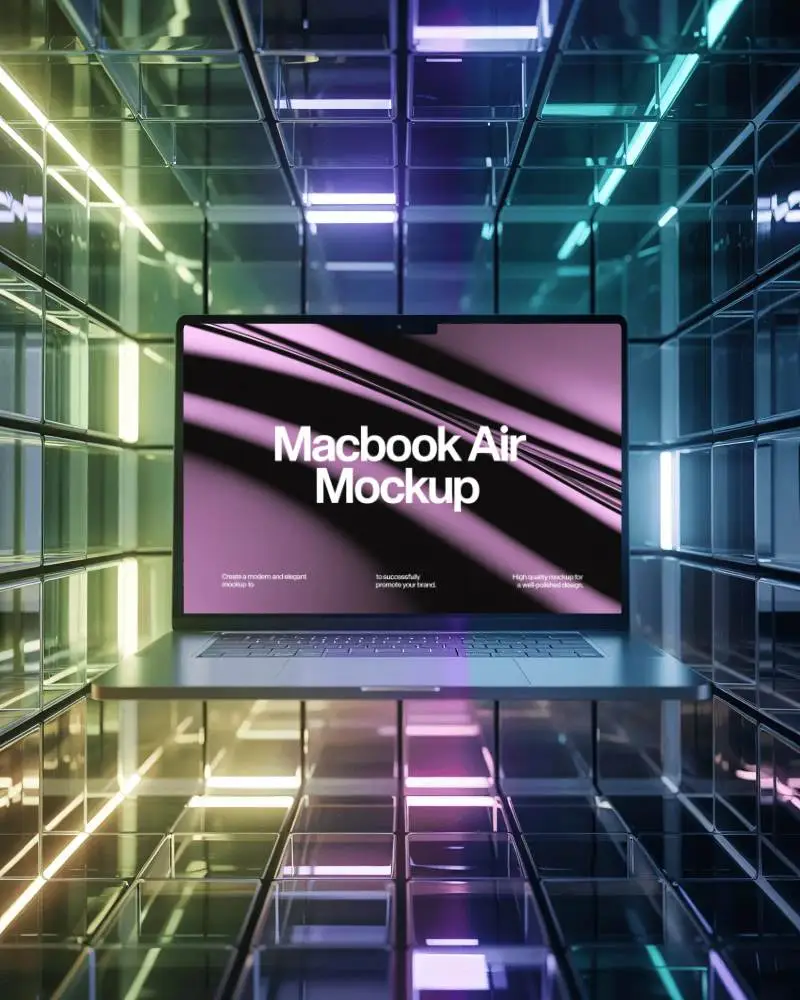
How to Create a MacBook Air M4 Mockup with Mockey
Follow these simple steps to create your own MacBook Air M4 mockup using Mockey AI.
- Step 1: Sign up and go to "Mockups > Tech" to find the MacBook category.
- Step 2: Select the tag "MacBook Air M4" and pick a template that fits your design.
- Step 3: Upload your design, adjust it as needed, and download your final MacBook Air M4 mockup in high quality.


FAQs on Macbook Air M4 Mockups
What is a MacBook Air M4 mockup?
A MacBook Air M4 mockup is a realistic image or file that shows how a design, such as a website or app, would appear on the new MacBook Air with the M4 chip. Designers create these mockups in tools like Mockey AI, where they can easily replace the screen for a professional presentation.
Why should I use a MacBook Air M4 mockup?
A MacBook Air M4 mockup is a realistic design template that shows how your app or website looks on the latest M4 chip MacBook. It’s a quick way to create impressive visual presentations using Mockey AI’s mockup generator.
Can I add my own screen design to the MacBook Air M4 mockup?
Yes, you can! Mockey AI’s MacBook Air M4 mockups let you upload your own designs in PNG or JPG format. Once you crop and adjust your design, it will perfectly fit the screen for a realistic display.
Can I use the MacBook Air M4 mockup in commercial work?
Yes, Mockey AI’s MacBook Air M4 mockups are usually free for personal and commercial use. However, always review the usage terms on each template before downloading to ensure compliance.
