Free MacBook Pro M3 Mockups
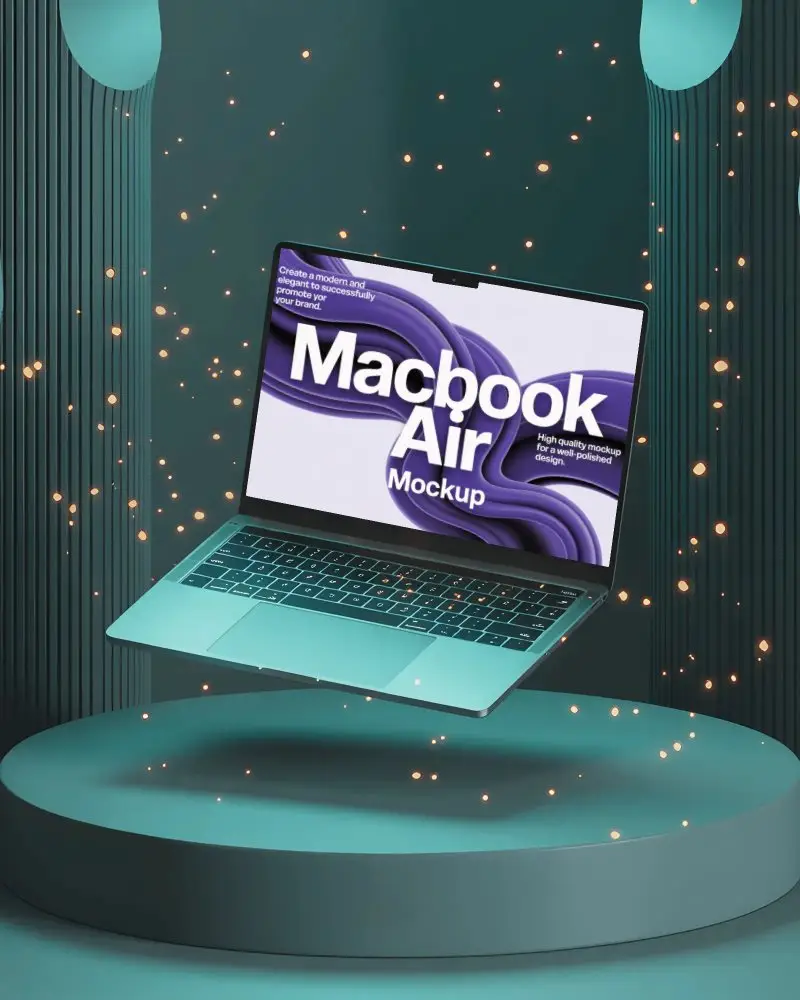
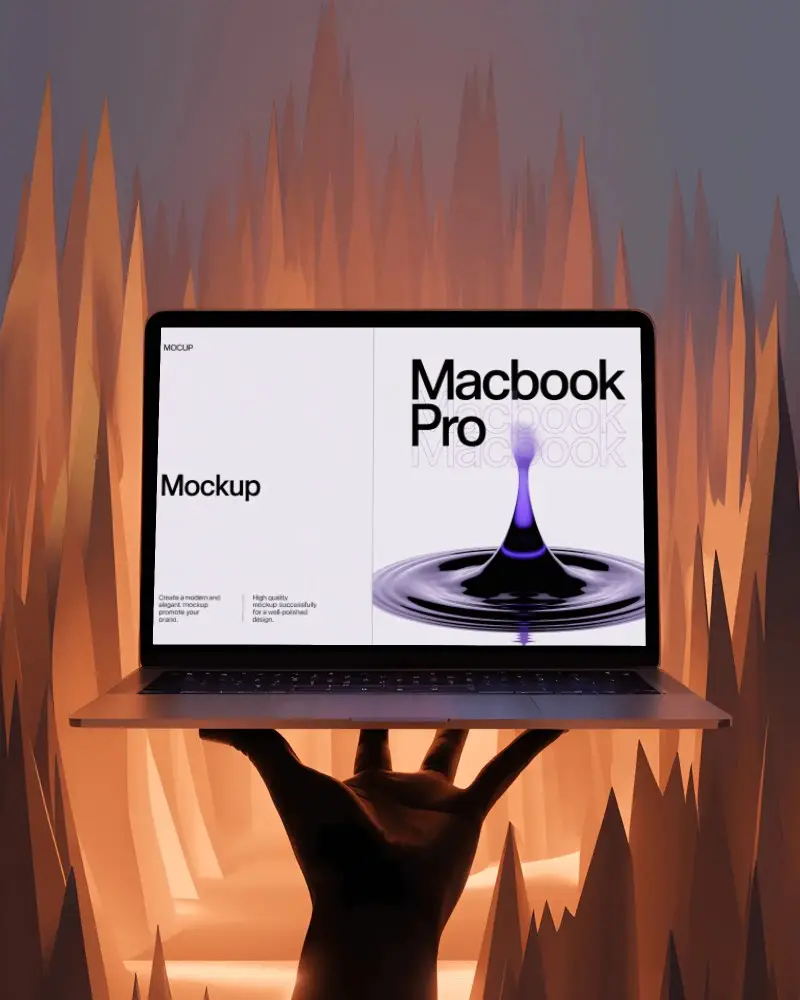
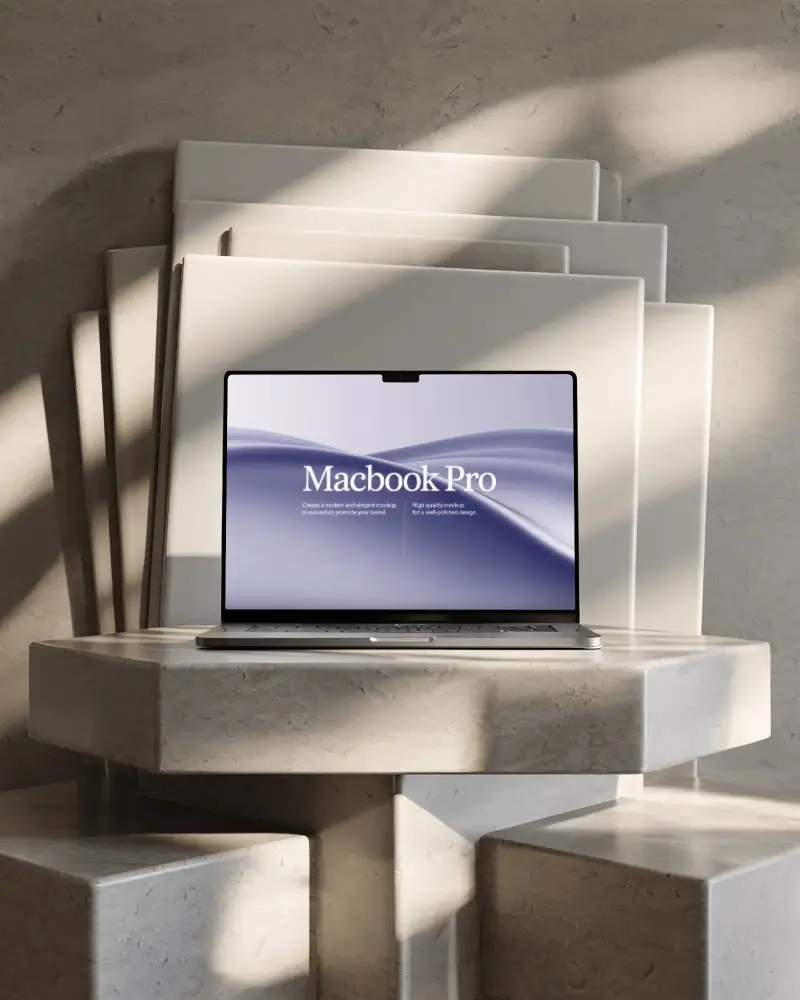
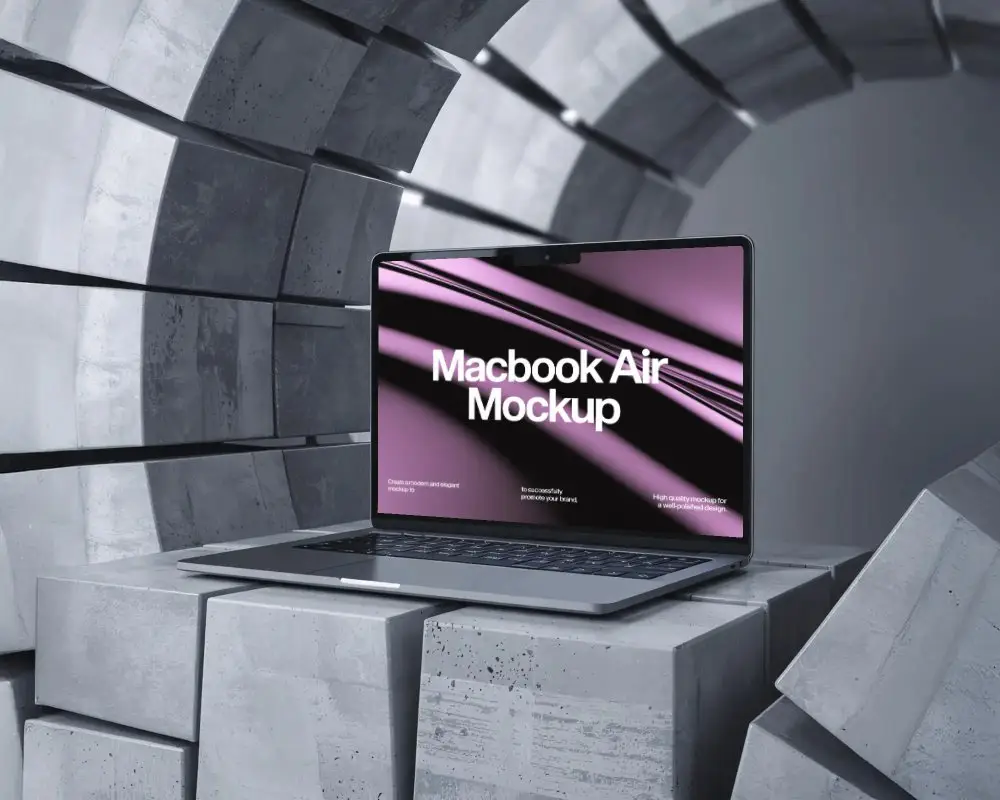
Bring your ideas to life with MacBook Pro M3 mockups from Mockey.ai. Create stunning presentations and display your designs professionally in minutes without any hassle.
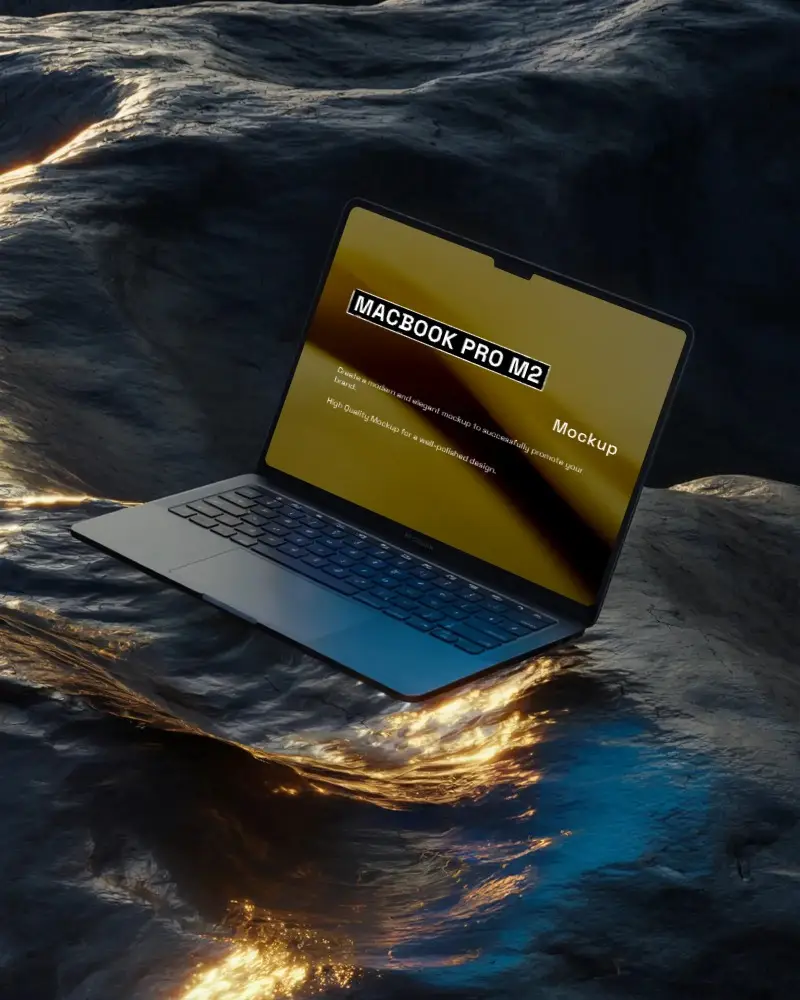
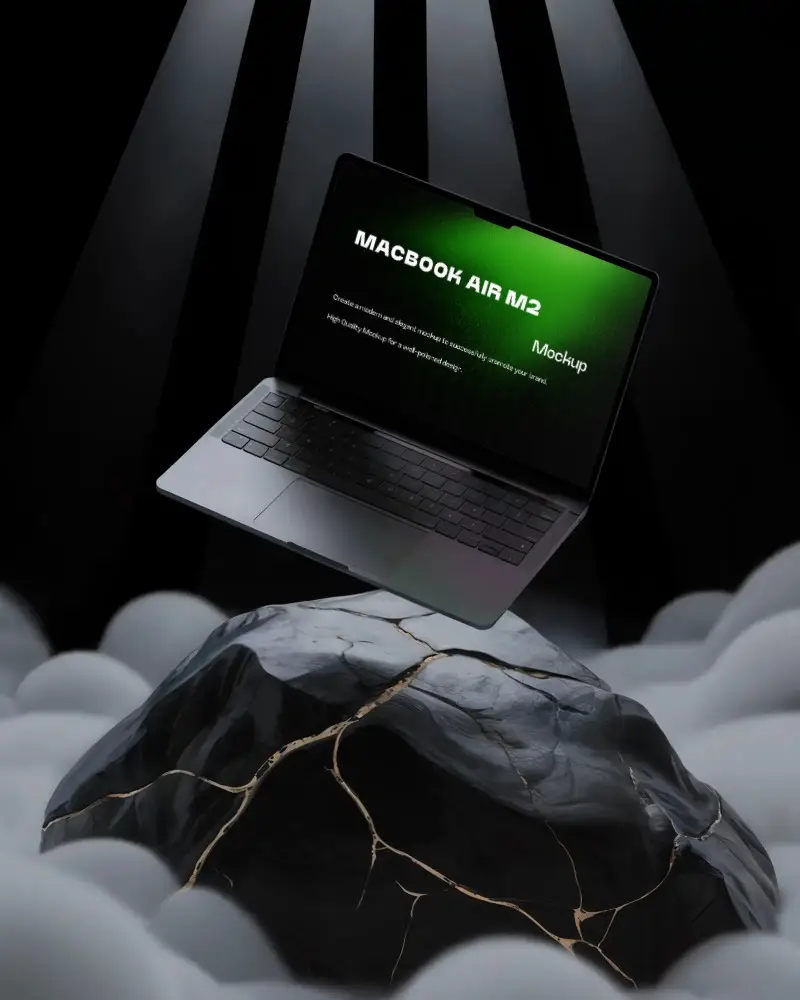
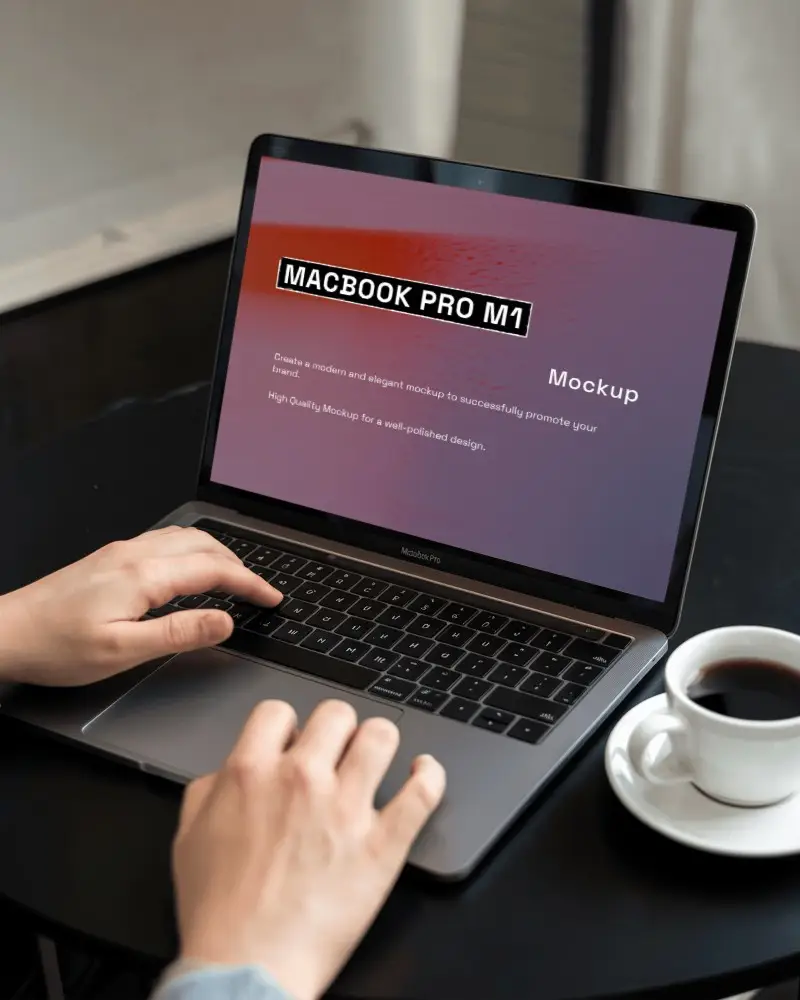
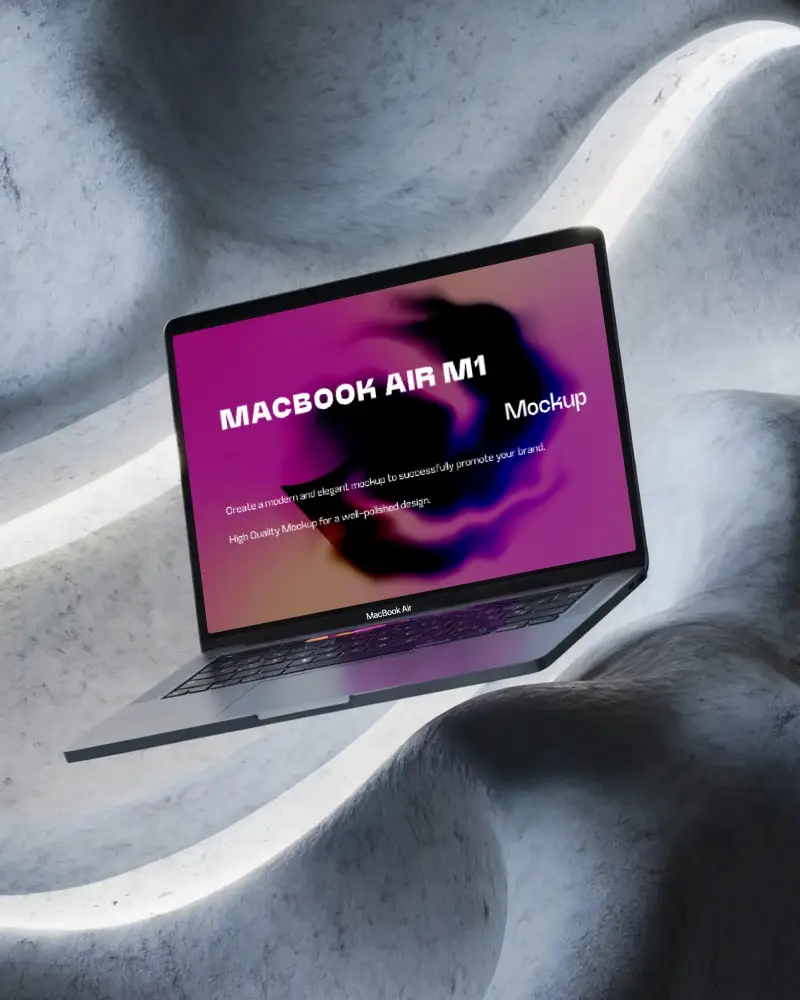
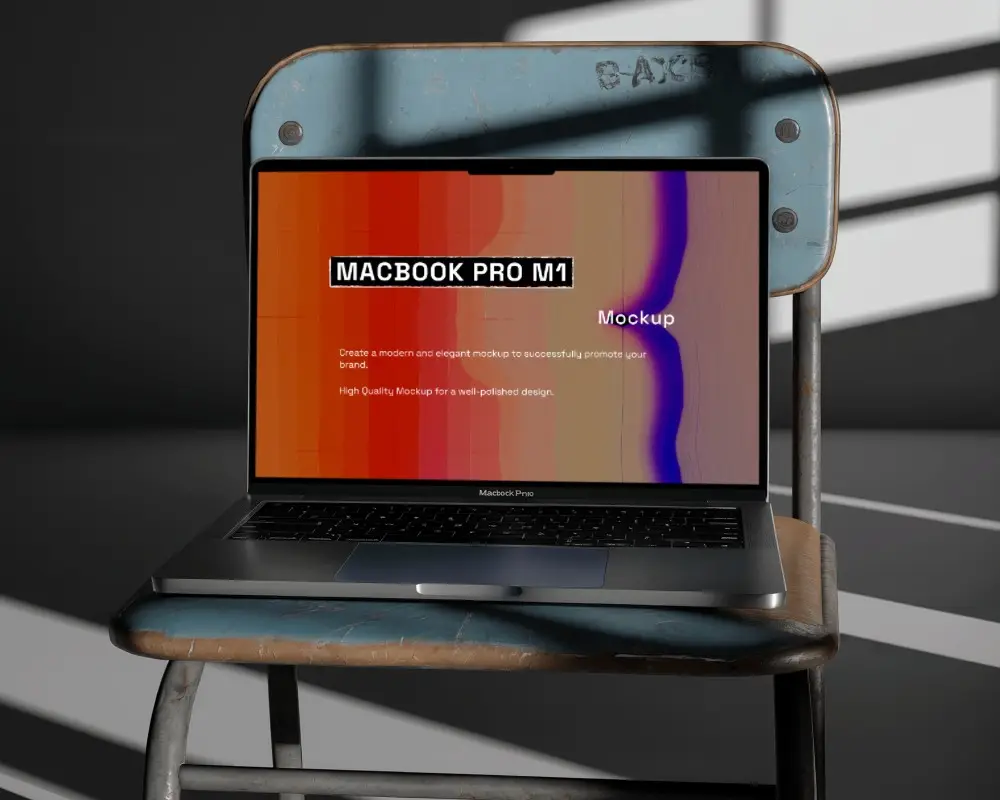
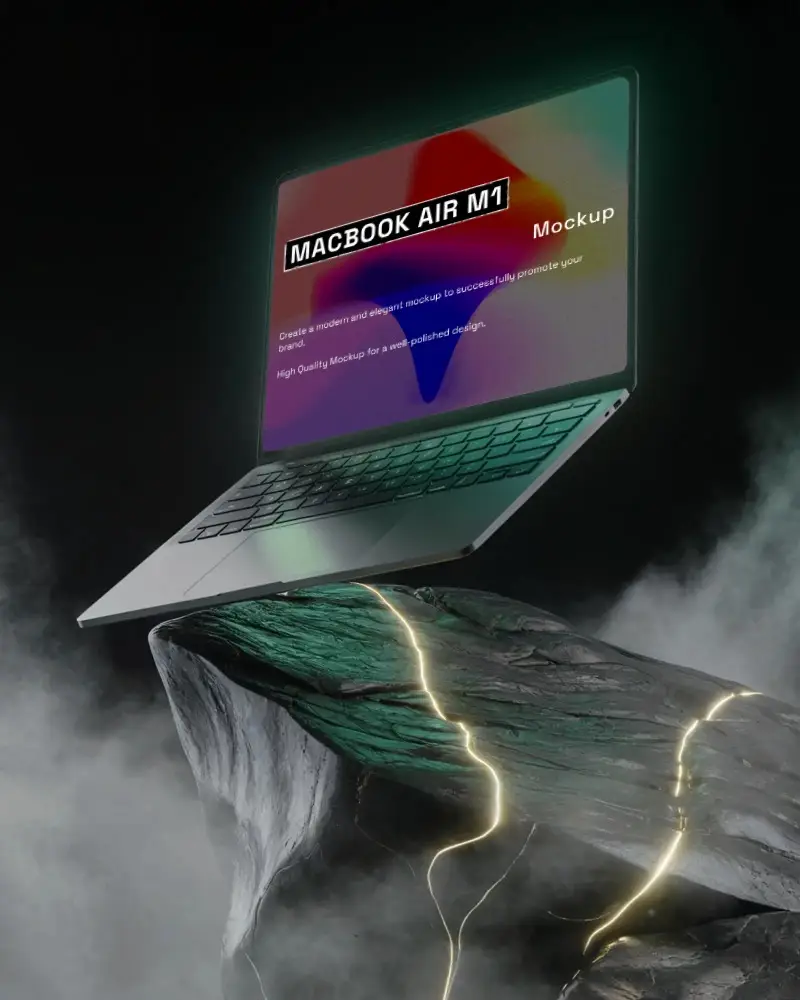
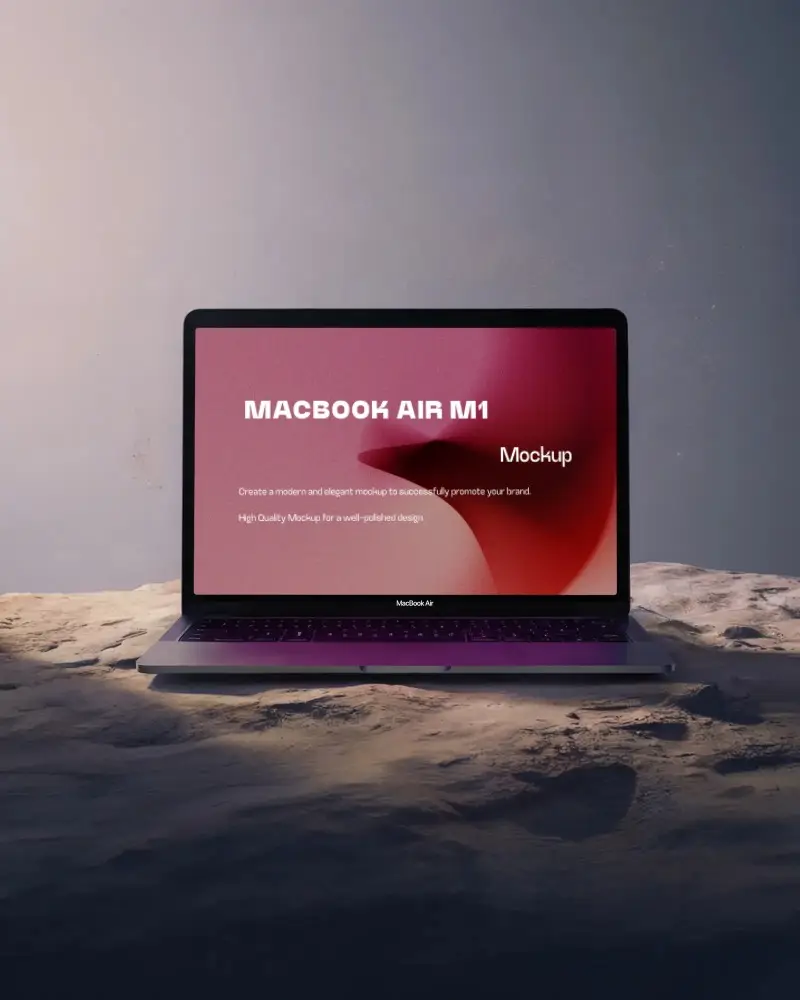
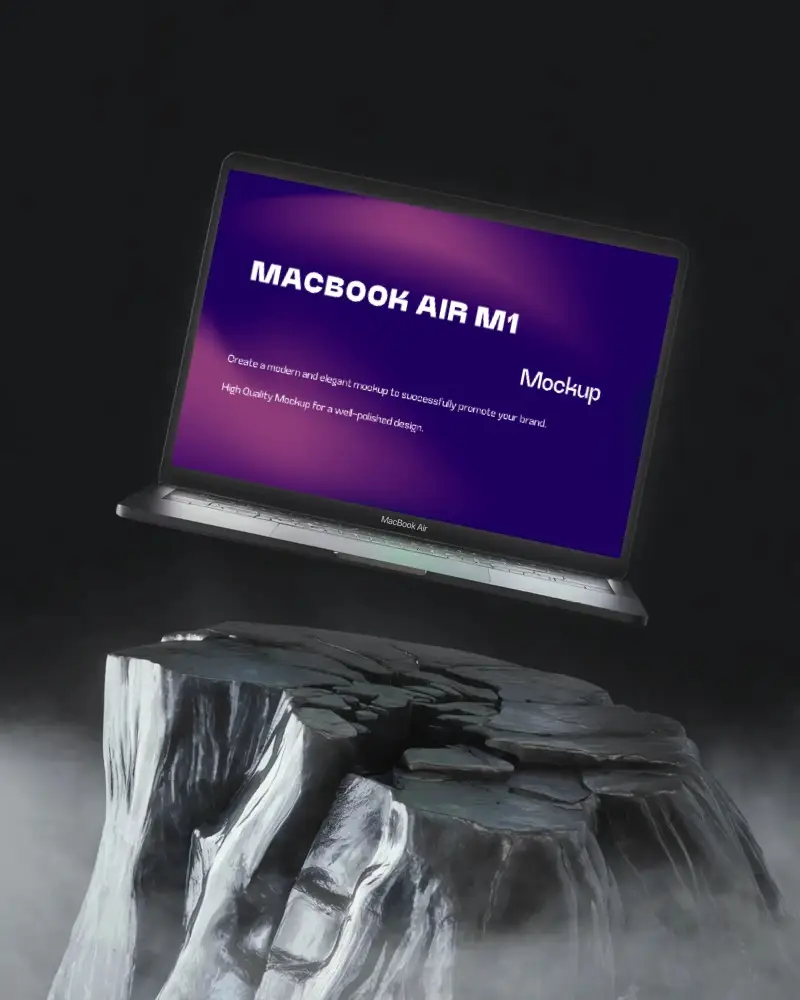
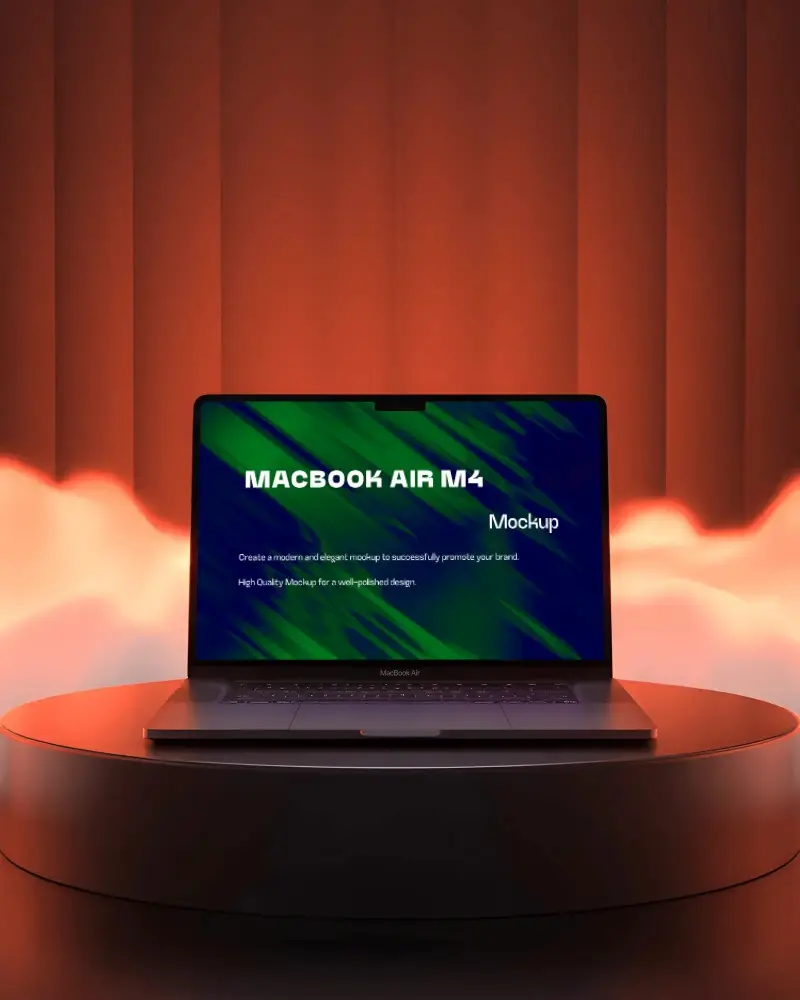
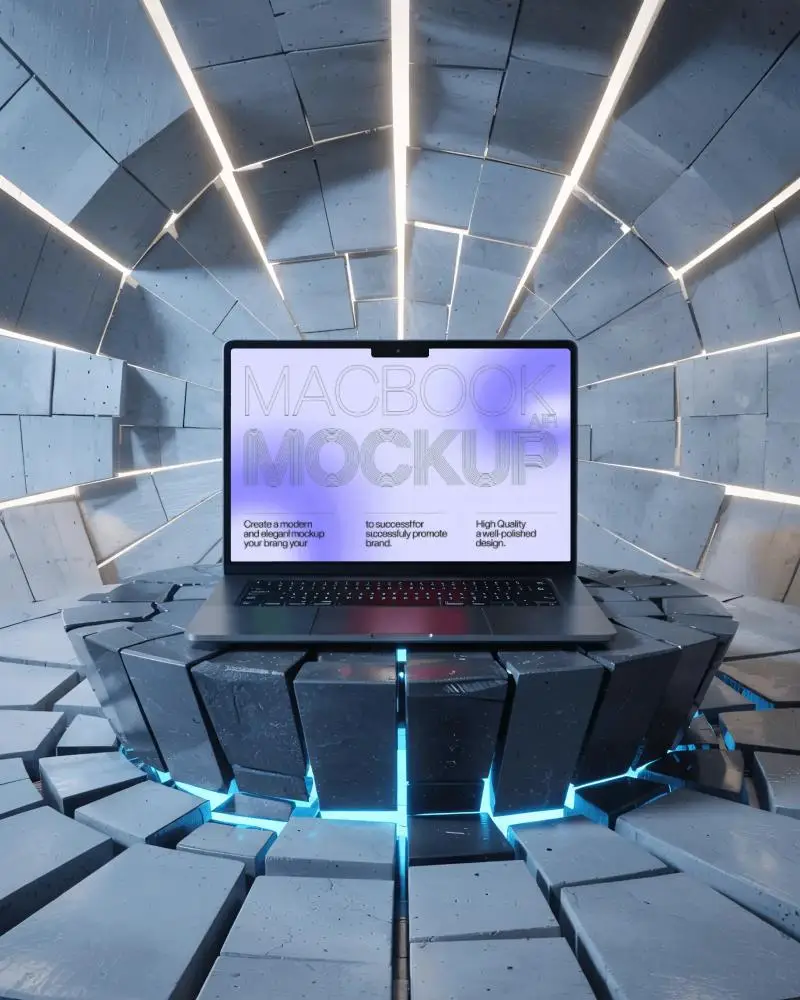
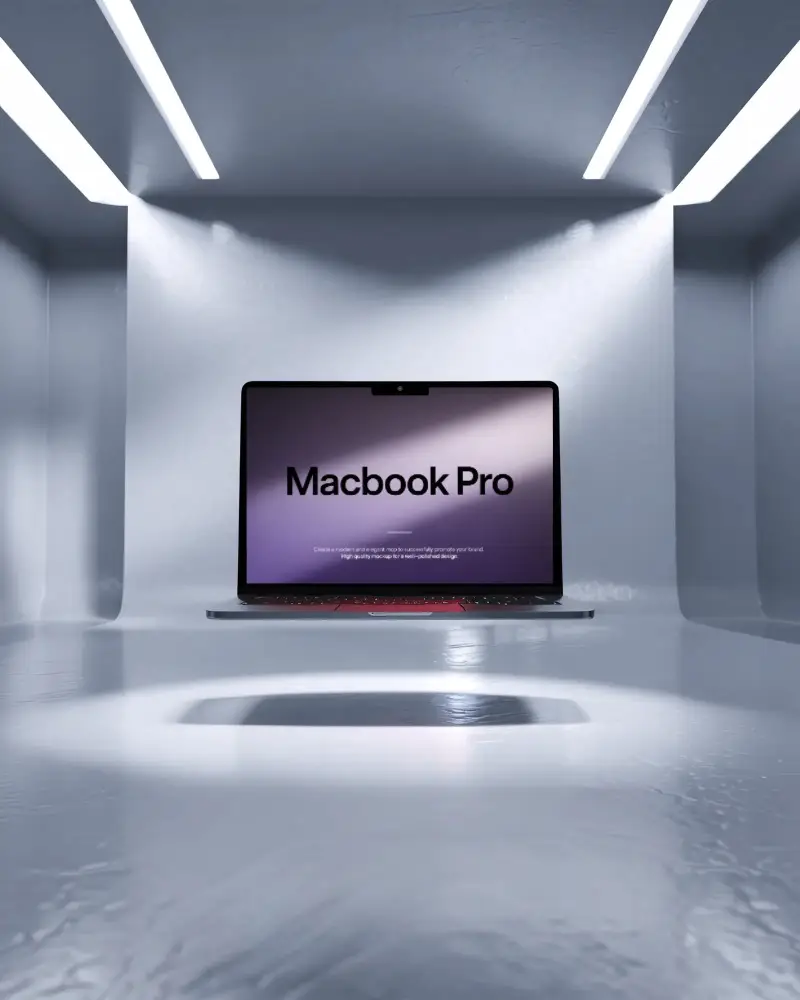



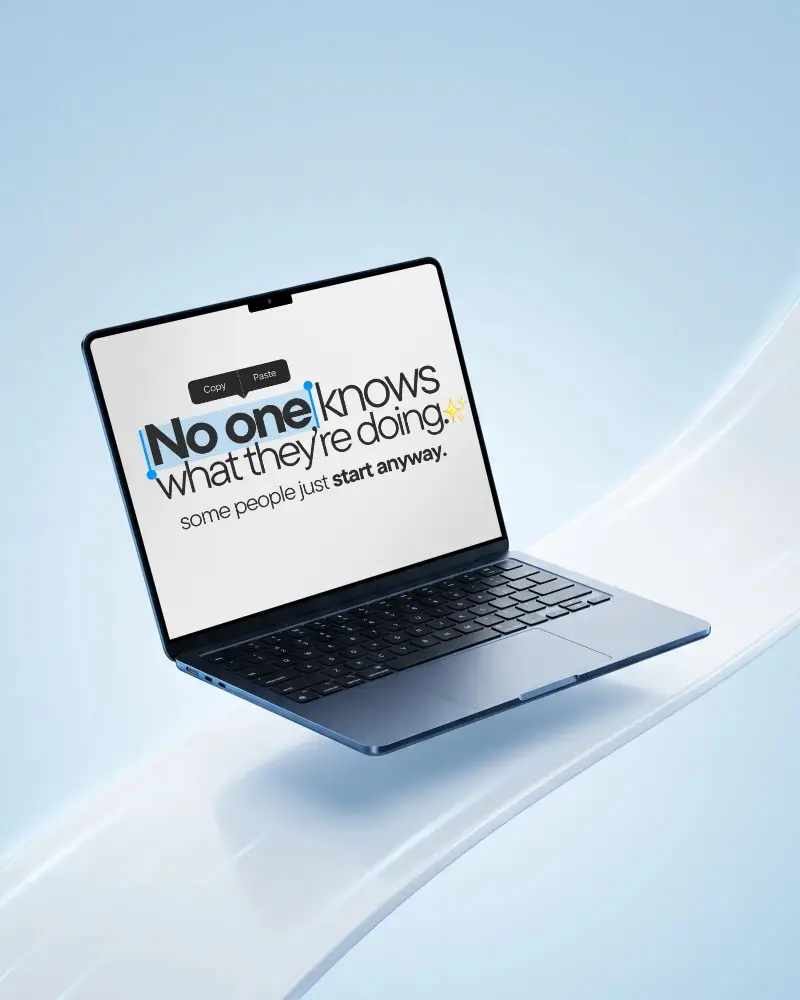

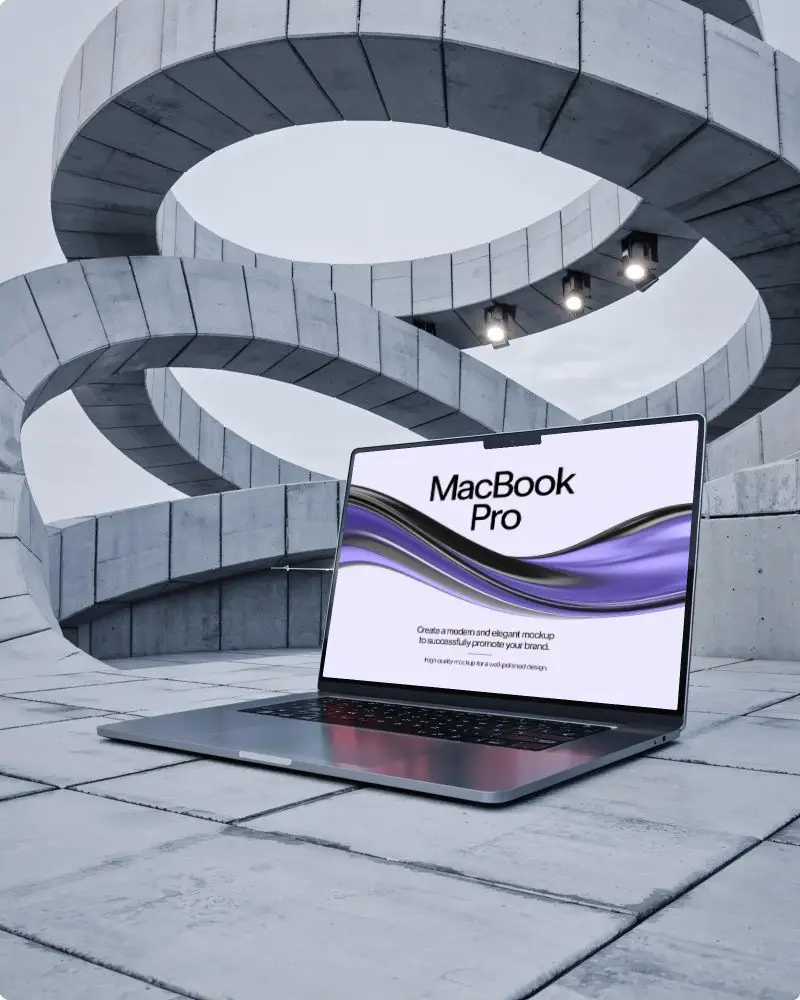
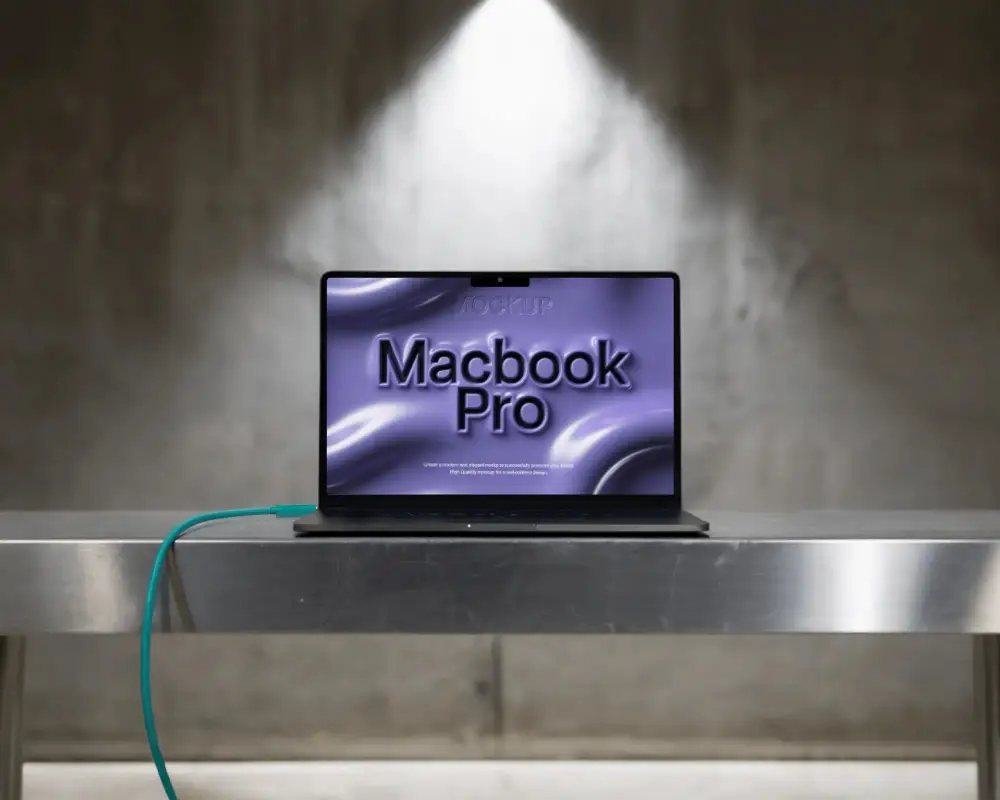

How to Create a MacBook Pro M3 Mockup with Mockey
Follow these simple steps to create your MacBook Pro M3 mockup using Mockey AI.
- Step 1: Sign up and select "Tech" under "Mockups." Pick "MacBook" from the list of choices.
- Step 2: Select the "MacBook Pro M3" tag to choose your preferred template.
- Step 3: Upload your design, adjust it to fit perfectly, and click "Download" to save your MacBook Pro M3 mockup.


FAQs on Macbook Pro M3 Mockups
What is a MacBook Pro M3 mockup?
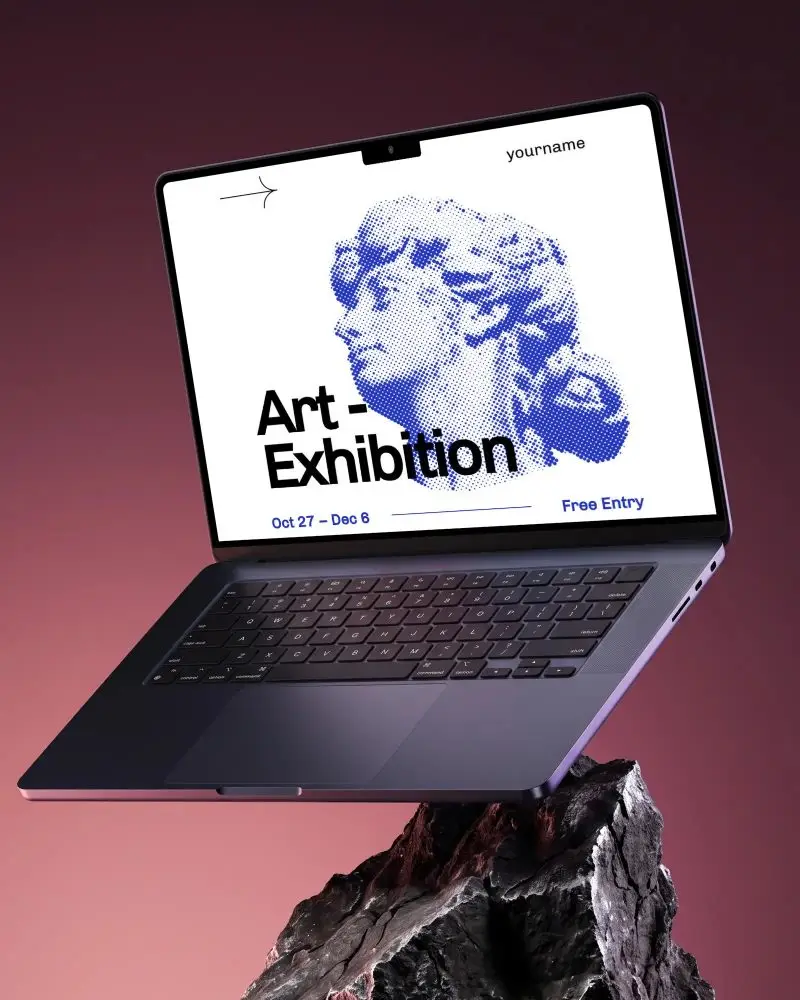
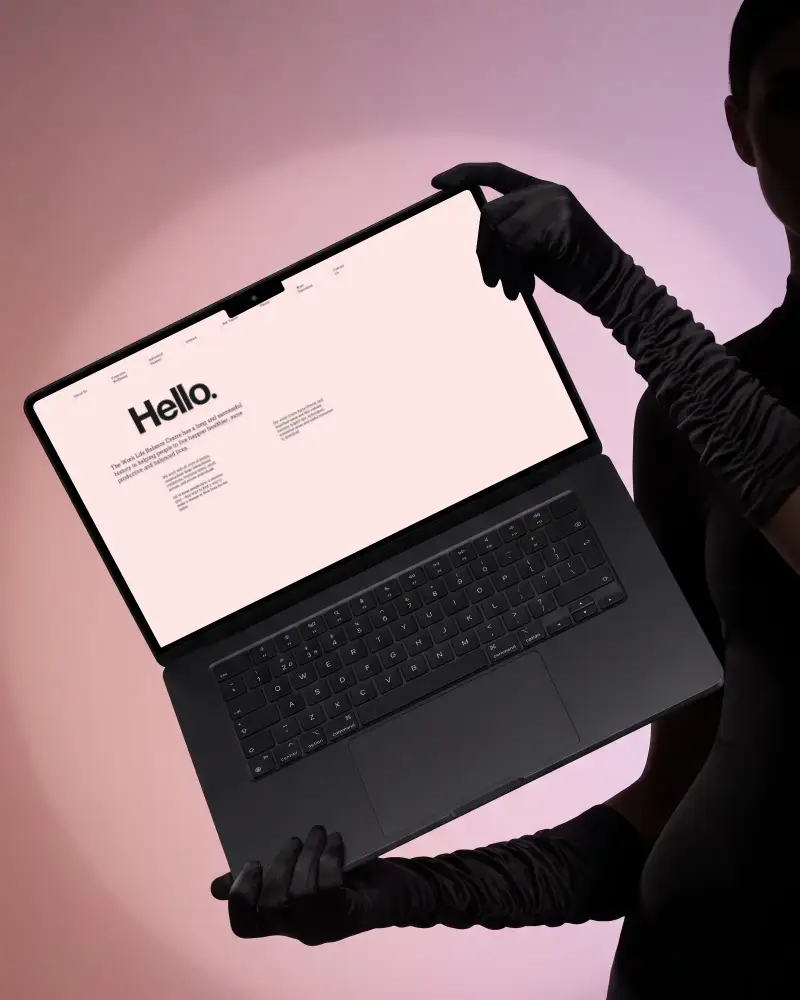
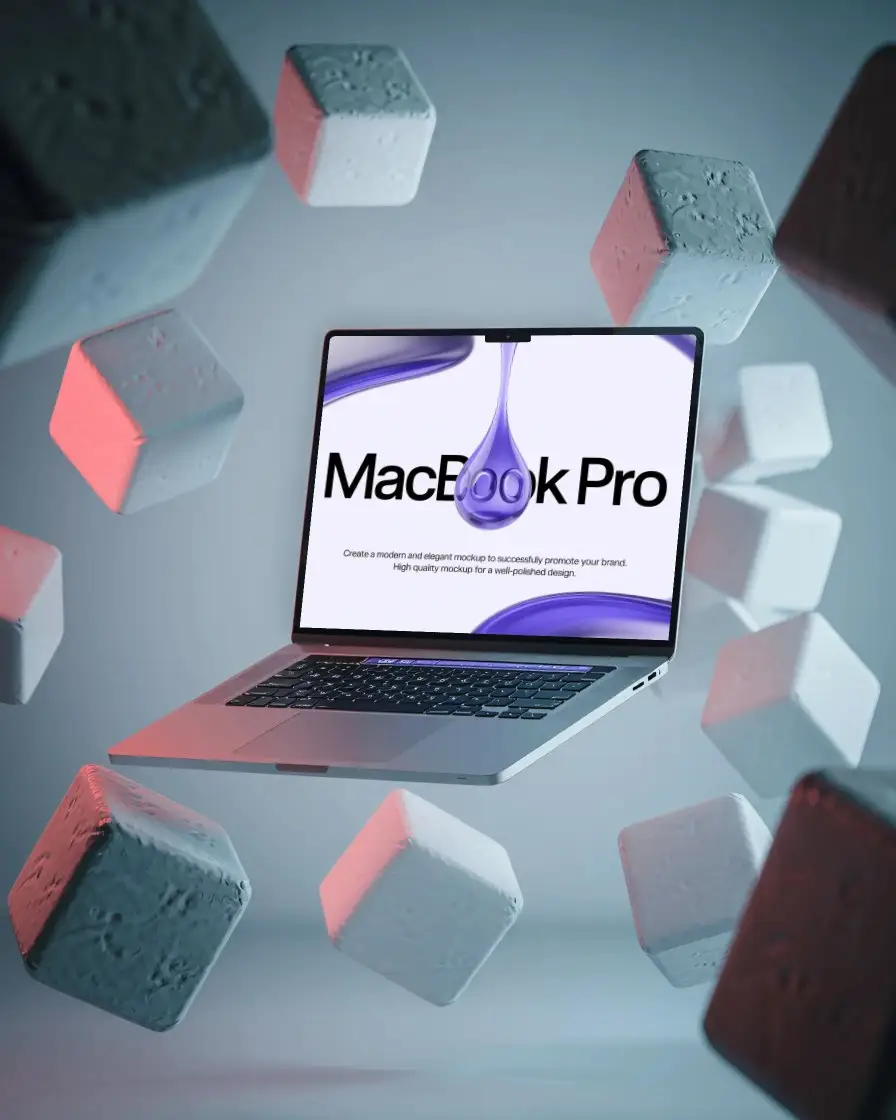
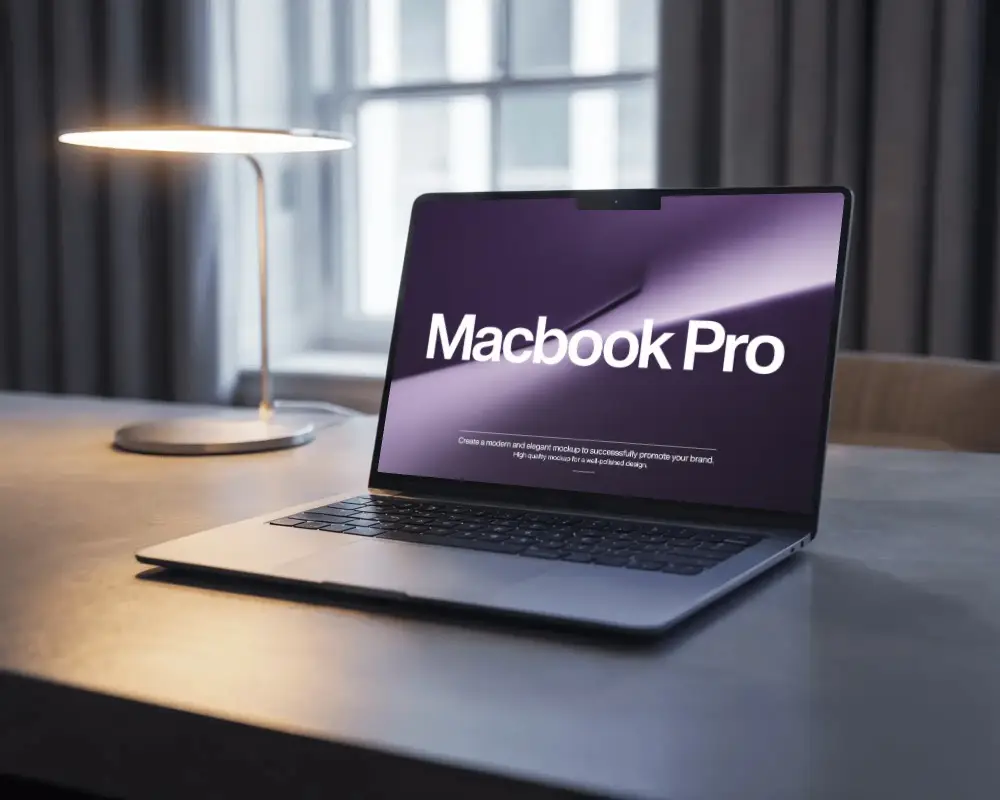
A MacBook Pro M3 mockup is a digital model that looks like the real laptop. Designers use it to display websites, apps, and software screens. The mockup is not a functional computer but an image or scene where you can place your design for a realistic presentation.
Why use a MacBook Pro M3 mockup?
A MacBook Pro M3 mockup is the best way to showcase your websites or apps in a realistic setting. It helps teams and clients visualize your design on an actual MacBook Pro M3, boosting confidence and enhancing presentations or portfolios.
Who should use a MacBook Pro M3 mockup?
MacBook Pro M3 mockups are ideal for designers, developers, and marketers. They help display UI and UX projects, software interfaces, or branding visuals in a professional and polished way for portfolios, websites, or promotional use.
Is the MacBook Pro M3 mockup available in multiple angles?
Yes! Mockey AI’s MacBook Pro M3 mockup templates are available in multiple viewing angles. With the mockup bundle, you can even download different-angle mockups together for versatile presentation options.
