Free Macbook Air M5 Mockup Download - MacBook Mockup designs
Design beautiful Macbook Air M5 mockups quickly with customizable templates. Create high-quality, Free MacBook mockups for your professional projects.
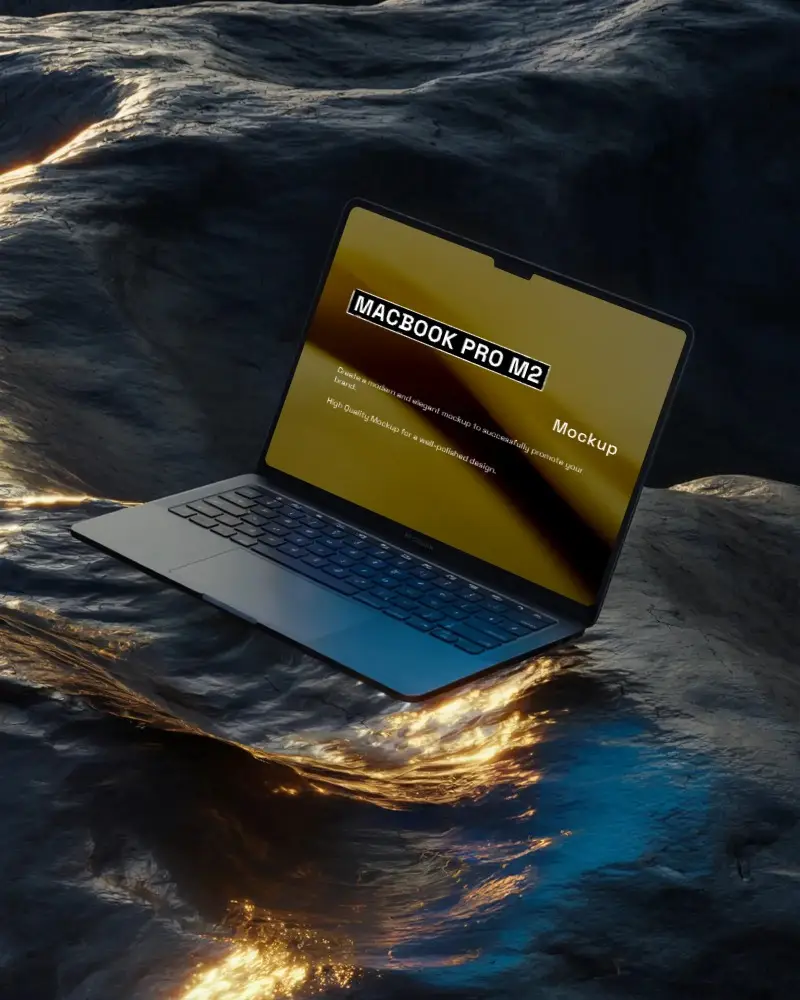
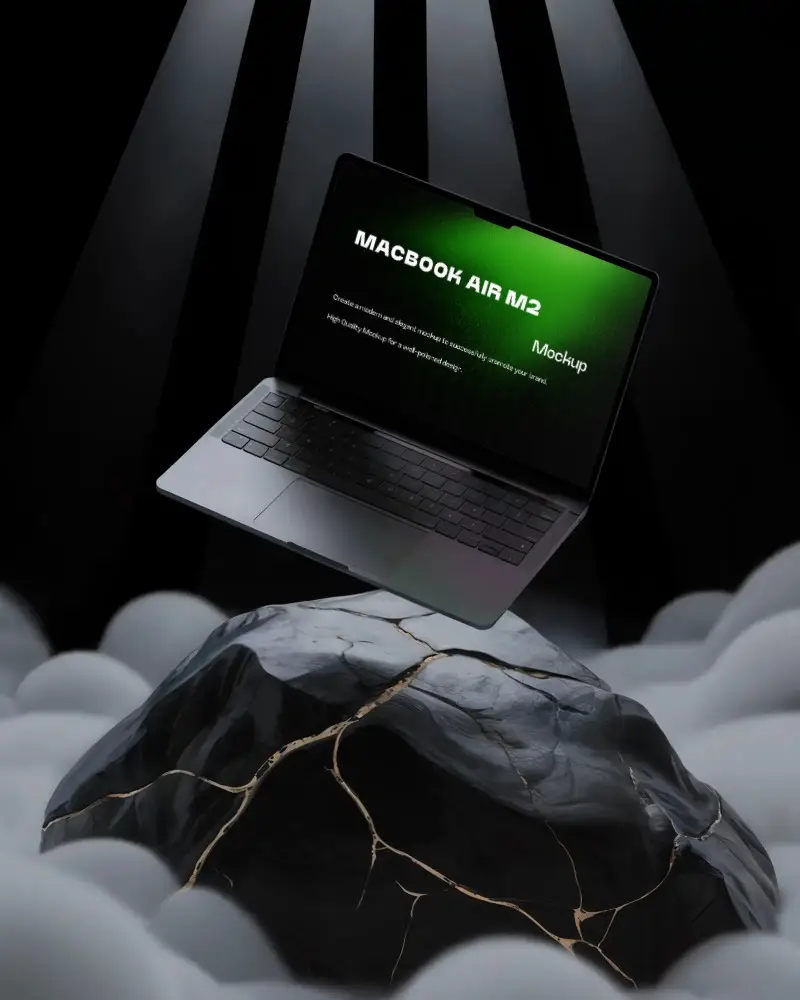
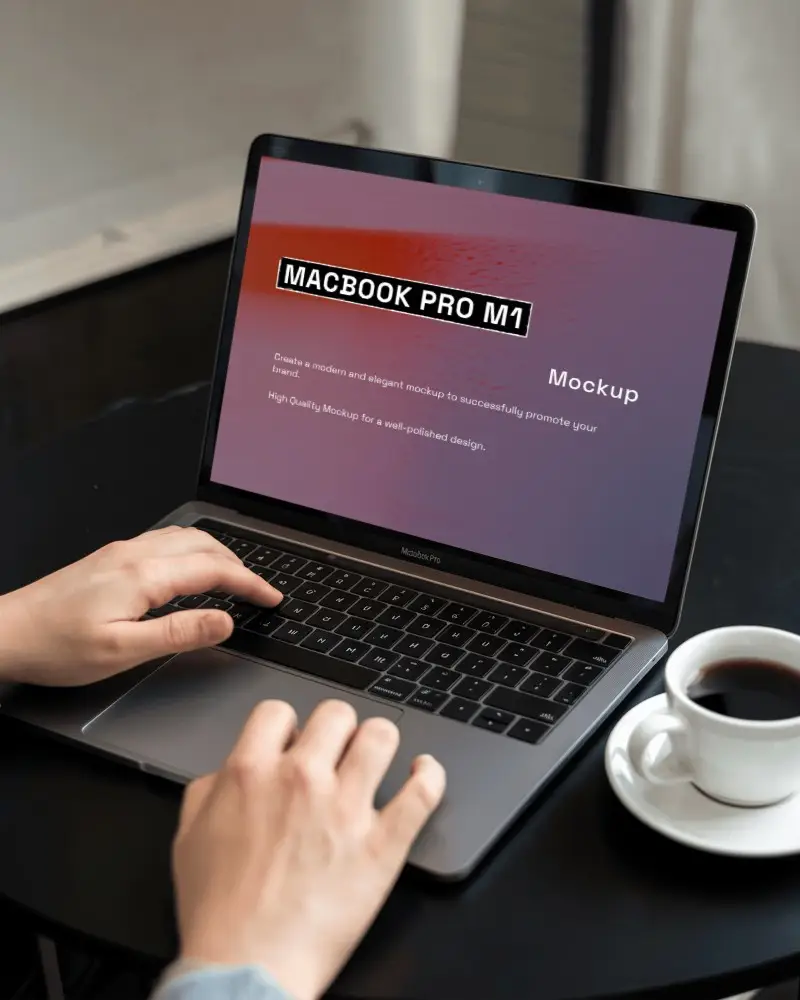
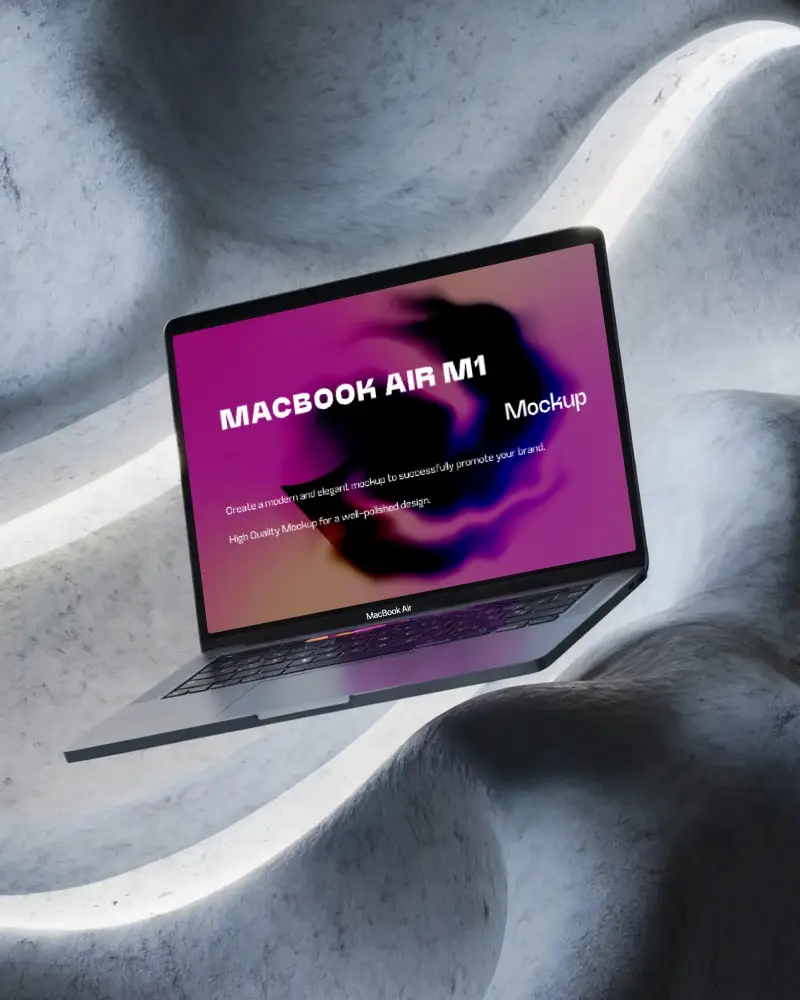
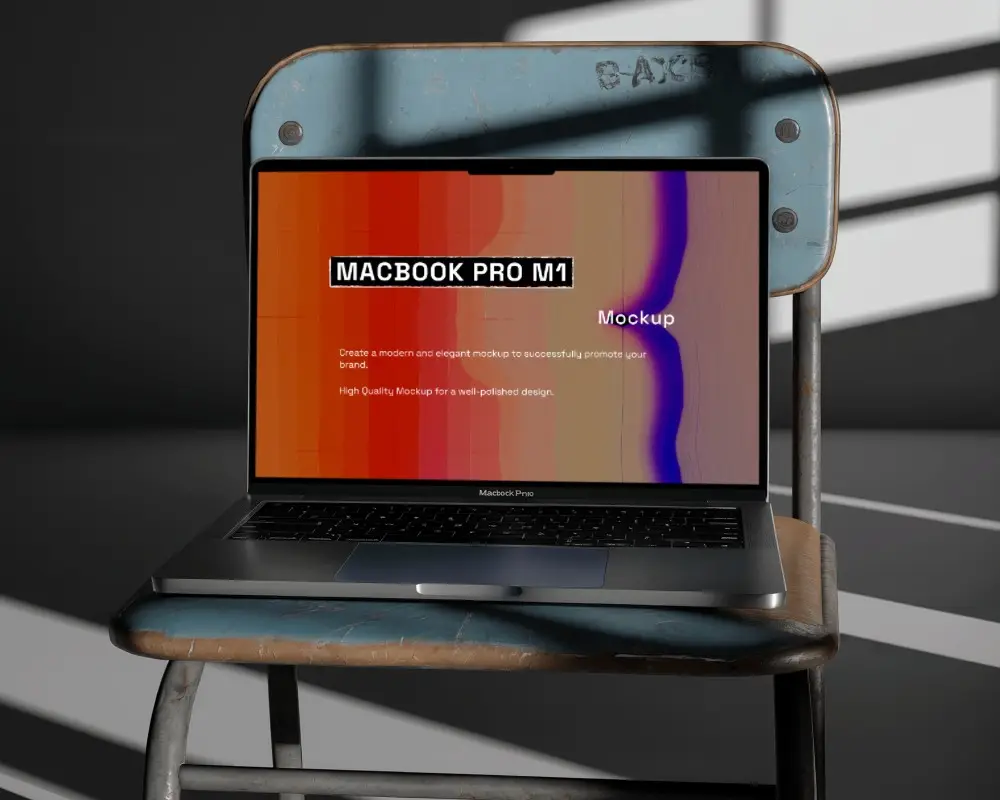
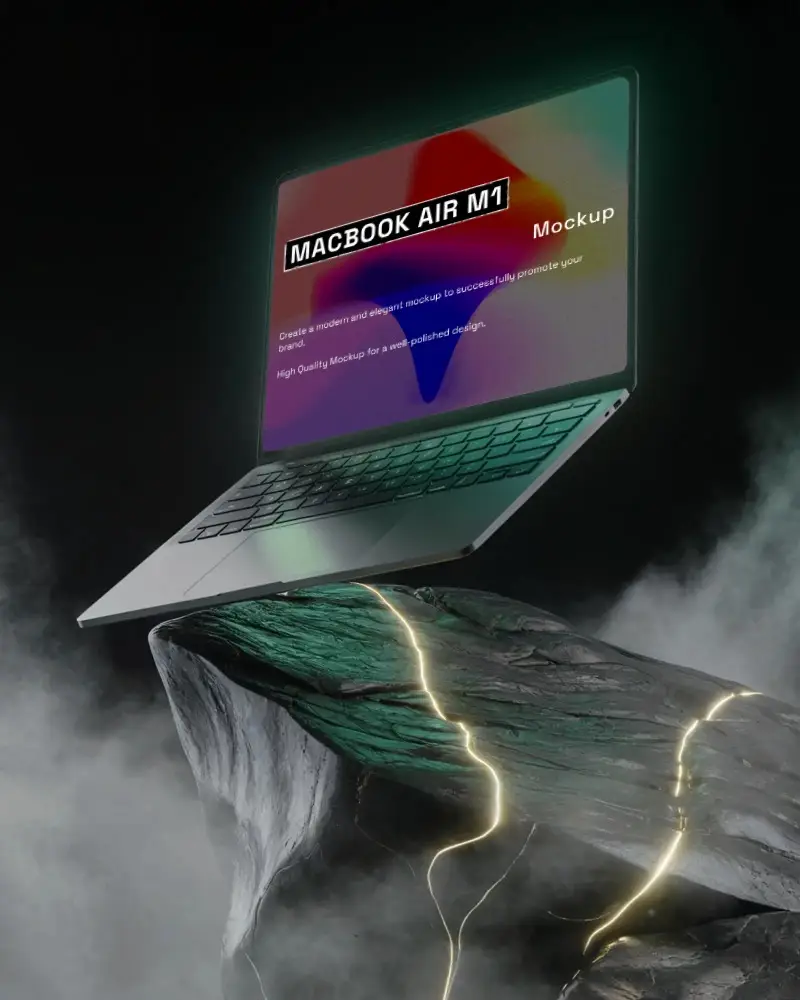
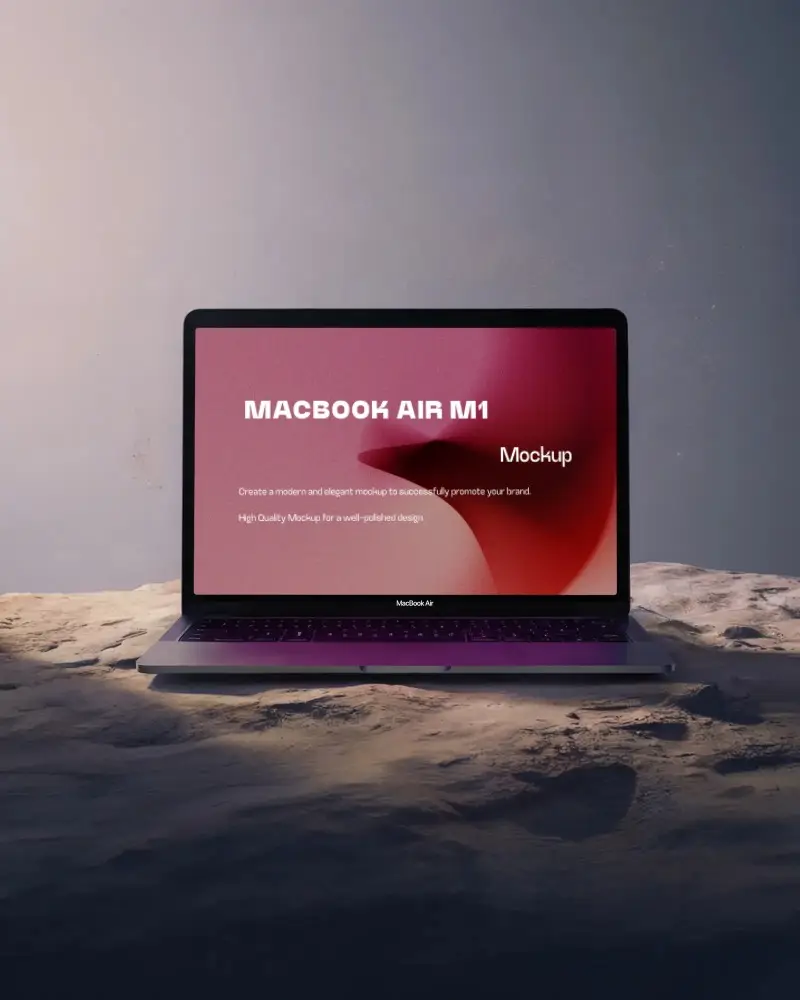
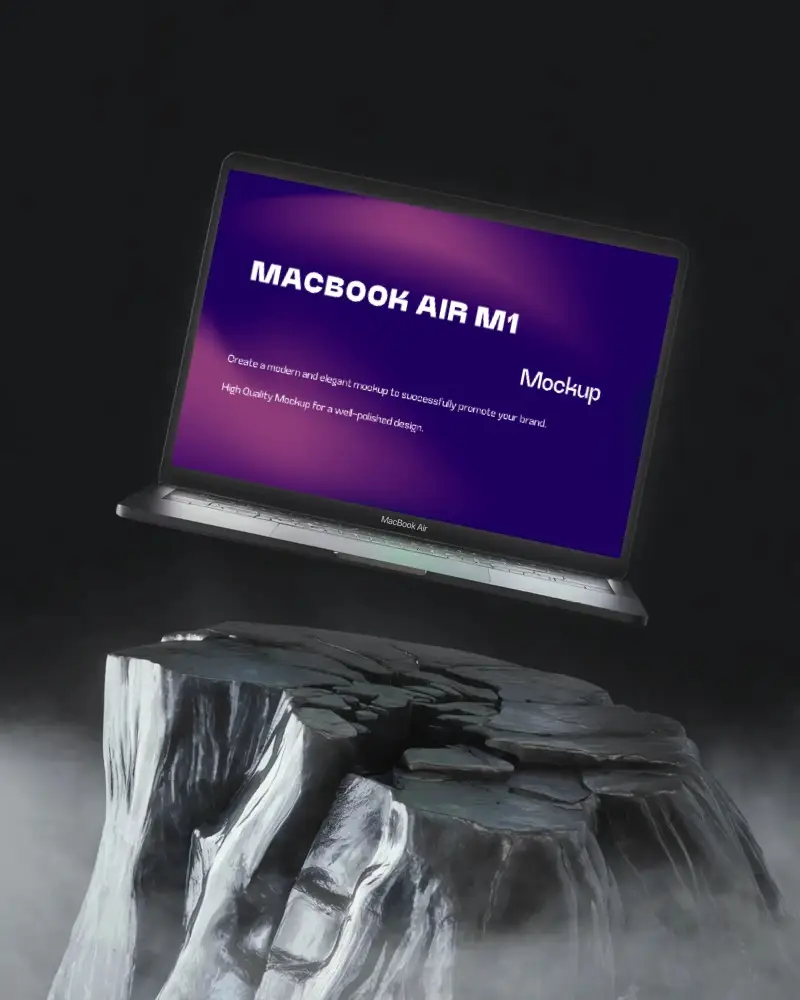
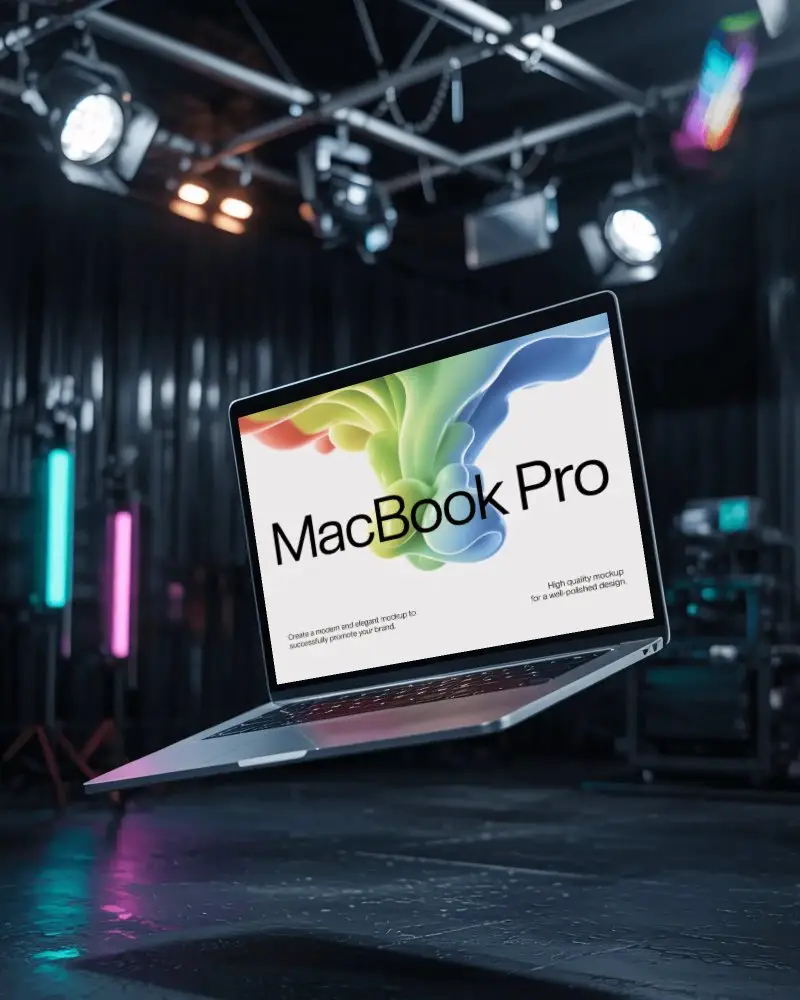
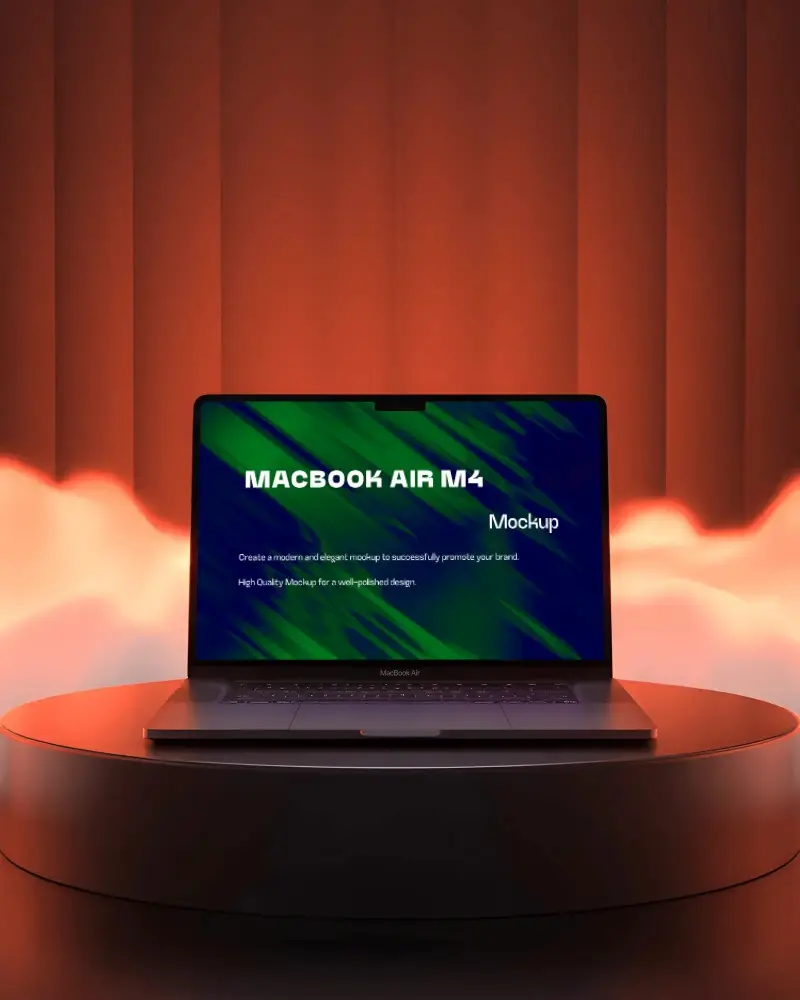
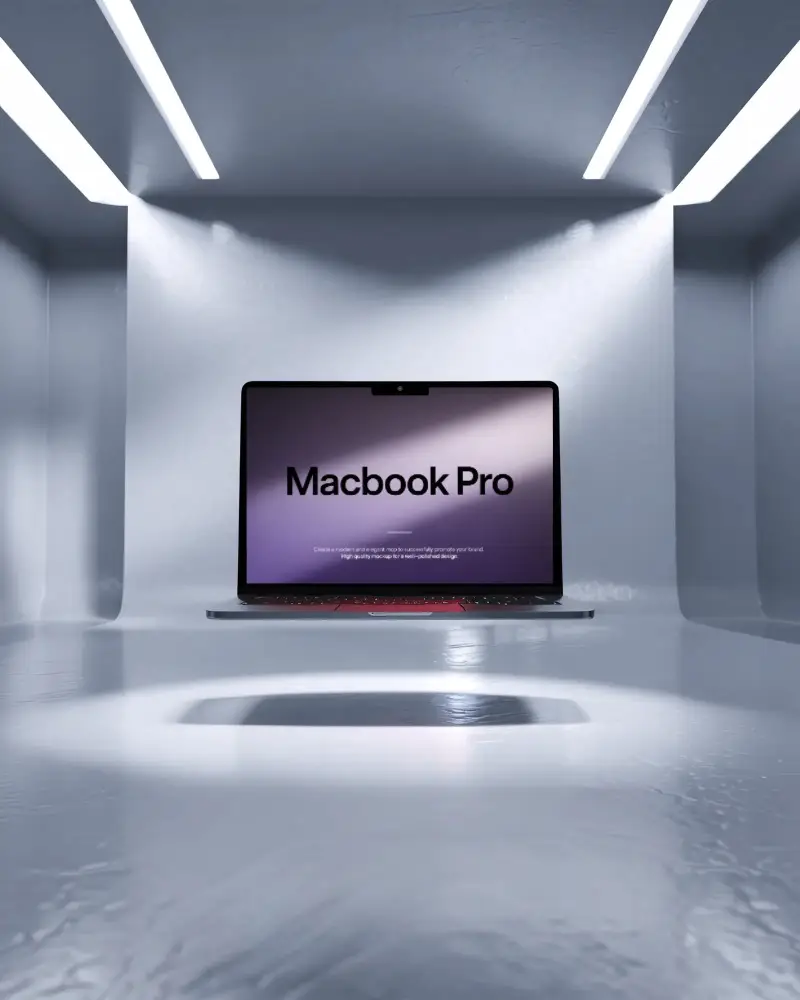



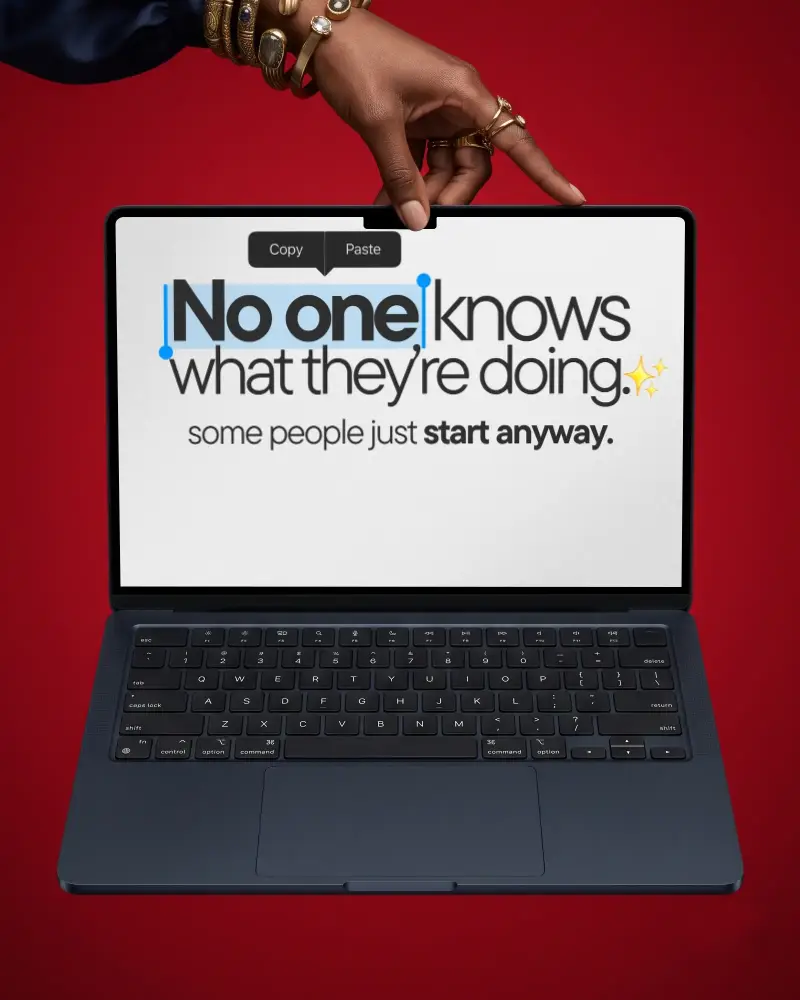
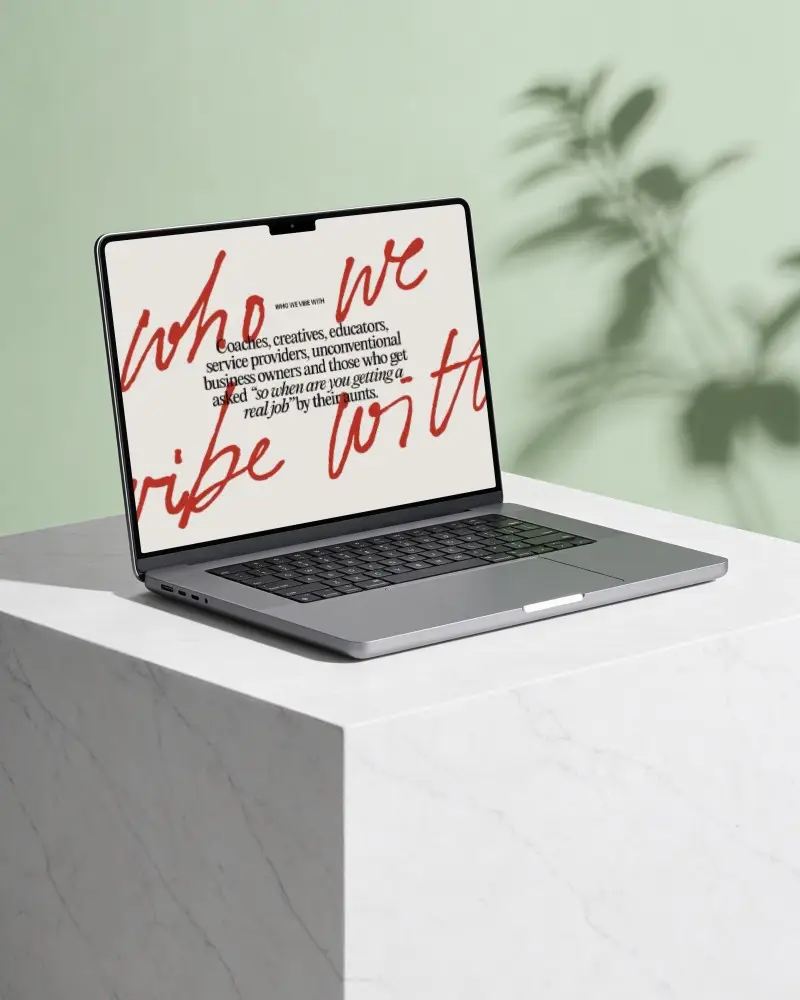
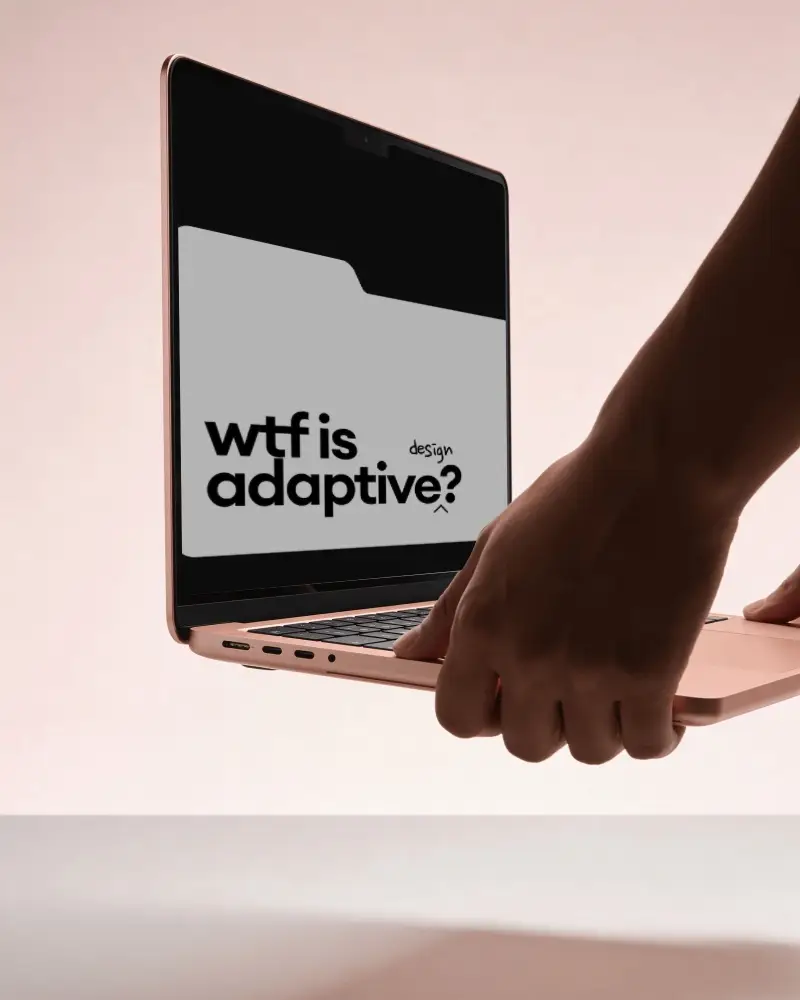
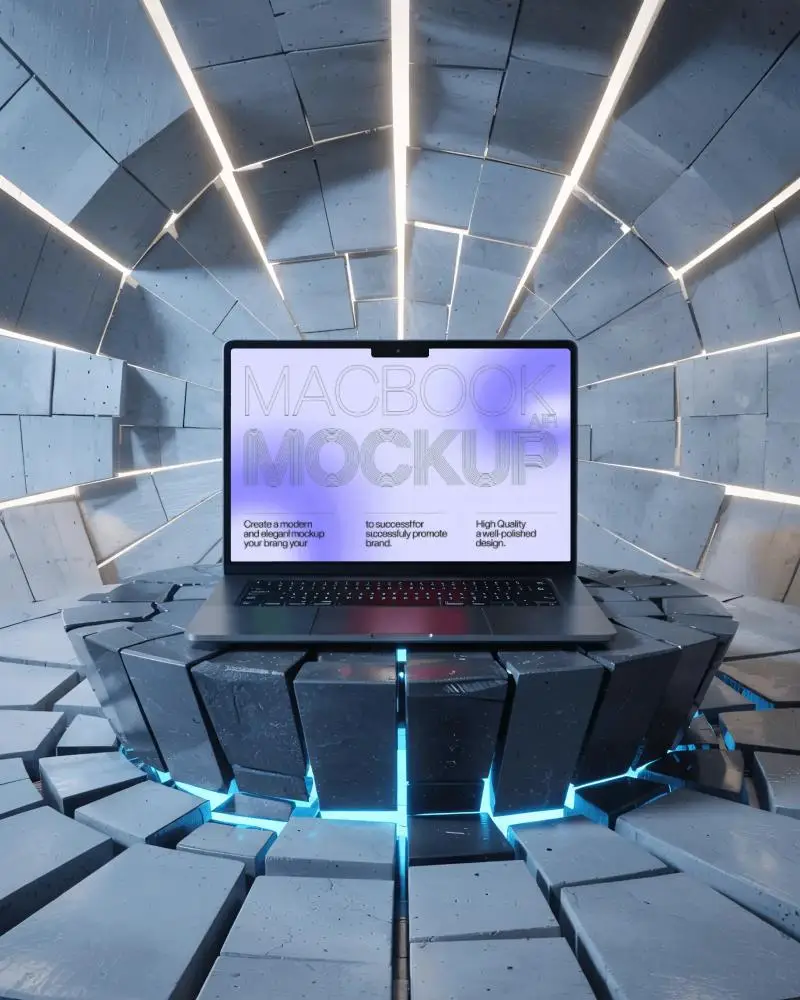
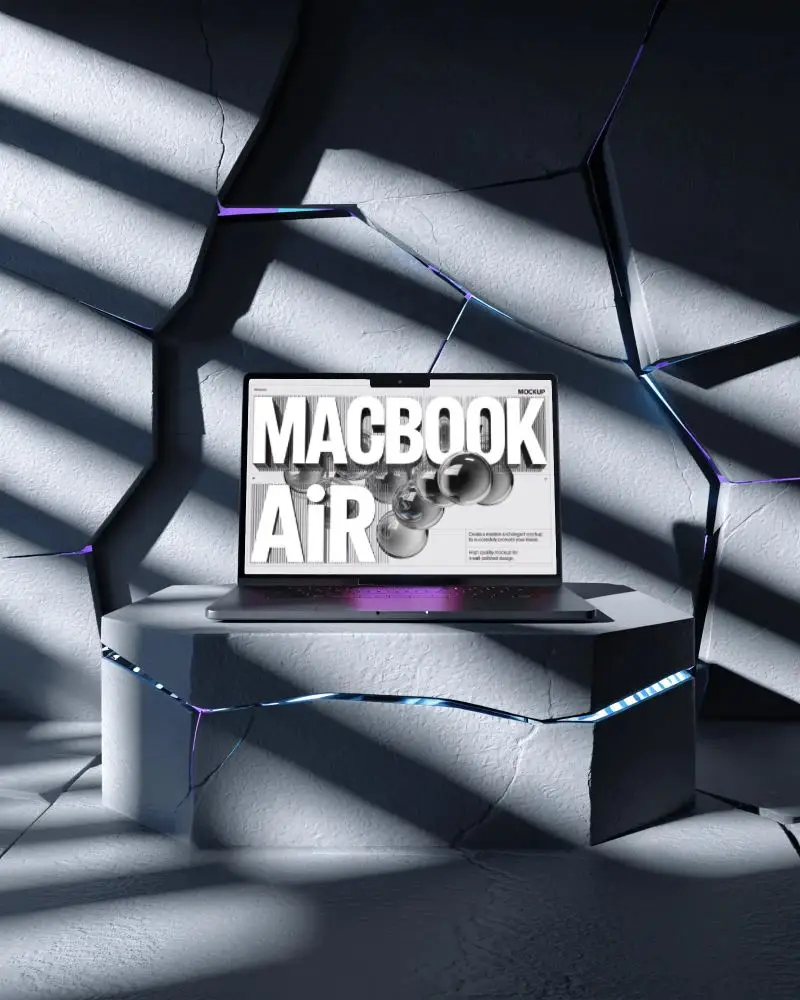
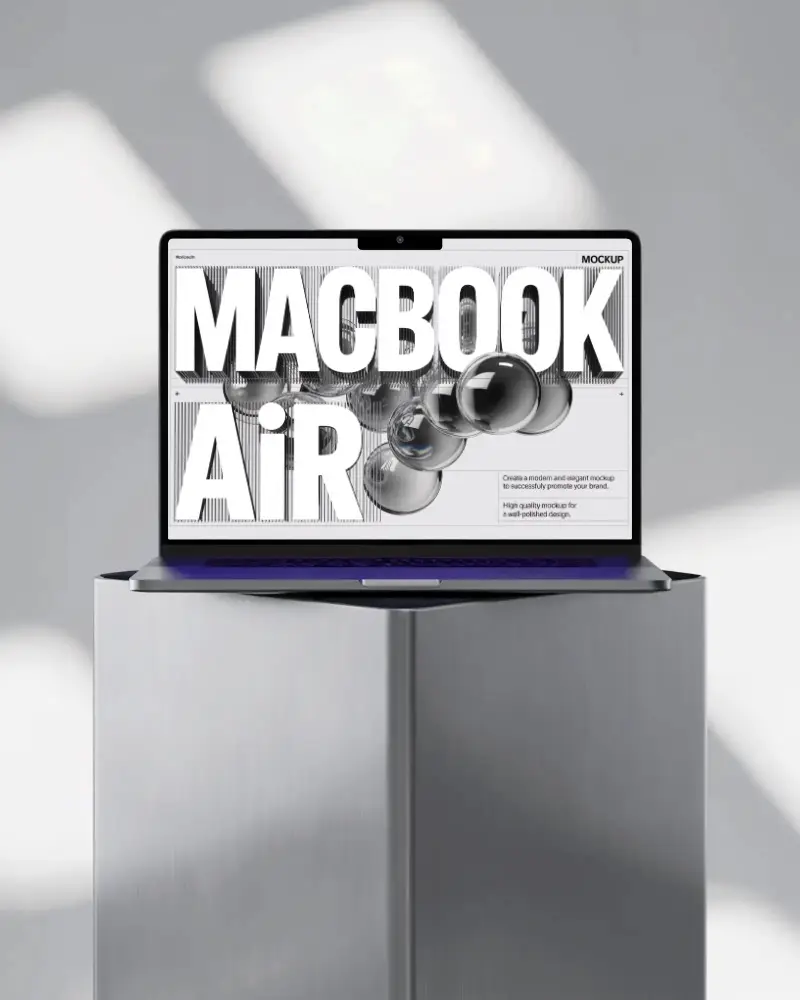
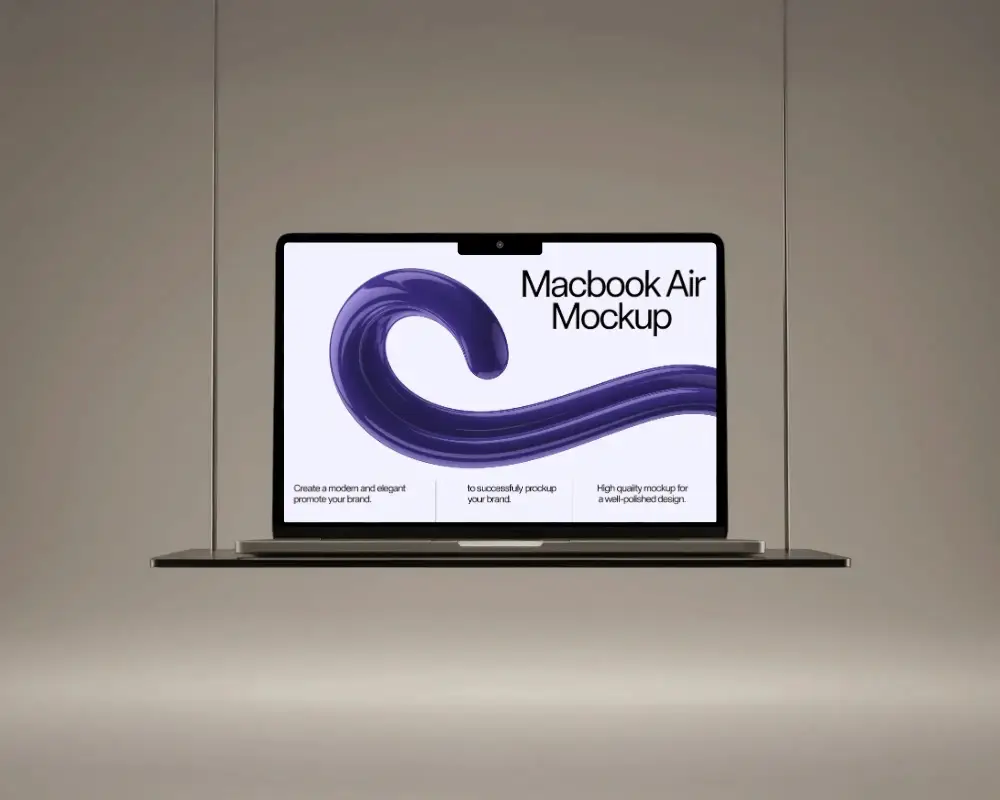
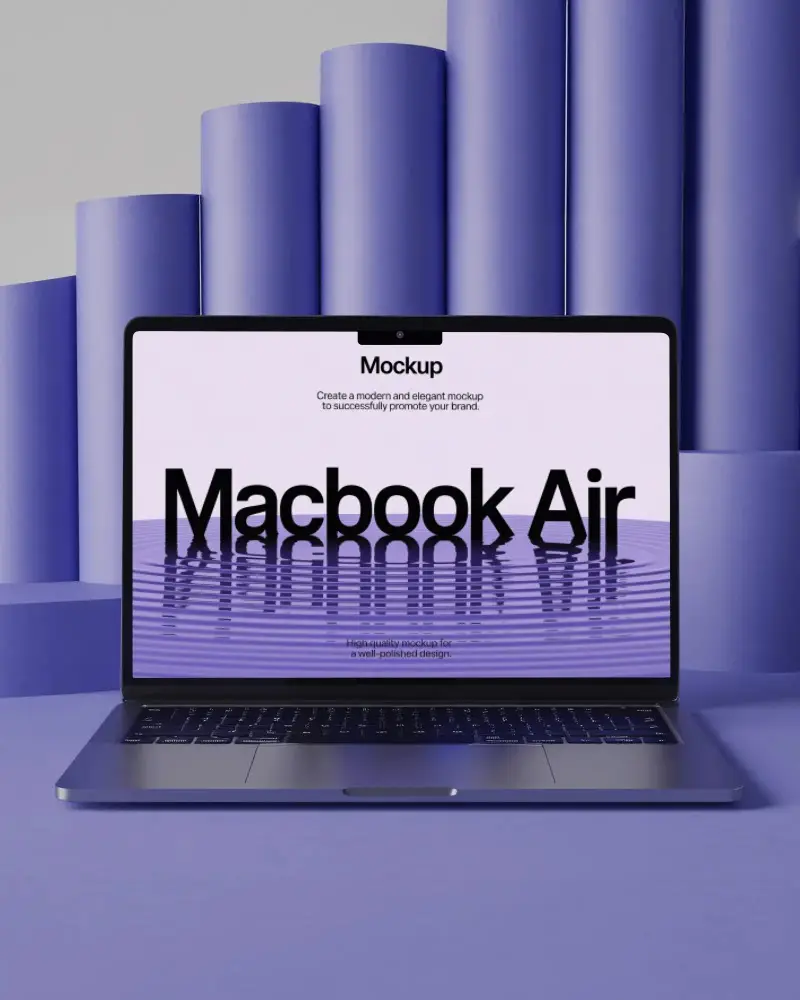

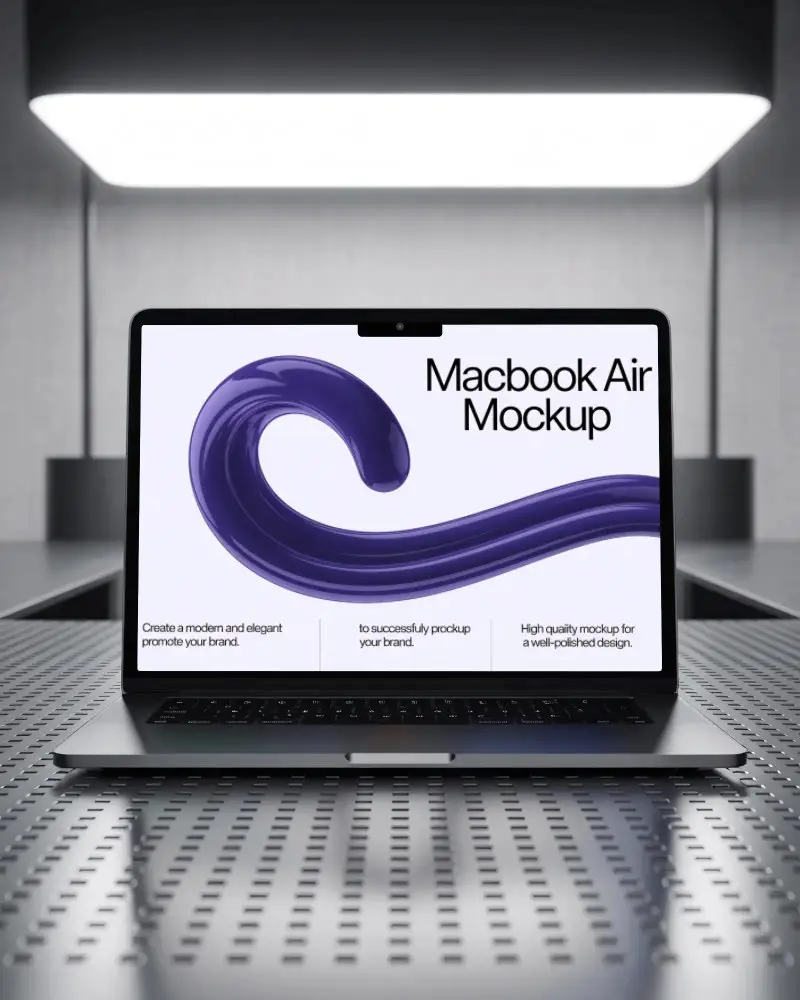
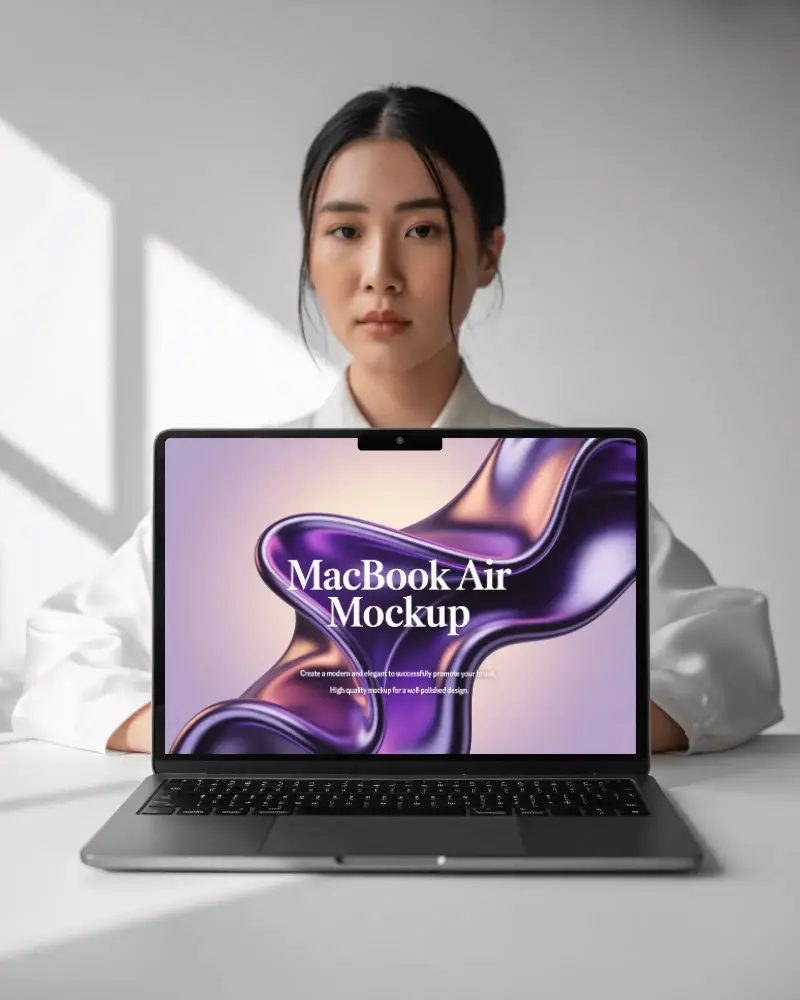
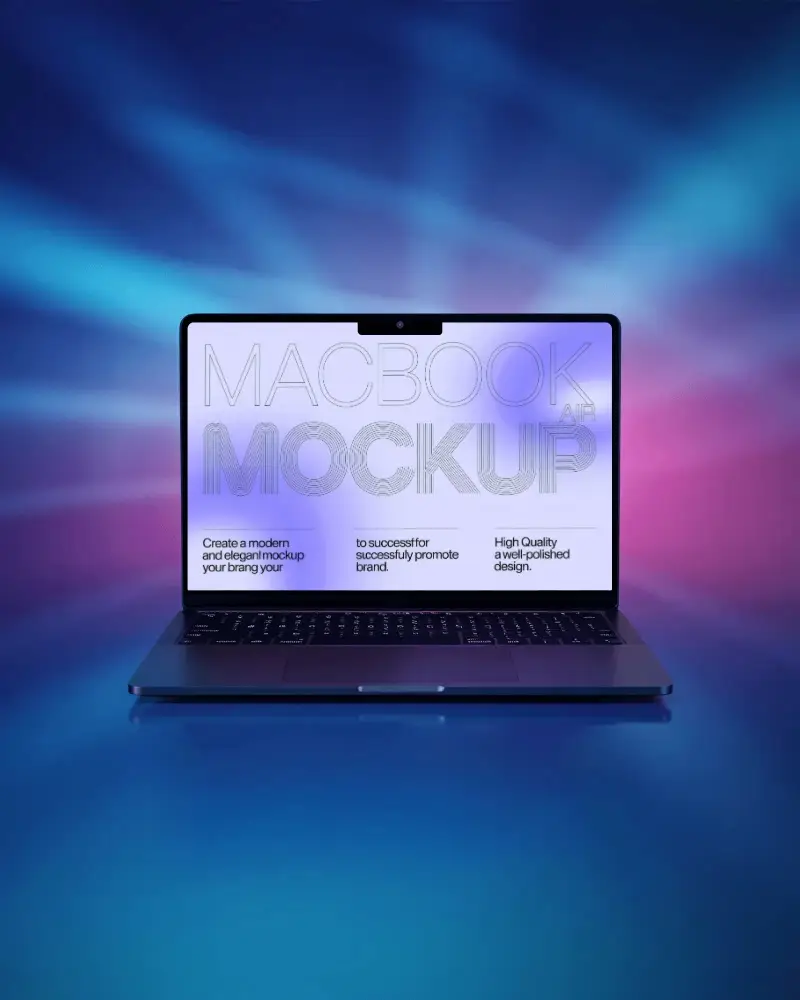
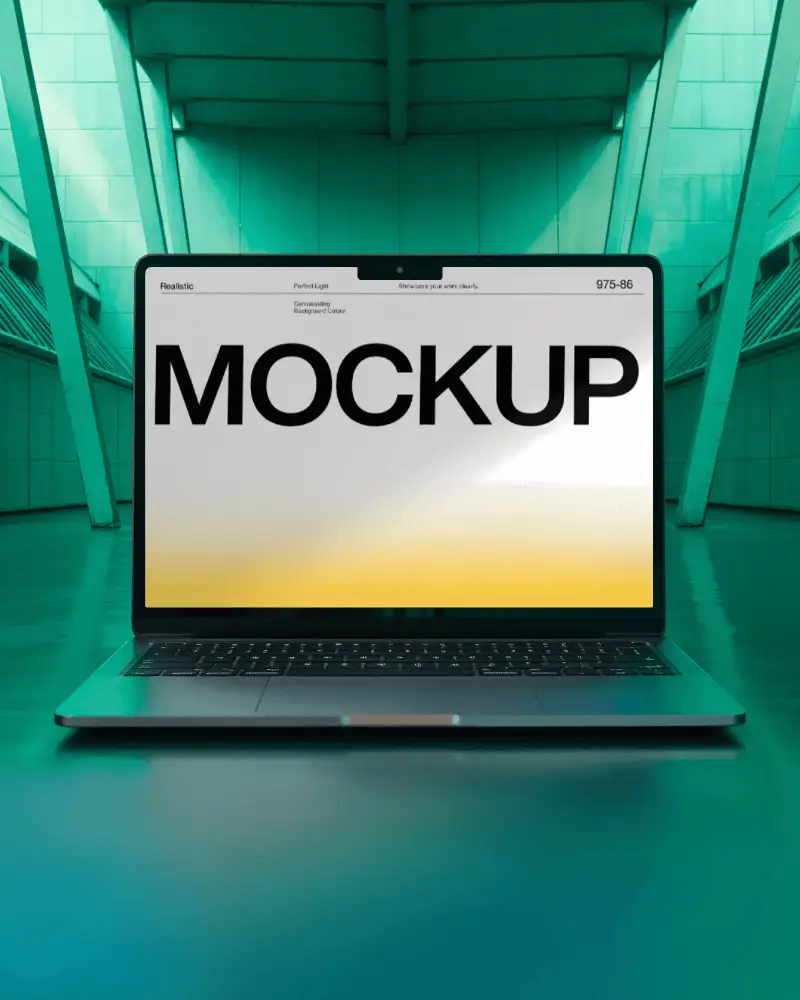
How to Create Macbook Air M5 Mockup with Mockey
Follow the steps to create Macbook Air M5 Mockups in Mockey AI
- Step 1: Click on 'Mockups' in the menu, then choose 'Tech,' and pick ' Macbook Air M5.'
- Step 2: Select a template and upload your design.
- Step 3: Customize your Laptop mockup until you're happy, then download it in high quality.


FAQs on Macbook Air M5 Mockups
Is there a free Macbook Air M5 mockup generator?
Mockey provides a free MacBook mockup generator where you can tweak templates, upload your designs, and get high-quality mockups for free. It's ideal for swiftly creating polished MacBook presentations with zero hassle.
Does Mockey AI have MacBook Pro mockups?
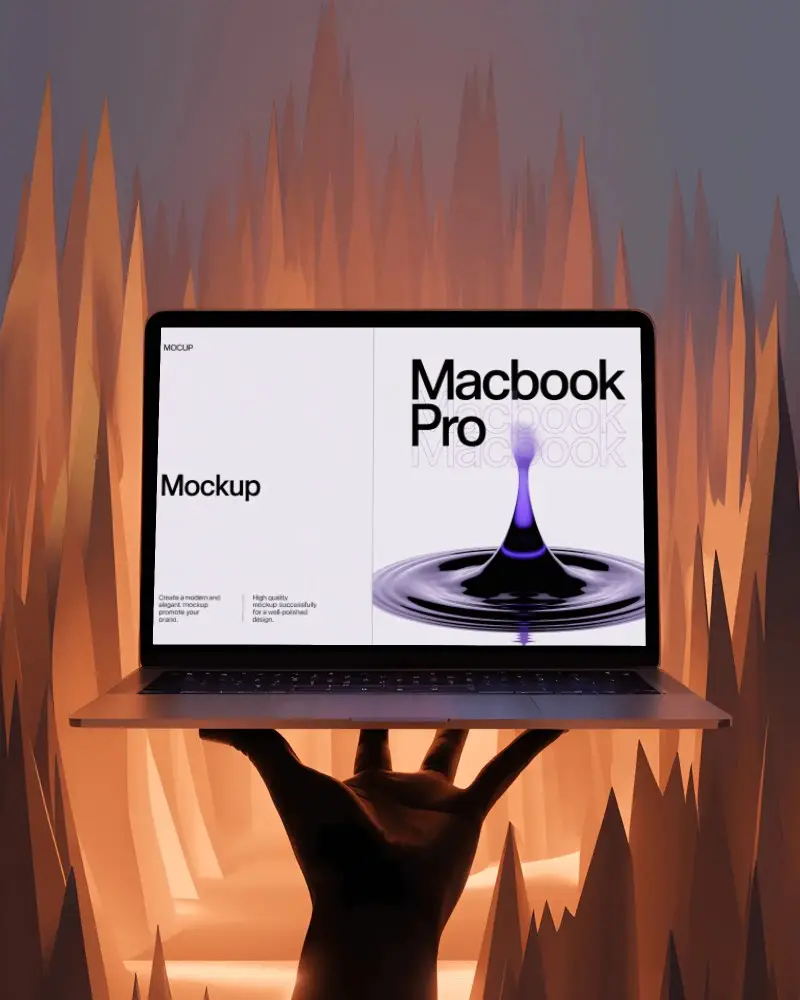
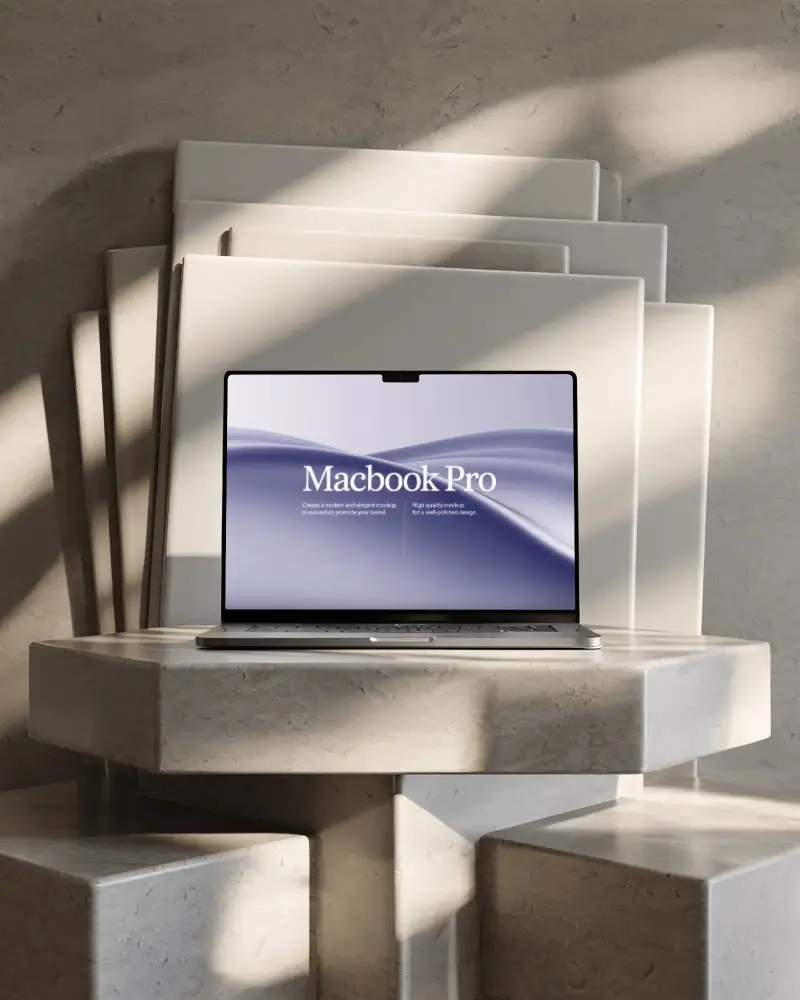
Mockey AI has MacBook Pro mockups for you! Browse the Laptop category, pick your template, customize it with your design, and download high-quality mockups for free.
What is a Macbook Air M5 mockup?
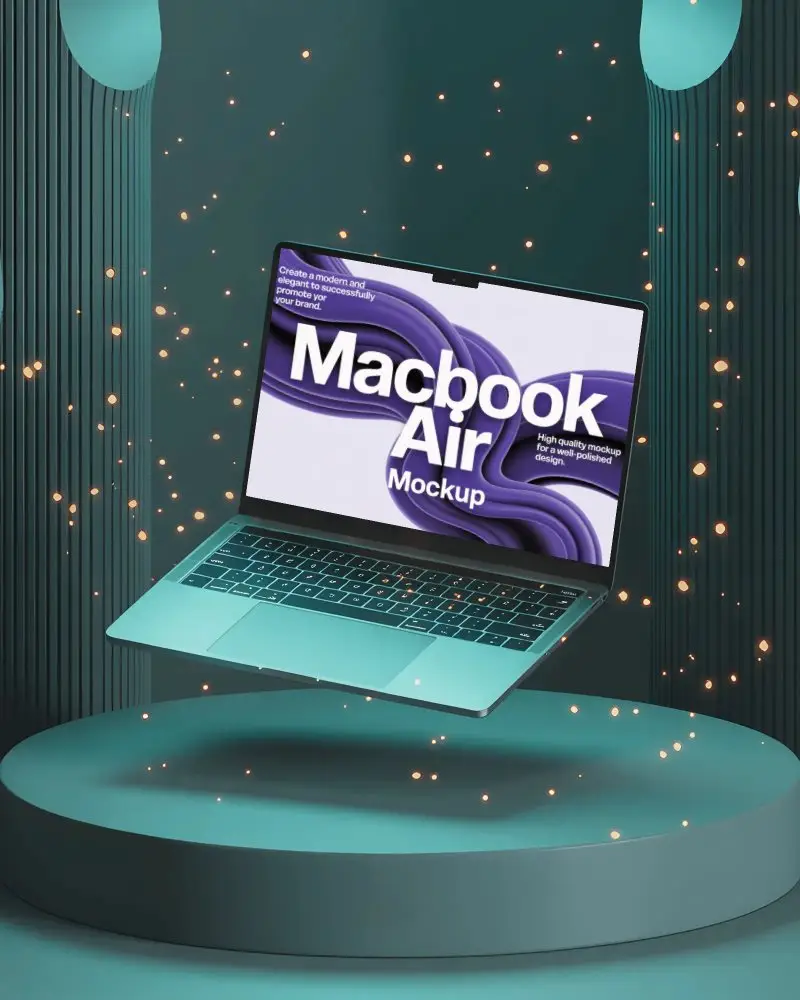
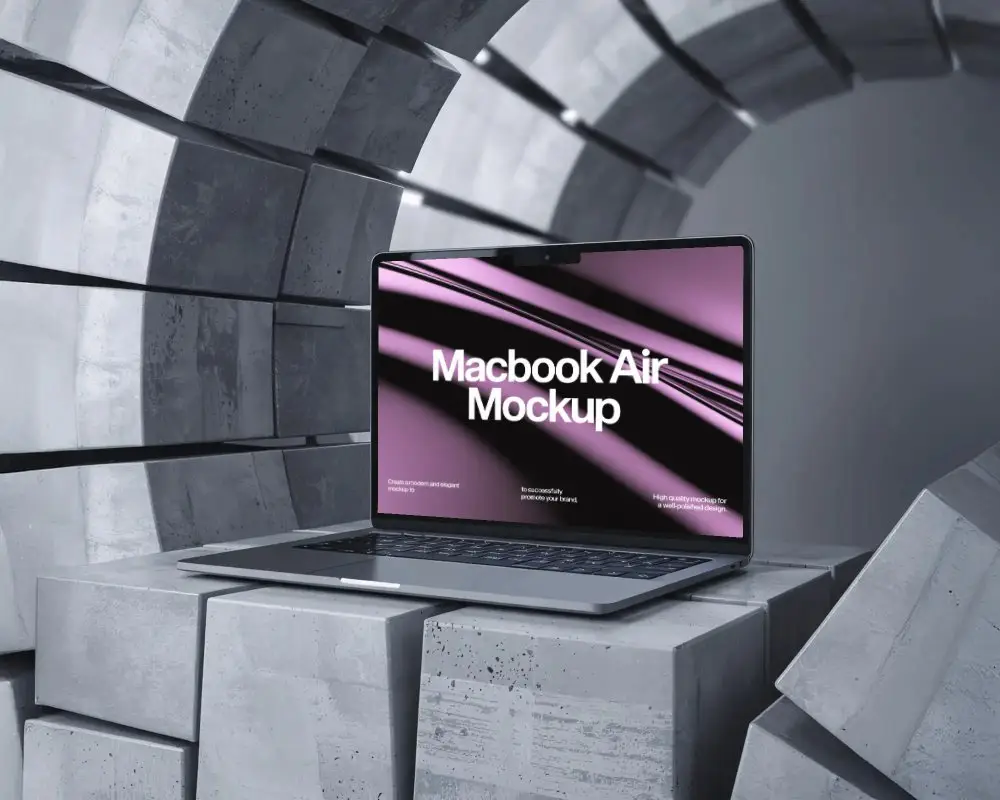
A Macbook Air M5 mockup is a digital preview of how your design, app, or website will appear on a MacBook. It's like a test run, helping you see and tweak your work to ensure it looks perfect and professional.
How To Make Macbook Air M5 mockup Using Mockey AI?
Head over to Mockey.ai. Navigate to Mockups > Tech > Laptop and select Macbook Air M5. Hit Upload Design to add and adjust your image. Customize colors or resize as needed. Click Download to save your watermark-free MacBook mockup.
