Free MacBook Air M3 Mockups Online
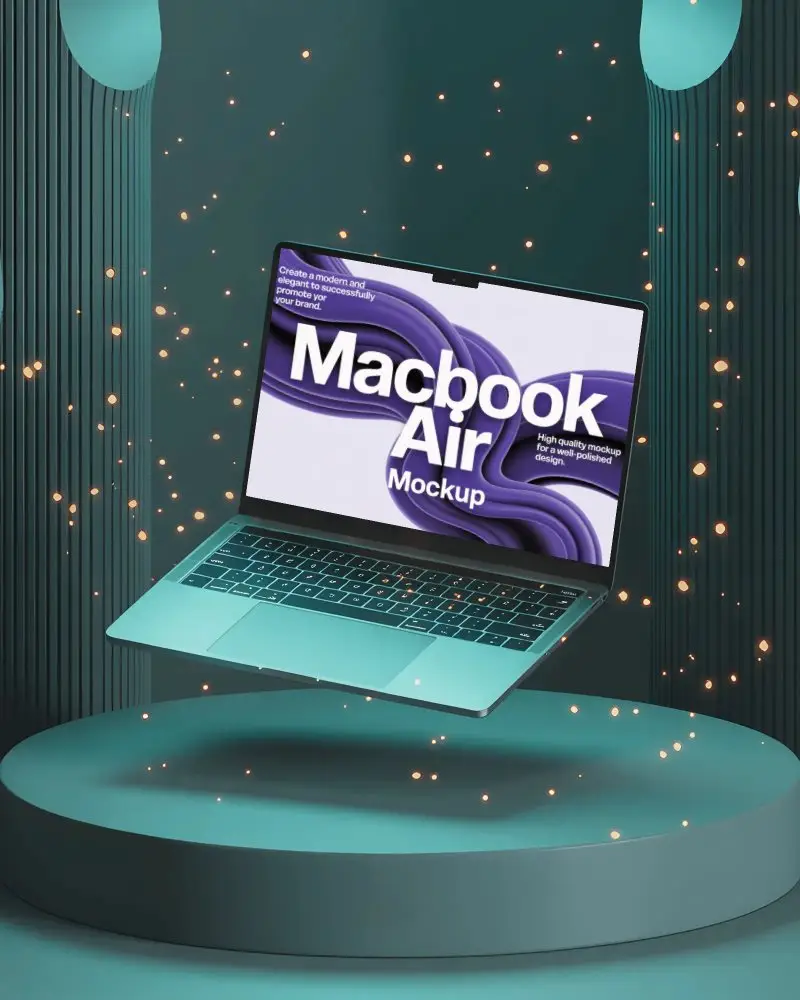
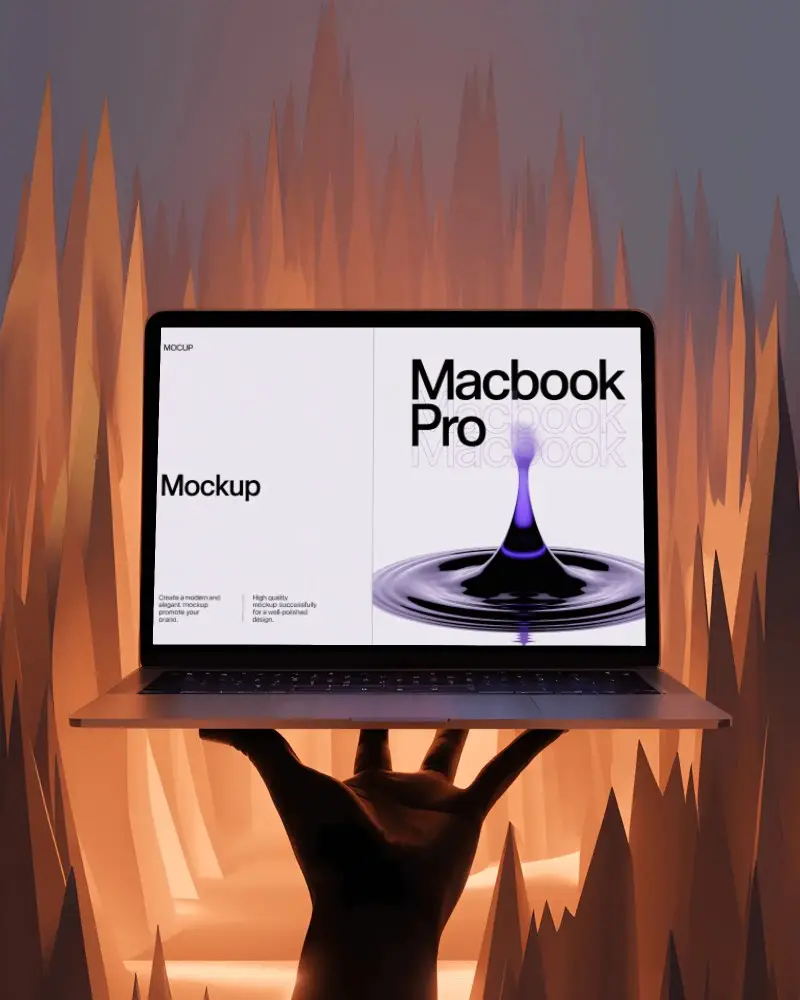
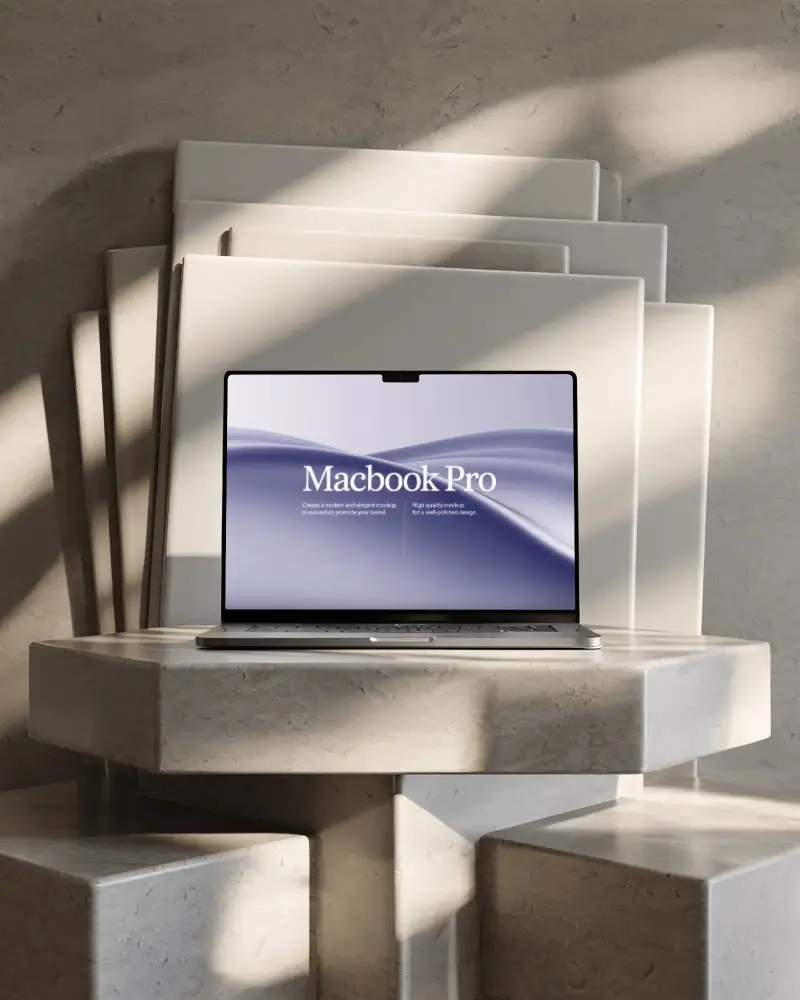
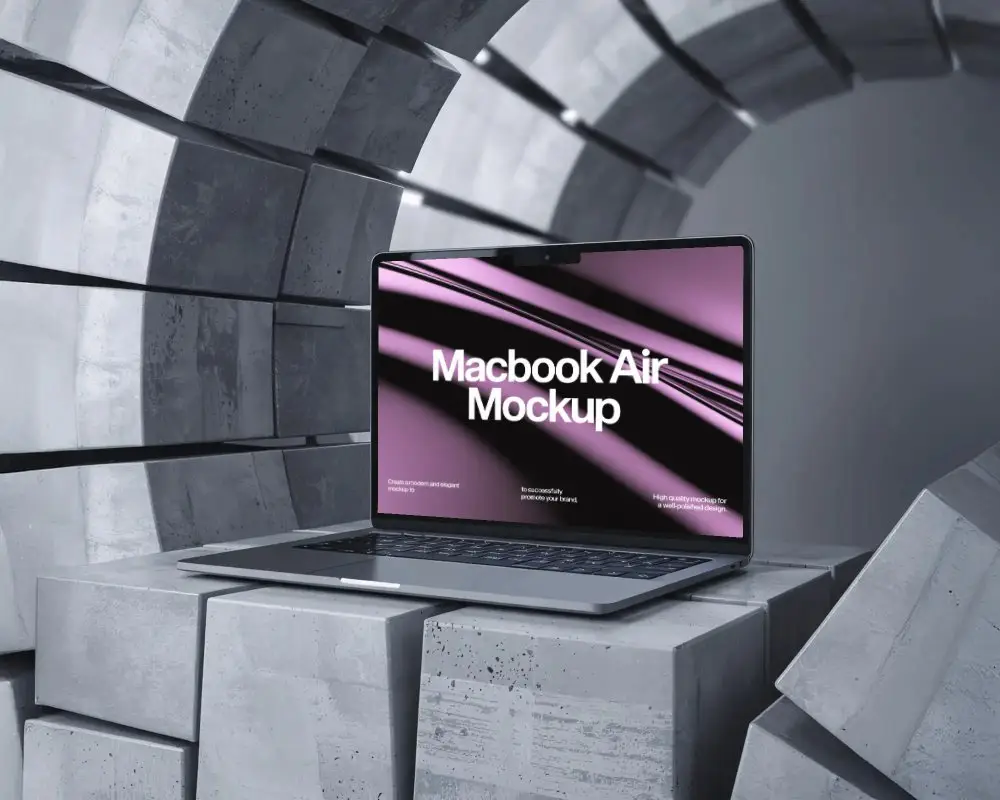
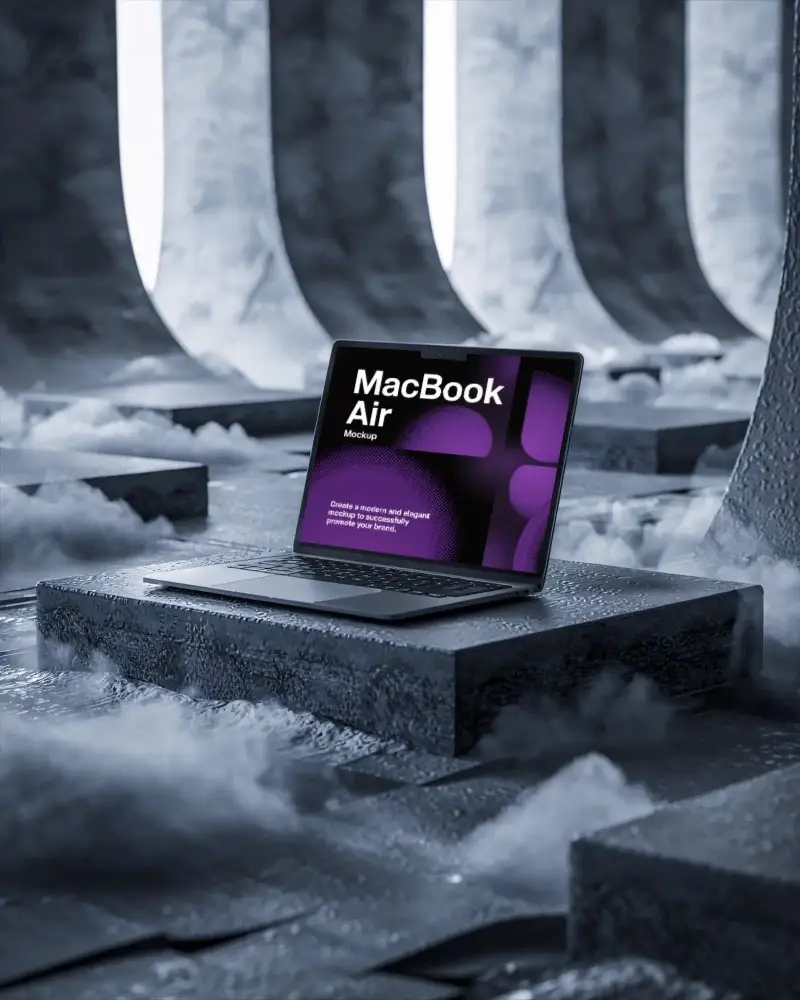
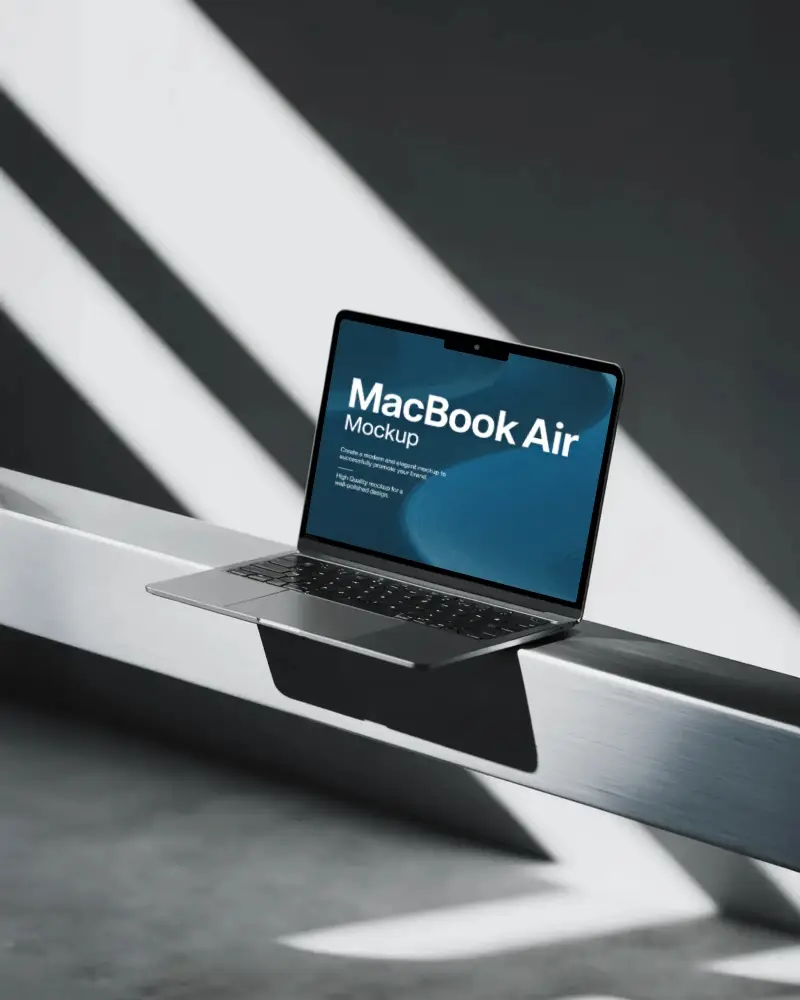
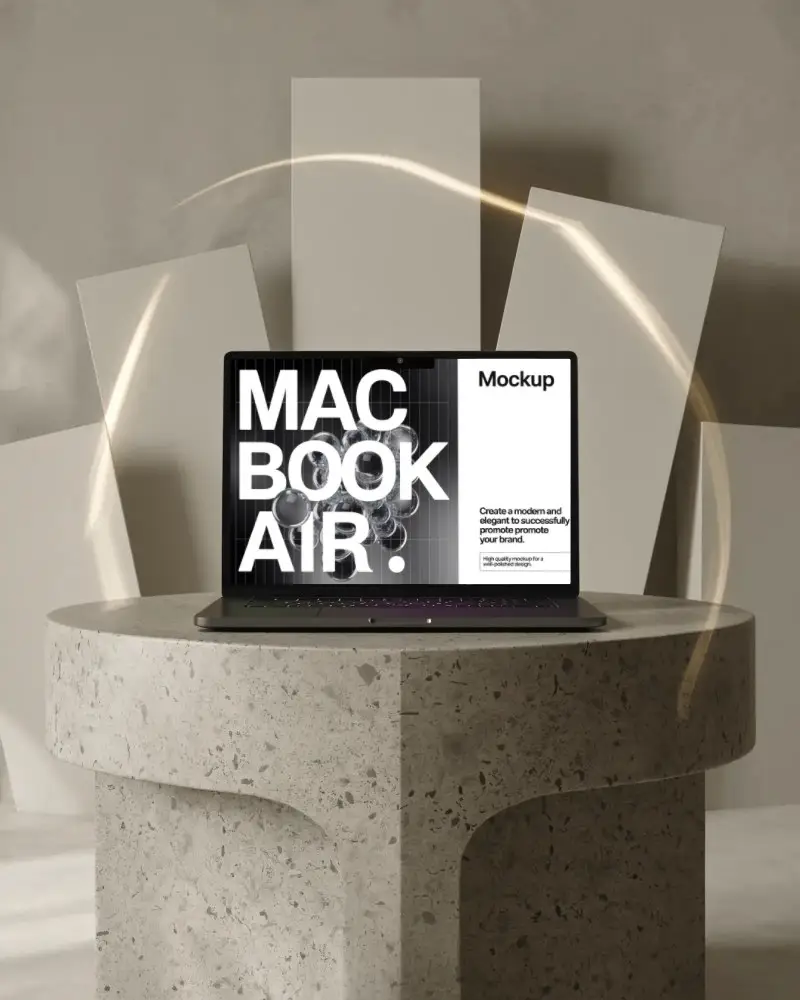
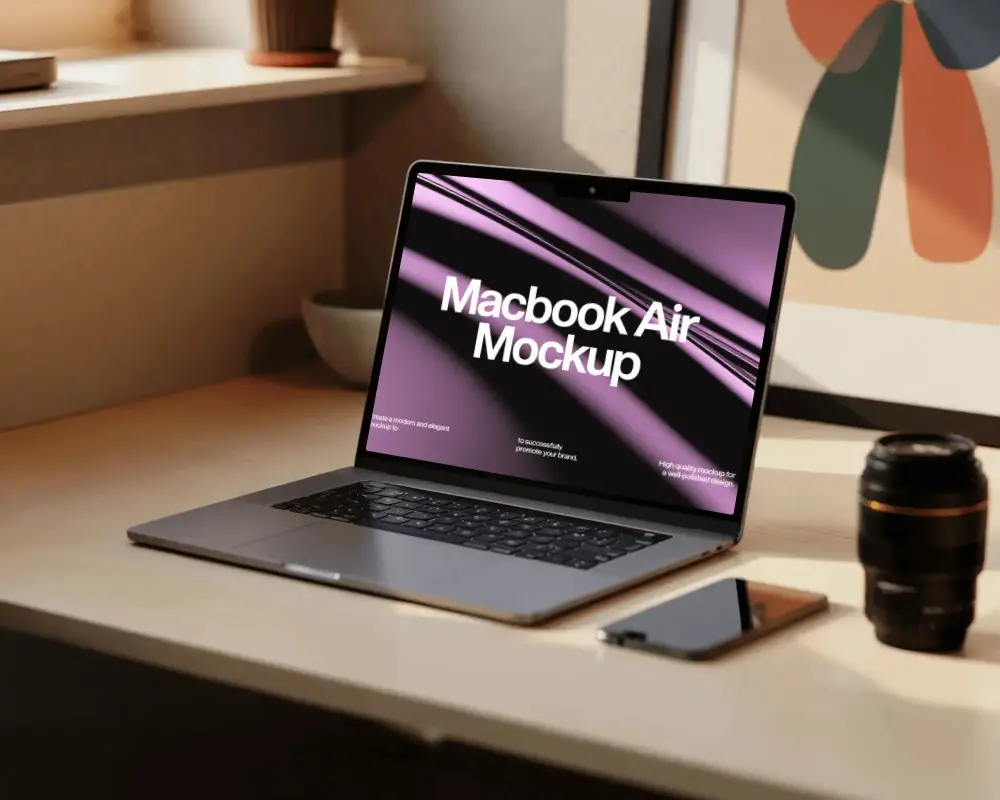
Bring your MacBook Air M3 designs to life with Mockey.ai mockups. Create realistic and professional visuals effortlessly to impress clients and boost your design portfolio.
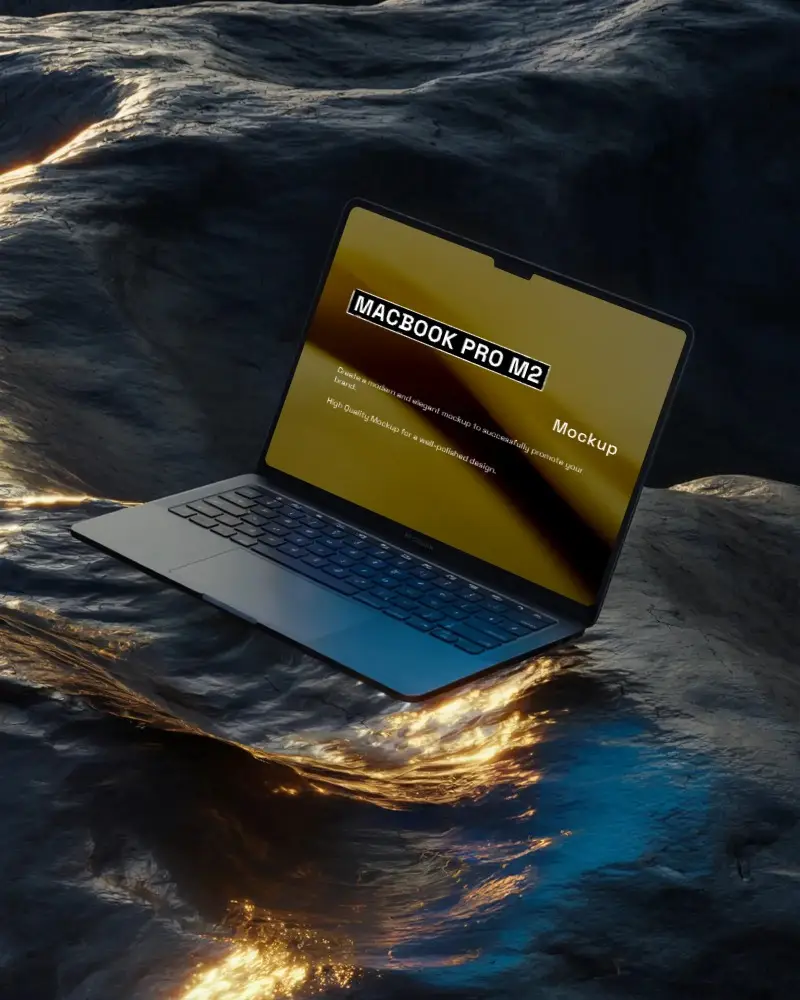
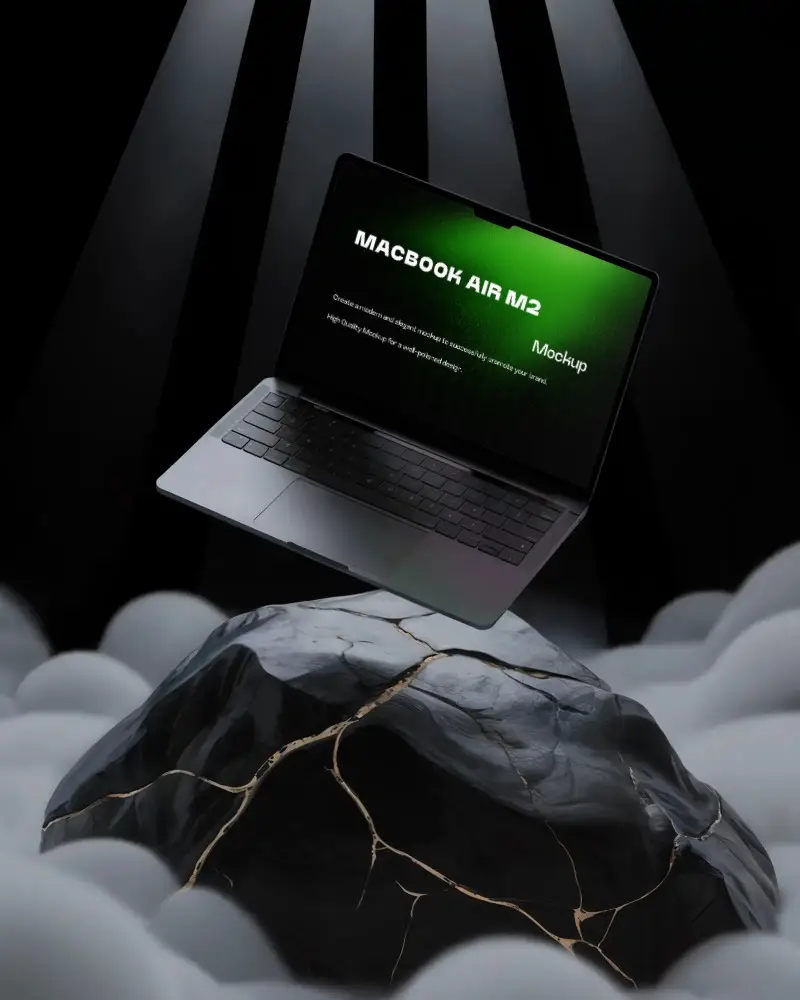
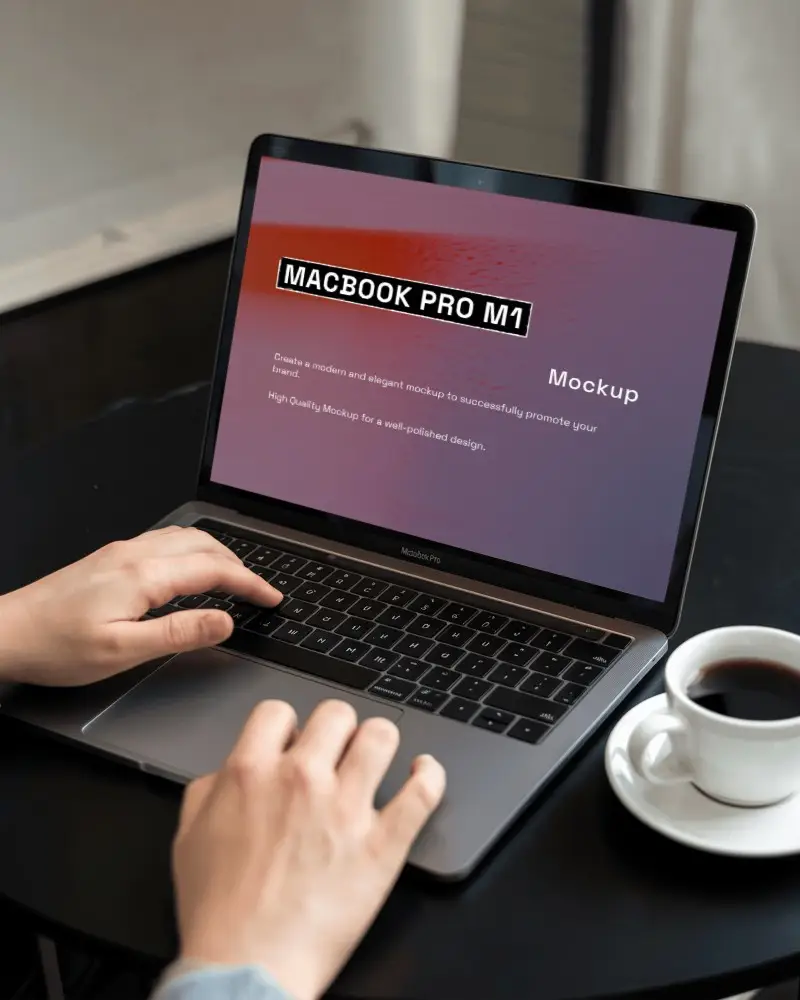
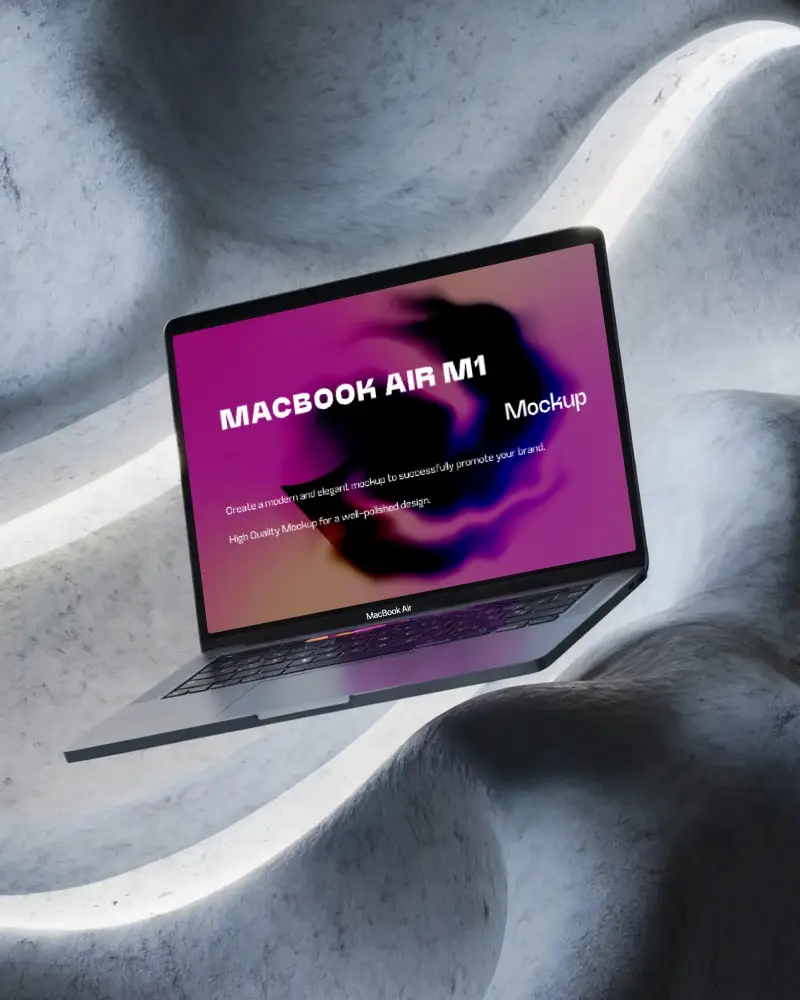
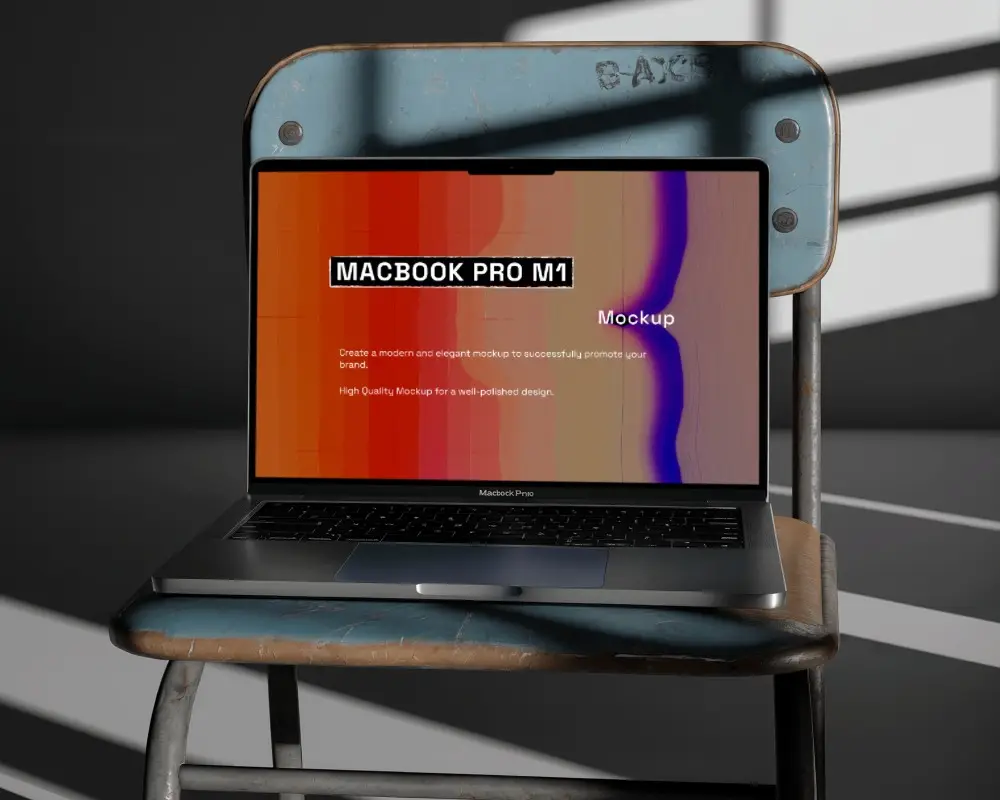
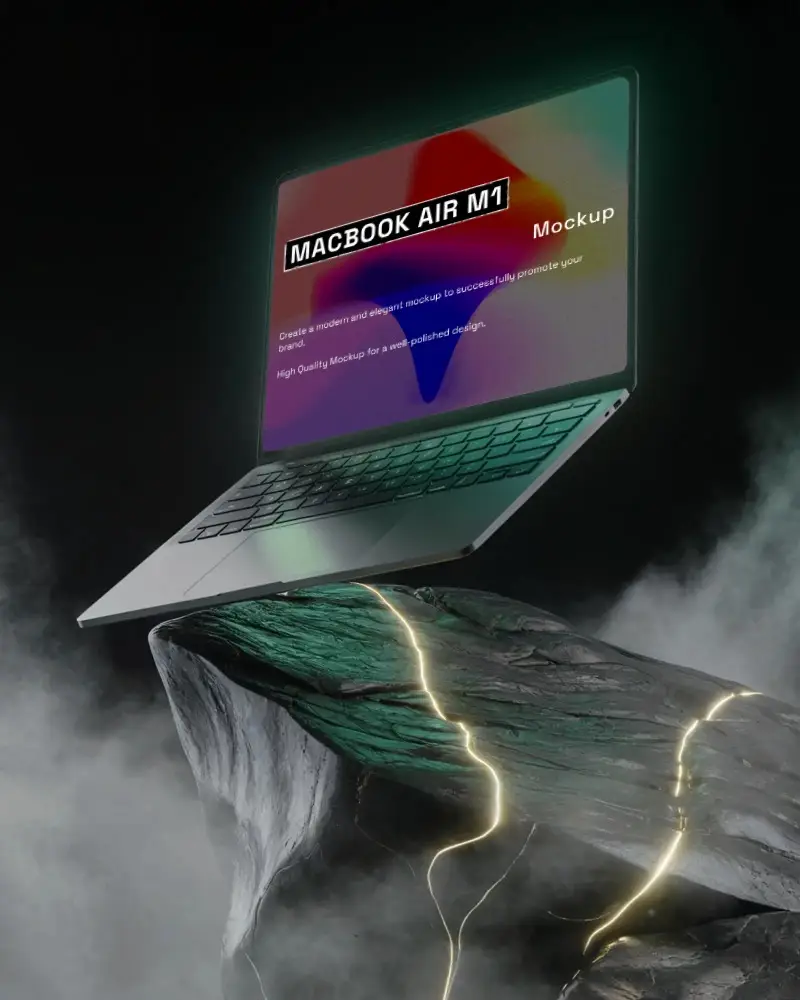
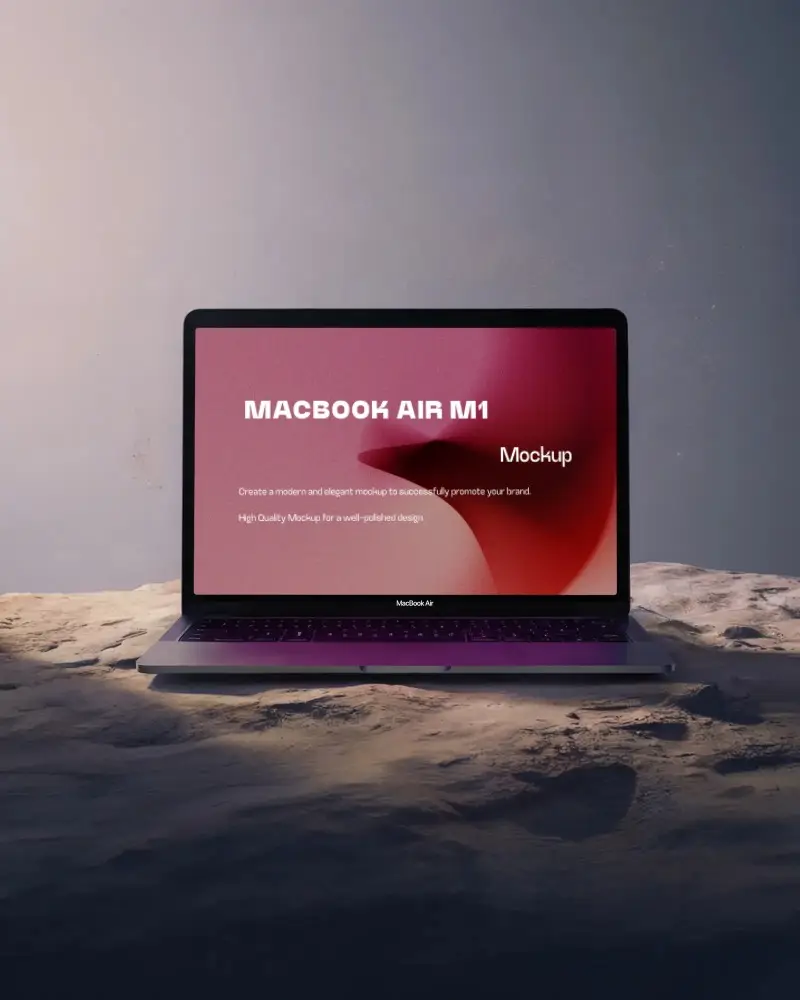
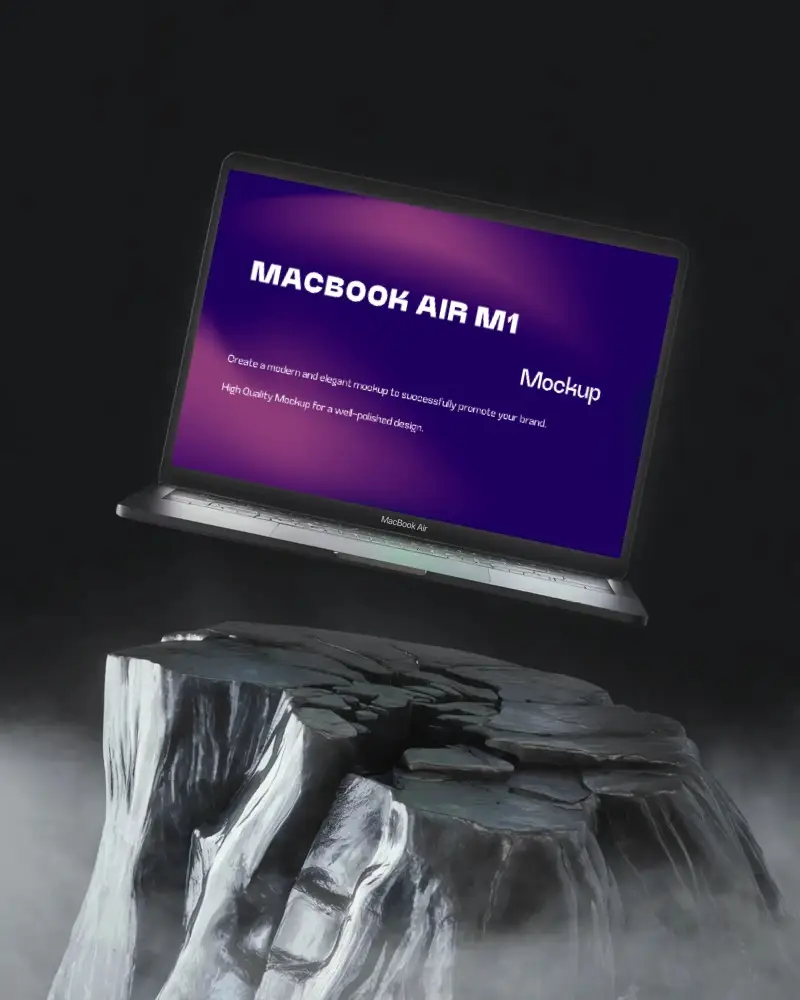
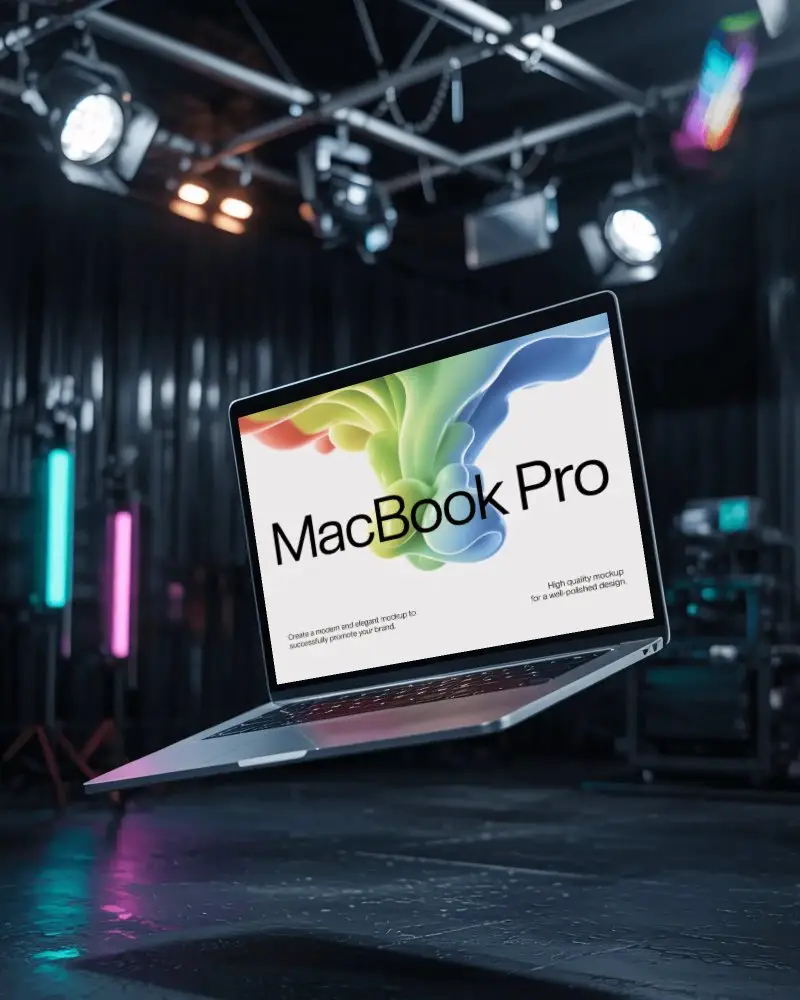
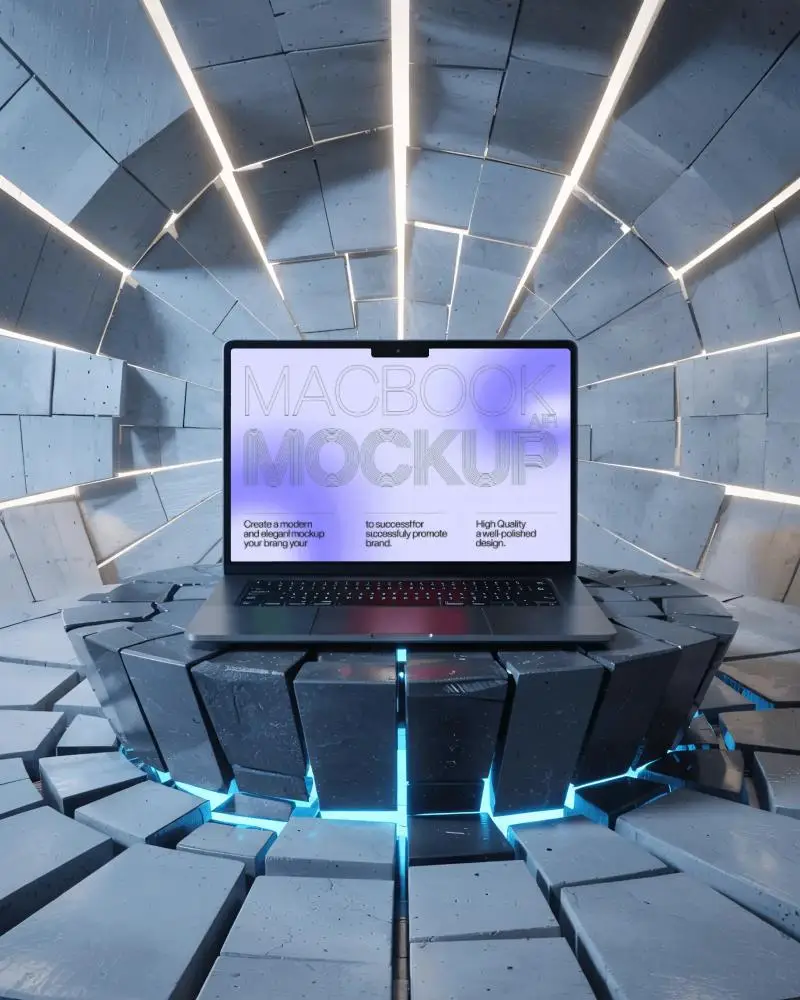
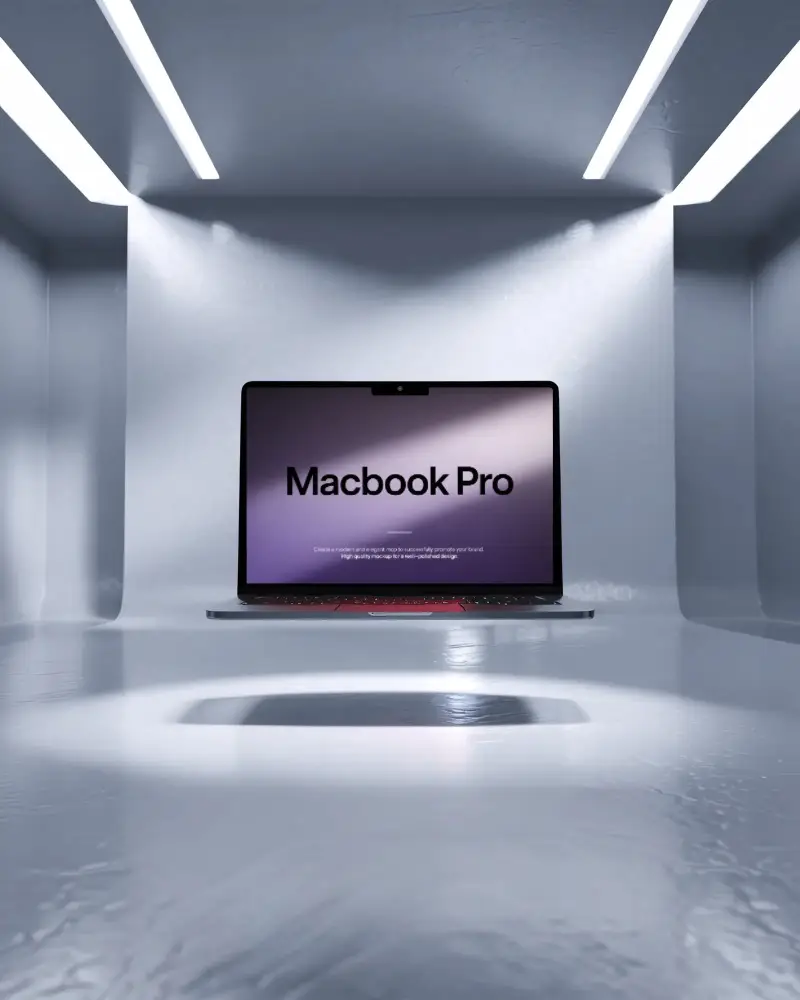
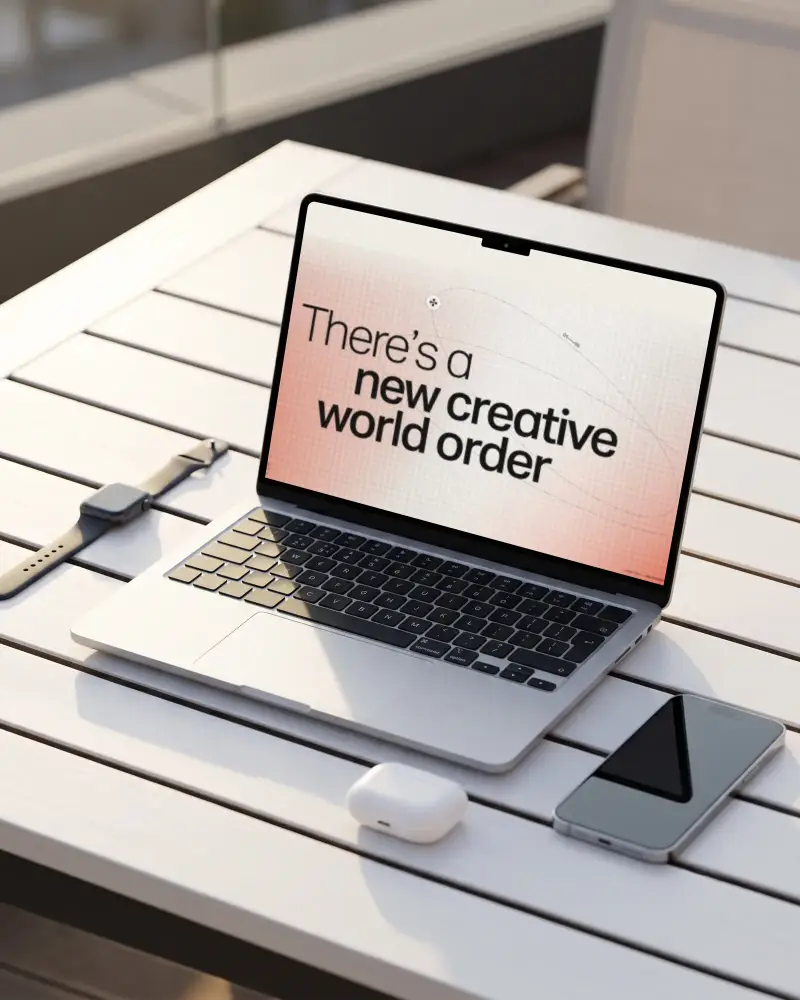


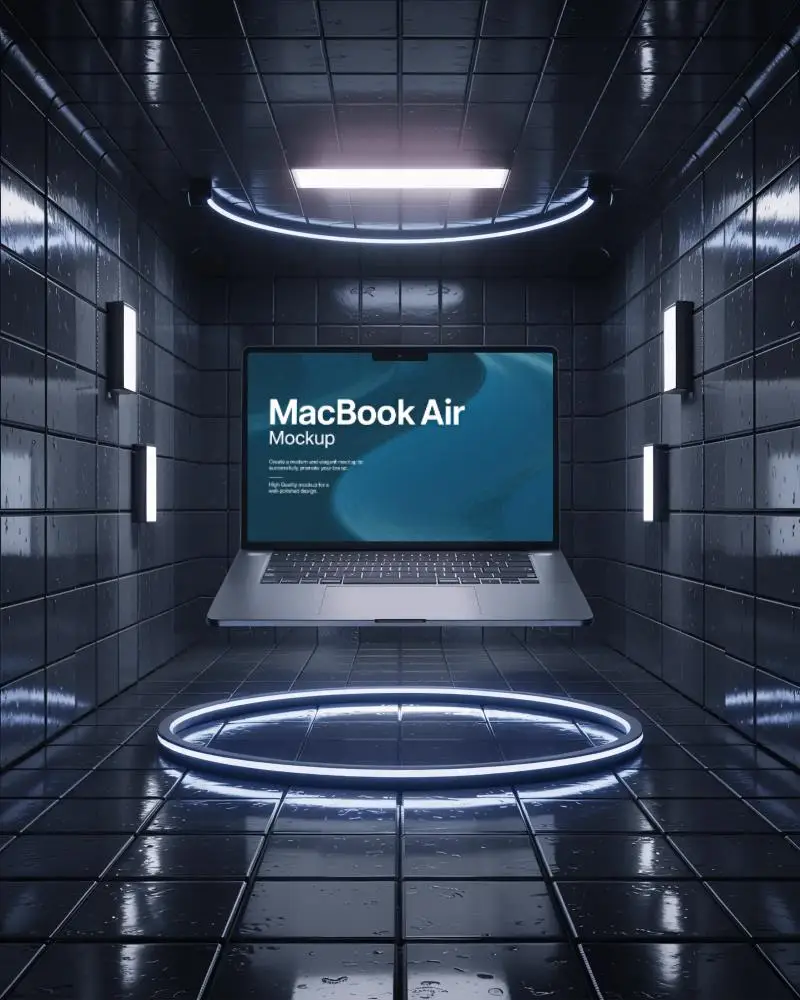

How to Create a MacBook Air M3 Mockup with Mockey
Follow these steps to design your MacBook Air M3 mockup easily using Mockey AI.
- Step 1: Sign up, go to "Mockups," and select "Tech." Choose "MacBook" from the list of options.
- Step 2: Use the "MacBook Air M3" tag before selecting your preferred template.
- Step 3: Upload your design, adjust placement, colors, and lighting, then download your ready-to-use MacBook Air M3 mockup.


FAQs on Macbook Air M3 Mockups
What is a MacBook Air M3 mockup?
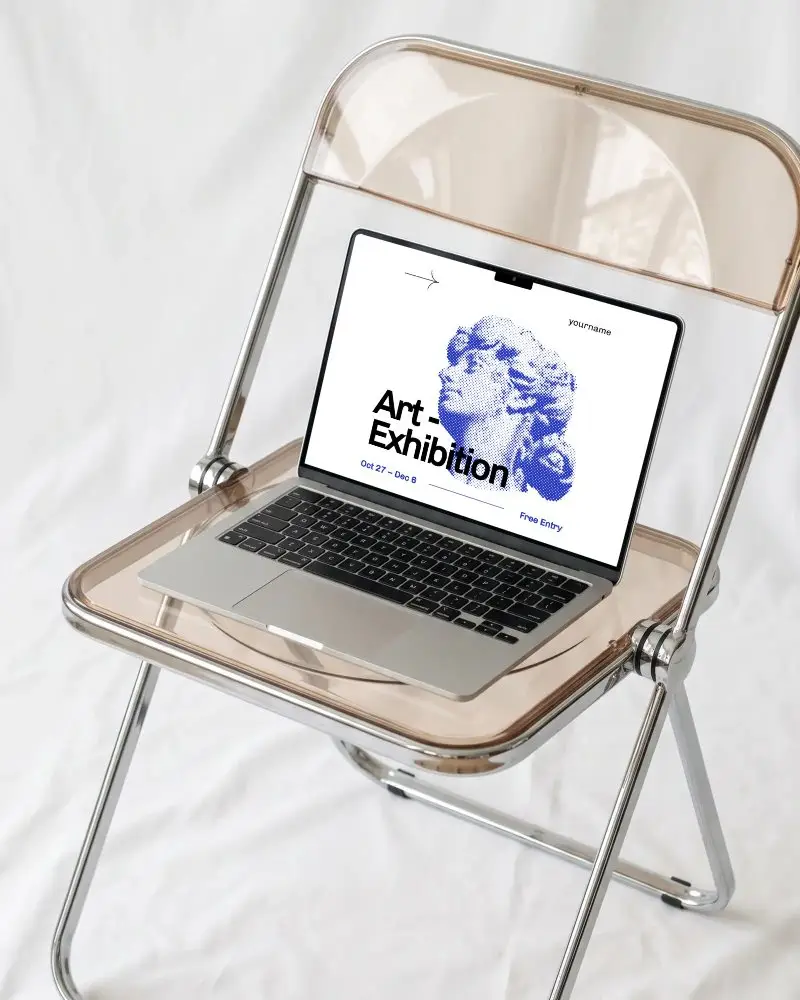
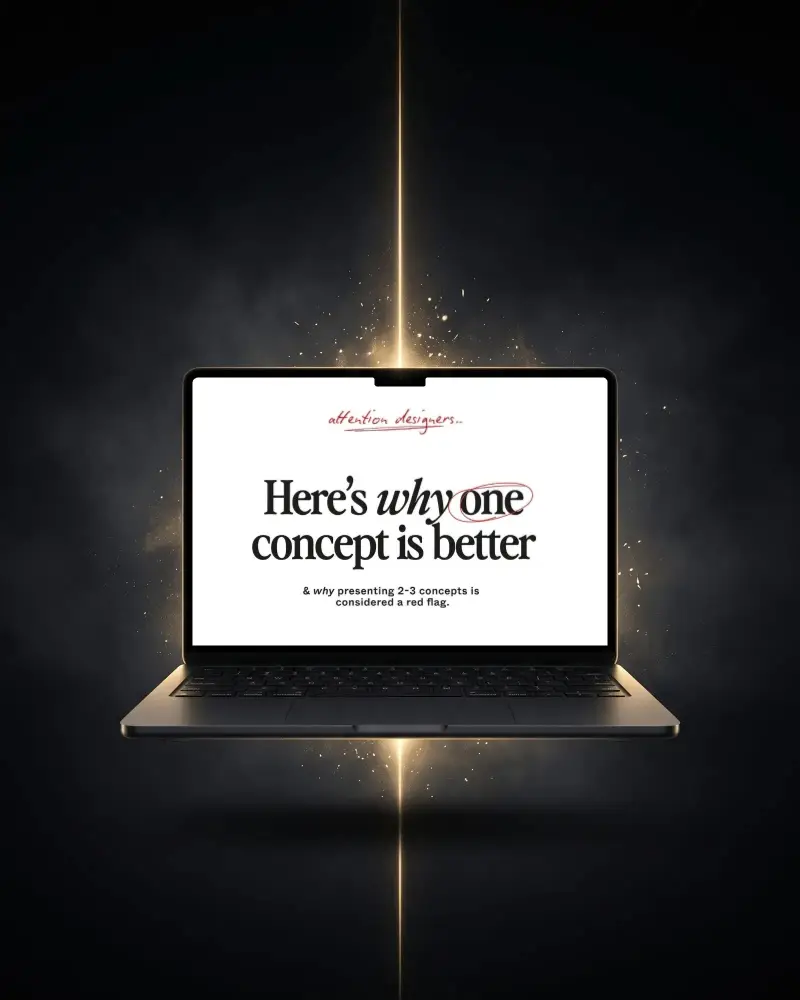
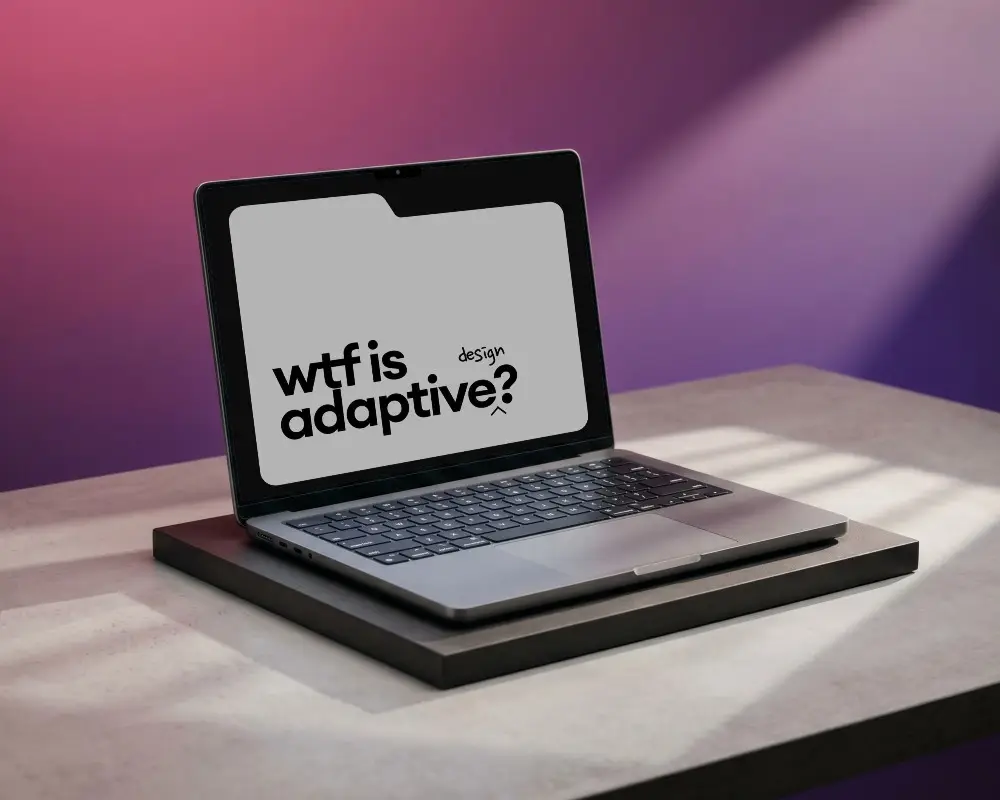
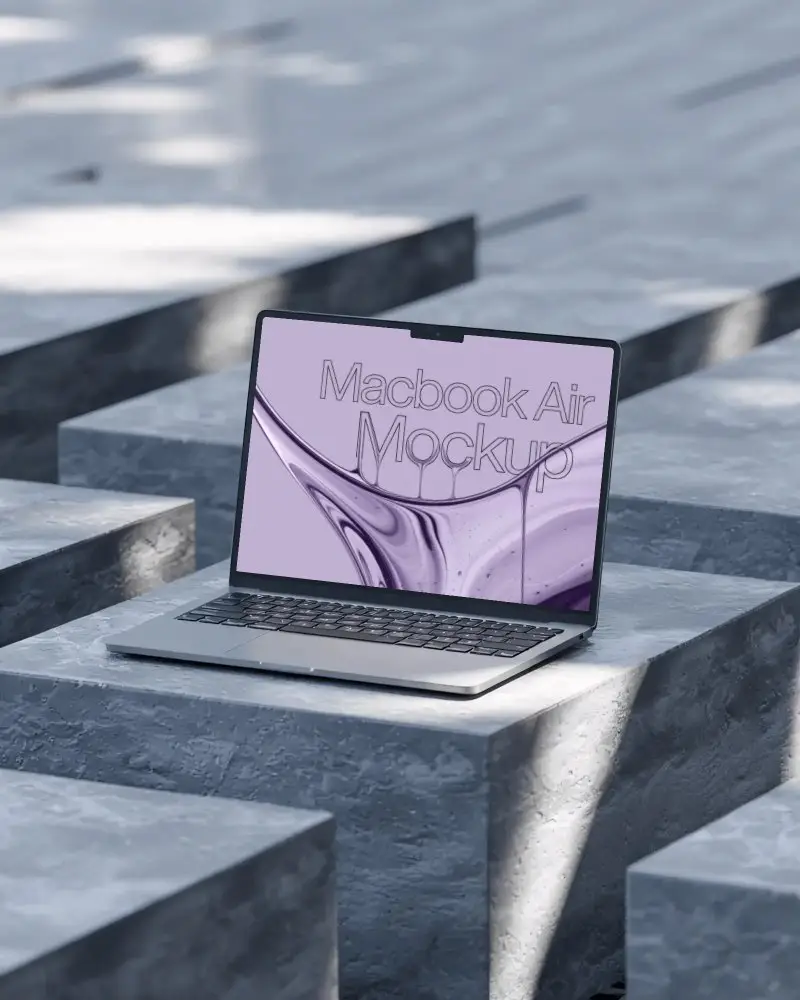
A MacBook Air M3 mockup is a realistic design template that shows how your app or design will appear on a real MacBook Air with the M3 chip. Designers use Mockey AI’s mockup generator to create professional previews directly on screen.
Why should I use a MacBook Air M3 mockup?
Use a MacBook Air M3 mockup to present your app design or screenshots on a modern device frame. You can emphasize its powerful M3 chip performance, showcasing designs ideal for video editing, AI tools, or creative applications.
Who can benefit from a MacBook Air M3 mockup?
Designers can present work, refine interfaces, and build portfolios. Marketers use it to create engaging visuals and client previews. Developers showcase app prototypes and gather user feedback efficiently.
Can I add my screen design to the MacBook Air M3 mockup?
Yes! In Mockey AI’s MacBook Air M3 mockup, you can insert any app design, screenshot, or UI preview. Simply upload your image, adjust the crop, and download a professional, presentation-ready mockup.
