Realistic Free Macbook Air M2 Mockups
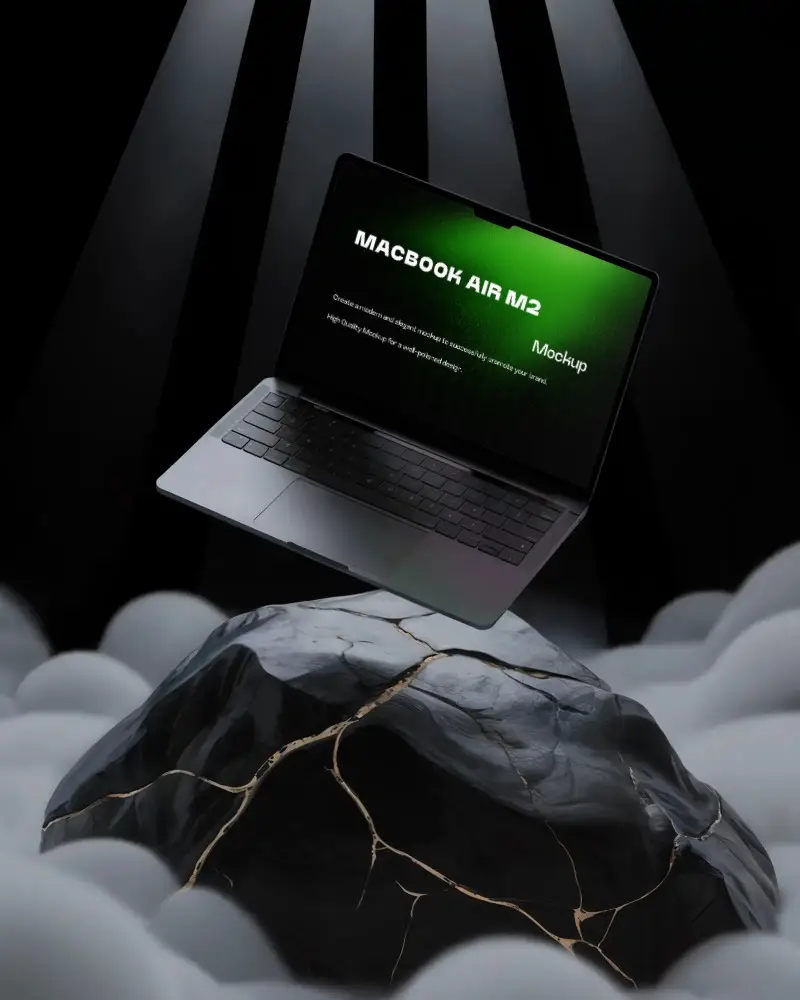
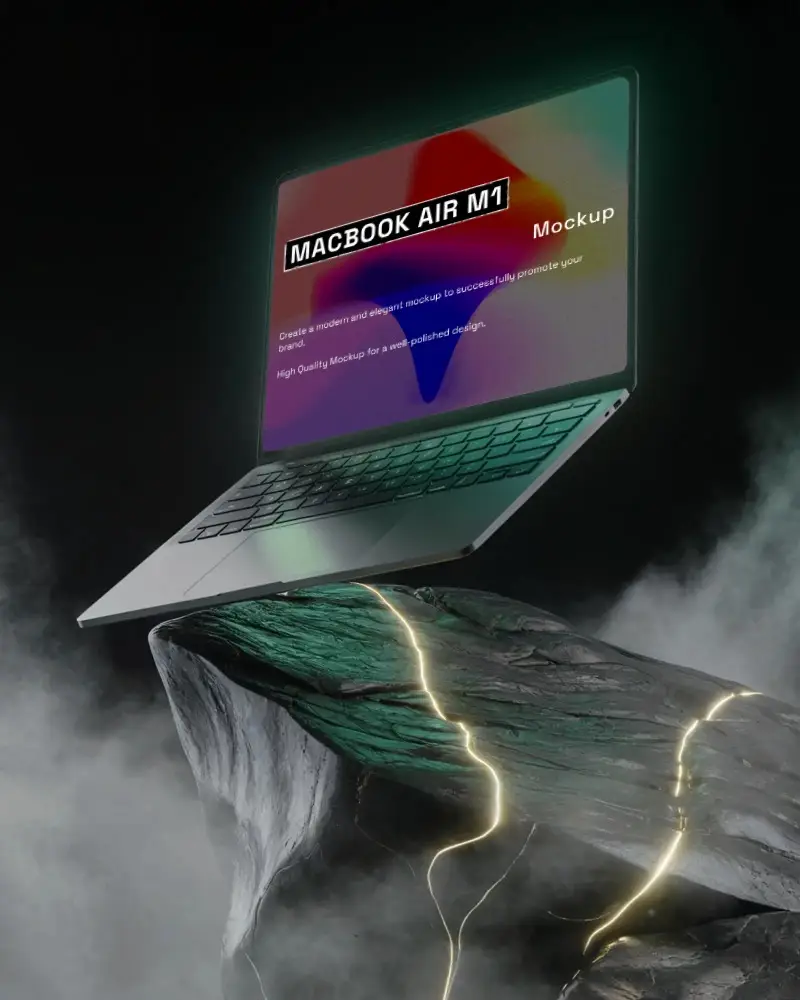
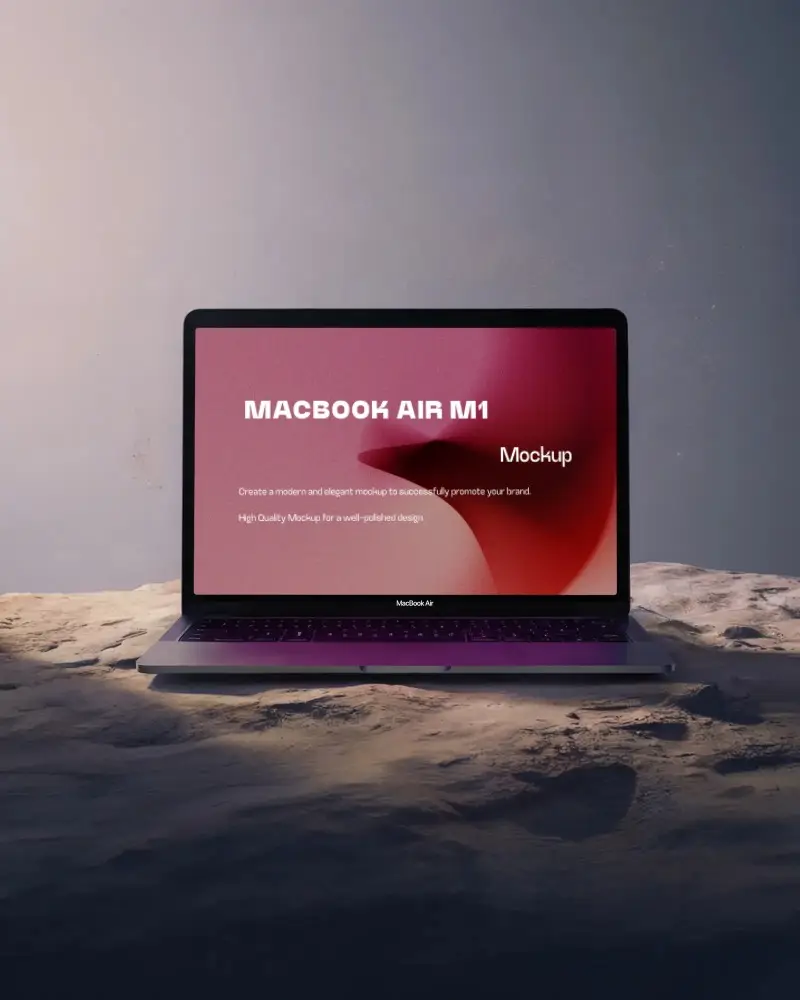
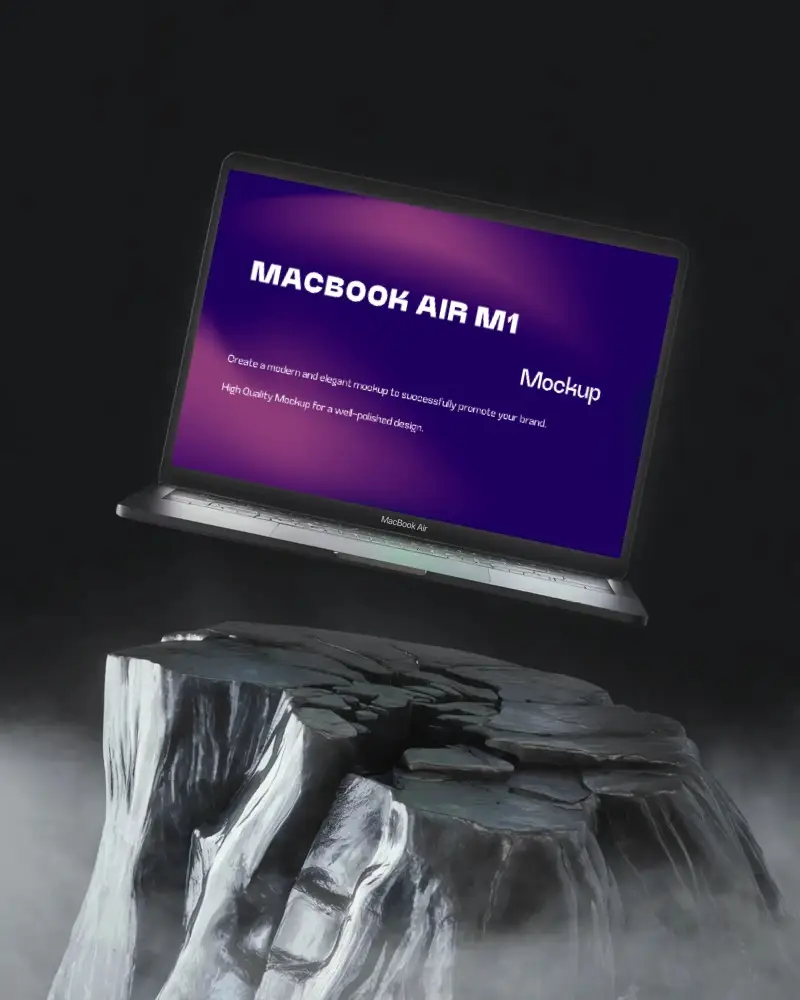
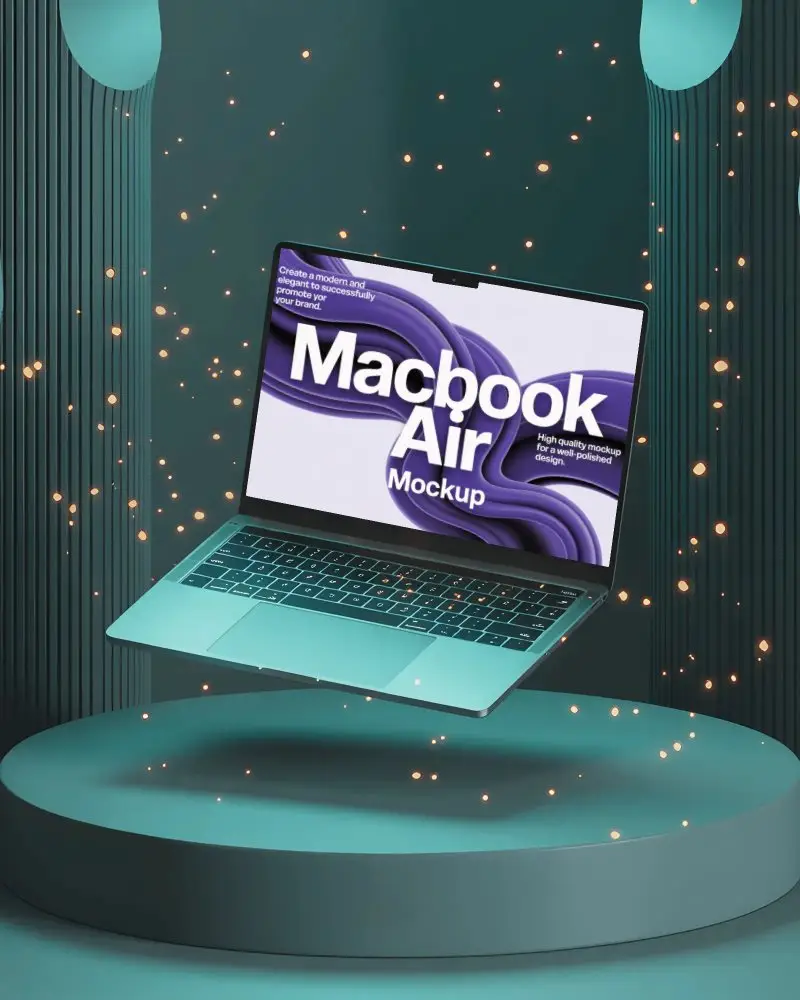
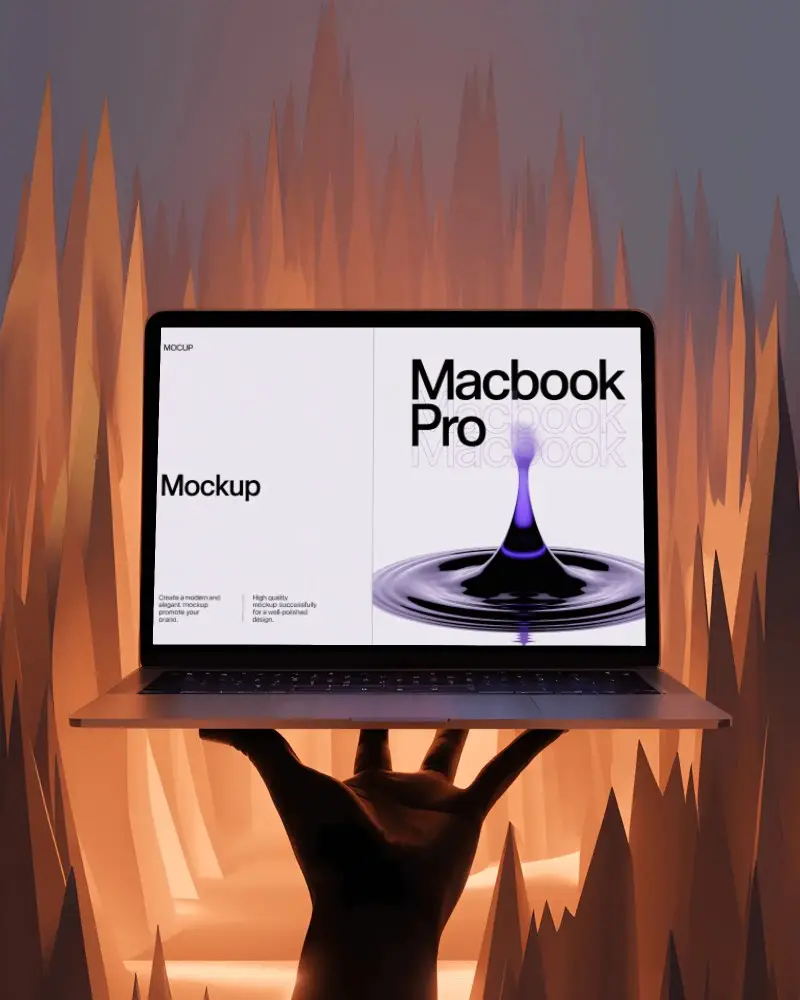
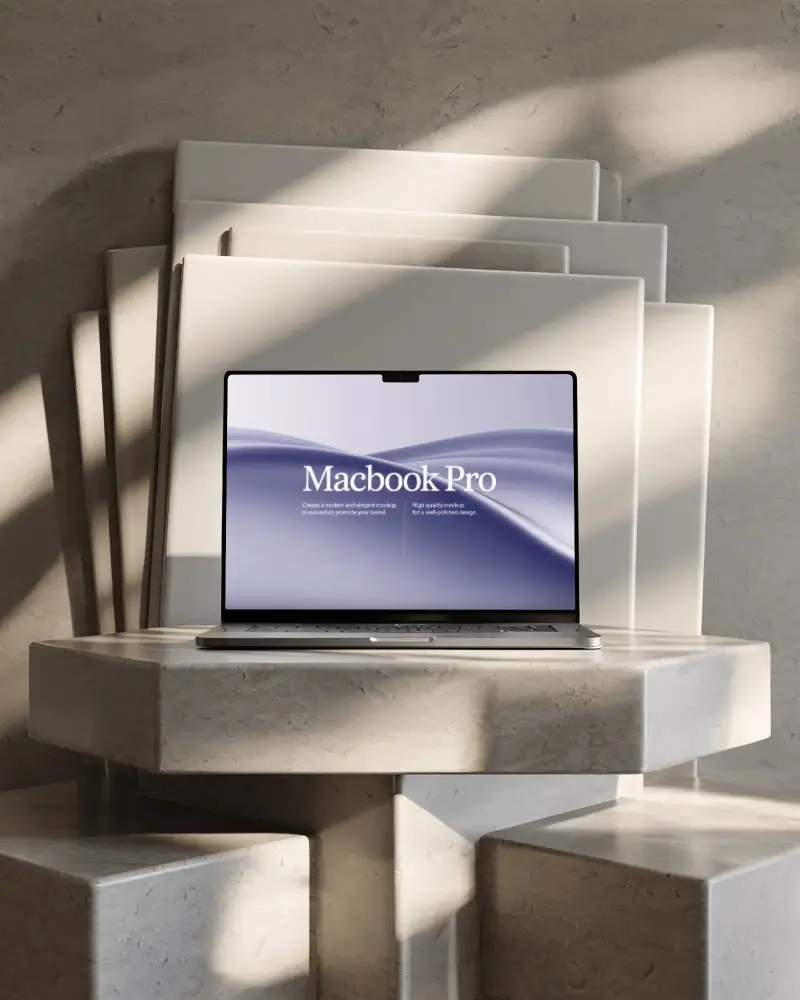
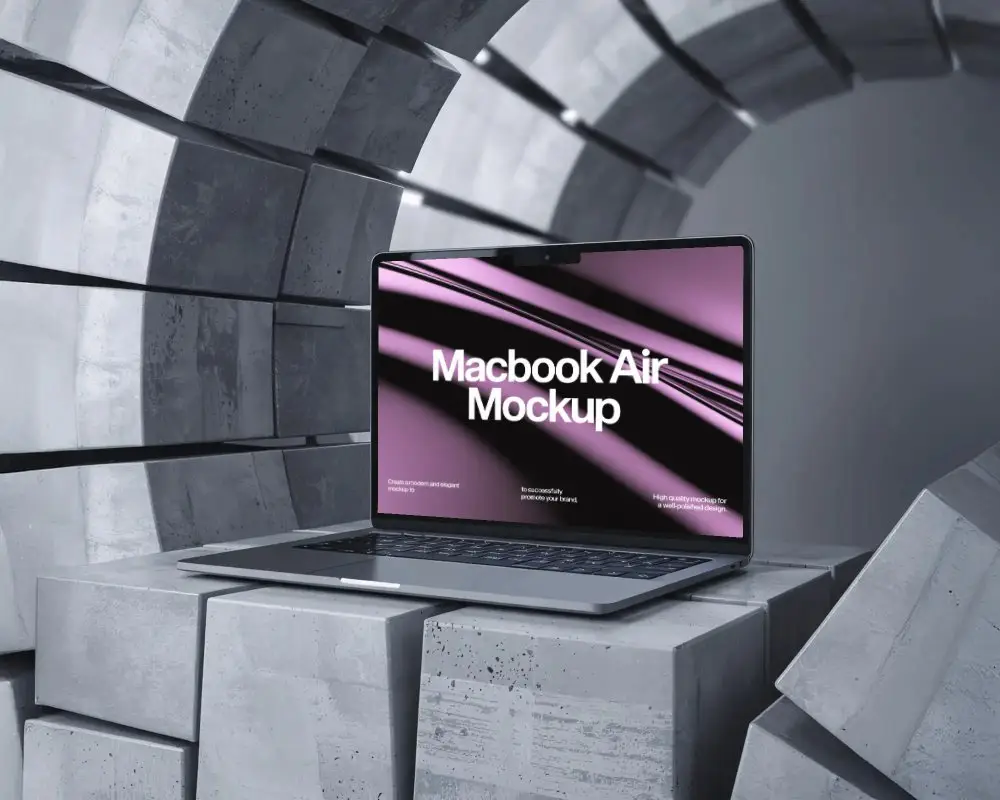
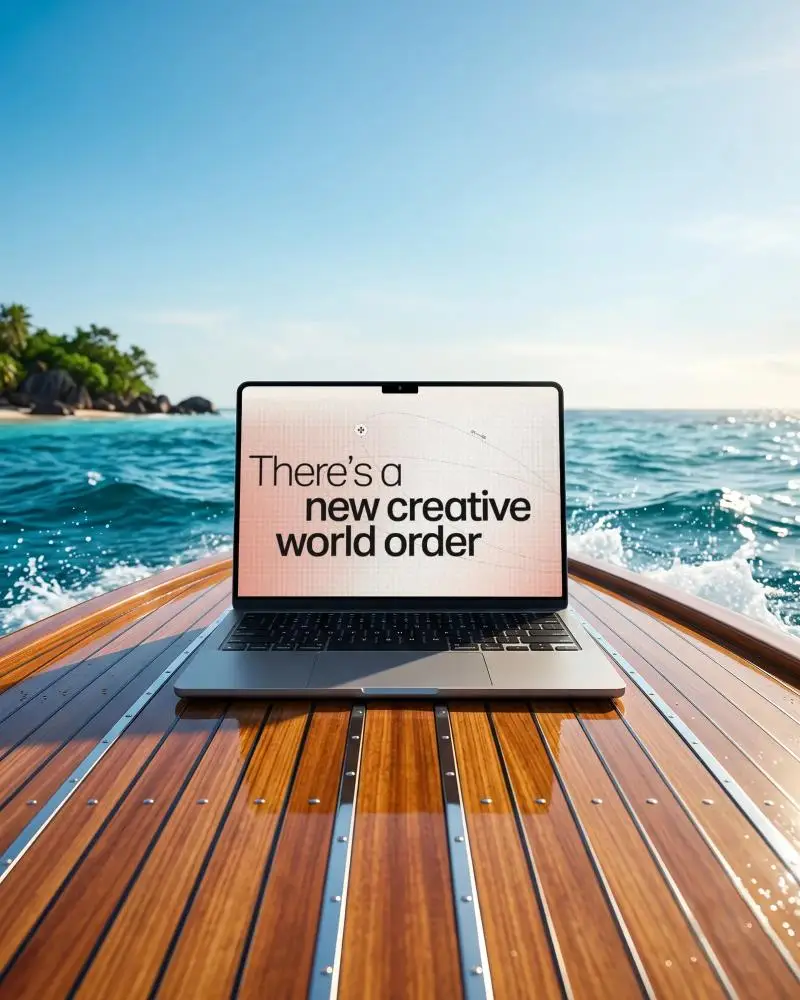
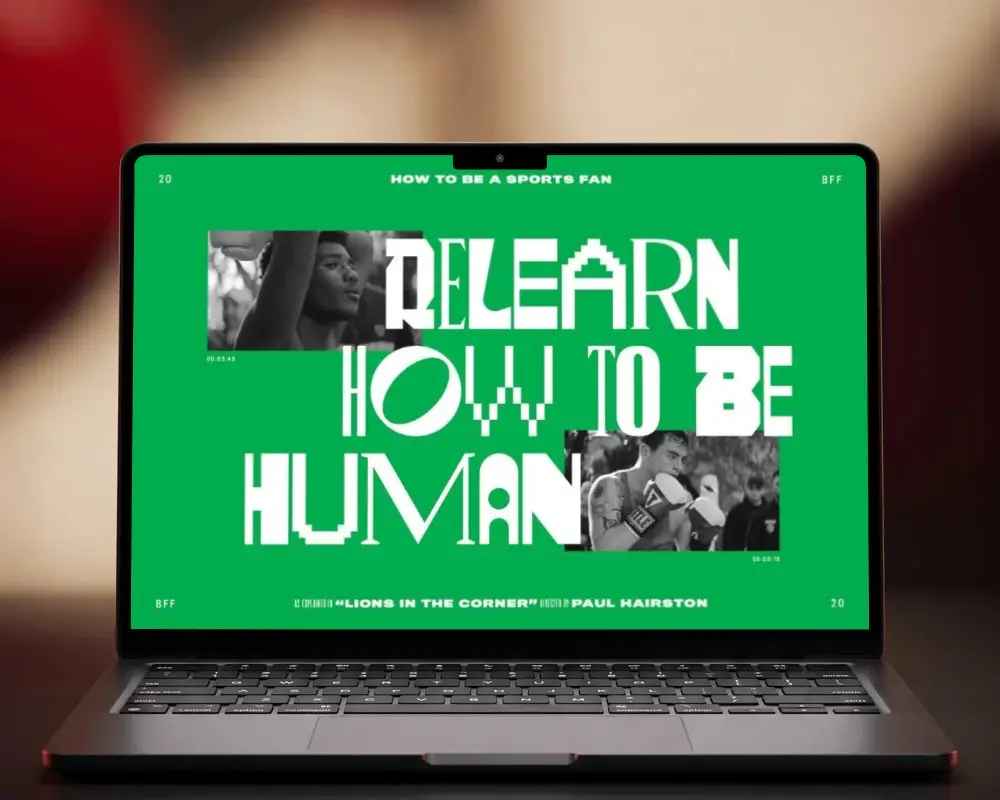
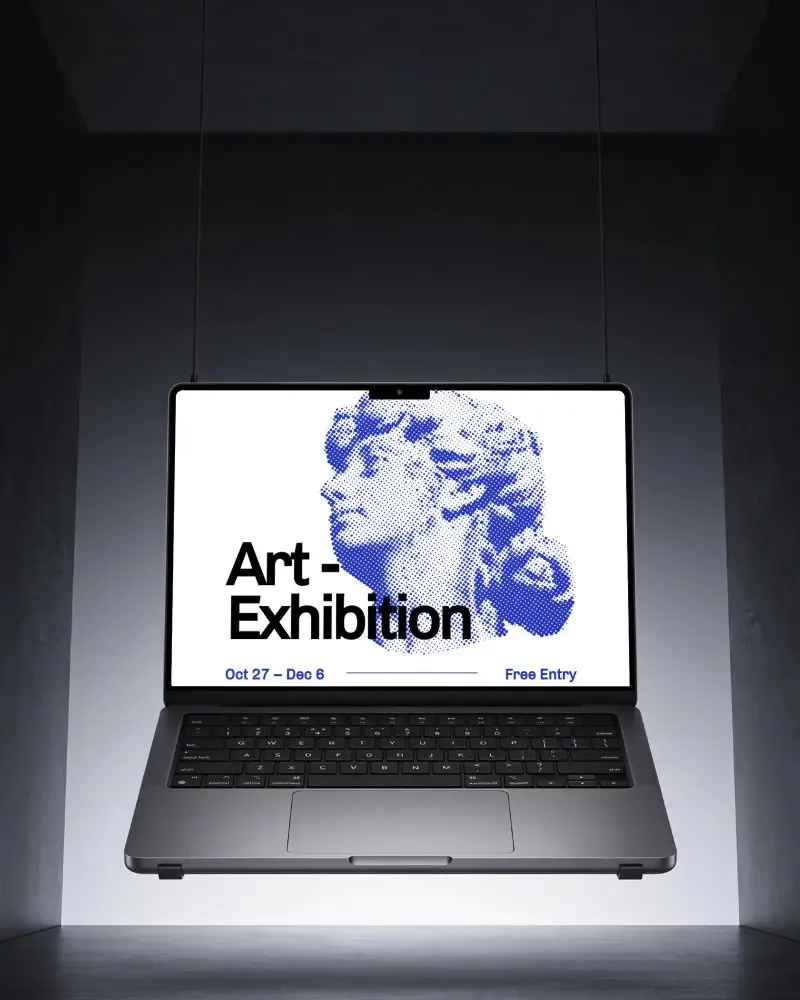
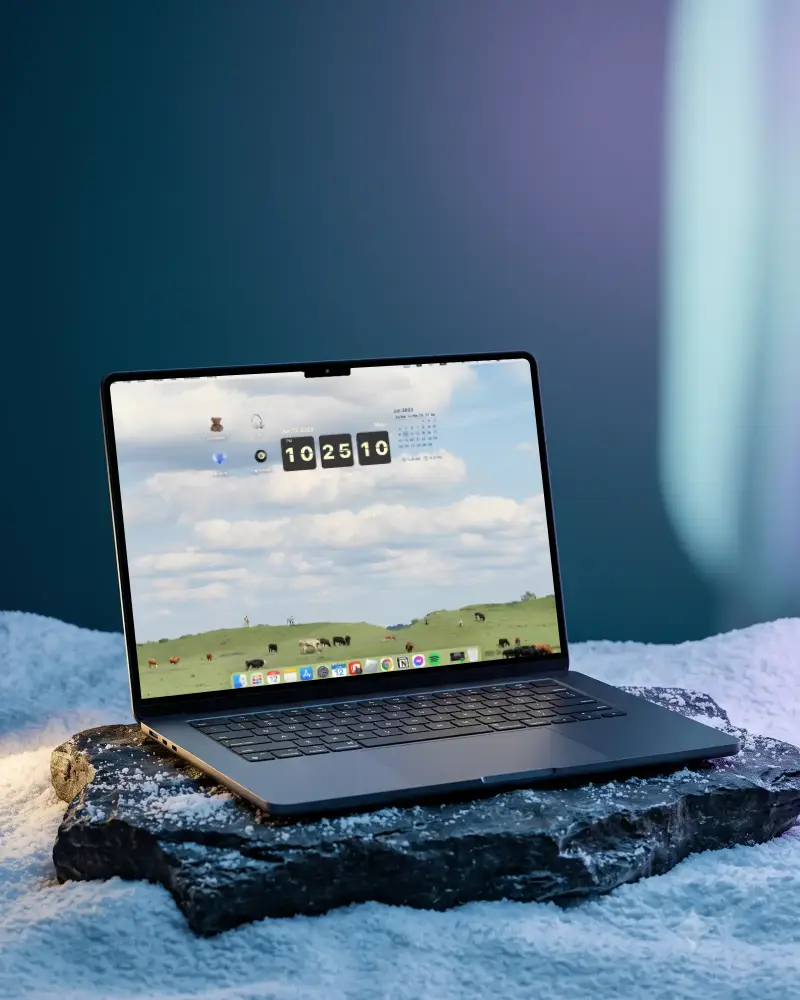
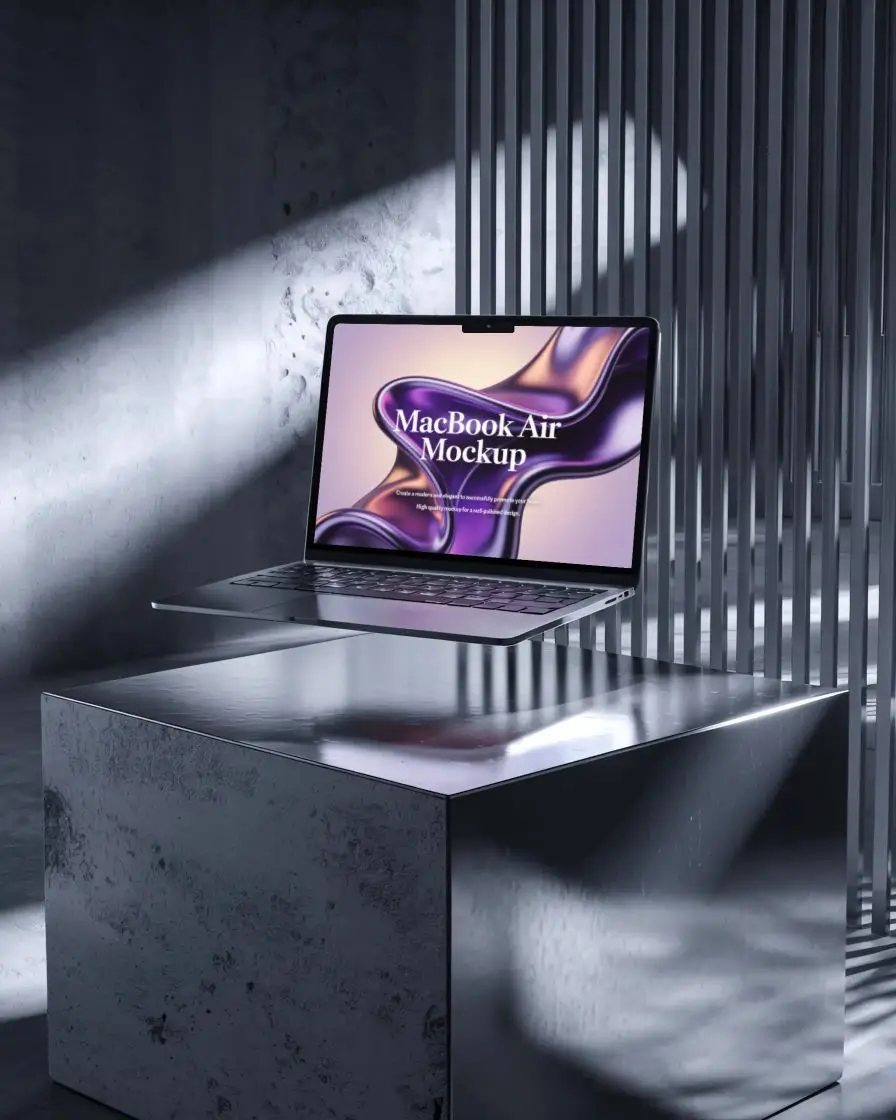
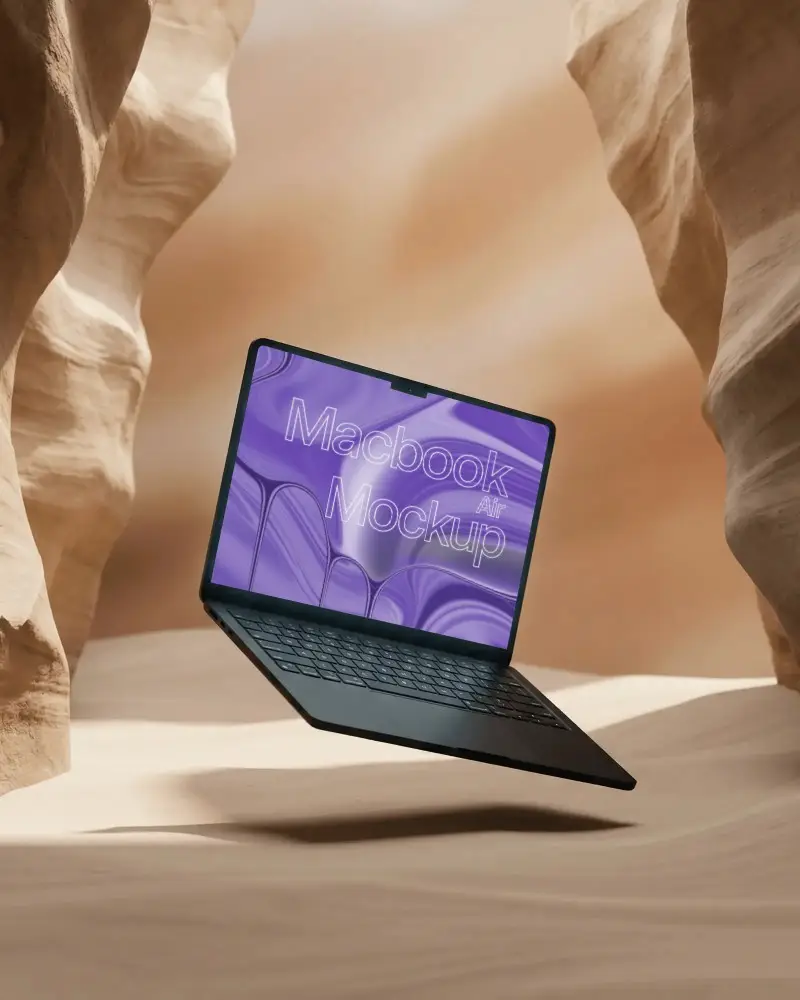
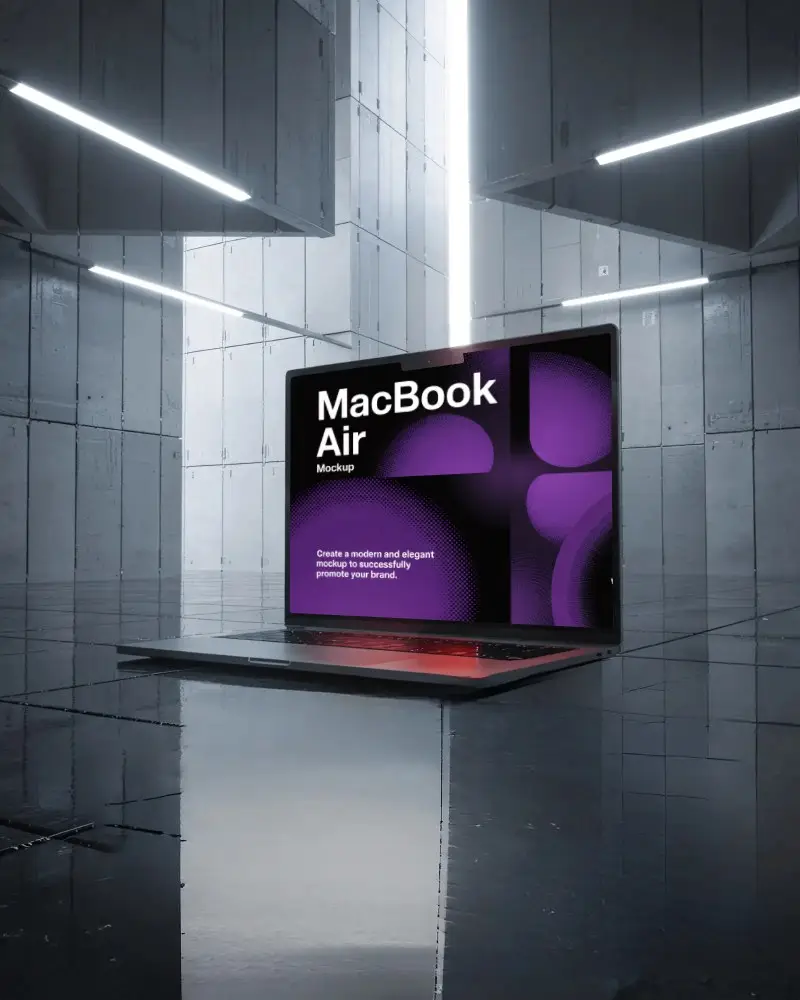
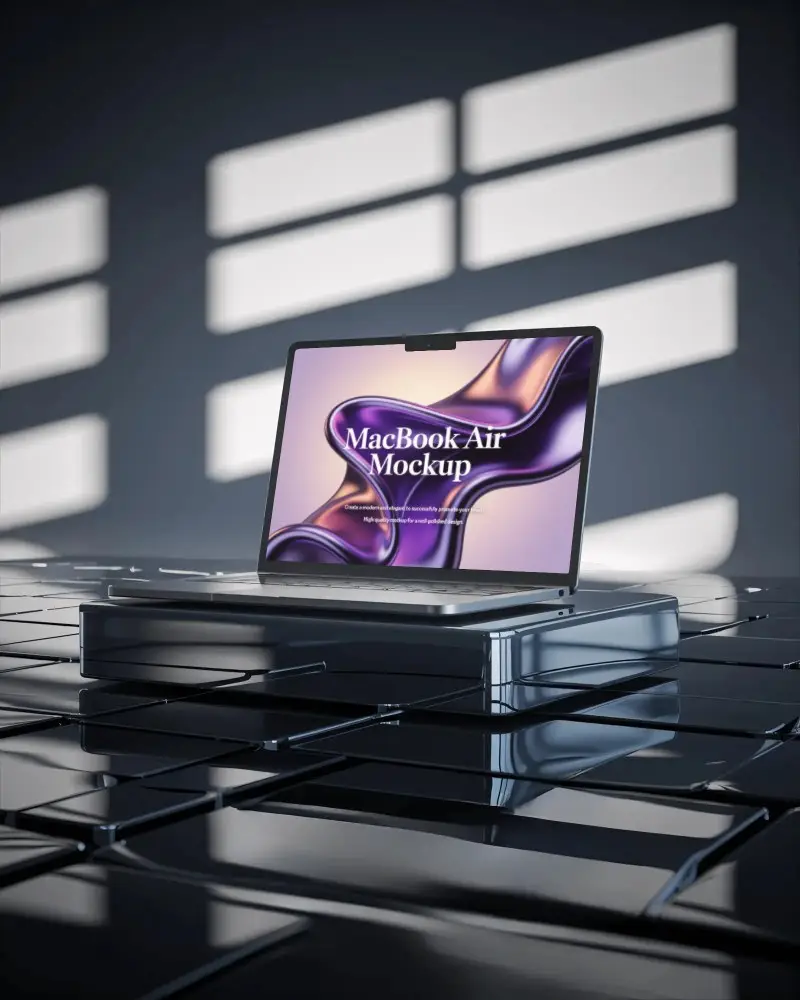
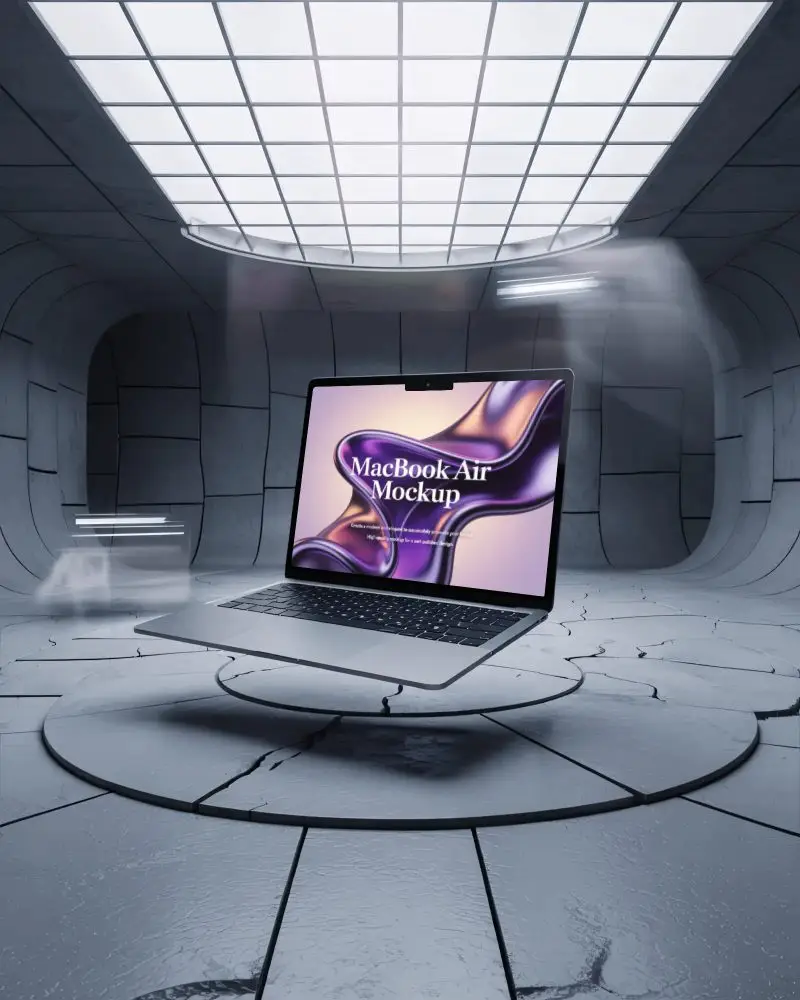
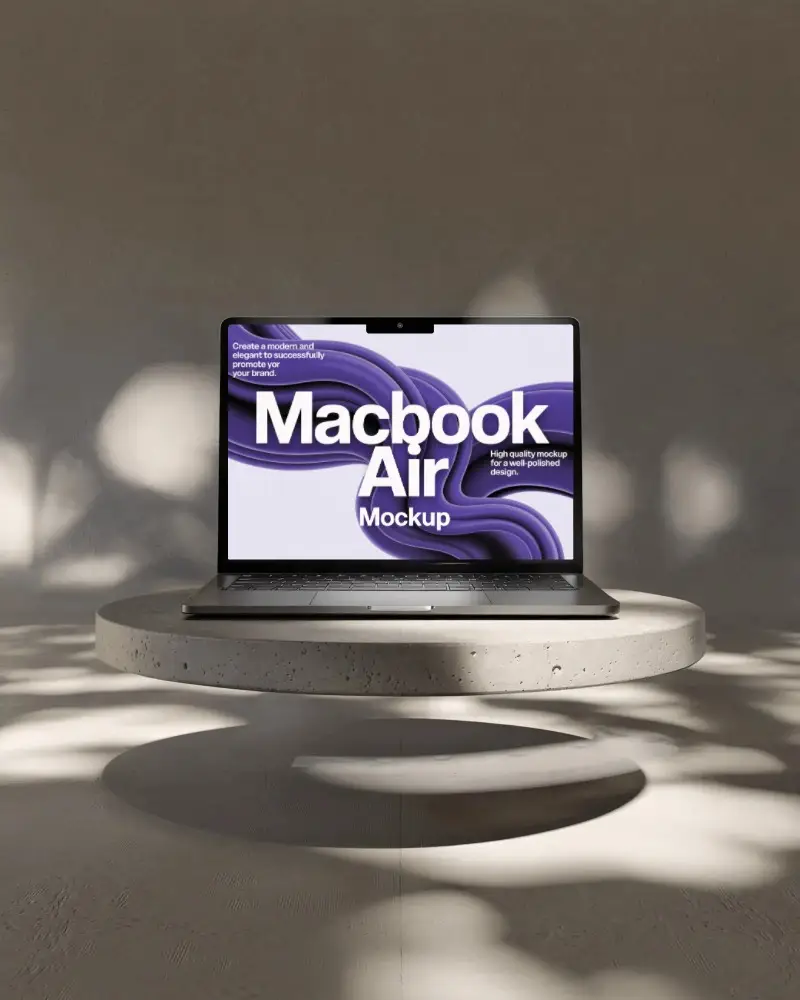
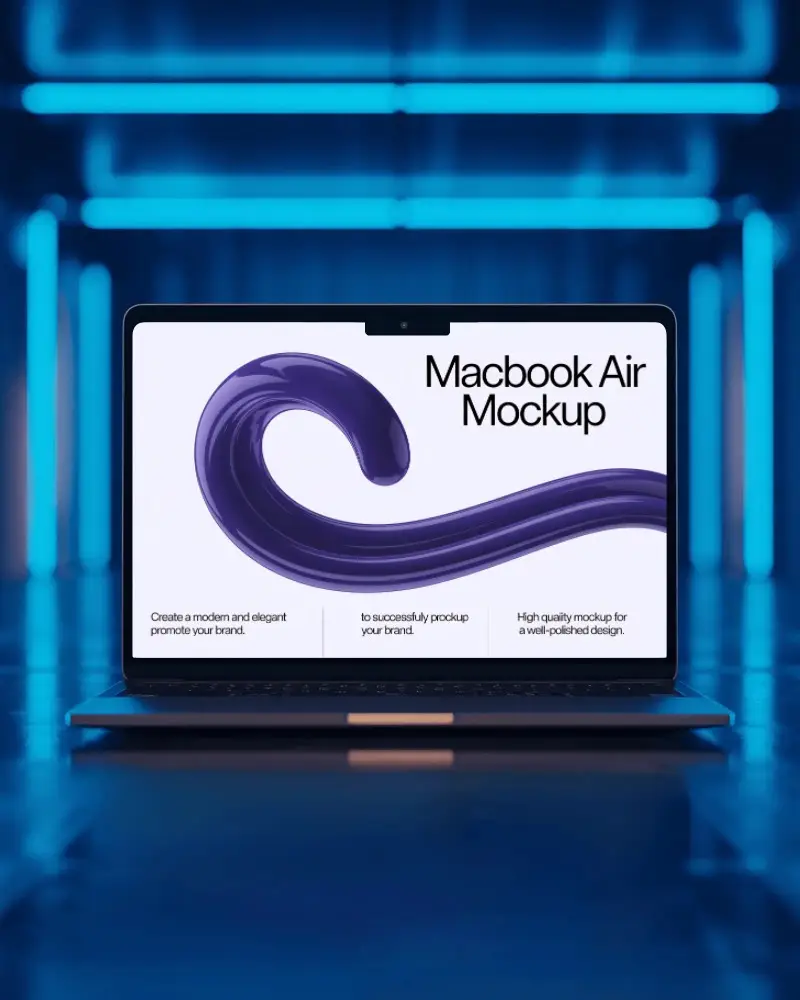
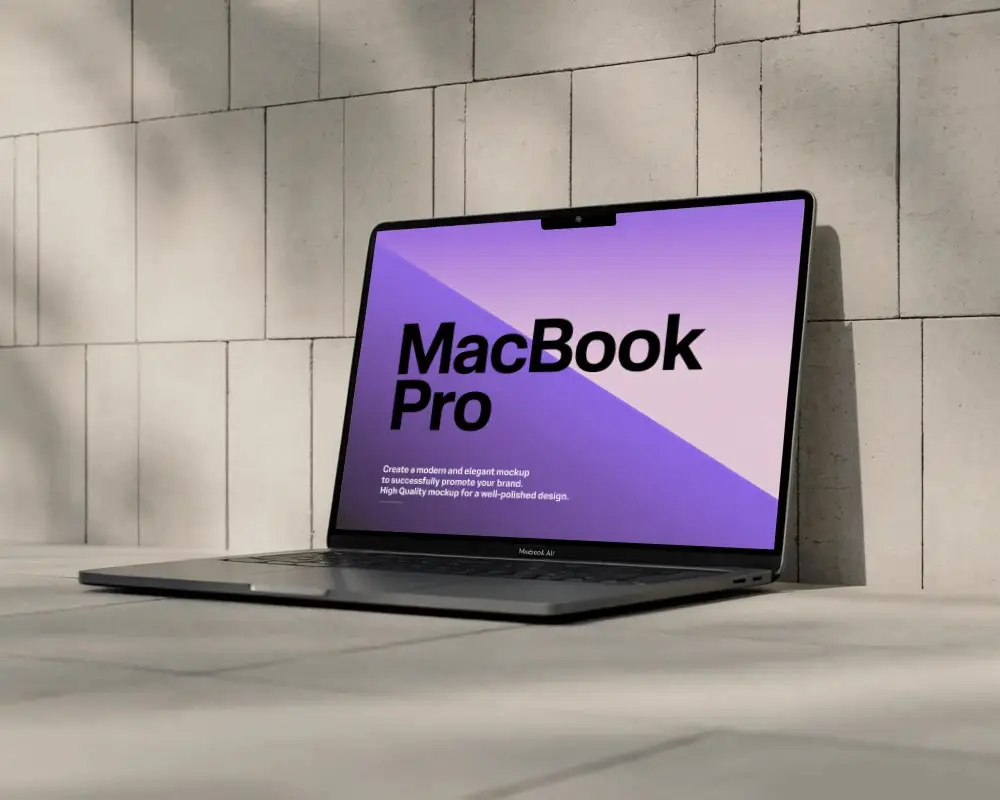
Free MacBook Air M2 mockups for everyone! High-resolution and easy to download. Upload your design on Mockey.ai and get stunning visuals in seconds.
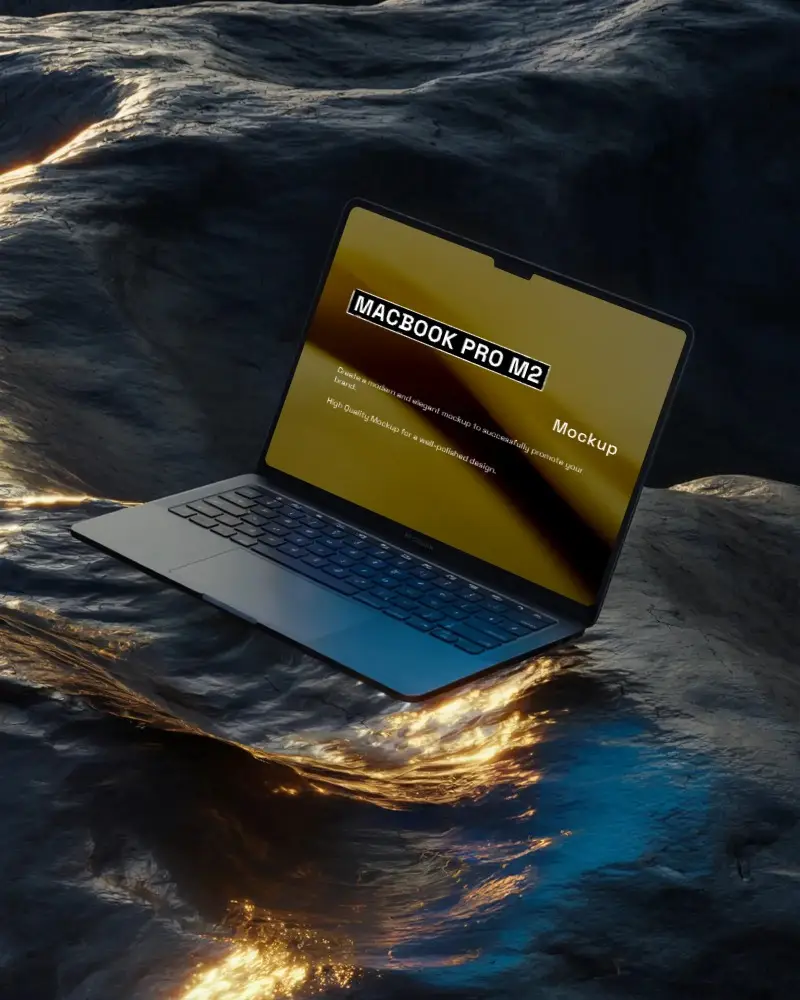
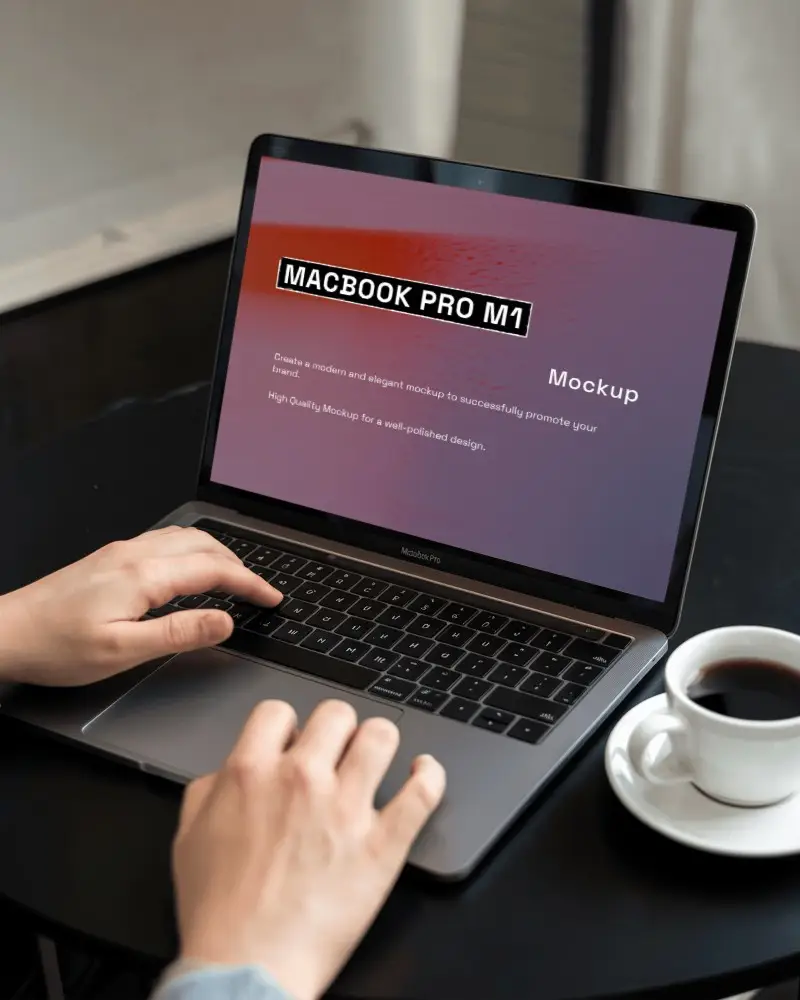
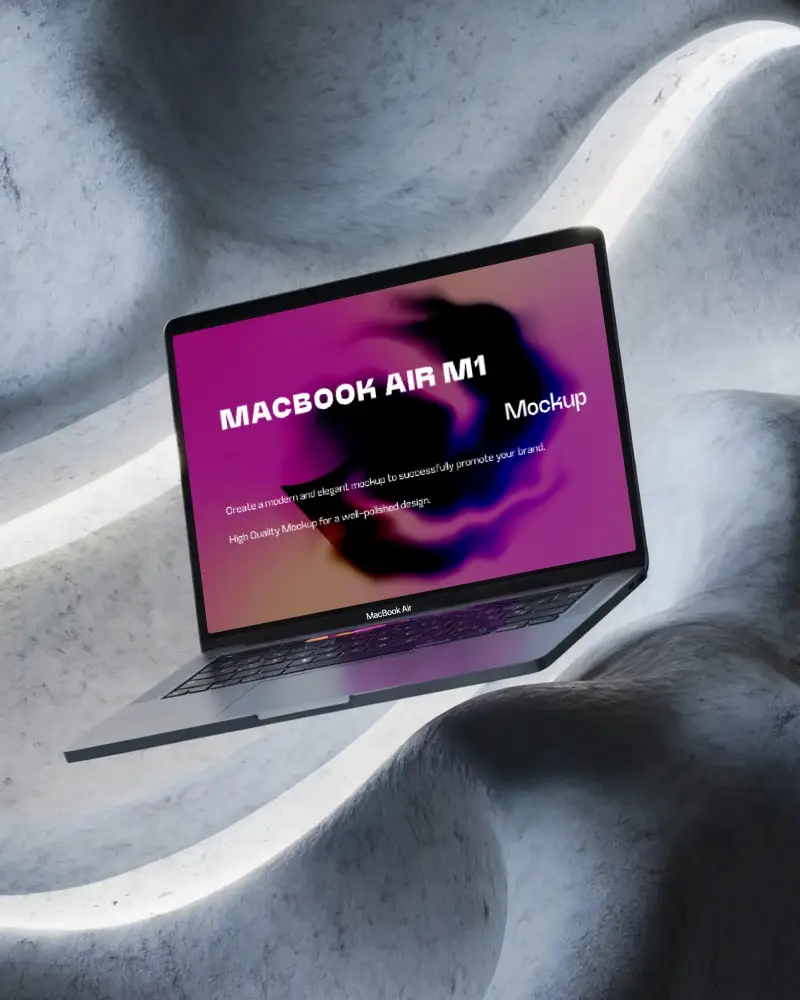
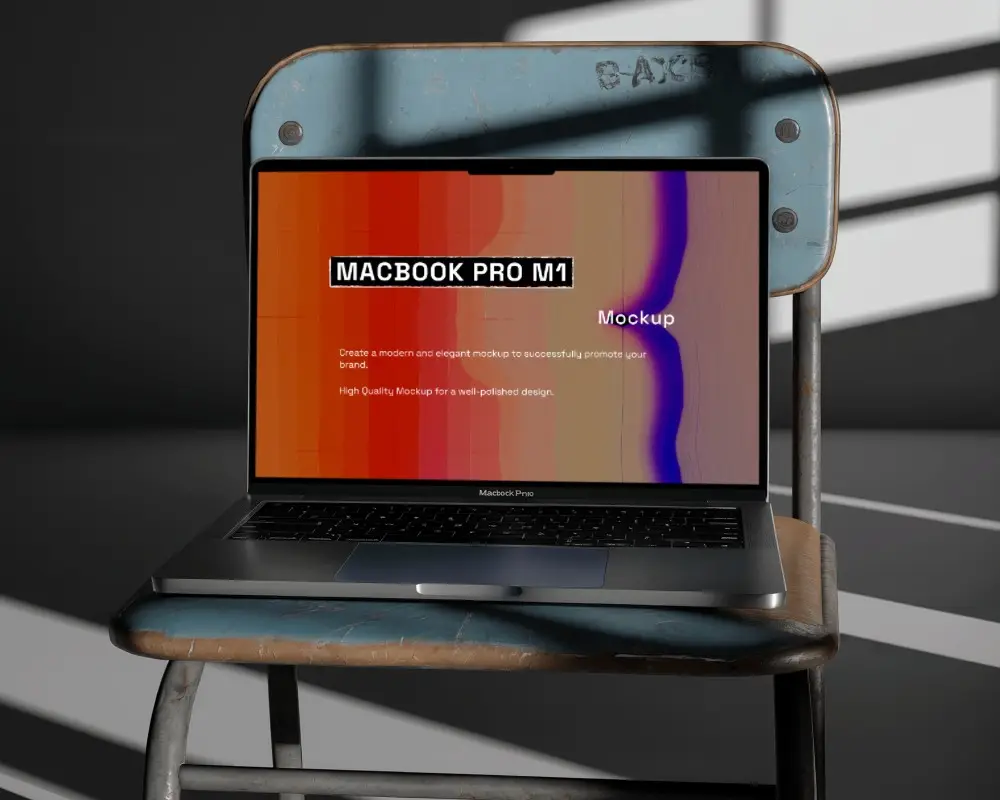
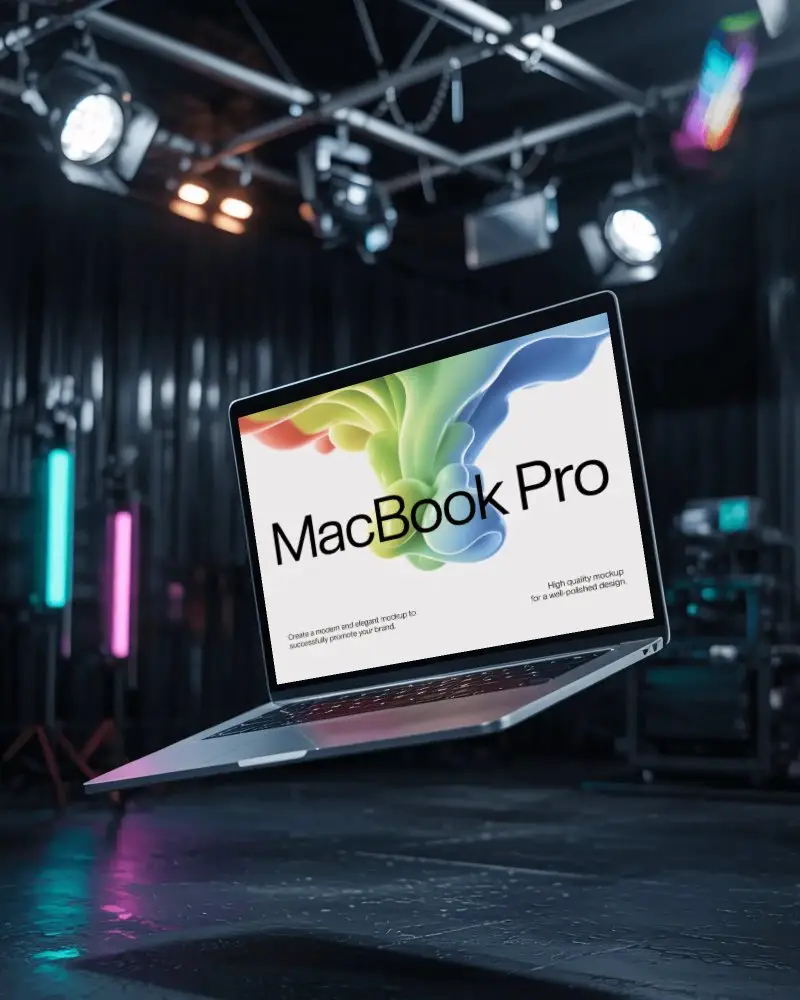
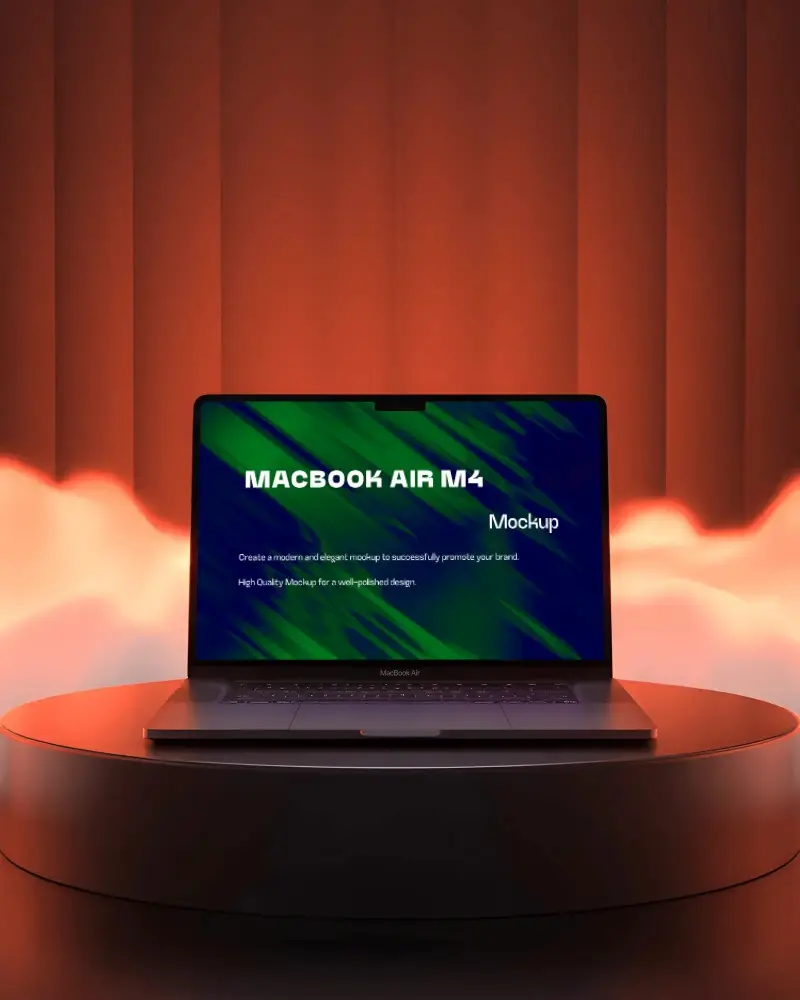
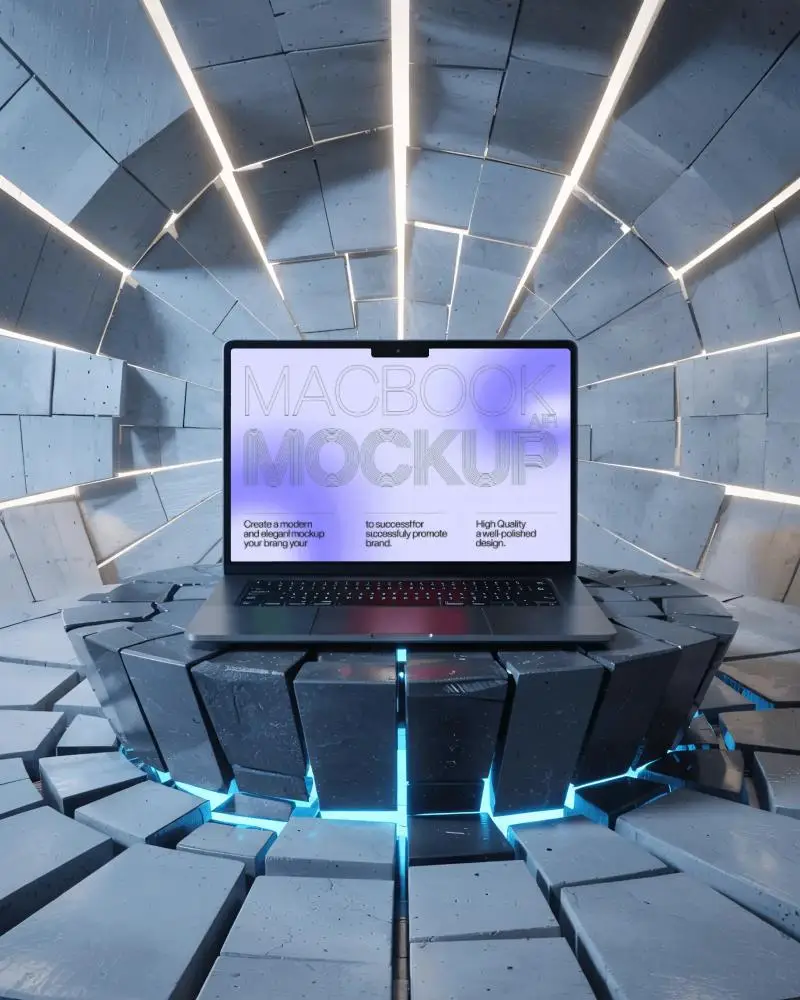
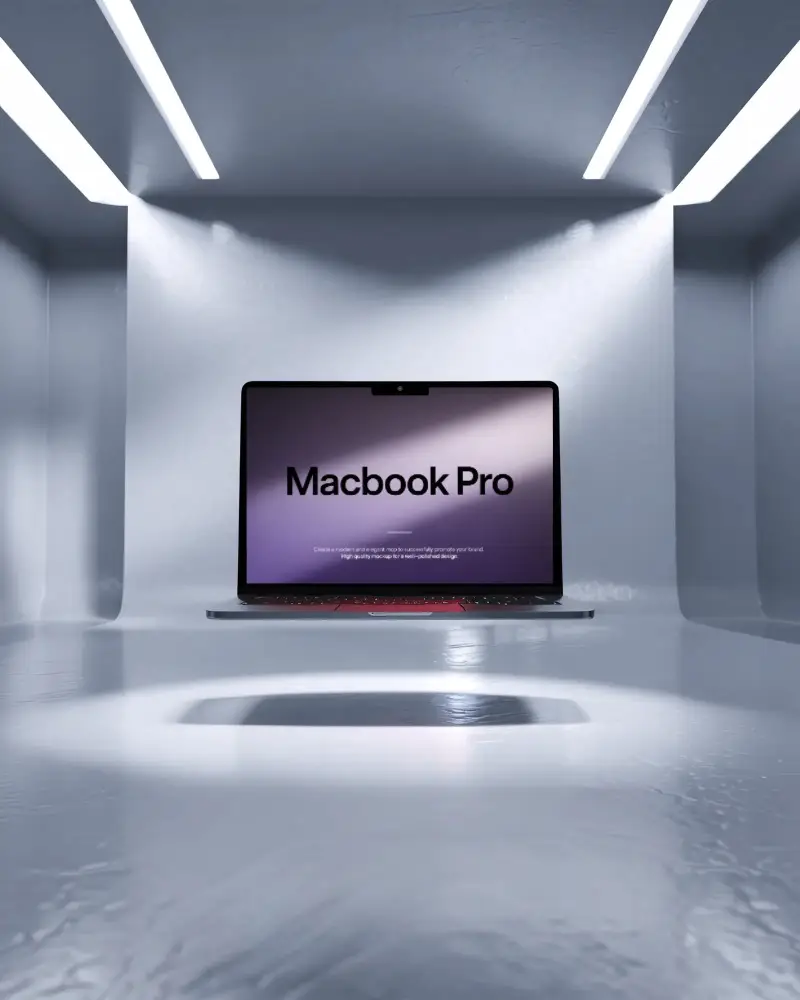

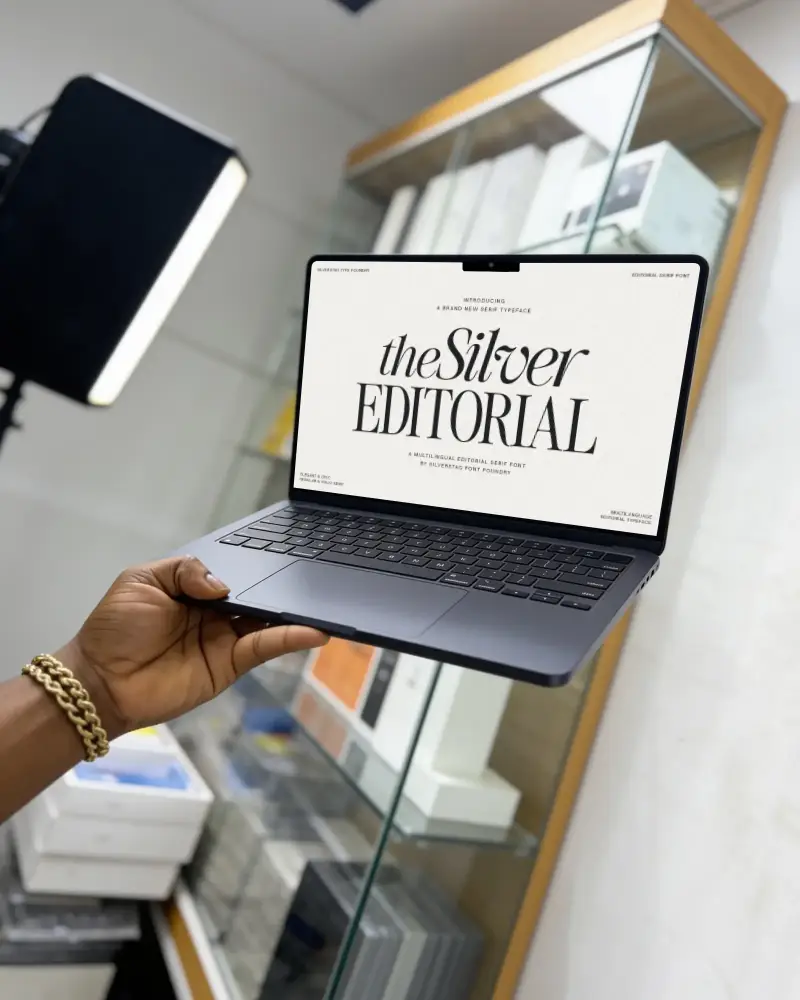

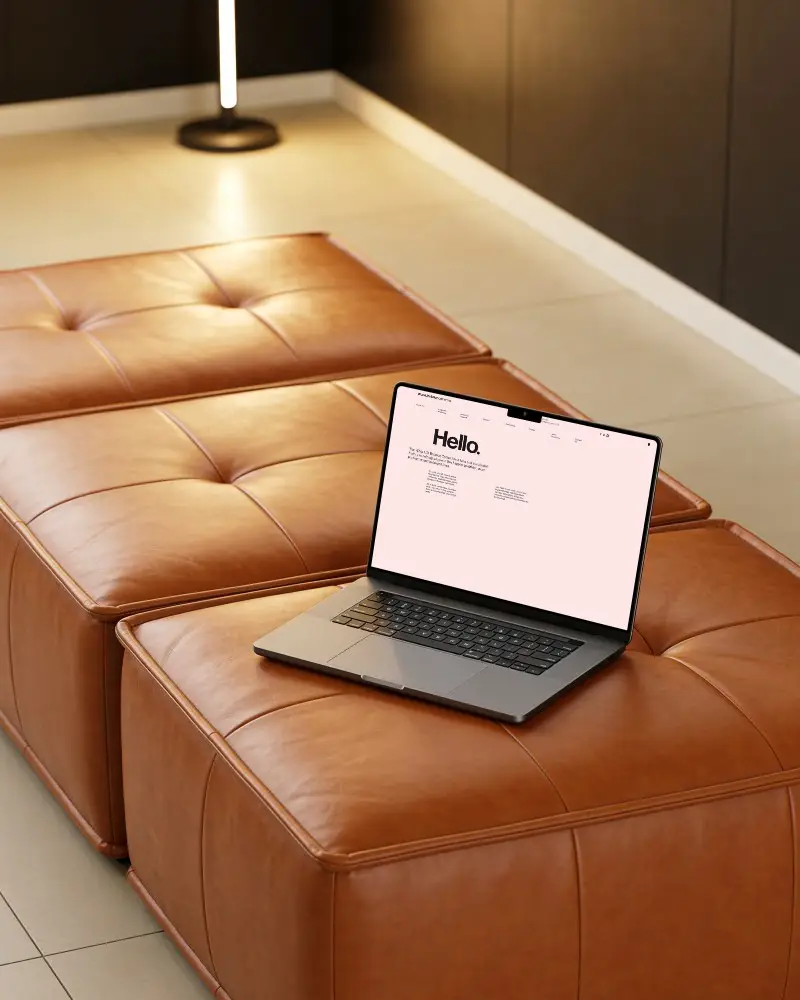

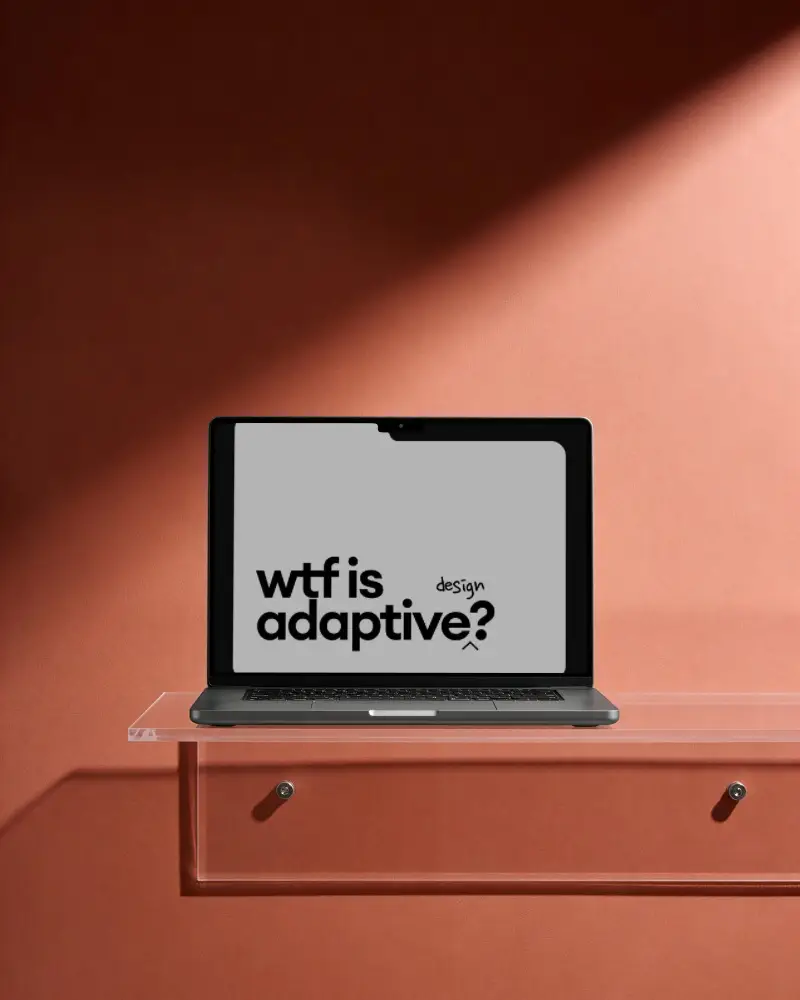
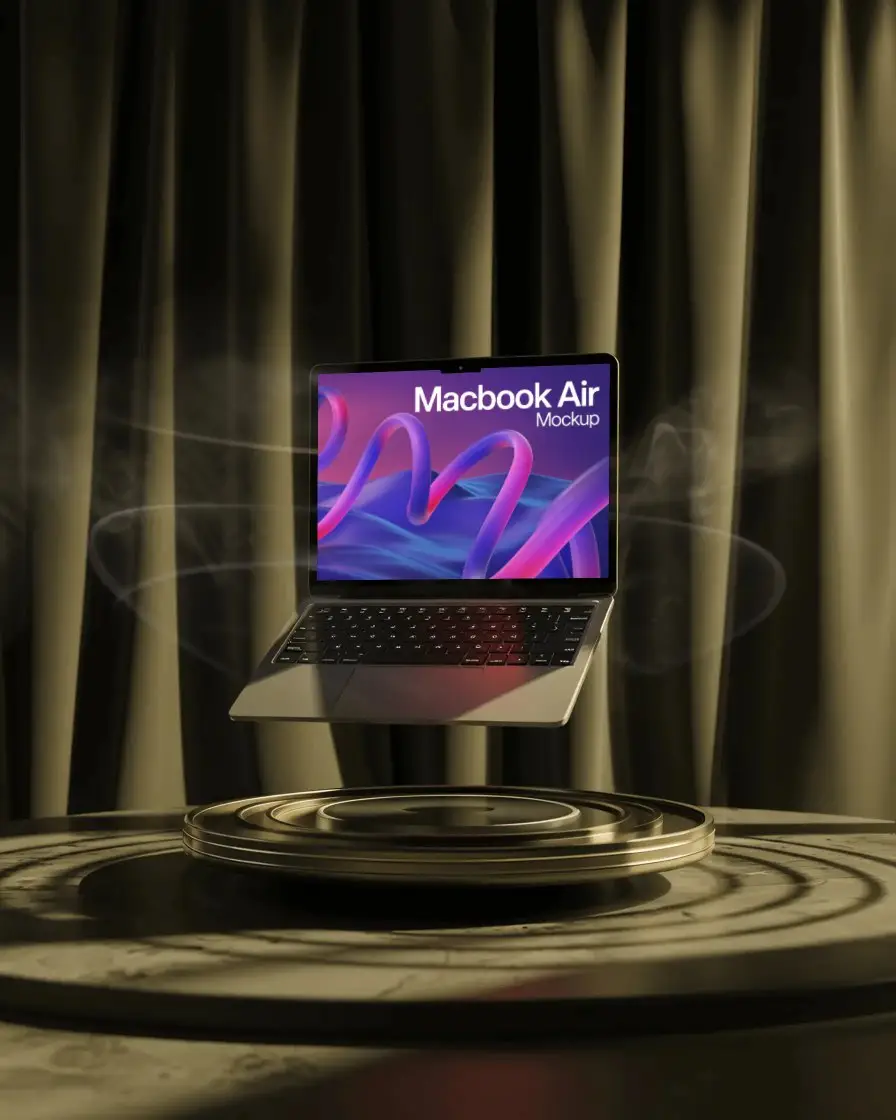

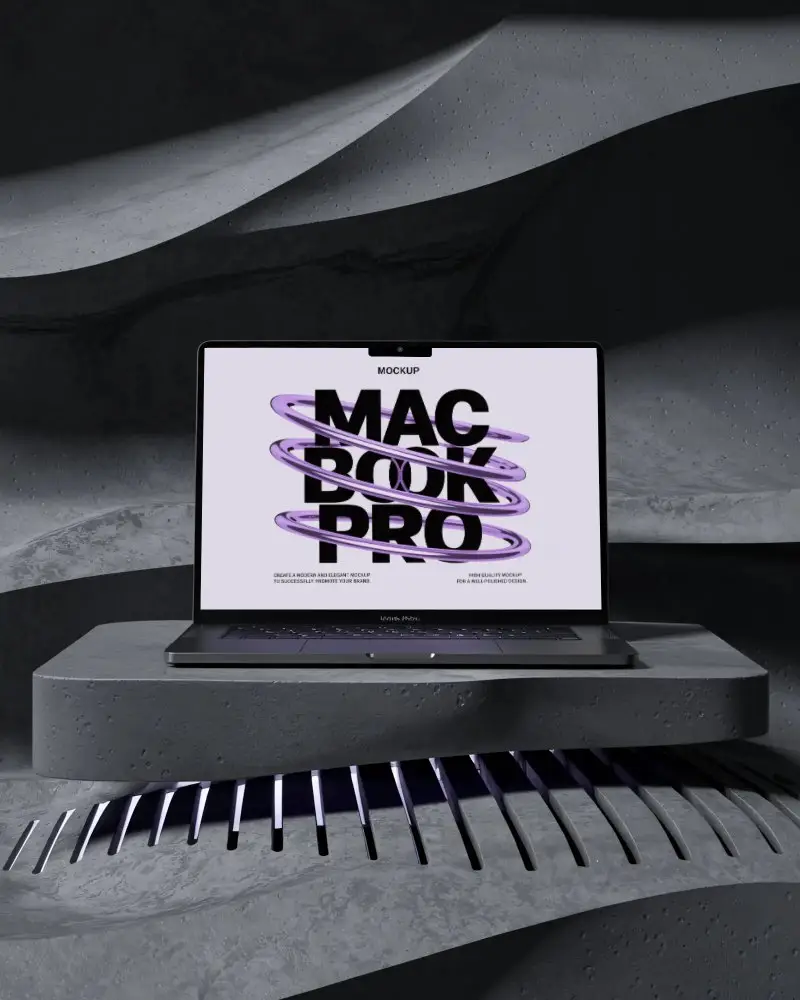
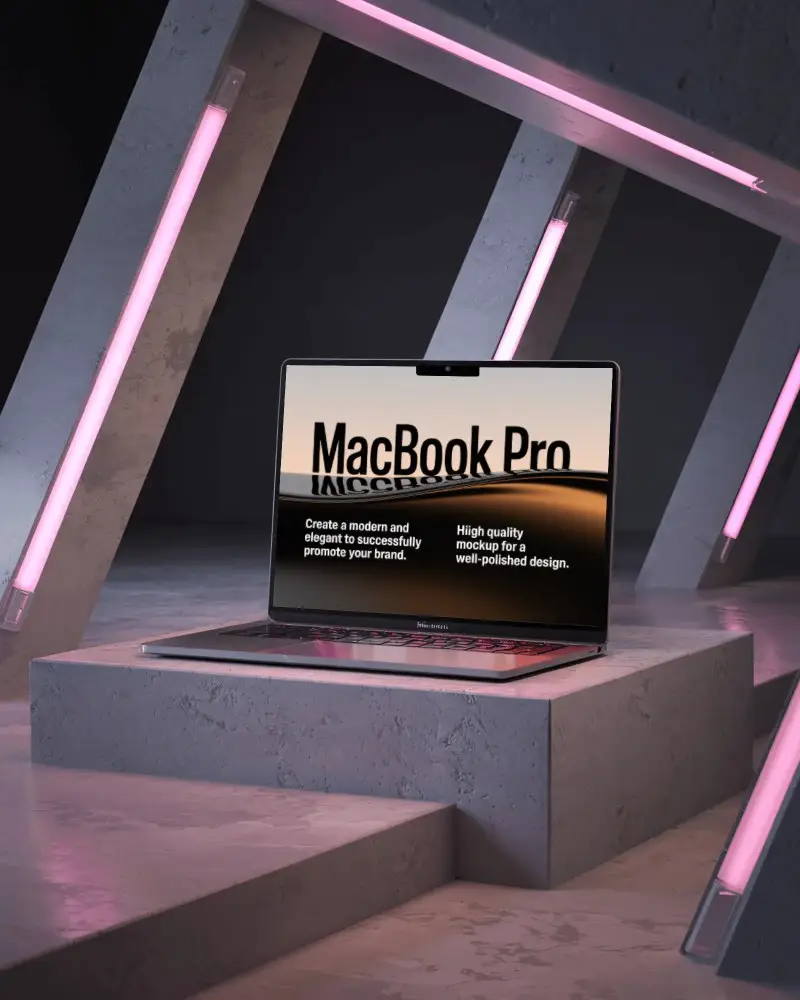
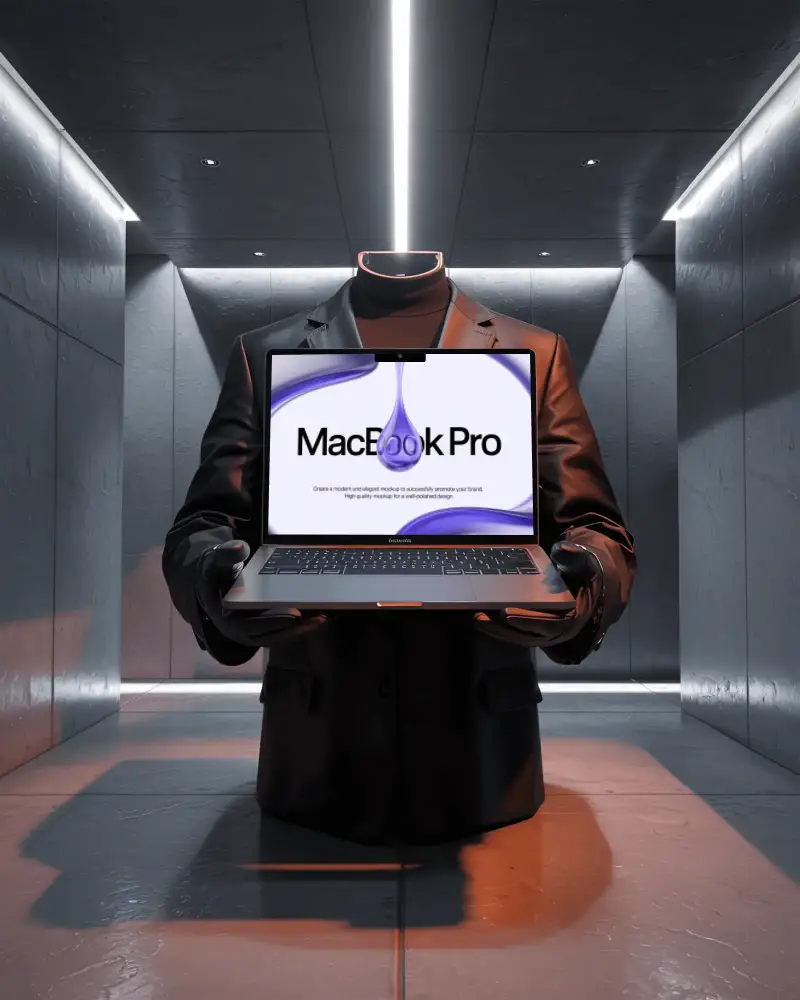
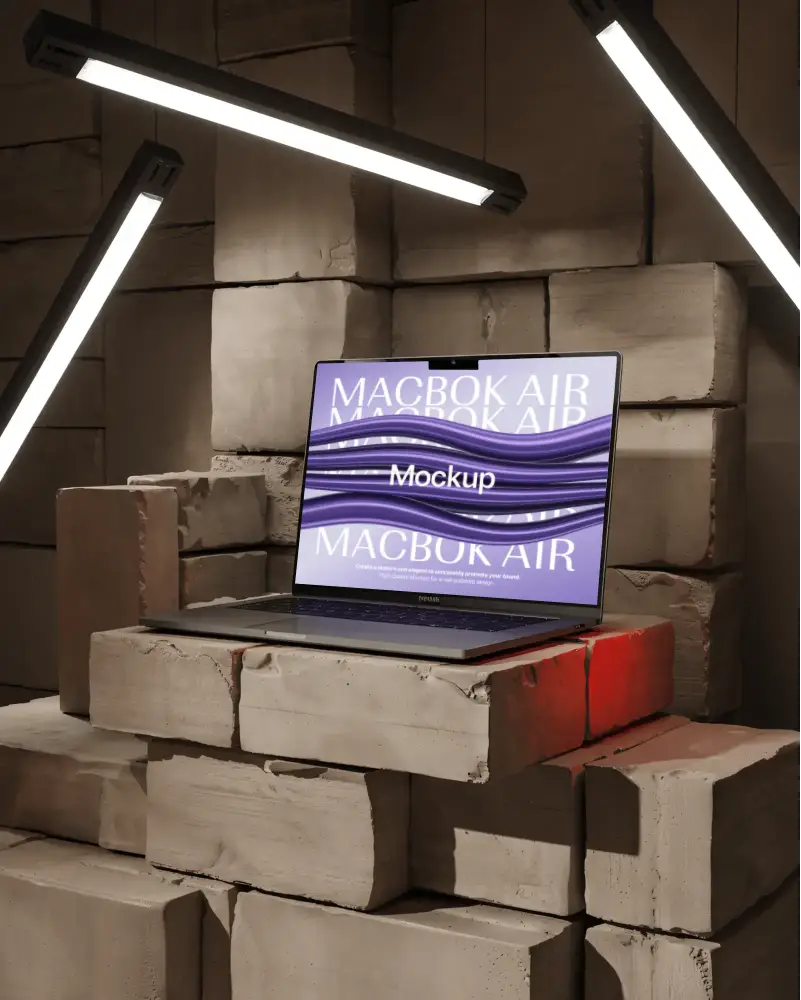
How to Create a Macbook Air M2 Mockup with Mockey
Follow these easy steps to create your MacBook Air M2 mockup using Mockey.ai:
- Step 1: Navigate to Mockups > Tech > Laptop > MacBook Air M2 tag on Mockey.ai.
- Step 2: Choose your favorite MacBook Air M2 template.
- Step 3: Upload your design and adjust its placement on the screen.
- Step 4: Customize colors, backgrounds, and effects for realism.
- Step 5: Download your high-quality MacBook Air M2 mockup in JPEG or PNG format.


FAQs on Macbook Air M2 Mockups
What is a MacBook Air M2 Mockup?
A MacBook Air M2 mockup is a digital scene that displays your design on the M2 MacBook Air. It looks real—sometimes even better than real.
Are MacBook Air M2 Mockups on Mockey.ai free to use?
Indeed, certain mockup templates for the MacBook Air M2 are completely free. Just sign up, head to the Tech section, click on MacBook, then filter by the M2 Air tag. Choose a template that you like, then make changes to it.
Can I customize the MacBook Air M2 Mockup?
Yes, you are able to add your own design to the MacBook Air M2 mockup and completely personalize it. Mockey AI gives you easy editing tools.
How long does it take to generate a MacBook Air M2 Mockup?
Whether you're a designer or not, customizing a MacBook Air M2 mockup takes less than 2 minutes. It’s very easy.
