macbook
Free MacBook Air mockups
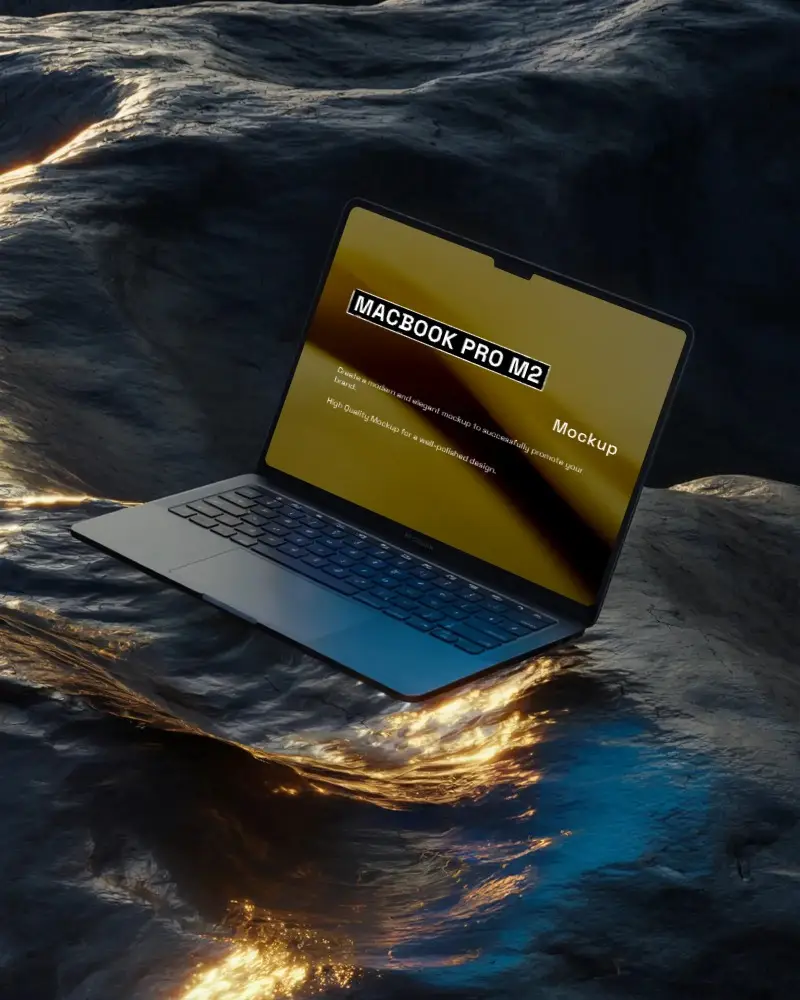
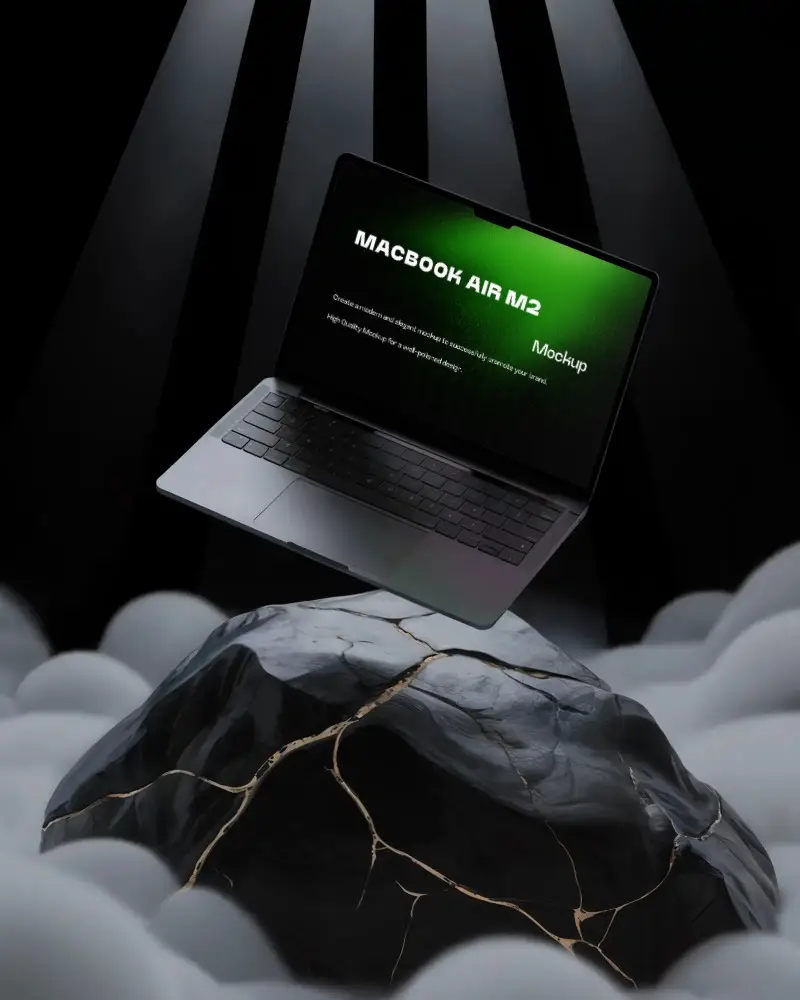
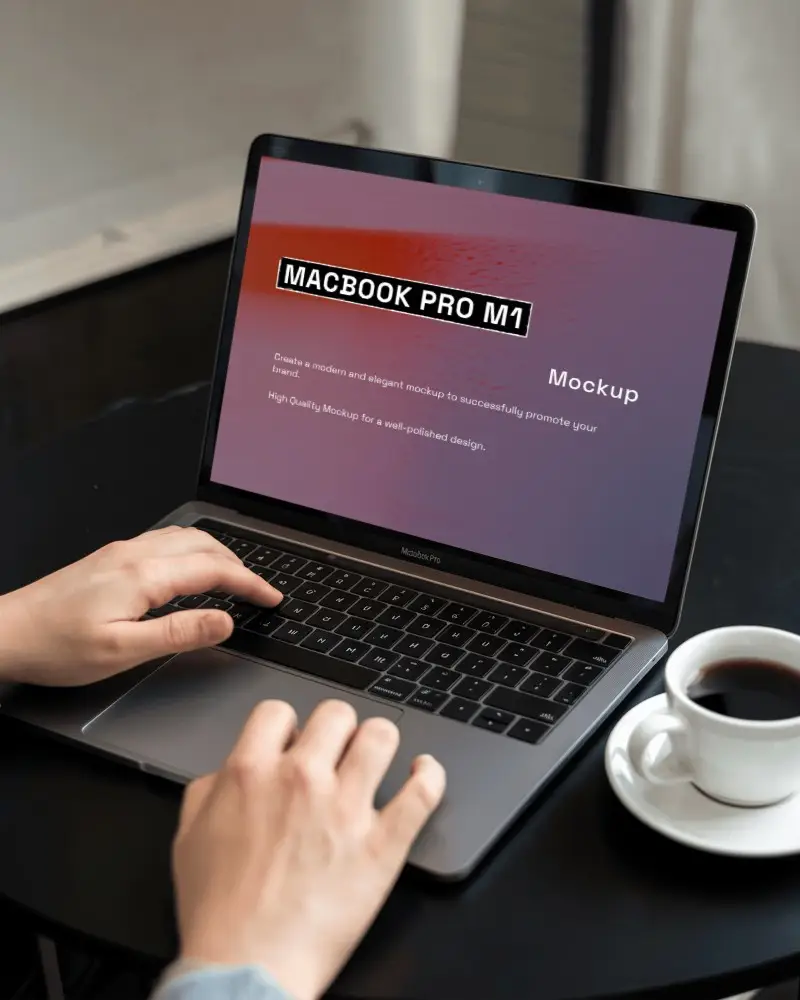
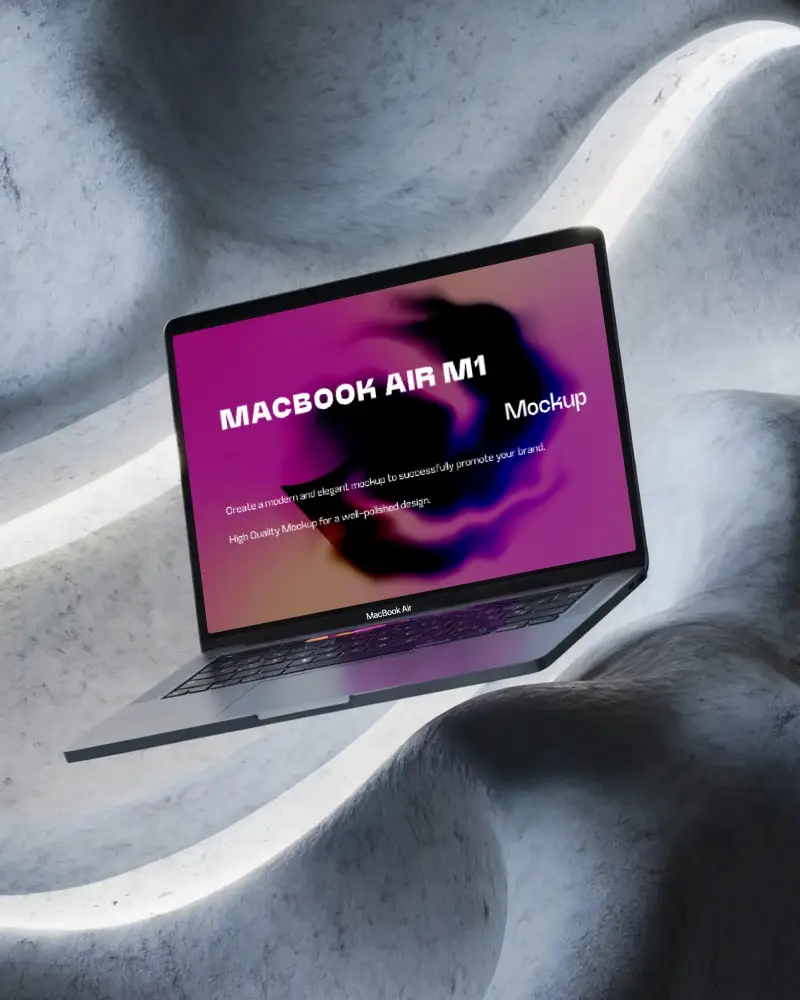
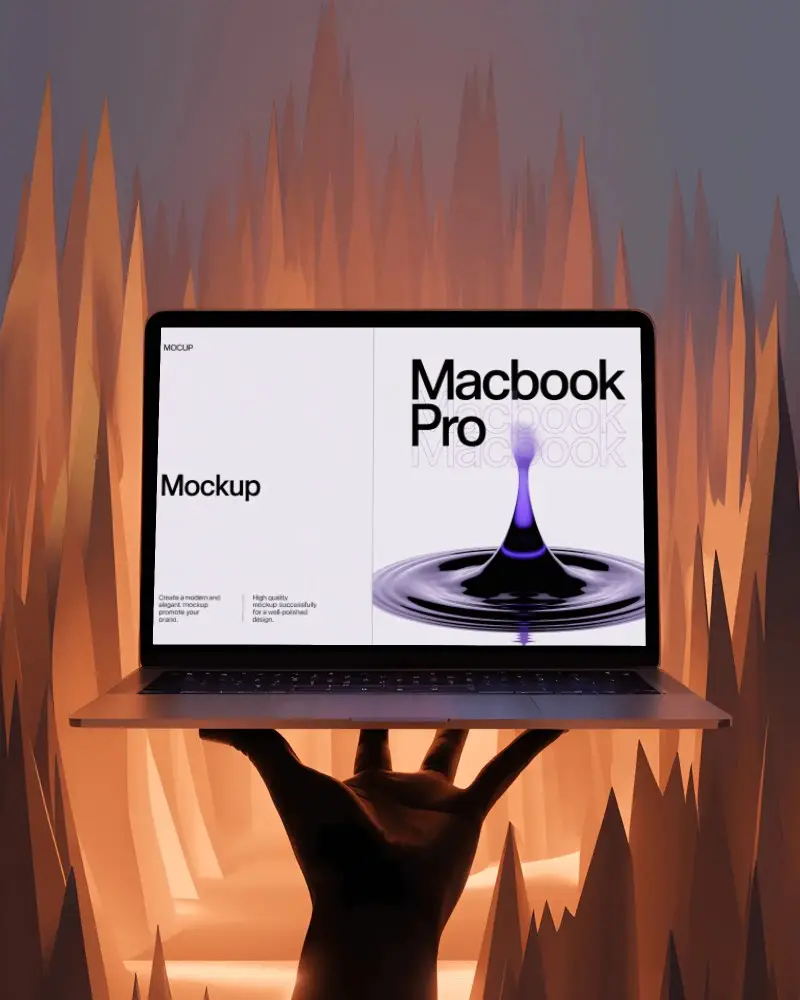
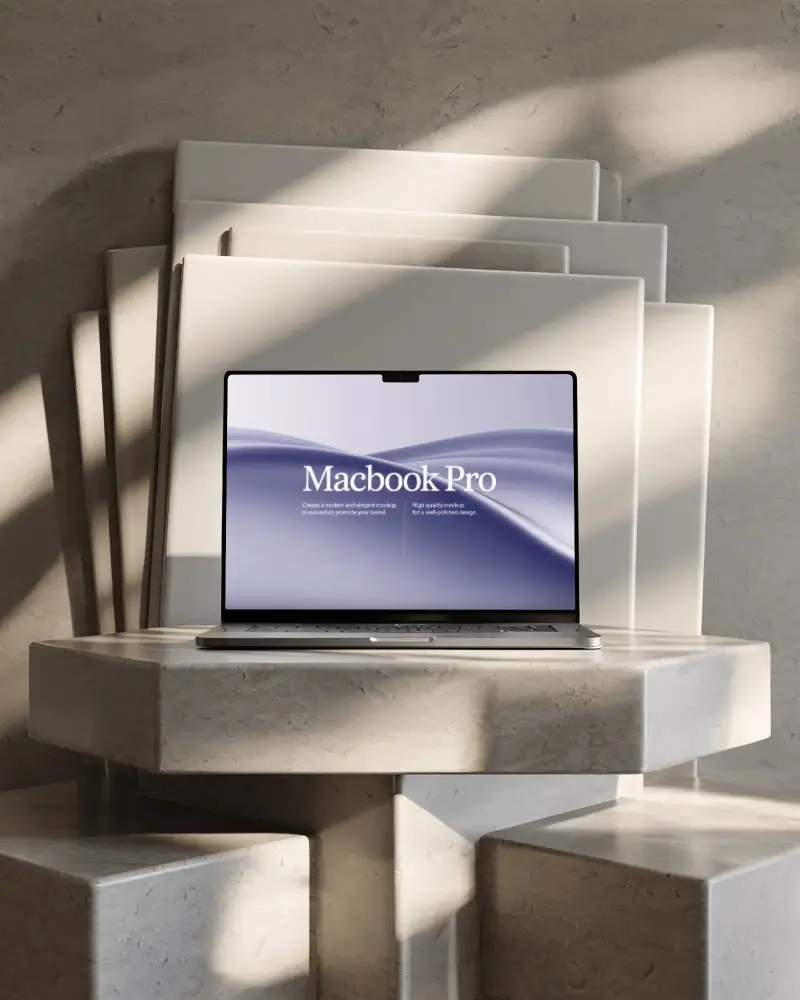
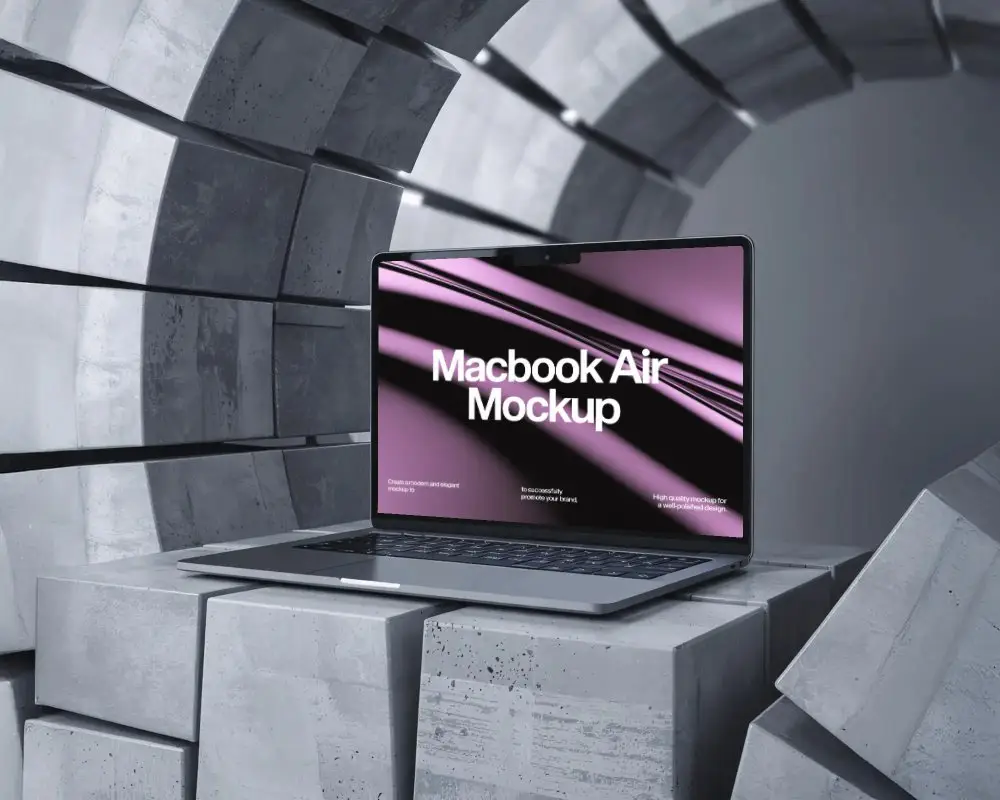
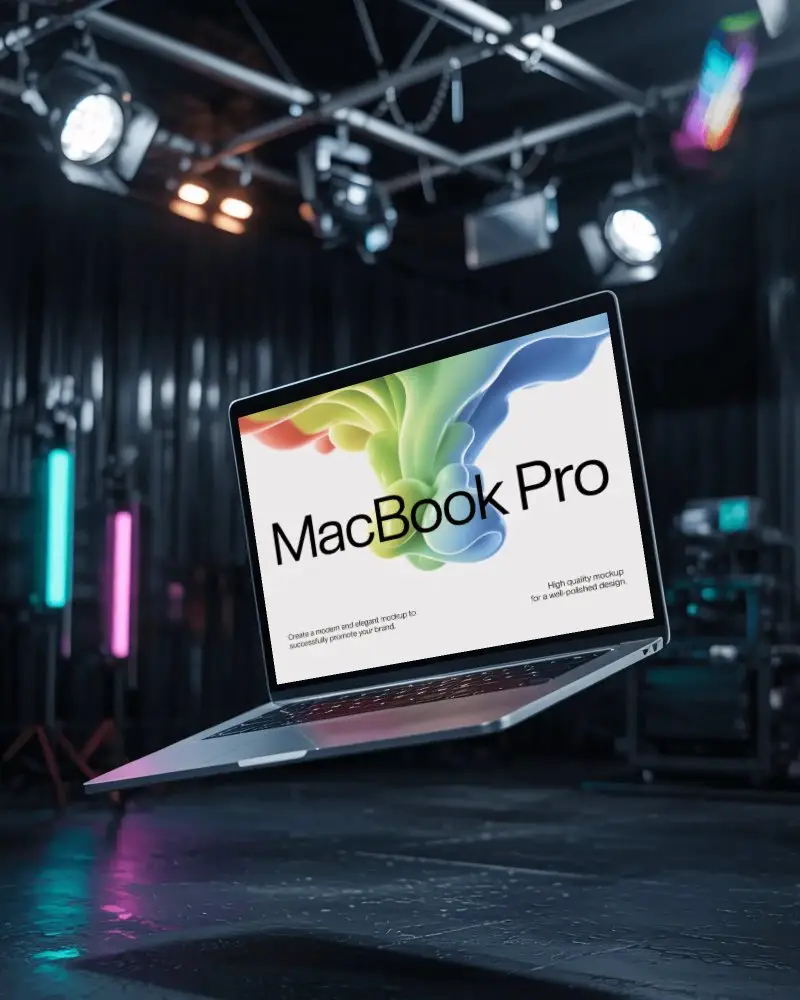
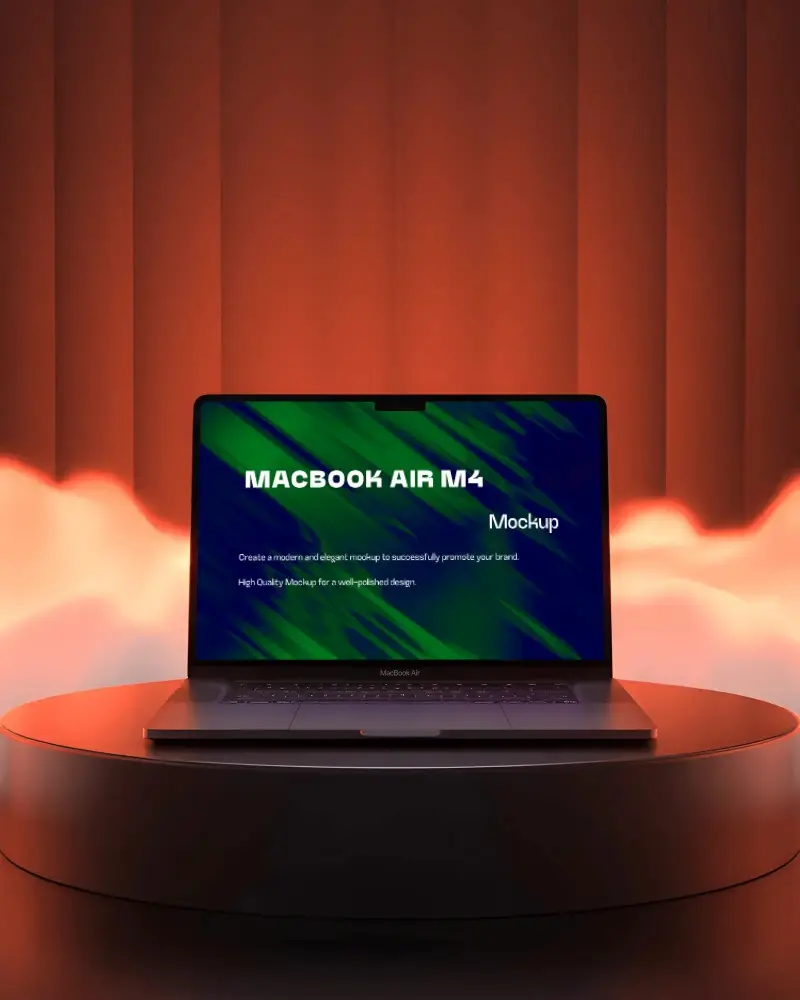
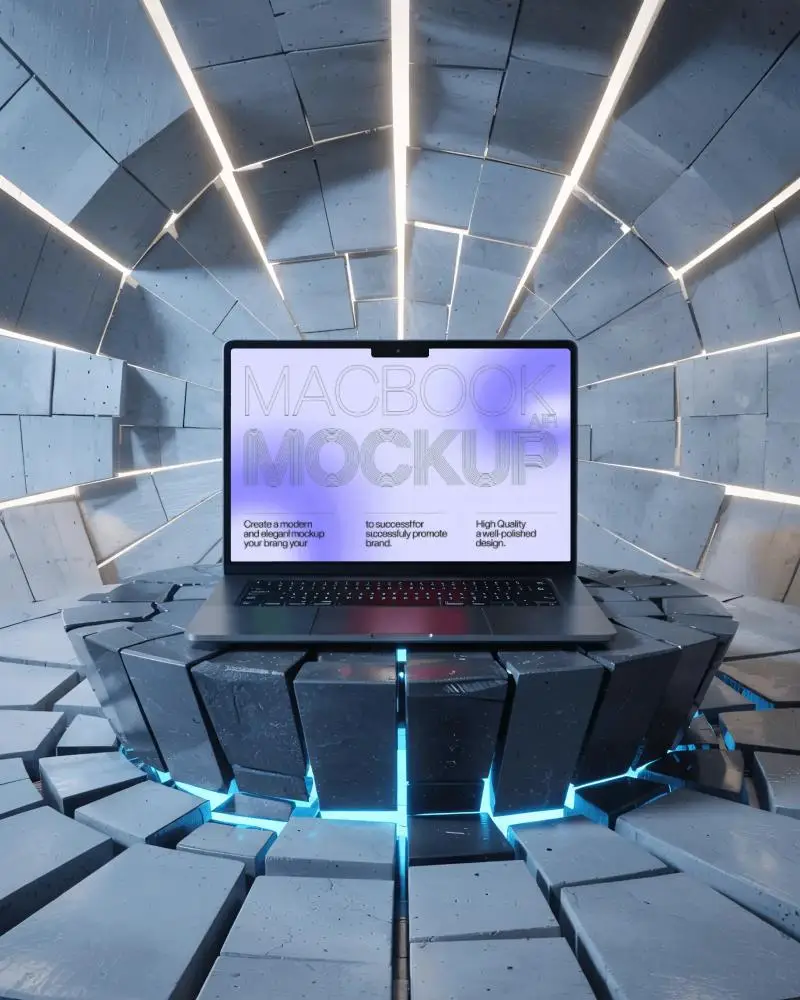
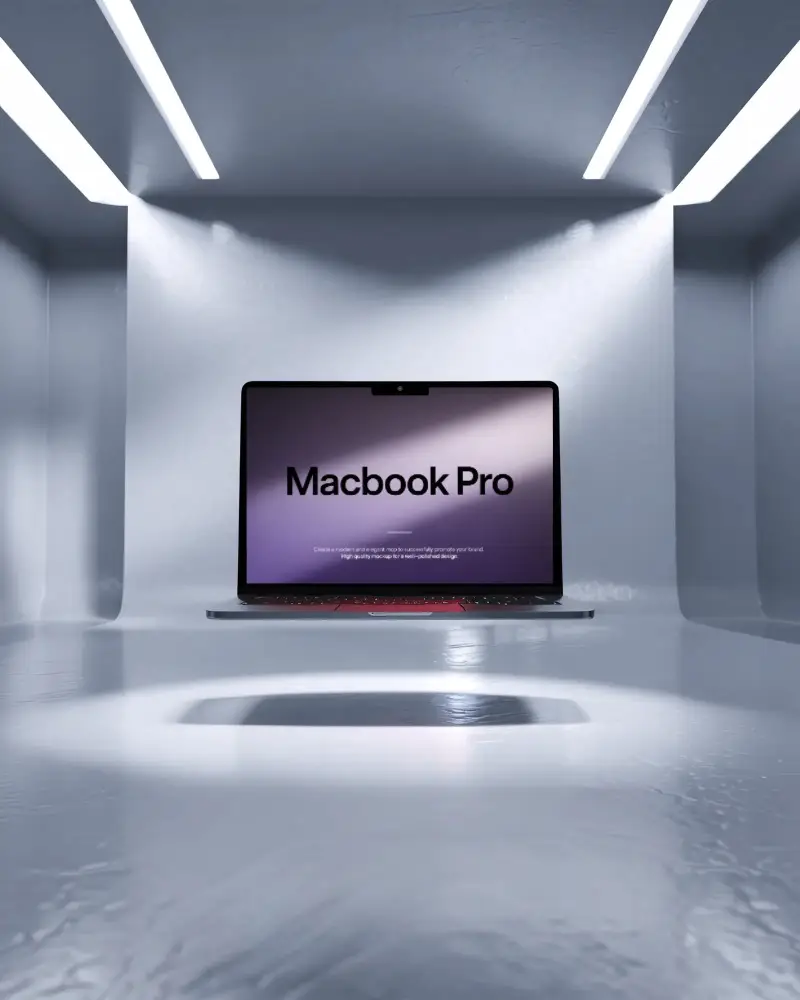
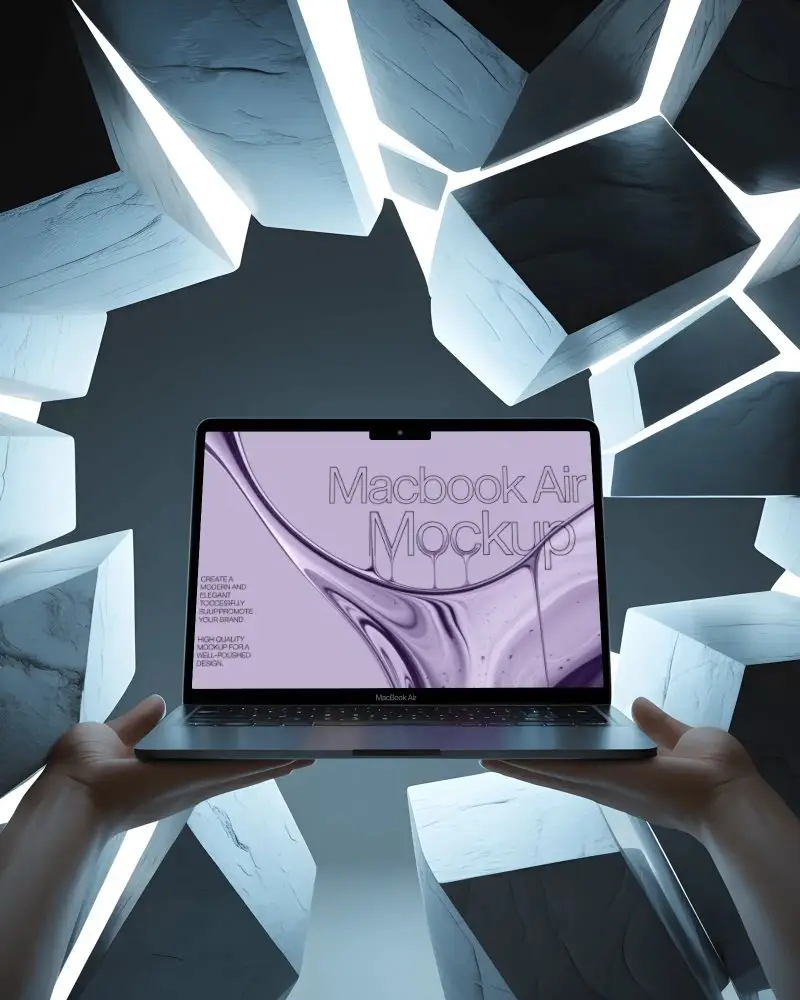
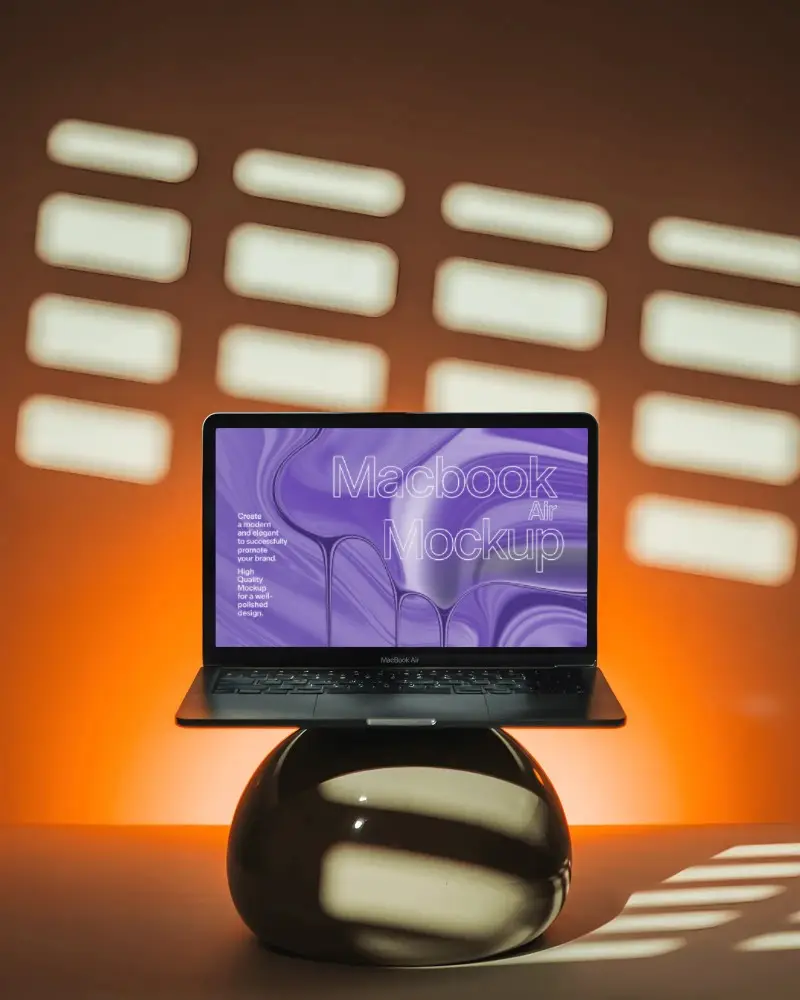
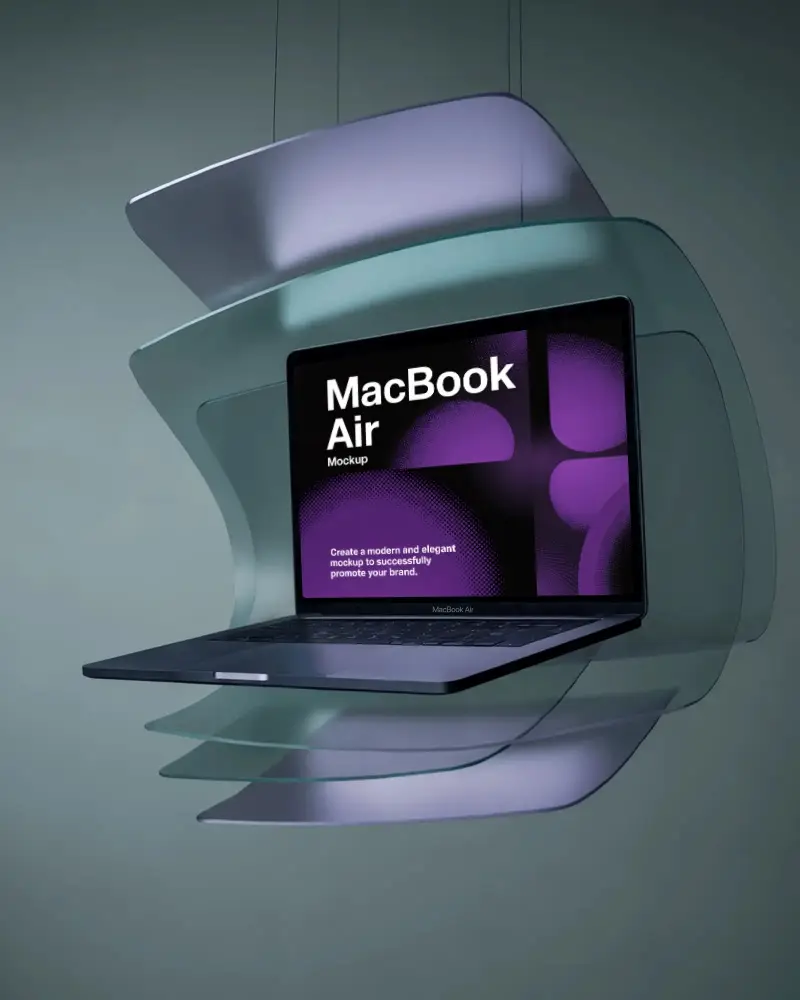
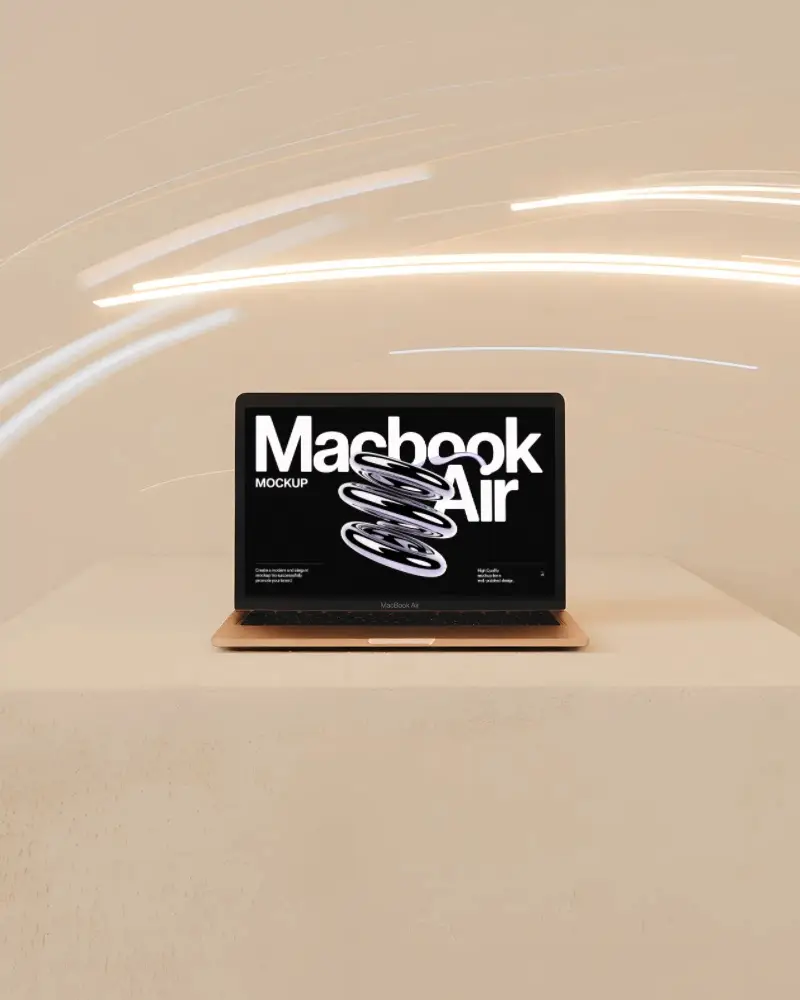
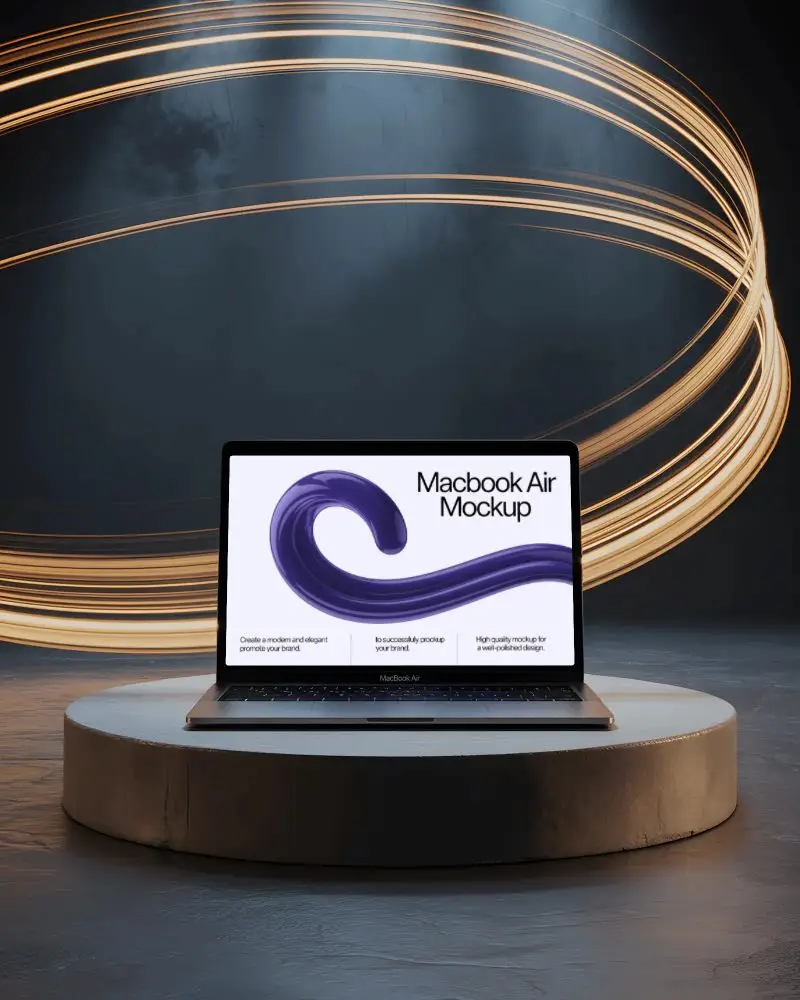
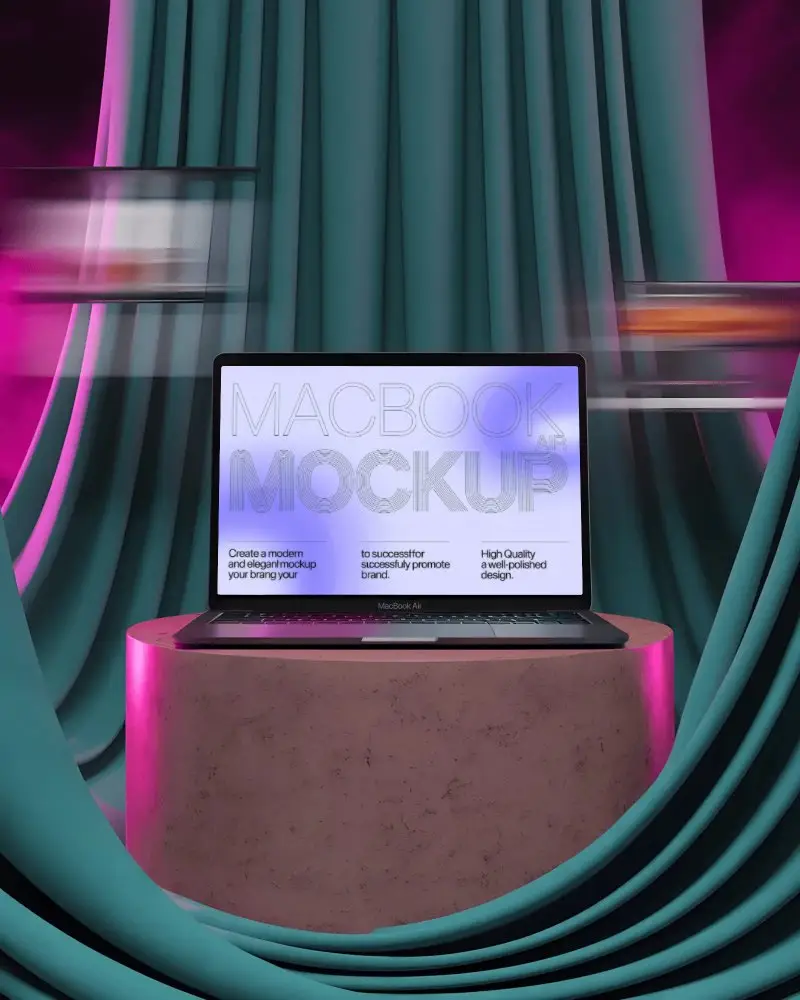
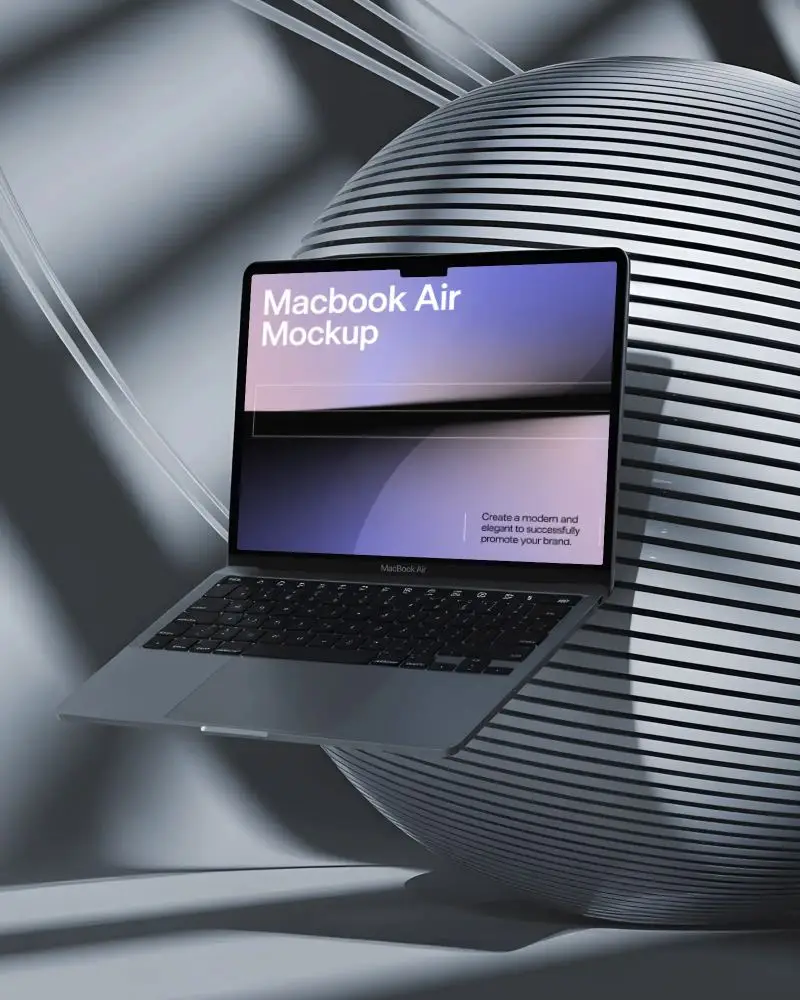
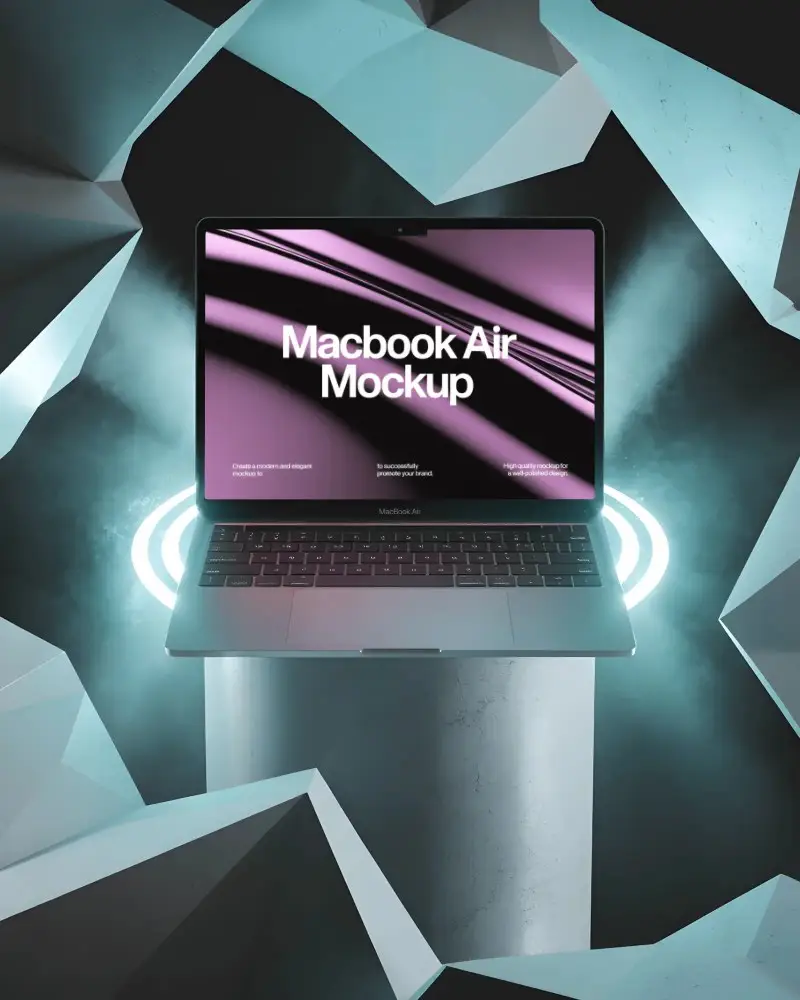
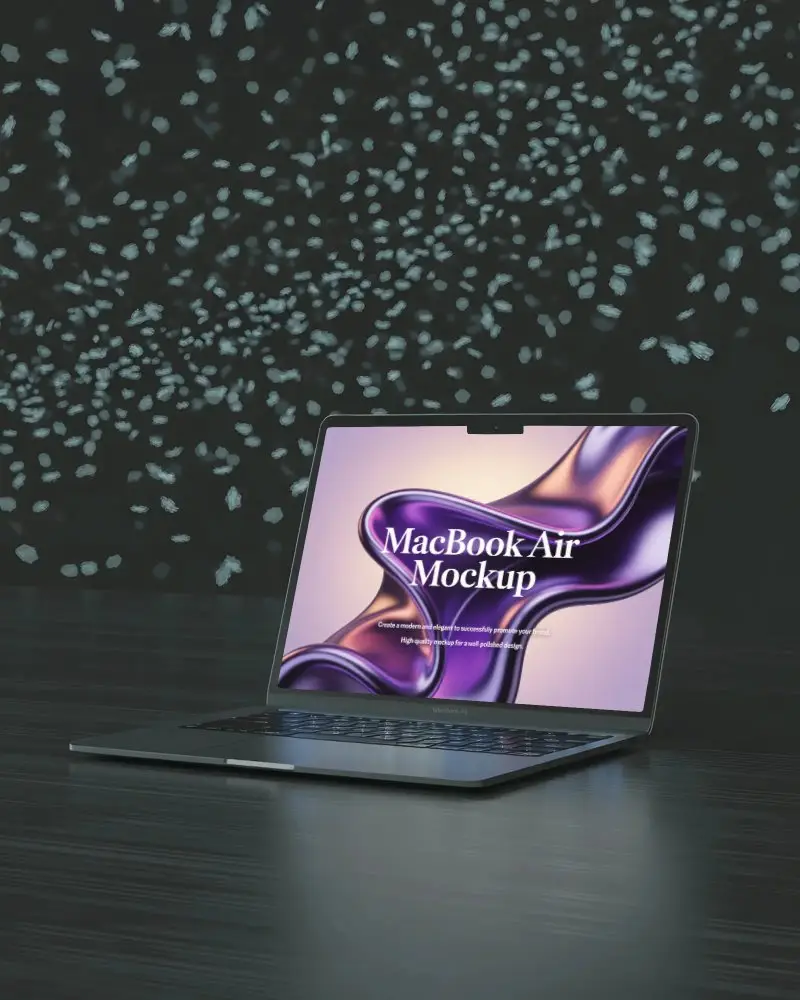
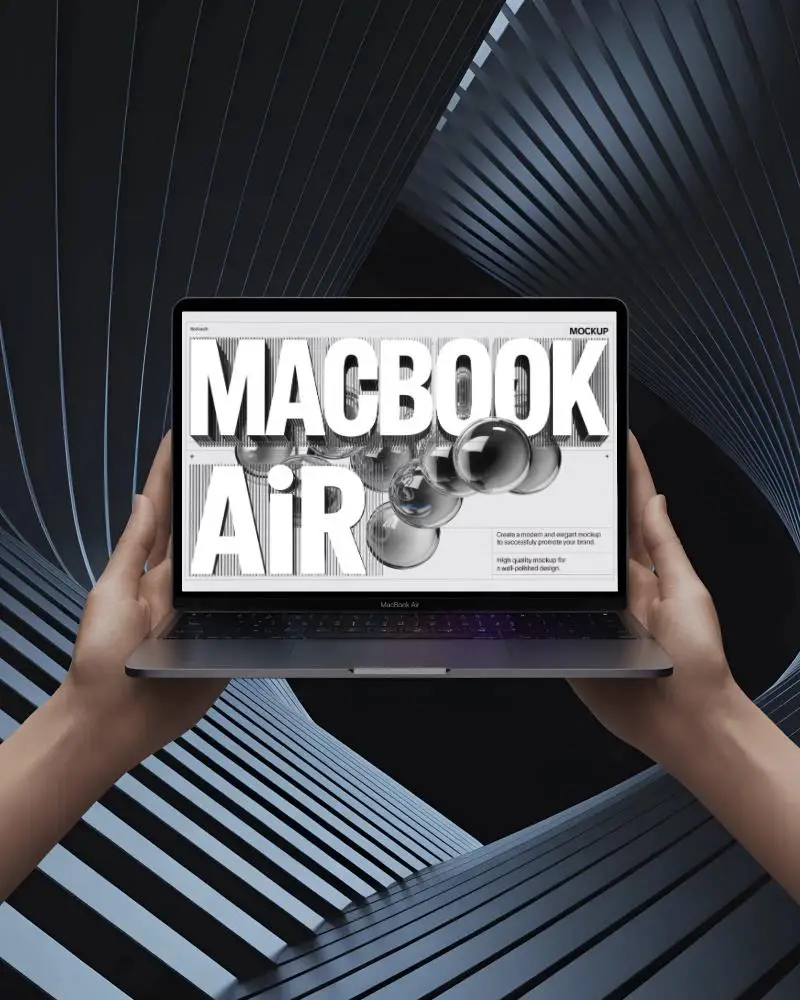
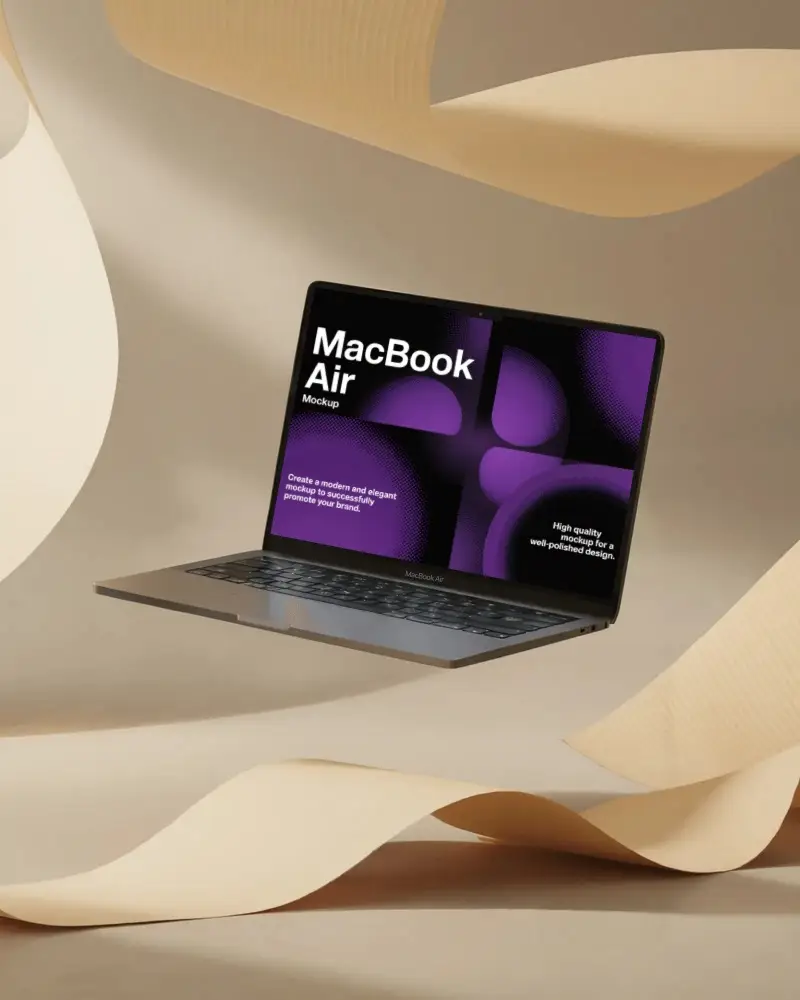
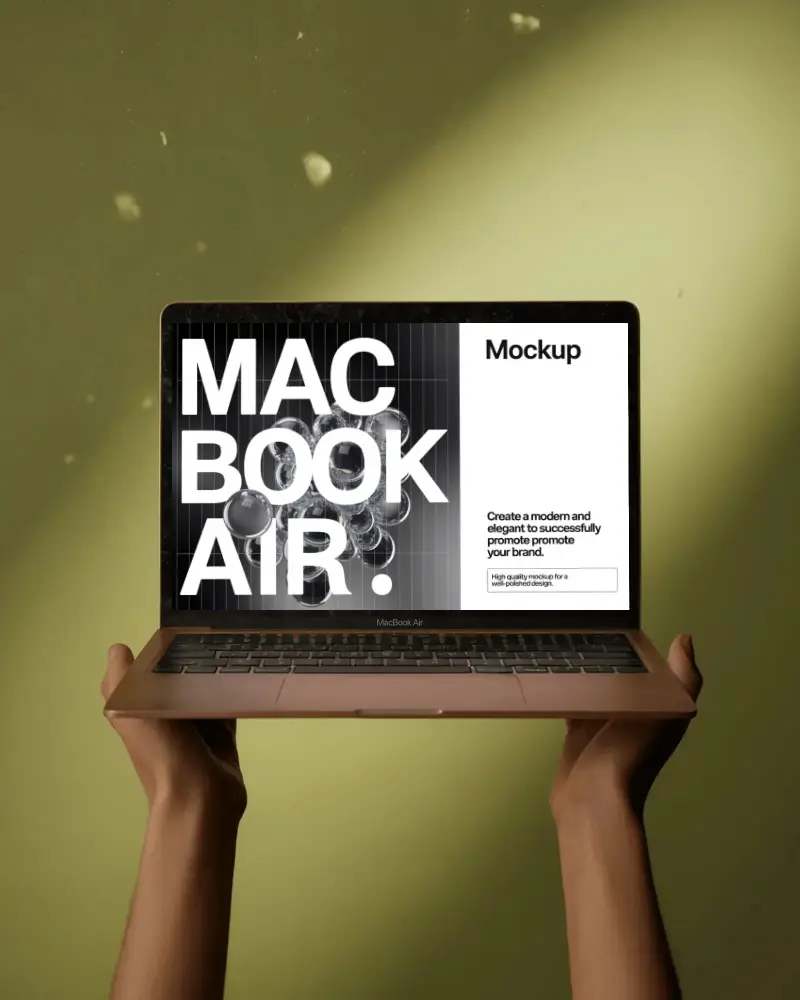
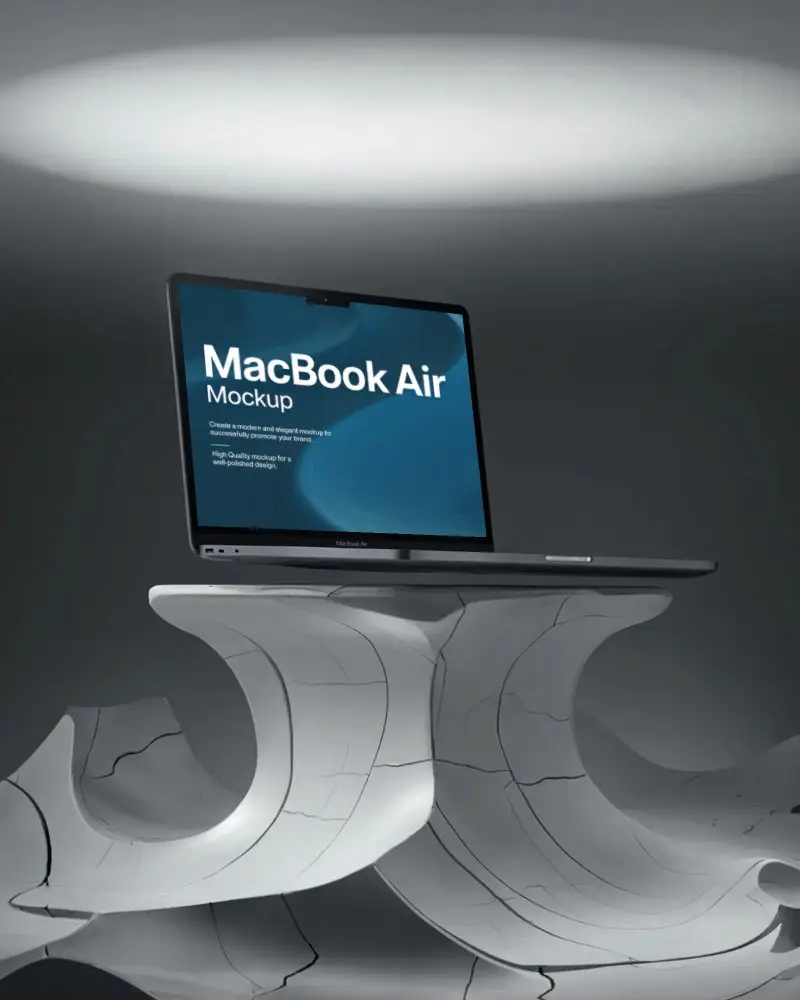
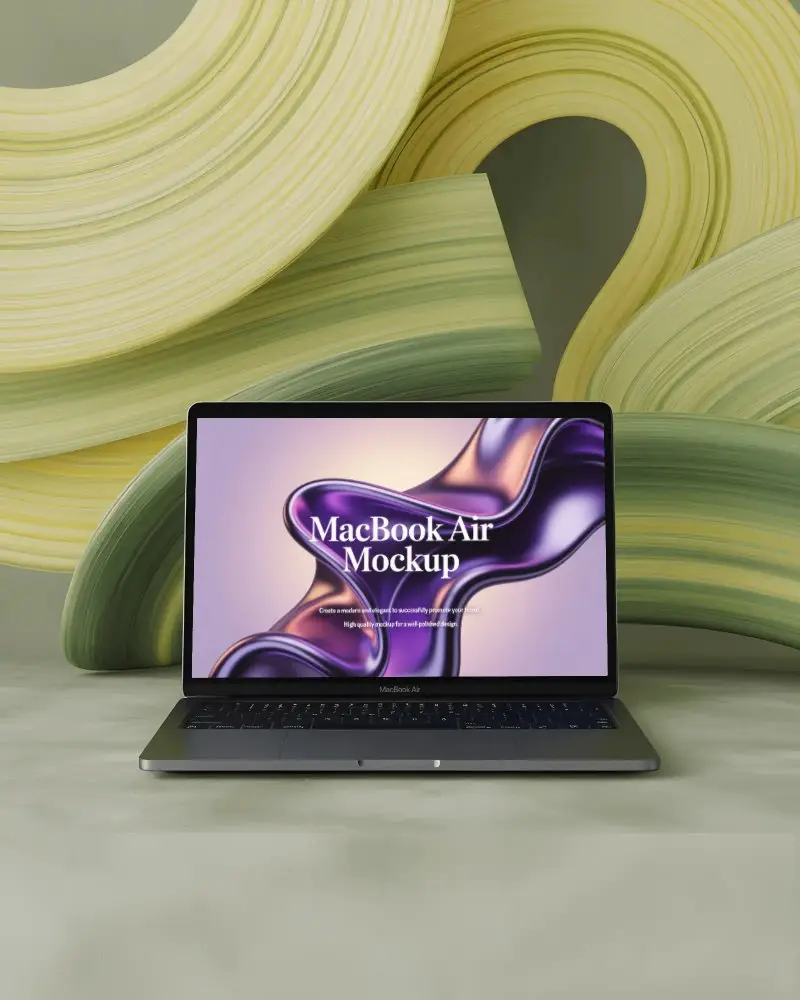
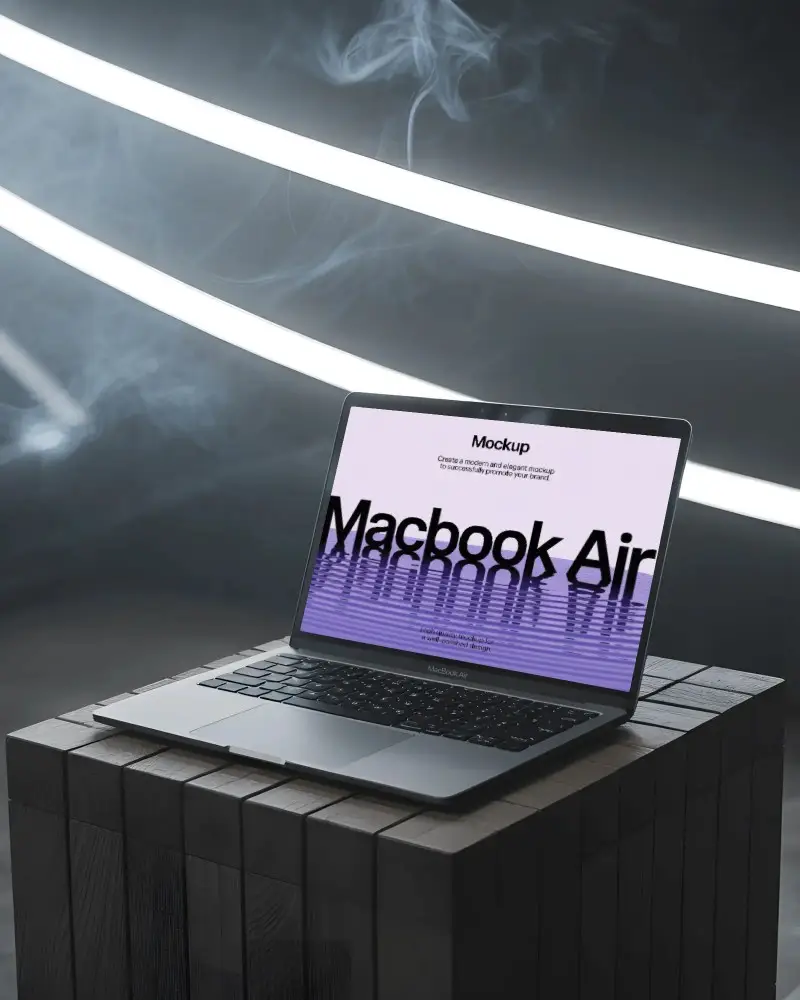
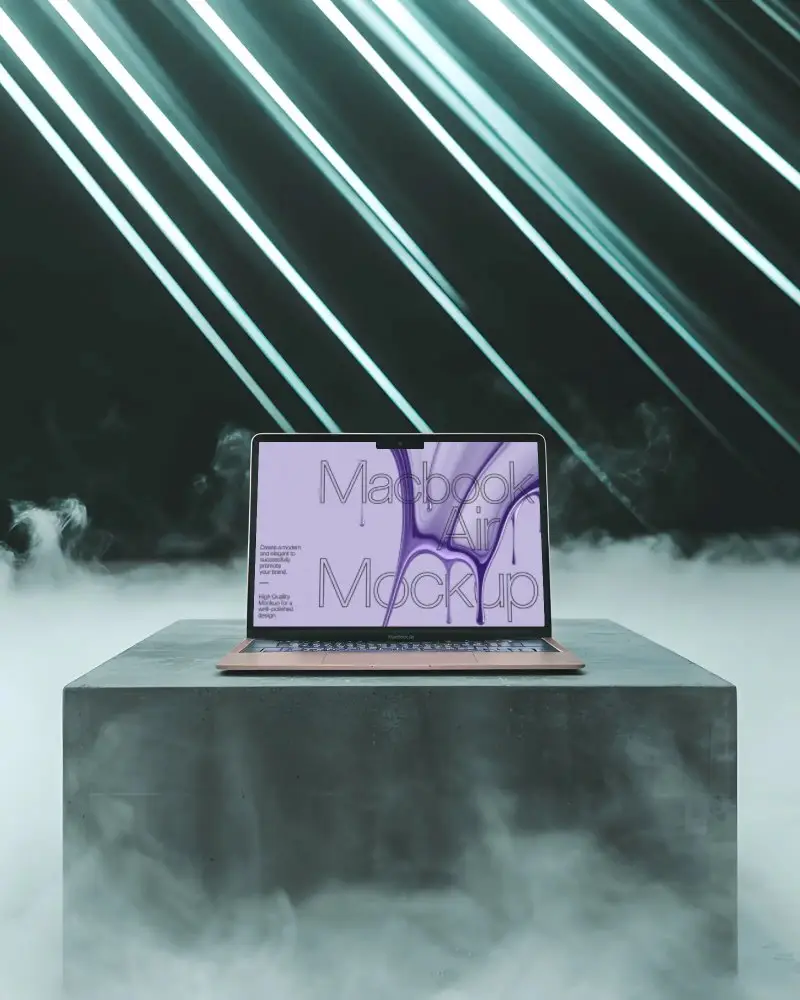
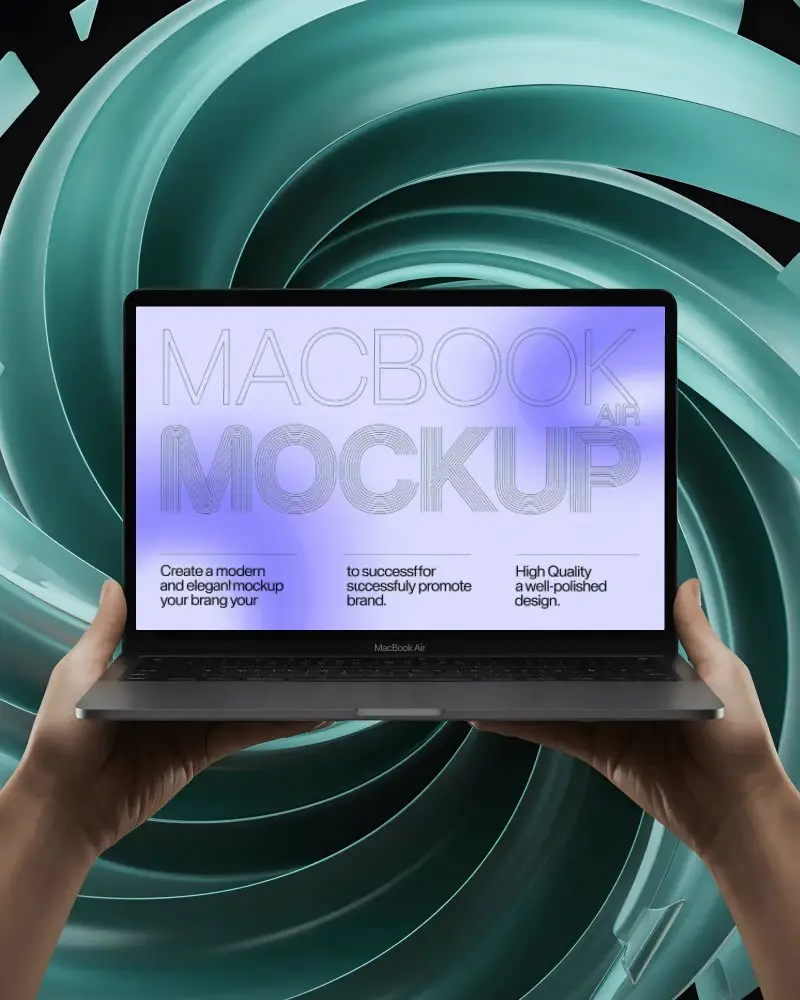
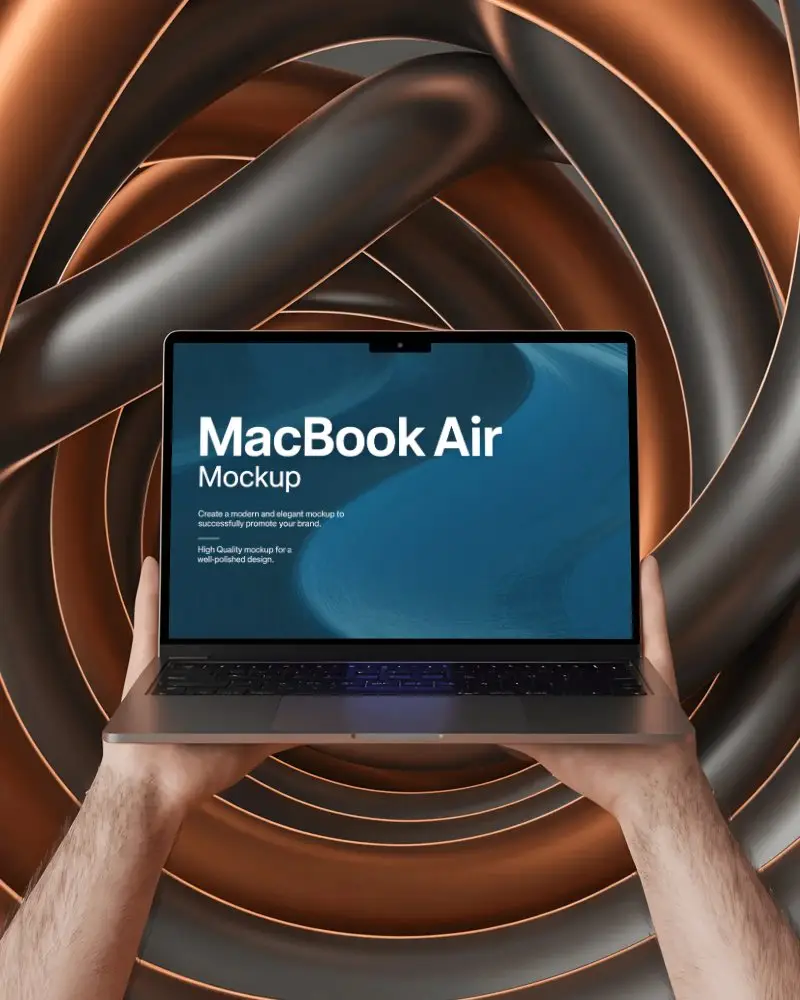
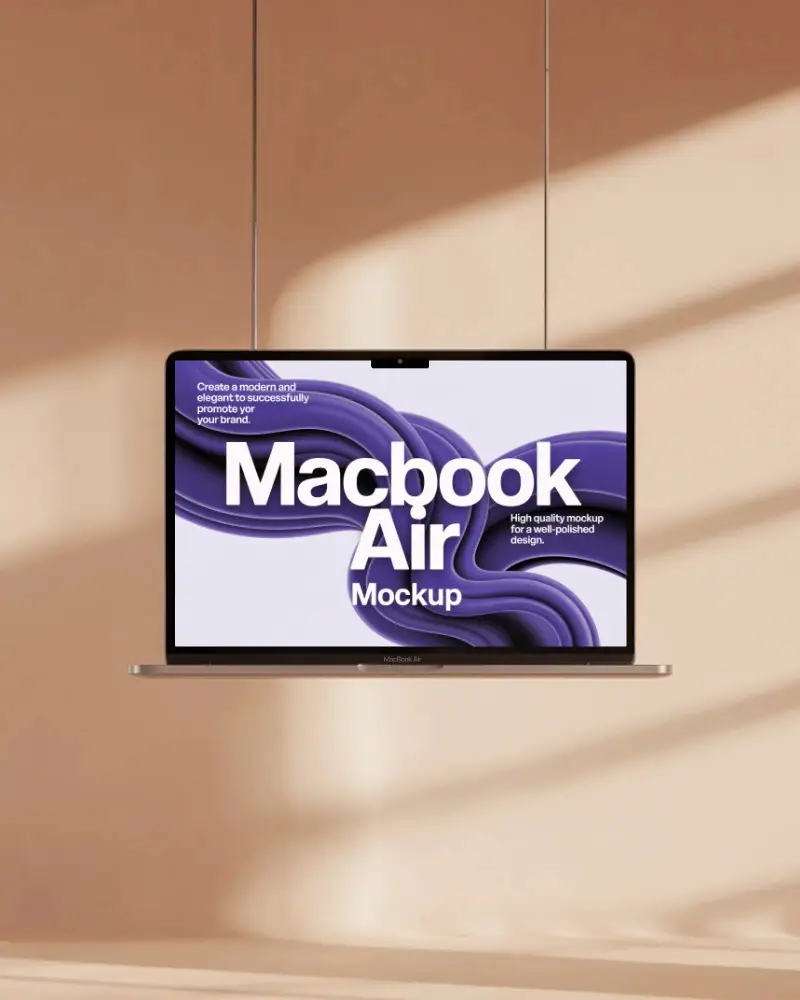
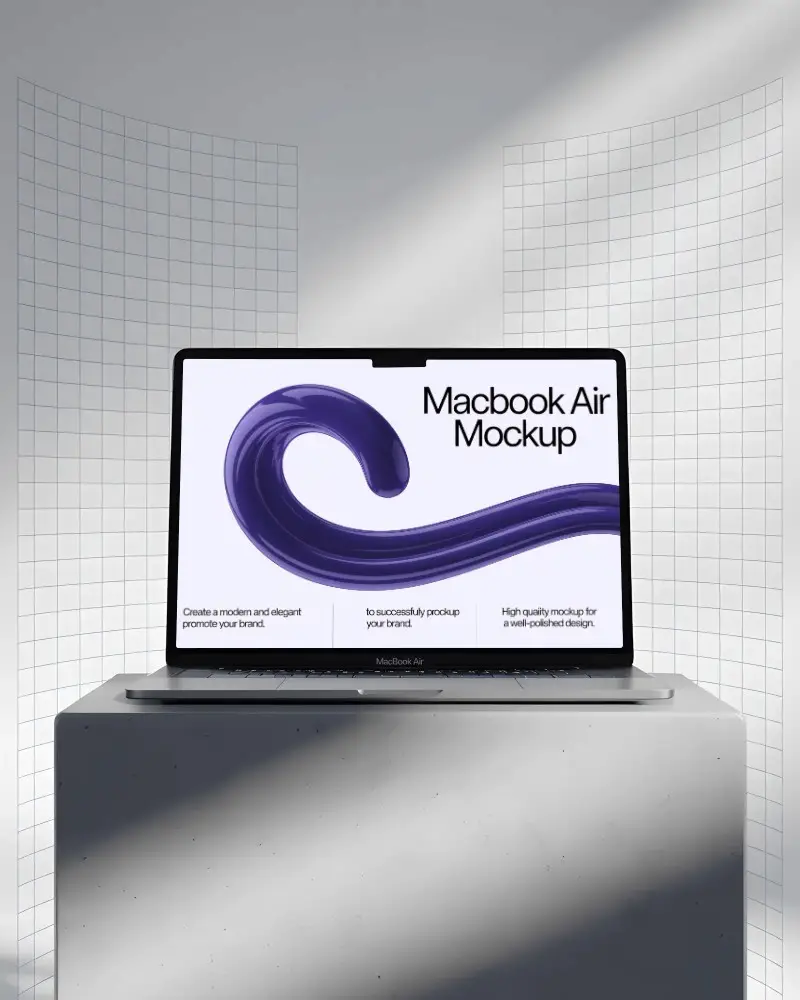
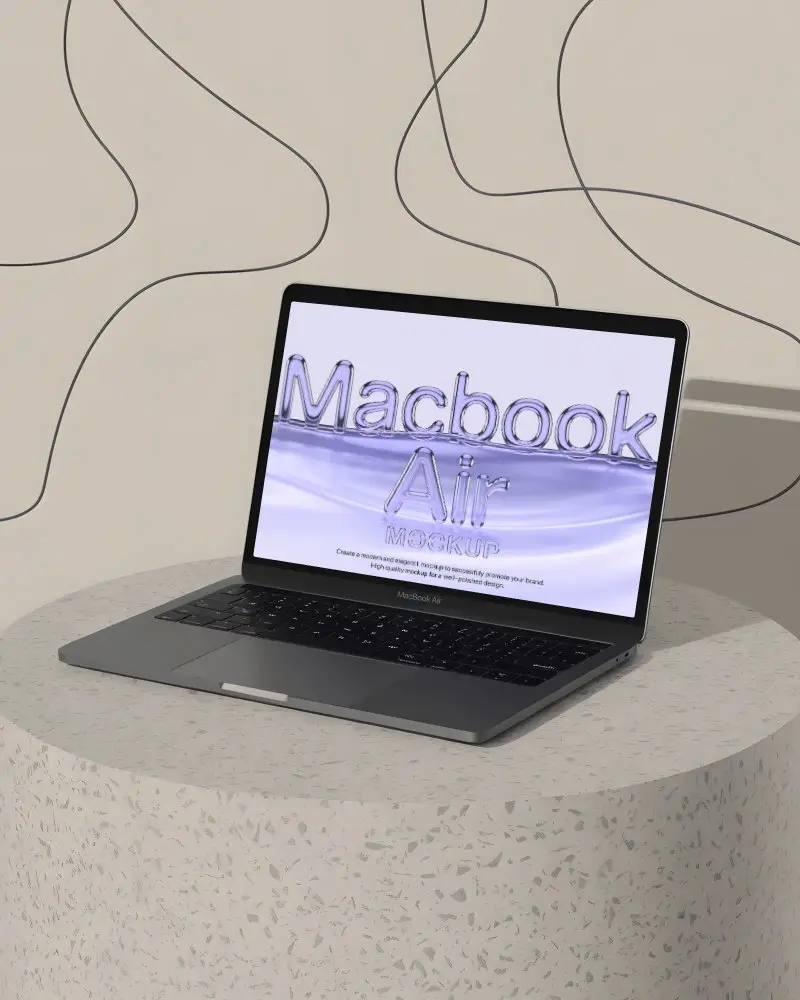
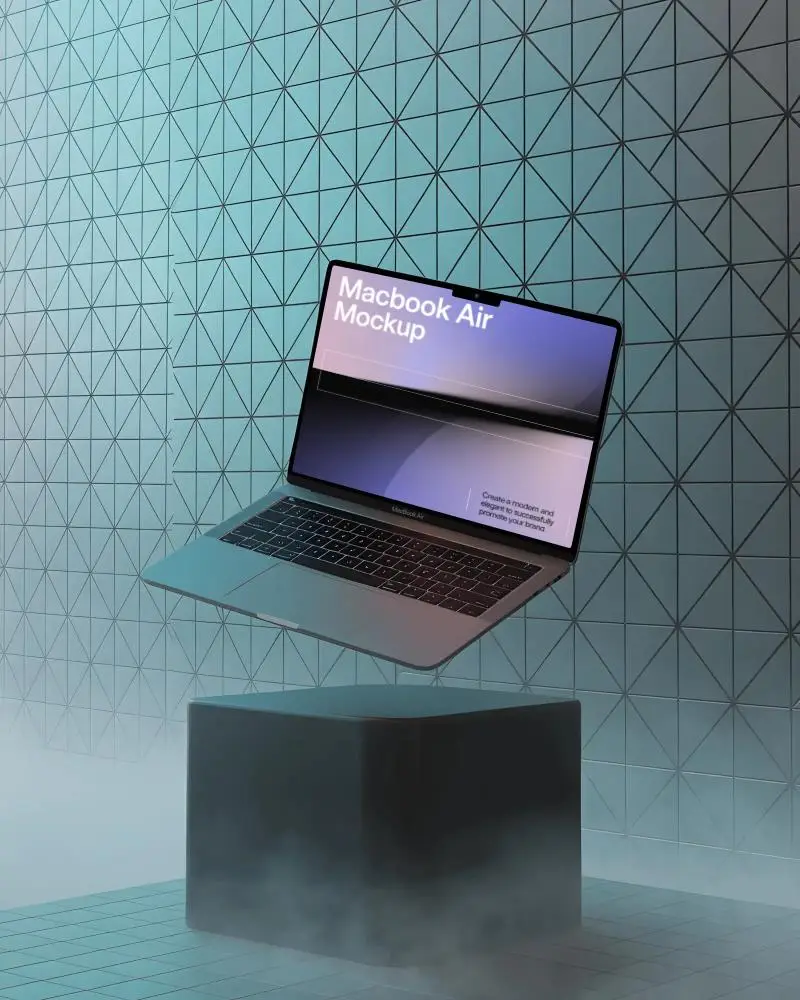
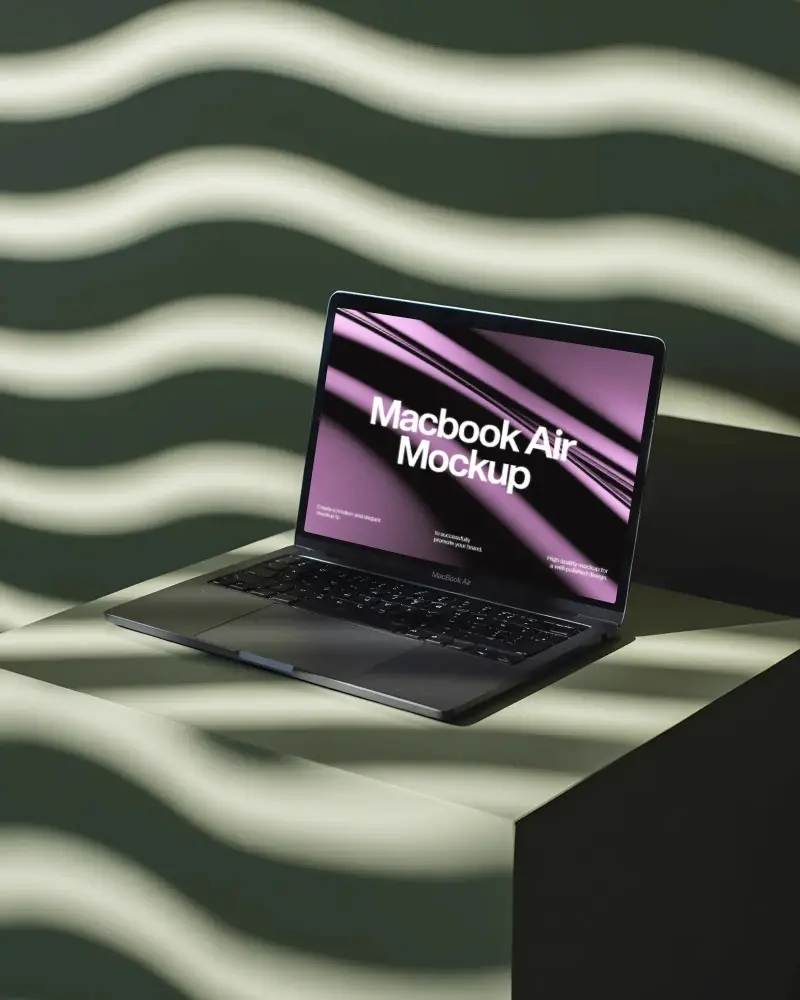
Create free MacBook Air mockups to showcase your brand in seconds! With Mockey.ai, easily create customizable MacBook Air mockups in just a few clicks.
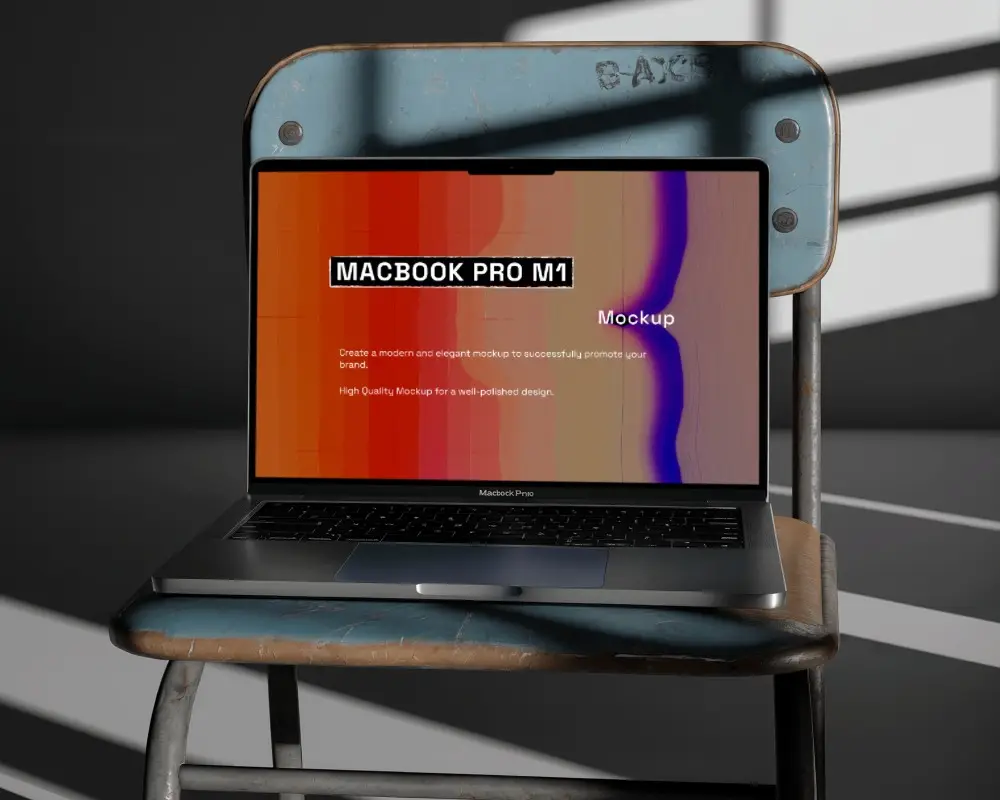
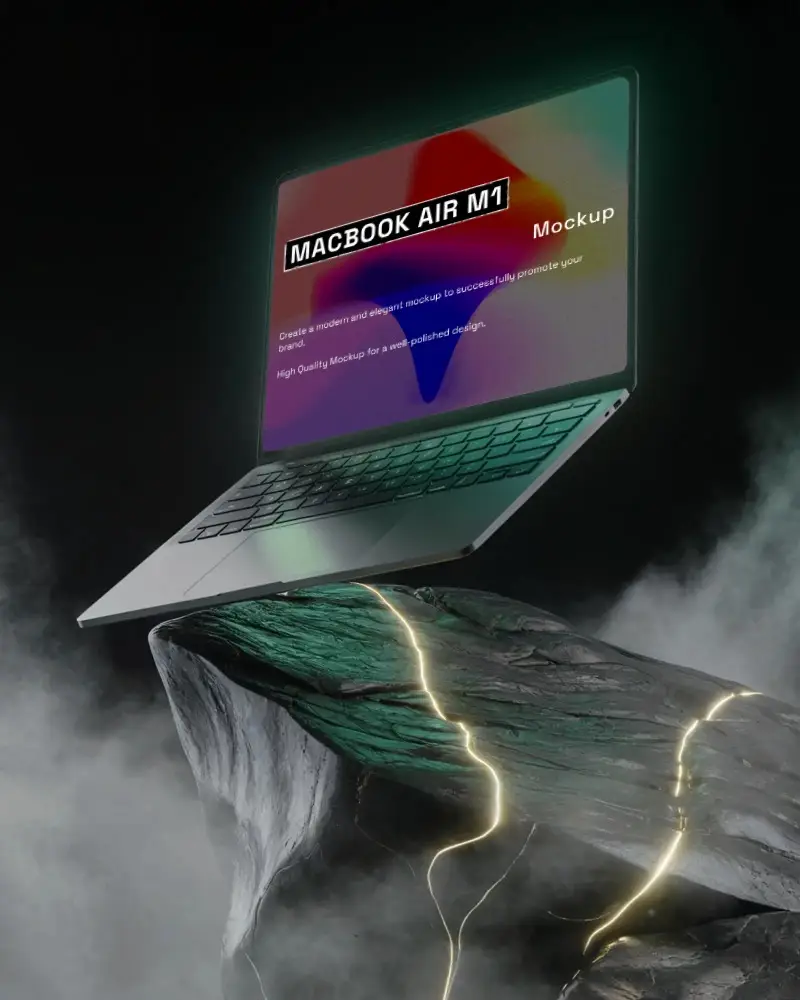
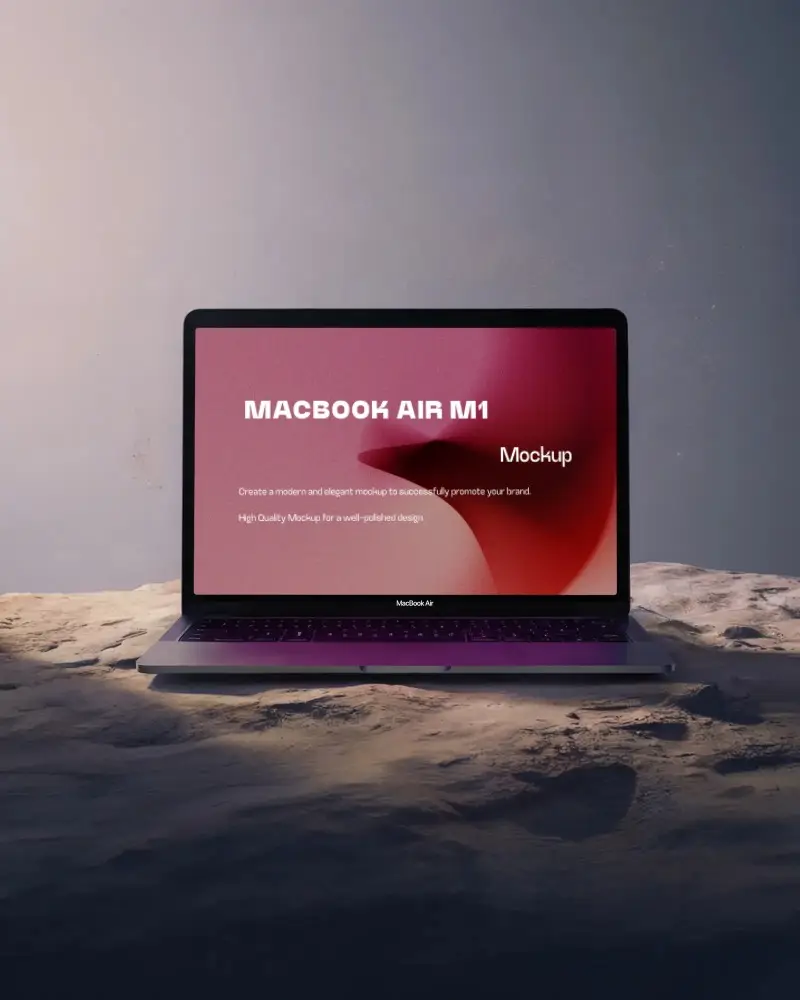
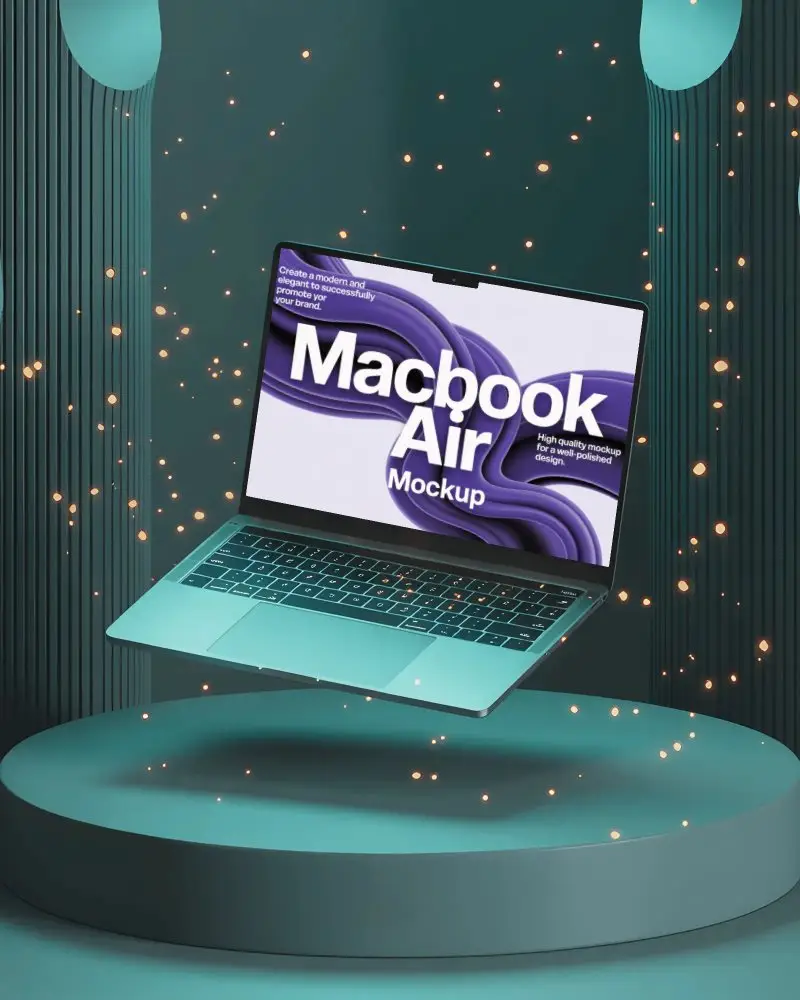

How to Create a MacBook Air Mockup with Mockey
To create a MacBook Air mockup:
- Step 1: Navigate to “Mockups” and click on “Tech.” Select the 'MacBook' from the available choices.
- Step 2: Before selecting a template, use the 'MacBook Air' tag.
- Step 3: Insert your design and modify it as necessary. Save your MacBook Air mockup.


FAQs on Macbook Air Mockups
Why use MacBook Air mockups?
MacBook Air mockups make your designs look real, like, actually real. Whether it’s a website, app, or UI/UX concept, showing it off on a MacBook Air screen just hits differently. Clients can instantly picture the final product.
Are MacBook Air mockups suitable for all types of designs?
MacBook Air mockups work well for many designs if you use the best mockup generator like Mockey AI. It helps when showing apps, logos, or websites.
Can I download MacBook Air mockups in different resolutions?
Yes, you can download MacBook Air mockups in high resolution and many sizes up to 1600 x 2000 pixels. You’ll get formats like PNG and JPEG. You can change and edit the screen easily.
