Free Long Sleeve T-Shirt Mockups for POD Sellers
Present your designs with Mockey’s Long Sleeve T-Shirt Mockups in Black, White, and more. Fully editable and realistic, with front and back views for professional previews. Perfect for POD sellers, and online stores to create and share their designs effortlessly.


















































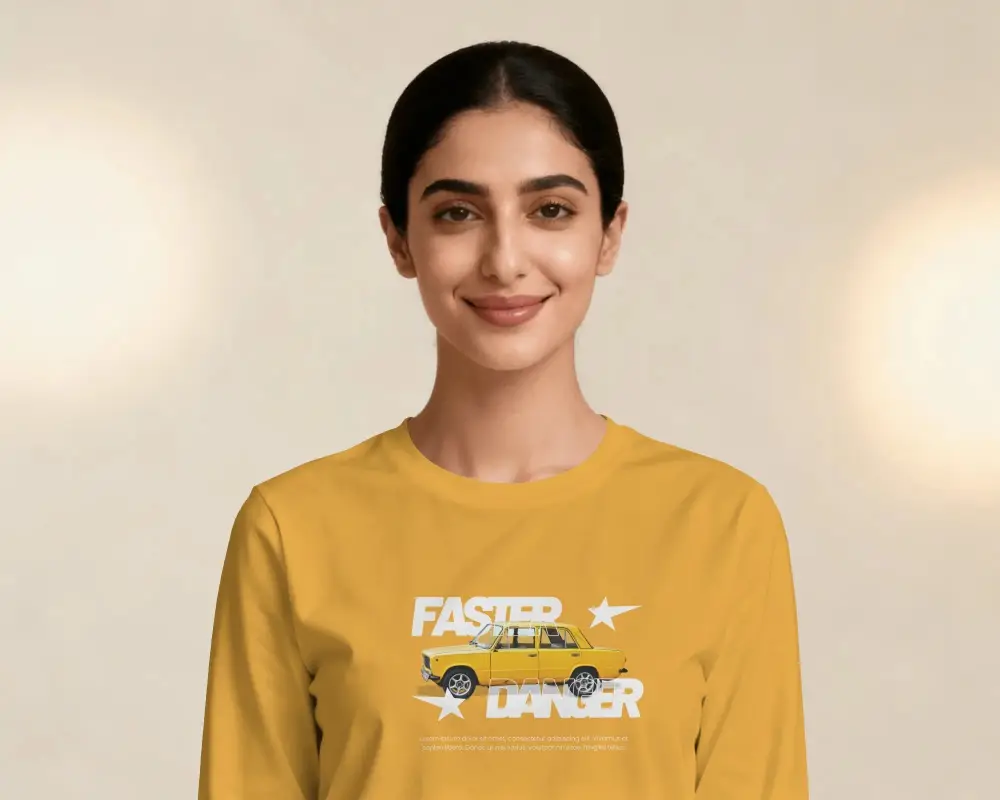
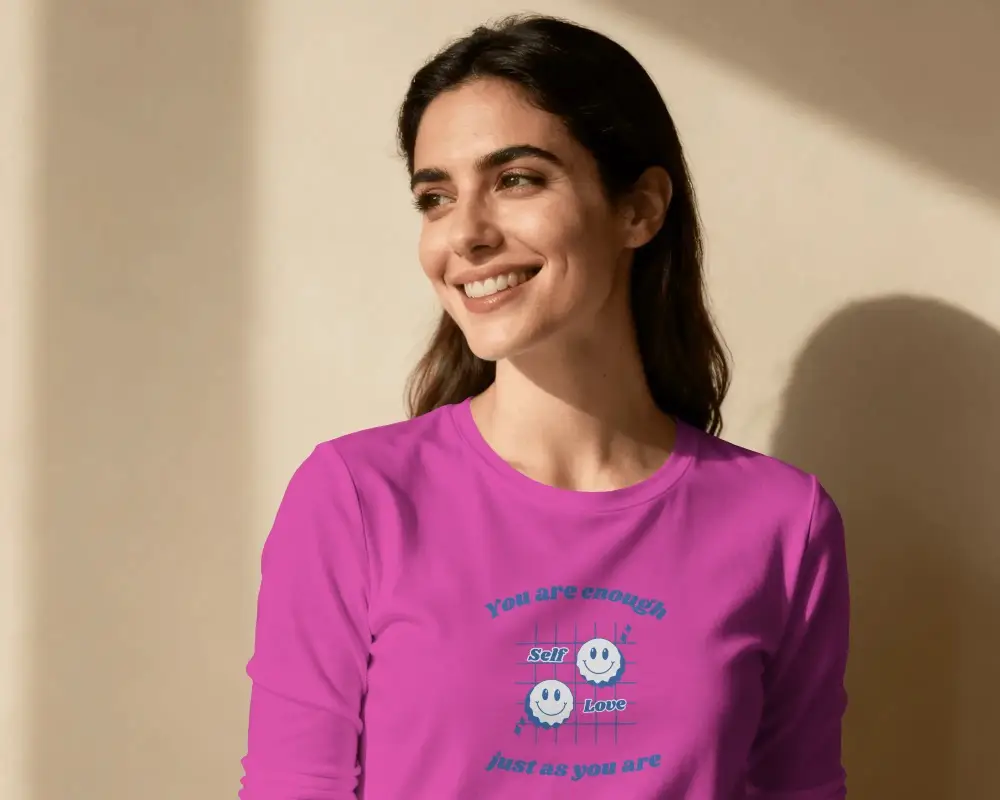

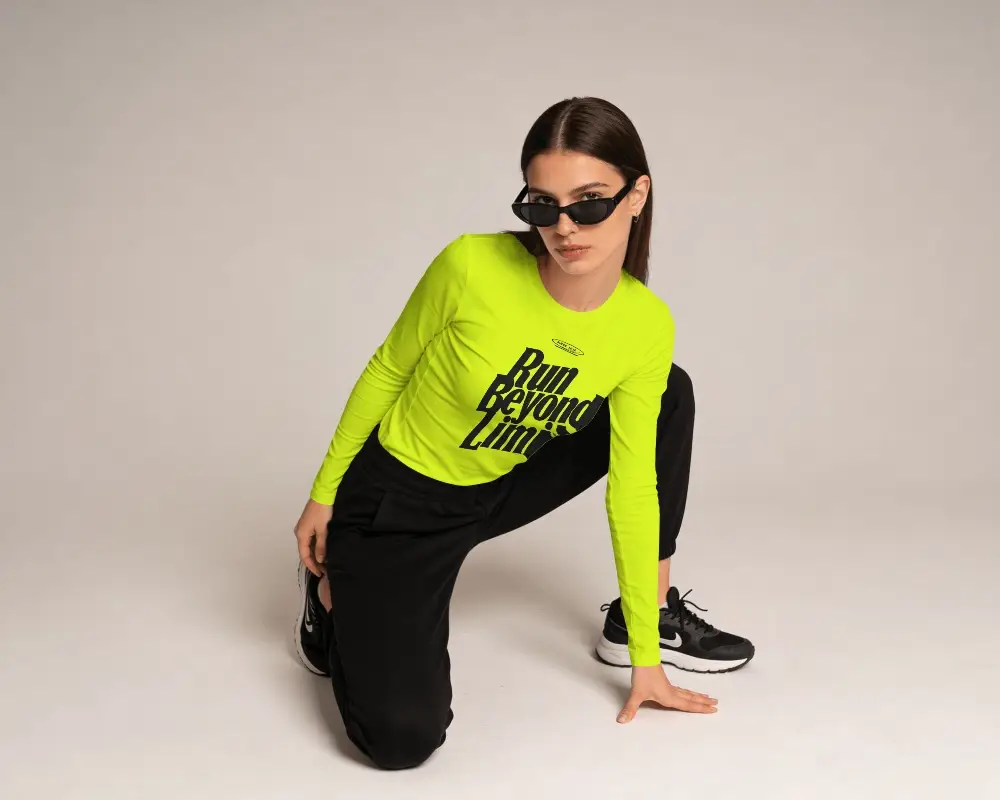
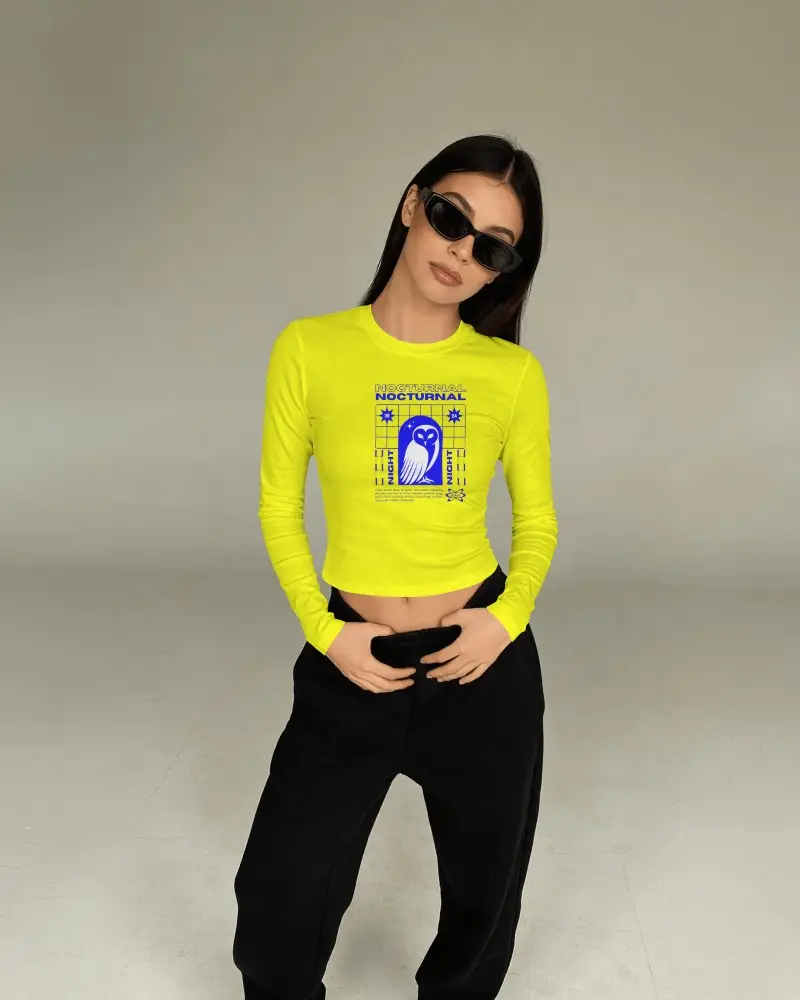
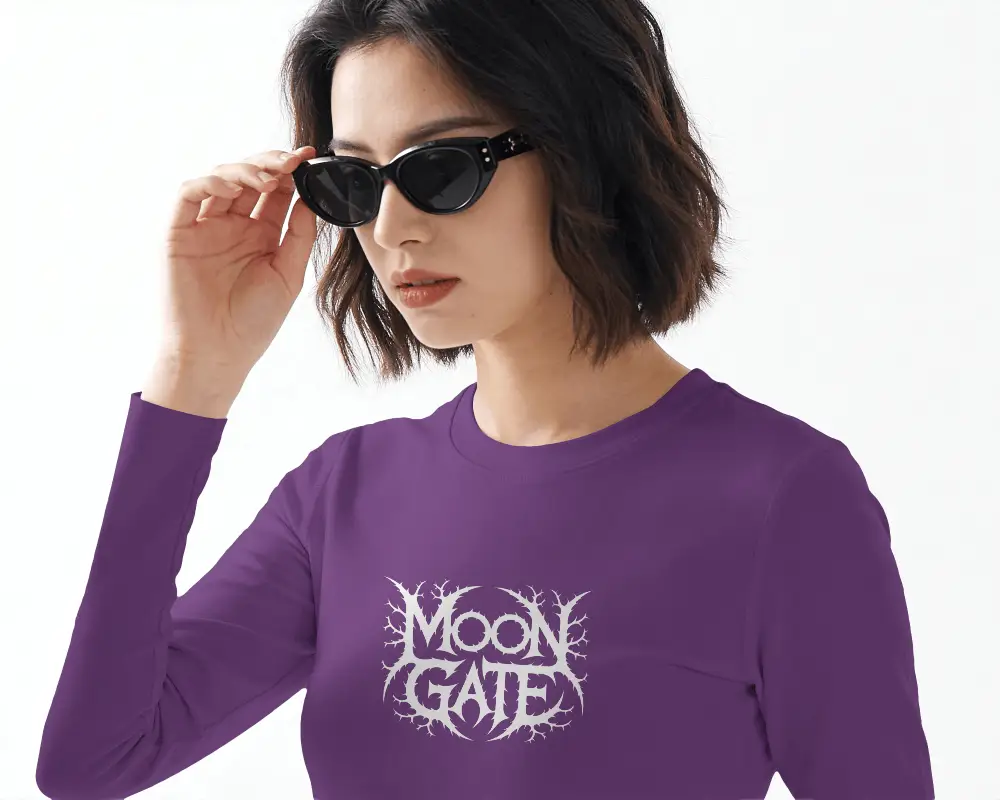
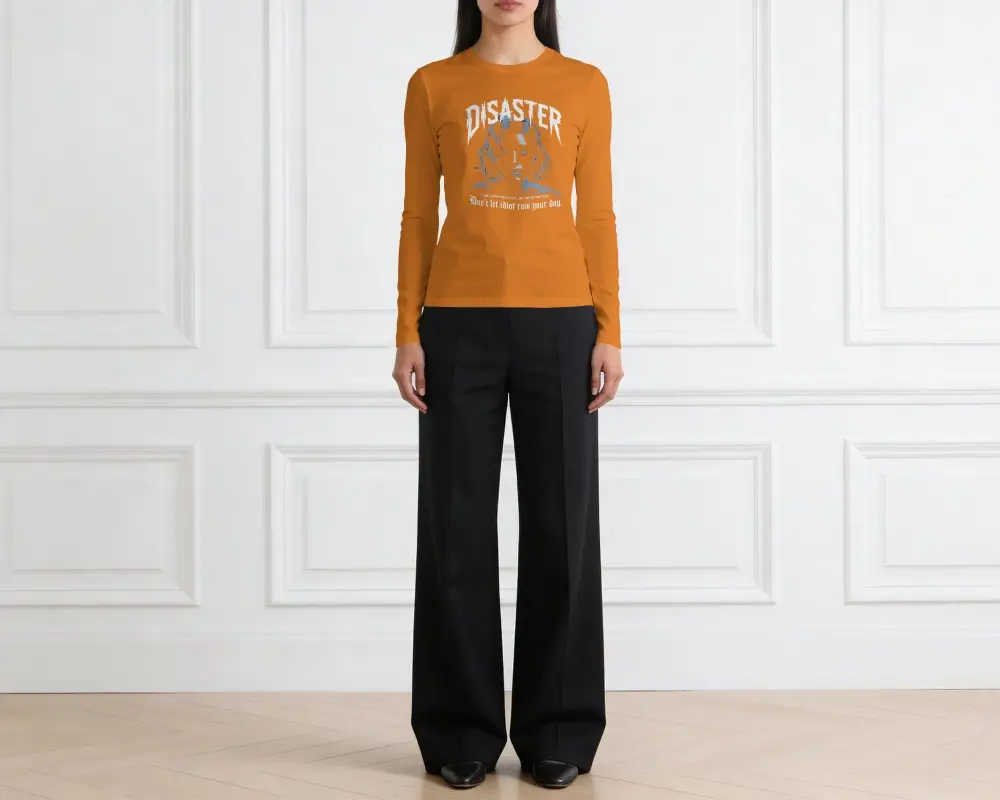
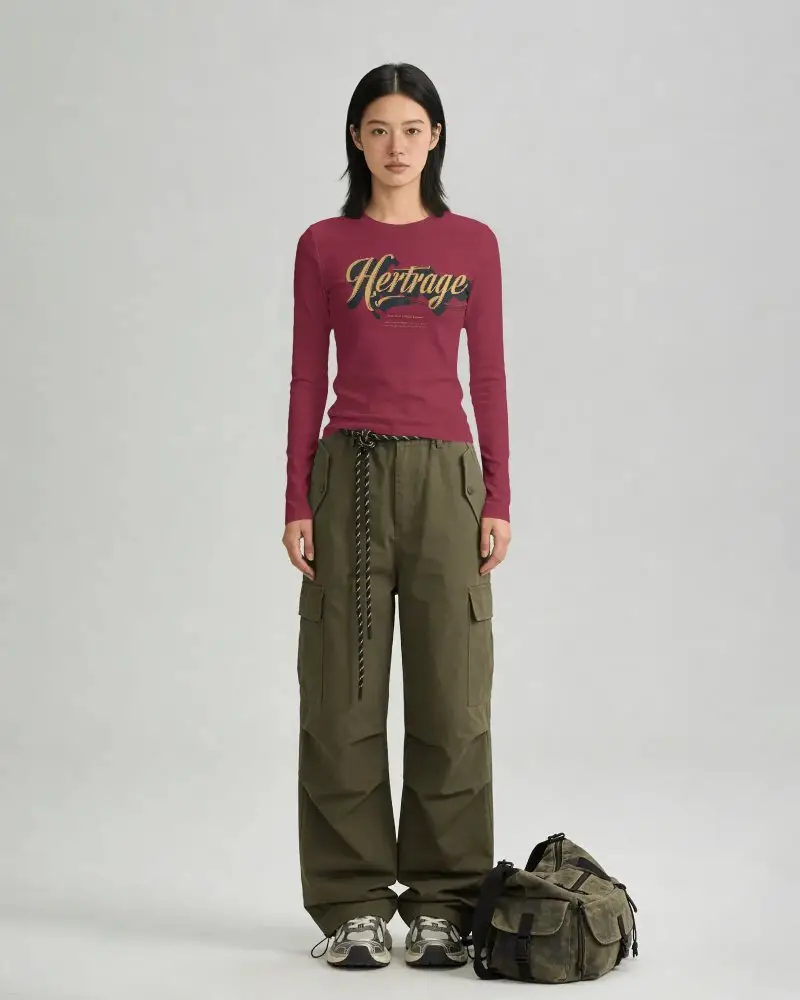
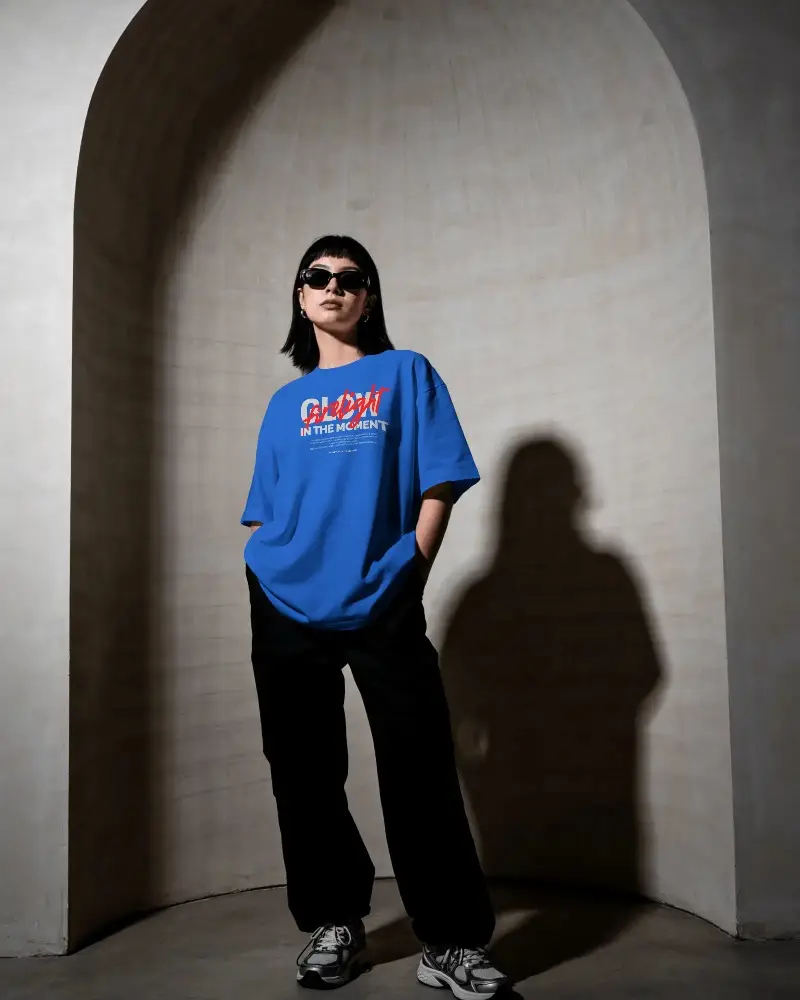
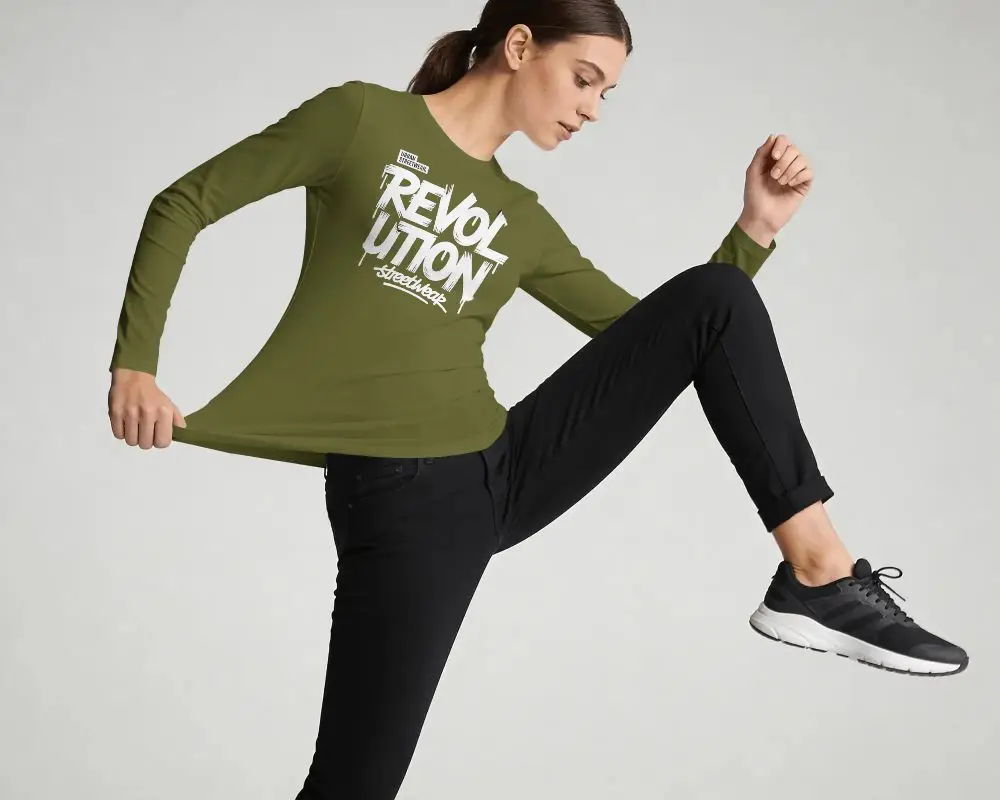
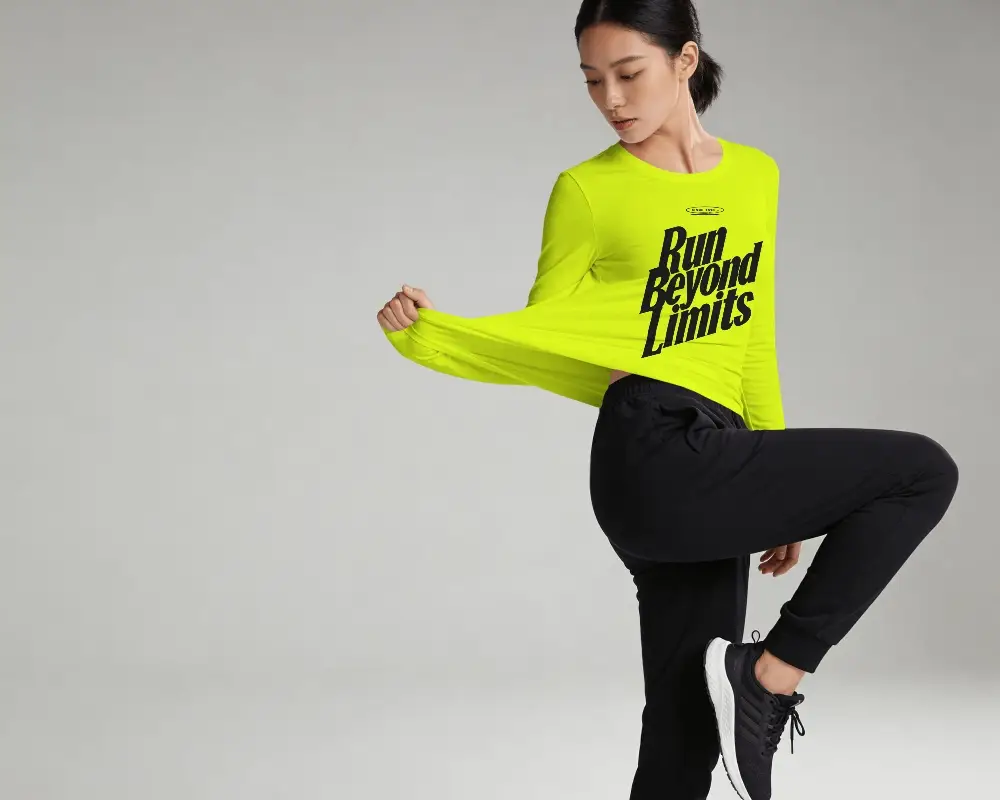
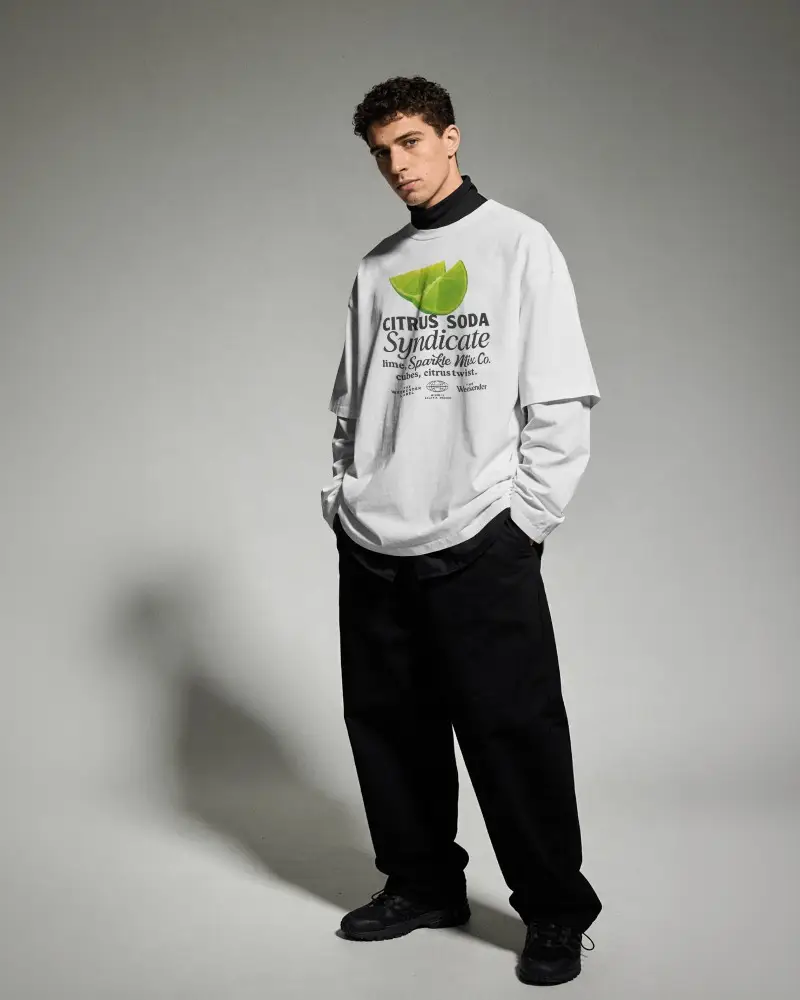
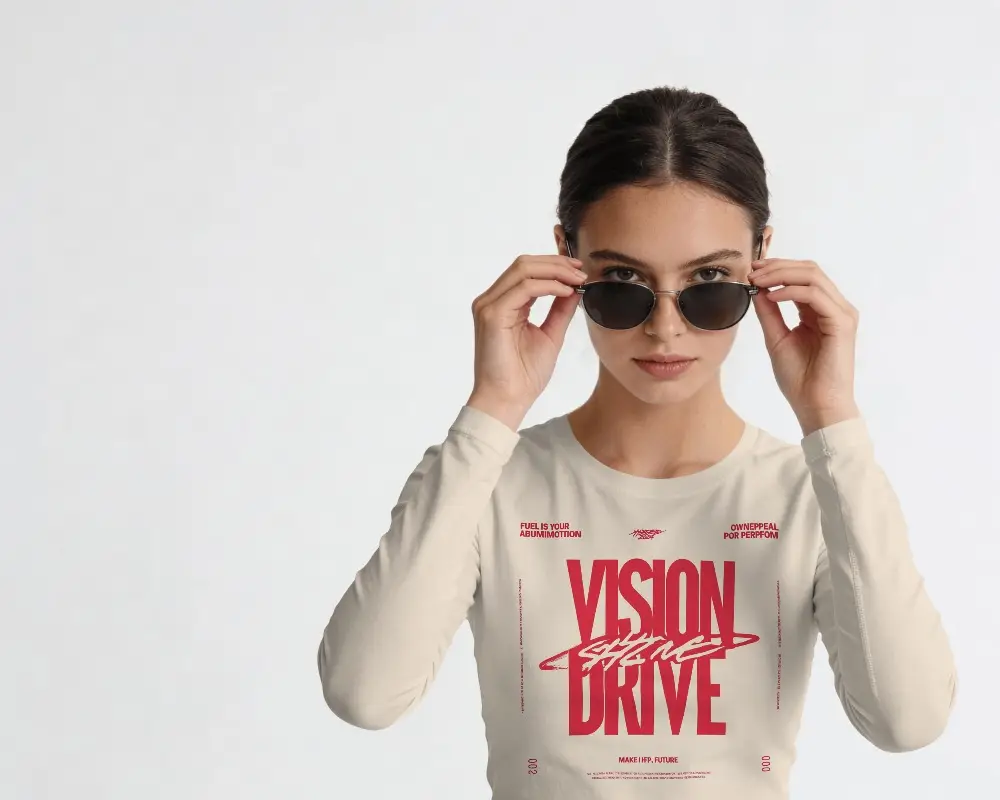
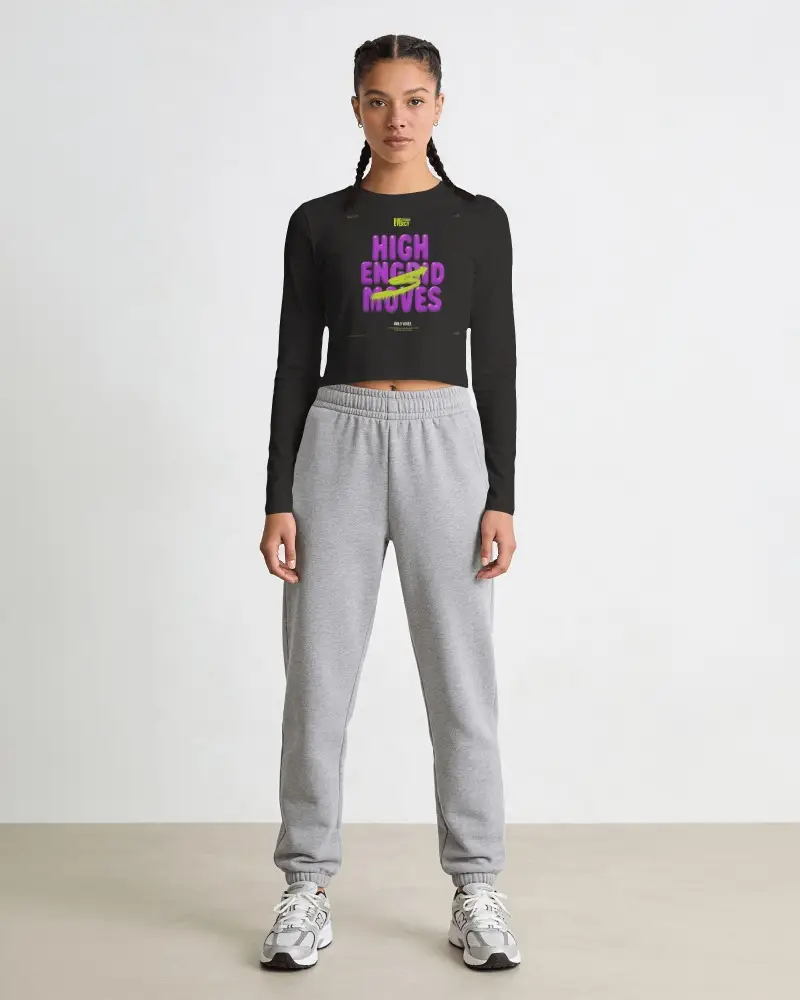
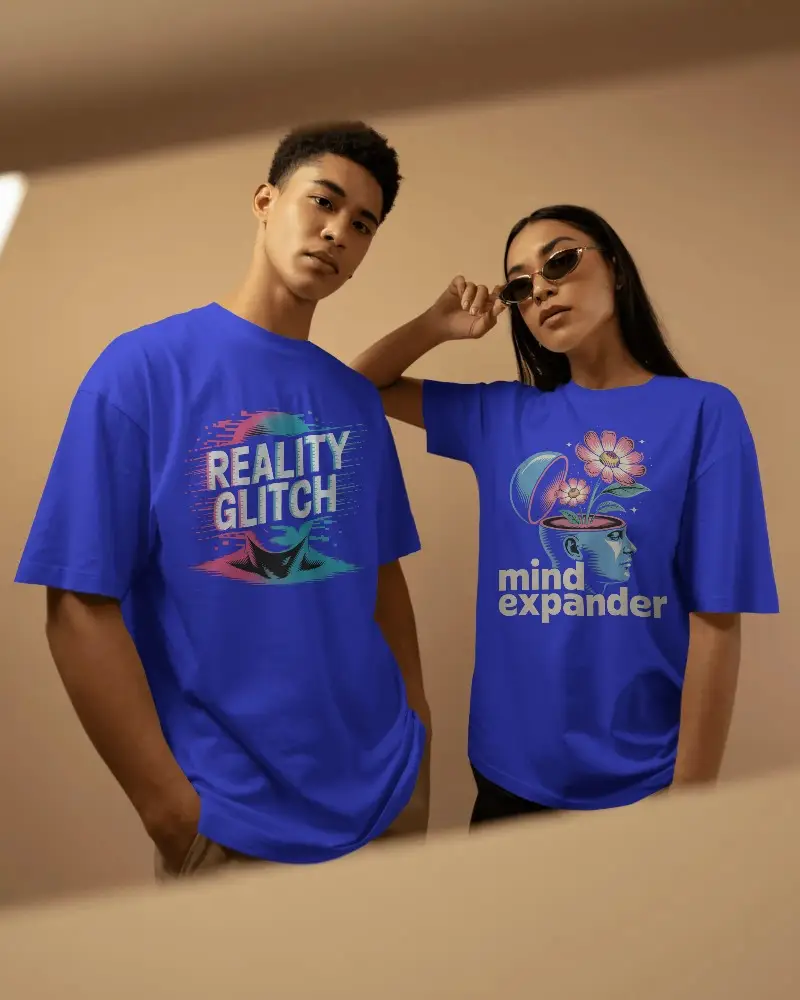
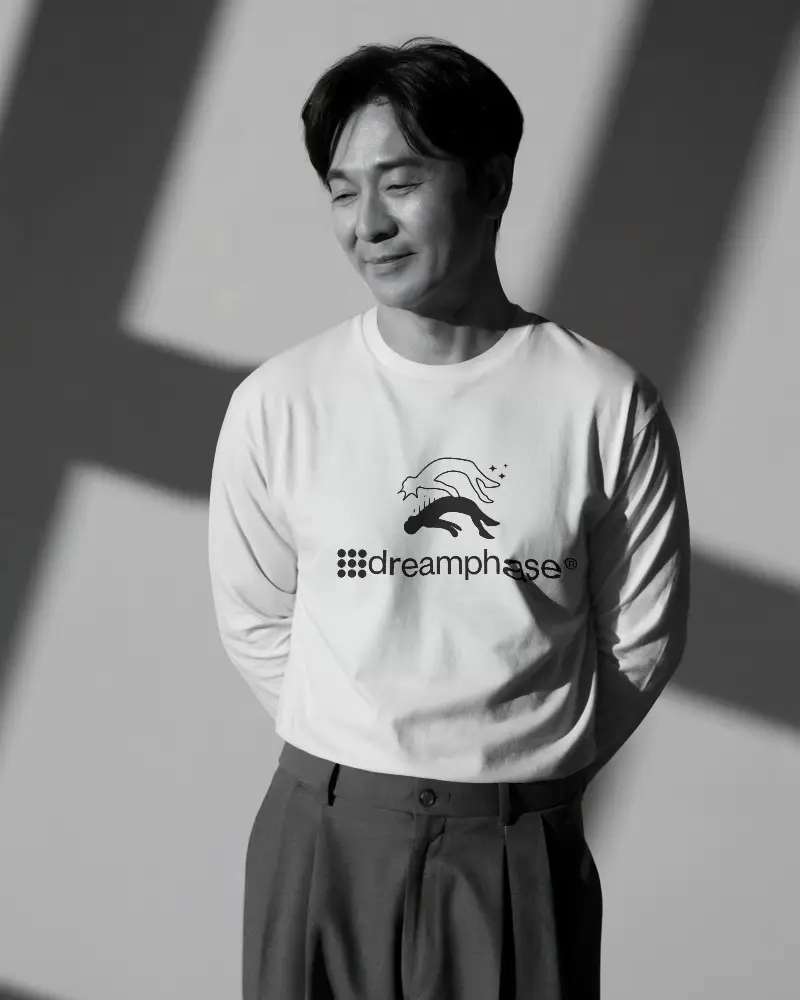
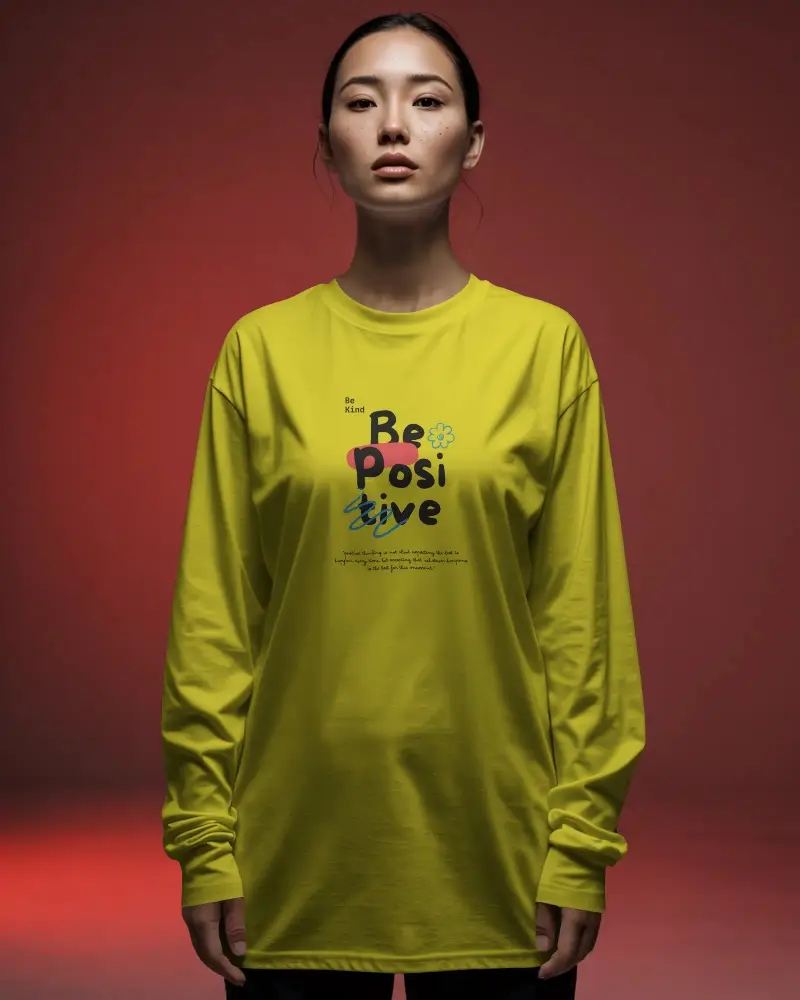
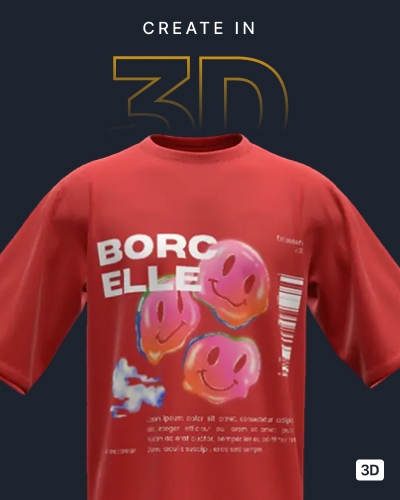
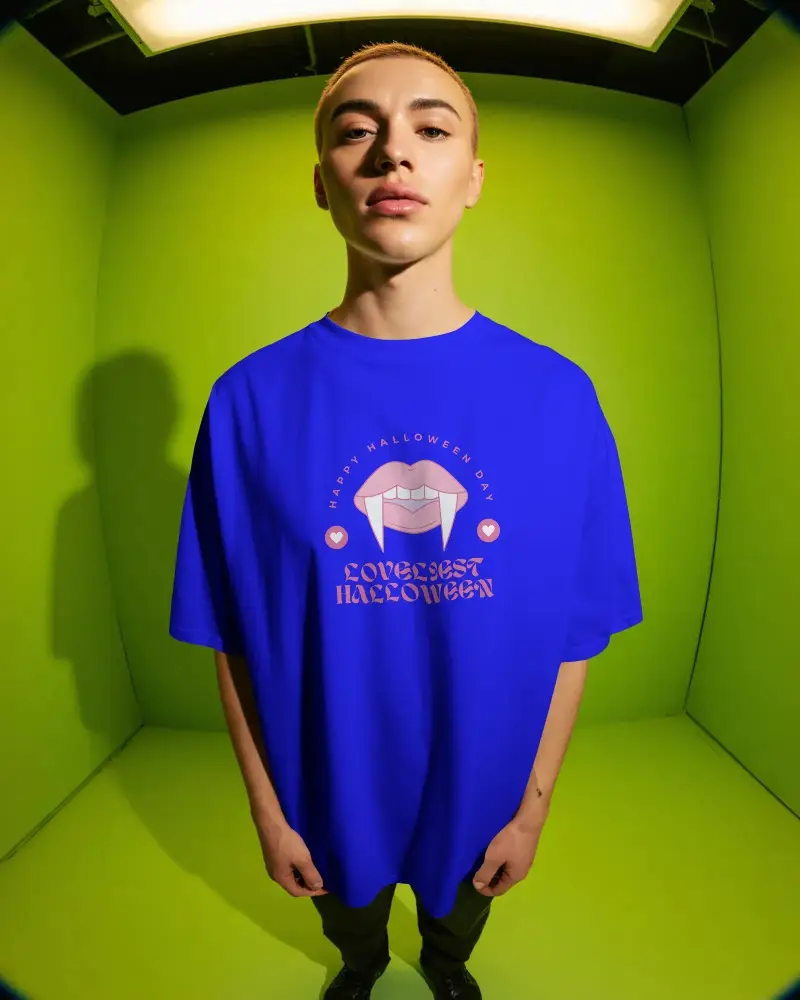
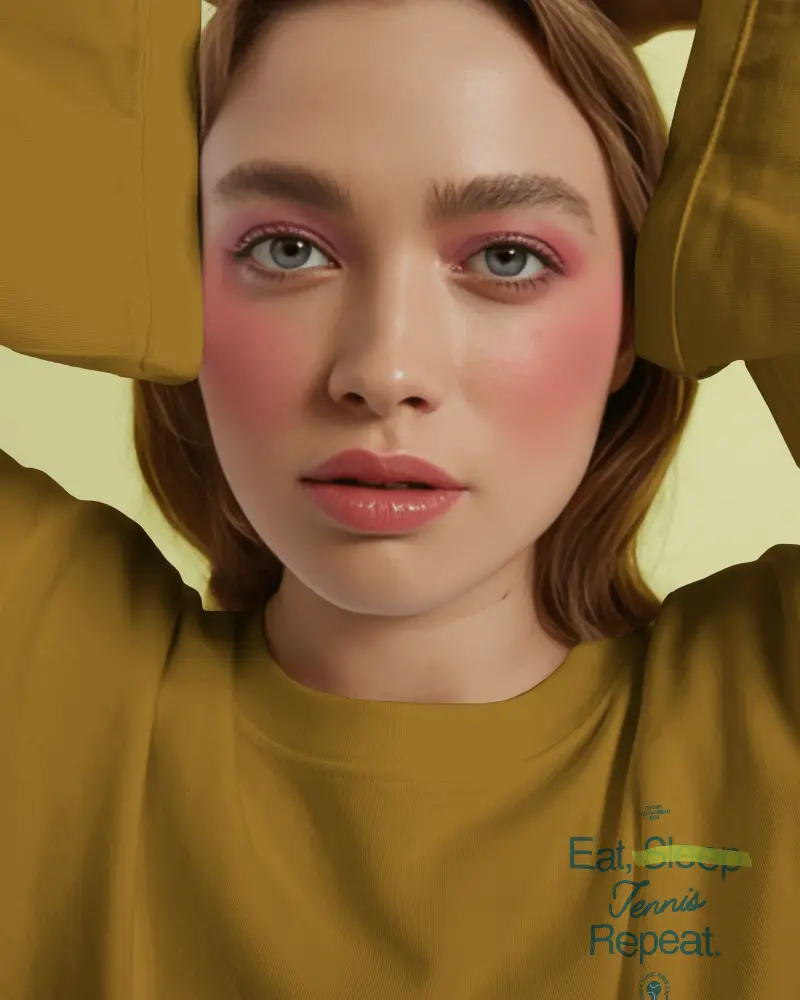
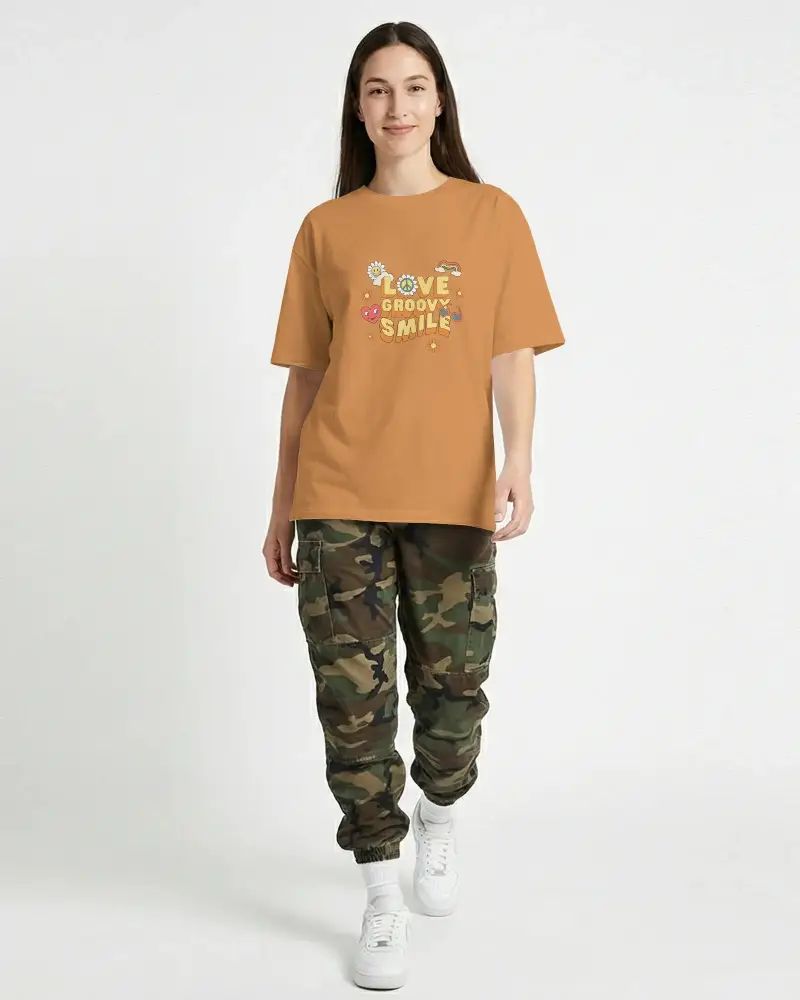
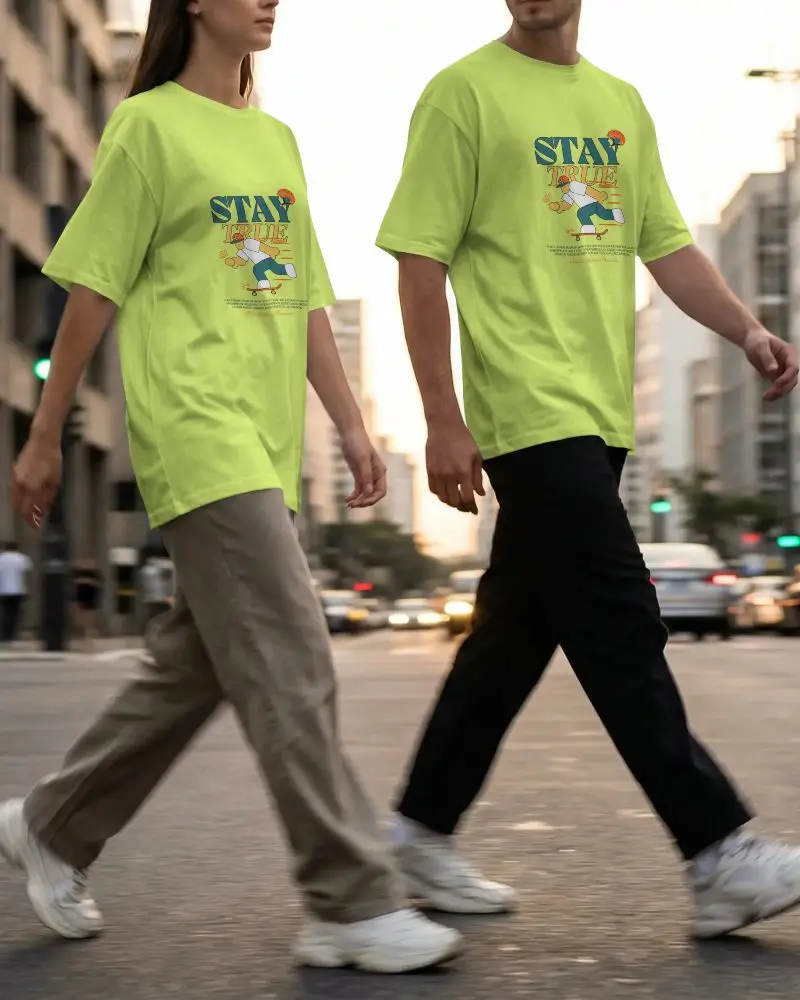
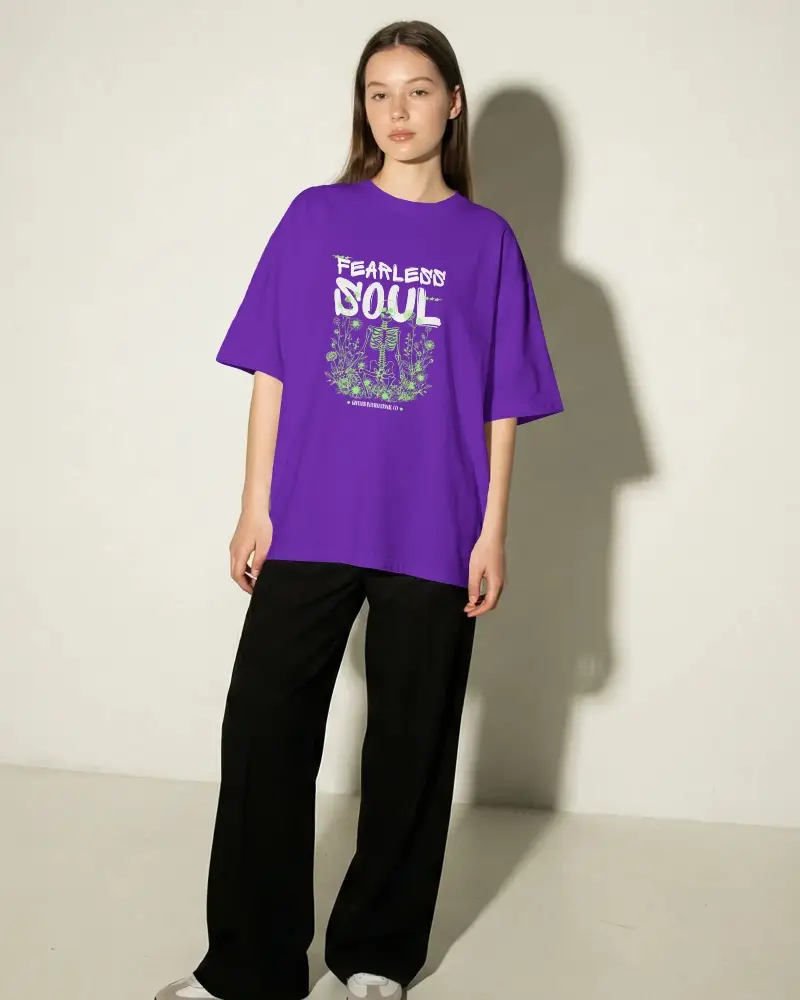
How to Create Long Sleeve T-shirt Mockup with Mockey
To create Long Sleeve T-shirt mockups:
- Step 1: Go to Mockups > Apparel > T-shirt > Long Sleeve.
- Step 2: Pick a long sleeve t-shirt template and click 'Upload Design' to add your artwork.
- Step 3: Customize colors, lighting, and background, then download your mockup in high resolution.


FAQs on Long Sleeve T Shirt Mockups
Does Mockey have both black and white long sleeve t shirt mockups?
Yes, Mockey offers a wide range of t-shirt mockups, including both black and white long-sleeve options, as part of its extensive collection of over 1000 templates
Do I need Photoshop to edit Mockey’s long sleeve t shirt mockups?
You don’t need Photoshop to edit Mockey’s long-sleeve T-shirt mockups. You can customize and download them directly from Mockey’s platform—no extra software is needed!
Where can I find free long sleeve t shirt mockups?
Get free long-sleeve T-shirt mockups on Mockey.ai! Pick from 1,000+ templates, add the design, and download top-notch mockups with no watermarks.
Are free long sleeve t shirt mockups high resolution?
Mockey.ai provides high-quality long-sleeve t-shirt mockups with sharp details (up to 1600 x 2000 pixels).
Do Long Sleeve Mockups support front and back views?
Yes, in long sleeve t-shirt mockups, you’ll find templates with both front and back views. You can also explore different styles of t-shirts under the front and back t-shirt mockups tag.
Where can I find more color options apart from Long Sleeve T-Shirt Mockups?
Apart from long sleeve t-shirts, Mockey AI offers the widest range of color options. Whether it’s white, black, grey, blue, or any other shade, you’ll find dedicated tags on the catalog page. For example, if you need a white one, just use the white t-shirt mockups tag.
Can I create video previews of my long-sleeve T-shirt mockups?
If you’re looking for long sleeve t-shirt mockups in video format, our t-shirt video mockups section has plenty of templates available. Whether you want a long-sleeve t-shirt or oversized, our t-shirt video mockups offer a huge variety of templates and high-quality output.
