macbook
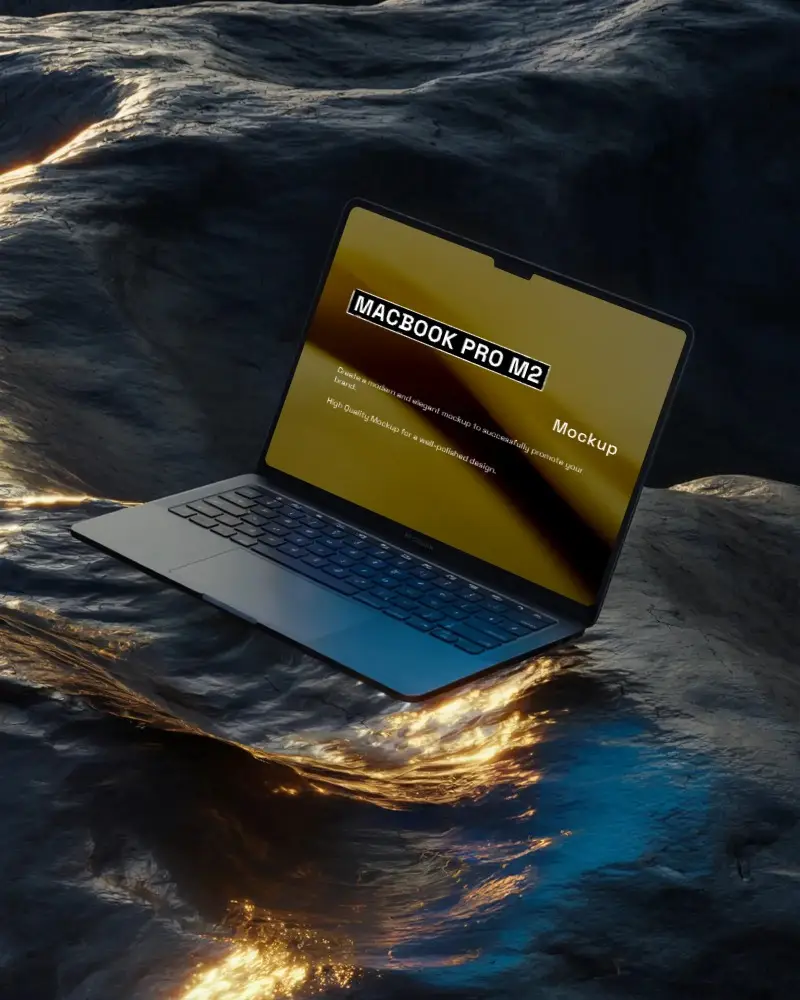
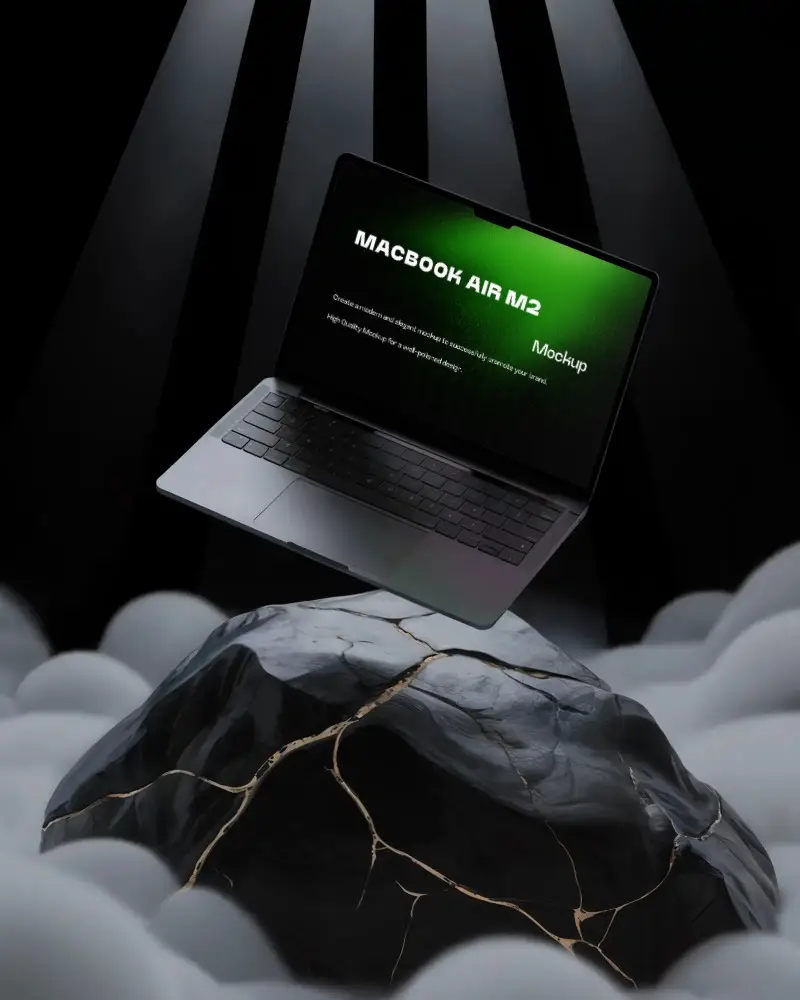
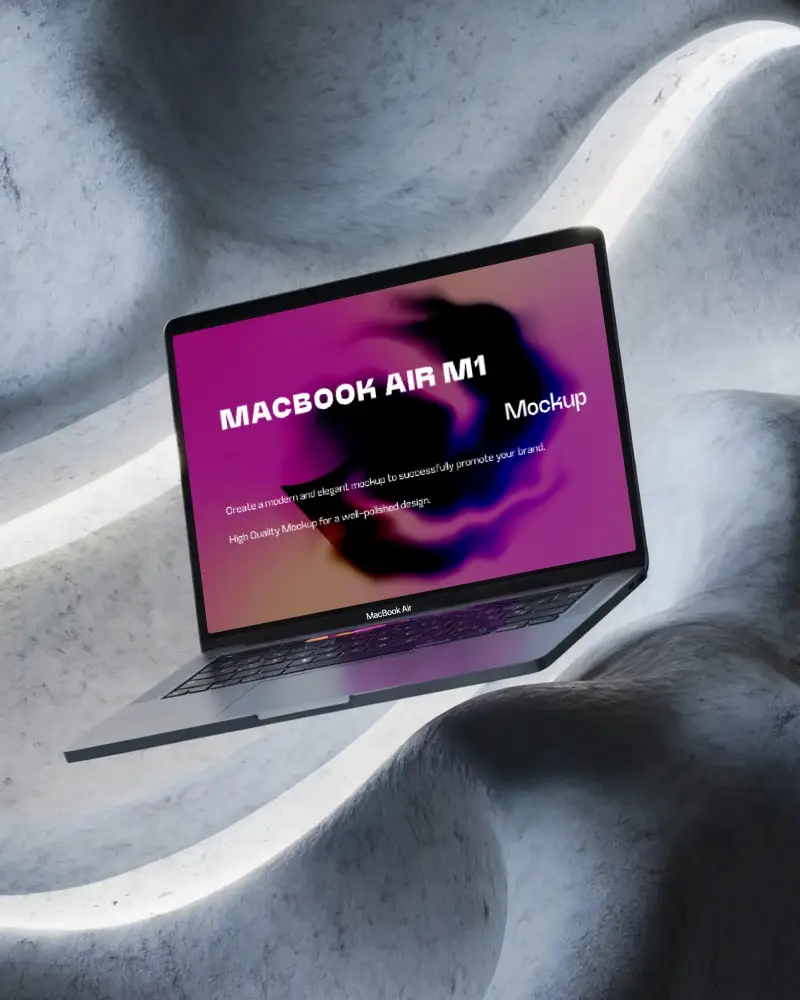
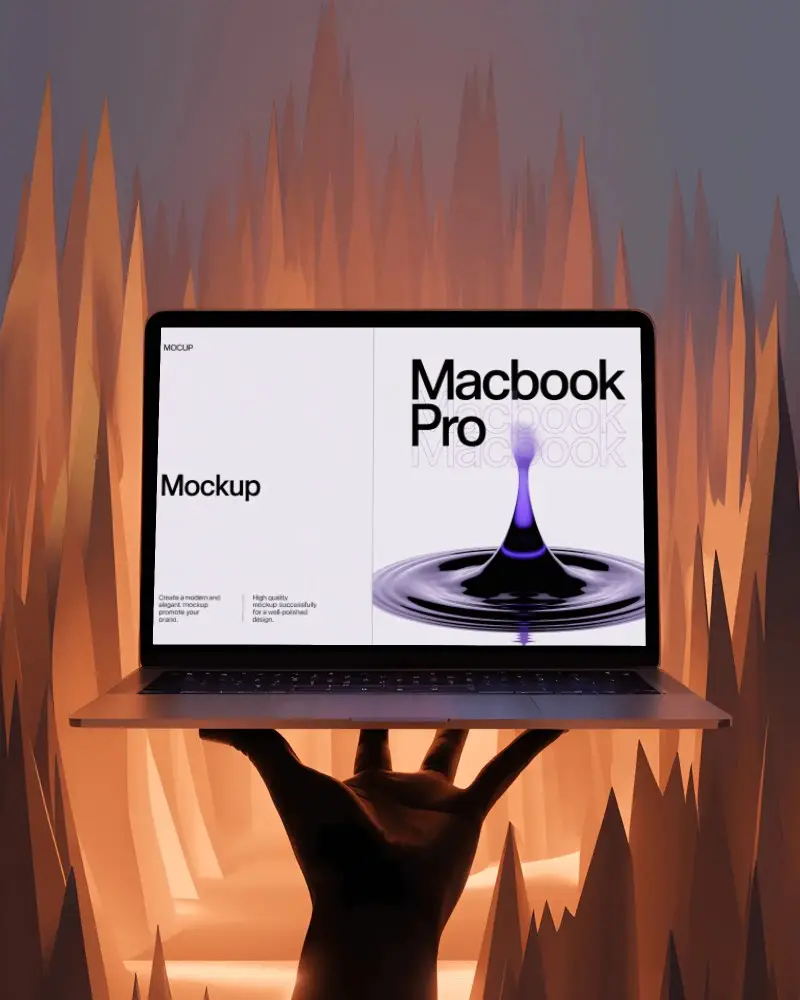
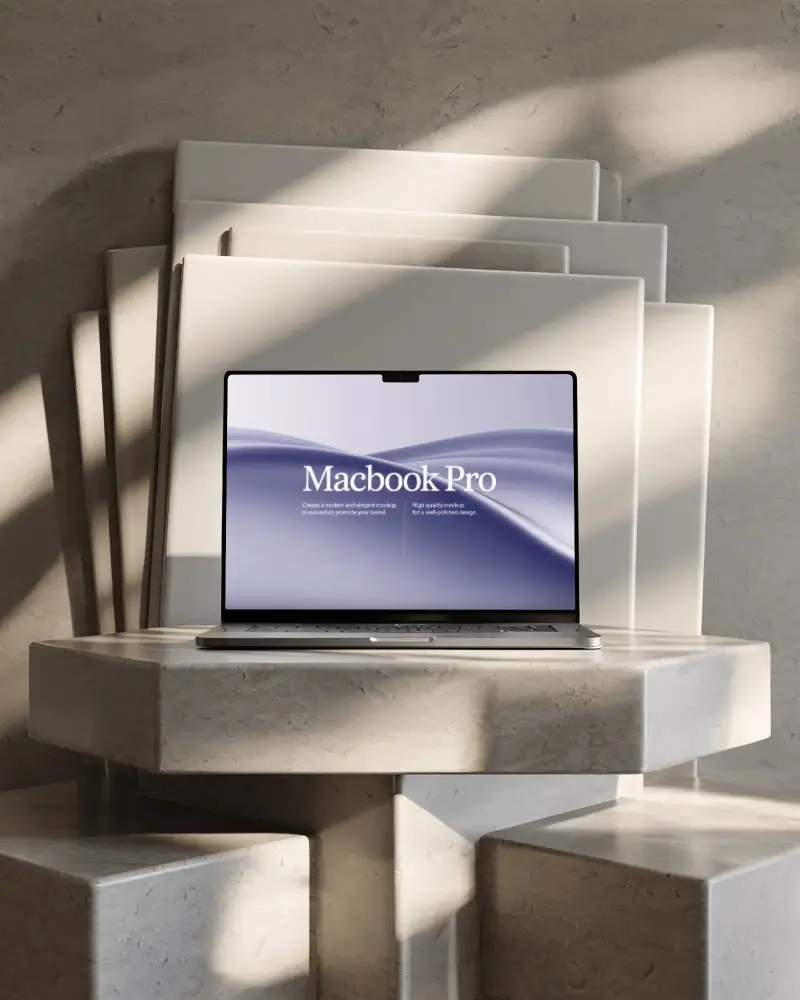
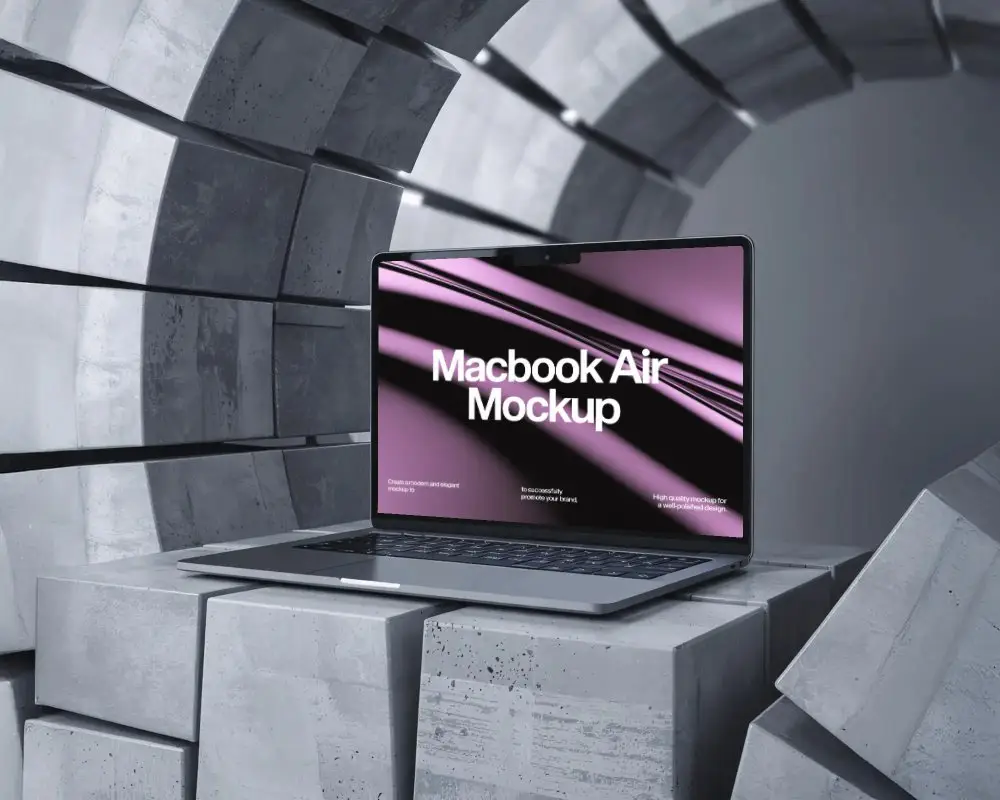
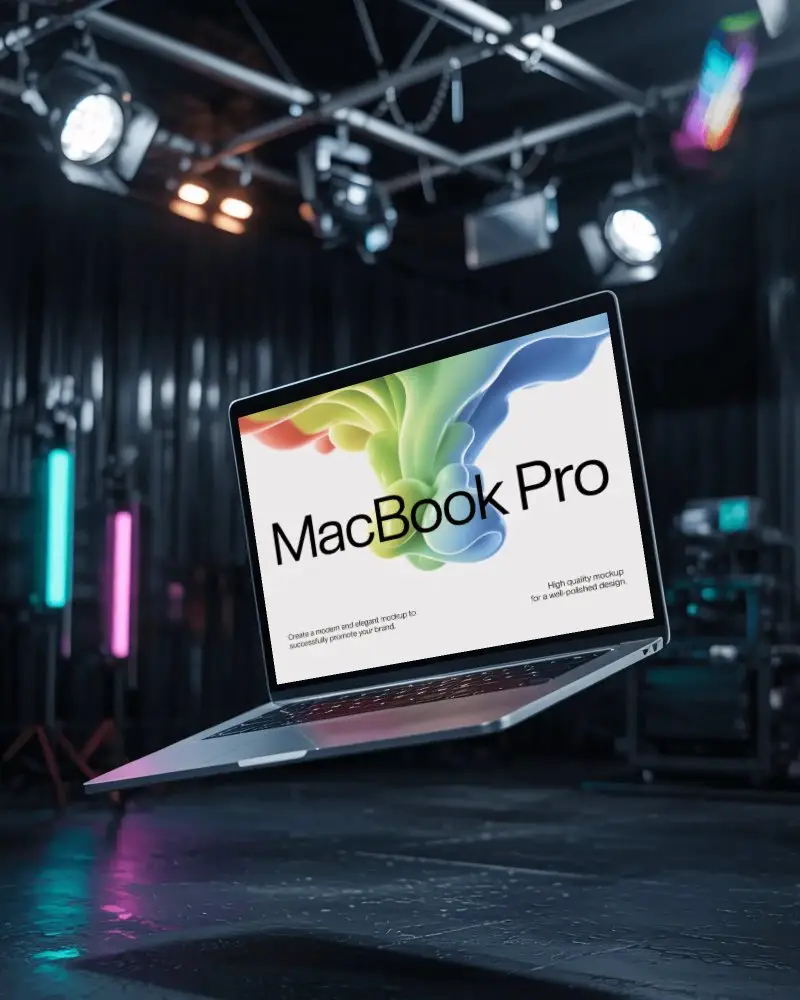
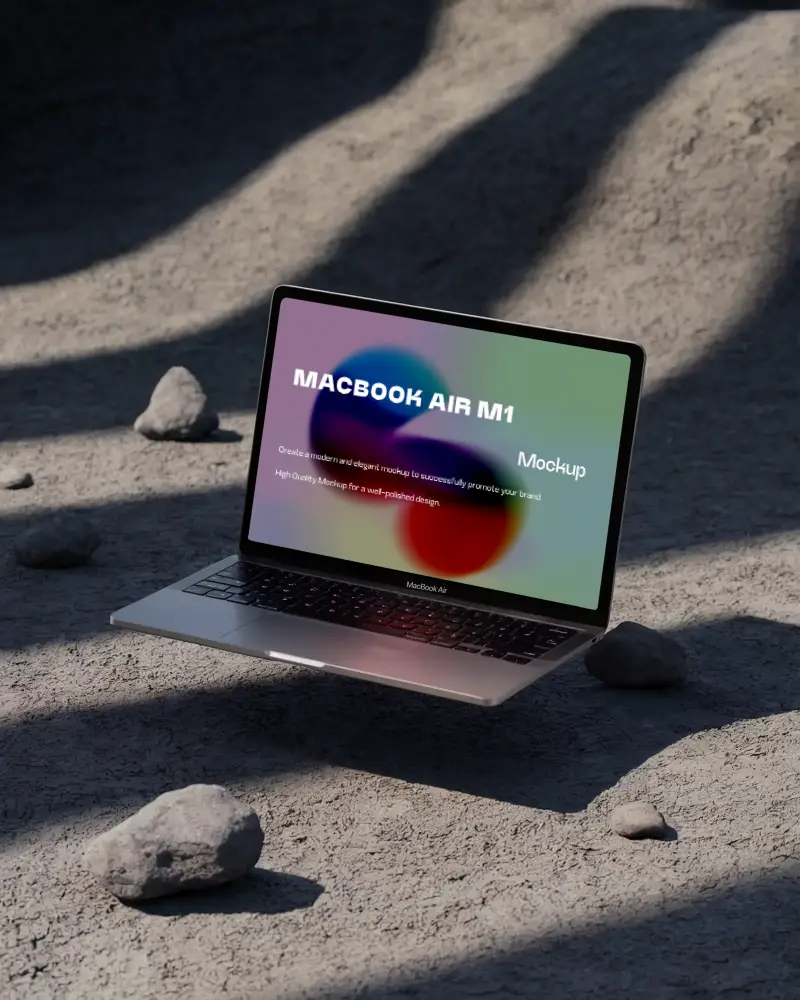
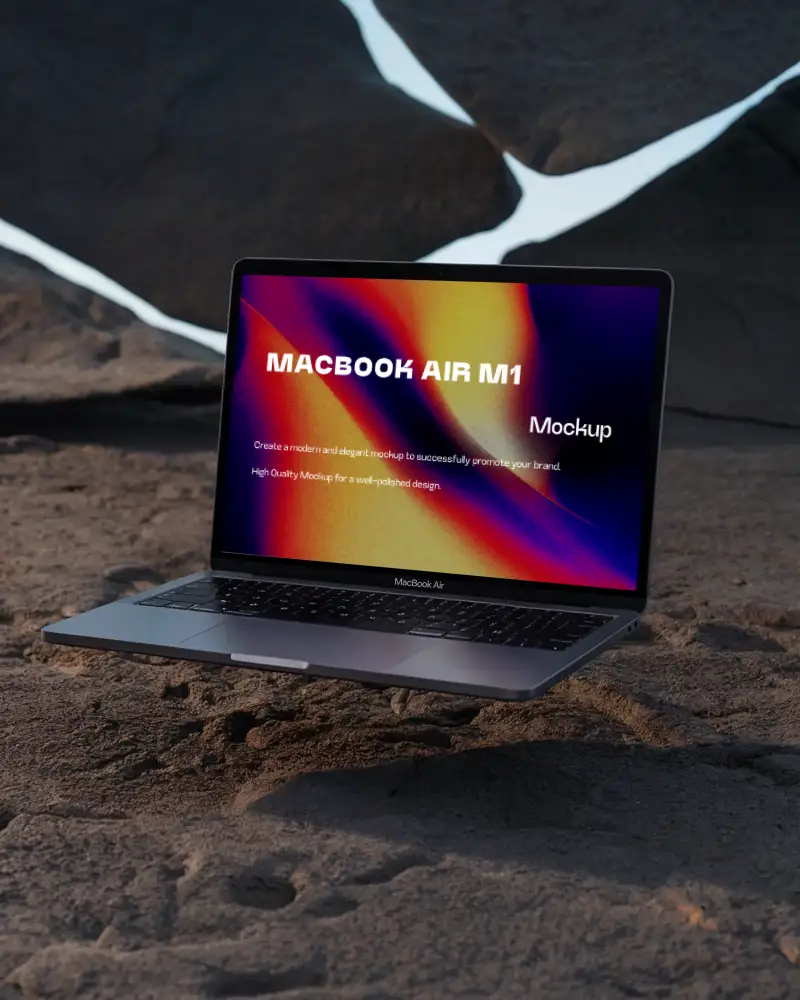
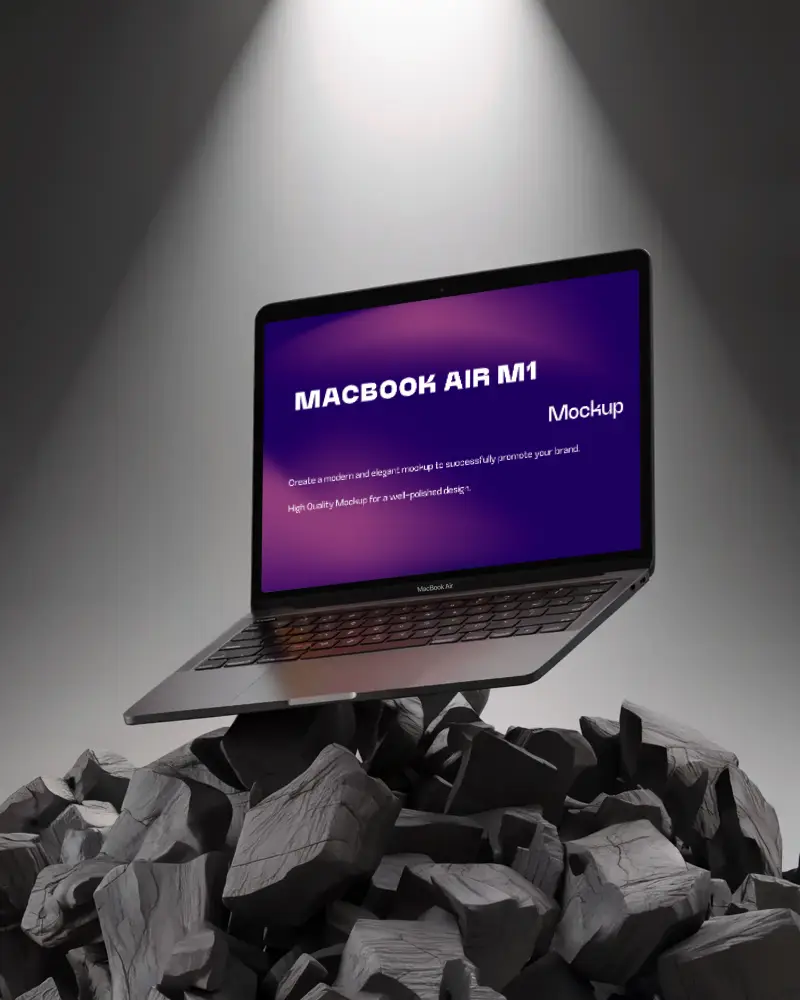
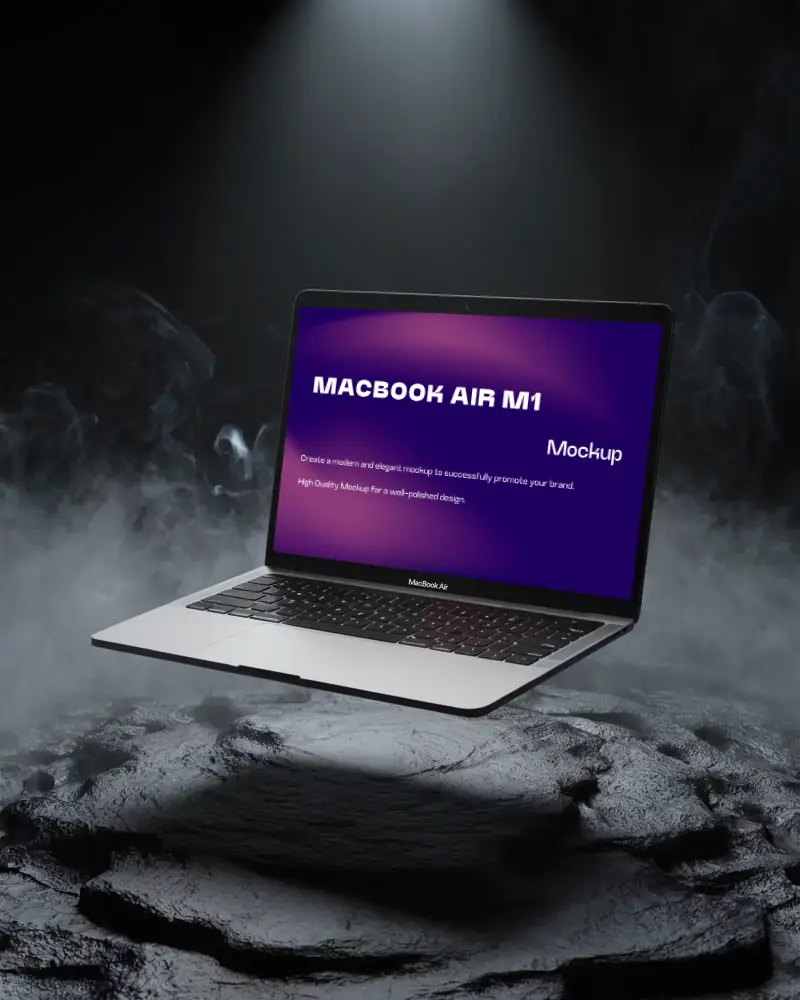
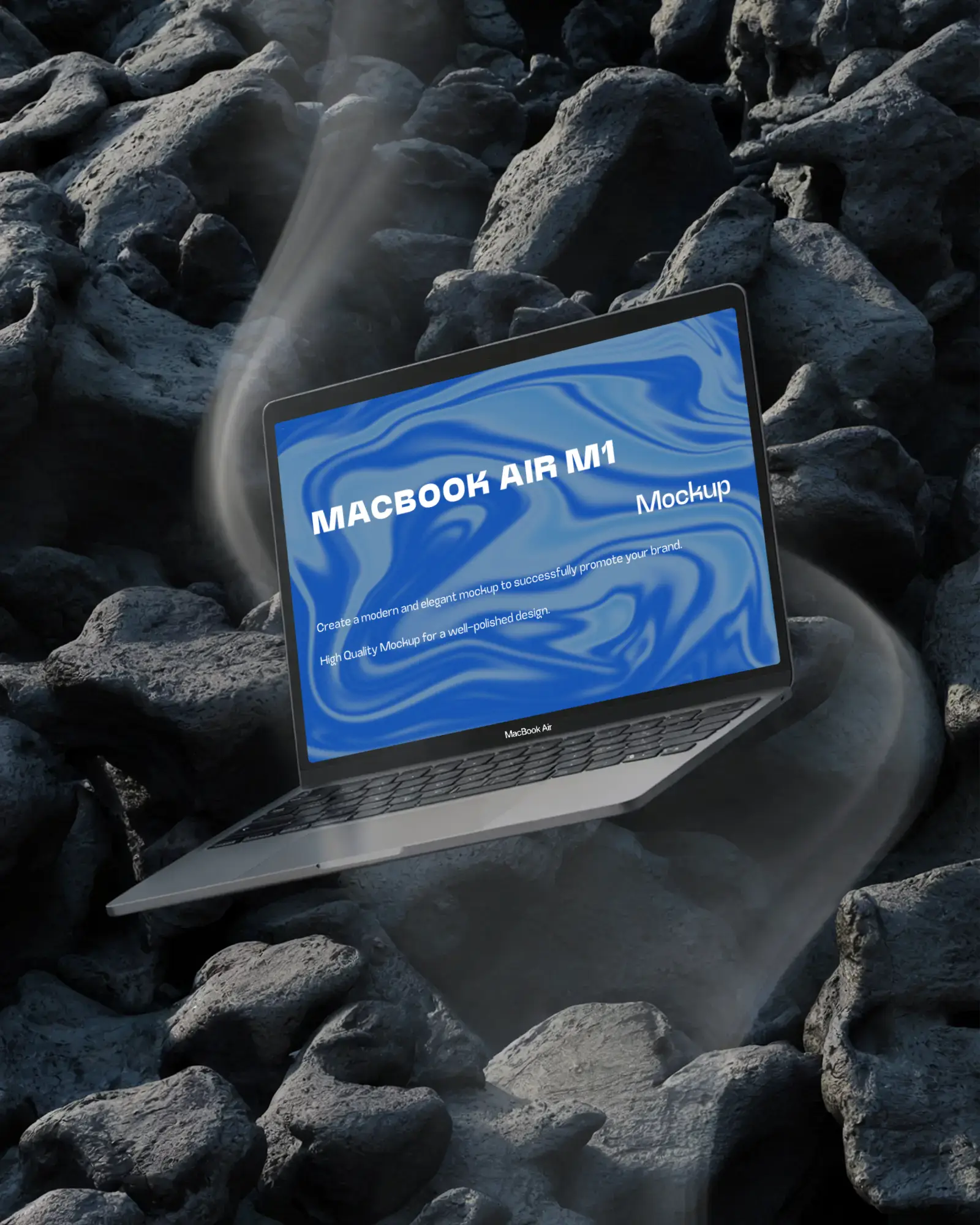
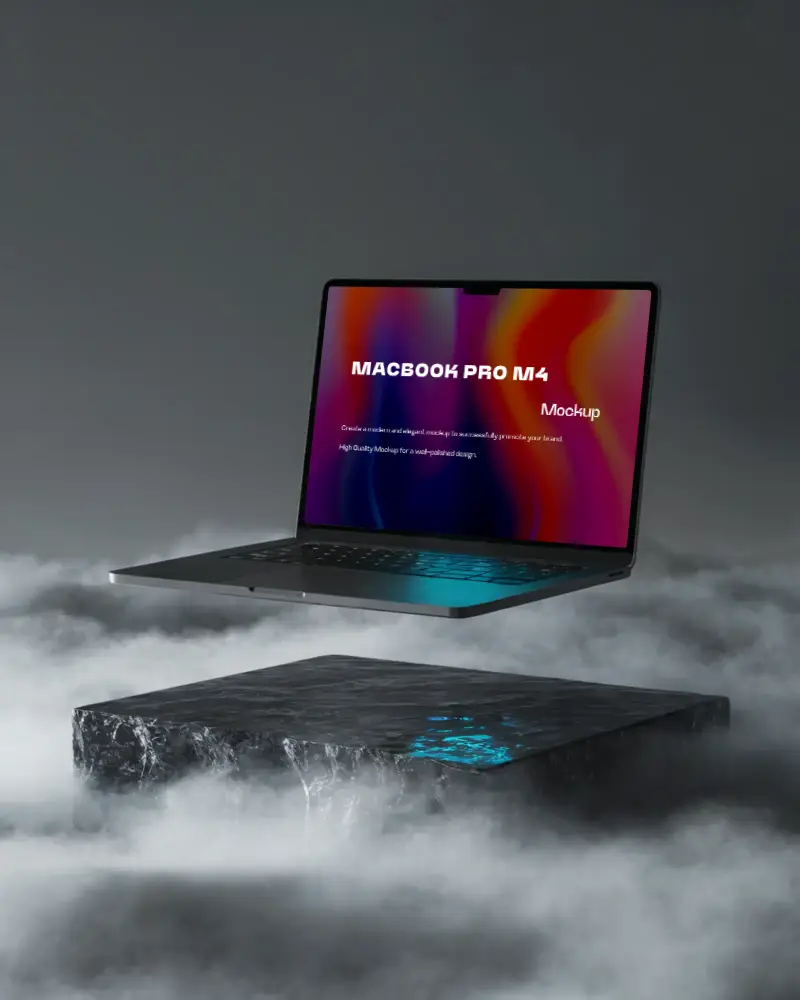
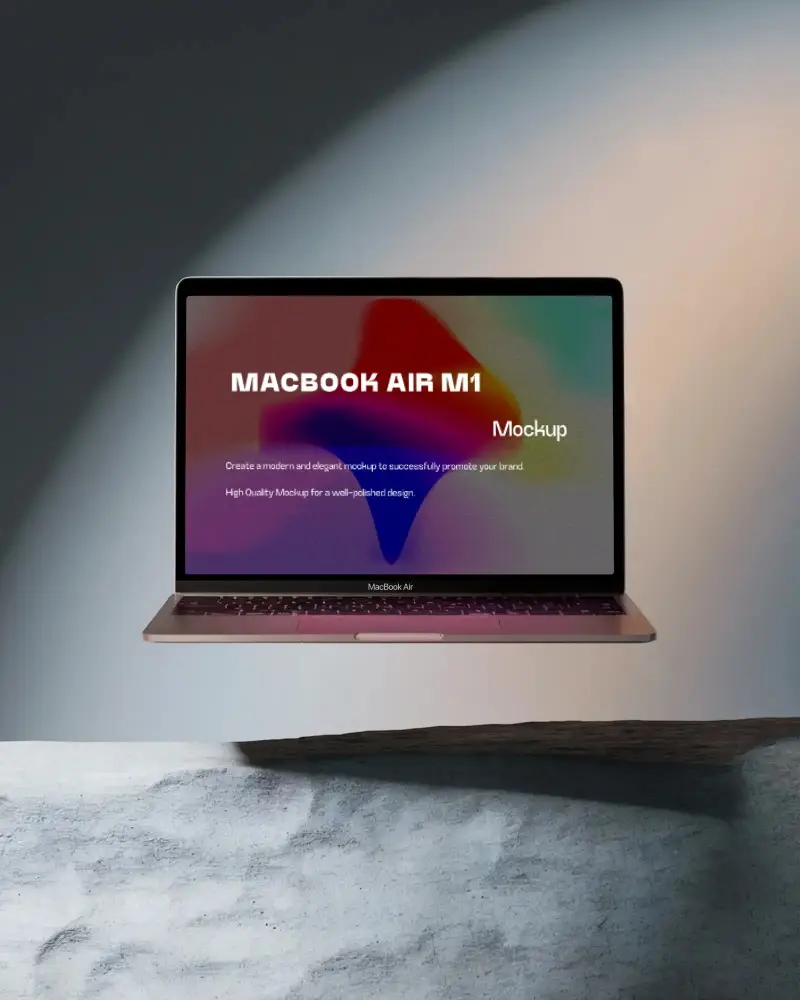
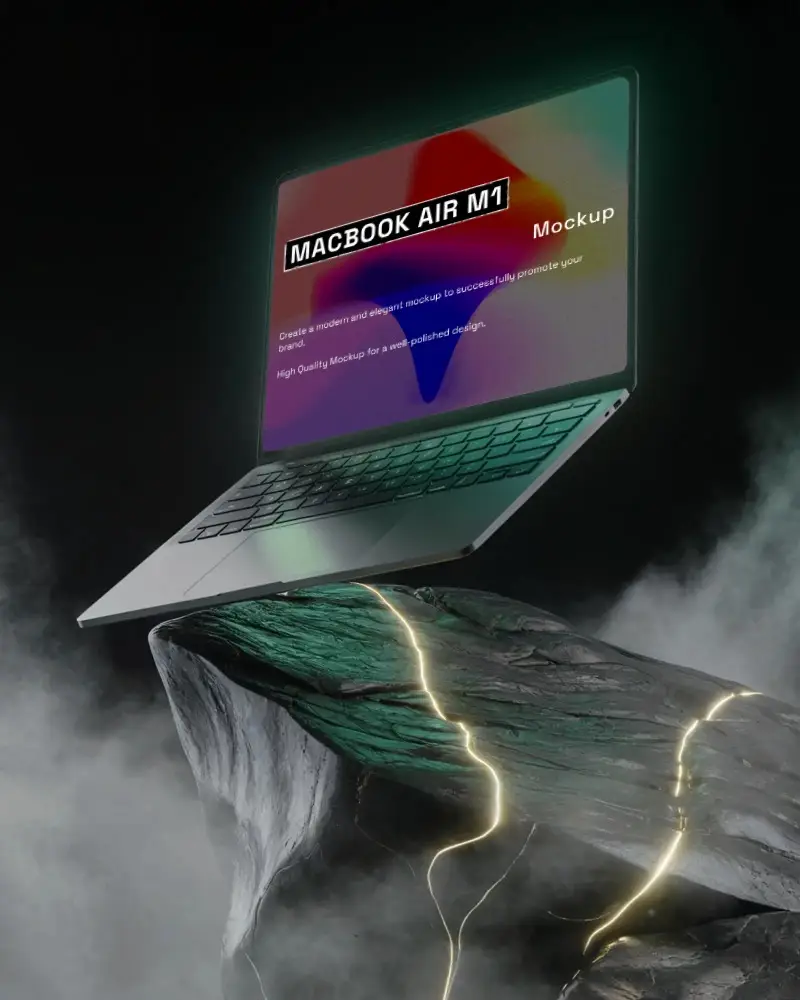
Free Floating MacBook Mockups
Create stunning floating MacBook mockups effortlessly with Mockey.ai. Customize designs, showcase websites, and elevate your brand with high-quality templates!
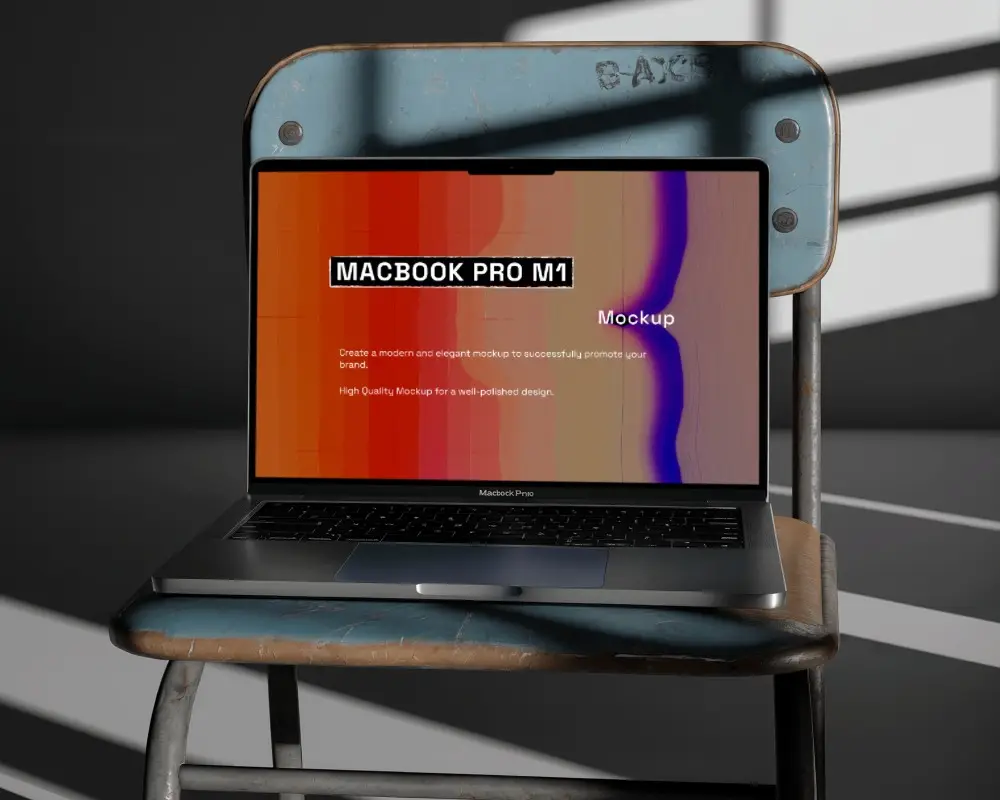
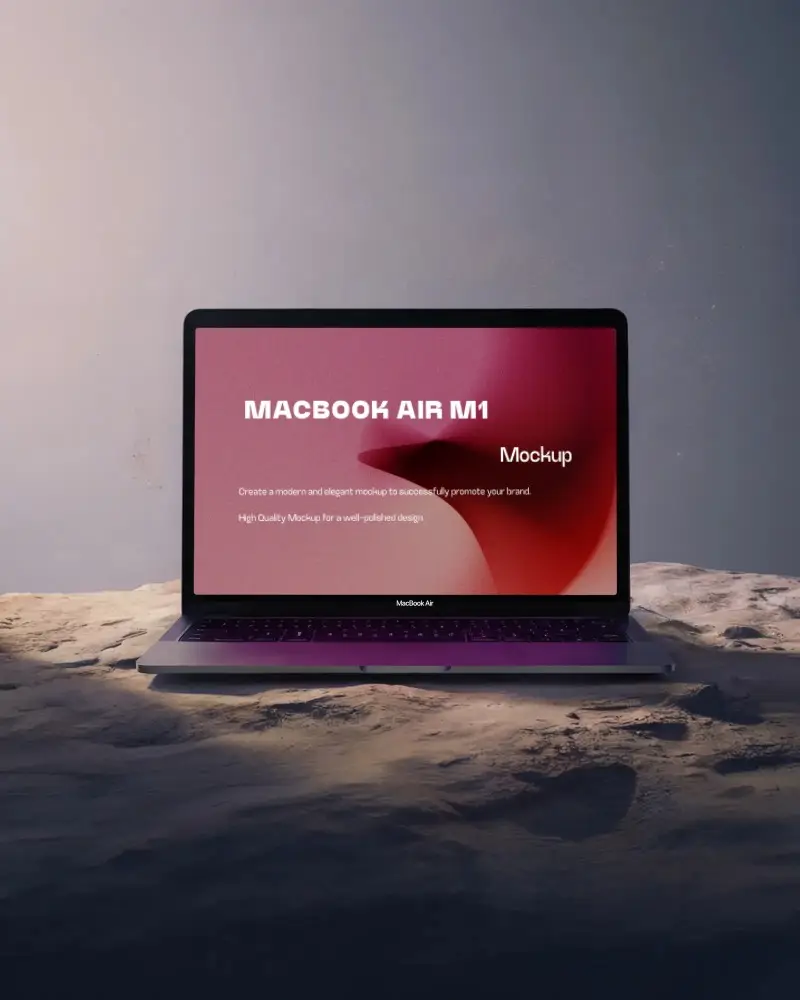
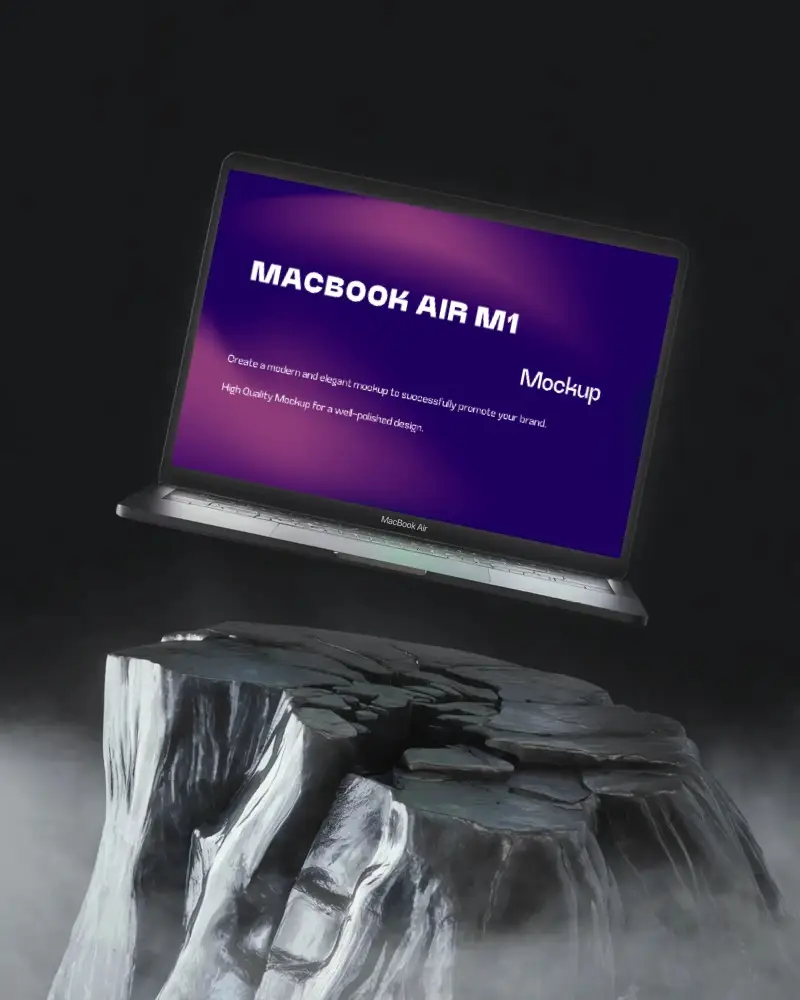
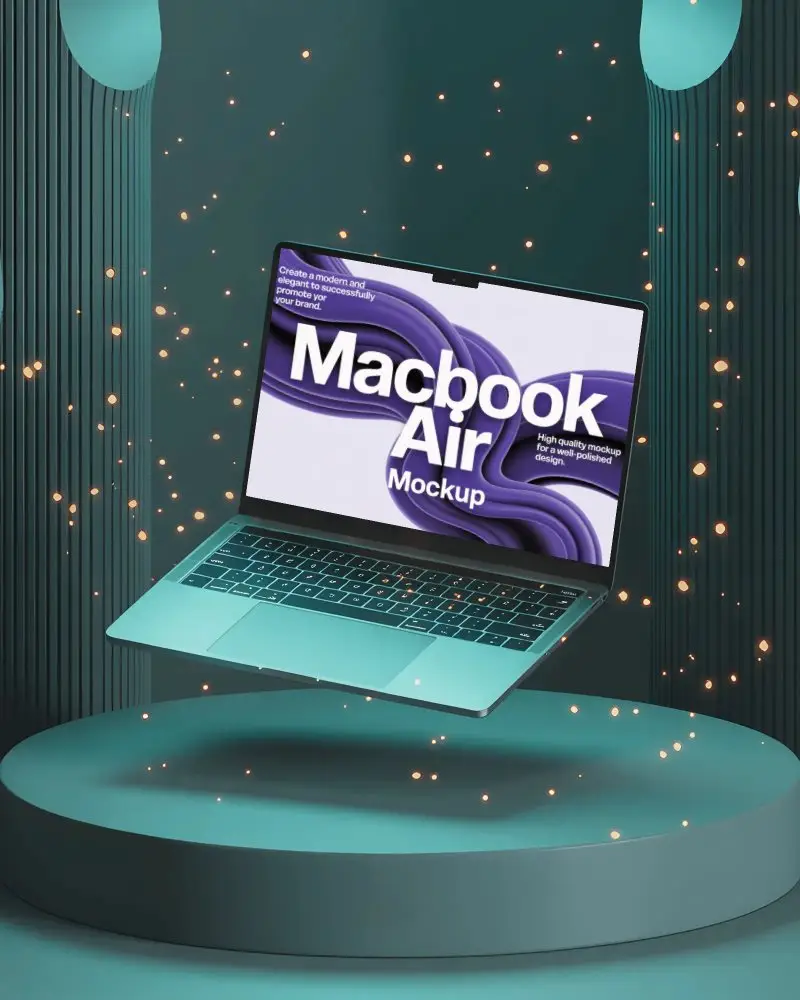
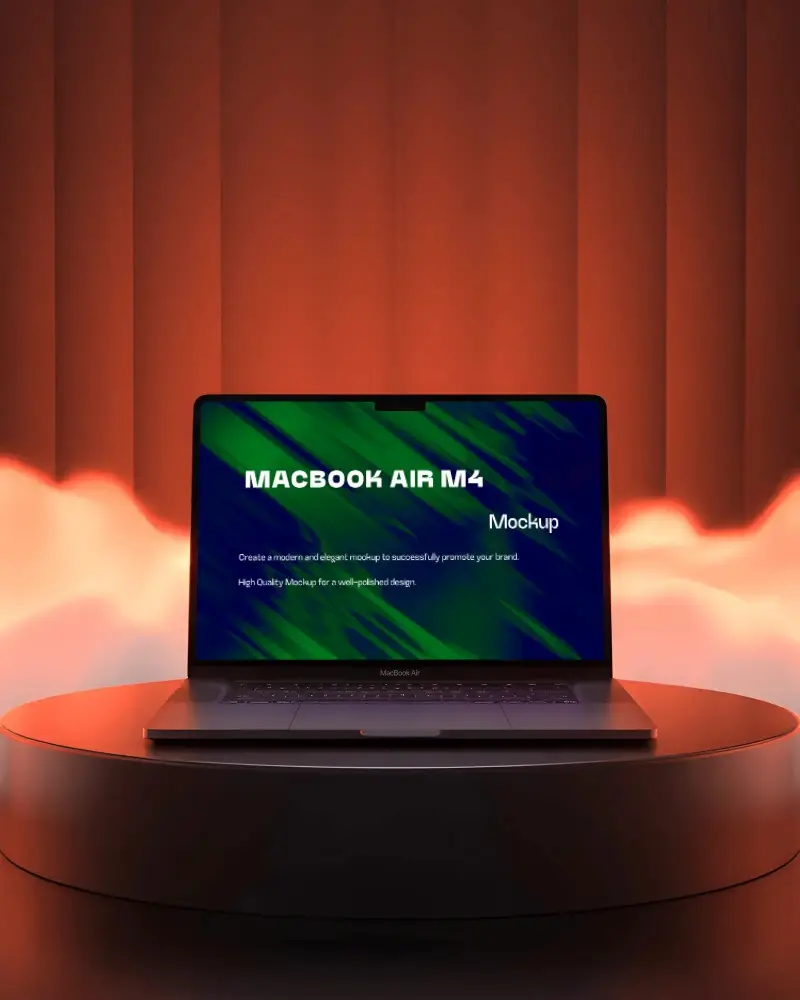
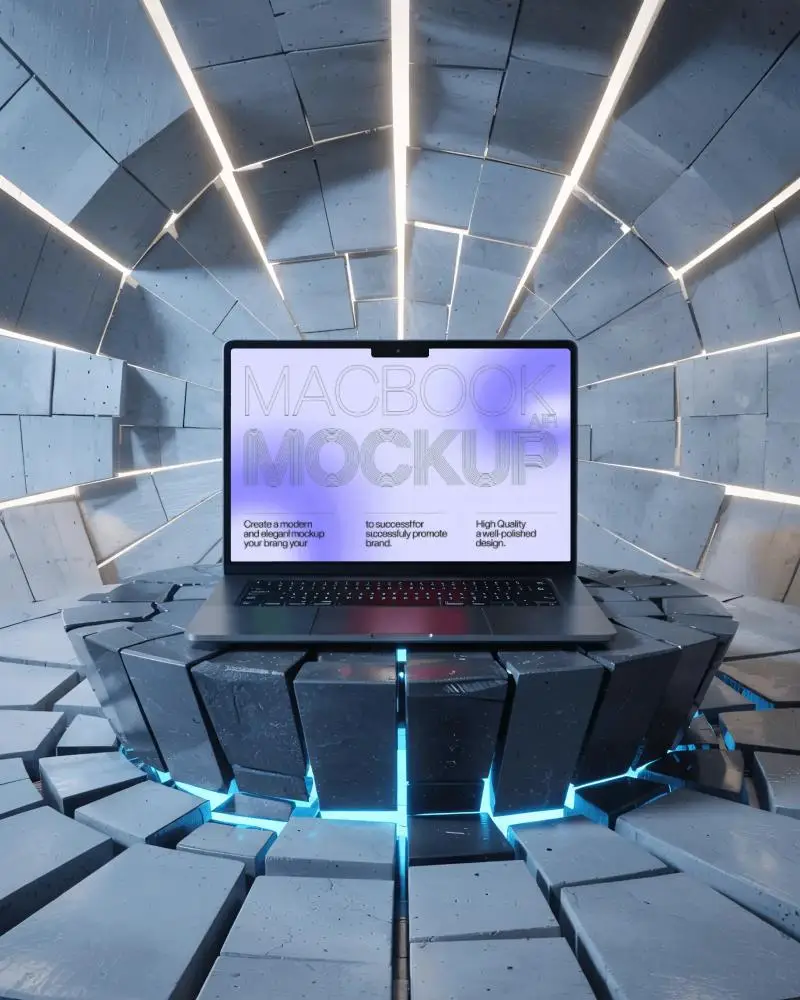
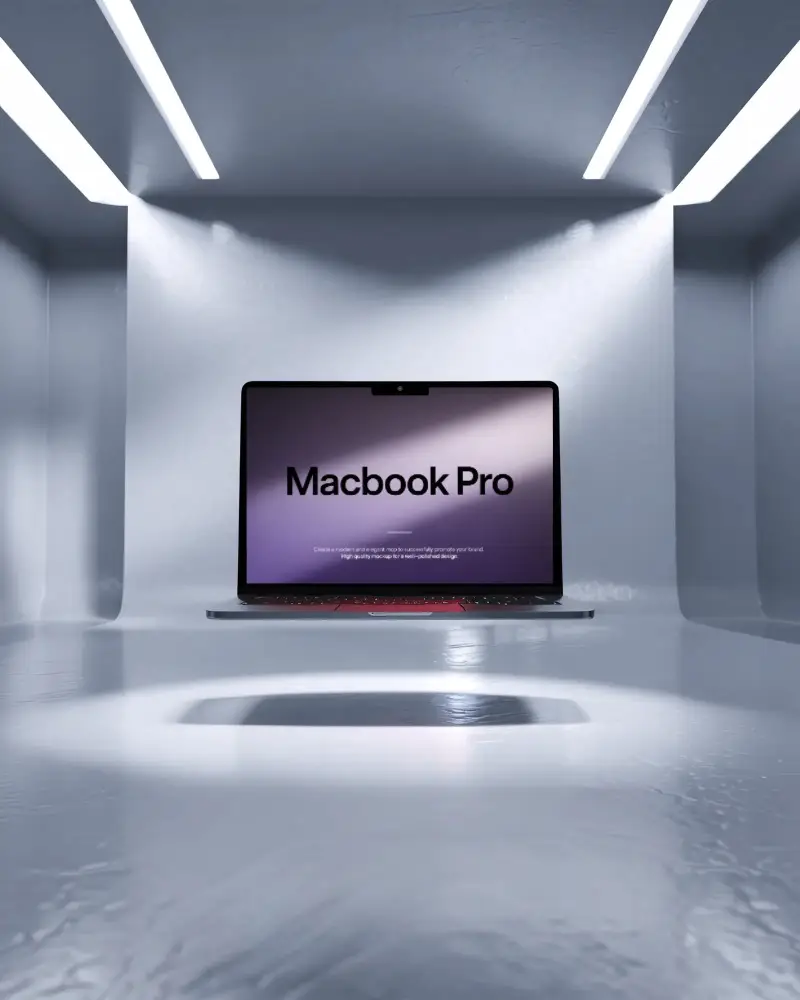
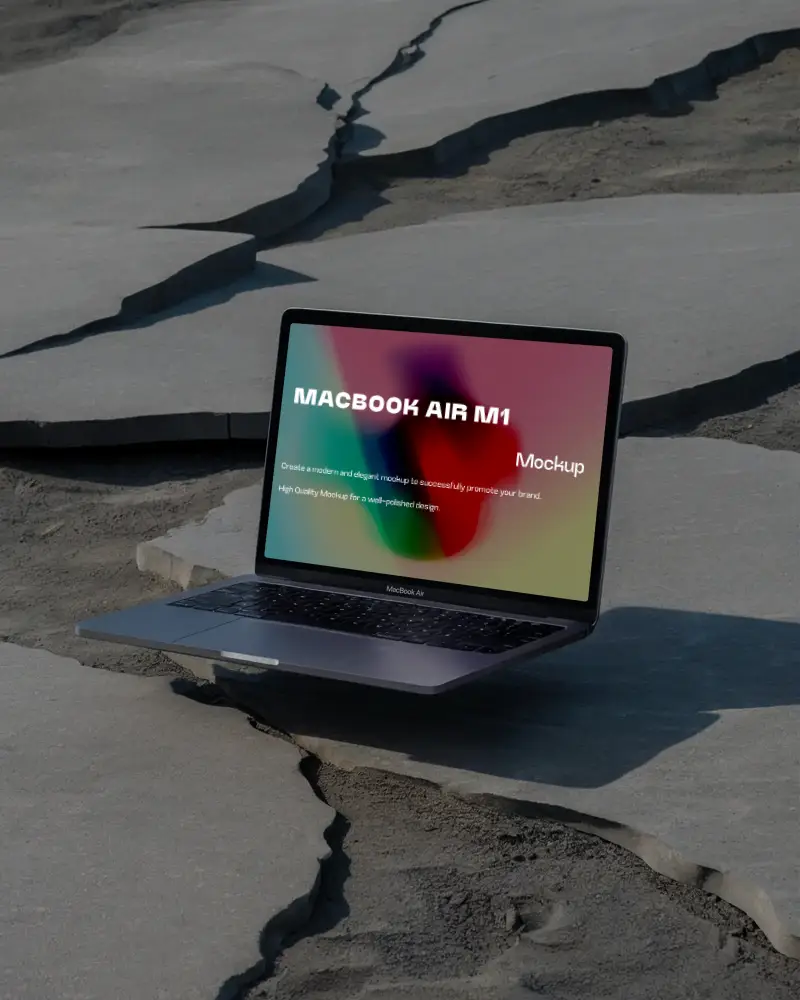
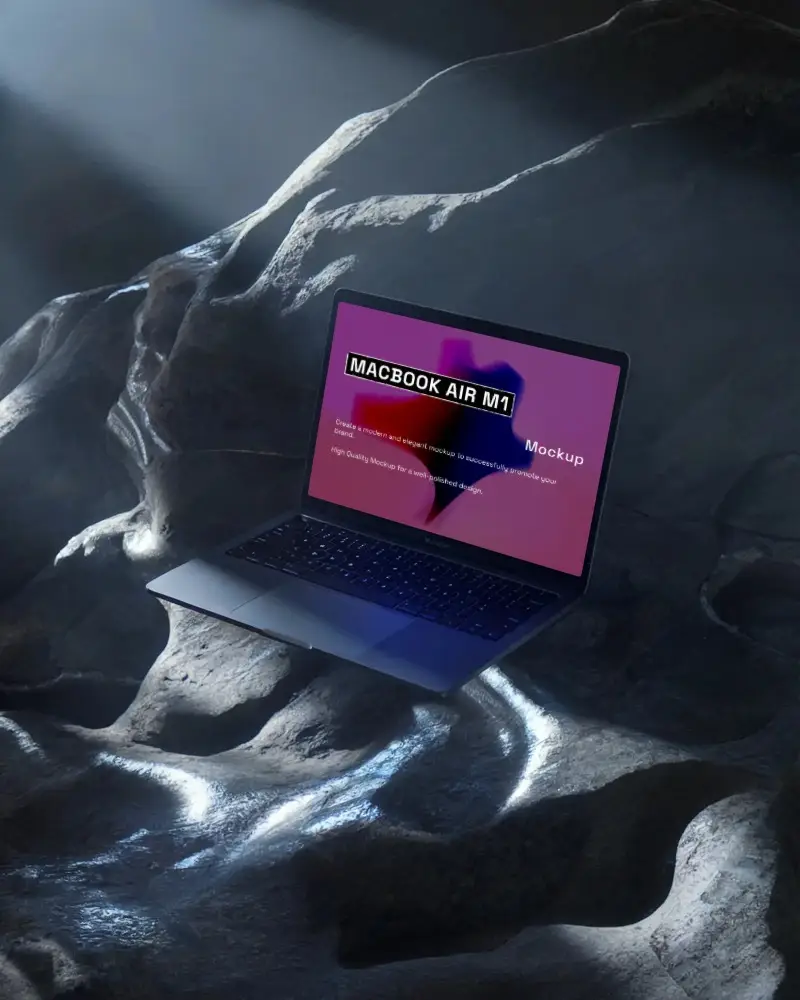
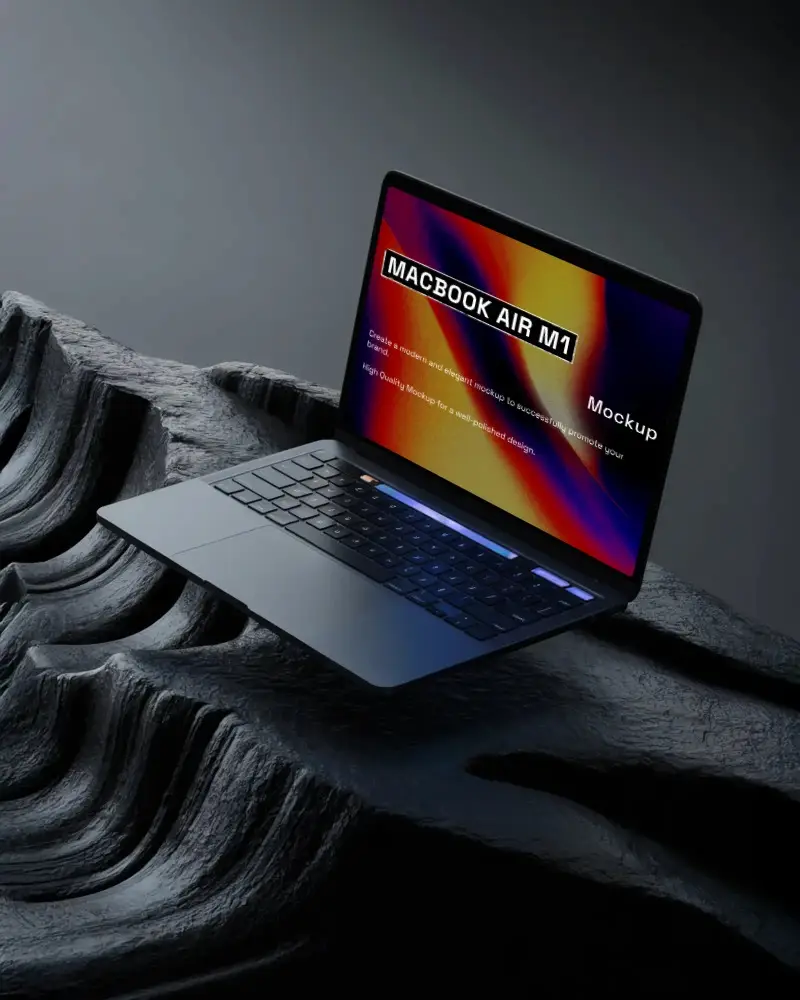
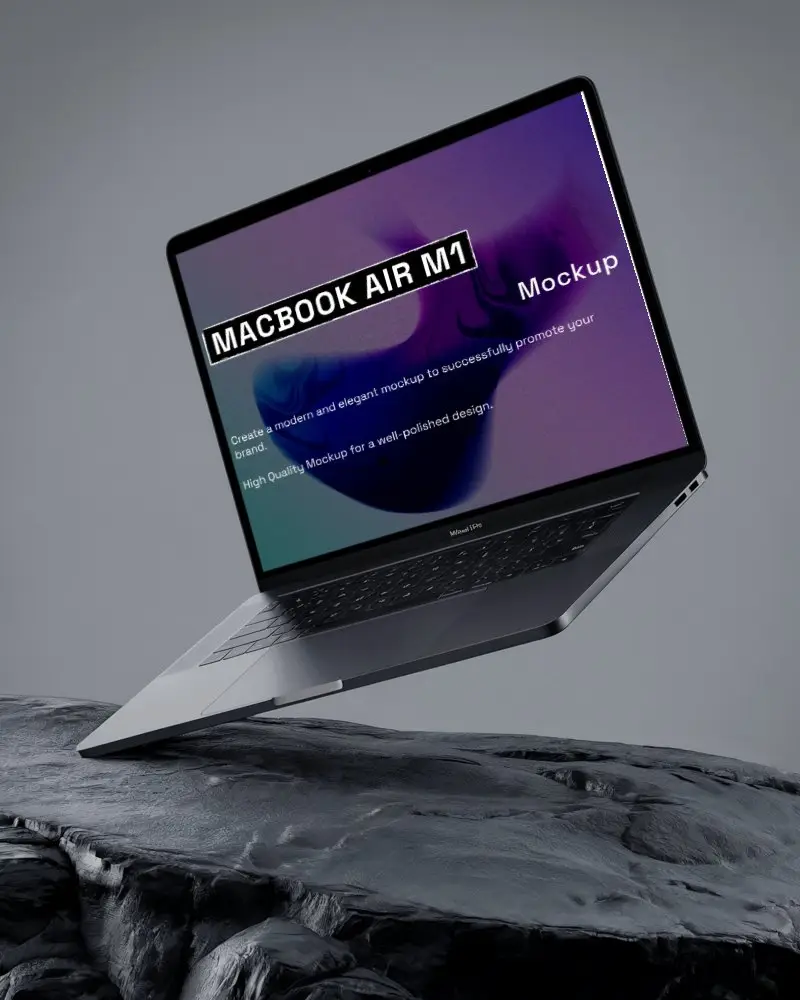
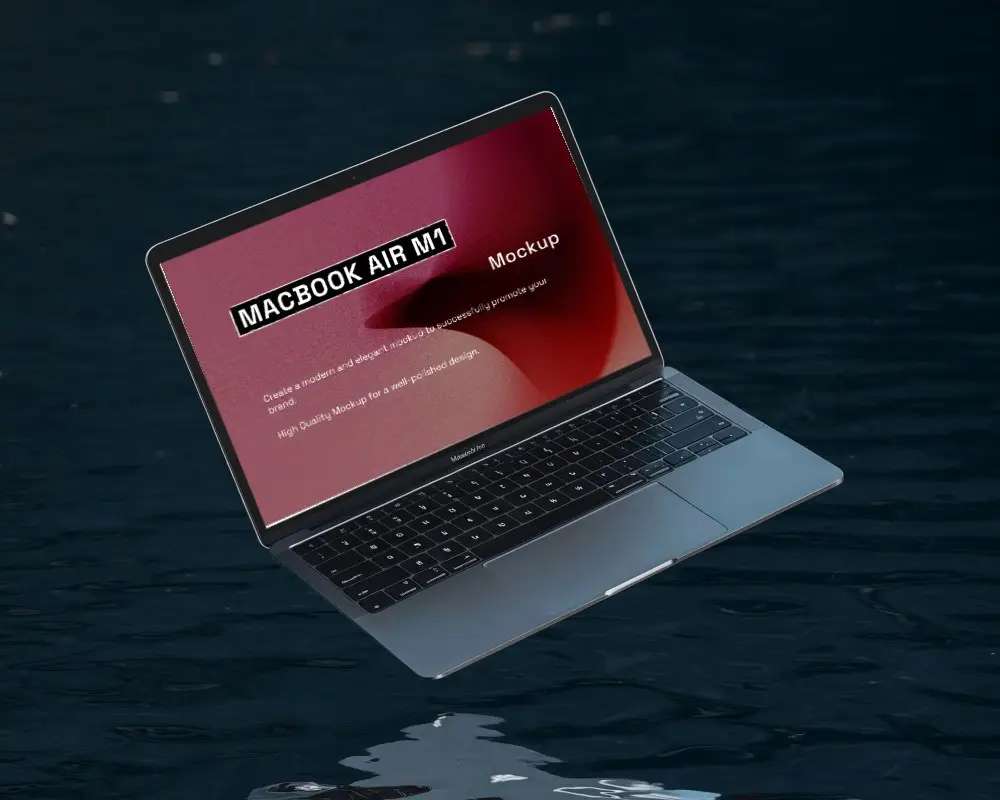
How to Create a Floating MacBook Mockup with Mockey
To create a floating MacBook mockup:
- Step 1: Navigate to “Mockups > Tech”. Search for MacBook.
- Step 2: Choose the “Floating” tag and put a design after picking a template.
- Step 3: Edit it and save the mockup of a floating MacBook.


FAQs on Floating Macbook Mockups
What is a floating MacBook mockup?
A floating MacBook mockup is a digital template where the MacBook—usually a MacBook Air or Pro—just hangs in mid-air. No desk. No hands. Just floating.
Is the floating MacBook mockup free to use?
Using Mockey AI’s free plan? You’re in luck. You can fully customize those floating MacBook mockups and download them. A daily limit of 3 mockups is allowed.
