Free Flat MacBook Mockups
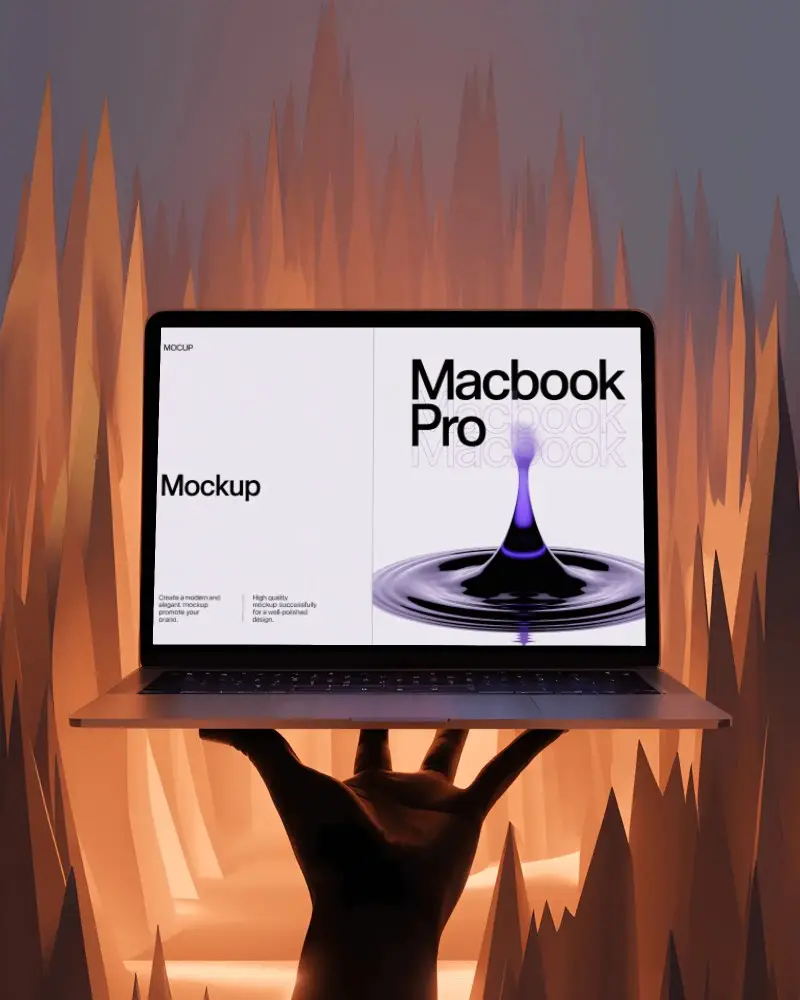
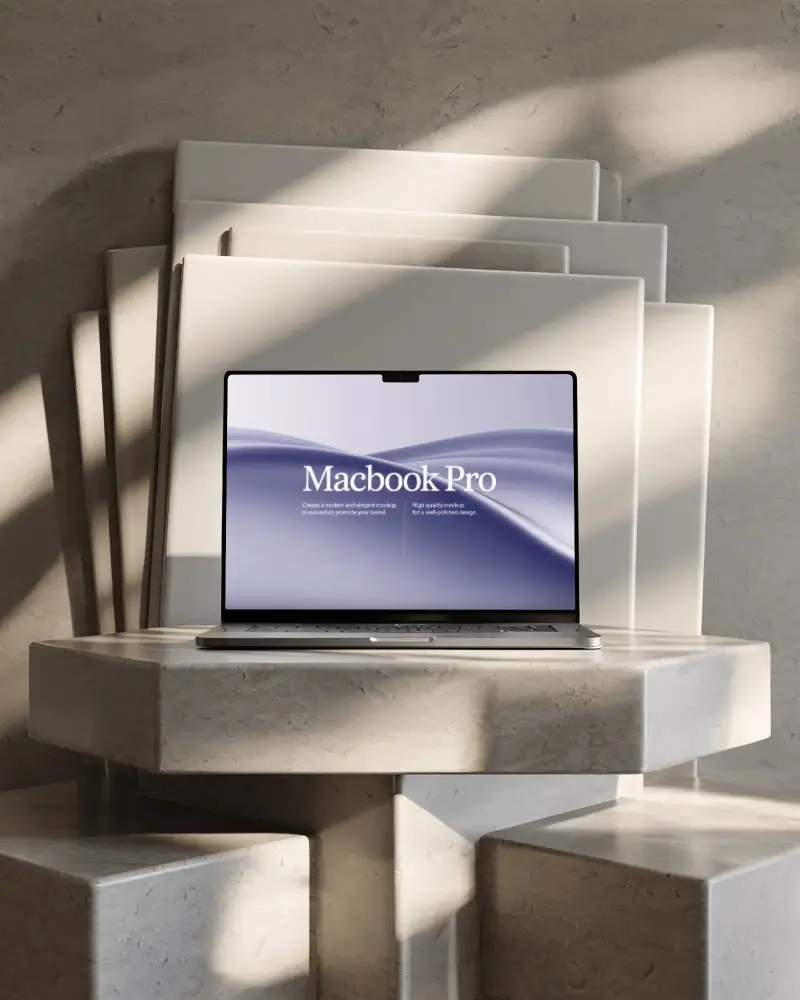
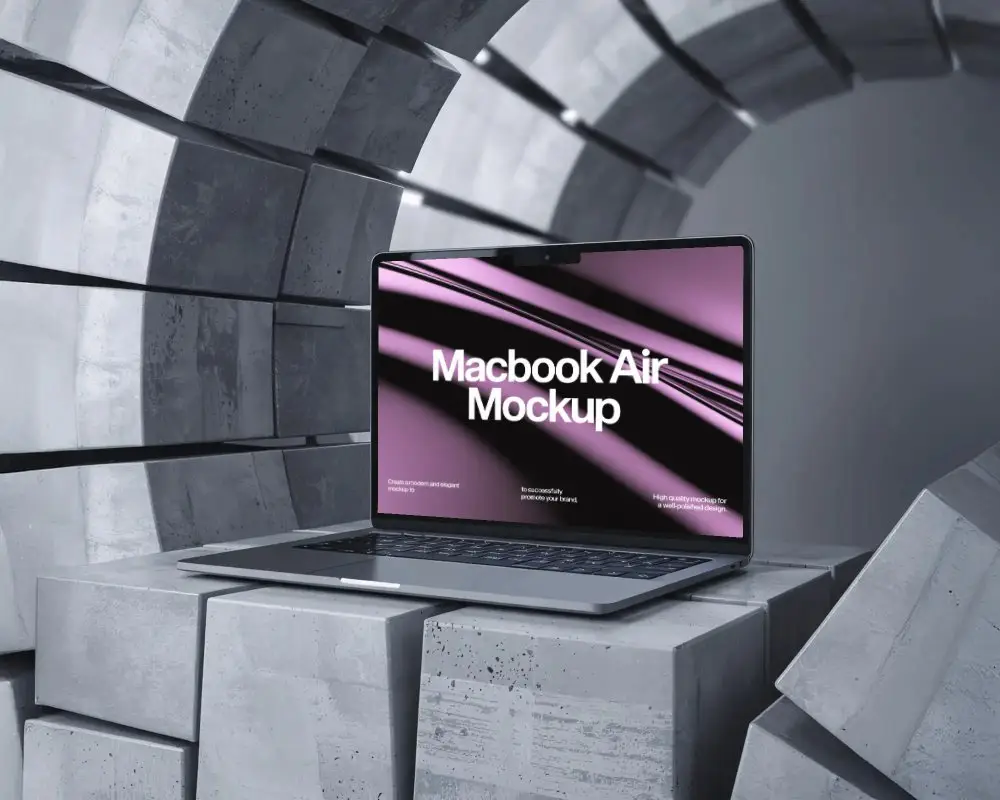
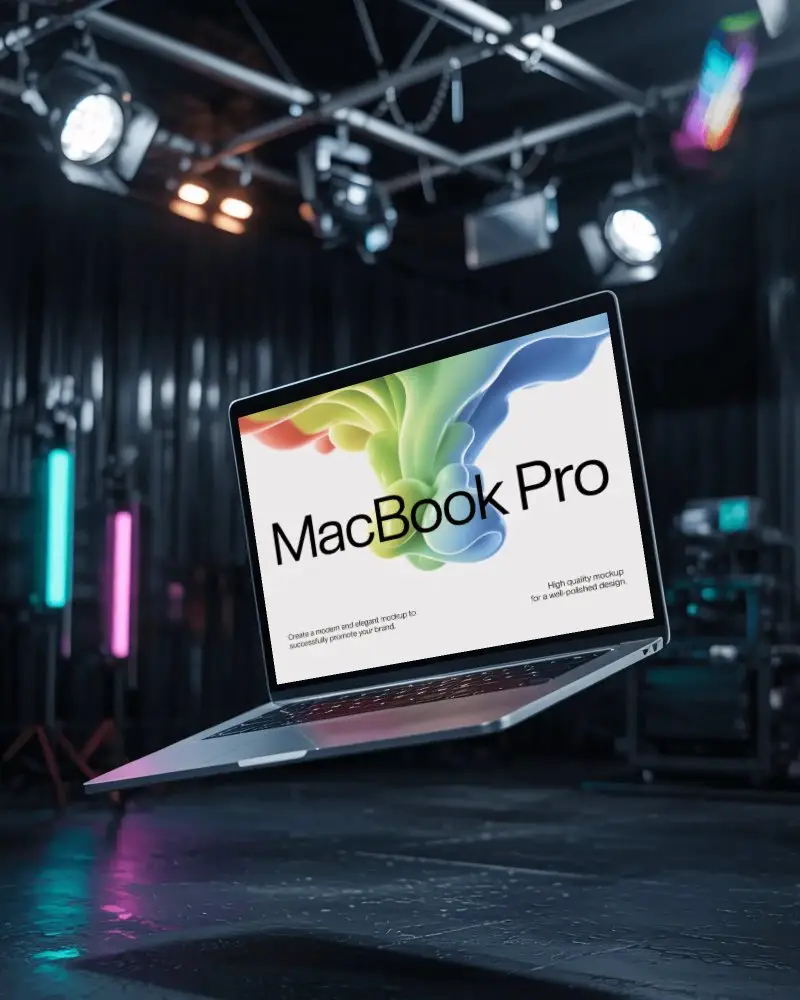
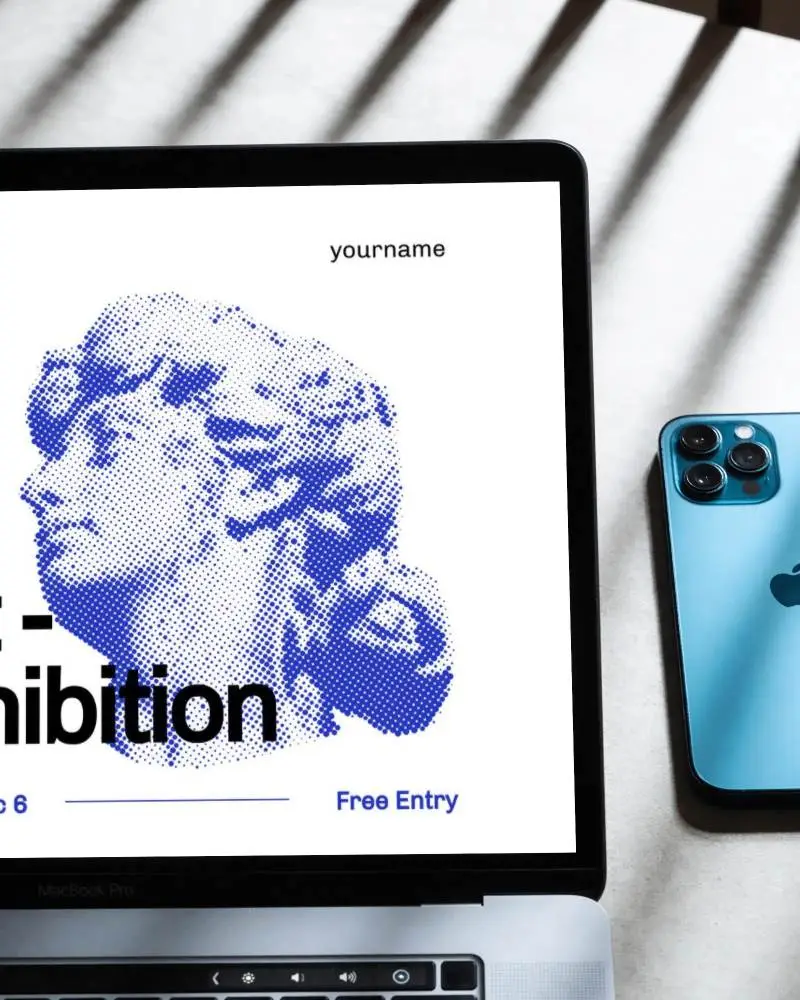
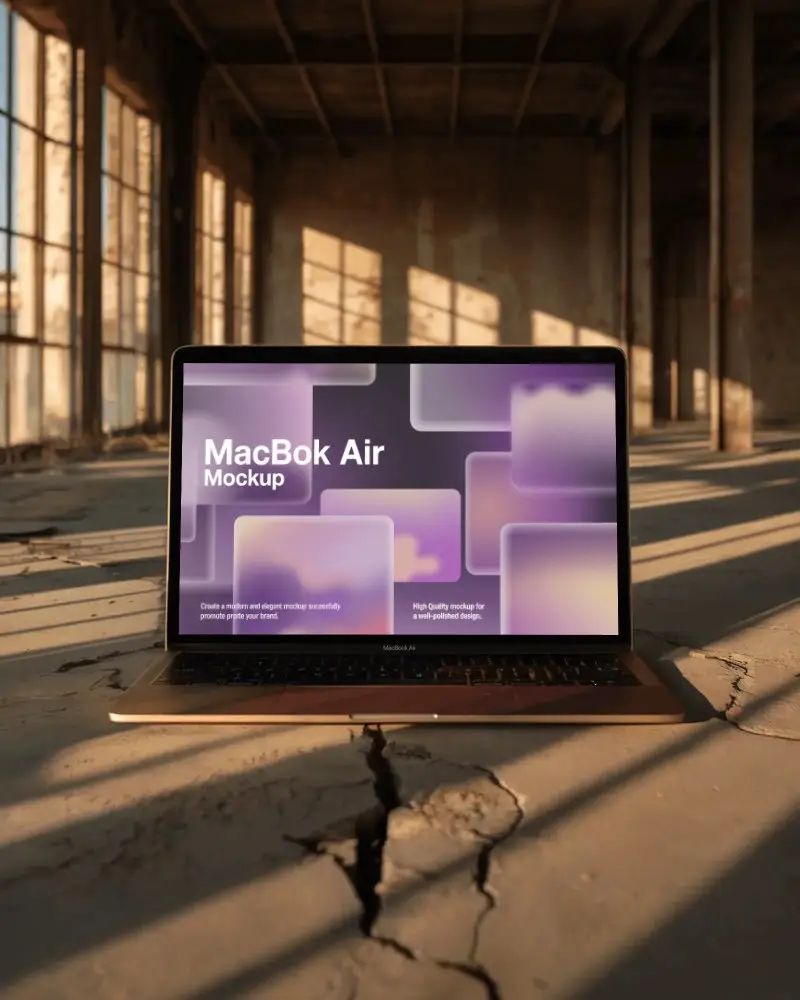
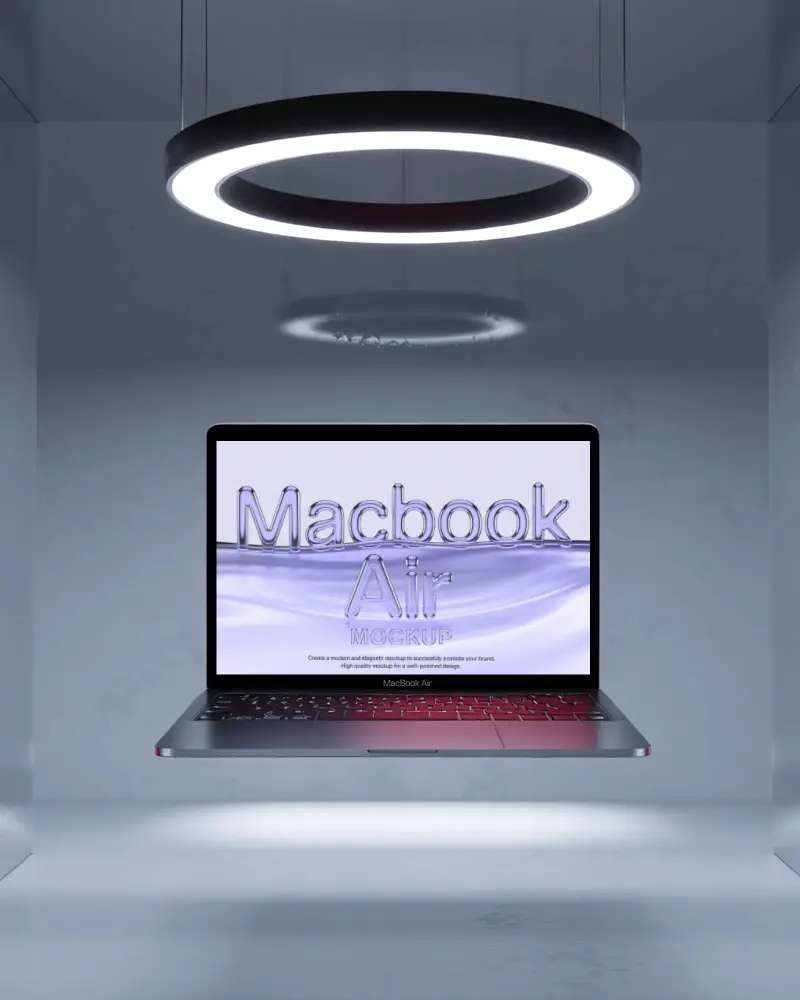
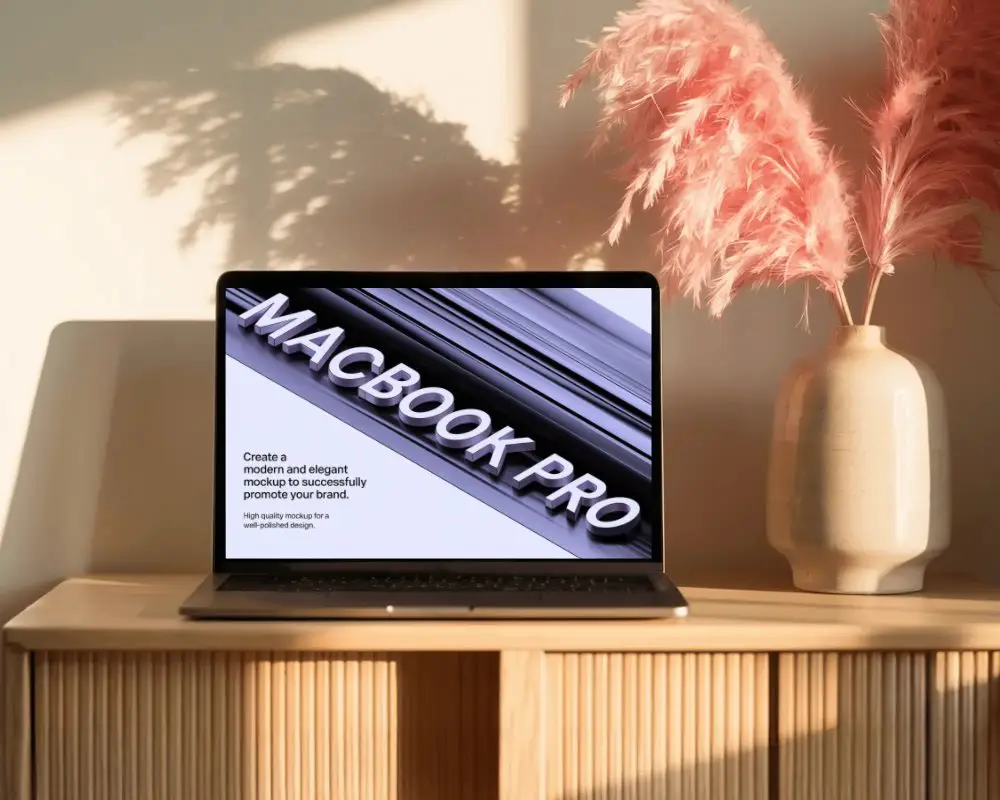
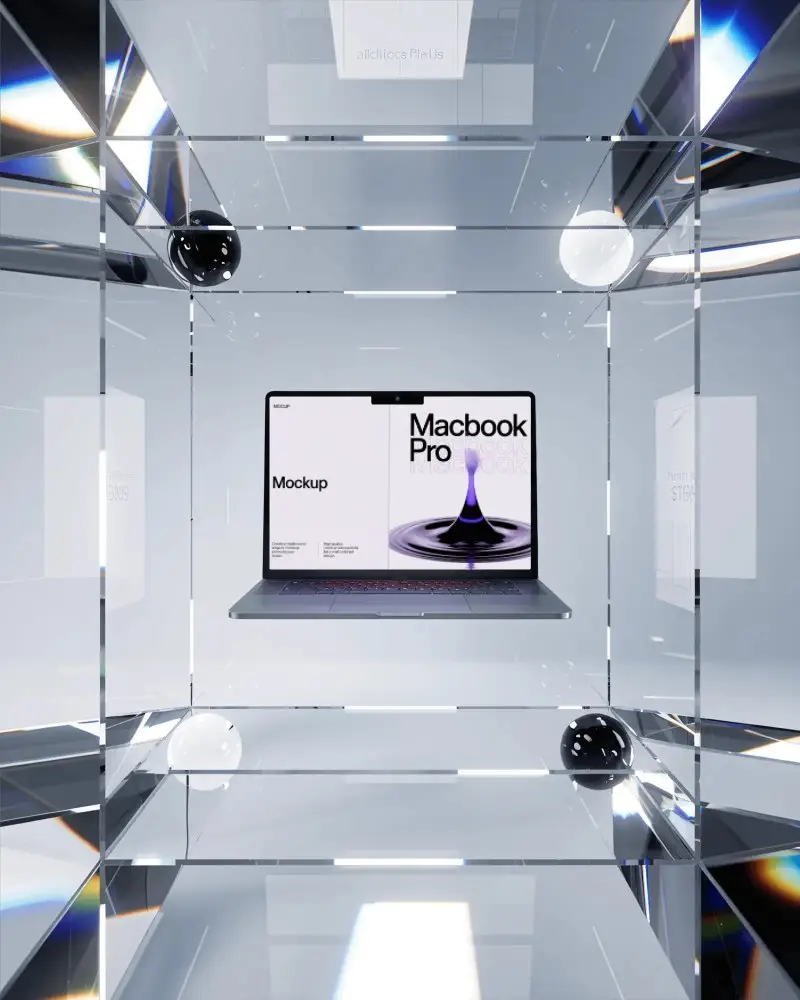
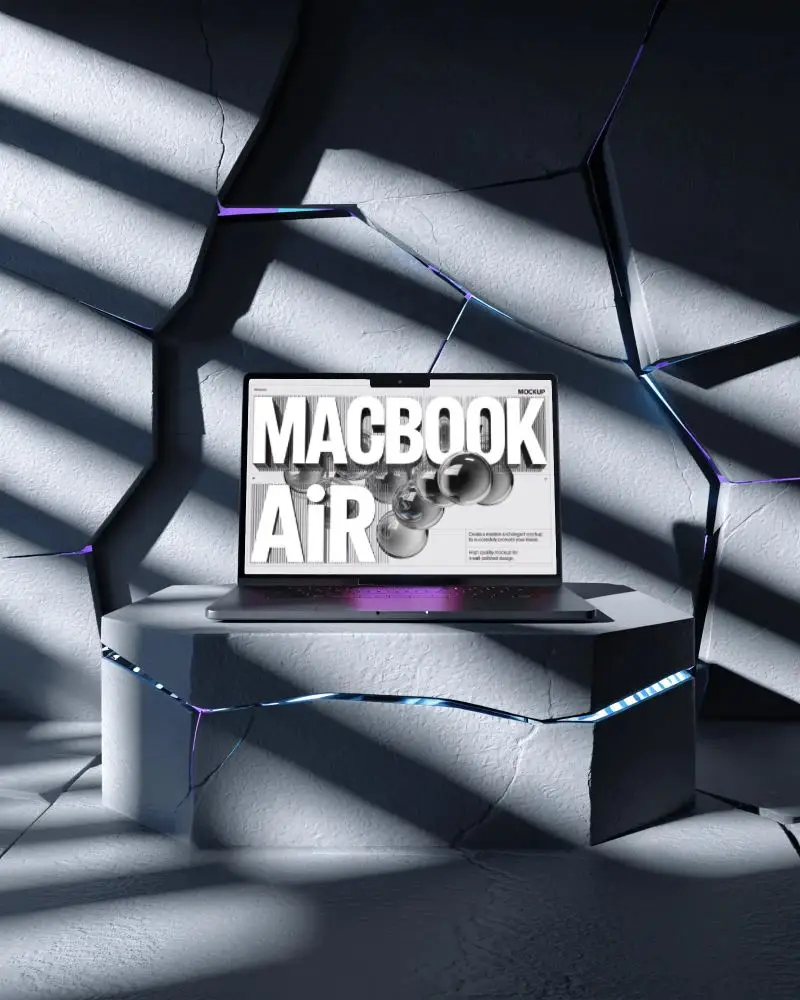
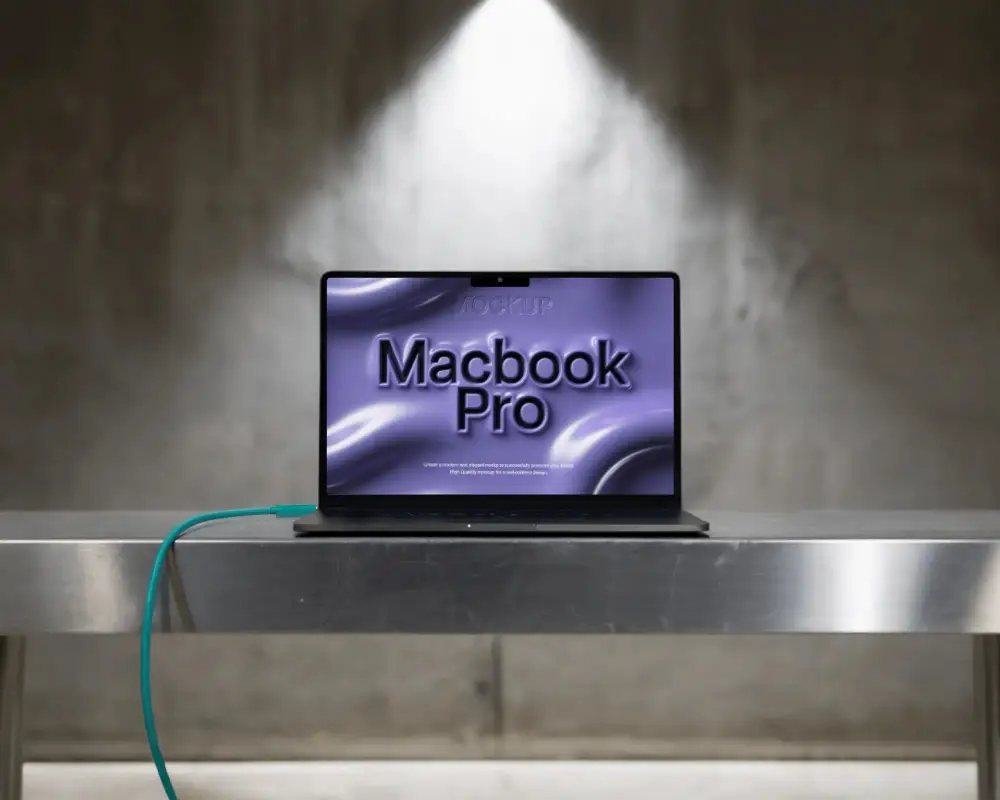
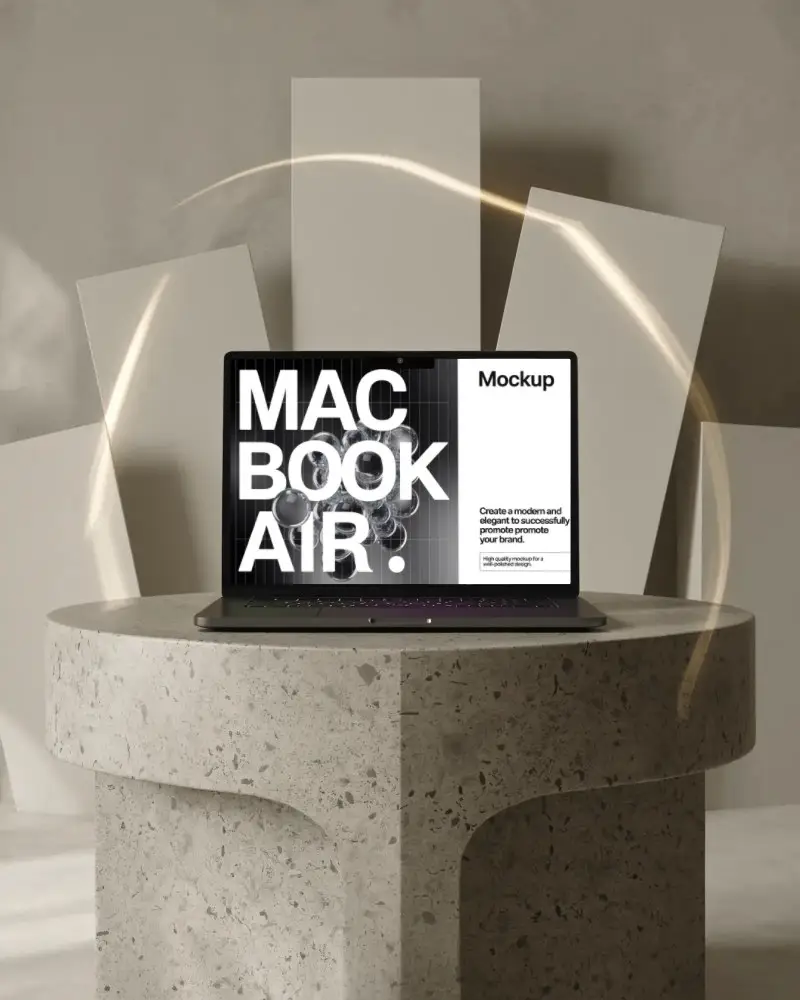
Create free flat MacBook mockups to promote your website in seconds! Just upload your image to our MacBook mockups and see them shine realistically.
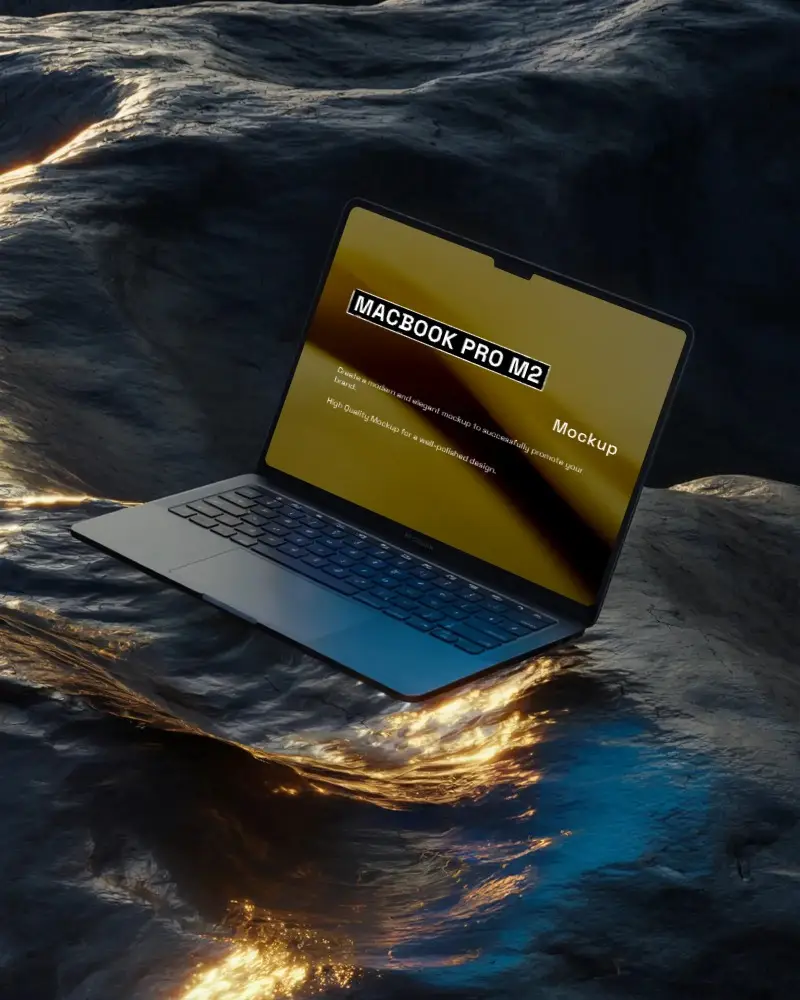
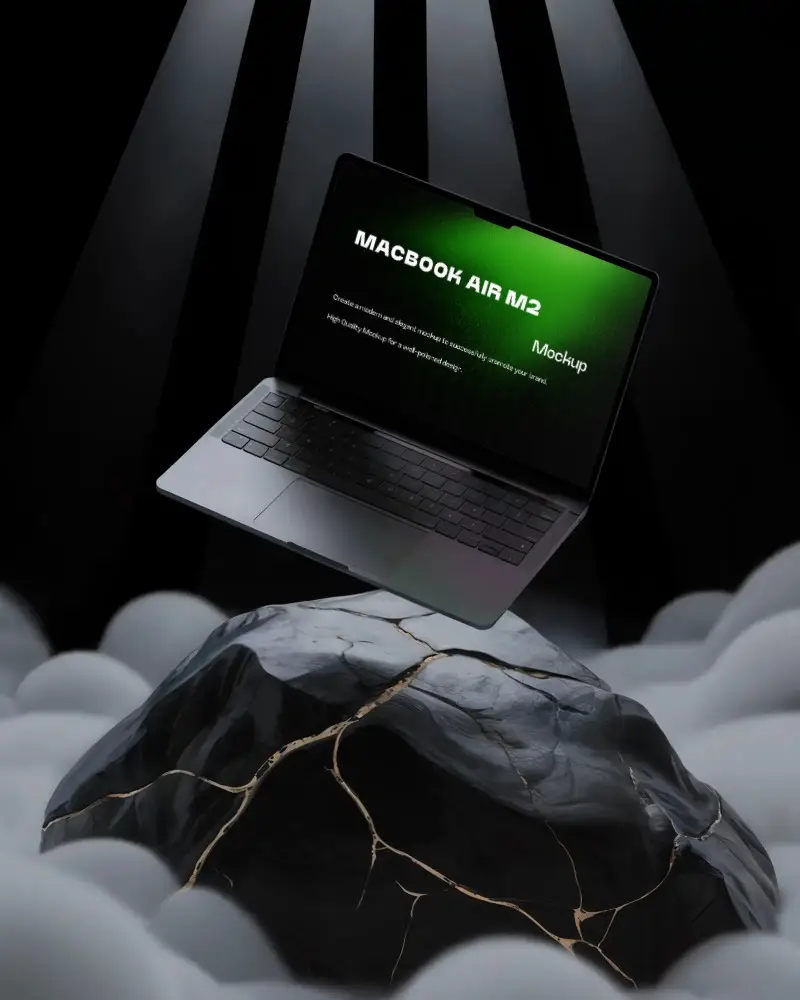
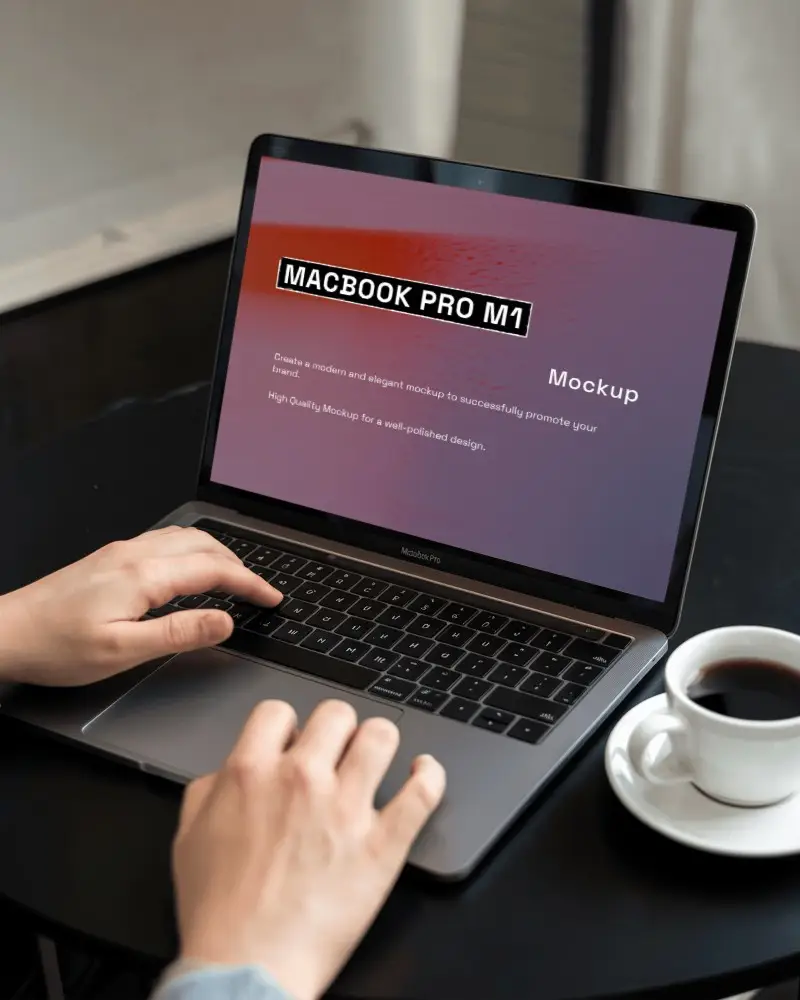
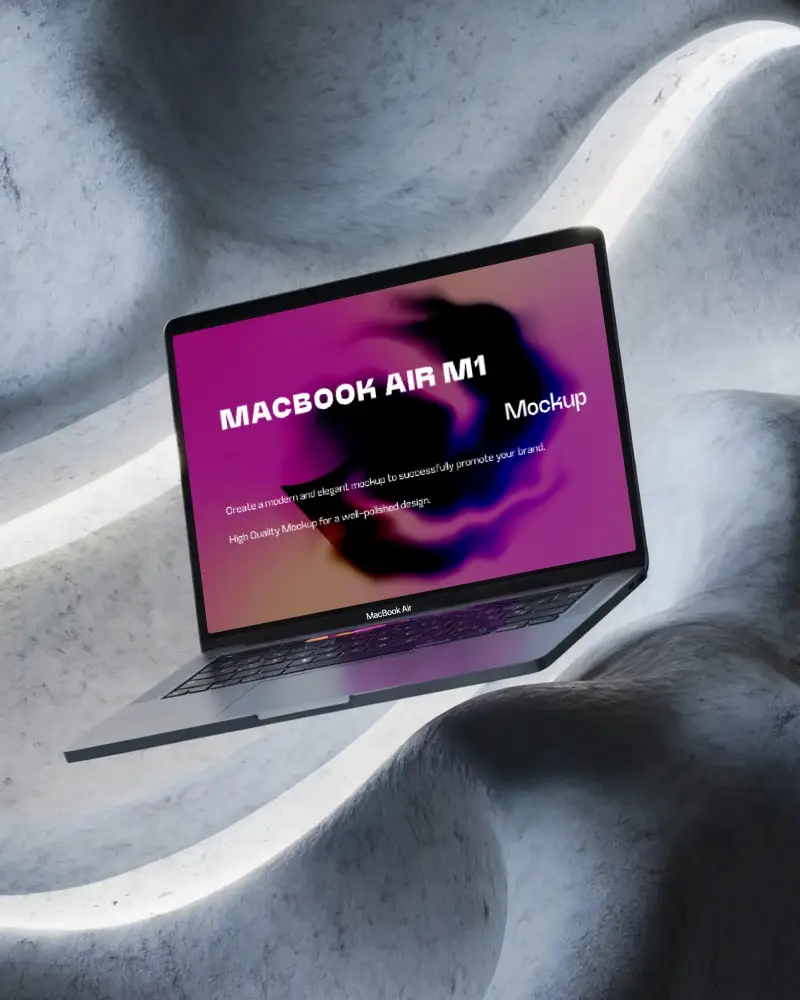
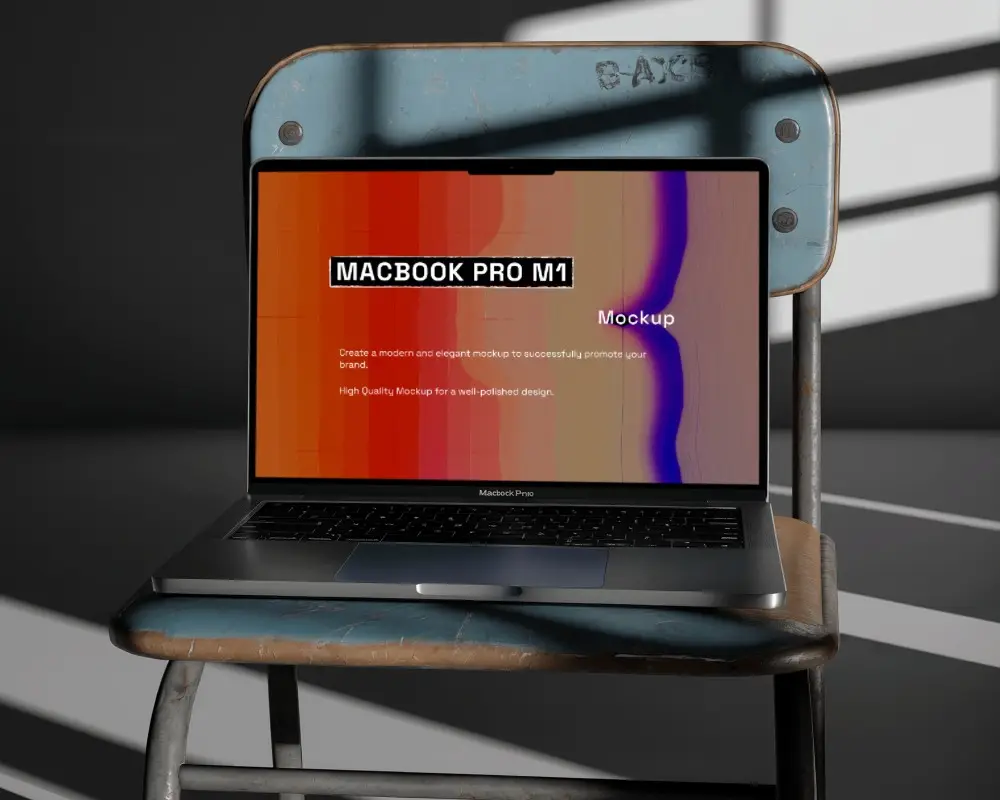
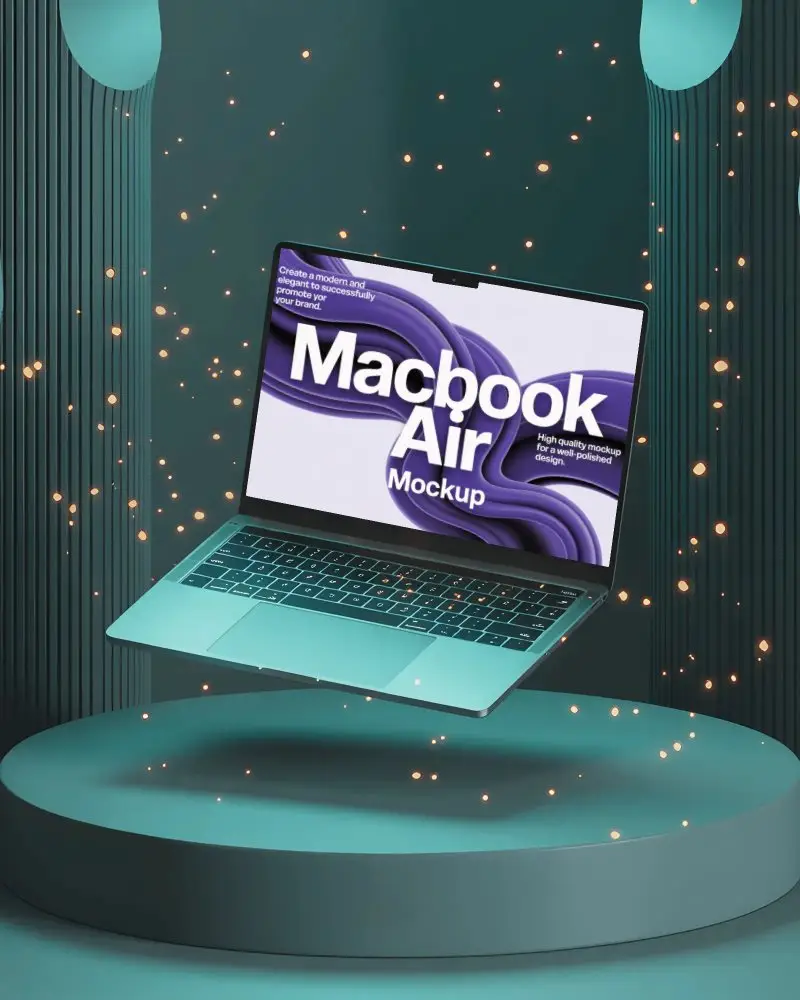
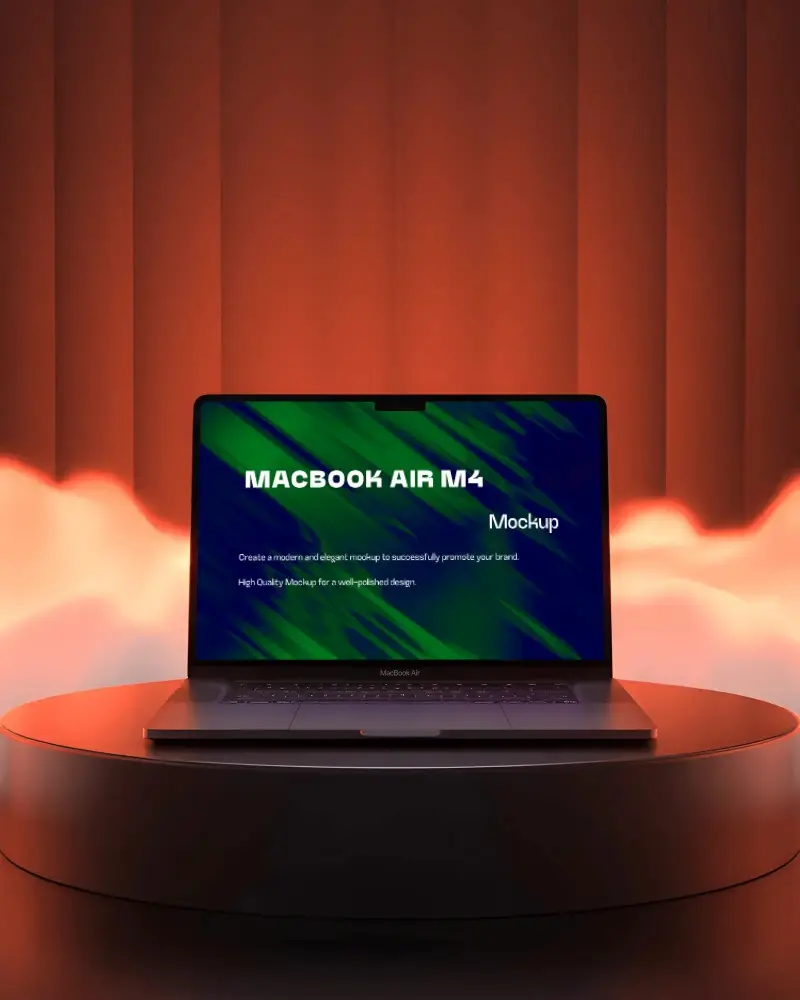
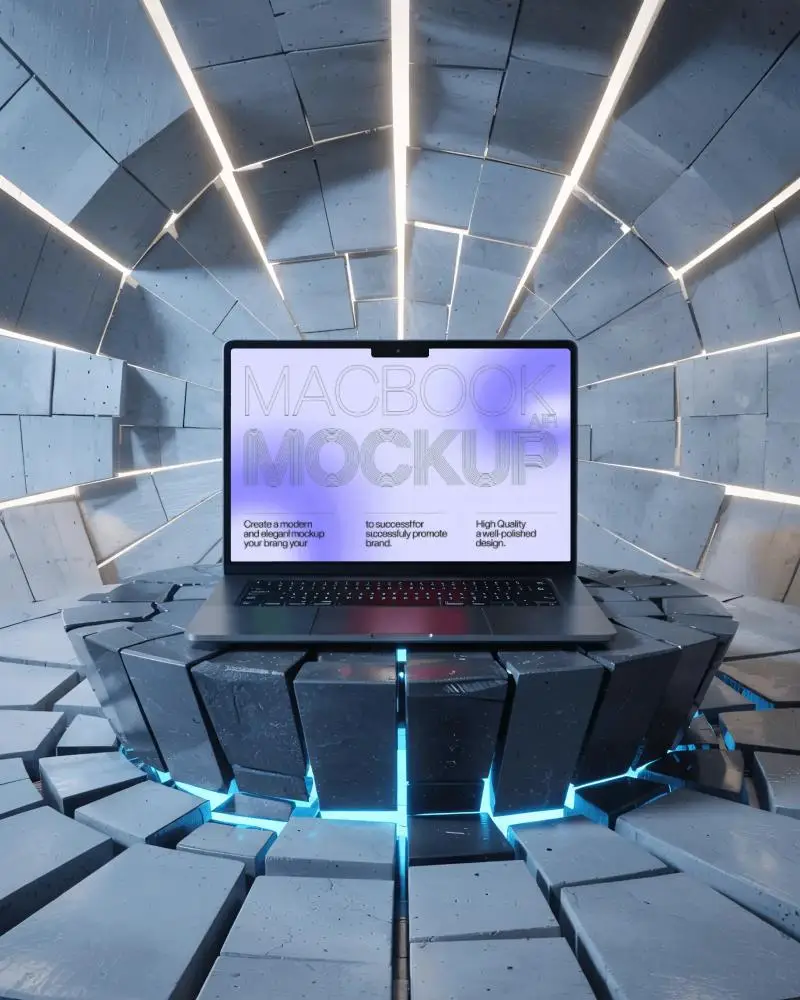
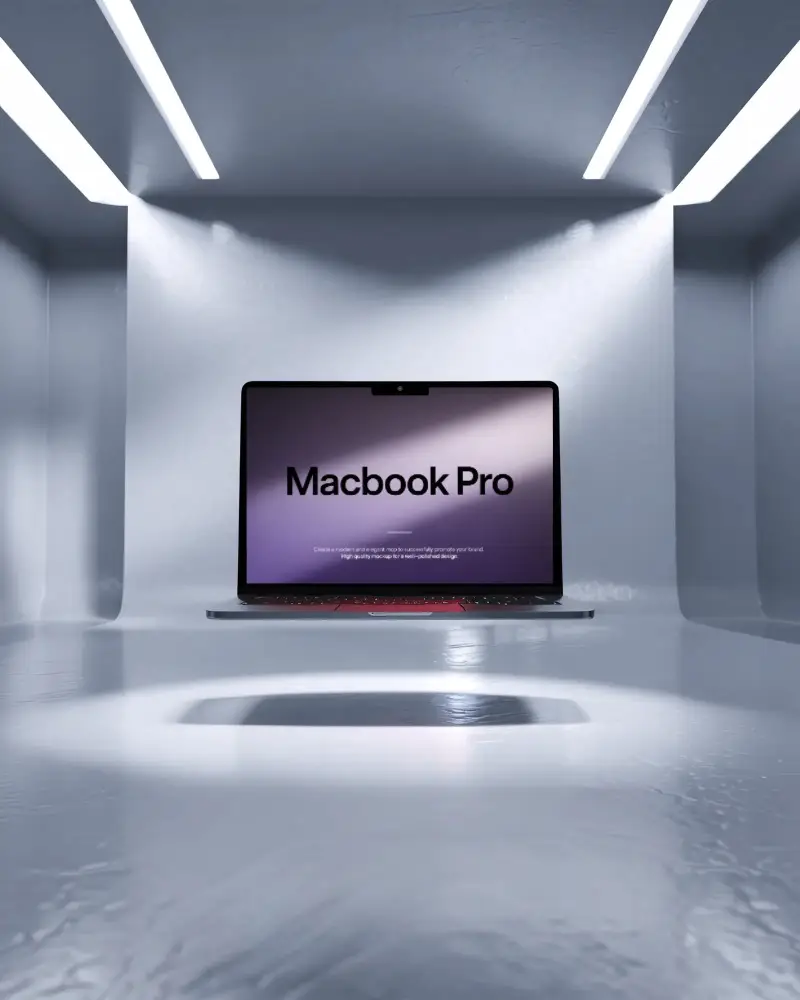


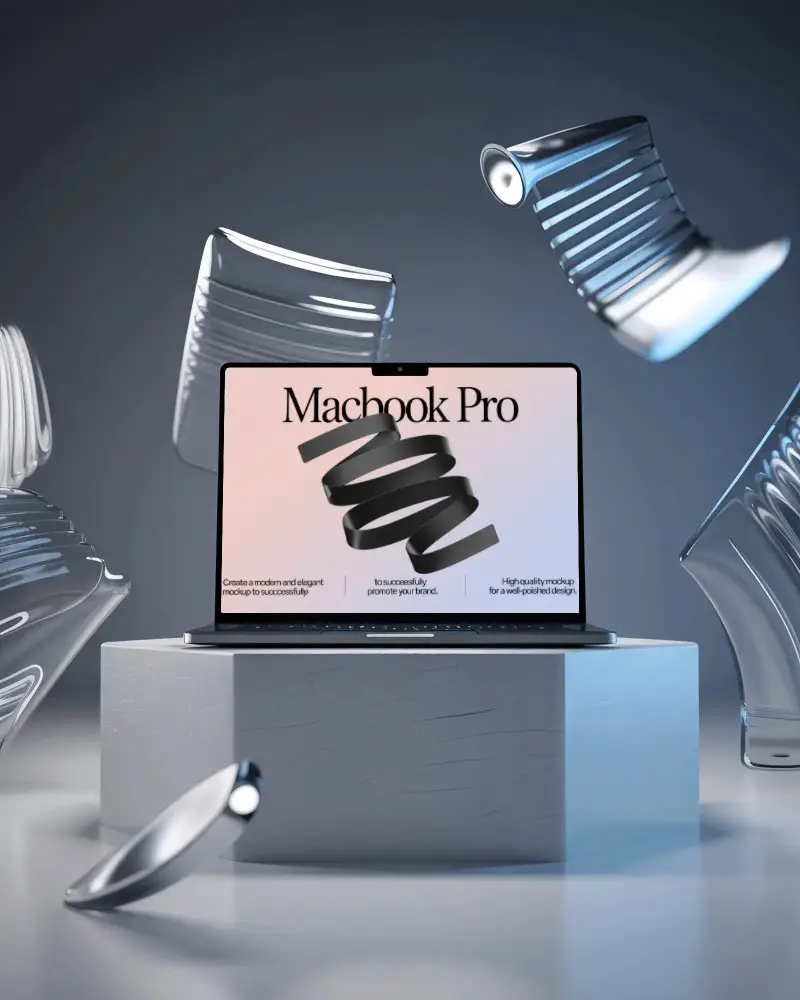
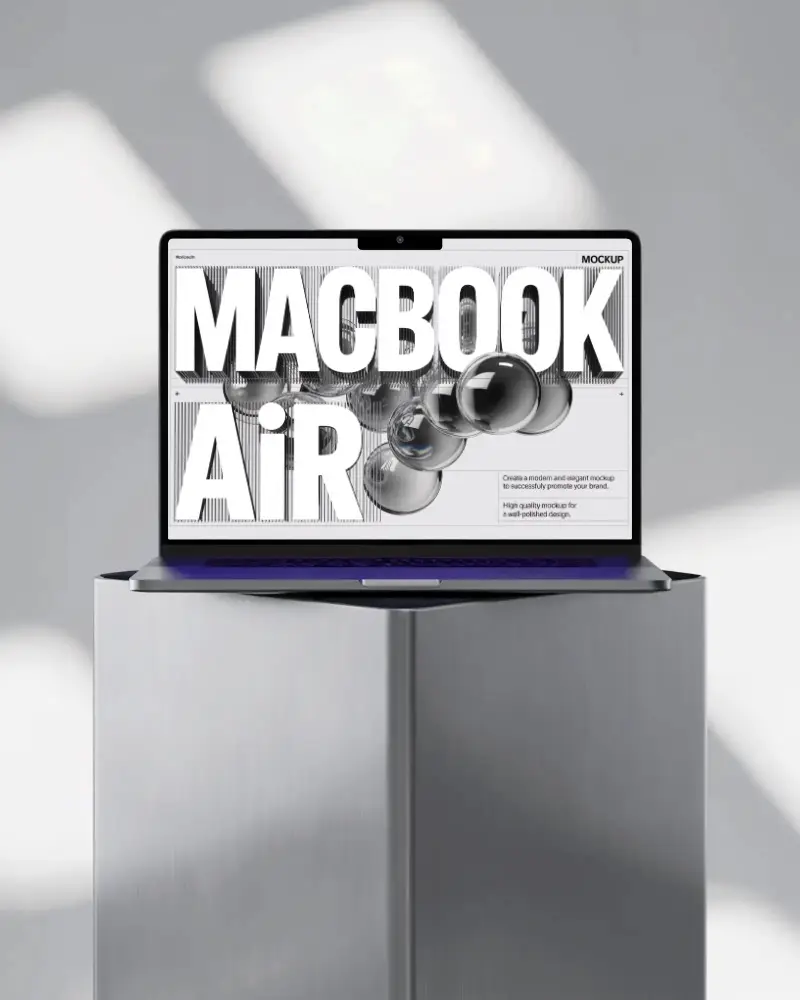
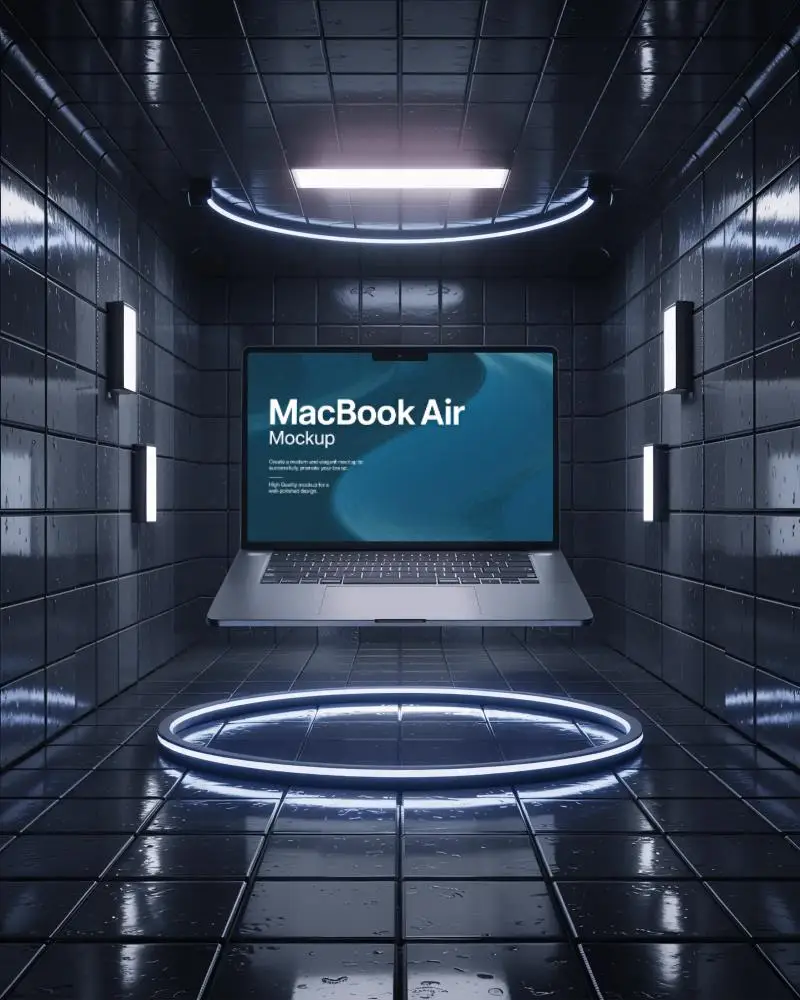
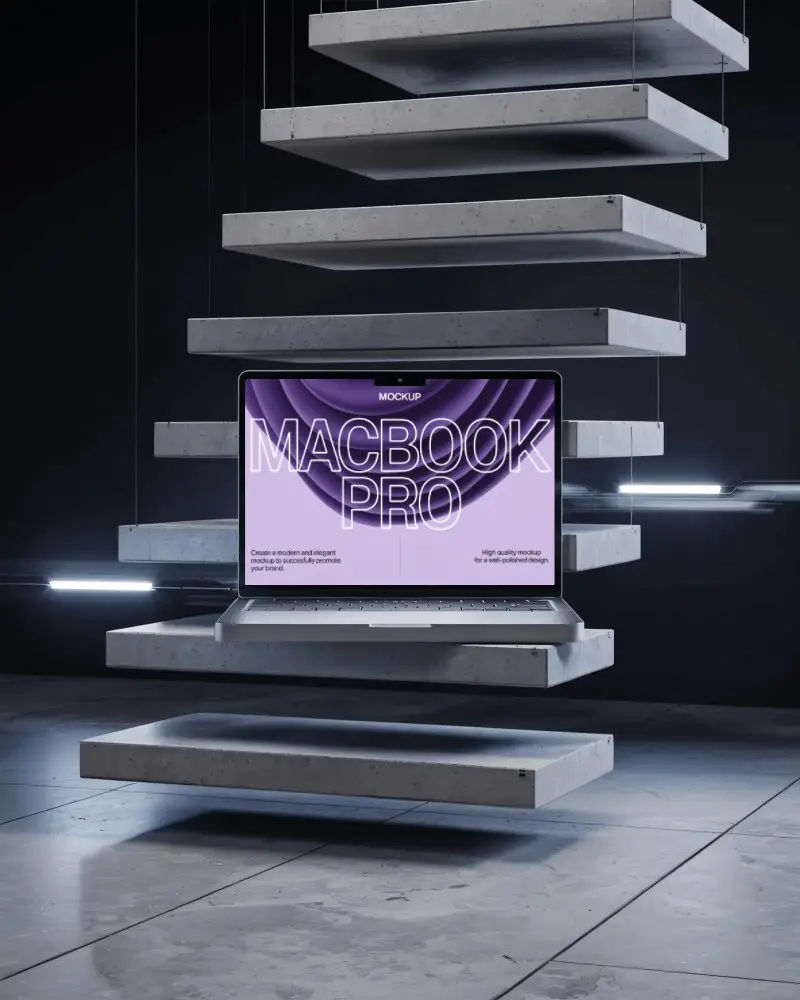
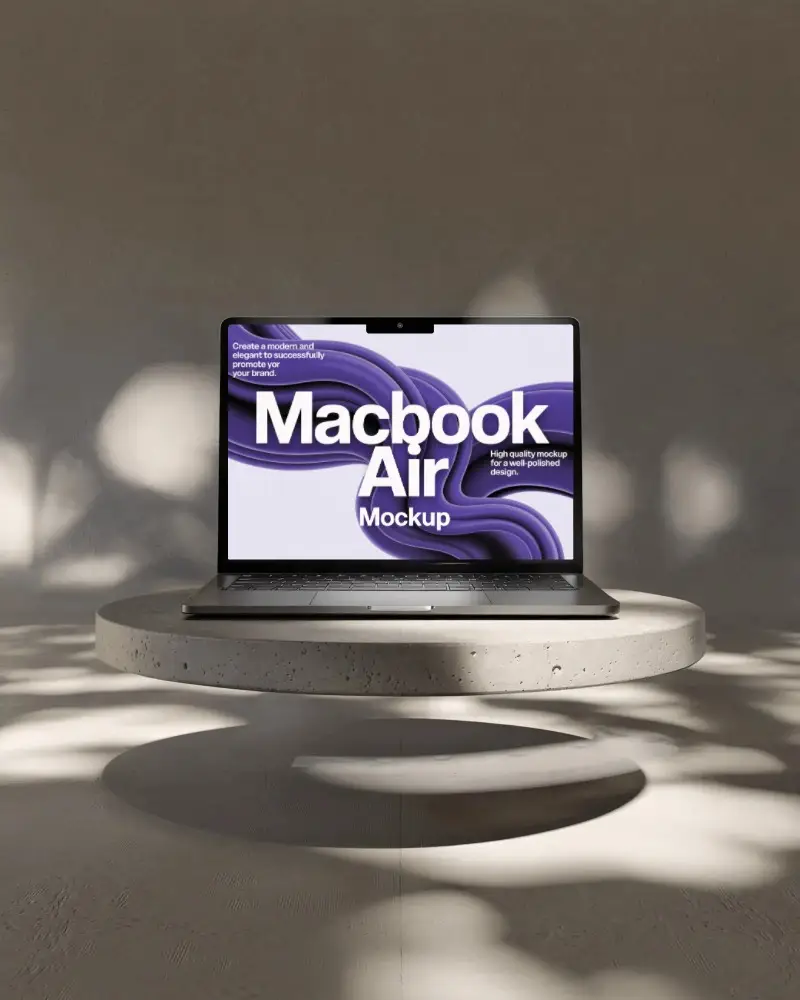

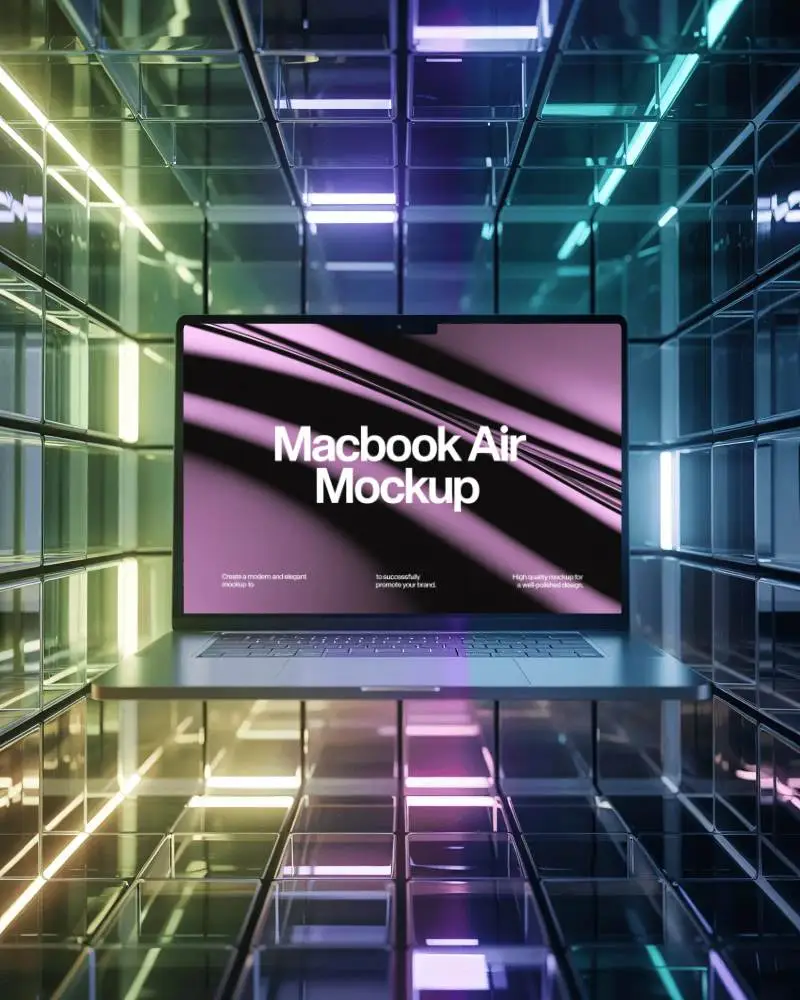
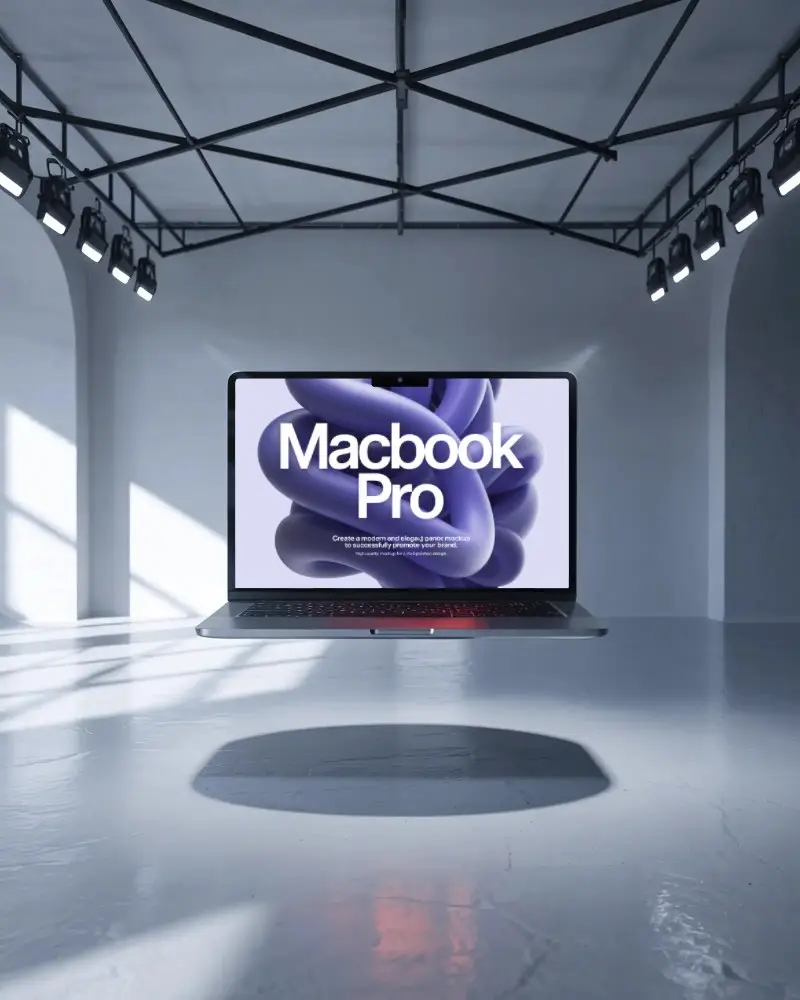
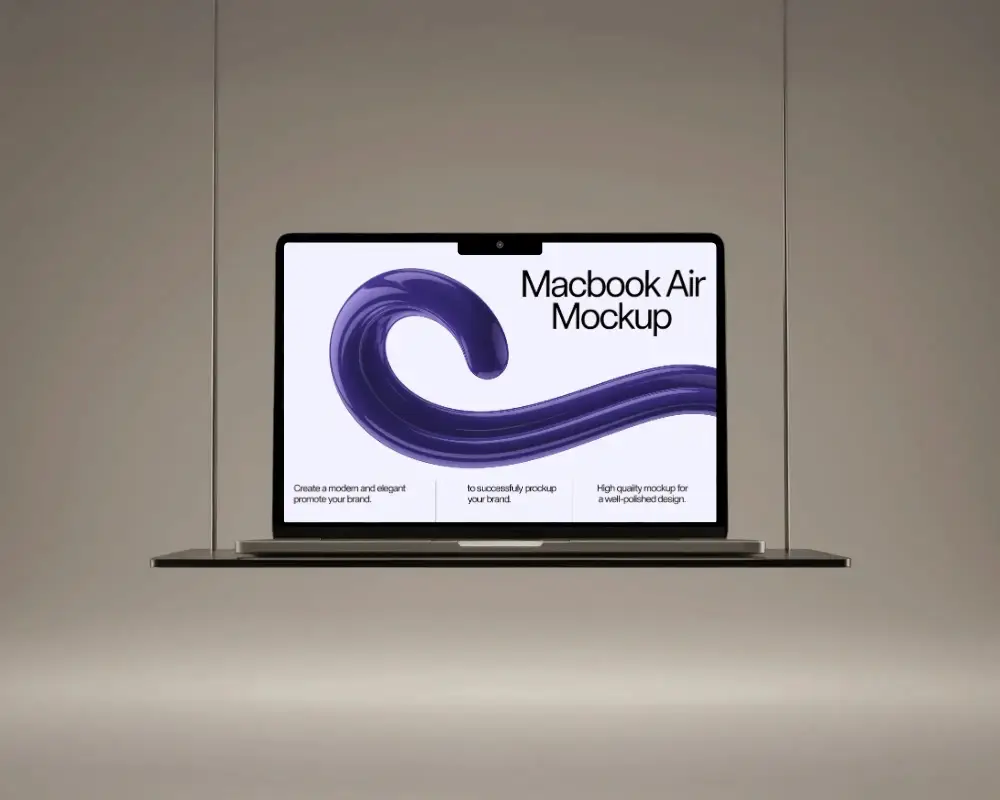
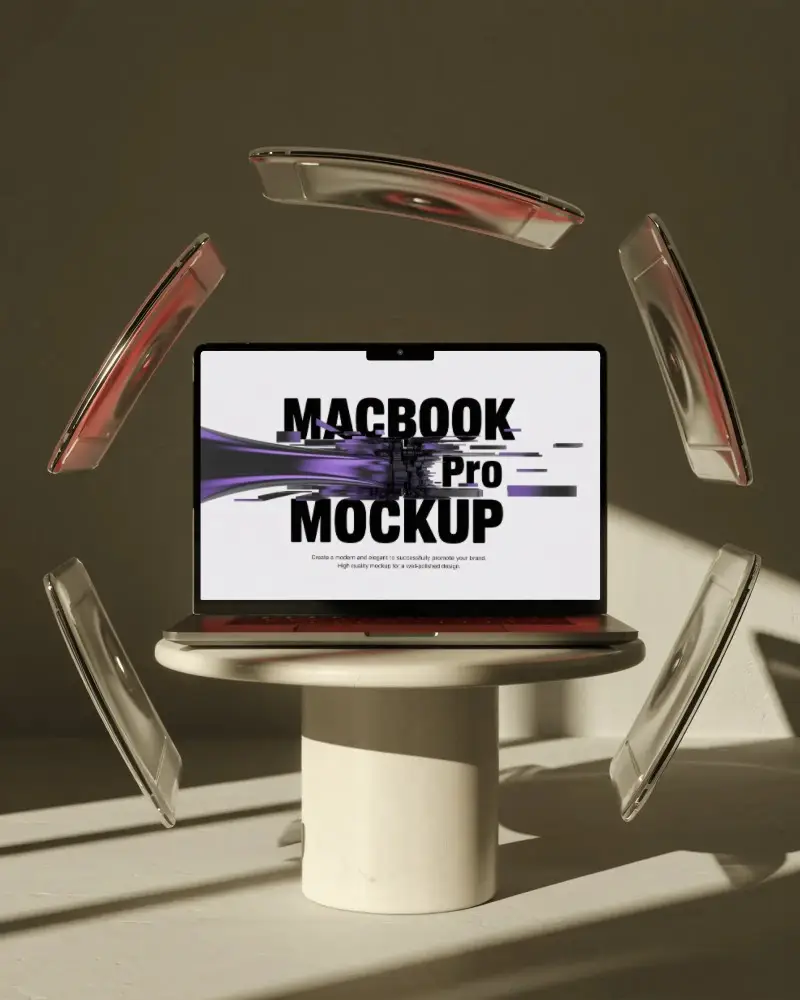
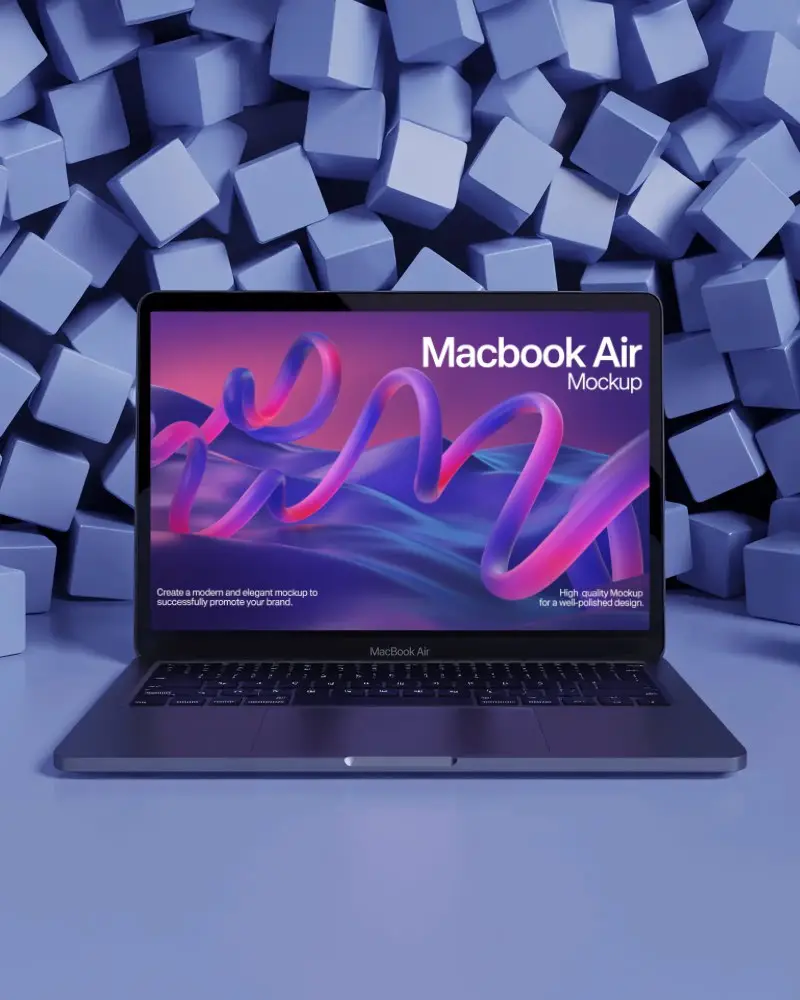
How to Create a Flat MacBook Mockup with Mockey
To create a flat MacBook mockup:
- Step 1: Go to “Mockups” and click on “Tech.” Pick the 'MacBook' from the options provided.
- Step 2: Specify a template by selecting the 'Flat' tag.
- Step 3: Add your design and adjust it as needed. Save your Flat MacBook mockup by clicking the “Download” button.


FAQs on Flat Macbook Mockups
What is a Flat MacBook mockup?
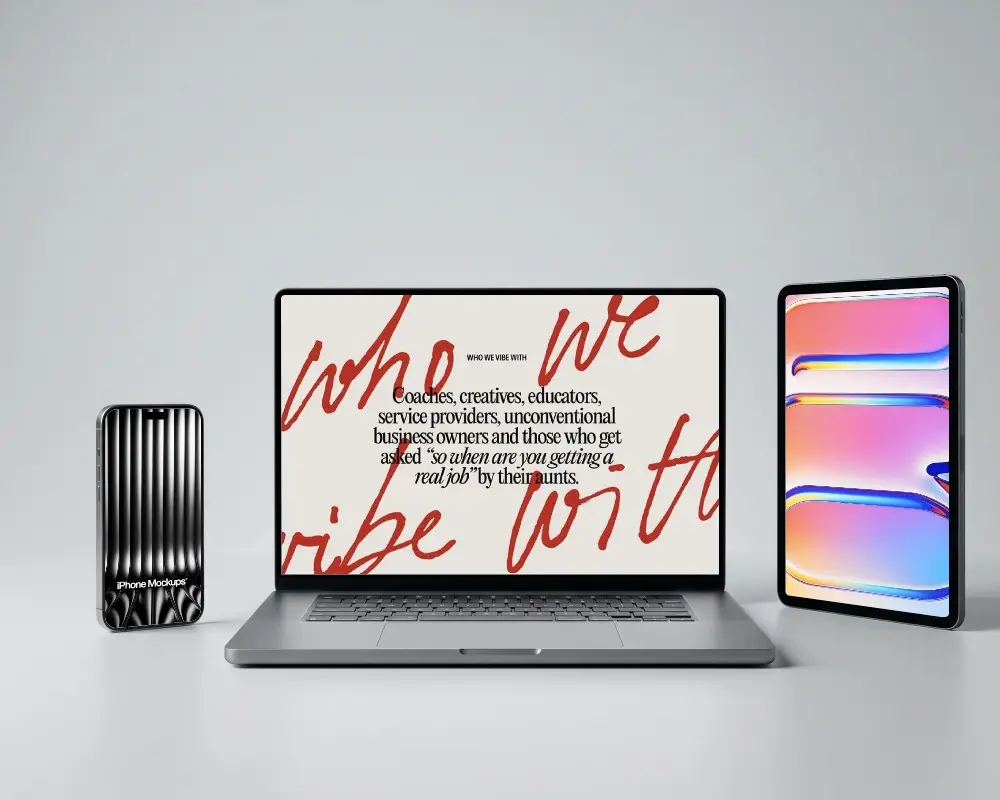
A flat MacBook mockup is a 2D front image. Designers use it to show websites, apps, or graphics. It doesn’t use much shading or depth. It gives a clear, straight view of the MacBook.
Why use Flat MacBook mockups?
Flat MacBook mockups are quite popular. These mockups look real but stay simple. There’s nothing extra to distract the eye. This makes any pitch or presentation feel sharp and clear. They fit well in many types of projects.
Are Mockey.ai's Flat MacBook mockups really free?
We can’t speak for others, but at Mockey AI, flat MacBook mockups are free. Yes, really free. But there are a few limits. You won’t get the PNG format. Sizes are limited. Downloads too. Purchase the Starter for all access.
