sticker
Best Free Die Cut Sticker Mockups
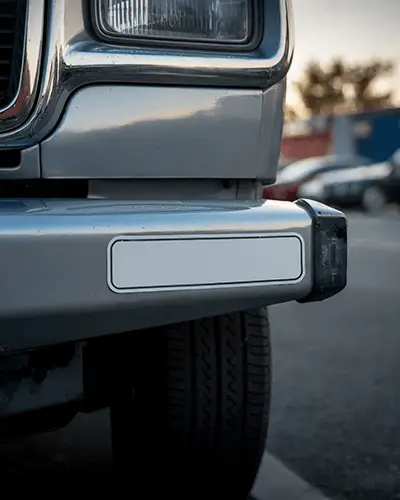
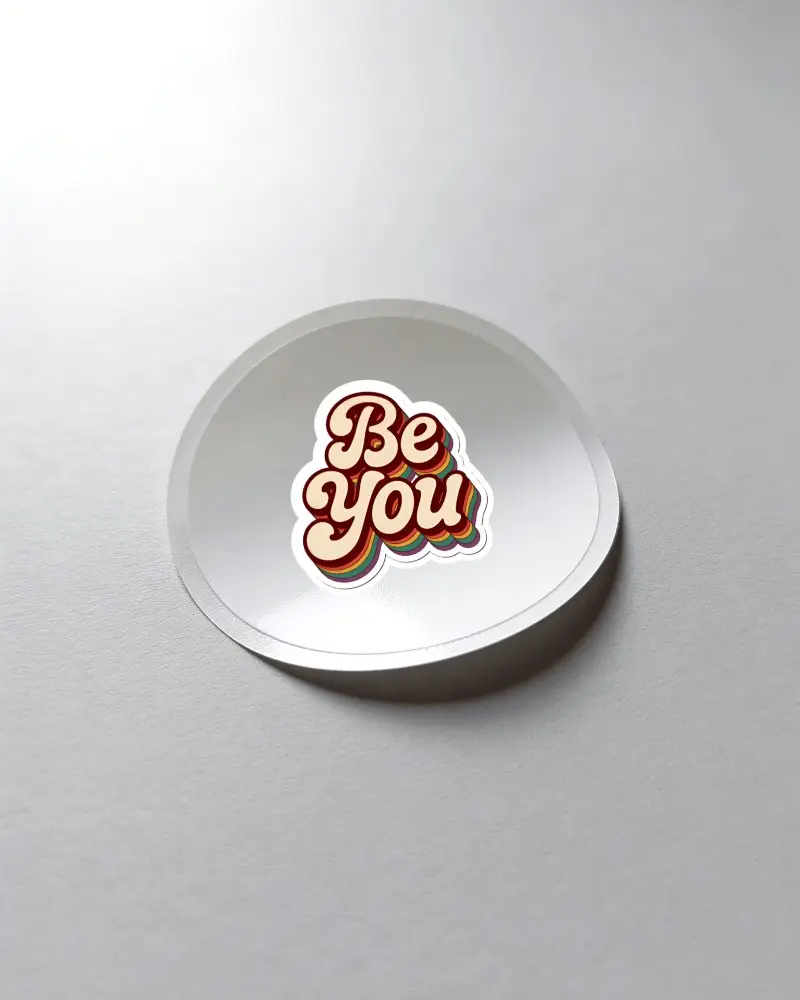
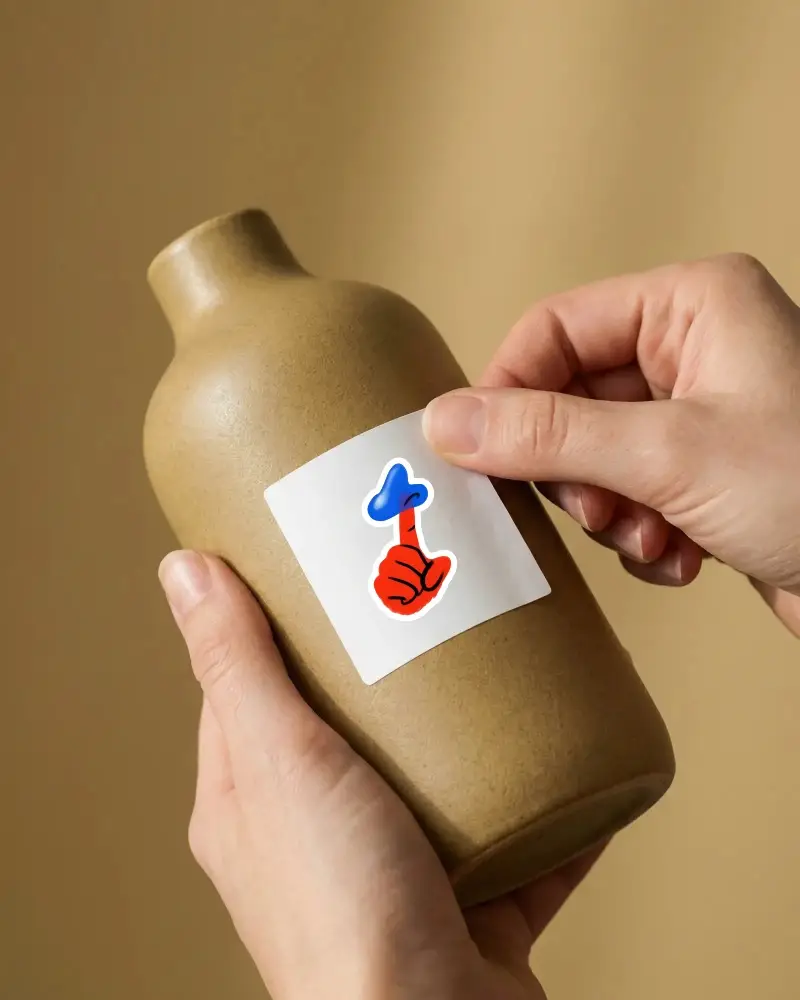
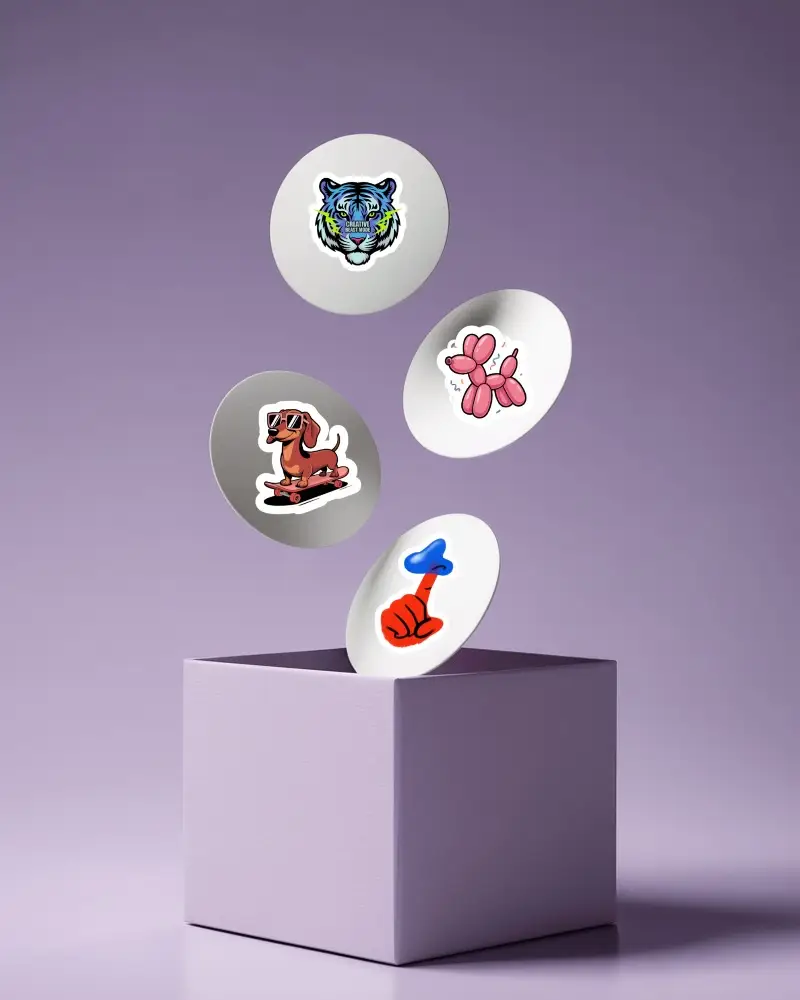
Explore a wide variety of free die cut sticker mockups on Mockey.ai. Customize and download high-quality designs easily to showcase your brand creatively.
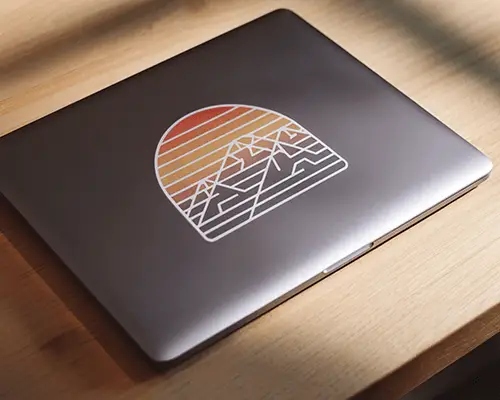

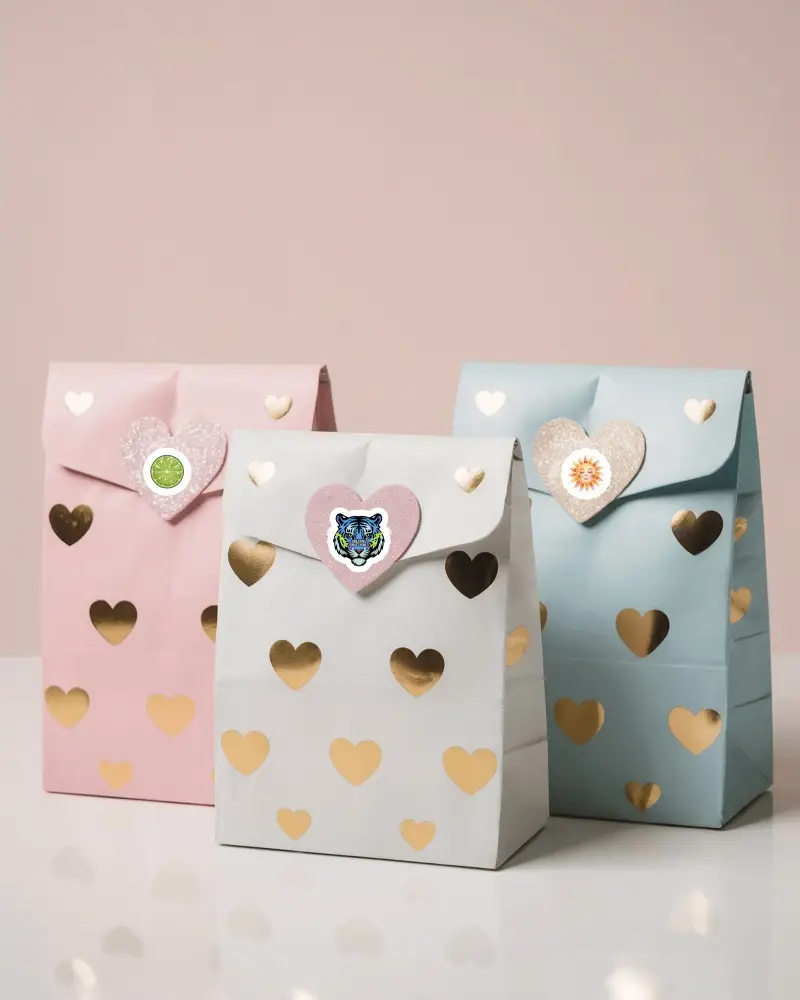
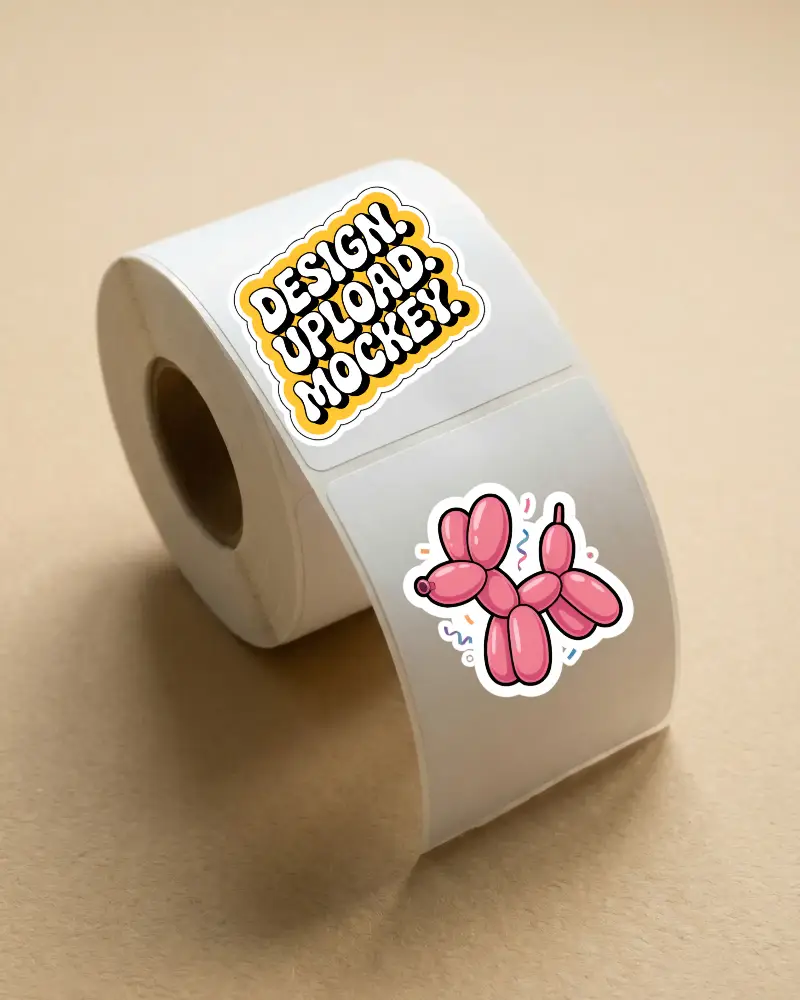
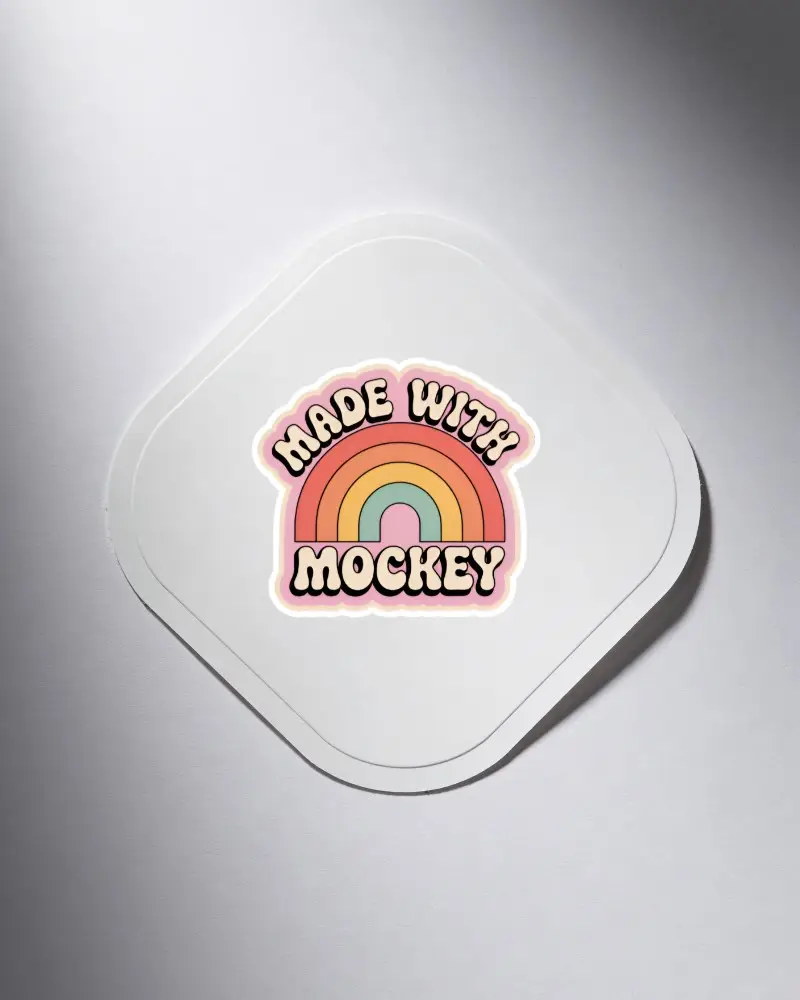
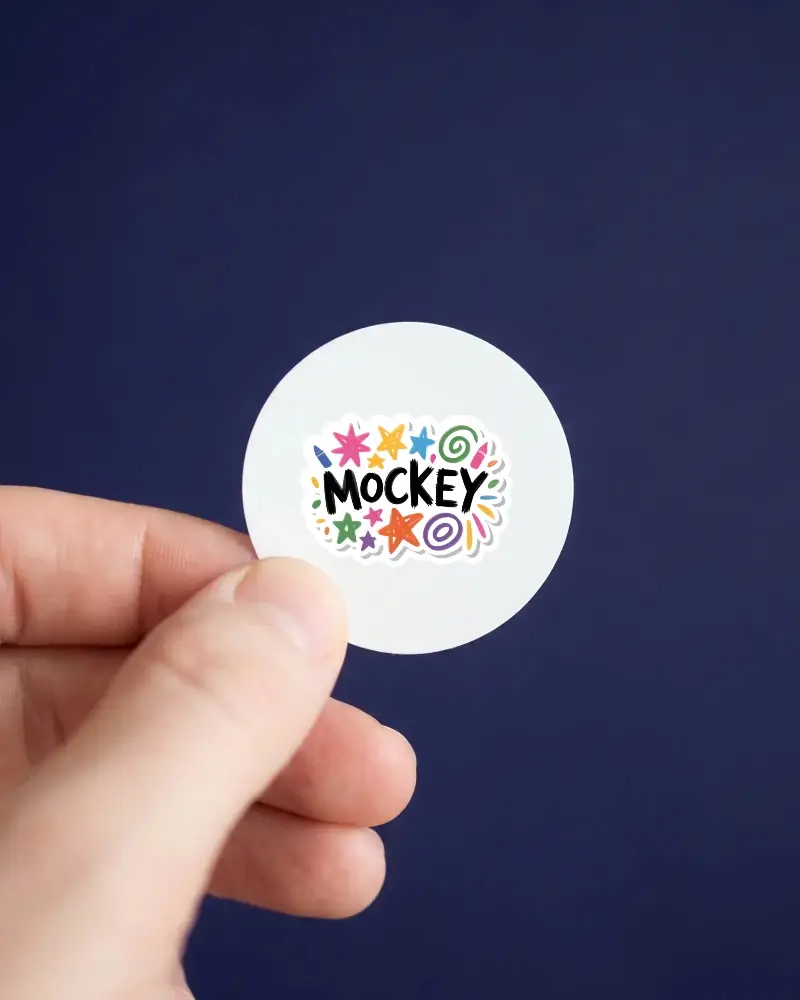
How to Create a Die Cut Sticker Mockup with Mockey
To create a die cut sticker mockup:
- Step 1: Follow Mockups > Print > Sticker after creating an account.
- Step 2: Look for the Die Cut tag and click it to select a template.
- Step 3: After adding your design and adjusting the outline thickness, click Download to save the die cut sticker mockup.


FAQs on Die Cut Sticker Mockups
Why Use Mockey’s Die Cut Sticker Mockup?
For free templates, unique editing tools, and high-quality output, use Mockey’s die cut sticker mockups. You can find all die-cut stickers under the Print category.
What types of die cut sticker styles are available?
Die-cut stickers come in full cut, kiss-cut, sheeted, and rolled styles. You also get vinyl, clear, foil, matte, glossy, and glitter finishes, along with many unique shapes.
