Car Bumper Sticker Mockups Online
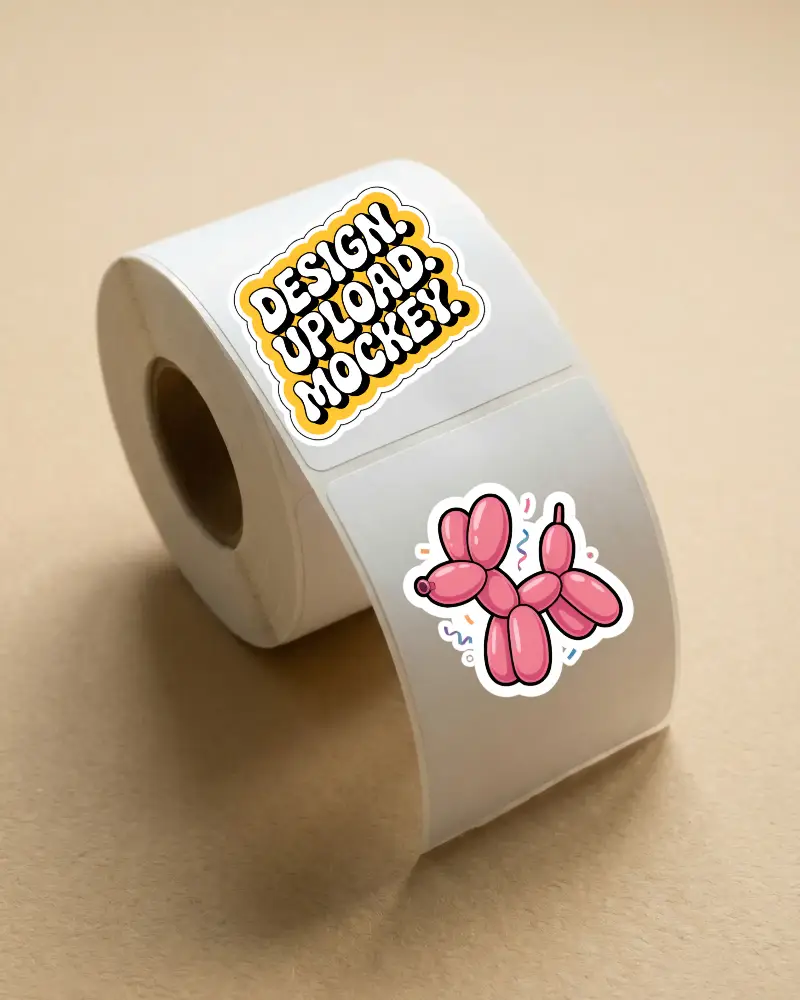
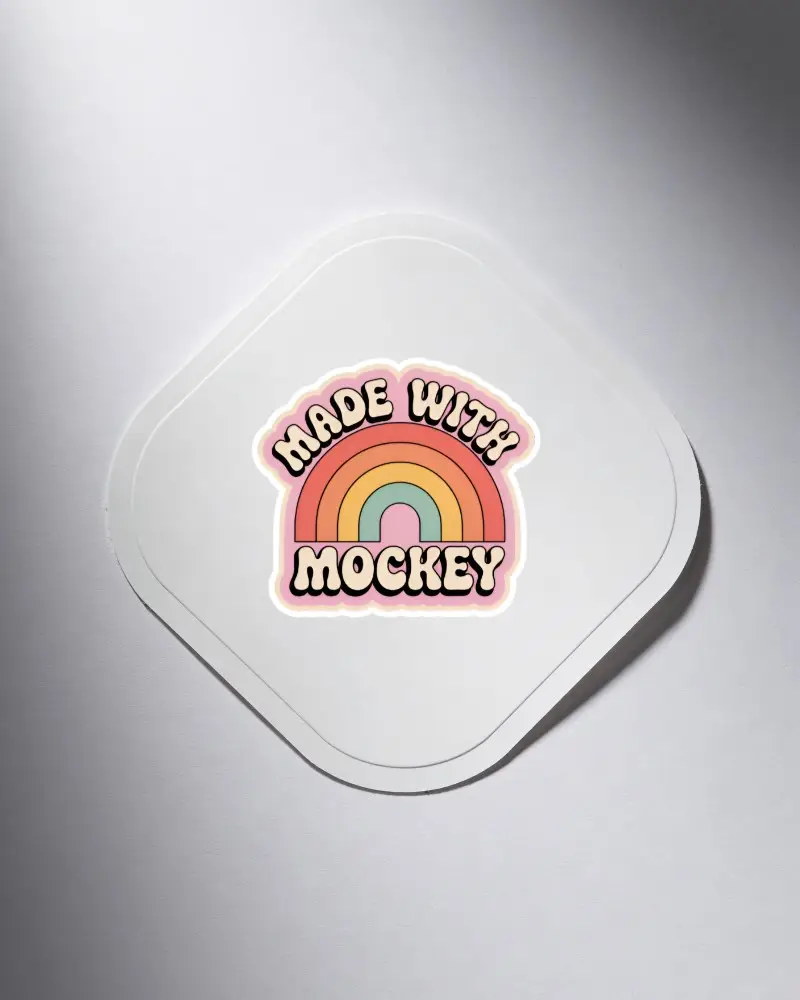
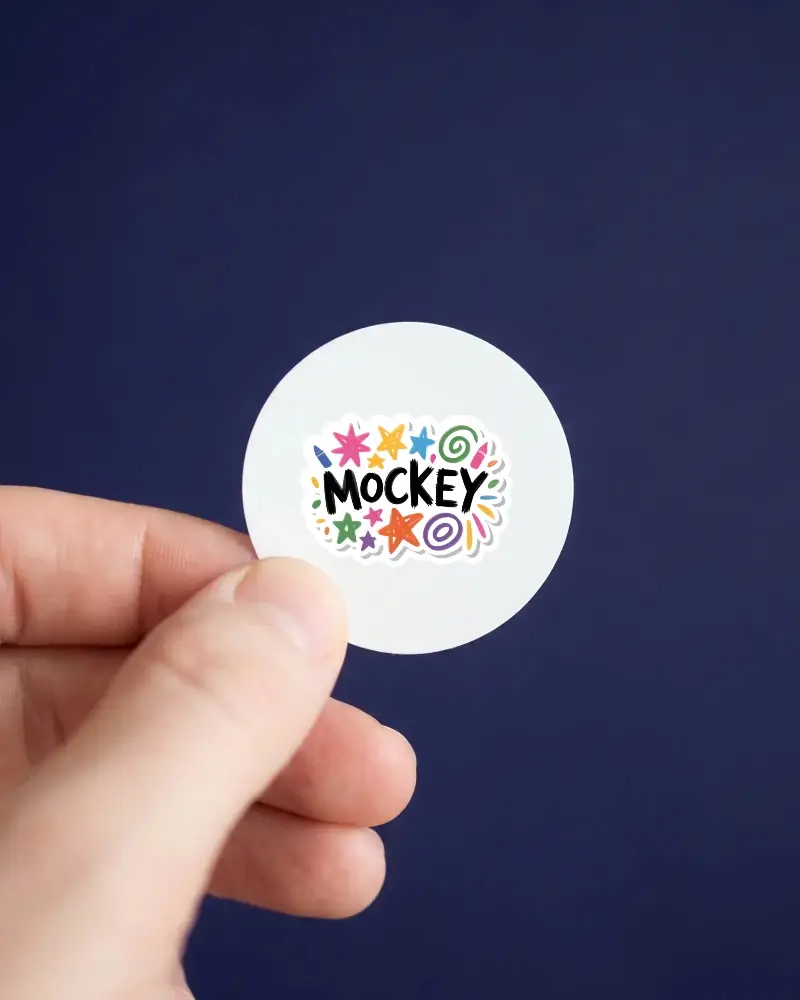
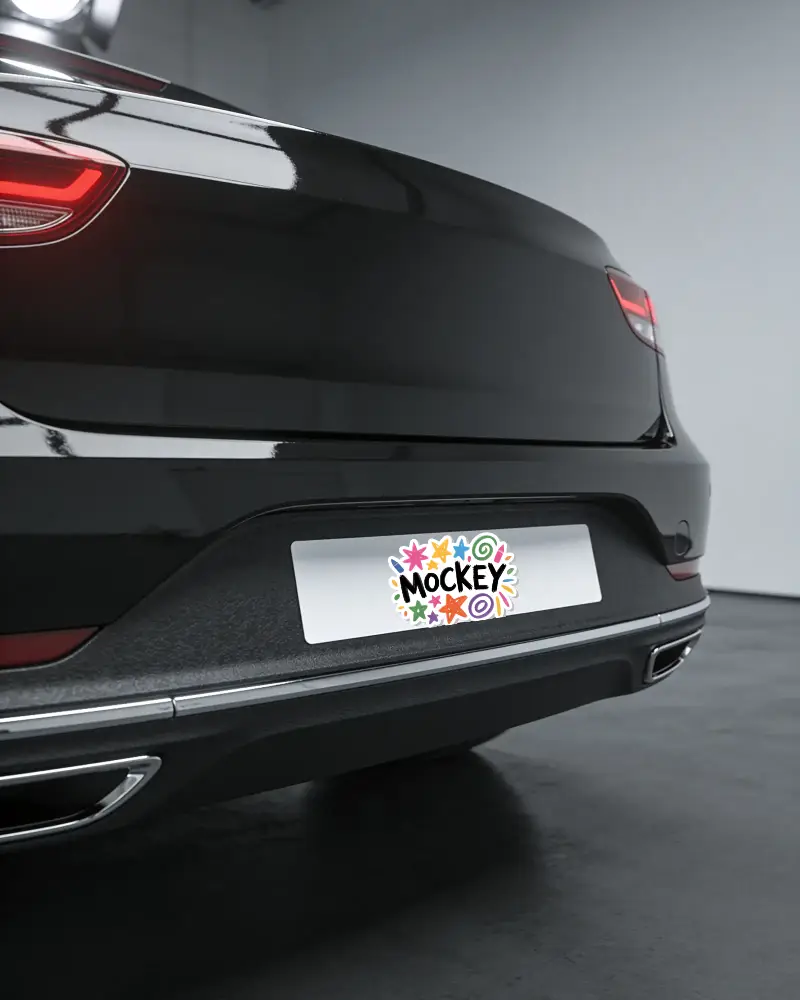
Create a bumper sticker mockup with Mockey. Provides high-resolution, customizable bumper sticker mockup templates to showcase your designs perfectly! Showcase your bumper sticker designs with Mockey.ai's bumper sticker mockups! With just a few clicks, you can create a striking image to highlight your creativity or campaign.
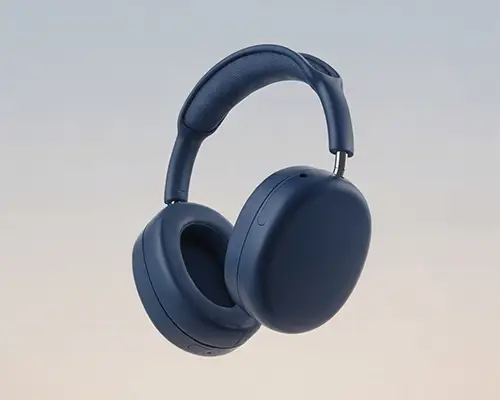
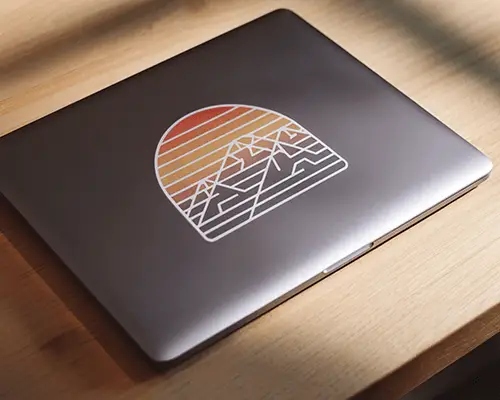
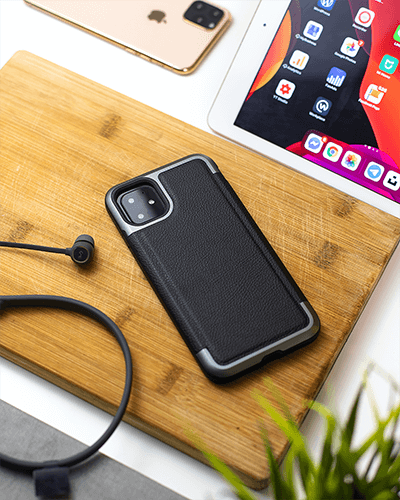


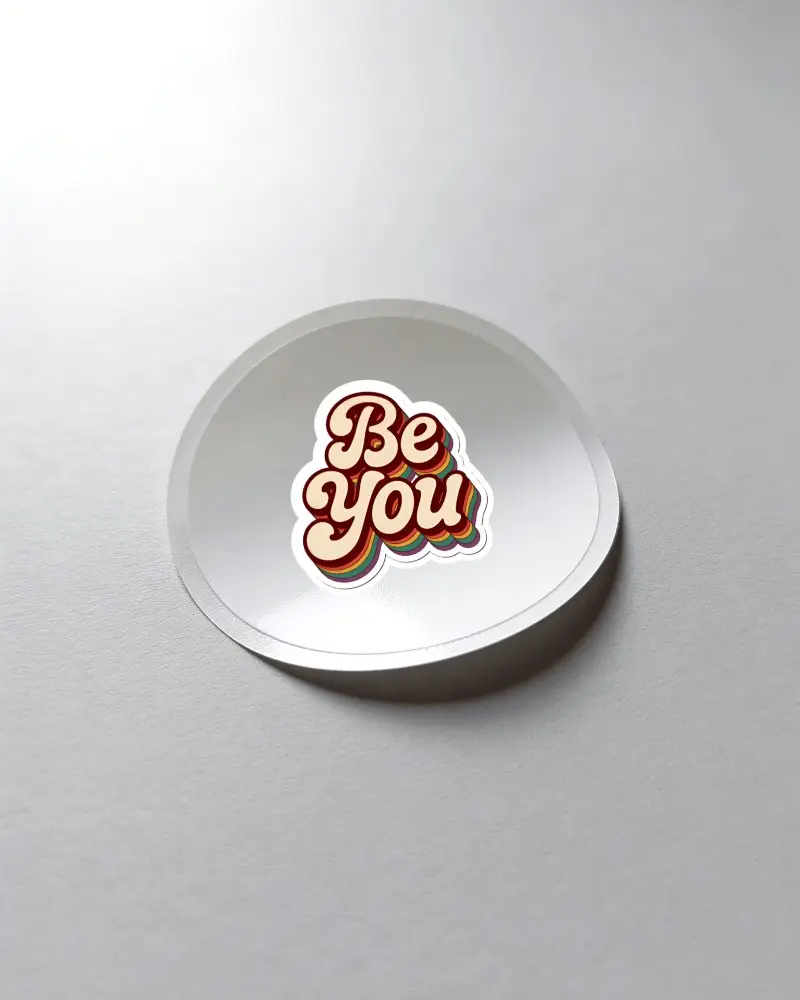
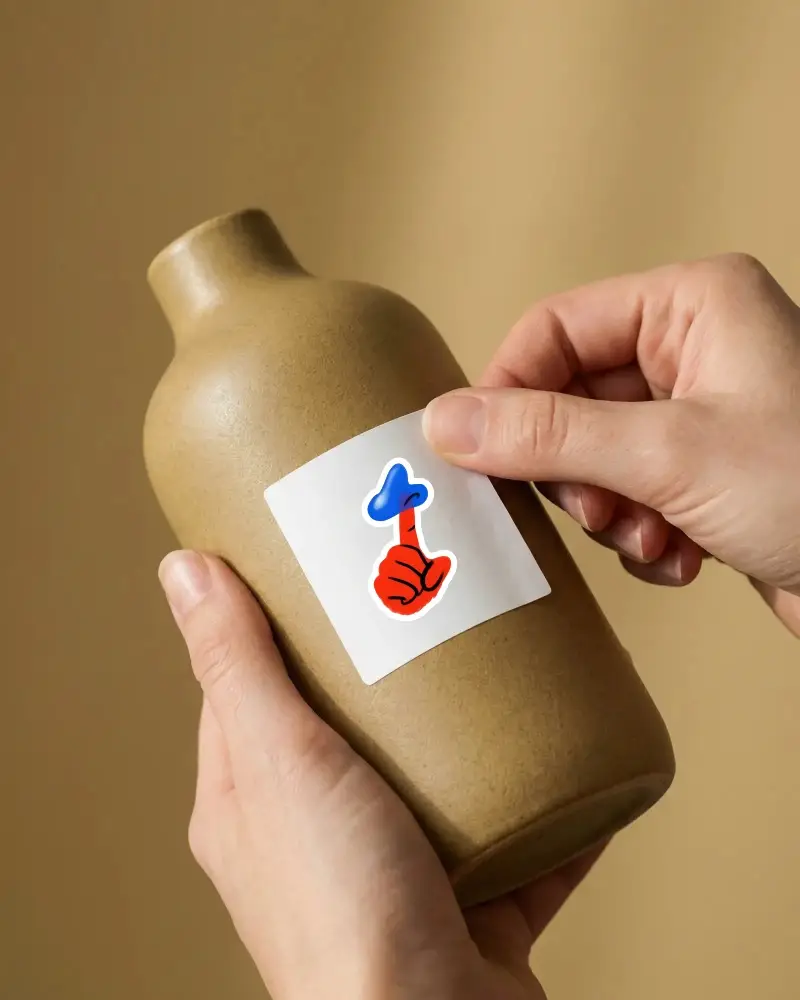
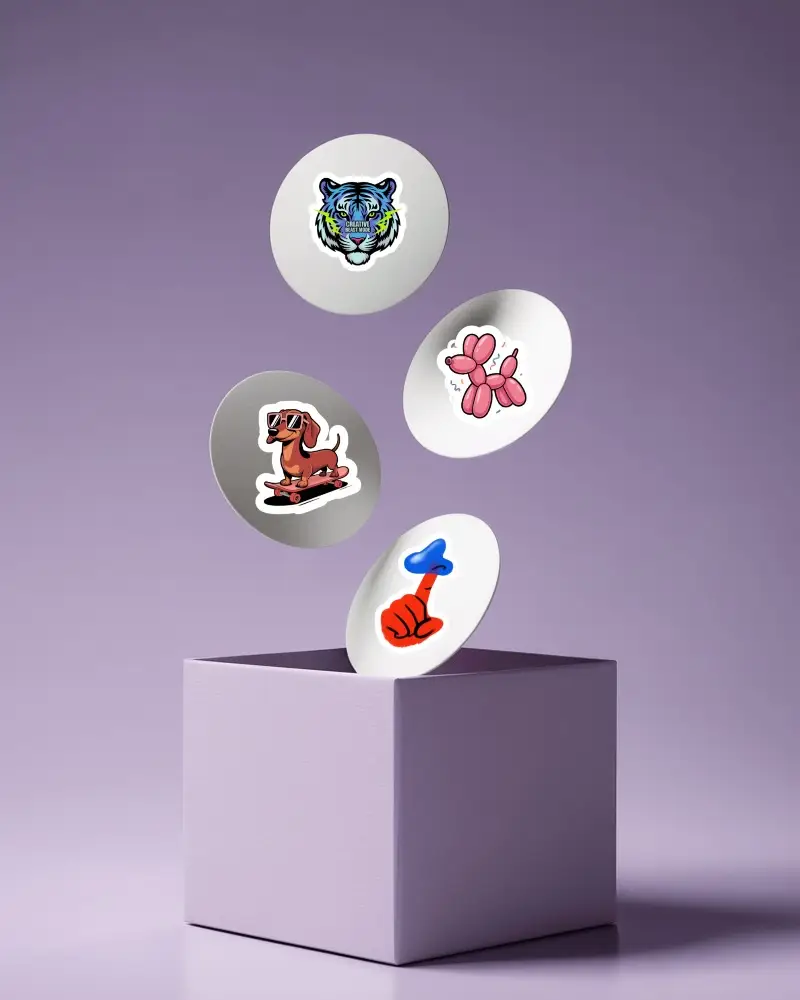
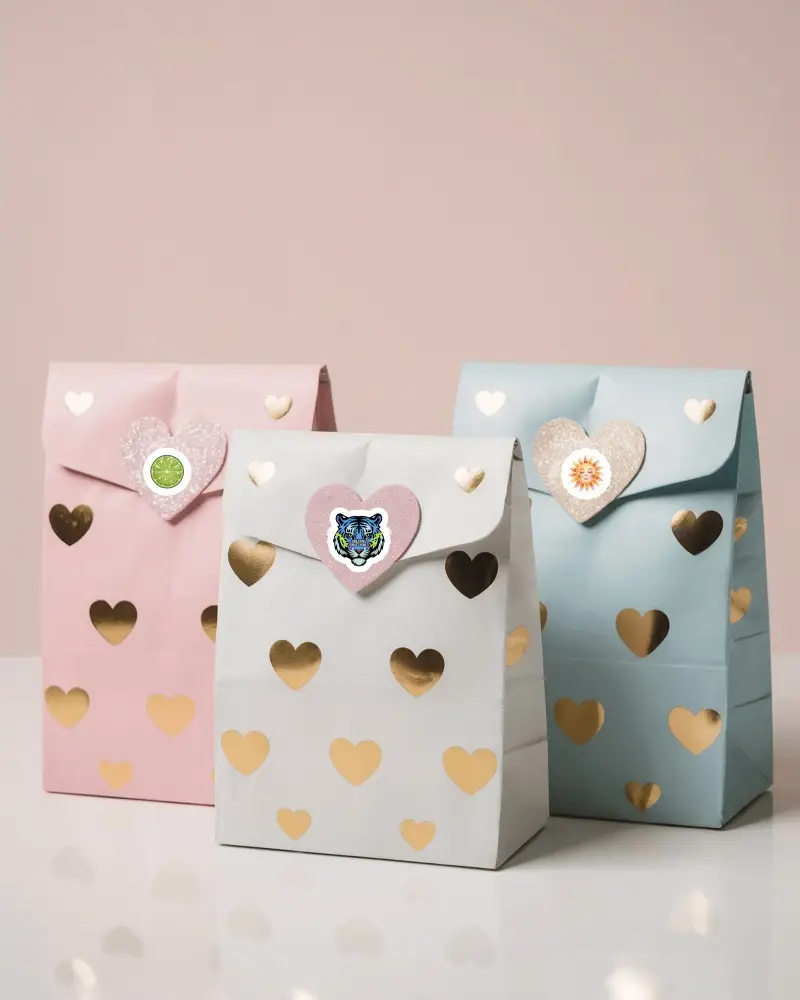
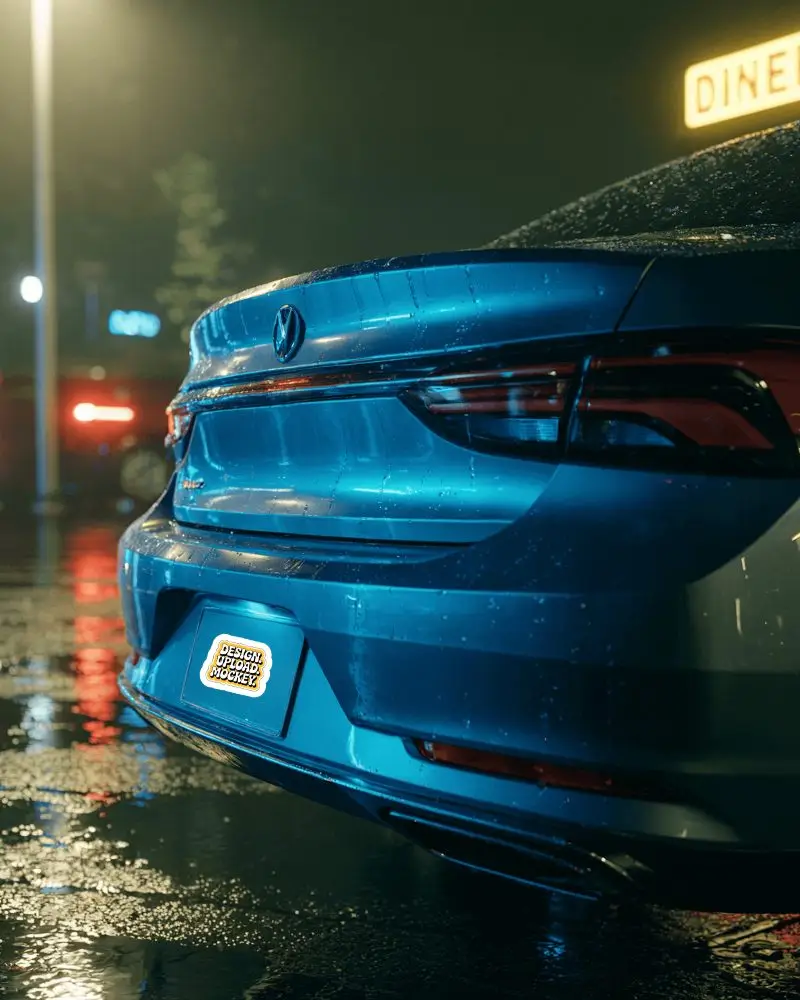
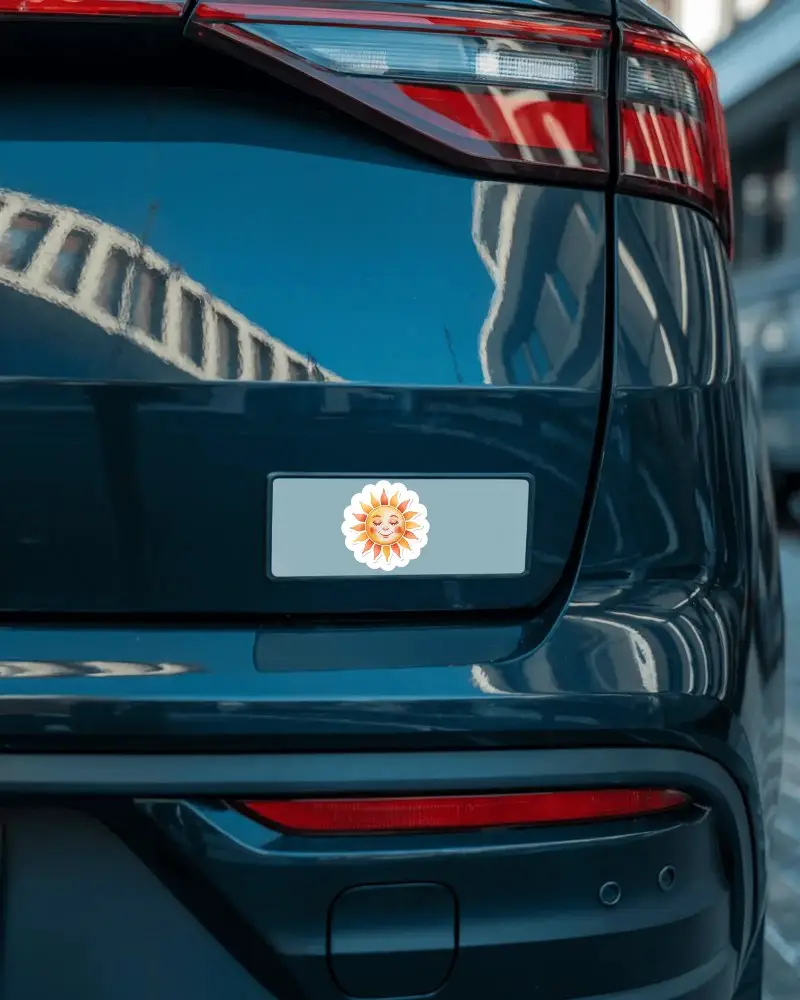
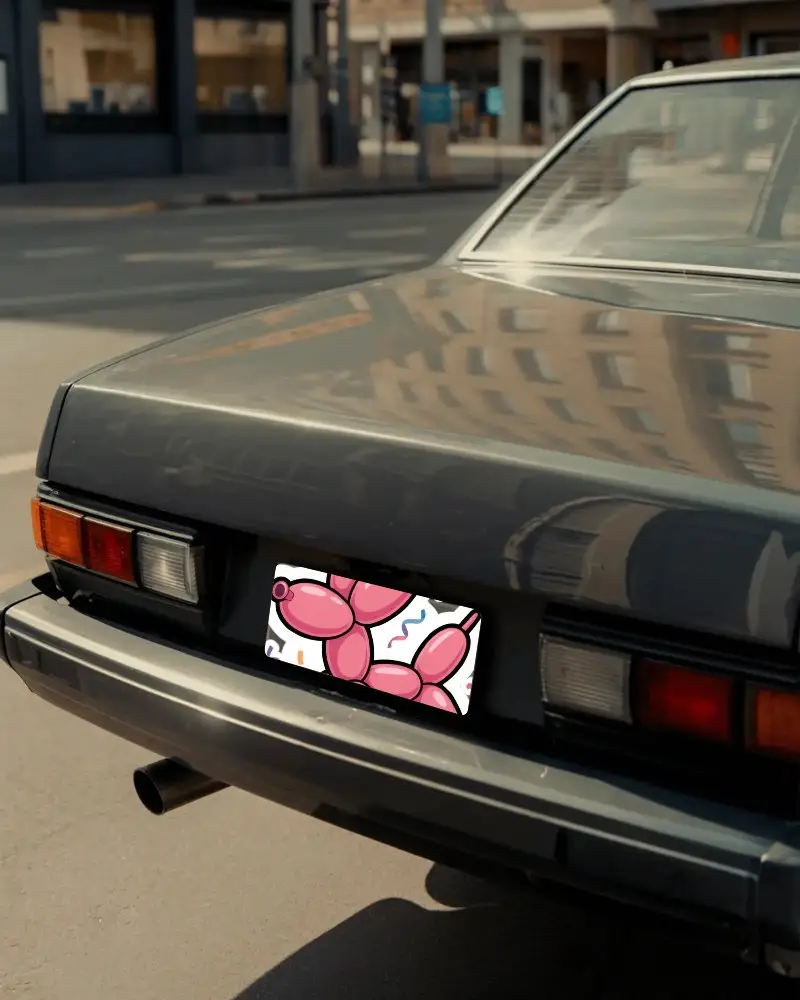
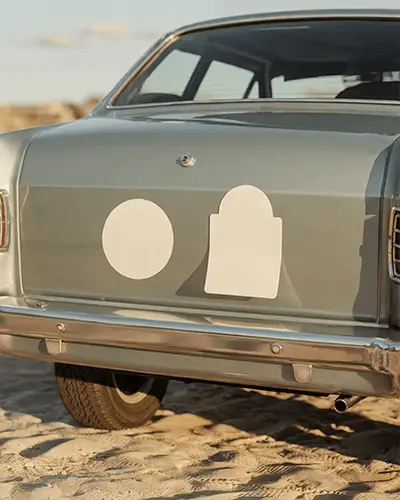
How to Create a Bumper Sticker Mockup with Mockey
To create a bumper sticker mockup:
- Step 1: Join Mockey AI, go to Mockups, and look for Sticker in Print.
- Step 2: Select the Bumper tag to choose a template.
- Step 3: Upload your design, personalize outline thickness, and finally tap Download to save the bumper sticker mockup.


FAQs on Bumper Sticker Mockups
Why should I use a bumper sticker mockup?
Bumper sticker mockups display your custom design in a realistic template. This cuts costs and boosts your brand by allowing you to test ideas, tweak designs, and create strong visuals before printing.
Are the bumper sticker mockups free to use?
Mockey AI offers free bumper sticker mockups. With the free plan, you can save your mockups up to three times a day and download them in high-quality JPEG format.
How do I ensure the bumper sticker design fits perfectly in the mockup?
After uploading your design, adjust its placement by moving or rotating it. Use Mockey AI’s outline thickness tool to make sure your design fits neatly and looks perfect in the mockup.
Can I create sticker mockups for other surfaces too?
Besides bumper stickers, you’ll find sticker mockups for laptops, phones, boxes, bottles, envelopes, and bags on Mockey AI. You can start customizing them today using the free plan.
