Free Fruit Sticker Mockups
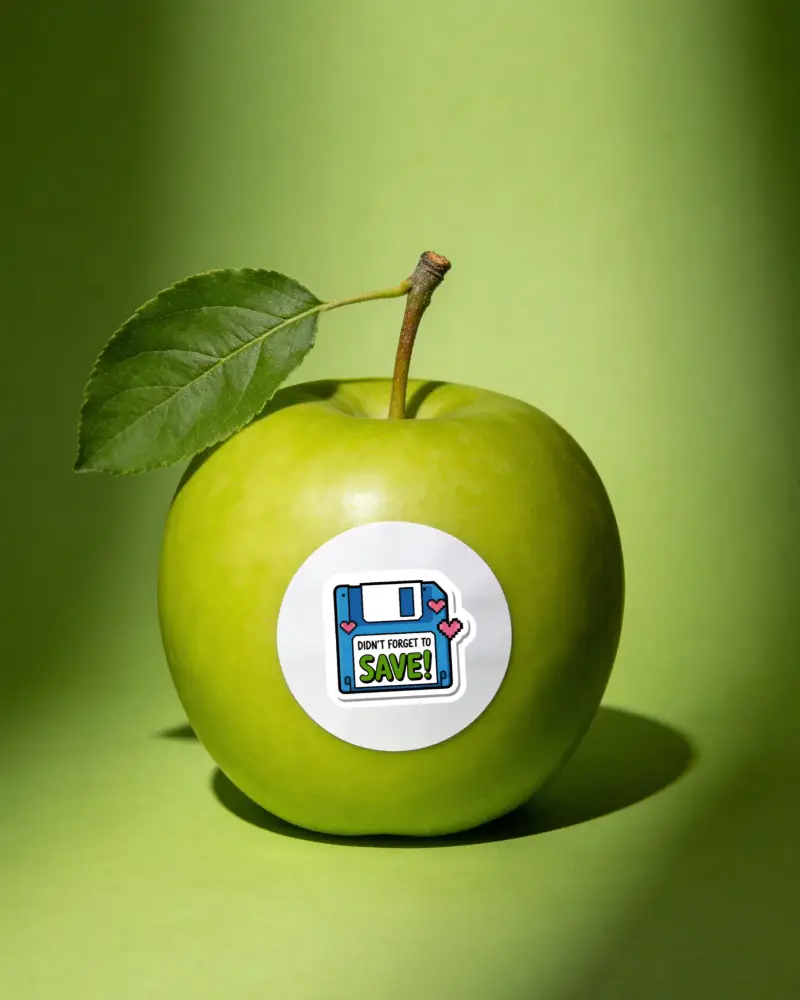
Need to see how your fruit label looks before you print it? Mockey.ai gives you free fruit sticker mockups that look real and are very easy to use. Just upload your design, pick a template, and get a clean sharp preview in seconds with no watermark and no design skills needed at all.







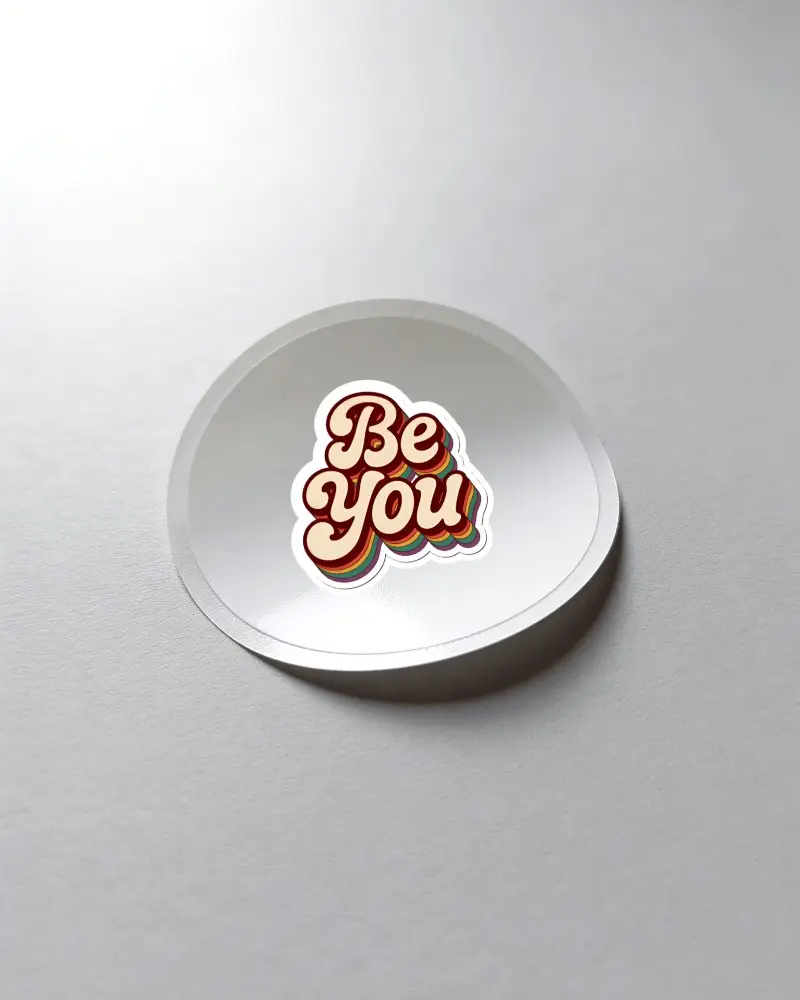
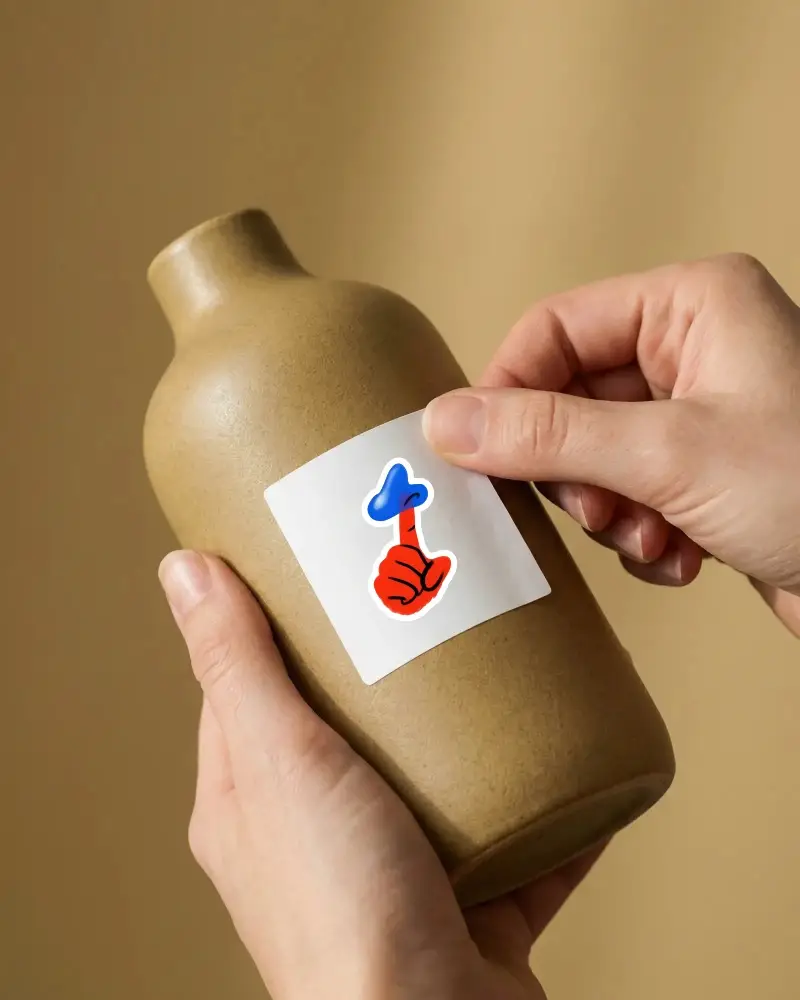
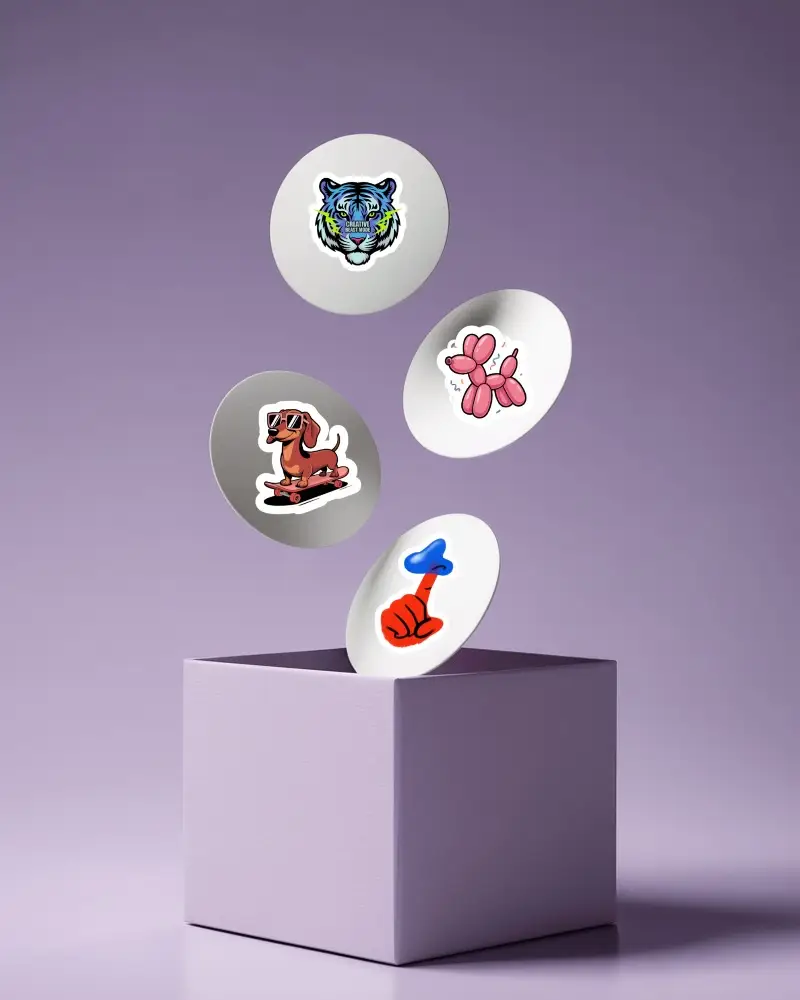
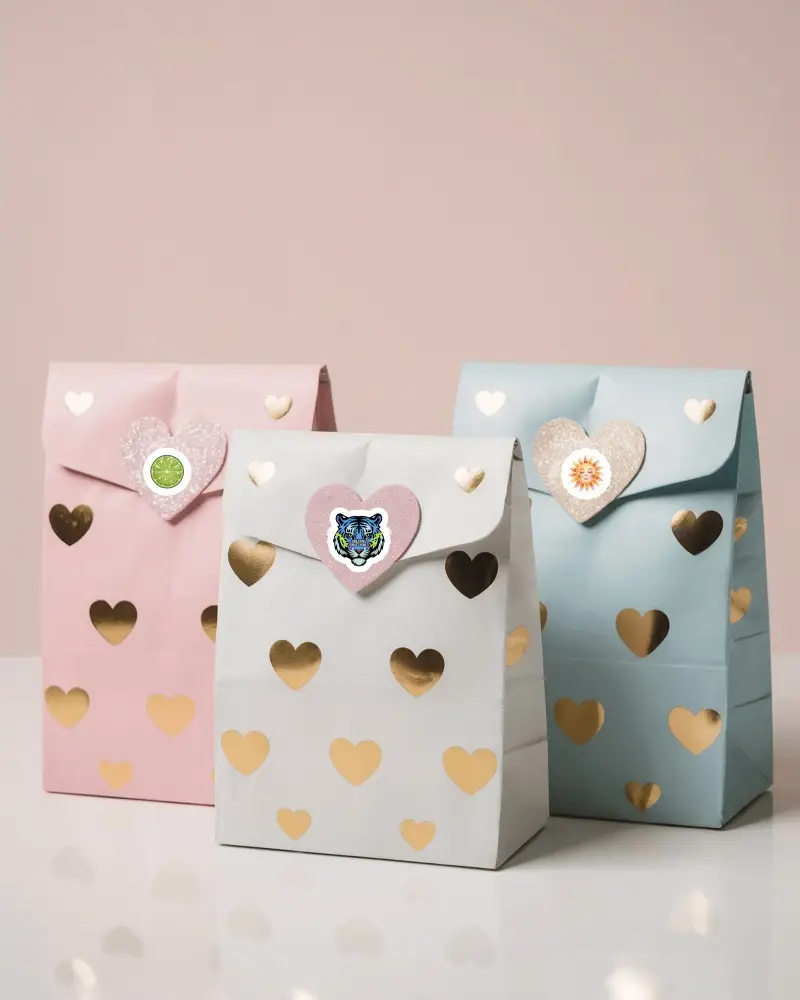
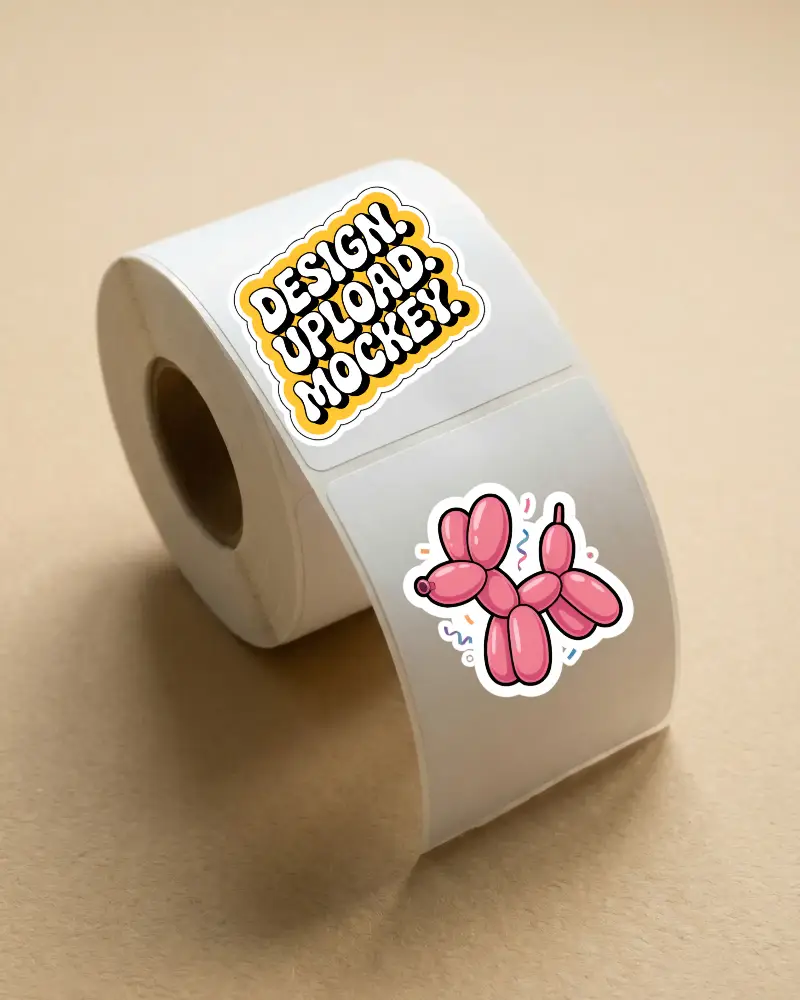
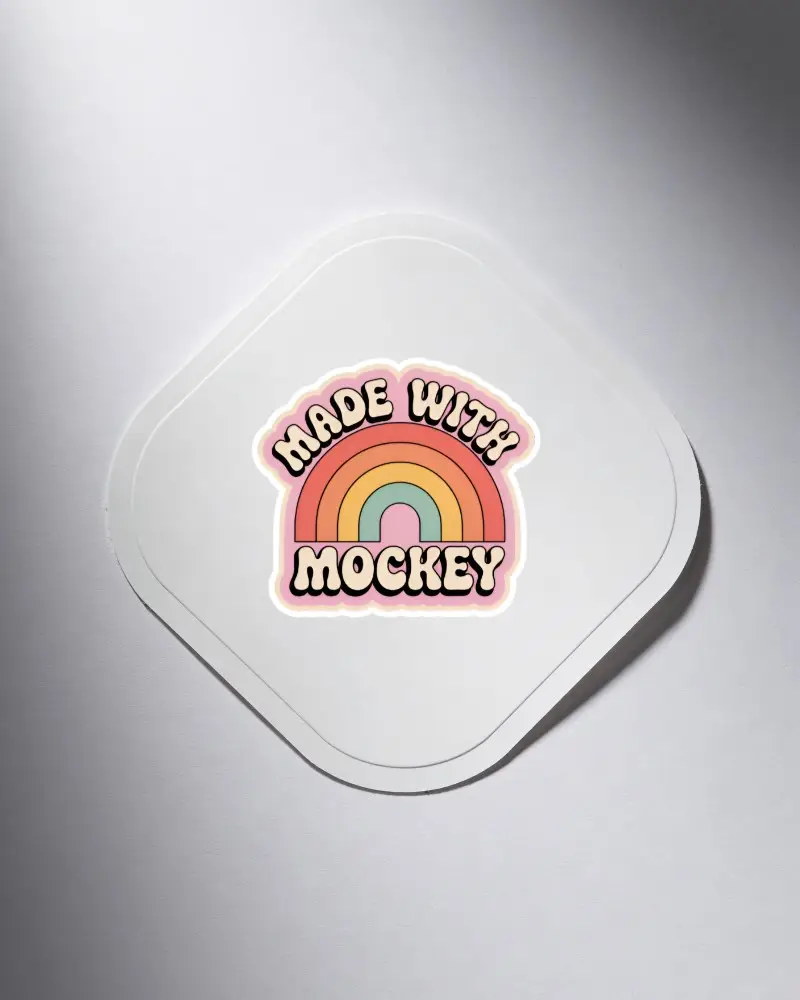
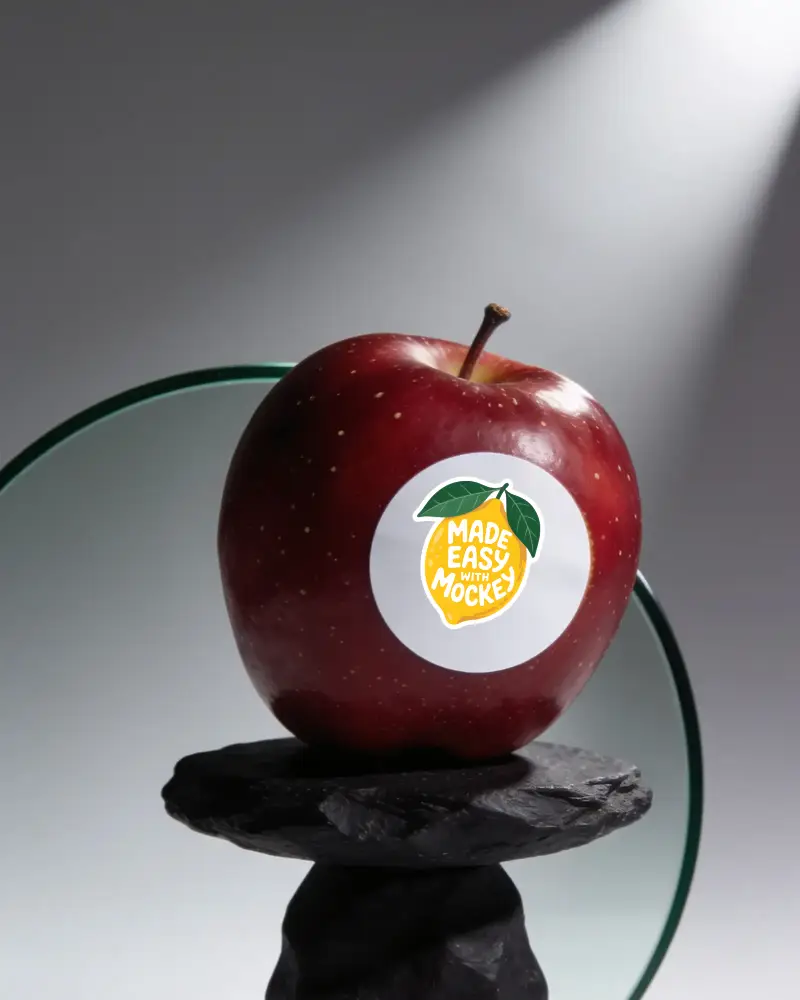
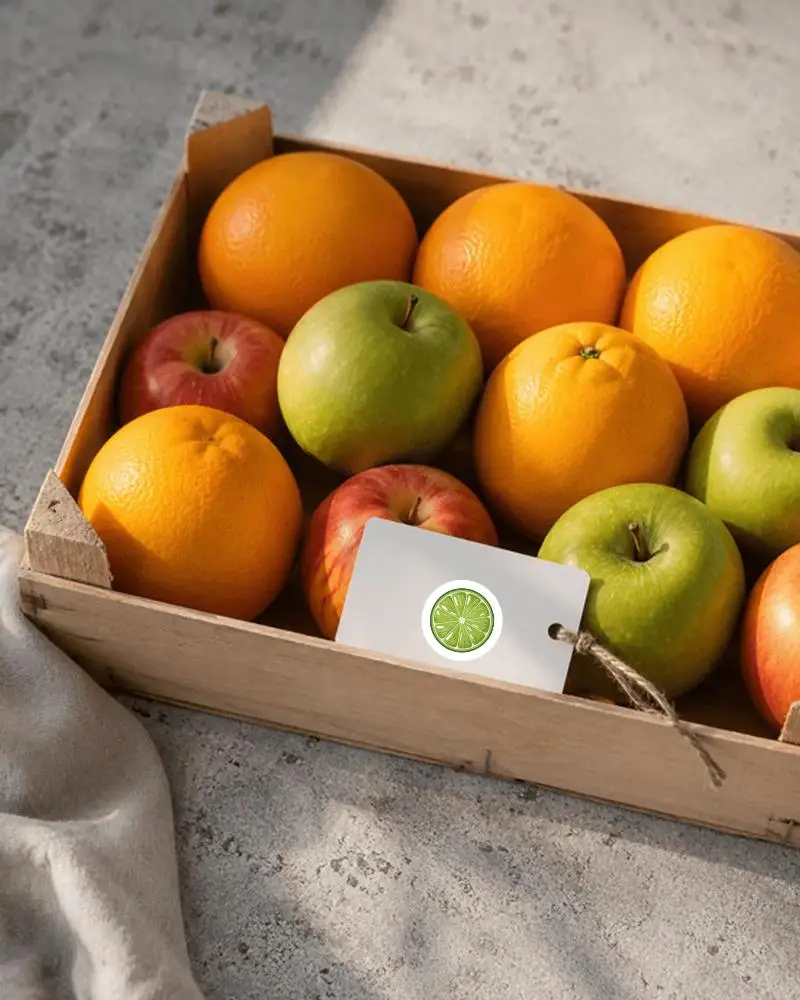

How to Create a Fruit Sticker Mockup
To create a fruit sticker mockup:
- Step 1: Go to the Mockups section, open Print, and select Sticker. Choose Fruit from the tags.
- Step 2: Pick a template, upload a design, and change the sticker thickness.
- Step 3: Once the preview is done, click Download to get the fruit sticker mockup.


FAQs on Fruit Sticker Mockups
What is a fruit sticker mockup?
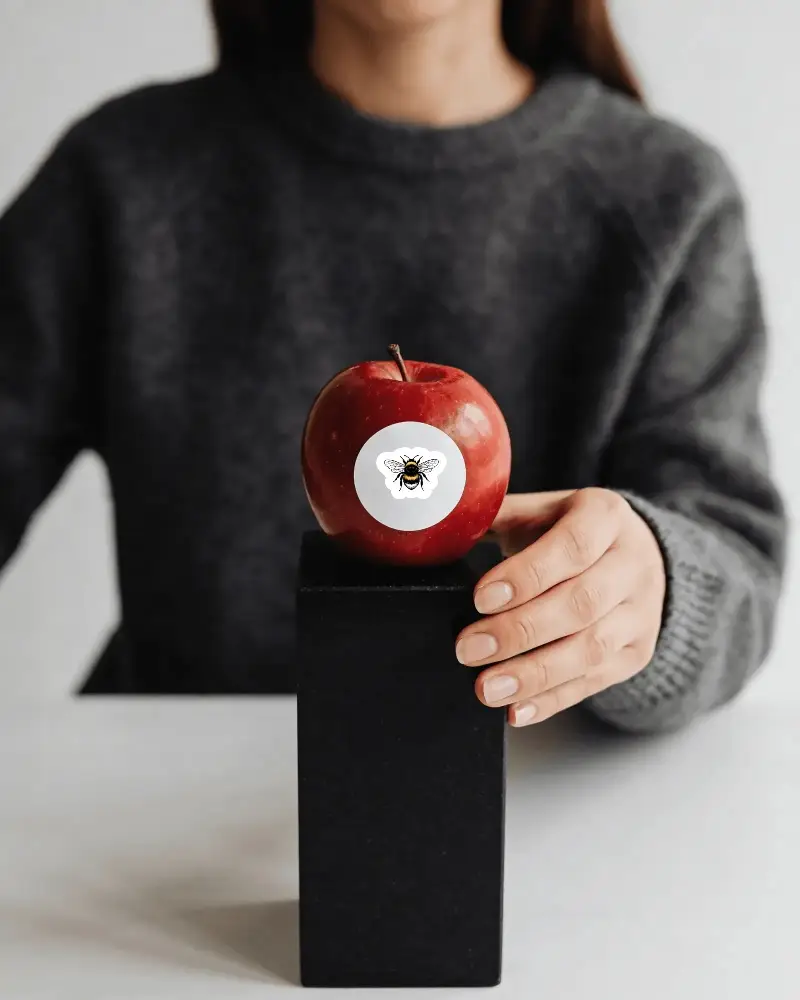
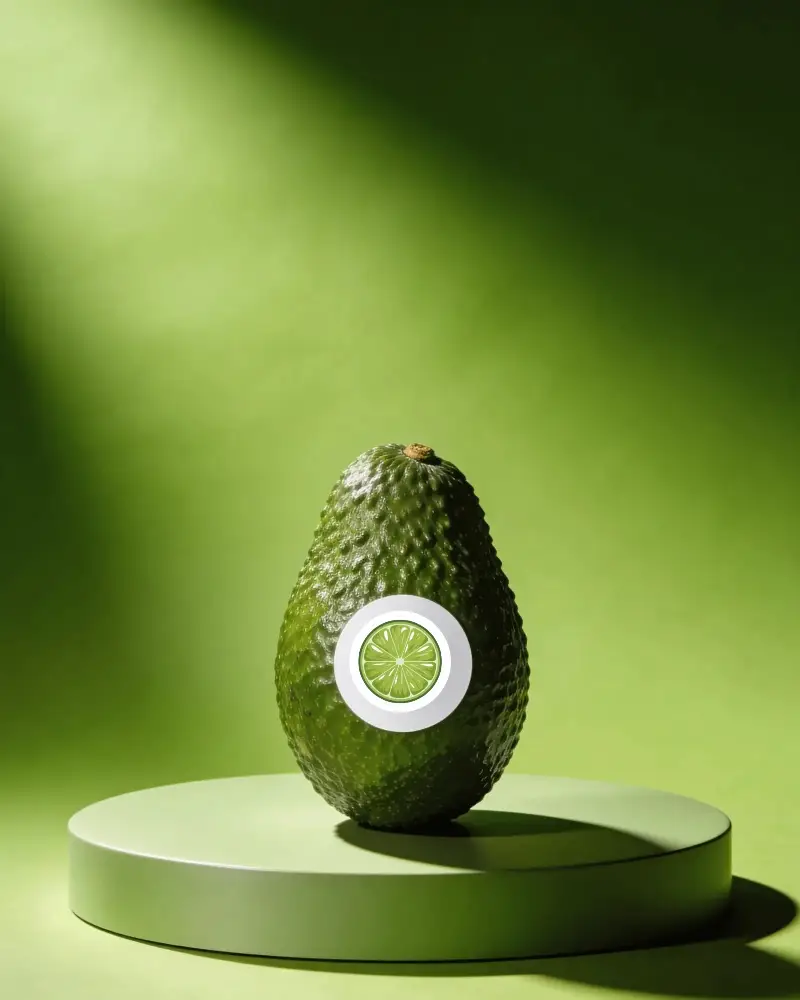
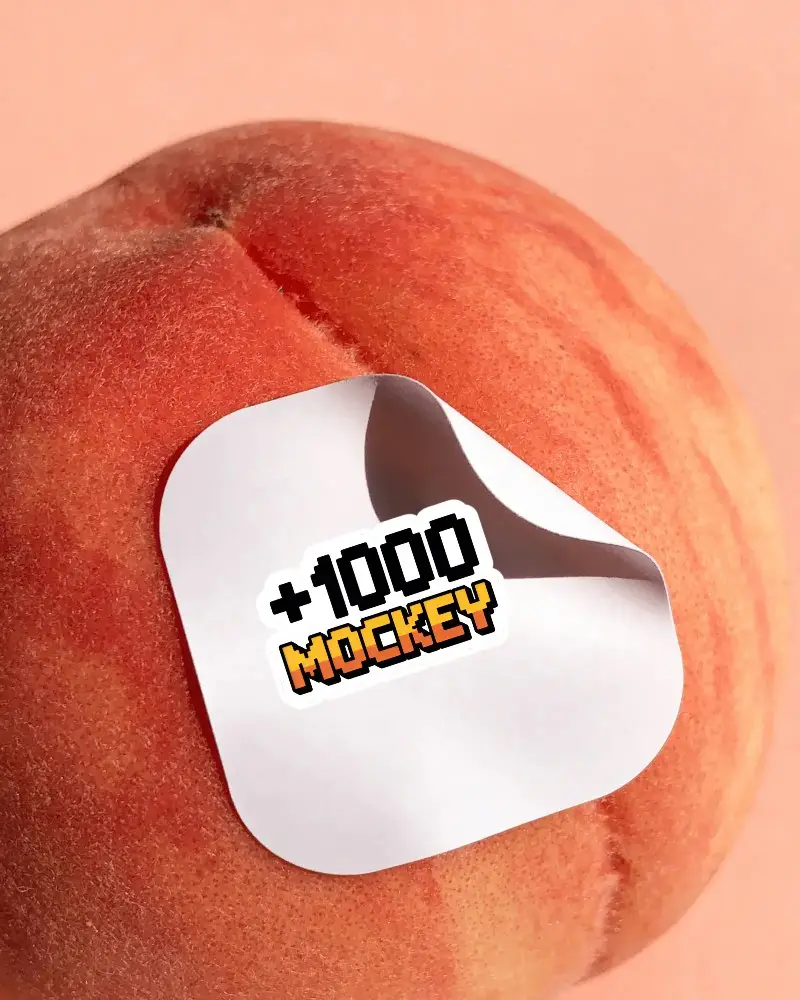
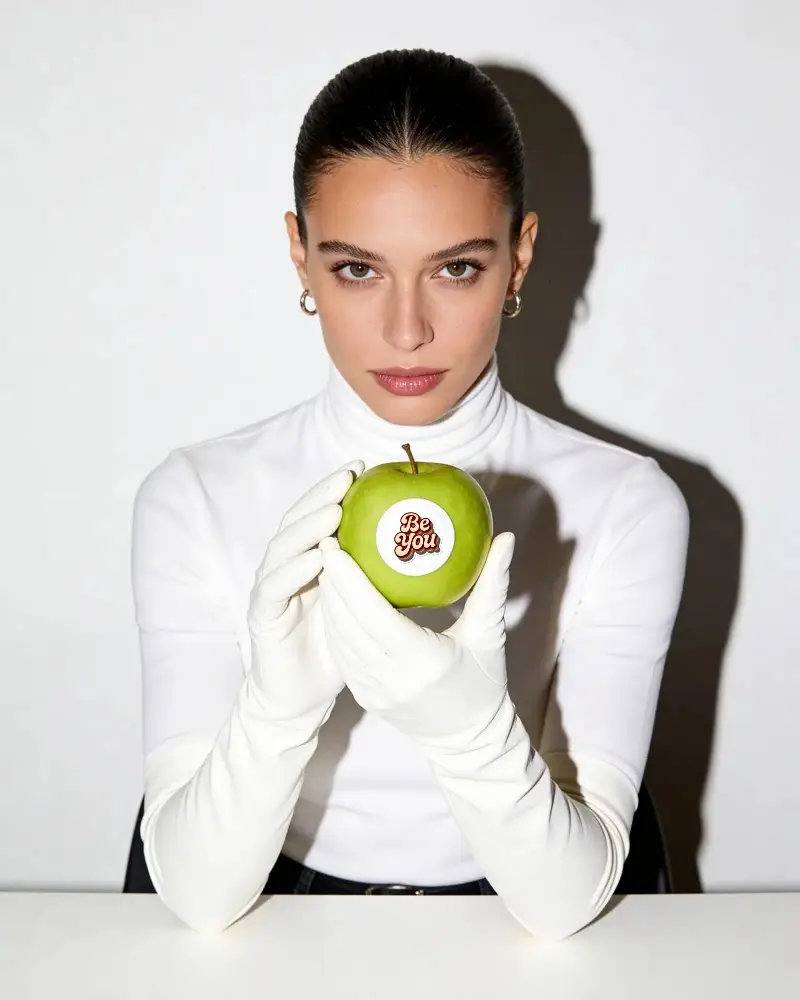
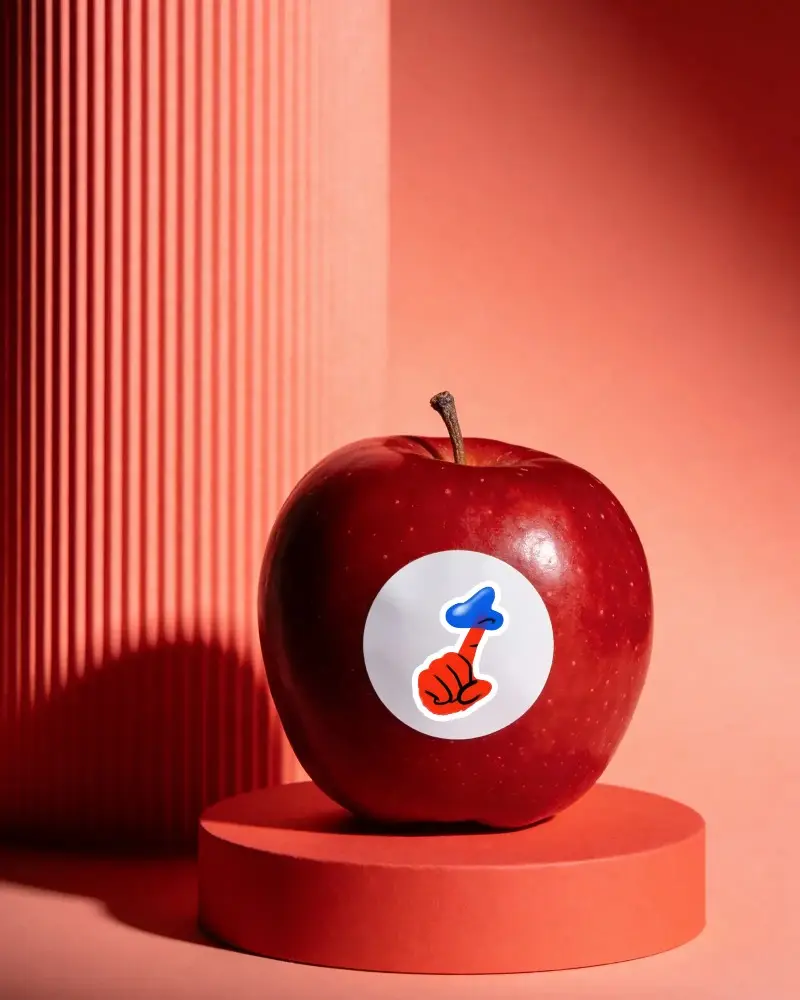
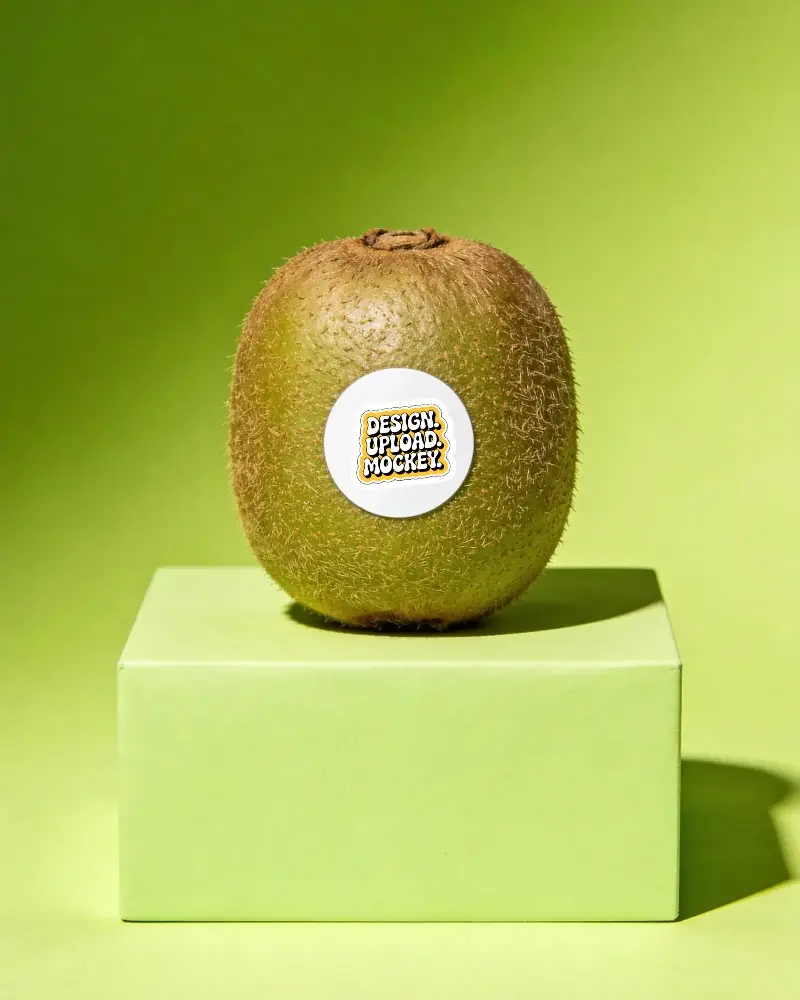
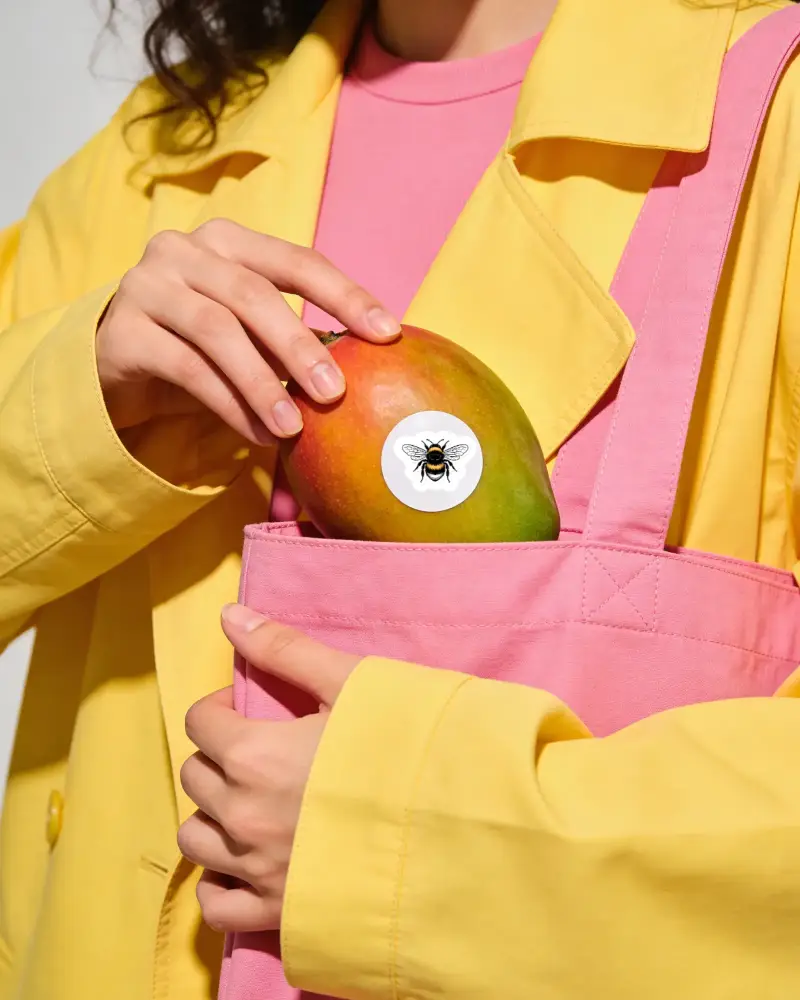
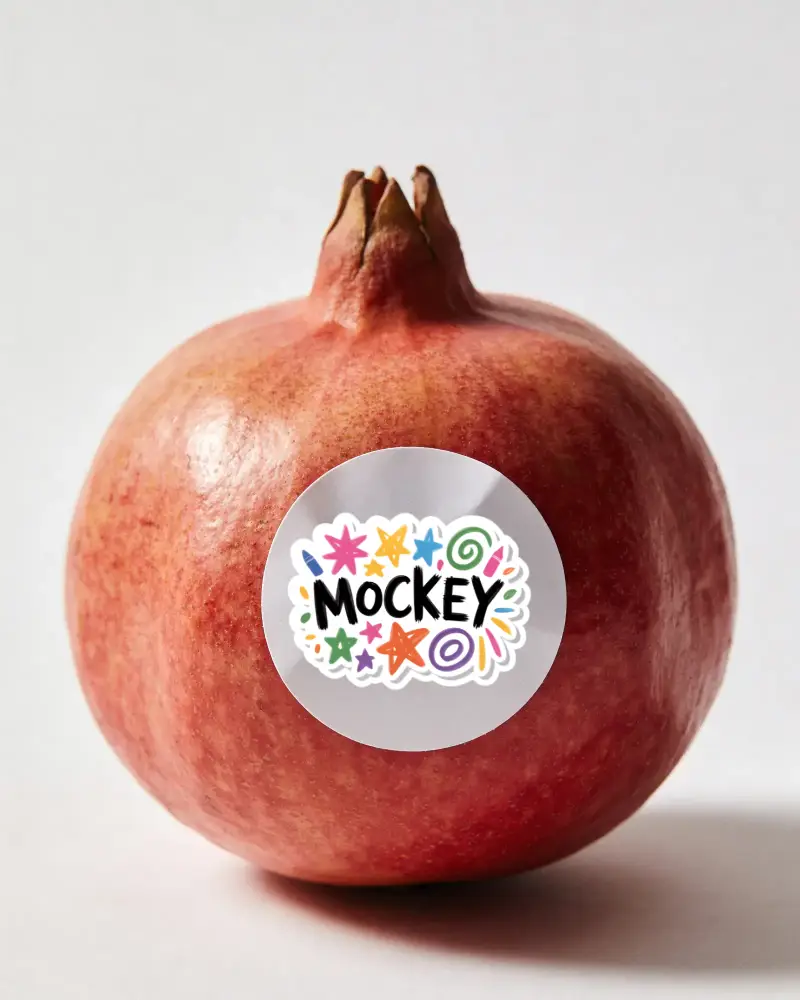
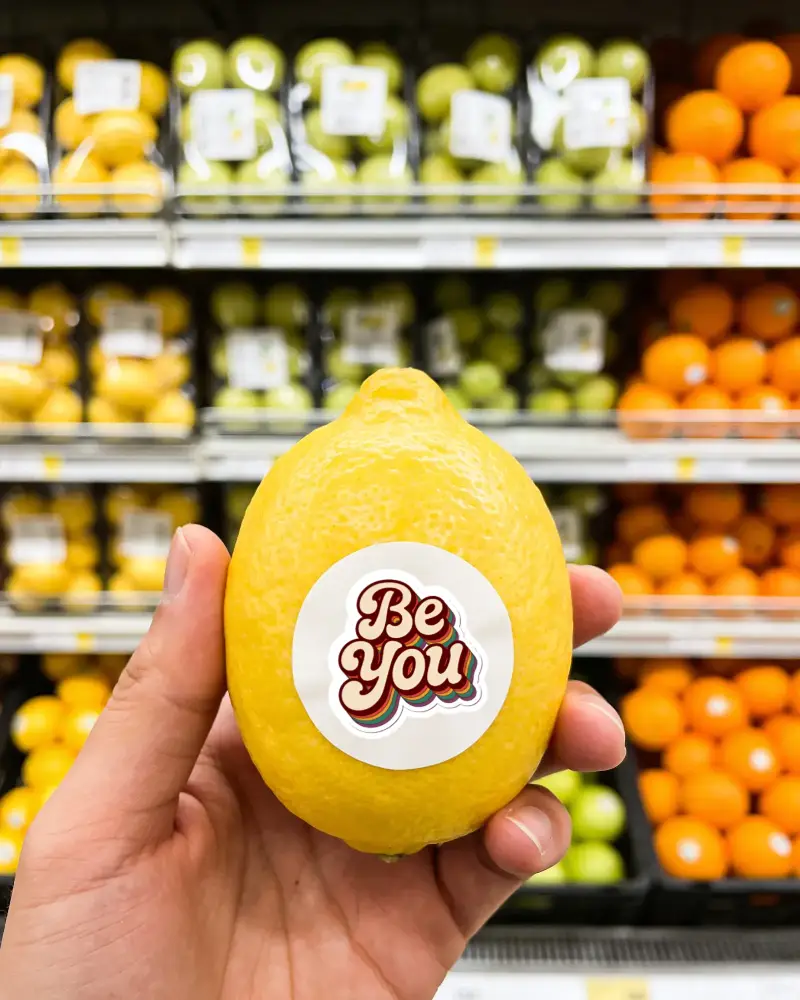
A fruit sticker mockup is a template that shows how a design on a sticker would look when placed on a fruit. Mockey offers free templates with different fruits like lemon, mango, apple, and guava that already have stickers on them. Once you add your design, it looks quite realistic on the fruit.
What types of fruits are usually included in these mockups?
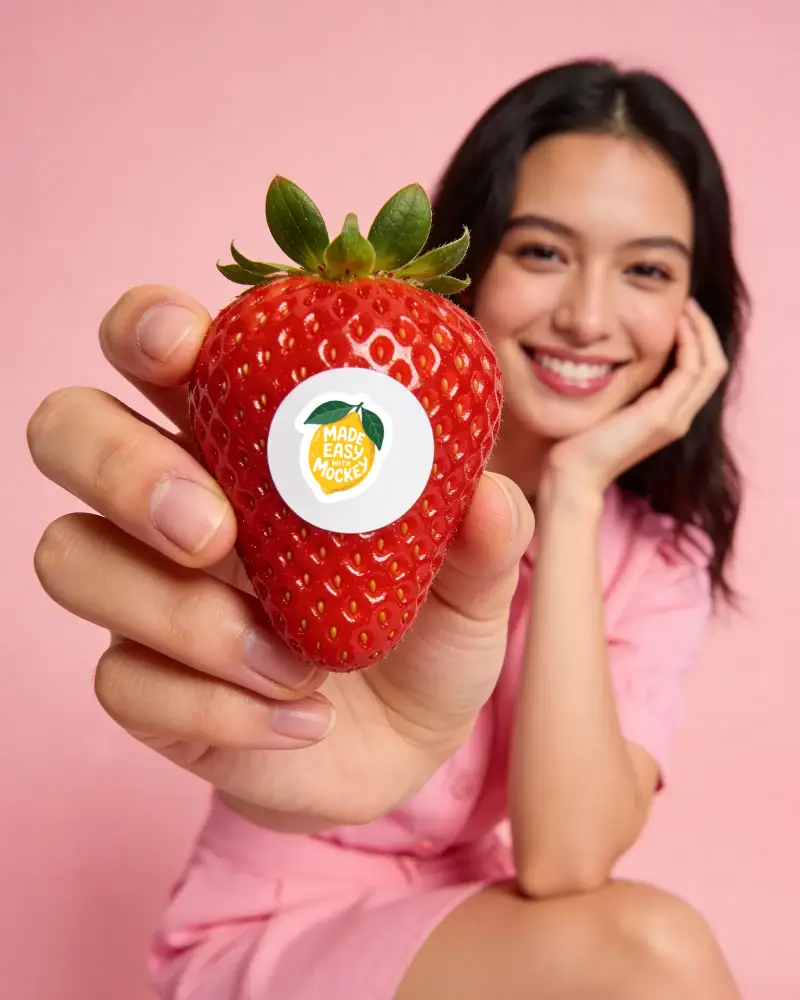
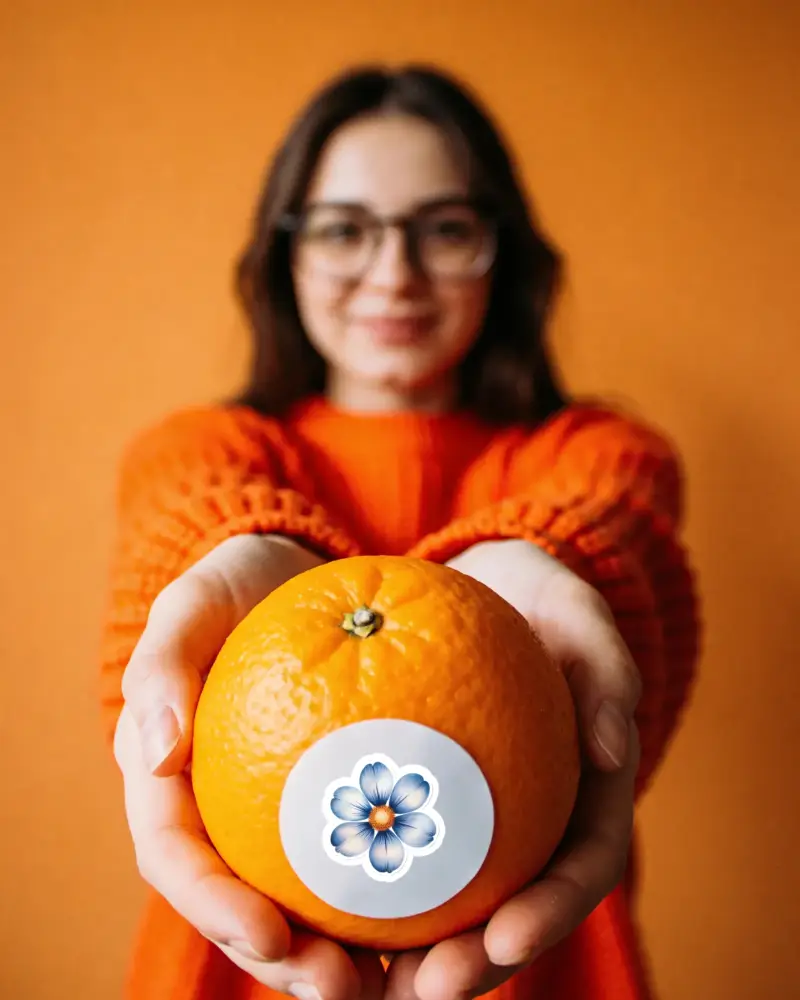
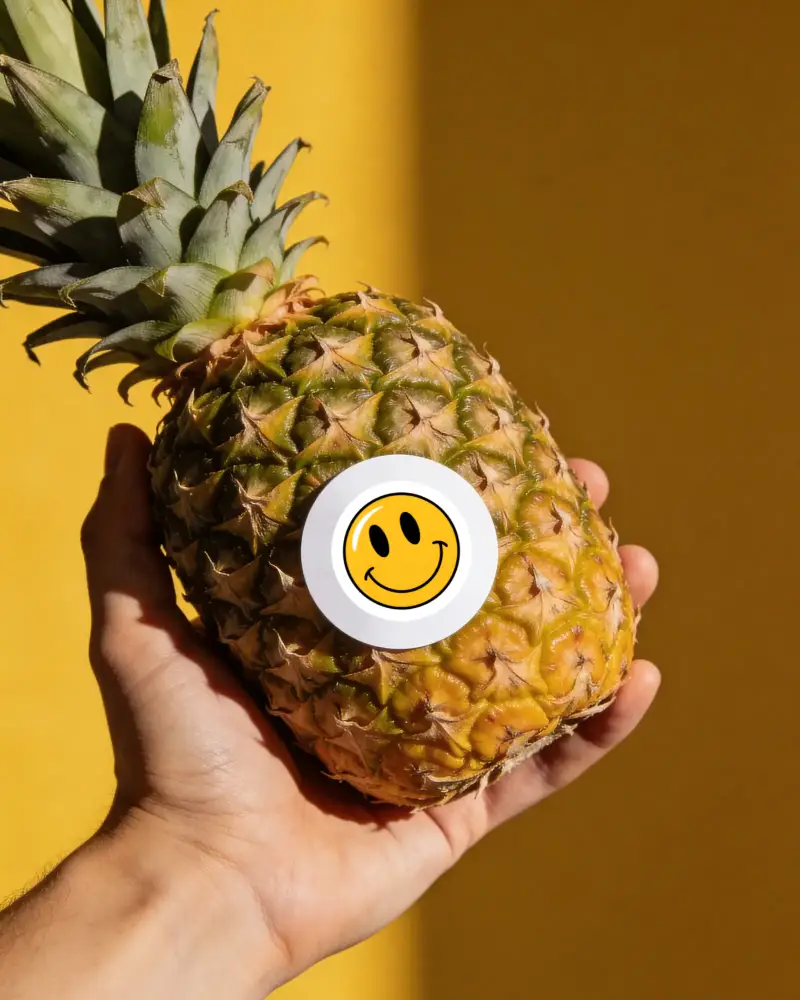
You can also find stickers on citrus fruits, berries, and tropical fruits on Mockey. These are ready-made templates where you can simply upload your branding design.
Why are fruit sticker mockups useful?
In the grocery store or at a farmers' market, mockups can be used to visualize how labels will appear. Brands can use them to see how their labeling will look in real-life situations.
Where can I find realistic fruit sticker mockup templates?
If you are searching for fruit sticker mockup templates, Mockey AI is a good option. It offers a large collection of fruit sticker mockups that you can personalize. You can add your design and adjust it easily.
