Editable Sticker Pack Mockups Online
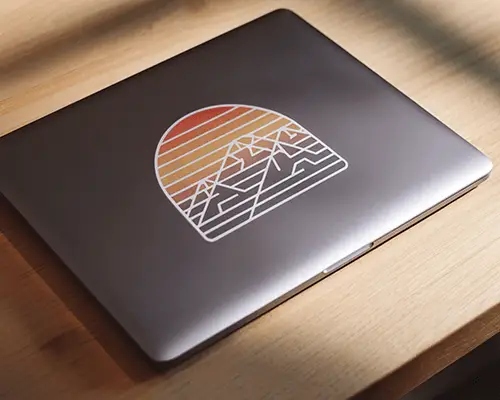
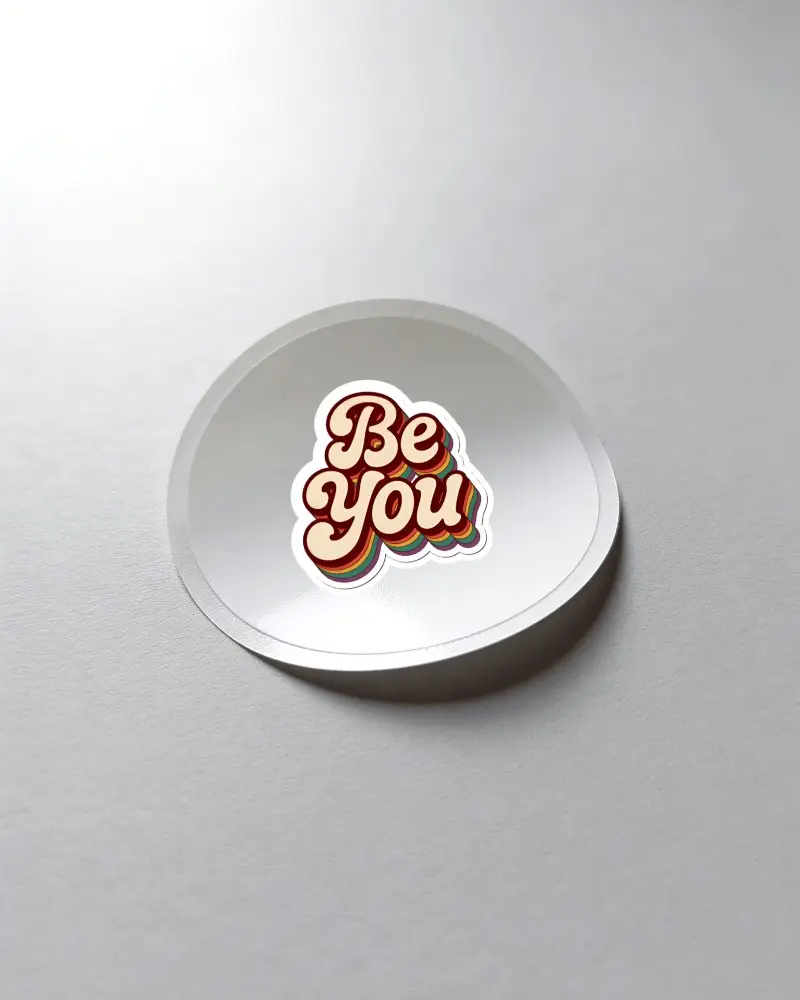
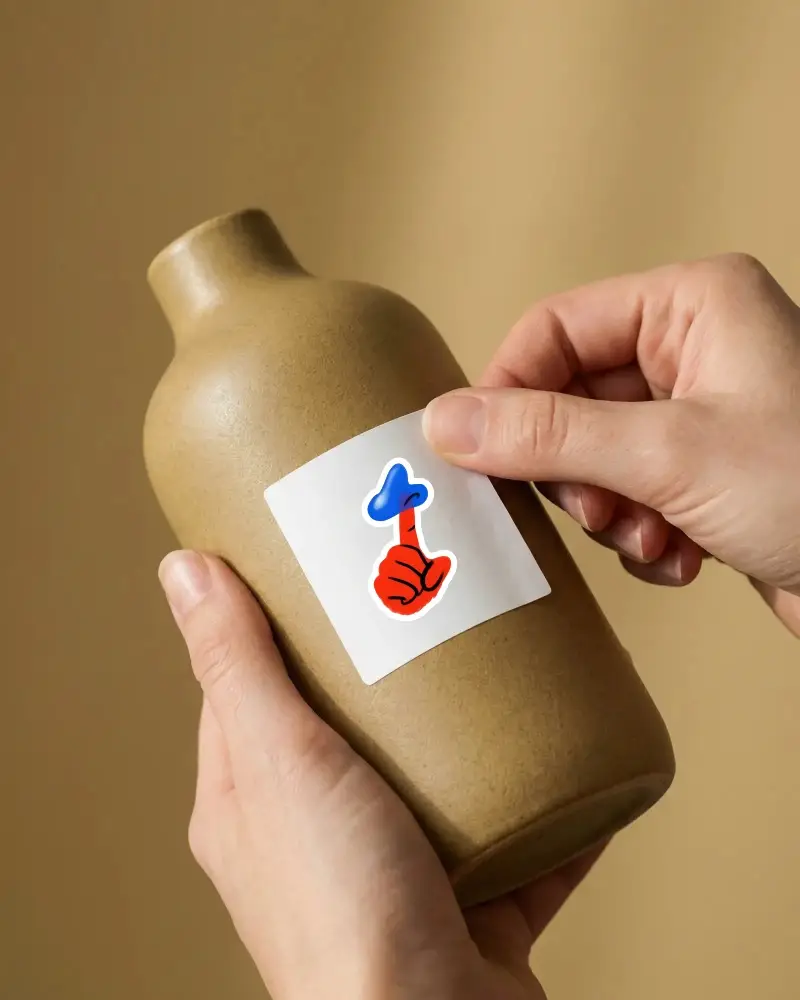
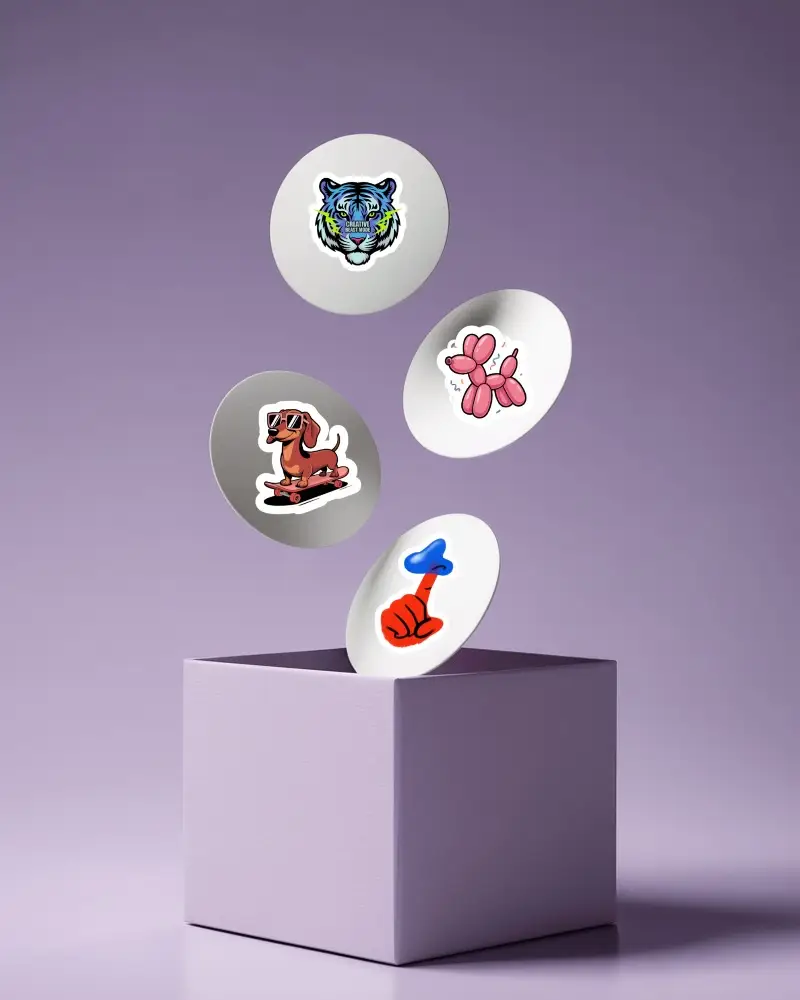
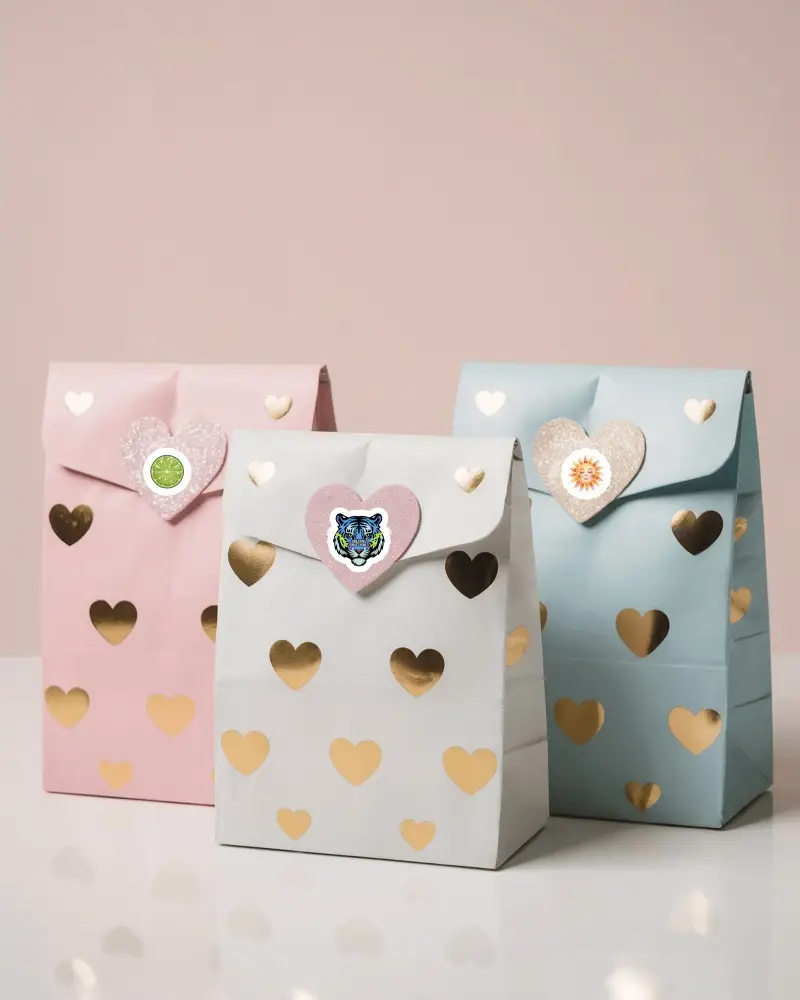
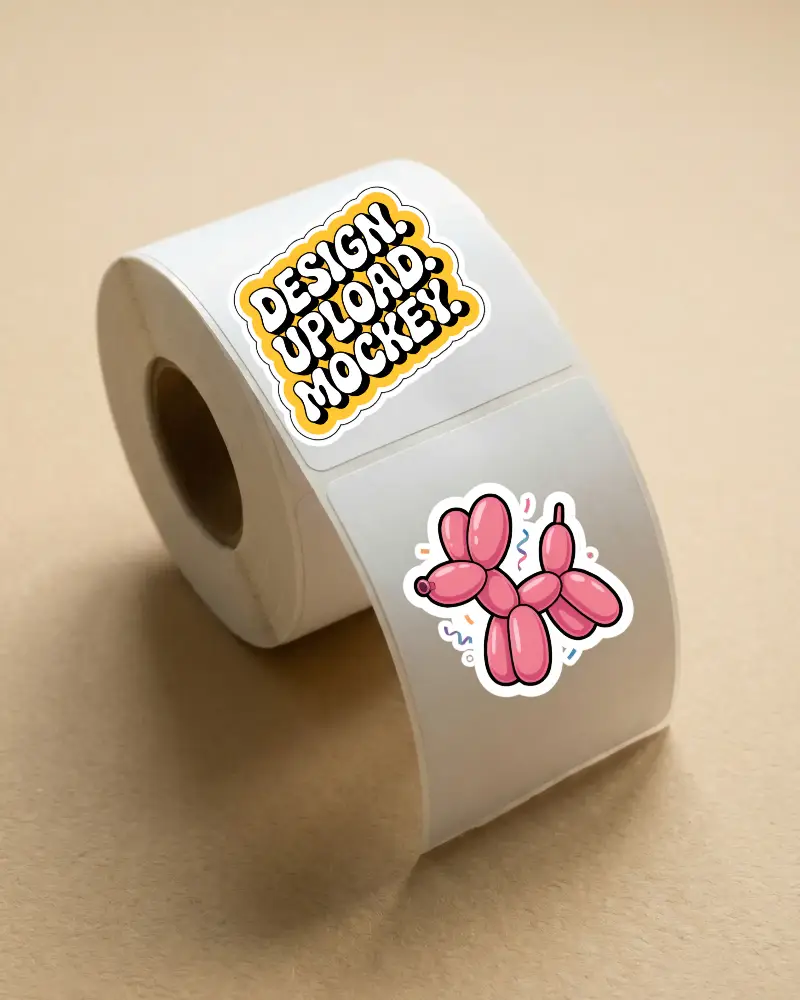
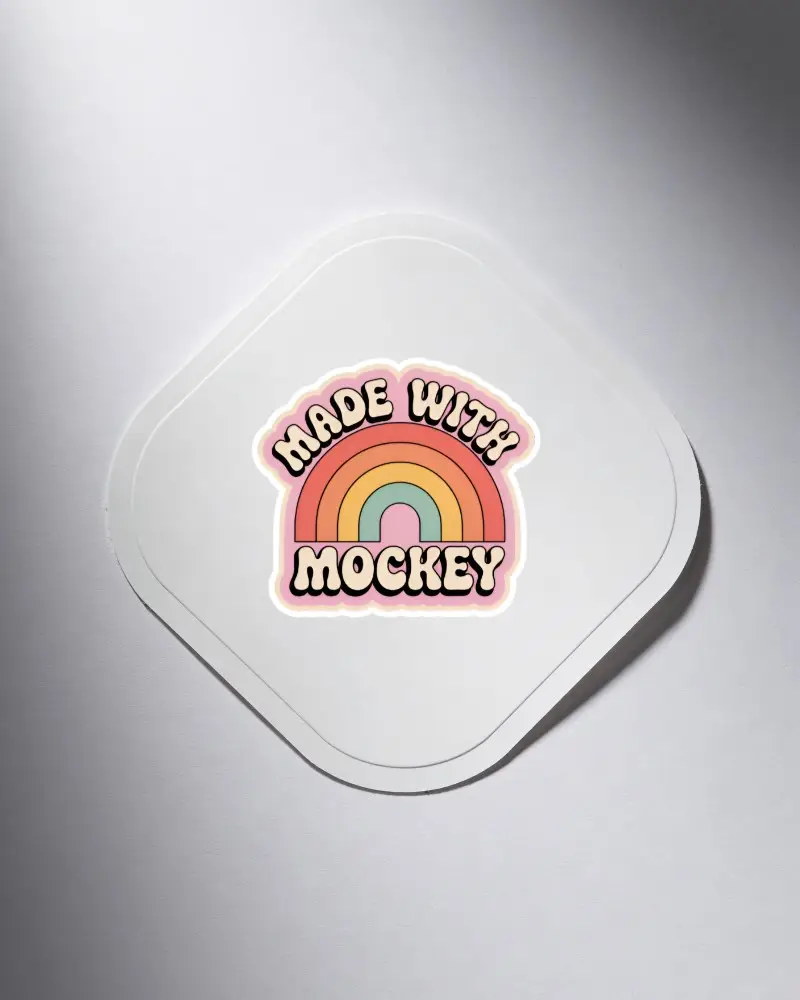
A collection of sticker pack mockups created for showcasing branding and creative artwork. These mockups are fully editable and simple to customize making it easy to insert your designs and build high quality presentations.





How to Create a Sticker Pack Mockup
To create a sticker pack mockup:
- Step 1: Click Mockups and explore the Print section. Select Sticker and on the catalog page, choose Sticker Pack from the tag bar.
- Step 2: Choose a template, add designs, and make thickness adjustments.
- Step 3: Preview and click Download to save the sticker pack mockup.


FAQs on Sticker Pack Mockups
What is a sticker pack mockup?
A sticker pack mockup is a collection of stickers displayed on a backing card or inside a pouch. With the help of a mockup generator, you can upload your design and edit it easily.
Who should use a sticker pack mockup?
Sticker mockups are used by brand managers, graphic designers, and e-commerce sellers. They are also very useful if you sell custom merchandise.
Is design experience required to create a sticker pack mockup?
You do not need any design experience to use Mockey. Simple tools make it easy for even beginners to navigate between pages and customize templates.
Is this suitable for online stores?
Mockey is suitable for online stores, especially for print-on-demand (POD) businesses or e-commerce brands. With its free plan, people can start exploring the platform, and it is user-friendly as well.
