Create Label Sticker Mockups Online
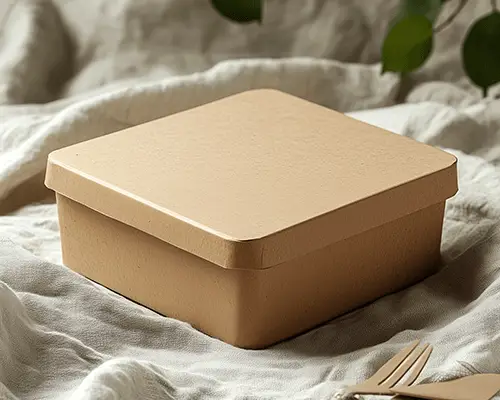
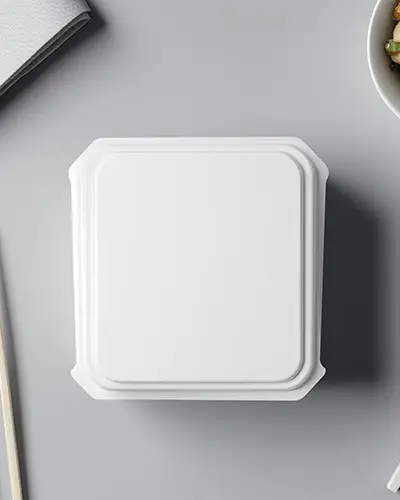
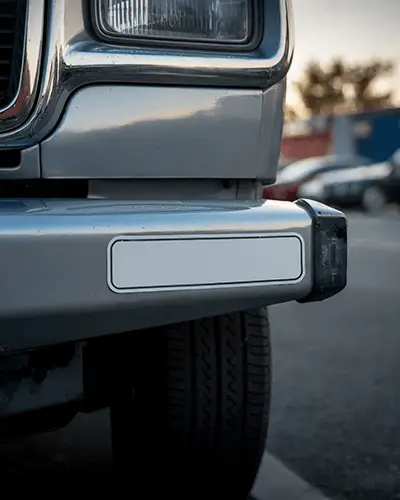
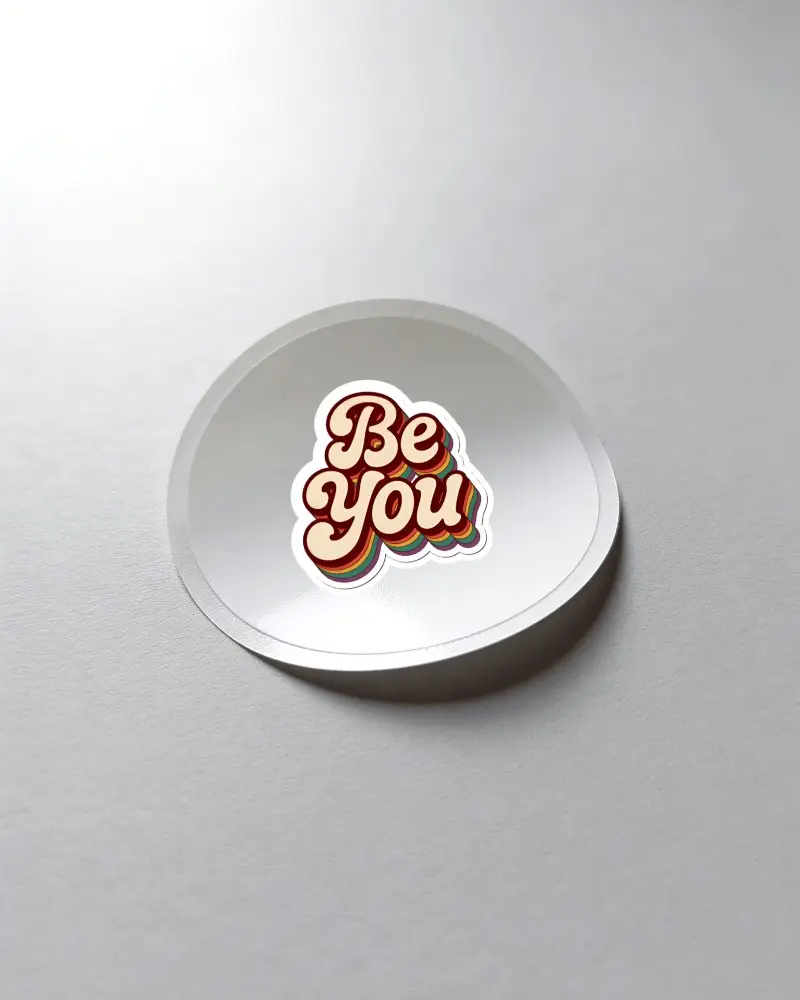
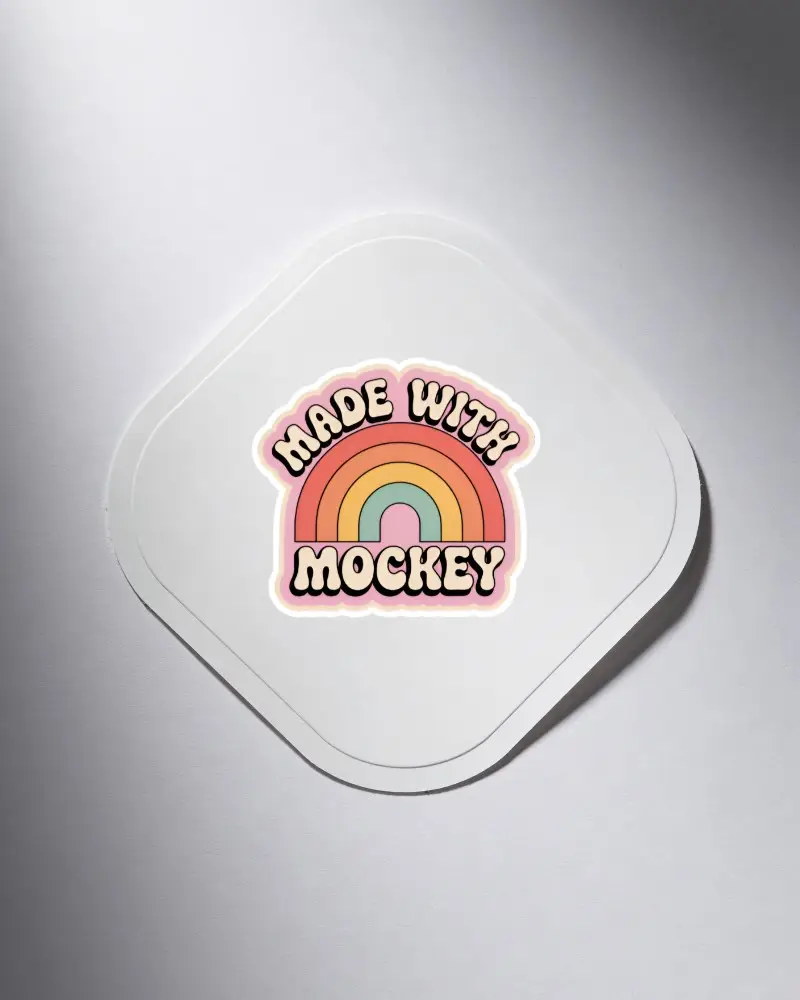
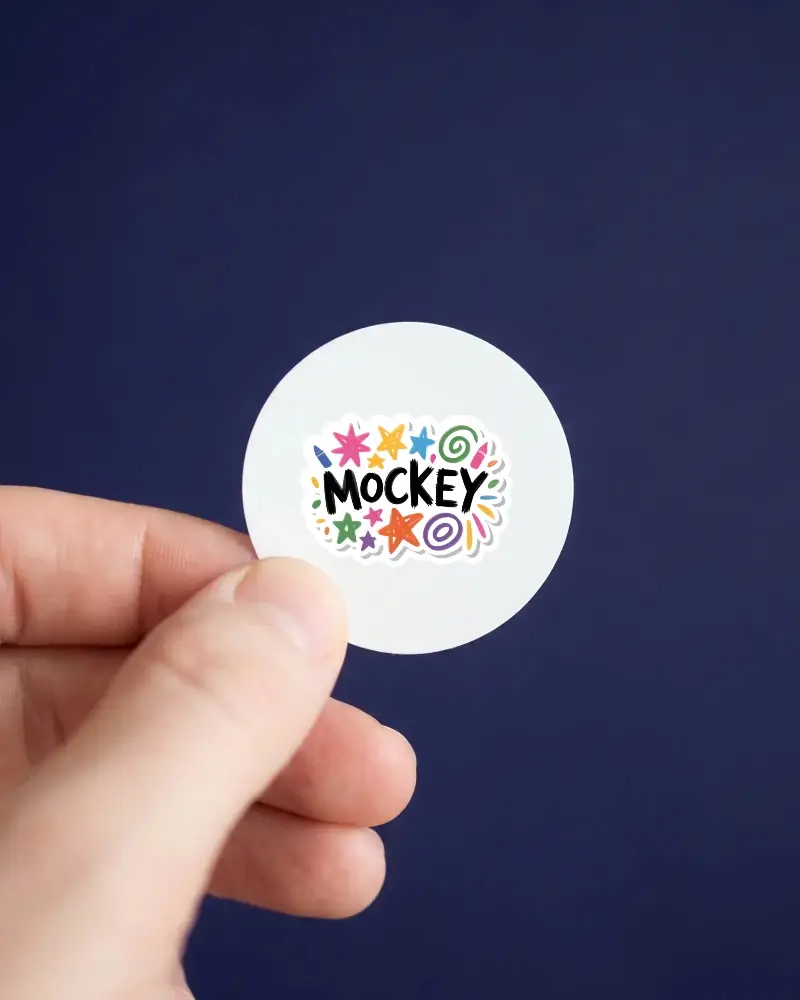
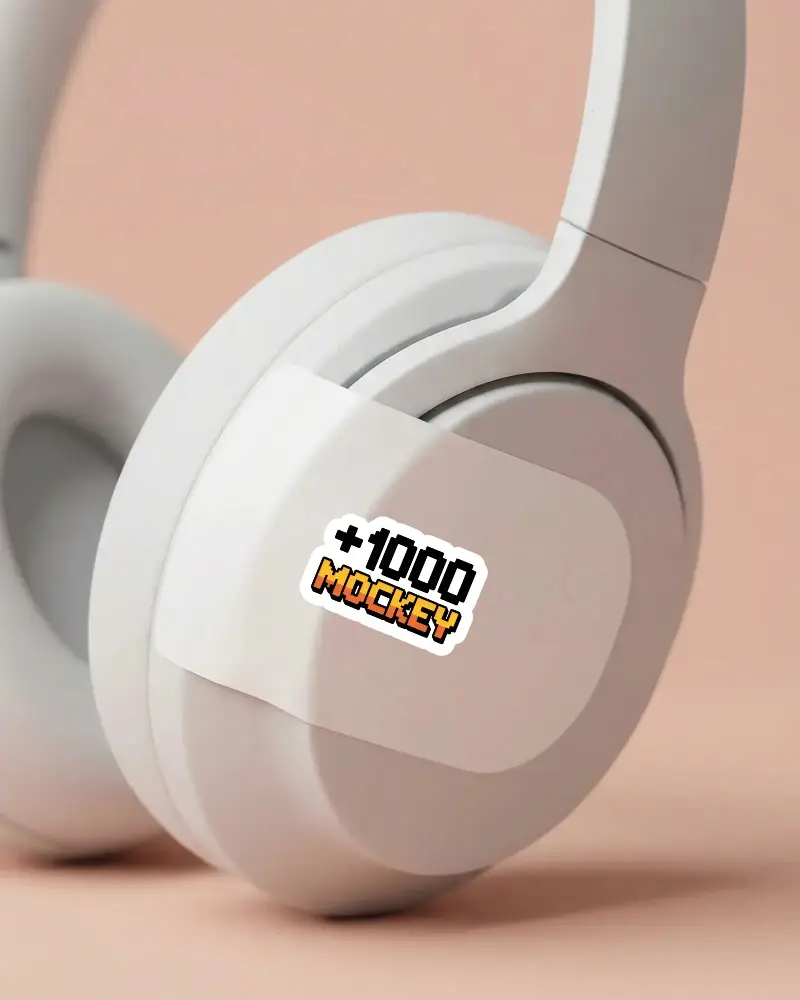
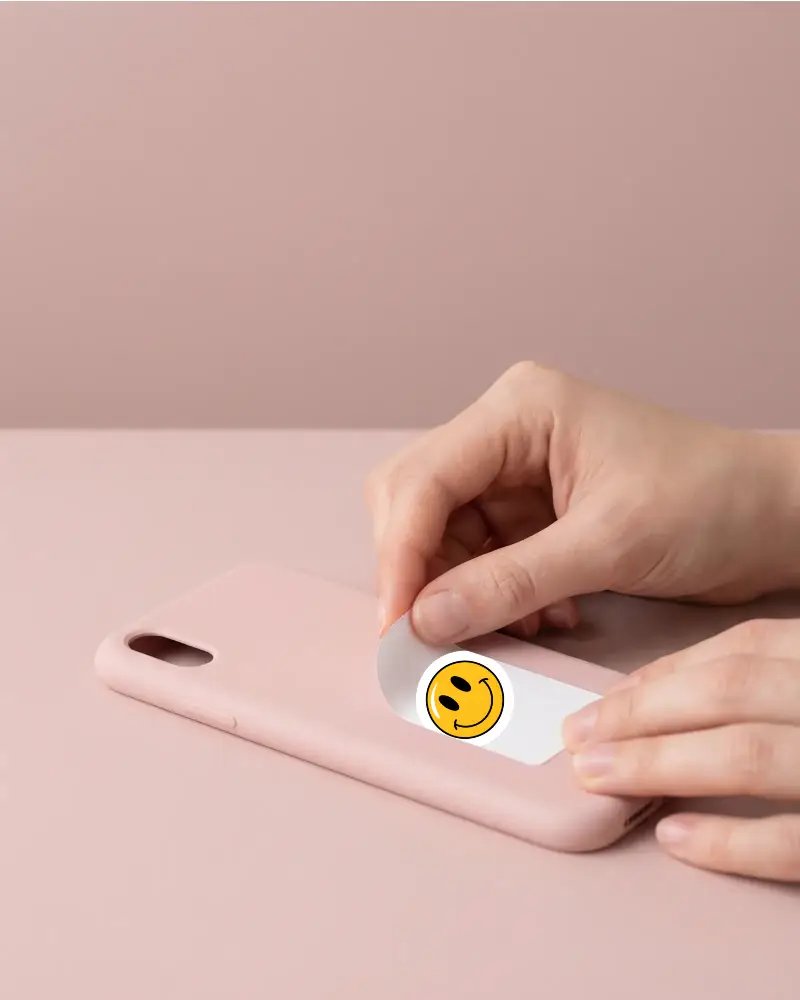
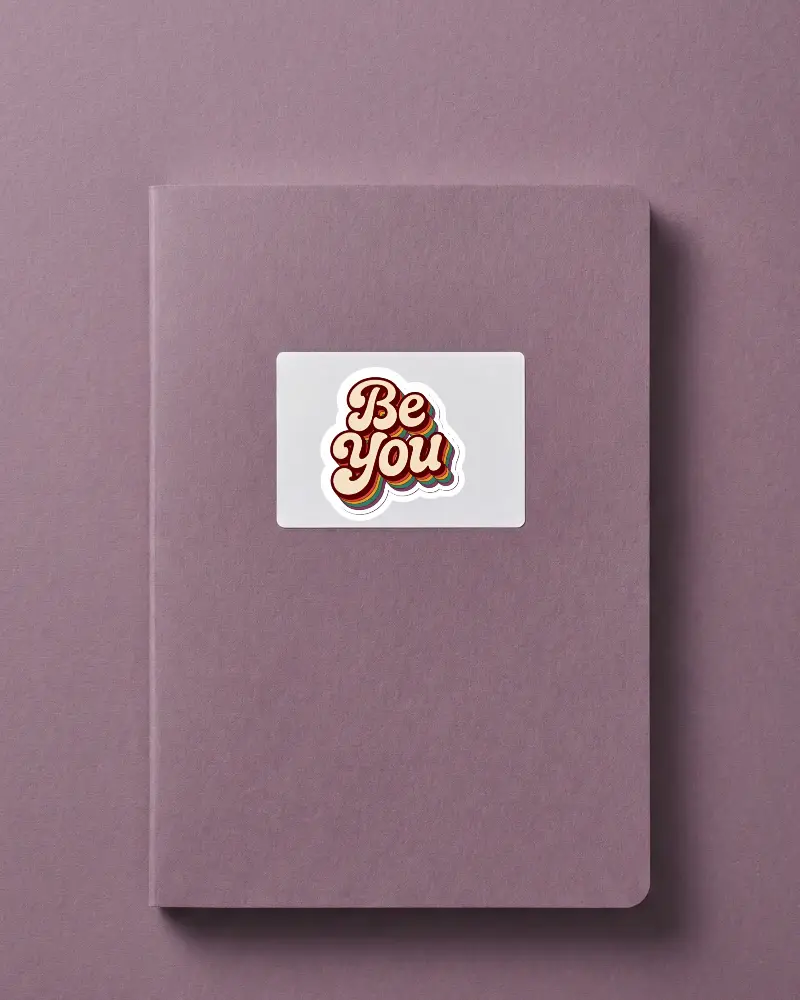
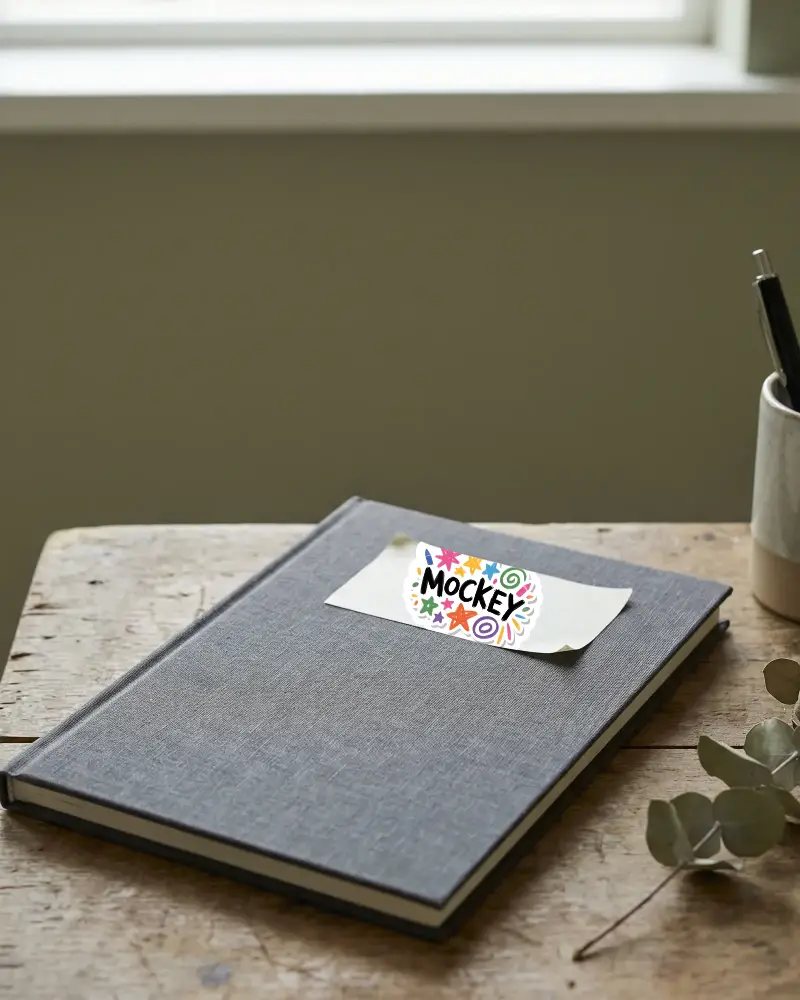
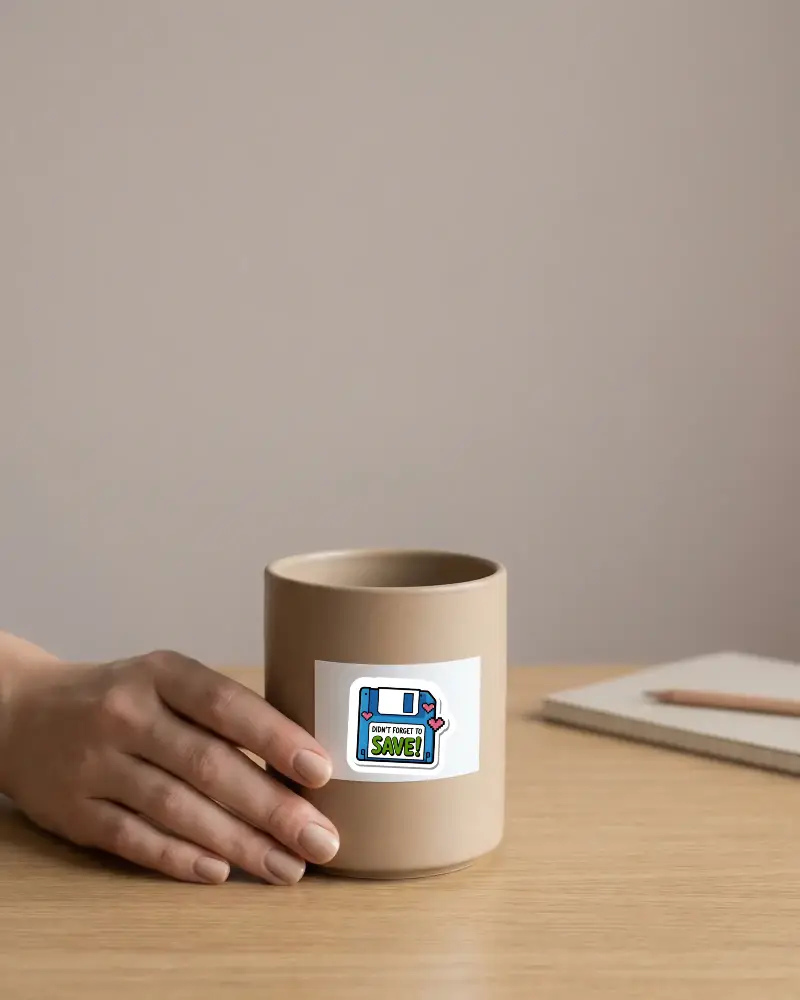
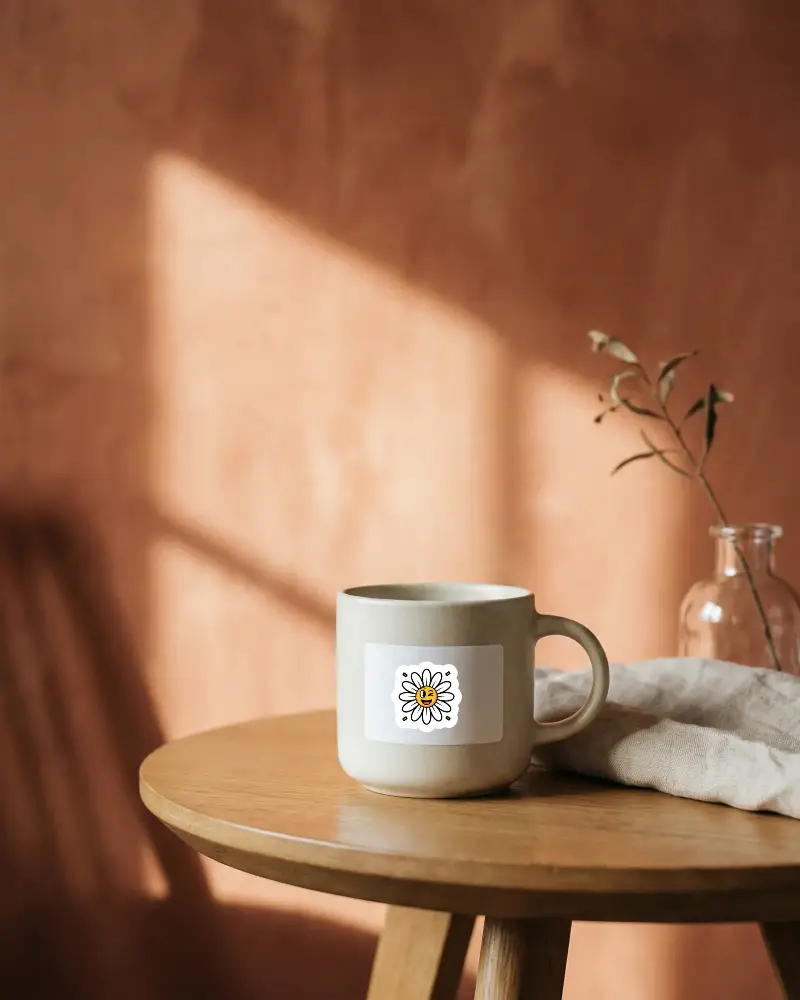
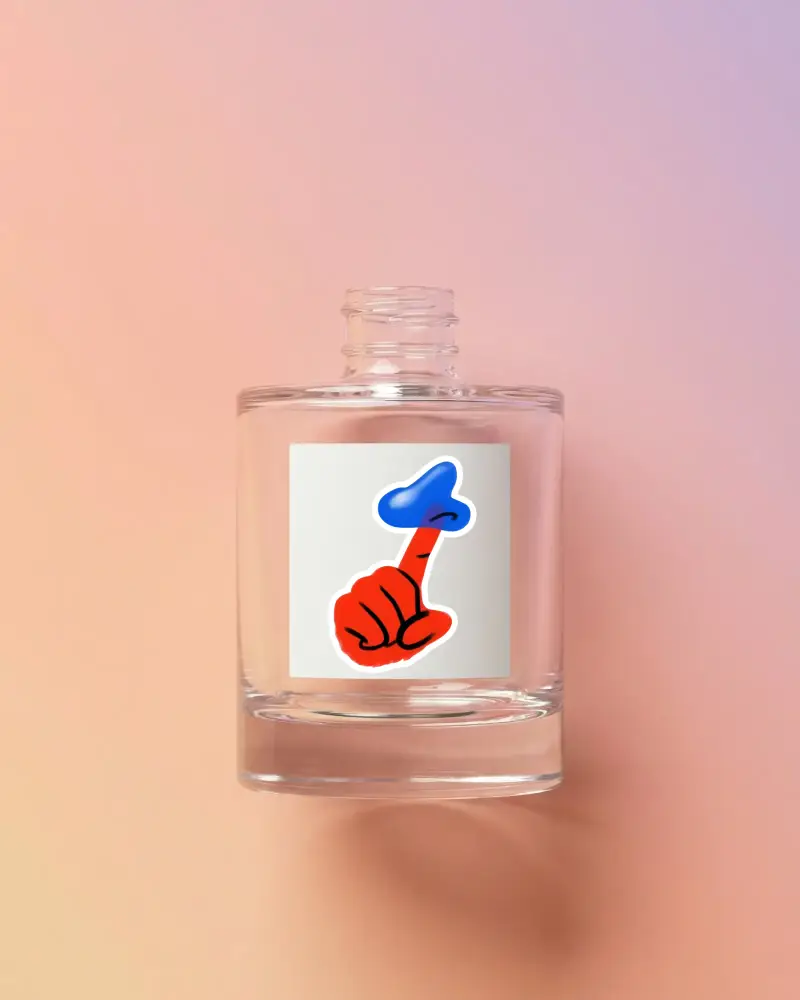
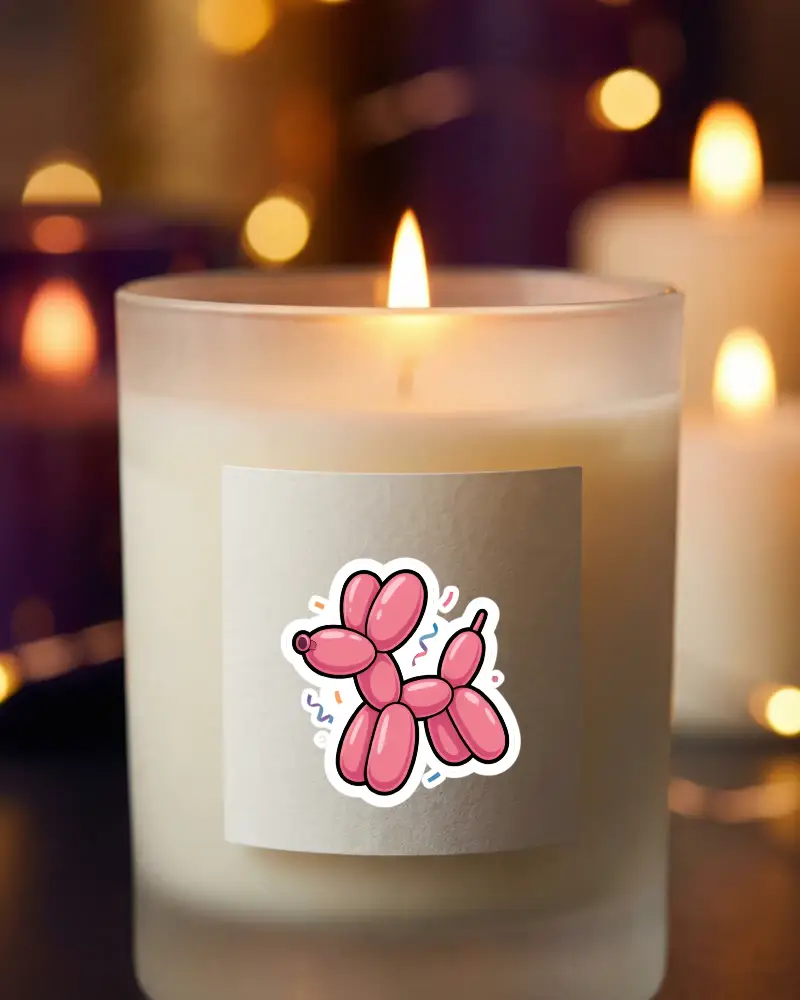
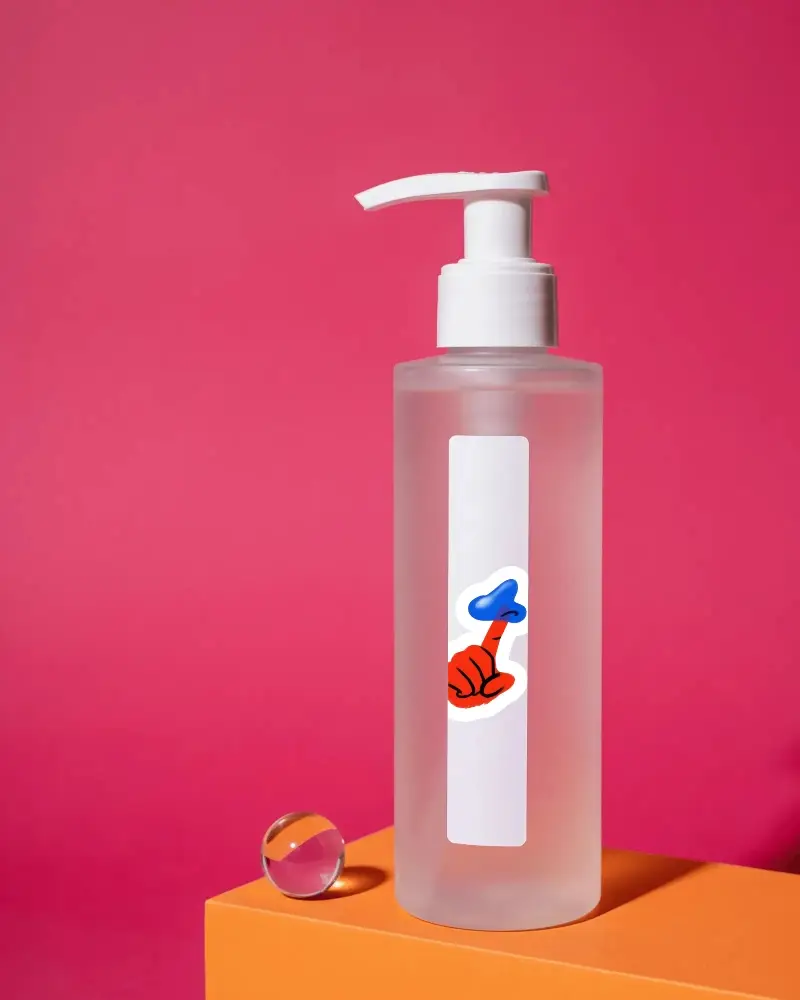
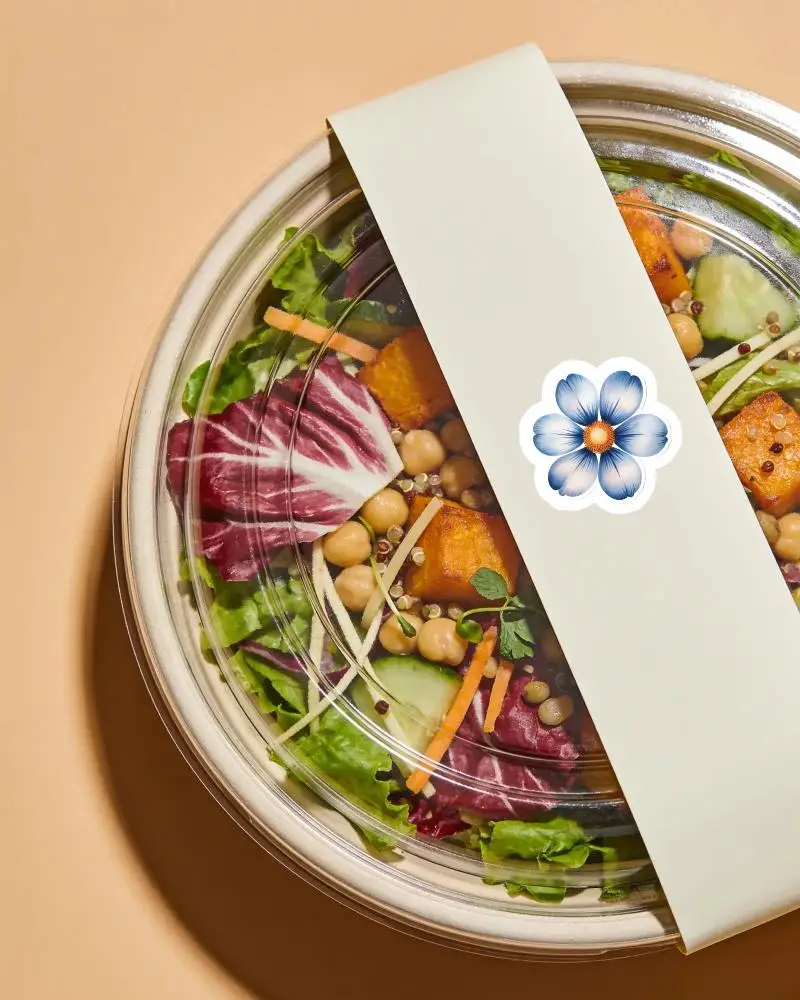
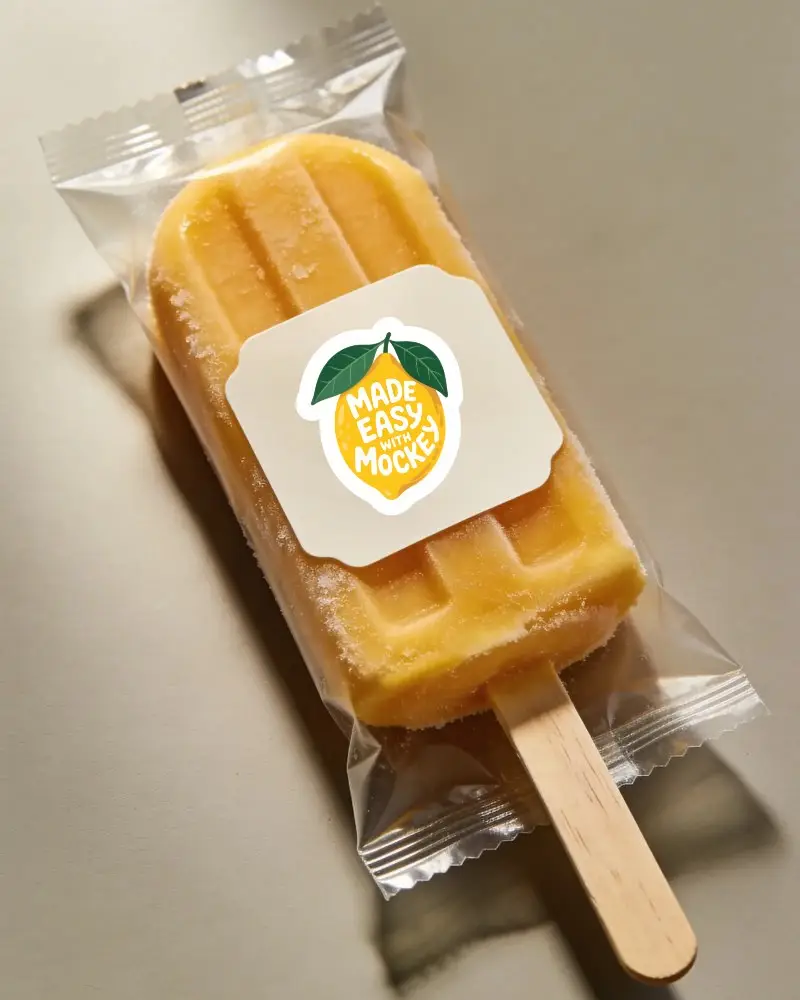
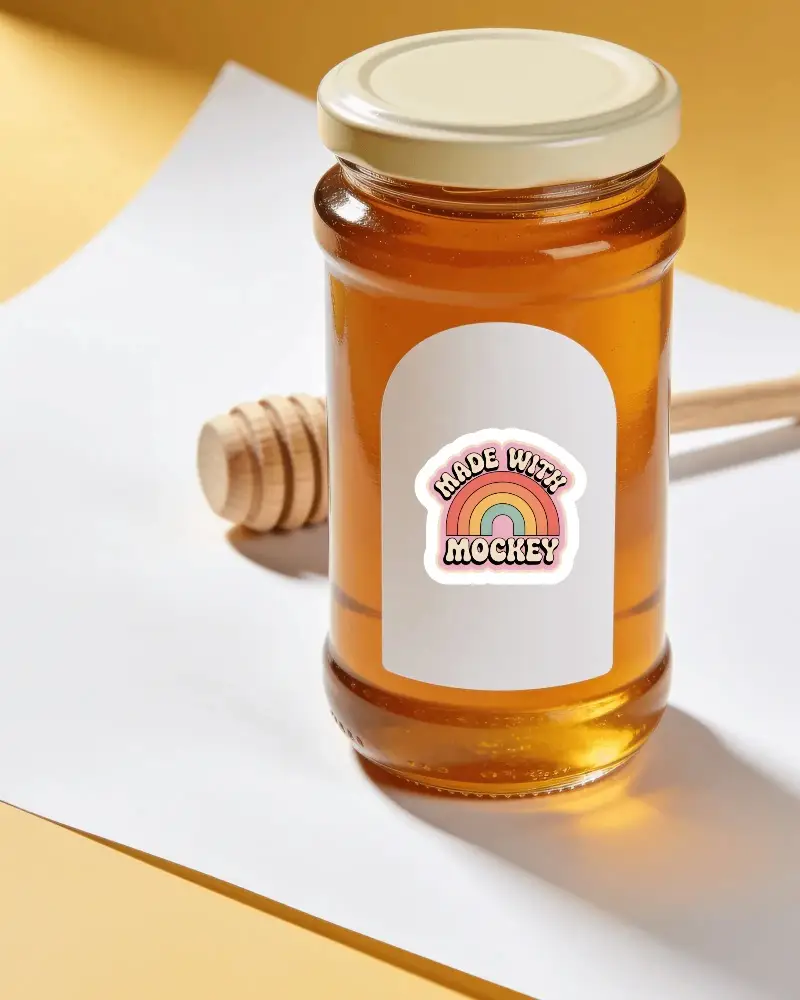
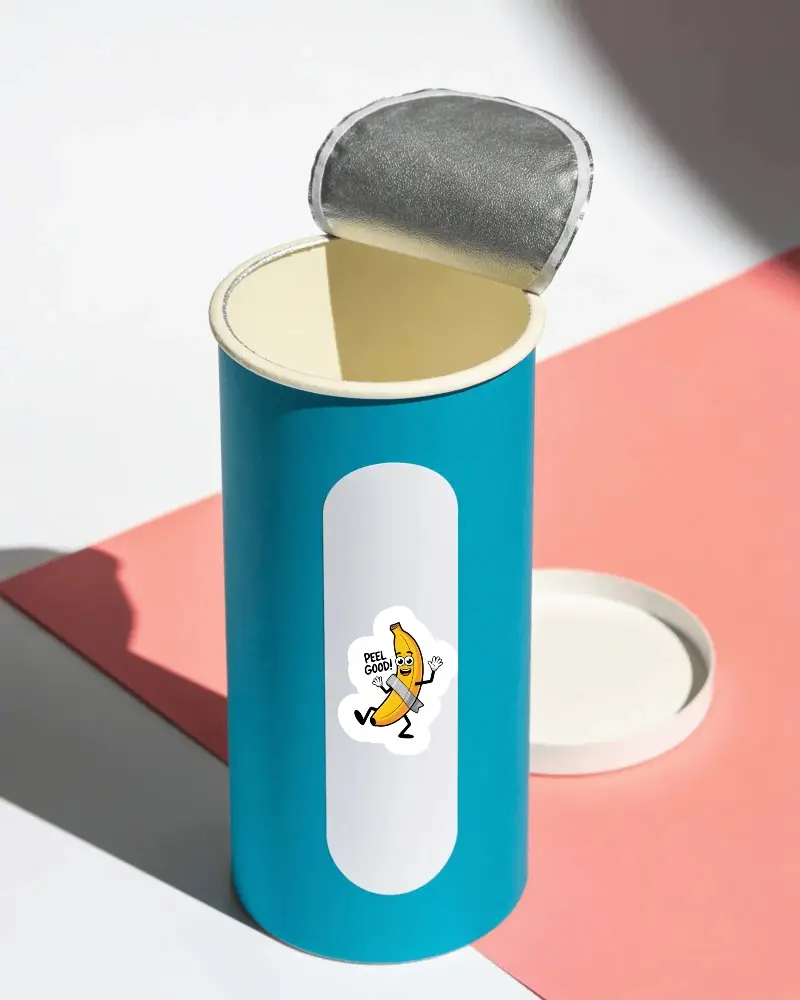
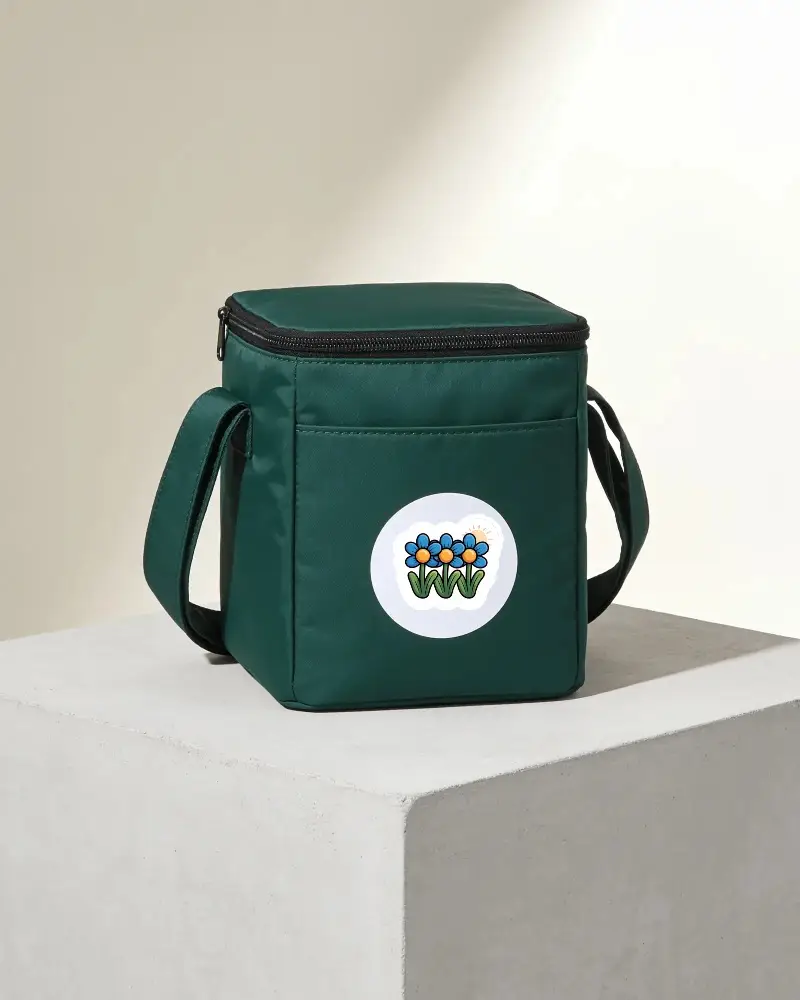
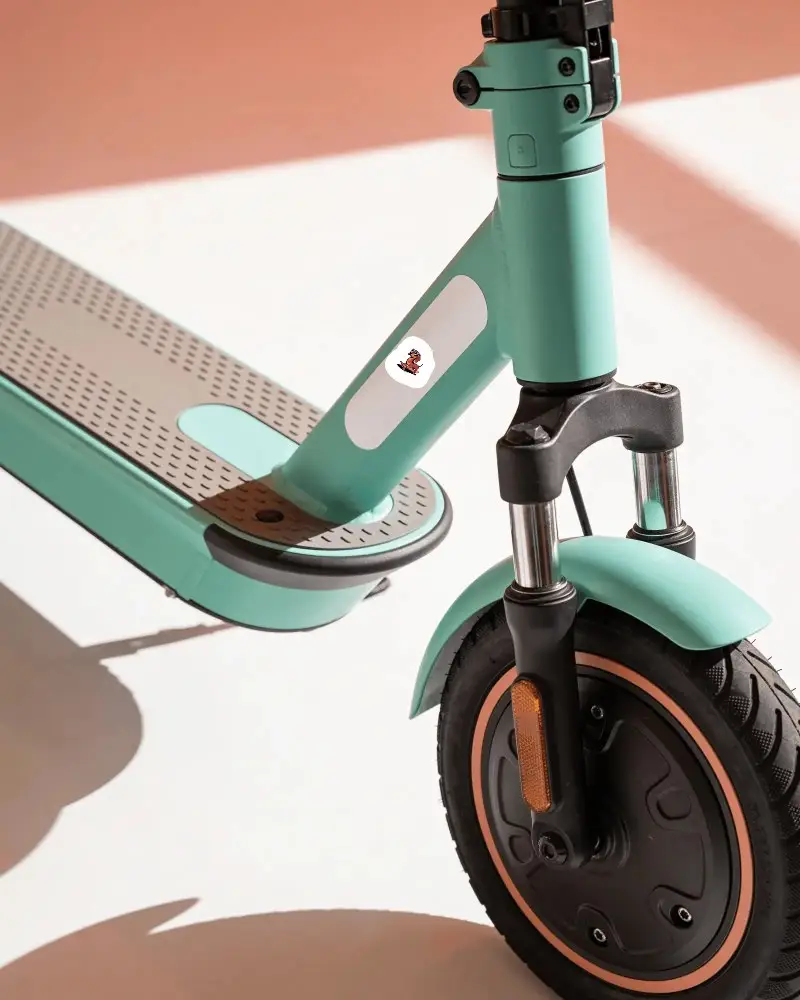
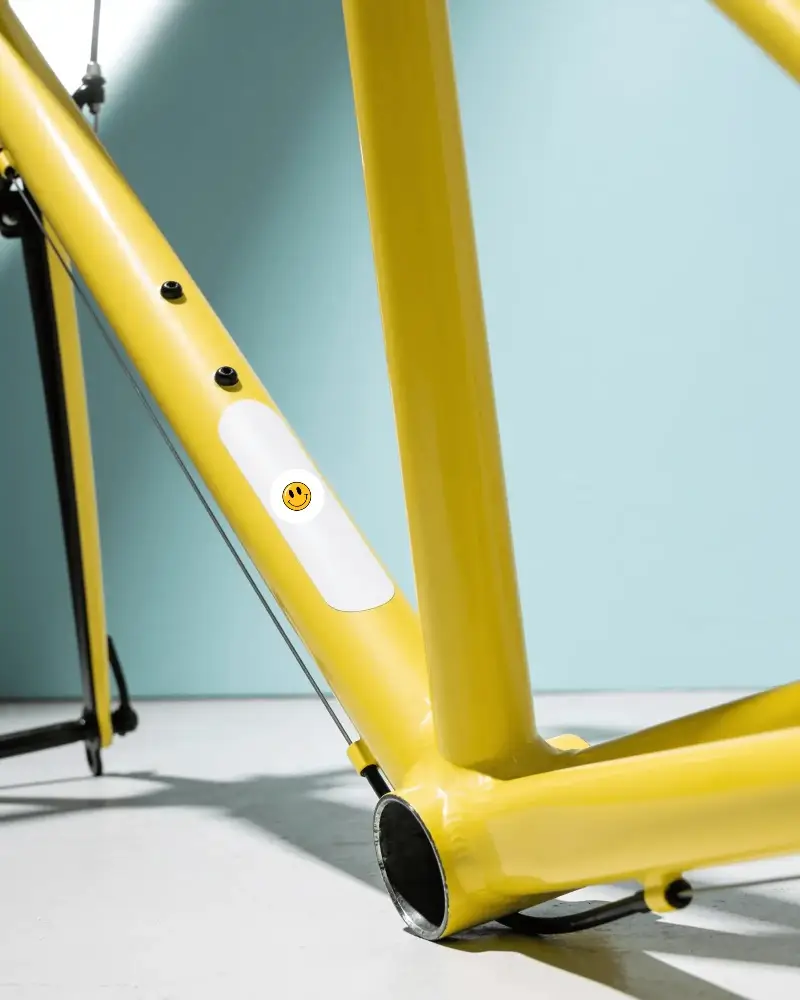
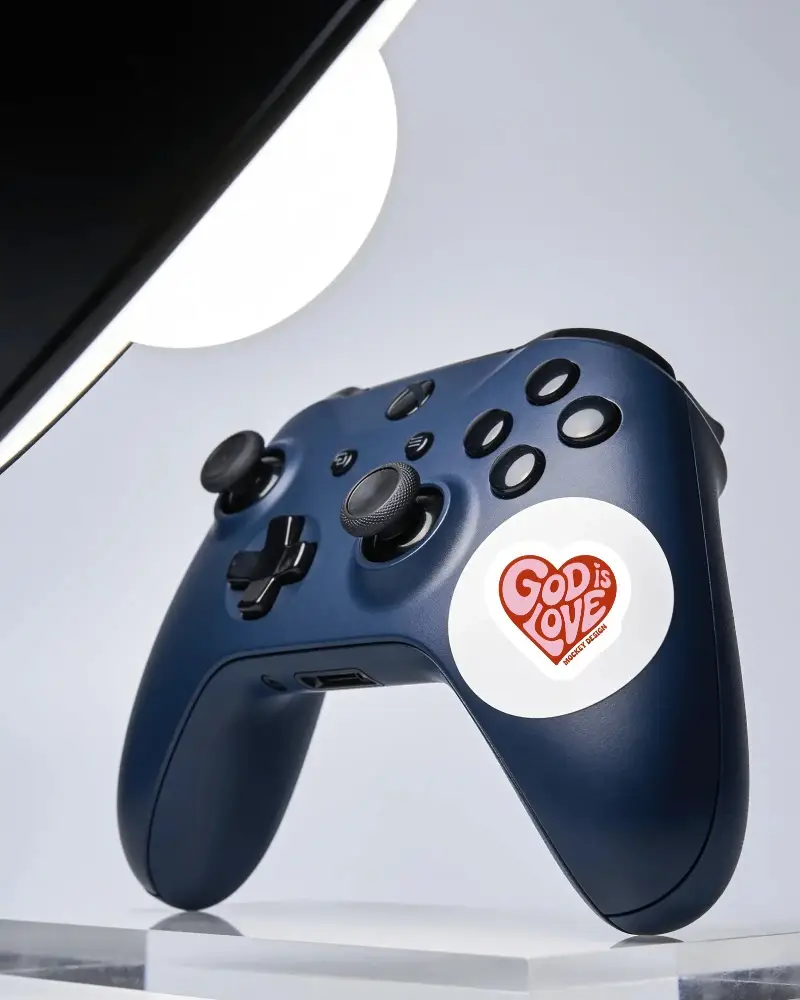
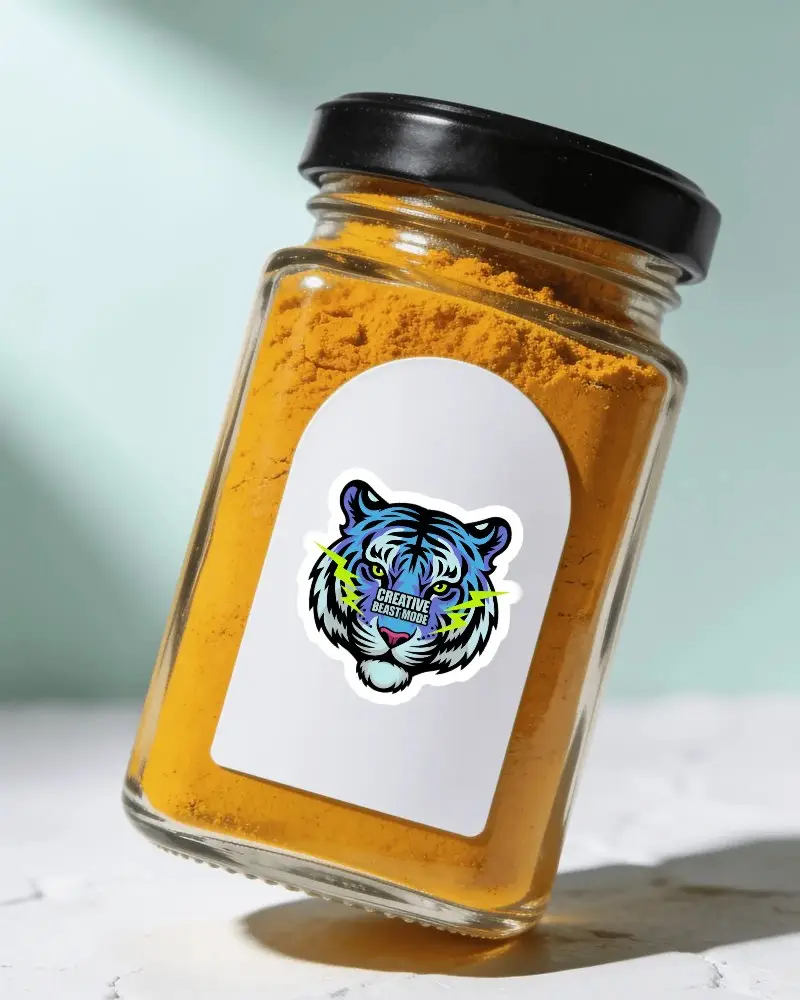
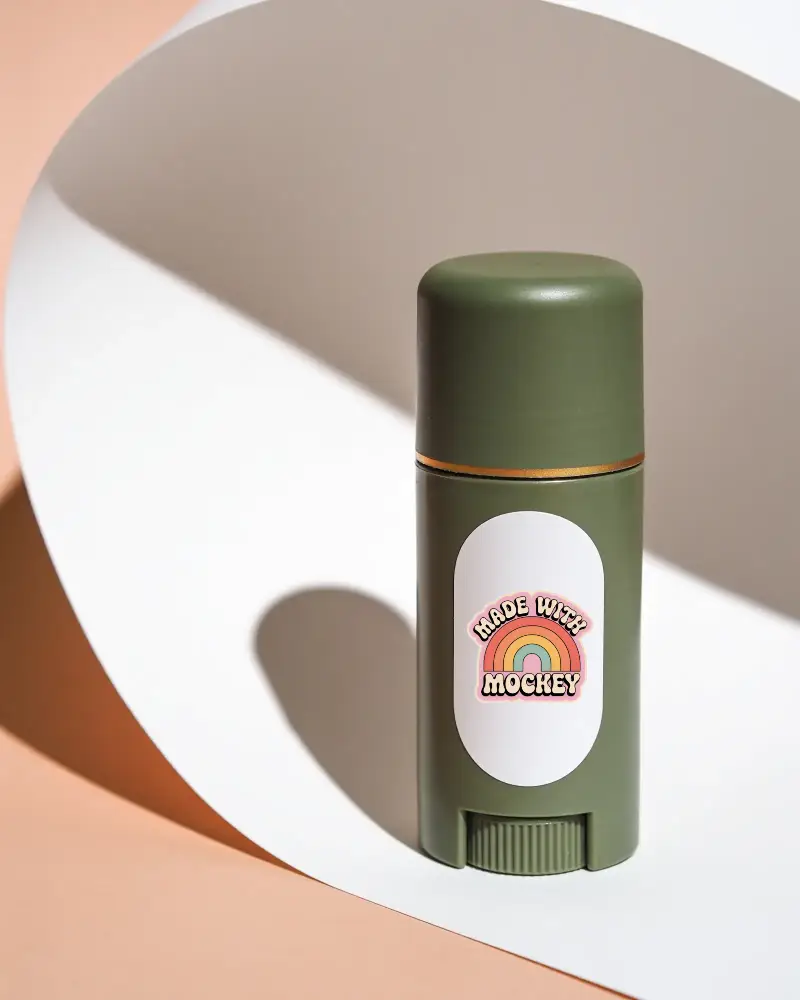
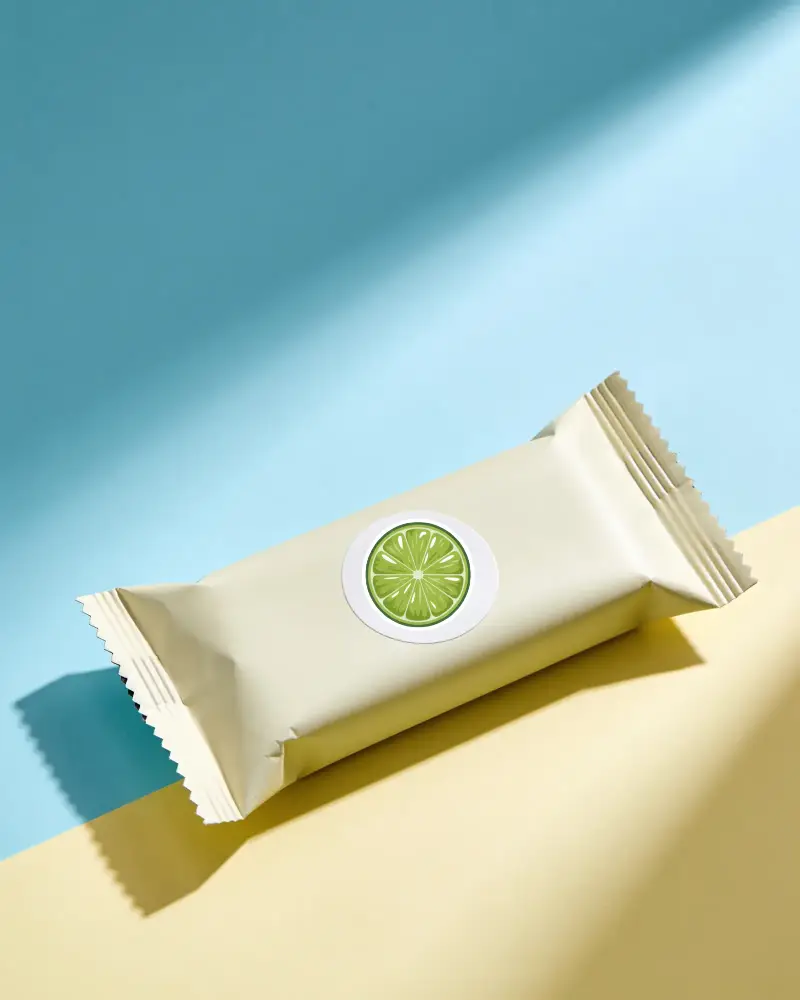
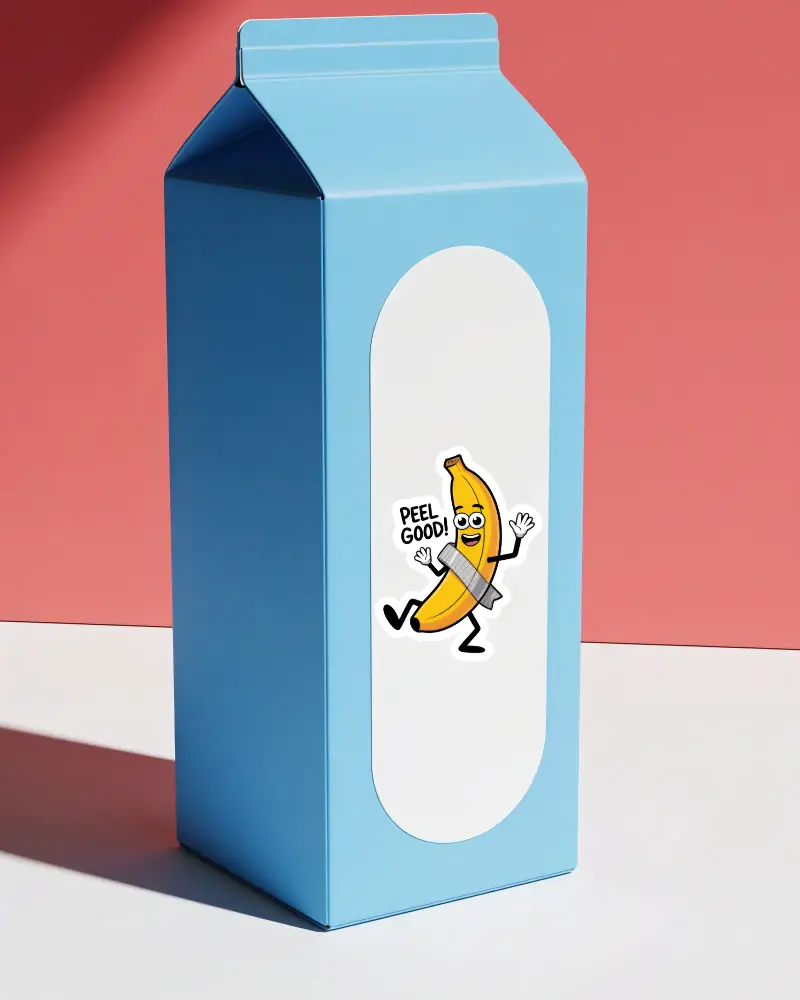
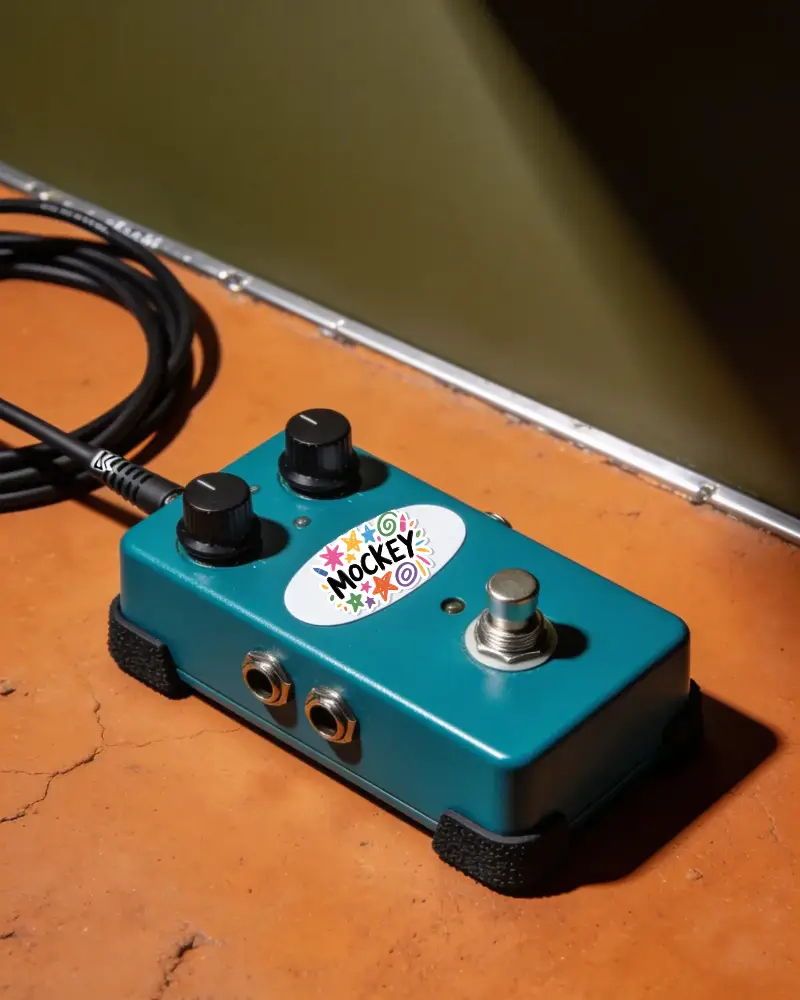
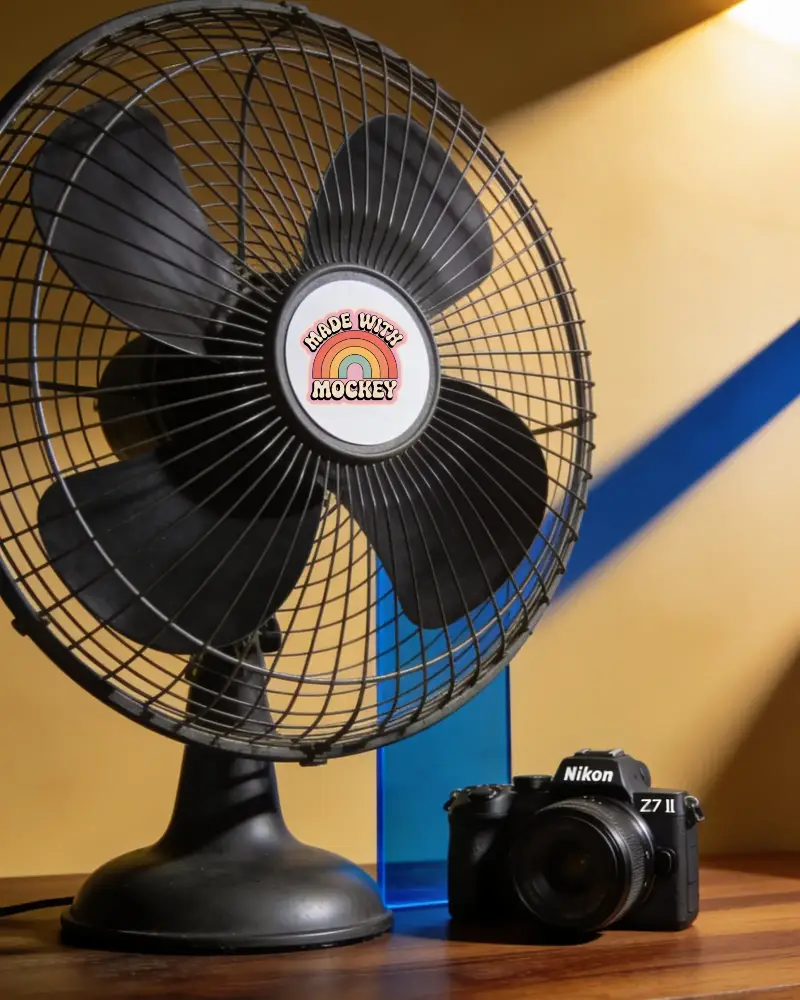
Editable label sticker mockups that simplify product branding presentations. Customize the design, adjust the layout, and showcase your label ideas realistically.



How to Create a Label Sticker Mockup
To create label sticker mockups:
- Step 1: Click Mockups, and find Sticker in the Print section. Then, select Label from the tags.
- Step 2: Choose a template, place your design, and modify the thickness settings.
- Step 3: Preview and hit Download to export the label sticker mockup.


FAQs on Label Sticker Mockups
What is a label sticker mockup?
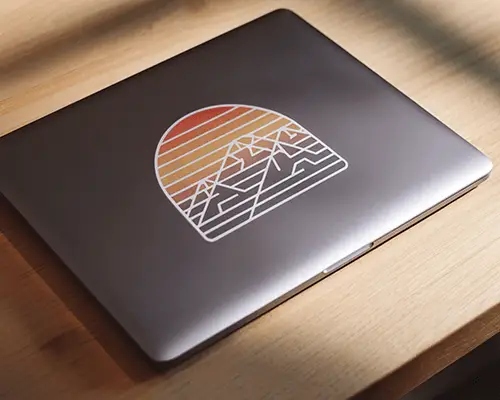
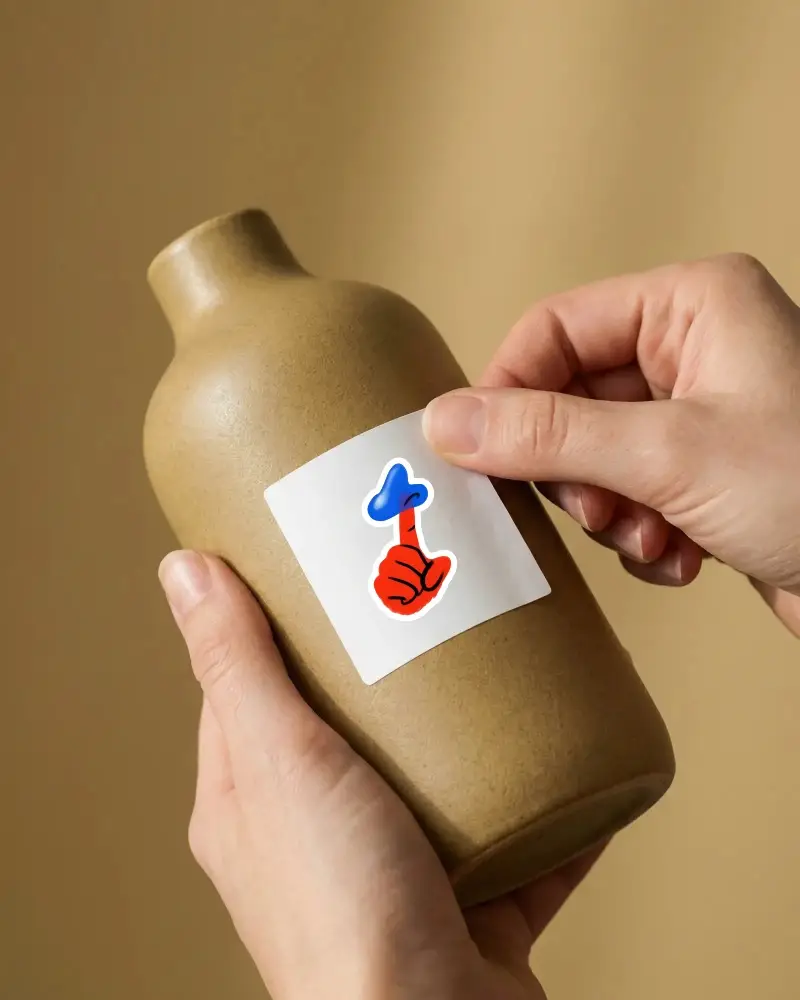
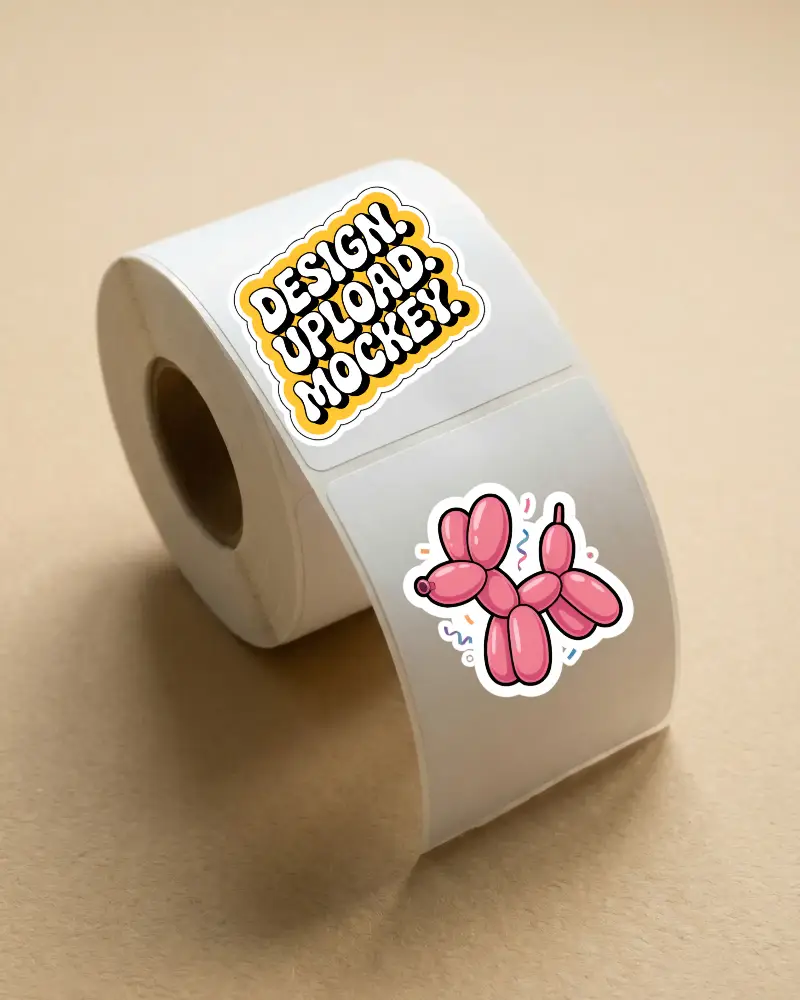
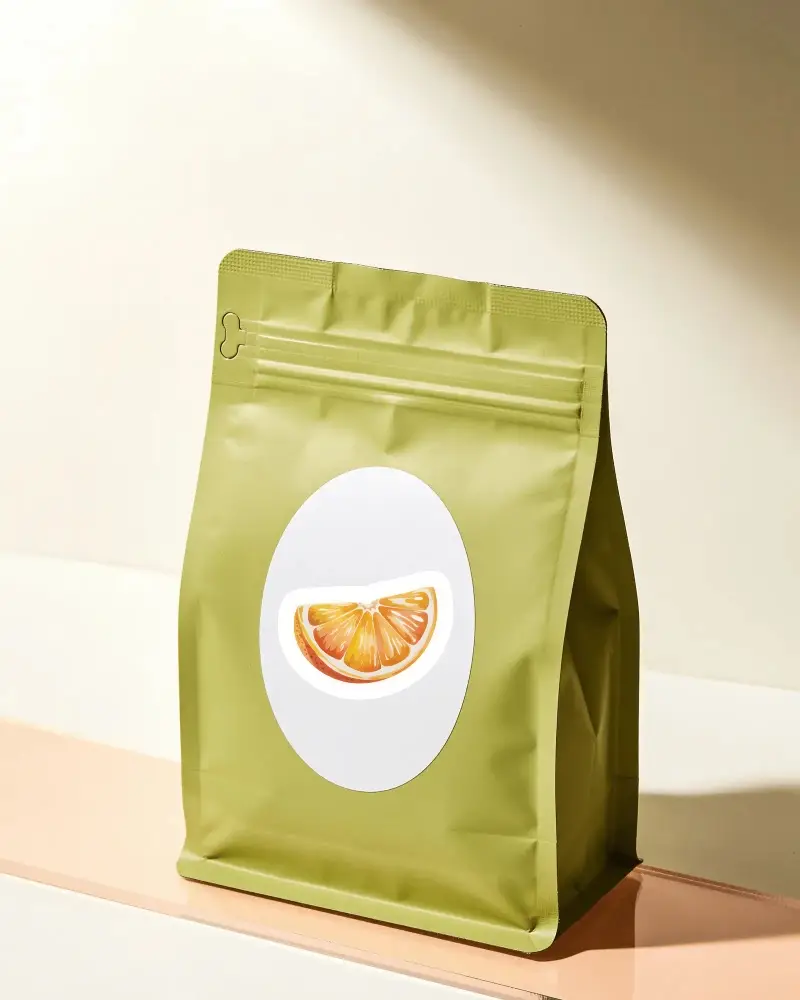
In a label sticker mockup, you can add a label design to a sticker and preview it before printing. On the Mockey AI mockup generator, pre-made templates are available to create label sticker mockups.
Who should use a label sticker mockup?
Packaging designers or eCommerce sellers who sell on platforms like Etsy or Shopify can use label sticker mockups. By previewing the final design, they can save money on production costs.
What products can be displayed using a label sticker mockup?
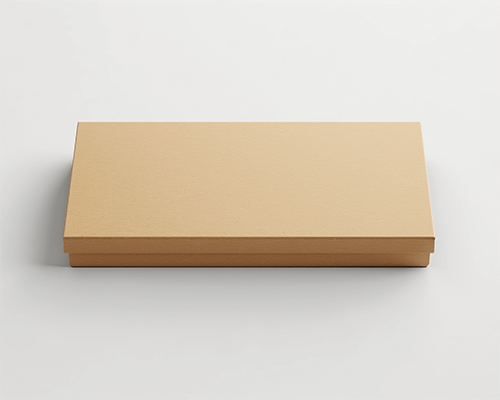
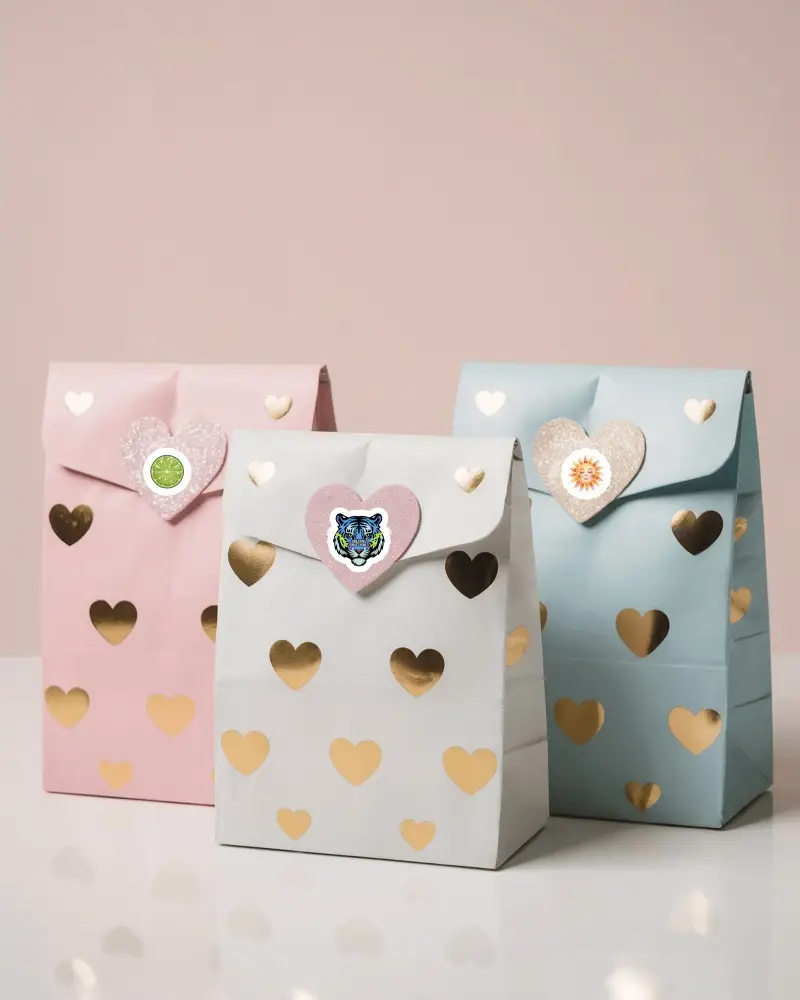
These mockups display the label sticker on products like bottles, gift boxes, or bags.
Can I animate a label sticker mockup?
With the Animate feature in Mockey AI, you can turn a label sticker mockup into an animation. You can change anything by typing a prompt, and the animation will appear instantly.
