Free Peeled Sticker Mockups for Your Next Design
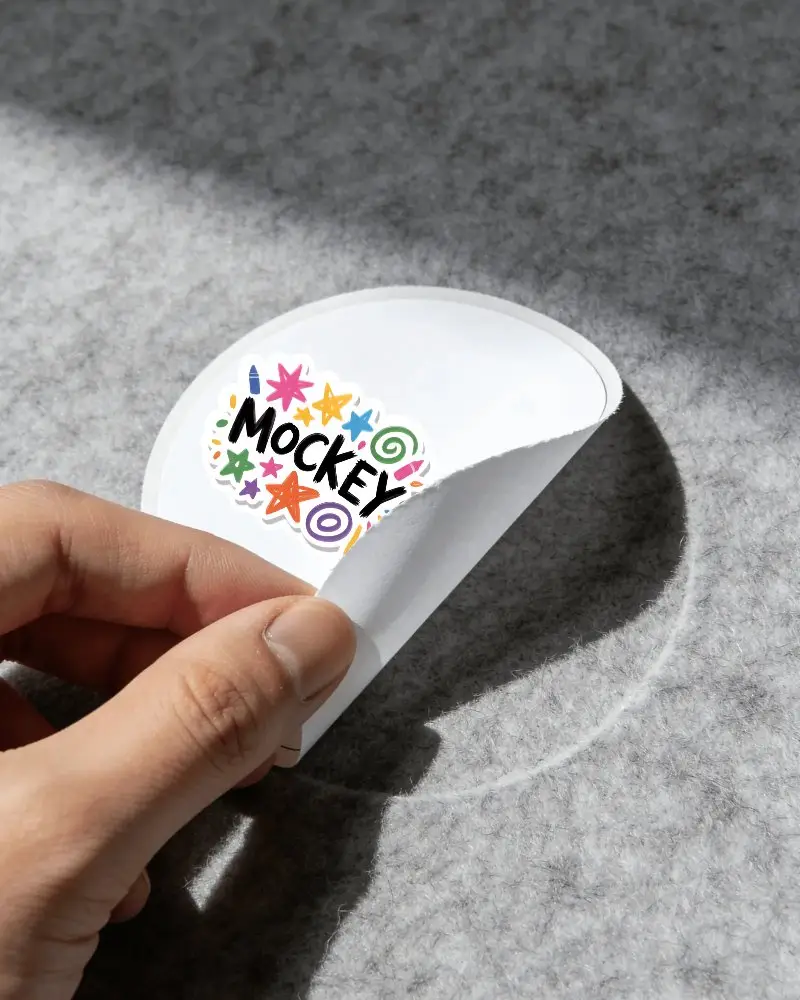
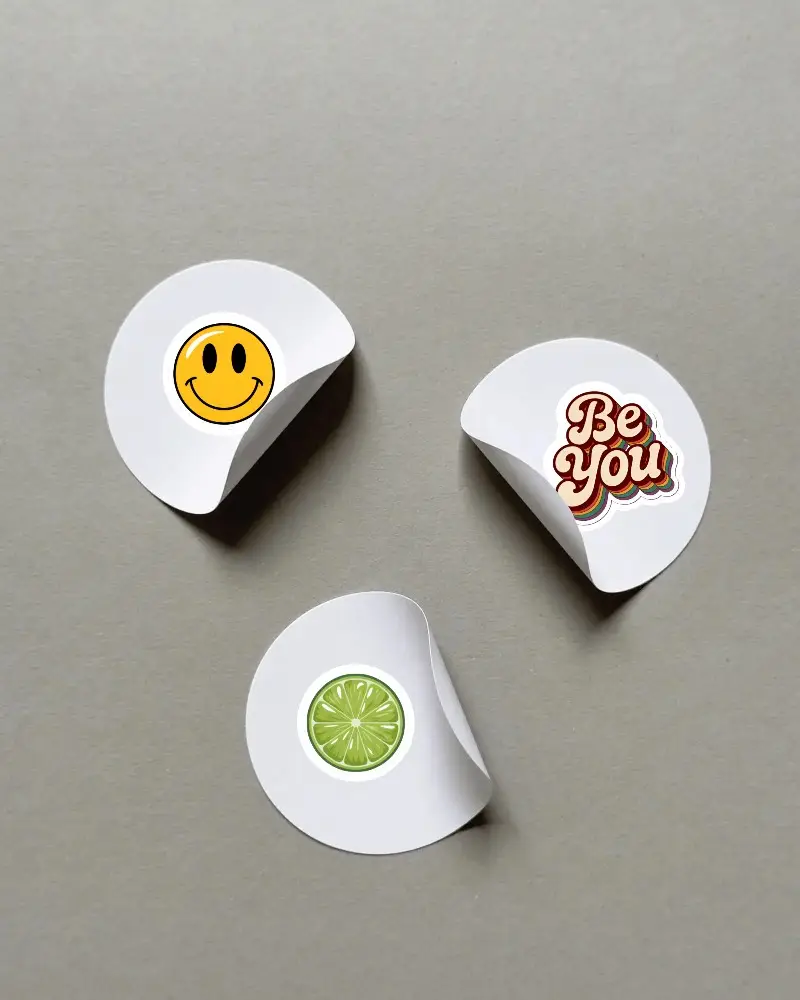
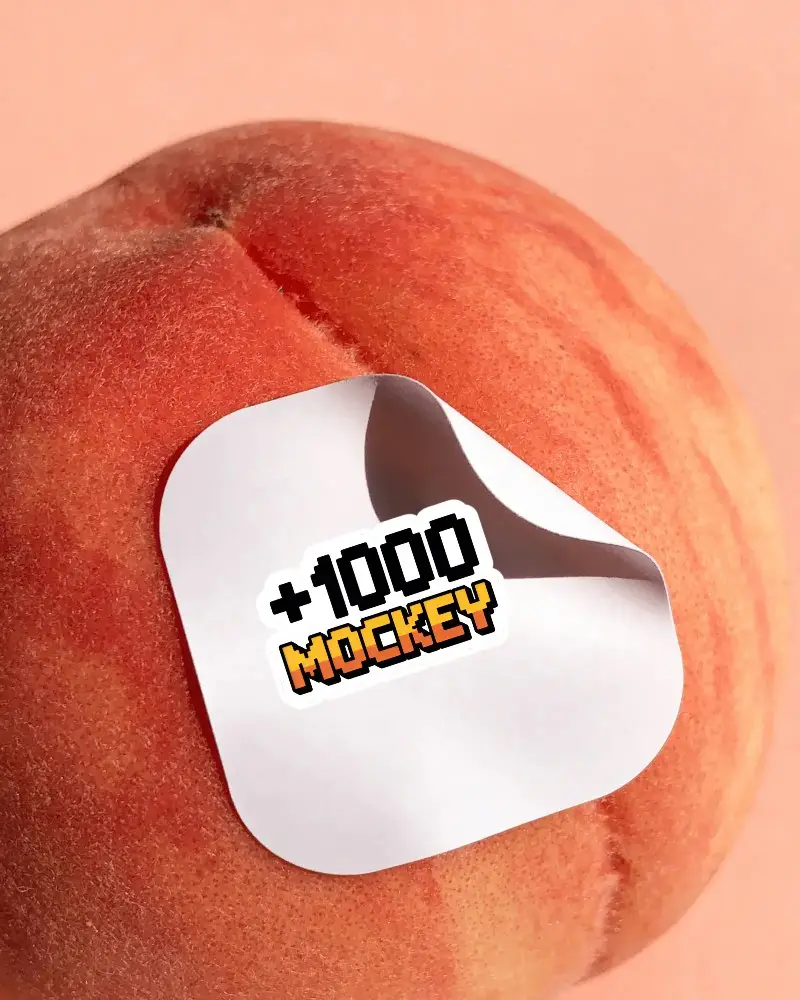
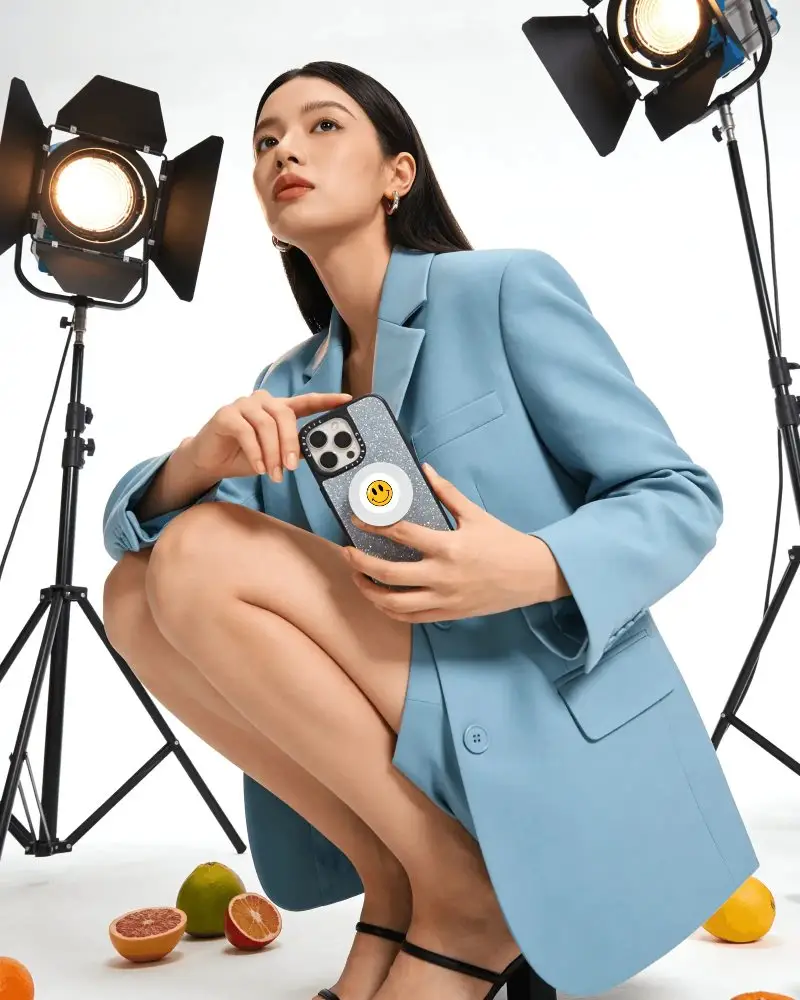
Want to see how your sticker looks when it starts to peel off a surface? Mockey.ai gives you free peeled sticker mockups that look real and are easy to use. Just upload your design, choose a template, and get a clean, sharp preview in seconds with no watermark and no Photoshop needed.
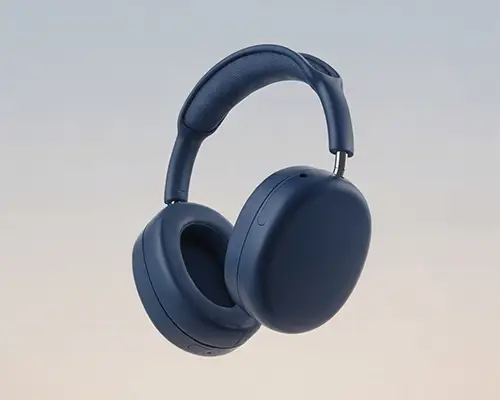
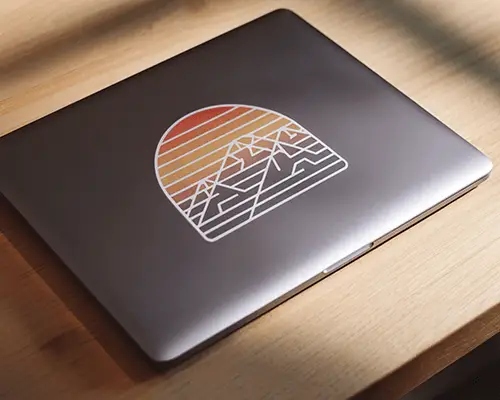


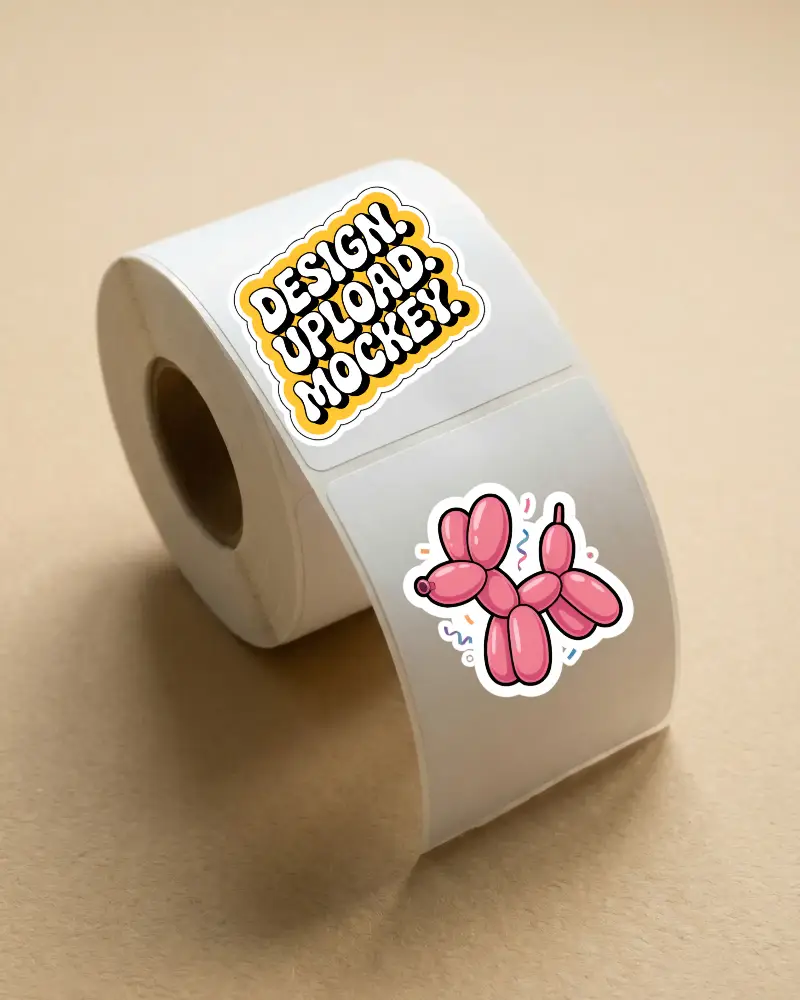
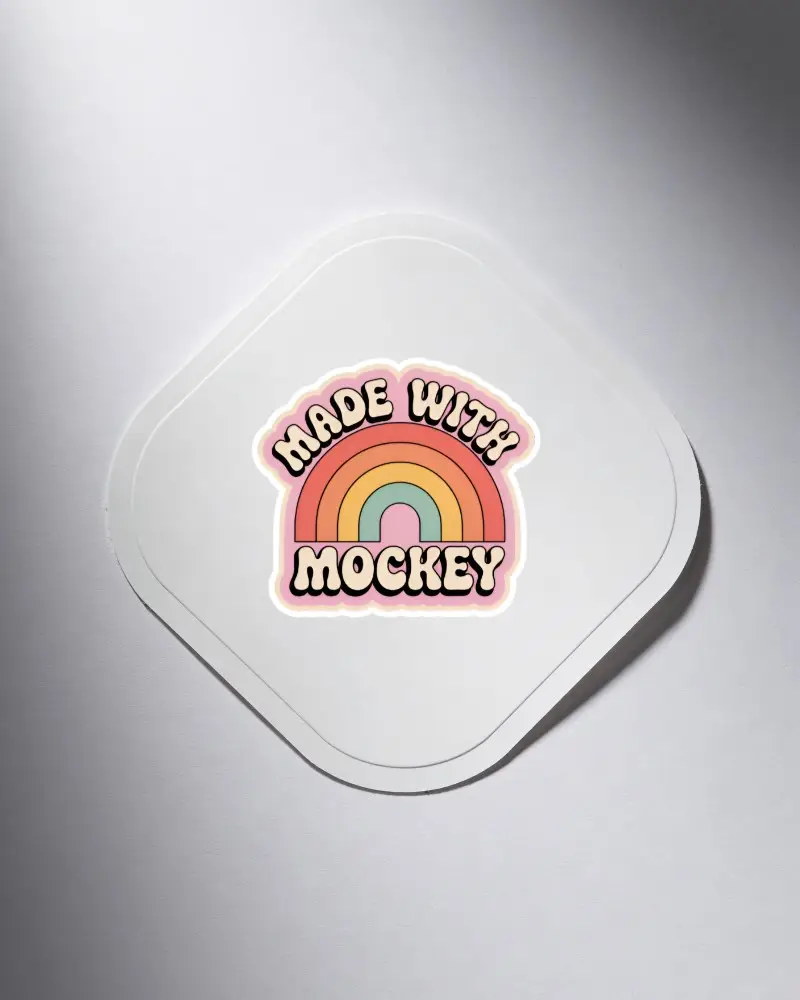
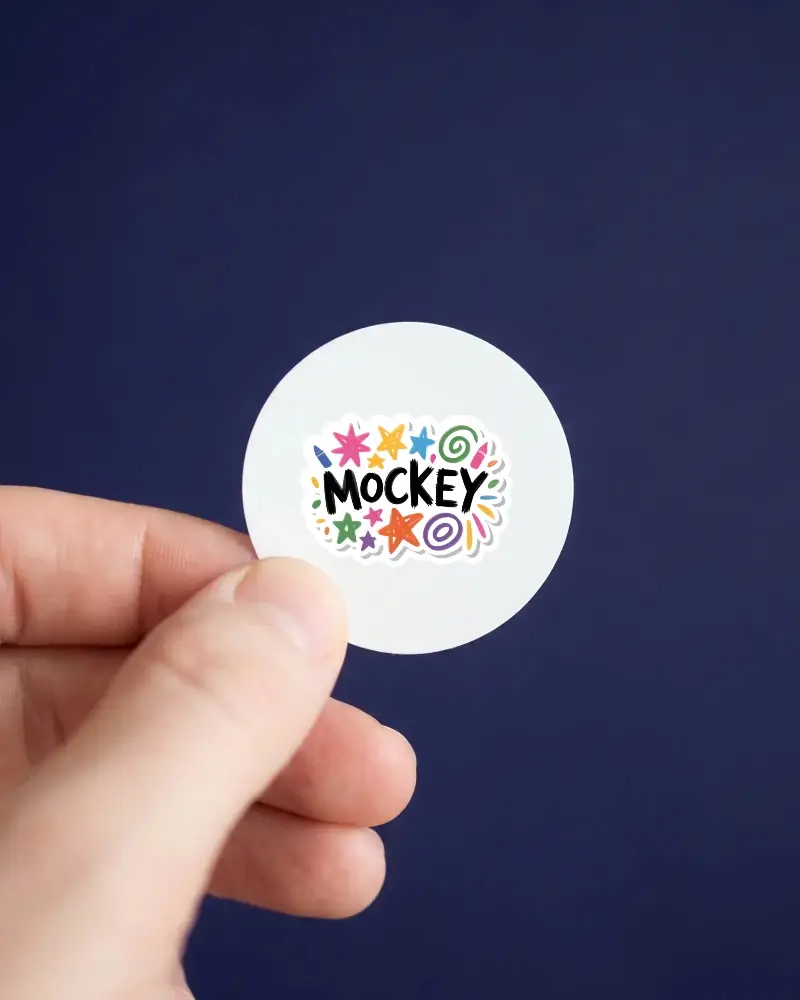
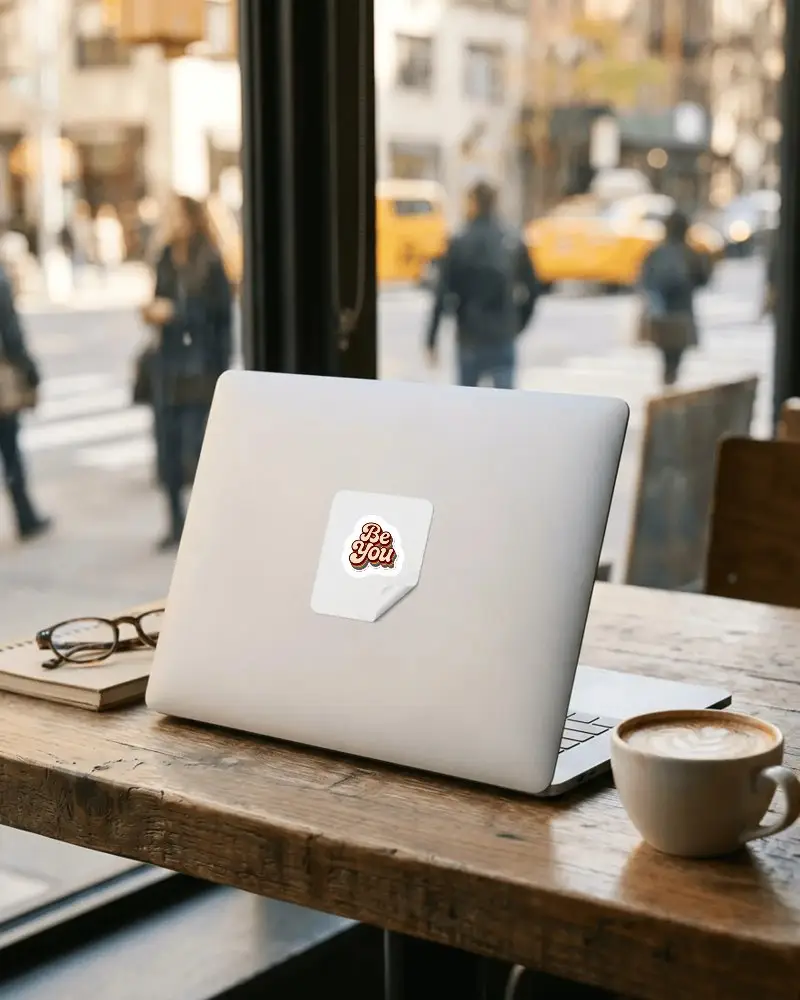
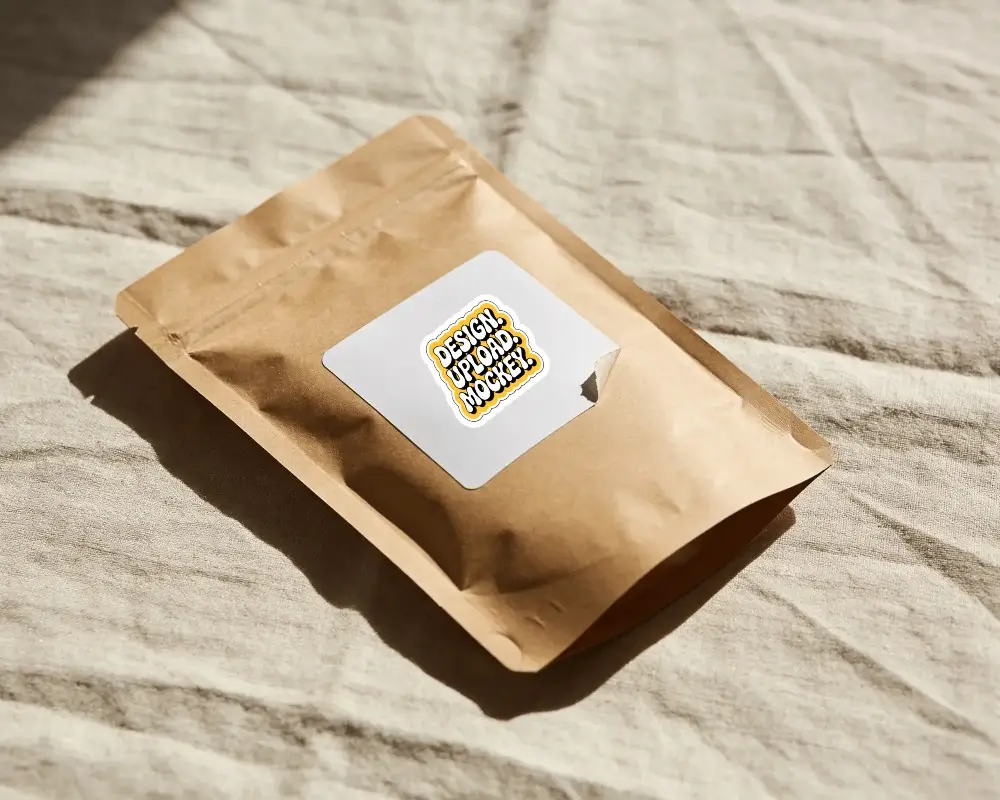
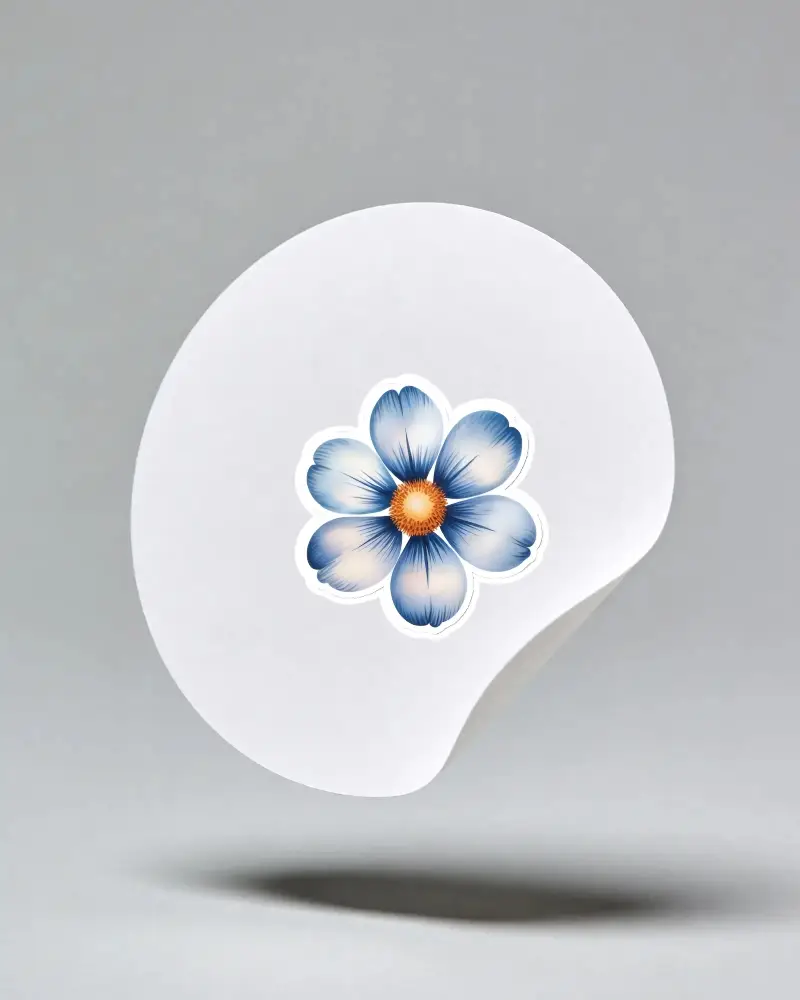
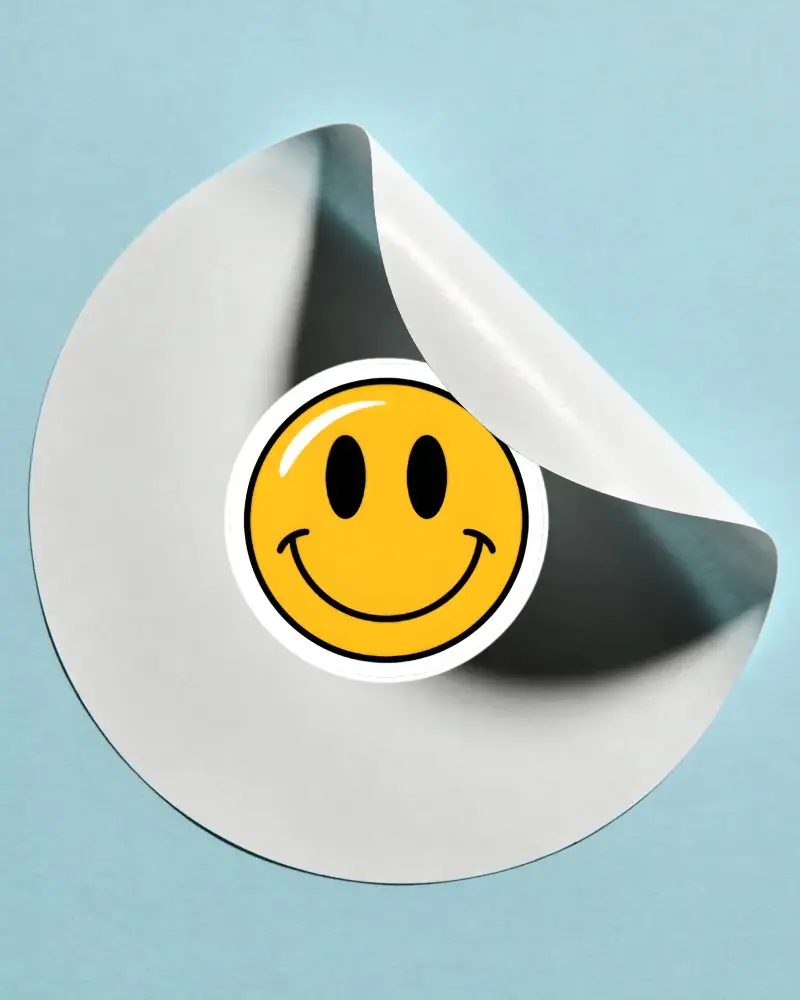
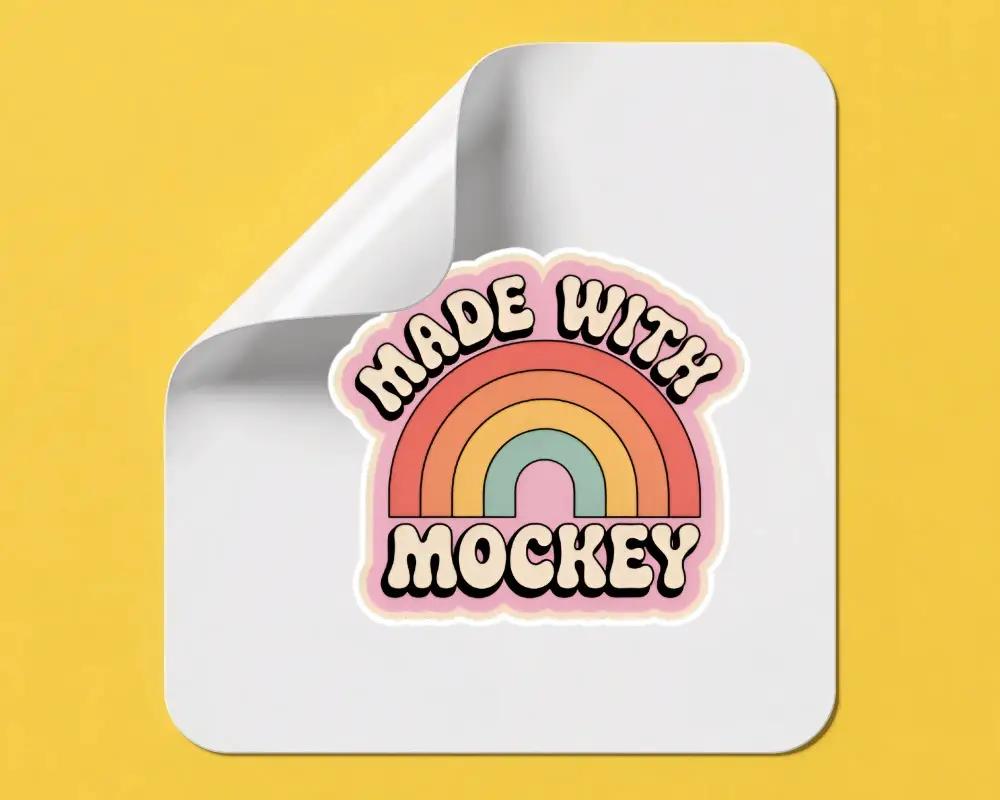
How to Create a Peeled Sticker Mockup
To create a peeled sticker mockup:
- Step 1: Head to Mockups and choose Sticker in the Print category. Then select Peeled from the tag bar.
- Step 2: Upload your design to a template and adjust the sticker thickness.
- Step 3: Look at the preview and click Download to save the Peeled sticker mockup.


FAQs on Peeled Sticker Mockups
What is a peeled sticker mockup?
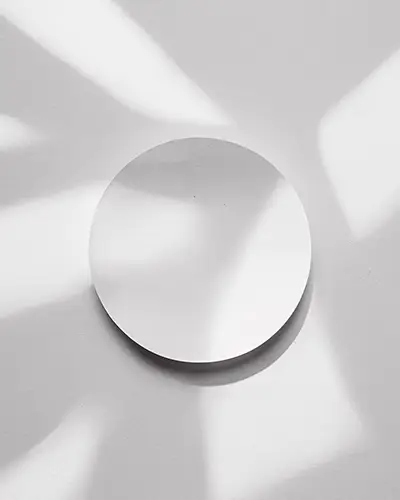
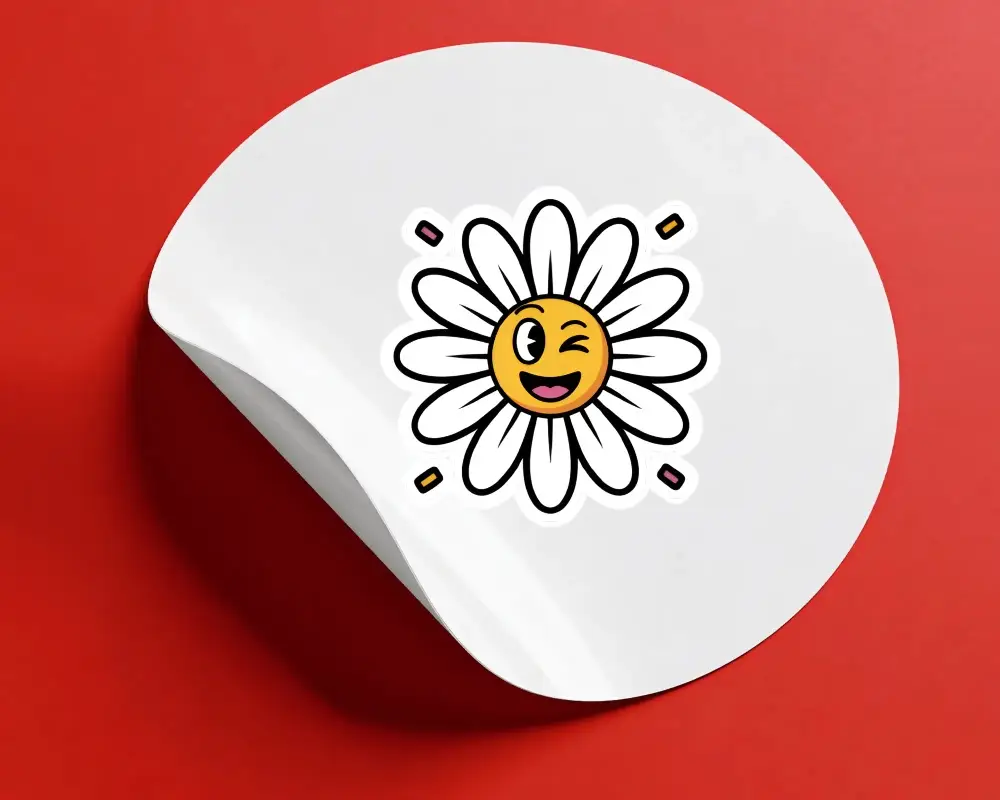
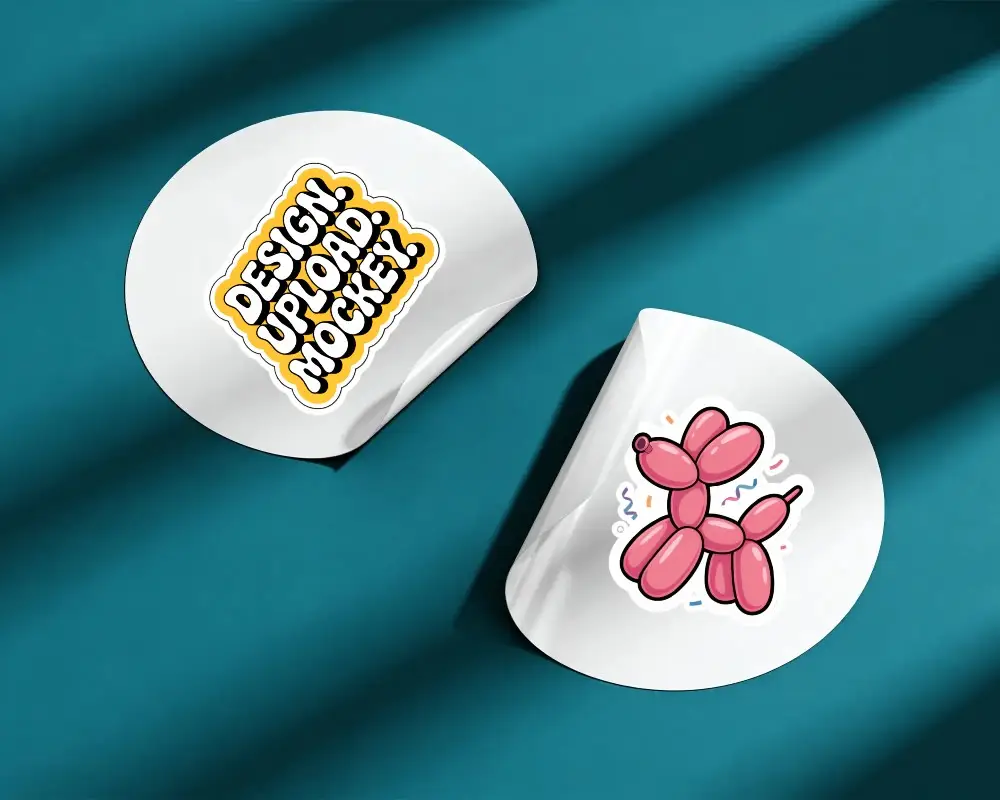
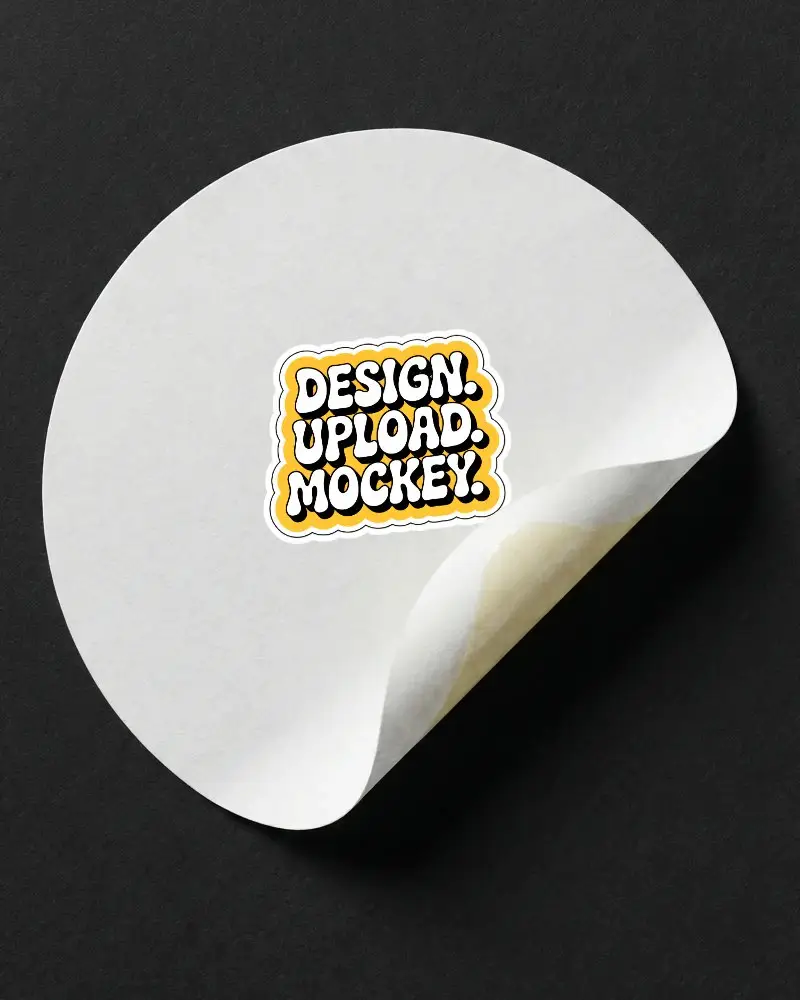
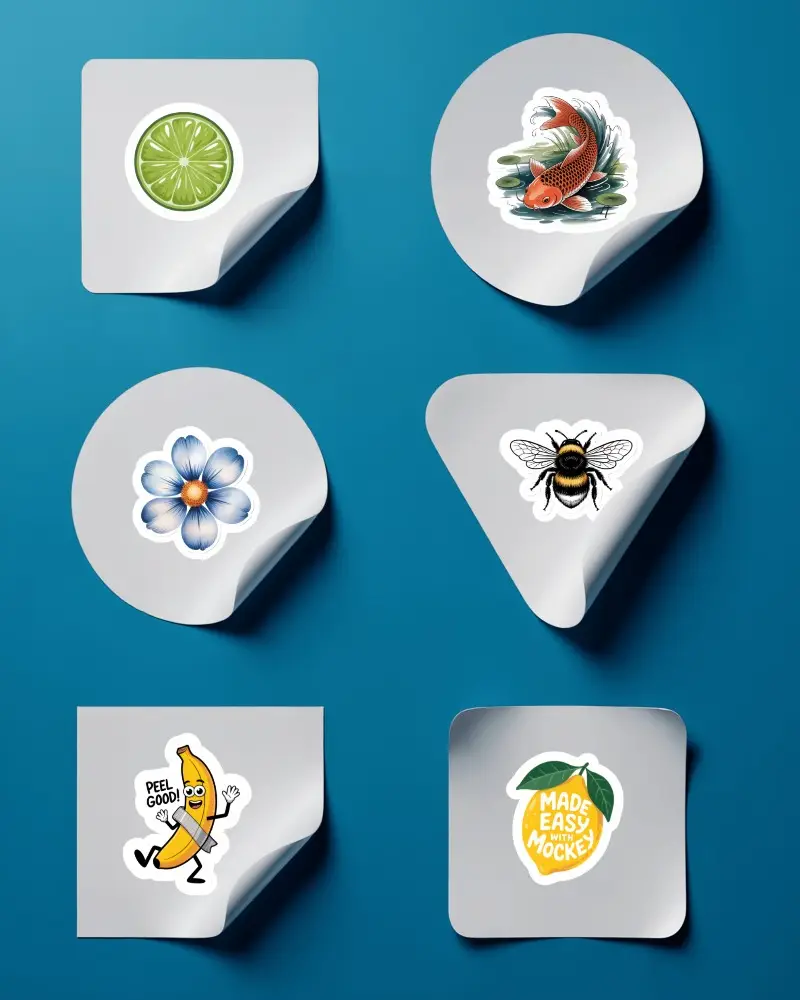
A peeled sticker mockup is a template of a sticker that appears partially lifted or curling. When you upload your design to a mockup generator like Mockey, the design wraps onto the sticker accurately.
What makes a peeled sticker mockup different from a flat sticker mockup?
Compared to a flat sticker mockup, a peeled sticker mockup has a three-dimensional effect. A flat sticker is displayed lying flat on a surface, while a peeled sticker appears folded or lifted from the edge.
Are peeled sticker mockups good for showcasing die-cut sticker designs?
Peeled sticker mockups are best for displaying die-cut sticker designs. Many sellers use it for product listings where showing the sticker's exact cut matters.
Where can I download high-quality peeled sticker mockups?
On Mockey, you can download peeled sticker mockups in high quality. The files are available in PNG format and different sizes. The image stays clear even when you zoom in.
