Free Paper Bag Sticker Mockups Online
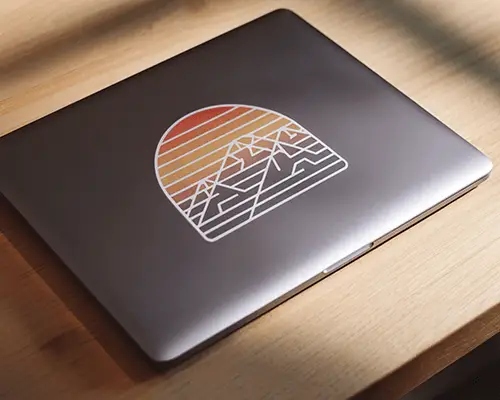
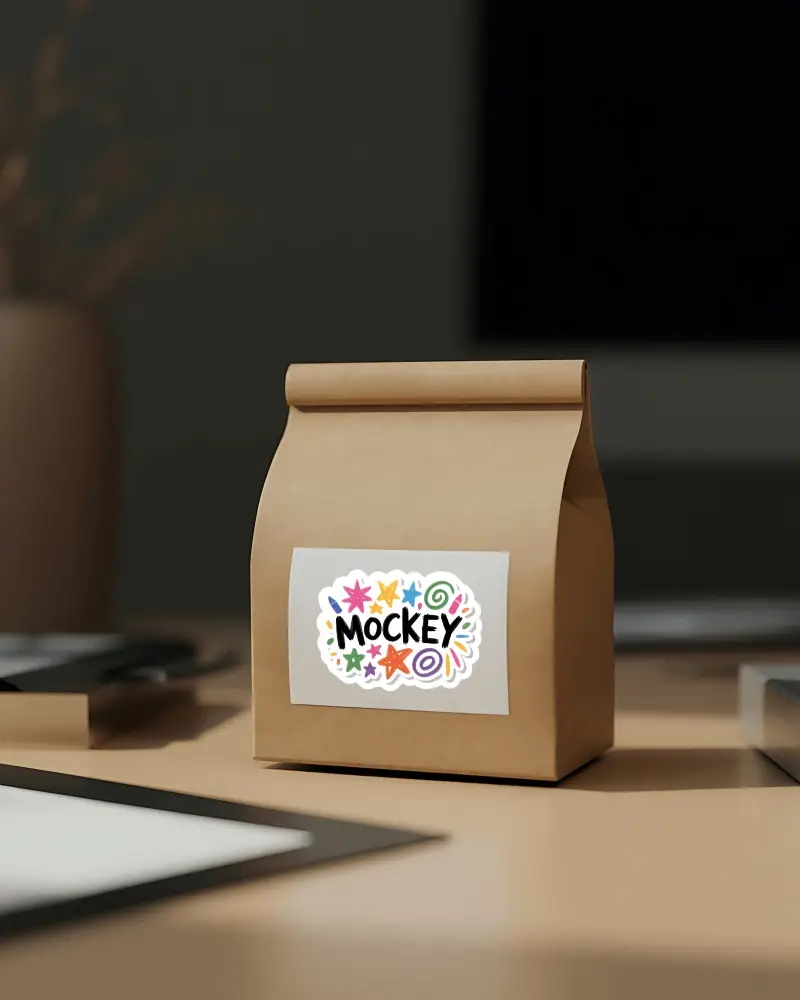
Create the perfect paper bag sticker mockup to showcase your branding! Customize realistic paper bag sticker templates in seconds with Mockey AI easy to use mockup generator.





How to Create a Paper Bag Sticker Mockup
To create a paper bag sticker mockup:
- Step 1: In the Mockups, open the Print section, and select Sticker. From the tag options, click Paper Bag.
- Step 2: Select a template, upload your sticker design, and tweak the thickness.
- Step 3: Check the final preview and press Download to export the paper bag sticker mockup.


FAQs on Paper Bag Sticker Mockups
What is a paper bag sticker mockup?
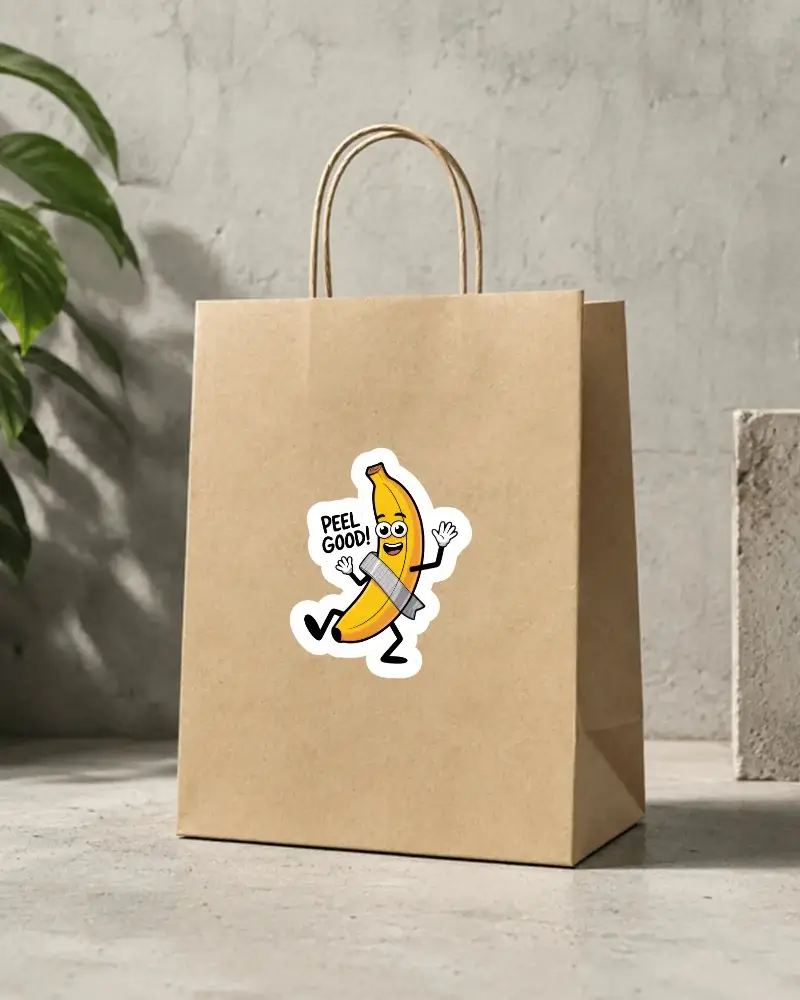
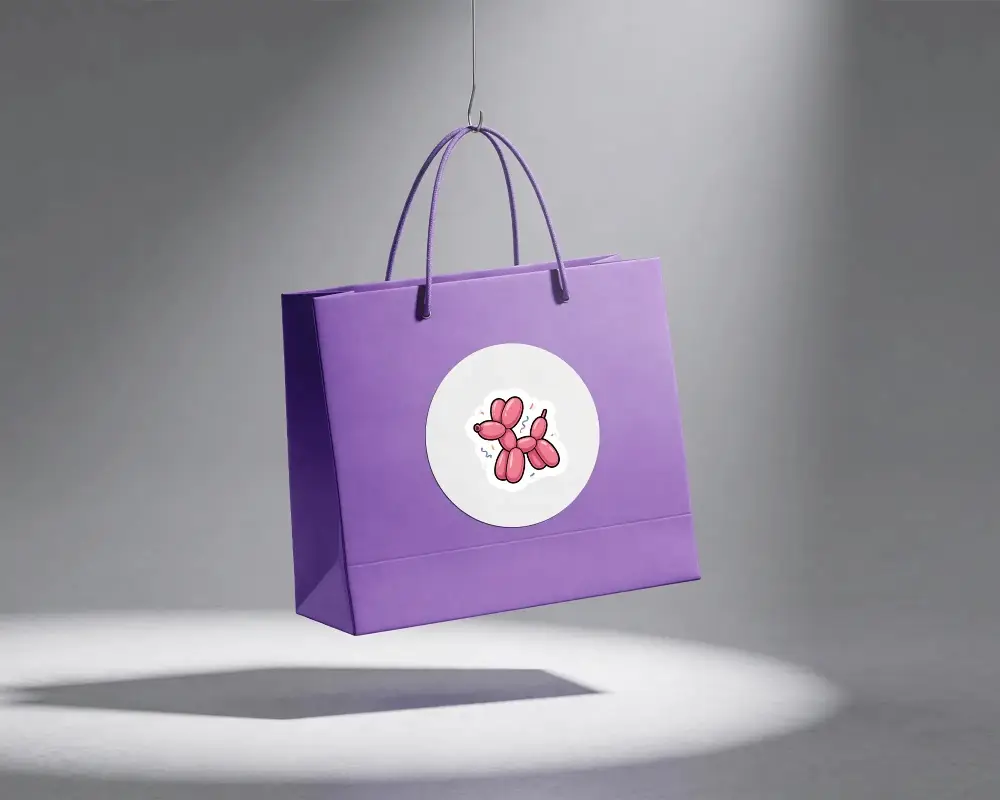
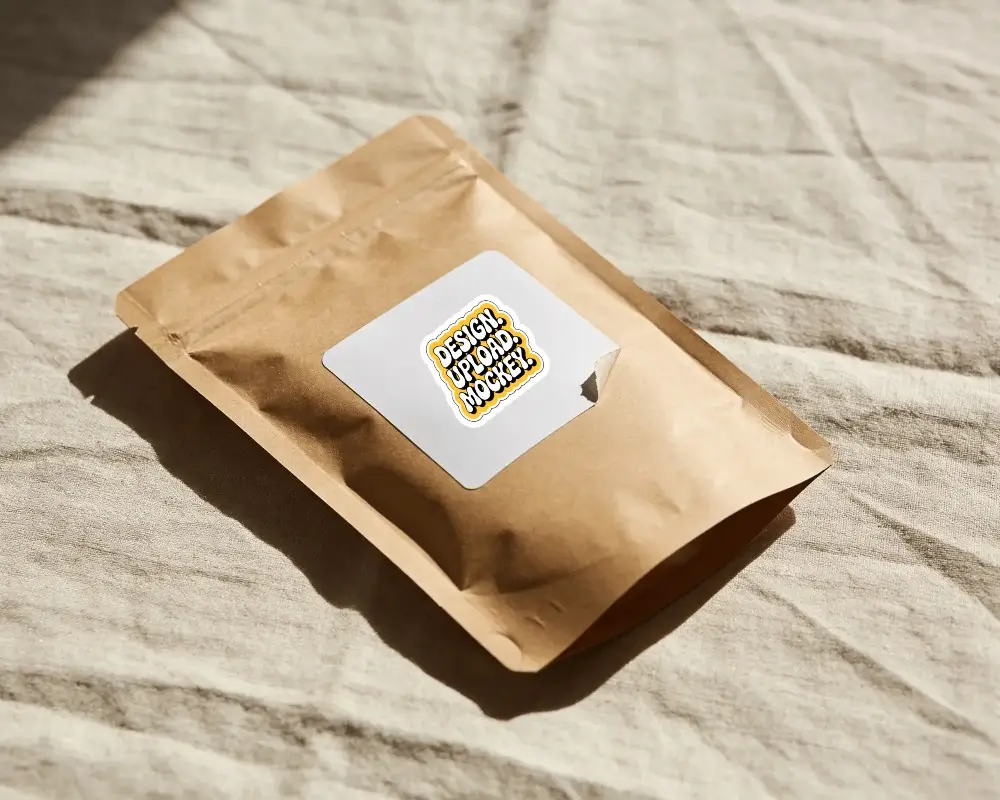
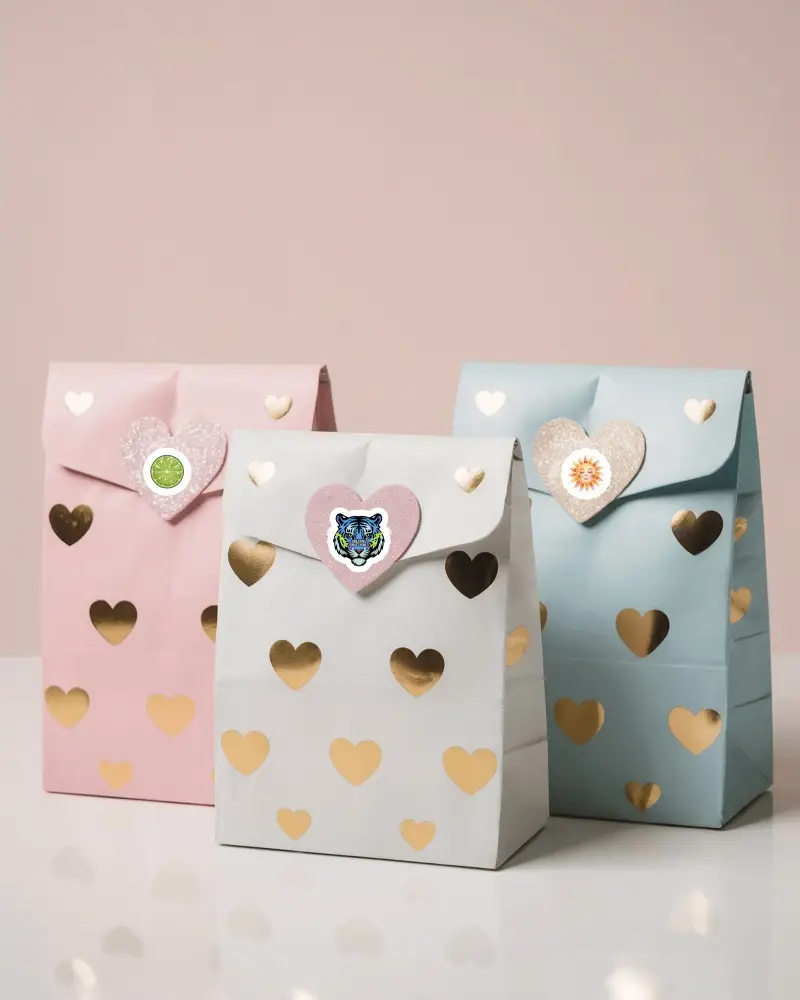
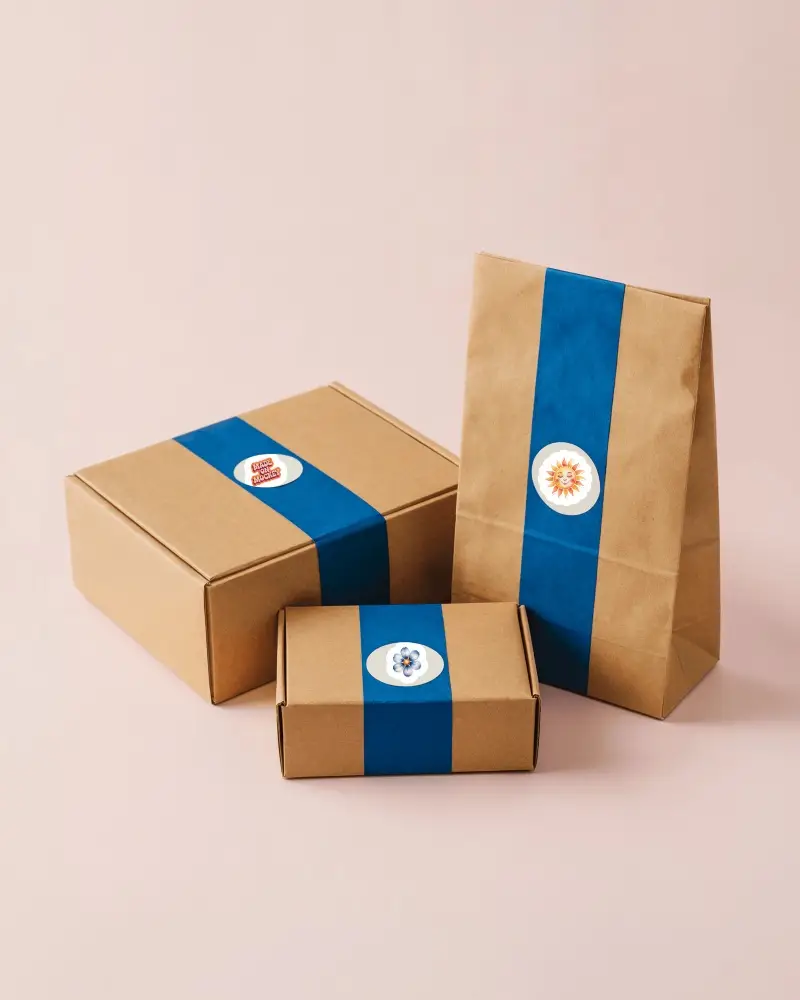
A paper bag sticker mockup is a template of a paper bag with a sticker placed on it. It is mostly used for retail products or in bakeries. On Mockey AI, you can find many paper bag sticker templates for personalization.
Why are paper bag sticker mockups important?
A paper bag sticker mockup helps you see how your design will look on a physical bag. Also, feedback from clients is received correctly because of its accurate size and shadows.
What types of paper bag sticker mockups can I find?
There are different types of paper bag sticker mockups, such as boutique bags, stand-on-shelf bags, and kraft paper bags. In these templates, the sticker position is usually in the center or, on the left or on the right side.
Can I use paper bag sticker mockups for social media and e-commerce listings?
Whether it is for social media or e-commerce, paper bag sticker mockups are useful. With the help of a mockup generator, anyone can generate mockups in bulk to showcase their brand identity, and they are much cheaper than photography.
